KickHotBox_Modelling

무료

형식 (1)
MaxScript
사양
게시 날짜 January 29, 2020
제품 ID 1502832
다각형
정점들
member avatar
NikAnts
7 제품 | Contributor 부터 2018
질문 있니? 지금 우리와 채팅하십시오.

기술

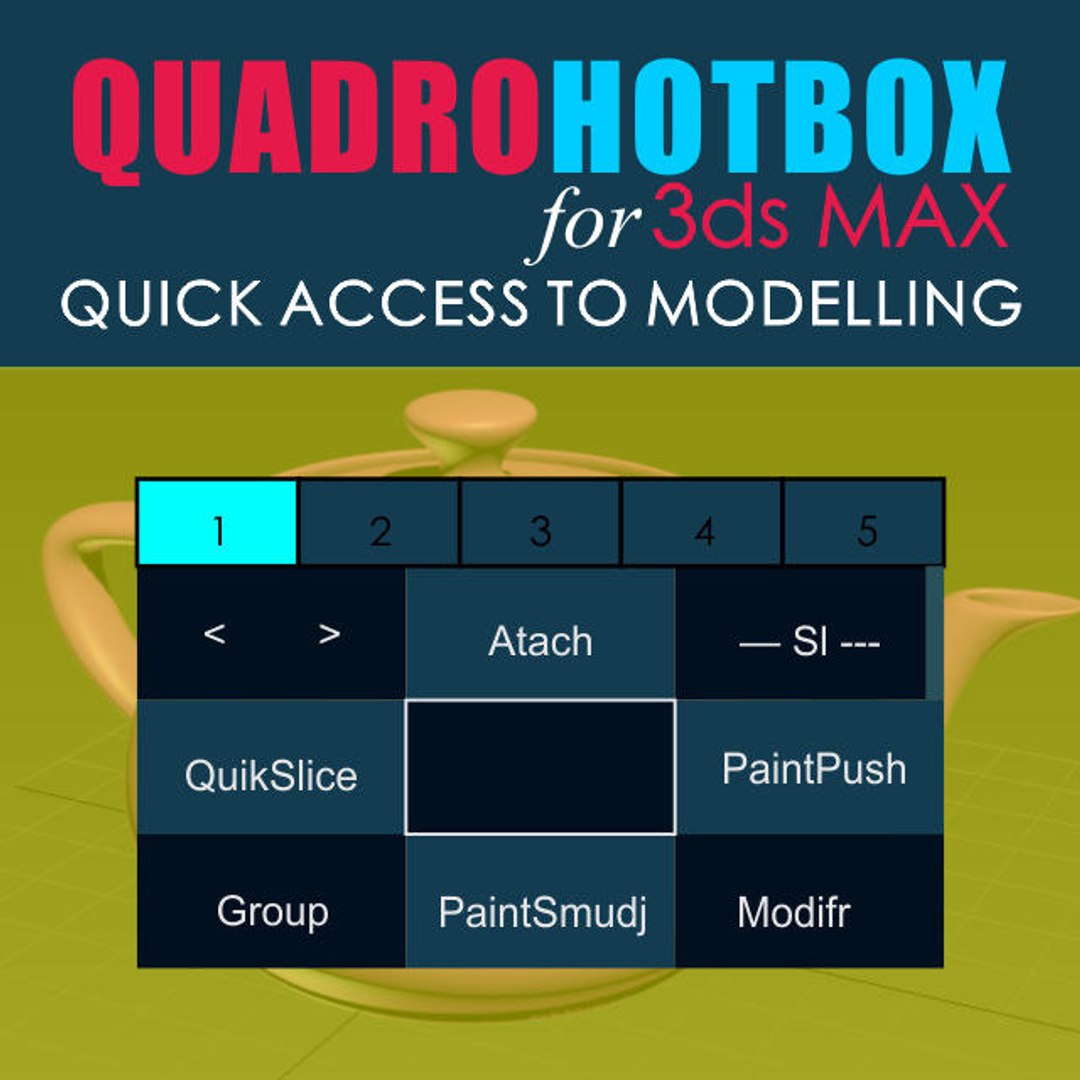
Quick access to modeling tools.

Menus with changing buttons depending on the selected objects and subobjects.
Works with Edit poly, Editable polygons, Edit spline and some modifiers.
-------------------------
Installation:
1. Place the Svoe_KickHotBox_Modelling.mcr file into a max script directory.
2. Open 3ds MAX > Utilities panel > Maxscript > Run Script > and select
Svoe_KickHotBox_Modelling.mcr file
3. Customize User Interface > Keyboard > Category Asvoe>KickHotBox_Modelling -
Assign a hotkey (advice) or any another
-------------------------
Help video

https://youtu.be/Szj8h-xi32I
https://youtu.be/FuSsbSYxbdE
https://youtu.be/GKpemWNklNQ

향상된 라이센스 선택

  • $10,000 법적 보호(보상)
  • 무제한 법적 보호(배상)
  • 금지 명령 구제 면제
  • 할당 가능한 모델 권한
  • $1,000,000 법적 보호(보상)
  • 금지 명령 구제 면제
  • 할당 가능한 모델 권한
  • $250,000 법적 보호(보상)
  • 할당 가능한 모델 권한
향상된 라이선스 티어에 대해 자세히 알아보려면 또는 enterprise@turbosquid.com으로 문의하세요. 이미 Shutterstock Enterprise 고객이신가요? 3D 기능 추가에 대해 문의하려면 Shutterstock 영업 지원 담당자에게 문의하세요.

About Conversion Requests

To submit a conversion request for a purchased asset, please complete our Conversion Request Form.

If you have not yet purchased a model, please review our Documentation about Conversions to learn about what limitations you may encounter with a conversion.

For any additional questions about a model’s suitability for conversion, please contact TurboSquid Support.

로딩중...