
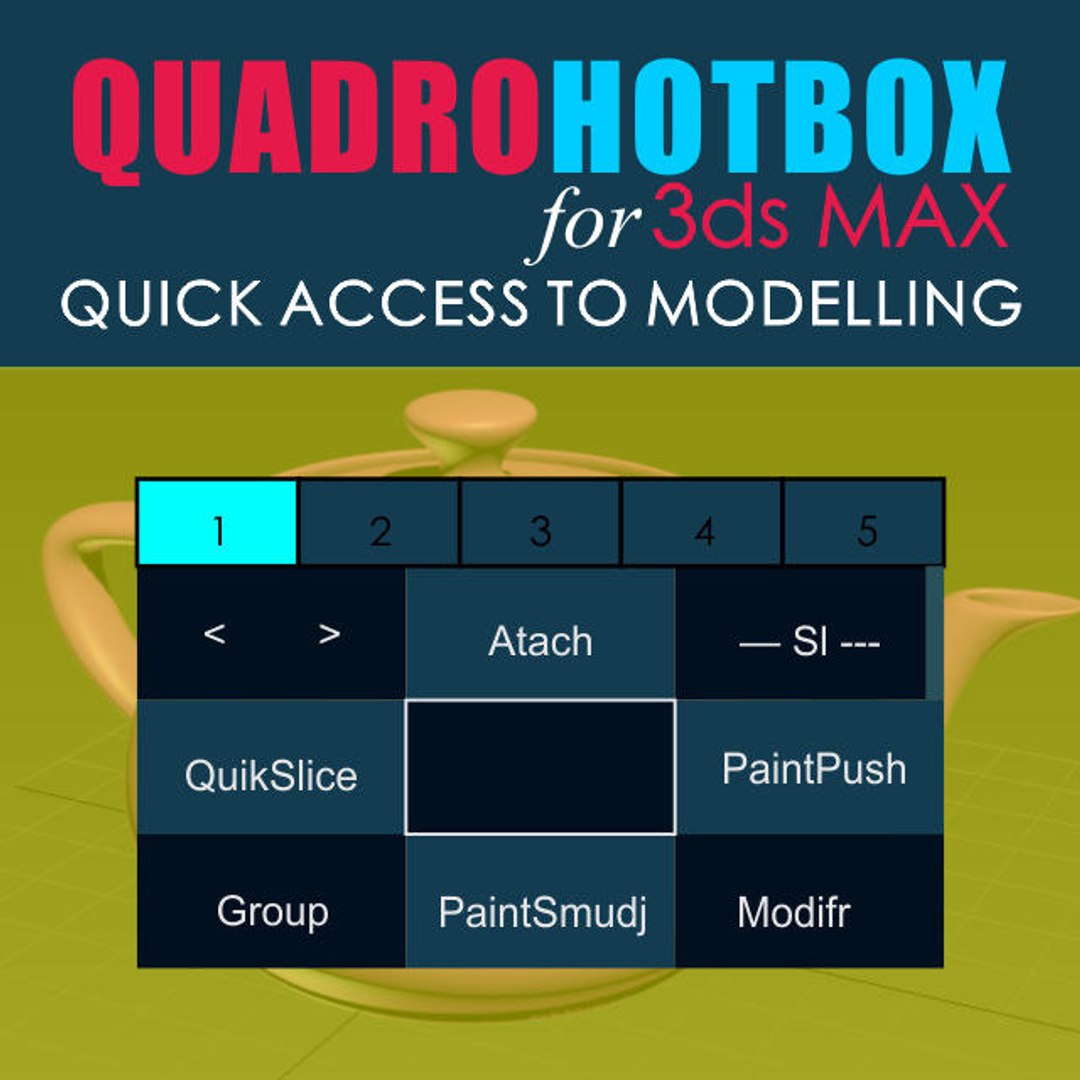
KickHotBox_Modelling

Free

Formats (1)
MaxScript
Specifications
Publish Date January 29, 2020
Product ID 1502832
Polygons
Vertices
member avatar
NikAnts
7 Products | Contributor Since 2018
Have questions? Chat with us now.

Description

Quick access to modeling tools.

Menus with changing buttons depending on the selected objects and subobjects.
Works with Edit poly, Editable polygons, Edit spline and some modifiers.
-------------------------
Installation:
1. Place the Svoe_KickHotBox_Modelling.mcr file into a max script directory.
2. Open 3ds MAX > Utilities panel > Maxscript > Run Script > and select
Svoe_KickHotBox_Modelling.mcr file
3. Customize User Interface > Keyboard > Category Asvoe>KickHotBox_Modelling -
Assign a hotkey (advice) or any another
-------------------------
Help video

https://youtu.be/Szj8h-xi32I
https://youtu.be/FuSsbSYxbdE
https://youtu.be/GKpemWNklNQ

Select Enhanced License

  • $10,000 in Legal Protection (Indemnification)
  • Uncapped Legal Protection (Indemnification)
  • Waiver from injunctive relief
  • Assignable model rights
  • $1,000,000 in Legal Protection (Indemnification)
  • Waiver from injunctive relief
  • Assignable model rights
  • $250,000 in Legal Protection (Indemnification)
  • Assignable model rights
Read more about enhanced license tiers, or contact us at enterprise@turbosquid.com. Already a Shutterstock Enterprise Customer? Contact your Shutterstock Sales Support Agent to talk about adding 3D.

About Conversion Requests

To submit a conversion request for a purchased asset, please complete our Conversion Request Form.

If you have not yet purchased a model, please review our Documentation about Conversions to learn about what limitations you may encounter with a conversion.

For any additional questions about a model’s suitability for conversion, please contact TurboSquid Support.

Loading...