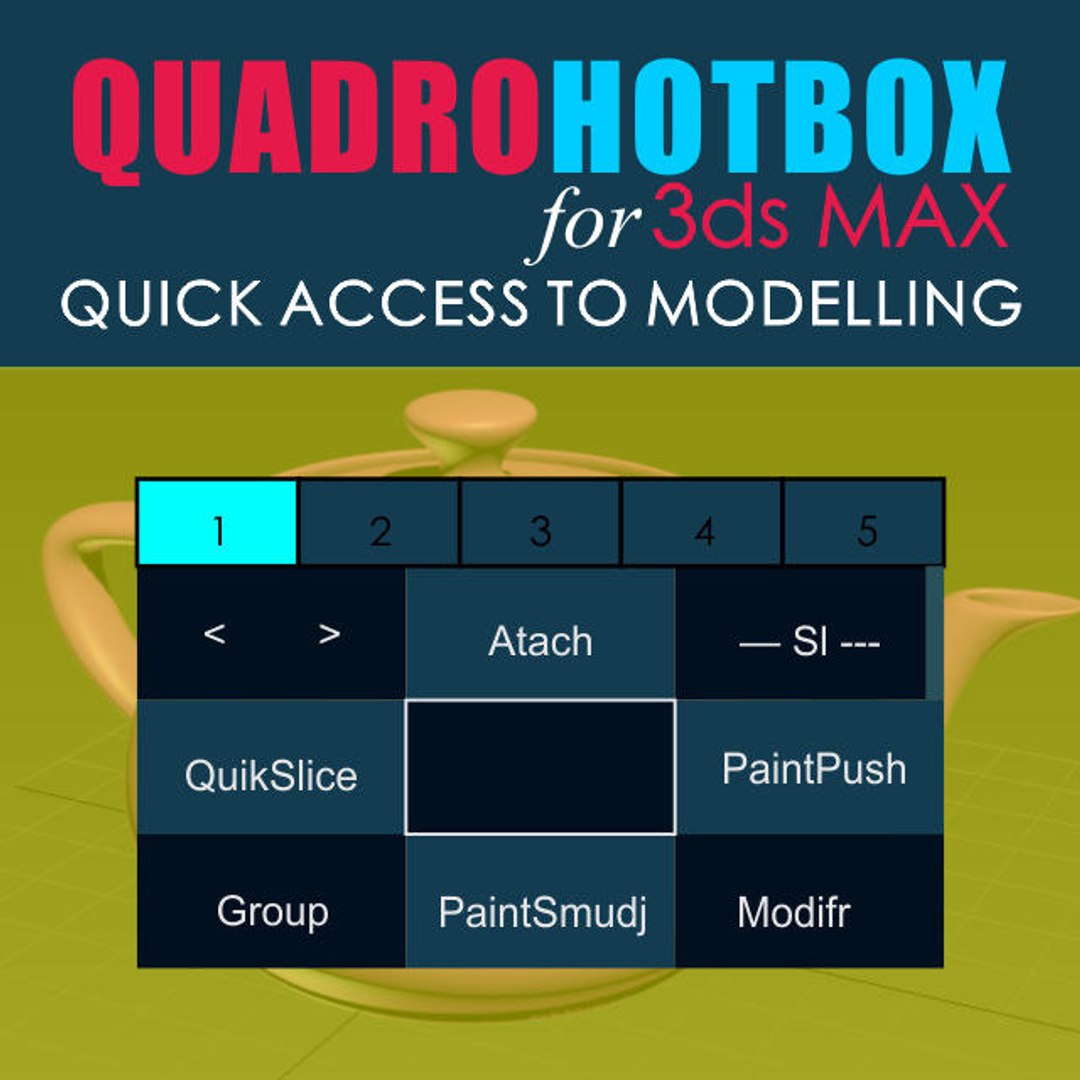
Quick access to modeling tools.
Menus with changing buttons depending on the selected objects and subobjects.
Works with Edit poly, Editable polygons, Edit spline and some modifiers.
-------------------------
Installation:
1. Place the Svoe_KickHotBox_Modelling.mcr file into a max script directory.
2. Open 3ds MAX > Utilities panel > Maxscript > Run Script > and select
Svoe_KickHotBox_Modelling.mcr file
3. Customize User Interface > Keyboard > Category Asvoe>KickHotBox_Modelling -
Assign a hotkey (advice) or any another
-------------------------
Help video
https://youtu.be/Szj8h-xi32I
https://youtu.be/FuSsbSYxbdE
https://youtu.be/GKpemWNklNQ