
KickHotBox_Modelling

Gratis

Formatos (1)
MaxScript
Especificaciones
Fecha de publicación January 29, 2020
identificación de producto 1502832
Poligonos
Vértices
member avatar
NikAnts
7 Productos | Contributor Desde 2018
¿Tener preguntas? Chatea con nosotros ahora.

descripción

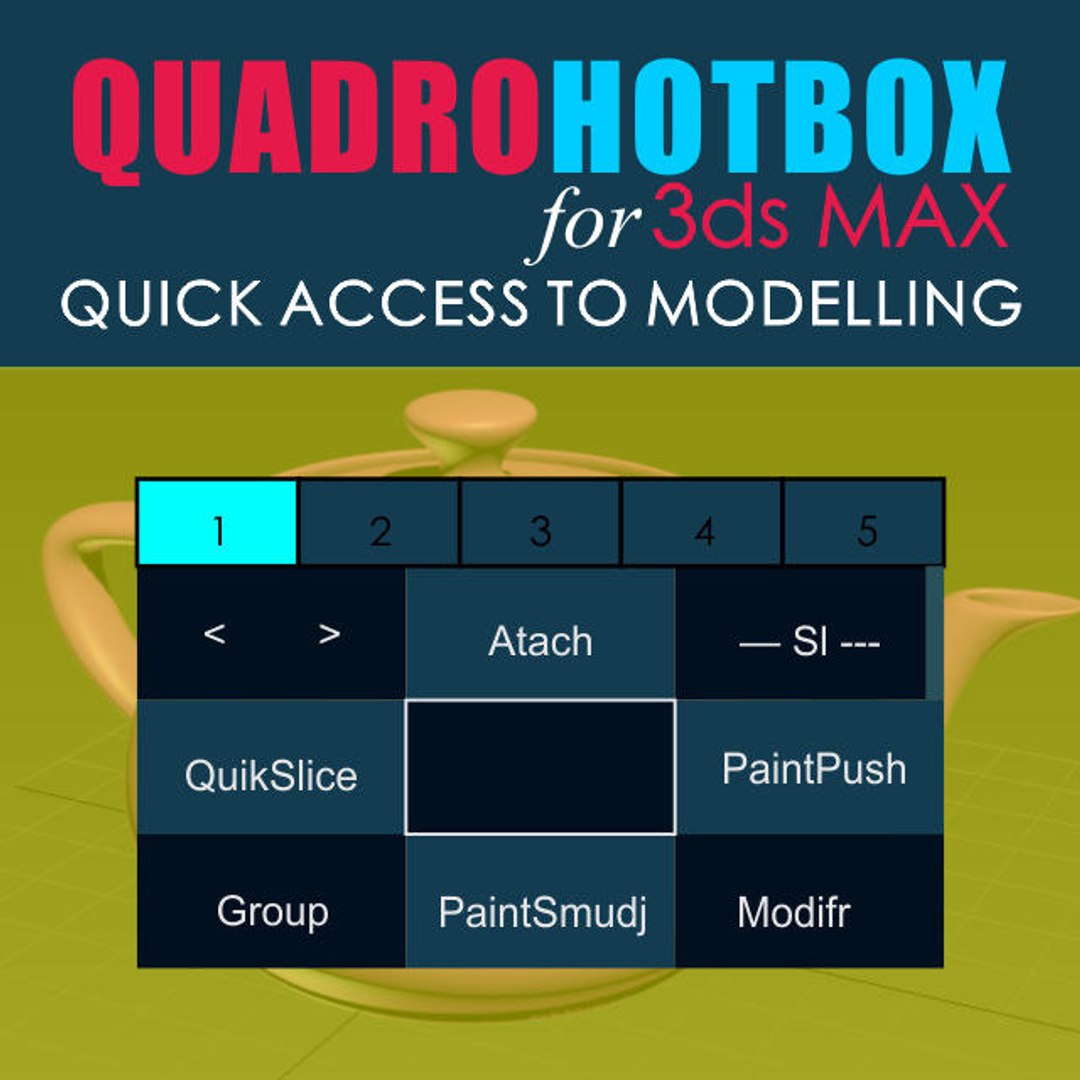
Quick access to modeling tools.

Menus with changing buttons depending on the selected objects and subobjects.
Works with Edit poly, Editable polygons, Edit spline and some modifiers.
-------------------------
Installation:
1. Place the Svoe_KickHotBox_Modelling.mcr file into a max script directory.
2. Open 3ds MAX > Utilities panel > Maxscript > Run Script > and select
Svoe_KickHotBox_Modelling.mcr file
3. Customize User Interface > Keyboard > Category Asvoe>KickHotBox_Modelling -
Assign a hotkey (advice) or any another
-------------------------
Help video

https://youtu.be/Szj8h-xi32I
https://youtu.be/FuSsbSYxbdE
https://youtu.be/GKpemWNklNQ

Seleccionar licencia mejorada

  • $10,000 en Protección Legal (Indemnización)
  • Protección Legal Sin Límite (Indemnización)
  • Renuncia a medidas cautelares
  • Derechos de modelo asignables
  • $1,000,000 en Protección Legal (Indemnización)
  • Renuncia a medidas cautelares
  • Derechos de modelo asignables
  • $250,000 en Protección Legal (Indemnización)
  • Derechos de modelo asignables

About Conversion Requests

To submit a conversion request for a purchased asset, please complete our Conversion Request Form.

If you have not yet purchased a model, please review our Documentation about Conversions to learn about what limitations you may encounter with a conversion.

For any additional questions about a model’s suitability for conversion, please contact TurboSquid Support.

Cargando...