
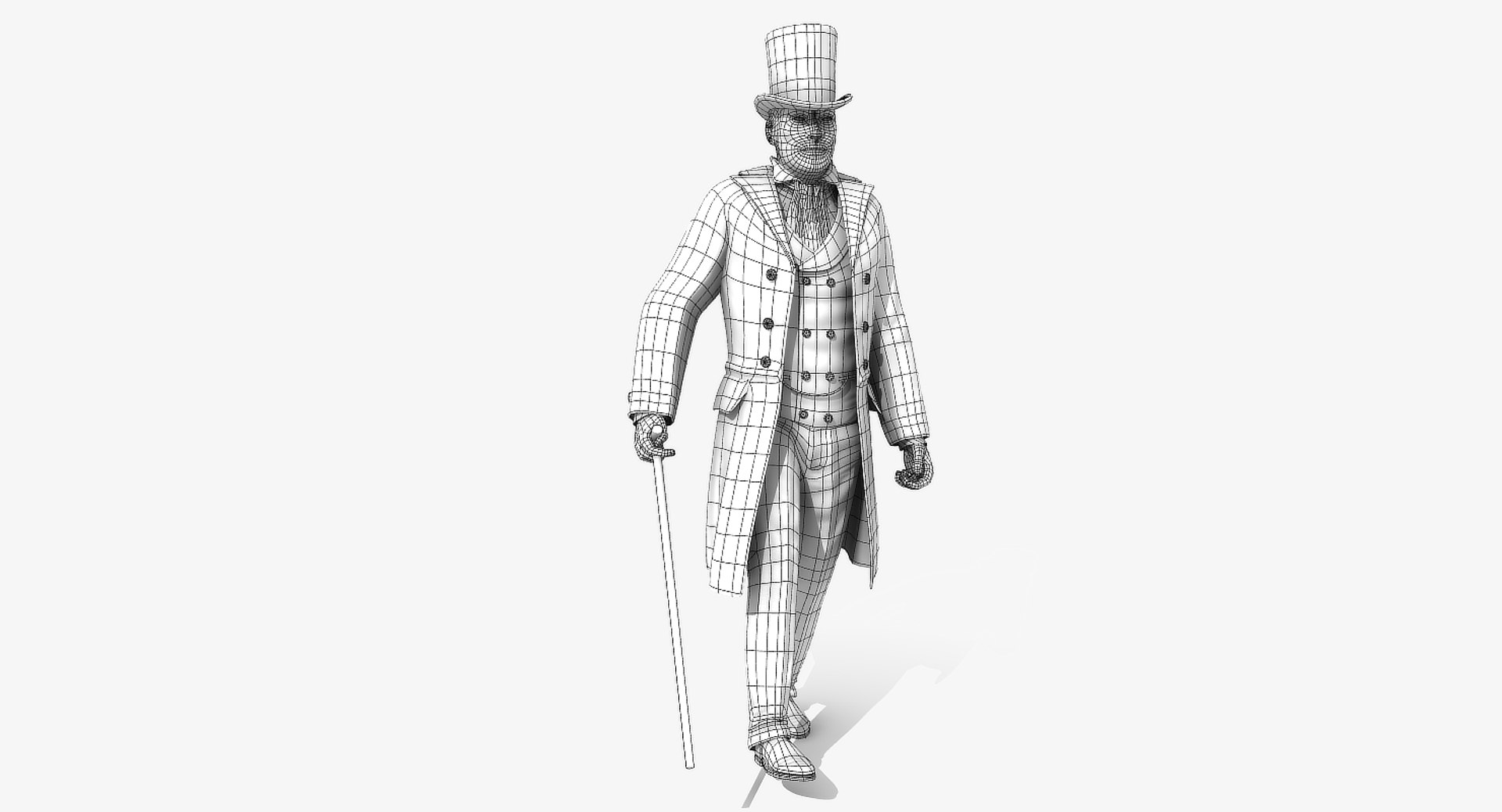
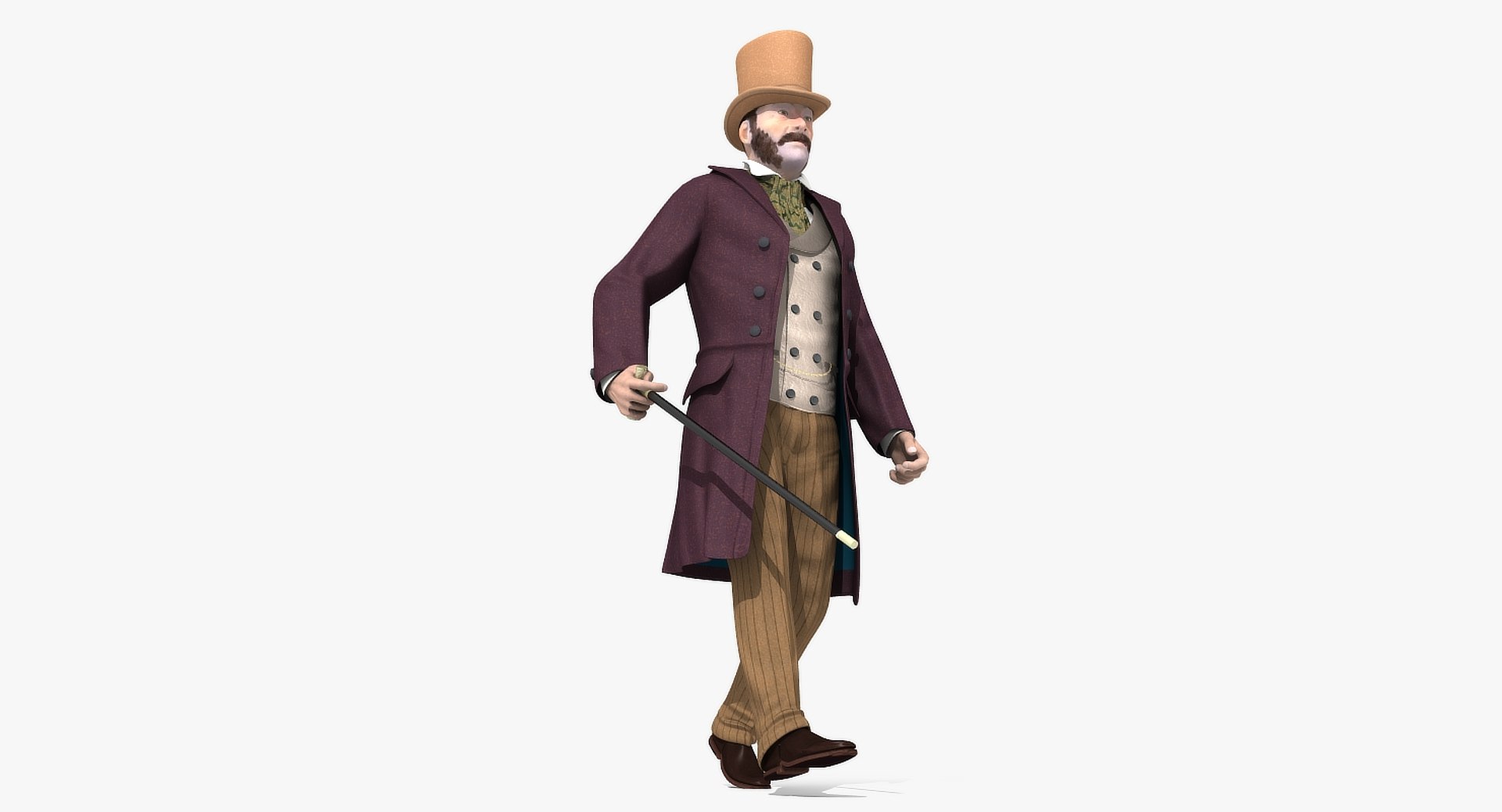
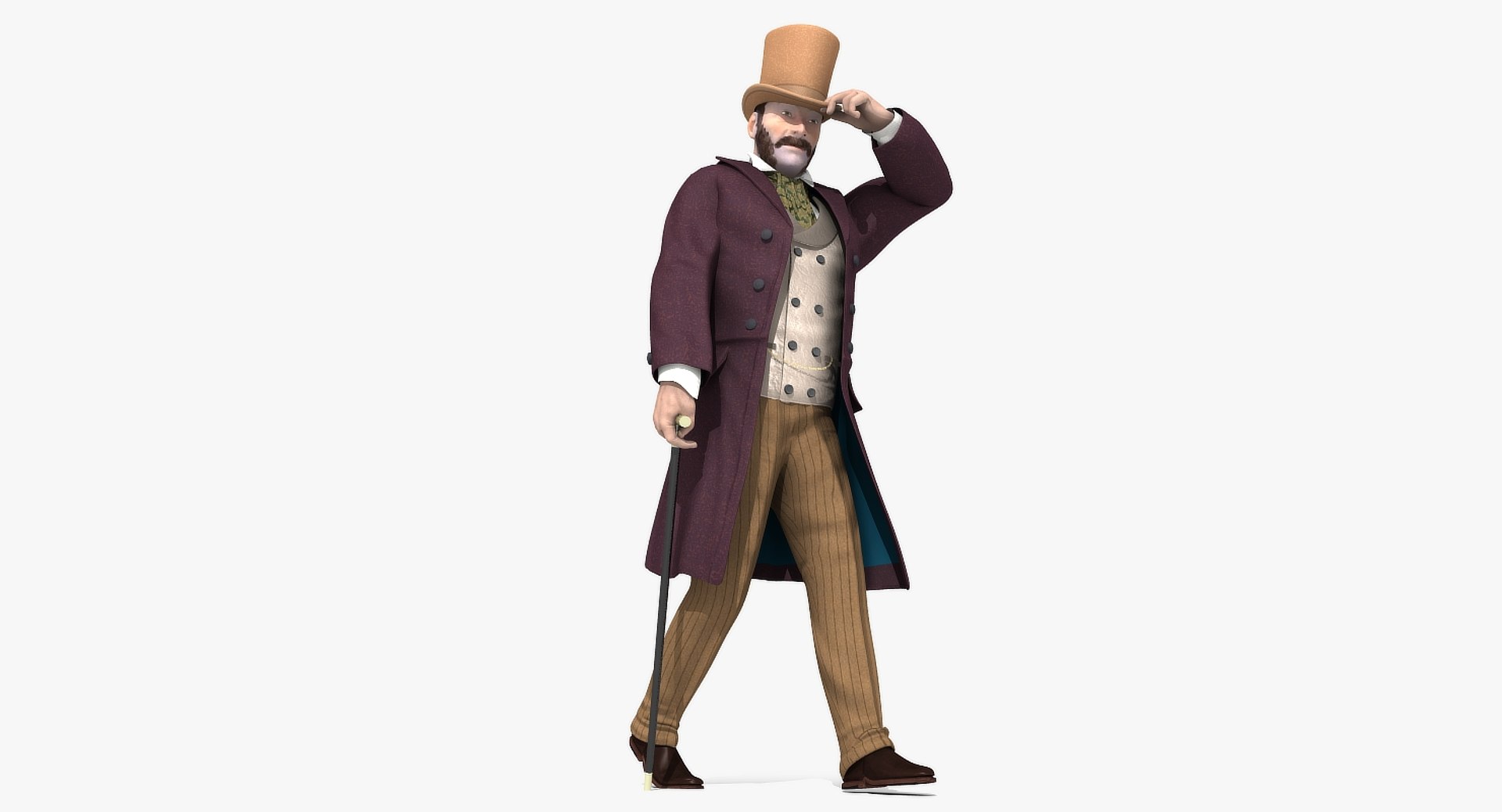

ビクトリア朝のゲント - 装備 - 1モデル2バージョン

$95

標準ライセンス | アップグレードライセンス
フォーマット (7)
無料のファイル形式変換が利用可能
Native | Lightwave 11.6 | Default Scanline
3ds Max 2009 | mental ray
3ds Max 2020 | V-Ray 4.10.03
3ds Max 20 | Arnold
FBX
OBJ
仕様
公開日 February 14, 2019
製品番号 1378137
多角形 11,764
頂点 12,265
多角形四角形のみ
テクスチャ
材料
UVマップ
重複しないアンラップされた UV
堅い
アニメ化
PBR
ゲーム
member avatar
r189
155 製品 | Contributor 以来 2005
質問がありますか?今私達とチャットしてください。

説明

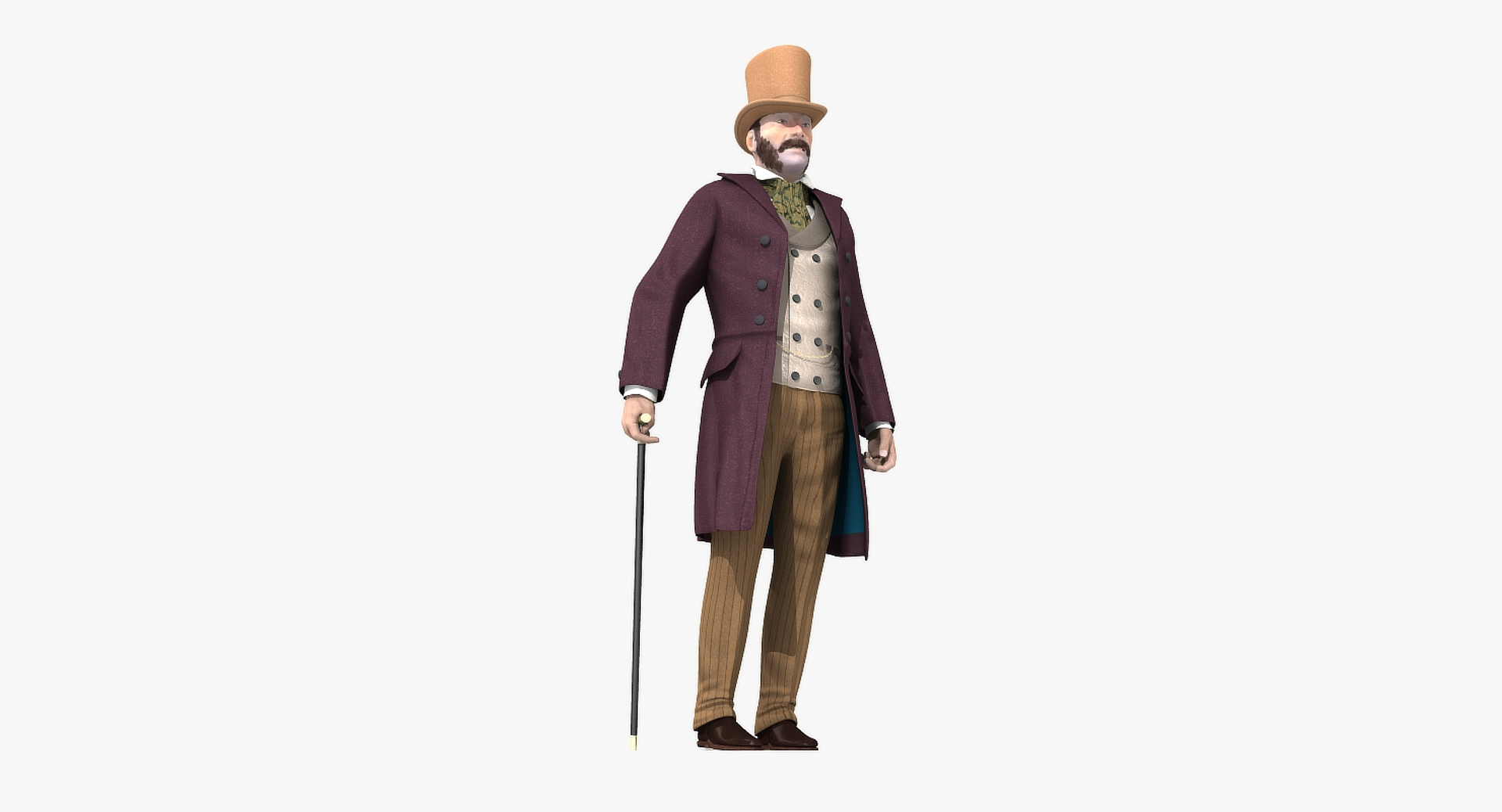
Victorian Gent - Rigged - one model 2 versions

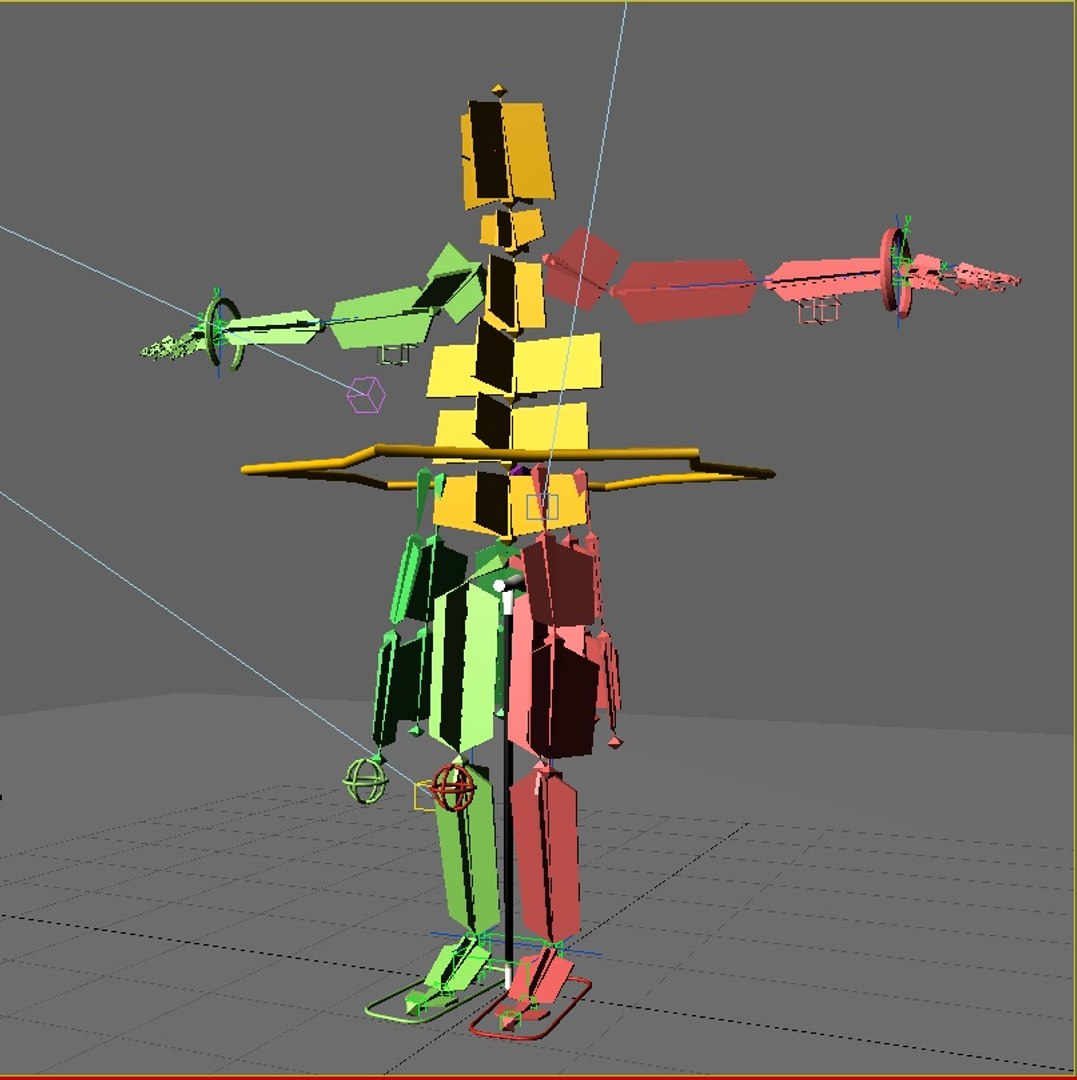
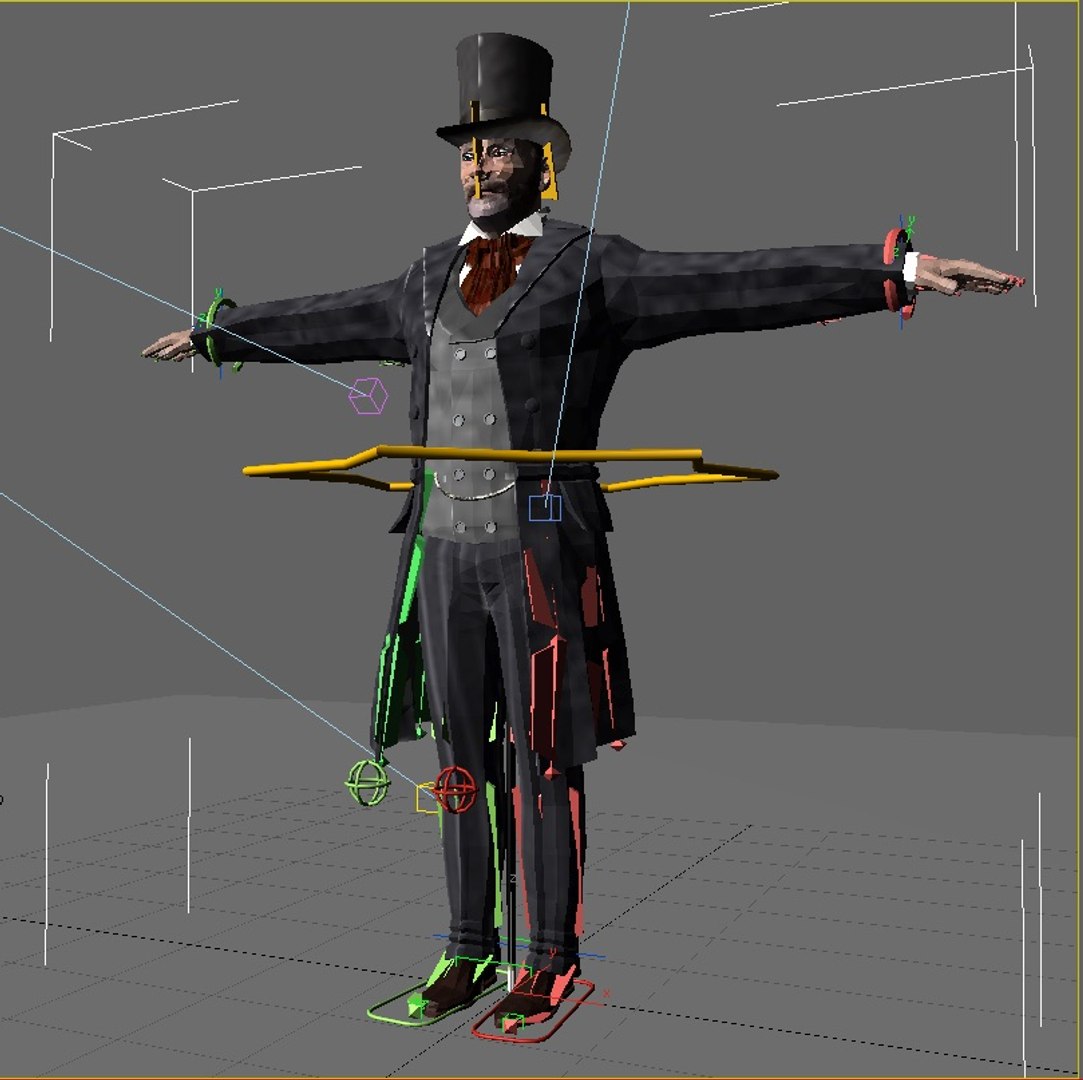
Victorian Gent - one model 2 versions Rigged and Animated for Lightwave version 11.6 and up and for 3DS Max version 8.5 and 3DS Max 2017 and up

This model comes with several pre-animated scenes to get you started:
Man8_VG2_Zero_Fin (base T-Pose and Rigged Scene)
Man8_VG2_StartWalk-Fin
Man8_VG2_WalkCane_Fin
SIG_VG_Both_01

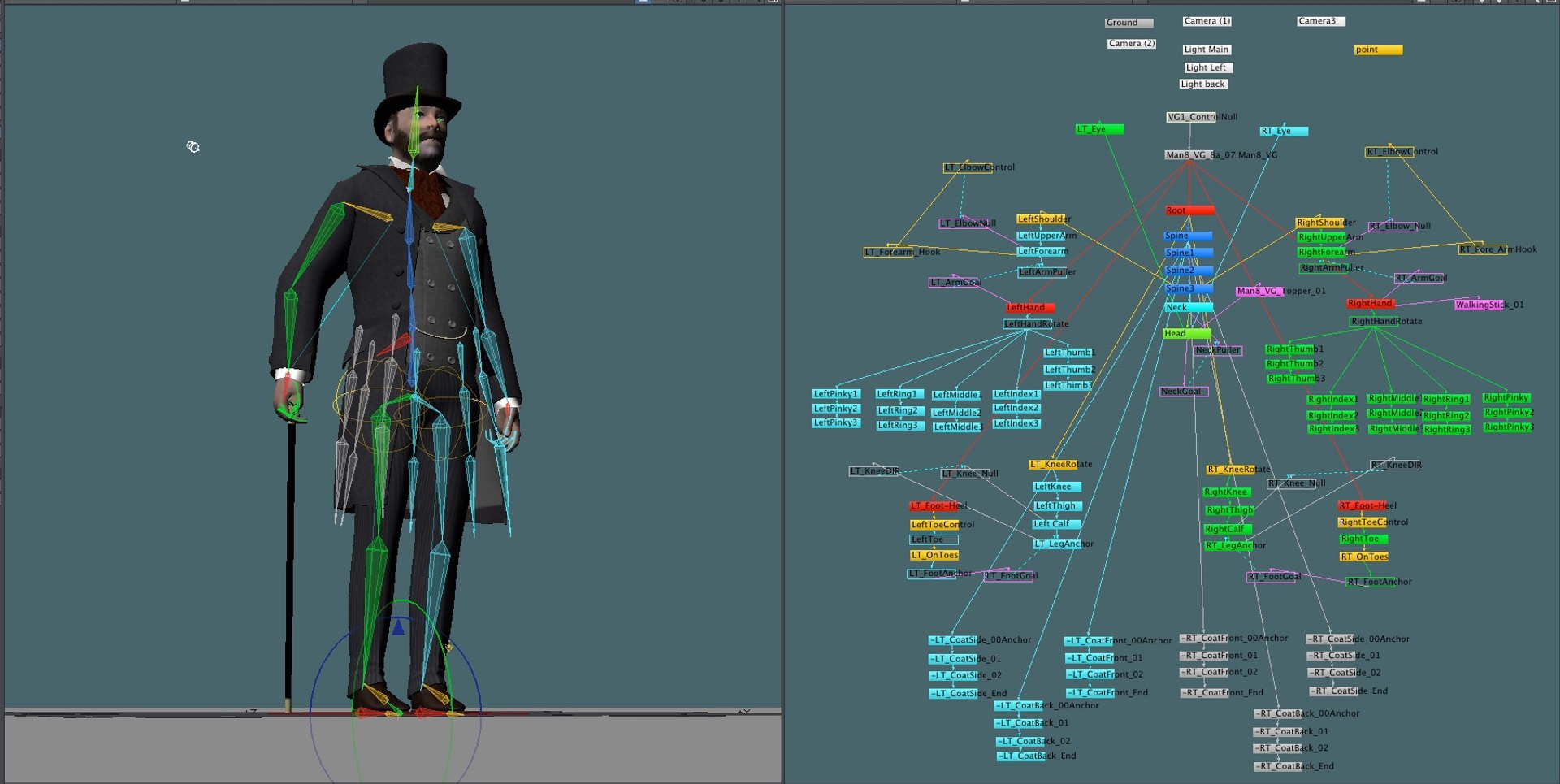
In Lightwave “VG-MainLayer” moves the entire rigged object
In Max the “LOC-POINT” moves the entire rigged object

MAX: The main controlling Object “CtrlC_COG” attached to "ROOT" bone
LW: The main controlling Bone is the "ROOT" bone

Max: The feet and legs are controlled by "LT-Foot" and "RT-Foot" objects respectively. When you select a foot controller in Max under the “Modify” menu you will find “Custom Attributes” which have Heel To and Ball of foot controls.
LW: The feet and legs are controlled by "LT-Foot" and "RT-Foot" bones respectively. LW has “Lt_ToeControl” and “RT_ToeControl” for horizontal toe control - LW Also has “LT_OnToes” and “RT_OnToes” to rock toes up

Max: The hands are controlled by the “CtrlC_LT_Hand” and “CtrlC_RT_Hand” objects
LW: The hands are controlled by the “LT_Hand” and “RT_Hand” Bones

Max: the Knees and Elbows are managed by “CtrlC_LT_Elbow”and “CtrlC_RT_Elbow” and “CtrlC_LT_Knee” and “CtrlC_RT_Knee” objects

LW: the Knees and Elbows are a bit different and are managed by “LT_Shoulder” and “RT_Shoulder” and “LT_Knee_Rotate” and “RT_Knee_Rotate” objects - a bit tricky at first, but you’ll get the hang of it

Max: The Head, Neck, shoulders, fingers and spine(s) all have their own bones as controllers
LW: The Head, Neck, shoulders, fingers and spine(s) all have their own bones as controllers

The eyes have bone control for position or you can use the Eye morphs to control position.

The Z-RT_ThickFingers morphs are to make the fingers thicker while using bones to form the hand into a fist. The bones tend to make the finger thinner when bent to extremes - these morphs are intended as a fix for that.

The Top Hat and Walking stick are optional (their visibility can be turned on or off as desired).

There are 53 morphs in this object - 8 of them are Phoneme controls:
0-A, 0-CDGJKNSTYZ, 0-Closed, 0-E, 0-FV, 0-LT, 0-MBP, 0-O, 0-U, 0-WQ, CheeksPuffed, Eyebrow-Arch-LT, Eyebrow-Arch-RT, Eyebrow-DN-LT, Eyebrow-DN-RT, Eyebrows-DN-Both, Eyebrows-IN-Both, Eyes-DN, Eyes-LT, Eyes-Open-Wide, Eyes-Open, Eyes-RT, Eyes-Up, HandsSmaller, Jaw-Back, Jaw-DN, Jaw-Forward, Jaw-LT, Jaw-RotateZ-LT, Jaw-RT, Lip-Lower-In, LT_BootBack-DN,, MidMouth-LT, MidMouth-RT, Mouth-DN, Mouth-Frown, Mouth-Open-Wide, Mouth-Open.lwo
Mouth-RotateZ-RT, Mouth-Up, Mouth-Whistle, Nose-Scrunch, RT_BootBack-DN,, Smile, Snarl-LT, Snarl-RT, Squint, UpperLip-IN, UpperLip-OUT, Z-LT_ThickFingers, Z-RT_ThickFingers, Fatsuit, Thinsuit, Z-THinner

But if you have positioned the model by moving the bones, AND you try to use some morph targets, you may have some pretty weird distortions that will freak you out.

Don't panic, the solution is to 'zero' out your bone positions, as or just before you apply the 'Morph' targets.
------------------------
See Readme for full information

拡張ライセンスを選択

  • $10,000 法的保護(補償)
  • 無制限の法的保護(補償)
  • 差し止めによる救済の放棄
  • 割り当て可能なモデルの権利
  • $1,000,000 法的保護(補償)
  • 差し止めによる救済の放棄
  • 割り当て可能なモデルの権利
  • $250,000 法的保護(補償)
  • 割り当て可能なモデルの権利
拡張ライセンスの詳細についてはこちらをご覧ください。または、enterprise@turbosquid.comまでお問い合わせください。既にShutterstock Enterpriseをご利用の場合は、3D機能の追加についてShutterstockのセールスサポート担当者にお問い合わせください。

About Conversion Requests

To submit a conversion request for a purchased asset, please complete our Conversion Request Form.

If you have not yet purchased a model, please review our Documentation about Conversions to learn about what limitations you may encounter with a conversion.

For any additional questions about a model’s suitability for conversion, please contact TurboSquid Support.

読み込み中...