
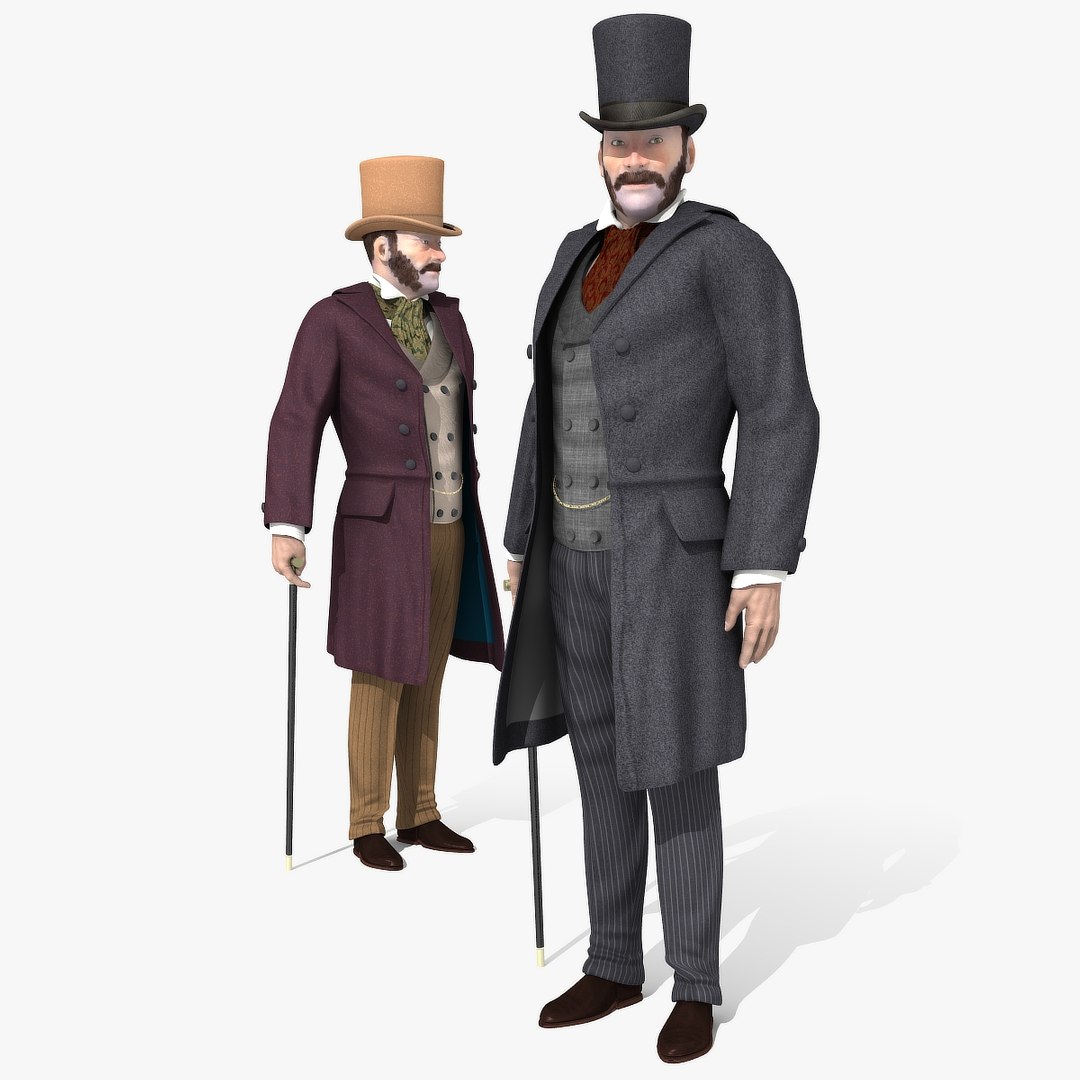

Victorian Gent - Rigged - una versione del modello 2

$95

Licenza standard | Aggiorna licenza
formati (7)
Formato file gratuito Conversioni disponibili
Native | Lightwave 11.6 | Default Scanline
3ds Max 2009 | mental ray
3ds Max 2020 | V-Ray 4.10.03
3ds Max 20 | Arnold
FBX
OBJ
Specifiche
Data di pubblicazione February 14, 2019
Codice prodotto 1378137
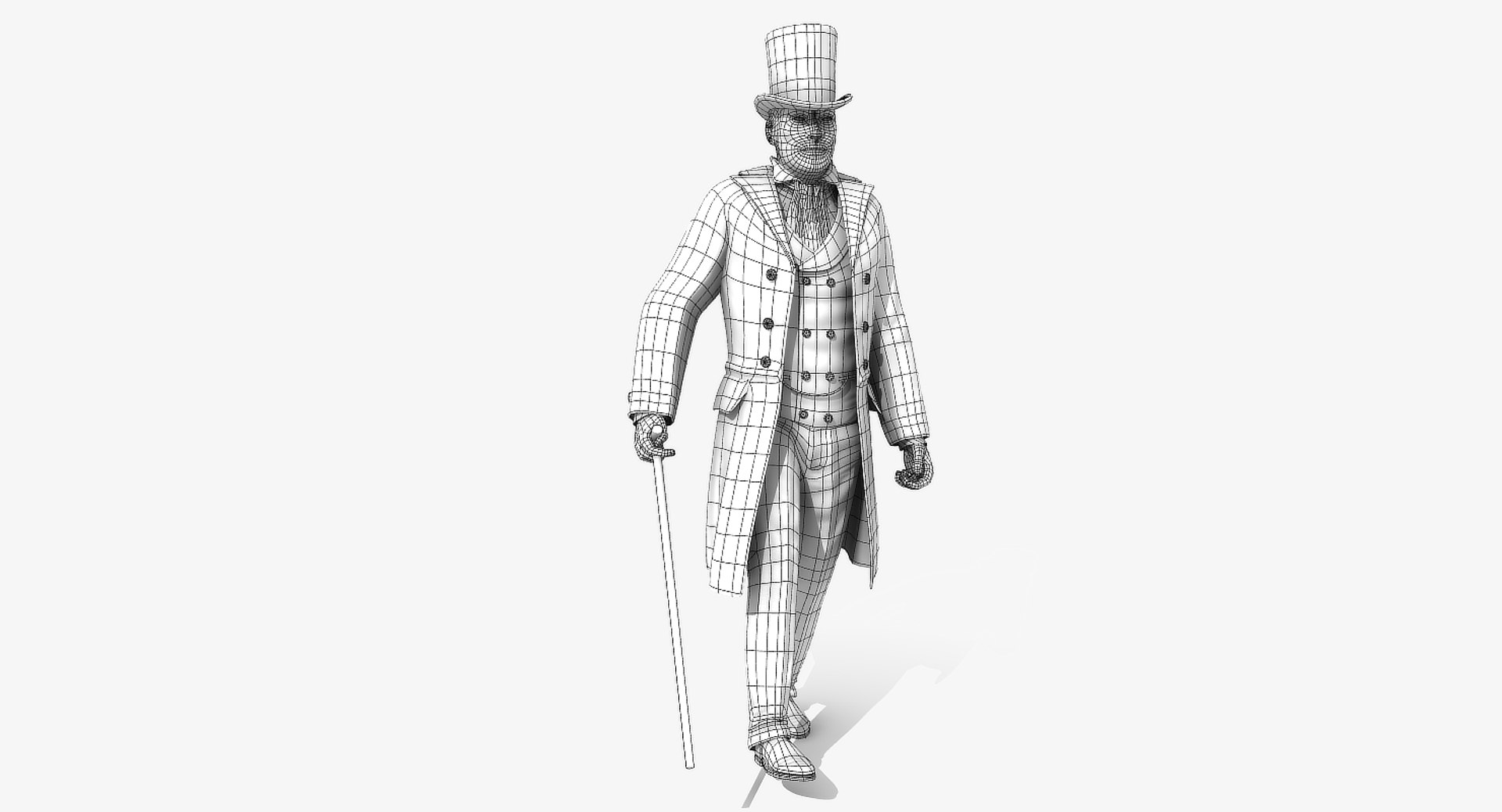
poligoni 11,764
vertici 12,265
Solo quad poligonali
Textures
materiale
UV mappato
UV non imballati non sovrapposti
rigged
Animato
PBR
Gioco
member avatar
r189
155 Prodotti | Contributor Da 2005
Hai domande? Chatta con noi ora.

Descrizione

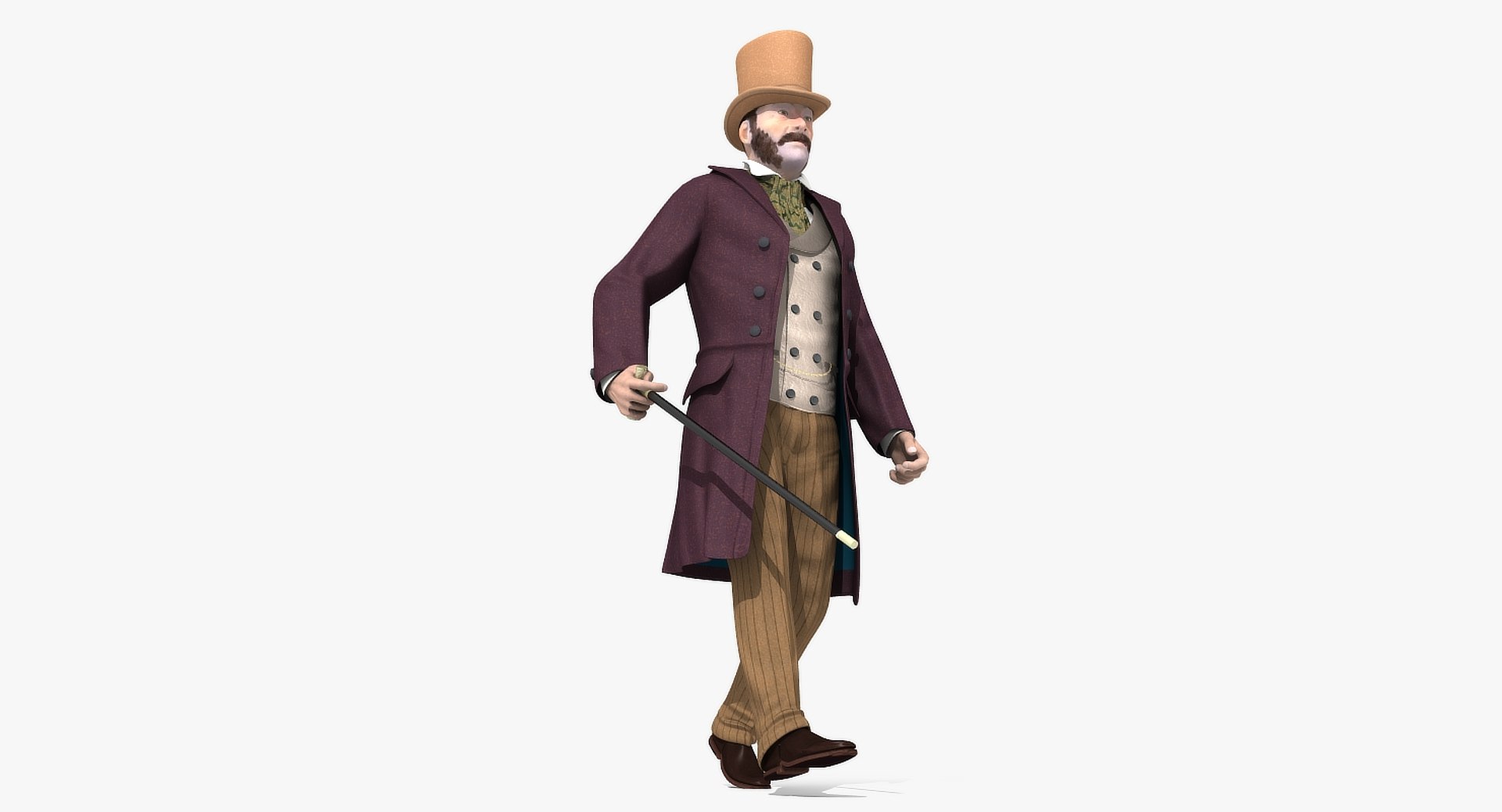
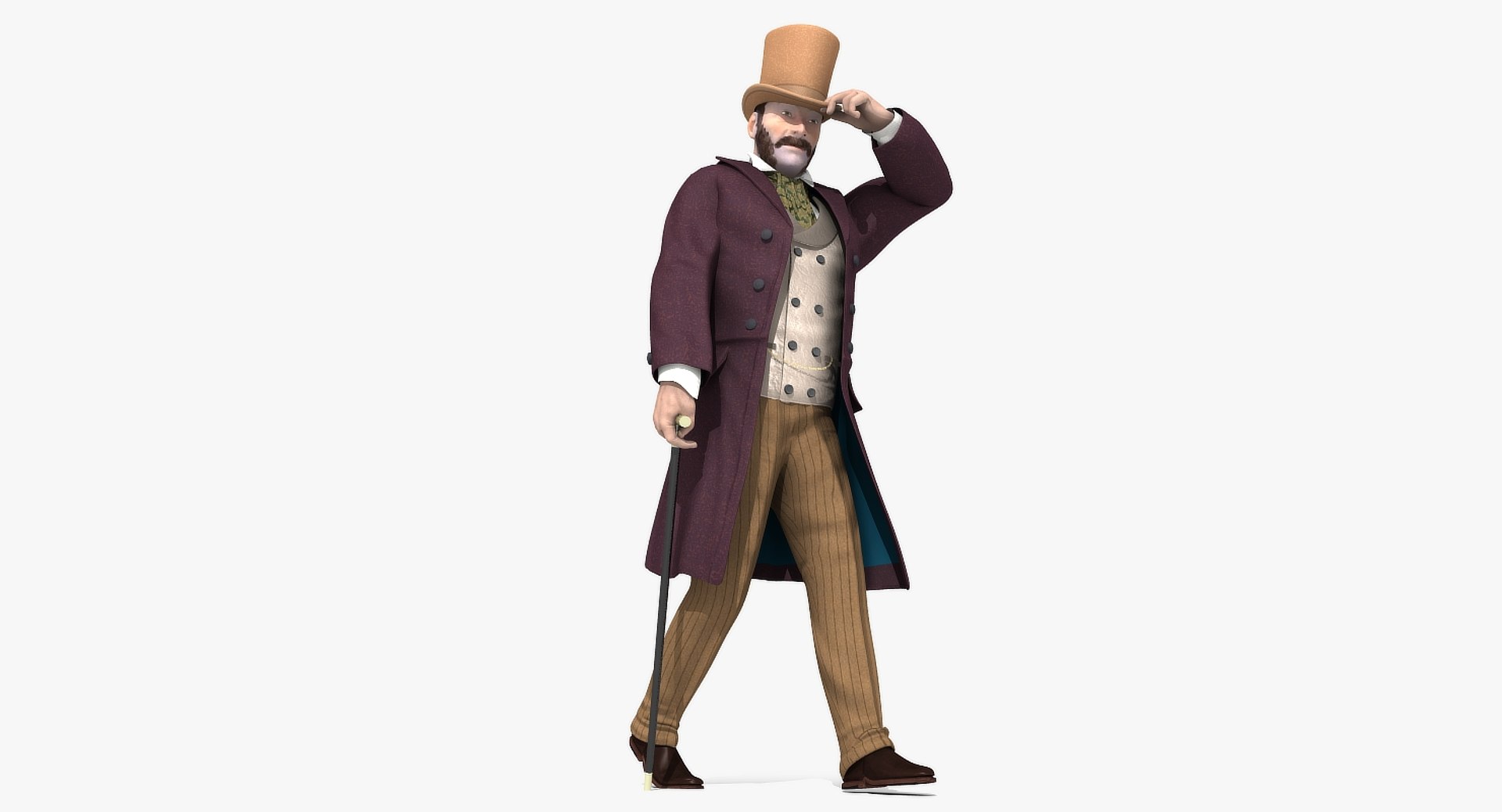
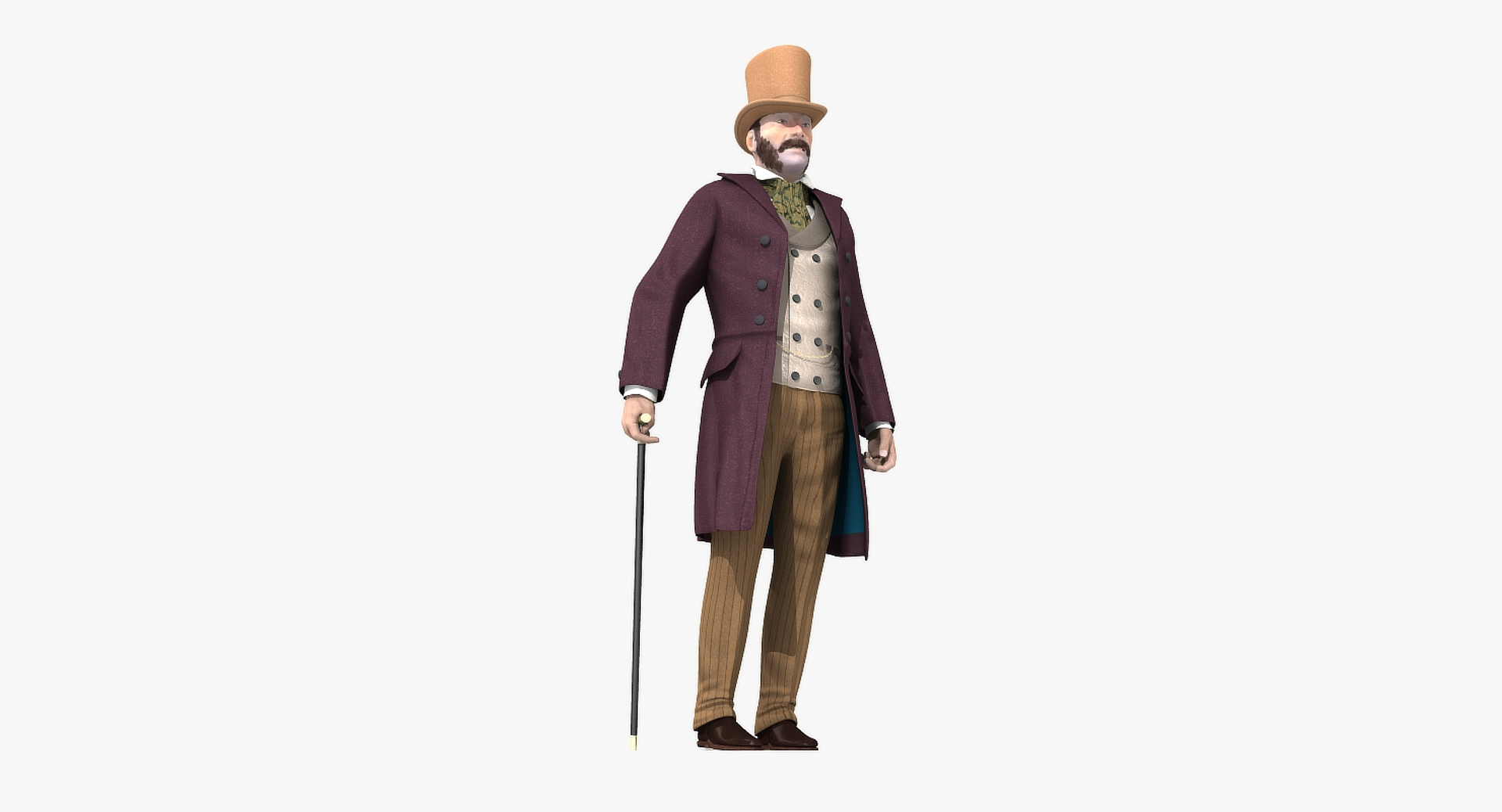
Victorian Gent - Rigged - one model 2 versions

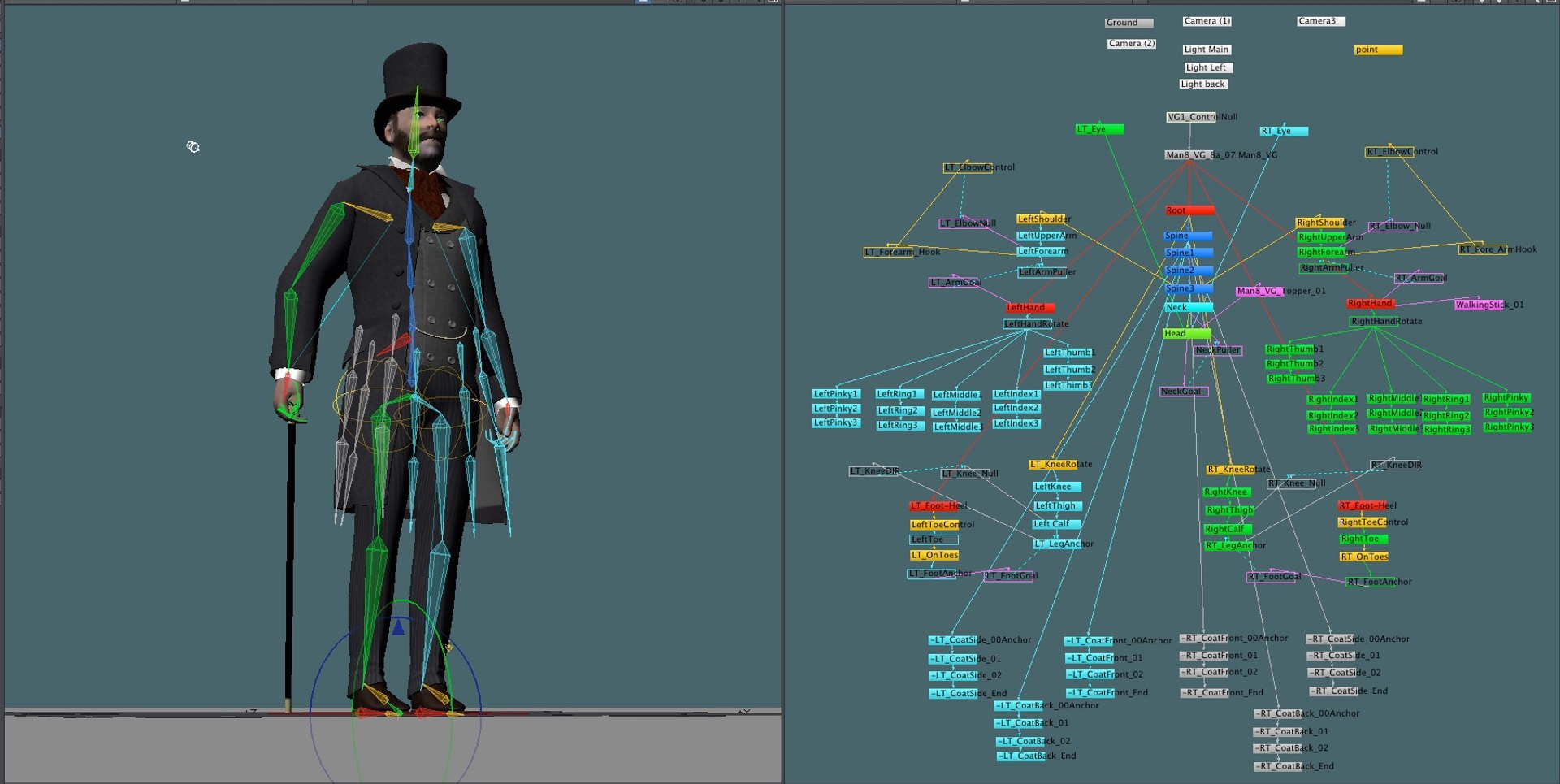
Victorian Gent - one model 2 versions Rigged and Animated for Lightwave version 11.6 and up and for 3DS Max version 8.5 and 3DS Max 2017 and up

This model comes with several pre-animated scenes to get you started:
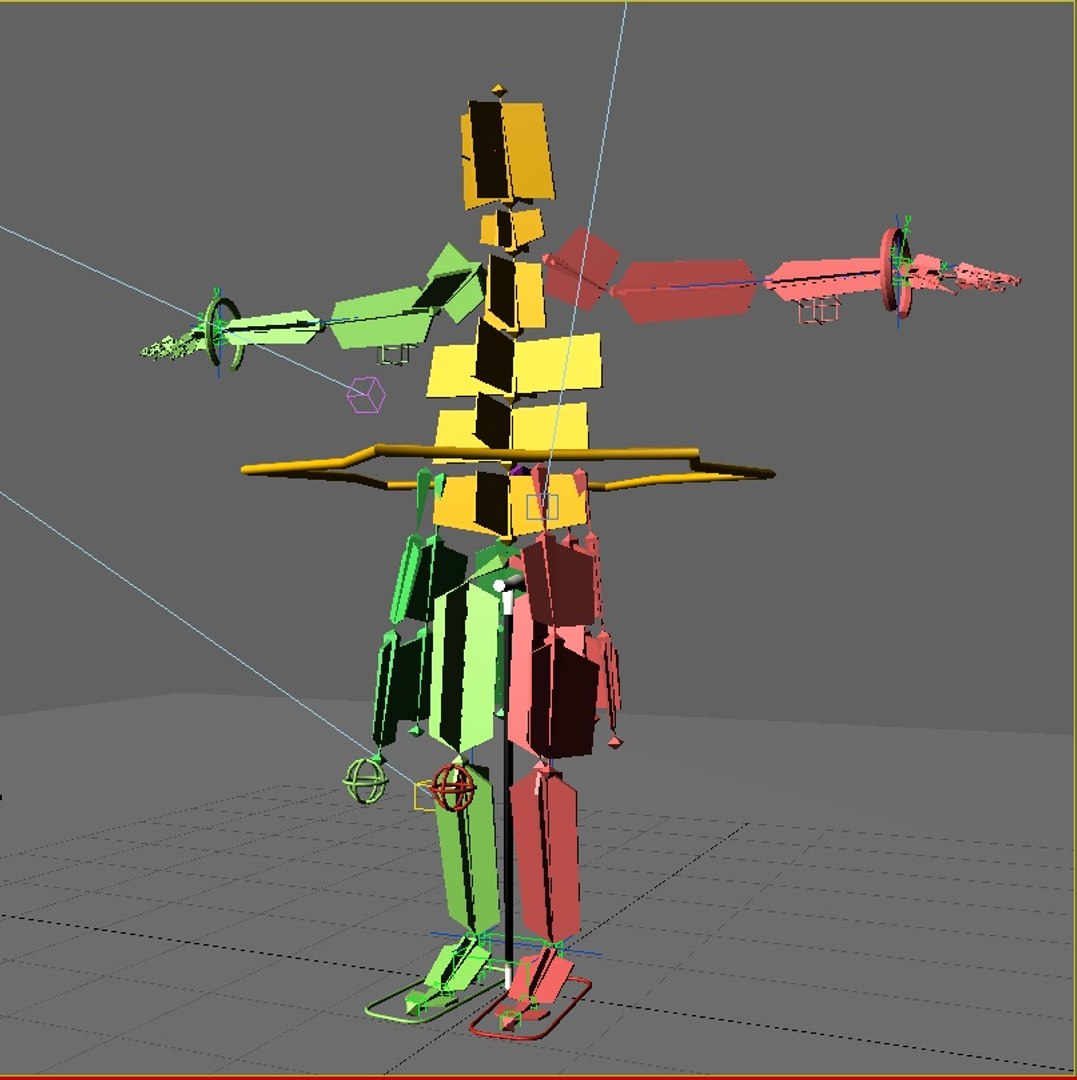
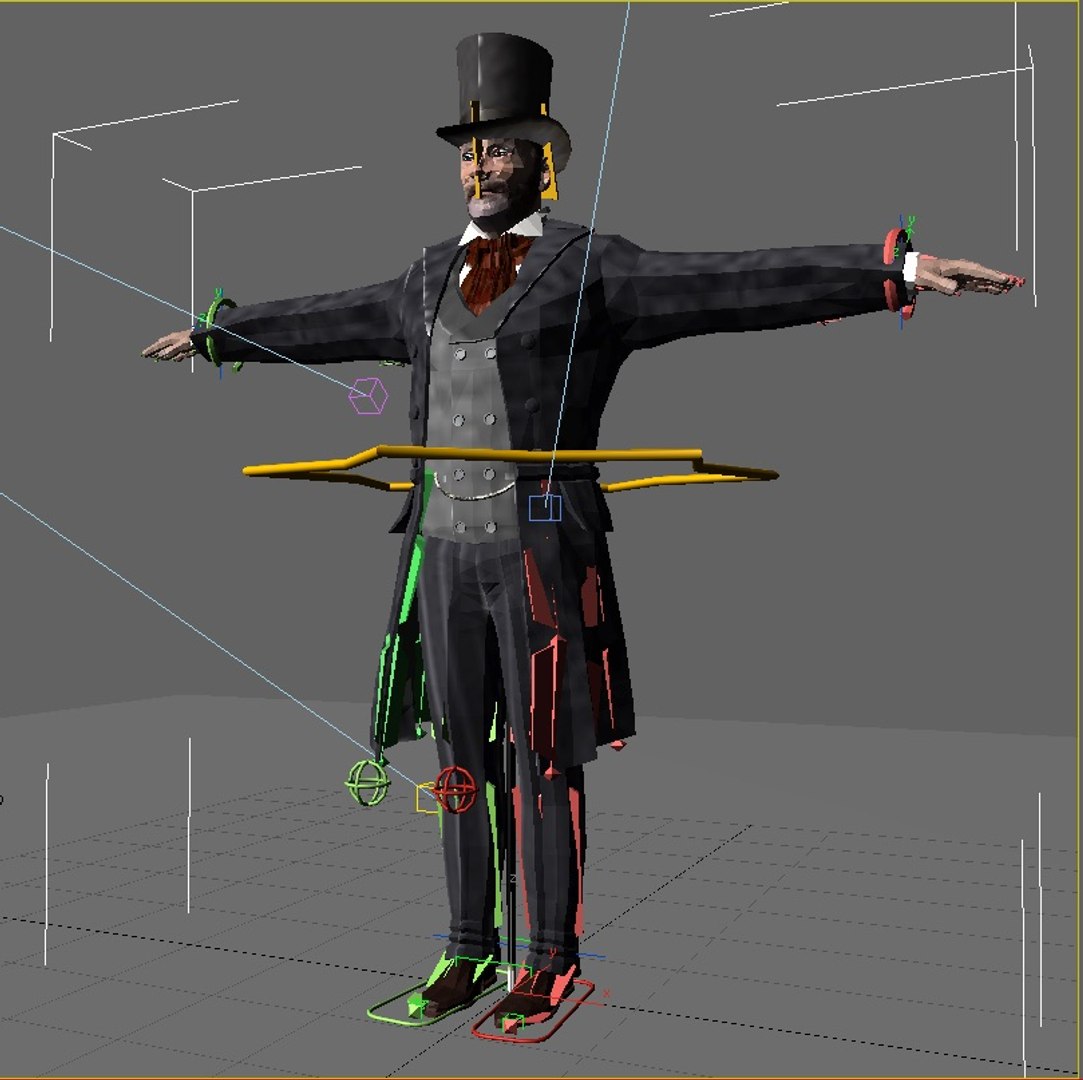
Man8_VG2_Zero_Fin (base T-Pose and Rigged Scene)
Man8_VG2_StartWalk-Fin
Man8_VG2_WalkCane_Fin
SIG_VG_Both_01

In Lightwave “VG-MainLayer” moves the entire rigged object
In Max the “LOC-POINT” moves the entire rigged object

MAX: The main controlling Object “CtrlC_COG” attached to "ROOT" bone
LW: The main controlling Bone is the "ROOT" bone

Max: The feet and legs are controlled by "LT-Foot" and "RT-Foot" objects respectively. When you select a foot controller in Max under the “Modify” menu you will find “Custom Attributes” which have Heel To and Ball of foot controls.
LW: The feet and legs are controlled by "LT-Foot" and "RT-Foot" bones respectively. LW has “Lt_ToeControl” and “RT_ToeControl” for horizontal toe control - LW Also has “LT_OnToes” and “RT_OnToes” to rock toes up

Max: The hands are controlled by the “CtrlC_LT_Hand” and “CtrlC_RT_Hand” objects
LW: The hands are controlled by the “LT_Hand” and “RT_Hand” Bones

Max: the Knees and Elbows are managed by “CtrlC_LT_Elbow”and “CtrlC_RT_Elbow” and “CtrlC_LT_Knee” and “CtrlC_RT_Knee” objects

LW: the Knees and Elbows are a bit different and are managed by “LT_Shoulder” and “RT_Shoulder” and “LT_Knee_Rotate” and “RT_Knee_Rotate” objects - a bit tricky at first, but you’ll get the hang of it

Max: The Head, Neck, shoulders, fingers and spine(s) all have their own bones as controllers
LW: The Head, Neck, shoulders, fingers and spine(s) all have their own bones as controllers

The eyes have bone control for position or you can use the Eye morphs to control position.

The Z-RT_ThickFingers morphs are to make the fingers thicker while using bones to form the hand into a fist. The bones tend to make the finger thinner when bent to extremes - these morphs are intended as a fix for that.

The Top Hat and Walking stick are optional (their visibility can be turned on or off as desired).

There are 53 morphs in this object - 8 of them are Phoneme controls:
0-A, 0-CDGJKNSTYZ, 0-Closed, 0-E, 0-FV, 0-LT, 0-MBP, 0-O, 0-U, 0-WQ, CheeksPuffed, Eyebrow-Arch-LT, Eyebrow-Arch-RT, Eyebrow-DN-LT, Eyebrow-DN-RT, Eyebrows-DN-Both, Eyebrows-IN-Both, Eyes-DN, Eyes-LT, Eyes-Open-Wide, Eyes-Open, Eyes-RT, Eyes-Up, HandsSmaller, Jaw-Back, Jaw-DN, Jaw-Forward, Jaw-LT, Jaw-RotateZ-LT, Jaw-RT, Lip-Lower-In, LT_BootBack-DN,, MidMouth-LT, MidMouth-RT, Mouth-DN, Mouth-Frown, Mouth-Open-Wide, Mouth-Open.lwo
Mouth-RotateZ-RT, Mouth-Up, Mouth-Whistle, Nose-Scrunch, RT_BootBack-DN,, Smile, Snarl-LT, Snarl-RT, Squint, UpperLip-IN, UpperLip-OUT, Z-LT_ThickFingers, Z-RT_ThickFingers, Fatsuit, Thinsuit, Z-THinner

But if you have positioned the model by moving the bones, AND you try to use some morph targets, you may have some pretty weird distortions that will freak you out.

Don't panic, the solution is to 'zero' out your bone positions, as or just before you apply the 'Morph' targets.
------------------------
See Readme for full information

Seleziona Licenza Avanzata

  • $10,000 in Tutela Legale (Indennizzo)
  • Protezione legale illimitata (indennizzo)
  • Rinuncia al sollievo ingiuntivo
  • Diritti di modello assegnabili
  • $1,000,000 in Tutela Legale (Indennizzo)
  • Rinuncia al sollievo ingiuntivo
  • Diritti di modello assegnabili
  • $250,000 in Tutela Legale (Indennizzo)
  • Diritti di modello assegnabili
Scopri di più sui livelli di licenza avanzati o contattaci all'indirizzo enterprise@turbosquid.com. Sei già un cliente Shutterstock Enterprise? Contatta il tuo agente di supporto vendite Shutterstock per parlare dell'aggiunta del 3D.

About Conversion Requests

To submit a conversion request for a purchased asset, please complete our Conversion Request Form.

If you have not yet purchased a model, please review our Documentation about Conversions to learn about what limitations you may encounter with a conversion.

For any additional questions about a model’s suitability for conversion, please contact TurboSquid Support.

Caricamento...