
美利动画钻机

$50

标准许可证 | 升级许可证
仅限编辑使用
格式 (3)
提供免费文件格式转换
Native | Maya 2014 | Maya Software Default
Maya 2020 | Maya Software Default
FBX
规格
发布日期 April 23, 2020
产品 ID 1547141
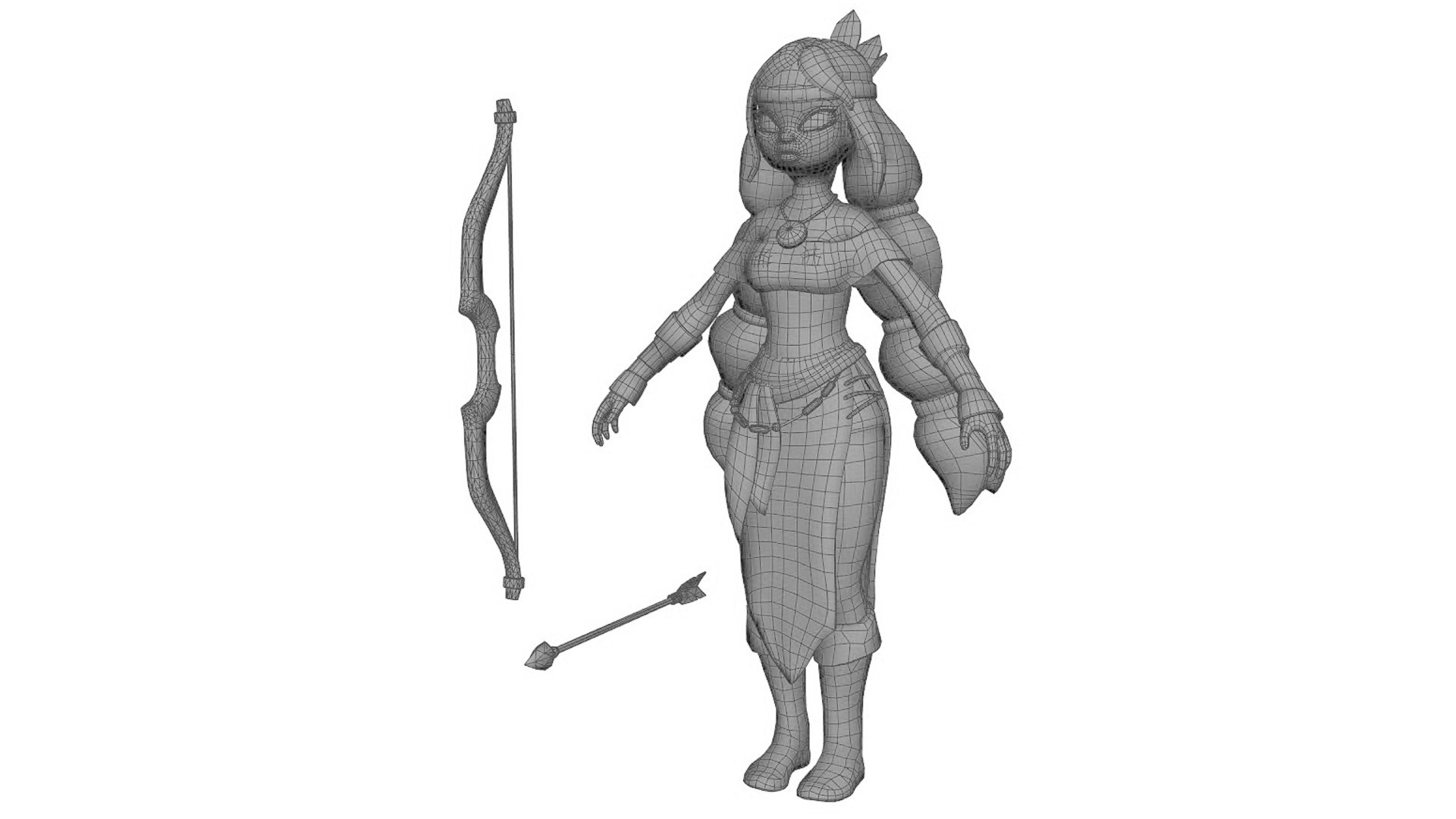
多边形 15,298
顶点 13,957
多边形
纹理
材料
UV 映射
混合展开 UV
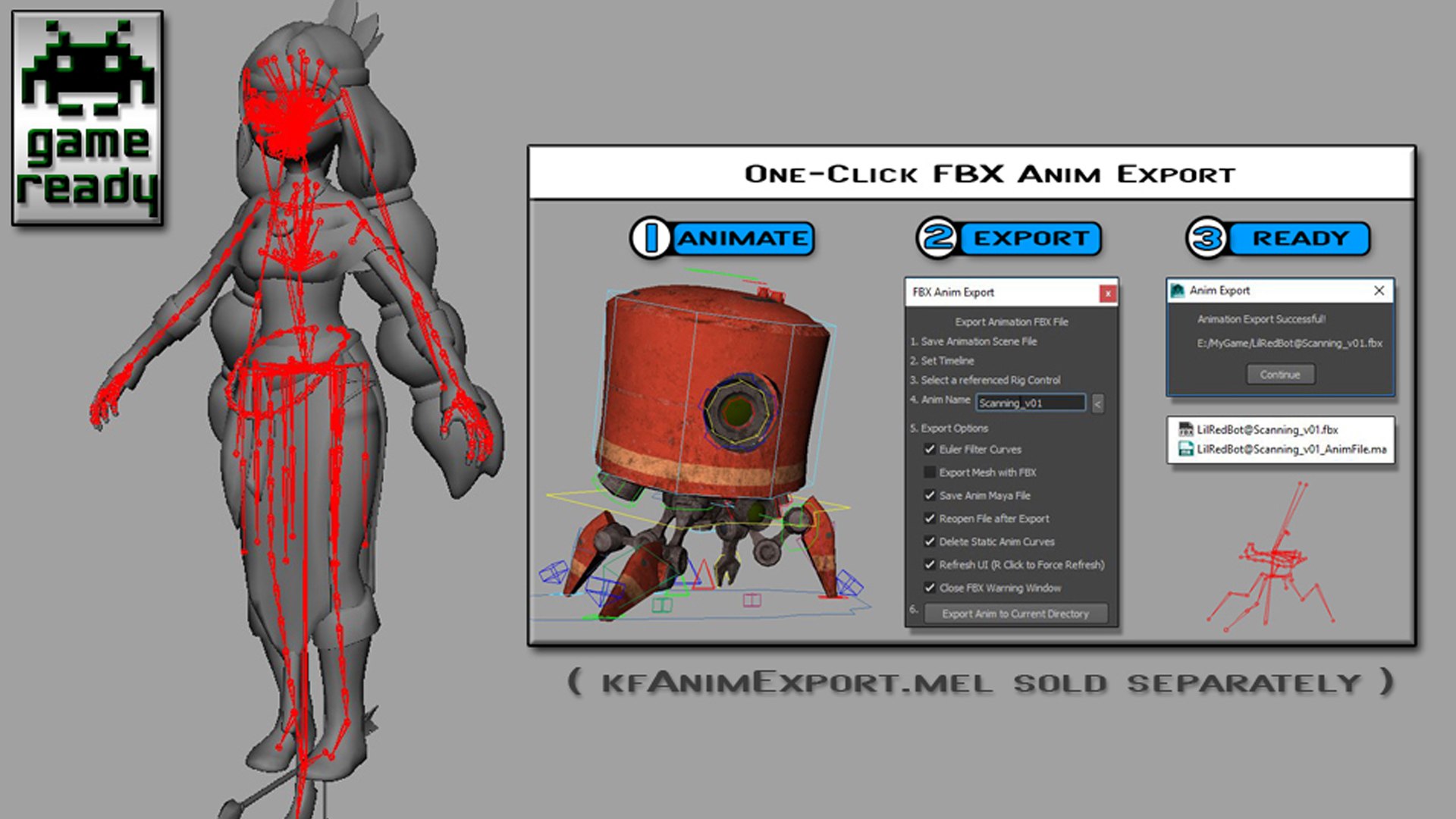
索具
TurboSquid 独家

member avatar
kielfiggins
117 产品 | Contributor 自从 2009
有疑问?立即与我们聊天。

描述

**UPDATE - 20240228 - Added Root Mover control for Game_Ready version of rig**

**UPDATE - 20200516 - Adjusted skin weighting on R eye lid to prevent brow texture skewing during blink**

**UPDATE - 20200506 - How to Constrain Right hand to Bow (steps below) and text file with steps added**

**UPDATE - 20200424 - Added cheek to head blend to help keep jaw line when the mouth opens, blend channel found on the CHEEK face UI**

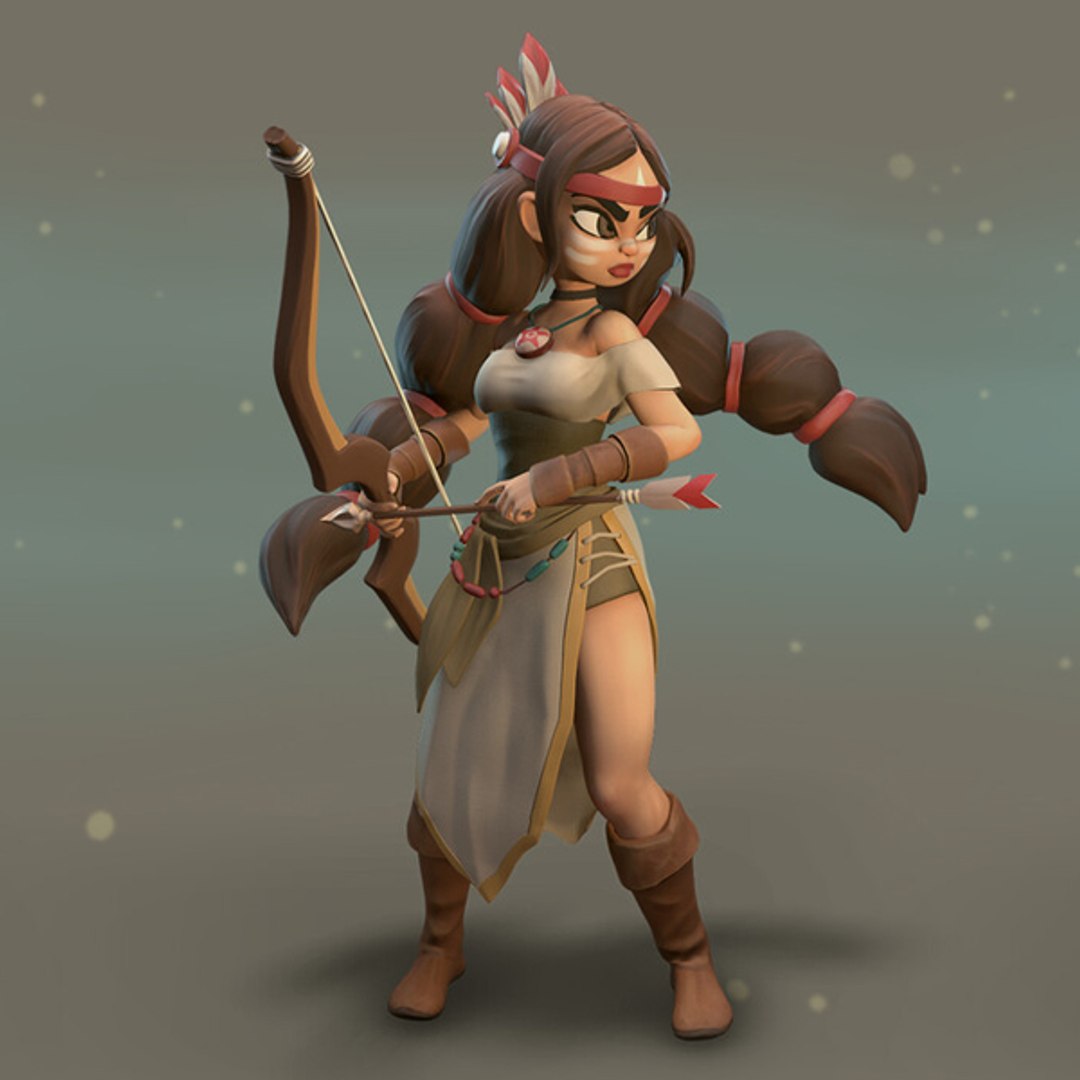
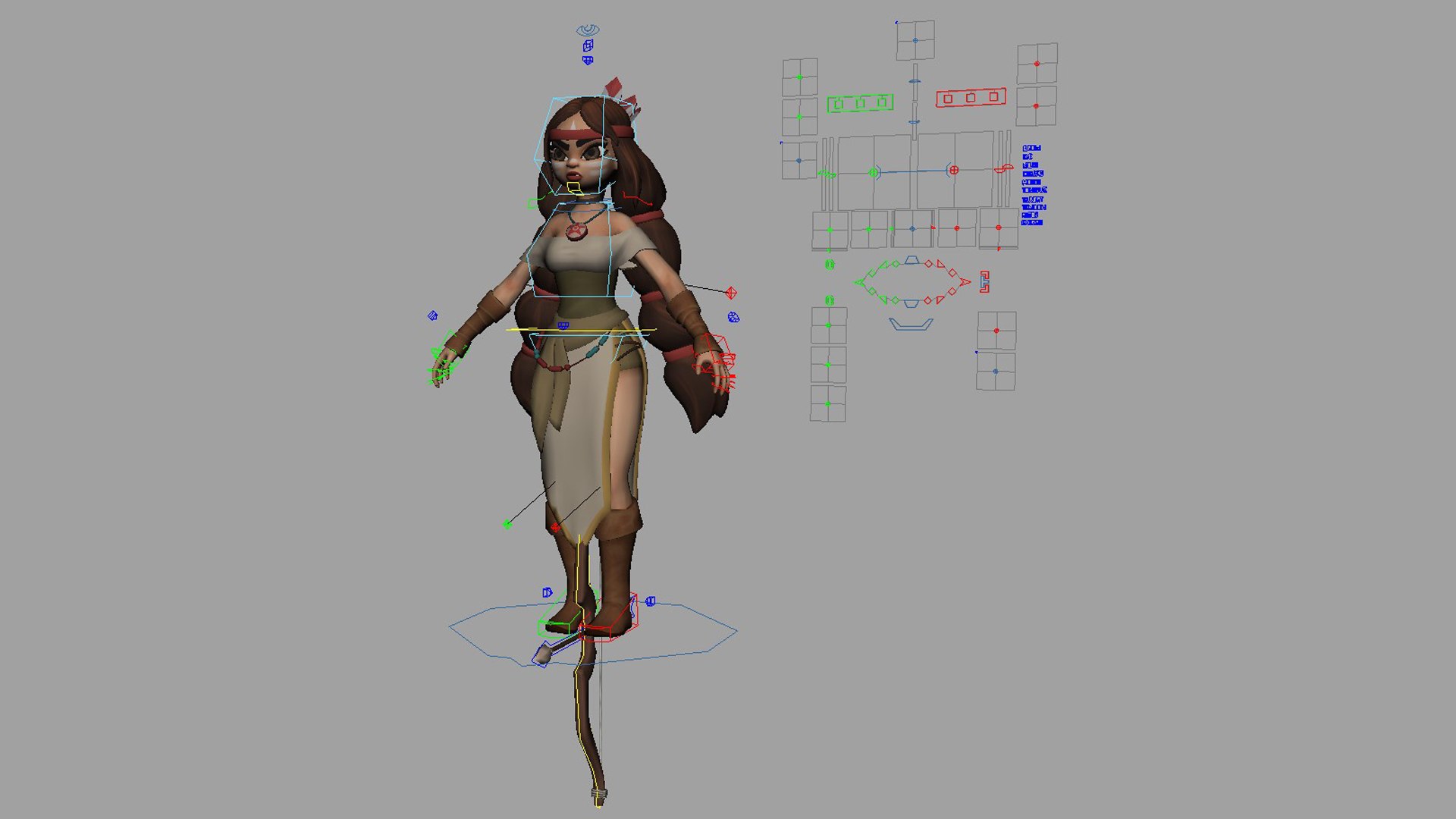
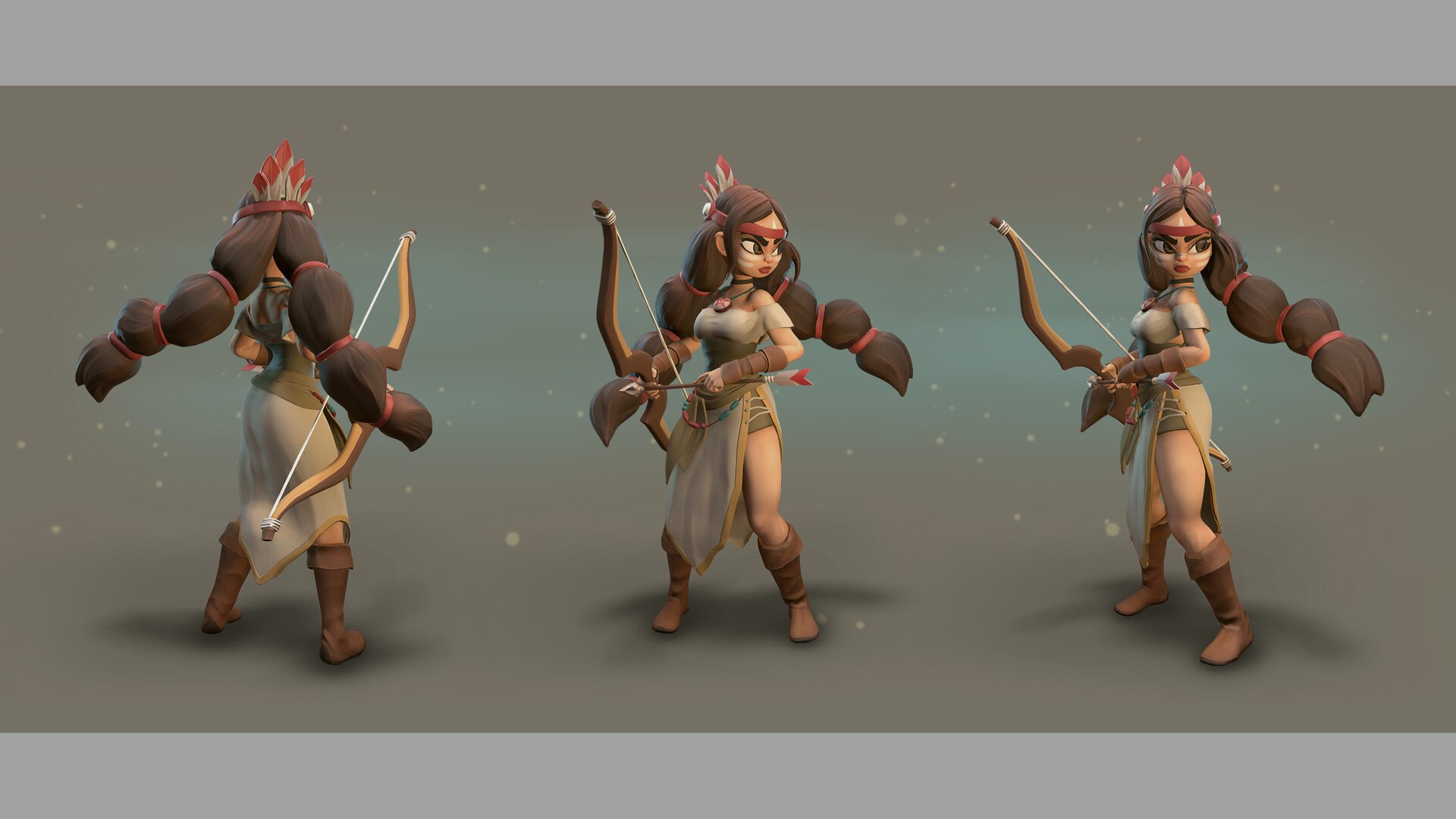
A rig from a personal project. Created and Rigged in Maya 2014.
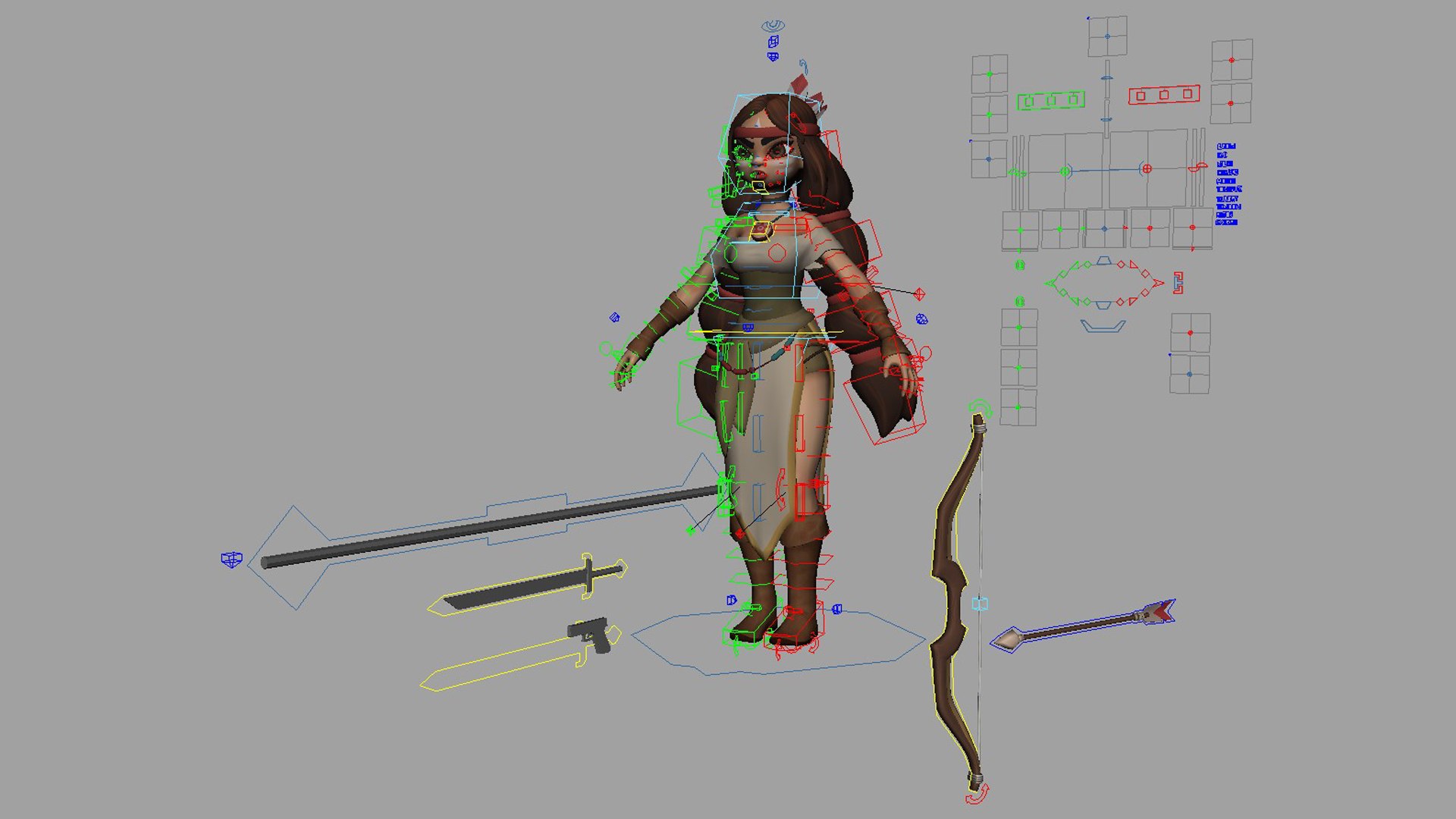
A full range of animation controls are available for body, accessories and face.

*_GameReady version contains:
-Single joint chain skeleton
-all bound meshes with max 4 skin influence
-Easy export to FBX sold separately (search for kfAnimExport.mel)

Please contact me if there are any issues.

Model by Sergei Lobodanov
Concept by Kate Fedorchuk


How to constrain the Right Hand IK to the Bow without getting a cycle loop error

1. Open the animRig_Meli.ma file (or the game ready one if you're using that)
2. Run the following 2 MEL lines in a MEL tab in the script editor

setAttr "rig_Bow_R_HandAdjust_parentConstraint1.nodeState" 1;
setAttr "CTRL_PropC_R_Hand_DrivenAdjust_parentConstraint1.nodeState" 1;

3. Save the rig file as animRig_Meli_RHand.ma (or whatever you like)
4. Now you can constrain the right hand to the Bow without getting a cycle loop

选择增强许可证

  • $10,000 法律保护(赔偿)
  • 无上限的法律保护(赔偿)
  • 放弃禁令救济
  • 可转让的模型权利
  • $1,000,000 法律保护(赔偿)
  • 放弃禁令救济
  • 可转让的模型权利
  • $250,000 法律保护(赔偿)
  • 可转让的模型权利
了解更多关于增强版许可证等级的信息,或发送电子邮件至enterprise@turbosquid.com联系我们。您已经是 Shutterstock 企业客户?请联系您的 Shutterstock 销售支持代理,了解如何添加 3D 功能。

About Conversion Requests

To submit a conversion request for a purchased asset, please complete our Conversion Request Form.

If you have not yet purchased a model, please review our Documentation about Conversions to learn about what limitations you may encounter with a conversion.

For any additional questions about a model’s suitability for conversion, please contact TurboSquid Support.

加载中...