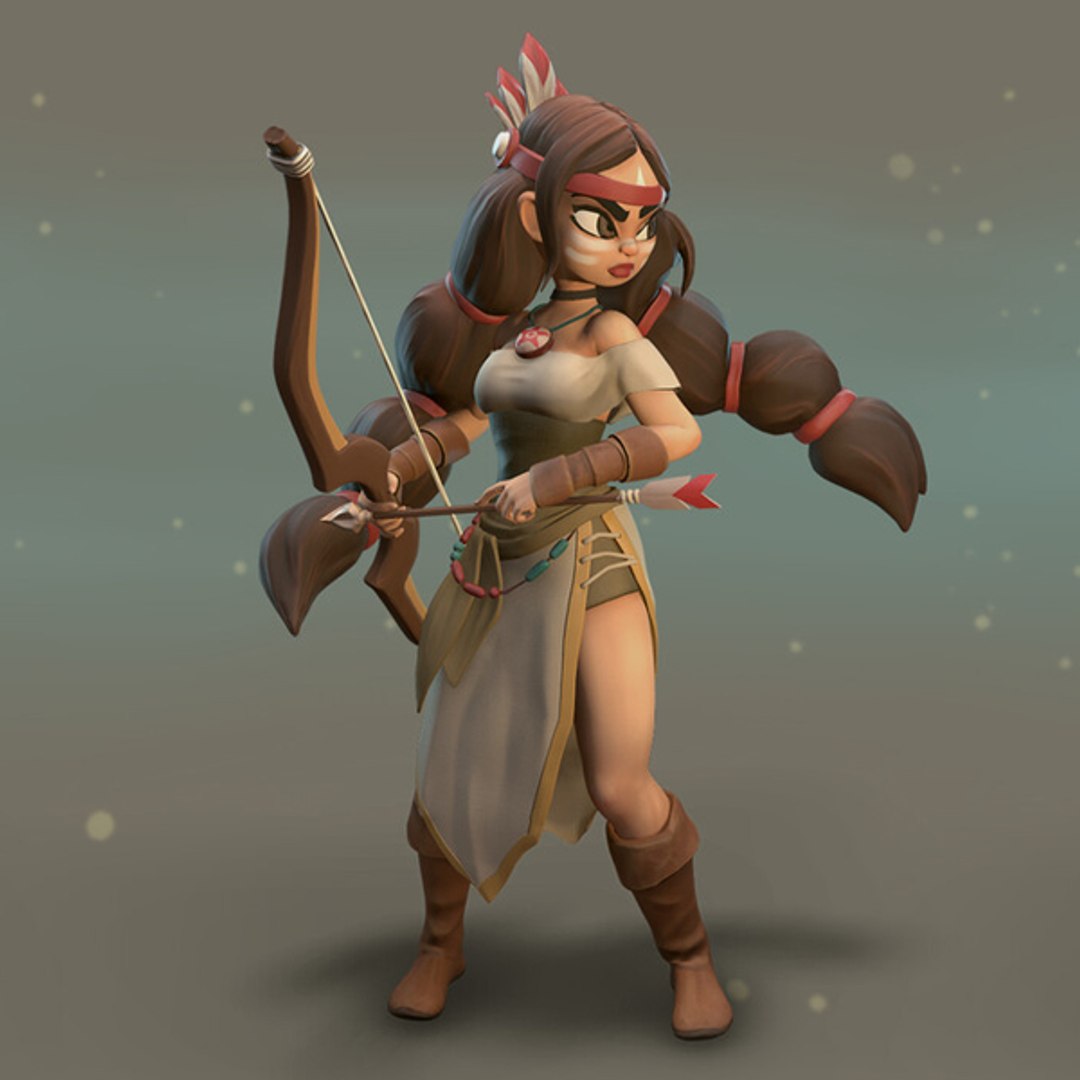
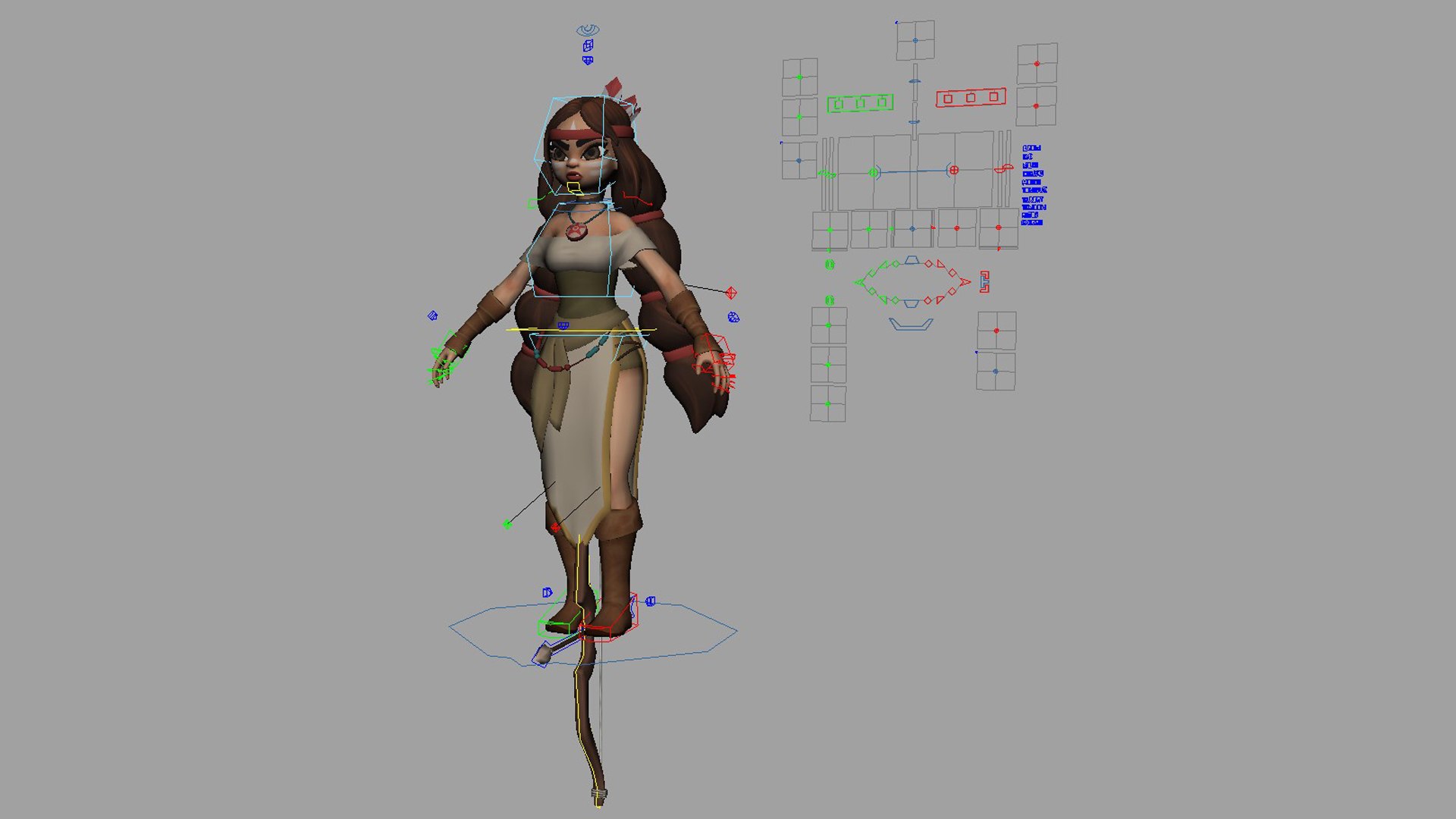
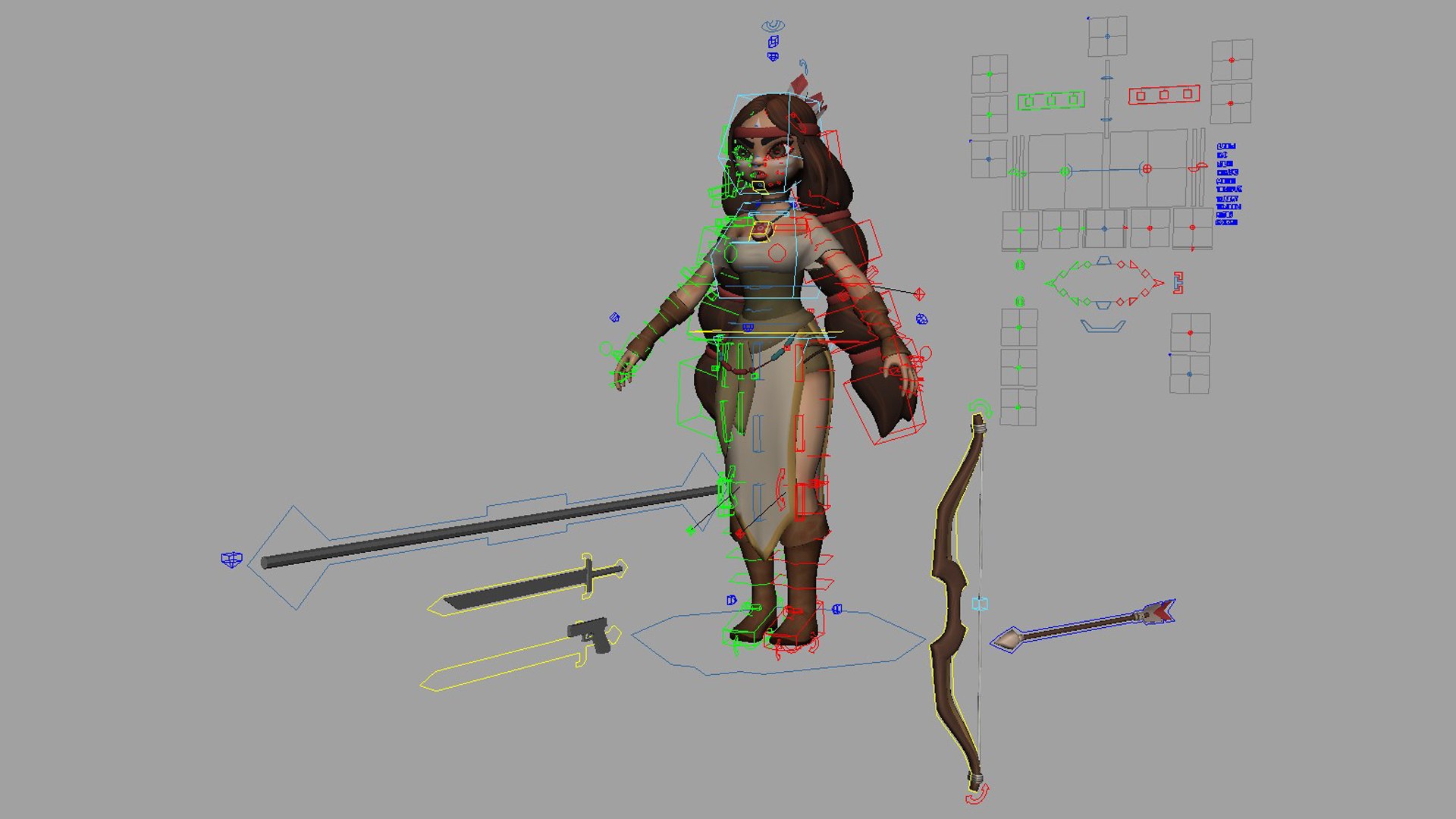
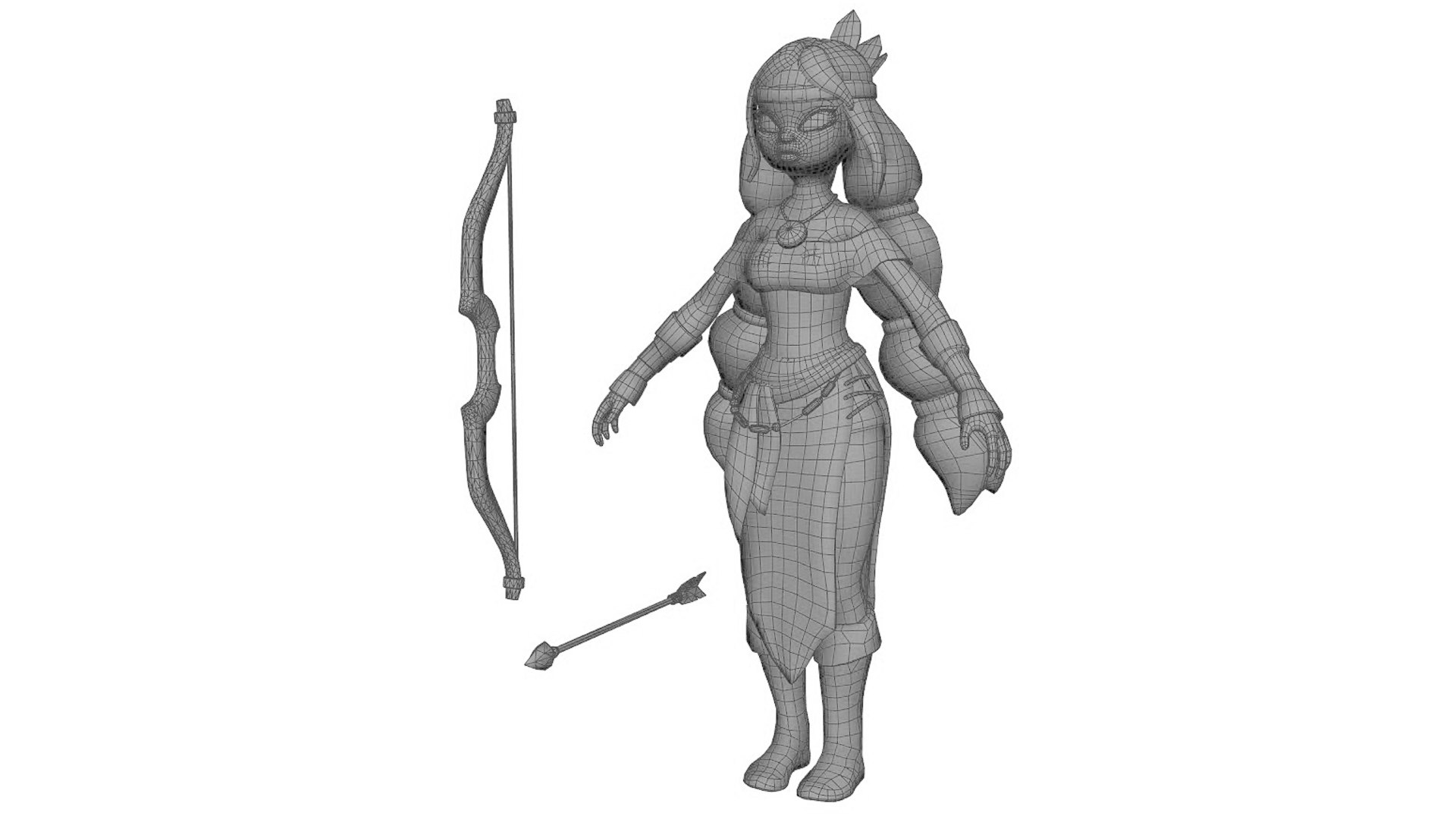
Meli Anim Rig

$50

Standard License | Upgrade License
Editorial Uses Only
Formats (3)
Free file format Conversions available
Native | Maya 2014 | Maya Software Default
Maya 2020 | Maya Software Default
FBX
Previews

Download a preview

Sign in or create a TurboSquid account to download preview files.

Selected file:

Other Files
animRig_Meli_Textures.zip
Specifications
Publish Date April 23, 2020
Product ID 1547141
Polygons 15,298
Vertices 13,957
Polygonal
Textures
Materials
UV Mapped
Mixed Unwrapped UVs
Rigged
TurboSquid Exclusive

member avatar
kielfiggins
117 Products | Contributor Since 2009
Have questions? Chat with us now.

Description

**UPDATE - 20240228 - Added Root Mover control for Game_Ready version of rig**

**UPDATE - 20200516 - Adjusted skin weighting on R eye lid to prevent brow texture skewing during blink**

**UPDATE - 20200506 - How to Constrain Right hand to Bow (steps below) and text file with steps added**

**UPDATE - 20200424 - Added cheek to head blend to help keep jaw line when the mouth opens, blend channel found on the CHEEK face UI**

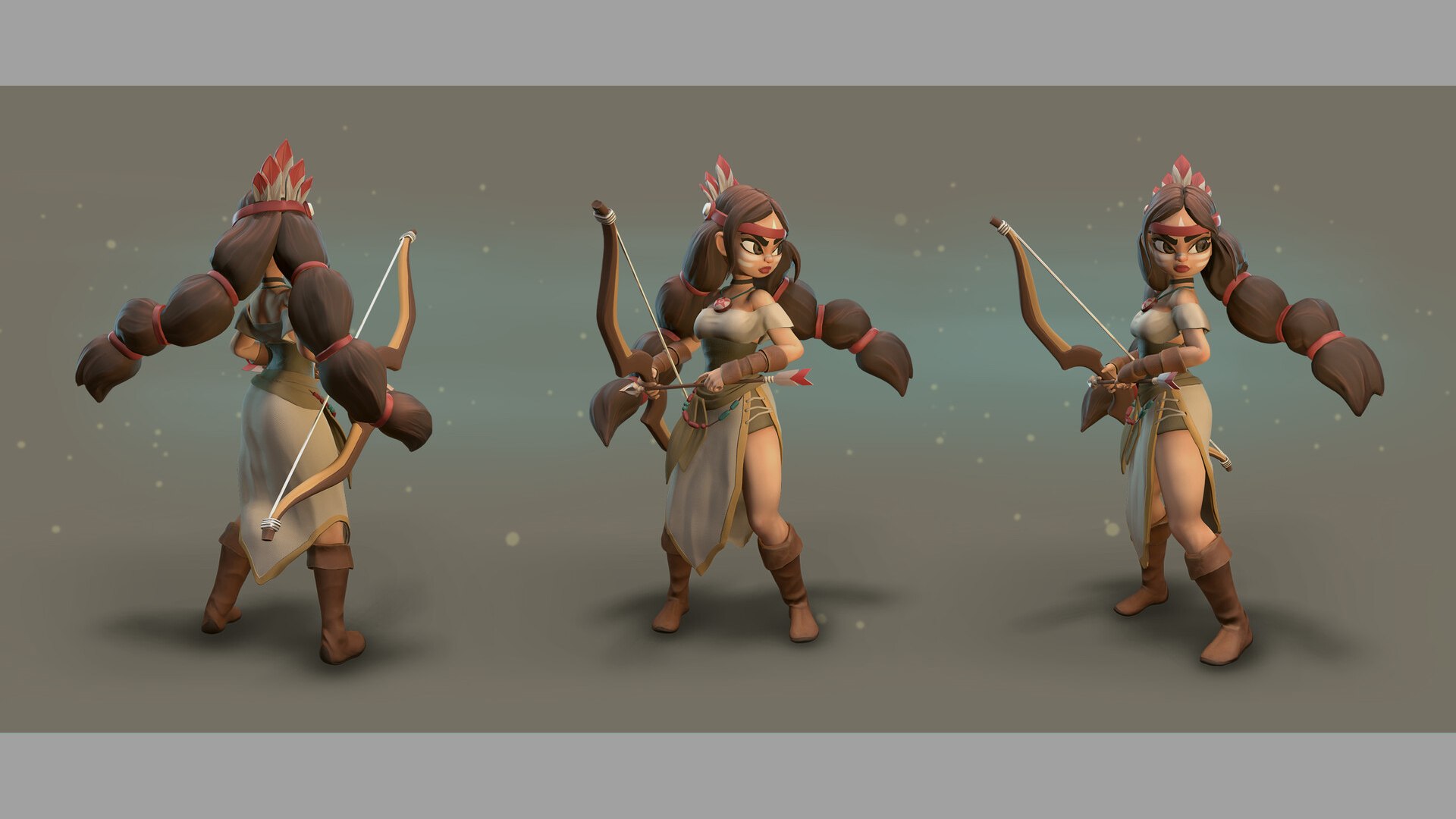
A rig from a personal project. Created and Rigged in Maya 2014.
A full range of animation controls are available for body, accessories and face.

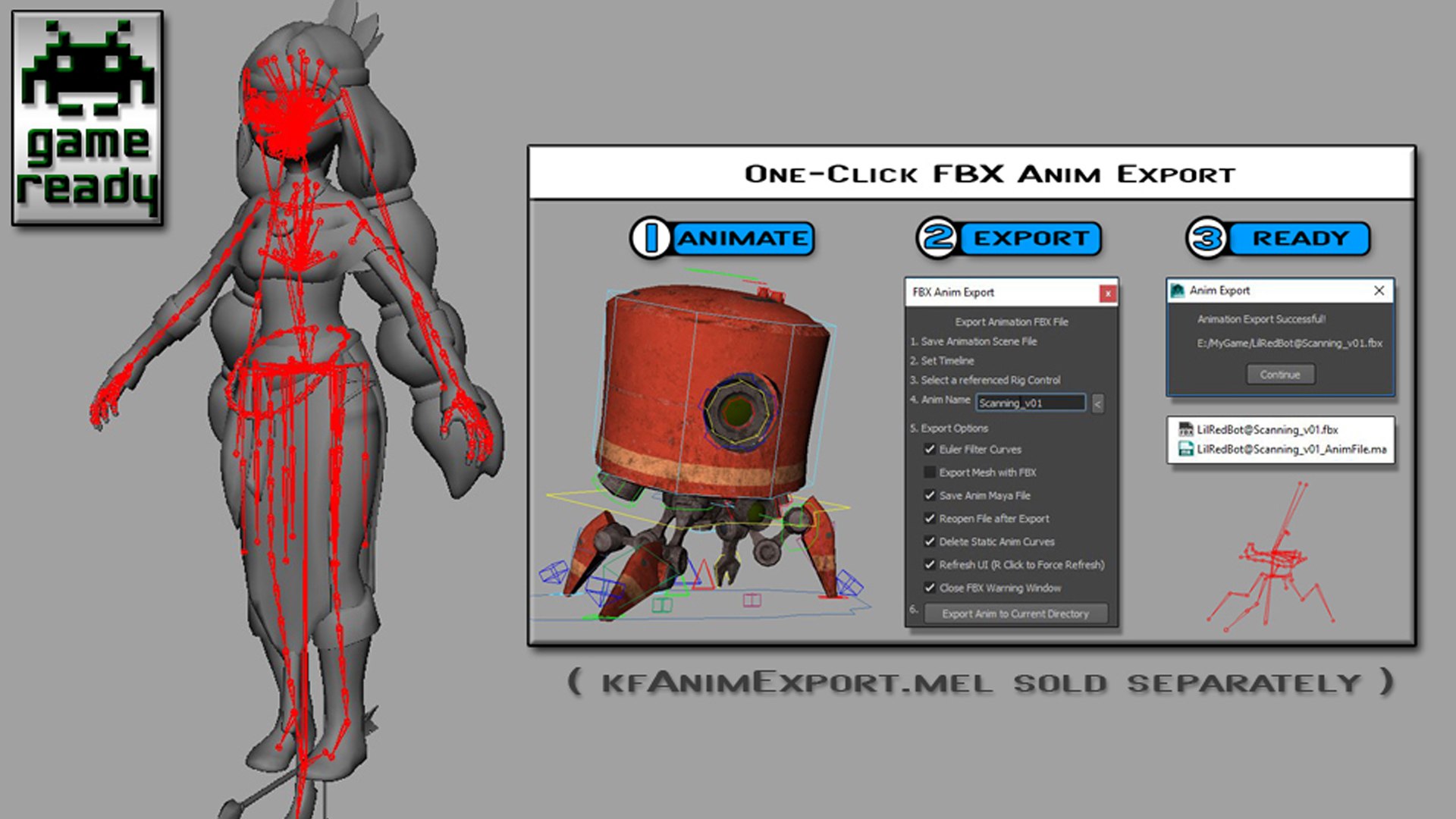
*_GameReady version contains:
-Single joint chain skeleton
-all bound meshes with max 4 skin influence
-Easy export to FBX sold separately (search for kfAnimExport.mel)

Please contact me if there are any issues.

Model by Sergei Lobodanov
Concept by Kate Fedorchuk


How to constrain the Right Hand IK to the Bow without getting a cycle loop error

1. Open the animRig_Meli.ma file (or the game ready one if you're using that)
2. Run the following 2 MEL lines in a MEL tab in the script editor

setAttr "rig_Bow_R_HandAdjust_parentConstraint1.nodeState" 1;
setAttr "CTRL_PropC_R_Hand_DrivenAdjust_parentConstraint1.nodeState" 1;

3. Save the rig file as animRig_Meli_RHand.ma (or whatever you like)
4. Now you can constrain the right hand to the Bow without getting a cycle loop

Select Enhanced License

  • $10,000 in Legal Protection (Indemnification)
  • Uncapped Legal Protection (Indemnification)
  • Waiver from injunctive relief
  • Assignable model rights
  • $1,000,000 in Legal Protection (Indemnification)
  • Waiver from injunctive relief
  • Assignable model rights
  • $250,000 in Legal Protection (Indemnification)
  • Assignable model rights
Read more about enhanced license tiers, or contact us at enterprise@turbosquid.com. Already a Shutterstock Enterprise Customer? Contact your Shutterstock Sales Support Agent to talk about adding 3D.

About Conversion Requests

To submit a conversion request for a purchased asset, please complete our Conversion Request Form.

If you have not yet purchased a model, please review our Documentation about Conversions to learn about what limitations you may encounter with a conversion.

For any additional questions about a model’s suitability for conversion, please contact TurboSquid Support.

Loading...