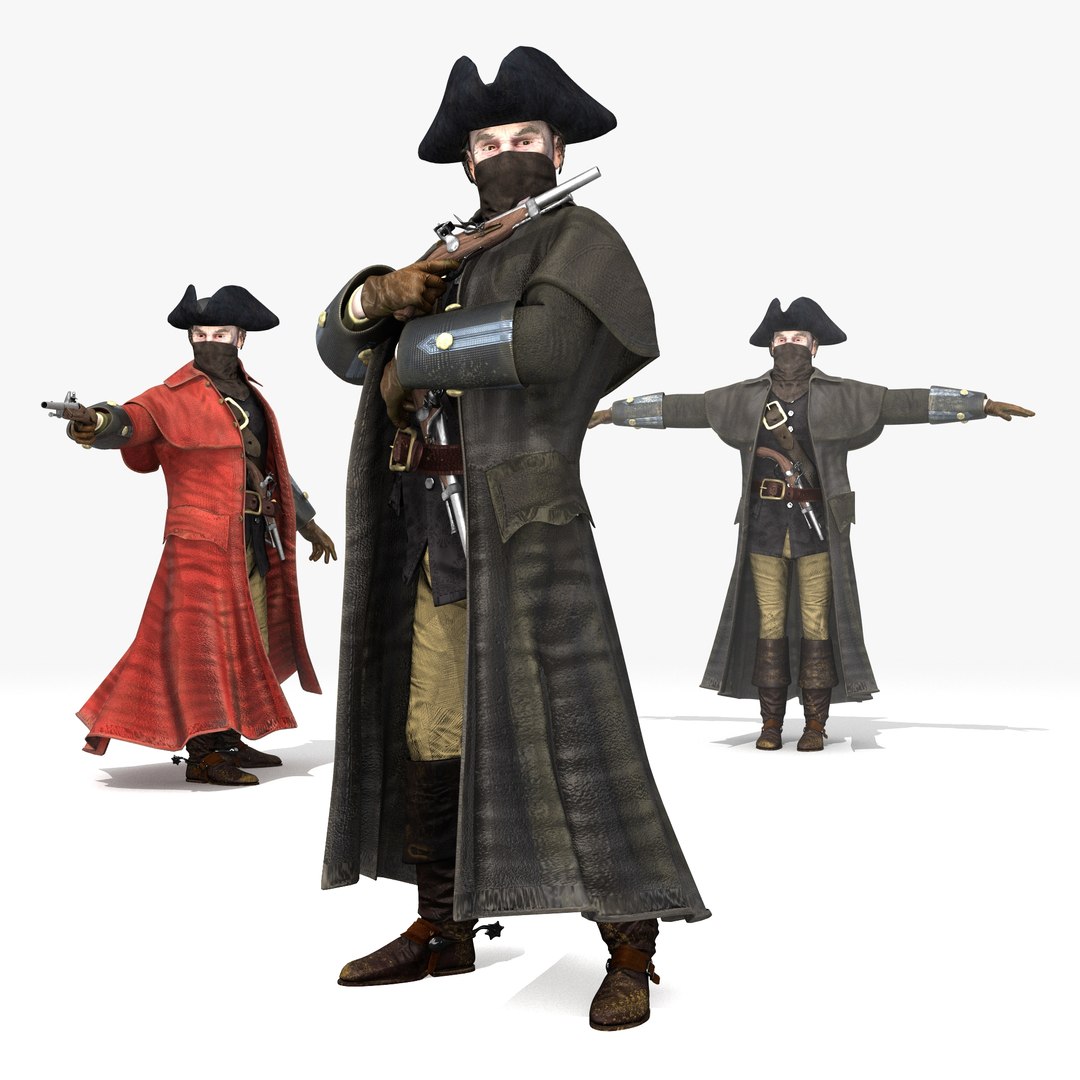
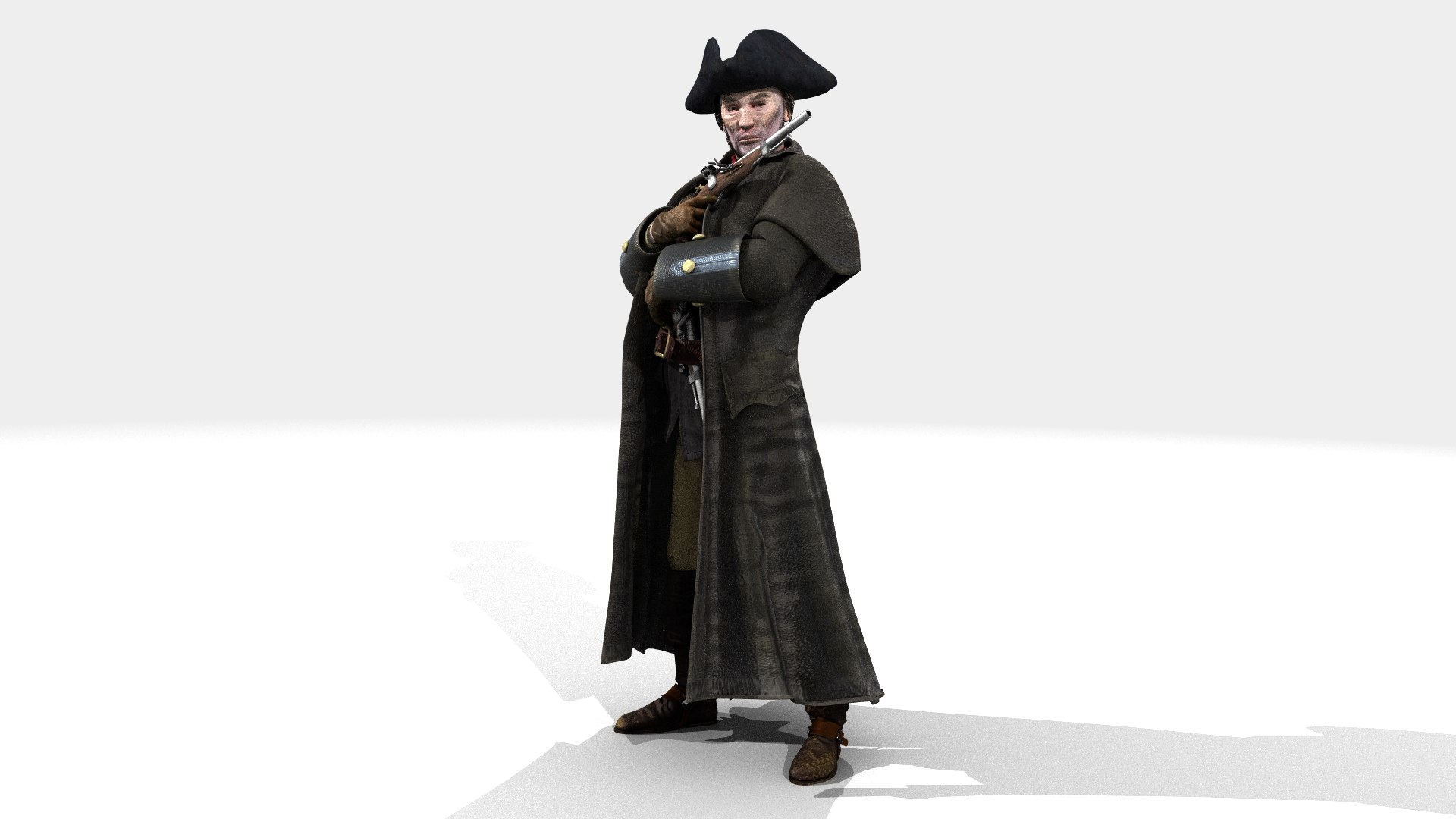
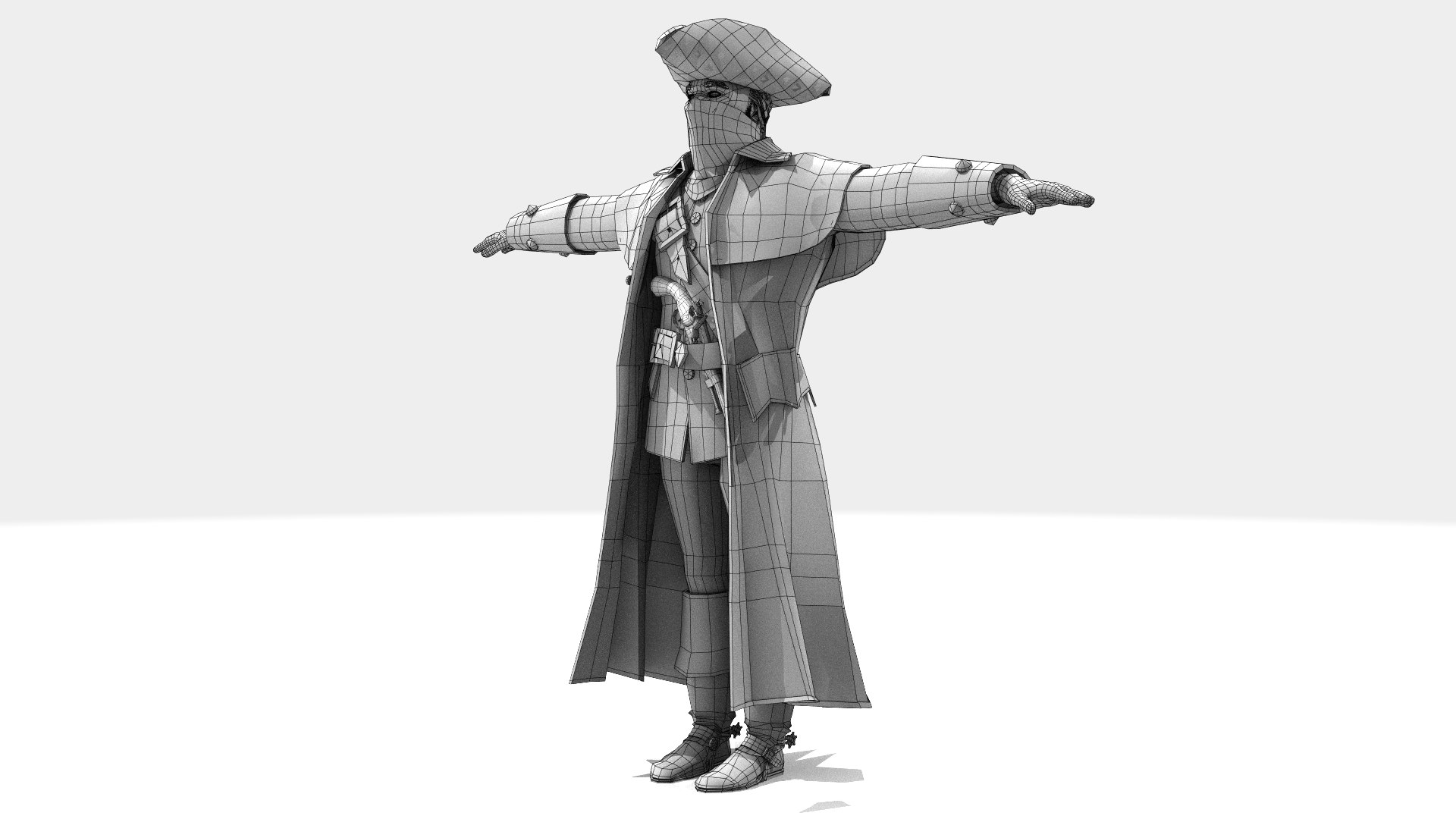
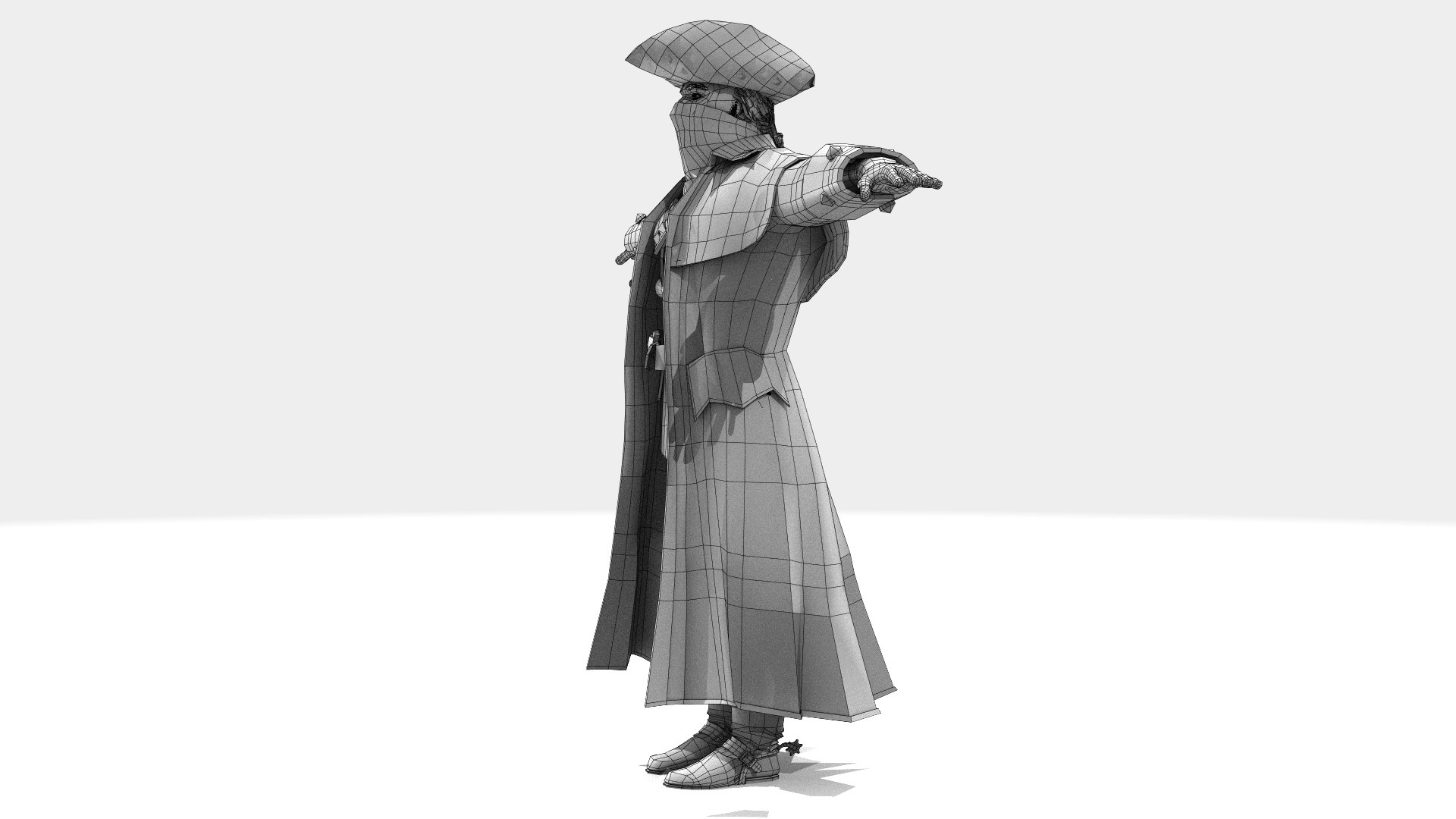
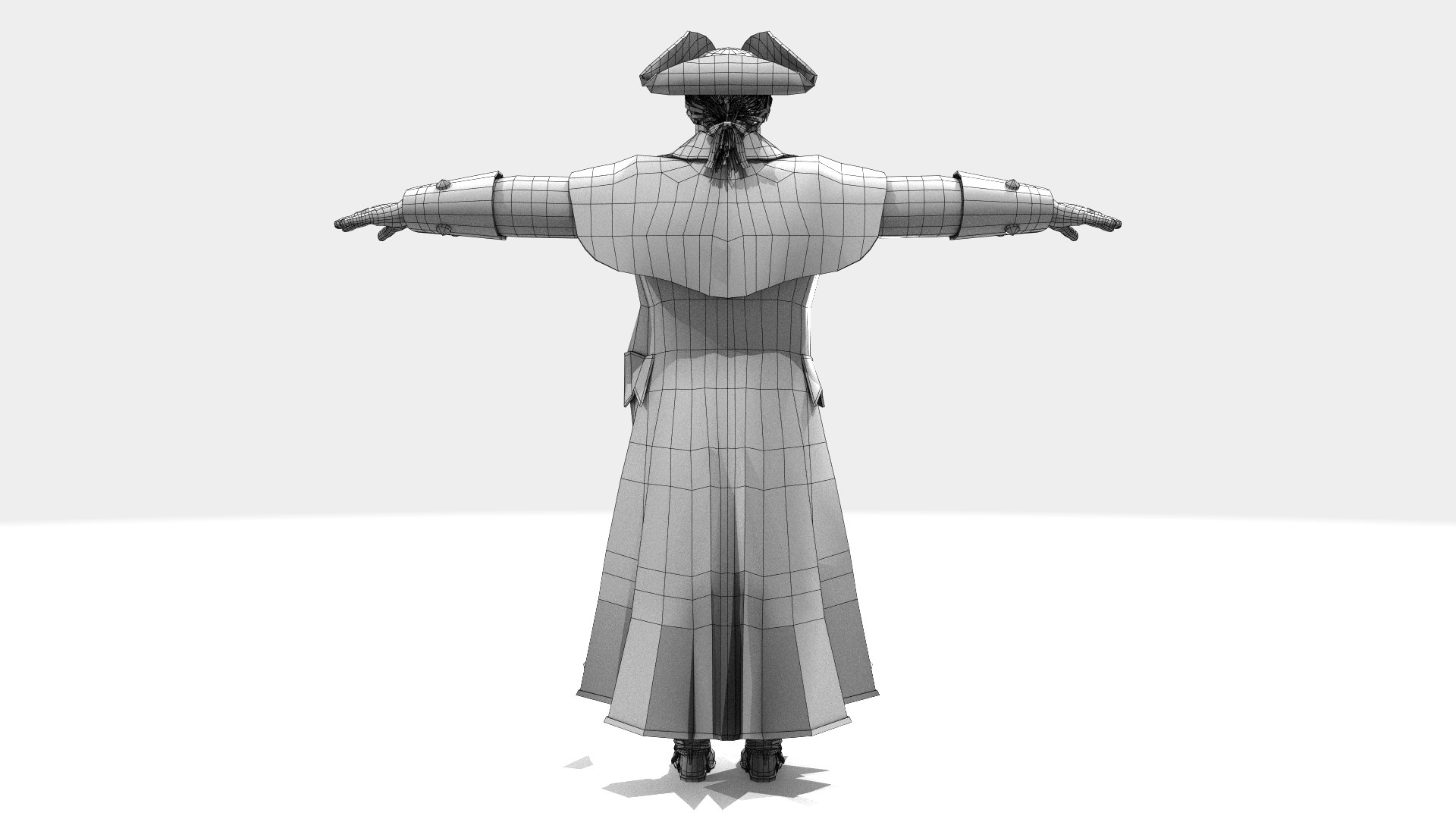
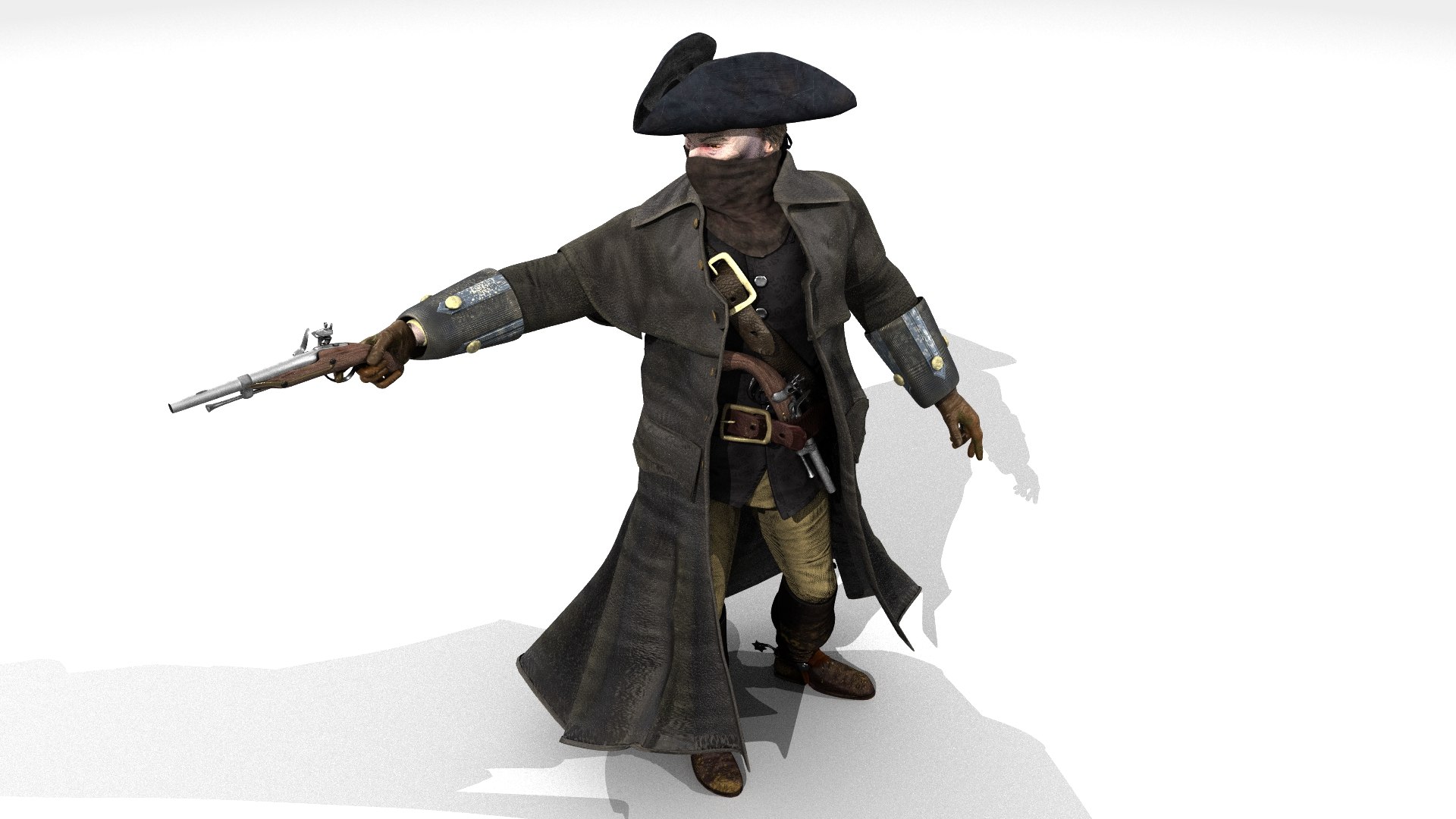
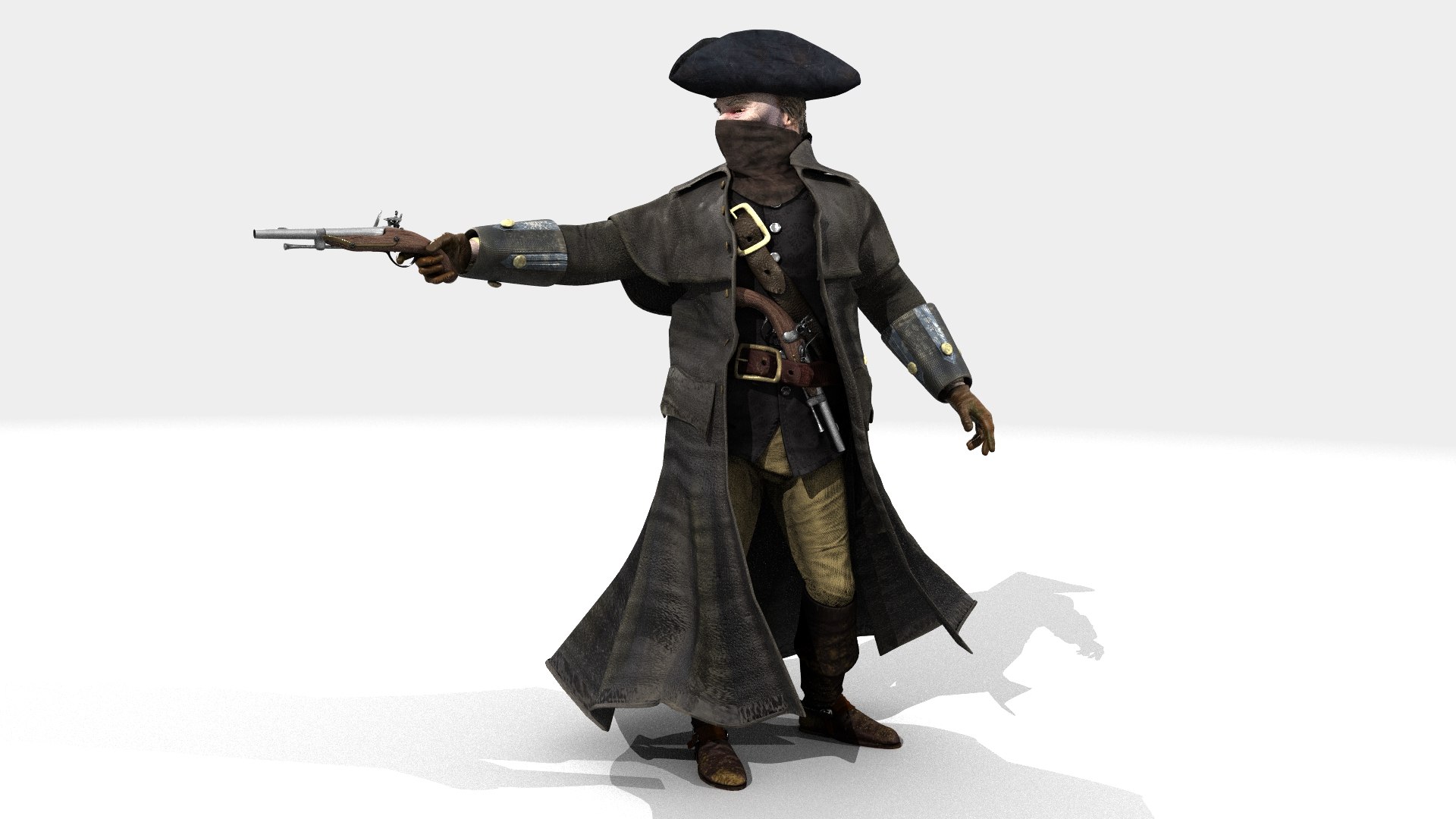
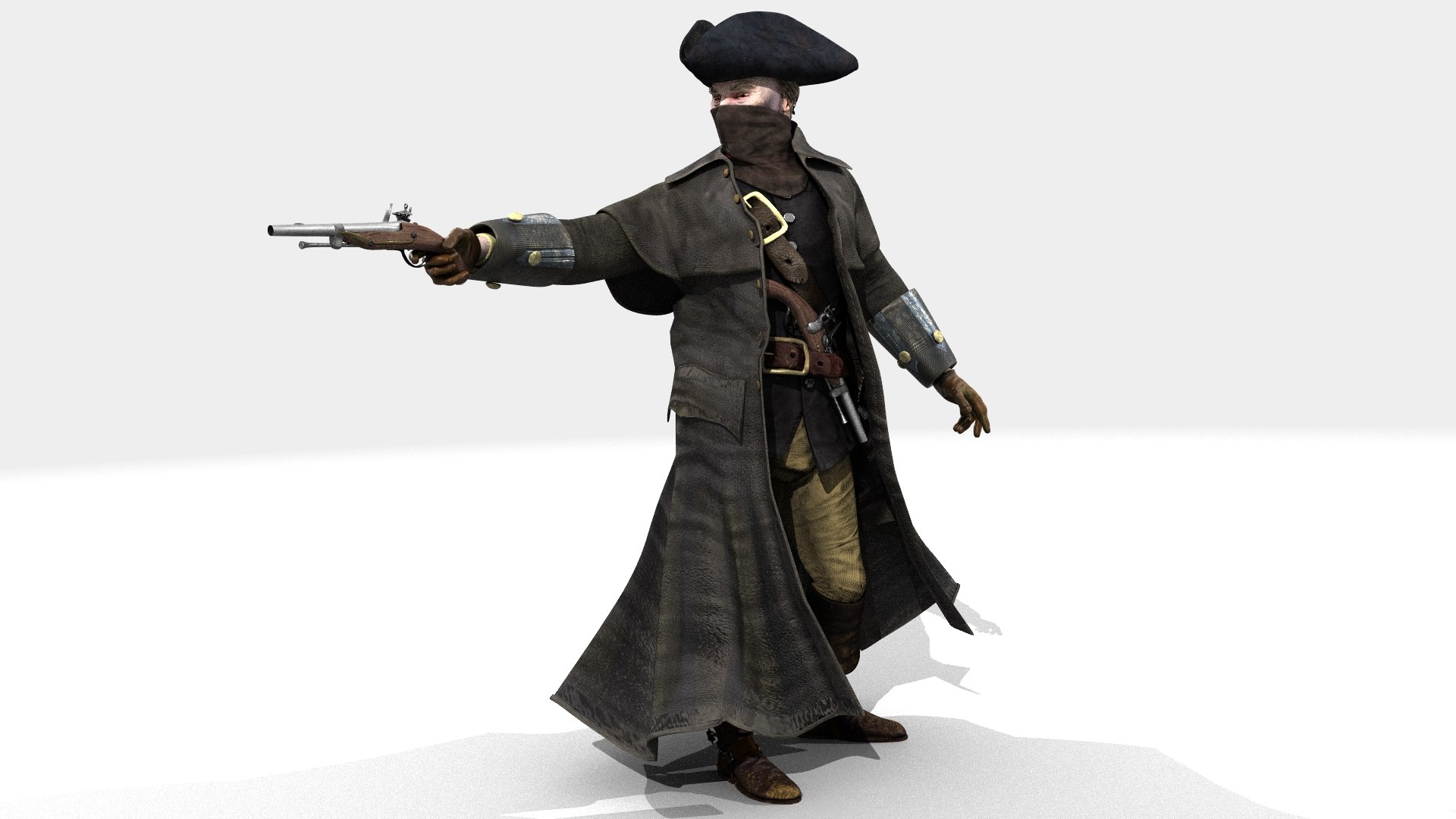
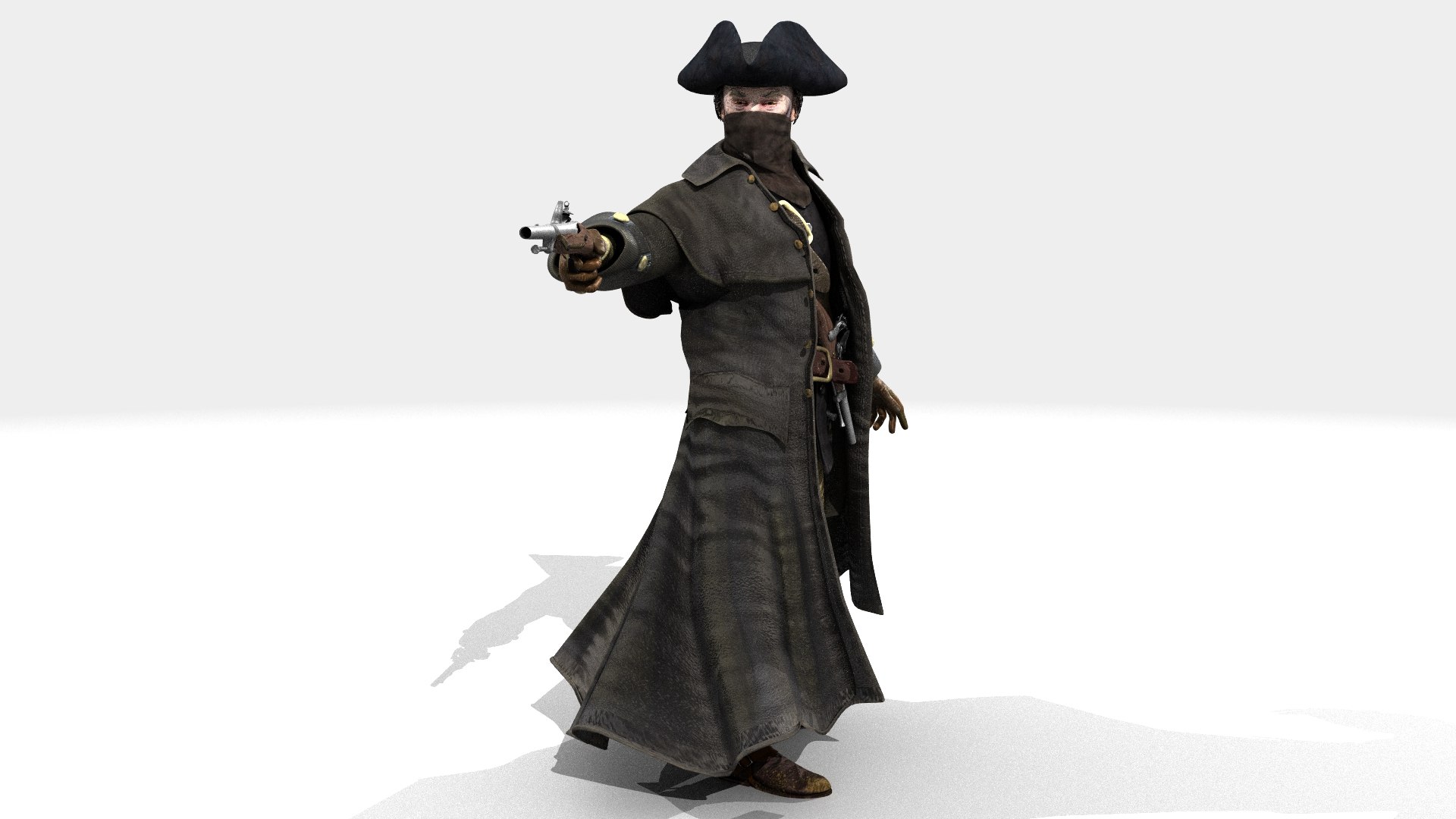
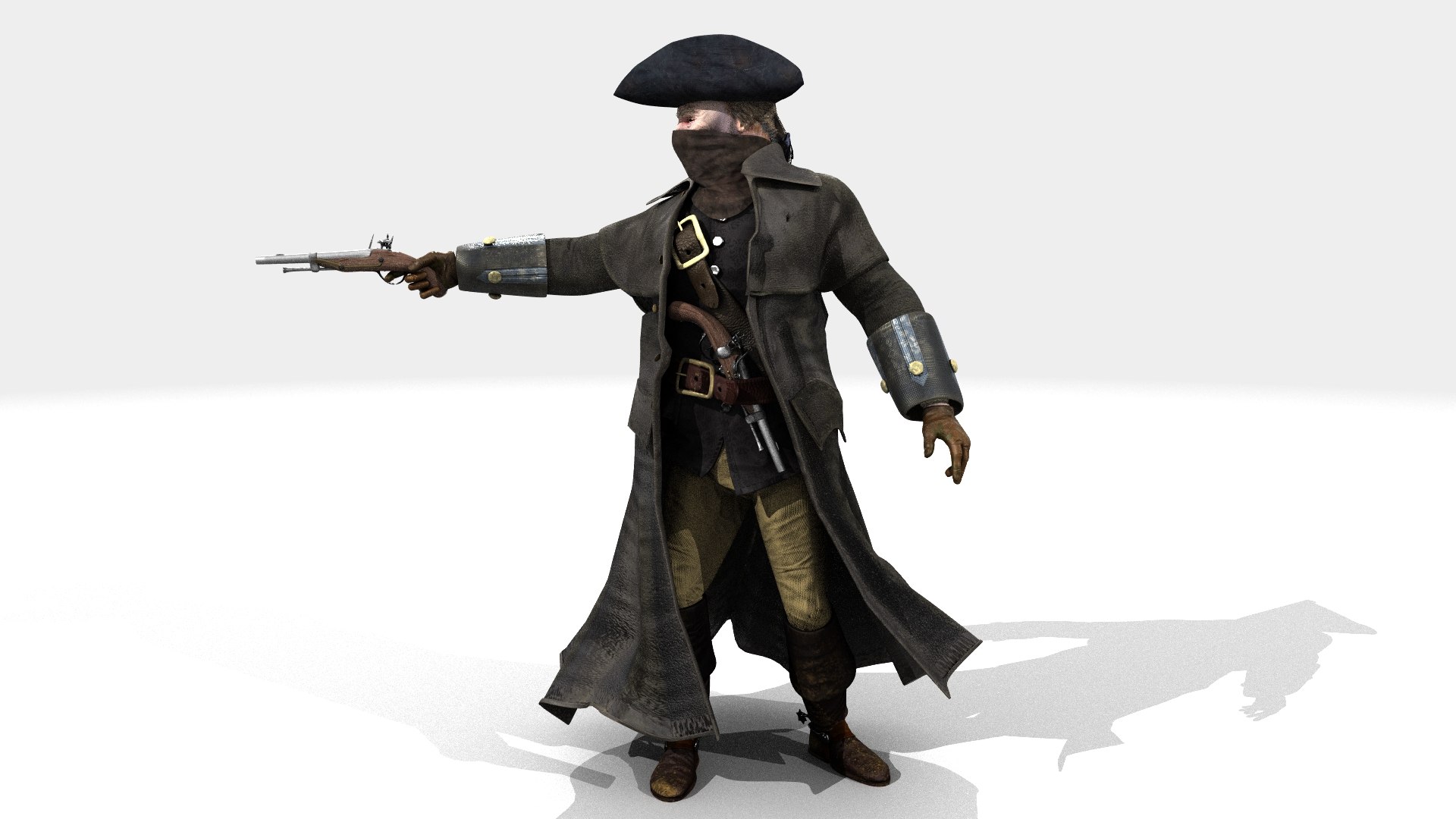
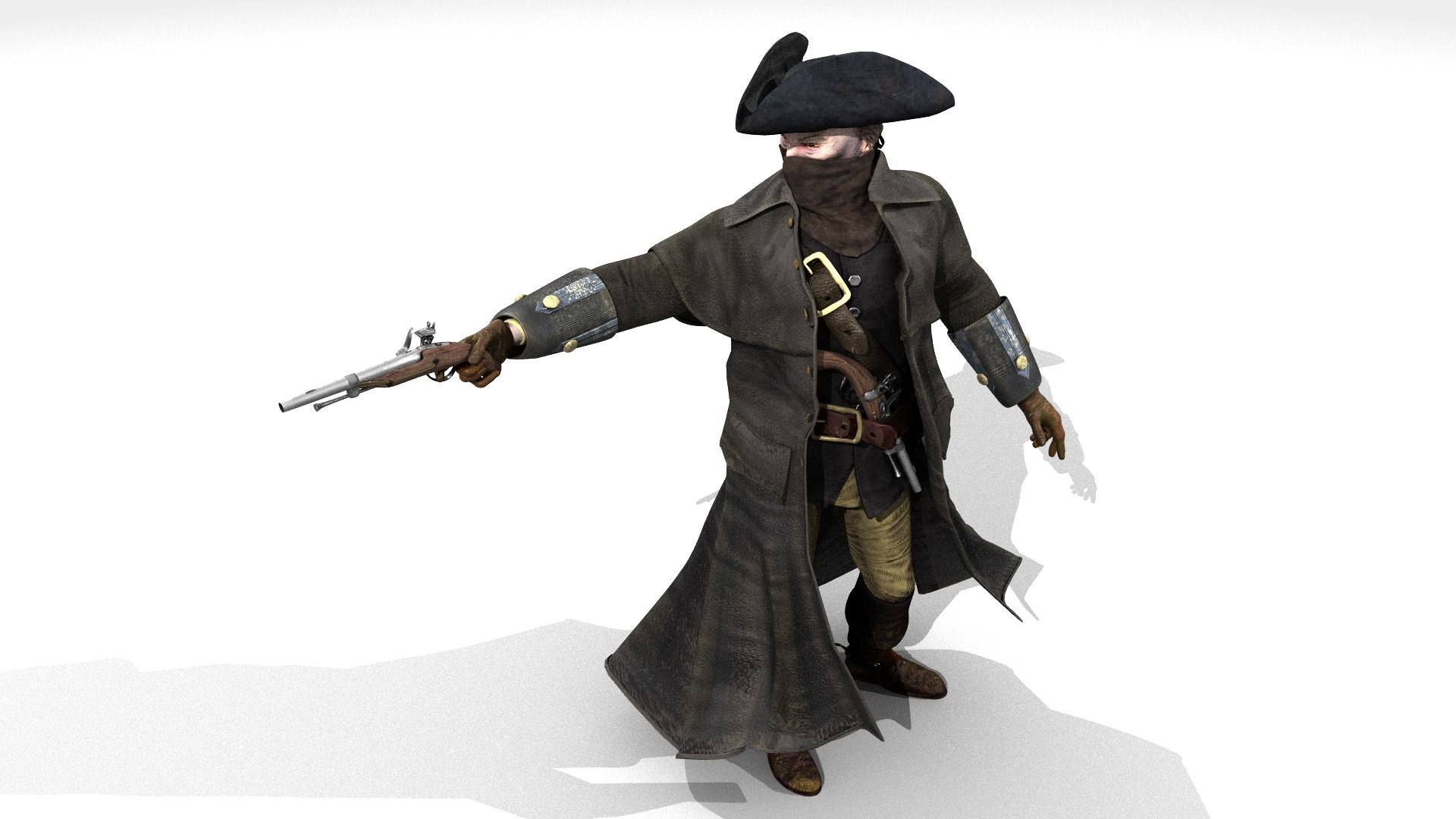
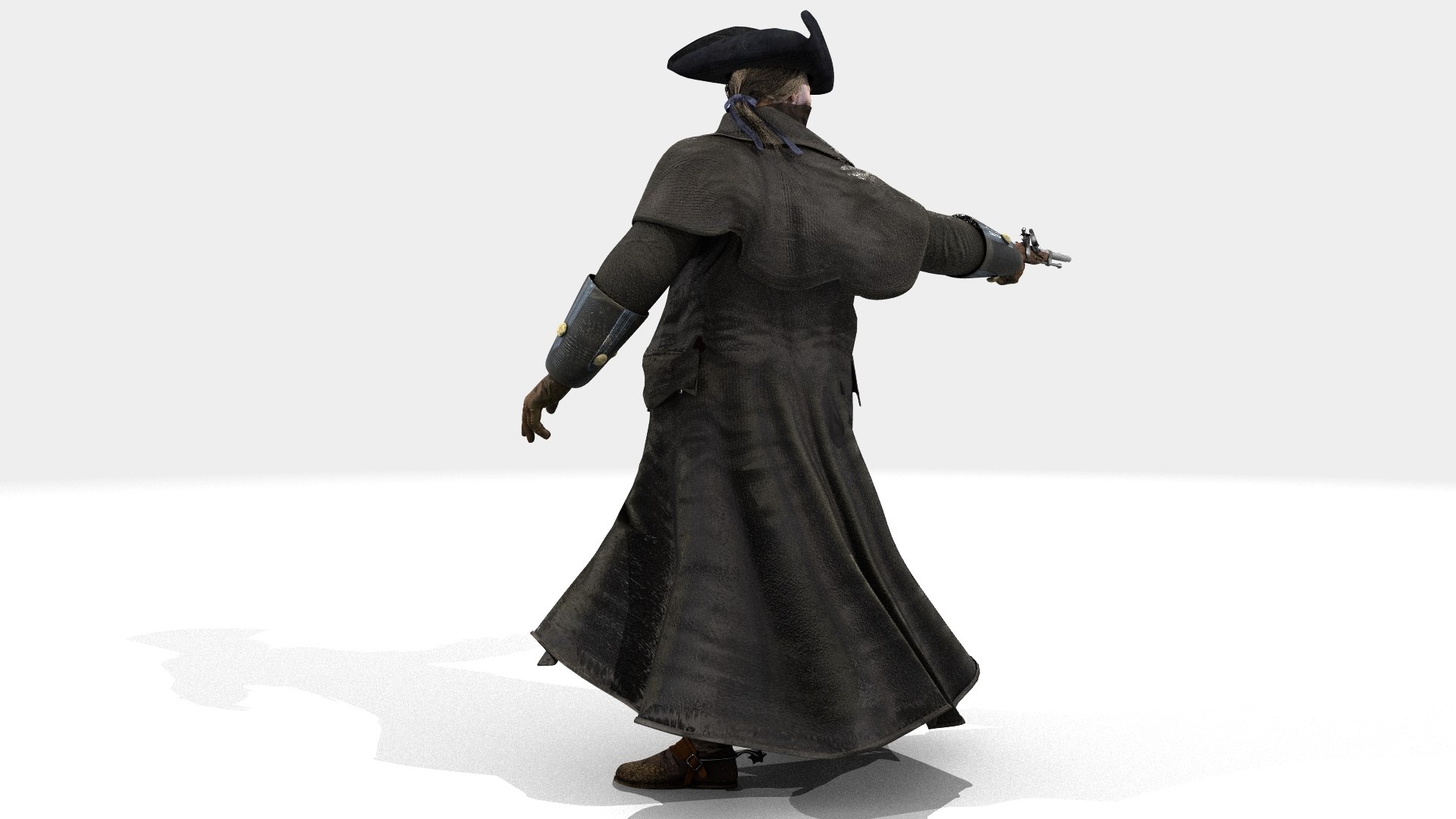
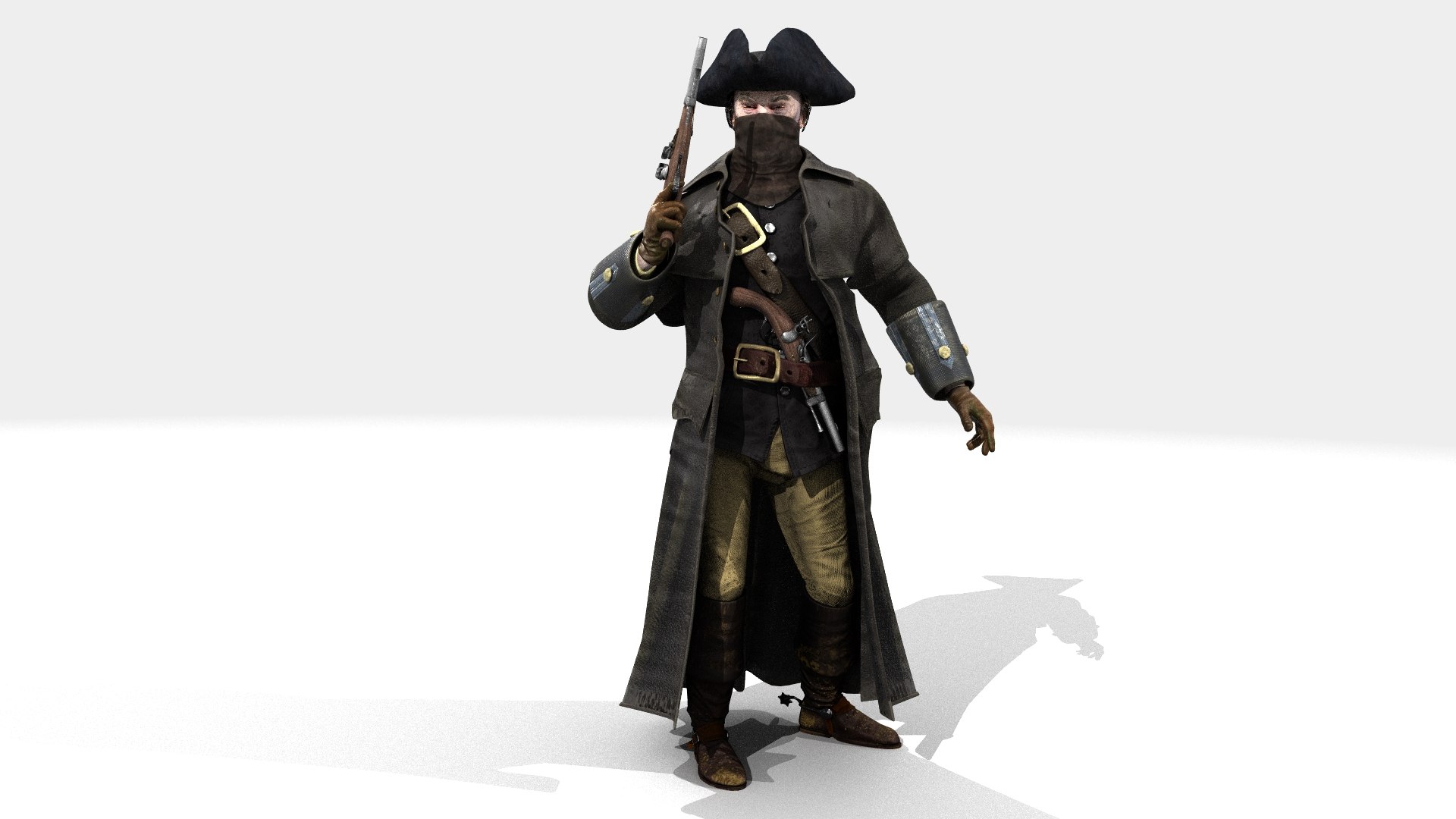
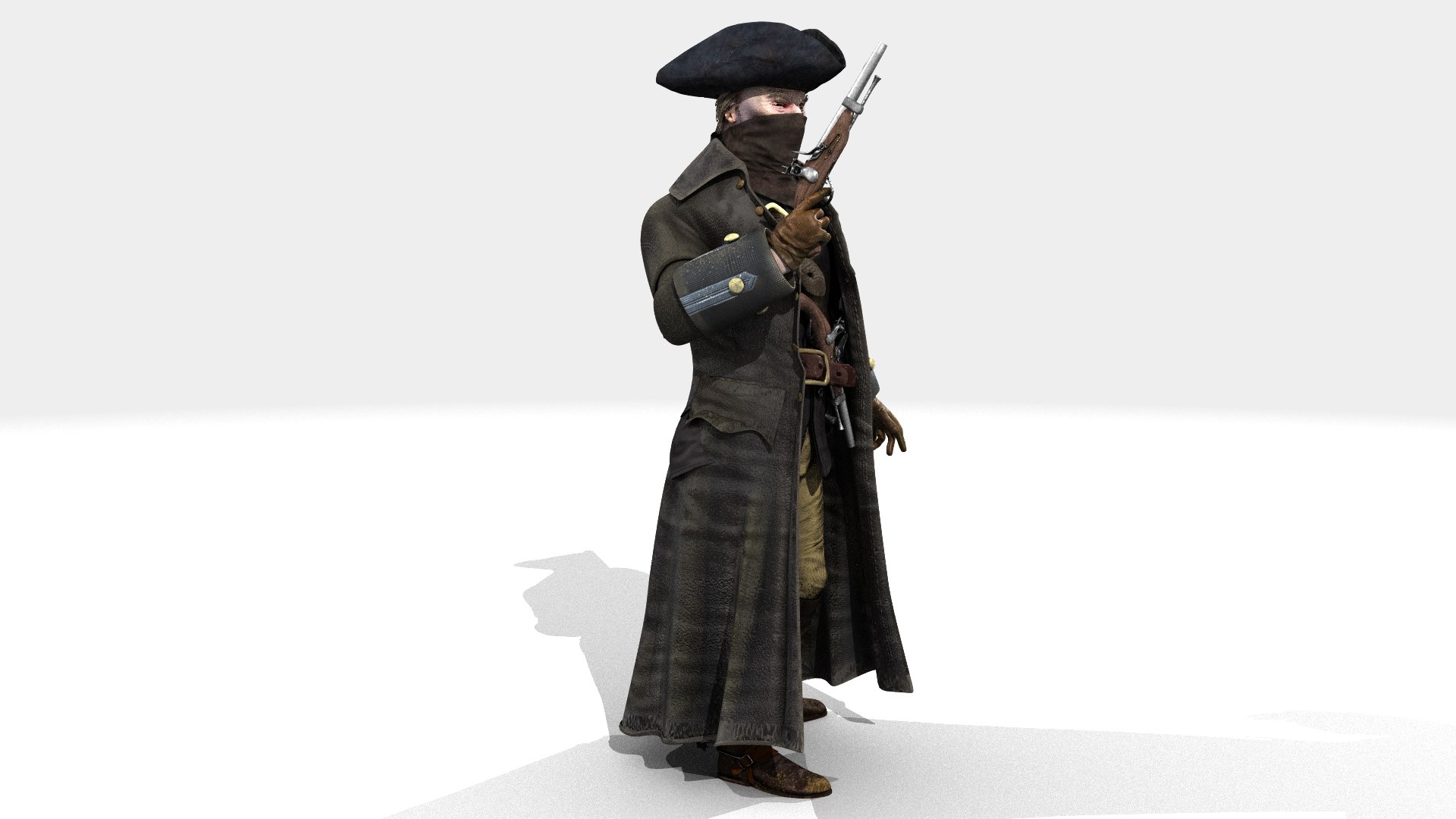
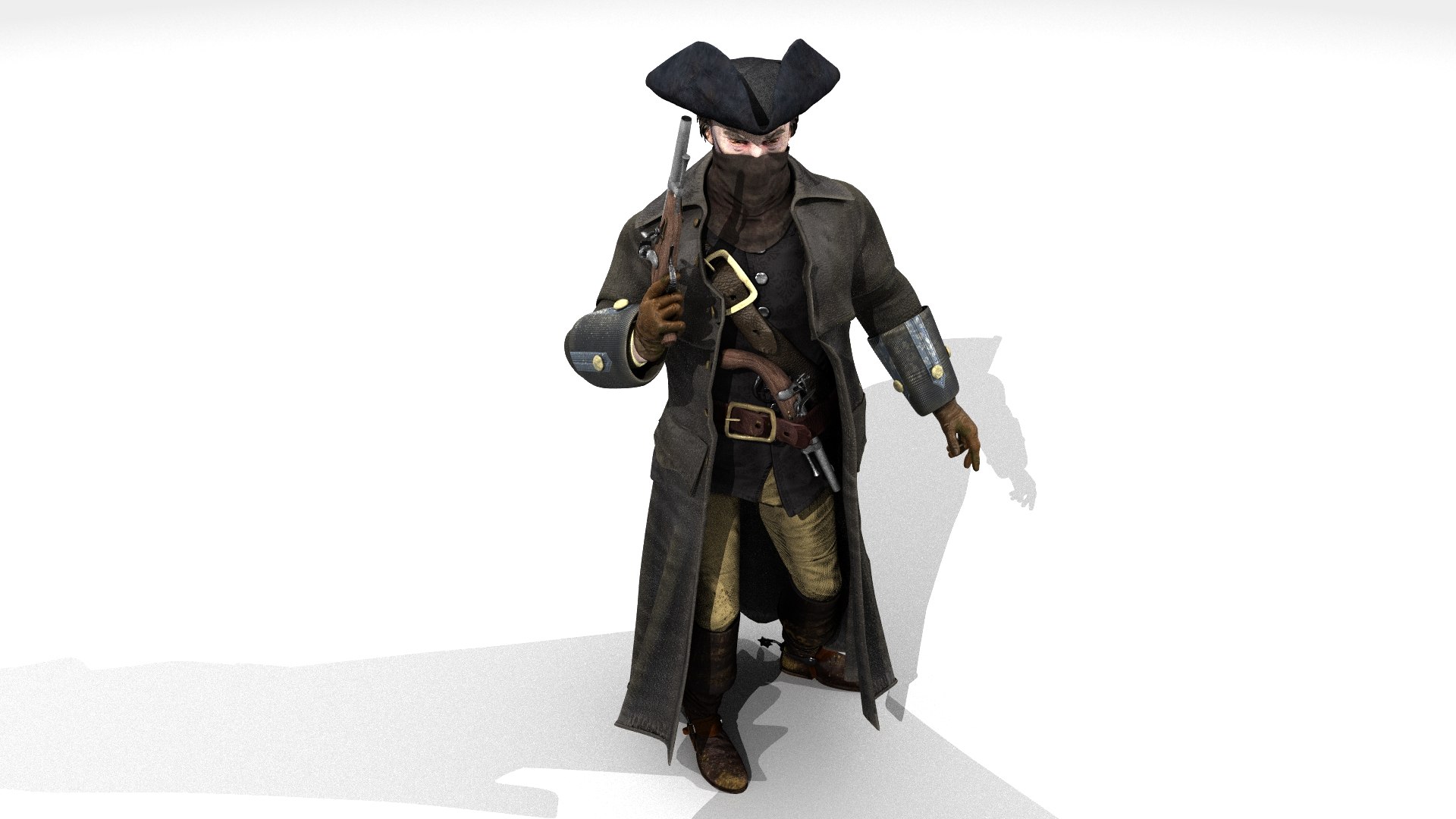
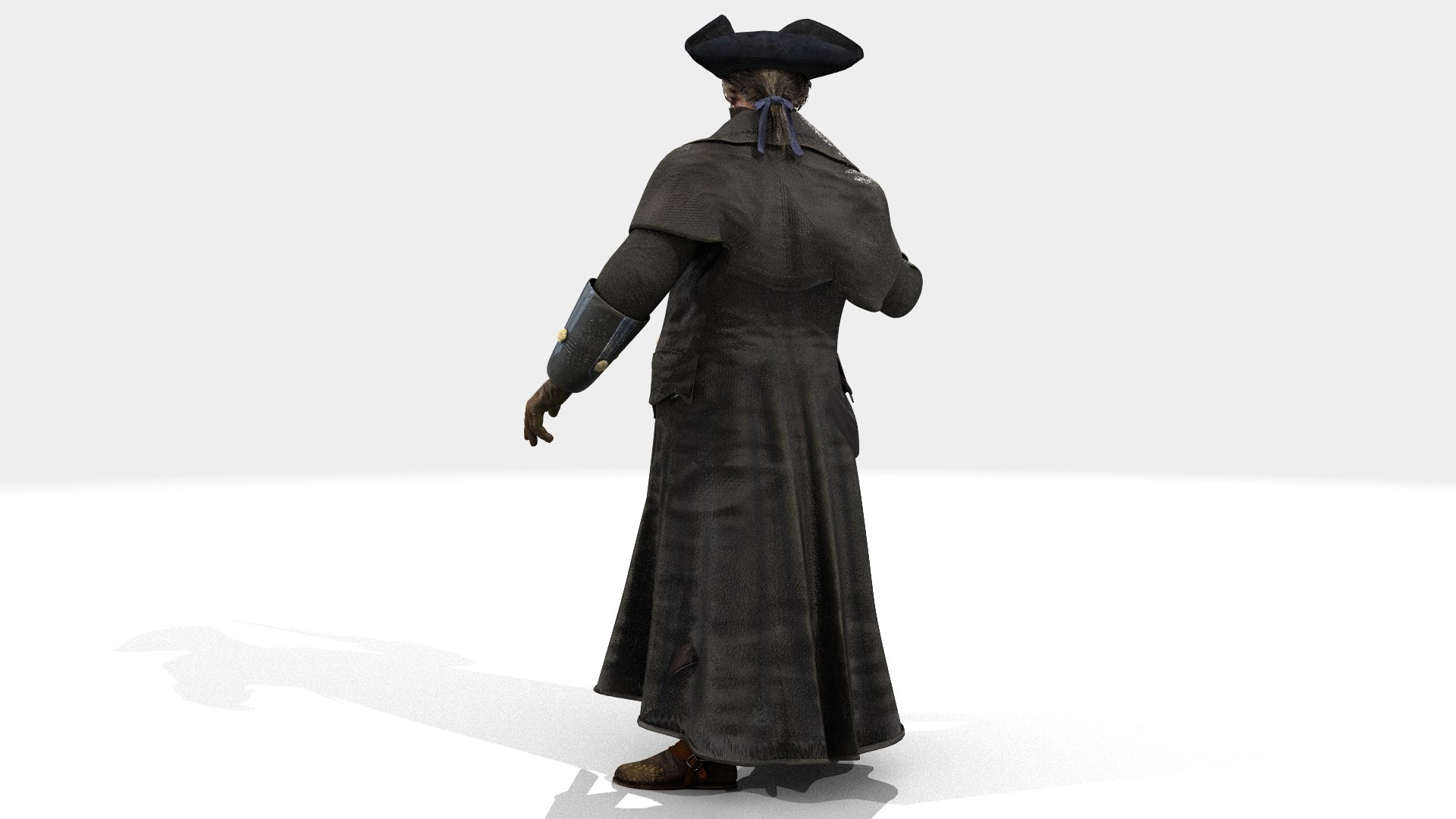
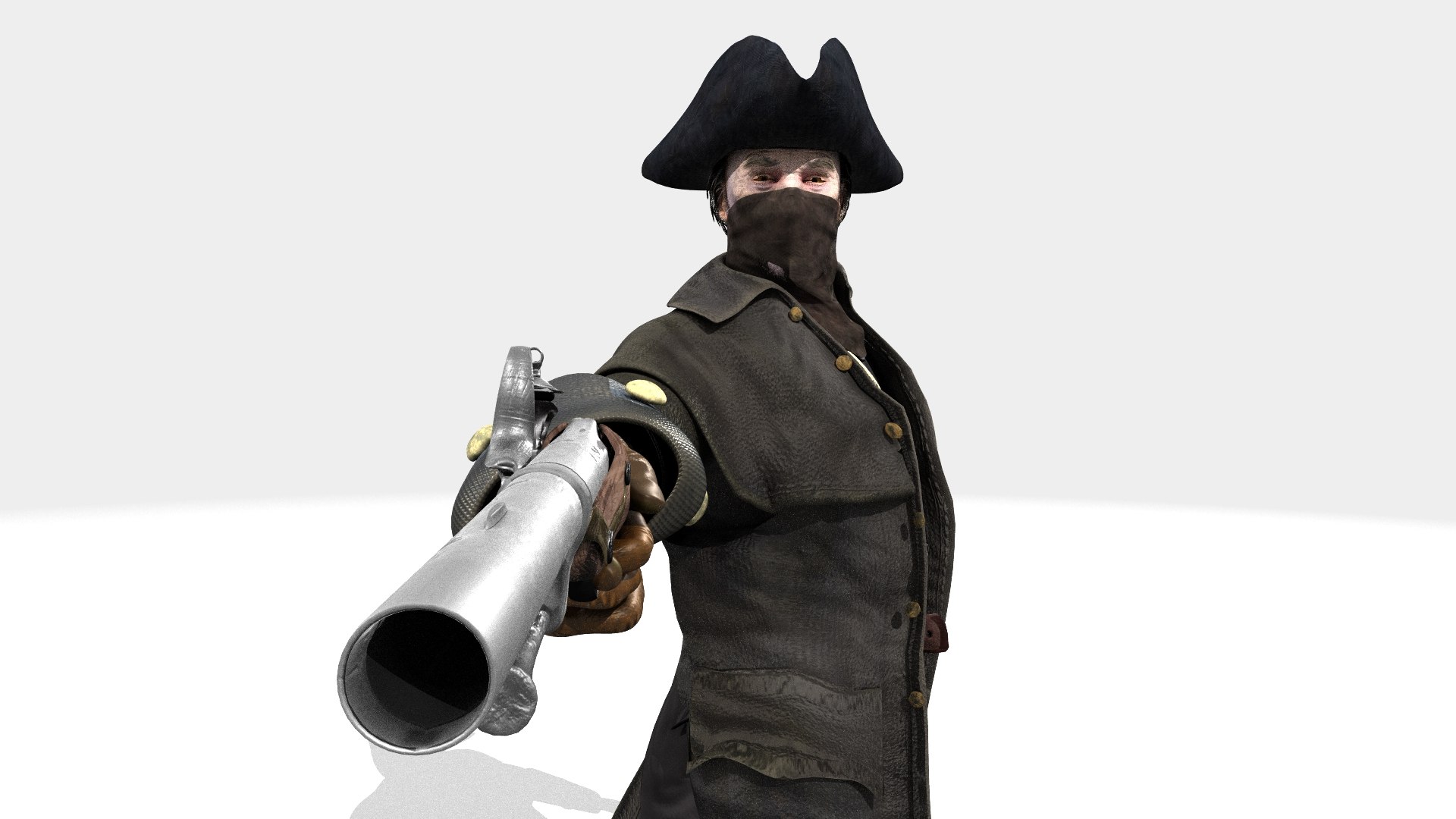
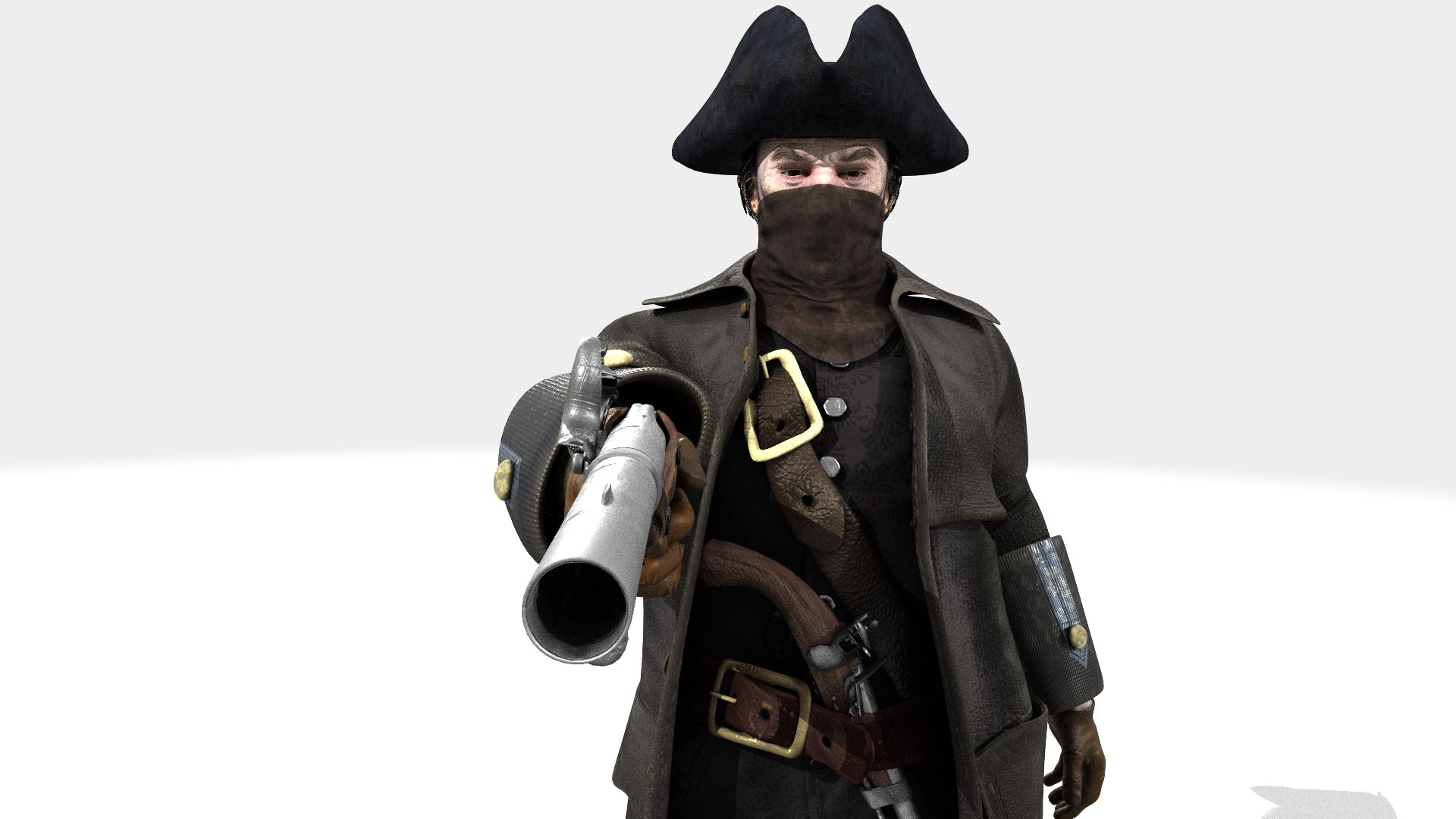
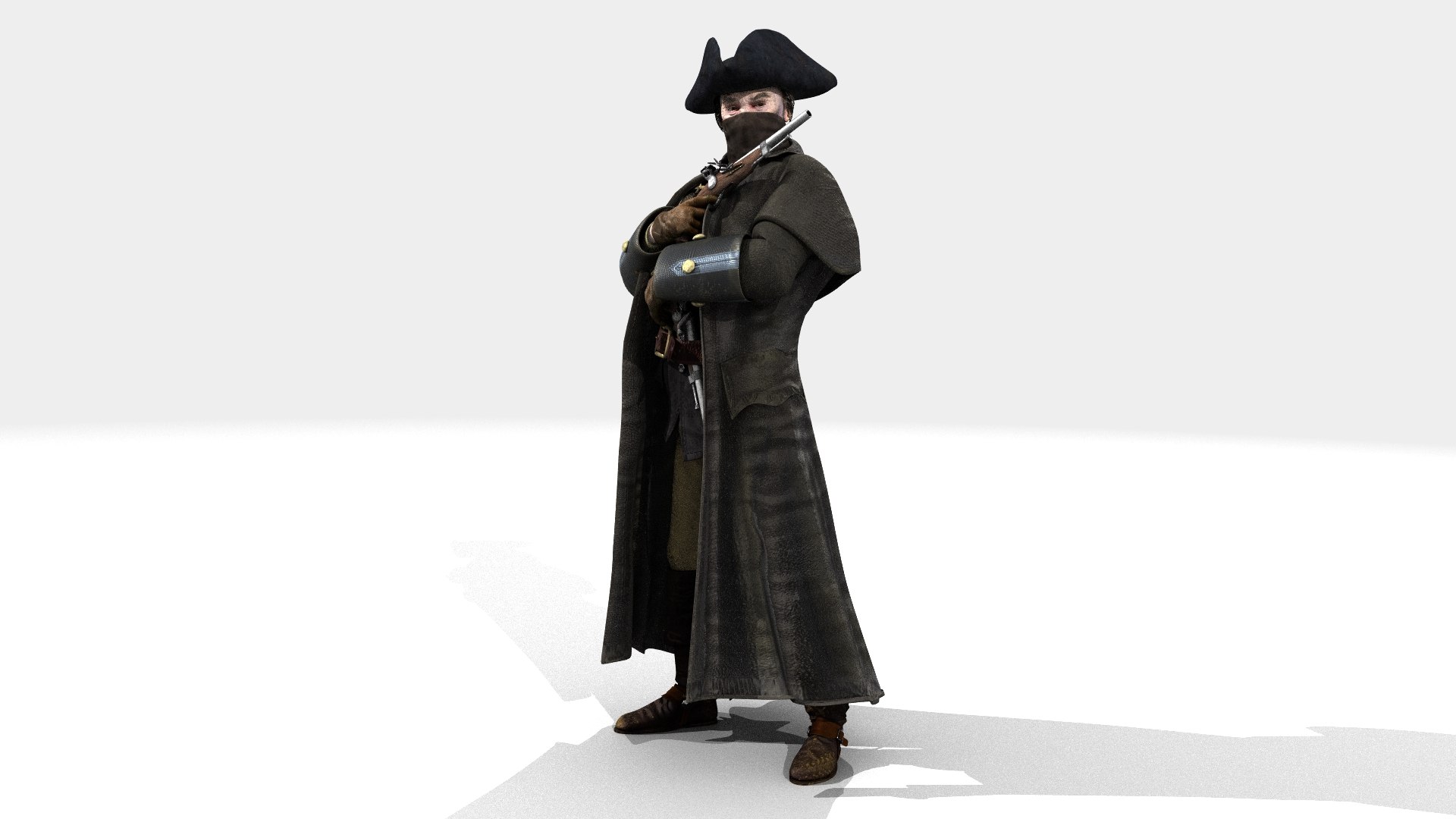
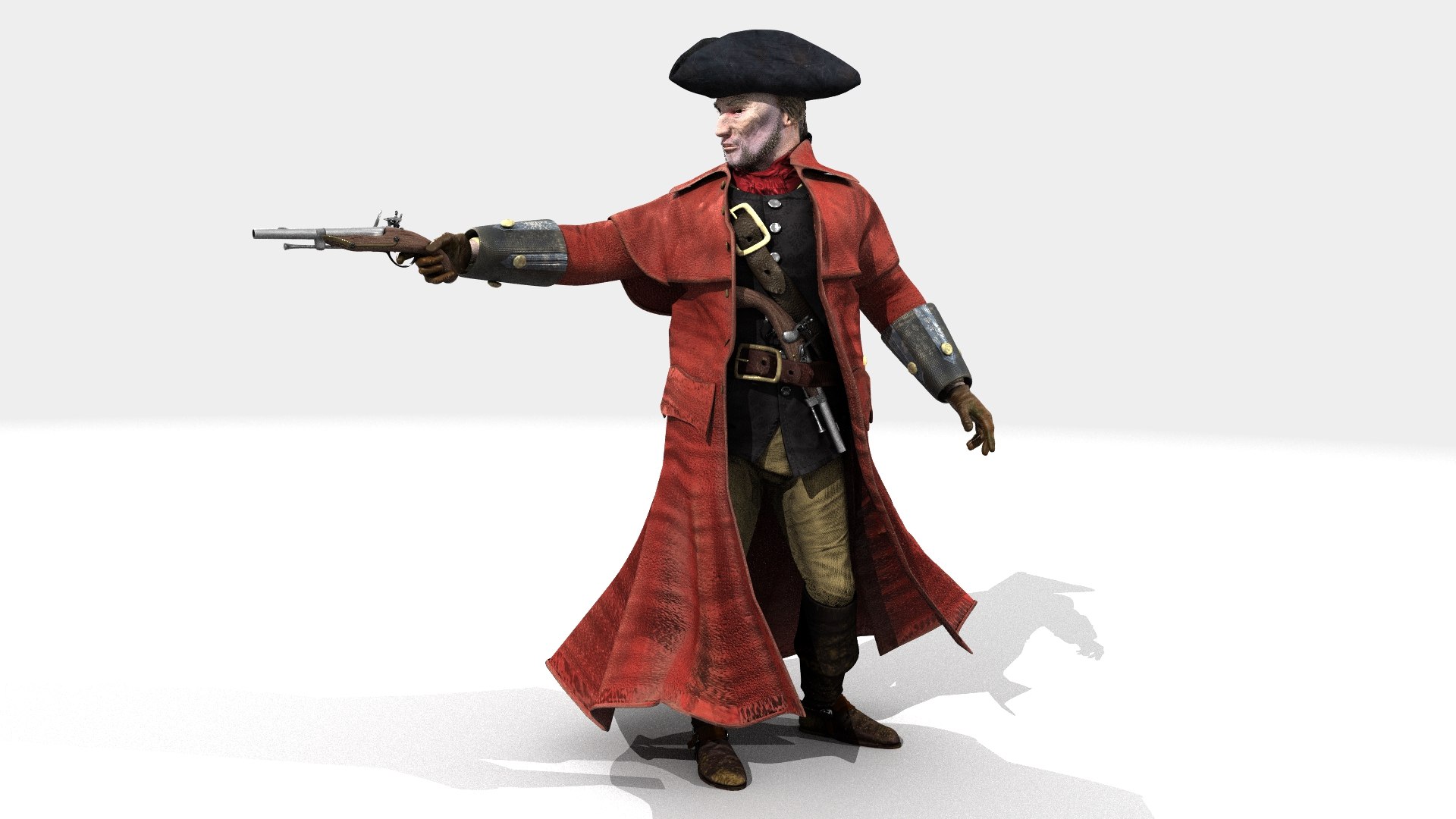
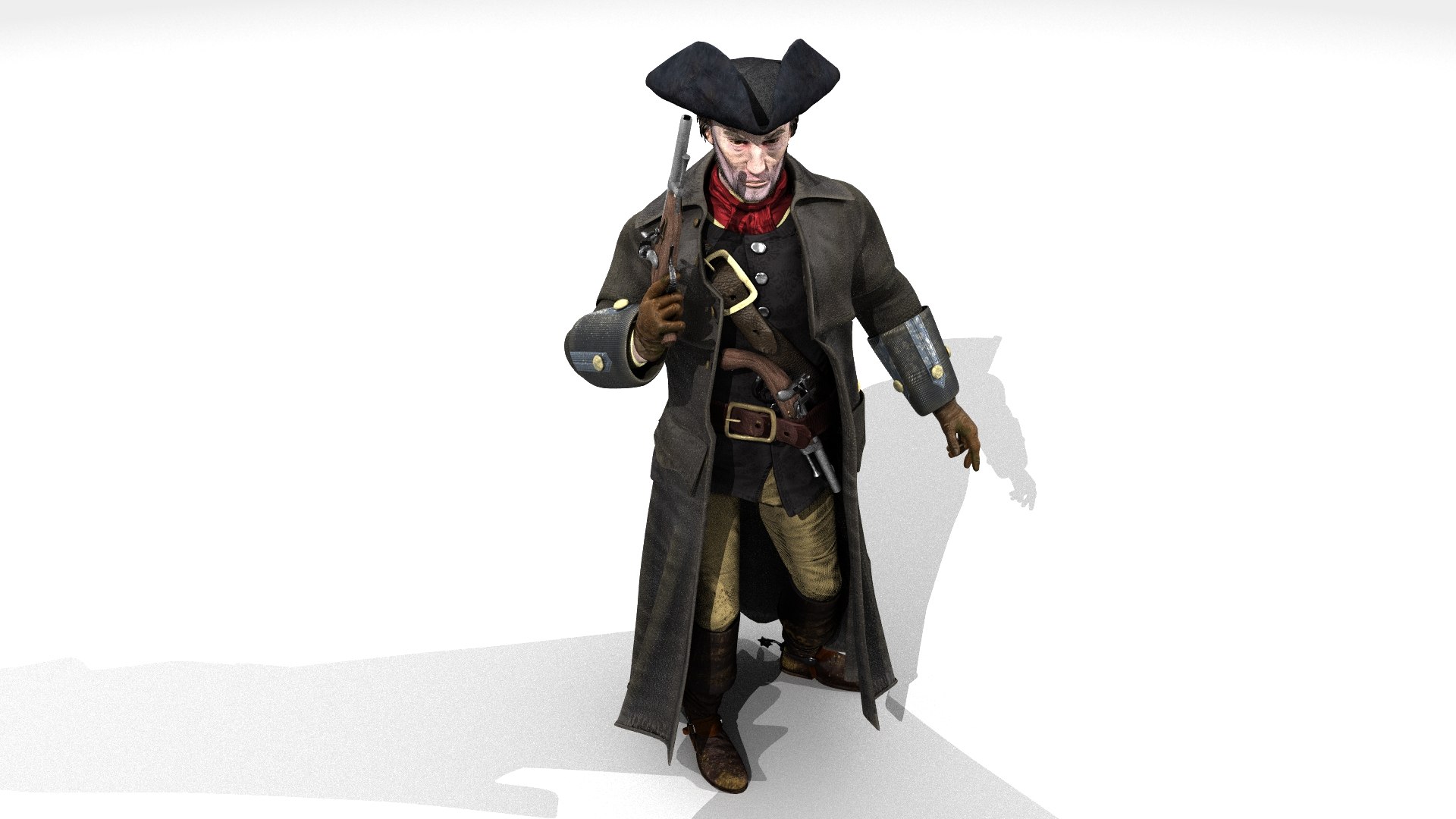
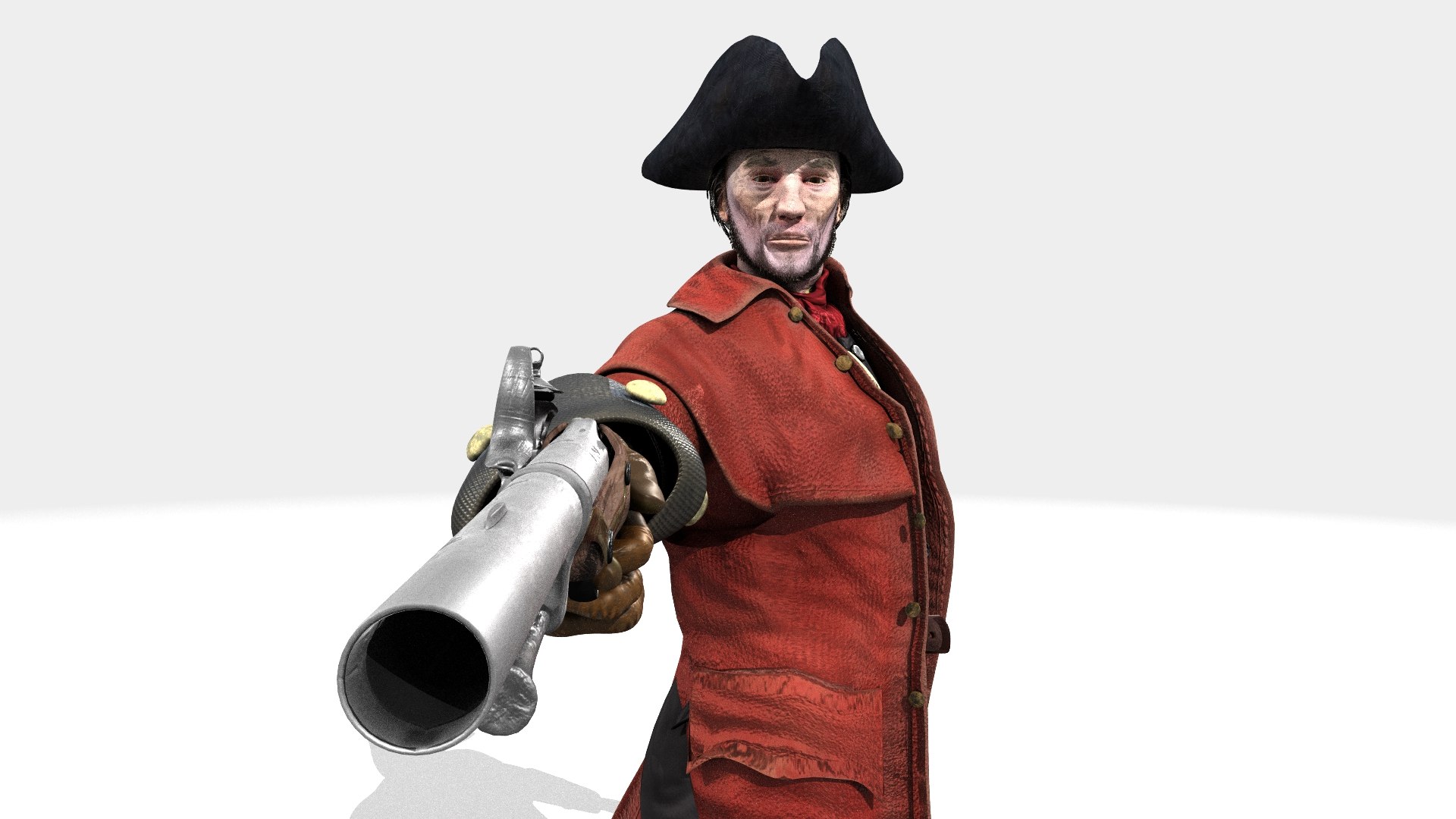
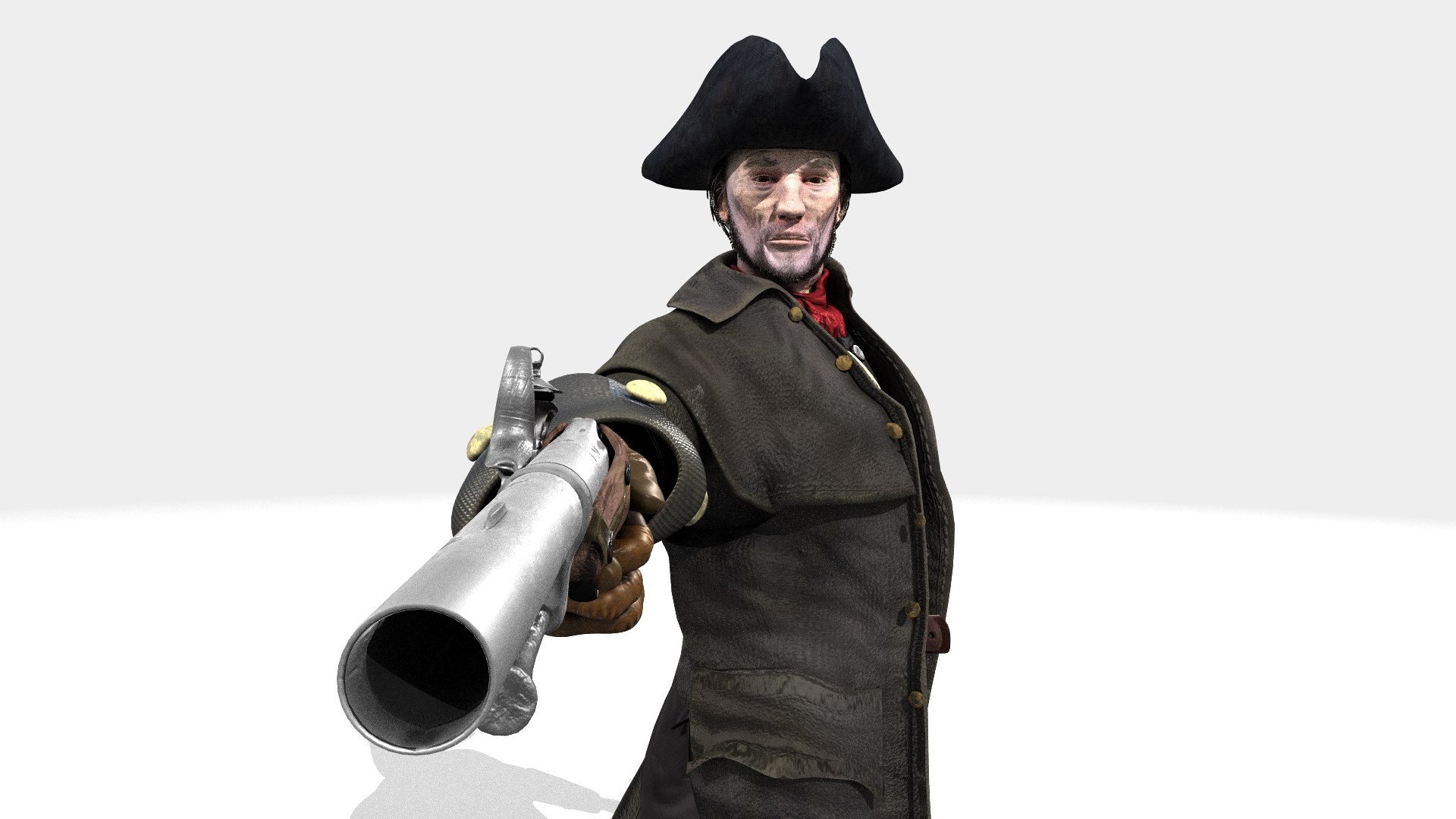
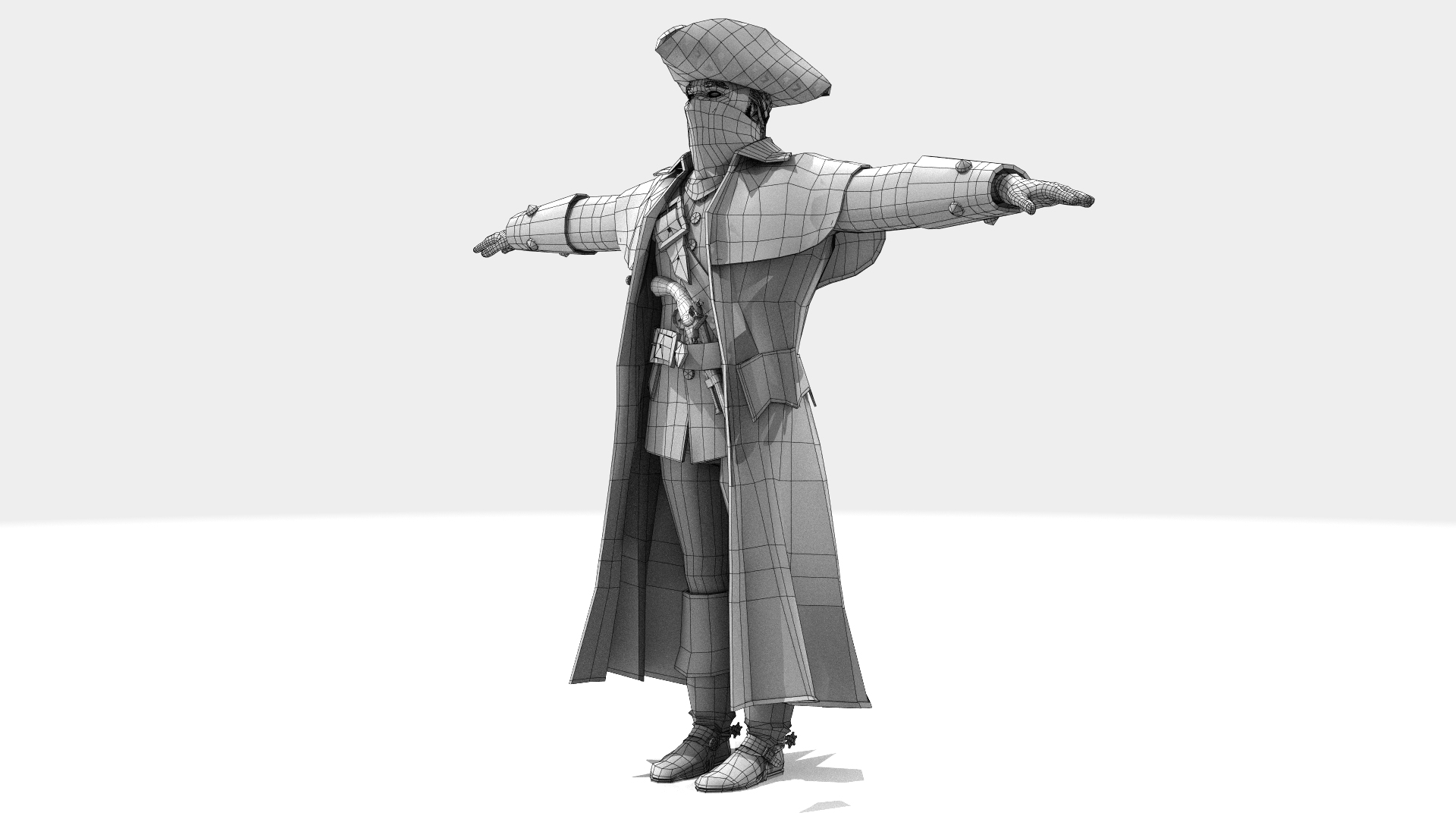
Man WITH HAIR CARDS: 35,574 polys
WITHOUT HAIR CARDS: 21,144 polys
This model comes with several pre-animated scenes to get you started:
HIWYMan_ANIM_001b - Maskless
HIWYMan_ANIM_001b-RED-Maskless
HIWYMan_ANIM_Walk_Cycle
HIWYMan_ANIM_Walk_Long-1
HIWYMan_Turn-Aim-ANIM_001a
HIWYMan_ZERO_Maskless
HIWYMan_ZERO
- HIWYMan_ZERO - Is the basic non animated - rigged scene
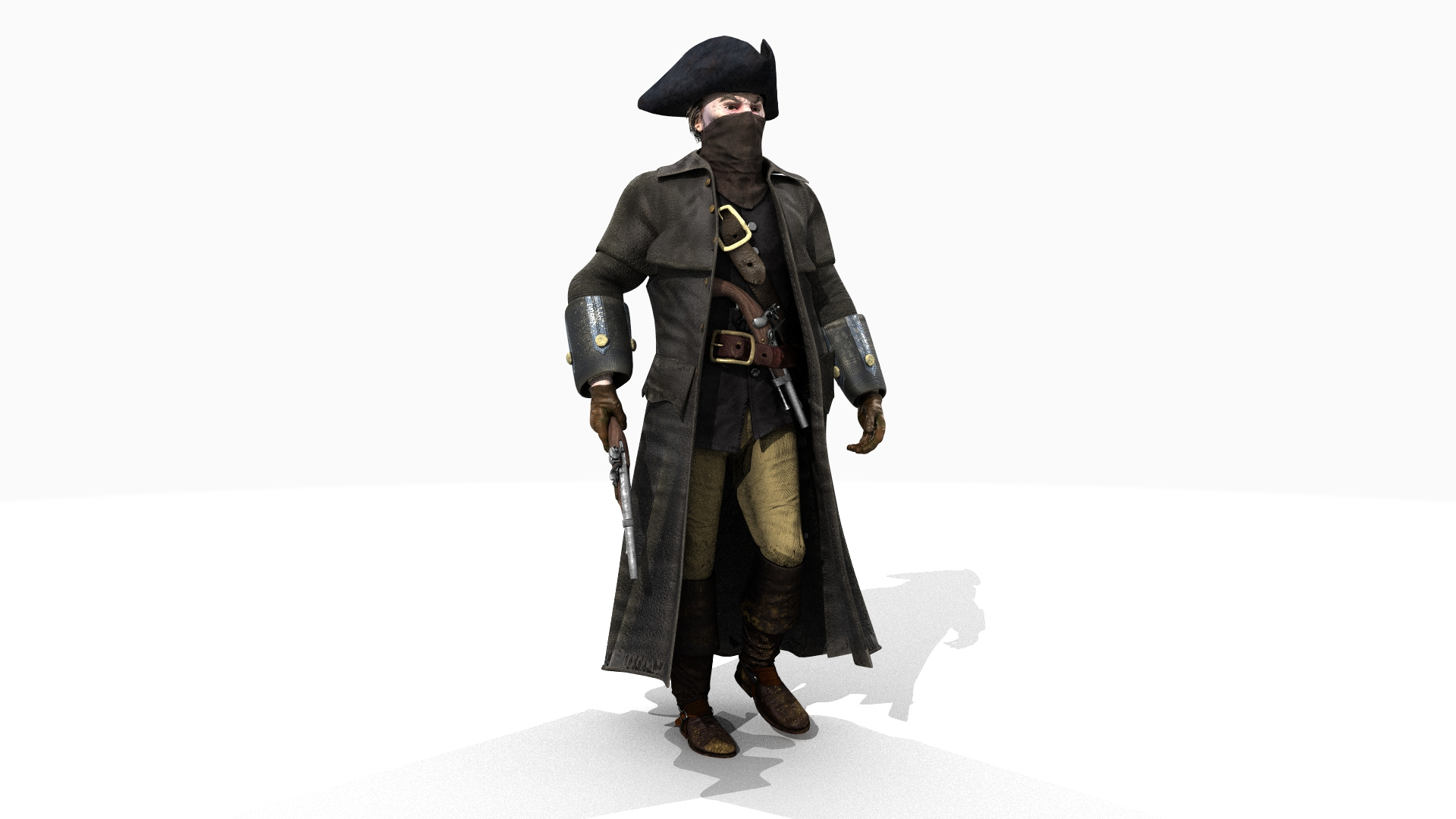
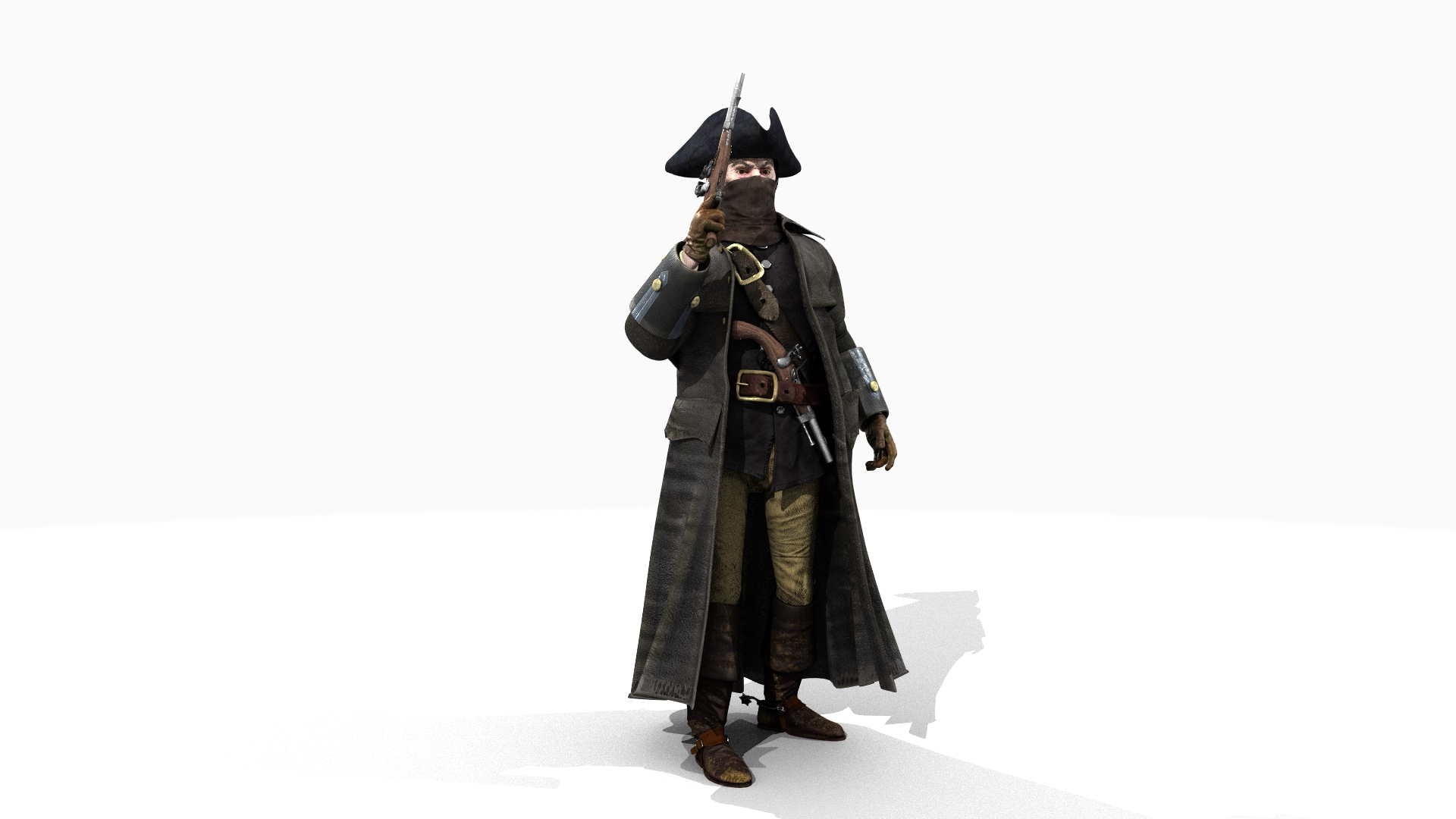
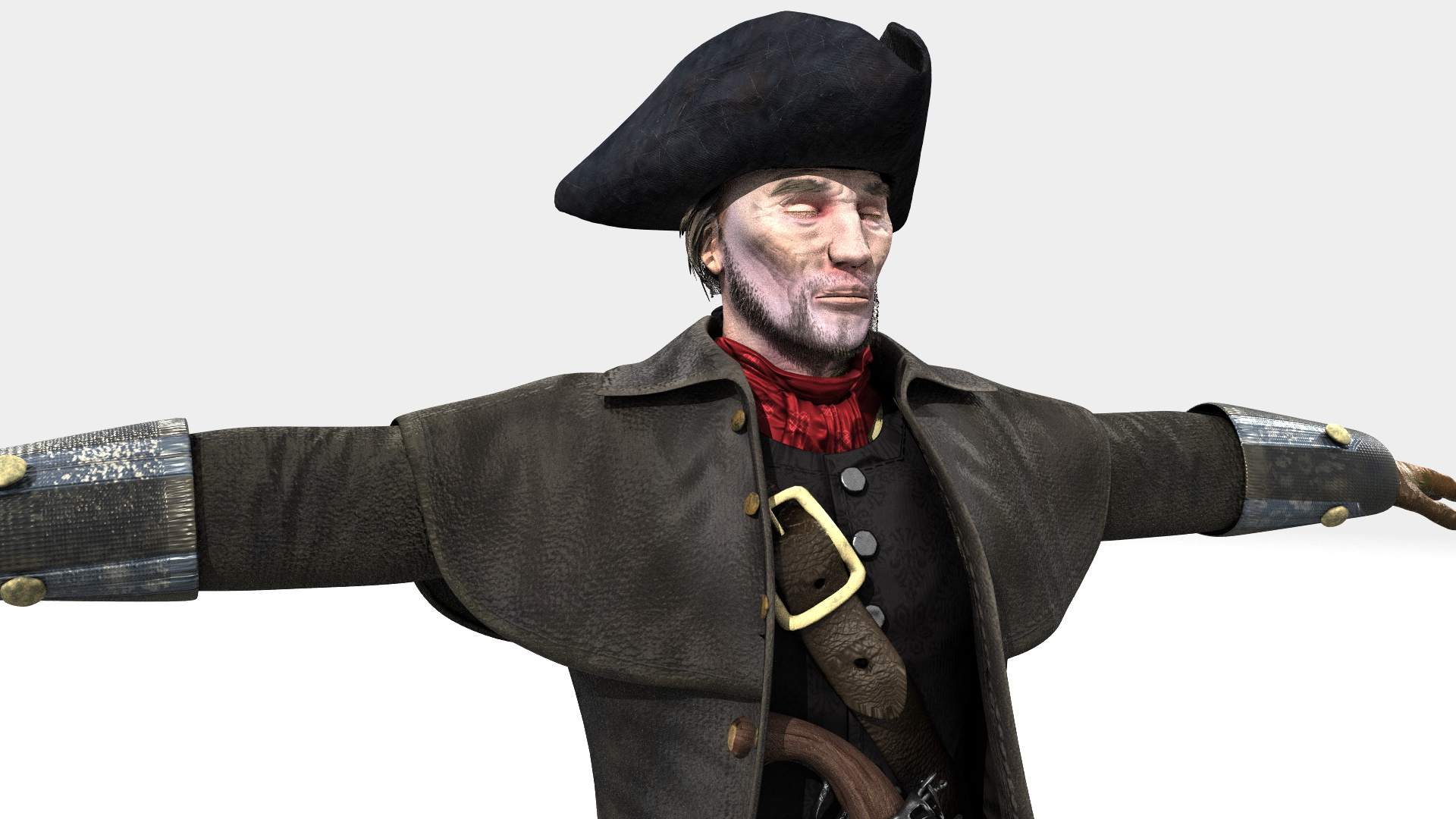
There is also a "RENDERS" folder in each set that has a handful of scenes that reflect the images shown on this page.
Lightwave: I don’t like to have too many control objects in my rigs, I like them simple and so I try to access the bones directly as often as possible. you can remove or add to the control objects I have placed on the rig.
MAX: has many different controllers as well as direct bone manipulation
In Lightwave “Highwayman MASTER” moves the entire rigged object
In Max the “LOC-POINT” moves the entire rigged object
MAX: The main controlling Object “LOC-POINT” attached to "ROOT" bone
LW: The main controlling Bone is the "ROOT" bone
Max: The feet and legs are controlled by "LT-Foot" and "RT-Foot" objects respectively. When you select a foot controller in Max under the “Modify” menu you will find “Custom Attributes” which have Heel To and Ball of foot controls.
LW: The feet and legs are controlled by "LT-Foot" and "RT-Foot" bones respectively. LW has “Lt_ToeControl” and “RT_ToeControl” for horizontal toe control - LW Also has “LT_OnToes” and “RT_OnToes” to rock toes up
Max: The hands are controlled by the “CtrlC_LT_Hand” and “CtrlC_RT_Hand” objects
LW: The hands are controlled by the “LT_Hand” and “RT_Hand” Bones
Max: the Knees and Elbows are managed by “CtrlC_LT_Elbow”and “CtrlC_RT_Elbow” and “CtrlC_LT_Knee” and “CtrlC_RT_Knee” objects
LW: the Knees and Elbows are a bit different and are managed by “LT_Shoulder” and “RT_Shoulder” and “LT_Knee_Rotate” and “RT_Knee_Rotate” objects - a bit tricky at first, but you’ll get the hang of it
Max: The Head, Neck, shoulders, fingers and spine(s) all have their own bones as controllers
LW: The Head, Neck, shoulders, fingers and spine(s) all have their own bones as controllers
There are 49 Morph targets:
Notes:
There is a bone located on the upper right chest: The CAPE-Pistol Handle bone - it allows you to alter the cape's position if the pistol handle protrudes.
There is also a short sword under the Cape on the left hip - it's position can be controlled via the "Sword-Dummy", and if used activate the "z-Cape-With-Sword" morph target, this molds tha cape around the sword handle.
In a like manner, there is a "Pistol-Dummy" that allows for fine tuning of the position of the Flintlock pistol tucked into his belt - activate the "z-Pistol-Tucked" morph target to make his belt fit around the pistol - or remove the pistol and do not invoke that morph target.
In Lightwave there is a model with the Mask layer turned off, if you don't want the mask to show
In Max you can go into the "Slate" Material Editor scroll down the "HyWyMn-3" material find "(71) Mask" and swap the "Mask" material for the "Mask Hidden" Material - to make the mask go away.
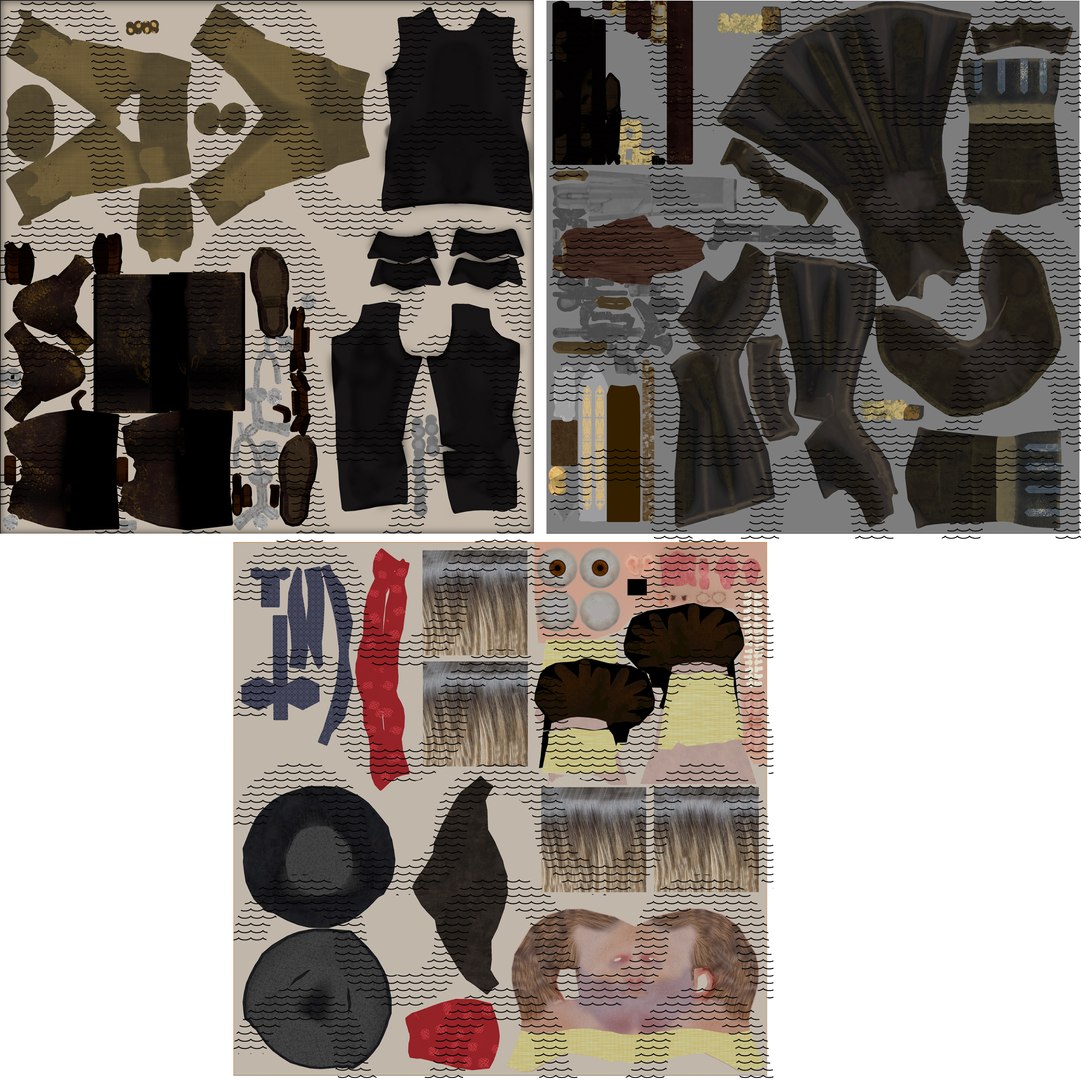
Image maps are 4k