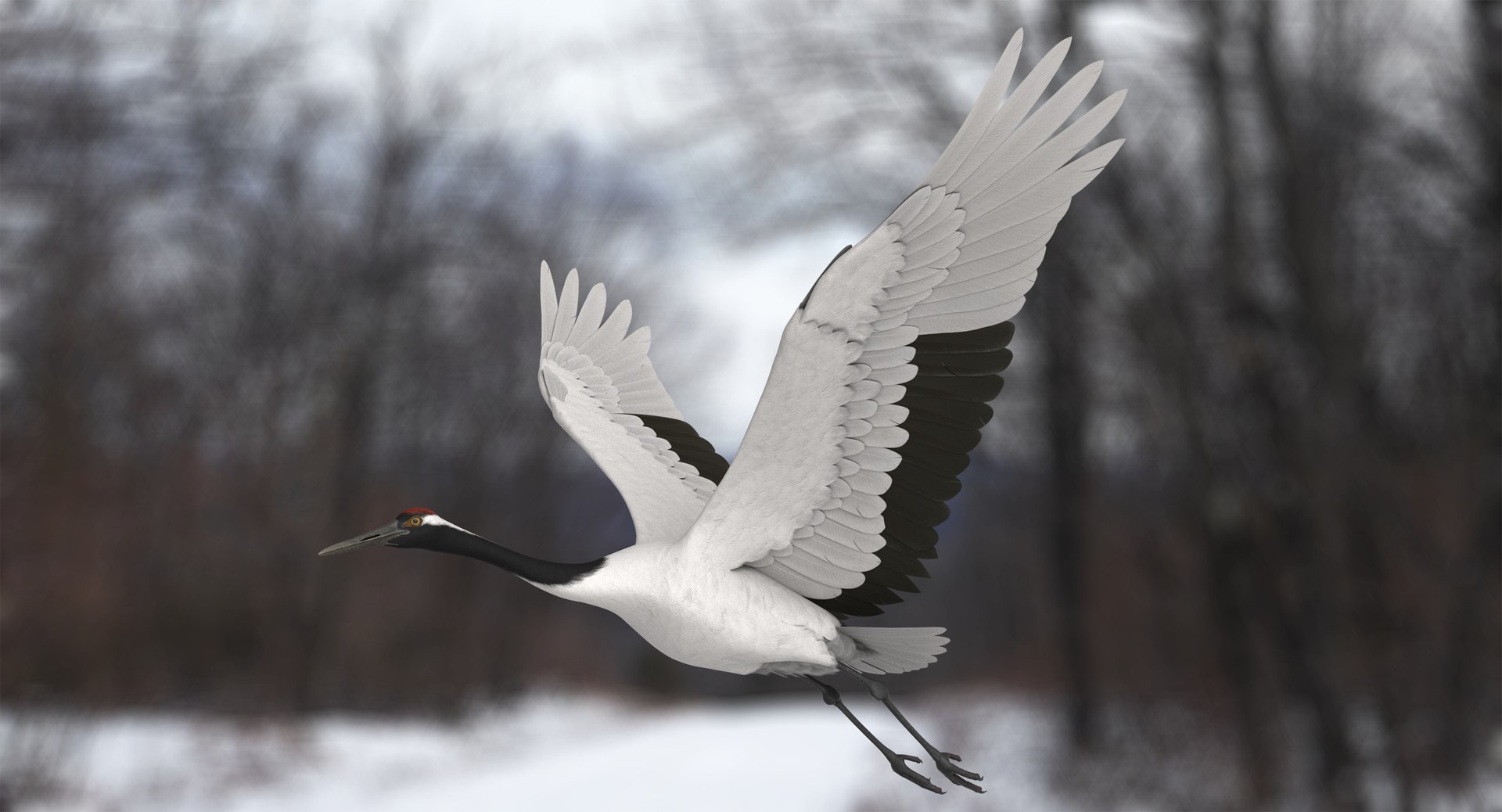
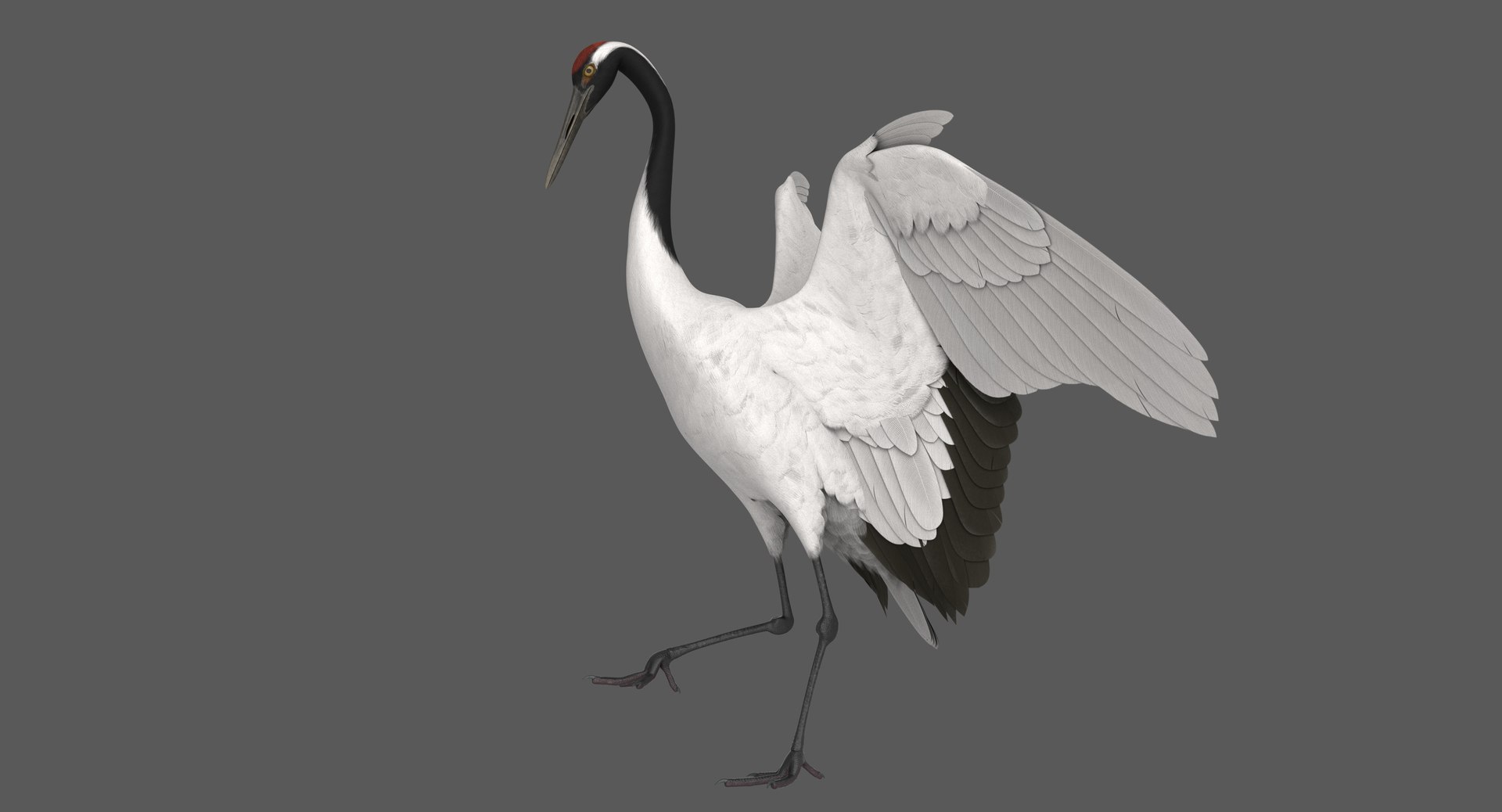
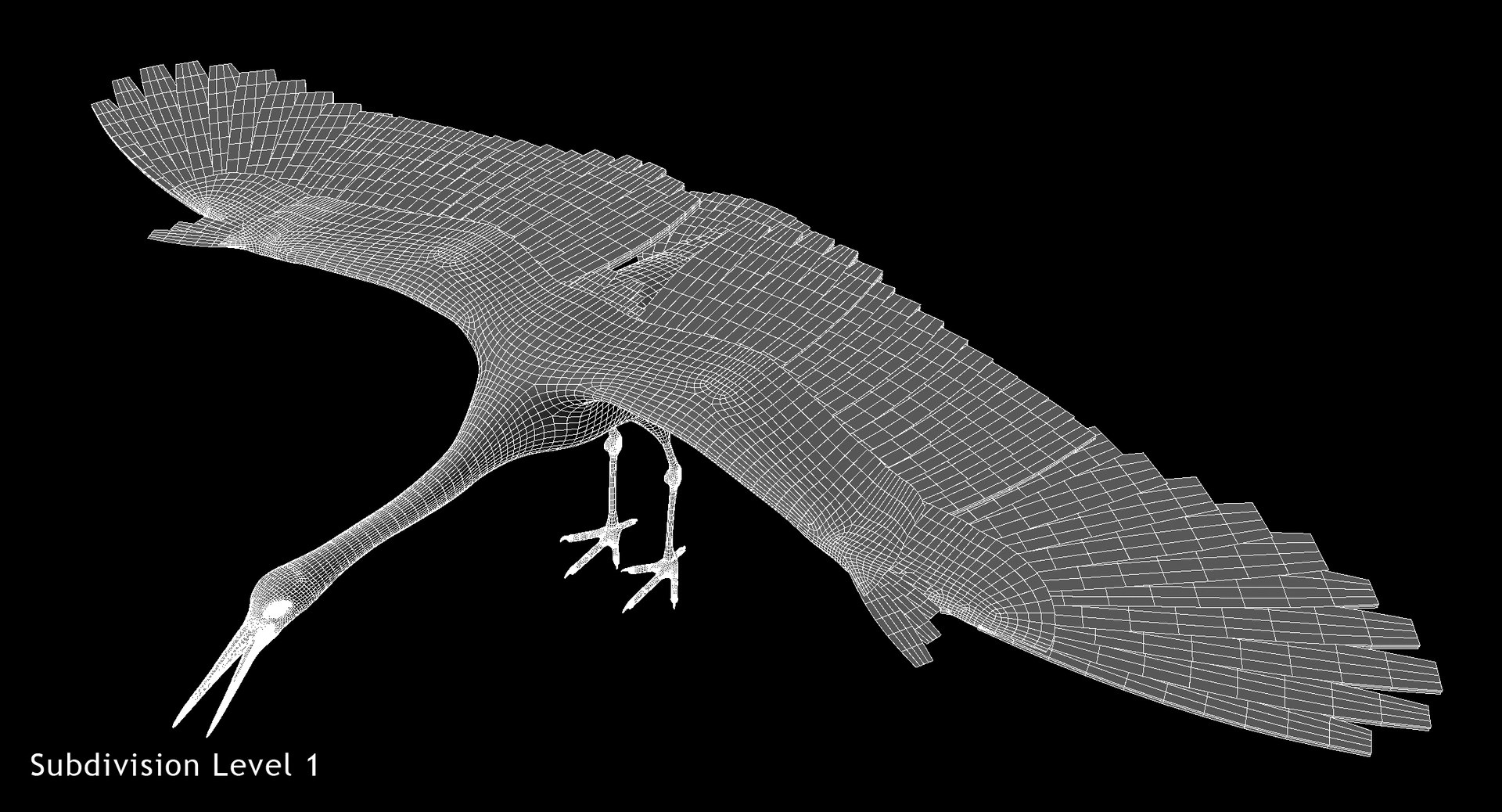
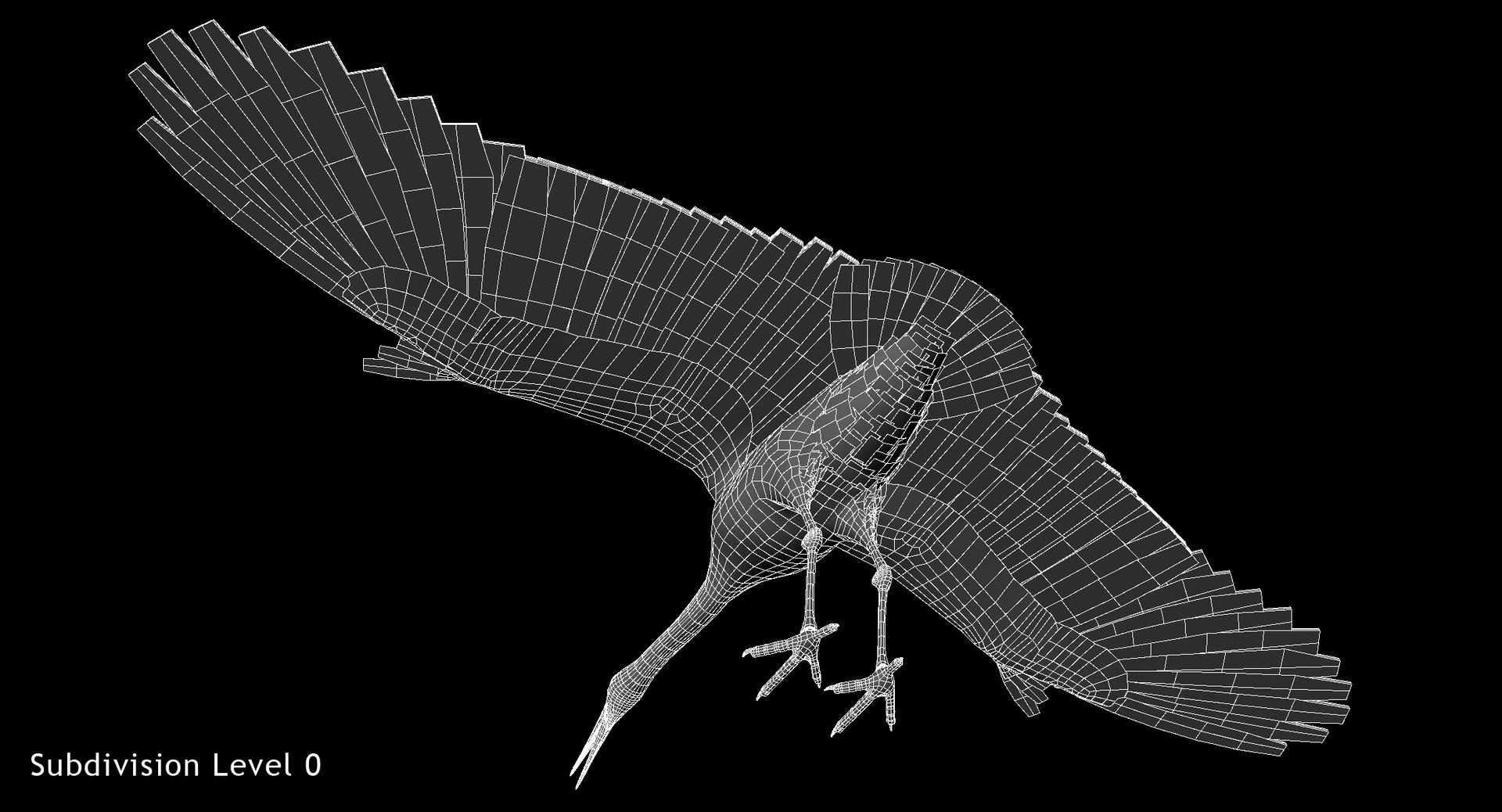
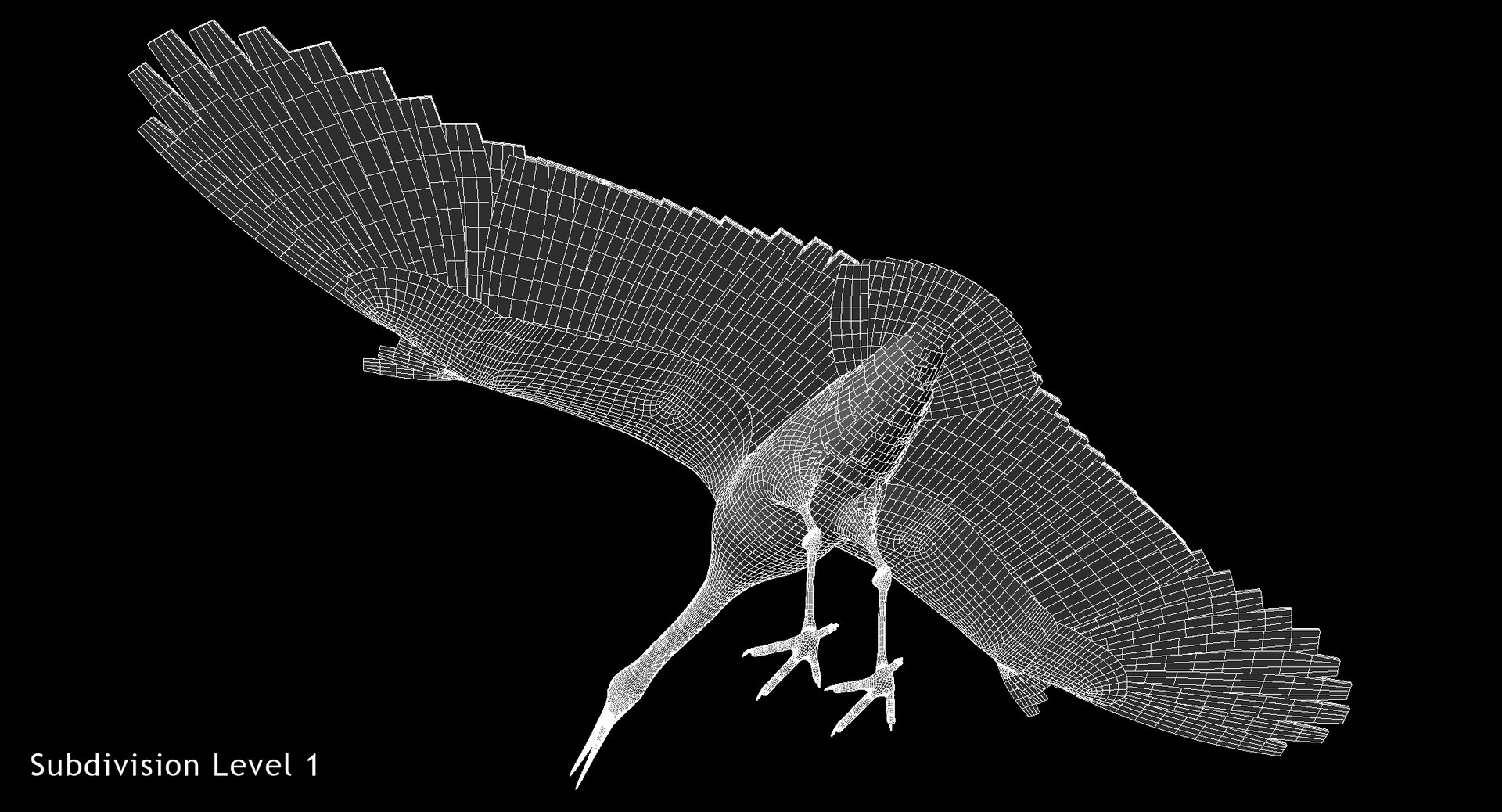
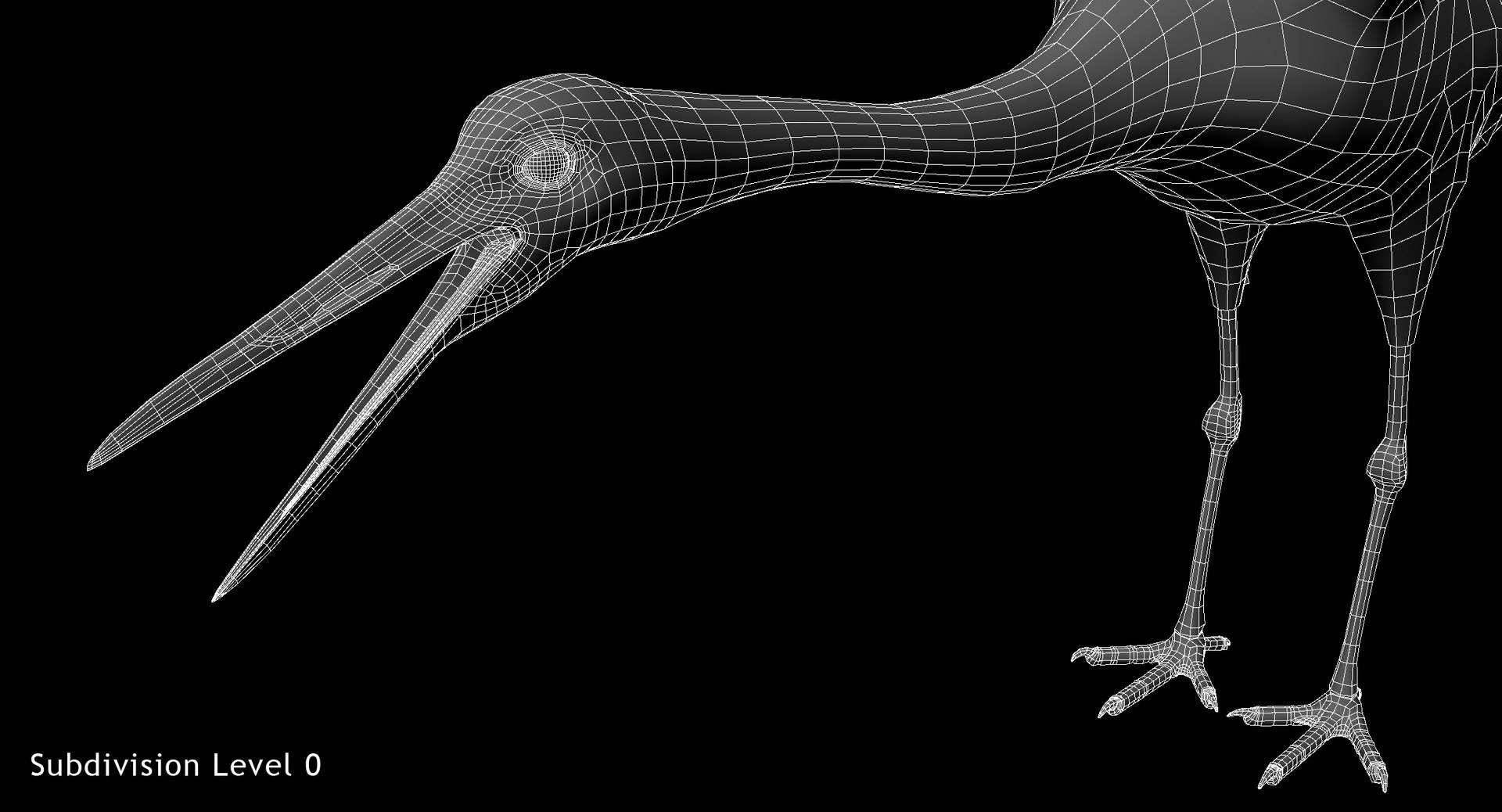
Rigged 3D model of Red-crowned crane, also called Manchurian crane or Japanese crane (Grus japonensis), created in Maya 2016.
Units: cm. Real-world scale. Scaleable rig.
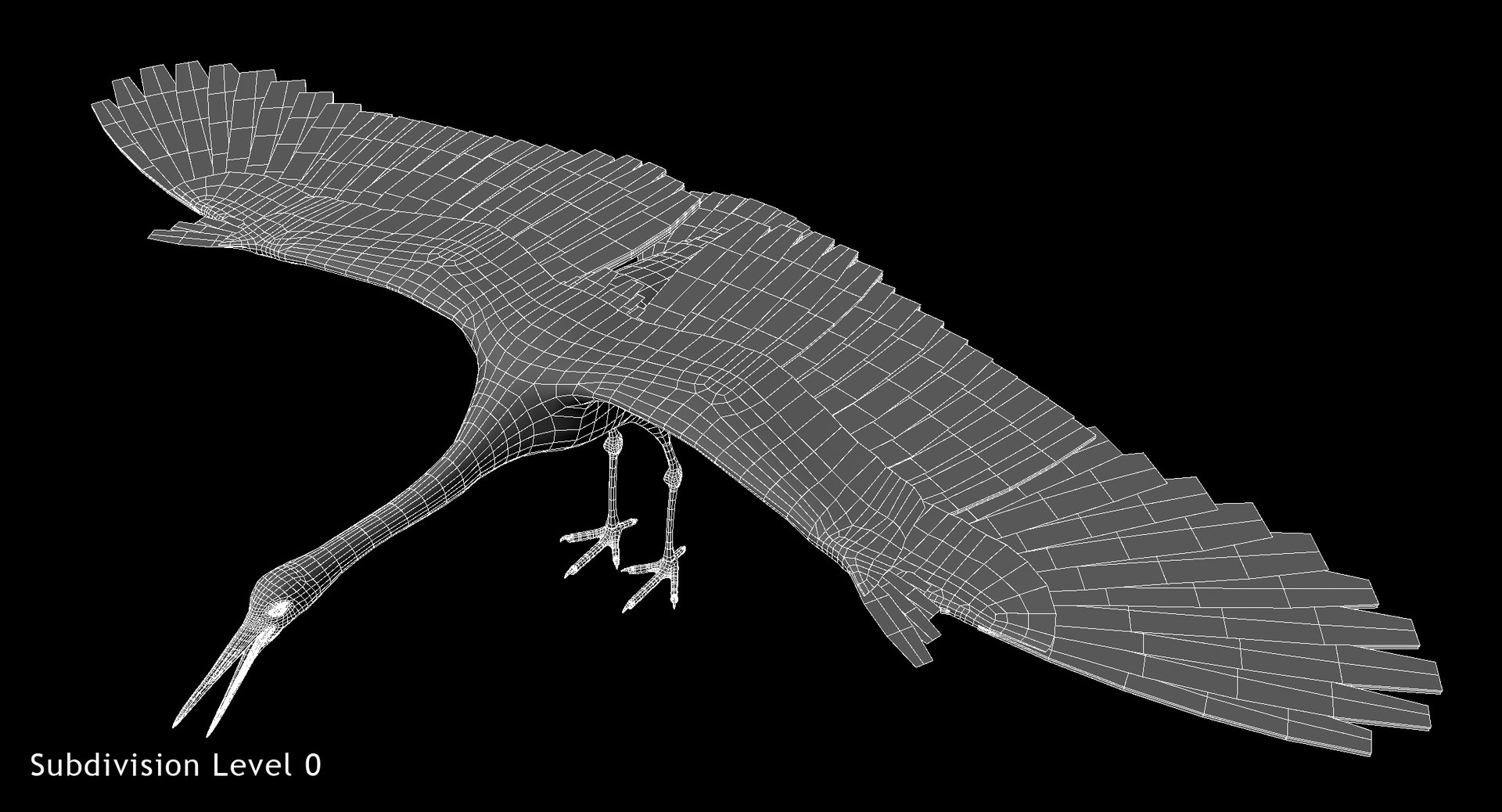
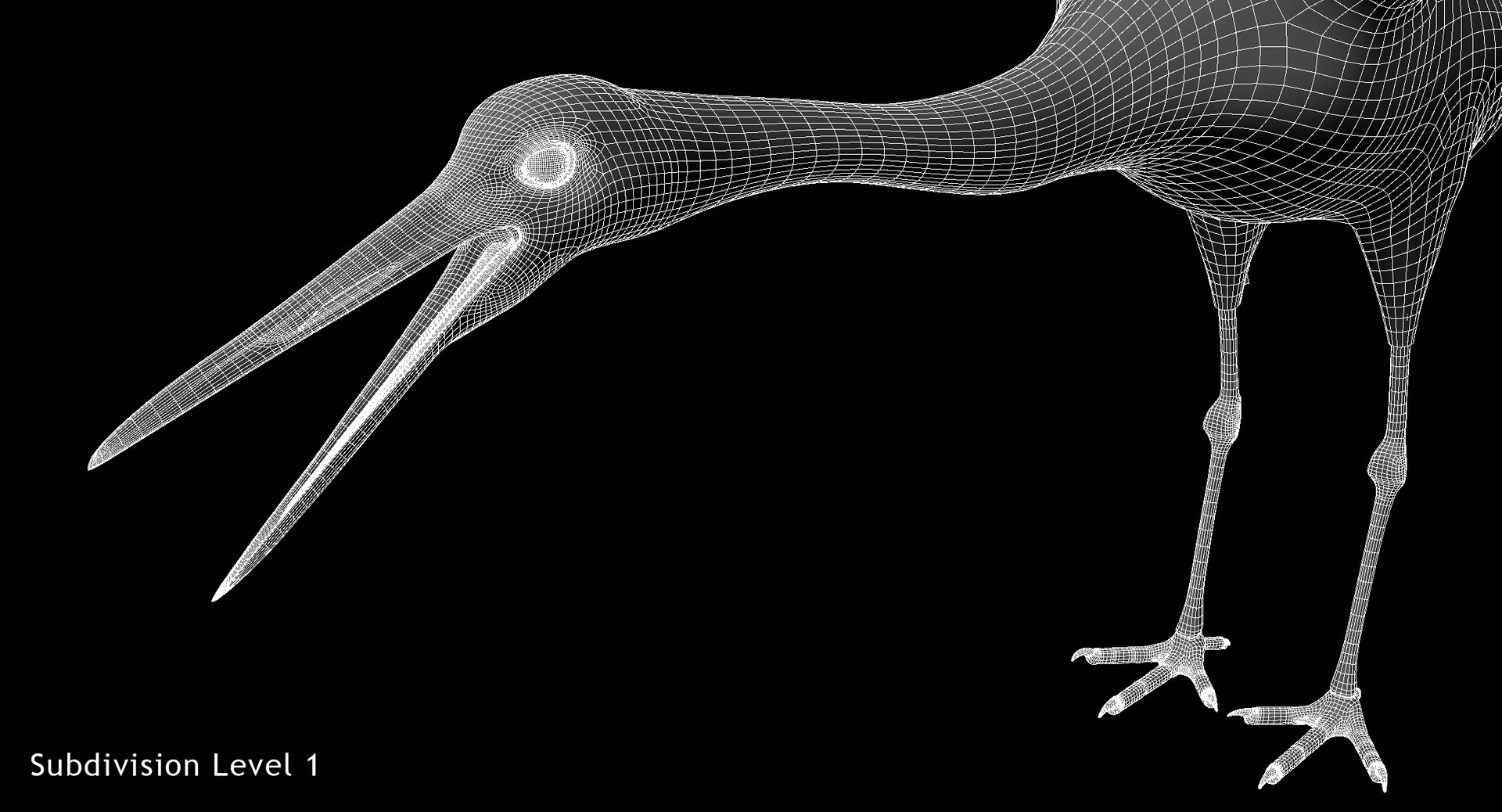
Clean topology with quad polygons only.
All objects properly named.
Model fully rigged and ready for animation.
No plugins used, rig Selector and animation Baker integrated into scene.
Please watch attached video with rig preview (Animation in video not included to this product!).
MODEL NOT ANIMATED !
5th Generation Rig features:
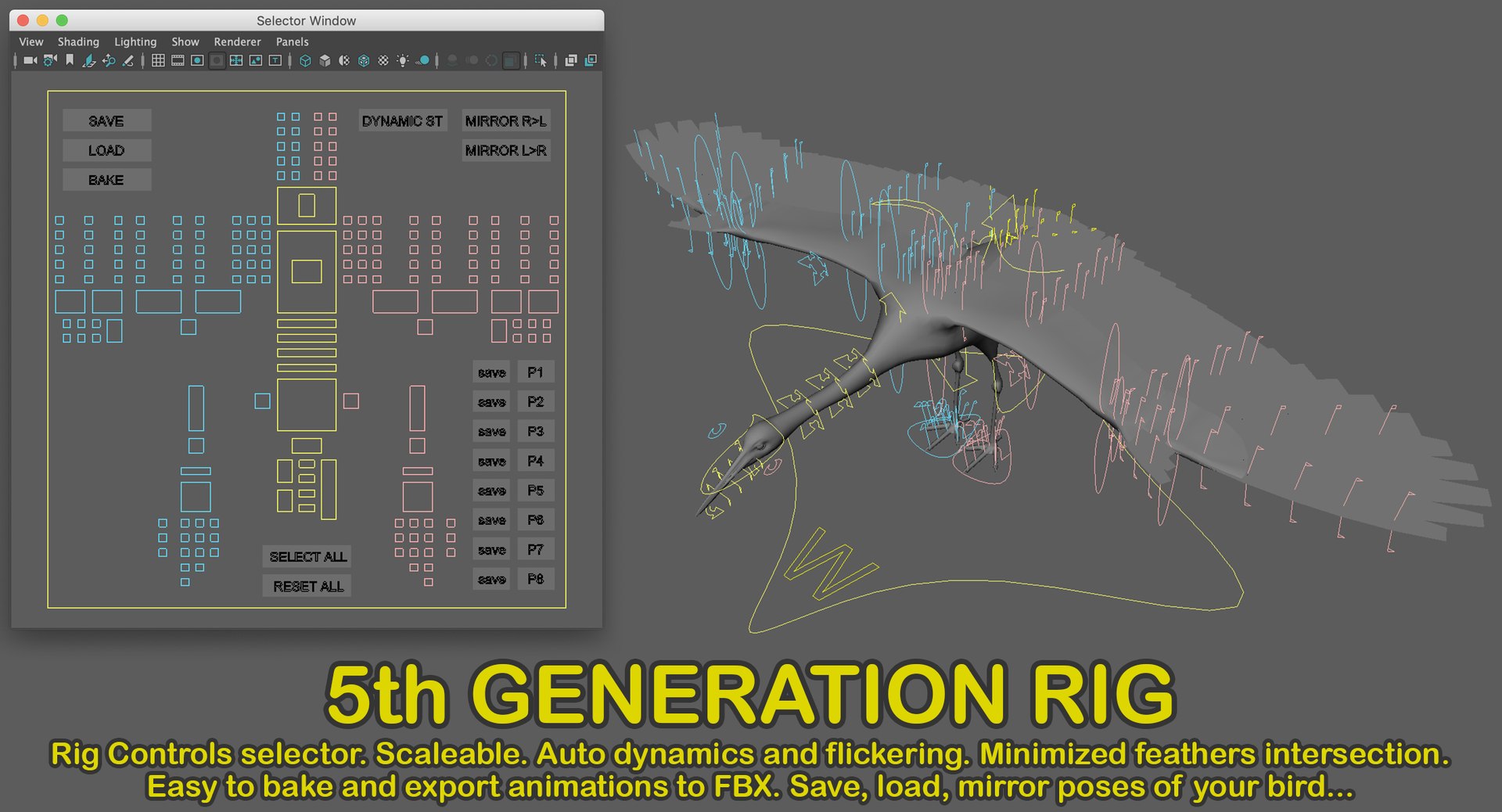
- controls Selector Window
- rig is scaleable
- foldable wings and tail (corrective blendshapes used for better appearance)
- eyes blinking (independent eyelids controls), iris size, eye membrane
- automatic feathers flickering (has 2 parameters to control)
- automatic feathers dynamics (has 2 parameters to control)
- minimized feather intersection (smooth meshes before render for best quality)
- LOD geometry (for faster posing and animation preview)
Selector Window features:
- select W (front side of Main_Control) to activate Window
- fast and easy controls selection
- save/load poses
- quick save/load 8 poses (poses saved to default Maya script folder)
- mirroring poses
- dynamics Initial state button (use it to reset dynamics for starting frame)
- animation baker (preparing scene for FBX export)
Animation Baker for Triduza's Rigs of 5th Generation included (integrated into Selector Window as button).
Animation made in Maya can be exported to FBX just in 2 clicks.Tested with Cinema4D, Blender, Unity.
Polygons:
Faces: 53854
Vertices: 59005
Files:
JapaneseCrane_Poses.mb - contains 10 poses,
using JapaneseCrane_Rigged.mb as reference.
JapaneseCrane_Simple.mb - is a simplified version with LOD geometry only - it works very fast in viewport (dynamics excluded).
You can switch between full and LOD versions (use files as reference).
Textures:
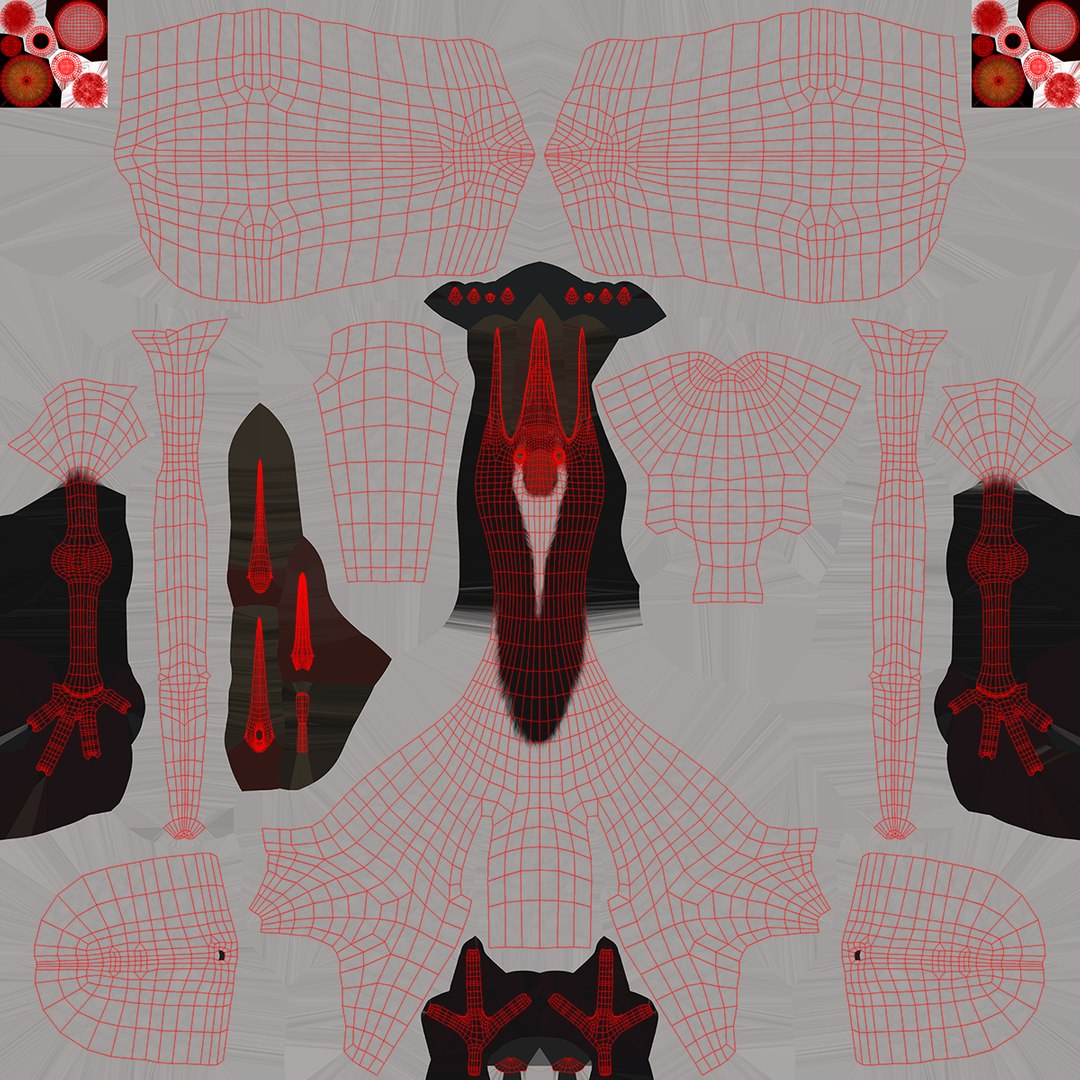
JapaneseCrane_Body_(Diffuse, Glossiness, Height, Opacity, Specular) .png (8192x8192)
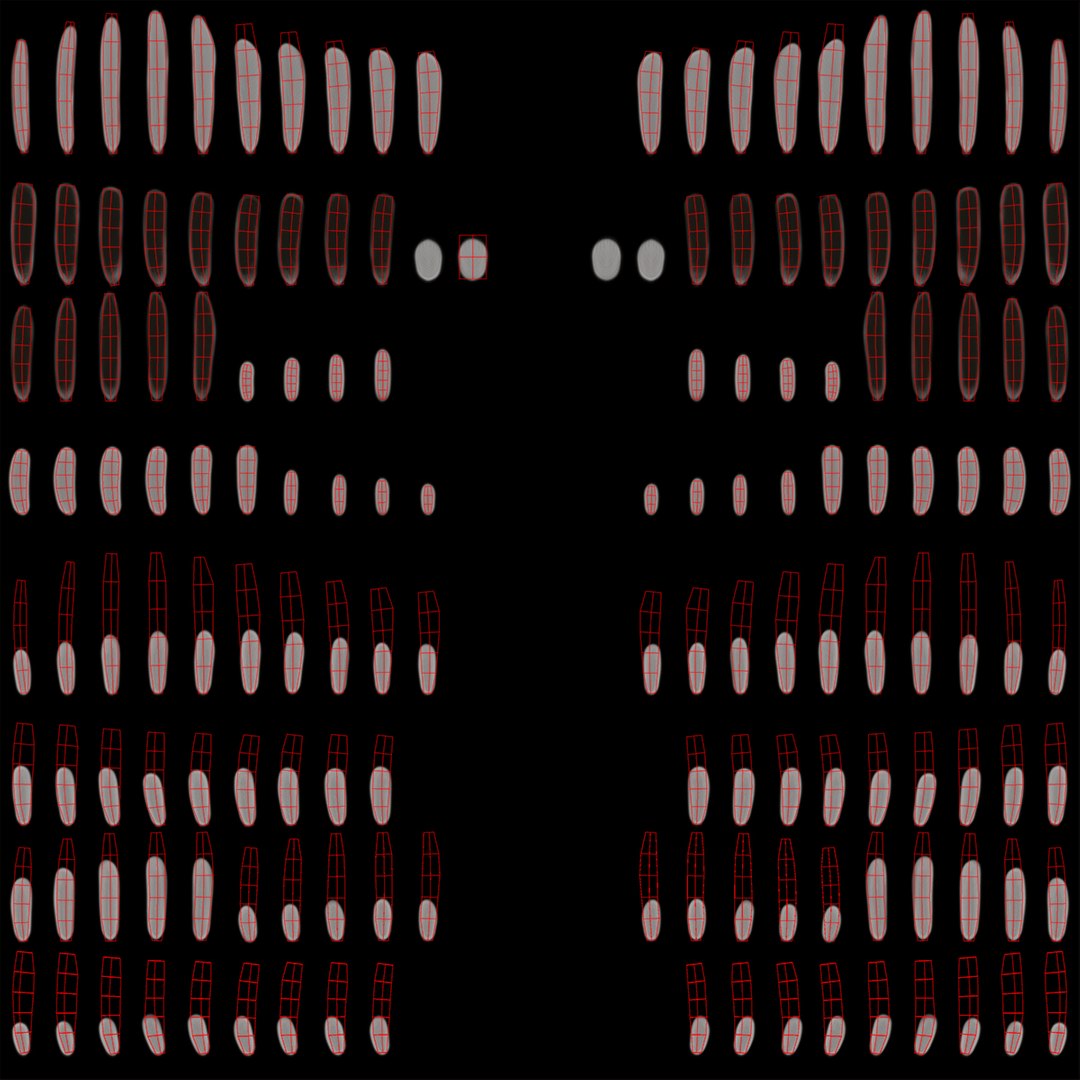
JapaneseCrane_FeathersUp_(Diffuse, Glossiness, Height, Opacity, Specular) .png - (8192x8192)
JapaneseCrane_FeathersBot_(Diffuse, Glossiness, Height, Opacity, Specular) .png - (8192x8192)
zPoolBW.hdr (2048x1024) environment map
#### 5th Generation Rig description (short list):
MainControl, body_Control, belly_Control
tail_Control, undertail_Control , L_main_tail_feather_joint_1-2_1-5_Control, R_main_tail_feather_joint_1-2_1-5_Control
neck_Control1-4, head_Control, beak_Control, upper_beak_Control1-2 , throat_Control , tongue_Control1-4
L_eye_Control , R_eye_Control
L_Wing_Control1-4, R_Wing_Control1-4, L_alula_Control, L_alula_Control, L_membrane_Control, R_membrane_Control
L_main_wing_feather_joint_1-7_1-5_Control , R_main_wing_feather_joint_1-7_1-5_Control
L_scapular_wing_feather_joint_1-2_1-5_Control , R_scapular_wing_feather_joint_1-2_1-5_Control
L_alula_wing_feather_joint_1-2_1-3_Control, R_alula_wing_feather_joint_1-2_1-3_Control
L_upleg_Control, R_upleg_Control, L_knee_Control, R_knee_Control, L_leg_Control, R_leg_Control
L_foot_Control, R_foot_Control, L_finger1_Control1-3..2-4..3-5..4-3, R_finger1_Control1-3..2-4..3-5..4-3
#### Selector Window:
All Rig controllers have icons and can be easily selected or deselected inside Selector Window.
SAVE button, LOAD button, BAKE button, DYNAMIC ST button, MIRROR R>L button, MIRROR L>R button
save and P1-P8 buttons, SELECT ALL button, RESET ALL button
*detailed description in readme.txt