
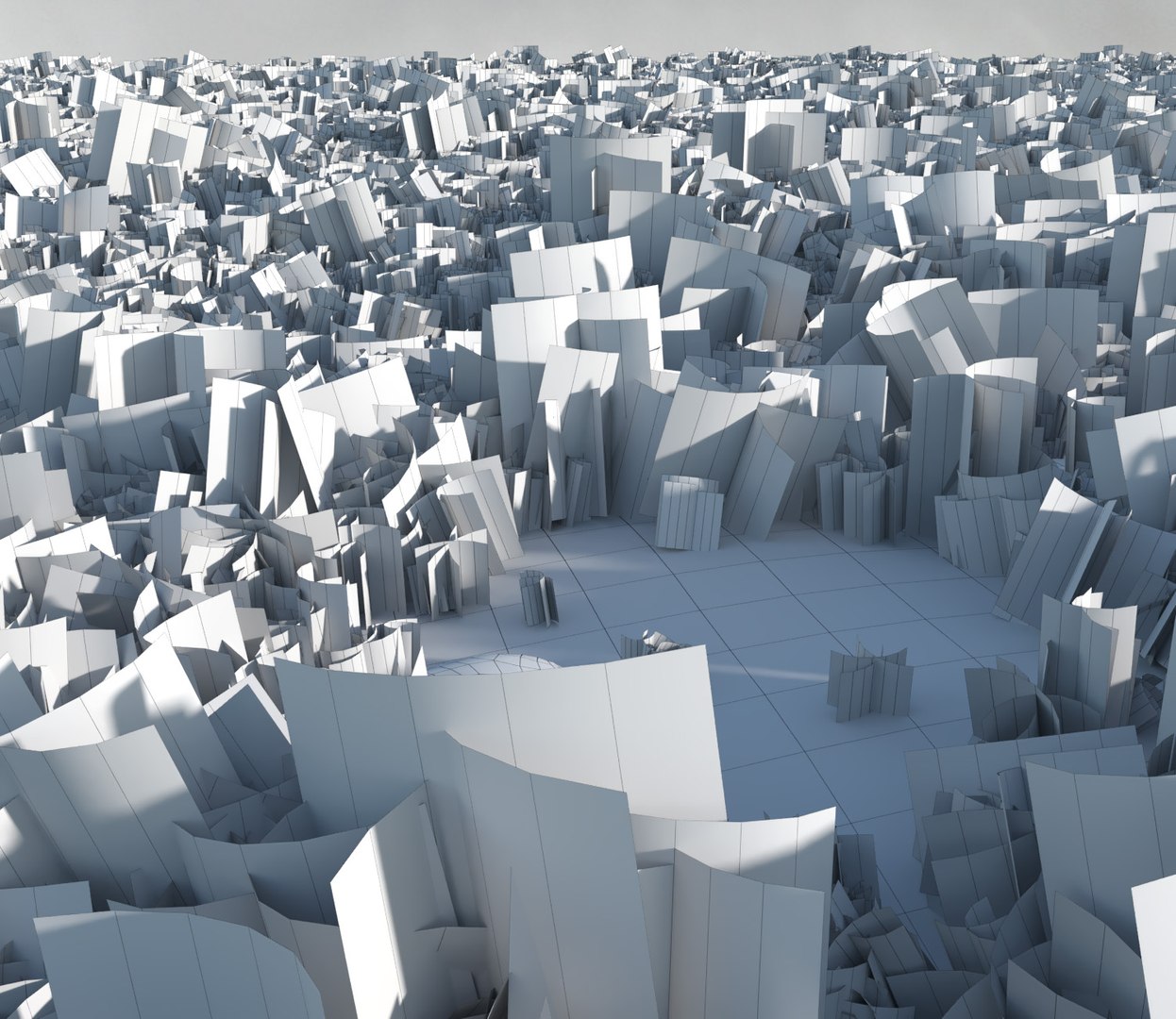
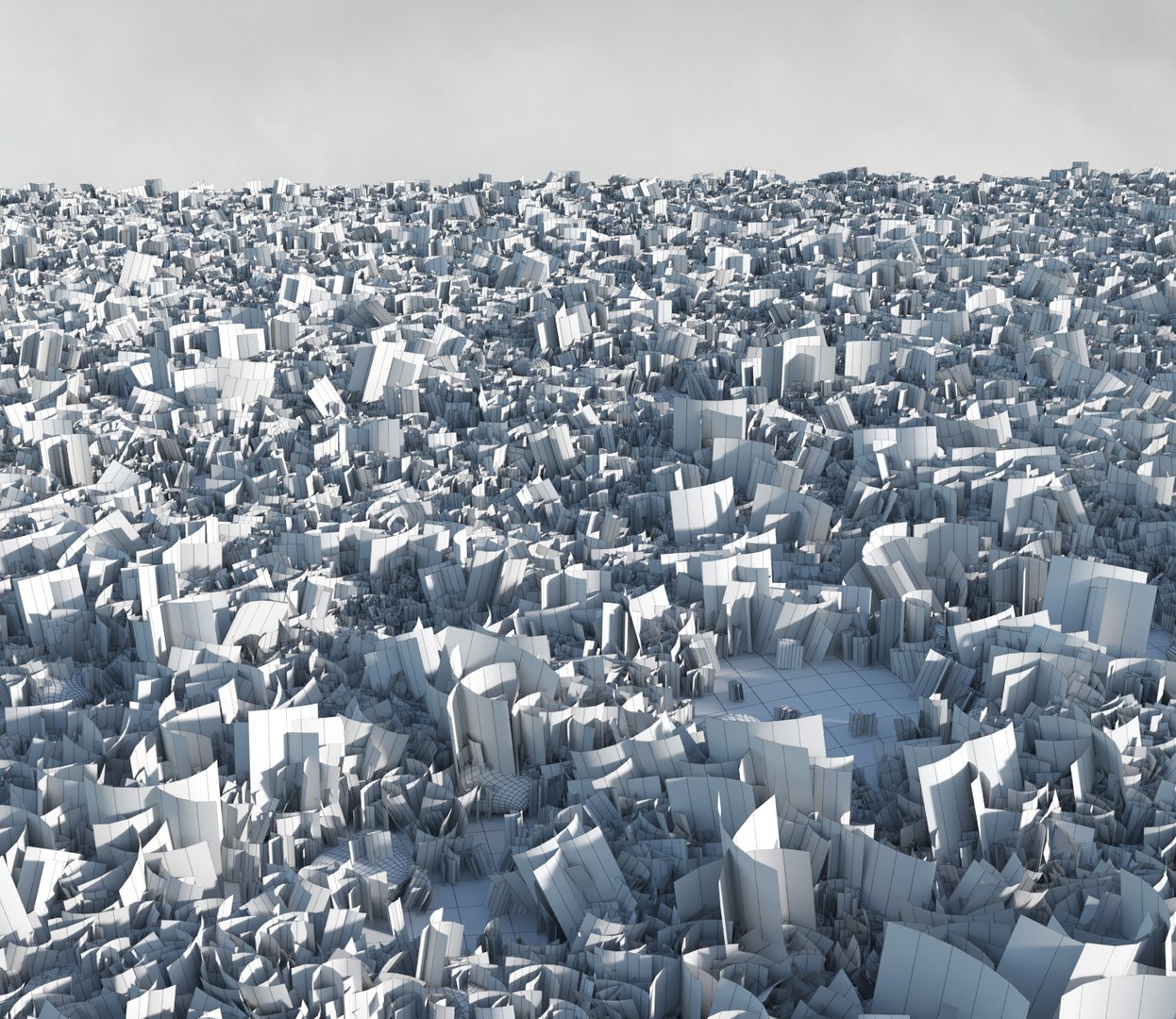
Wild Grass Field (Real-time)

$25

Standard License | Upgrade License
Formats (8)
Native | 3ds Max 2011 | V-Ray 3.30
3ds Max 2011 | Corona 1.6
3ds Max 2011 | Default Scanline
Cinema 4D R16 | V-Ray 3.4
Cinema 4D R16 | Other Corona B2
Cinema 4D R16 | Default Scanline
FBX
OBJ
Specifications
Publish Date August 19, 2017
Product ID 1193869
Polygons 1
Vertices 1
Polygonal Quads/Tris Geometry
Textures
Materials
UV Mapped
Mixed Unwrapped UVs
TurboSquid Exclusive
member avatar
macrox
201 Products | Contributor Since 2014
Have questions? Chat with us now.

Description

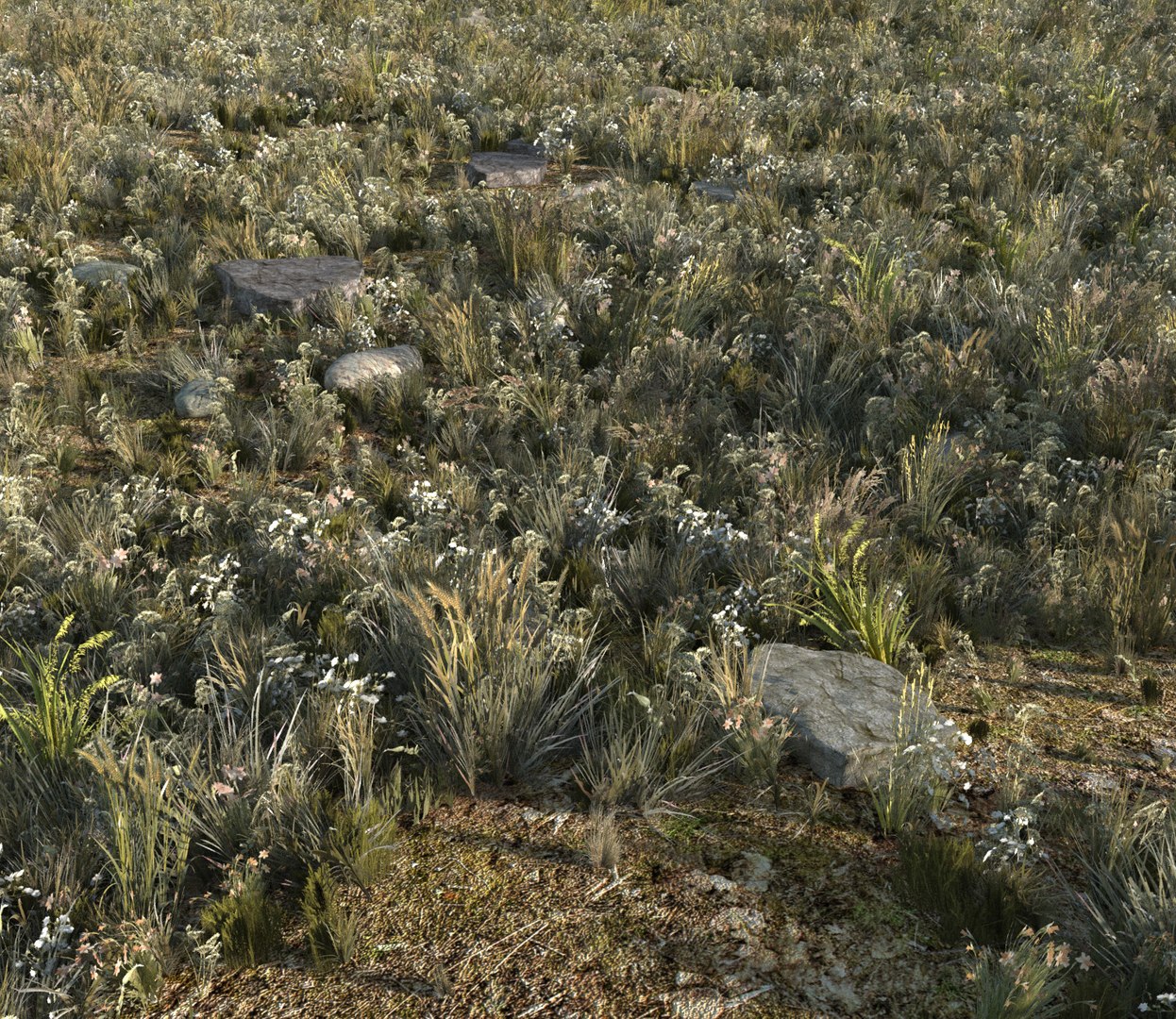
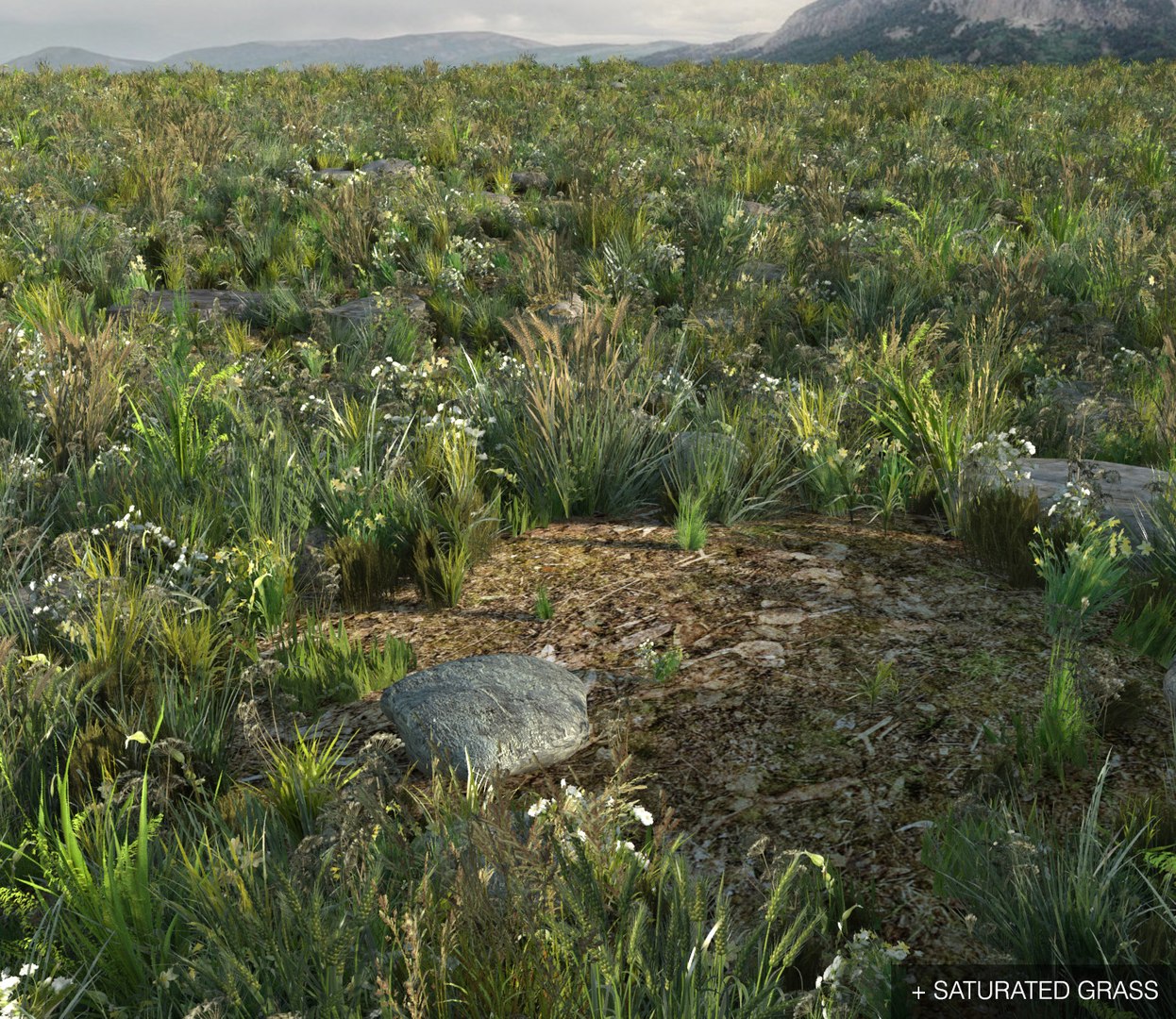
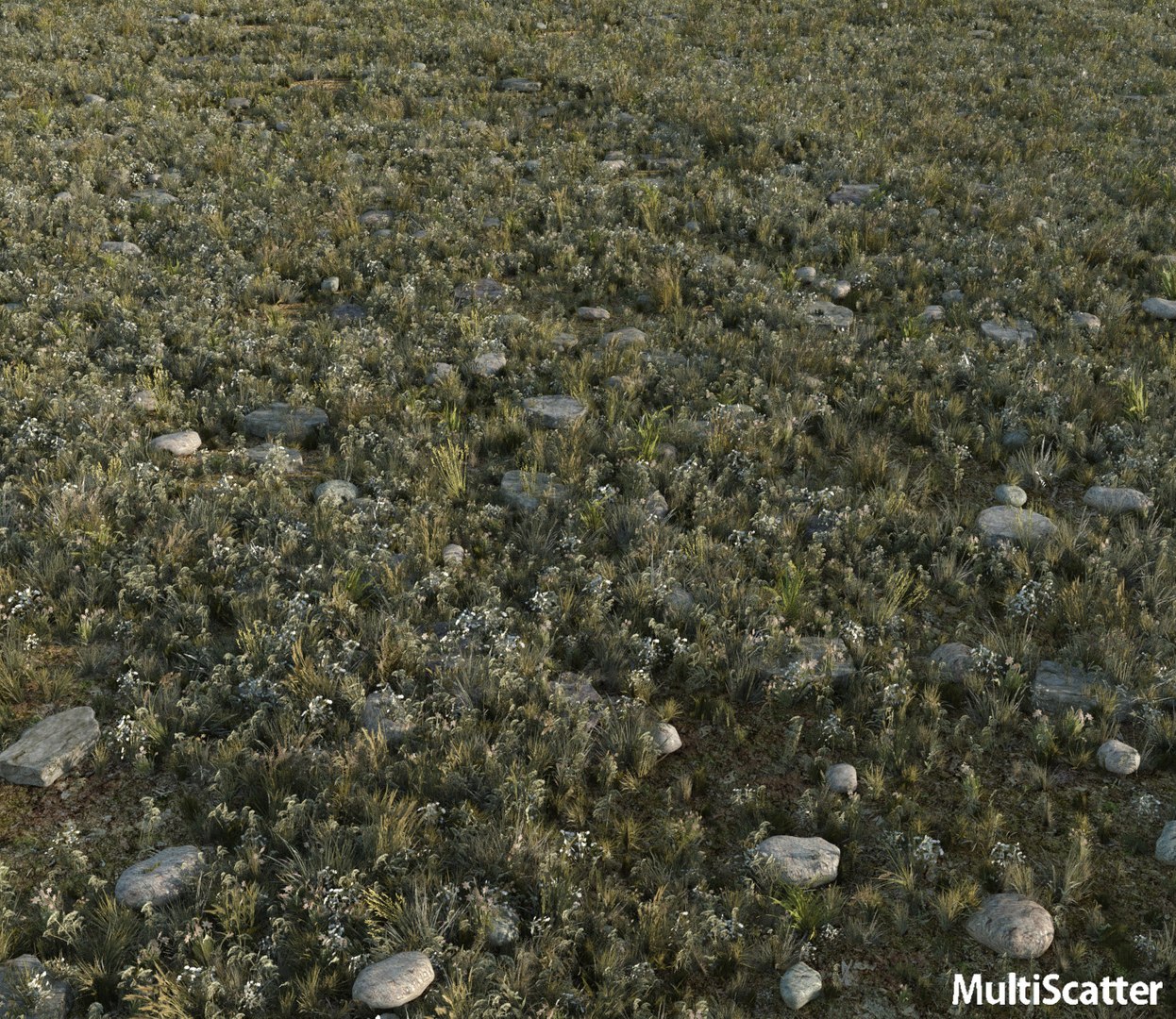
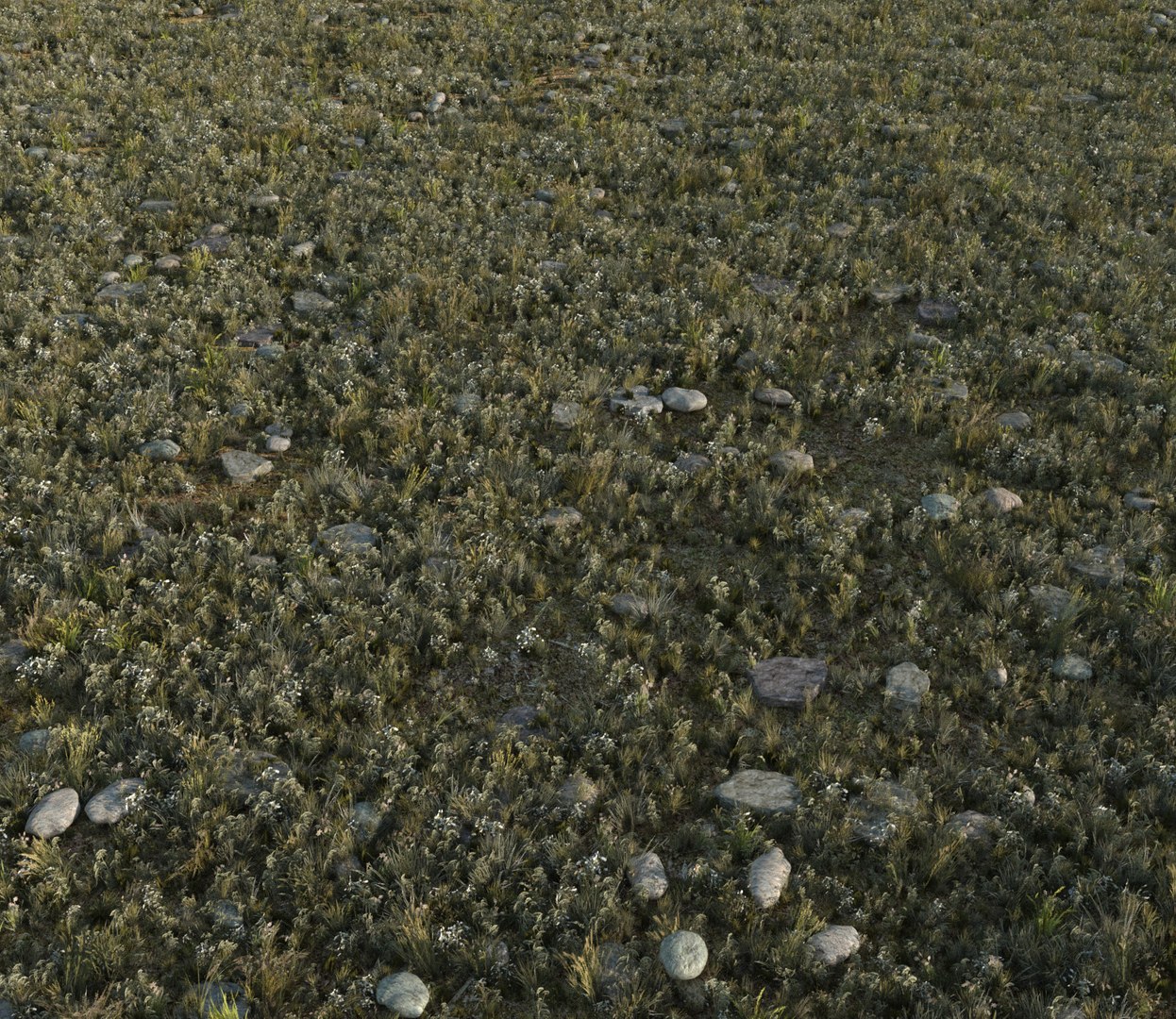
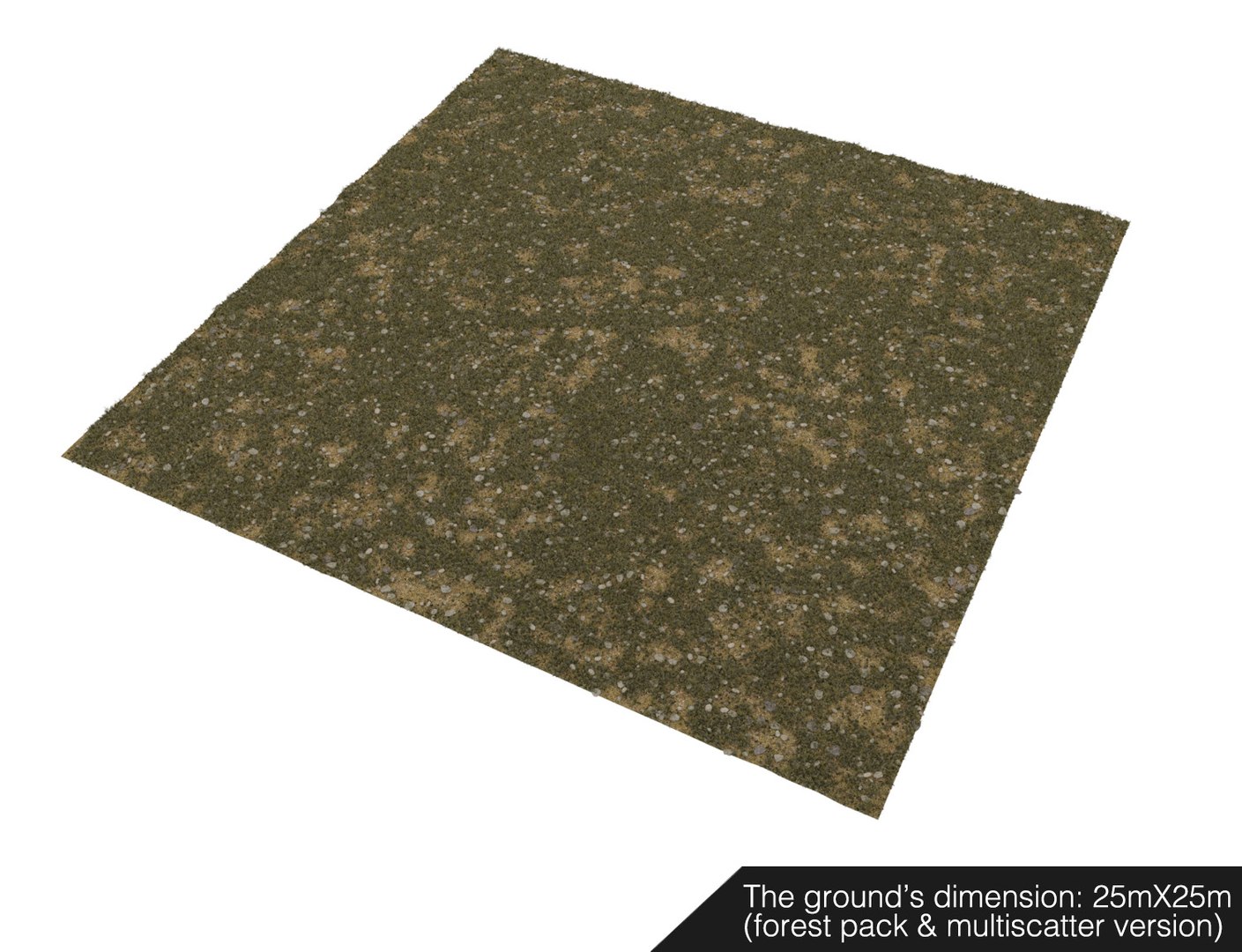
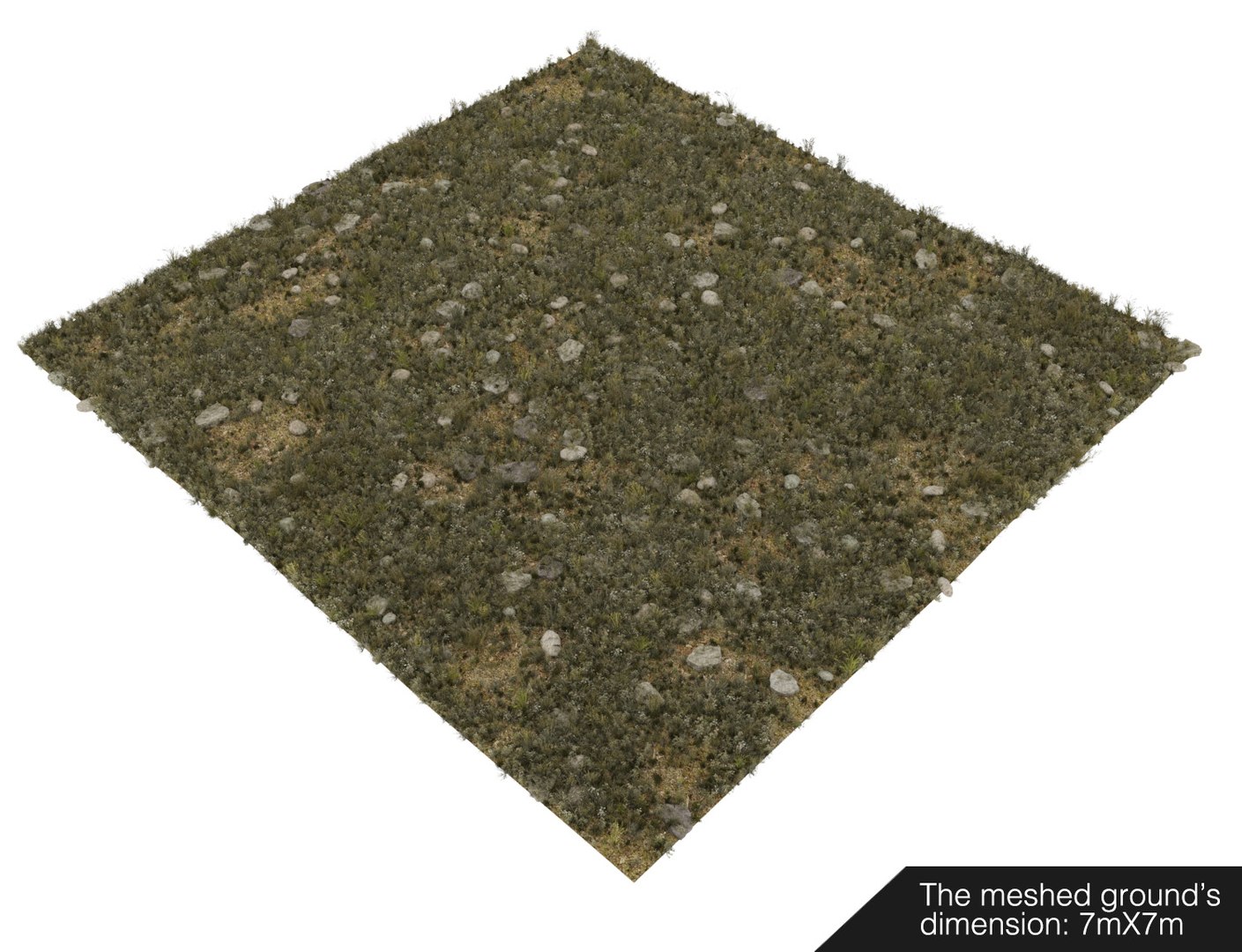
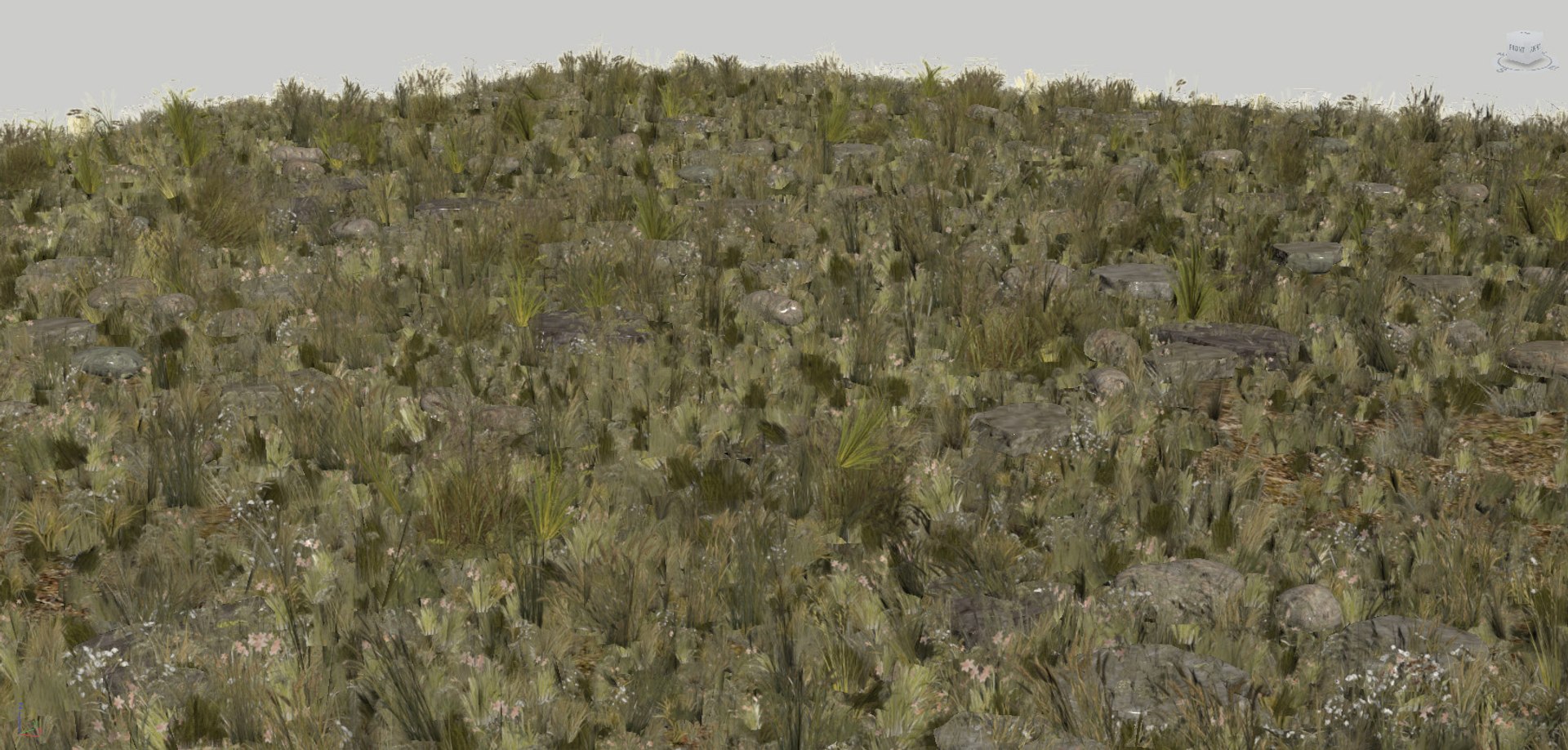
Real-time Wild Grass Field. Low-poly and realistic grass model, completed with all textures and materials.
Best solution for real-time apps like Unreal Engine, Unity, Cry Engine, Lumion etc.

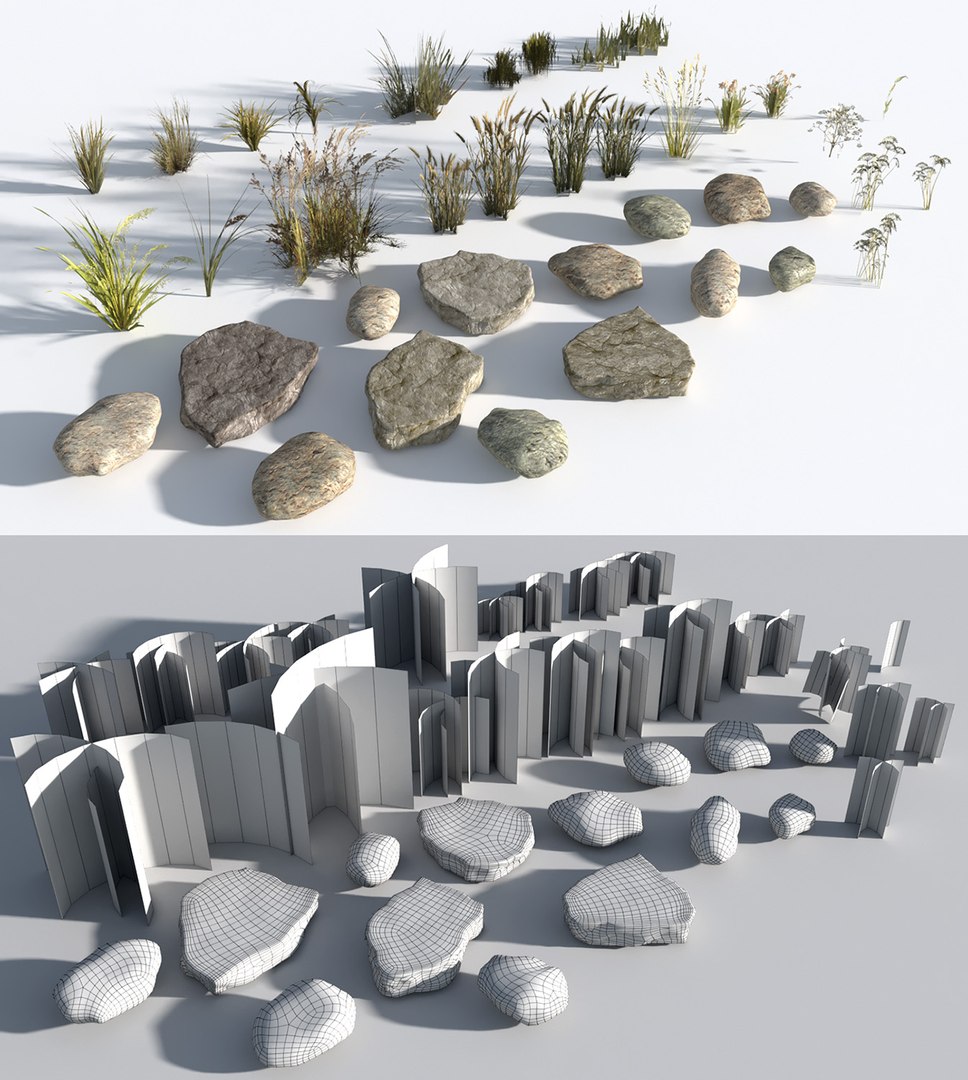
- 24 grass and flower models
- 14 rocks and stone models
- high resolution ground texture with a normal map

The grasses and flowers' geometries are simple: bent planes with alpha-masked textures.

The ground's dimension: 25mx25m (scattered version)
7mx7m (meshed version)

Polygons count:

- Scattered version: 100.156/ 101.320
- Meshed version: 1.353.392/ 2.870.251

Packaged Formats:
- 3ds max 2011, V-Ray 3.30 | Corona 1.5 | Default Scanline
(Multiscatter 1.3, Forestpack 6.1, CScatter, meshed)
- Cinema4D R16, VRAYforC4D 3.4 | CoronaforC4D | Default Scanline
(MoGraph, SurfaceSPREAD 1.0.43, Forester 1.1, meshed)
- FBX, Default Scanline (the models are not scattered on the ground's surface)
- OBJ, standard materials (the models are not scattered on the ground's surface)

Select Enhanced License

  • $10,000 in Legal Protection (Indemnification)
  • Uncapped Legal Protection (Indemnification)
  • Waiver from injunctive relief
  • Assignable model rights
  • $1,000,000 in Legal Protection (Indemnification)
  • Waiver from injunctive relief
  • Assignable model rights
  • $250,000 in Legal Protection (Indemnification)
  • Assignable model rights
Read more about enhanced license tiers, or contact us at enterprise@turbosquid.com. Already a Shutterstock Enterprise Customer? Contact your Shutterstock Sales Support Agent to talk about adding 3D.

About Conversion Requests

To submit a conversion request for a purchased asset, please complete our Conversion Request Form.

If you have not yet purchased a model, please review our Documentation about Conversions to learn about what limitations you may encounter with a conversion.

For any additional questions about a model’s suitability for conversion, please contact TurboSquid Support.

Loading...