


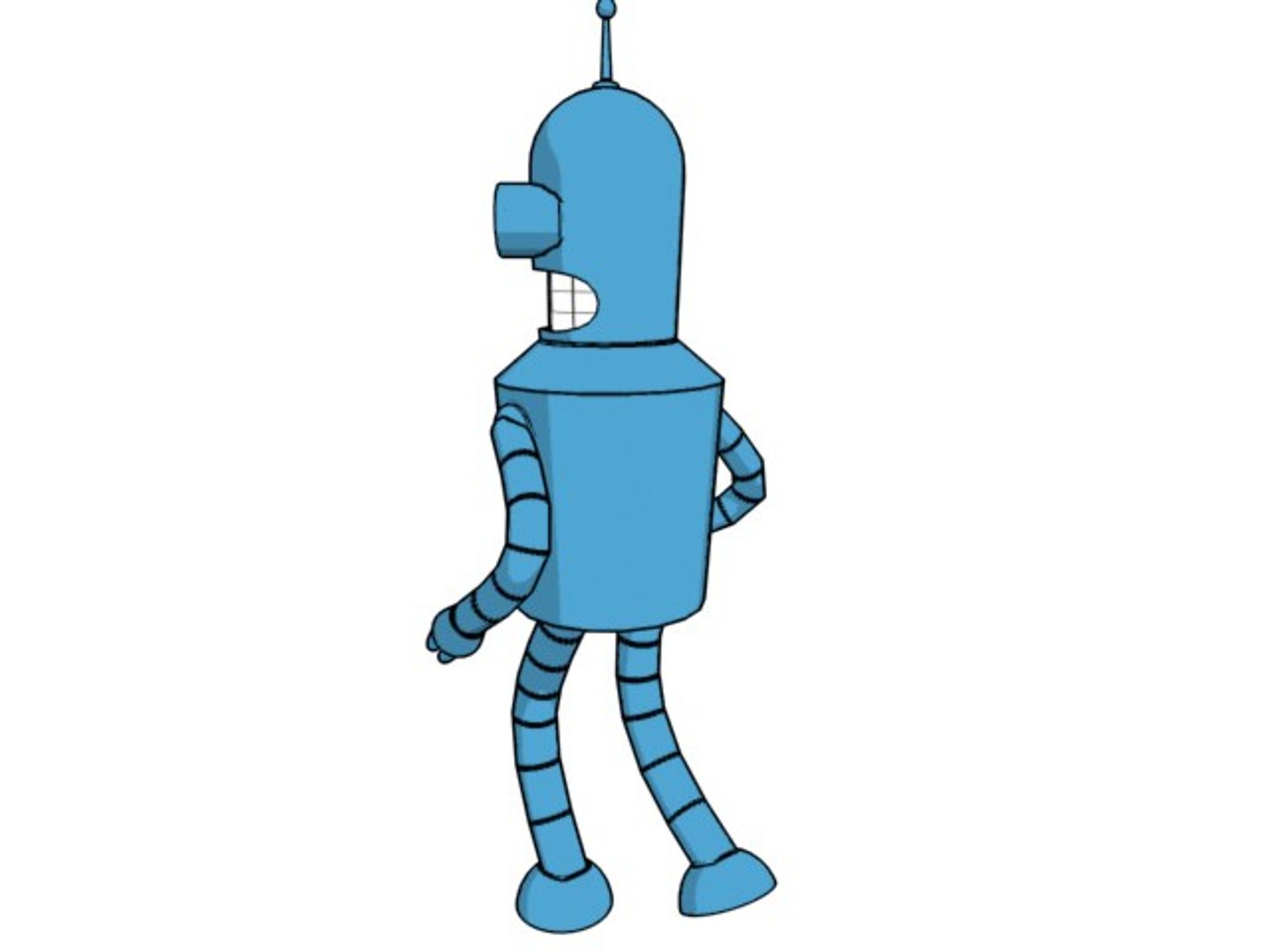

BENDER

Free

Editorial Uses Only
Formats (1)
3ds Max
Specifications
Publish Date February 26, 2005
Product ID 255332
Polygons 0
Vertices 0
Polygonal
Textures
Materials
Unknown Unwrapped UVs
Rigged
Animated

member avatar
ARTACTIVE
24 Products | Contributor Since 2004
Have questions? Chat with us now.

Description

ATTENTION: This model is not for commercial use. It"s intended for educational purposes. (Don"t want Matt Groening to sue me :)

This zipped folder contains 1 x .cdr texture; 4 x .jpg textures & 3 x MAX 5.0 files, of BENDER from Futurama. BenderRAW is completed Bender file from 0 position (best start for your animation), BenderWALK & BenderDRINK are animated exemplary files and they are not finished in some aspects.

Well let see: Bender can move his body & limbs, rotate his wrists, open/close hands, rotate his head, he has expressive eyes wich can move, eye lids that can open/close or make him sad or angry. After all he can talk. All of these with very simple controling system.

Even I am sure that you will easyly understand how it work here are few tips: In the Schematic view pay attention to BODY CONTROL - it"s the root controler for entire body. To move eye lids go to Named Selection Sets where you have both eye lids control selection. Rotating them both in local coordinate system: x axe-open/close; z axe-angry/sad. Anatomicly best swivel angle for hands IK CHAINS (RIGHT/LEFT HAND CONTRLER!) is -130/-135. To rotate wrists use Right/Left HAND rotation CONTROL, rotating them in the local cs (x axis). To animate his teeth use animated material of teeths. The best way to do this is to modify included Talk 01.cdr file and to animate it with Corel RAVE 3.0.

Enjoy.

Select Enhanced License

  • $10,000 in Legal Protection (Indemnification)
  • Uncapped Legal Protection (Indemnification)
  • Waiver from injunctive relief
  • Assignable model rights
  • $1,000,000 in Legal Protection (Indemnification)
  • Waiver from injunctive relief
  • Assignable model rights
  • $250,000 in Legal Protection (Indemnification)
  • Assignable model rights
Read more about enhanced license tiers, or contact us at enterprise@turbosquid.com. Already a Shutterstock Enterprise Customer? Contact your Shutterstock Sales Support Agent to talk about adding 3D.

About Conversion Requests

To submit a conversion request for a purchased asset, please complete our Conversion Request Form.

If you have not yet purchased a model, please review our Documentation about Conversions to learn about what limitations you may encounter with a conversion.

For any additional questions about a model’s suitability for conversion, please contact TurboSquid Support.

Loading...