
Subdivision LowPoly Fairy Treehouse

$34

Standard License | Upgrade License
Formats (14)
Free file format Conversions available
Native | 3ds Max 2022 | V-Ray 5
3ds Max 2020 | Default Scanline
3ds Max 2021 | Default Scanline
3ds Max 2019 | Default Scanline
3ds Max 2022 | Default Scanline
3ds Max 2021 | V-Ray 5
3ds Max 2019 | V-Ray 5
3ds Max 2020 | V-Ray 5
glTF
FBX
OBJ
Other Files
textures_2K.zip forest_blur.exr sign_boards_SBSARs.zip
Specifications
Publish Date October 29, 2021
Product ID 1808353
Polygons 107,554
Vertices 110,687
Subdivision
Textures
Materials
UV Mapped
Mixed Unwrapped UVs
PBR
Real-Time
TurboSquid Exclusive

member avatar
pixelfrankenstein
9 Products | Contributor Since 2013
Have questions? Chat with us now.

Description

===> General
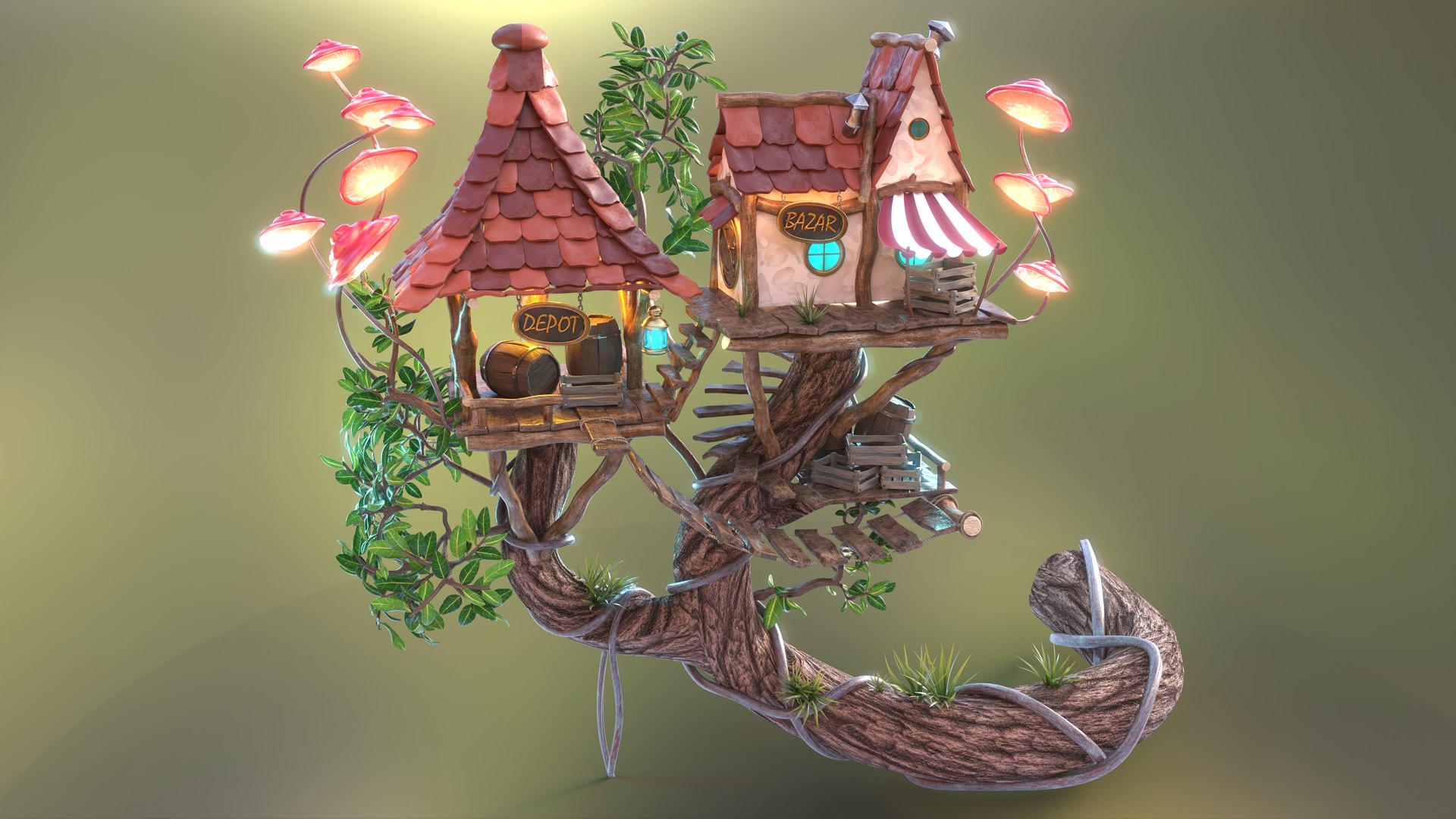
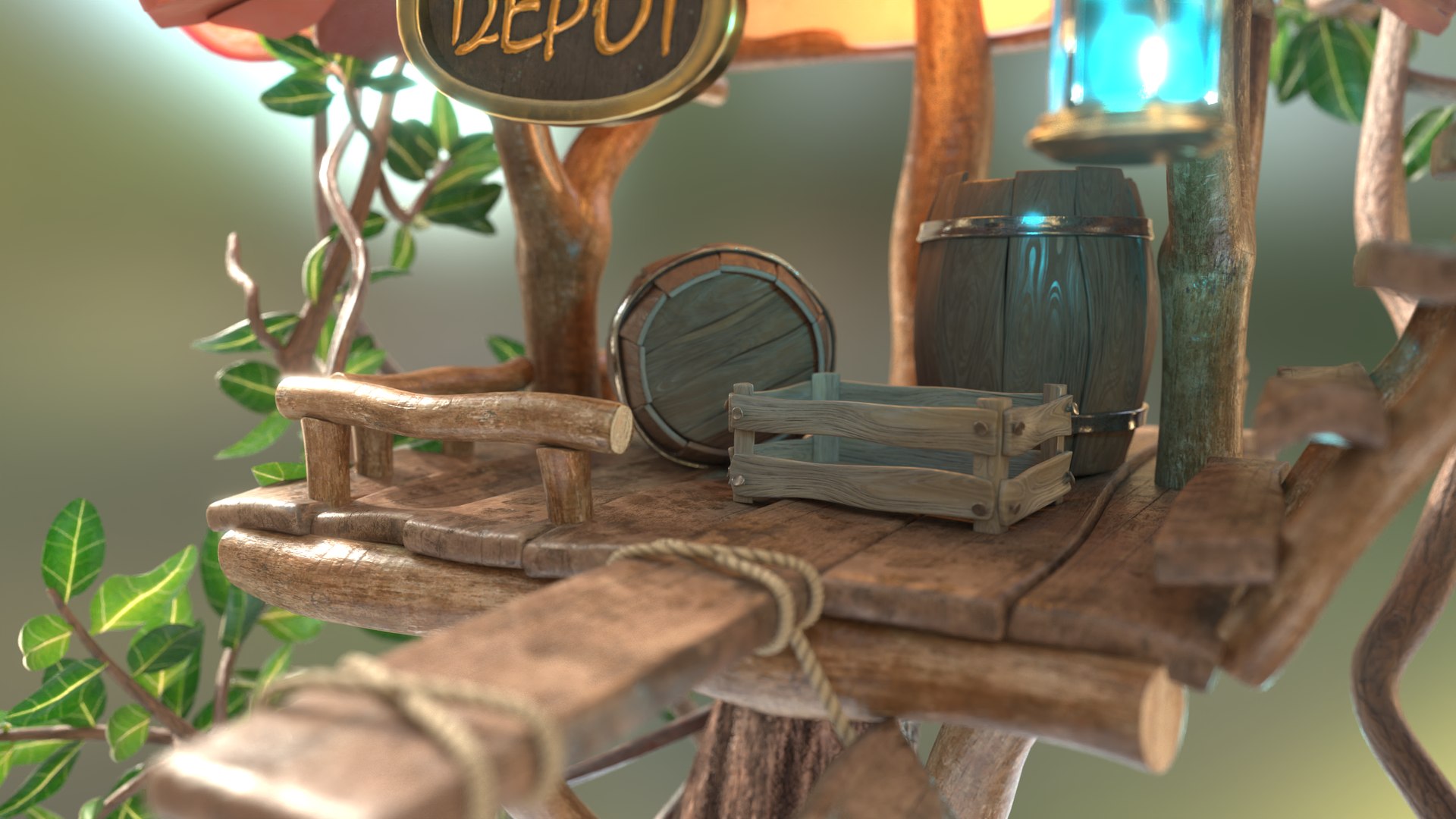
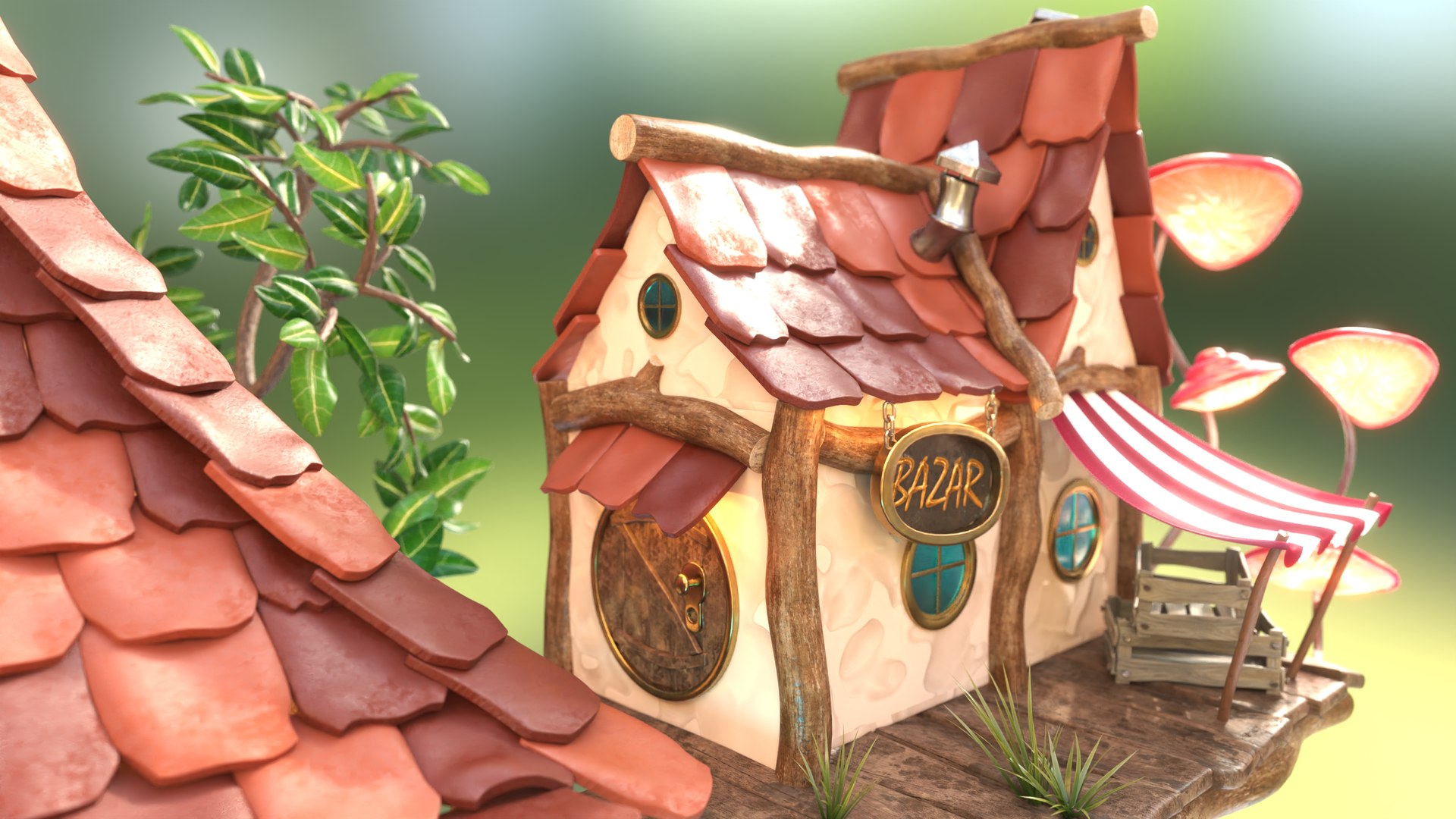
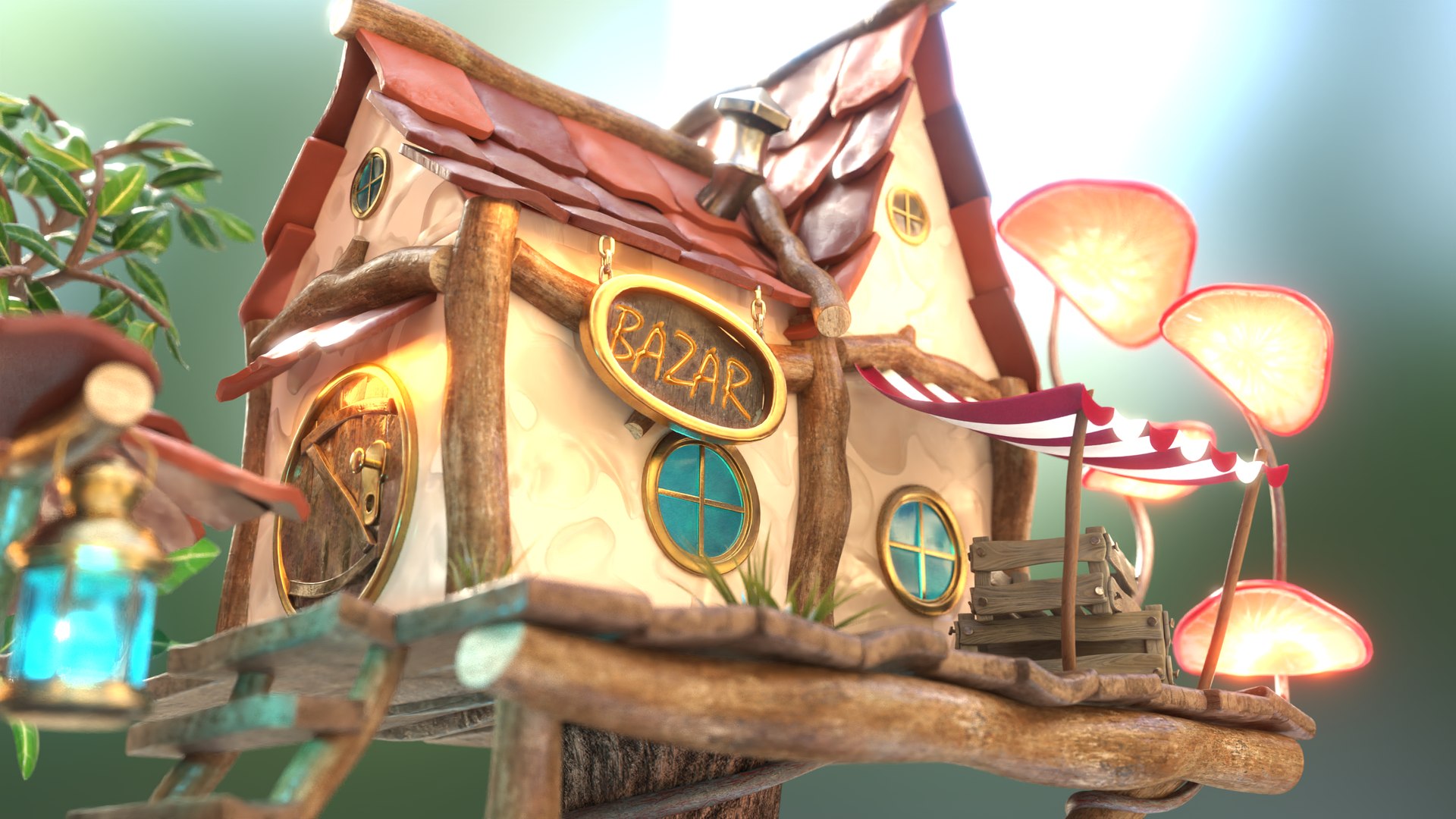
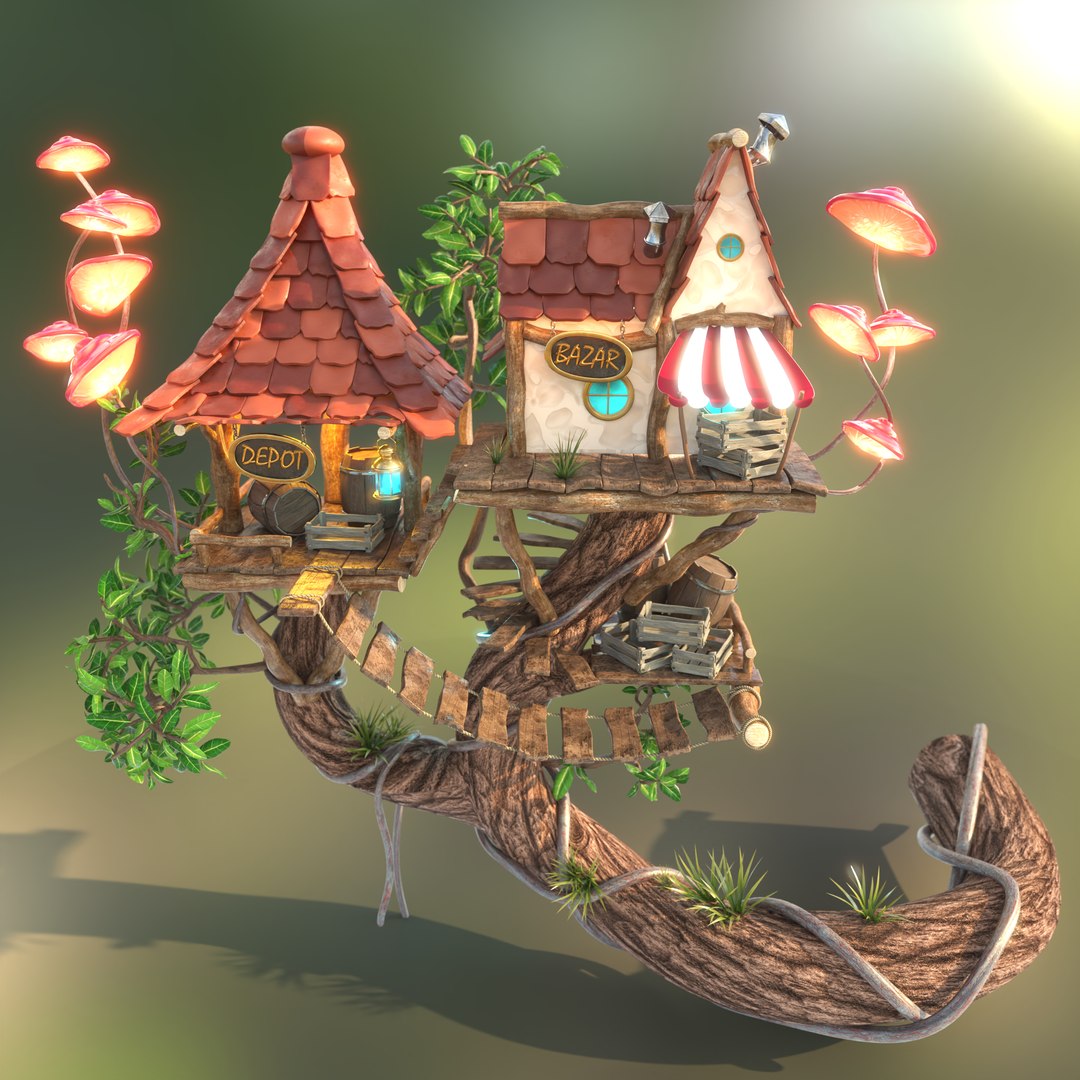
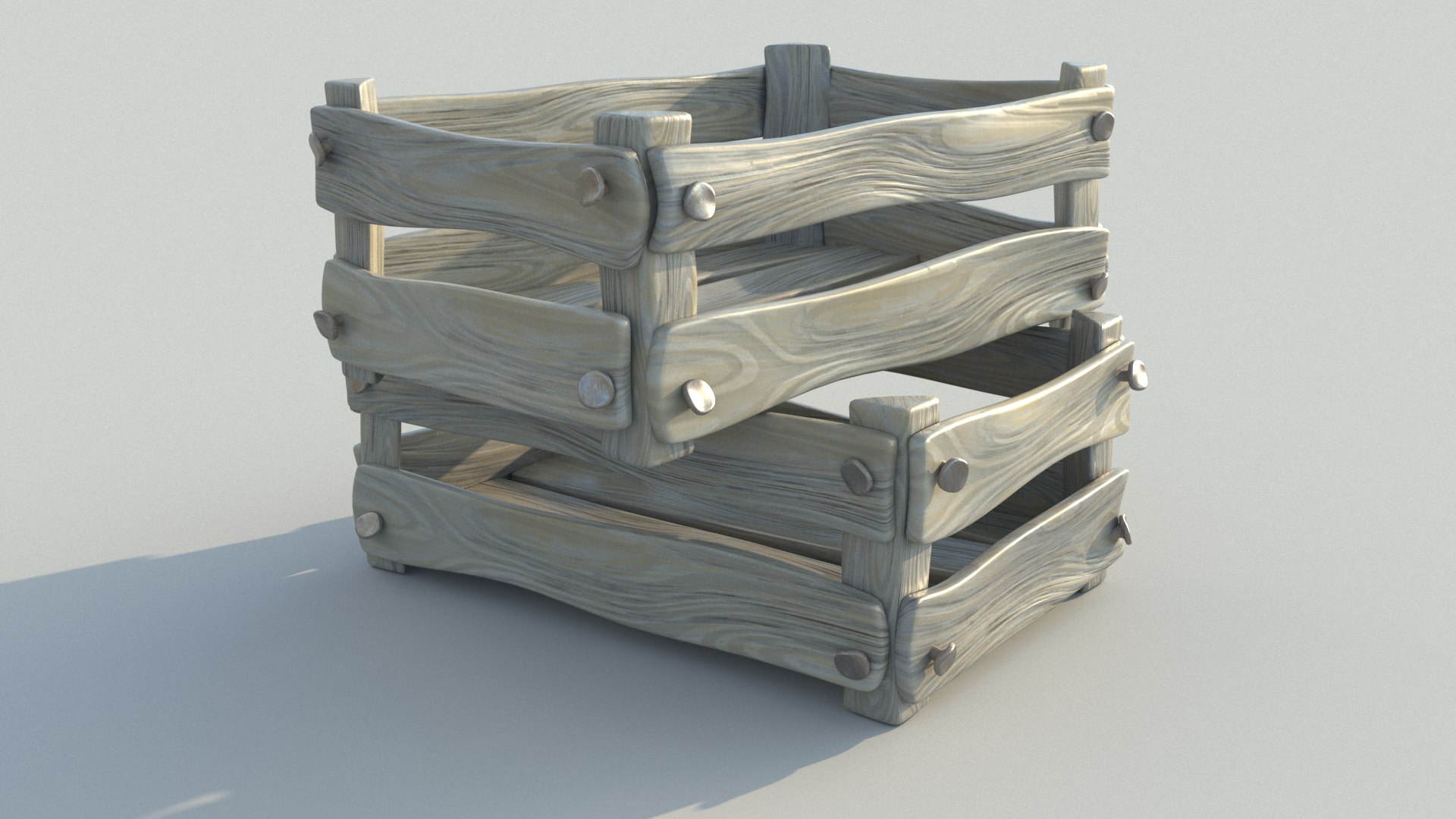
Once upon a time there was a little fantasy people who lived in a tranquil village in an enchanted forest. In the center of this forest, the inhabitants have built a small shop to buy the most necessary things there. Barrels full of fairy powder, crates with the most delicious fruits and everything the fantasy heart could desire.

===> Geometry
The meshes were modeled in 3ds Max.
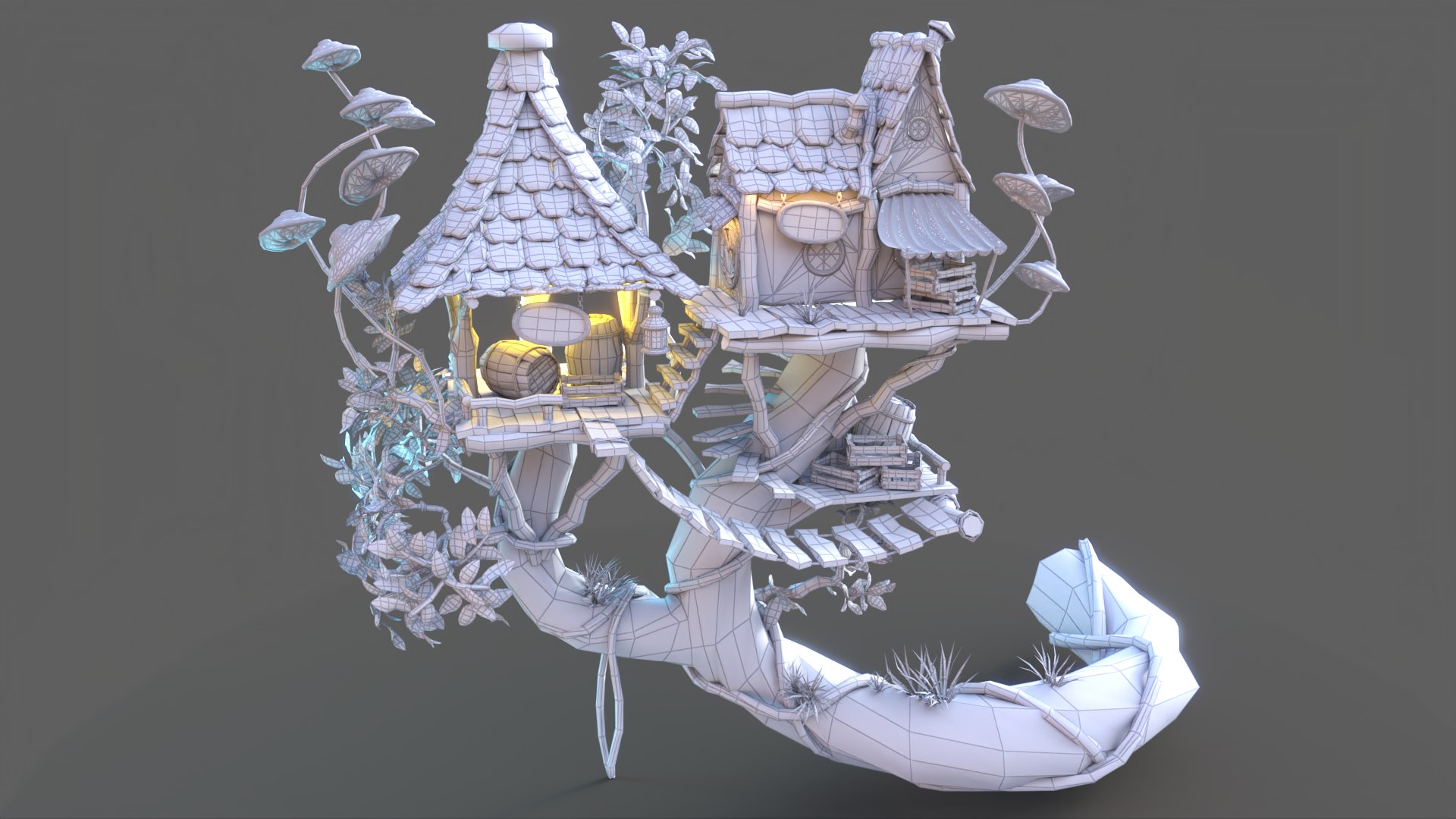
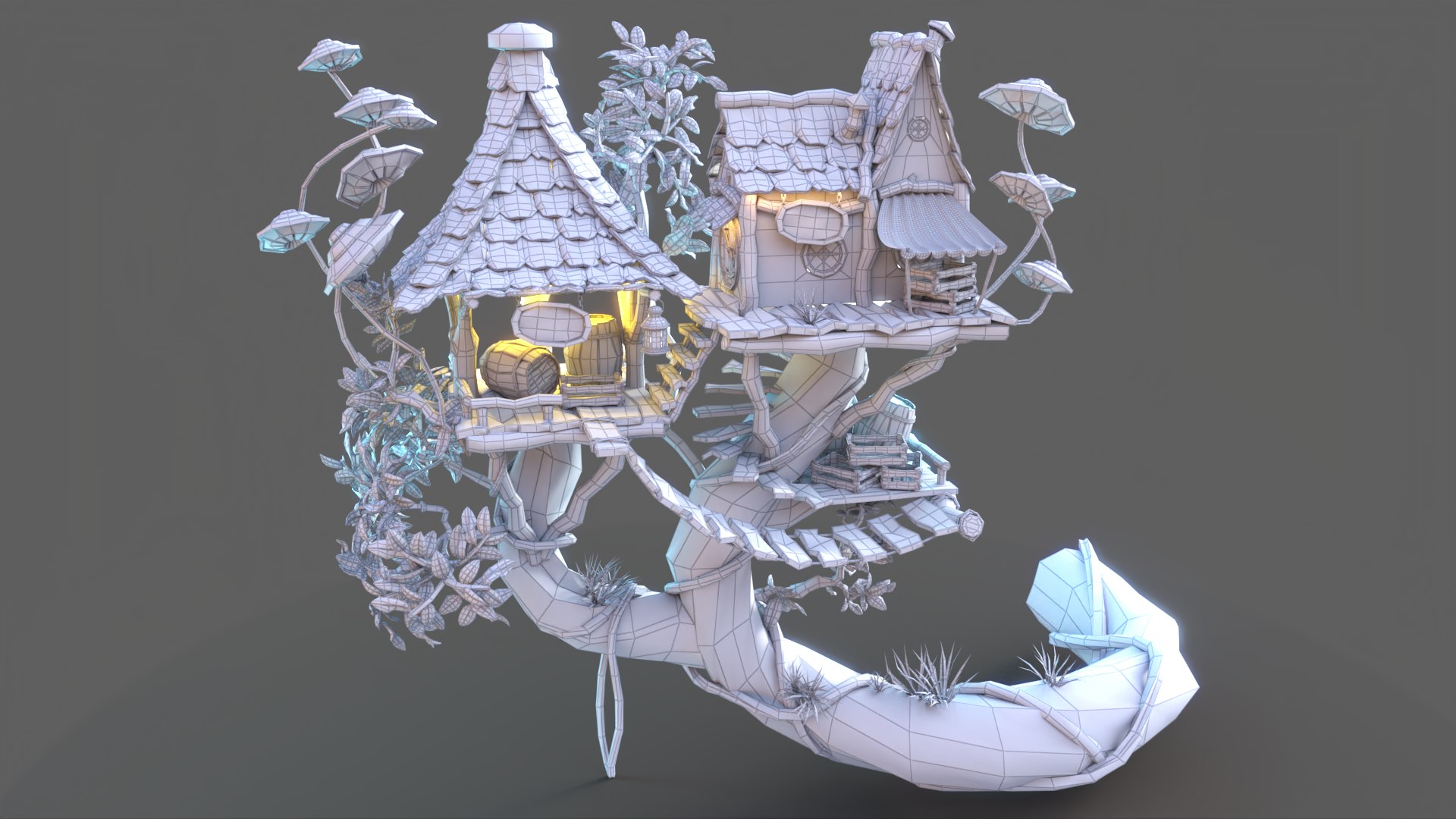
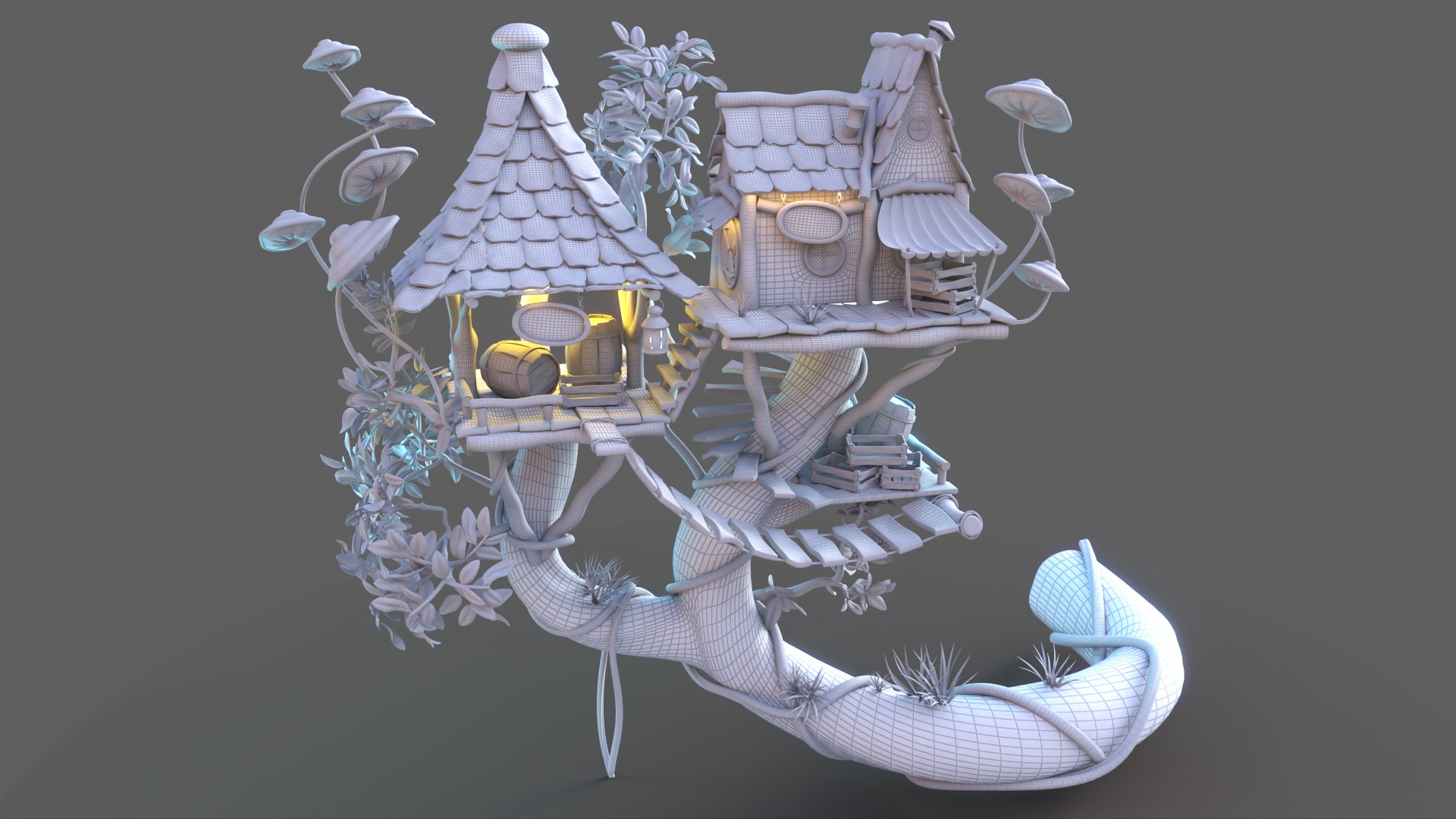
Subdivision: All elements largely consist of quads and can be tessellated with Turbosmooth. You can download the scene in different subdivision levels as FBX or OBJ format. As a 3ds Max file, there is an instantiated Turbosmooth modifier on all objects. Face count without Turbosmooth modifier:
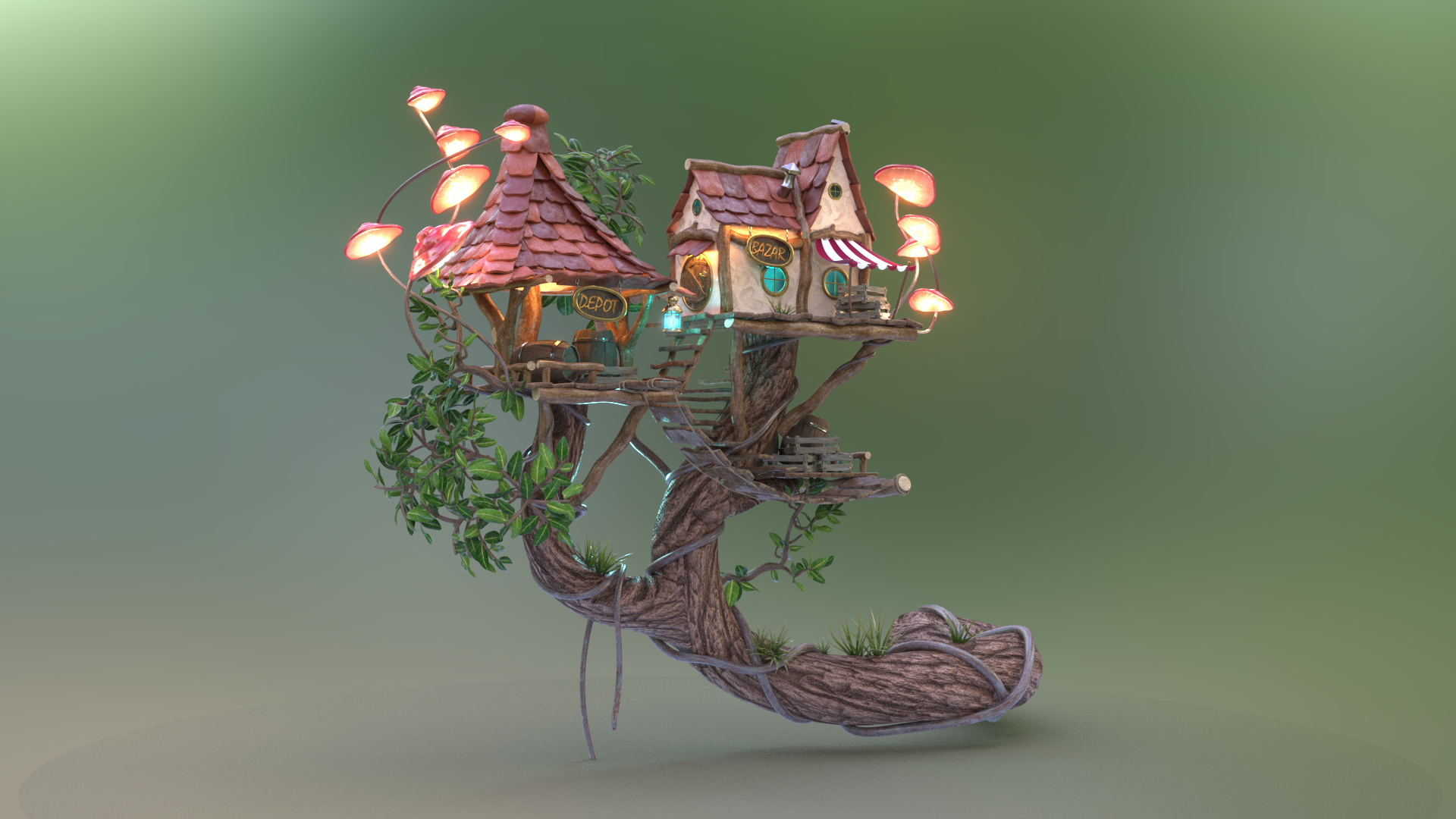
LowPoly: There is a different 3ds max scene and also FBX with a low poly version (face count ...). In addition you can download a game ready glTF scene with converted and sketchfab approved materials.

===> Rigging
This object contains no rigs.

===> UVs
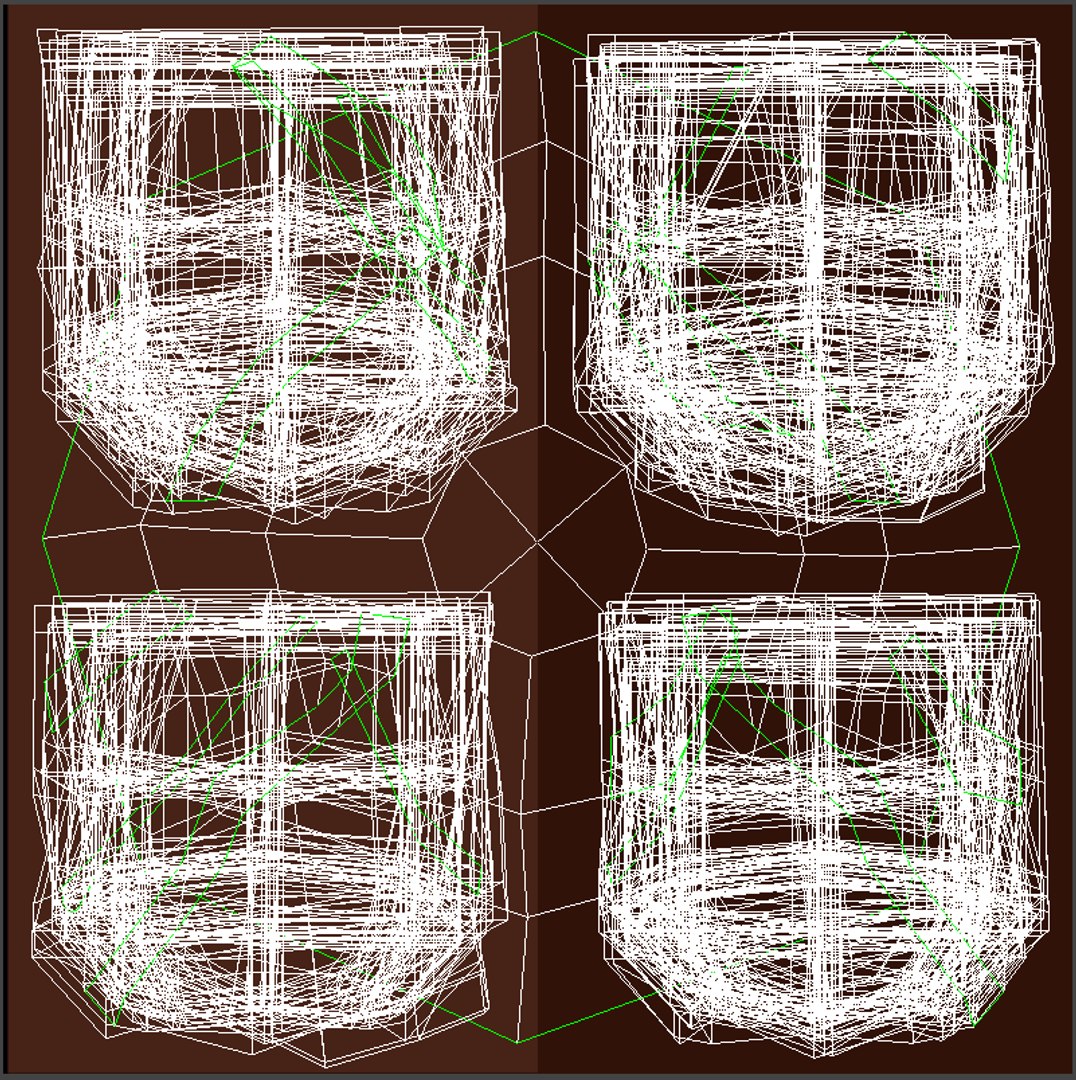
The models (sub division and also low poly) consists unwrapped UVs, mostly overlapped to have a tiling in at least one direction.

===> Materials / Textures
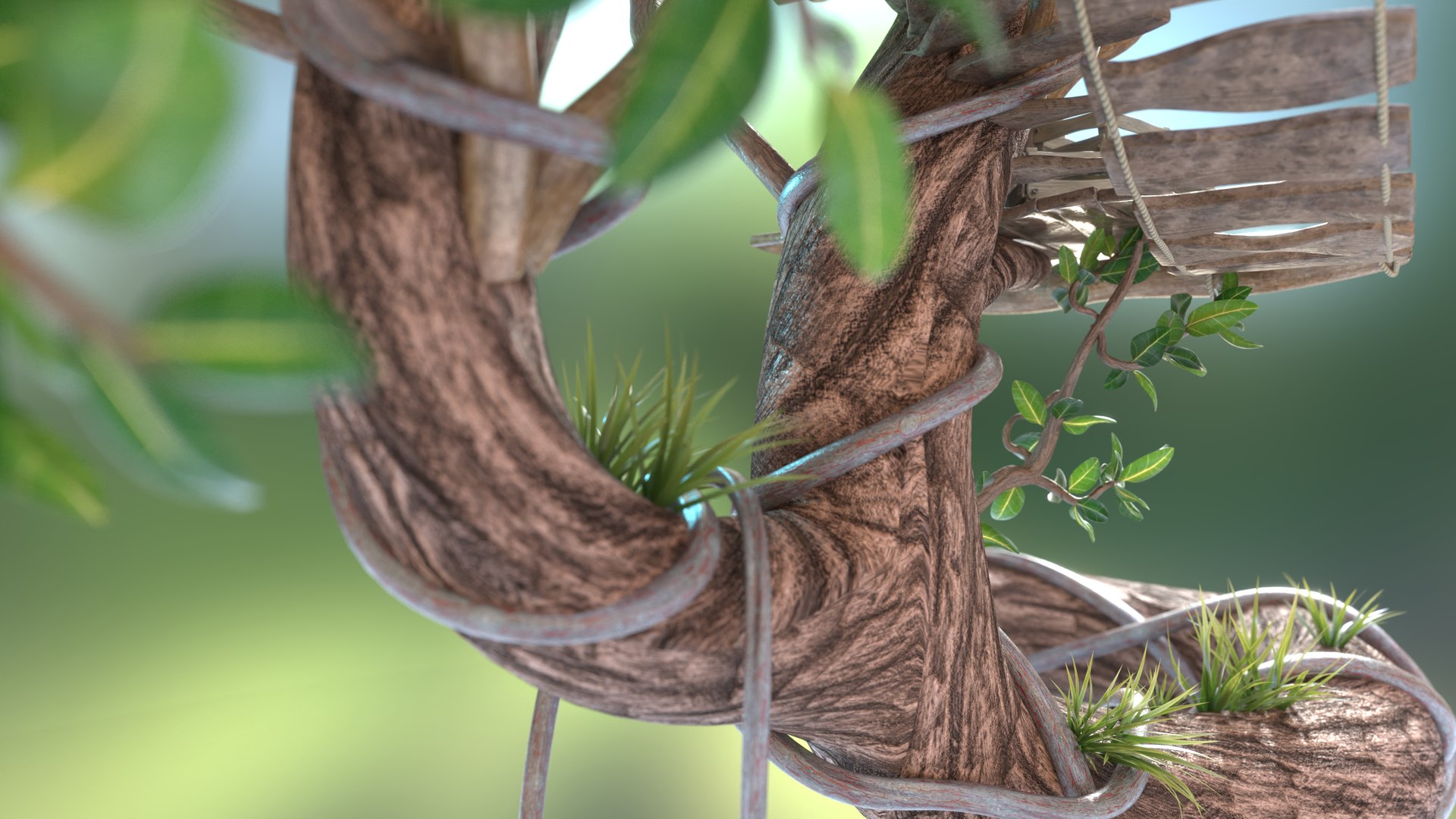
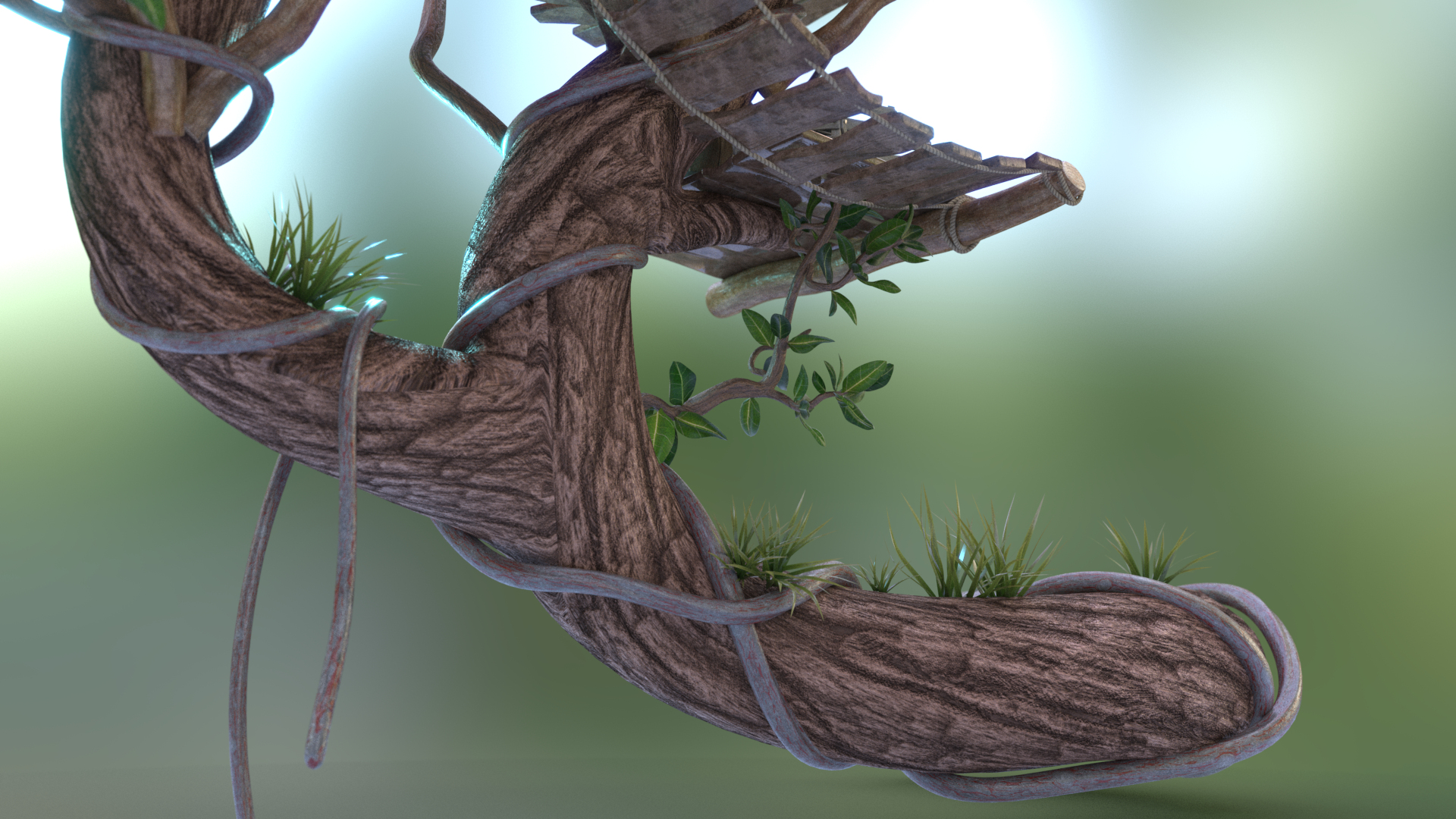
The materials have all been procedurally created in Substance Designer as PBR Metallic / Roughness in a stylized way, the textures are available for download in a 2K resolution. the subdivision 3ds Max scenes contain Vray (version 5) materials, the low poly 3ds Max scenes contain the 3ds Max Physical Materials, which works for Arnold pretty well. In additions this material is also good for exporting to game engines or converting for BabylonJS.
The download packages contains also 2 SBSAR files to generate the signboard textures, if you want to change the text. You can generate textures pretty good with the free tool Substance Player.

===> Renderings
For the renderings here, I largely used Vray 5 update 1.2 and also for the low poly version the Sketchfab Web renderer.
As of Vray 5 Update 1, the translucency property of the VrayMtl includes an SSS and a volume parameter. For example, if the small mushrooms appear black even in good lighting, your Vray version may not be up to date.

For example, since the roughness of the Vray material
behaves differently than the metallic roughness of the Iray material, I added a Color Correction Node to the textures to compensate for them. The wall plaster, leaves, mushrooms and grass also have a translucency or SSS property.

===> lights
I used a Vray Domelight, Vray Spherical Lights and a
Backlight (also Vray Sperical Light) as lighting for the renderings. Two EXR images for the dome light and background are included with the download.

===> Formats
-> Geometries:

Max (2022,2020,2019)
FBX (Low, Med, High)
OBJ (Low, Med)
glTF with textures

-> Textures
PNG 16bit
PNG 8 bit
EXR (Environment Lighting)

Select Enhanced License

  • $10,000 in Legal Protection (Indemnification)
  • Uncapped Legal Protection (Indemnification)
  • Waiver from injunctive relief
  • Assignable model rights
  • $1,000,000 in Legal Protection (Indemnification)
  • Waiver from injunctive relief
  • Assignable model rights
  • $250,000 in Legal Protection (Indemnification)
  • Assignable model rights
Read more about enhanced license tiers, or contact us at enterprise@turbosquid.com. Already a Shutterstock Enterprise Customer? Contact your Shutterstock Sales Support Agent to talk about adding 3D.

About Conversion Requests

To submit a conversion request for a purchased asset, please complete our Conversion Request Form.

If you have not yet purchased a model, please review our Documentation about Conversions to learn about what limitations you may encounter with a conversion.

For any additional questions about a model’s suitability for conversion, please contact TurboSquid Support.

Loading...