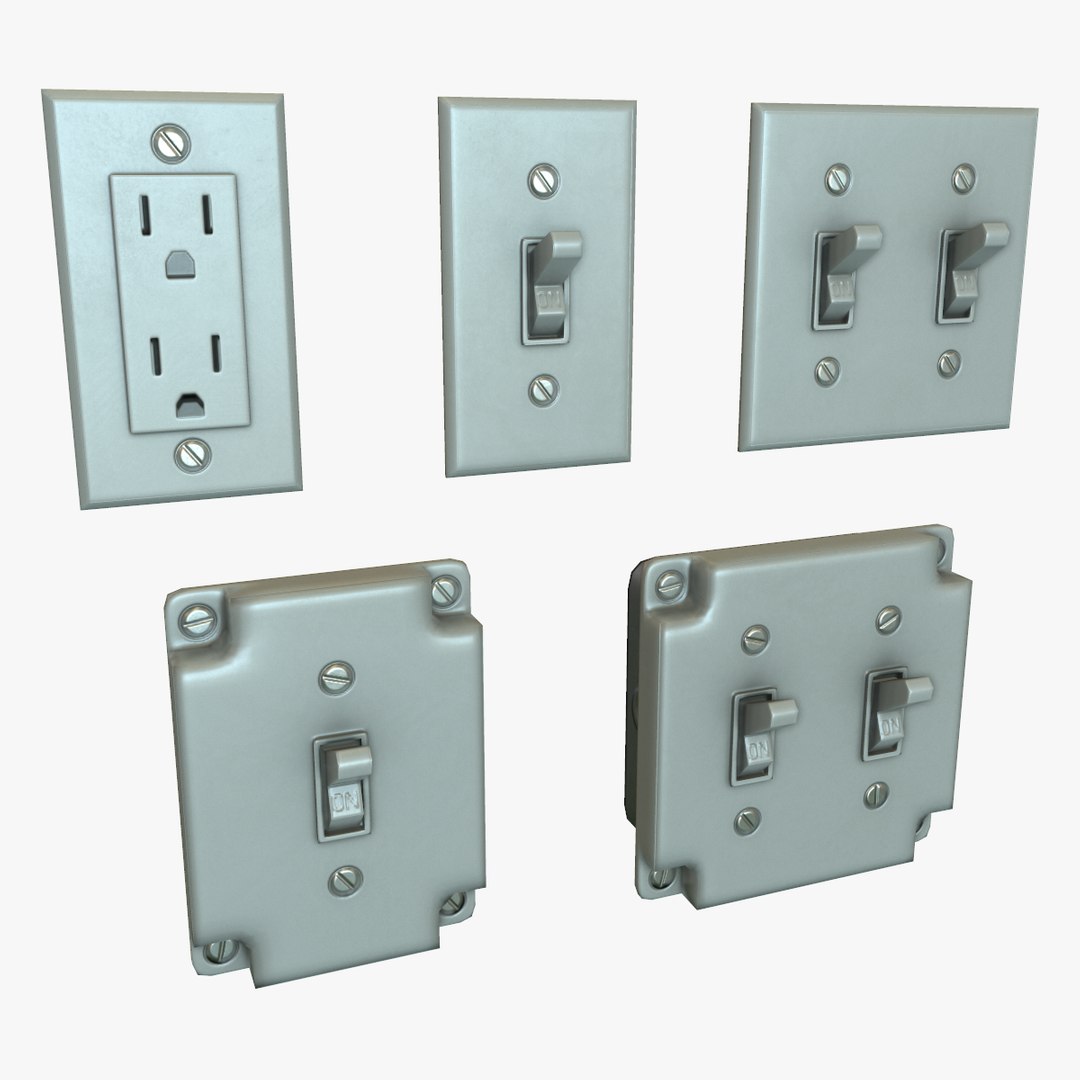
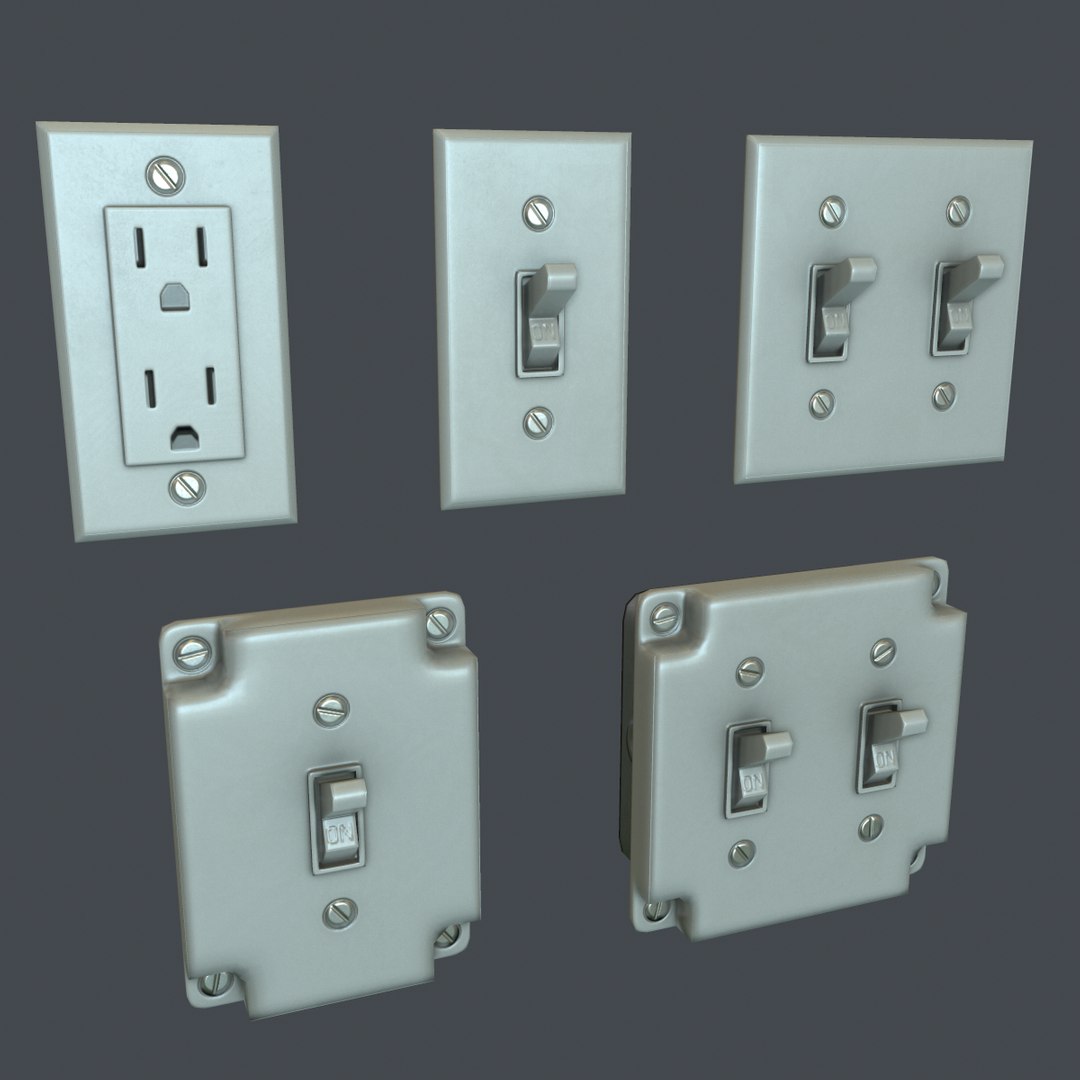
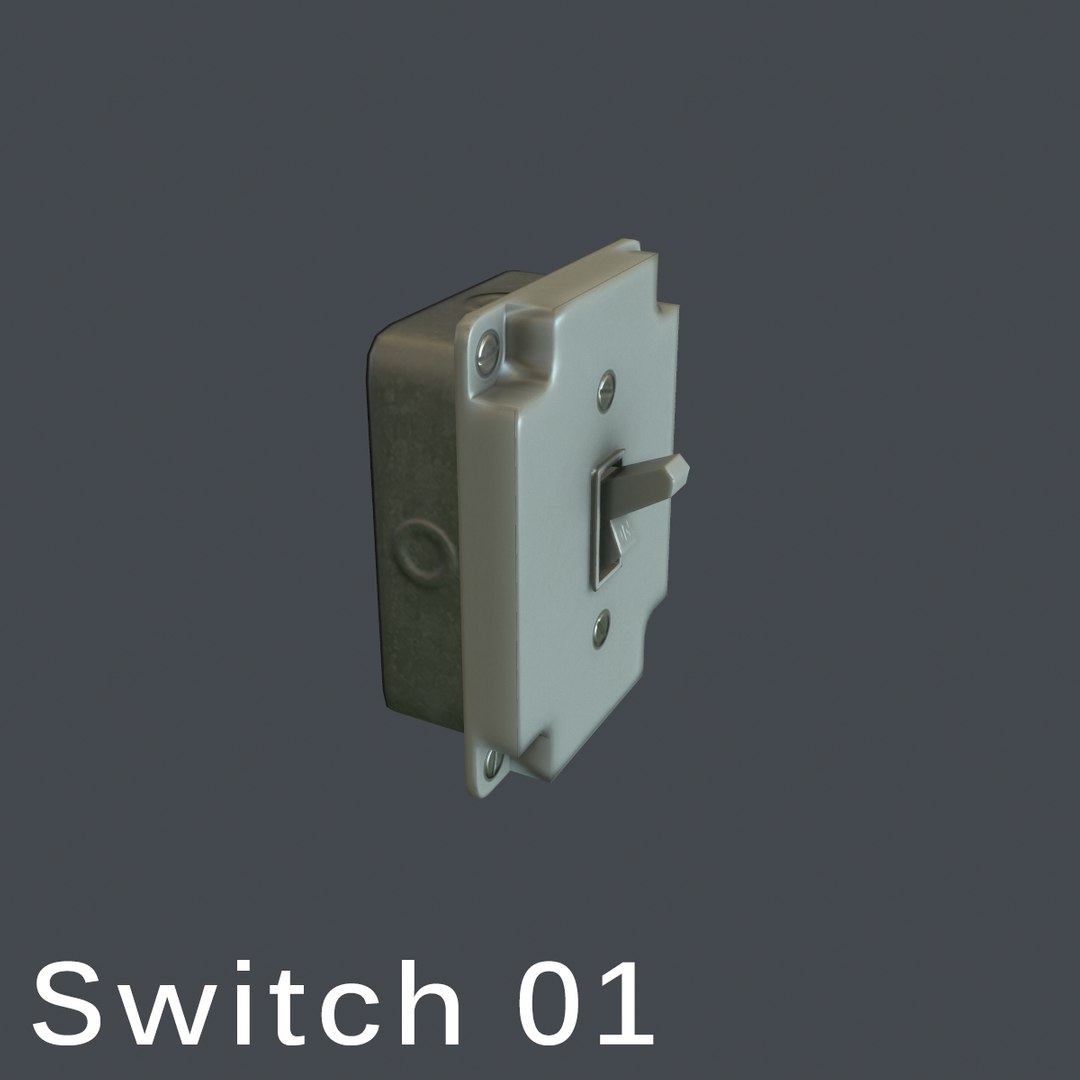
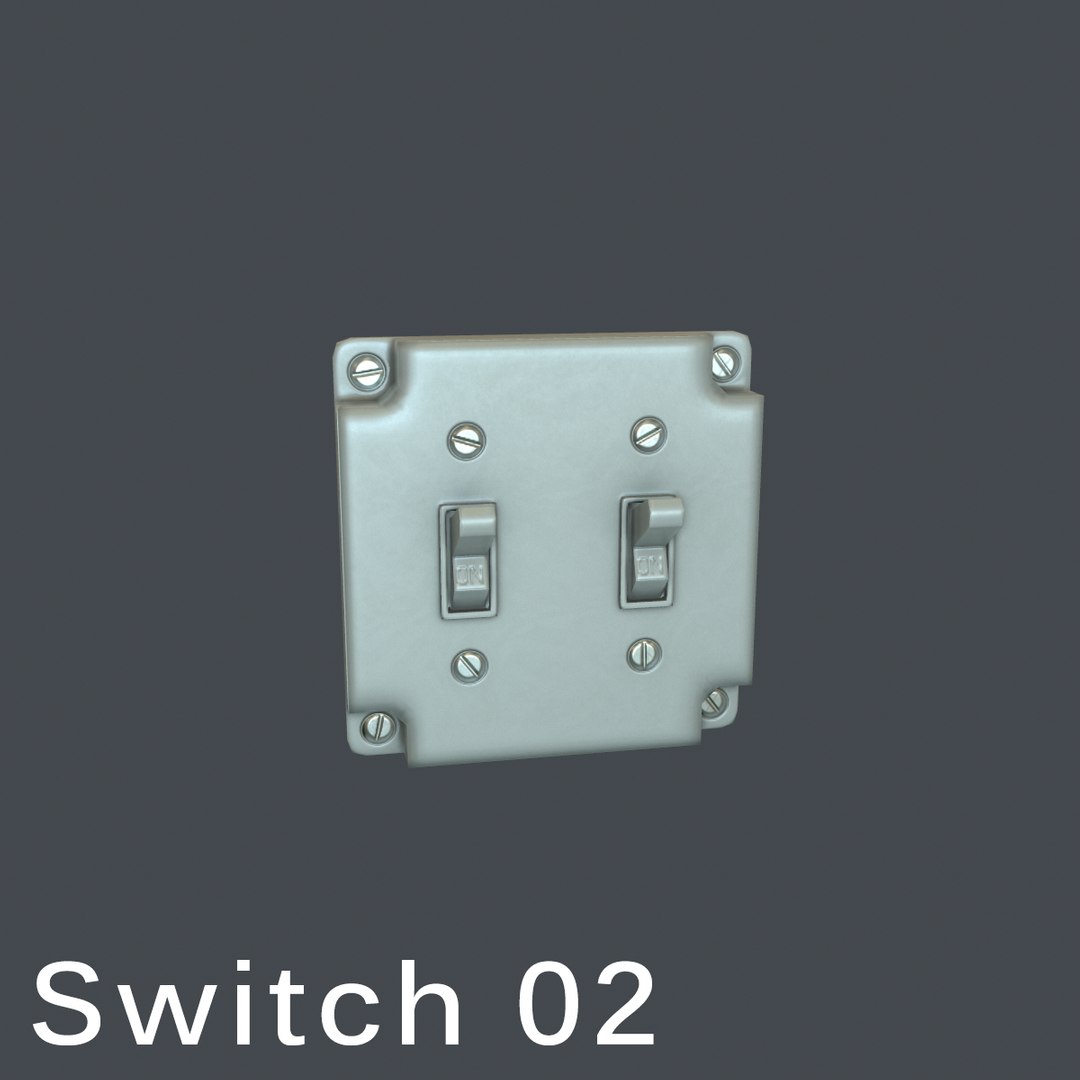
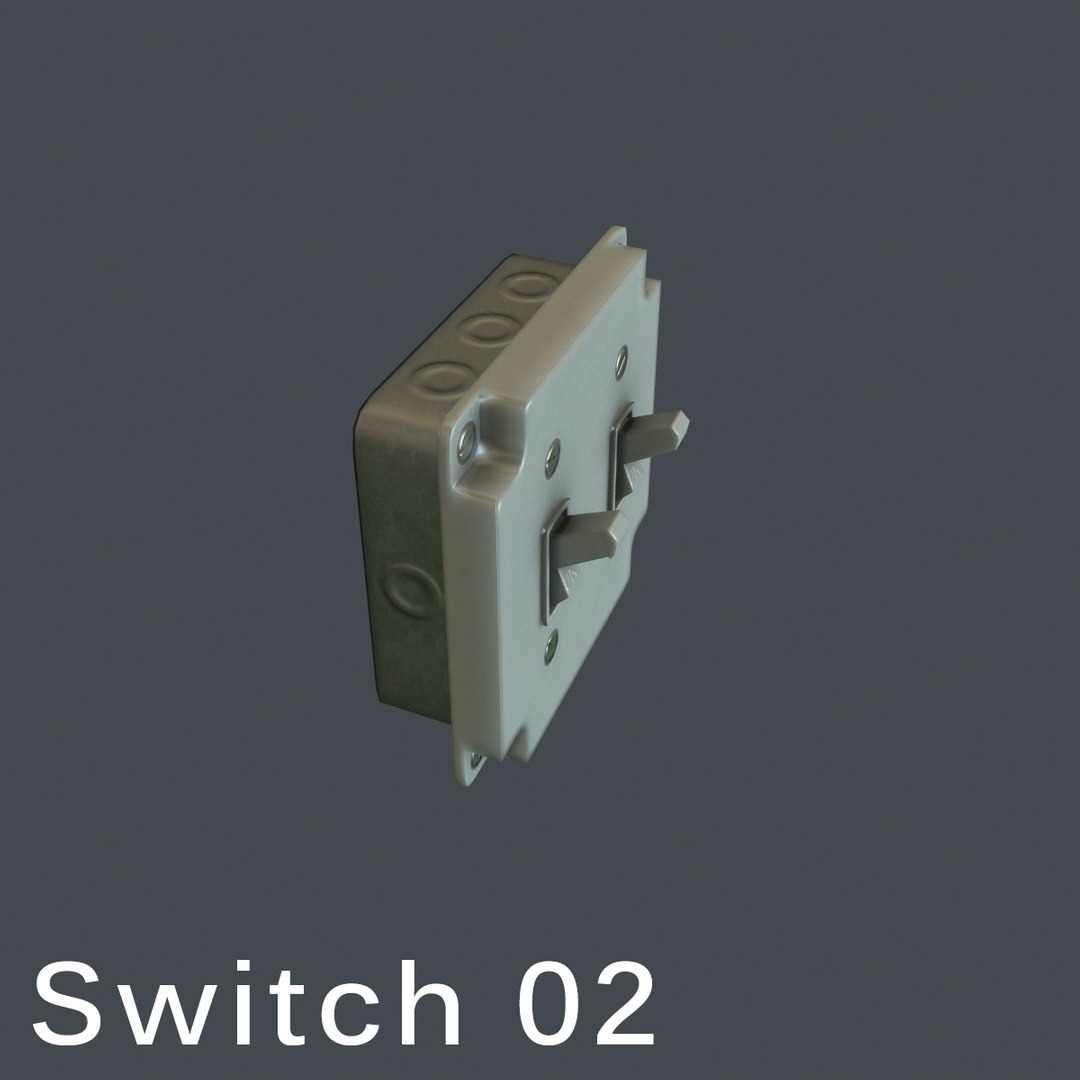
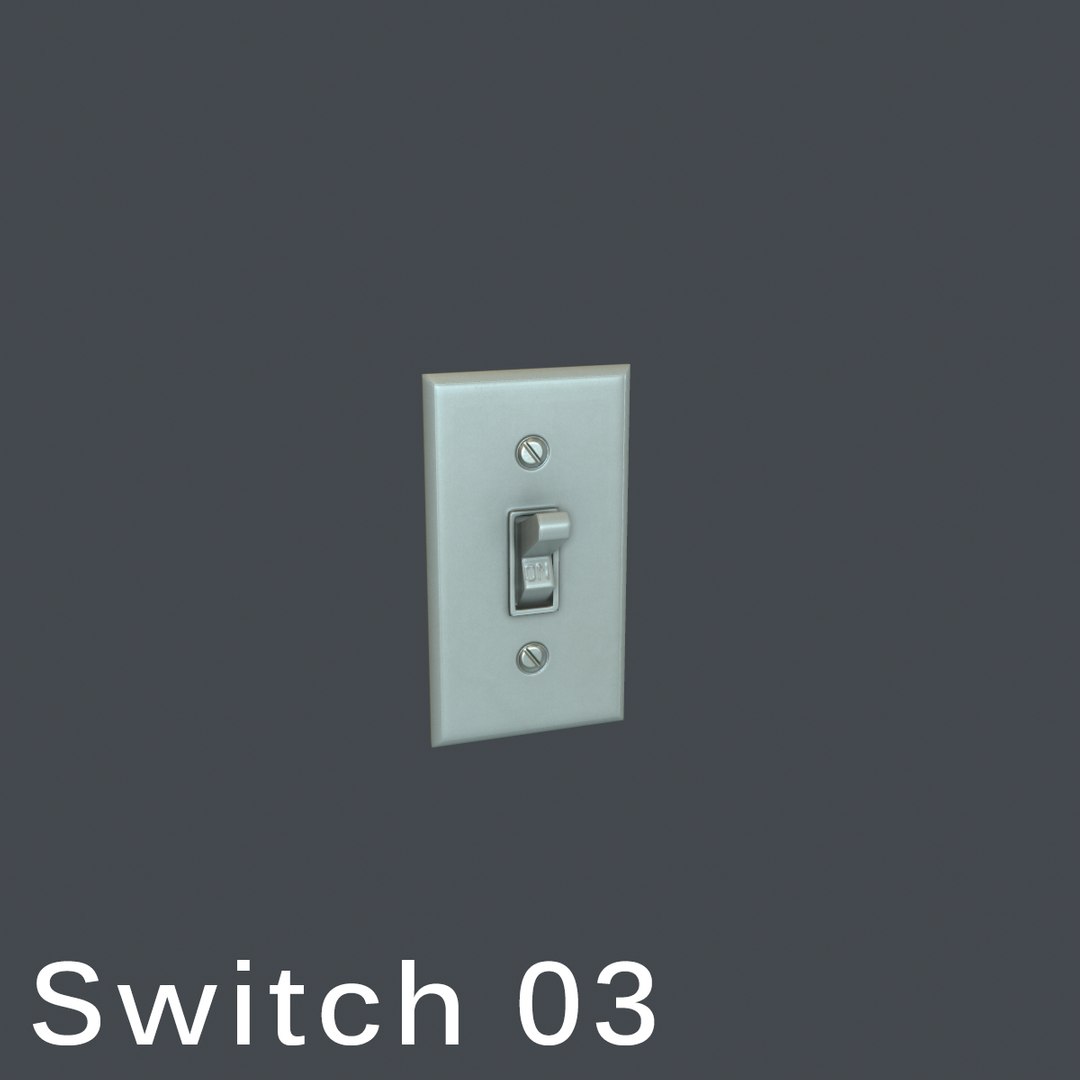
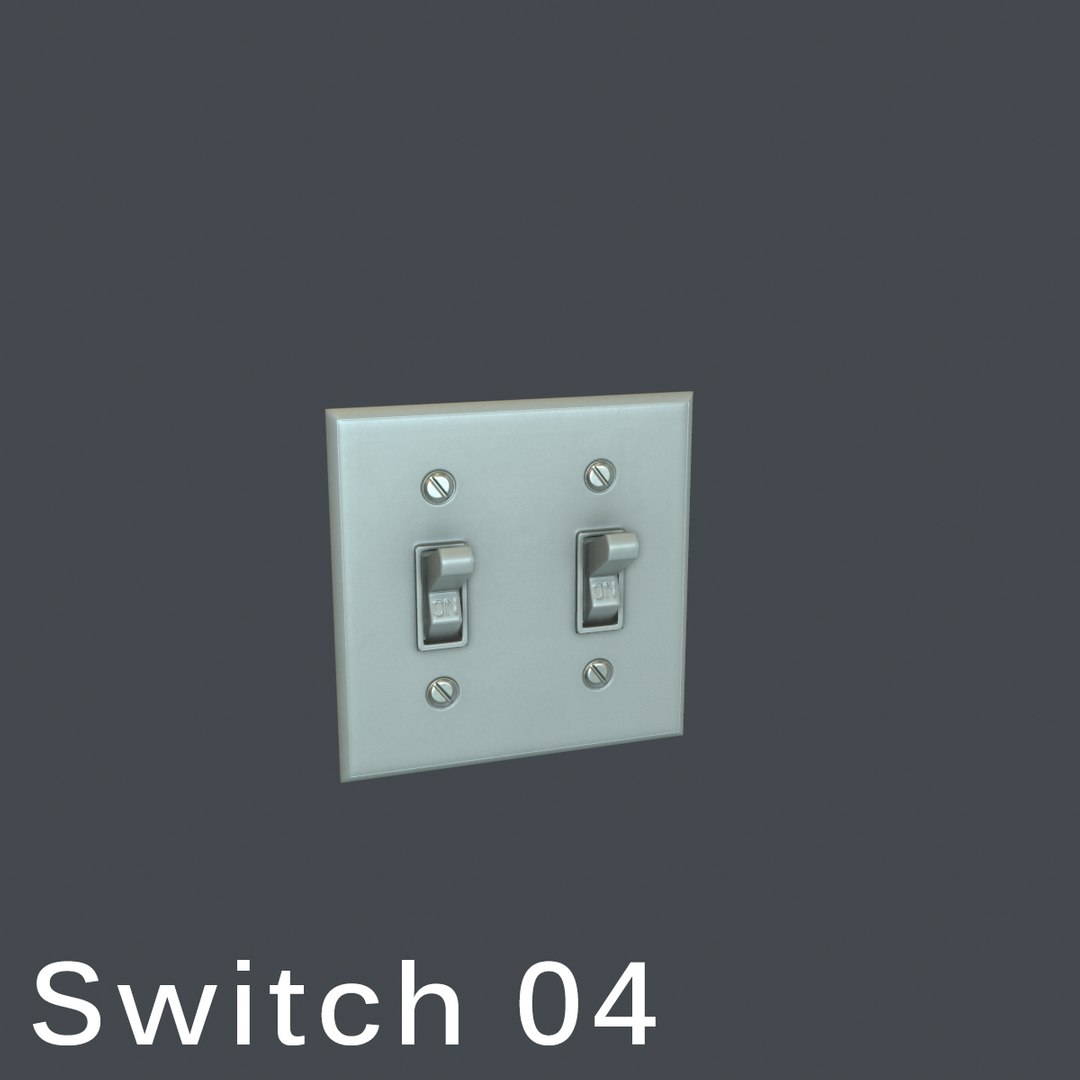
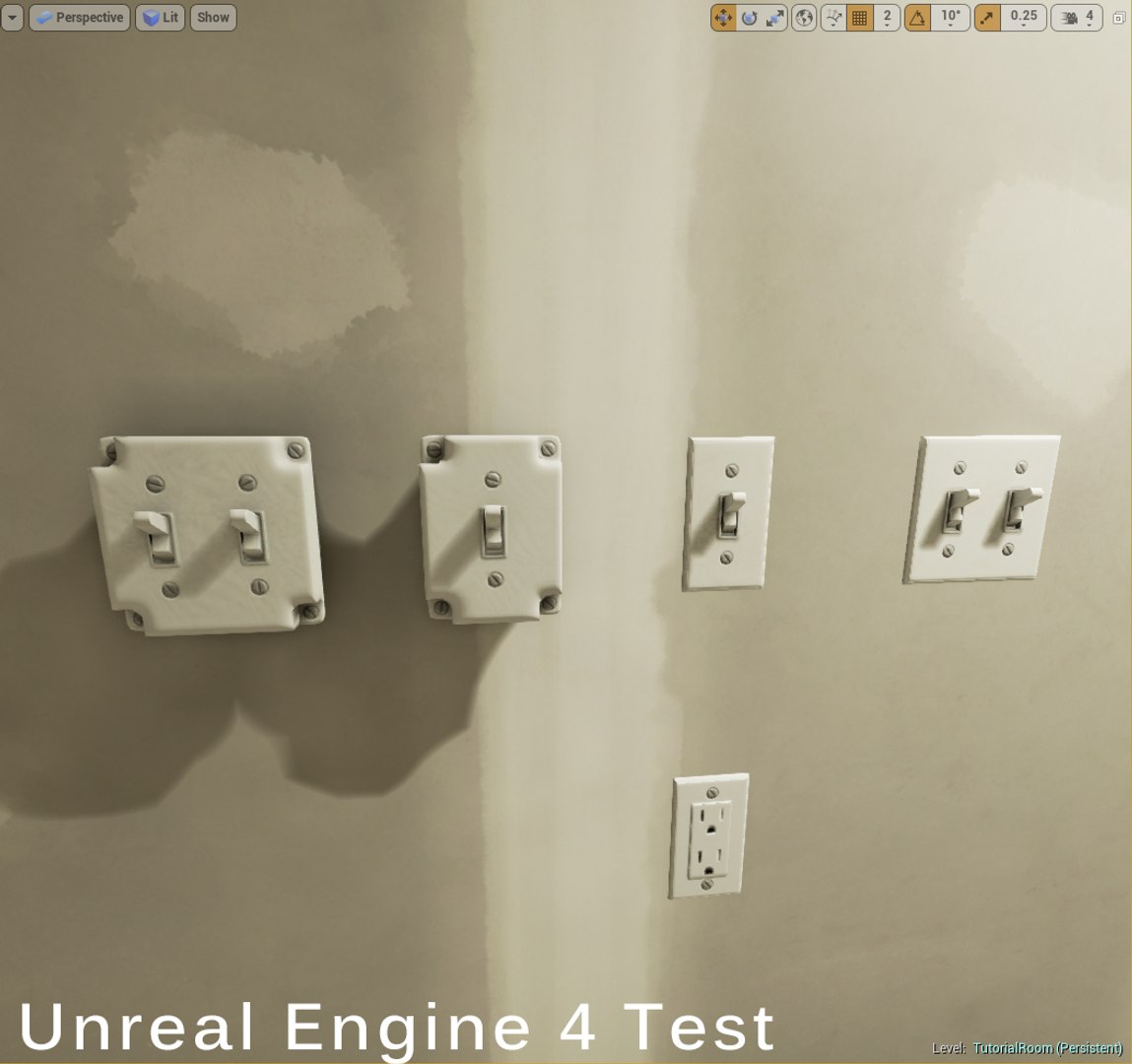
A small pack of some common switches and outlets found in buildings. Good for giving detail to your environments.
This product is intended for game/real time/background use. This model is not intended for subdivision.
This is a high quality, low poly asset originally modeled in 3DS Max 2013. The normal map was baked from a high poly model, making this product look very detailed without using many polygons.
The main renders and wireframes were done in Marmoset Toolbag 2.
||SPECS||
Low Poly Model (5 Objects)
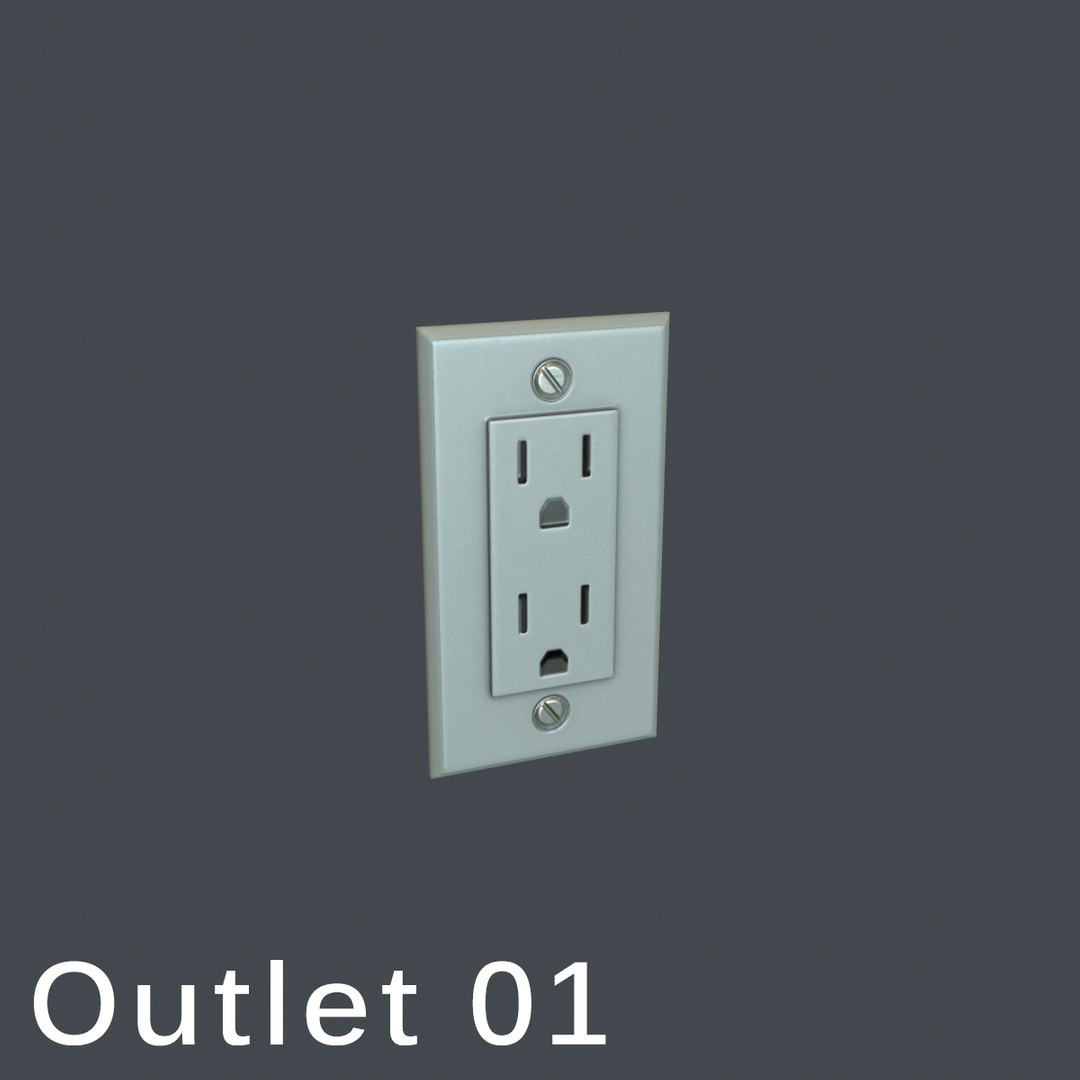
• outlet 01 (17 polys)
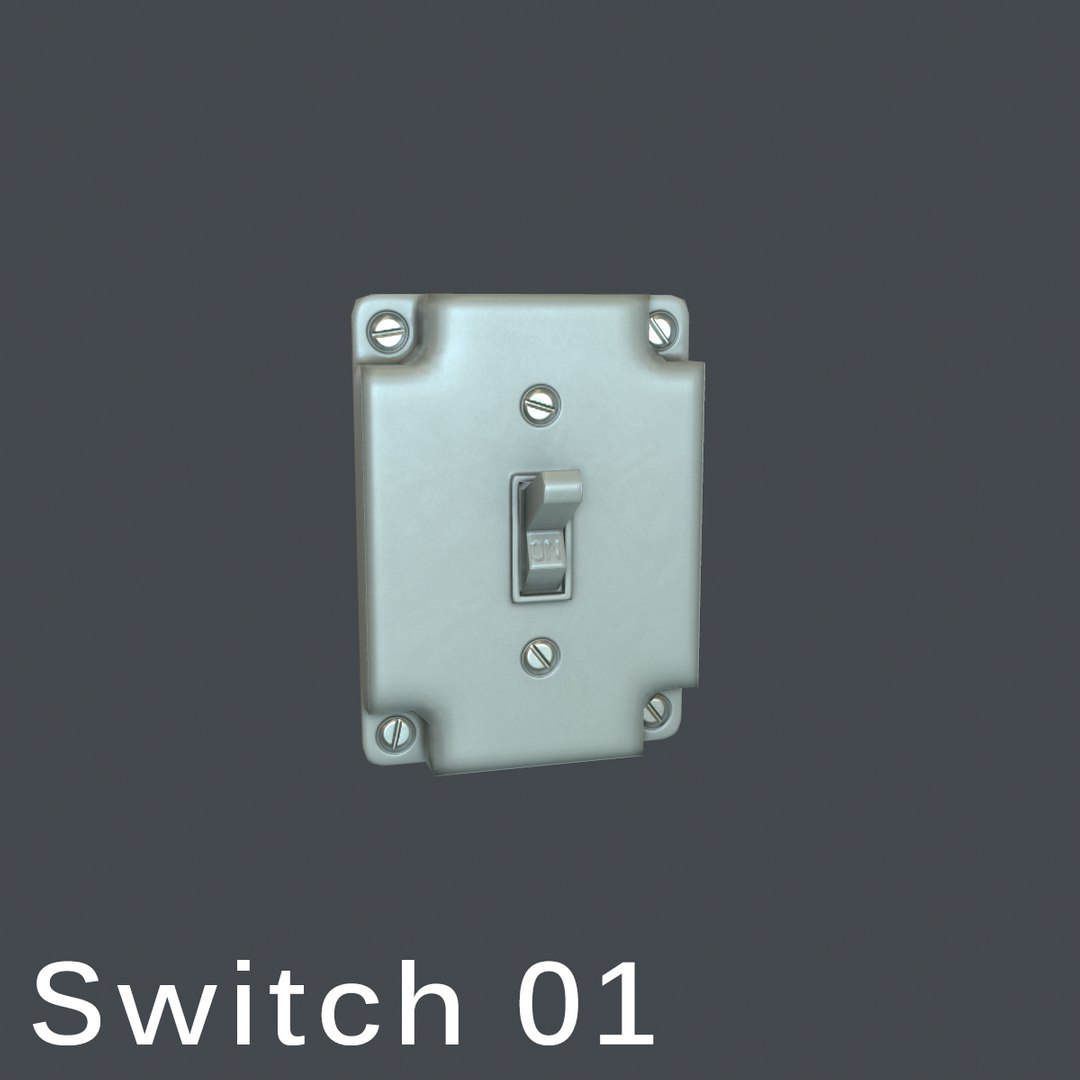
• switch 01 (120 polys)
• switch 02 (158 polys)
• switch 03 (45 polys)
• switch 04 (83 polys)
|| Geometry ||
• 738 Total Tris
• 423 Total Polys
• 432 Total Verts
• Polygons are all quads or tris, no n-gons
• Model unwrapped manually to make most efficient use of the UV space
• Model scaled to approximate real world size (inches)
• Model centered at the origin
• All materials and objects named appropriately
• Tested in Marmoset Toolbag 2
• Tested in Unreal Engine 4
• No special plug-ins needed to use this product
• .obj and .fbx versions exported from 3ds Max 2015
|| Textures ||
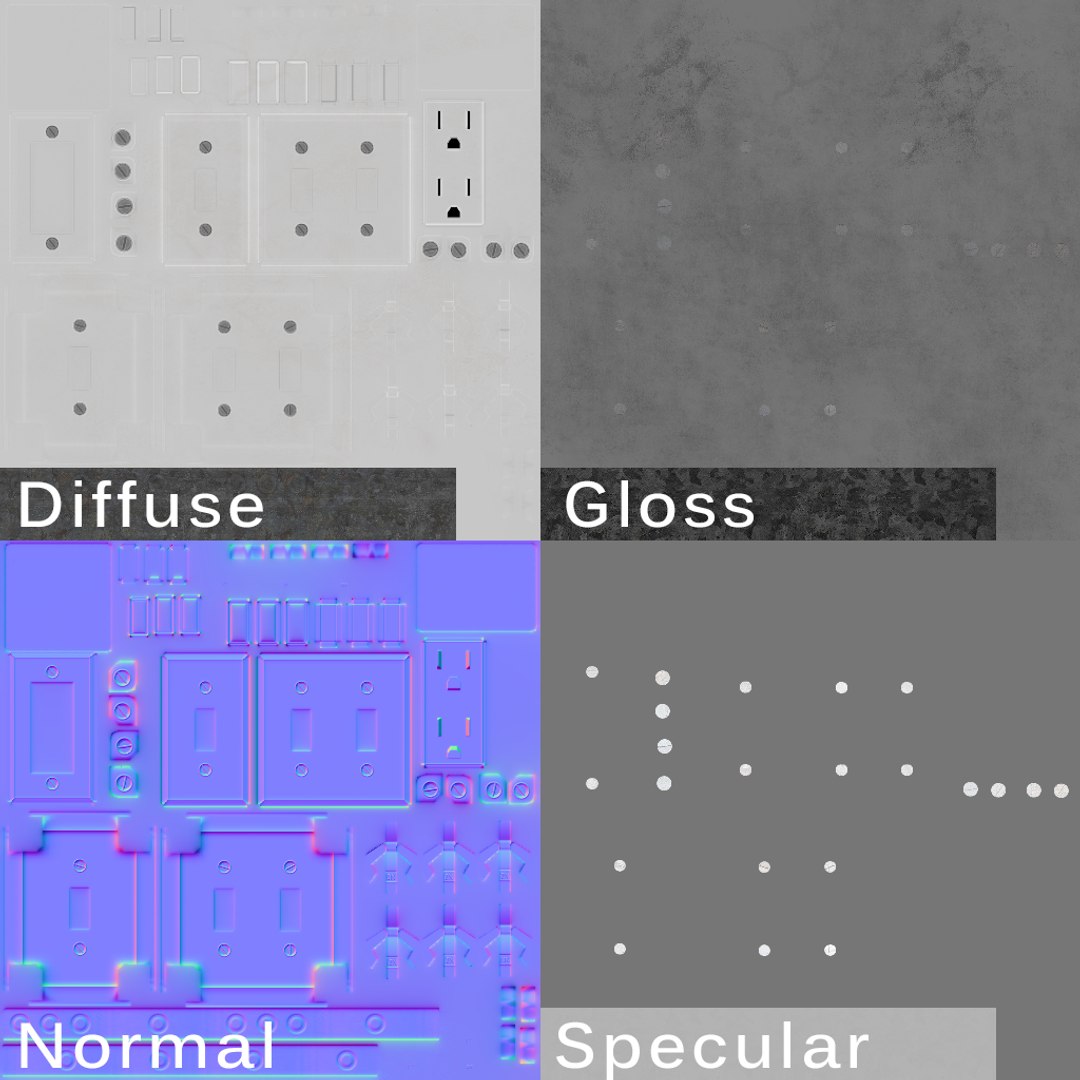
• 1024x1024 diffuse, specular, gloss, normal and ambient occlusion (AO) maps
• Textures in .tga format
• Model texture paths are stripped
• Textures made for PBR, but should work fine with last-gen shaders too
One final note: Unfortunately there's no universal standard for normal map orientation between game engines. If the normals don't look correct try inverting the green and/or red channels of the normal map in an image editor.