
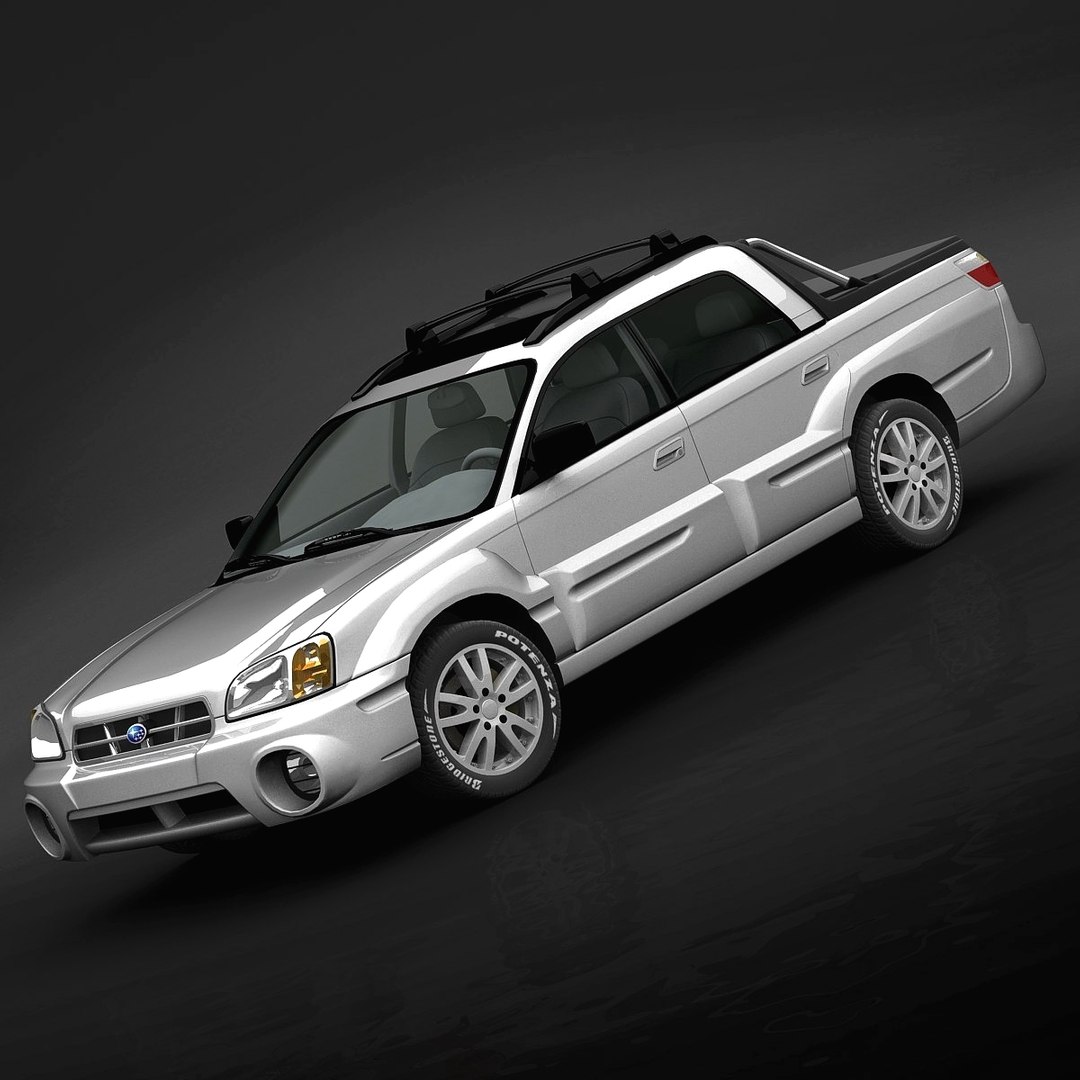
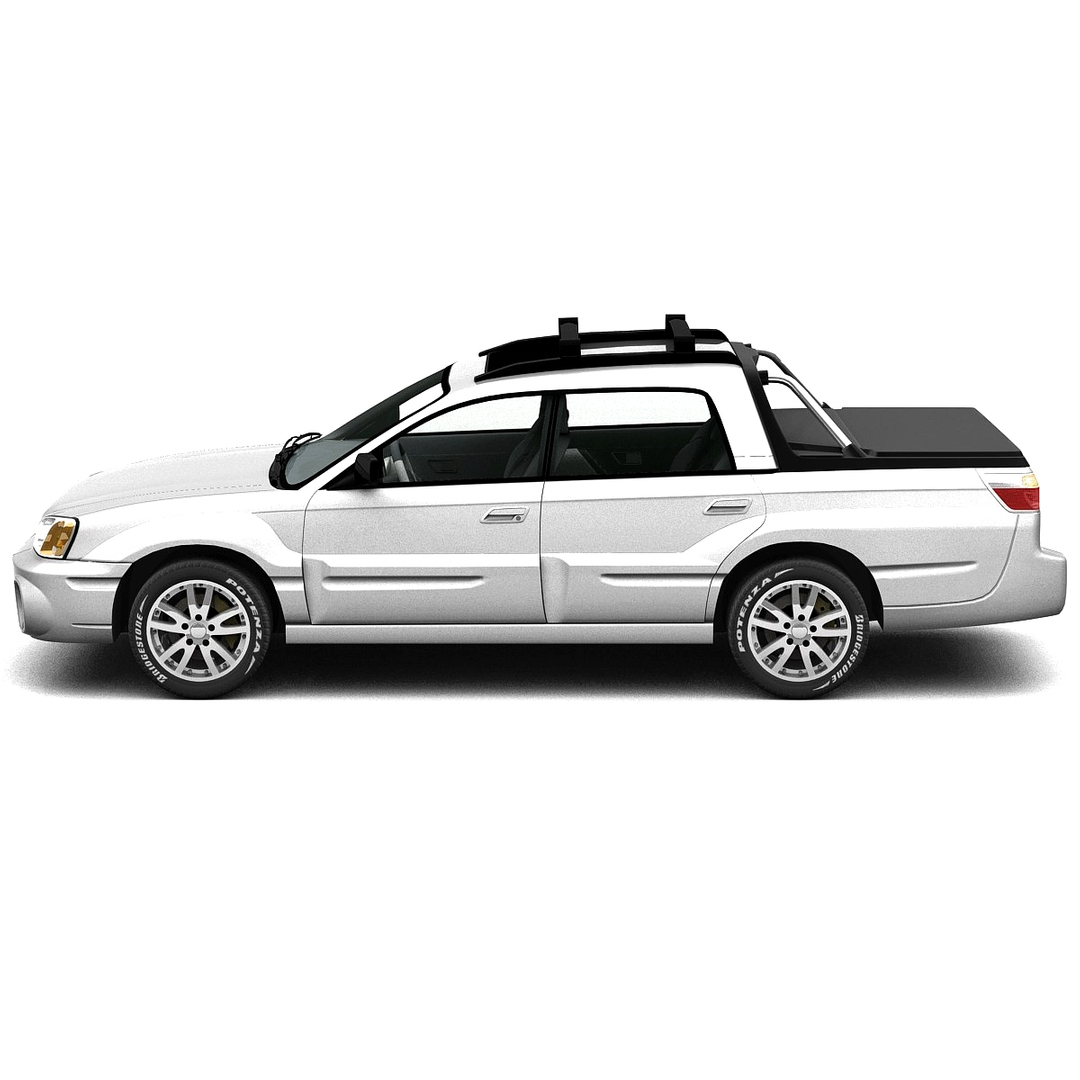
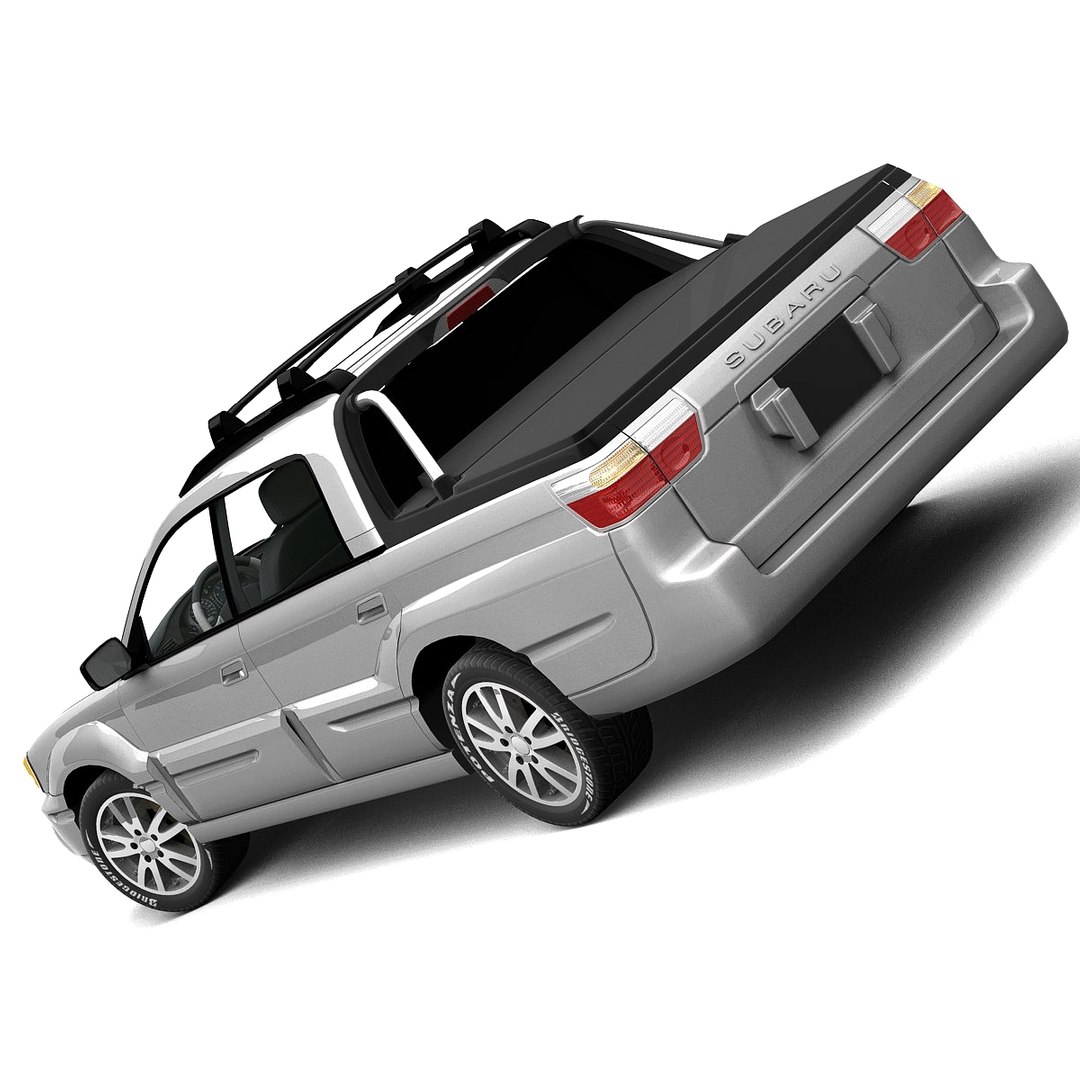
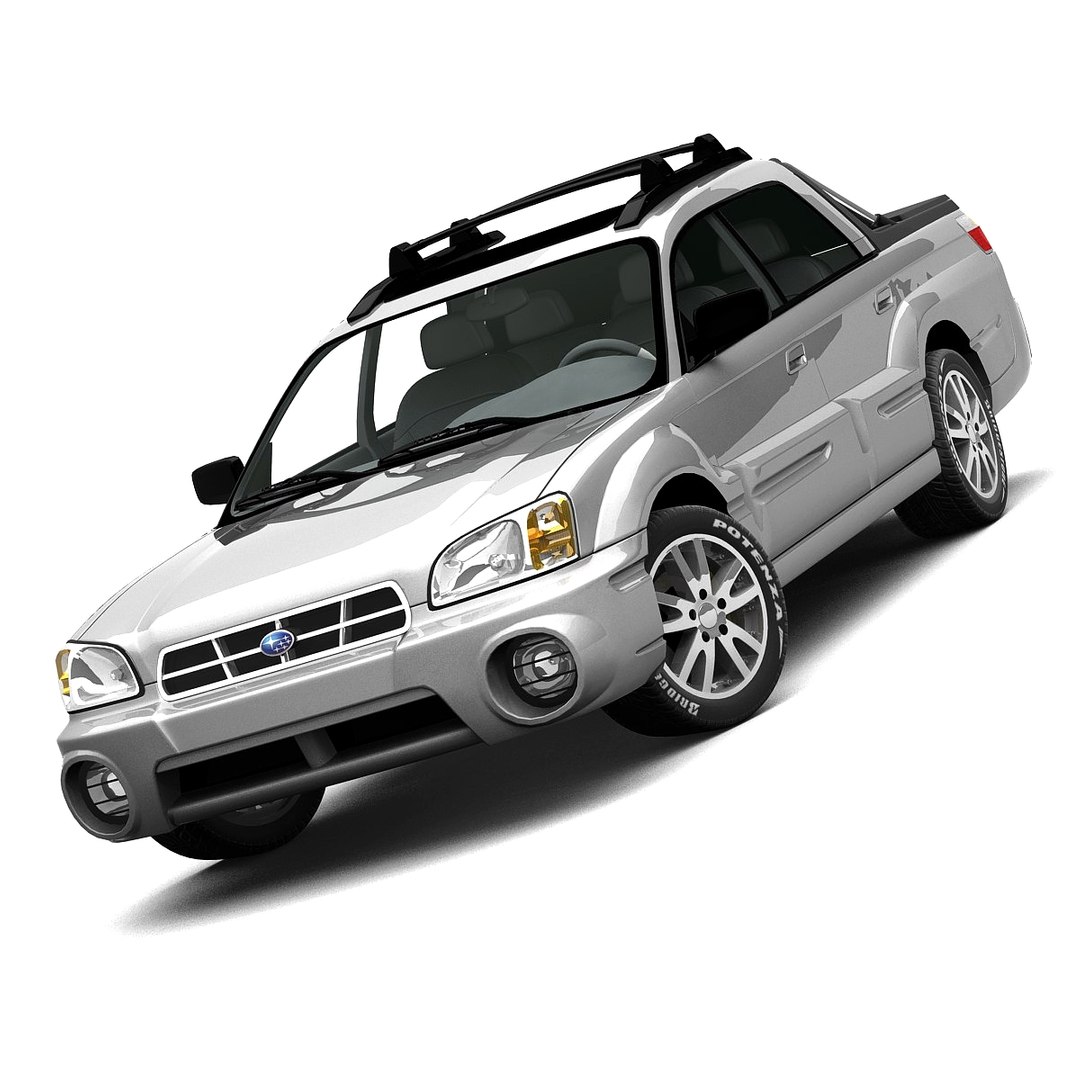
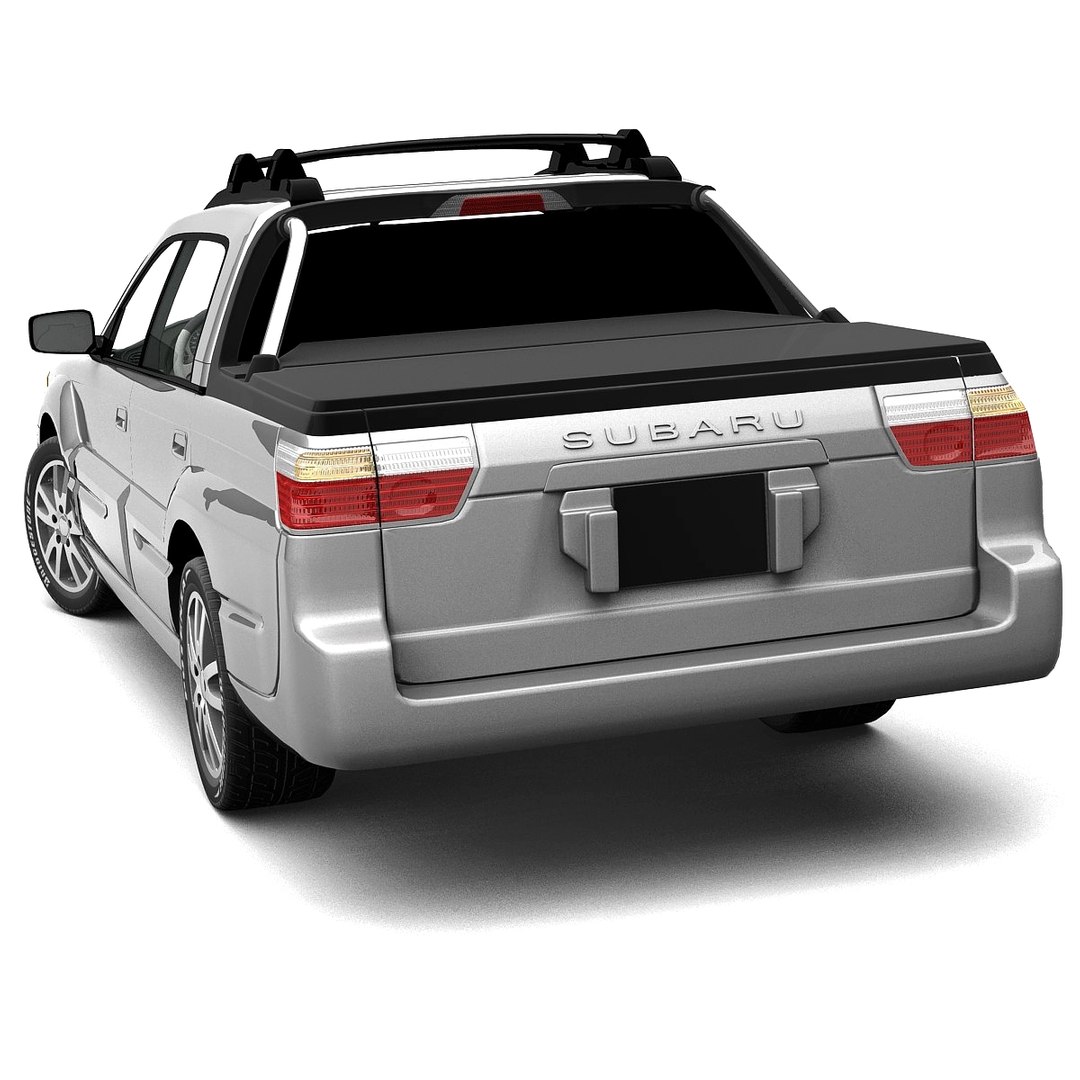
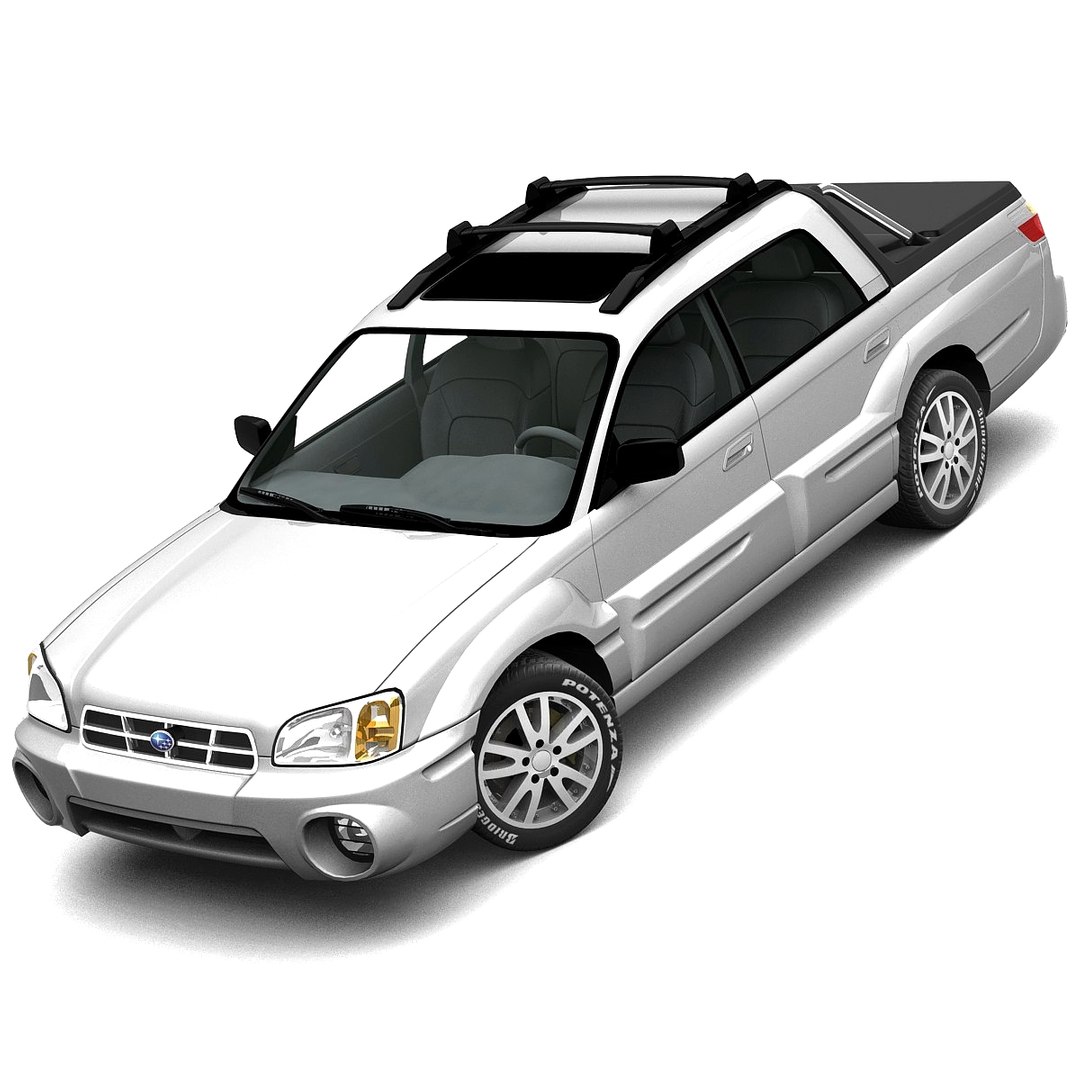
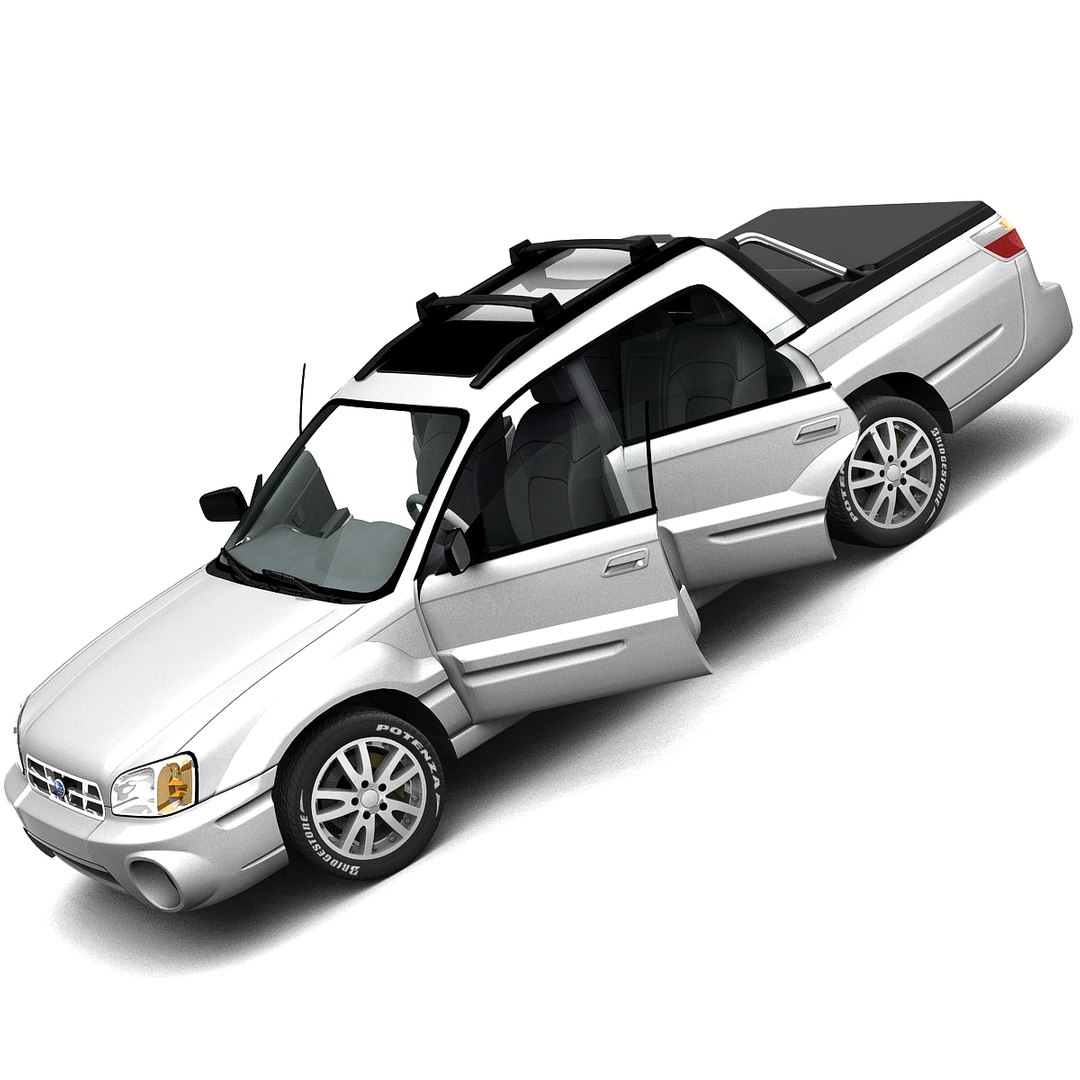
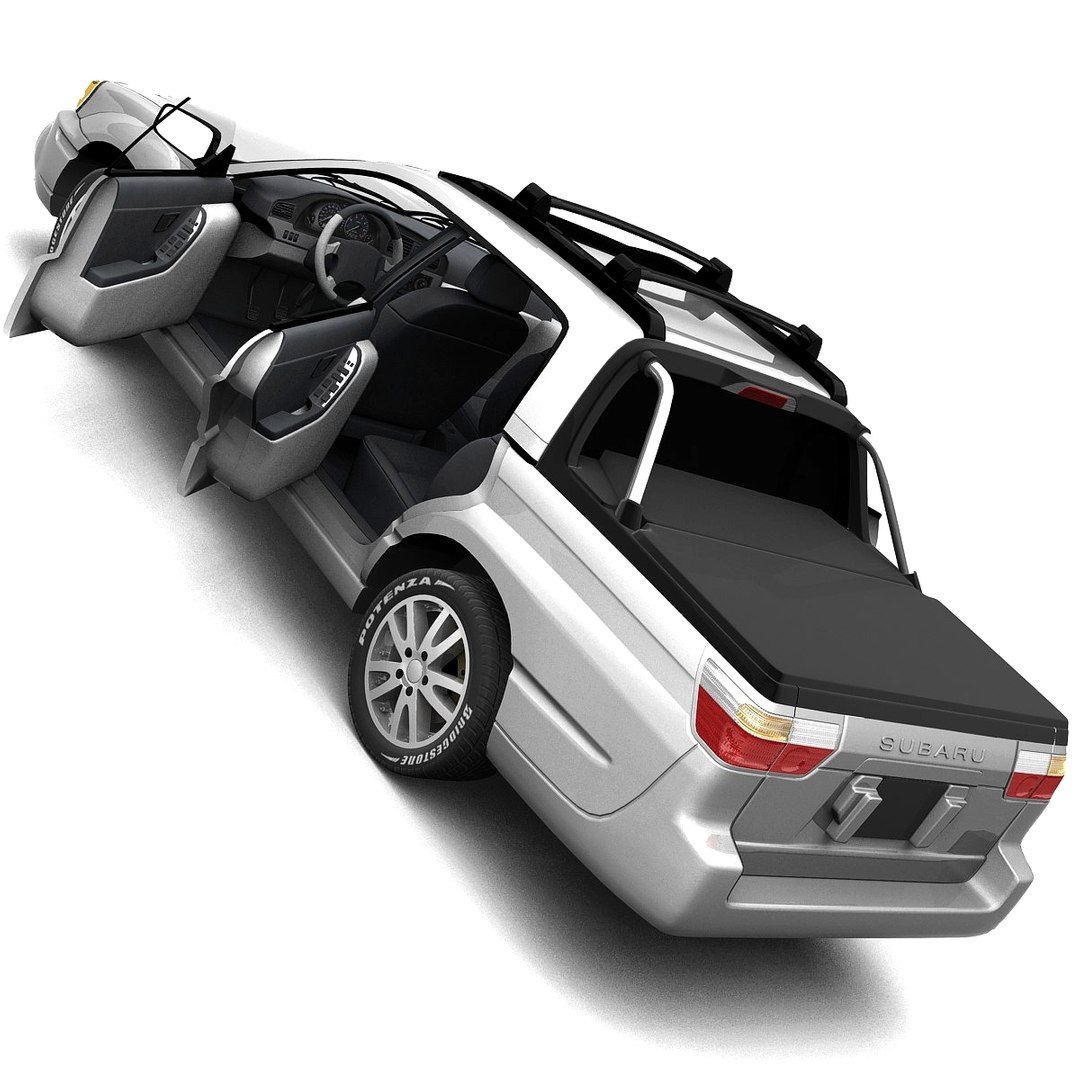
斯巴鲁巴哈2005

$69

标准许可证 | 升级许可证
仅限编辑使用
格式 (8)
提供免费文件格式转换
Native | 3ds Max 7.0 | Default Scanline
Softimage 7.5 | Default Scanline
Maya 7.0 | Default Scanline
3ds Max 7.0 | Brazil 2.1
Lightwave 9.3 | Default Scanline
Cinema 4D 9.6 | Default Scanline
OBJ
3D Studio
规格
发布日期 February 19, 2006
产品 ID 558531
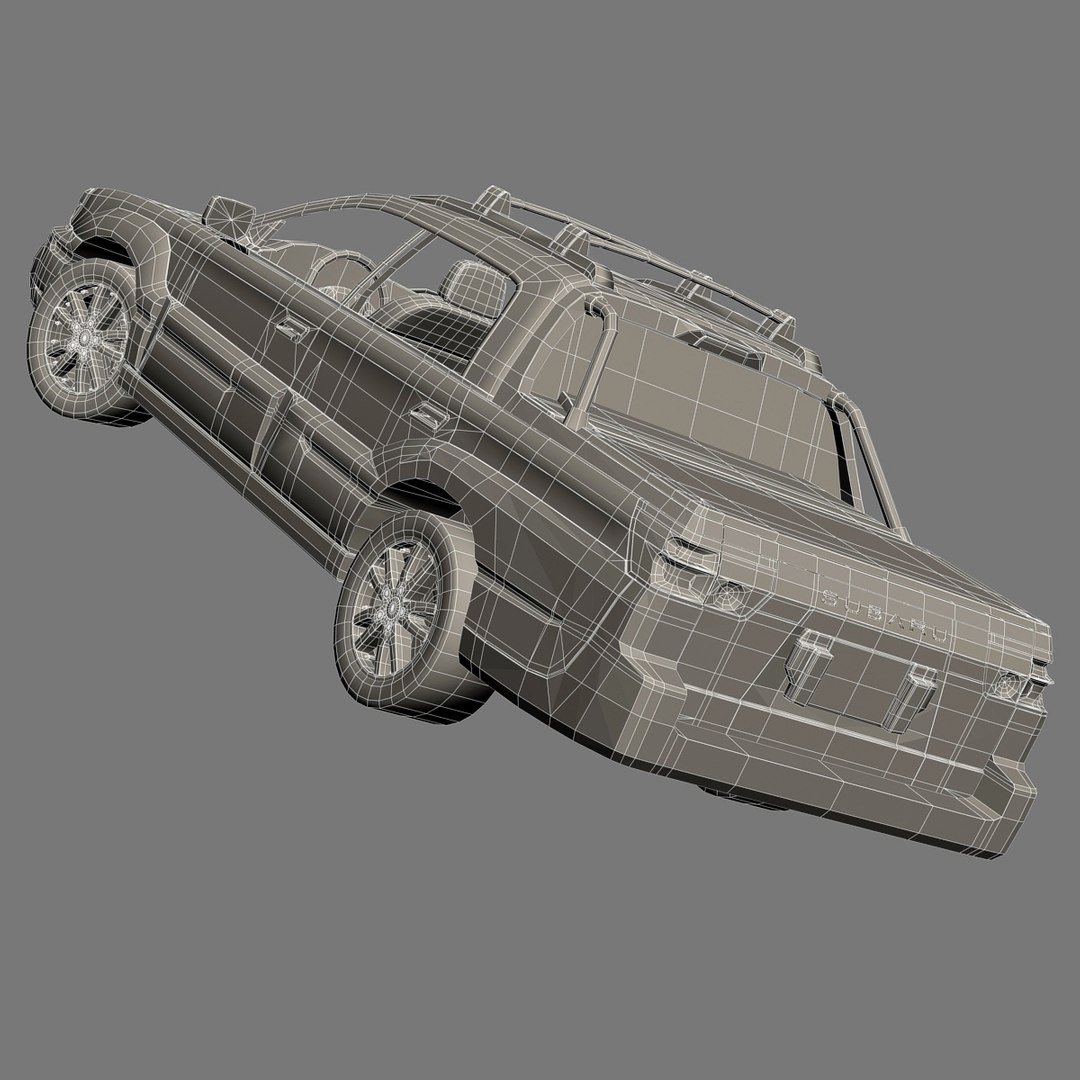
多边形 44,597
顶点 50,871
使用的多边形 Ngon
纹理
材料
UV 映射

member avatar
HKV Studios
740 产品 | Contributor 自从 2005
有疑问?立即与我们聊天。

描述

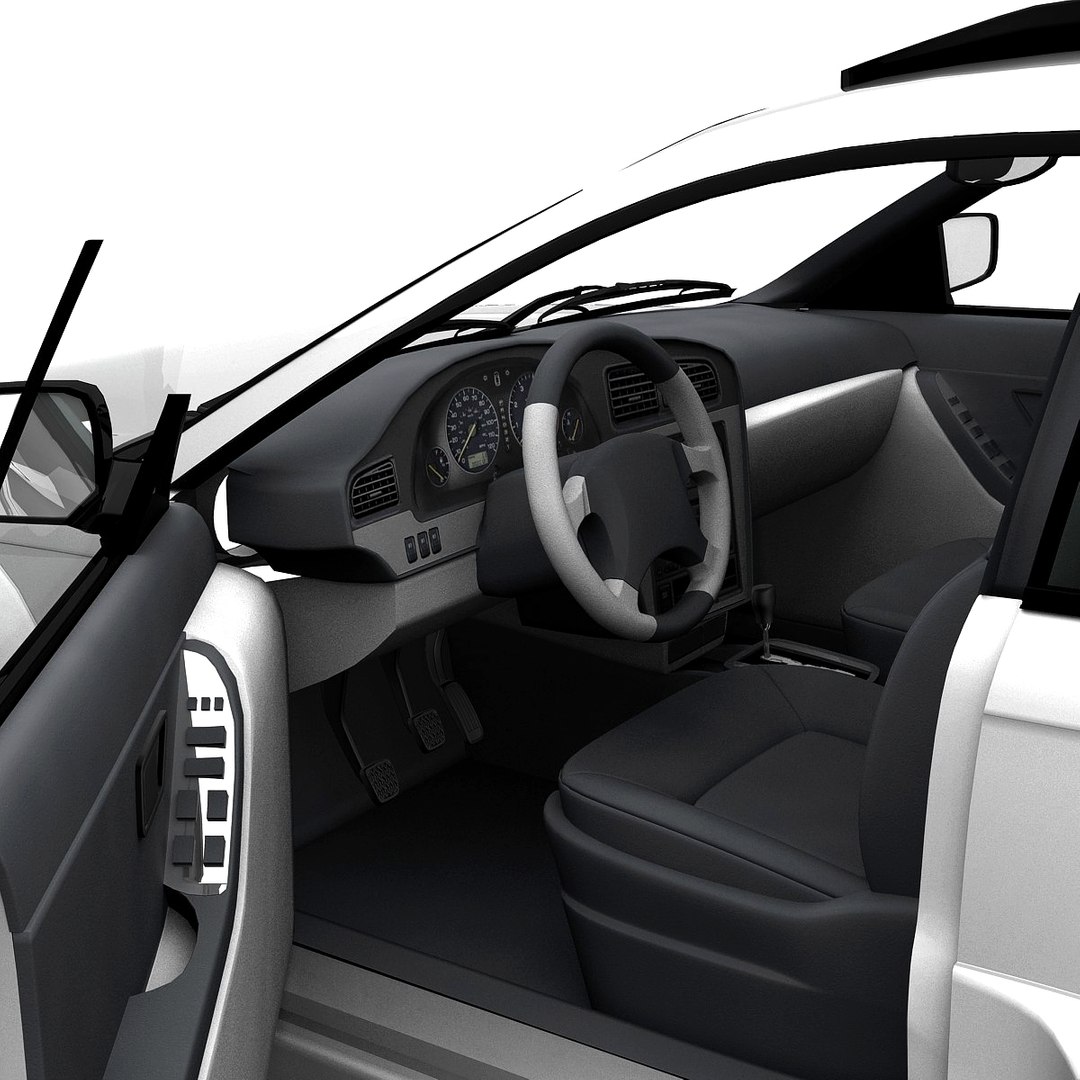
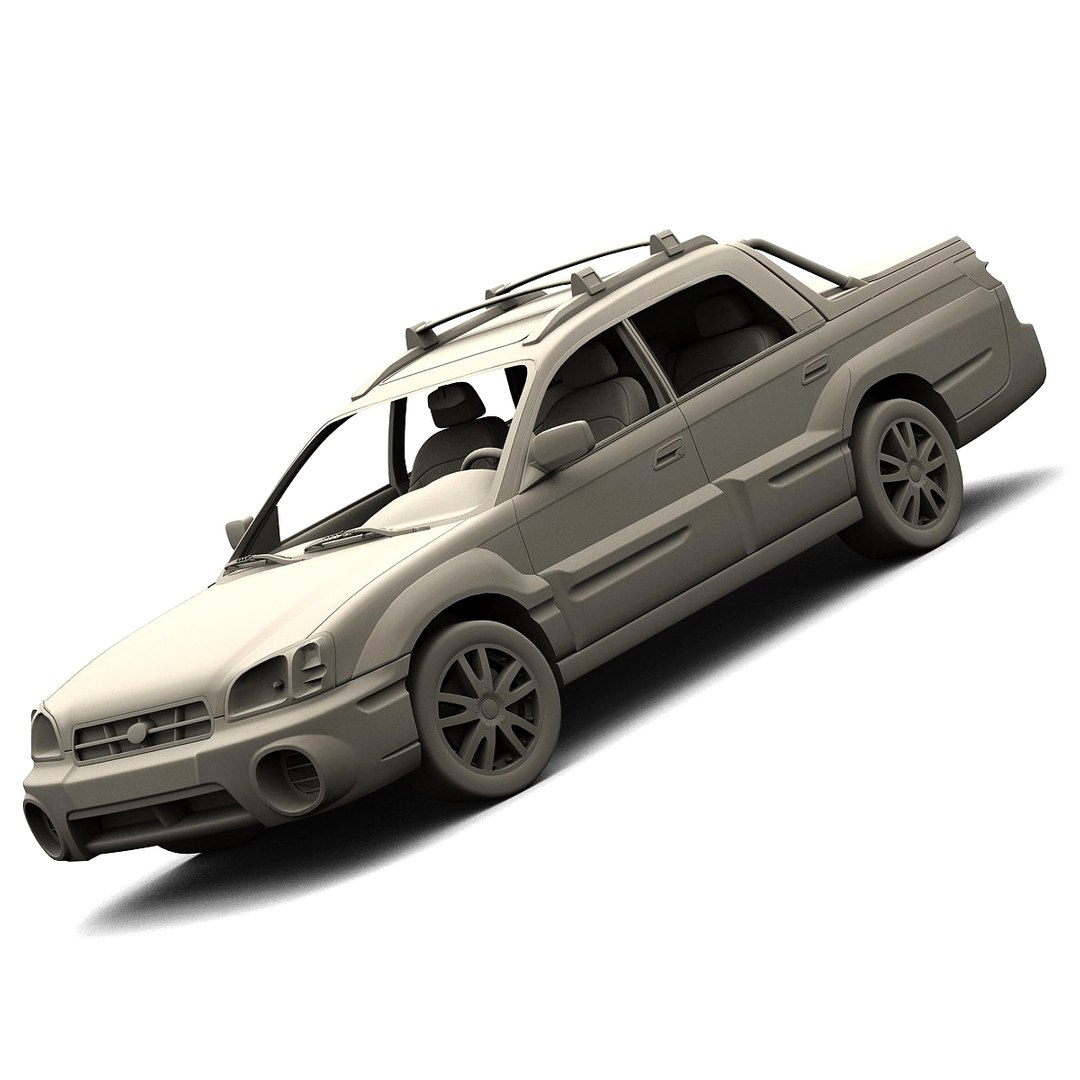
High detailed 3d model of Subaru Baja 2005 with interior.

Main features:

- Two .max files with Brazil and Standard 3ds Max materials
- MeshSmooth is still in the history for .max format (MeshSmooth level 1 is set by default)
- Separate objects like body, wheels and doors. All objects are intelligently named
- Doors can be opened
- All textures and materials are included and assigned
- Previews rendered in 3ds Max 7.0 with Brazil R/S using MeshSmooth iteration level 1 for all objects

Special notes:

- .obj format is recommended for import in other 3d software. If your software doesn"t support .obj format, please use .3ds format; .obj format was exported from 3ds Max. The geometry for .obj format is set to quads
- .max files can be loaded in 3ds Max 7.0 or higher. In order to use Brazil rendering setups and materials, Brazil R/S 2.0 or higher is required

Polycounts:

- .max format:
• no MeshSmooth: 44,597 faces and 50,871 vertices
• MeshSmooth level 1: 176,360 faces and 190,677 vertices
• MeshSmooth level 2: 705,440 faces and 733,807 vertices

- .c4d, .lwo, .scn, .mb and .obj formats:
• low: 45,139 faces and 50,819 vertices
• medium: 176,360 faces and 190,593 vertices
• high: 705,440 faces and 733,723 vertices

- .3ds format:
• low: 87,015 faces and 50,653 vertices
• medium: 352,558 faces and 191,187 vertices
• high: 1,410,711 faces and 739,607 vertices

选择增强许可证

  • $10,000 法律保护(赔偿)
  • 无上限的法律保护(赔偿)
  • 放弃禁令救济
  • 可转让的模型权利
  • $1,000,000 法律保护(赔偿)
  • 放弃禁令救济
  • 可转让的模型权利
  • $250,000 法律保护(赔偿)
  • 可转让的模型权利
了解更多关于增强版许可证等级的信息,或发送电子邮件至enterprise@turbosquid.com联系我们。您已经是 Shutterstock 企业客户?请联系您的 Shutterstock 销售支持代理,了解如何添加 3D 功能。

About Conversion Requests

To submit a conversion request for a purchased asset, please complete our Conversion Request Form.

If you have not yet purchased a model, please review our Documentation about Conversions to learn about what limitations you may encounter with a conversion.

For any additional questions about a model’s suitability for conversion, please contact TurboSquid Support.

加载中...