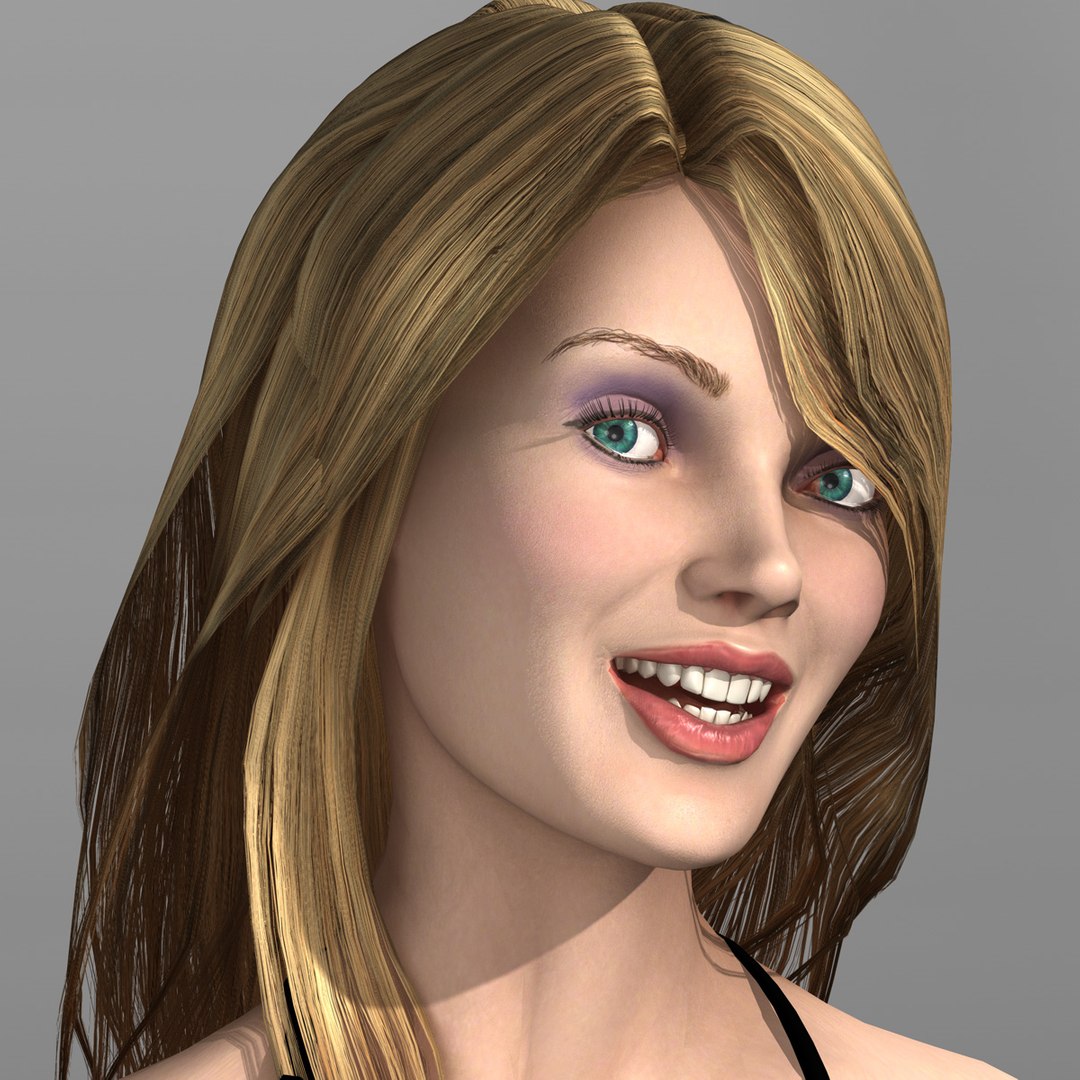
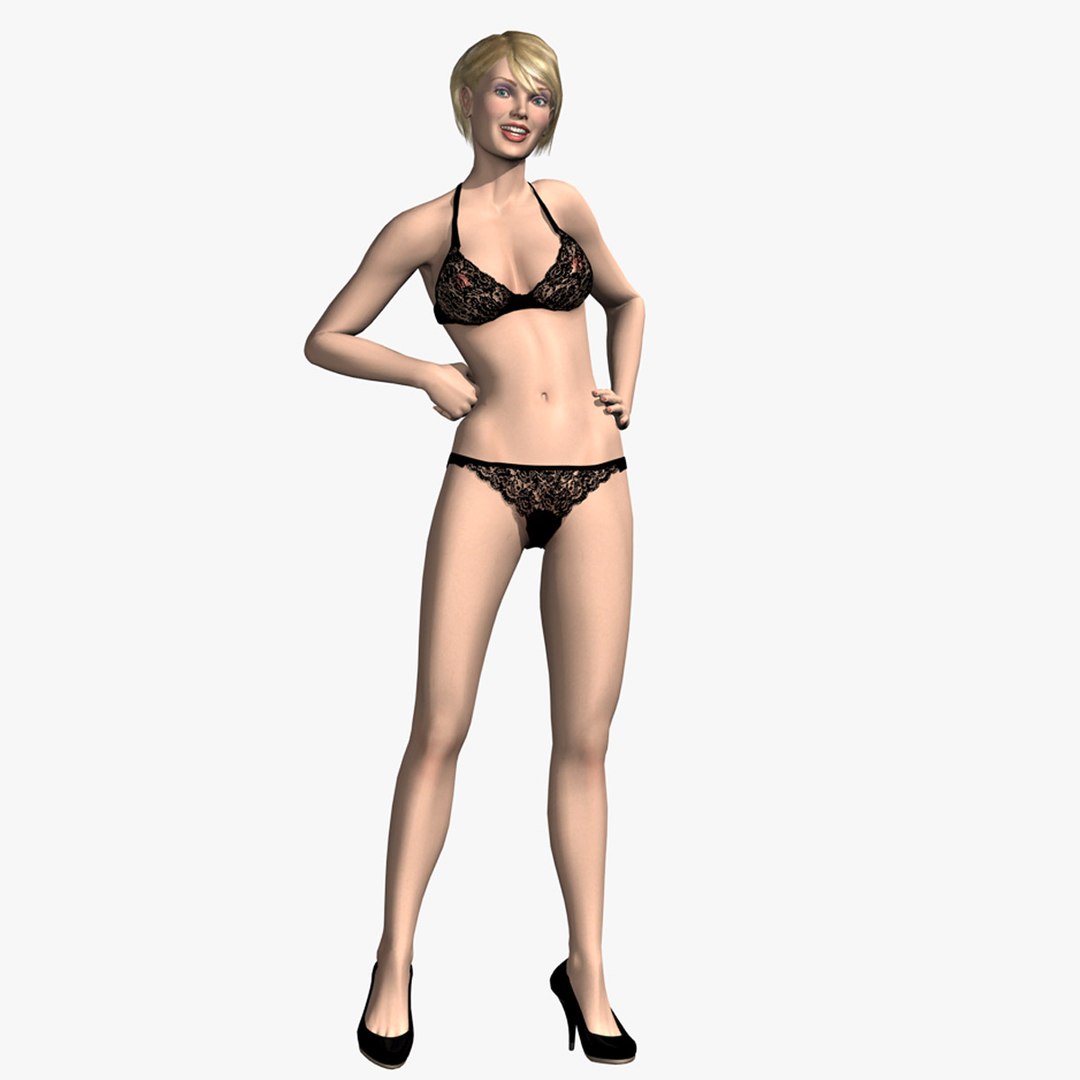
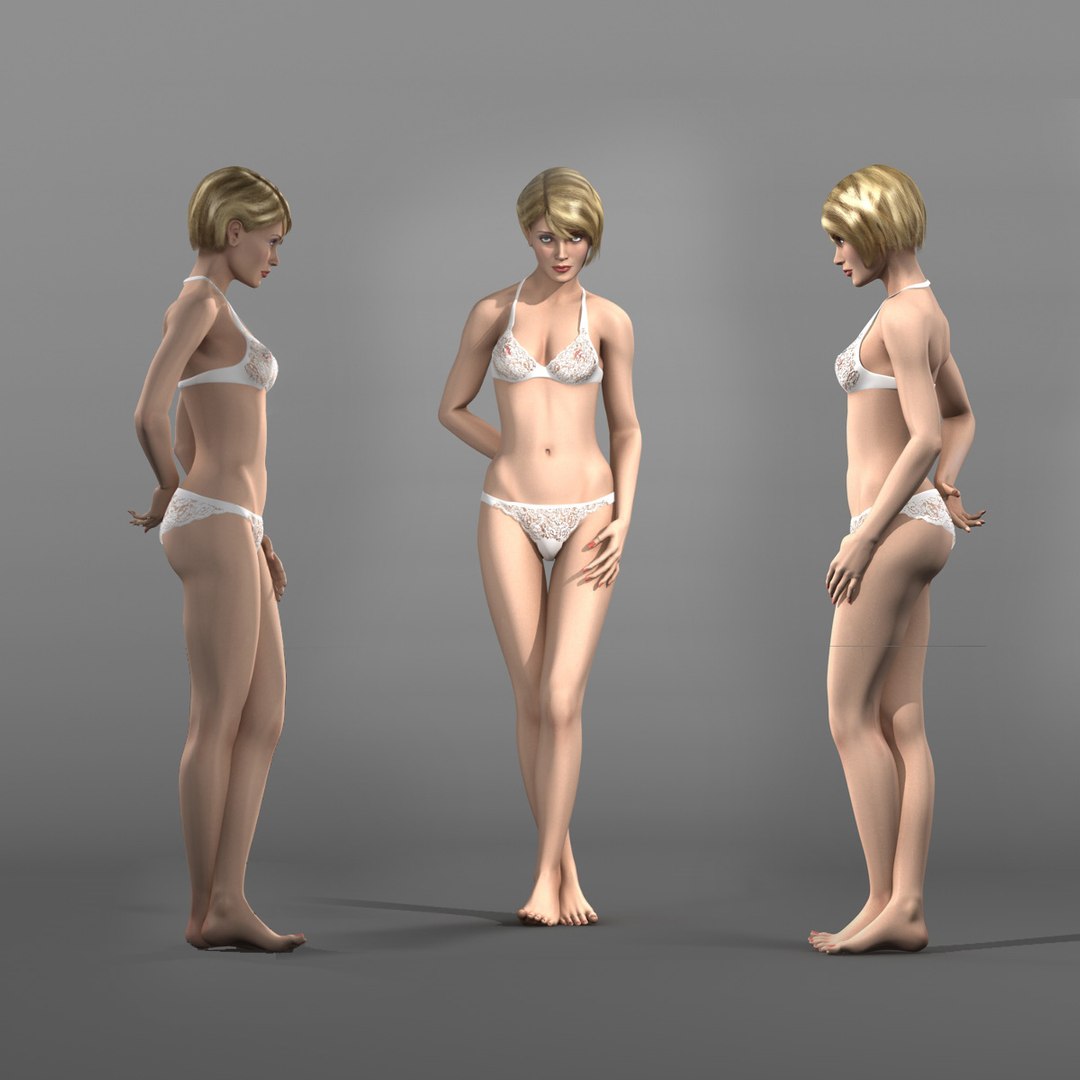
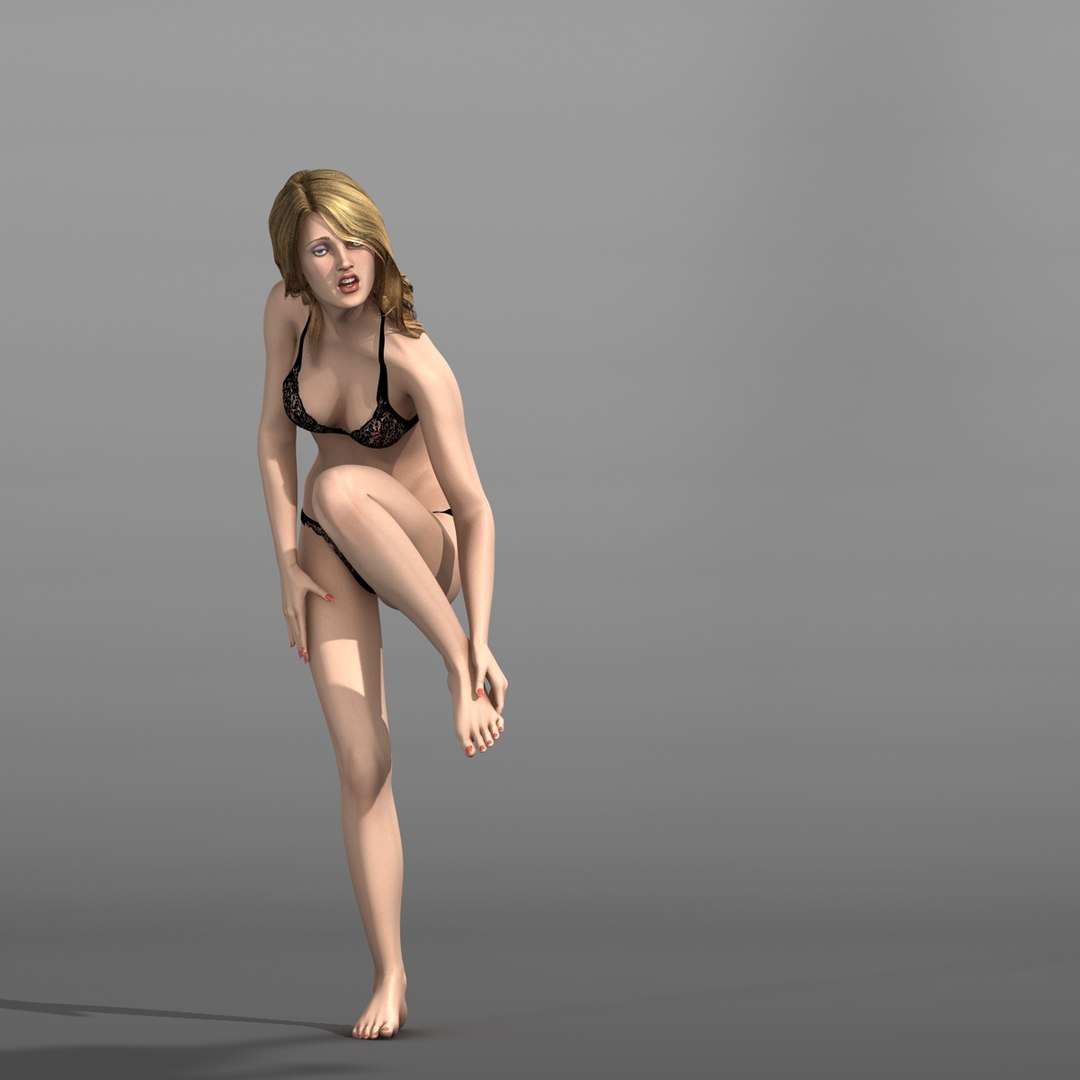
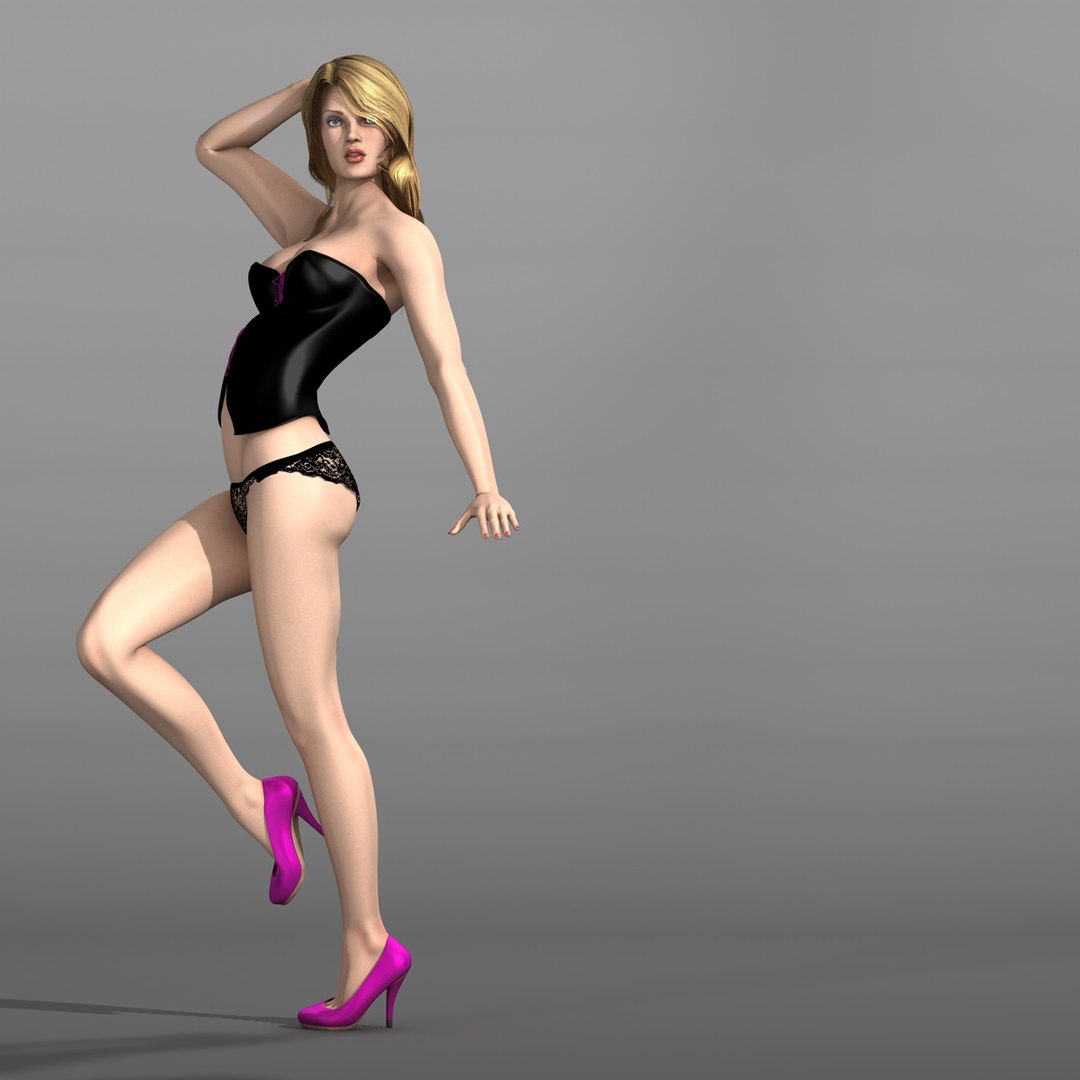
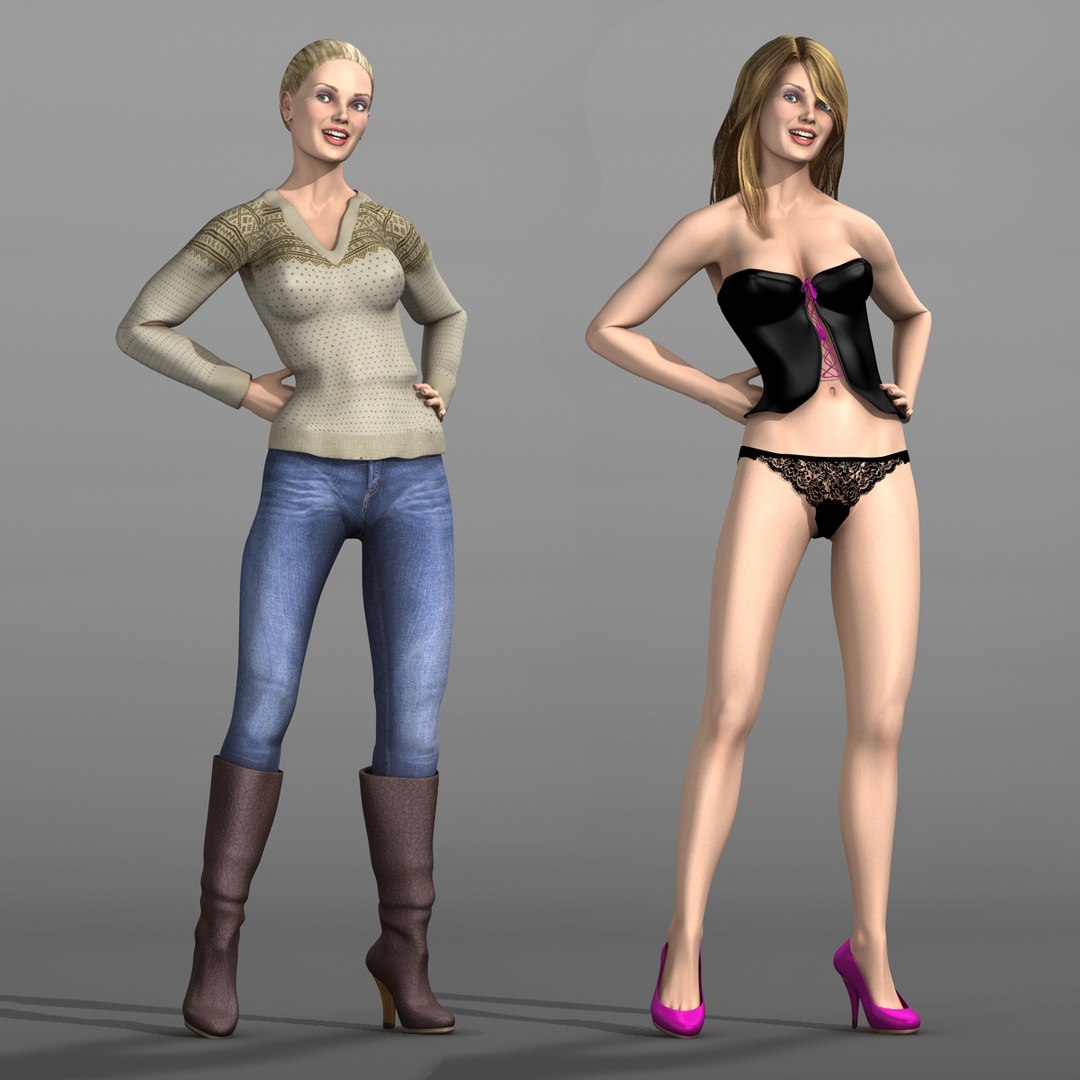
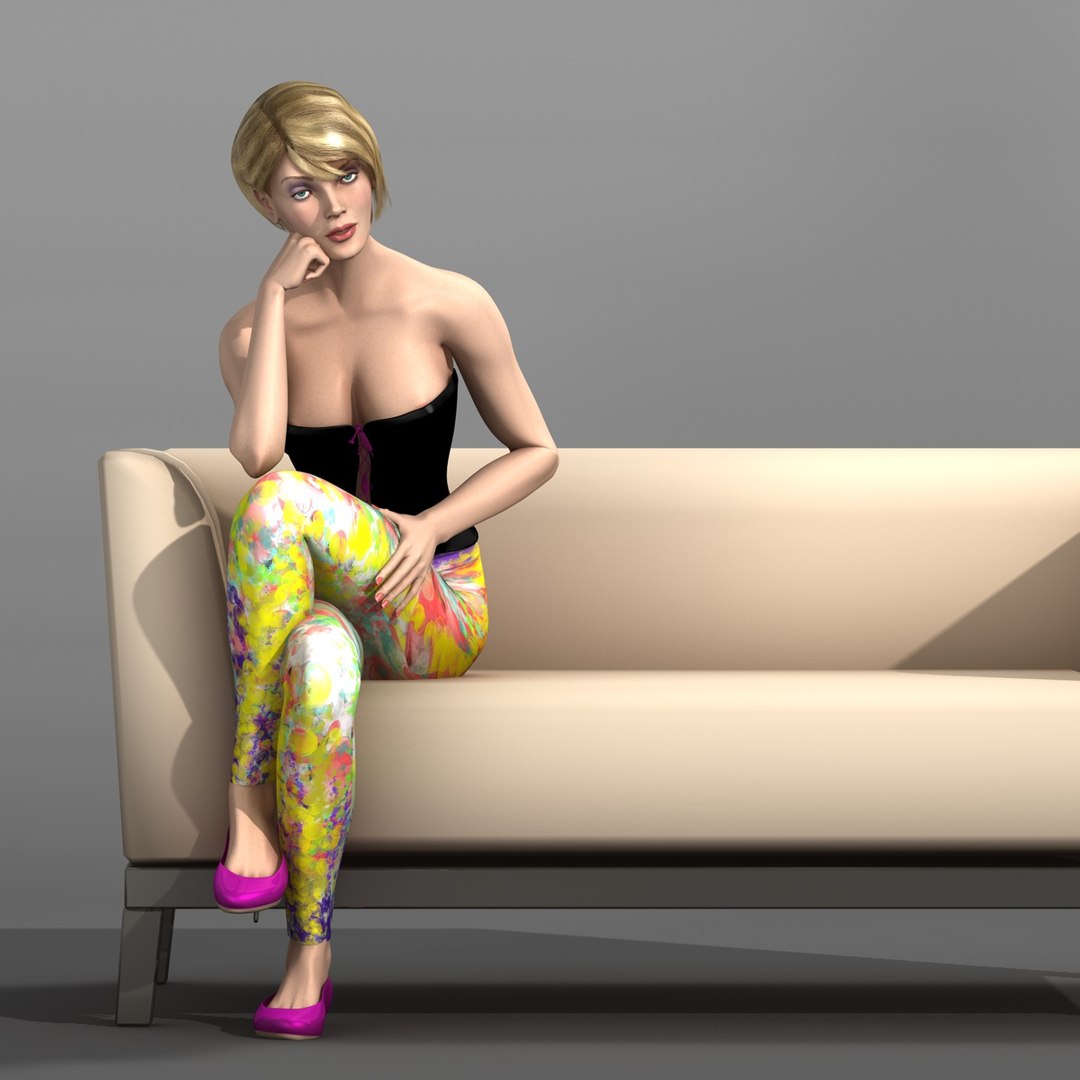
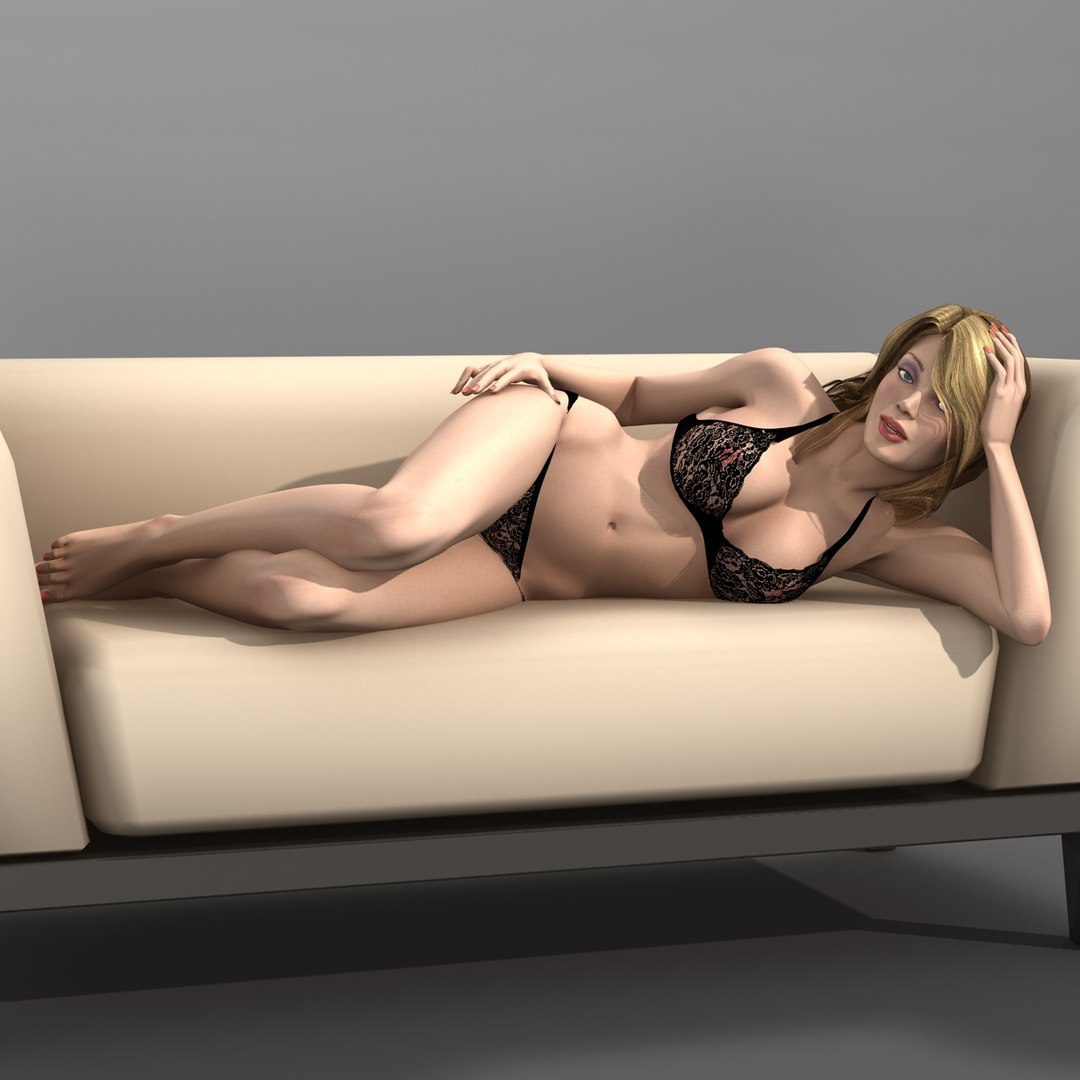
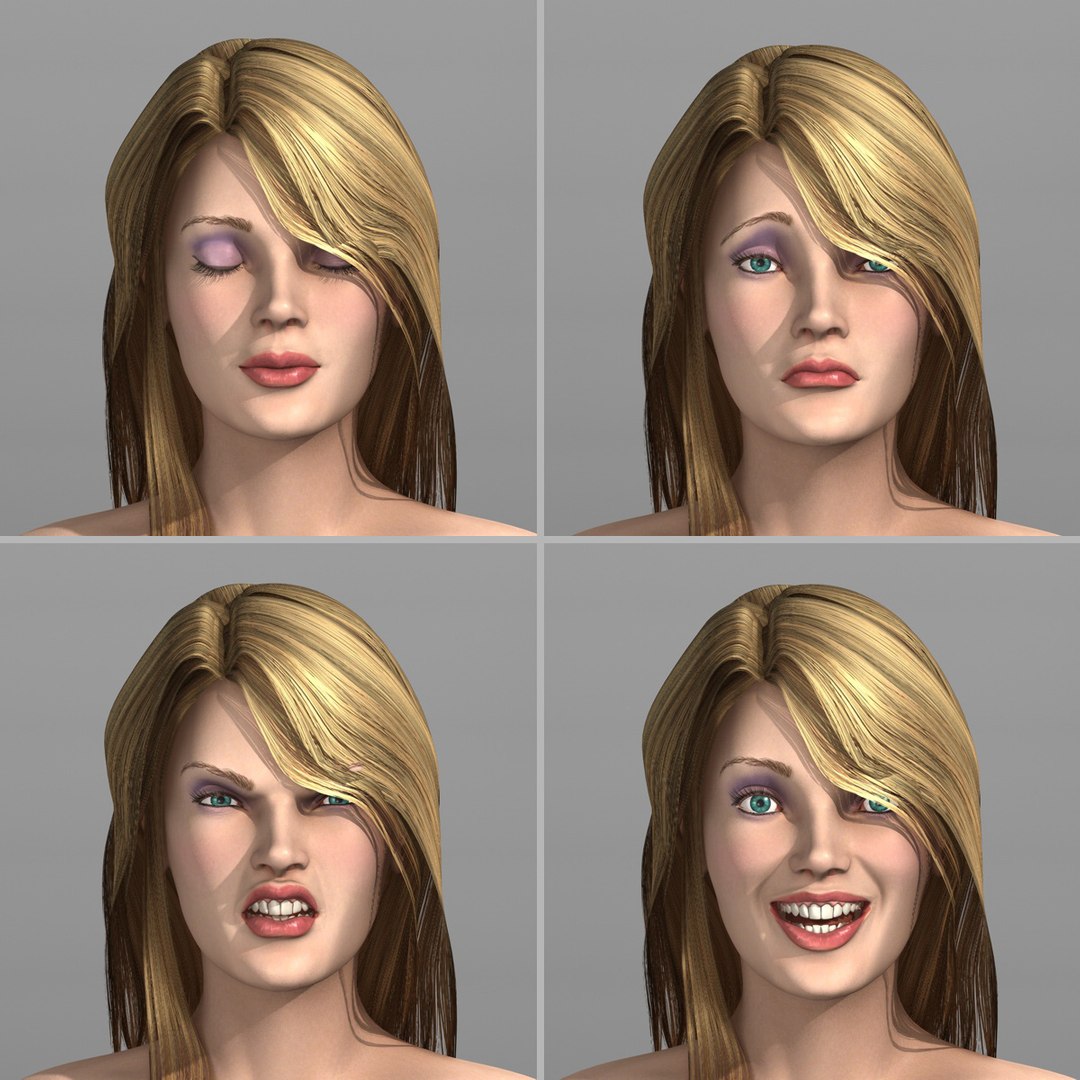
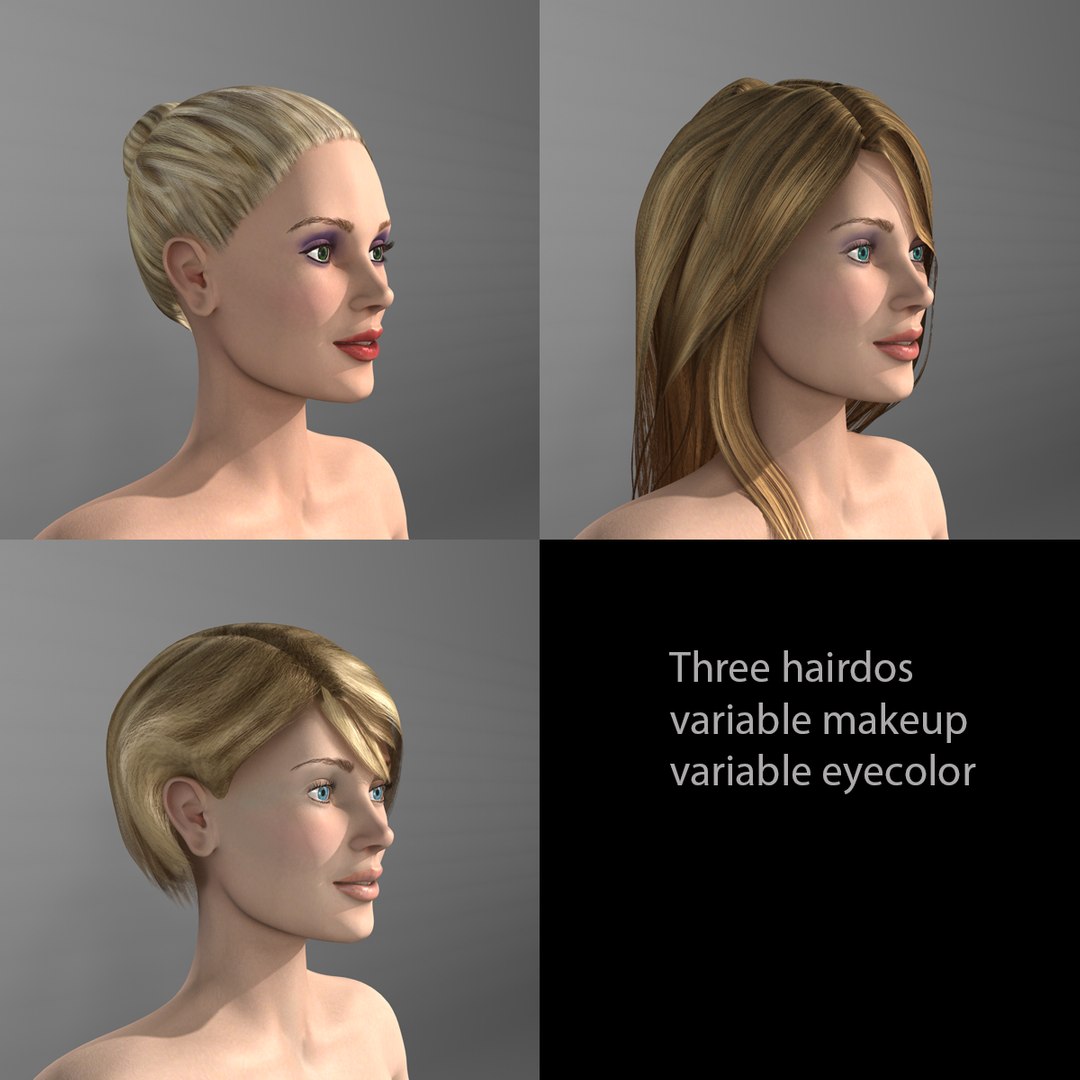
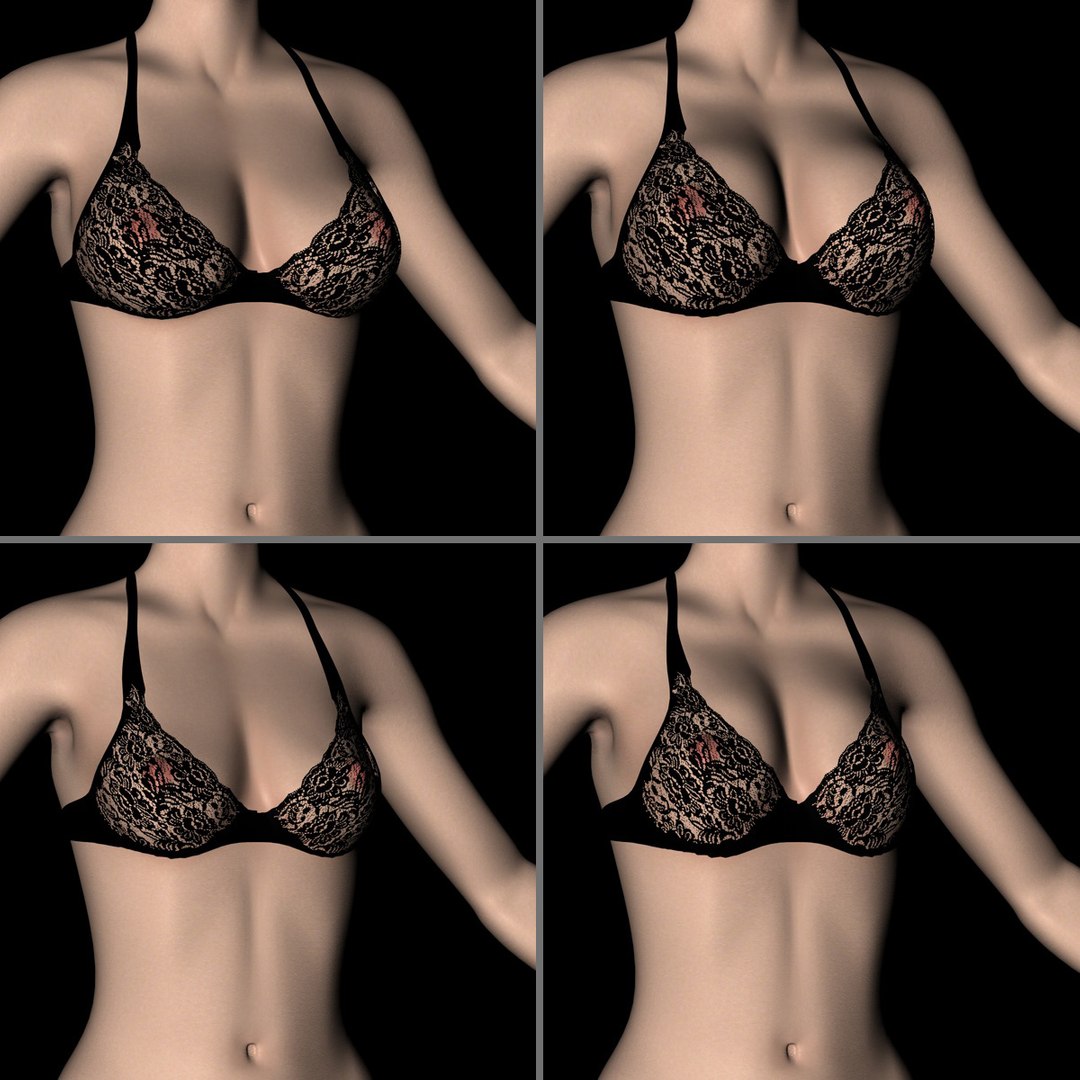
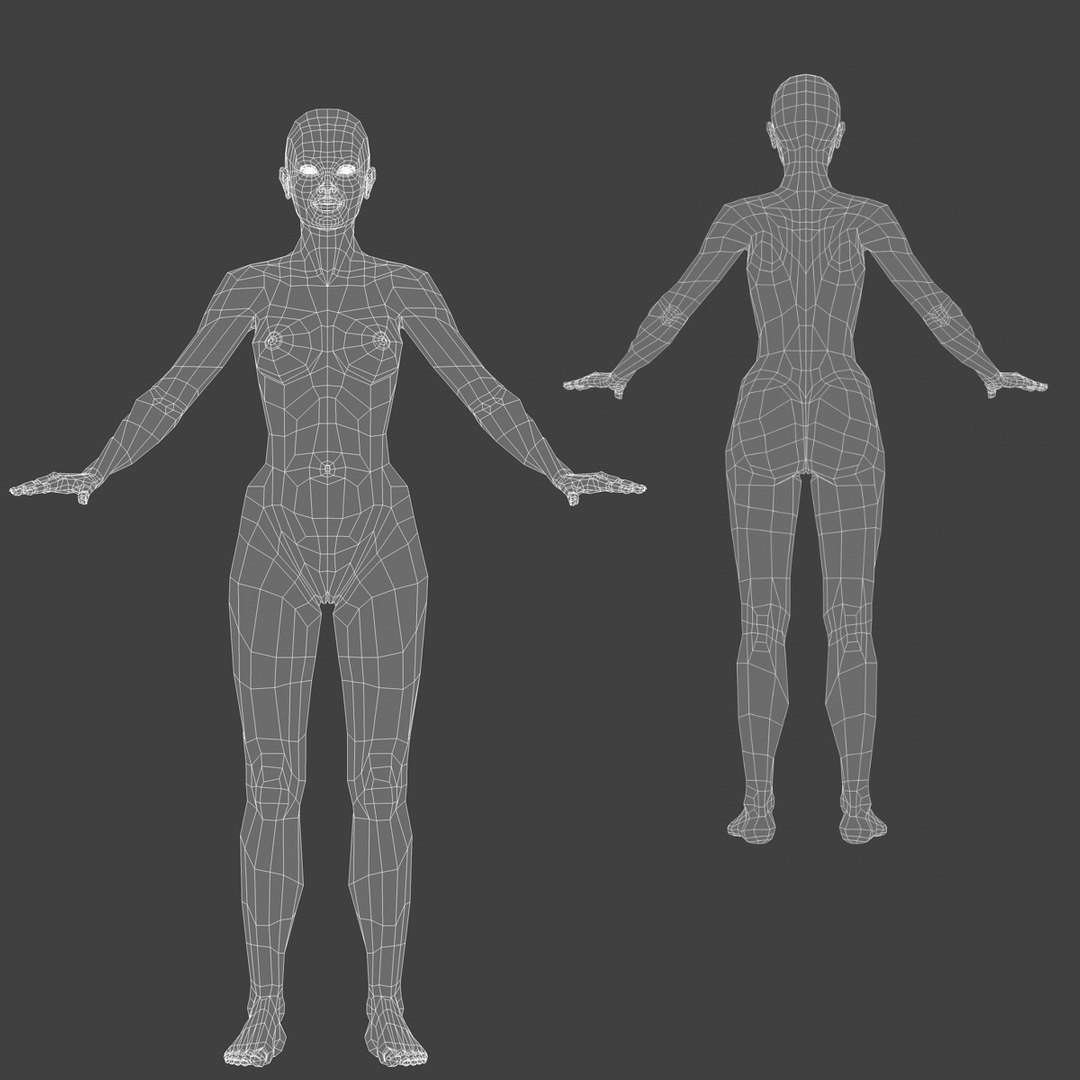
This is a low to medium-resolution real-world-scale model of a young woman. Because she is so easy to pose, we call her "Posy".
Posy comes with:
- different clothes
- different hair-styles
- variable make-up
- variable eye-color
- variable breast-size
- a full set of facial expressions (morph-targets)
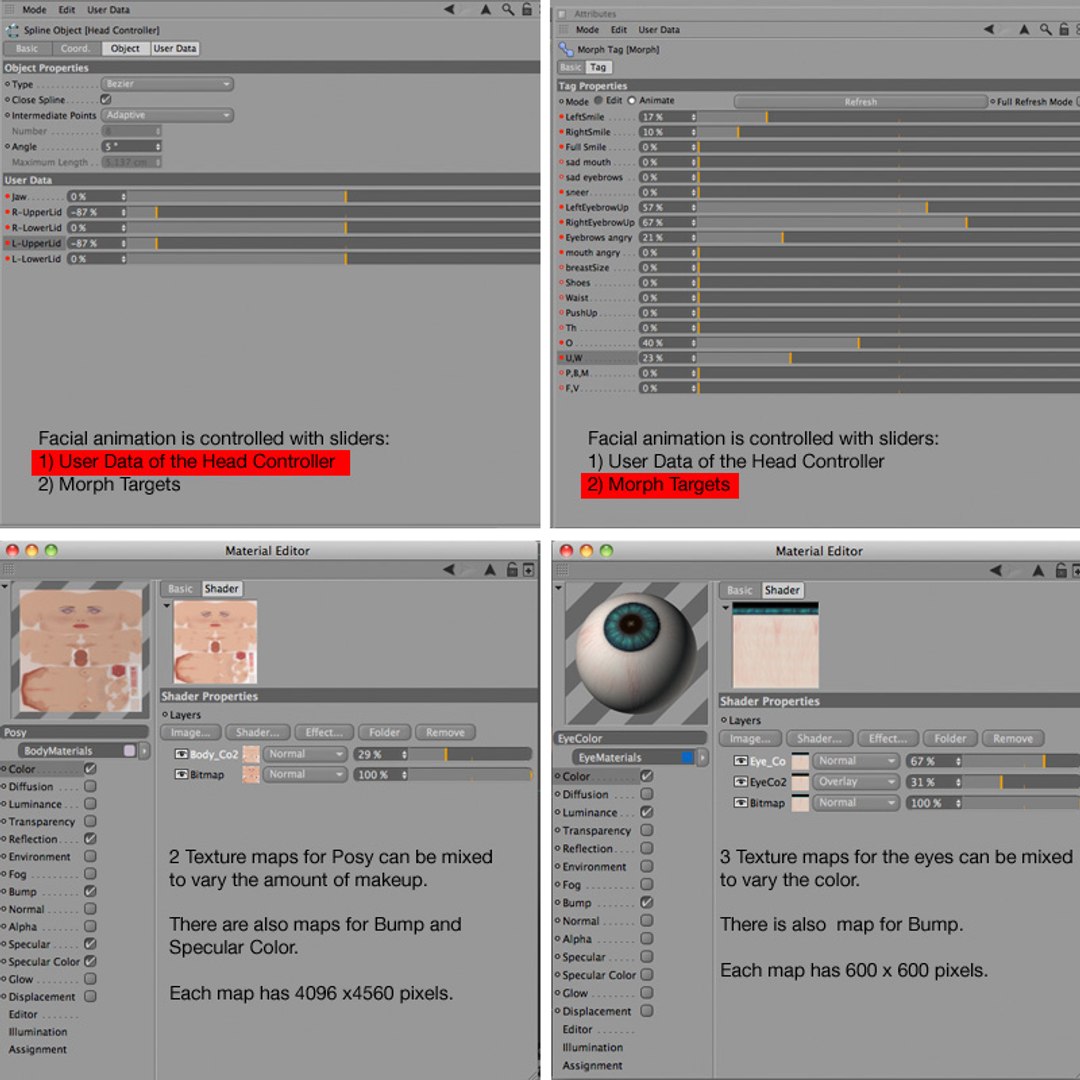
Most of those features can be adjusted simply by using sliders in the User-Data.
An animation of "Posy" walking on high-heels and waving to the camera is included.
Also the poses you see in the thumbnails have been included:
Frame 0 = Binding-Stance
Frame 5 = shy
Frame 7 = hurting foot
Frame 15 = on one foot
Frame 20 = hands on hips
Frame 22 = sitting on sofa
Frame 25 = laying on sofa
Frame 91 to 298 = animation (walking on high-heels and waving to the camera)
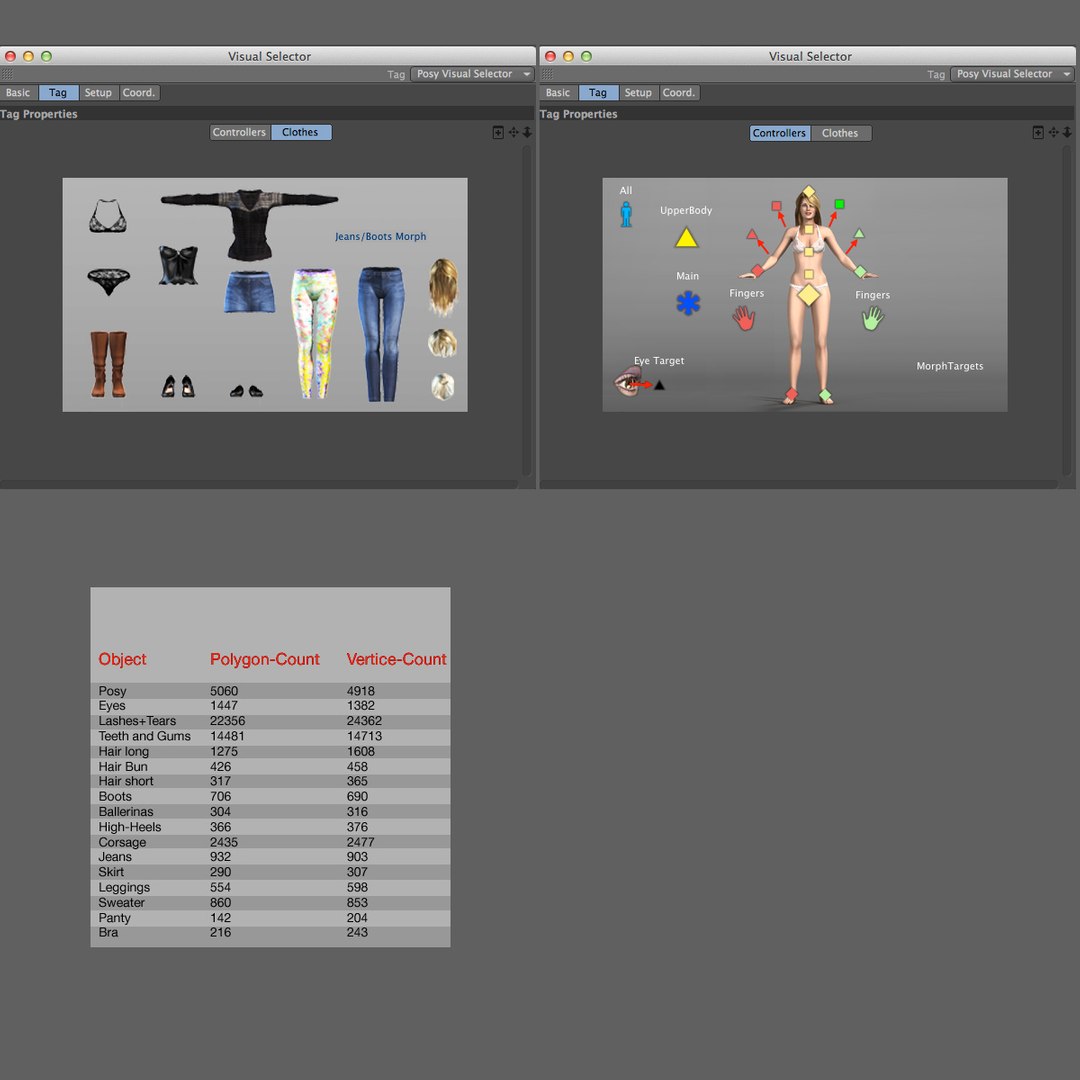
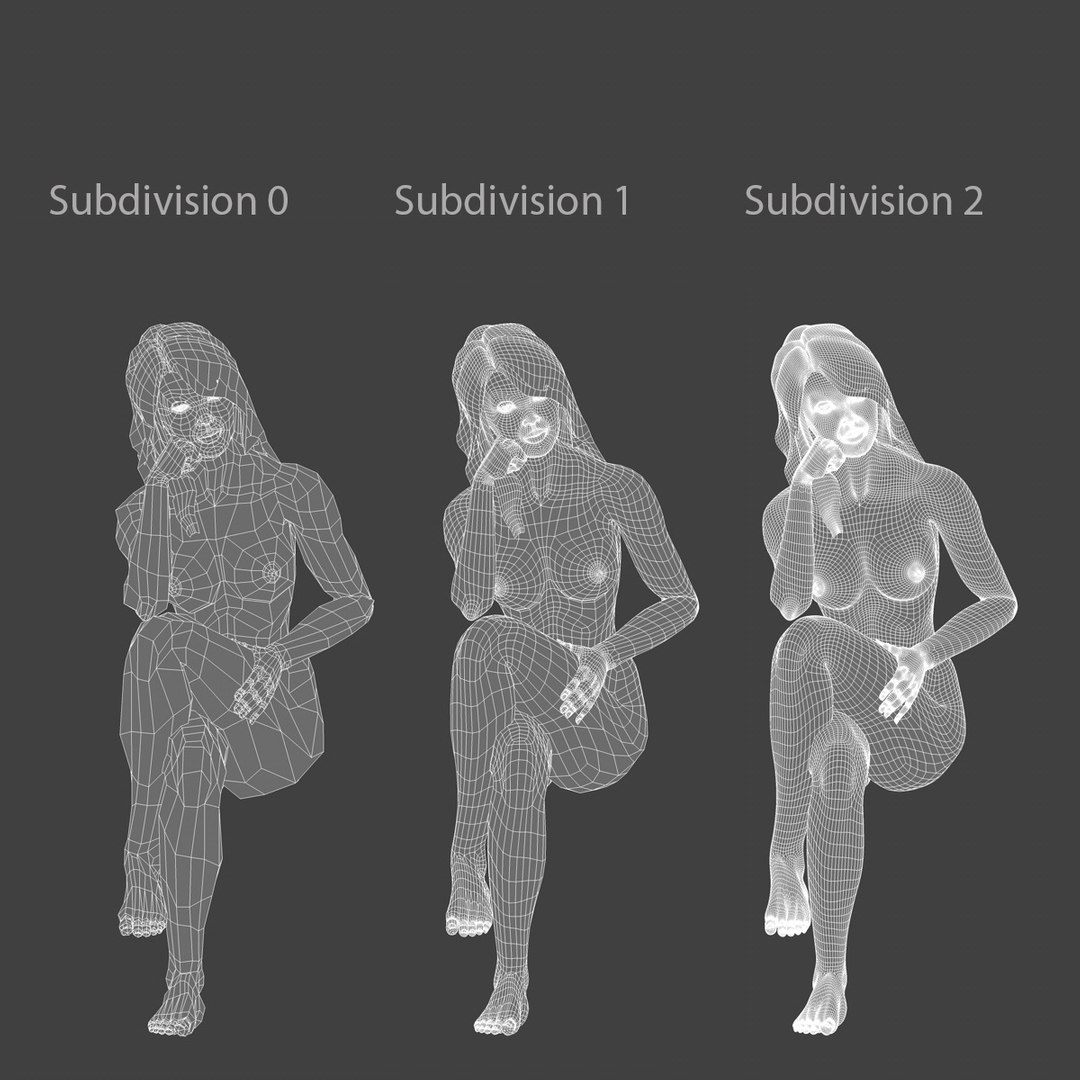
Poly/Vertice-count for all 34 included objects together = 43991 Polygons, 42543 Vertices
The count for the individual objects can be found in one of the thumbnail images.
All objects with texture-maps are UV-mapped.
---------------------------------------------------------
Technical Notes:
---------------------------------------------------------
The model is for use with C4D-R14-Studio.
It will also work with versions C4D-R13-Studio and C4D-R12-Studio (R12 has no Visual-Selector).
The Rig:
The model is fully rigged with a custom IK-rig that makes it extremely easy to pose or animate.
The spine uses an integrated Spline-IK, the fingers use FK, controlled by User-Data-Sliders.
Jaw and eyelids use FK, controlled via User-Data-Sliders on the Head-Controller.
Facial expressions are controlled by sliders on a Pose-Morph-Tag.
There are also some special morph-targets:
Breast-size: you can vary the breast-size. Using this slider will also influence the shape of the clothing.
PushUp: you can vary the breast-shape. Using this slider will also influence the shape of the clothing.
Waist: you can vary the thickness of the waist. Using this slider will also influence the shape of the clothing.
Shoes: you can change the shape of the feet so they won't clip the shoes.
Jeans/Boots Morph: this lets you "tuck" the jeans into the boots.
General remarks:
All clothing has been modeled to fit rather tightly so you should not layer the clothes. Otherwise the inner layers would clip through the outer ones.
In other words: if Posy is wearing the sweater, take off her bra first. (Don't worry - gravity is not used in this project ;-)
In extreme poses there may be some bit of Posy clipping through the clothes. If that is the case, just delete the polygons showing through.
Just be sure you have a safety copy of the project and don't delete vertices.
A detailed explanation of the rig and some tips on speeding up the view-port while posing/animating are given in the "PosyRigDemo" movie that you can download.
A "Visual Selector" is provided to access the Control-Objects and the different clothes to mix and match.
This selector will however not be present if you use C4D-R12; but you can select the controllers in the view-port or the "Object-Manager".
Special feature: when a clothing item is not "Visible in Editor" and also not "Visible in Renderer", its Skin-Object is automatically disabled to speed up the view-port display.
The textures (.jpg) for "Posy" are 4096 x 4560 pixels. The textures for the other objects range in size from 600 x 600 pixels to 4096 x 4096 pixels.
Of course all materials and textures are included as well as the lighting and "stage" used for the thumbnails.
Even the sofa