
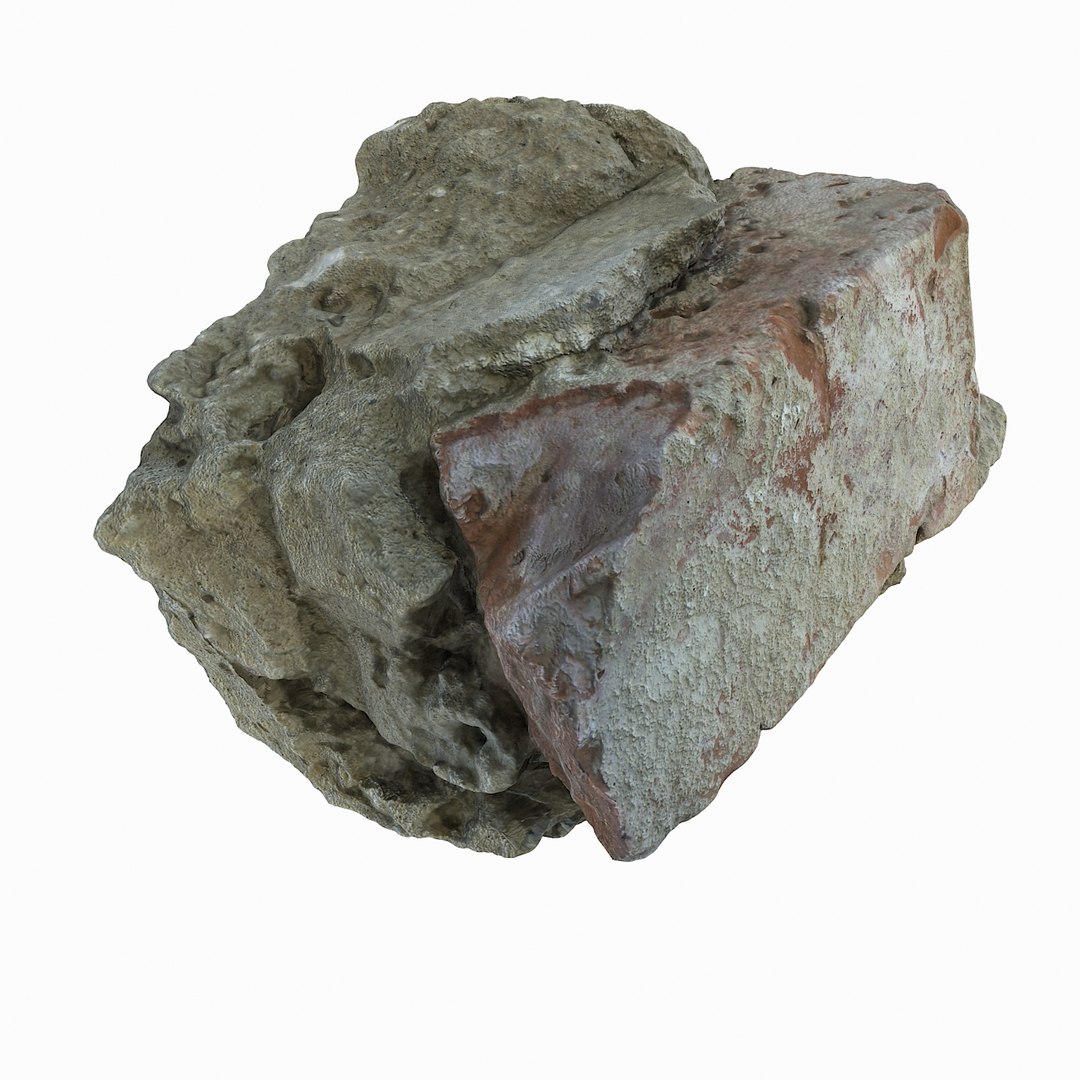
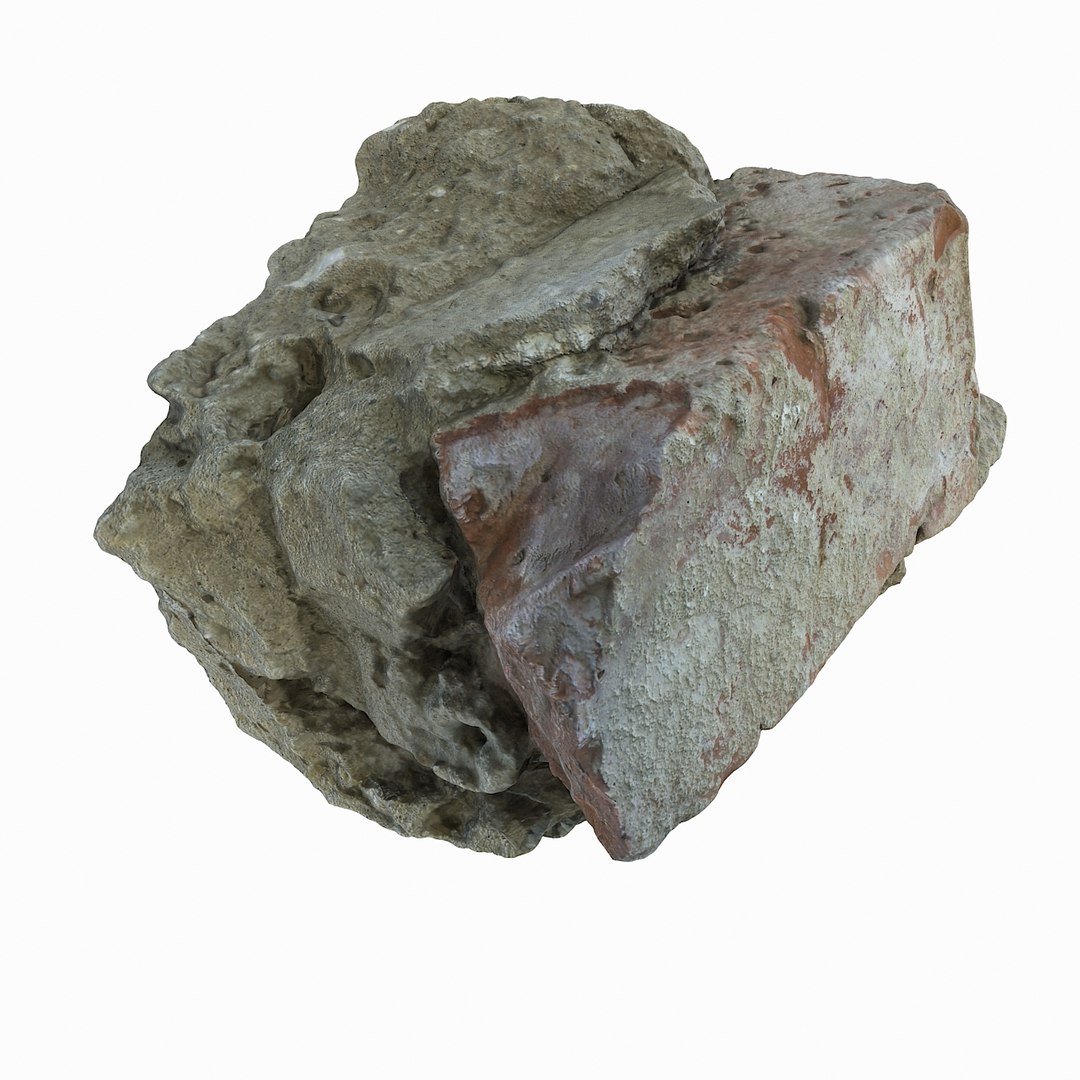
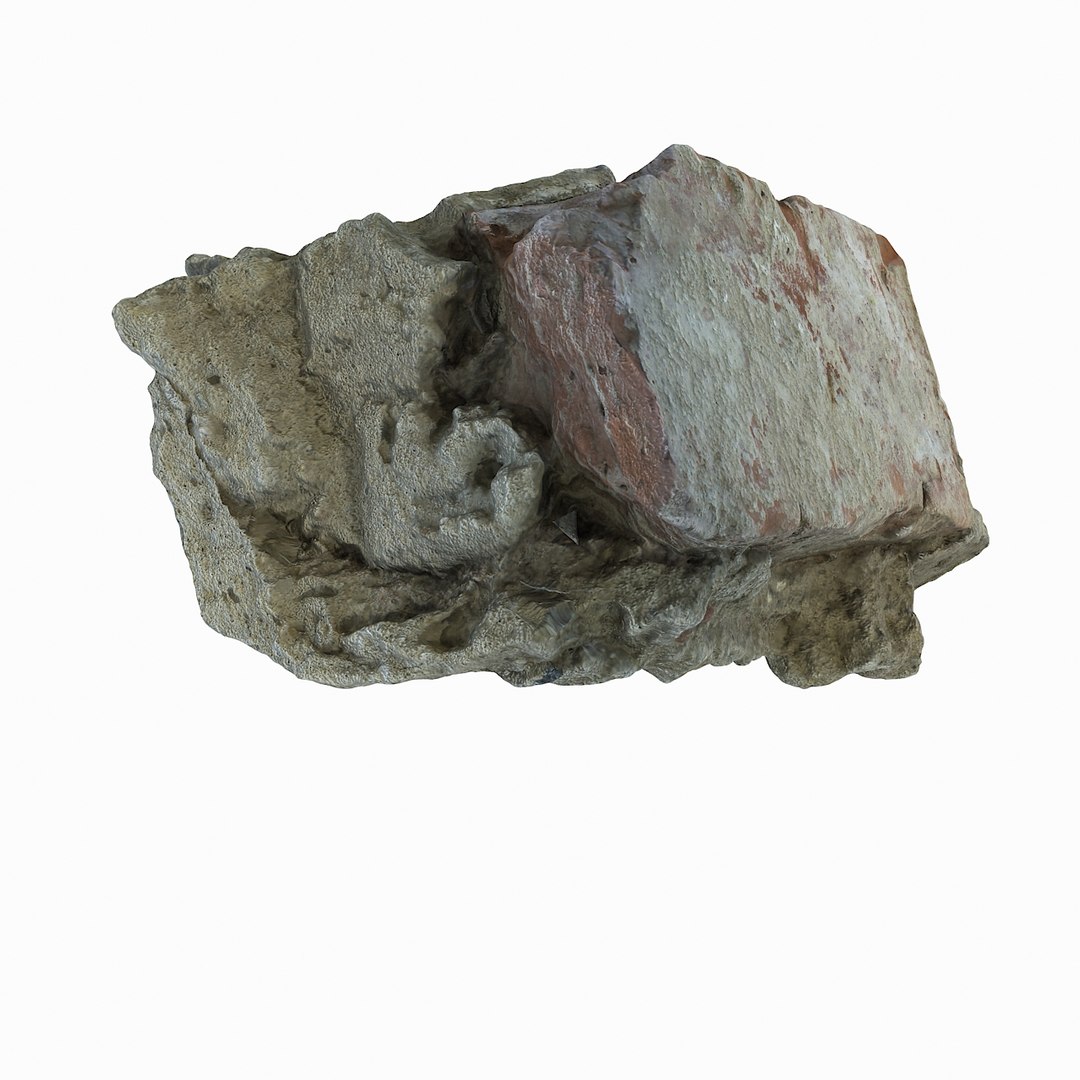
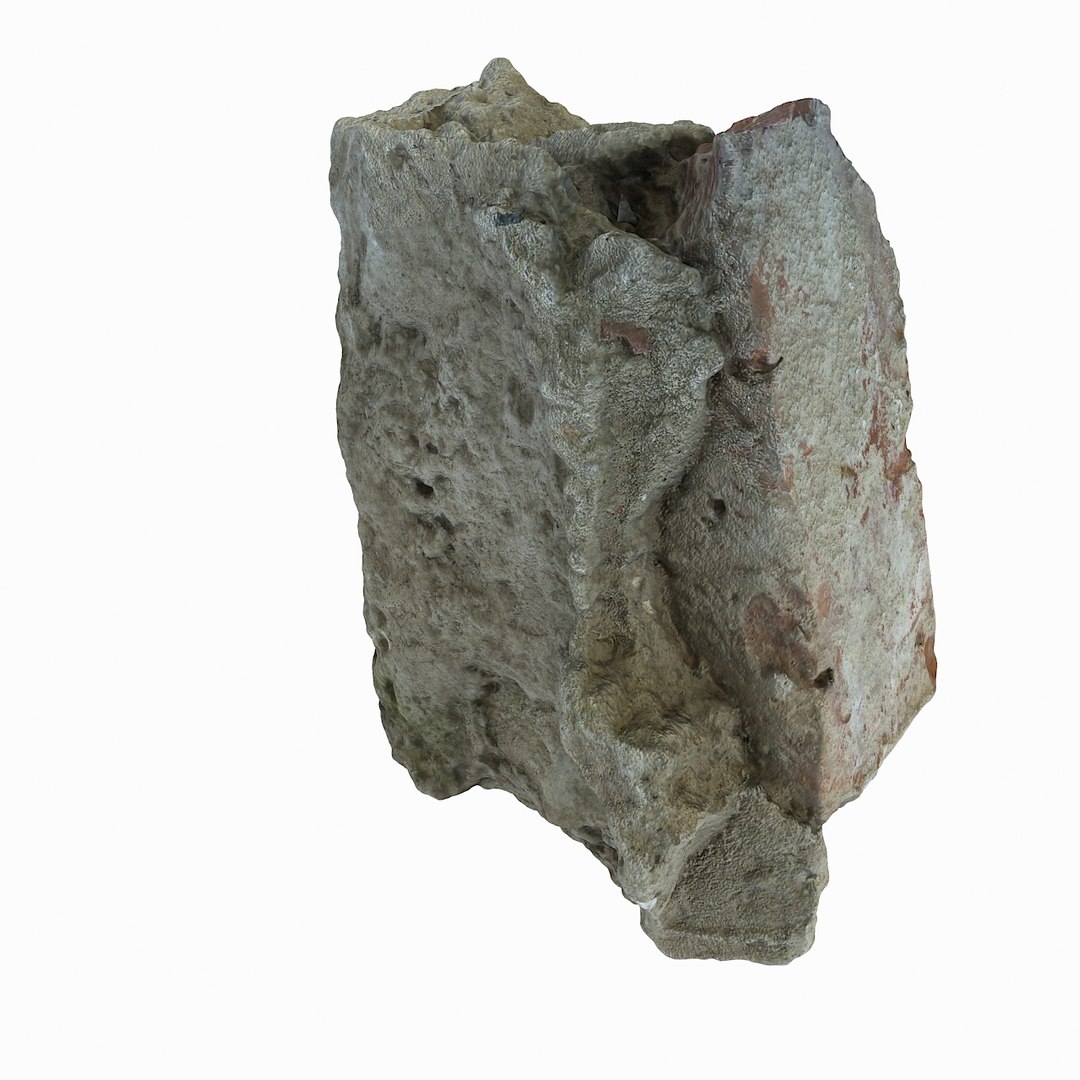
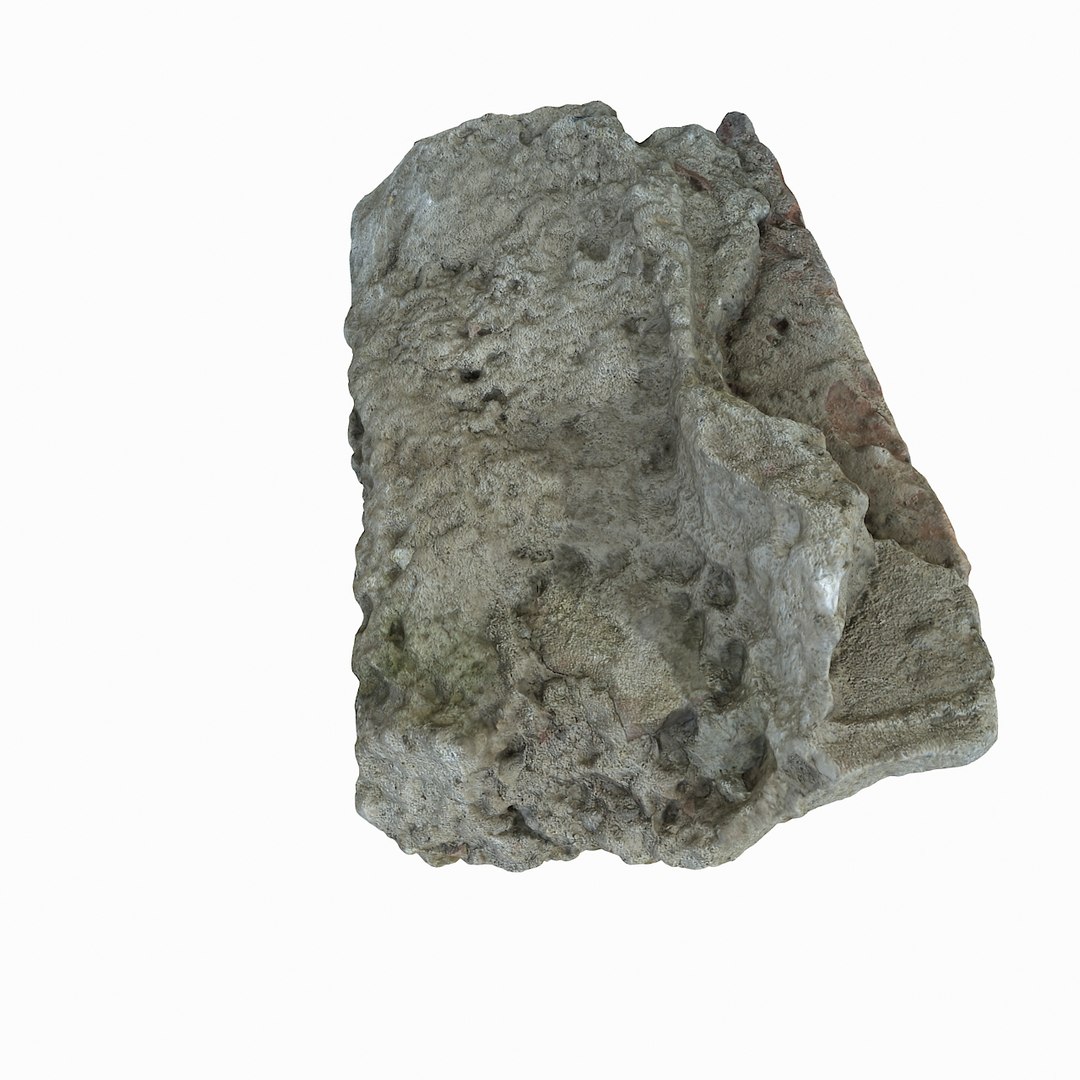
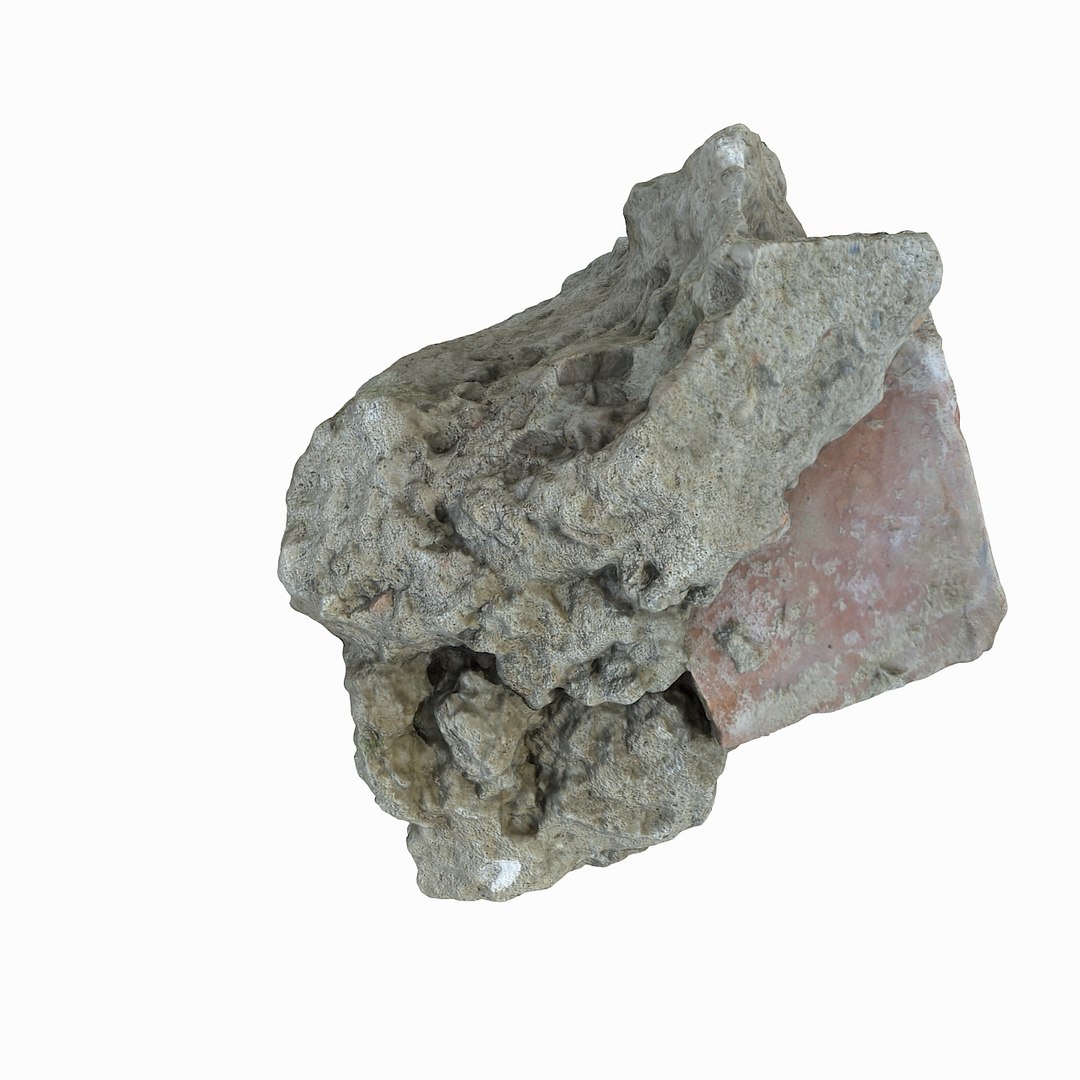
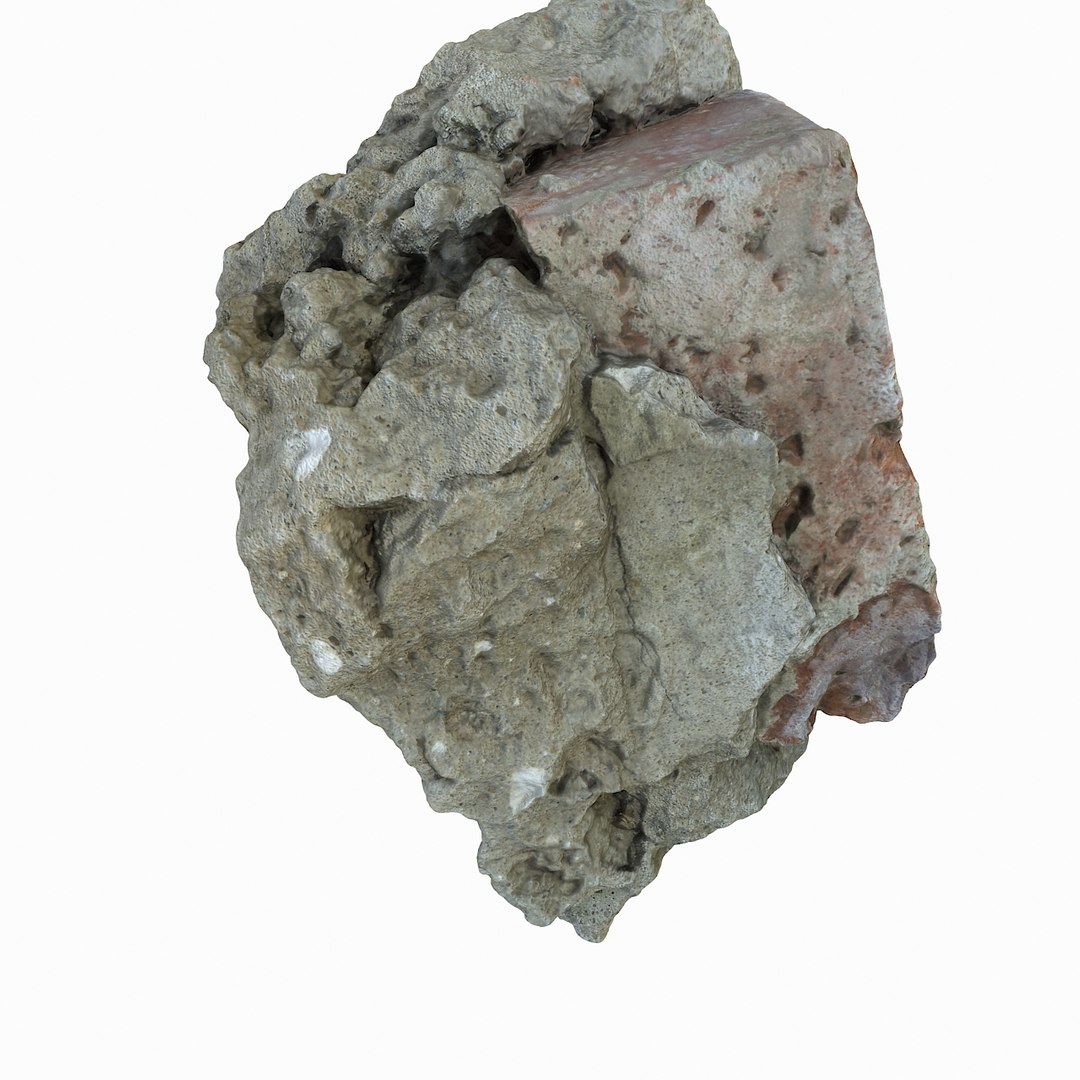
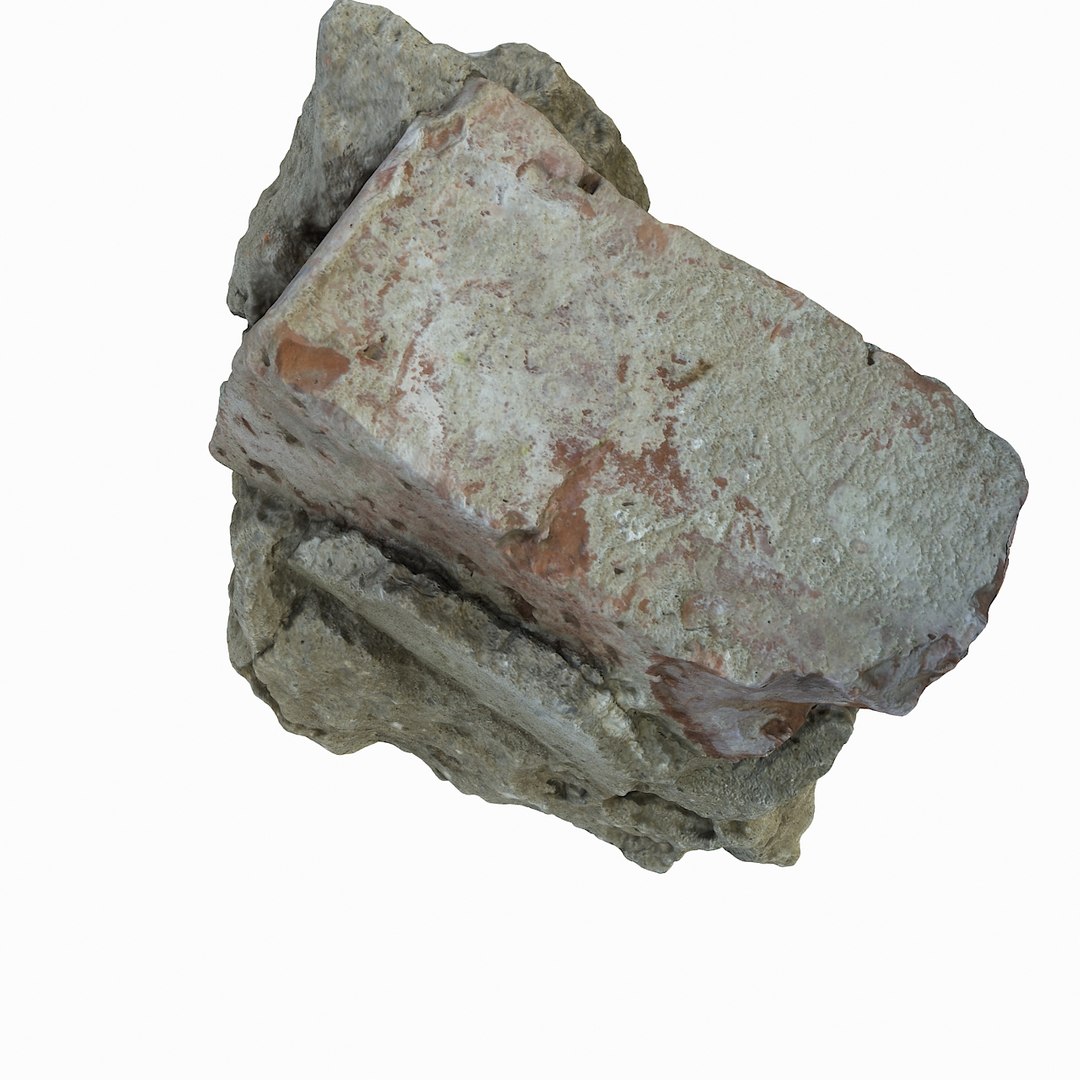
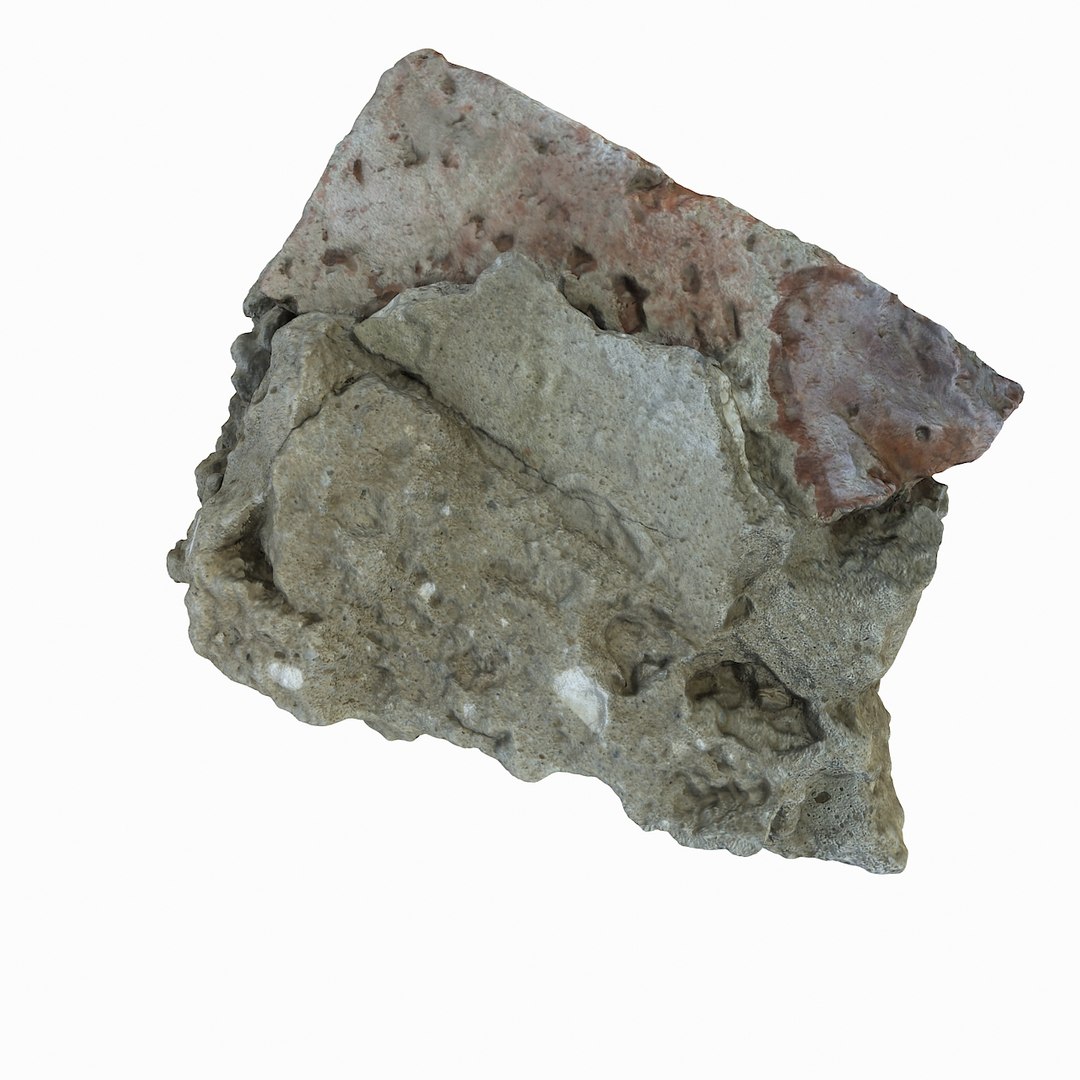
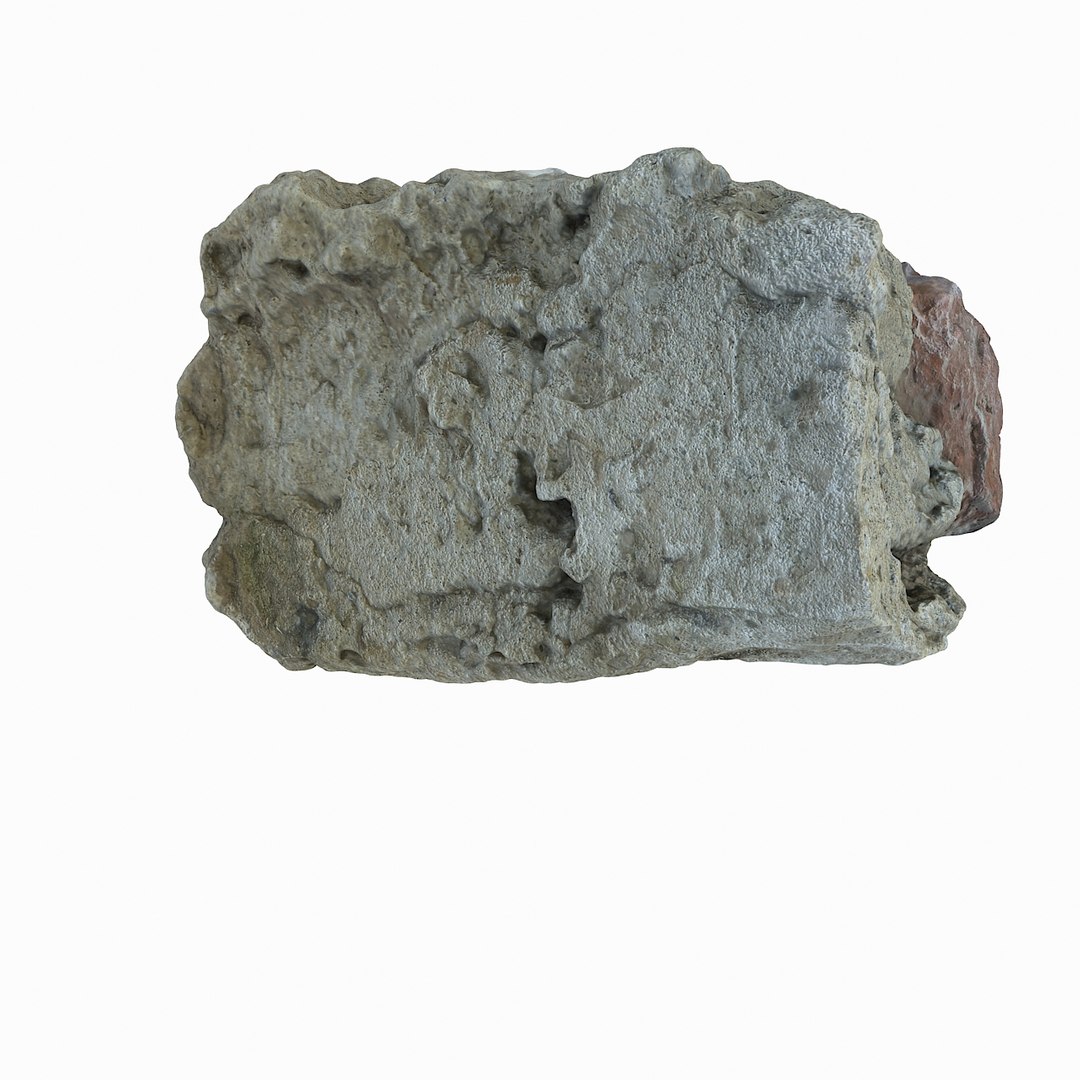
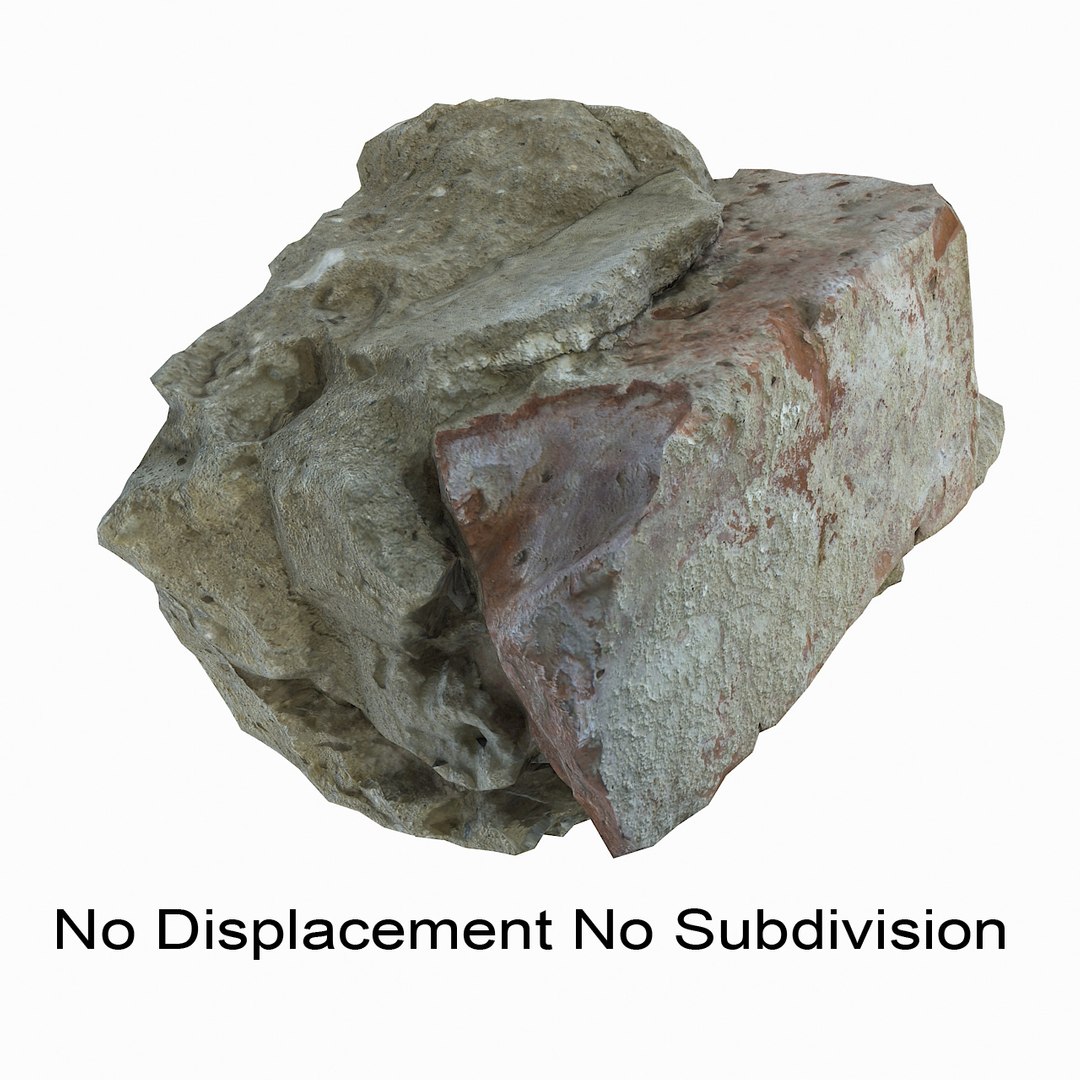
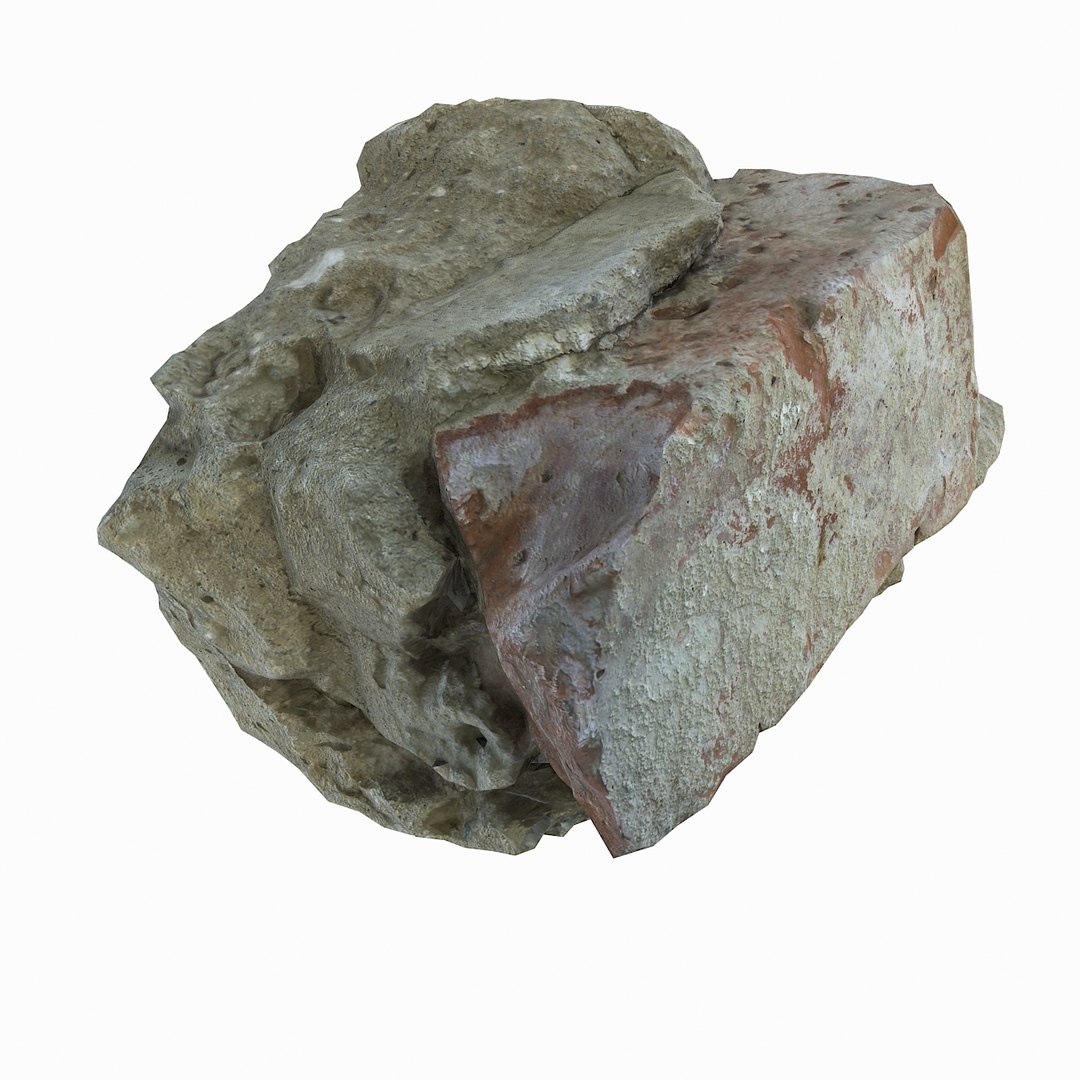
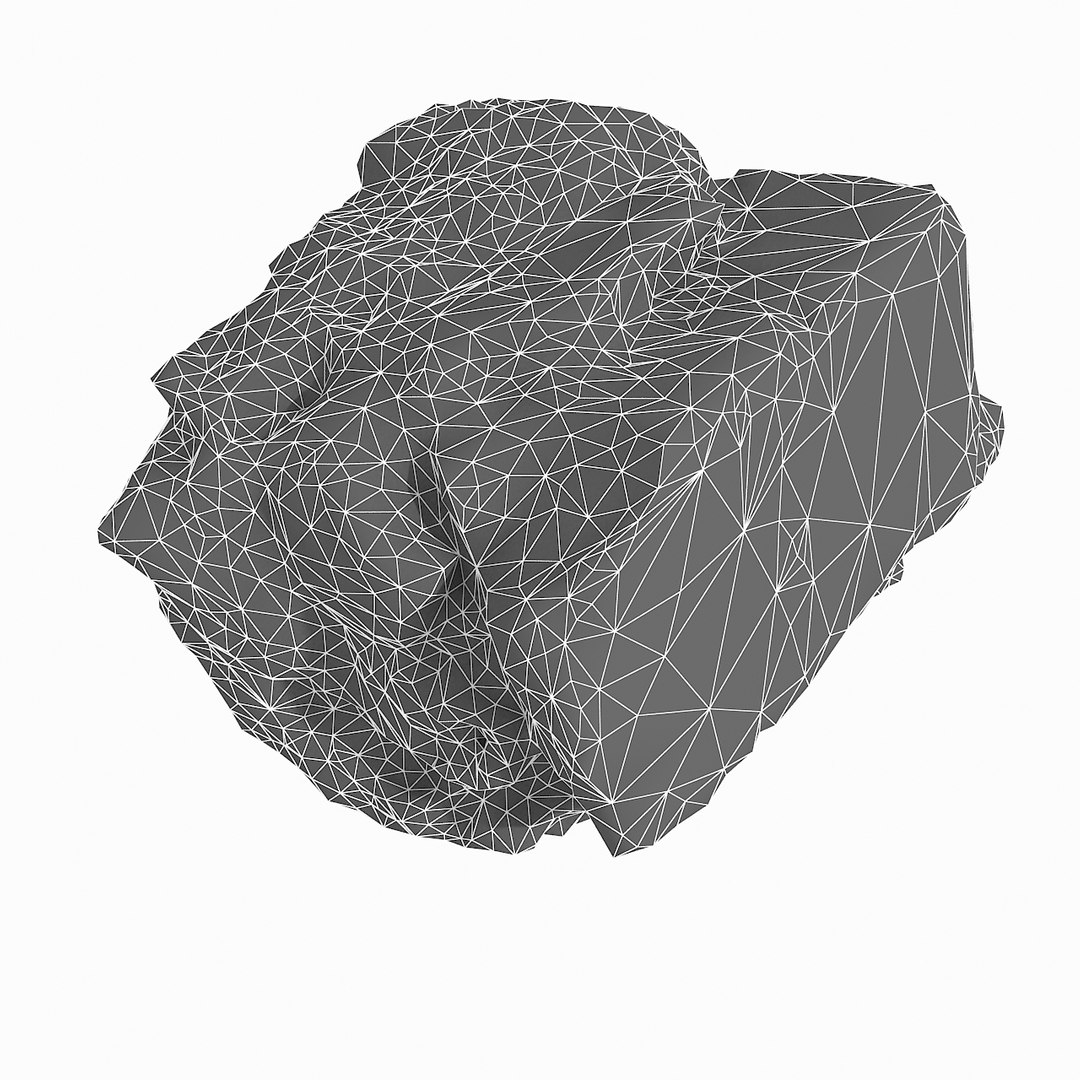
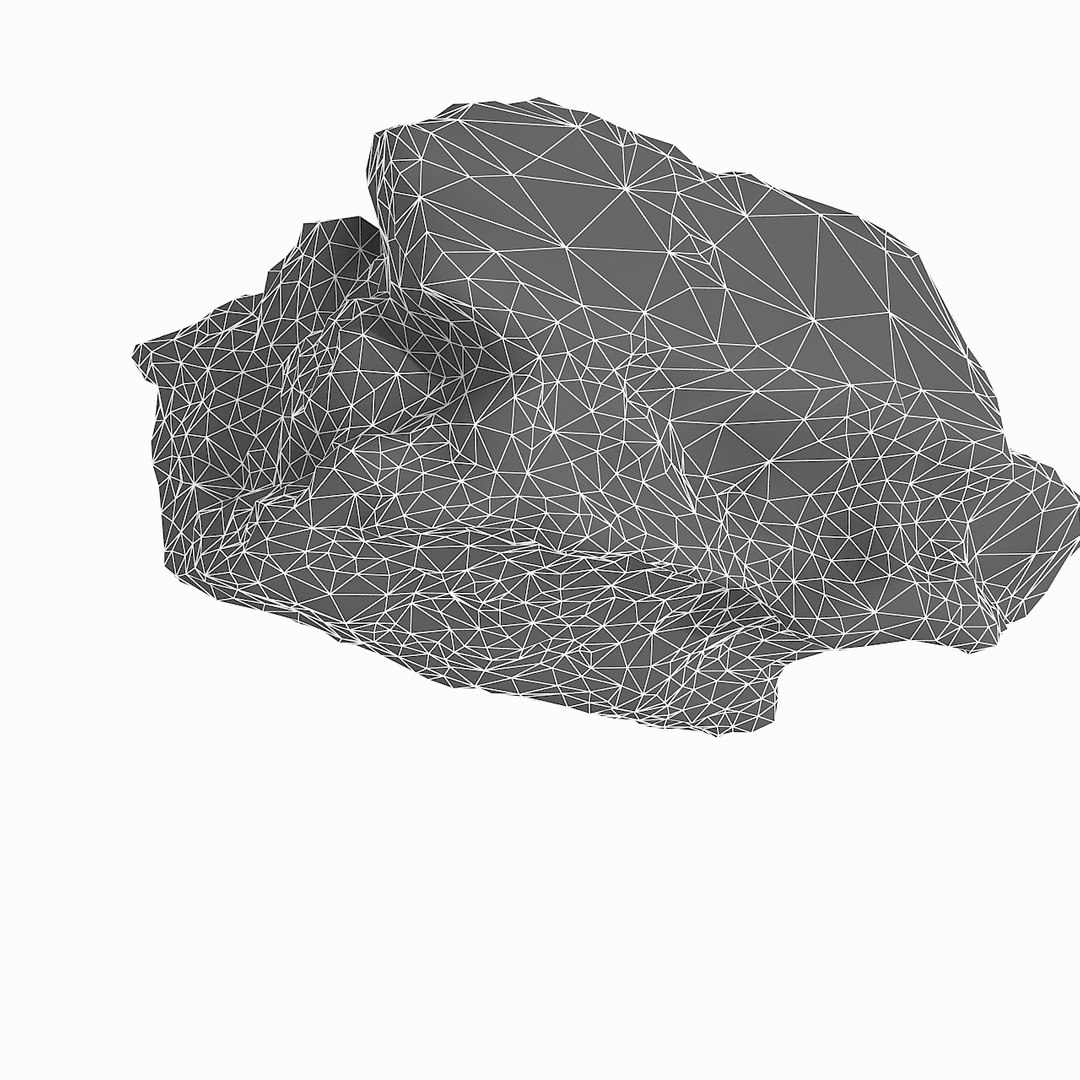
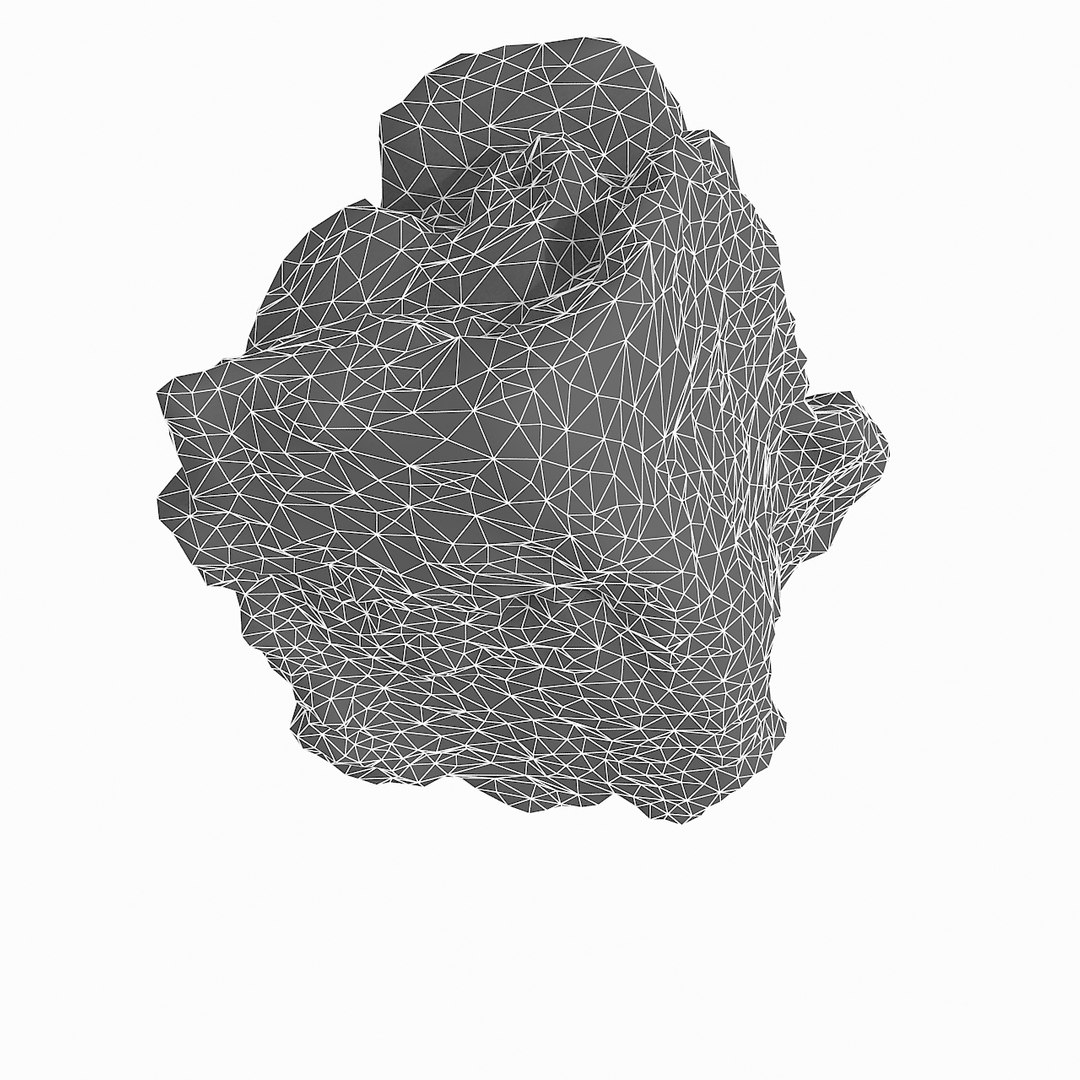
现实石碎片06

$39

标准许可证 | 升级许可证
格式 (8)
提供免费文件格式转换
Native | 3ds Max 2012 | V-Ray 2
3ds Max 2009 | Default Scanline
3ds Max 2009 | V-Ray 1.5 SP4
3D Studio
FBX
OBJ
规格
发布日期 June 16, 2015
产品 ID 936429
多边形 4,990
顶点 2,499
仅限多边形三角形
纹理
材料
UV 映射
不重叠的展开 UV
TurboSquid 独家
member avatar
Litarvan
1028 产品 | Contributor 自从 2005
有疑问?立即与我们聊天。

描述

- V-Ray and standard materials
- Hi-Res Realistic product
- Correct scale
- Object(s) in their own layer (name via product name)

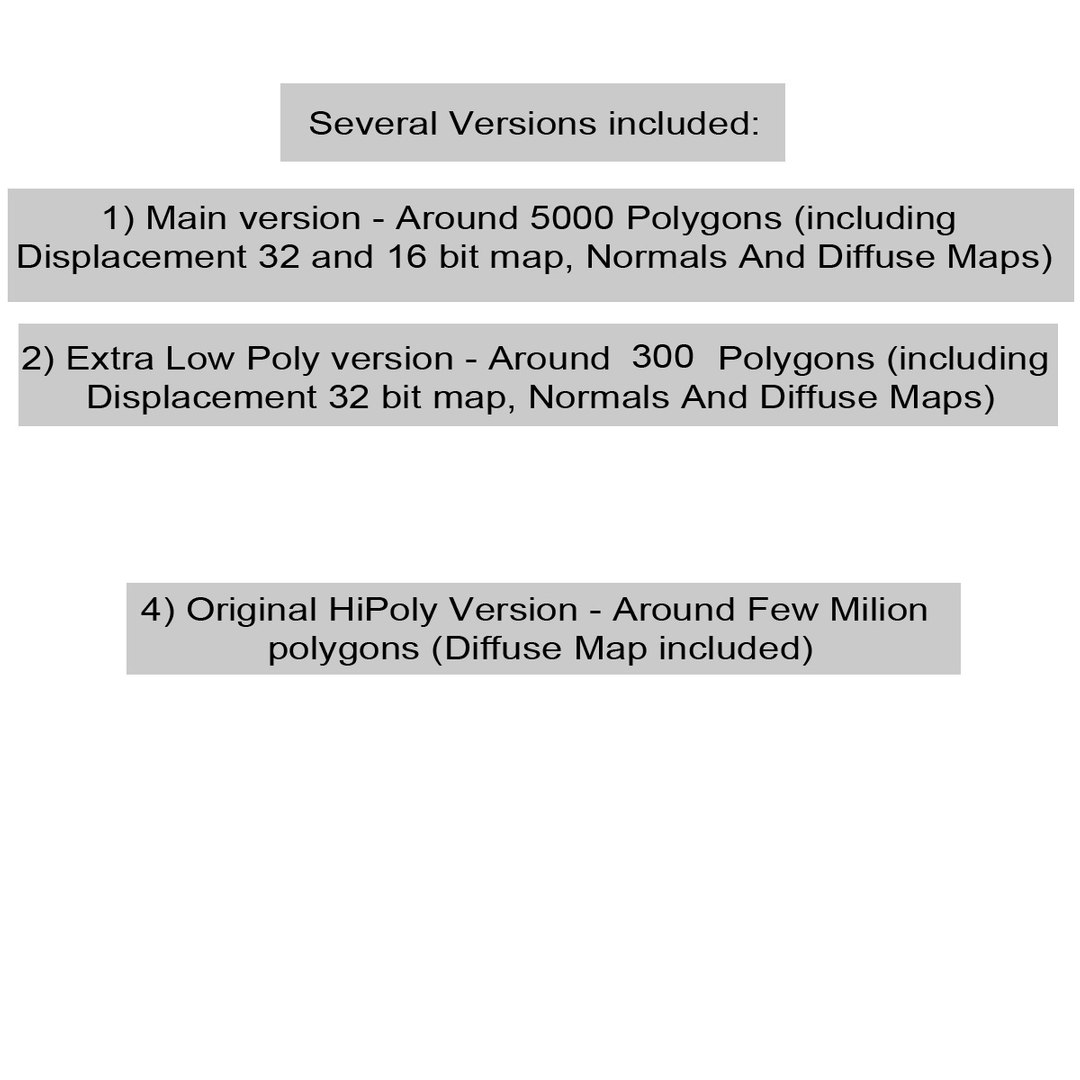
Several Versions included:
1) Main version - Around 5000 Polygons (including Displacement 32 and 16 bit map, Normals And Diffuse Maps)
2) Extra Low Poly version - Around 1000 Polygons (including Displacement 32 bit map, Normals And Diffuse Maps)
4) Original HiPoly Version - Around Few Milion polygons (Diffuse Map included)


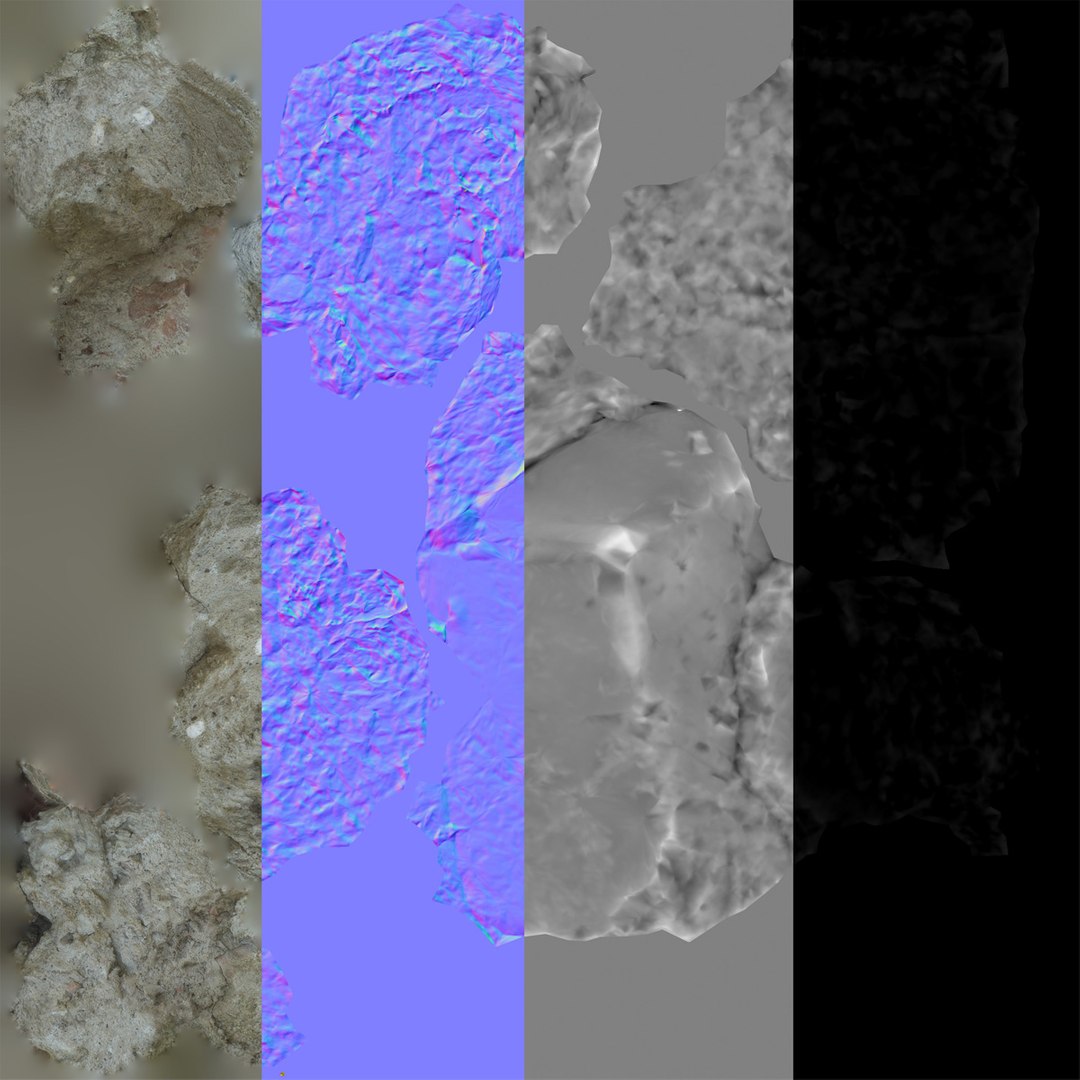
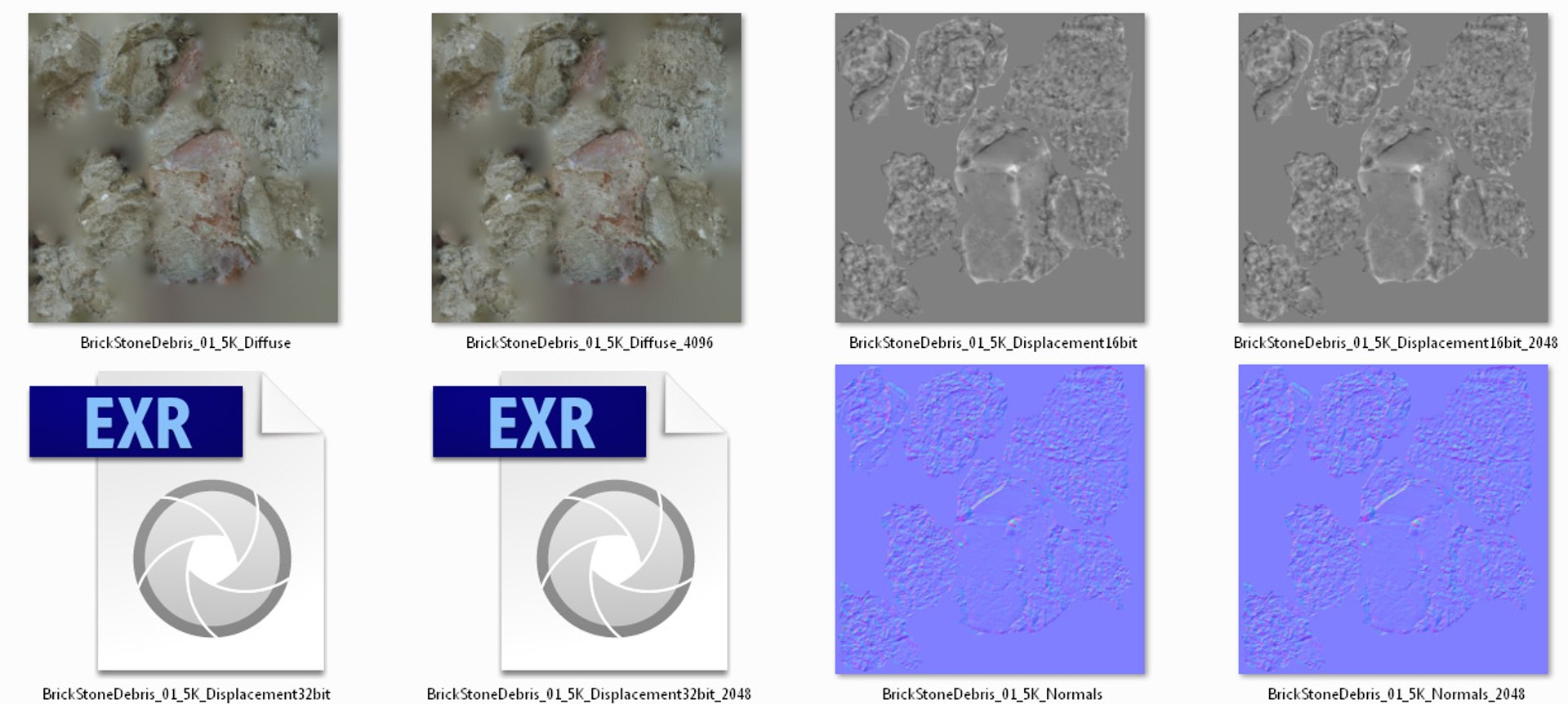
Maps in max archives (5K (5000 Polygons) version):
Diffuse 4096*4096px JPG
Normals 2048*2048px JPG
32 bit Displacement 2048*2048px exr
16 bit Displacement 2048*2048px jpg

These are optimized and are indistinguishable from 8192*8192px TIFFs (which take more RAM during rendering etc.)

Nevertheless if you want 105% quality, you can download the separate hires TIFF textures archive (around 250MB), which contains:

Diffuse 8192*8192px TIF
Normal 8192*8192px TIF
Displacement 16bit 8192*8192px TIF
Displacement 32bit 8192*8192px EXR

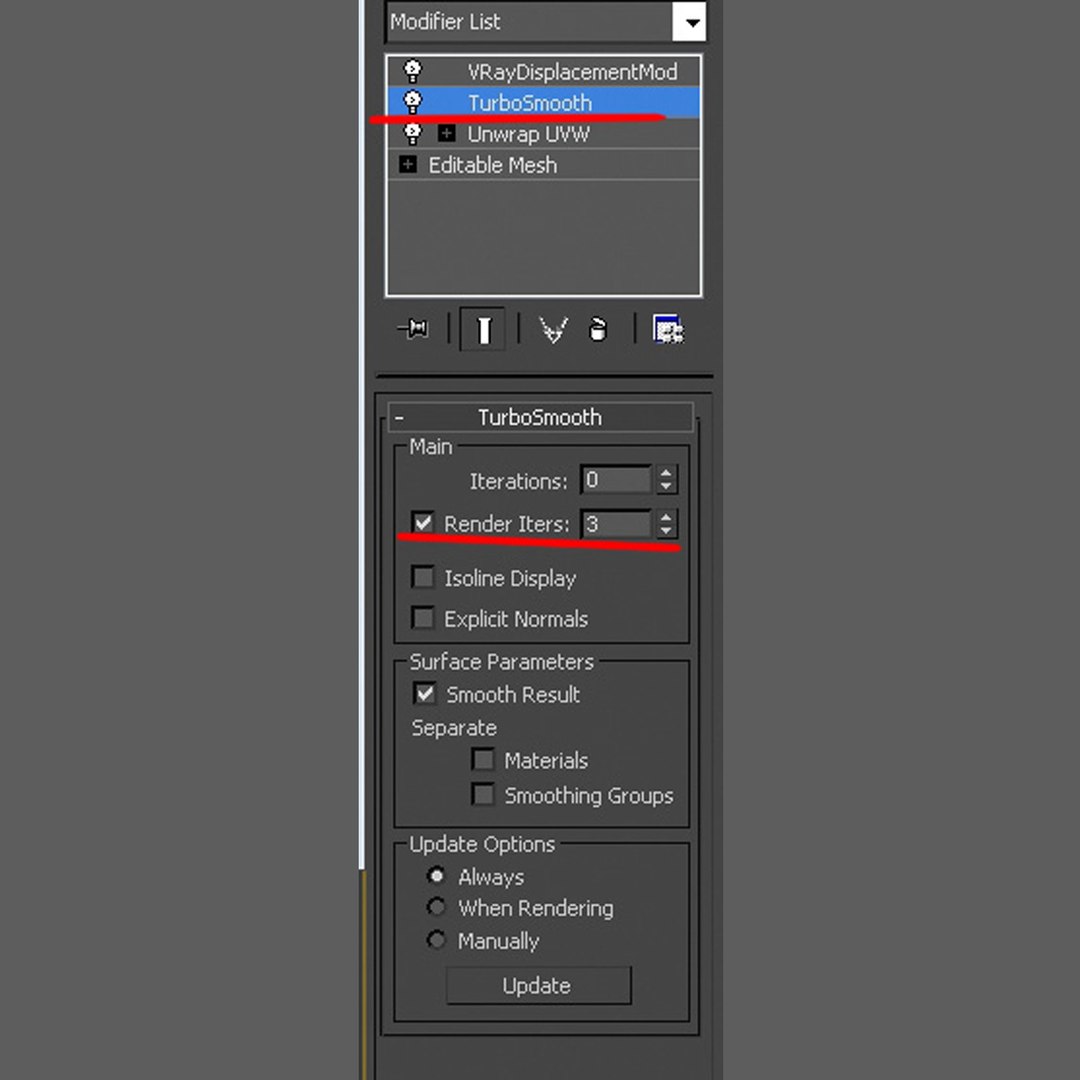
If you need just the original mesh without using displacement map during rendering, take the low poly version, subdivide it a couple of times and use the displacement map in 'displace' modifier (in 3ds max) or similiar in other applications, which will deform your mesh in viewport realtime, so you get the original hipoly mesh. You can use it, or use it as proxy or decimated it etc.

Objects are in their own layer called '_Merged_Buyed'. No part-name confusion when importing. Centered on 0,0,0.

选择增强许可证

  • $10,000 法律保护(赔偿)
  • 无上限的法律保护(赔偿)
  • 放弃禁令救济
  • 可转让的模型权利
  • $1,000,000 法律保护(赔偿)
  • 放弃禁令救济
  • 可转让的模型权利
  • $250,000 法律保护(赔偿)
  • 可转让的模型权利
了解更多关于增强版许可证等级的信息,或发送电子邮件至enterprise@turbosquid.com联系我们。您已经是 Shutterstock 企业客户?请联系您的 Shutterstock 销售支持代理,了解如何添加 3D 功能。

About Conversion Requests

To submit a conversion request for a purchased asset, please complete our Conversion Request Form.

If you have not yet purchased a model, please review our Documentation about Conversions to learn about what limitations you may encounter with a conversion.

For any additional questions about a model’s suitability for conversion, please contact TurboSquid Support.

加载中...