
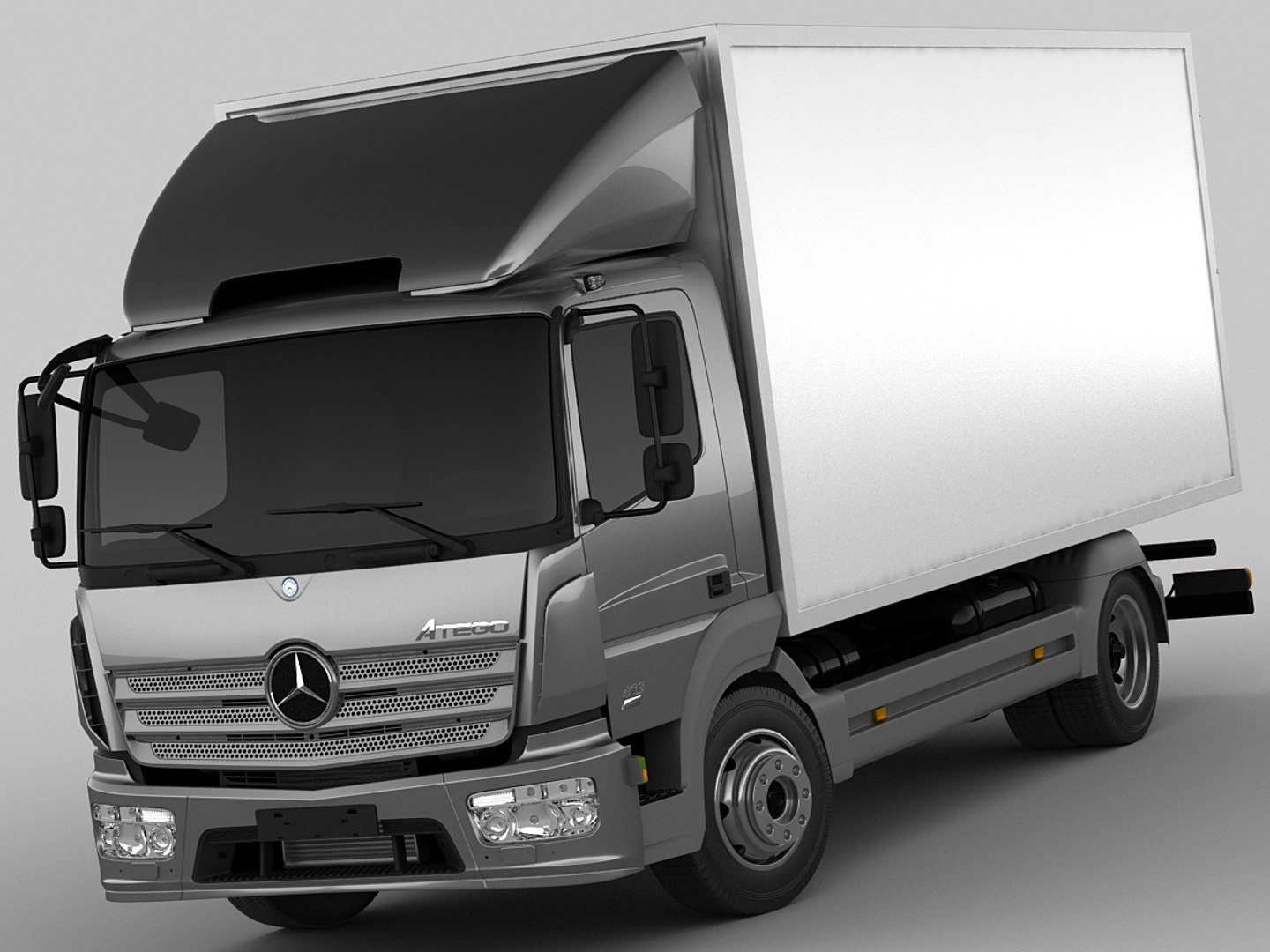
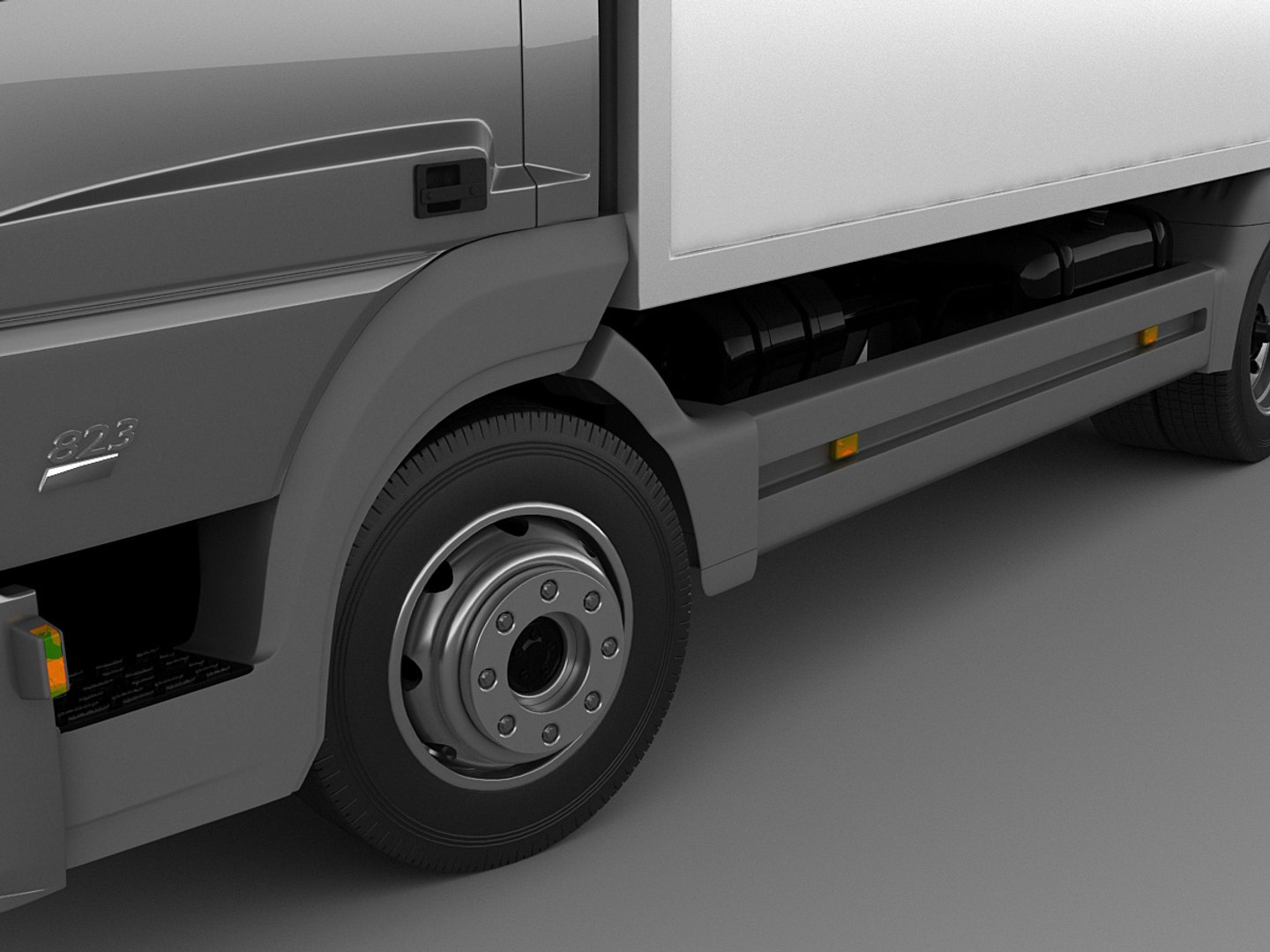
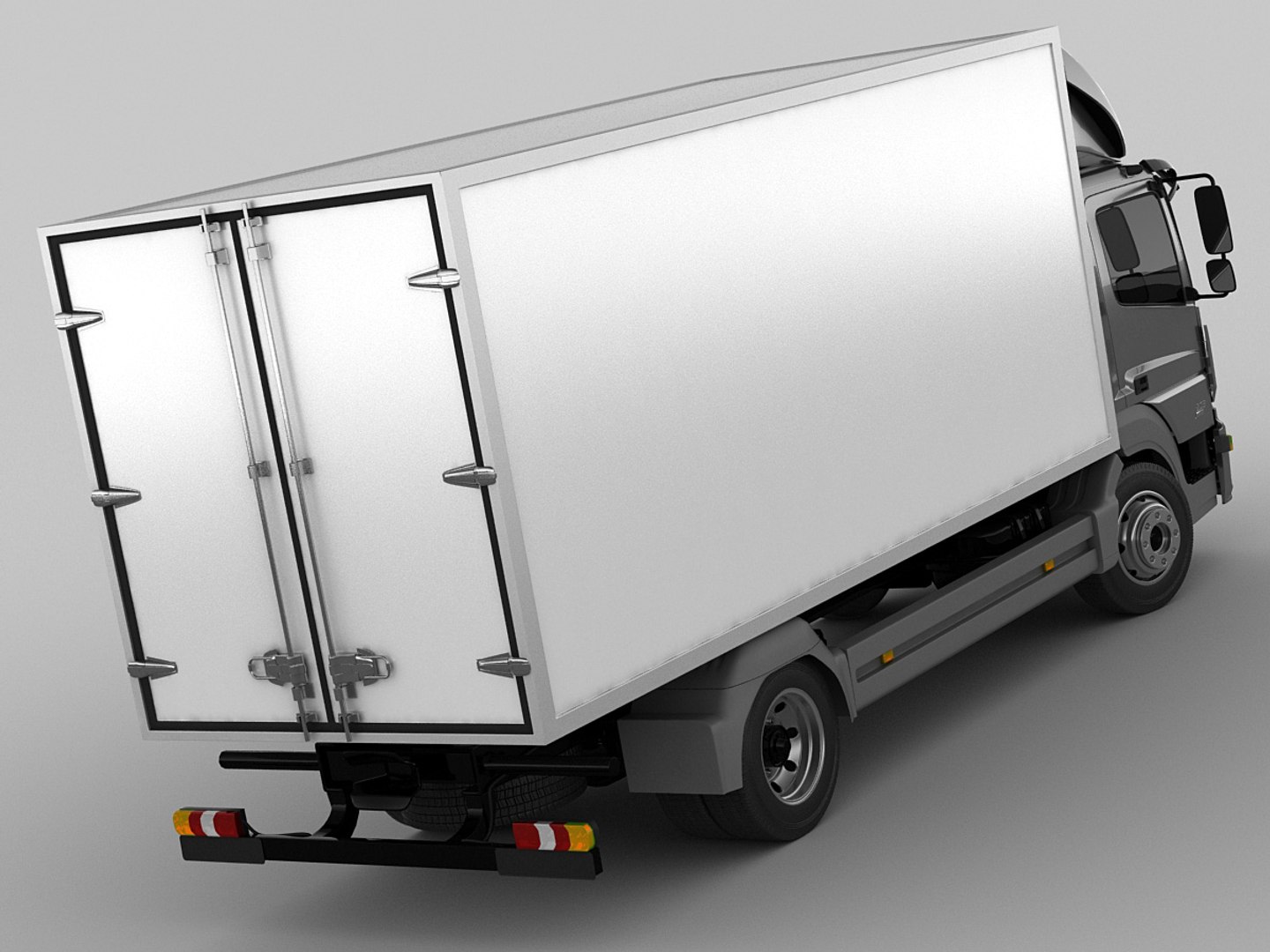
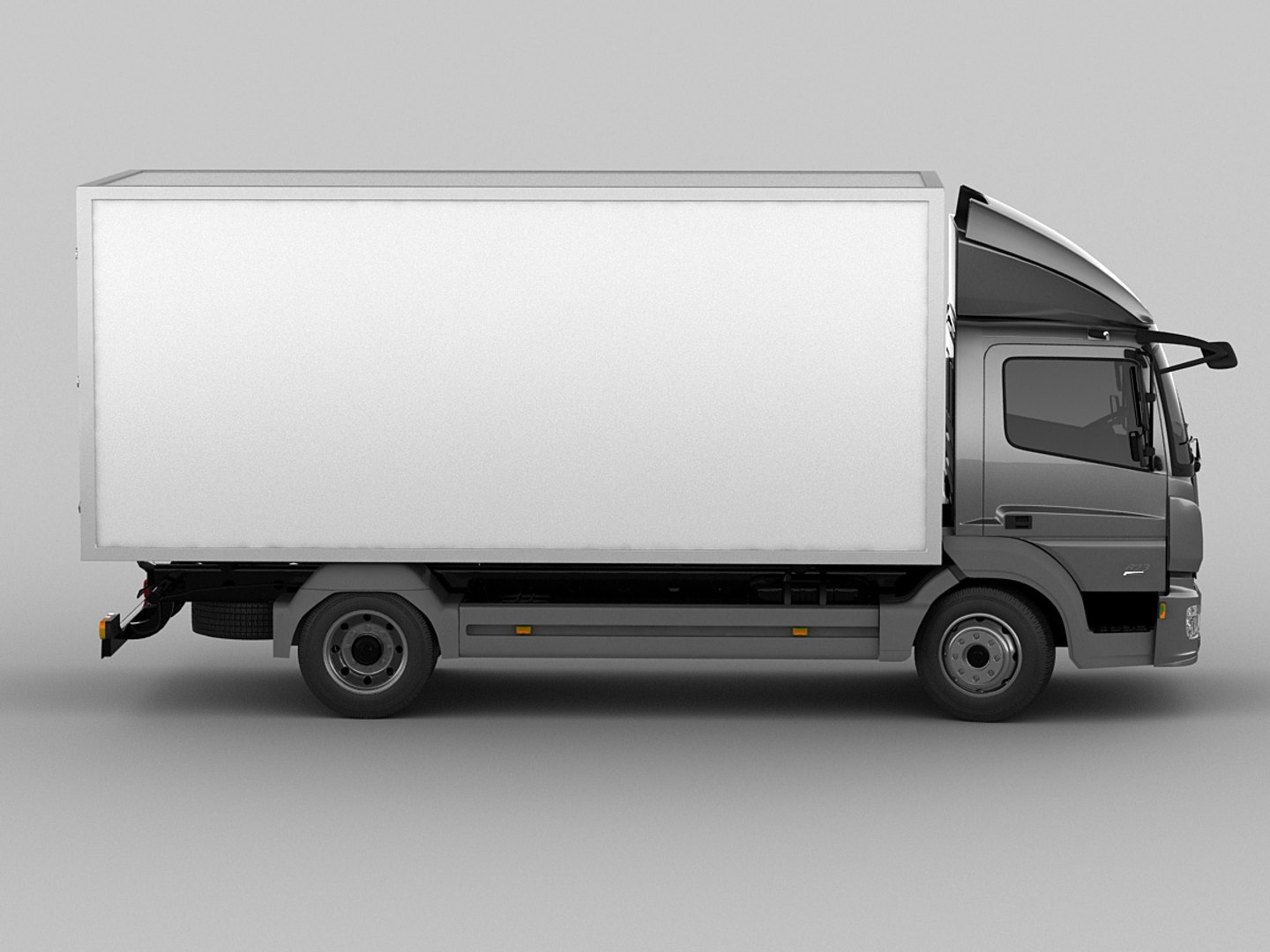
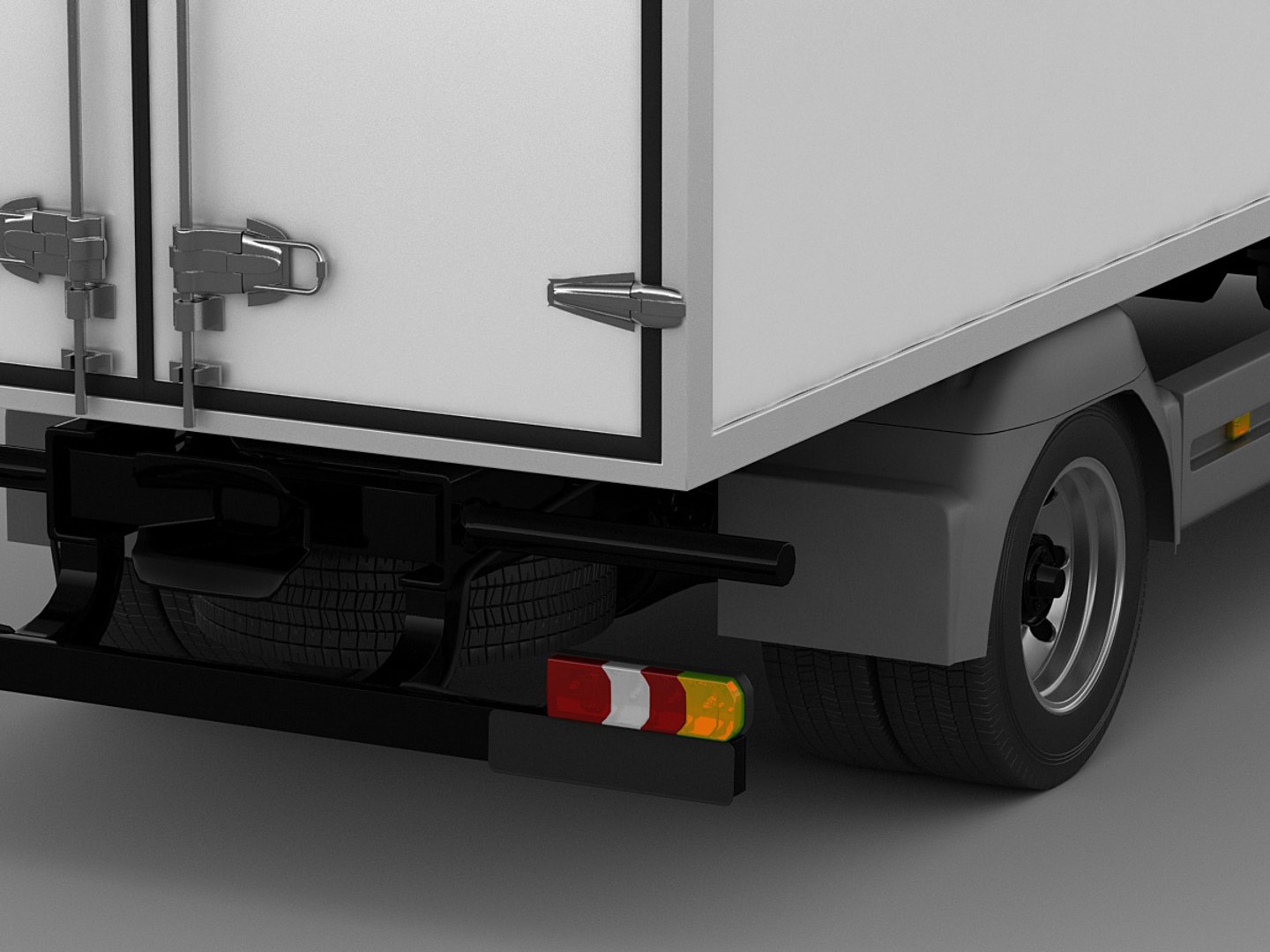
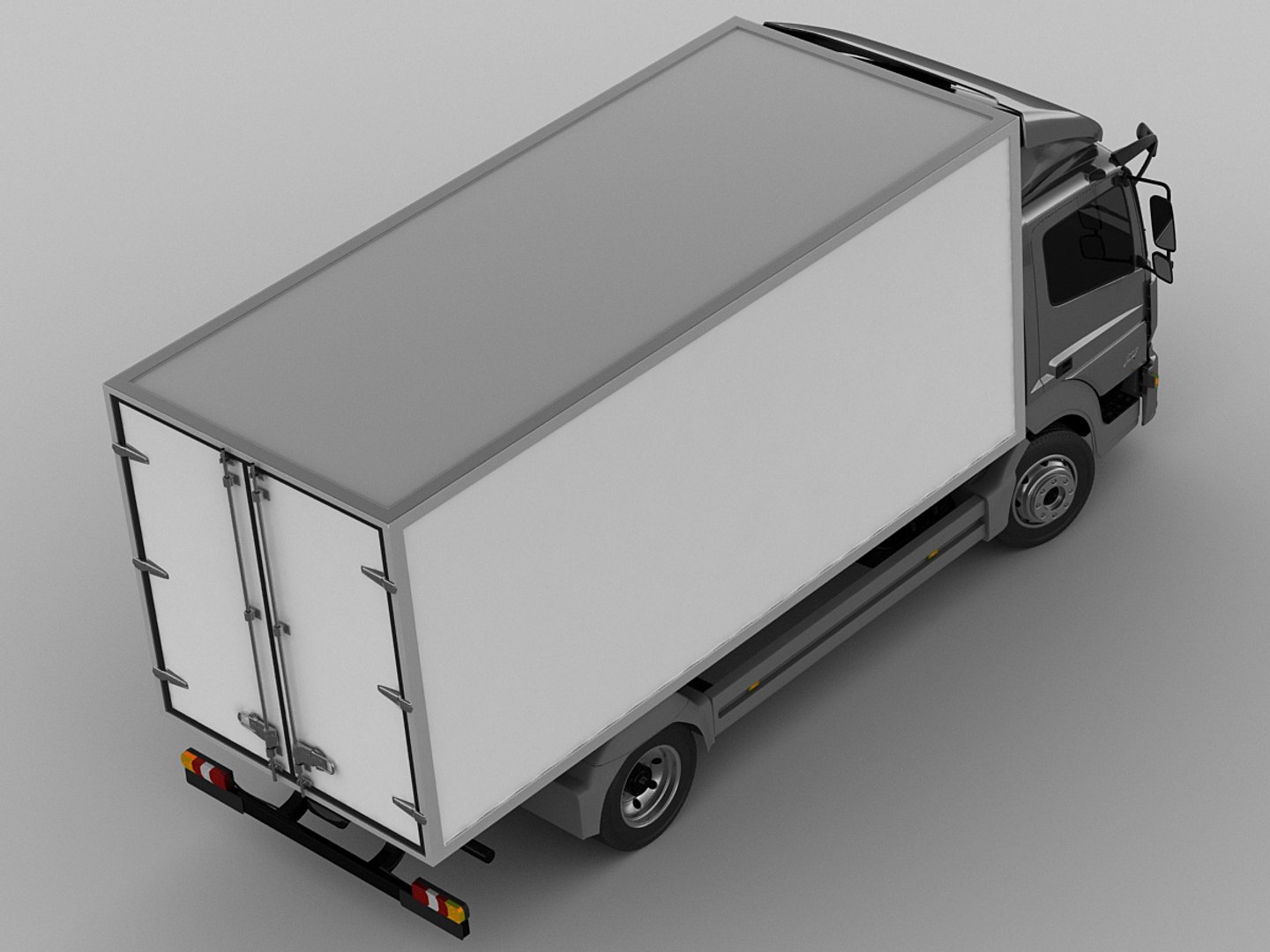
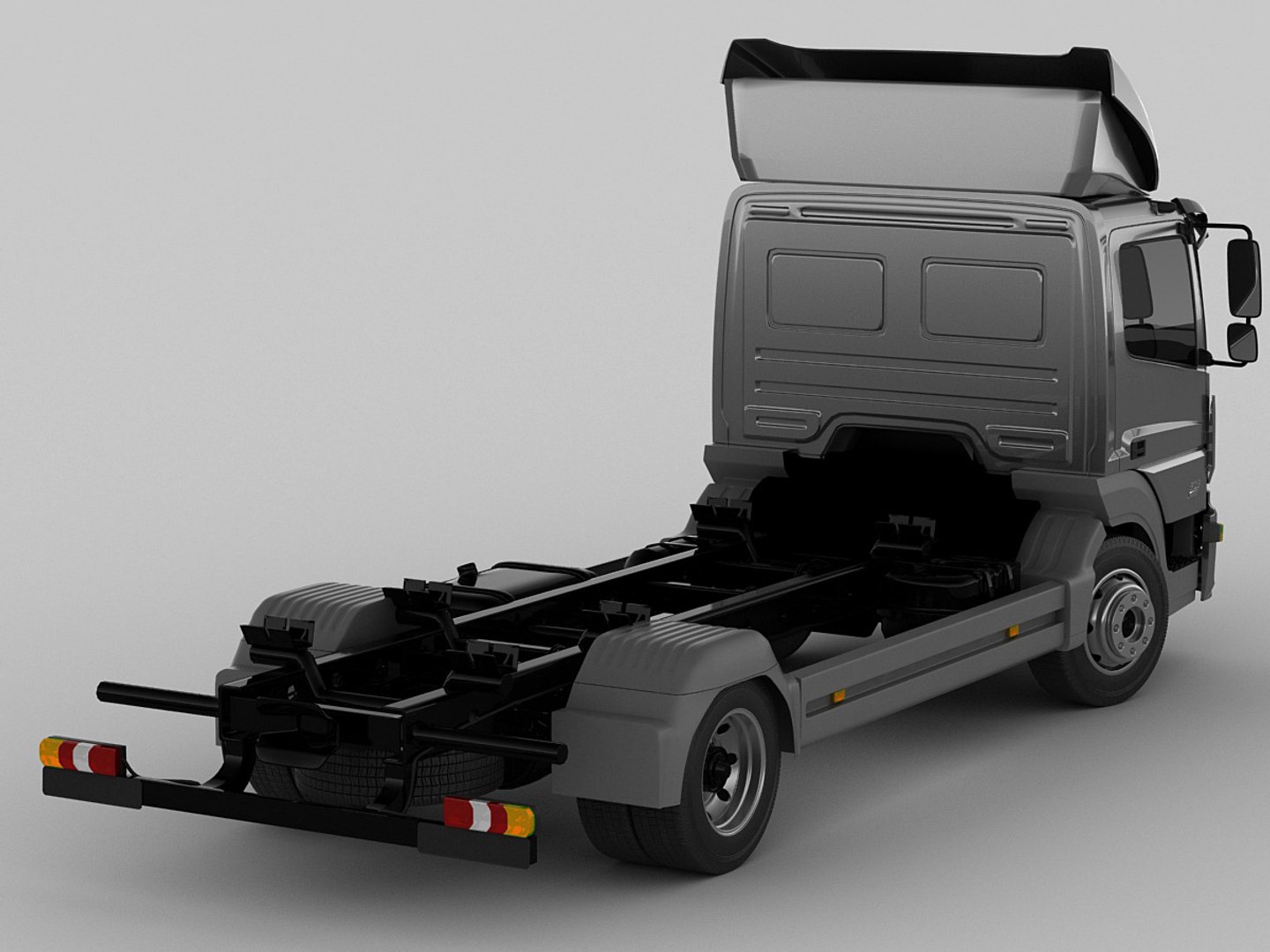
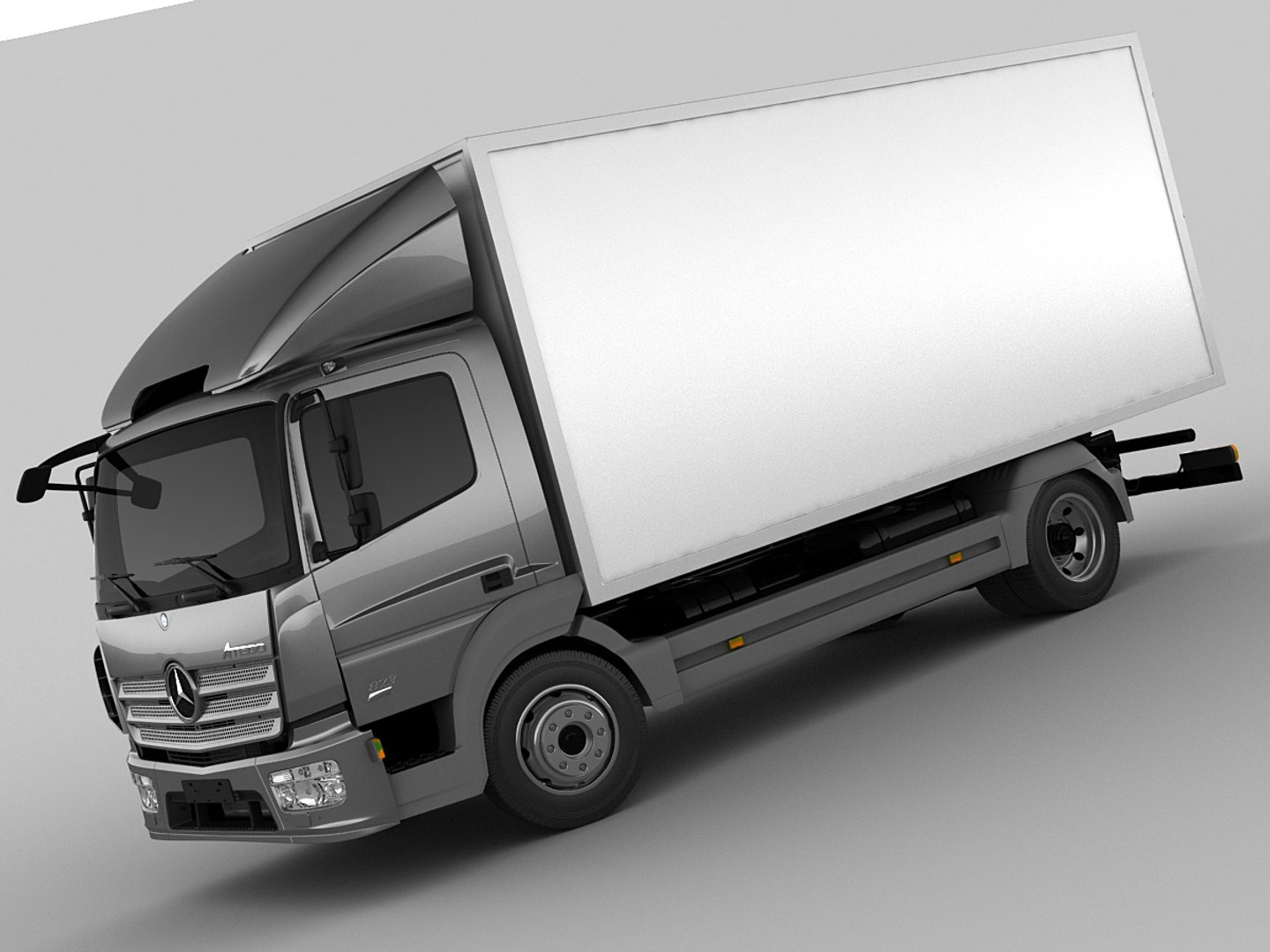
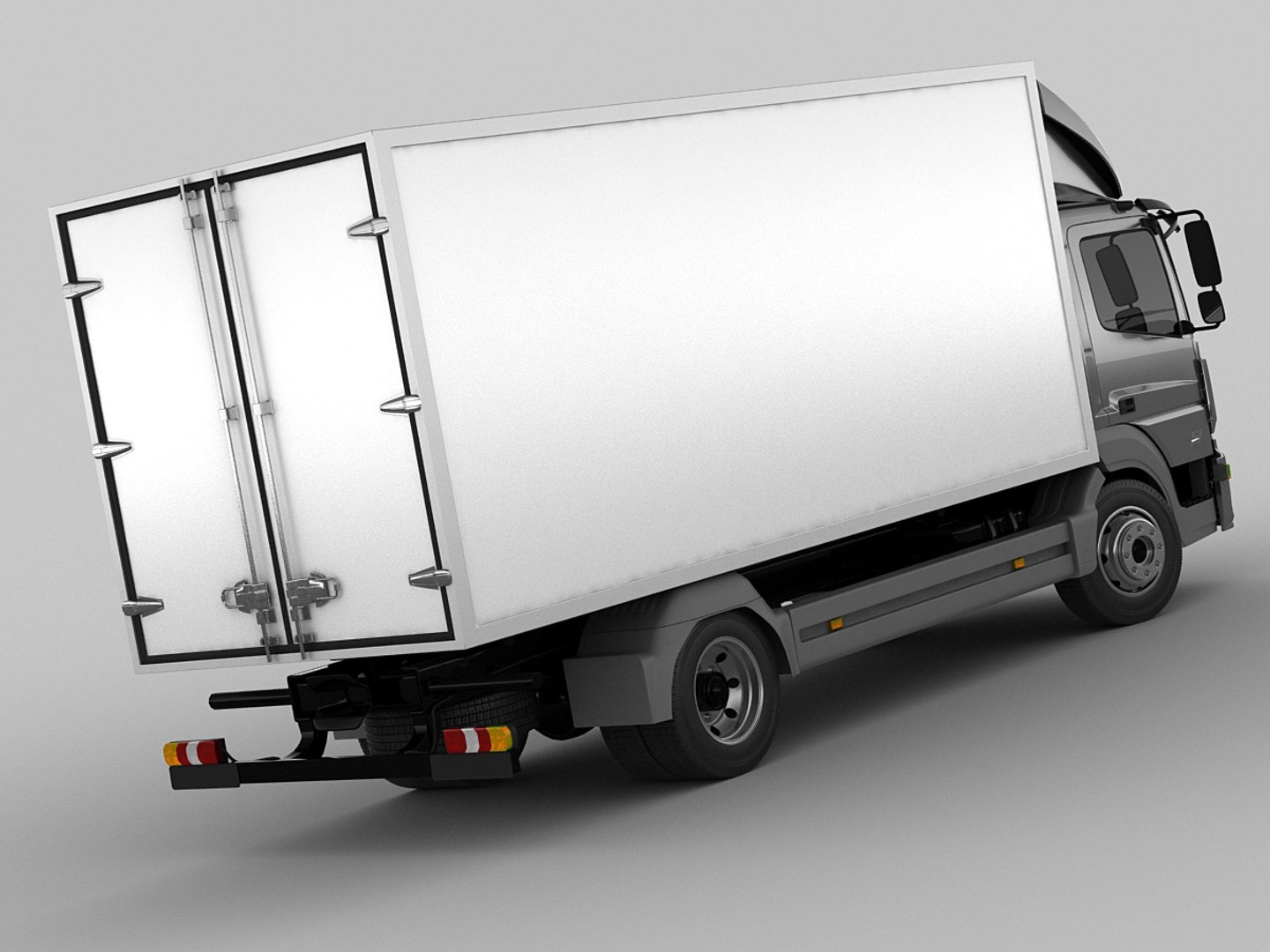
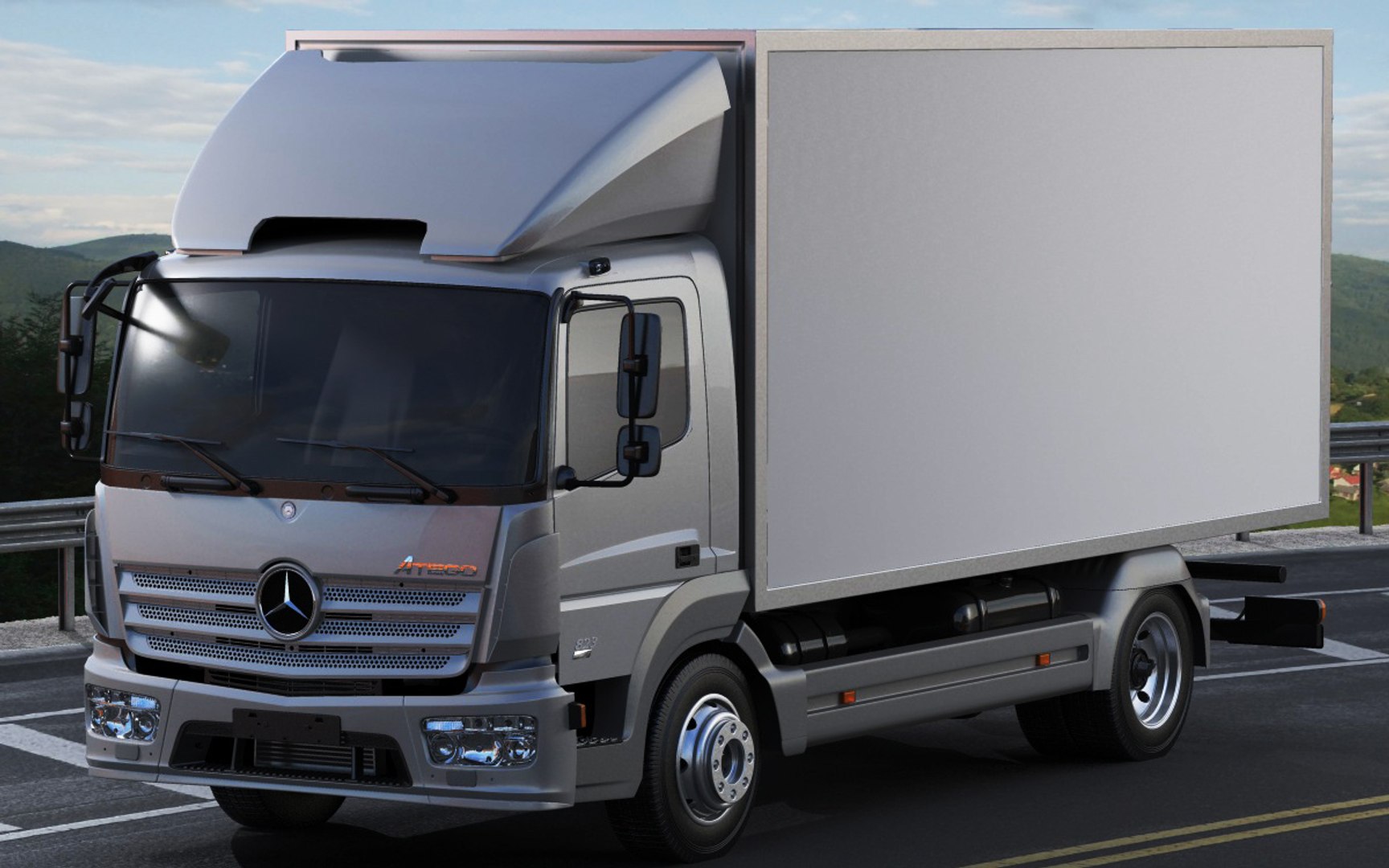
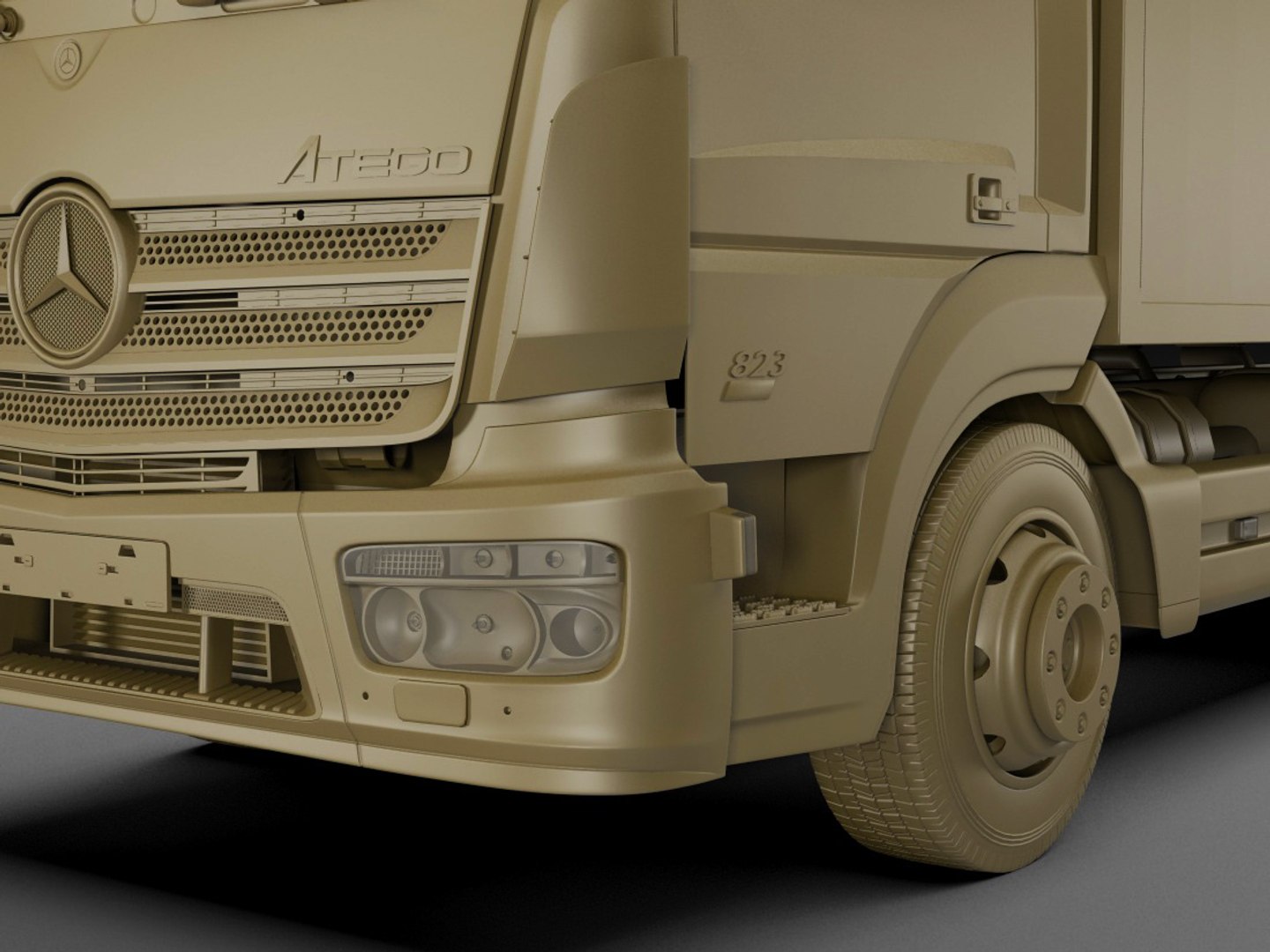
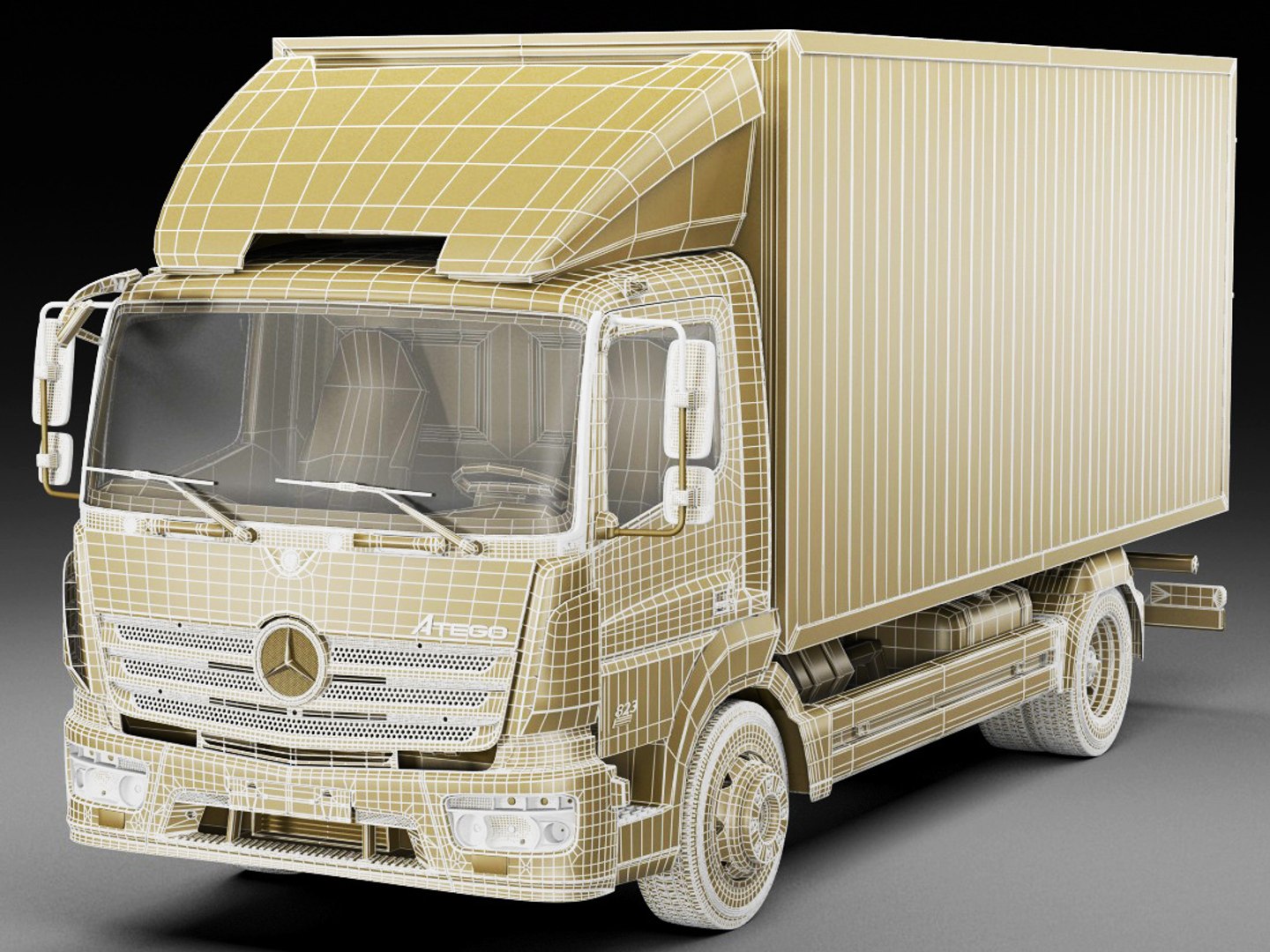
梅赛德斯Atego 2014简称

$139

标准许可证 | 升级许可证
仅限编辑使用
格式 (7)
提供免费文件格式转换
Native | 3ds Max 2011 | V-Ray Mental Ray
Softimage 3,5 | Default Scanline
Lightwave 6 | Default Scanline
Cinema 4D - | Default Scanline
FBX
3D Studio
OBJ
规格
发布日期 September 03, 2013
产品 ID 764970
多边形 500,000
顶点 500,000
多边形
纹理
材料
UV 映射
member avatar
fisherman3d
853 产品 | Contributor 自从 2004
有疑问?立即与我们聊天。

描述

- detailed exterior, simple interior.
- every object has material name, you can easily change or apply materials
.
.
.
.max format:
Rar archive contains three scenes
1. 3ds max 2011 with vray materials, which you can see in preview images studio renders. Carpaint colour can be different.
2. 3ds max 2011 with mental ray materials, which you can see in preview images outdoor renders. Carpaint colour can be different.
3. 3ds max 2011 with simple standard materials scanline
Just put into your scene and render!
In each scene model is provided with mesh smooth modifier on stack on objects that need it. Mesh smooth is set 1 or 2 for renders. Exterior and wheels are in different layers.
.
.obj format:
Rar archive contains two versions of model with simple materials:
1. Exported without collapsing after mesh smooth. Low or med poly mesh which you can see in preview images, good if you need to edit model.
2. Exported after appllying mesh smooth. Just import, apply materials and render
.
.lwo, .xsi, .c4d format:
Rar archive contains model exported without collapsing after mesh smooth. Low or med poly mesh which you can see in preview images, good if you need to edit model.
Simple materials.
.
.fbx and .3ds format:
Rar archive contains model exported after appllying mesh smooth. Just import, apply materials and render.
.
.
Polycount:
without meshsmooth max,obj,lwo,xsi,c4d: 500 000 polygons
collapsed fbx,3ds,obj: 1 400 000 faces/750 000 polygons

选择增强许可证

  • $10,000 法律保护(赔偿)
  • 无上限的法律保护(赔偿)
  • 放弃禁令救济
  • 可转让的模型权利
  • $1,000,000 法律保护(赔偿)
  • 放弃禁令救济
  • 可转让的模型权利
  • $250,000 法律保护(赔偿)
  • 可转让的模型权利
了解更多关于增强版许可证等级的信息,或发送电子邮件至enterprise@turbosquid.com联系我们。您已经是 Shutterstock 企业客户?请联系您的 Shutterstock 销售支持代理,了解如何添加 3D 功能。

About Conversion Requests

To submit a conversion request for a purchased asset, please complete our Conversion Request Form.

If you have not yet purchased a model, please review our Documentation about Conversions to learn about what limitations you may encounter with a conversion.

For any additional questions about a model’s suitability for conversion, please contact TurboSquid Support.

加载中...