
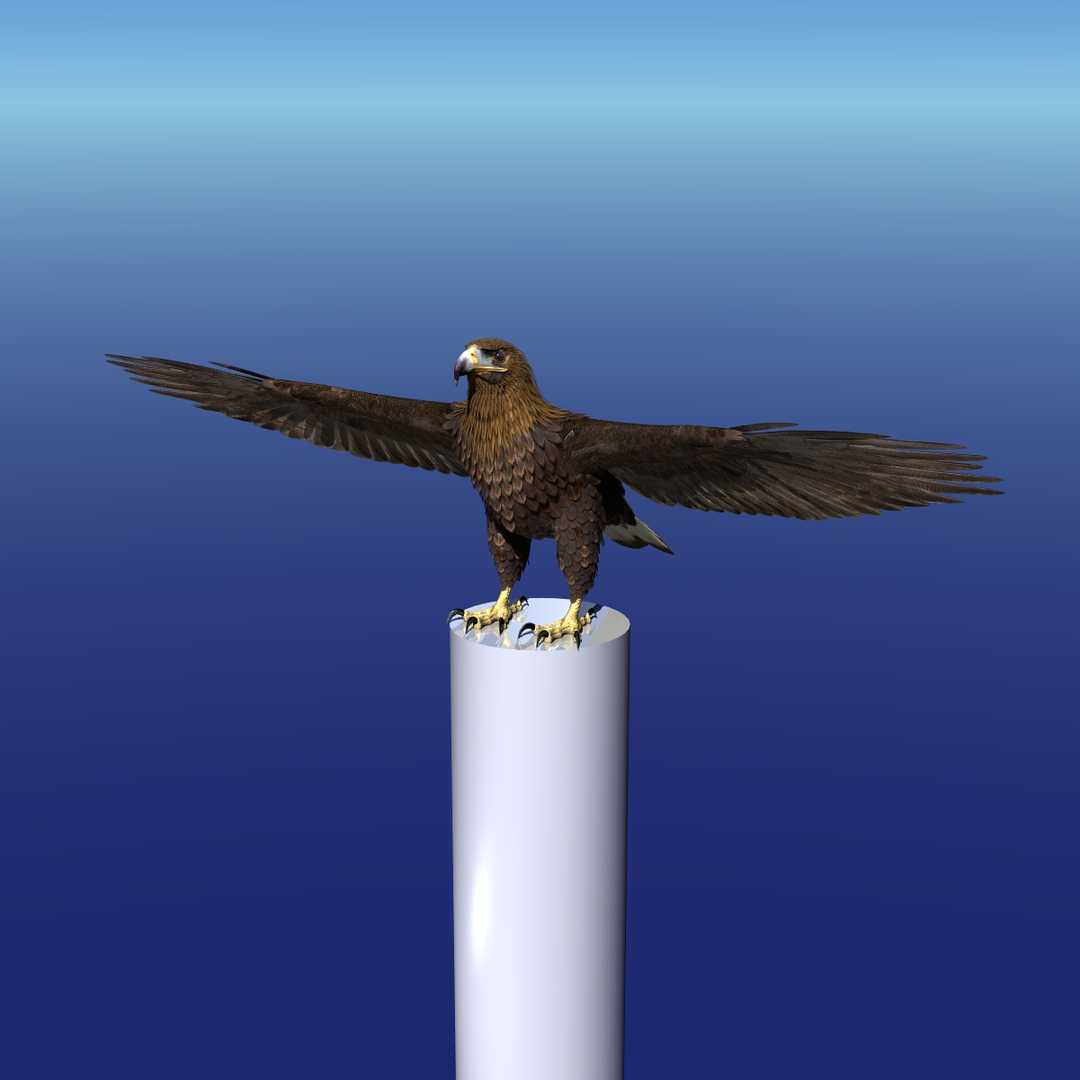
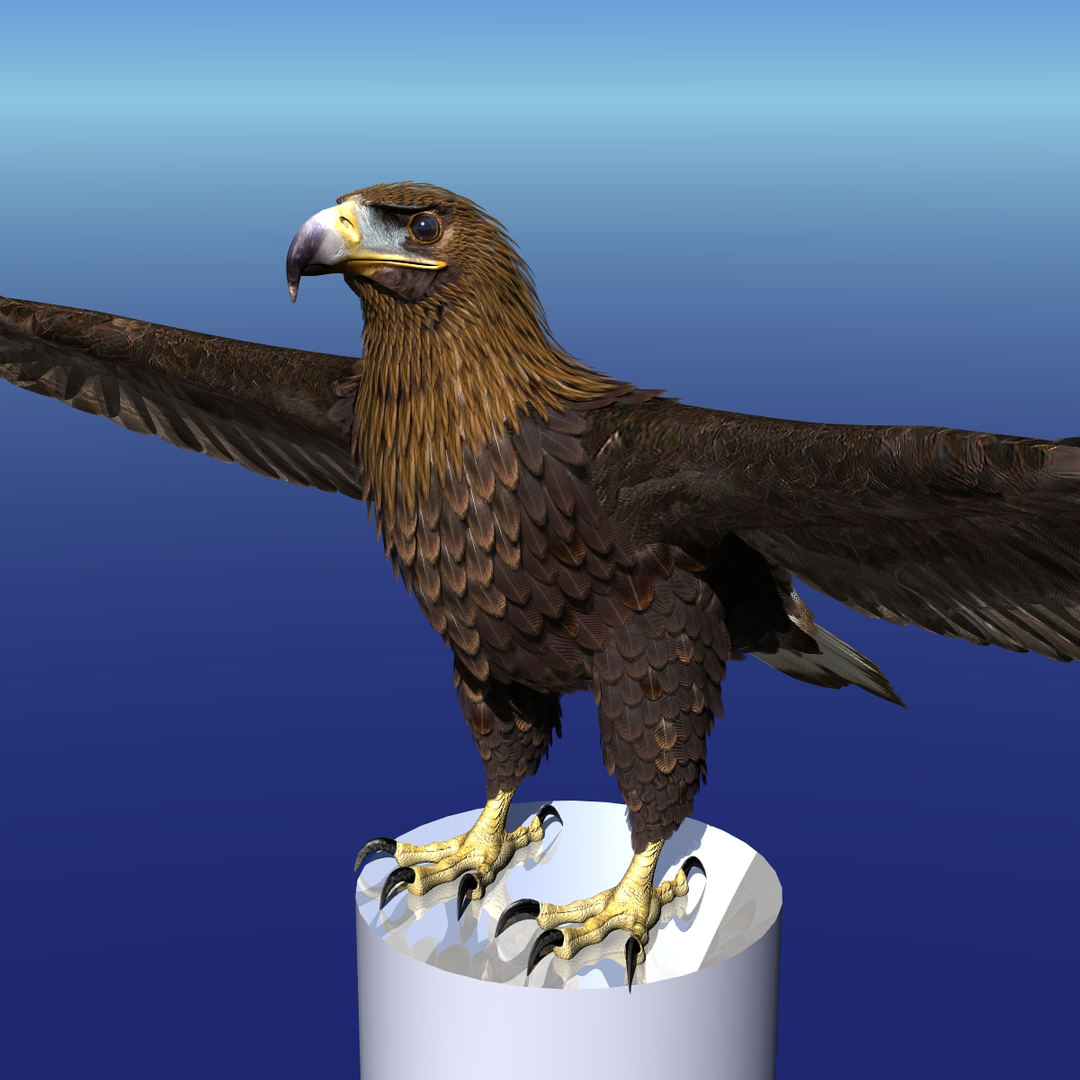
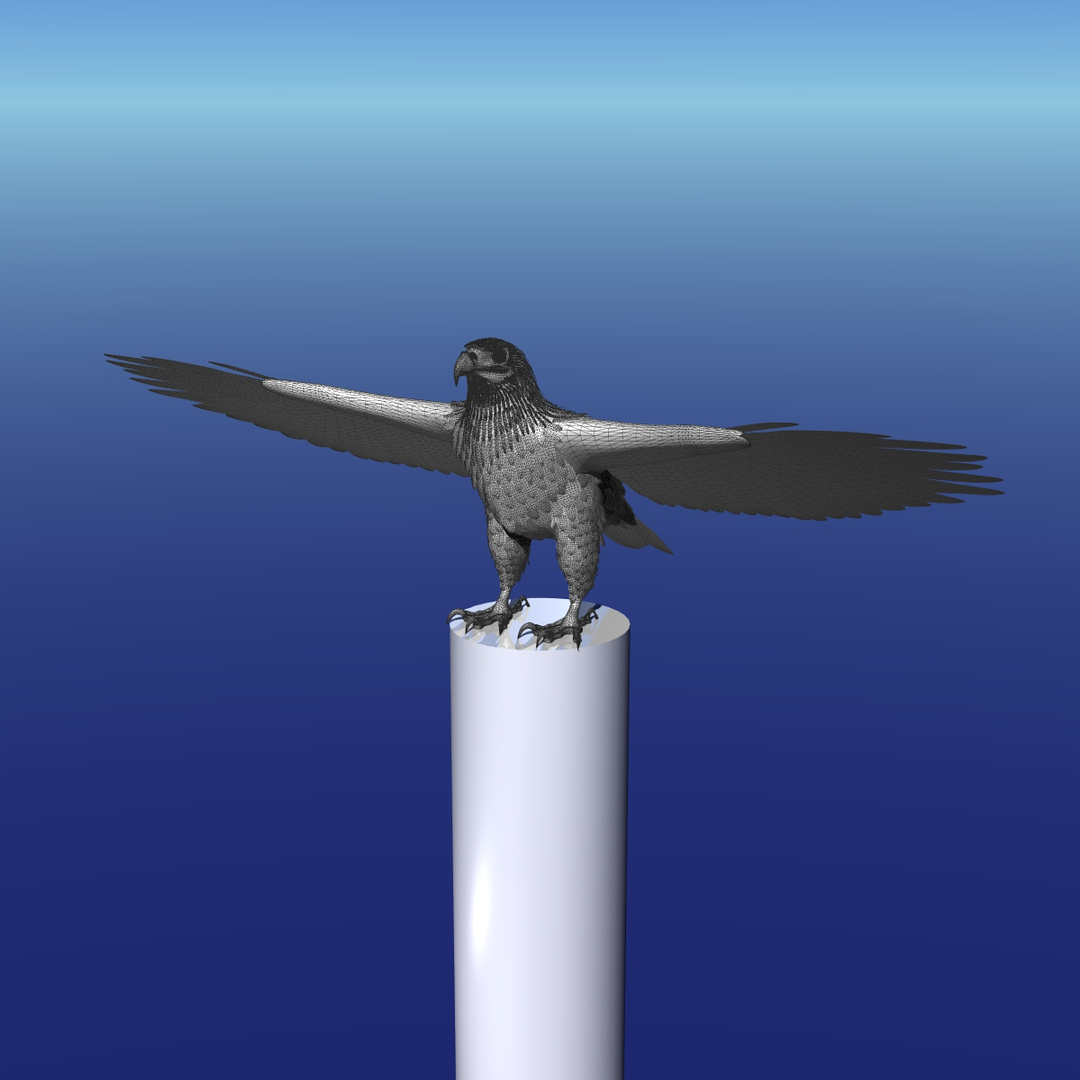
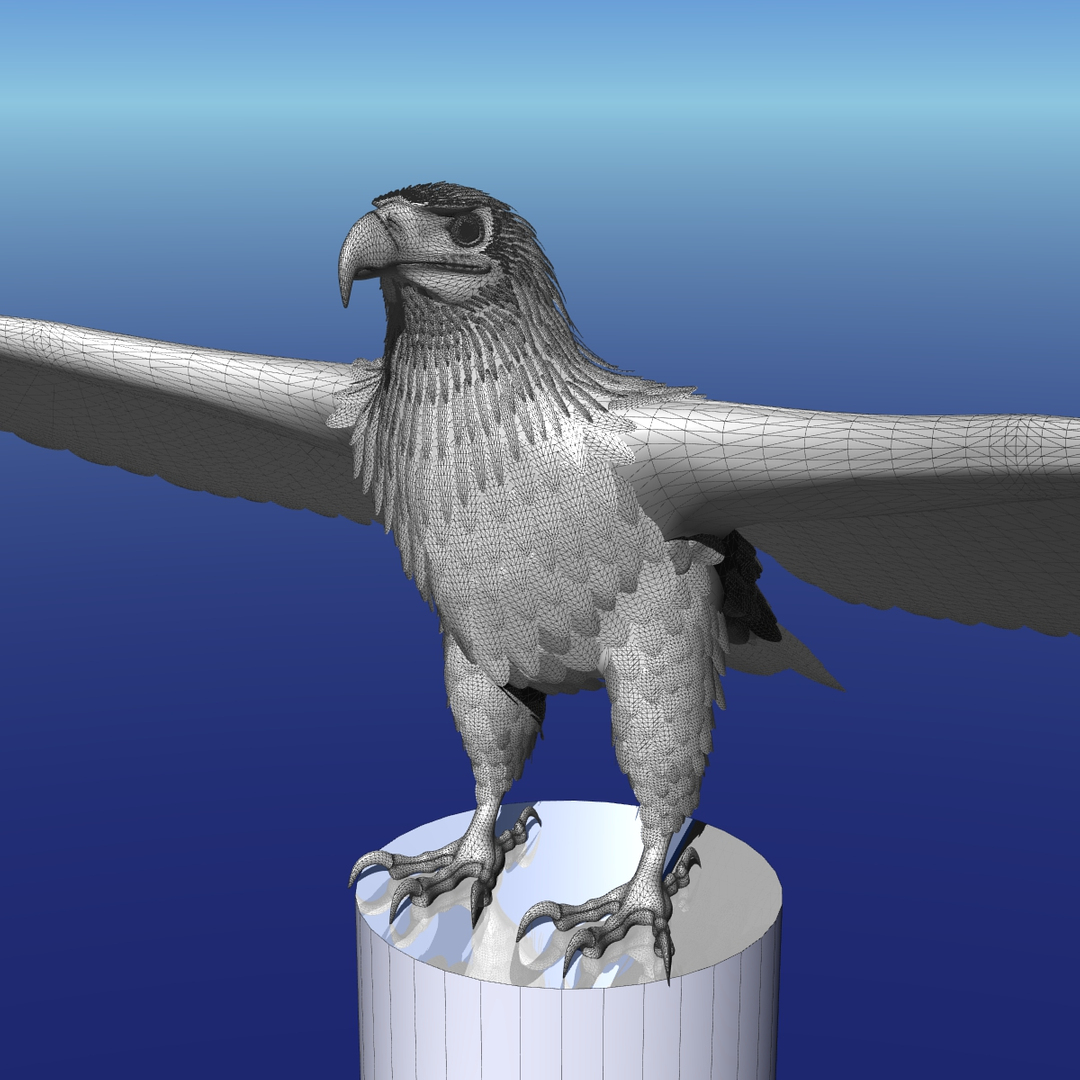
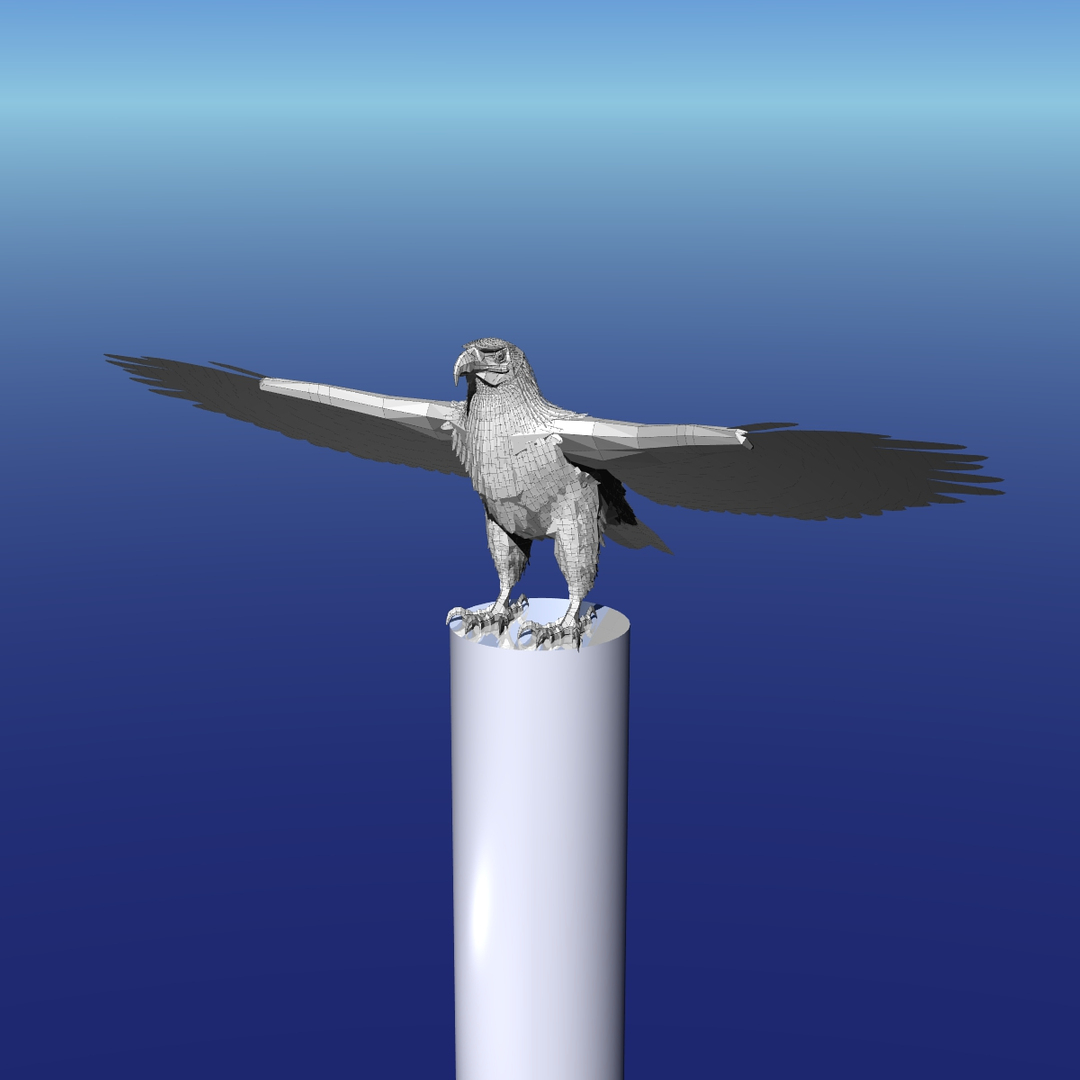
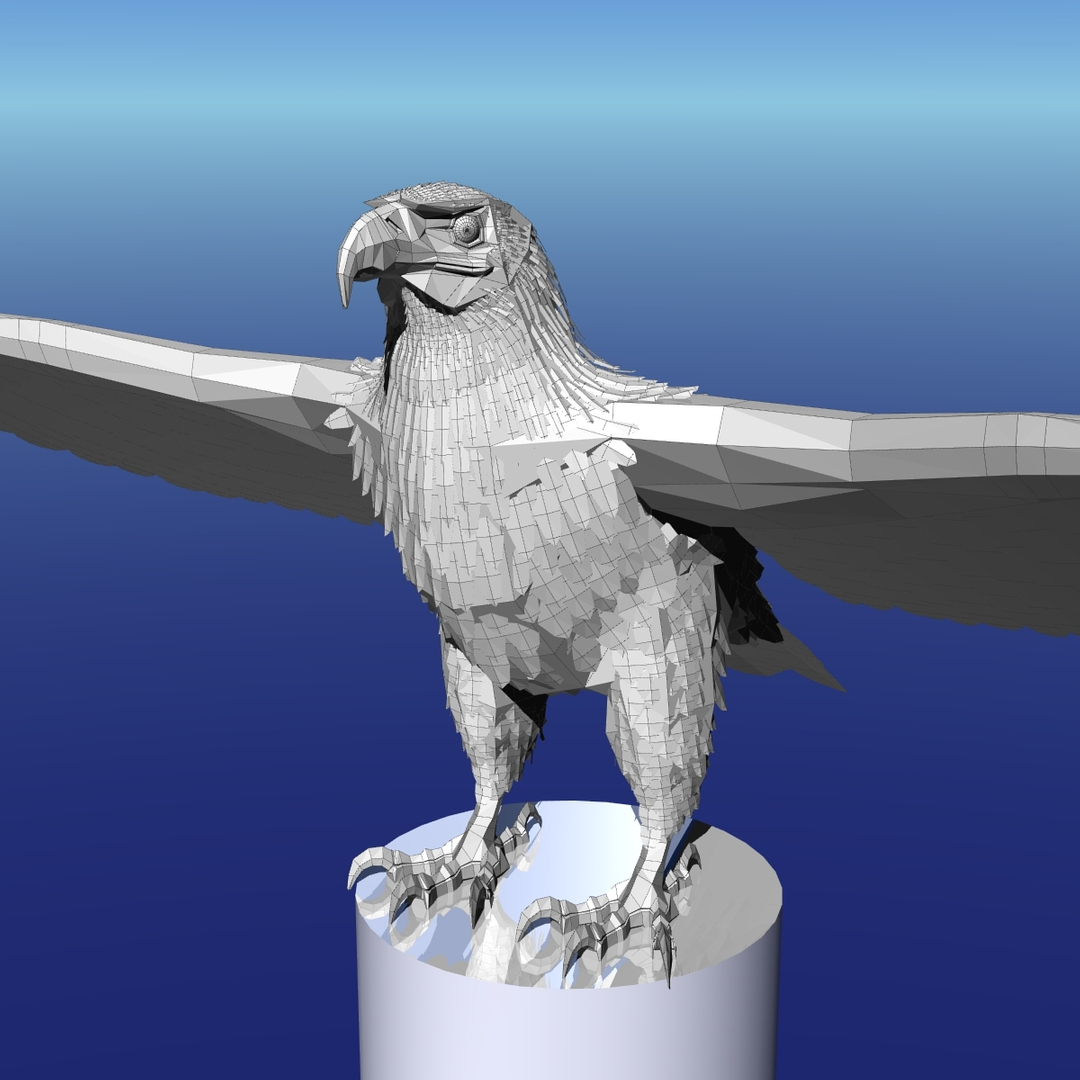
金鹰

$160

标准许可证 | 升级许可证
格式 (8)
提供免费文件格式转换
Native | Lightwave 8 | Default Scanline
3ds Max 8 | mental ray
Cinema 4D r13 | Default Scanline
Lightwave 2019 | Default Scanline
3ds Max 2017 | mental ray
3ds Max 2017 | V-Ray 3.4
FBX
OBJ
预览

下载预览版

登录或创建 TurboSquid 帐户以下载预览文件。

已选文件:

规格
发布日期 August 24, 2013
产品 ID 762592
多边形 21,265
顶点 29,408
多边形四边形/三角形几何体
纹理
材料
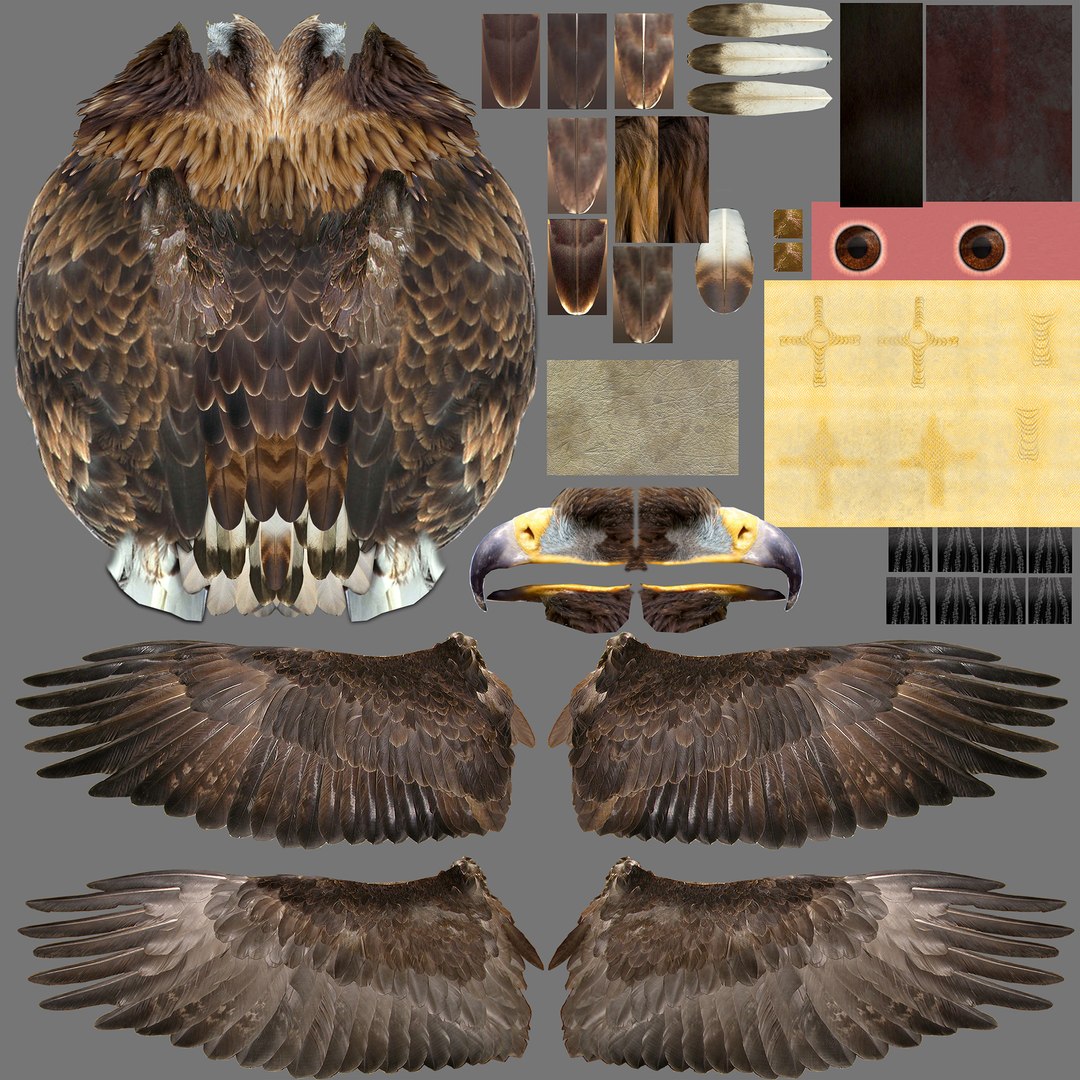
UV 映射
混合展开 UV
索具
动画
PBR
member avatar
r189
157 产品 | Contributor 自从 2005
有疑问?立即与我们聊天。

描述

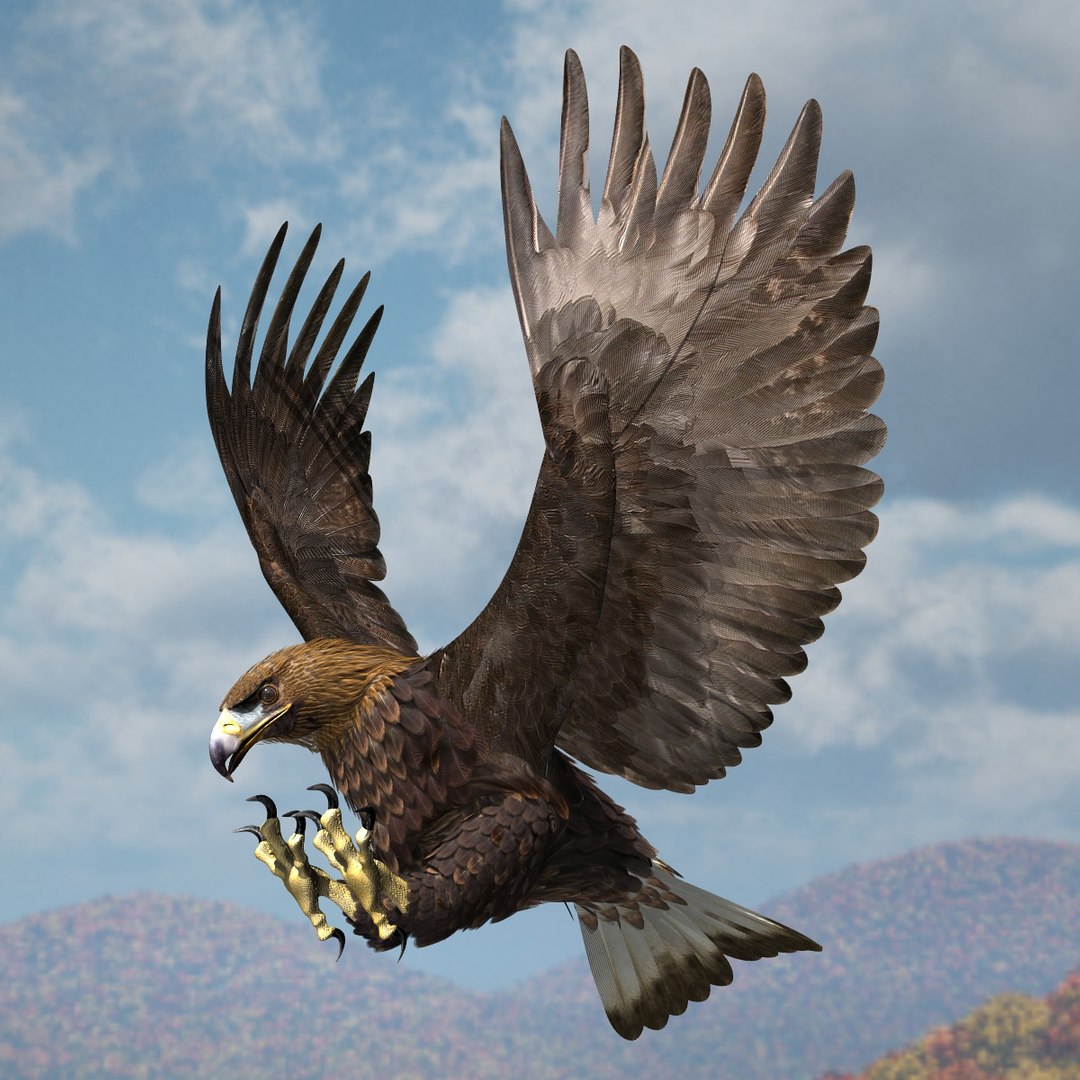
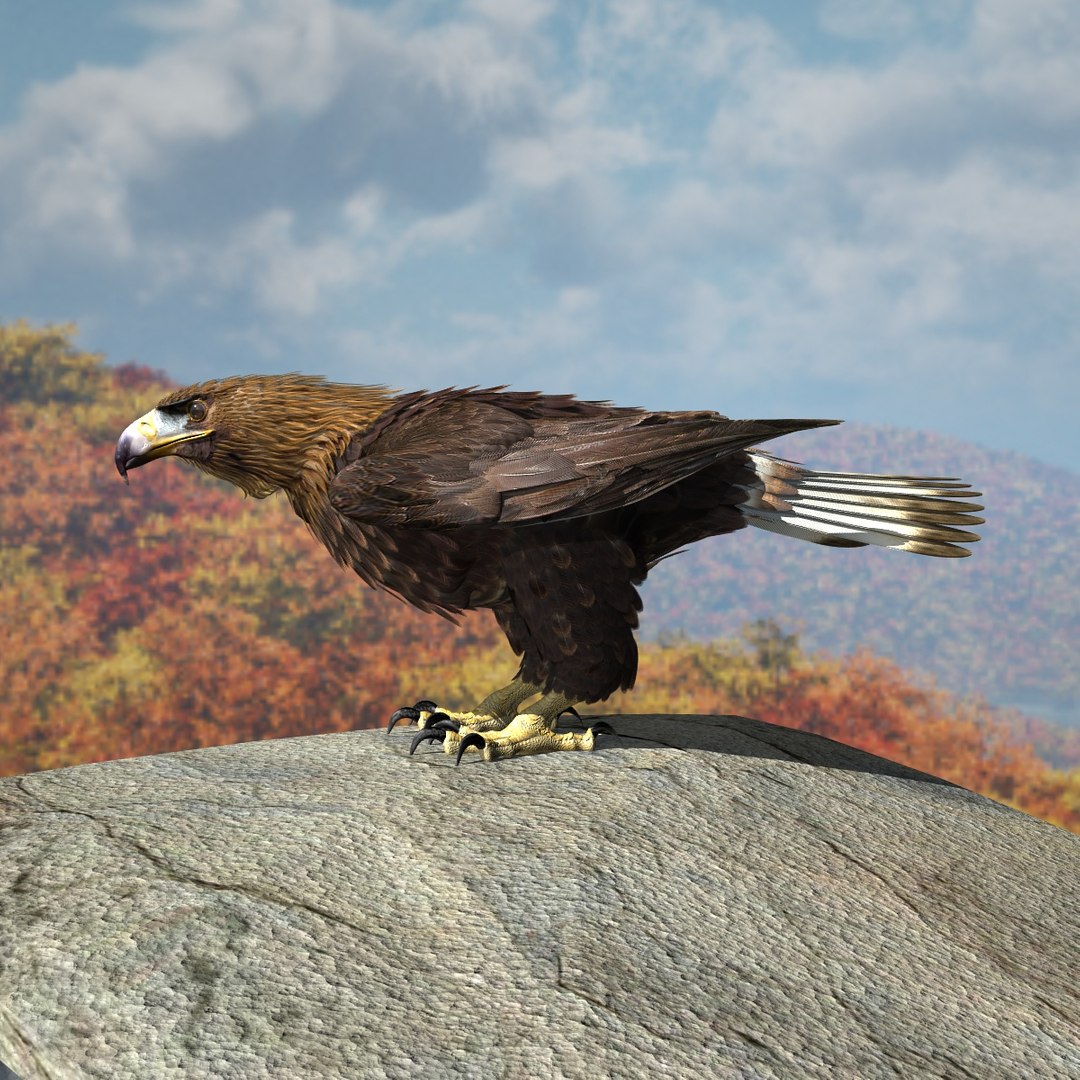
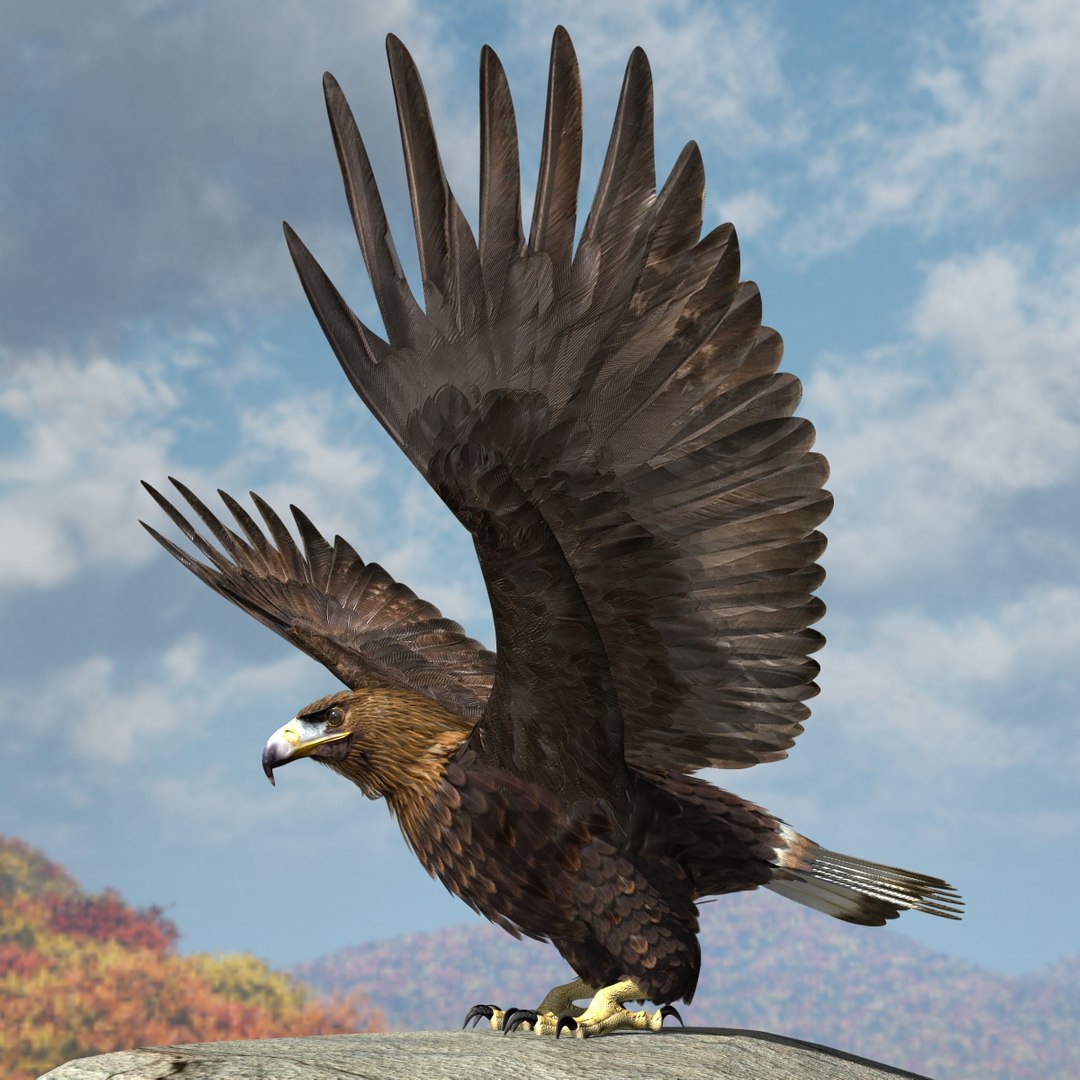
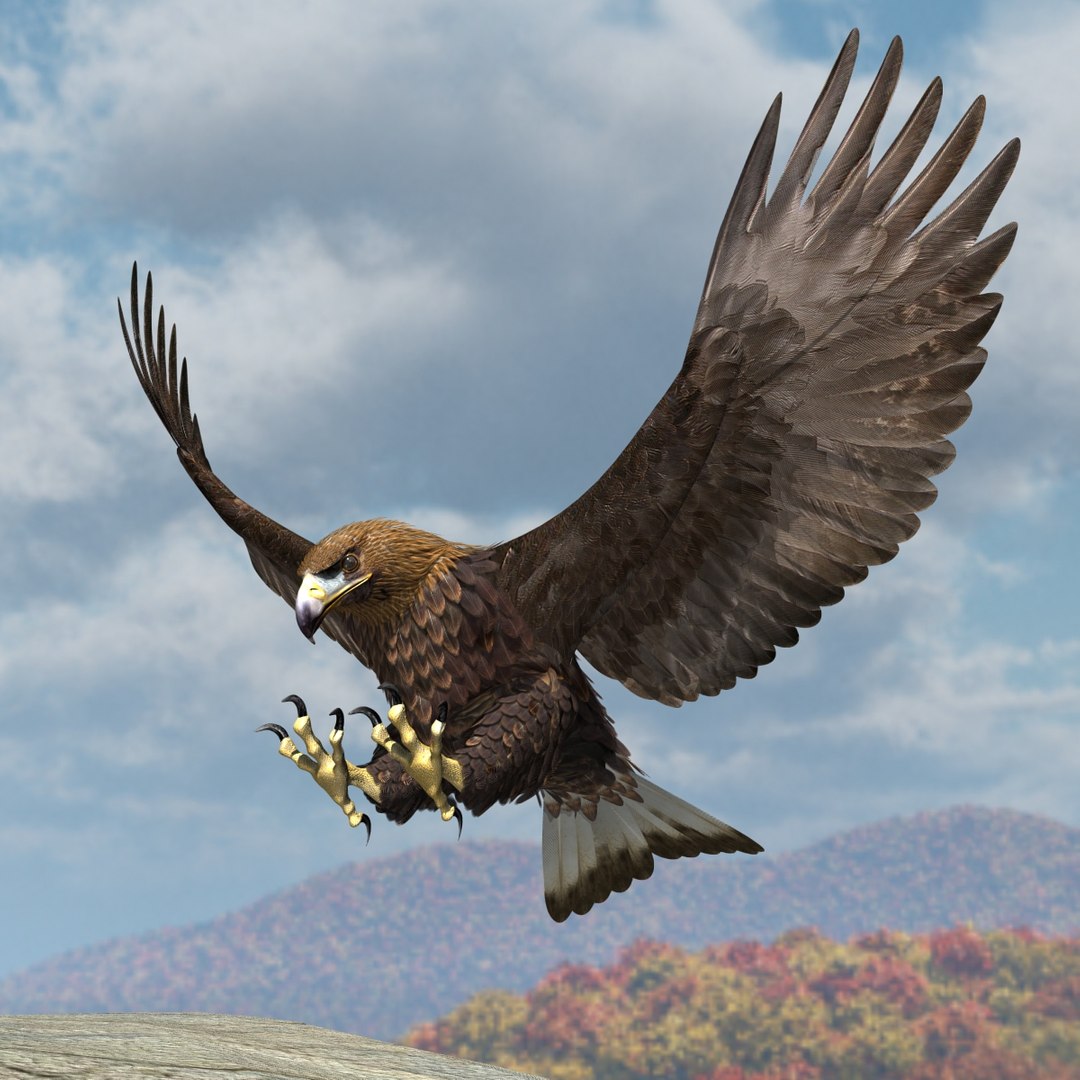
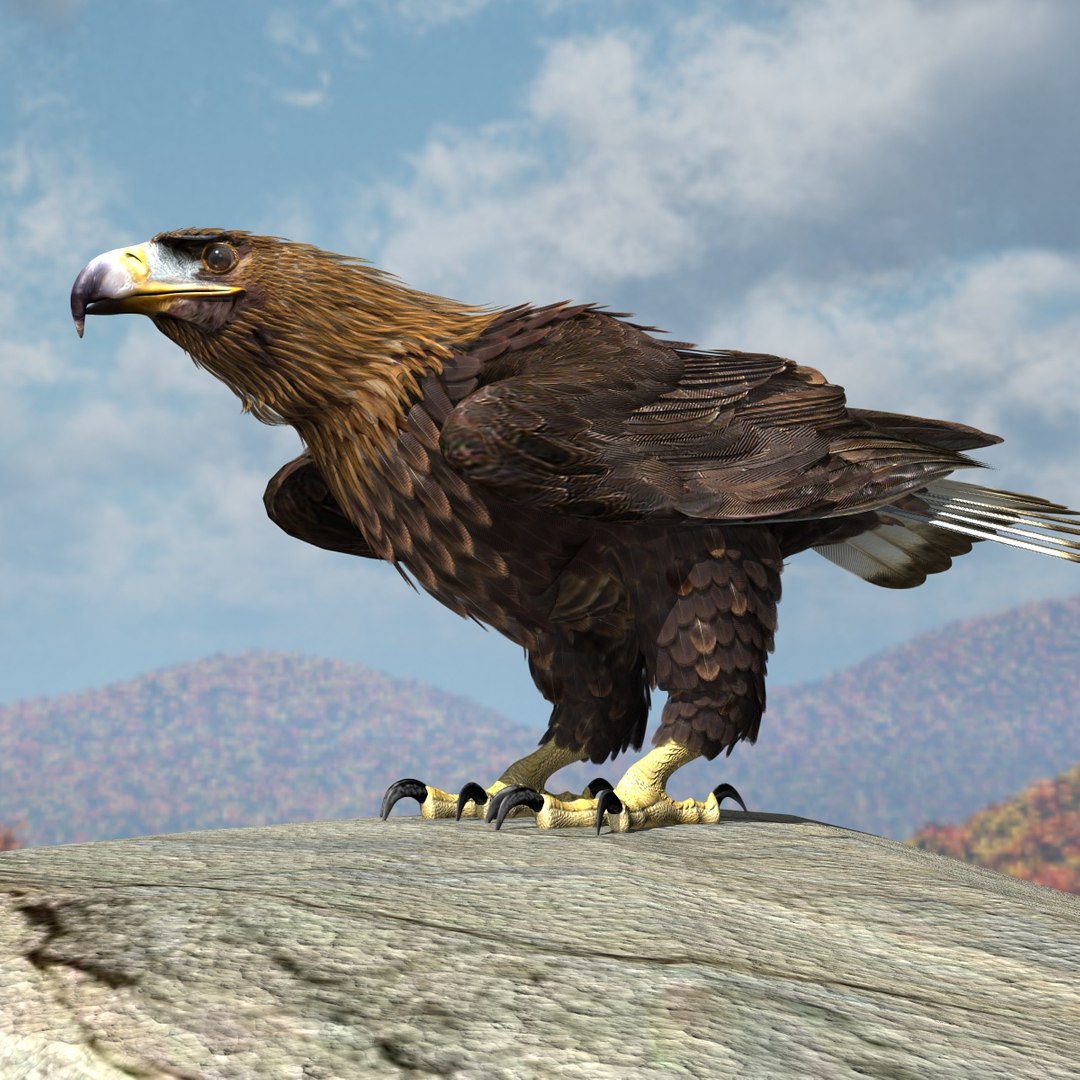
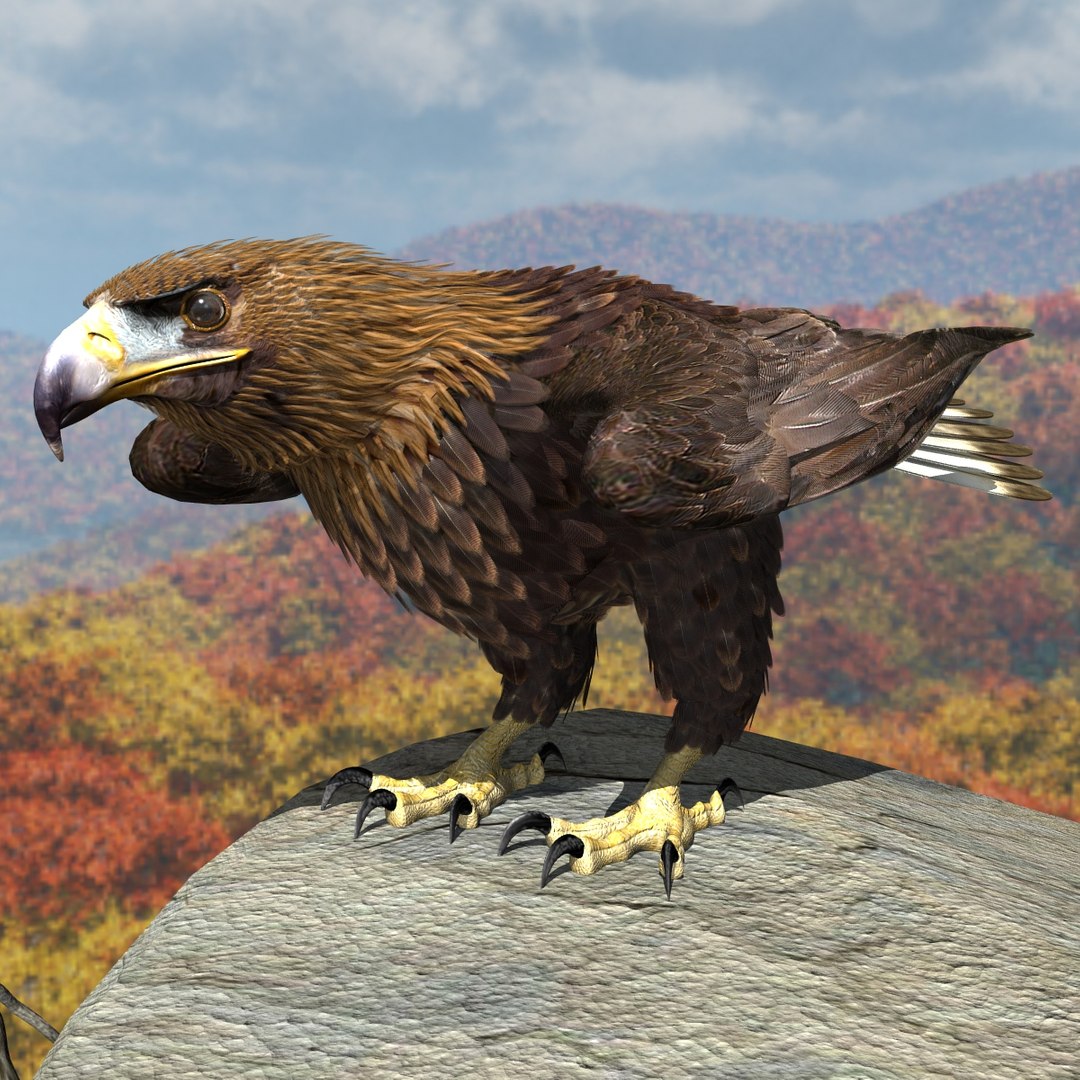
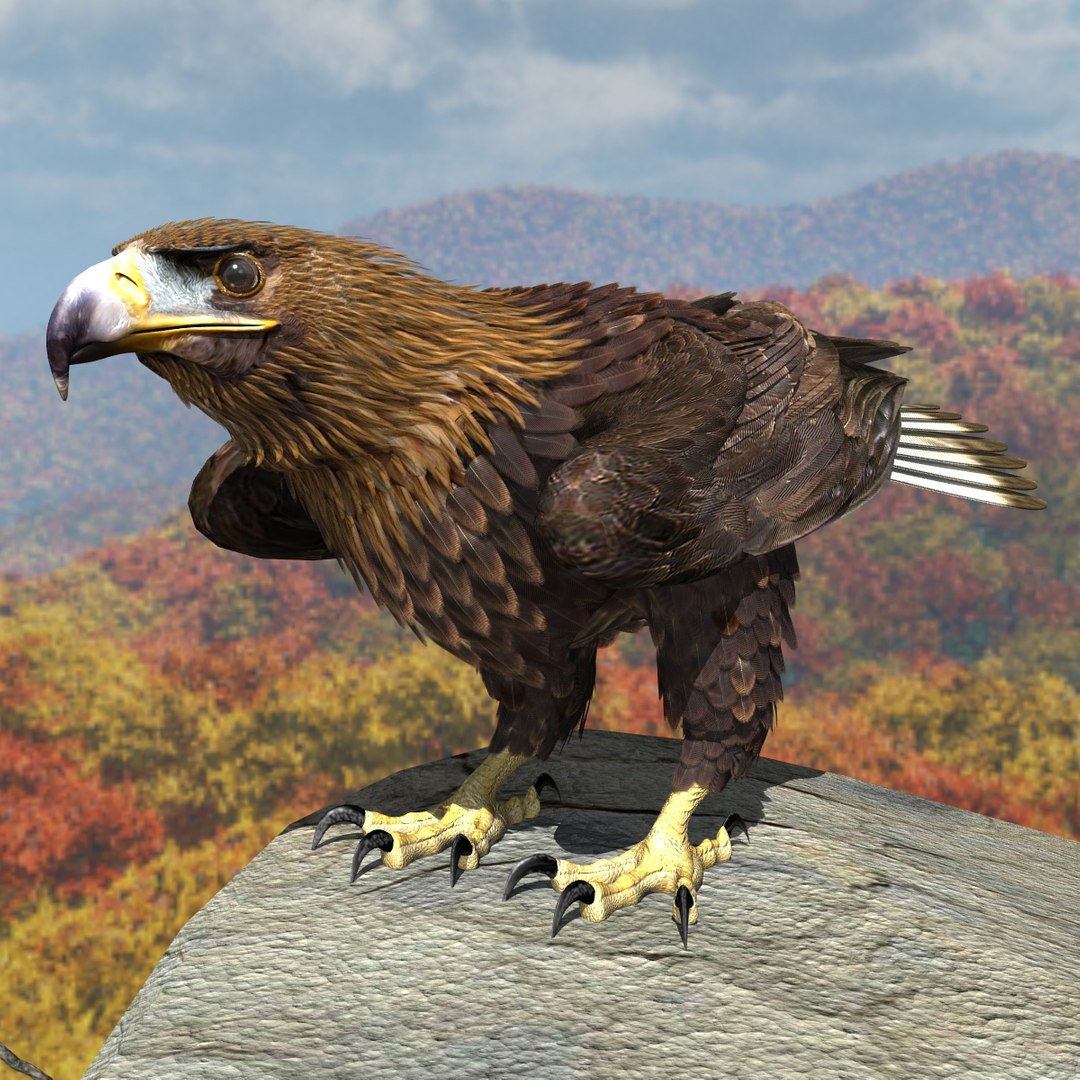
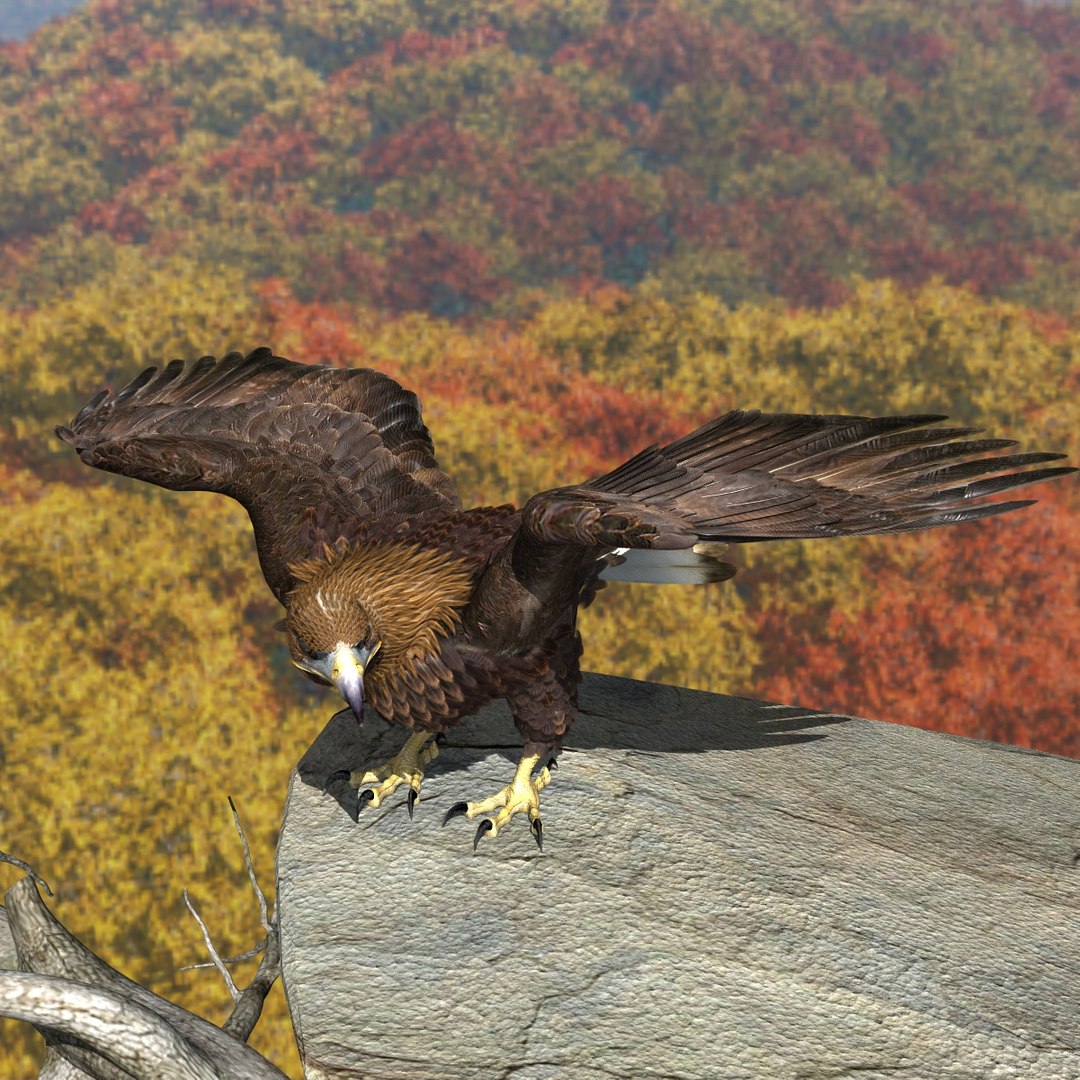
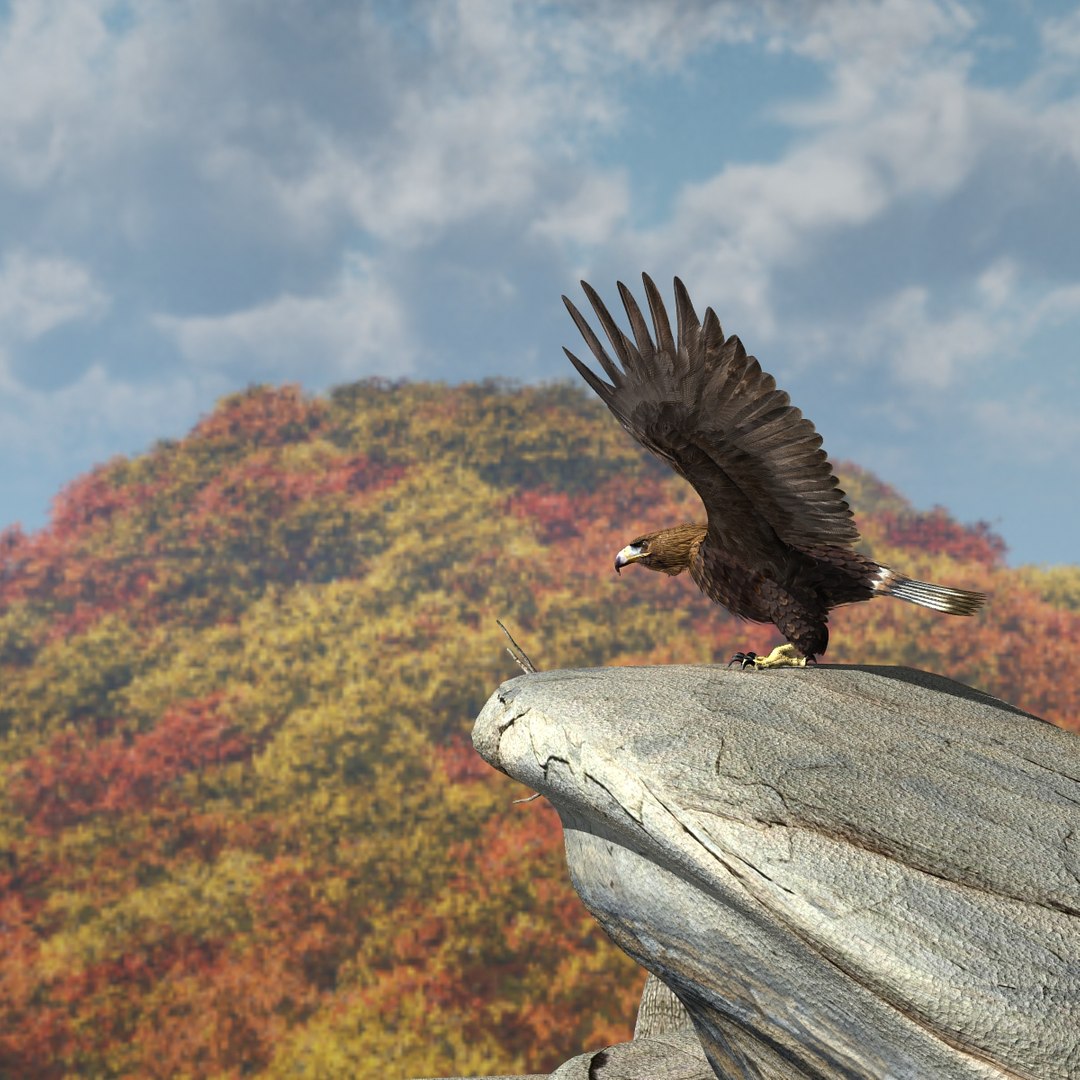
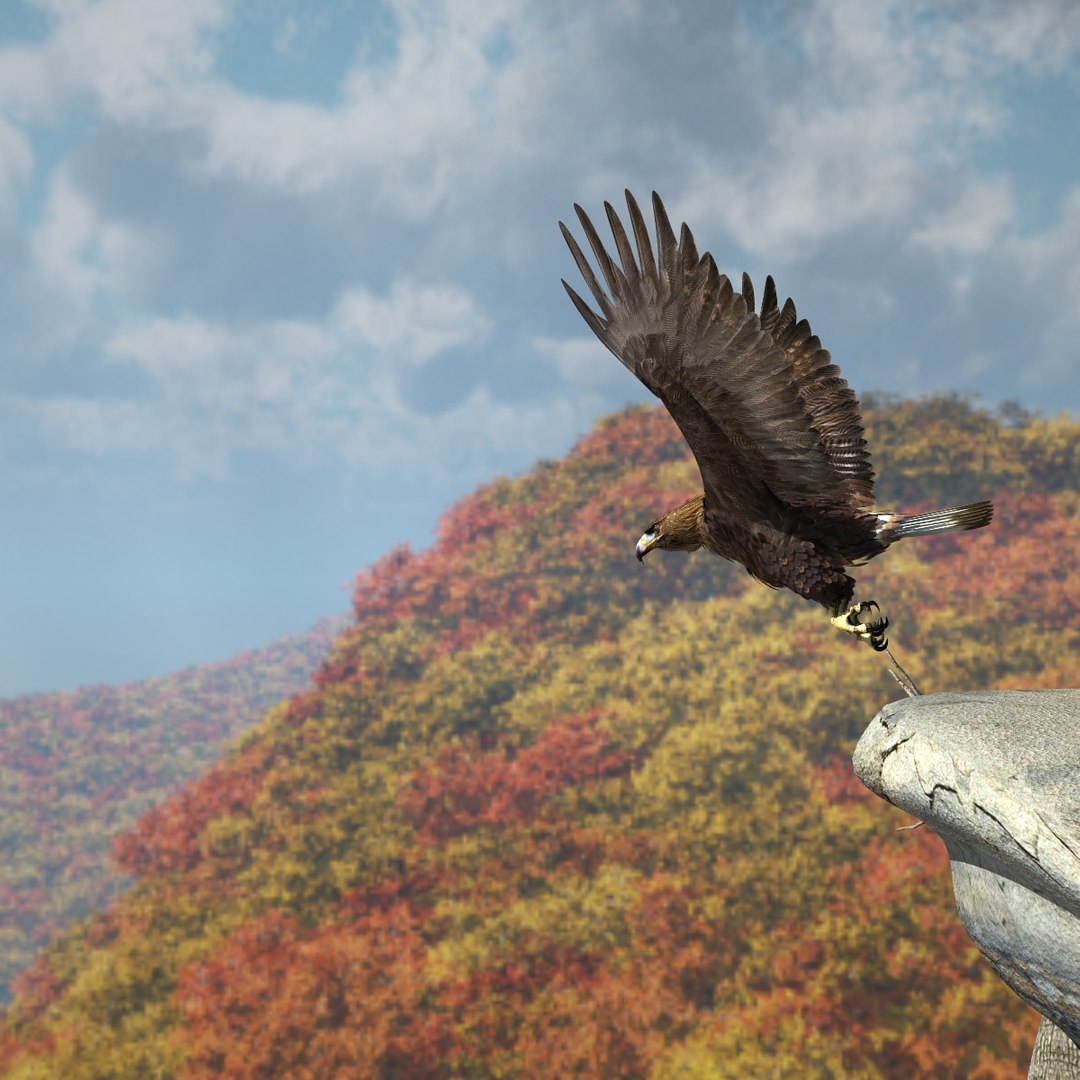
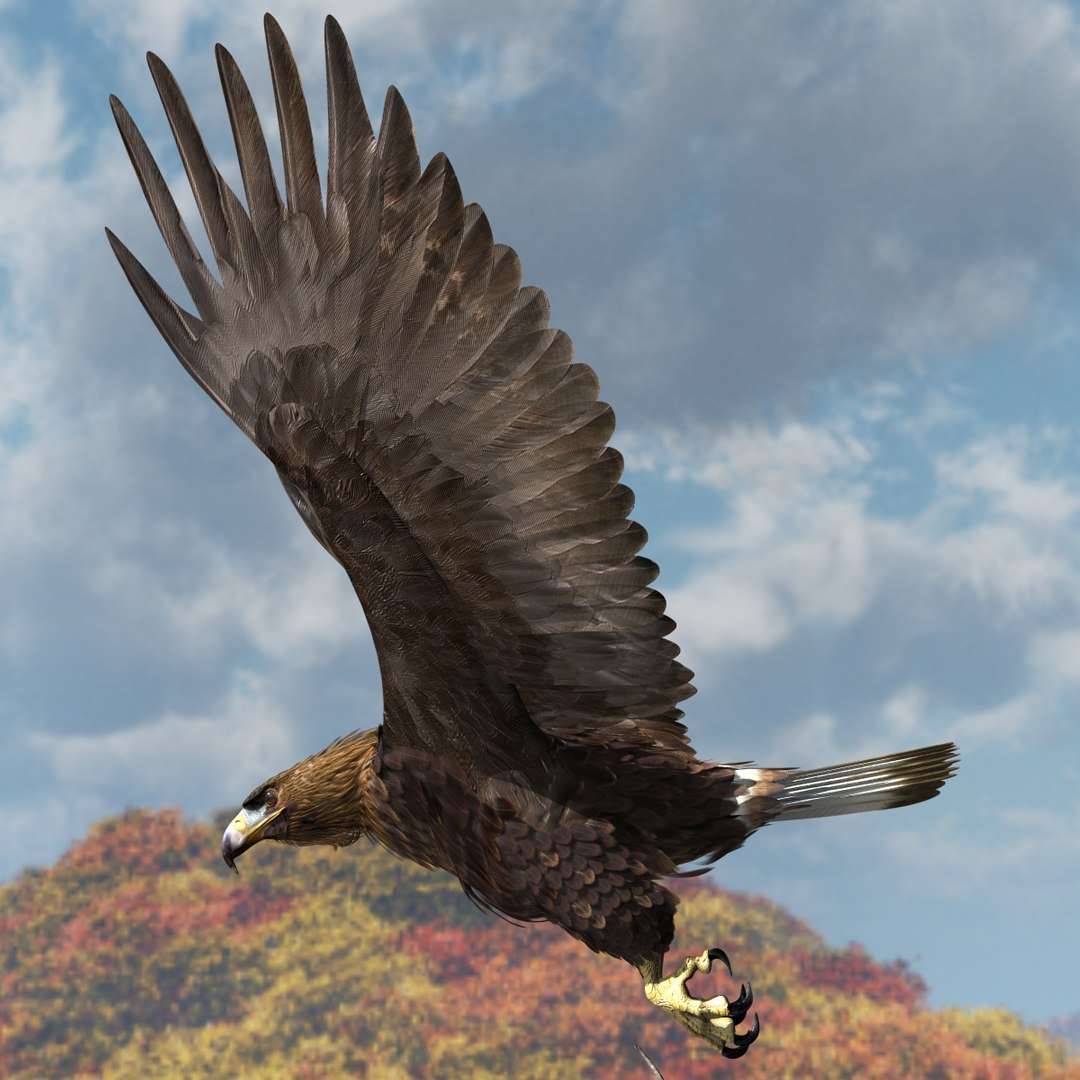
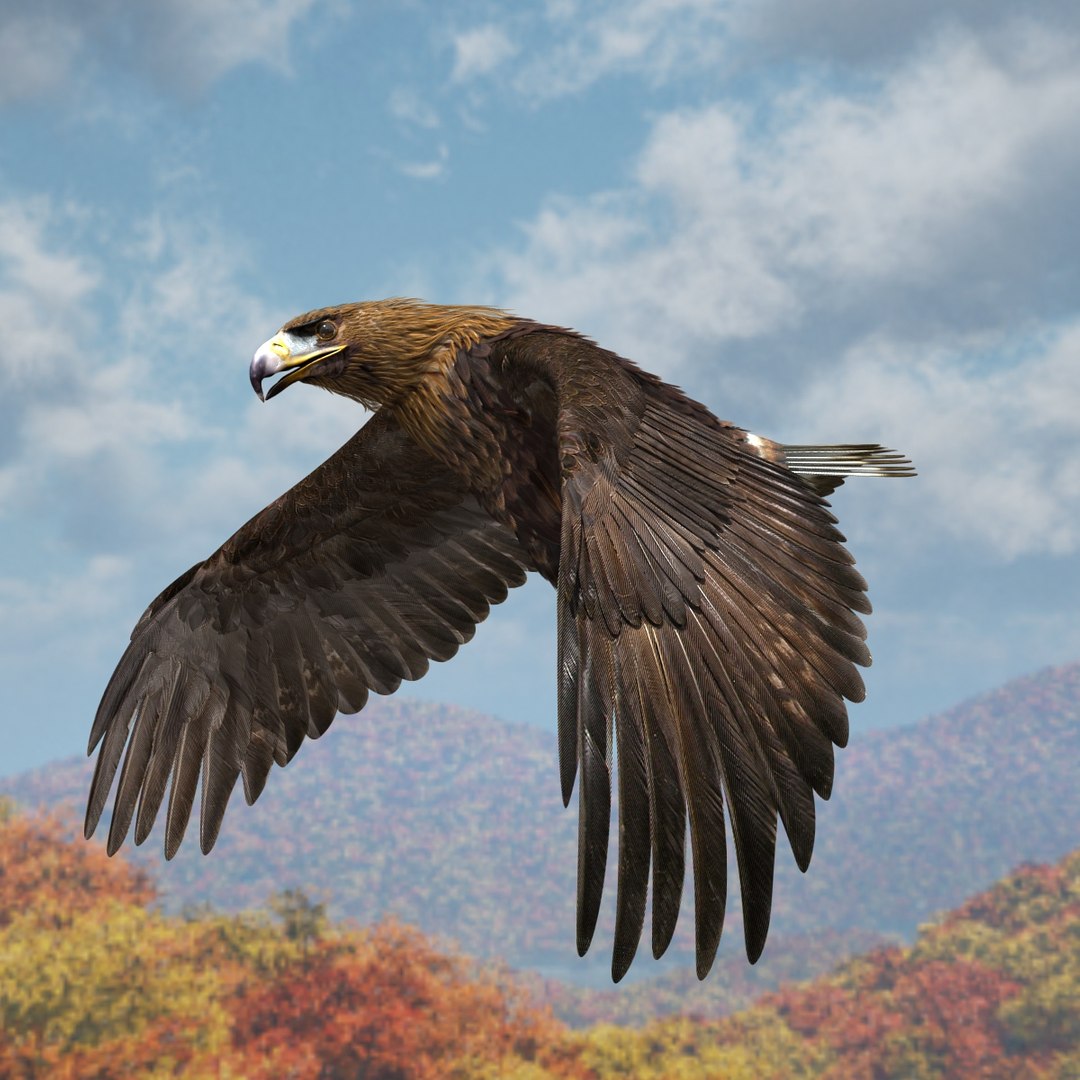
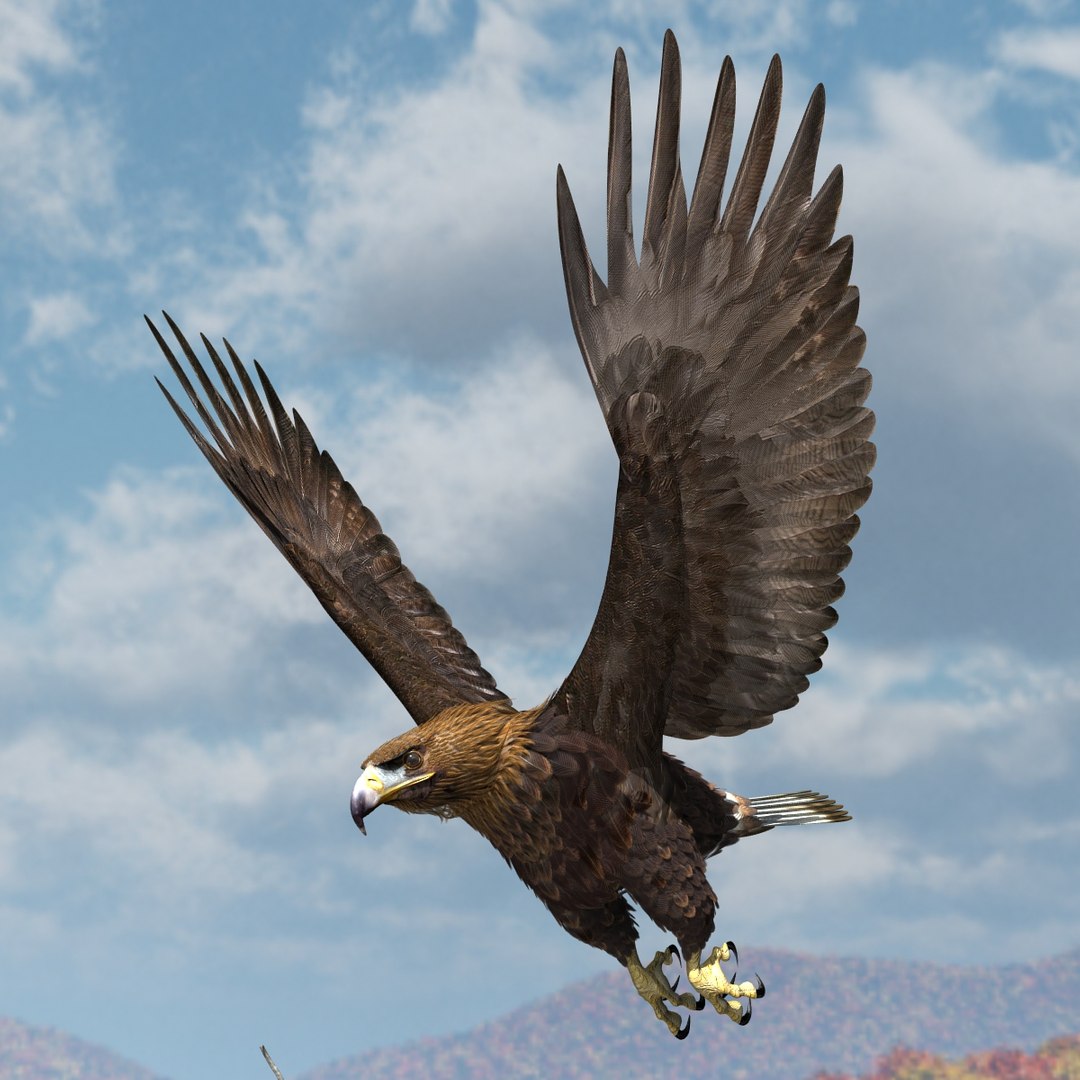
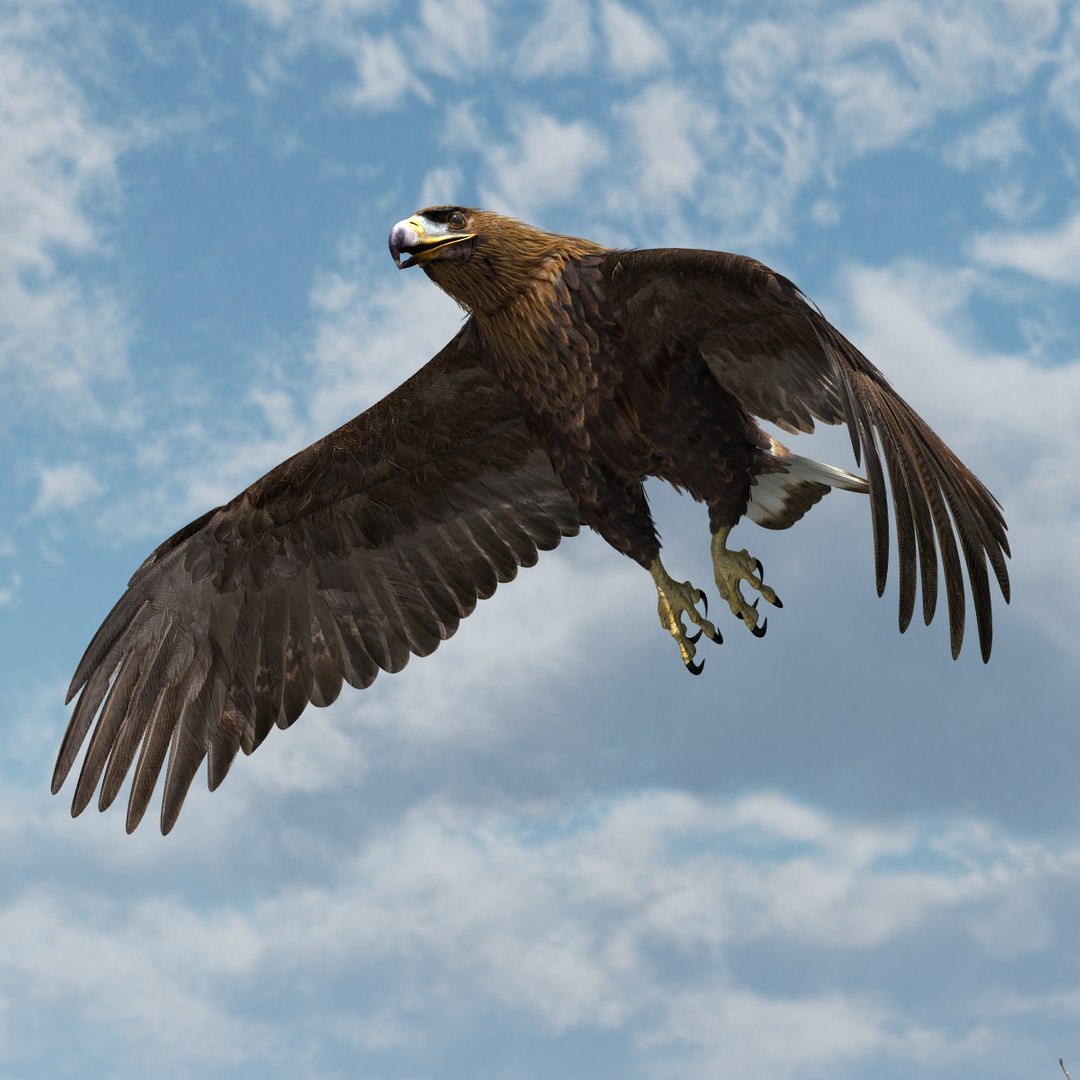
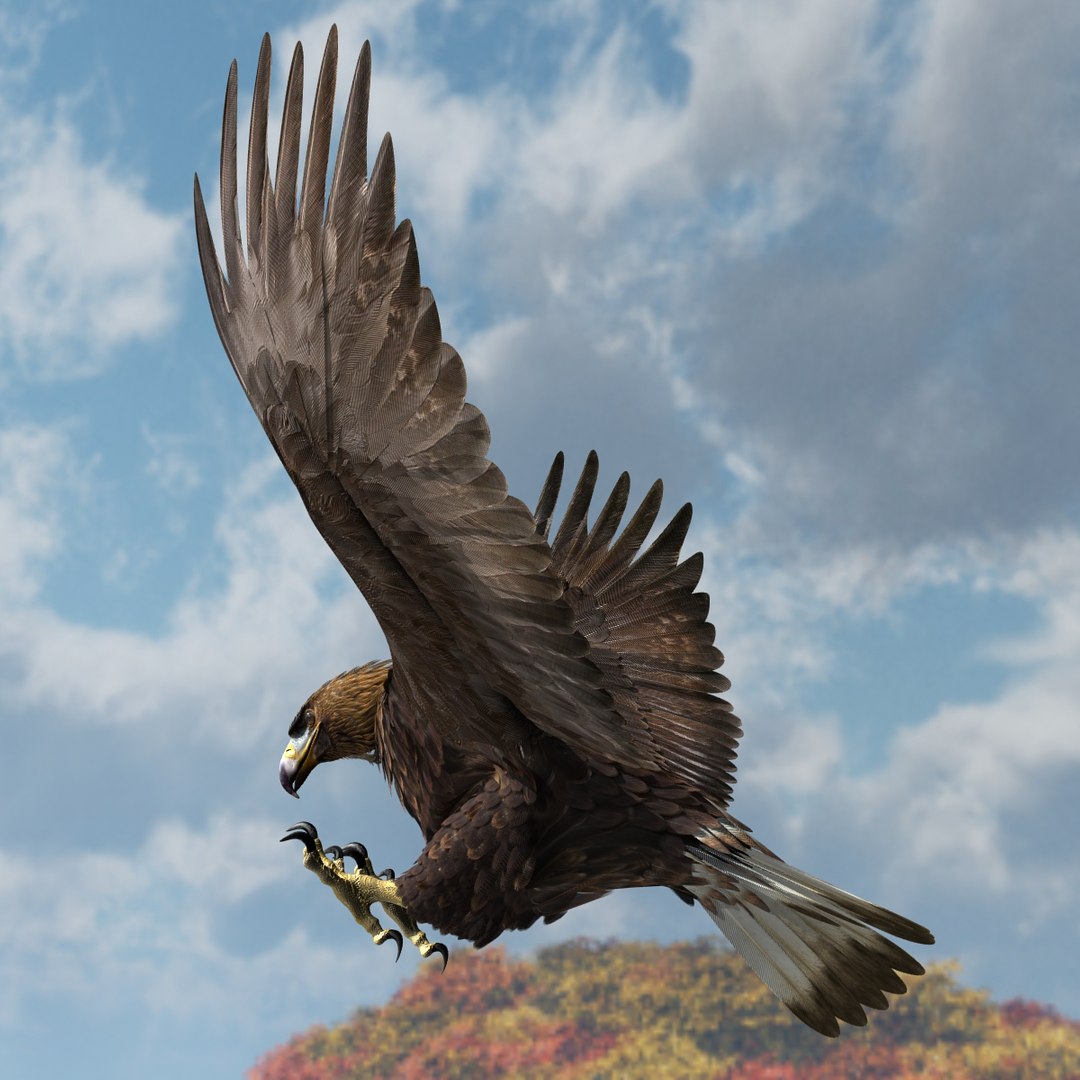
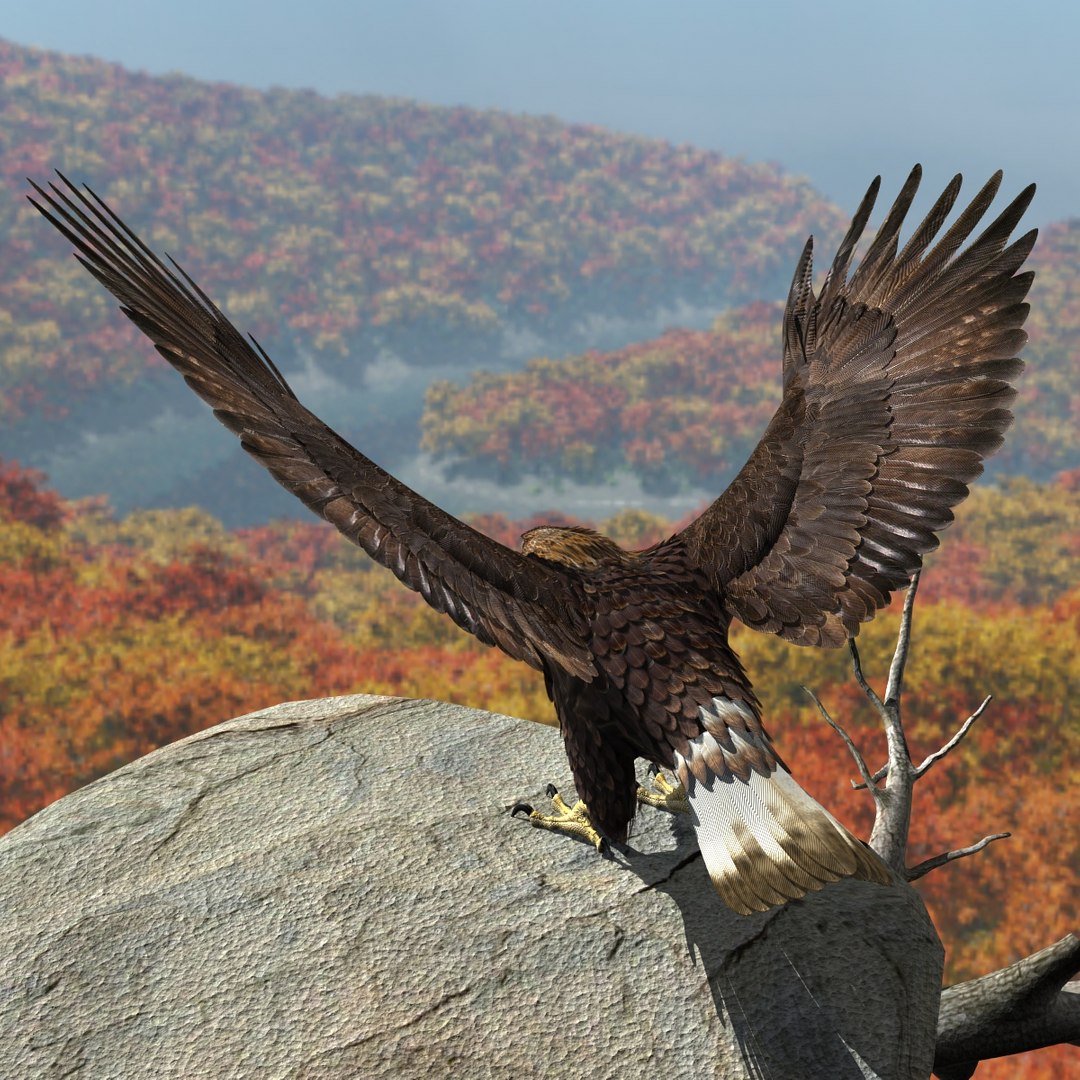
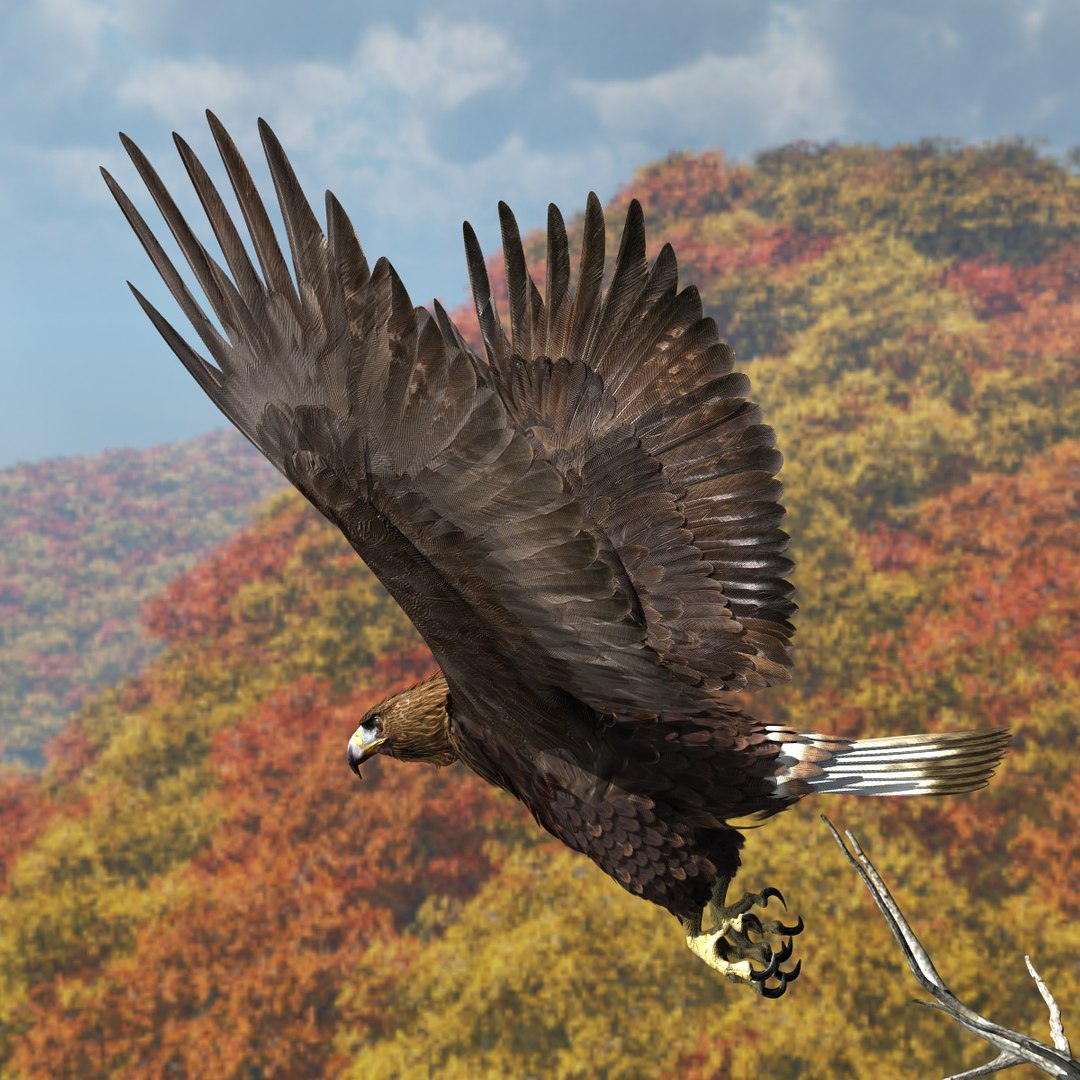
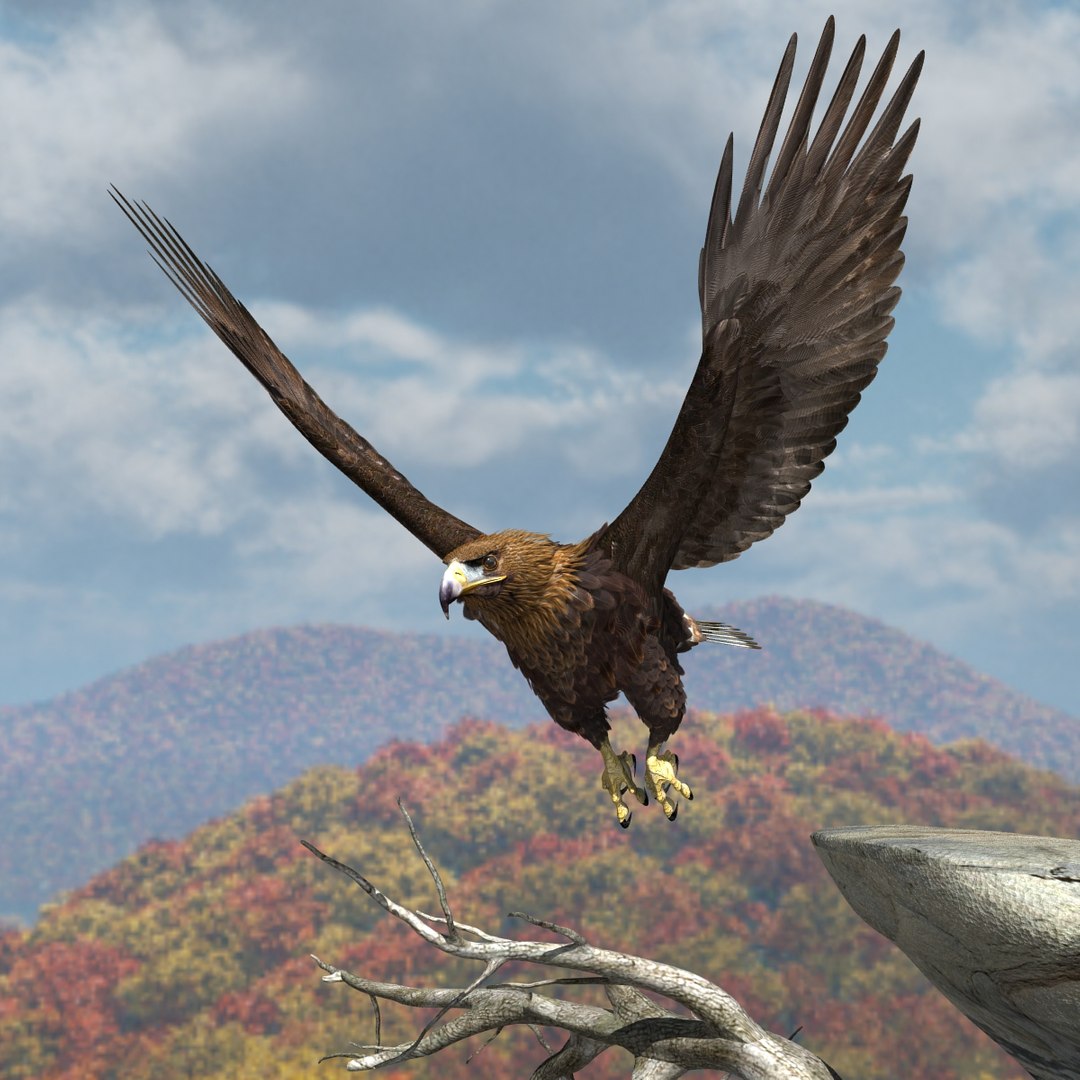
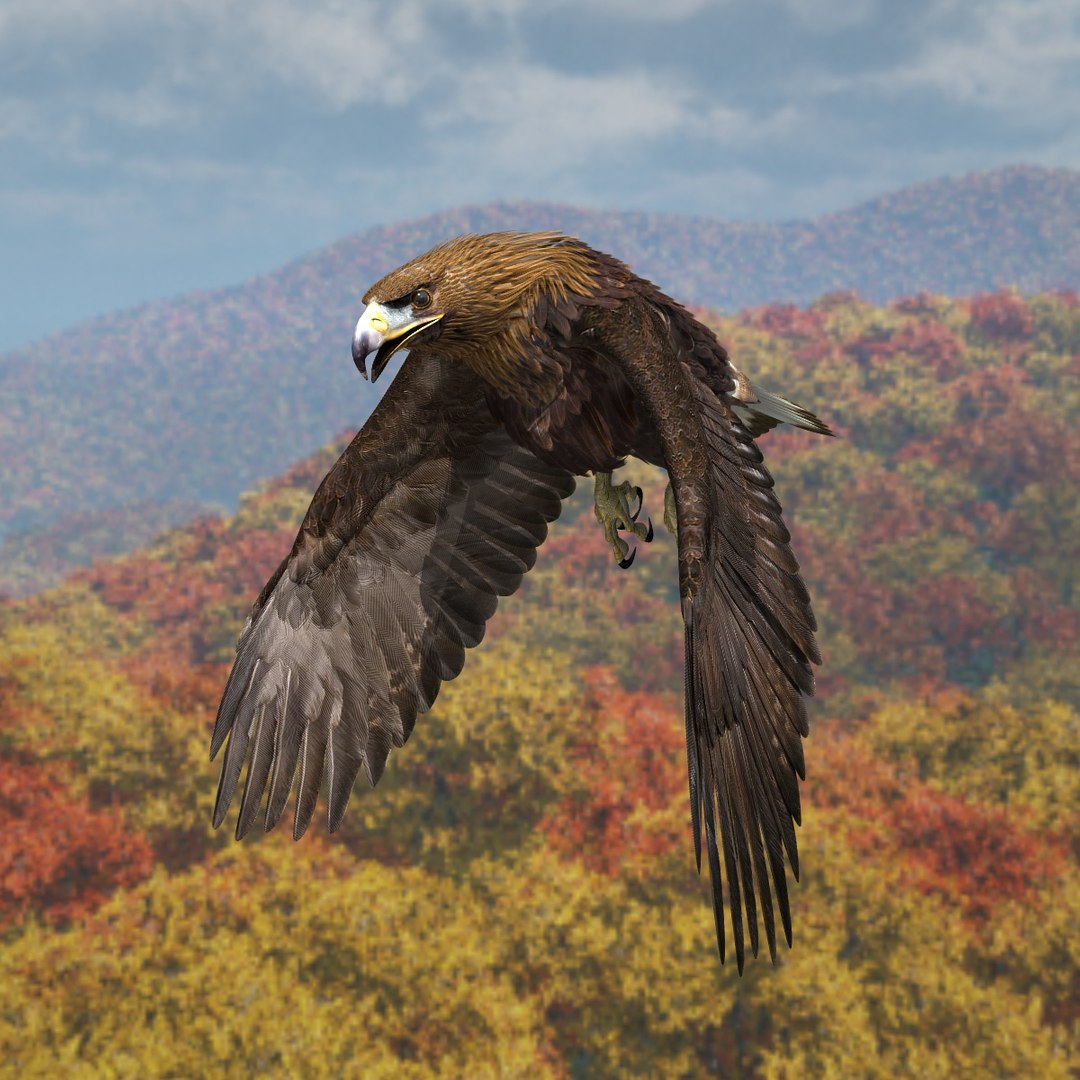
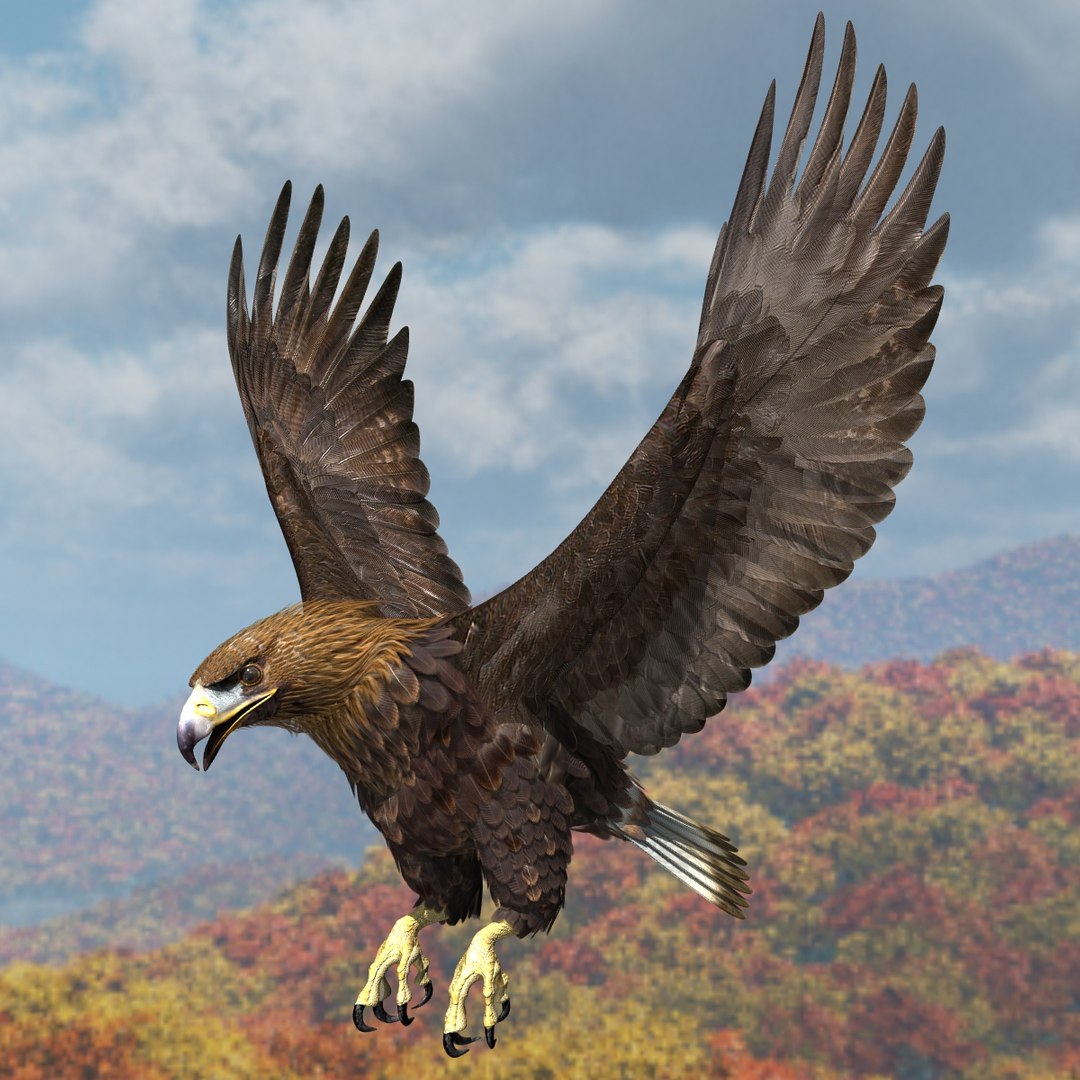
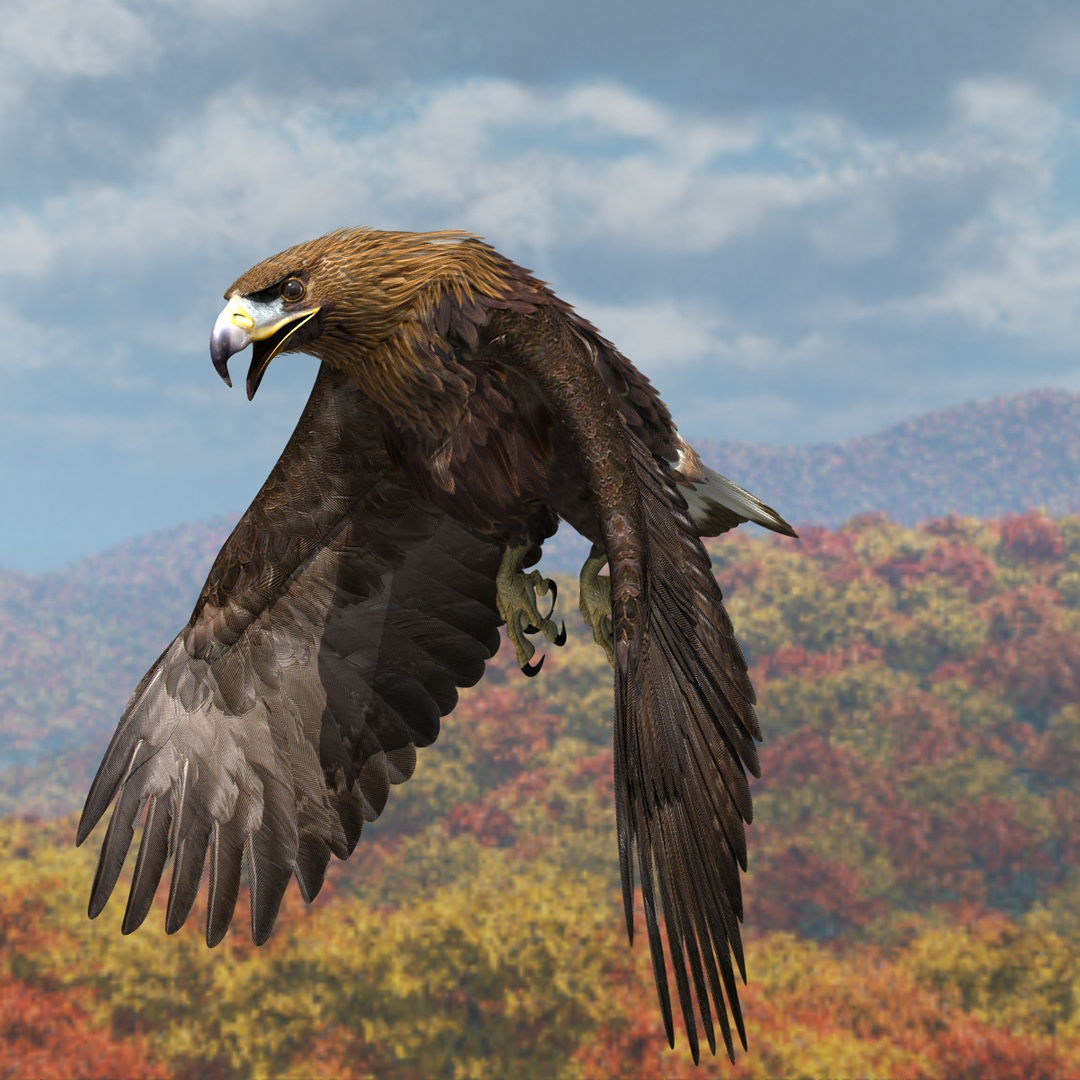
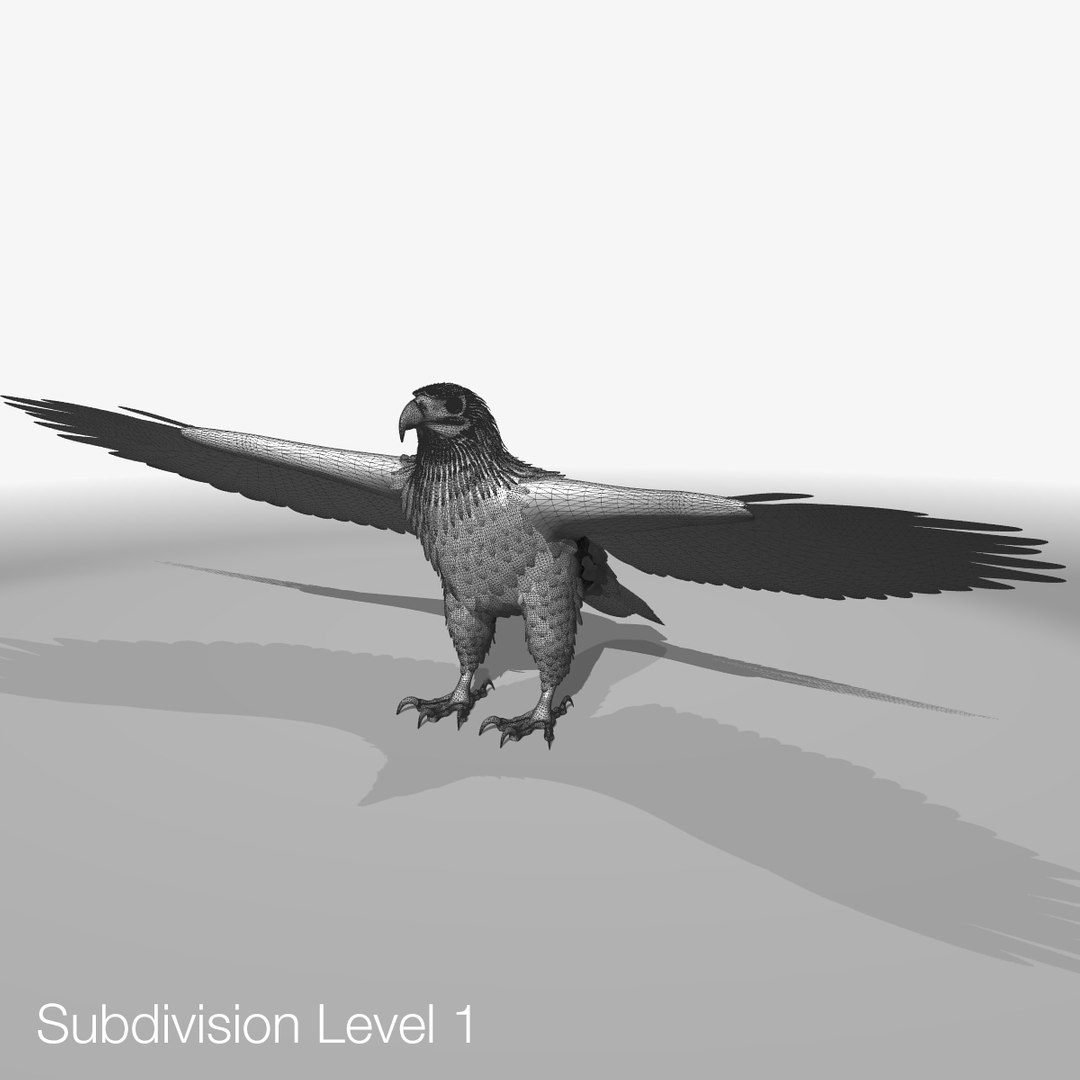
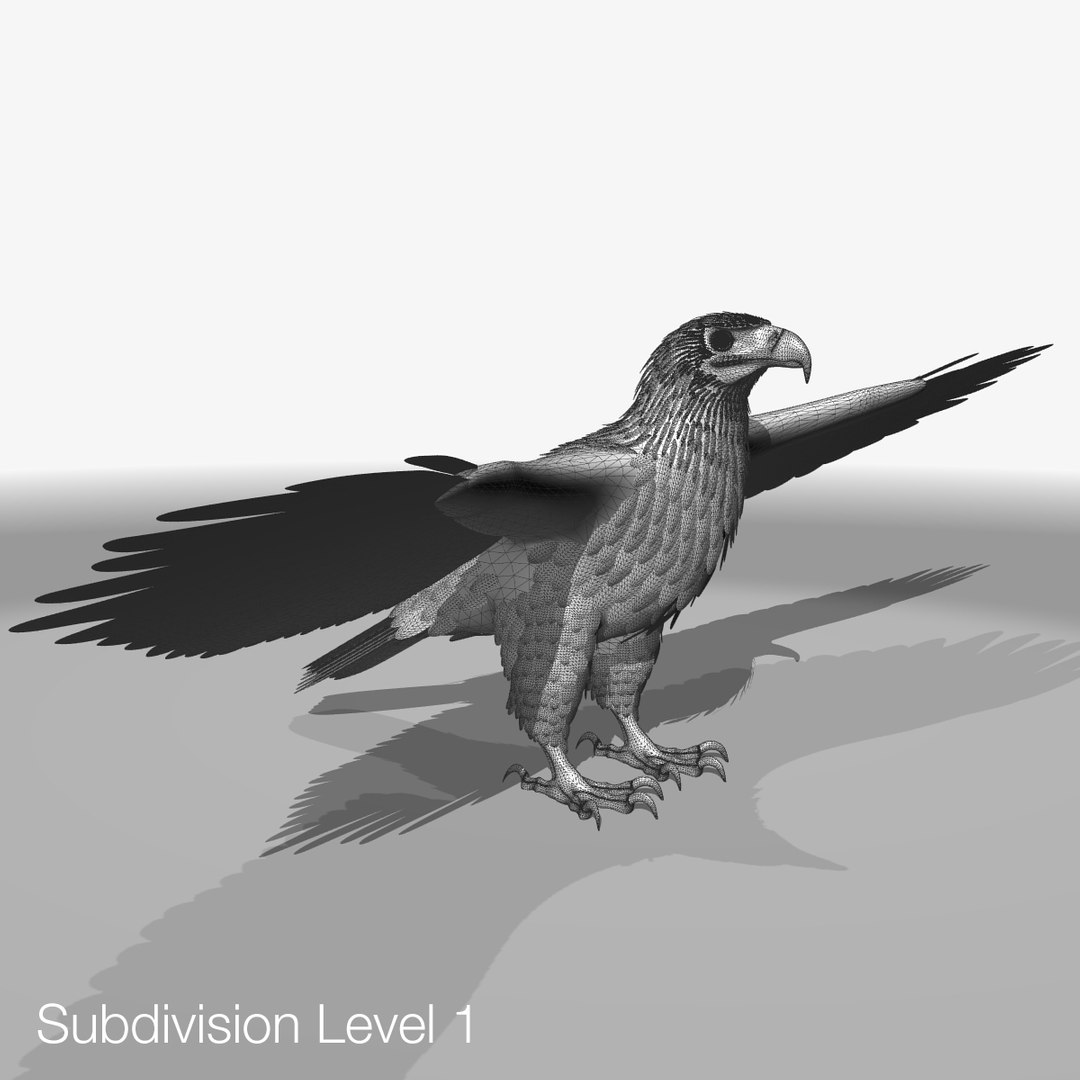
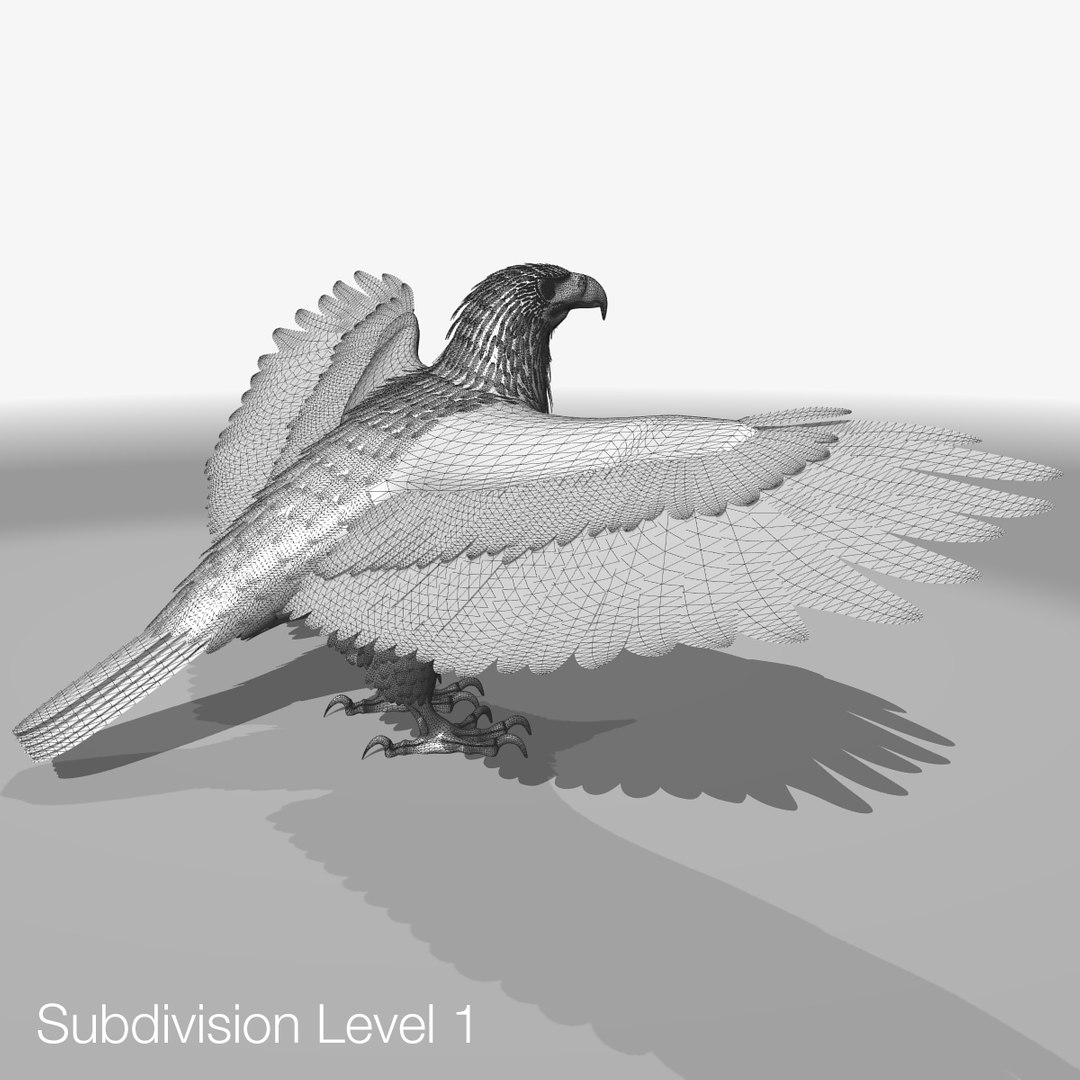
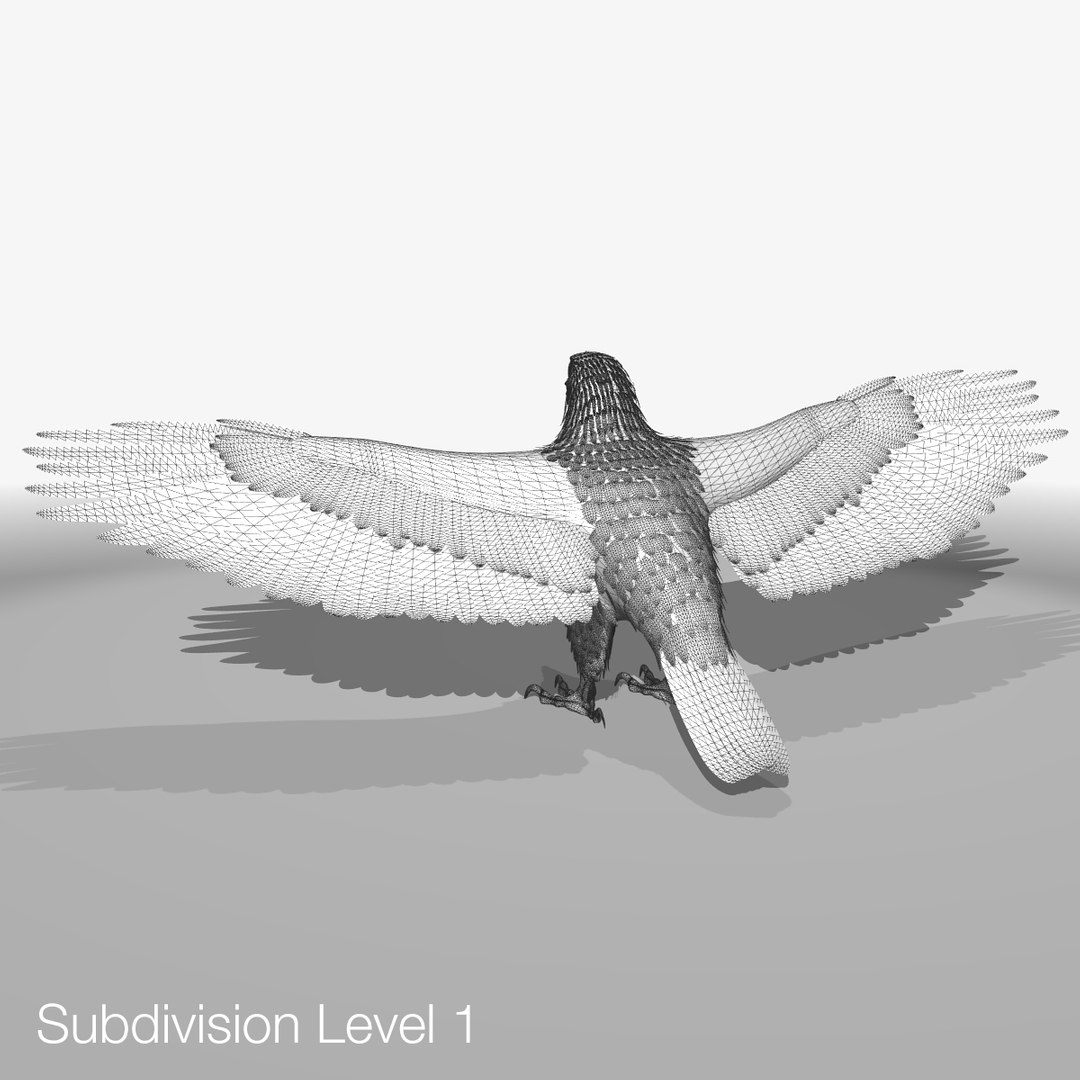
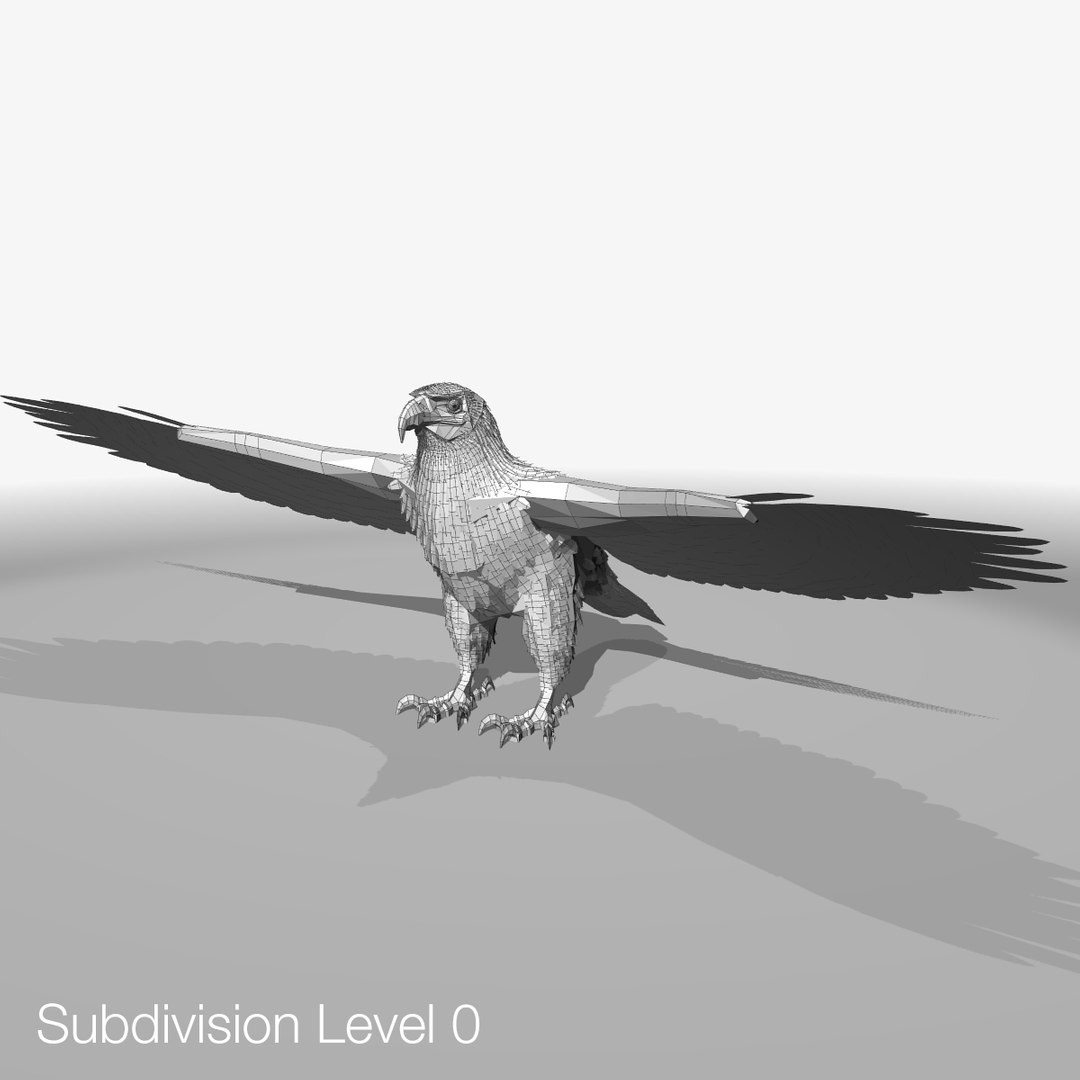
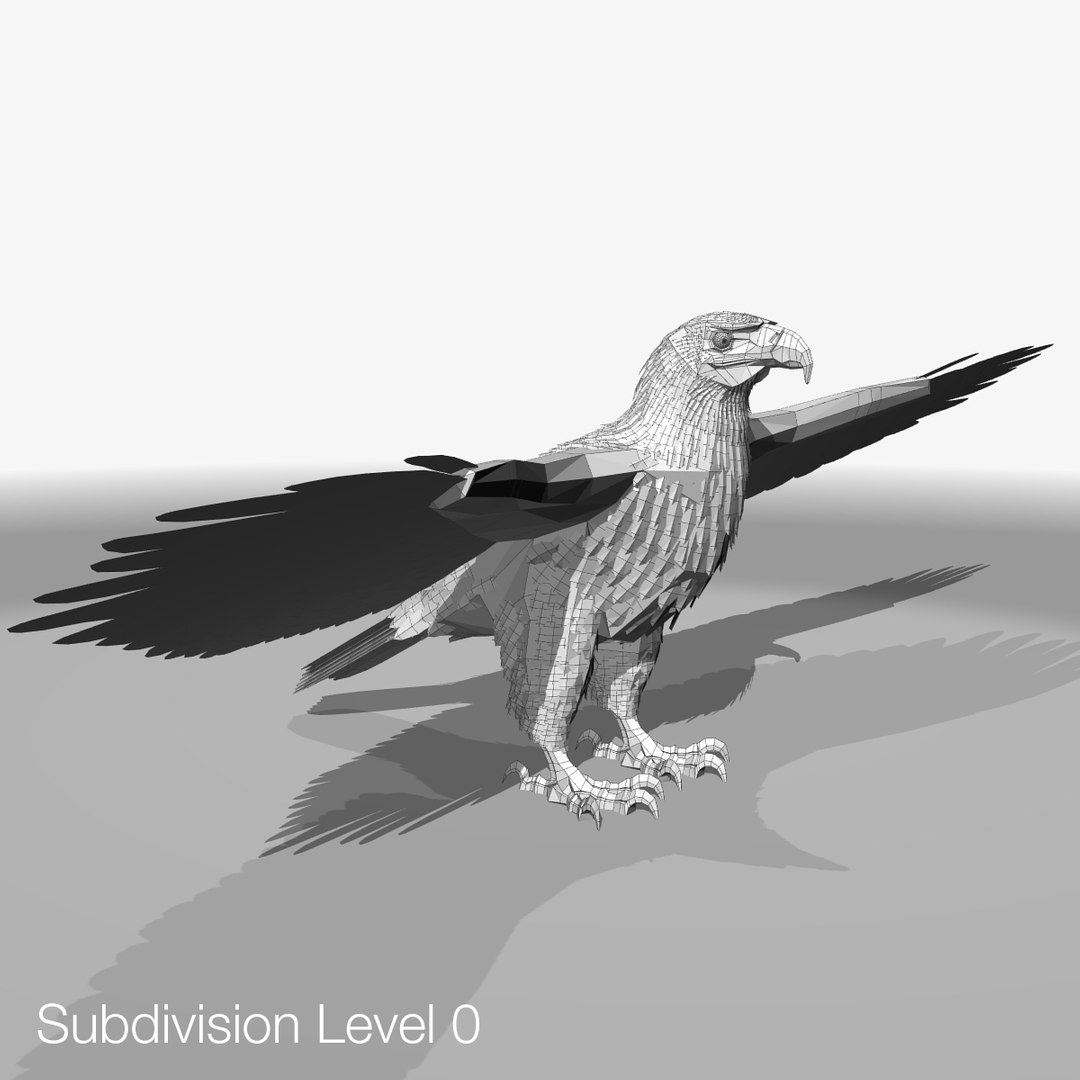
Golden Eagle - Standard and PBR

Rigged and Animated for:
LightWave 8.5 and up
3ds Max 8 and up
3ds Max 2017 and up - PBR
3DS MAX 2017 and up VRAY 3.4
Cinema4D r13
OBF (includes base obj and morph target objs)
MAX 2009 generated FBX

Both models come with several pre-animated scenes to get you started.

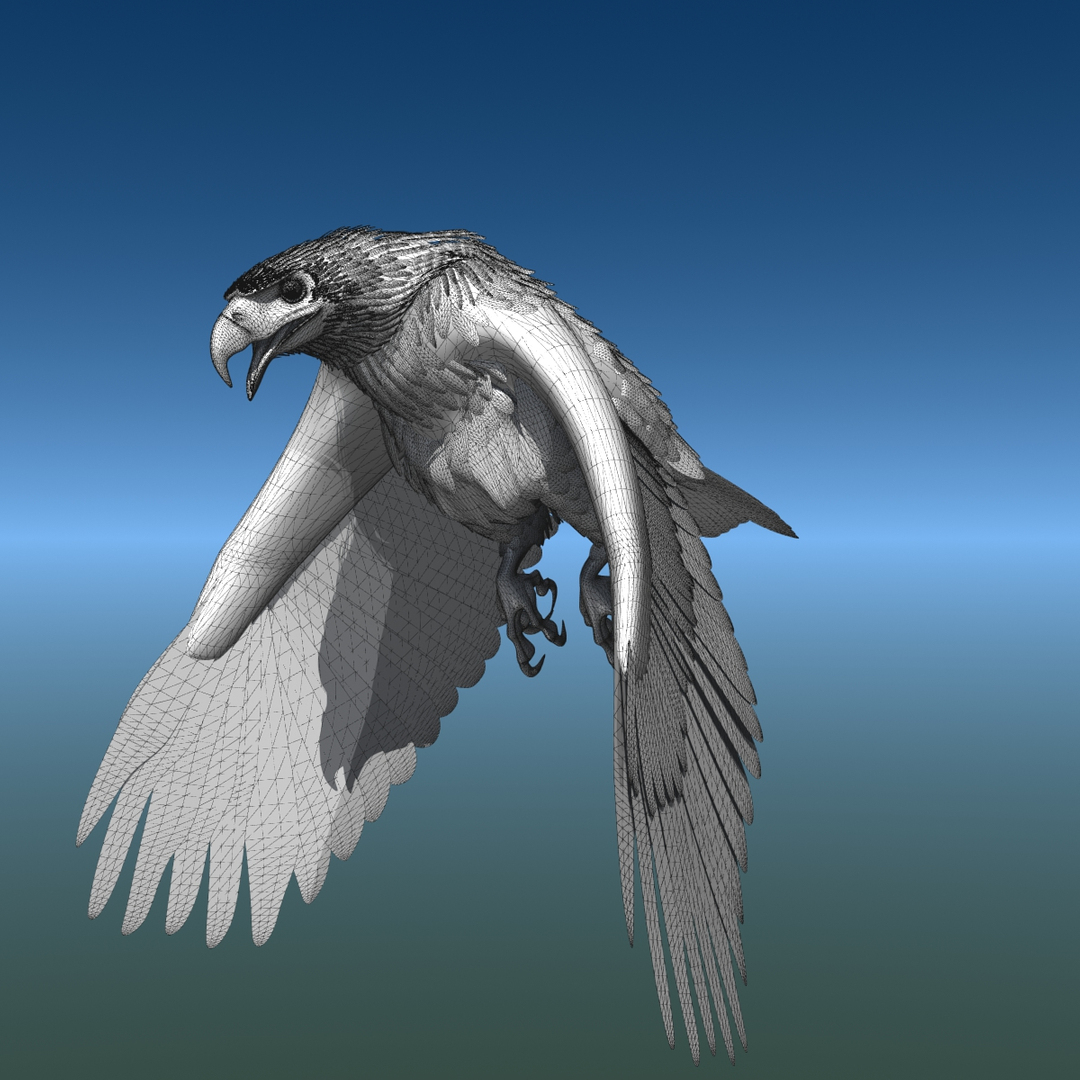
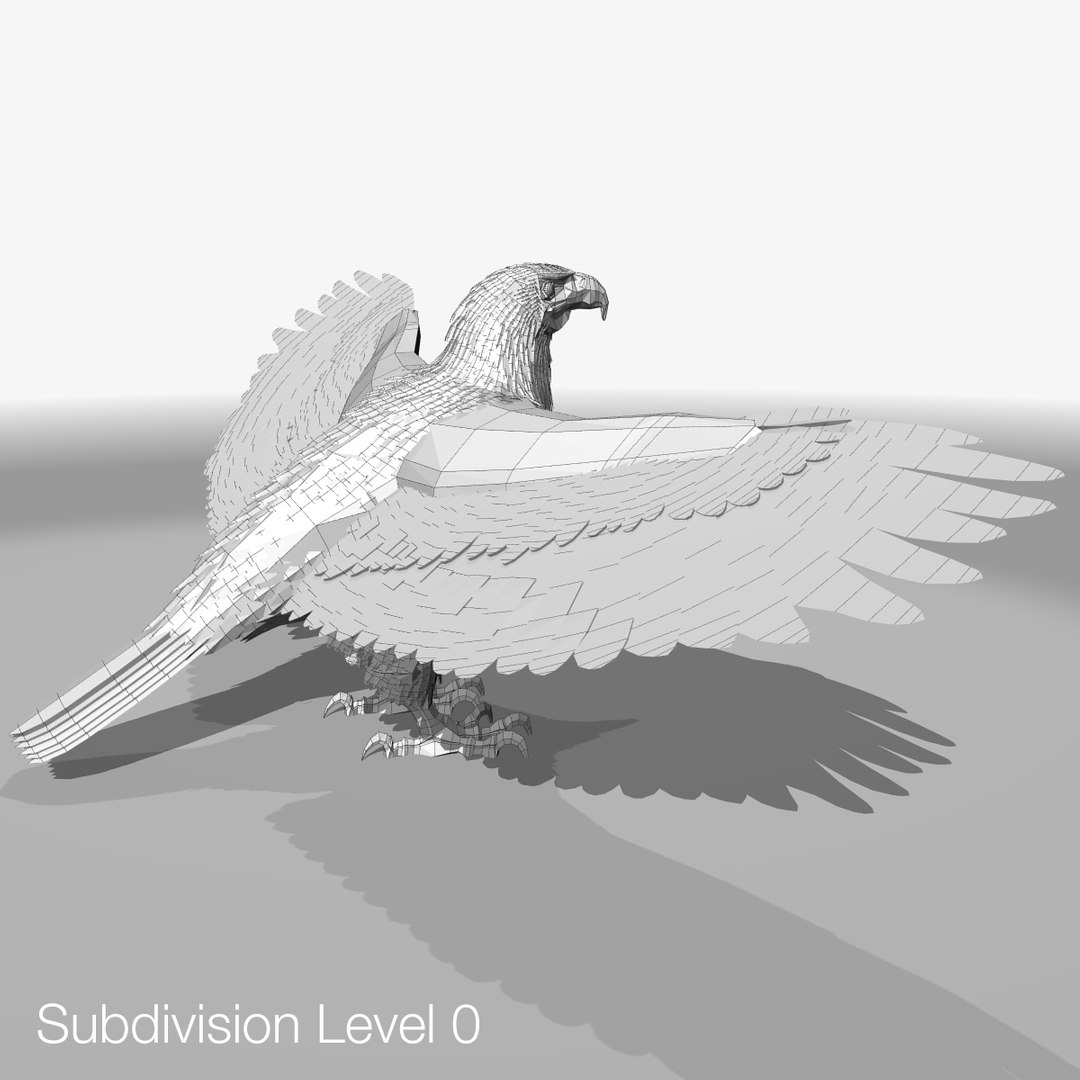
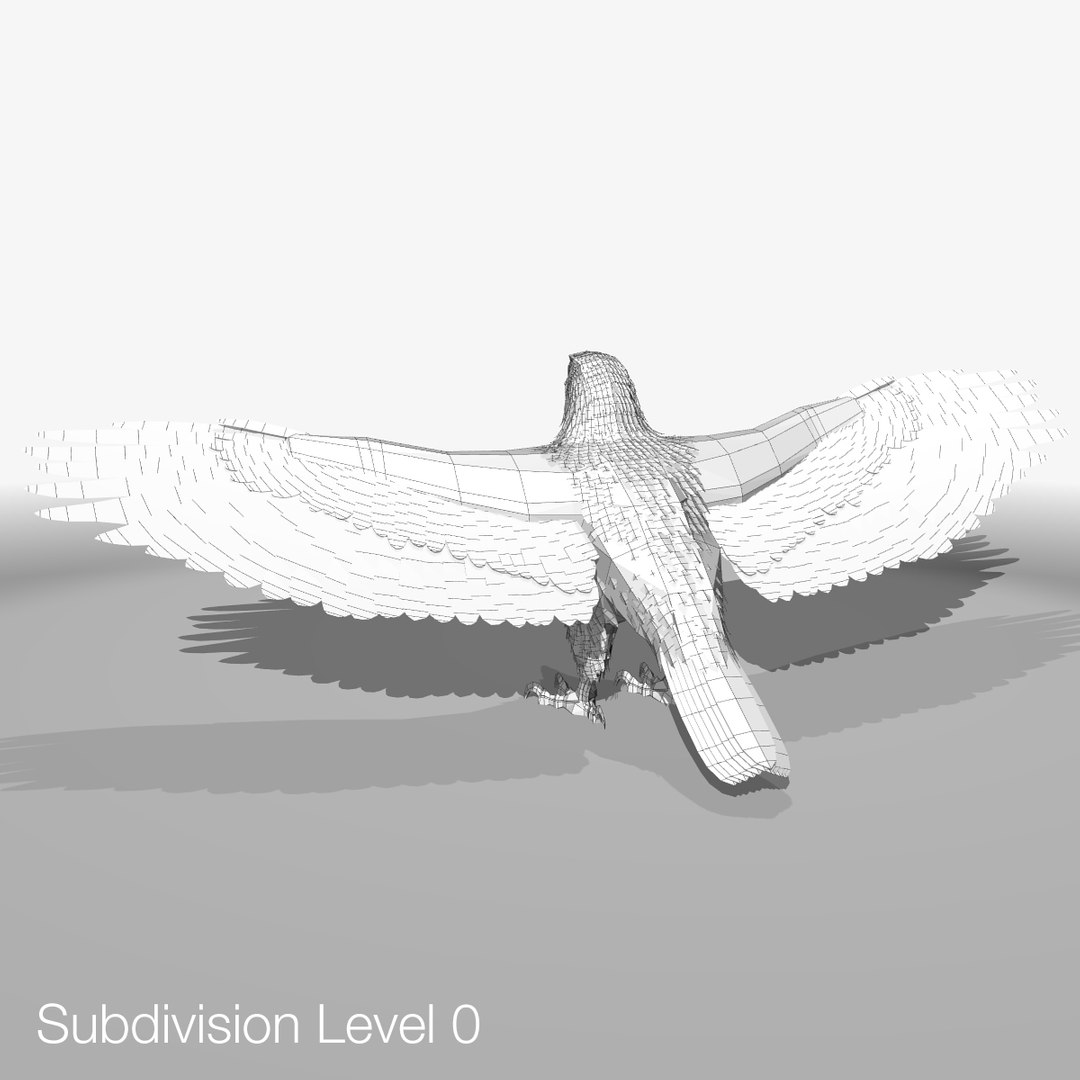
The feathers are geometry so they render fast and no plugins are needed.

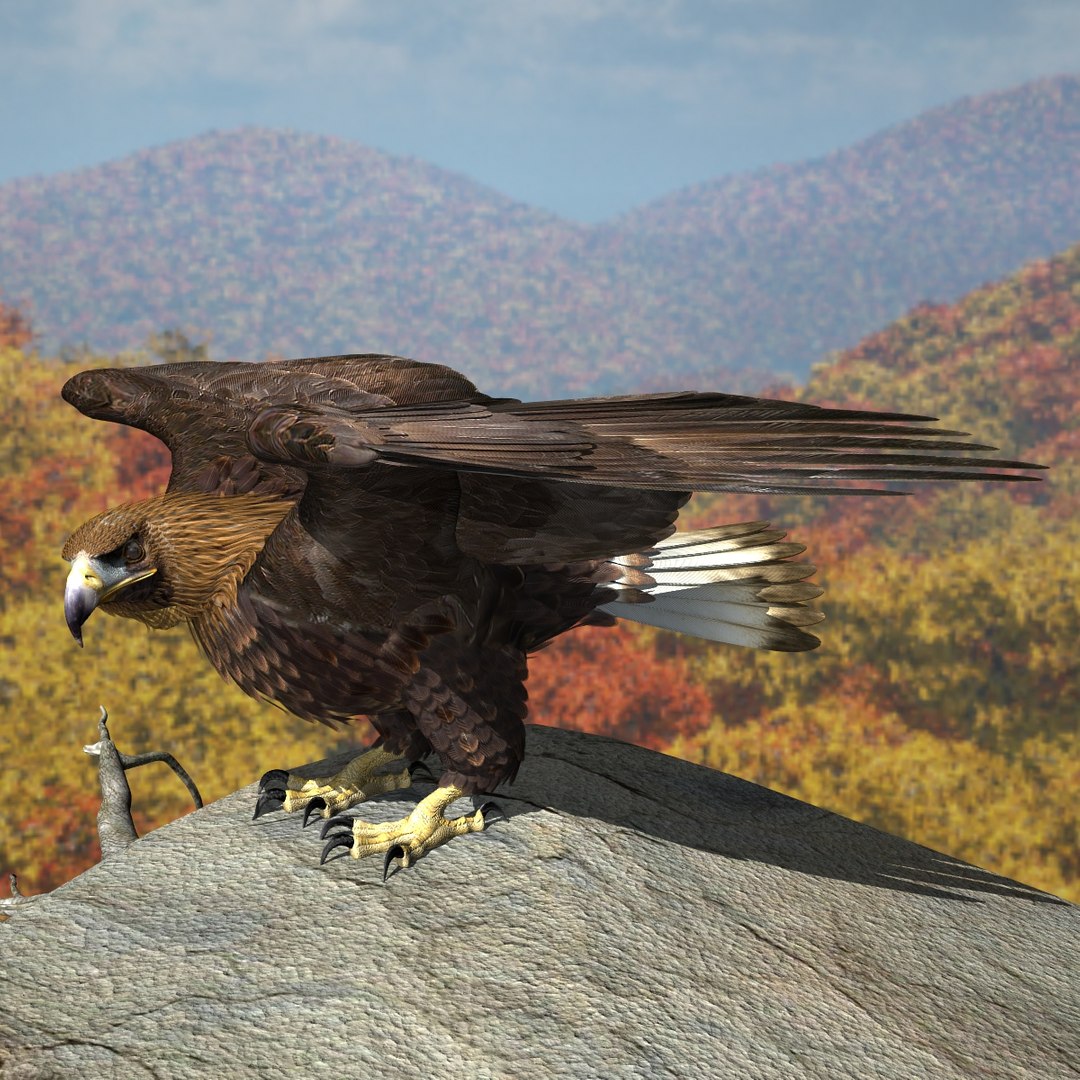
The wings are animated using the 3 bones within each. The wings are folded using one of several morph targets.

You can also make adjustments, like spreading the wing tip feathers and spreading the tail using morph targets.

-------------------------

The main controlling object is the "ROOT" bone (Lightwav and Max) and "GoldenEagle-HyperNURBS" (C4D)

I have provided several scene files to get you started:
Zero
Land-Take off
Fly loop

The feet and legs are controlled by 'LT-Foot' and 'RT-Foot' respectively. (Lightwave)
The feet and legs are controlled by 'LT-FootControl' and 'RT-FootControl' respectively. (Max)

There are 3 'neck' bones, a 'head' bone and a 'lower beak' bone.

There are 23 Morph targets. (Lightwave)
There are 23 Morph targets. (Max)

The 'Mouth' phonemes are controlled by 8 Morph targets:
located when you select the mesh and go to 'Object' => 'Properties' => 'Deform' (Lightwave)
located when you select the mesh and go to 'Modify' => 'Morpher' (Max)

But the mouth can be opened and closed with a bone as well.

The wings are controlled by 3 bones each
and have 3 Morph position, to spread the wing tips and 10 morph positions to manipulate the wing

WingFold-01
WingFold-02
WingFold-03
WingFold-04-Folded
WingFold-05
WingFold-06
WingFold-07
WingTIpsDown
WingTIpsSpread-01
WingTIpsSpread-02

The Tail spread is controlled via Morph target 'TailSpread', the Tail bone controls position and rotation.

The toes are controlled by 12 bones on each foot.

To fold the wings use the morphs noted above.

But if you have positioned the wings by moving the bones, AND you try to use morph targets to fold them, you WILL have some pretty weird distortions that will freak you out.

Don't panic, the solution is to 'zero' out your wing bone positions, as or just before you apply the 'Morph' targets.

-------------

The model is made hi resolution by using Sub-Patching(LW) Turbosmooth(Max), so the actual geometry is much less than the rendered geometry.

LIGHTWAVE:

EAGLE:
Real Geometry:
25757 verticies
17530 polygons

Outcrop-tree:
Real Geometry:
3553 verticies
3639 polygons

SkyGlobe
Real Geometry:
98 verticies
96 polygons
--------------------------

Eagle, Outcrop, Skyglobe
Real Geometry:
29408 verticies
21265 polygons

------------------------------------------------------------------------------

MAX:

EAGLE:
Real Geometry:
25799 verticies
17530 polygons

Outcrop:
Real Geometry:
3563 verticies
3627 polygons

SkyGlobe
Real Geometry:
98 verticies
96 polygons
--------------------------

Eagle, Outcrop, Skyglobe
Real Geometry:
29460 verticies
21189 polygons

----------------------------------------------------------------

C4D:

EAGLE:
Real Geometry:
25751 verticies
17516 polygons

Outcrop:
Real Geometry:
3557 verticies
3649 polygons

SkyGlobe
Real Geometry:
266 verticies
288 polygons
--------------------------

Eagle, Outcrop, Skyglobe
Real Geometry:
29574 verticies
21453 polygons


the maps are RGB or greyscale, 300dpi, 3999px X 3999px

选择增强许可证

  • $10,000 法律保护(赔偿)
  • 无上限的法律保护(赔偿)
  • 放弃禁令救济
  • 可转让的模型权利
  • $1,000,000 法律保护(赔偿)
  • 放弃禁令救济
  • 可转让的模型权利
  • $250,000 法律保护(赔偿)
  • 可转让的模型权利
了解更多关于增强版许可证等级的信息,或发送电子邮件至enterprise@turbosquid.com联系我们。您已经是 Shutterstock 企业客户?请联系您的 Shutterstock 销售支持代理,了解如何添加 3D 功能。

About Conversion Requests

To submit a conversion request for a purchased asset, please complete our Conversion Request Form.

If you have not yet purchased a model, please review our Documentation about Conversions to learn about what limitations you may encounter with a conversion.

For any additional questions about a model’s suitability for conversion, please contact TurboSquid Support.

加载中...