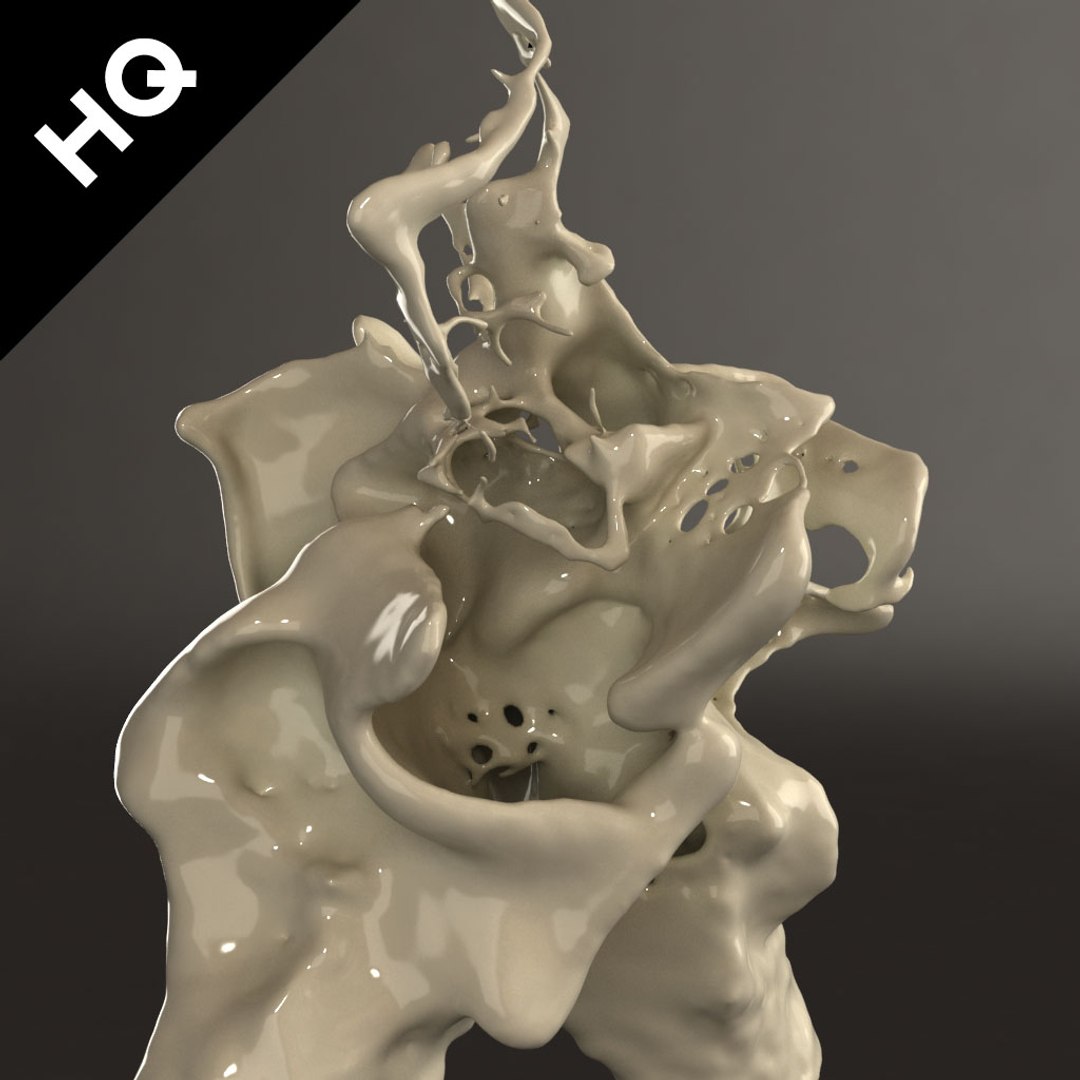
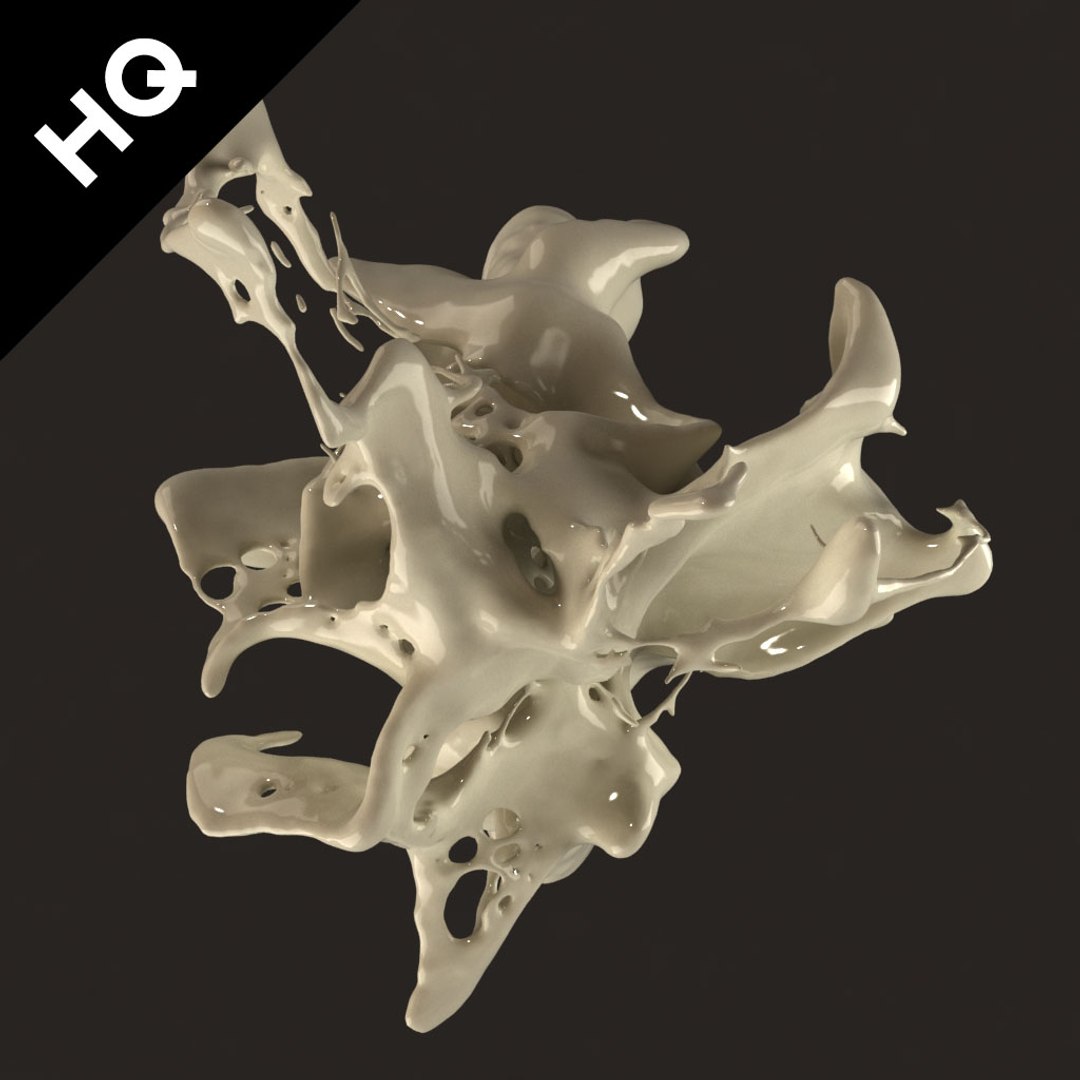
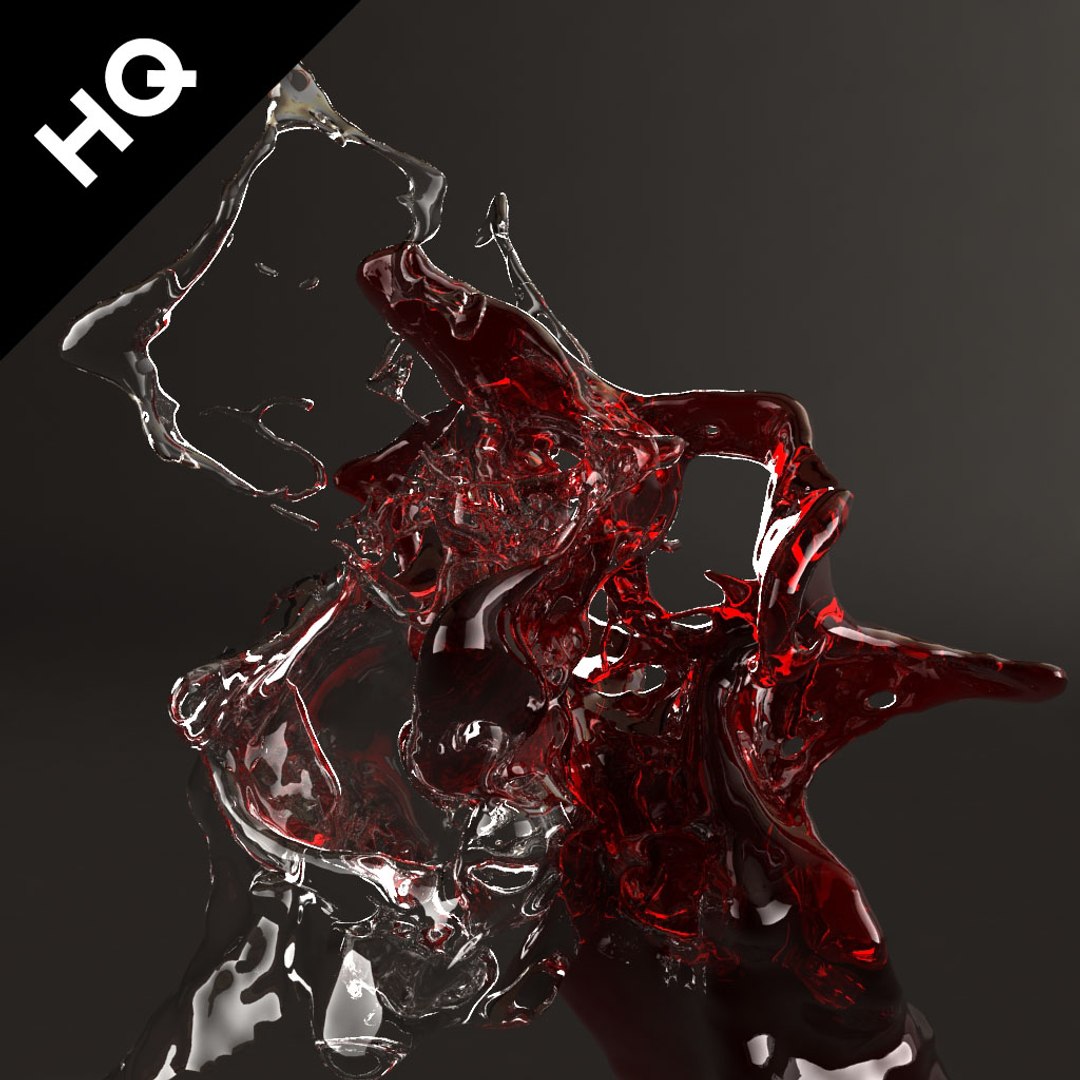
HIGHT POLY SPLASH WITH REALFLOW FILE
=====================================
features:
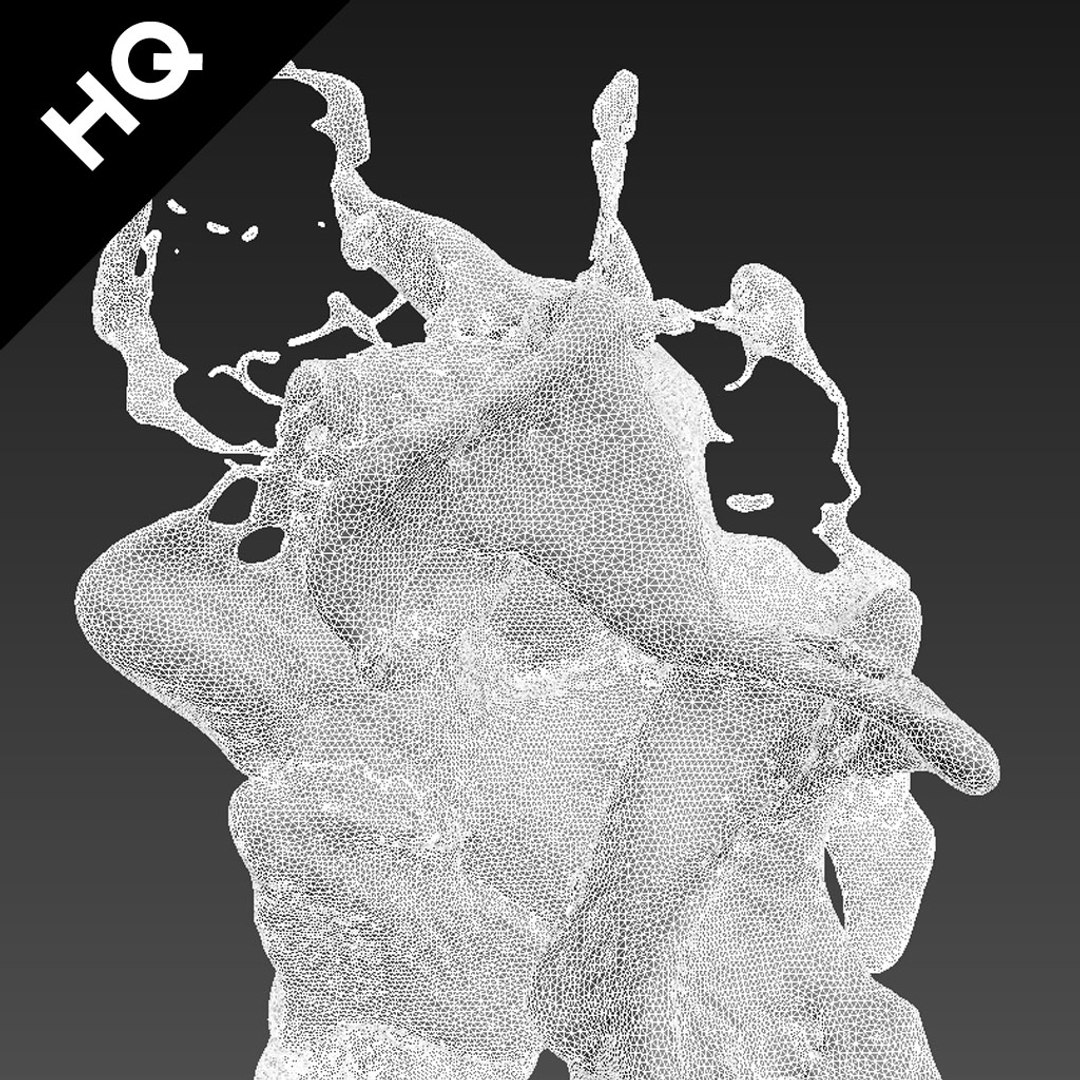
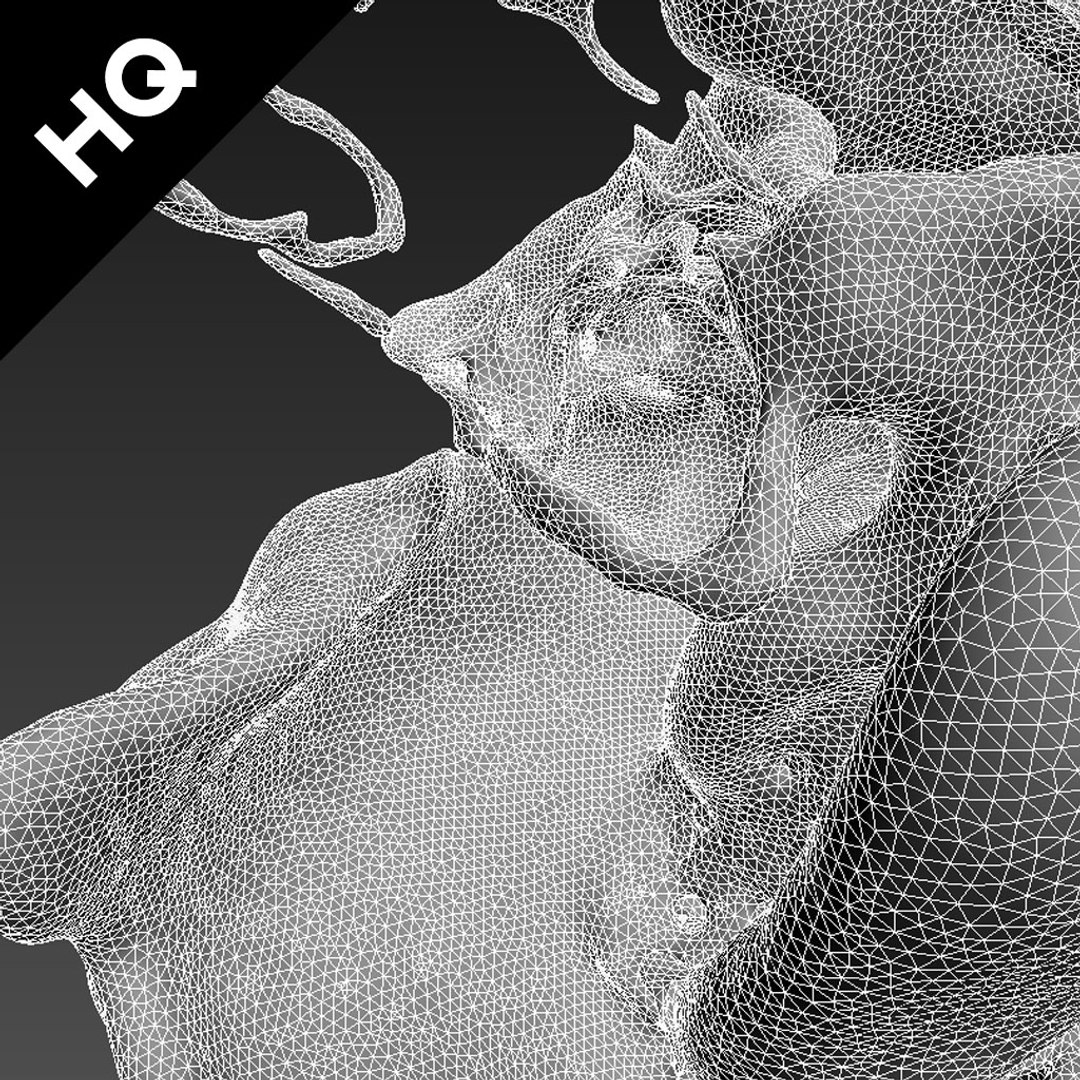
- High quality polygonal model
- render with vray in 3ds Max 2014
- vray material
- there is no animated mesh in the max scene, only a static mesh, for get the animated mesh you need first to do the simulaion with the provided realflow file in realflow and then import your realflow bin in your max scene.
- you will need realflow plugin for import the realflow mesh (.bin) in your scene
- you will need vray plugin for render the mesh with provided shaders
- other formats were exported from 3ds Max 2014
- textures are available in a separate zip file
- all materials applied
- all models and materials renamed
- suitable for close up render
- scene include lighting used in the preview ( vray light )
- all texture done by myself
- include 20 render .jpg without watermark 1024*1024
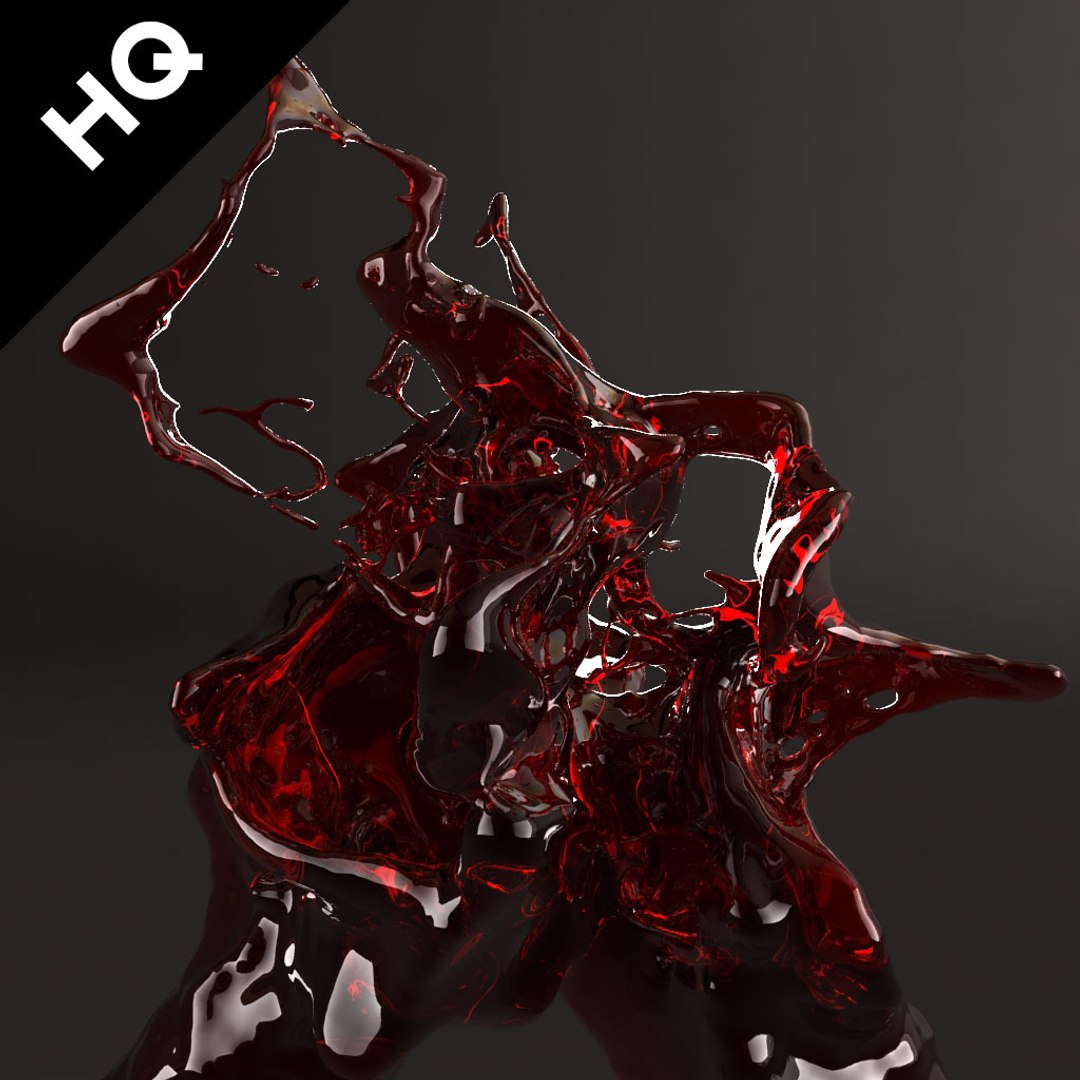
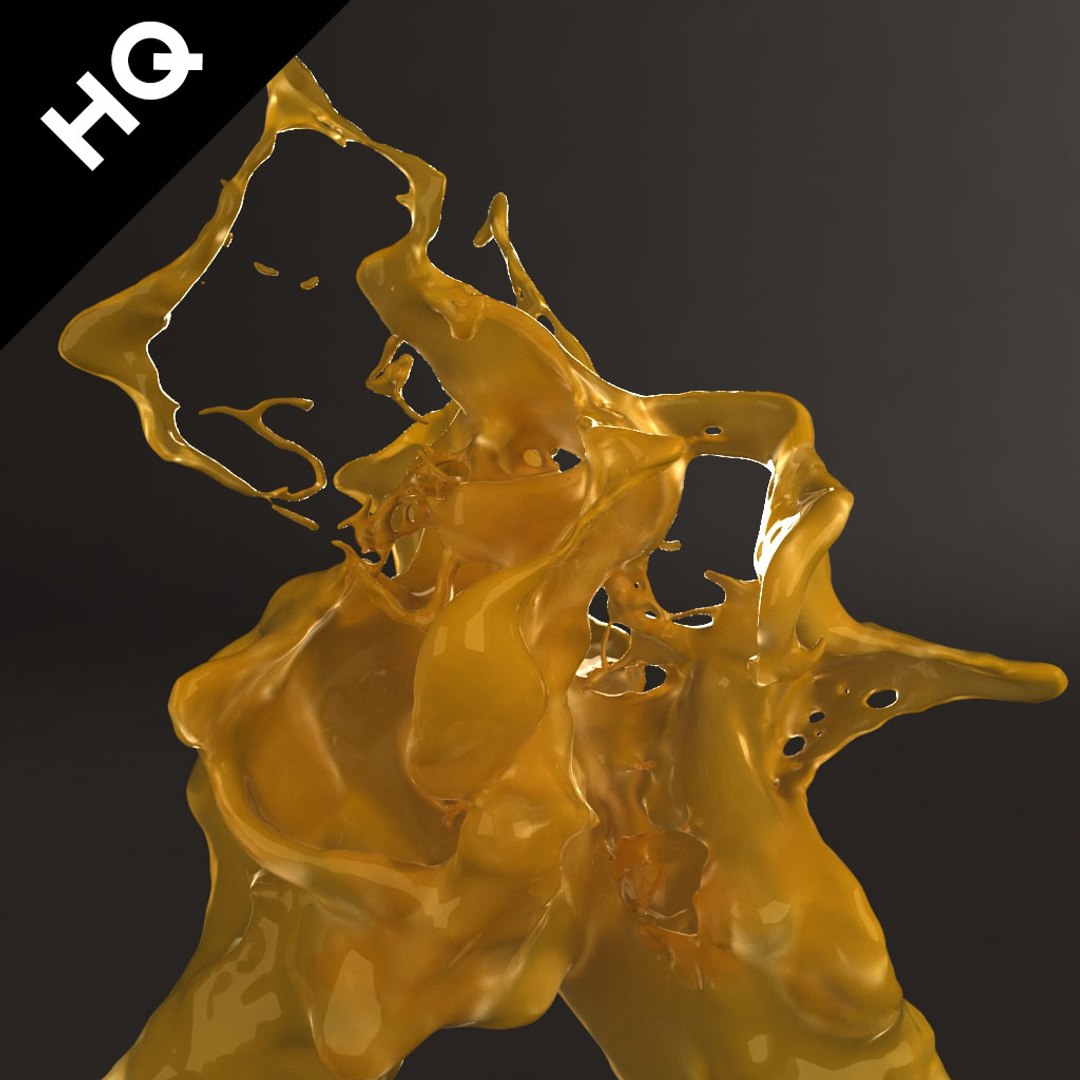
- include 16 vray materials ( milk, water, oil, chocolate, black ink, red wine, white wine, blood ,orange juice,dark coffee )
- each shader are apply on an object for easy shader picking, merging
- the mesh in the max scene in done with realflow then convert to polygonal object
- you can use the realflow file for simulate and get the same animated flow/splash as the preview.
- for use the realflow files just unzip the folder on your computer, open the files, check your path for direct the simulation data where you want it to be and simulate)
- you can import the realflow bin in the max scene for render with the different materials i provide you ( you will need the studiomax realflow plugin )
==================================
file formats:
- 3ds Max 2014 vray (3.00.03) still model,you need to import the realflow bin you create with the provided realflow file for get the animated version.
- 3ds Max 2013 vray (3.00.03) still model,you need to import the realflow bin you create with the provided realflow file for get the animated version.
- 3ds Max 2012 vray (3.00.03) still model,you need to import the realflow bin you create with the provided realflow file for get the animated version.
- OBJ (multi format) no shader, just model
- FBX (multi format) no shader, just model
- realflow files .flw (realflow 2014 build 8.1.2.0192)
==================================
texture format:
hdr
size -3840*2880
319220 polygons combine no meshsmooth, 207661 left, 203953 right
160437 vertices combine no meshsmooth, 104582 left, 102536 right
==================================
notes:
the preview images were rendered on 3ds Max 2014 with vray
the preview video is render with 3ds max 2014 with vray
Enjoy and thanks for your interest !
Also check out my other models, just click on my user name to see complete gallery.