
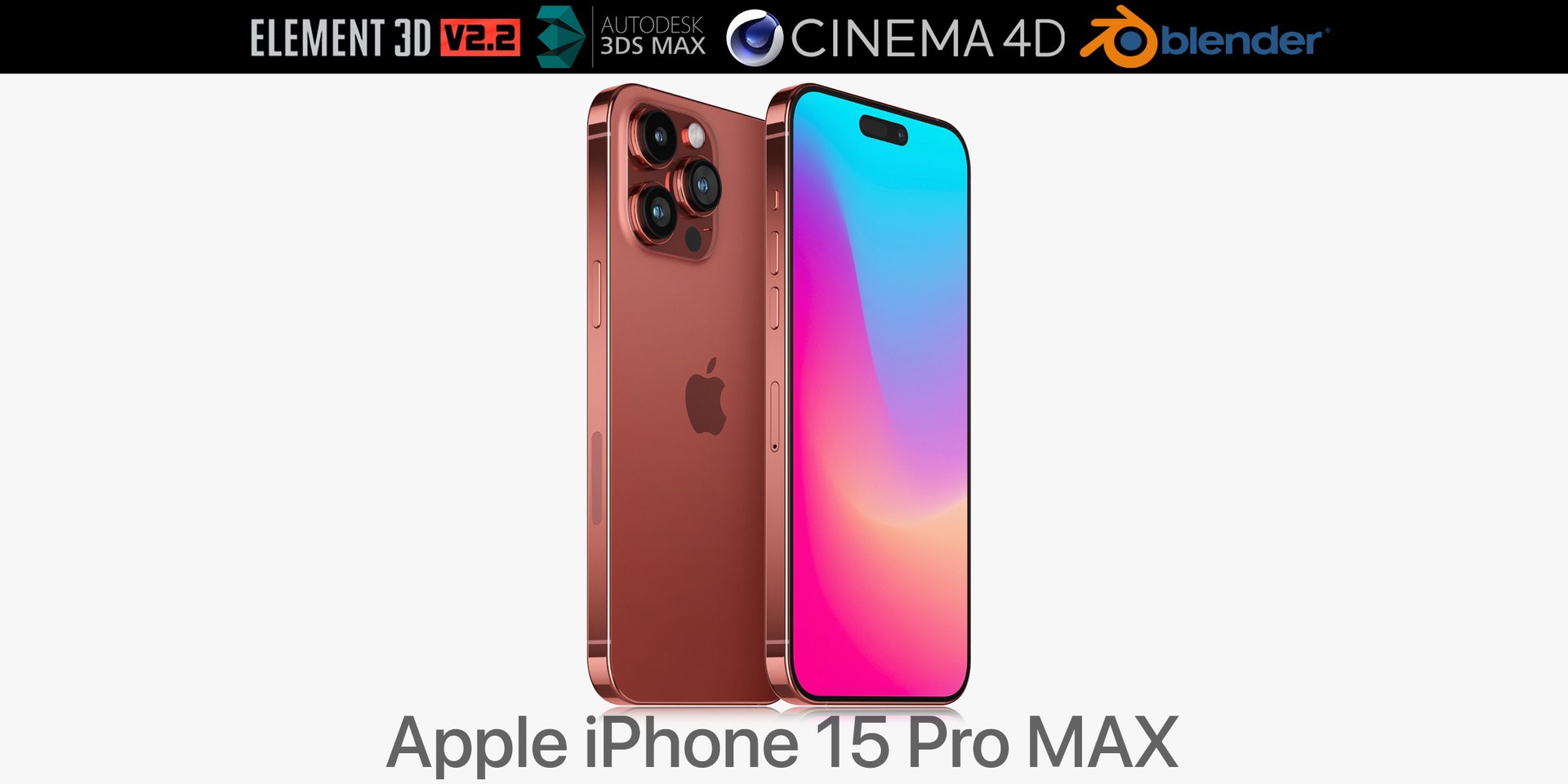
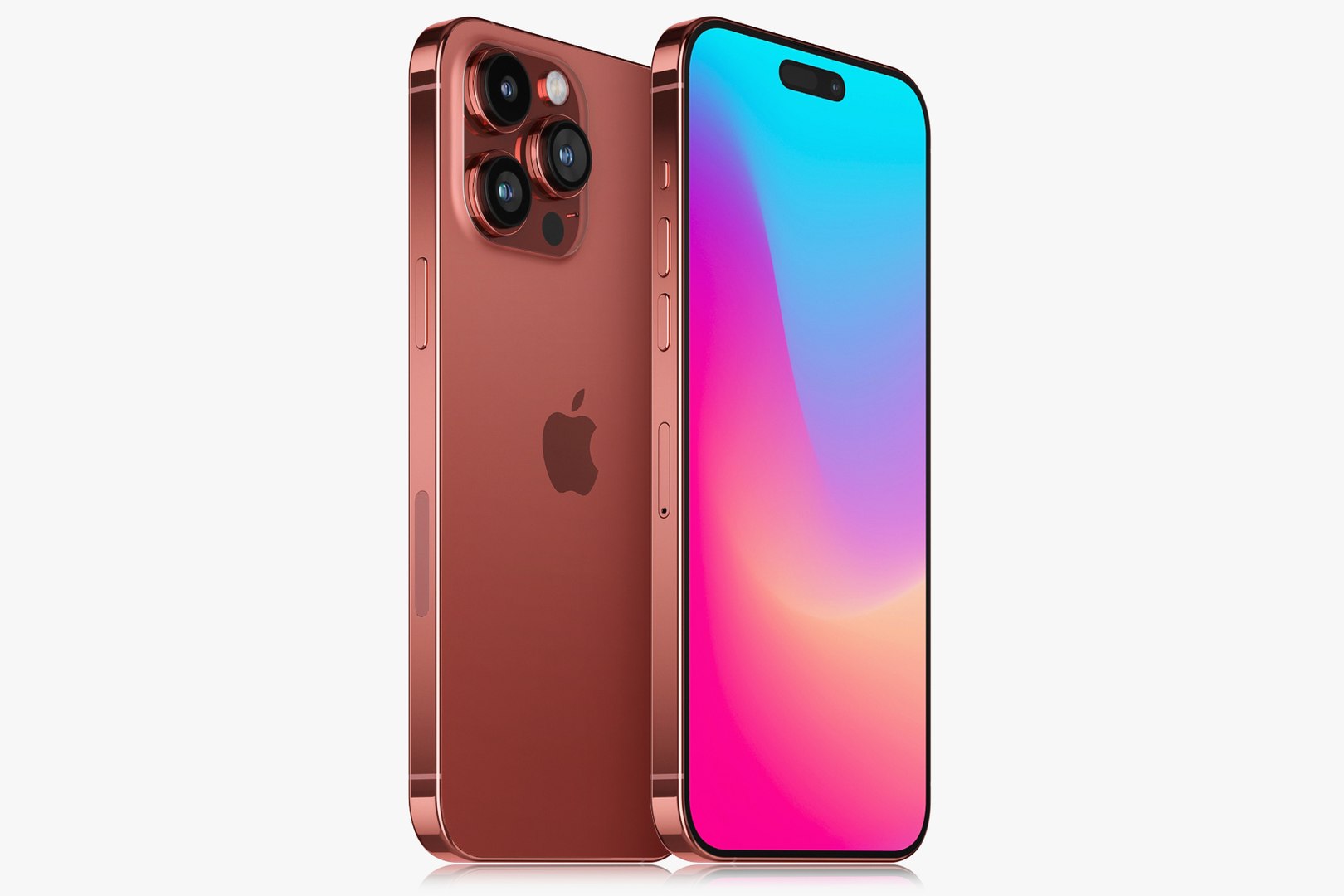
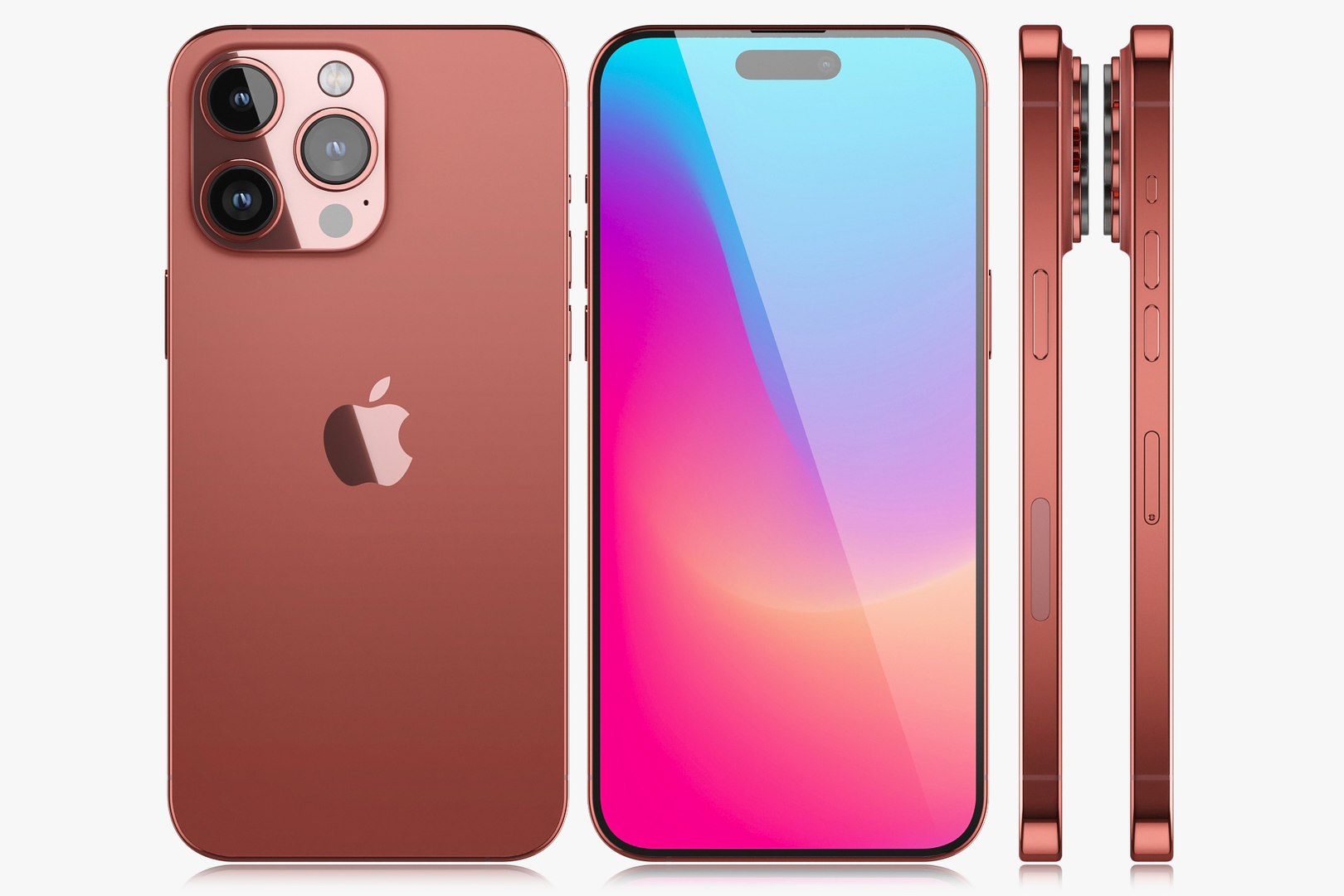
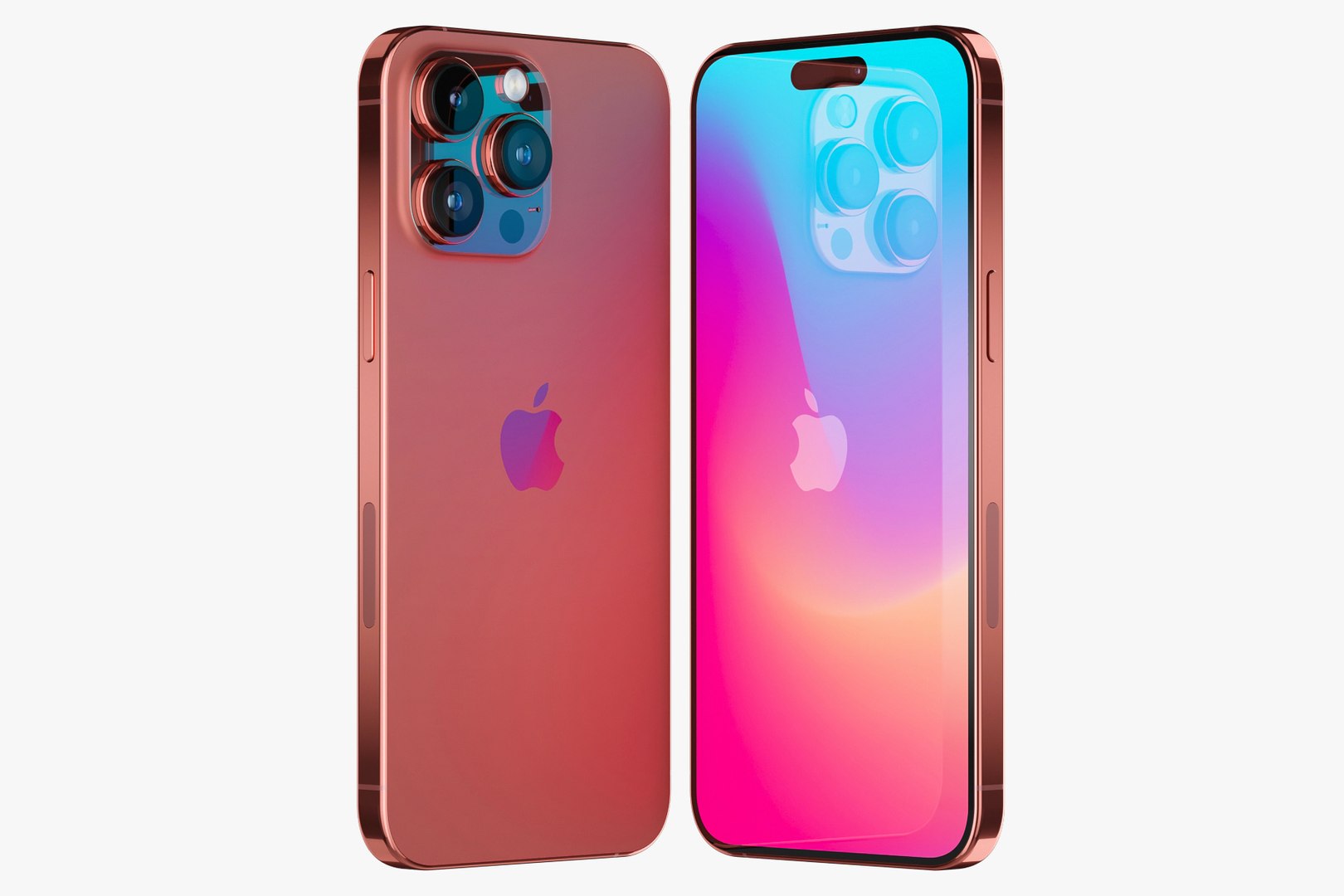
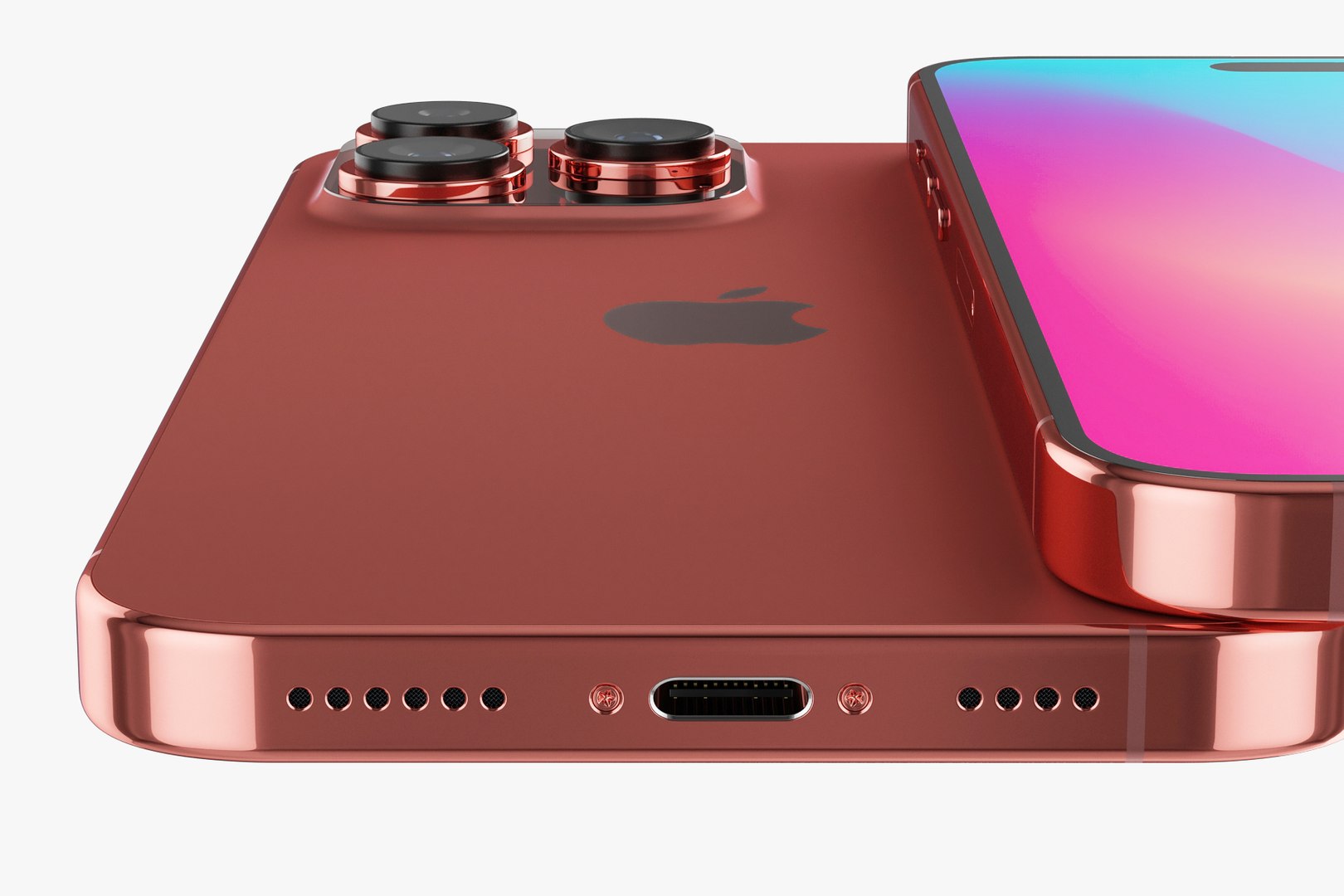
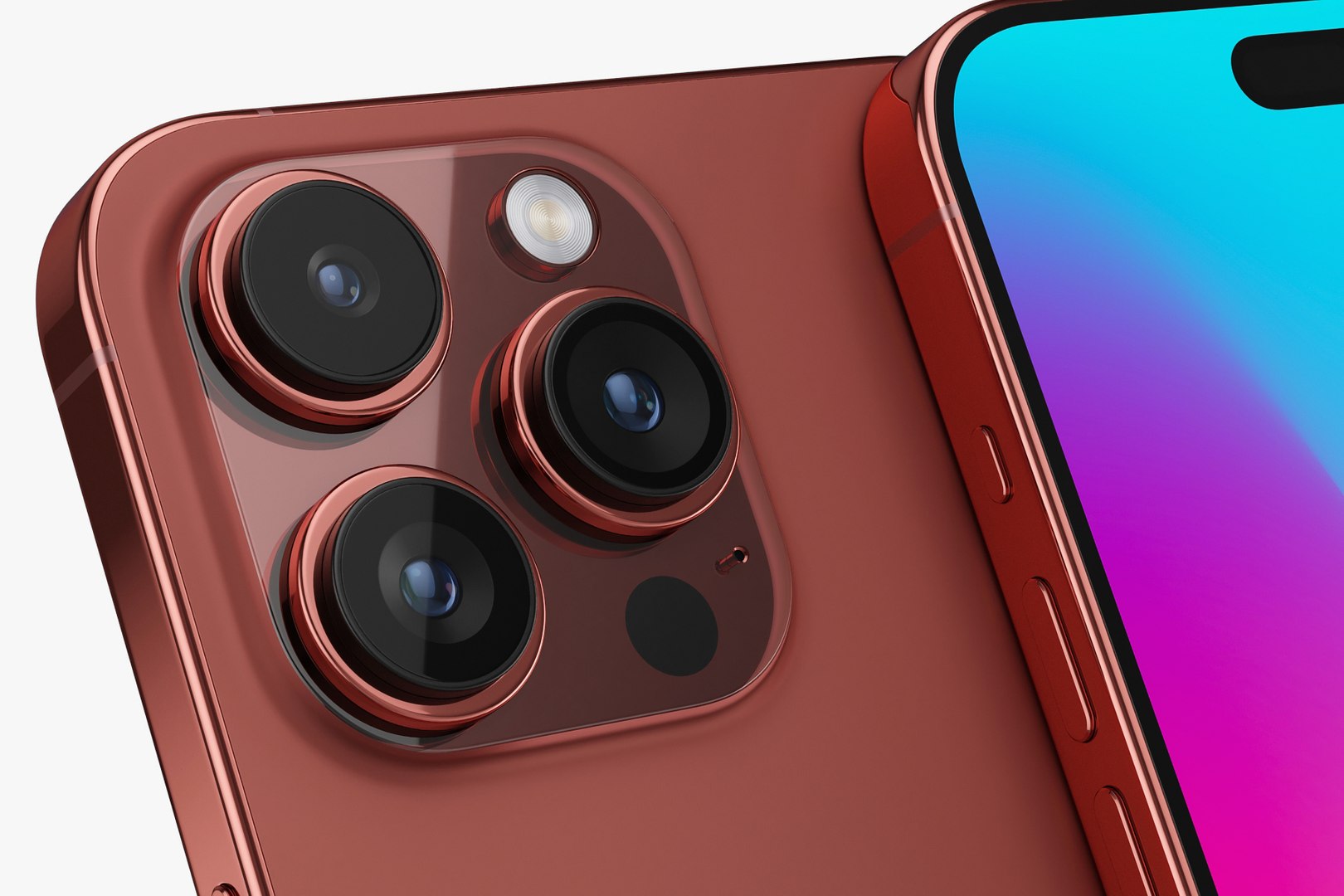
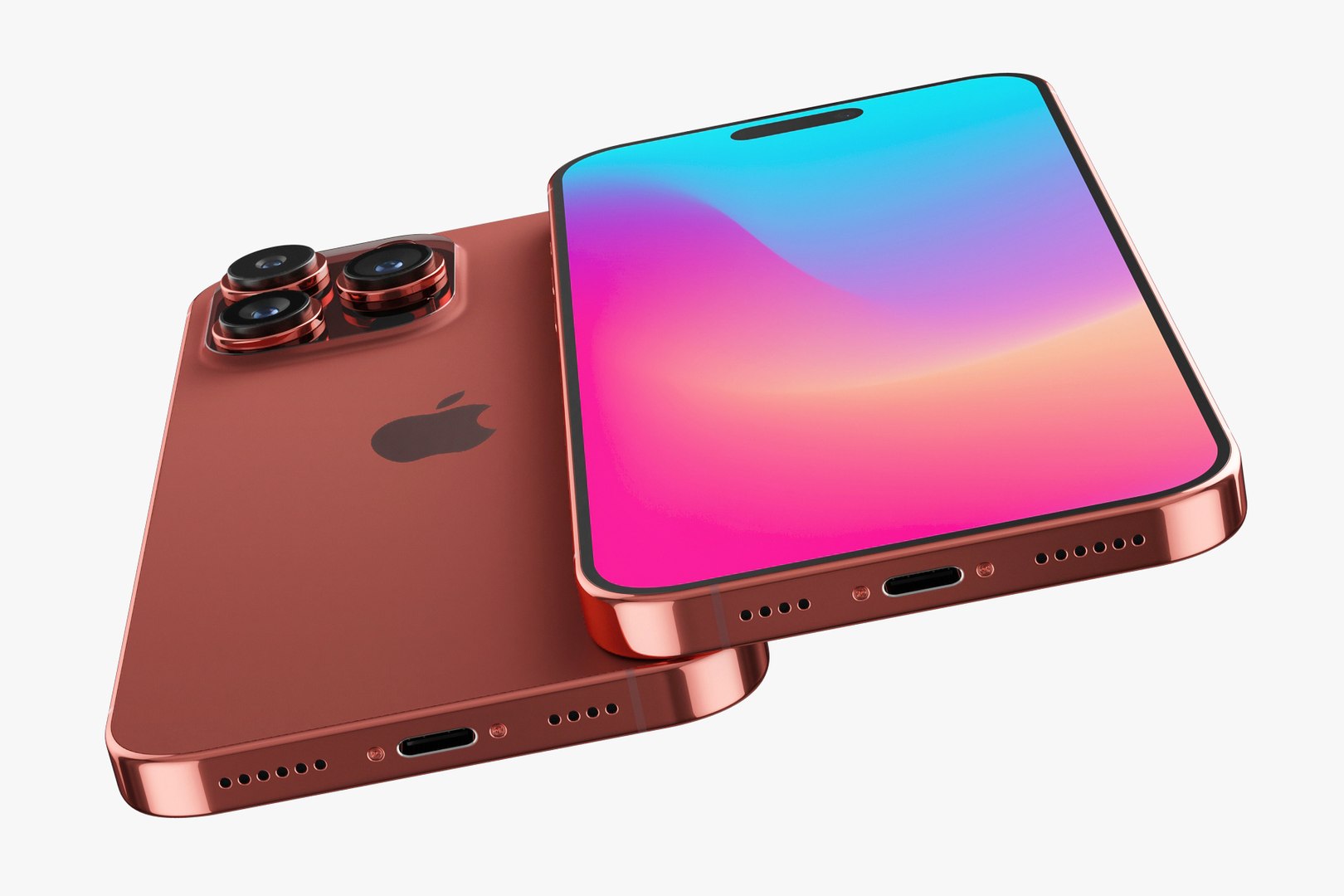
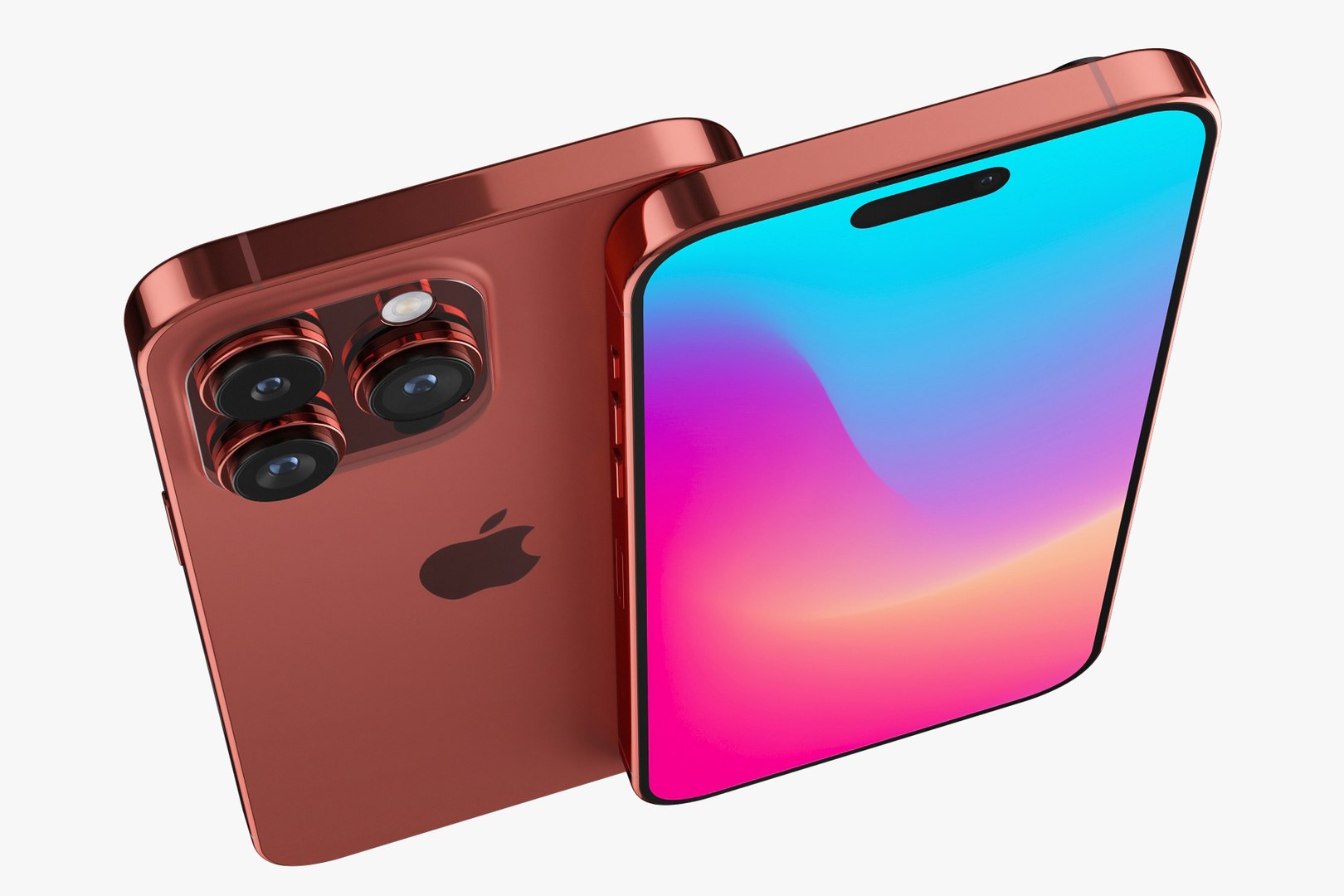
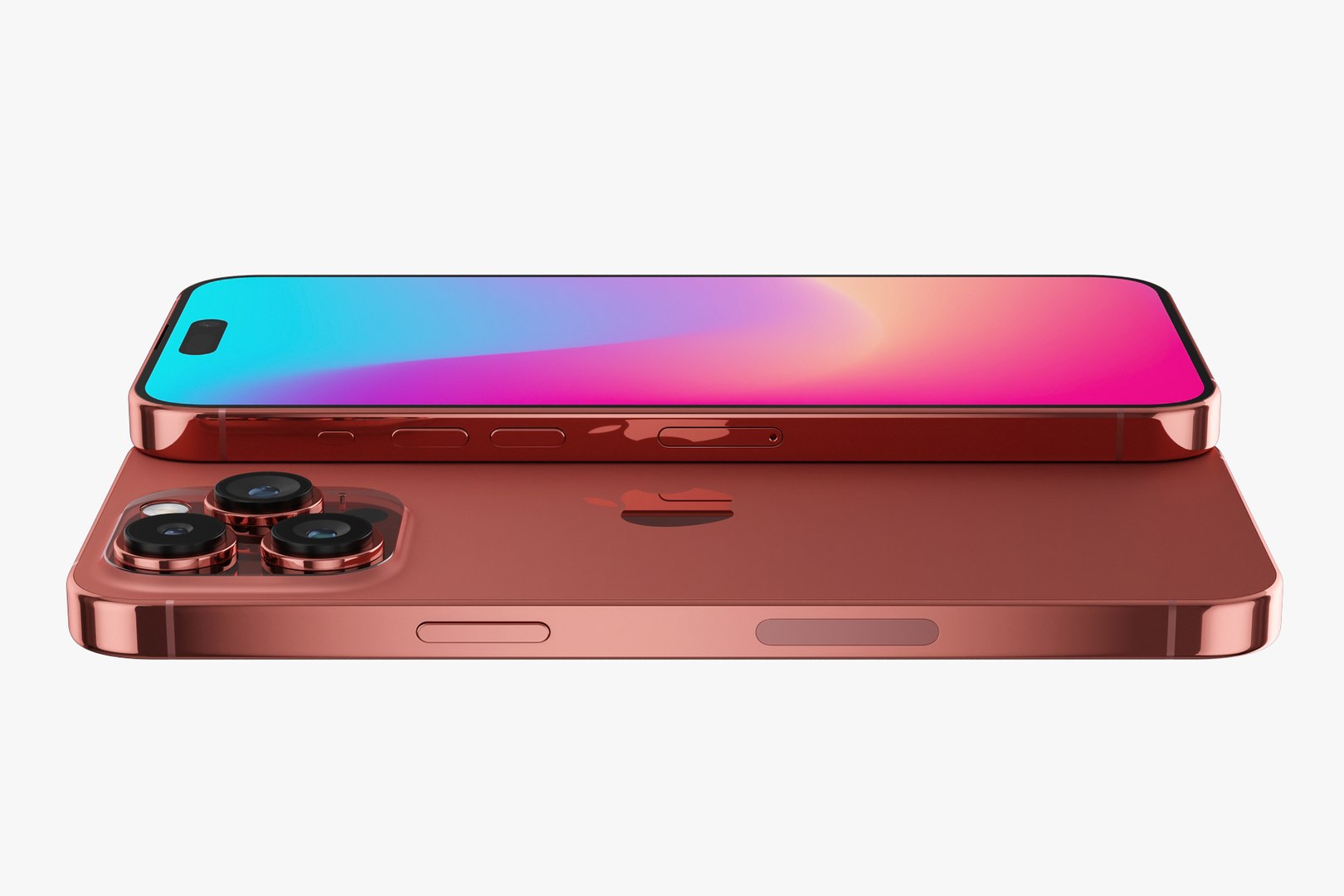
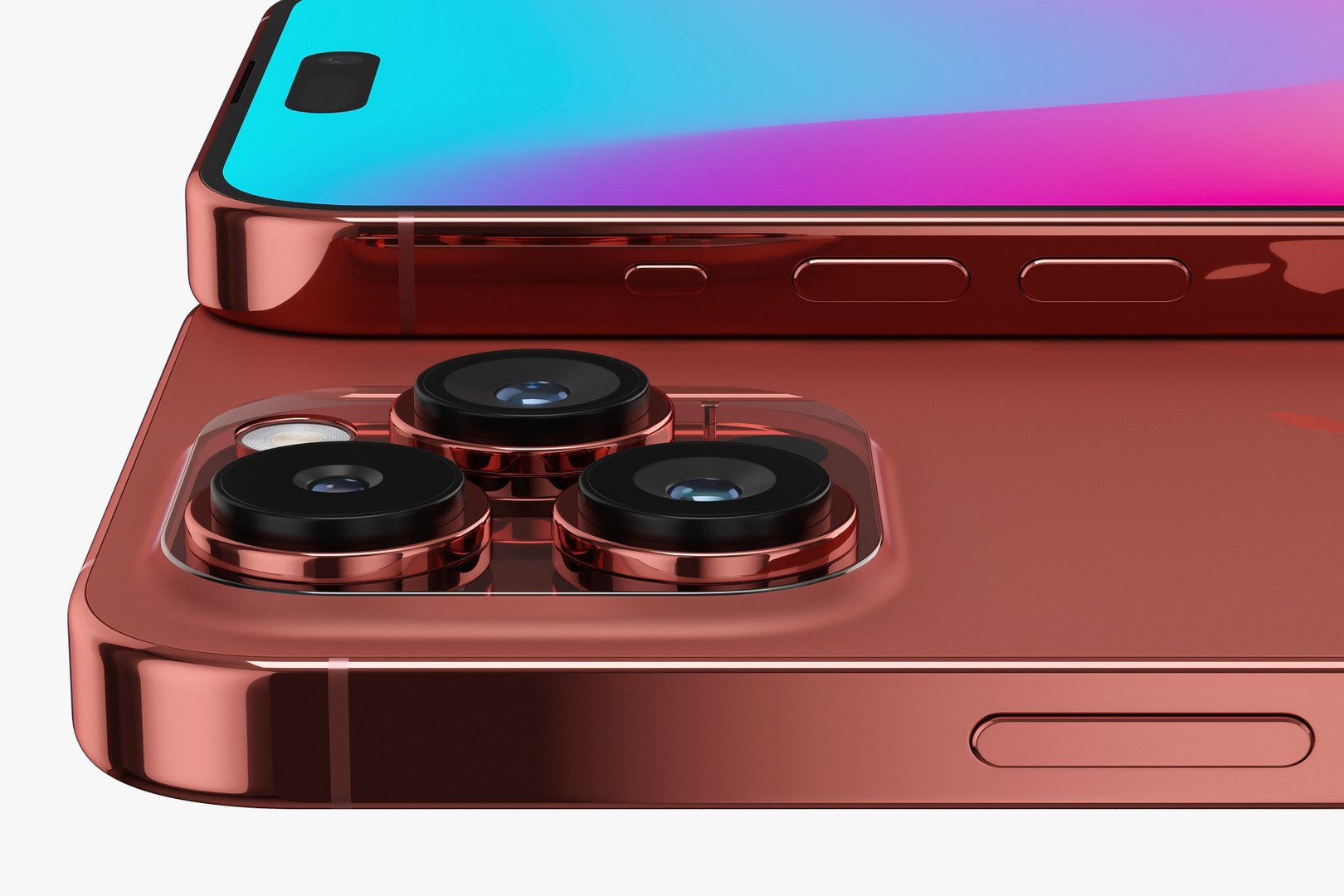
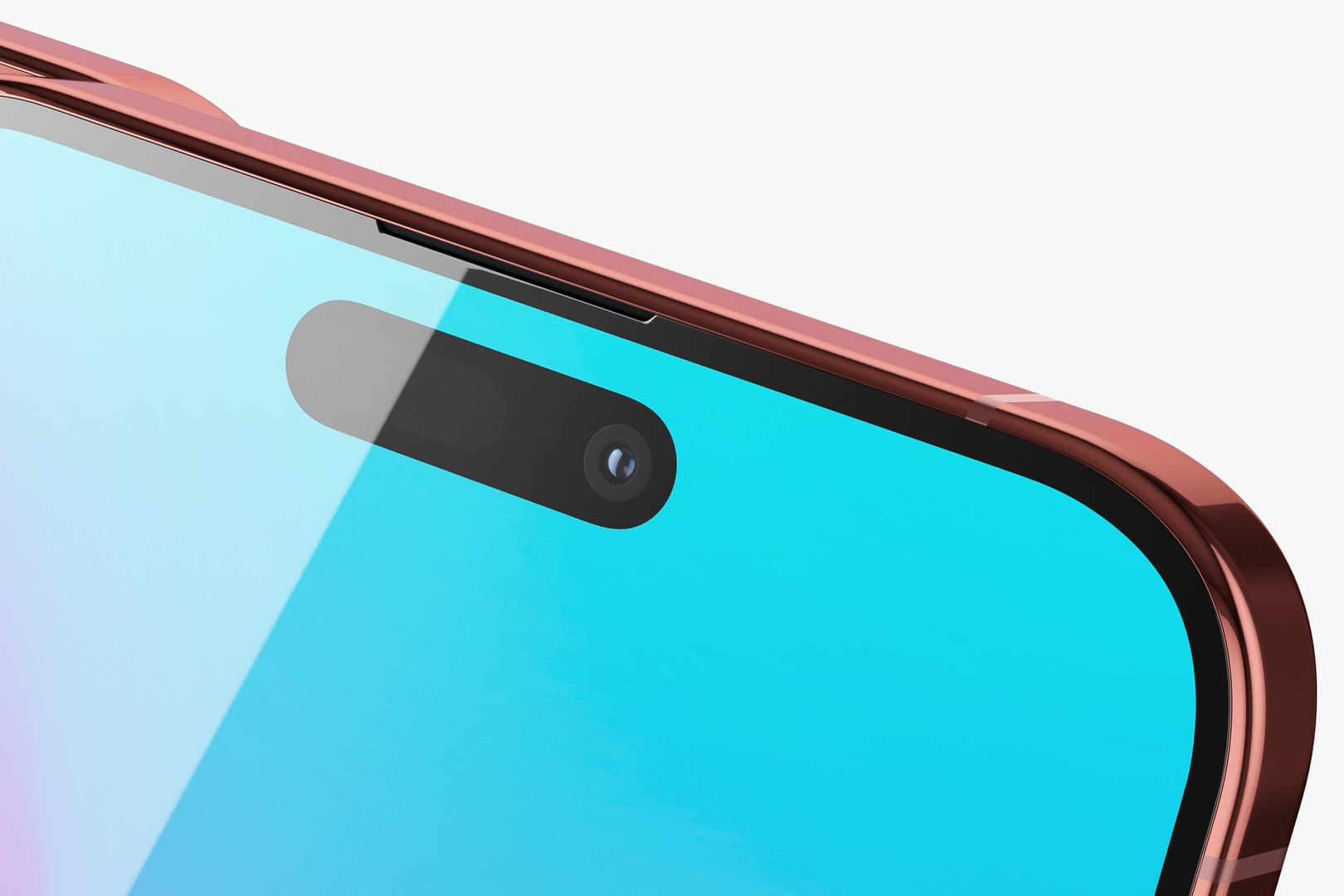
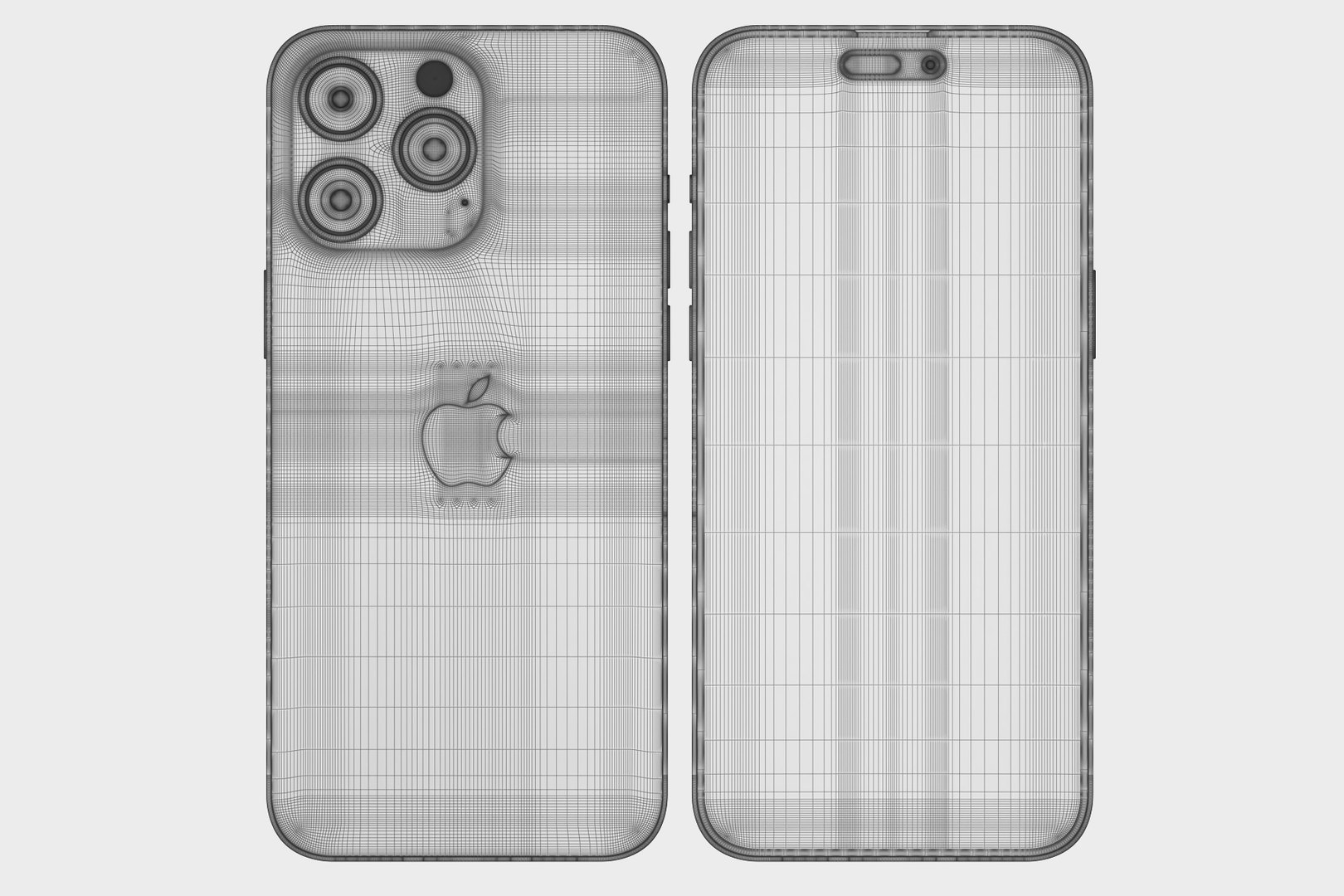
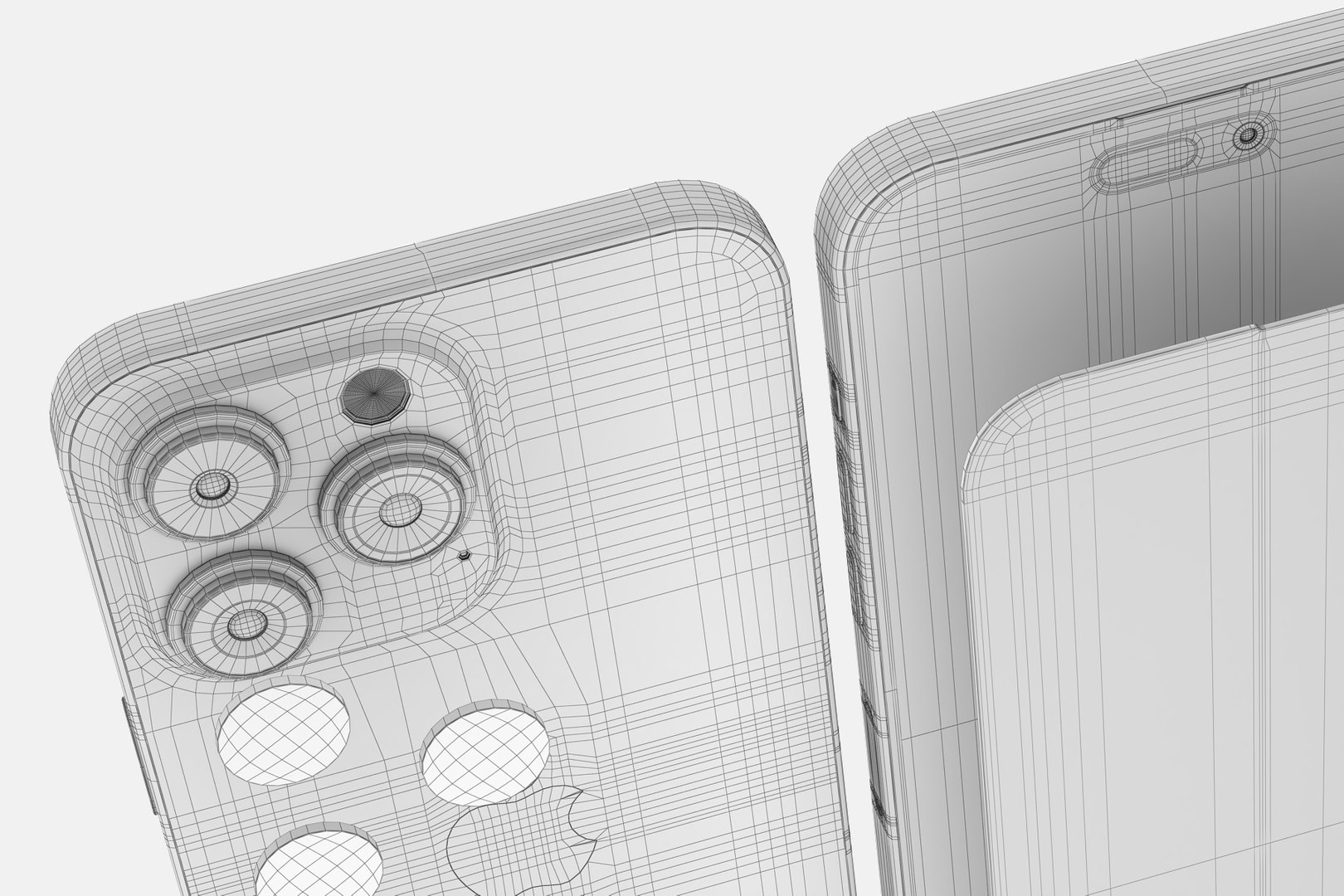
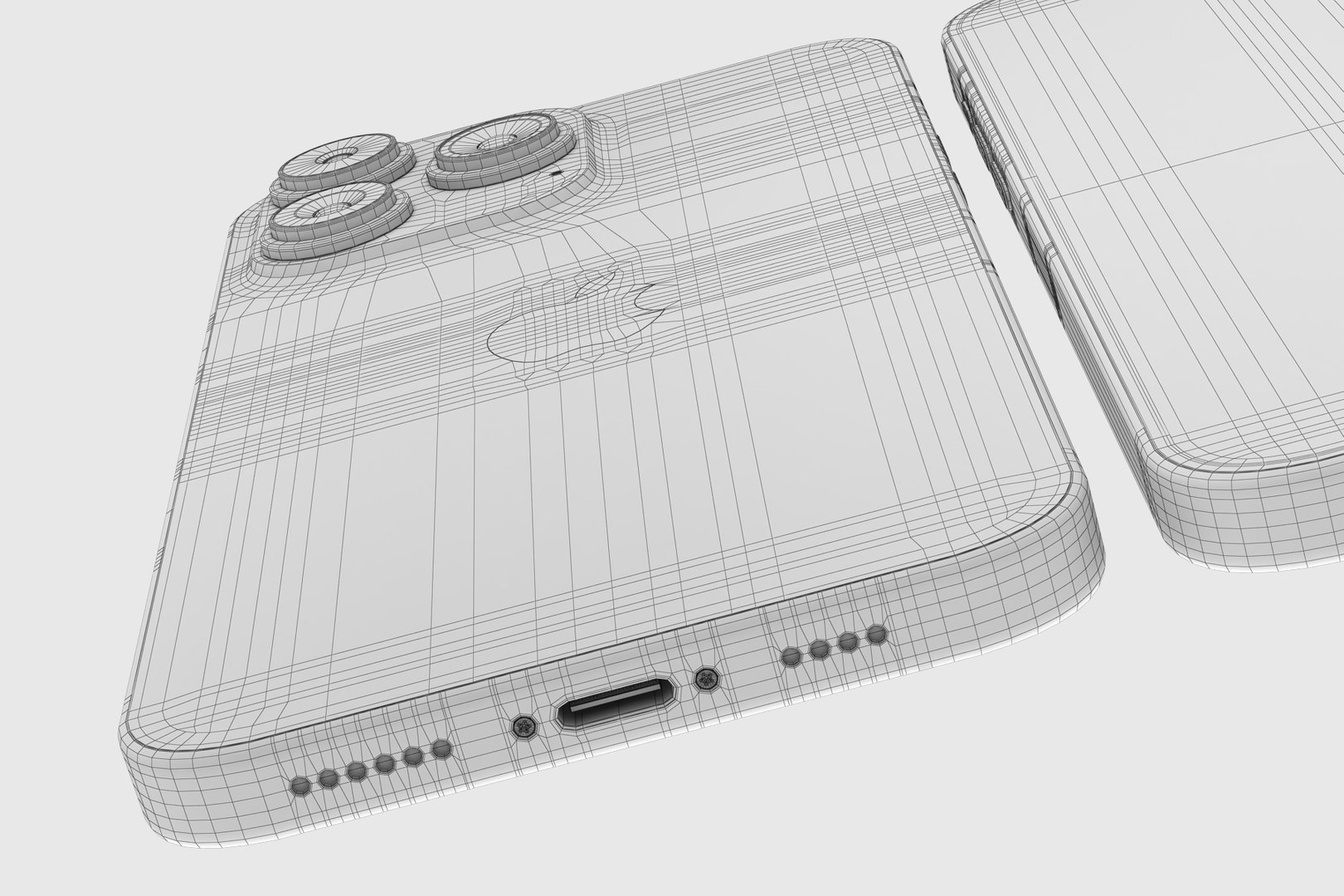
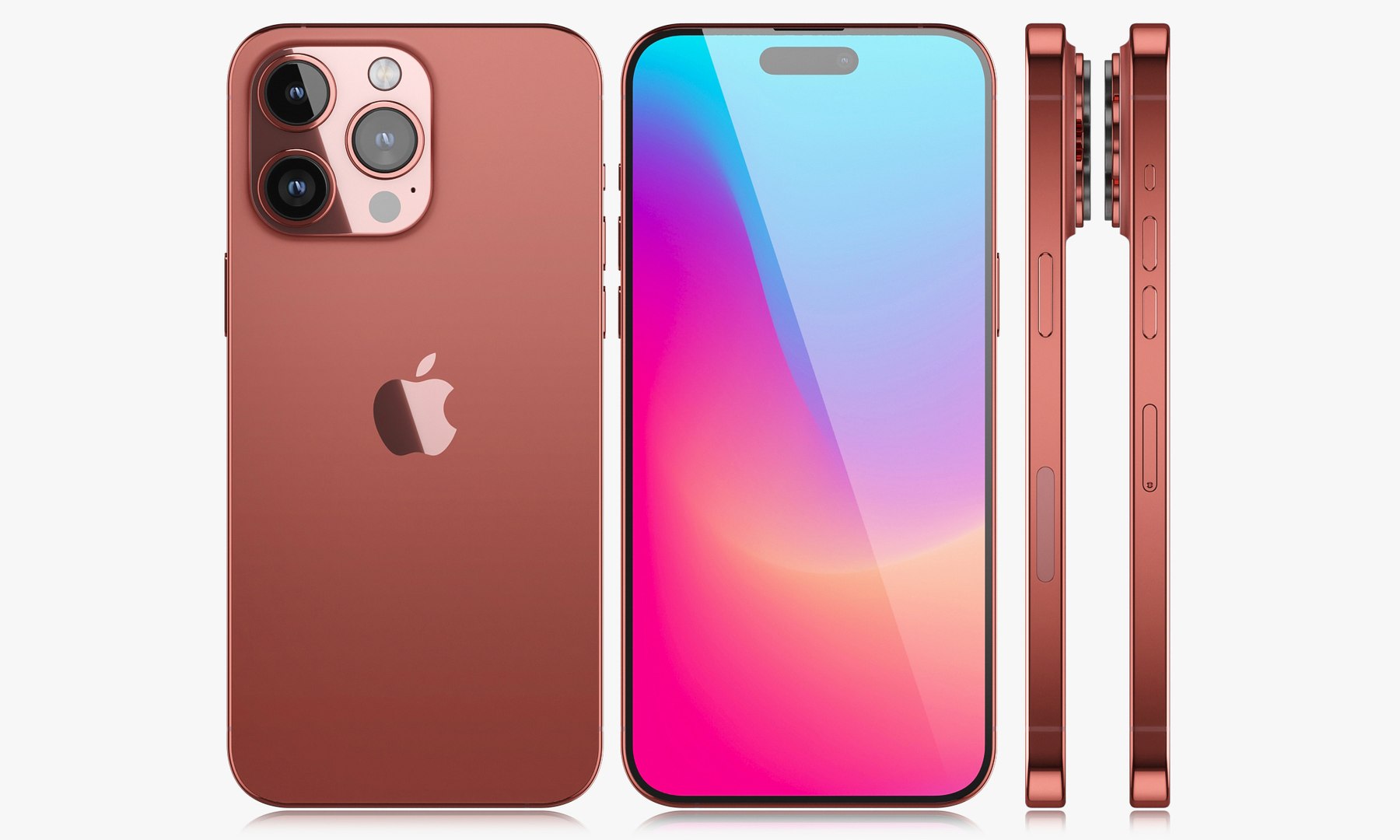
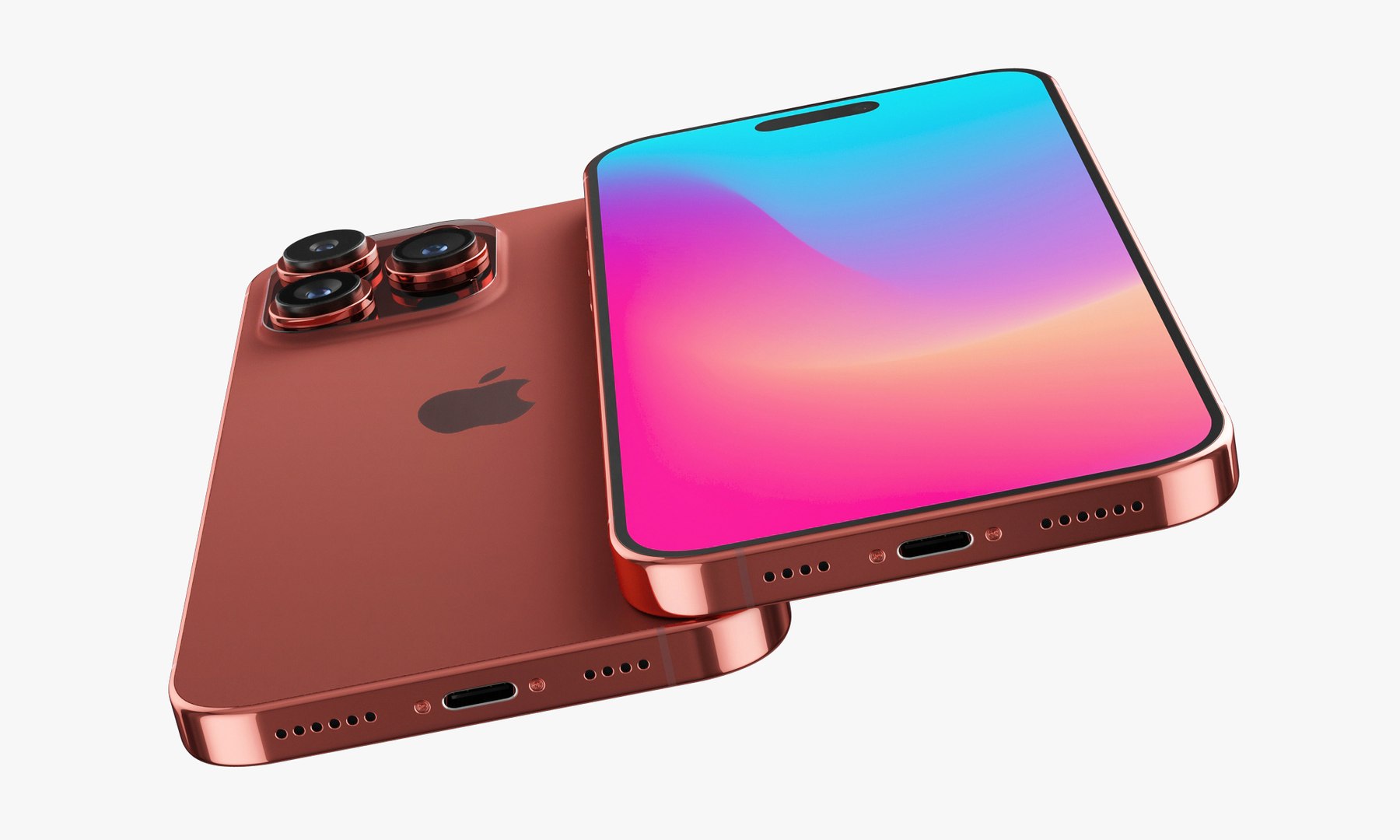
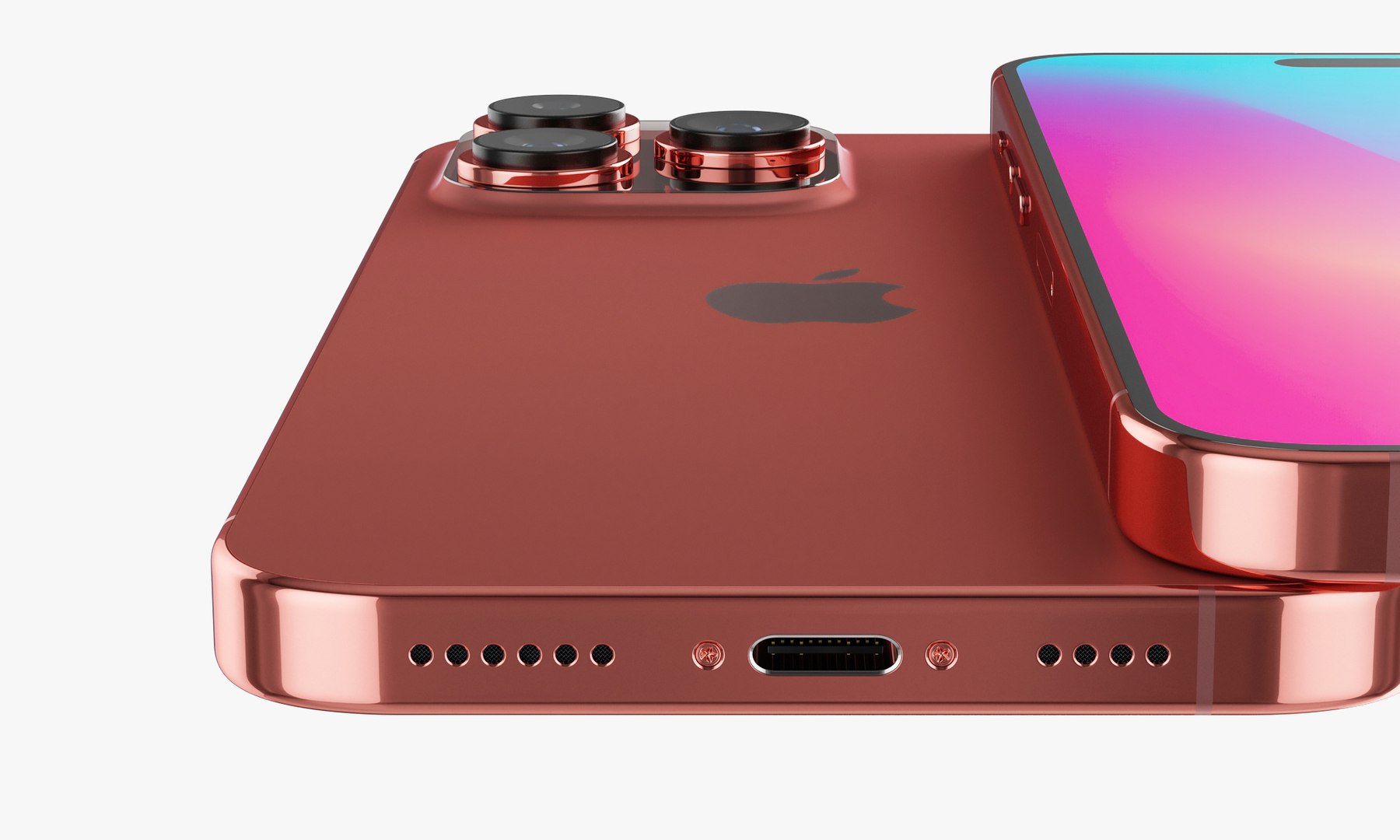
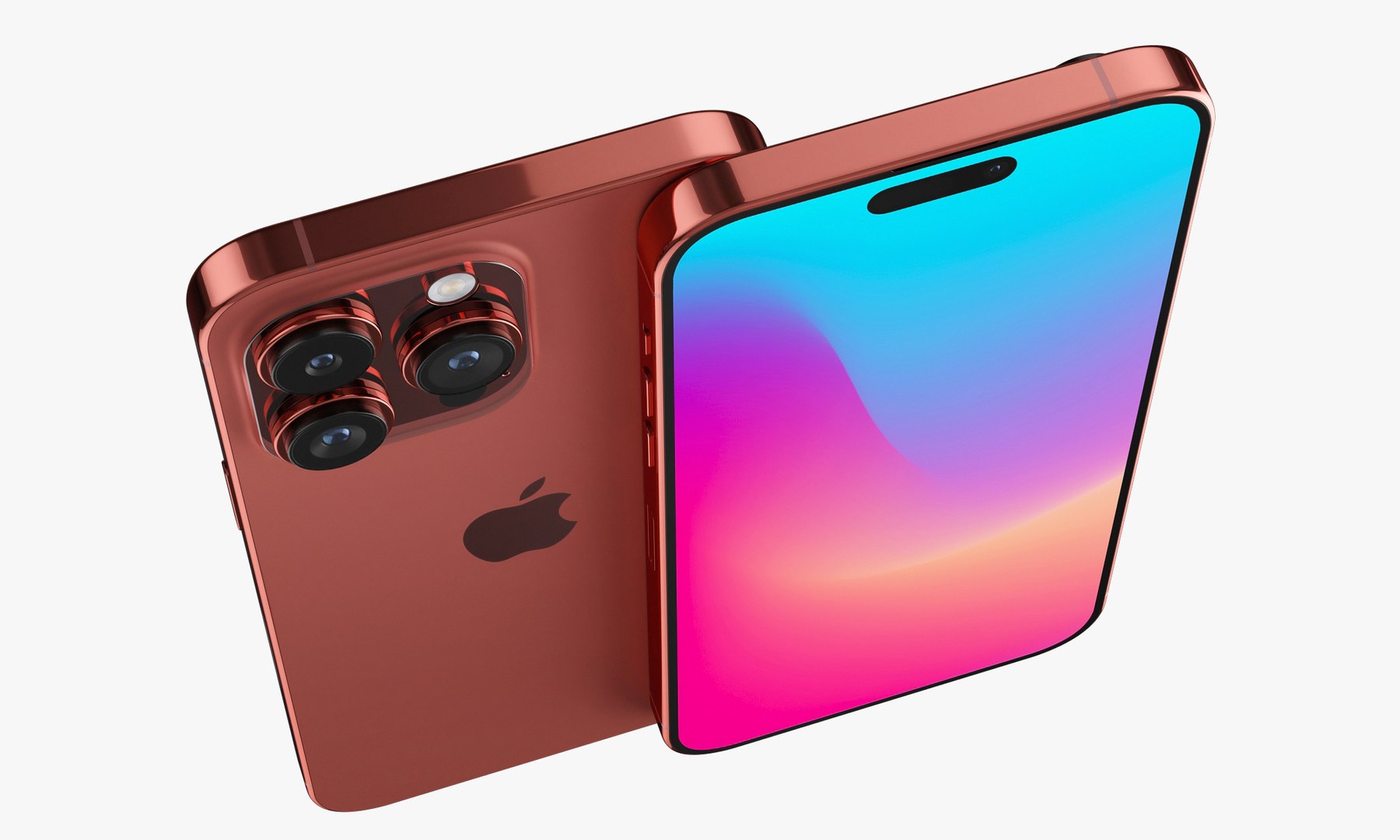
Apple iPhone 15 pro MAX v1

$39

Стандартная лицензия | Обновление лицензии
Только для редакционного использования
Форматы (7)
Доступны бесплатные форматы файлов
Native | 3ds Max 2013 | V-Ray 3.2
Blender 2.8 | Cycles Render
Cinema 4D R18 | Default Scanline
3ds Max 2013 | Corona 1.5
OBJ 3.2
3D Studio
OBJ
Спецификации
Дата публикации April 29, 2023
Код товара 2064273
Полигоны 16,971
вершины 18,502
Полигональный
текстуры
материалы
UV Mapped
Неперекрывающиеся развернутые UV-развертки

member avatar
madMIX_X
817 Продукты | Участник с 2016
Есть вопросы? Чат с нами сейчас.

Описание

Realistic (copy) 3d model Apple iPhone 15 pro MAX v1.

This set:

- 1 file obj standard
- 1 file 3ds Max 2013 vray material
- 1 file 3ds Max 2013 corona material
- 1 file of 3Ds
- 1 file e3d full set of materials.
- 1 file cinema 4d standard.
- 1 file blender cycles.


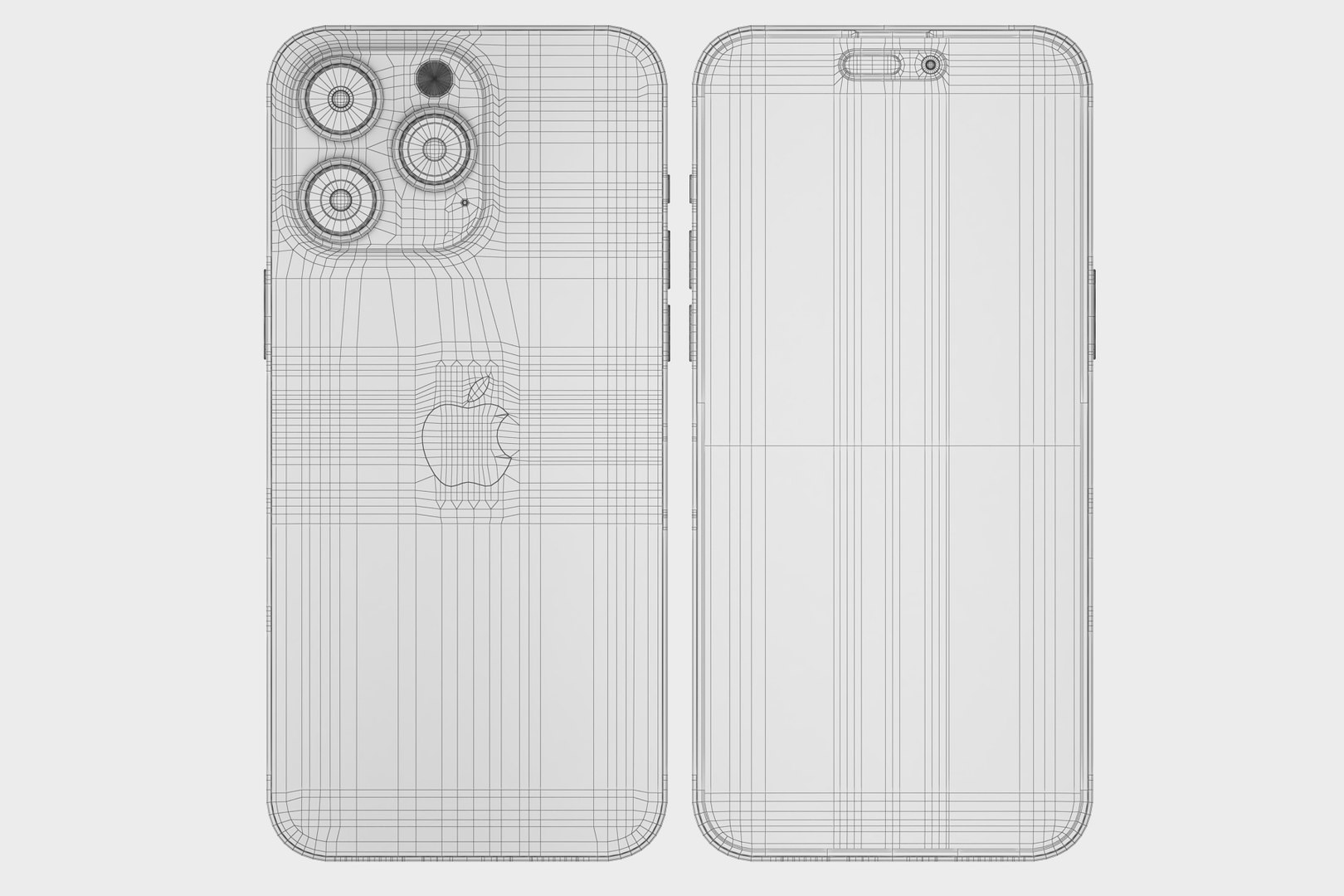
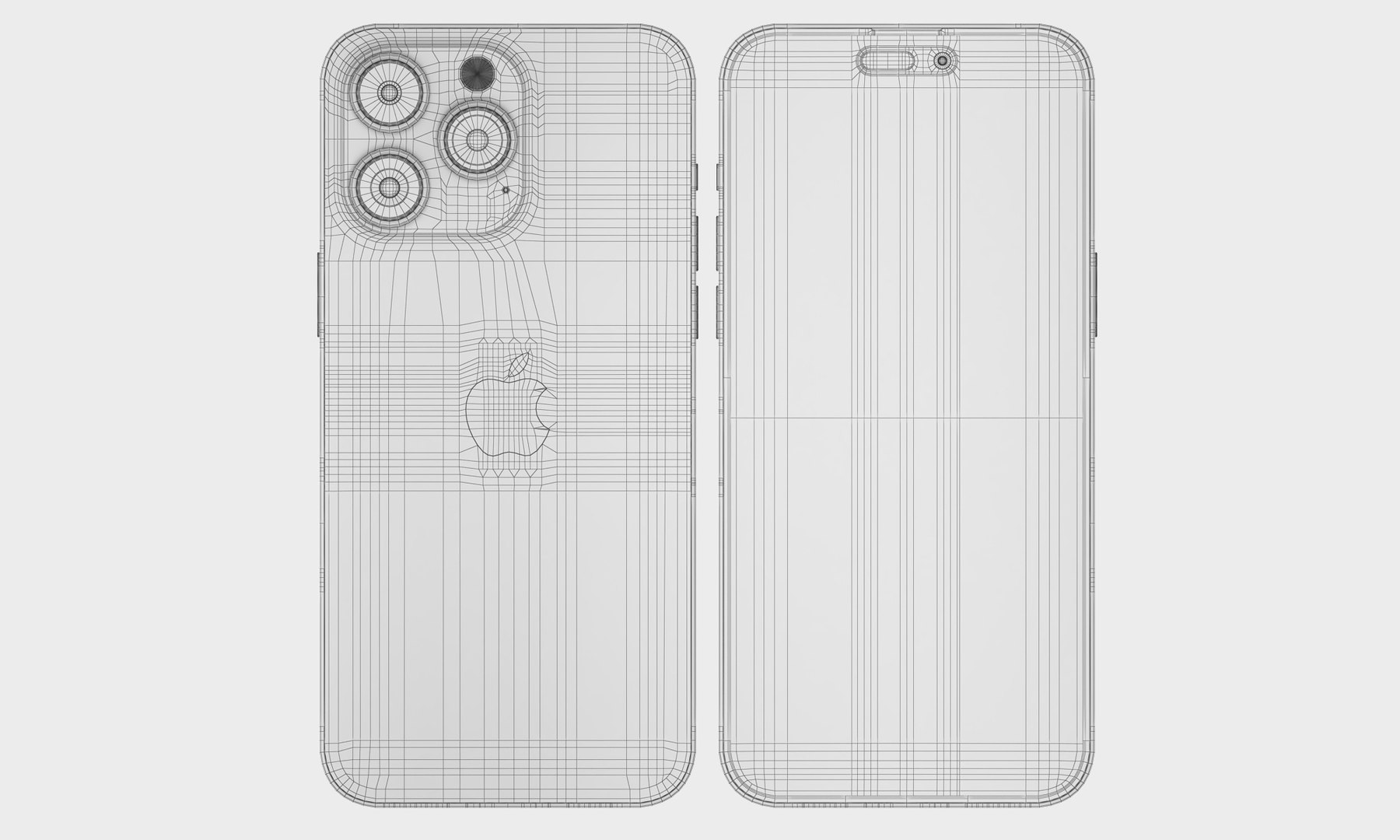
Topology of geometry:

- forms and proportions of The 3D model
- the geometry of the model was created very neatly
- there are no many-sided polygons
- detailed enough for close-up renders
- the model optimized for turbosmooth modifier
- Not collapsed the turbosmooth modified
- apply the Smooth modifier with a parameter to get the desired level of detail

Materials and Textures:

- 3ds max files included Vray-Shaders
- 3ds max files included Corona-Shaders
- Blender files included cycles shaders
- Cinema 4d files included Standard-Shaders
- Element 3d files
- all texture paths are cleared

Organization of scene:
- to all objects and materials
- real world size (system units - mm)
- coordinates of location of the model in space (x0, y0, z0)
- does not contain extraneous or hidden objects (lights, cameras, shapes etc.)

How to use it?
1. Discovery after the impact of CC 2014-2017 (or above) and create a new composition (you need Element 3D v2.2 to use)
2. Create a new solid layer and add the effect of the elements. (Effect / Video Copilot / Element)
3. Select Install Location
4. Click on the import inside the Element 3D Installation location
5. Select my .e3d according to the model and click on the open button.
If you do not see the model, do not forget to right click on the model name and press the replace model select.

Have a great project!

Выберите расширенную лицензию

  • $10,000 в юридической защите (возмещение ущерба)
  • Неограниченная правовая защита (компенсация)
  • Отказ от судебного запрета
  • Назначаемые права модели
  • $1,000,000 в юридической защите (возмещение ущерба)
  • Отказ от судебного запрета
  • Назначаемые права модели
  • $250,000 в юридической защите (возмещение ущерба)
  • Назначаемые права модели
Узнайте больше о расширенных уровнях лицензийили свяжитесь с нами по адресу enterprise@turbosquid.com. Уже являетесь клиентом Shutterstock Enterprise? Обратитесь к своему агенту службы поддержки продаж Shutterstock, чтобы обсудить добавление 3D.

About Conversion Requests

To submit a conversion request for a purchased asset, please complete our Conversion Request Form.

If you have not yet purchased a model, please review our Documentation about Conversions to learn about what limitations you may encounter with a conversion.

For any additional questions about a model’s suitability for conversion, please contact TurboSquid Support.

Загрузка...