
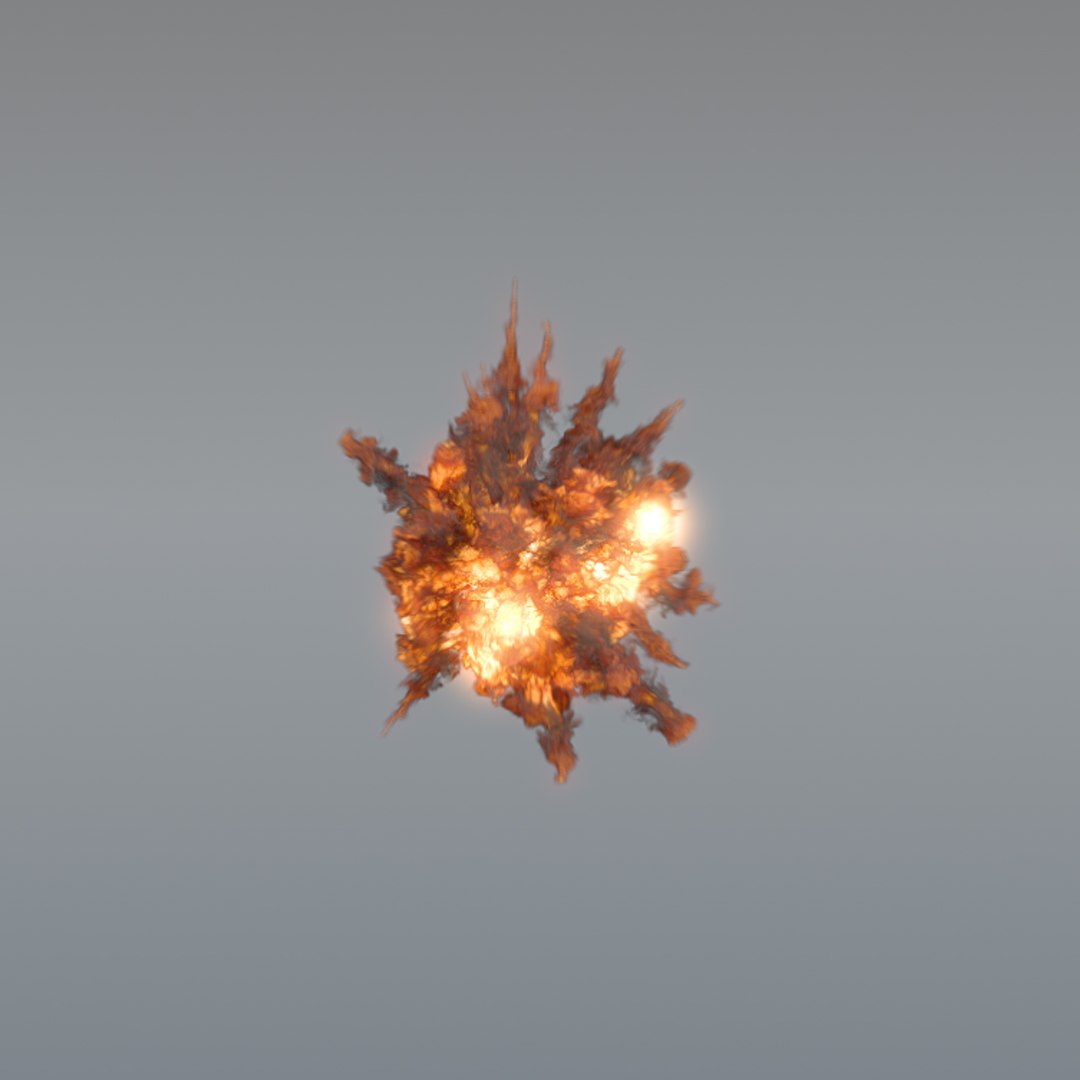
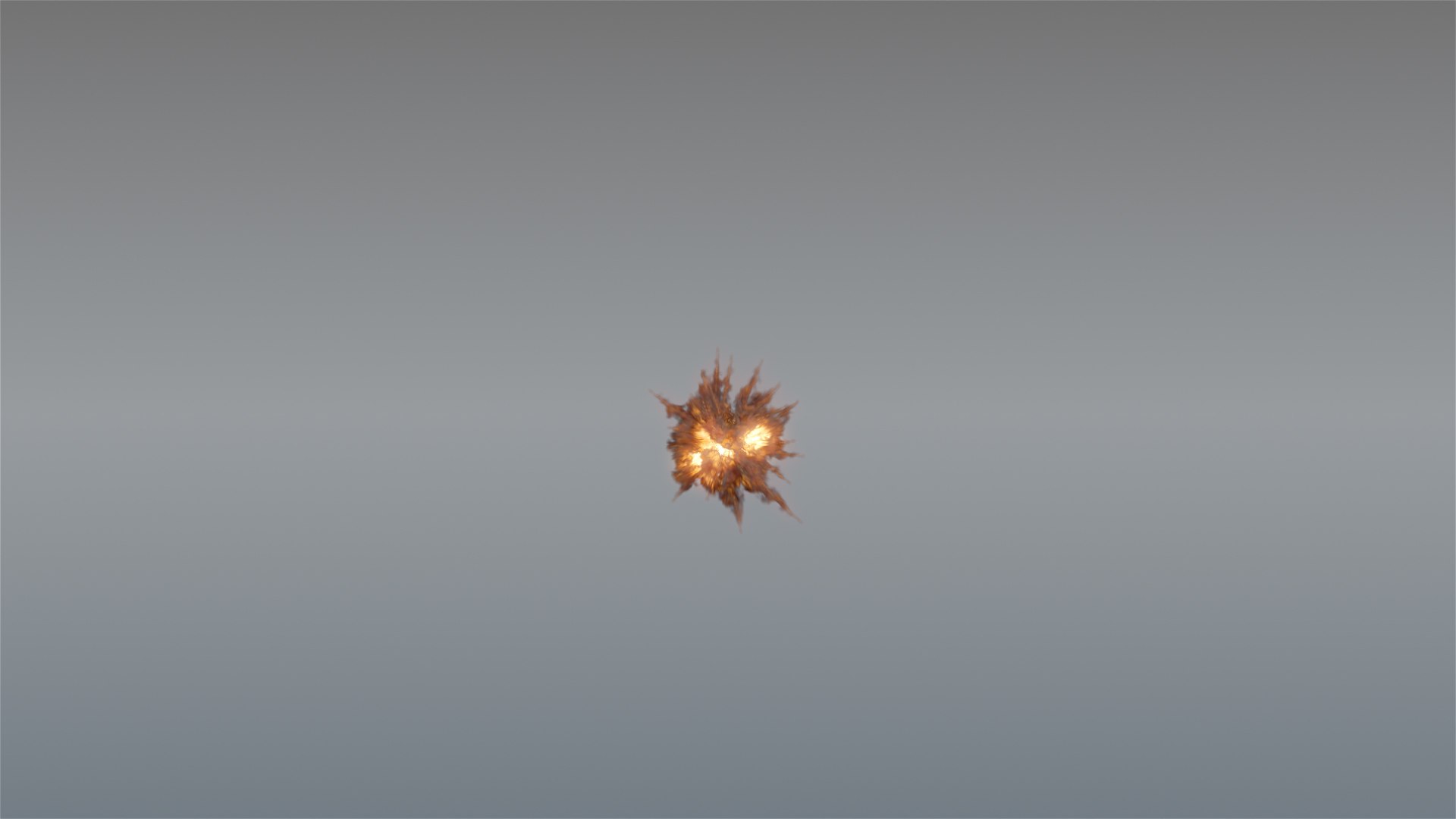
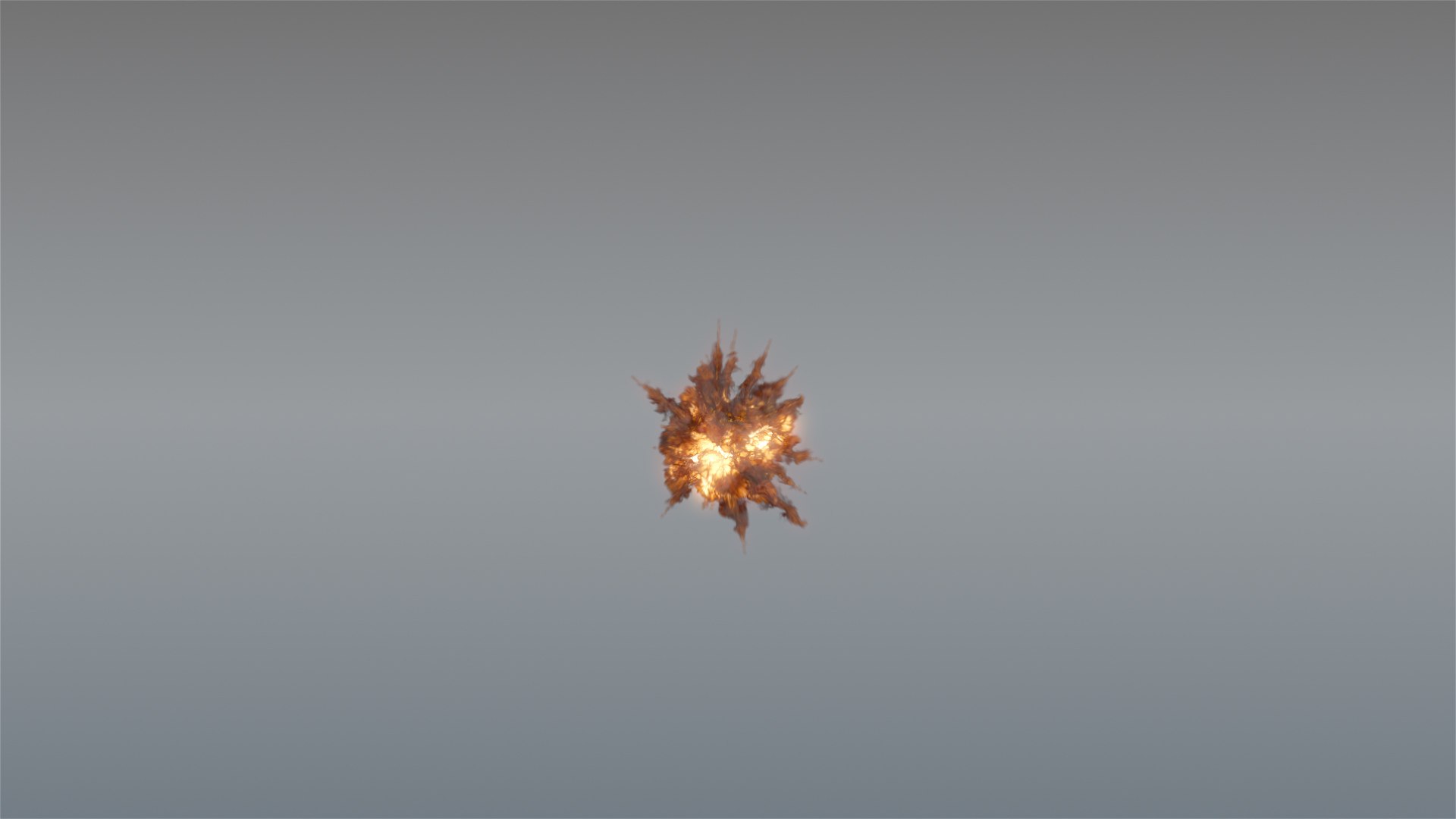
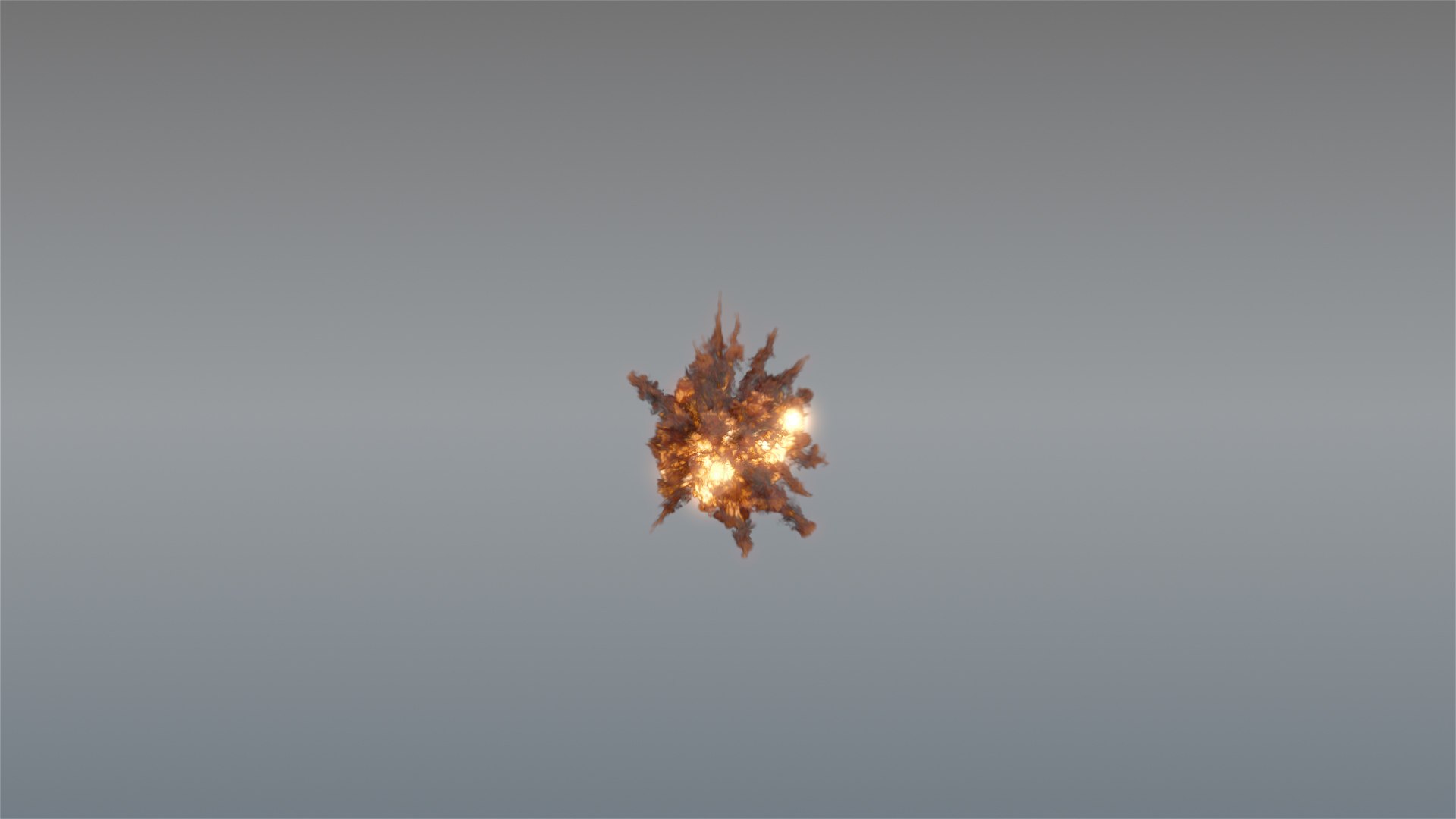
Воздушный взрыв 01 - ВДБ

$45

Стандартная лицензия | Обновление лицензии
Форматы (18)
Доступны бесплатные форматы файлов
Native | 3ds Max 2018 | V-Ray 4.2
Maya 2018 | V-Ray 4.1
Other Textures
Спецификации
Дата публикации July 03, 2020
Код товара 1585272
Полигоны 1
вершины 4
Неизвестная геометрия
материалы
мультипликационный
Эксклюзивно для TurboSquid
member avatar
maylen3d
144 Продукты | Участник с 2014
Есть вопросы? Чат с нами сейчас.

Описание

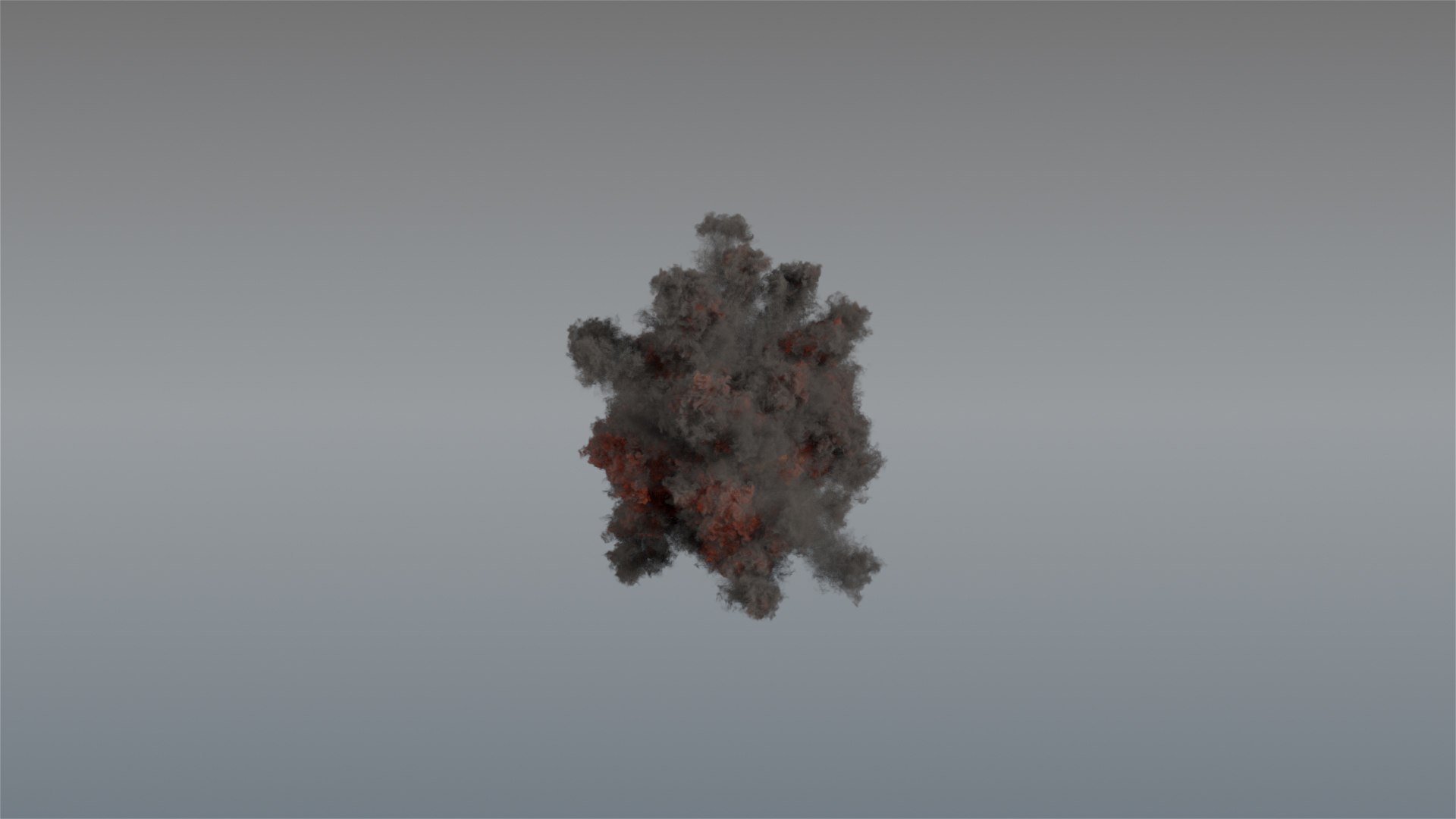
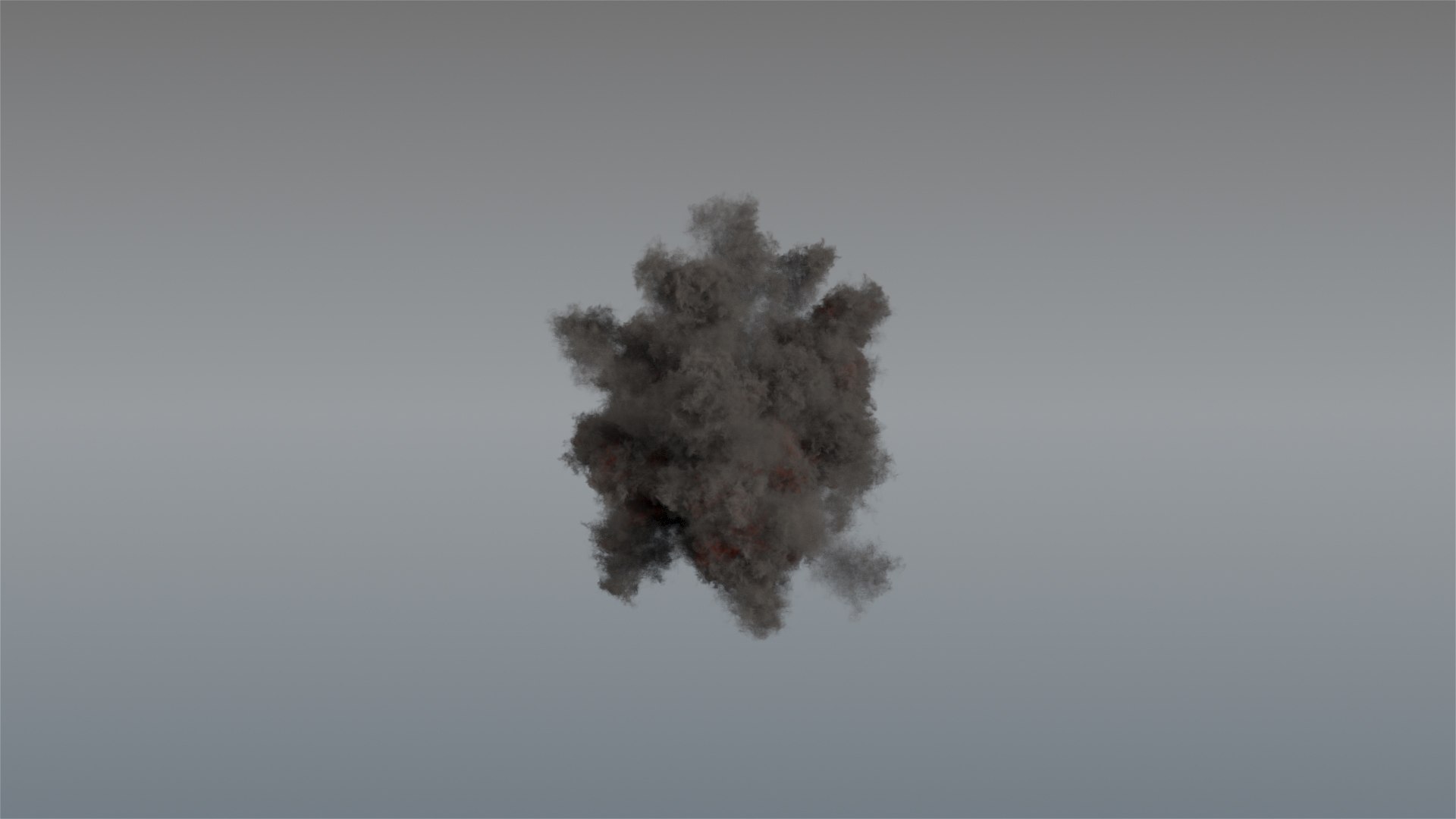
Aerial Fire Explosion (100 frames)

Get a realistic fire ground explosion ready to load and render in any 3d software. Please download the promotional video to see it in motion.

You do not need to simulate, just load your VDB data(volumetric information) and done, ready to render! You can also scale or rotate it to fit your scene.

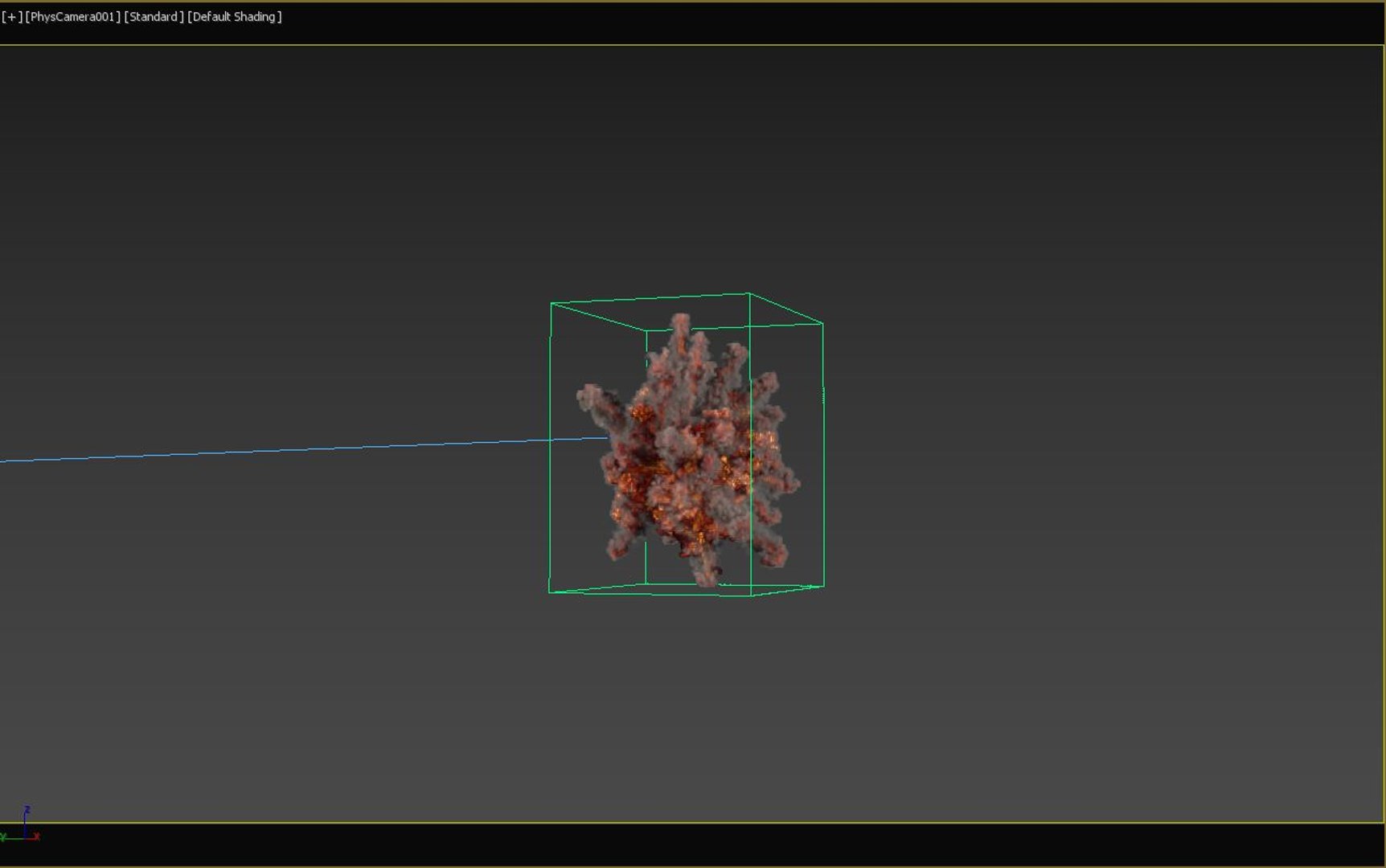
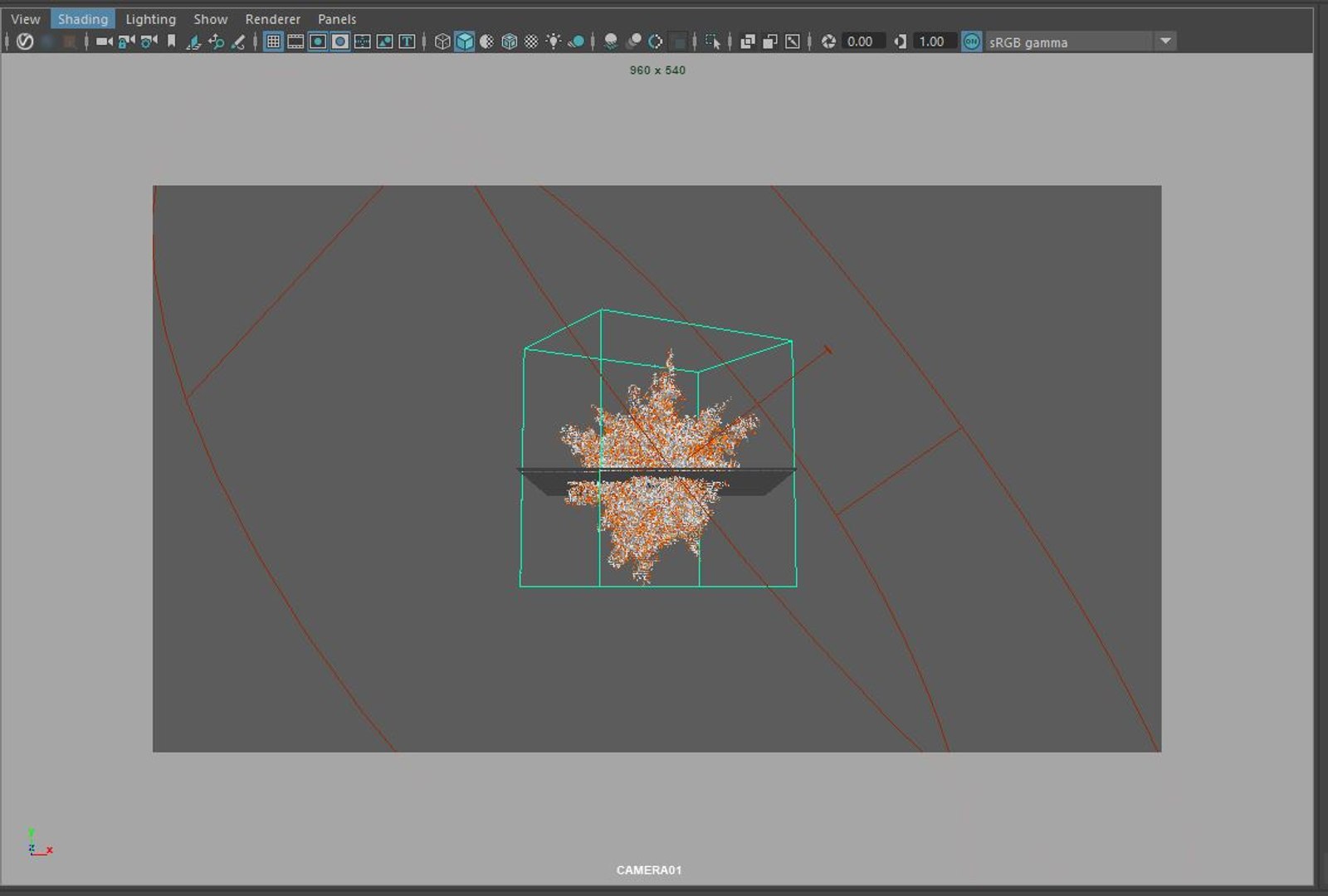
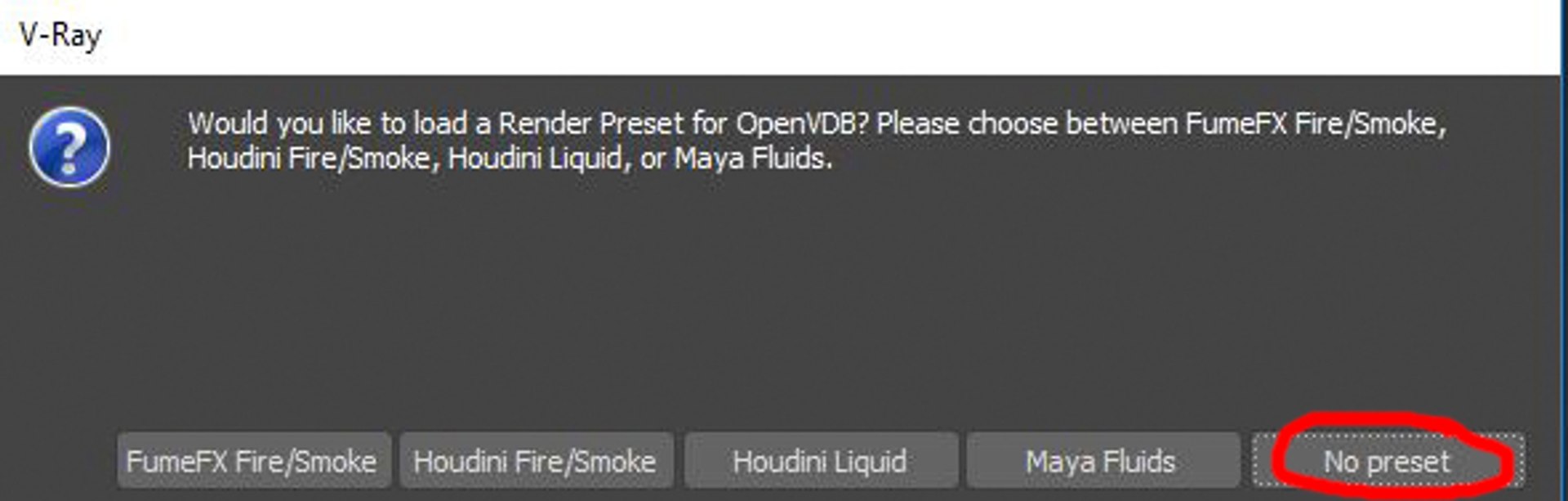
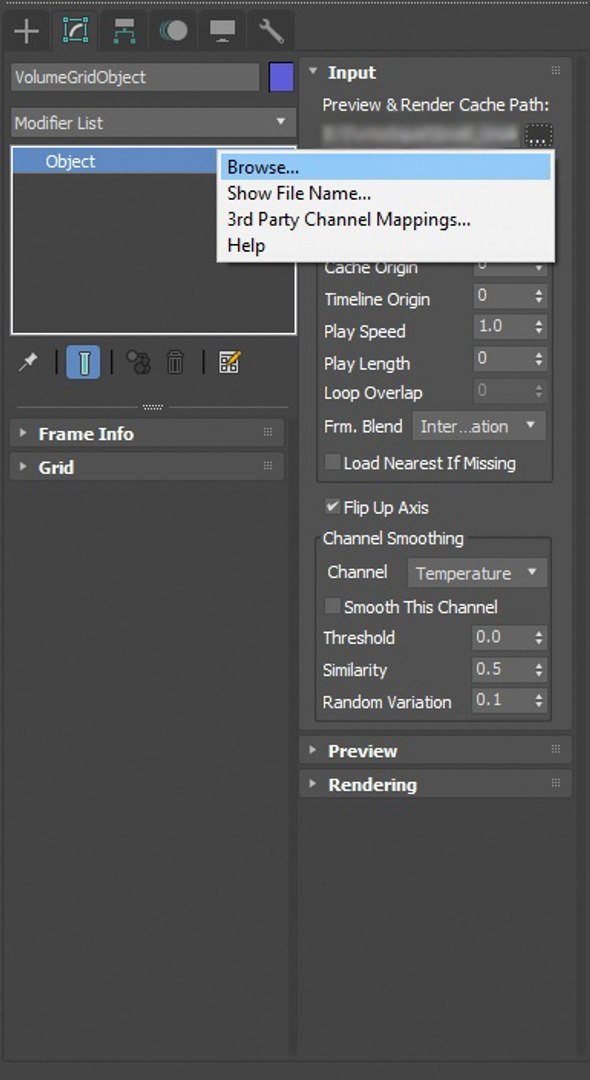
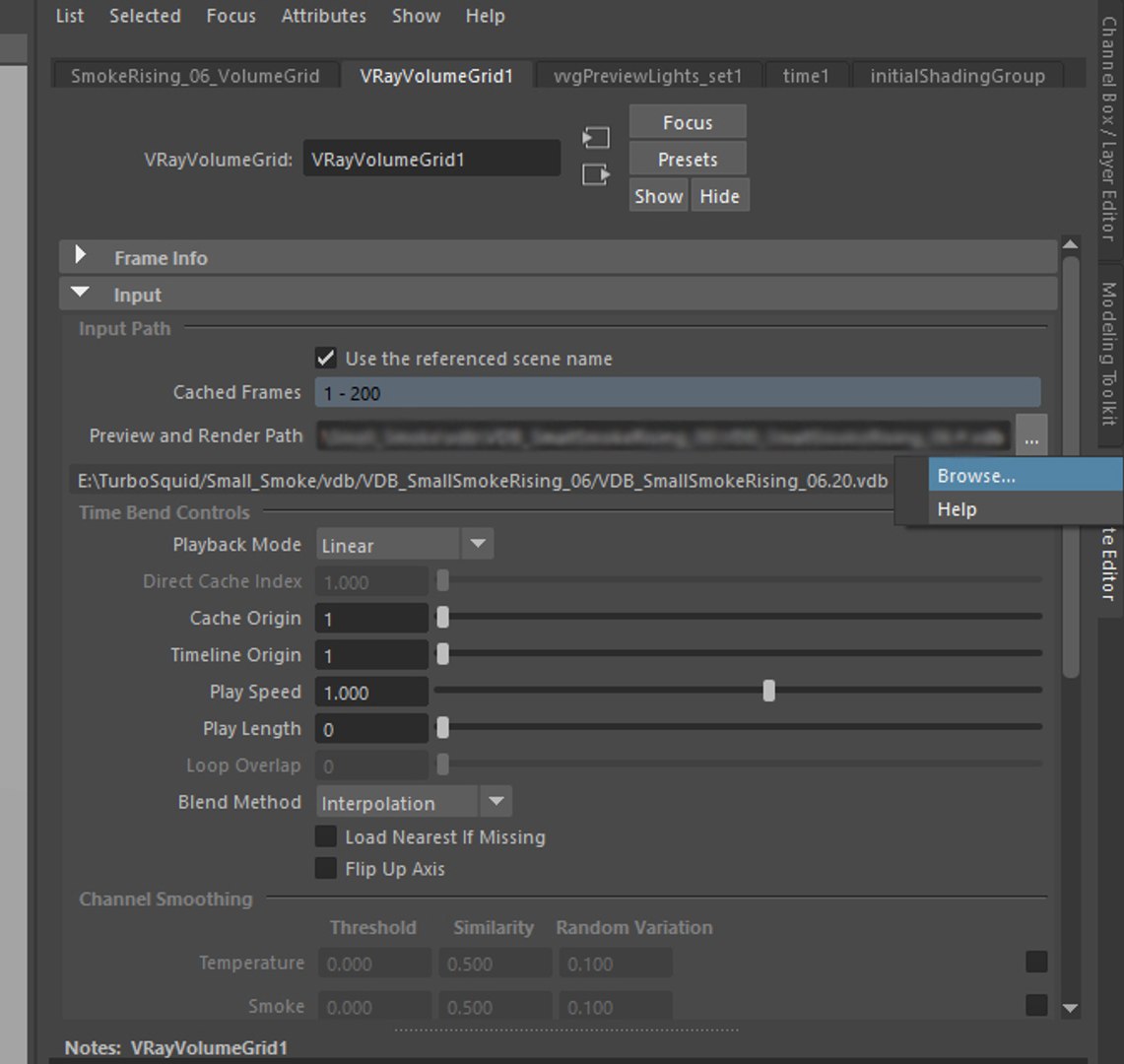
3ds Max and Maya files are already included with the VDB data loaded using VolumeGrid from VRay. All the shading and lighting its been already done.

If you loaded in other software or render engine, you just need to load and set up the shading. Density and temperature field is all you need to tweak smoke and fire(VDB is containing 100 frames of smoke and 100 frames of temperature field)

You can also tweak the look really easily by changing the density and shadows, if you have any question feel free to ask.

After effects project is included with basic pre composition as seen in the preview image and video.

A VDB file is a volume database file created by OpenVDB, and it has been adopted by Cinema 4D, Houdini, RenderMan, Arnold, RealFlow, Maxwell Render, LightWave 3D Modo, V-Ray, Octane Render, and 3Delight.

Выберите расширенную лицензию

  • $10,000 в юридической защите (возмещение ущерба)
  • Неограниченная правовая защита (компенсация)
  • Отказ от судебного запрета
  • Назначаемые права модели
  • $1,000,000 в юридической защите (возмещение ущерба)
  • Отказ от судебного запрета
  • Назначаемые права модели
  • $250,000 в юридической защите (возмещение ущерба)
  • Назначаемые права модели
Узнайте больше о расширенных уровнях лицензийили свяжитесь с нами по адресу enterprise@turbosquid.com. Уже являетесь клиентом Shutterstock Enterprise? Обратитесь к своему агенту службы поддержки продаж Shutterstock, чтобы обсудить добавление 3D.

About Conversion Requests

To submit a conversion request for a purchased asset, please complete our Conversion Request Form.

If you have not yet purchased a model, please review our Documentation about Conversions to learn about what limitations you may encounter with a conversion.

For any additional questions about a model’s suitability for conversion, please contact TurboSquid Support.

Загрузка...