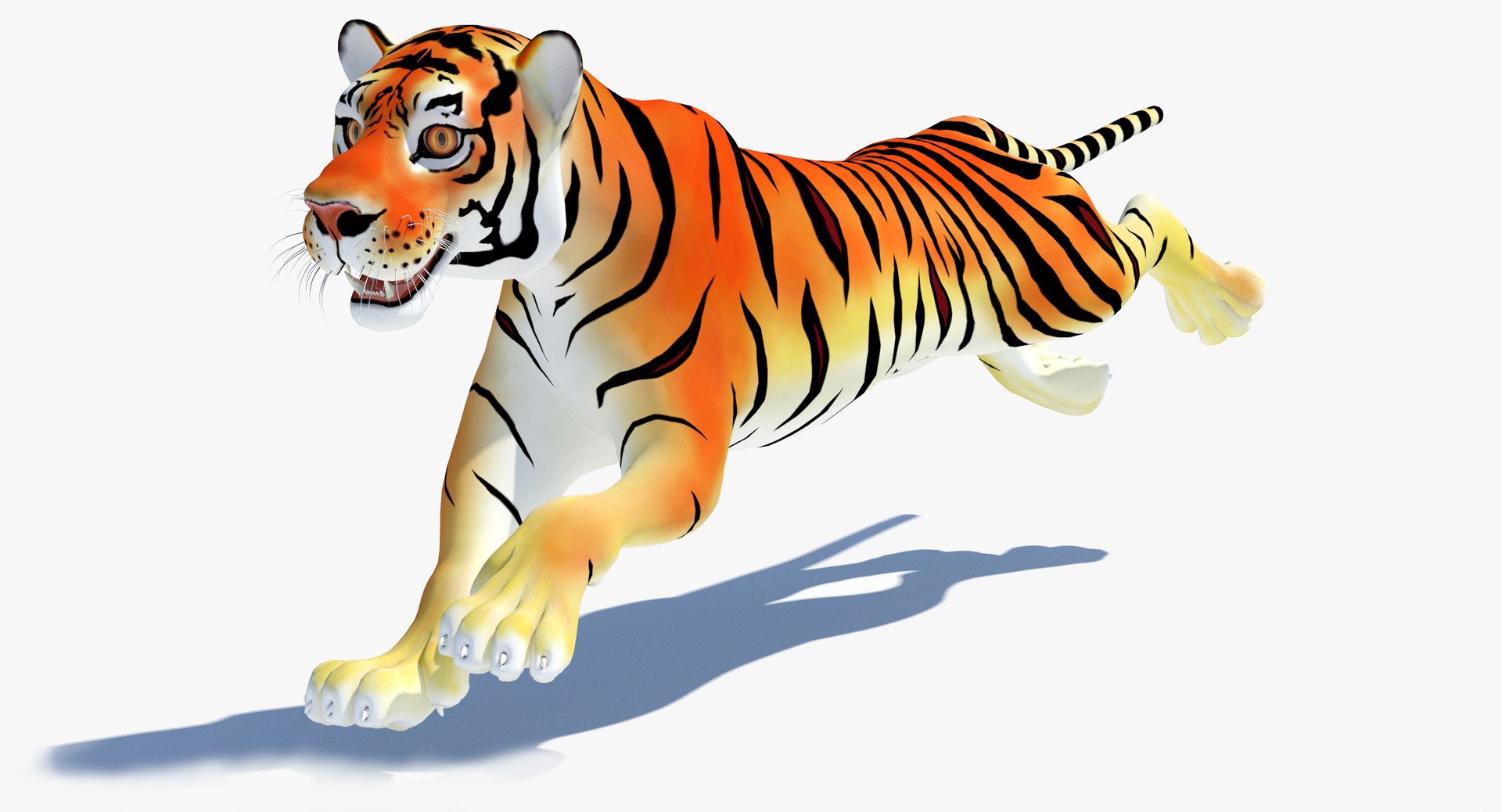
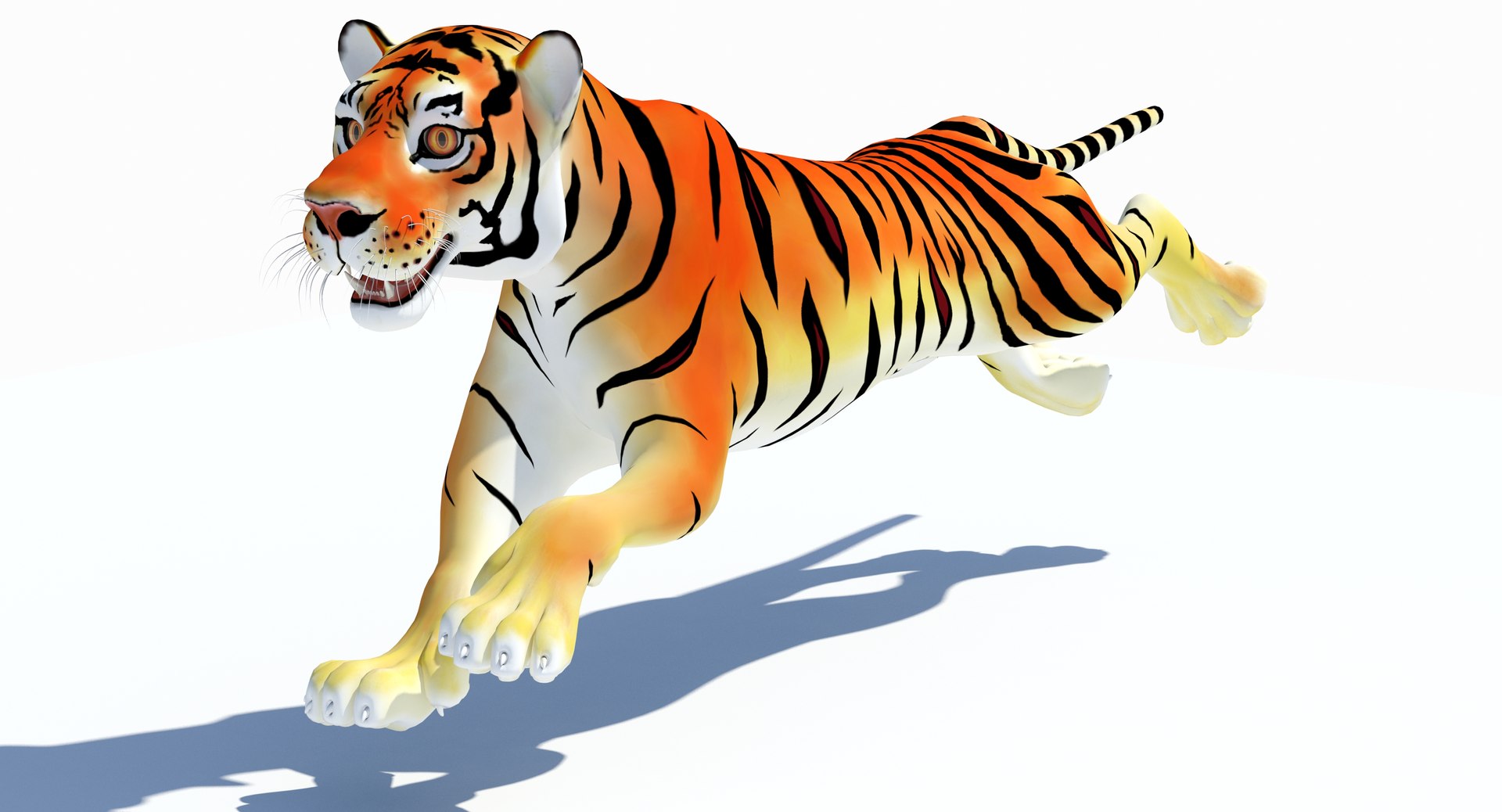
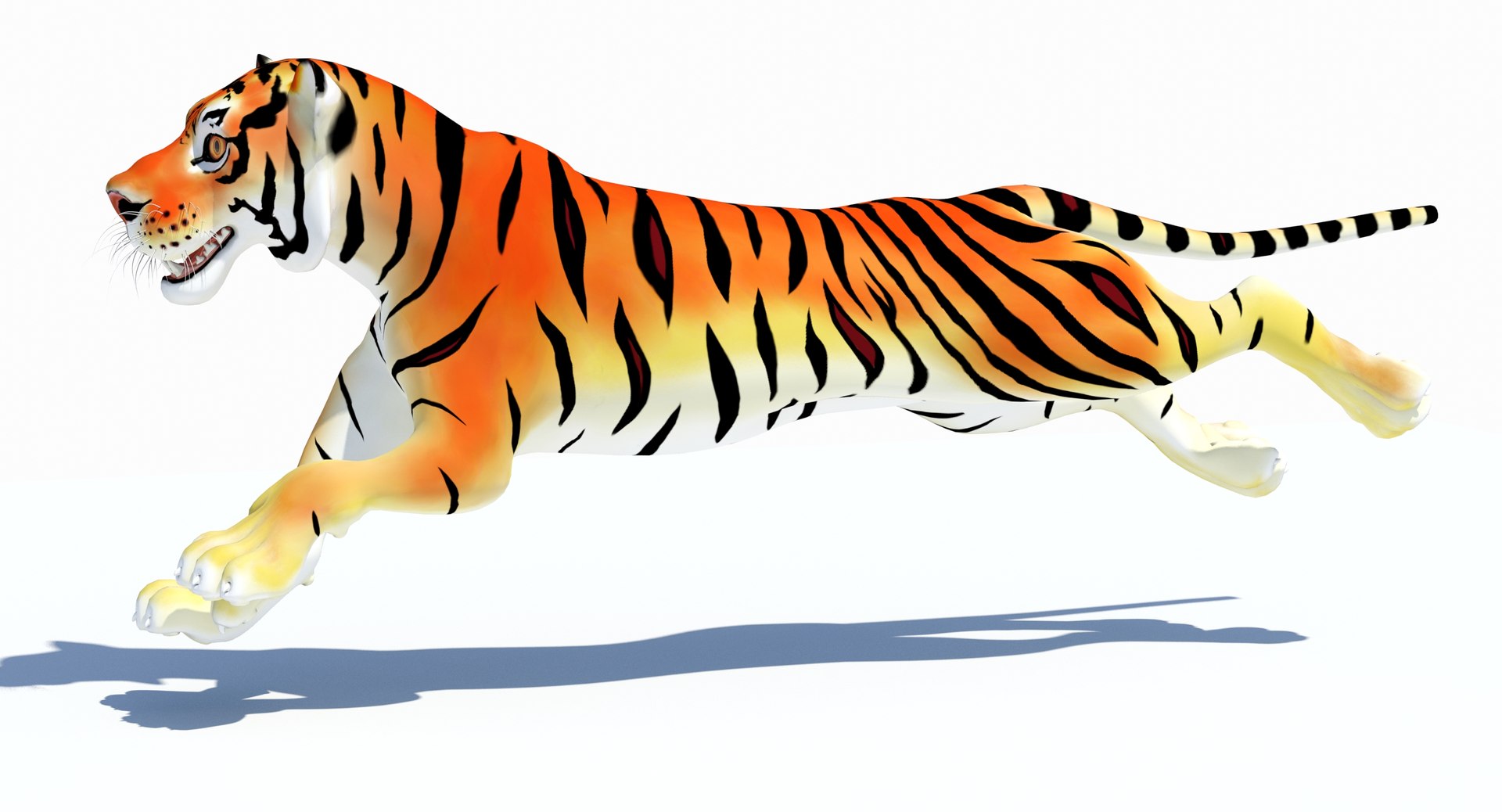
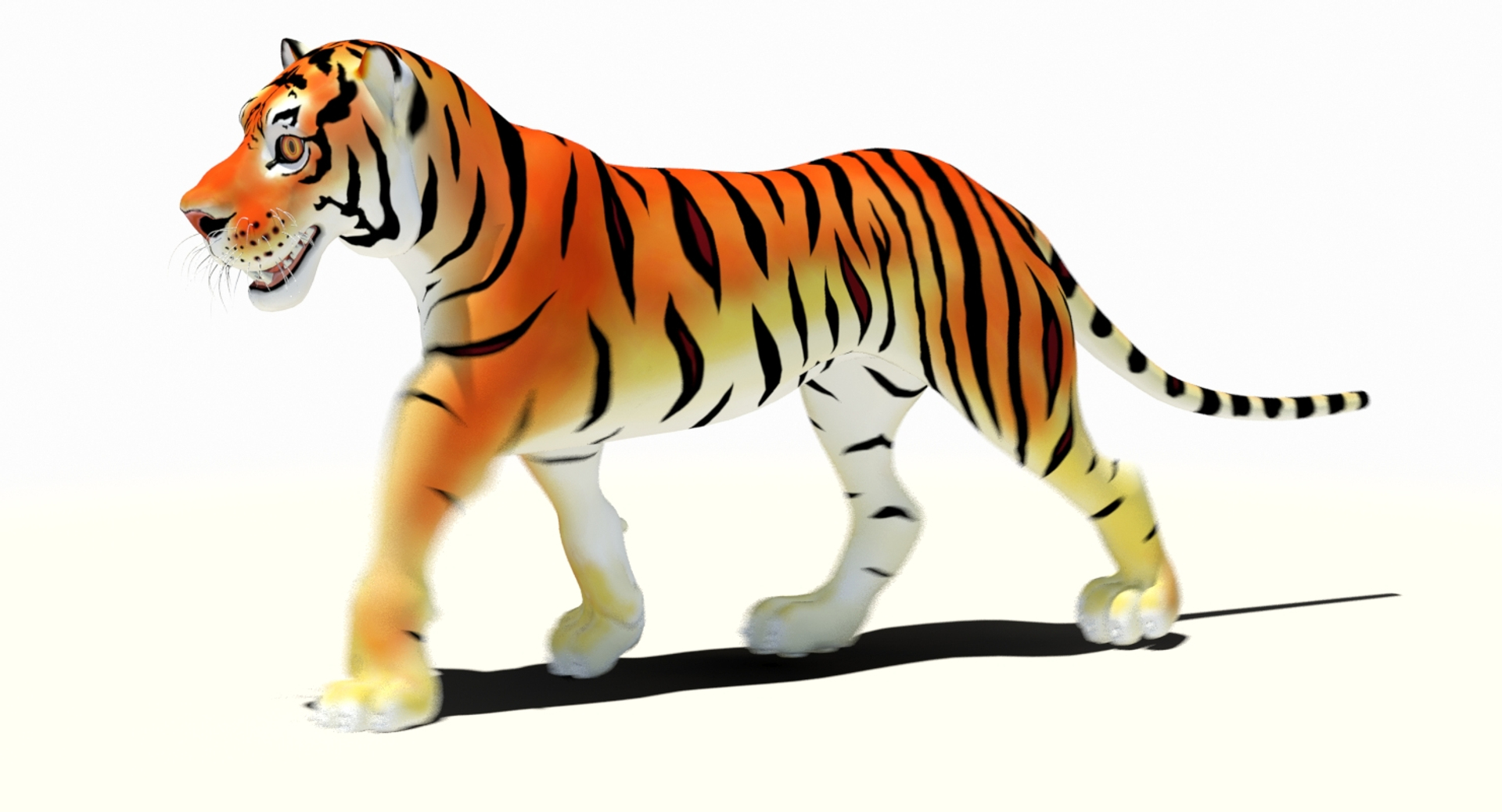
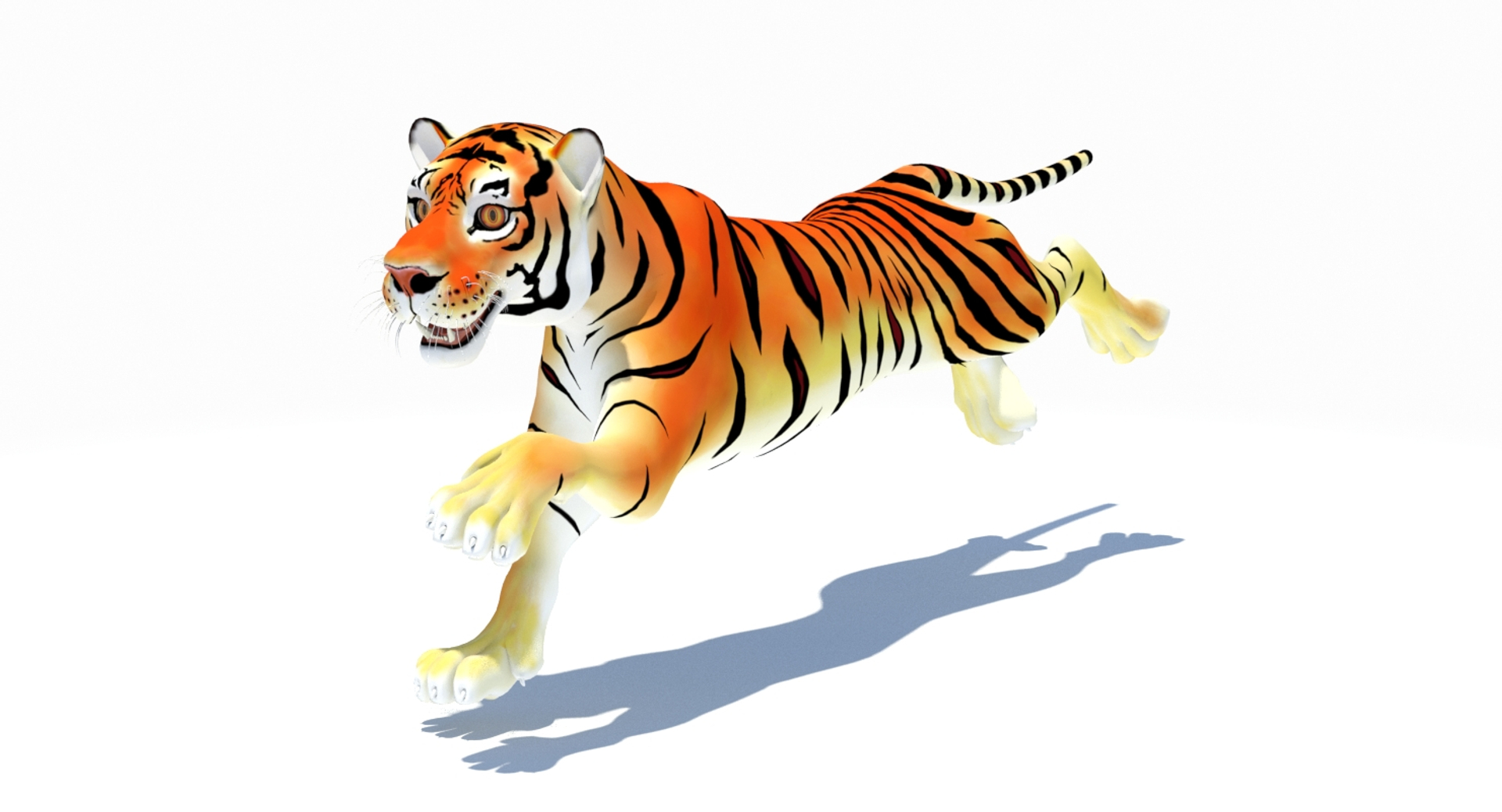
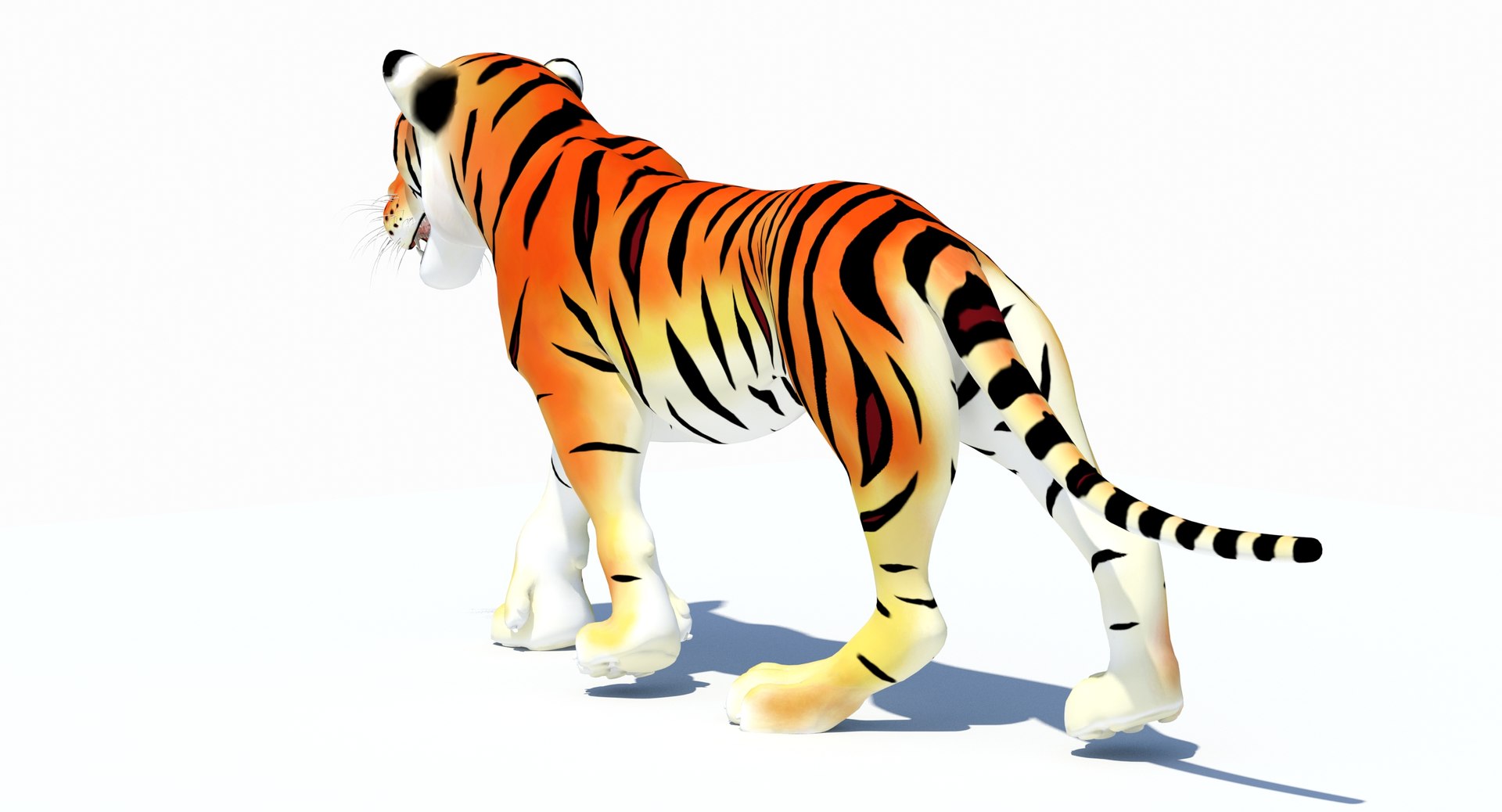
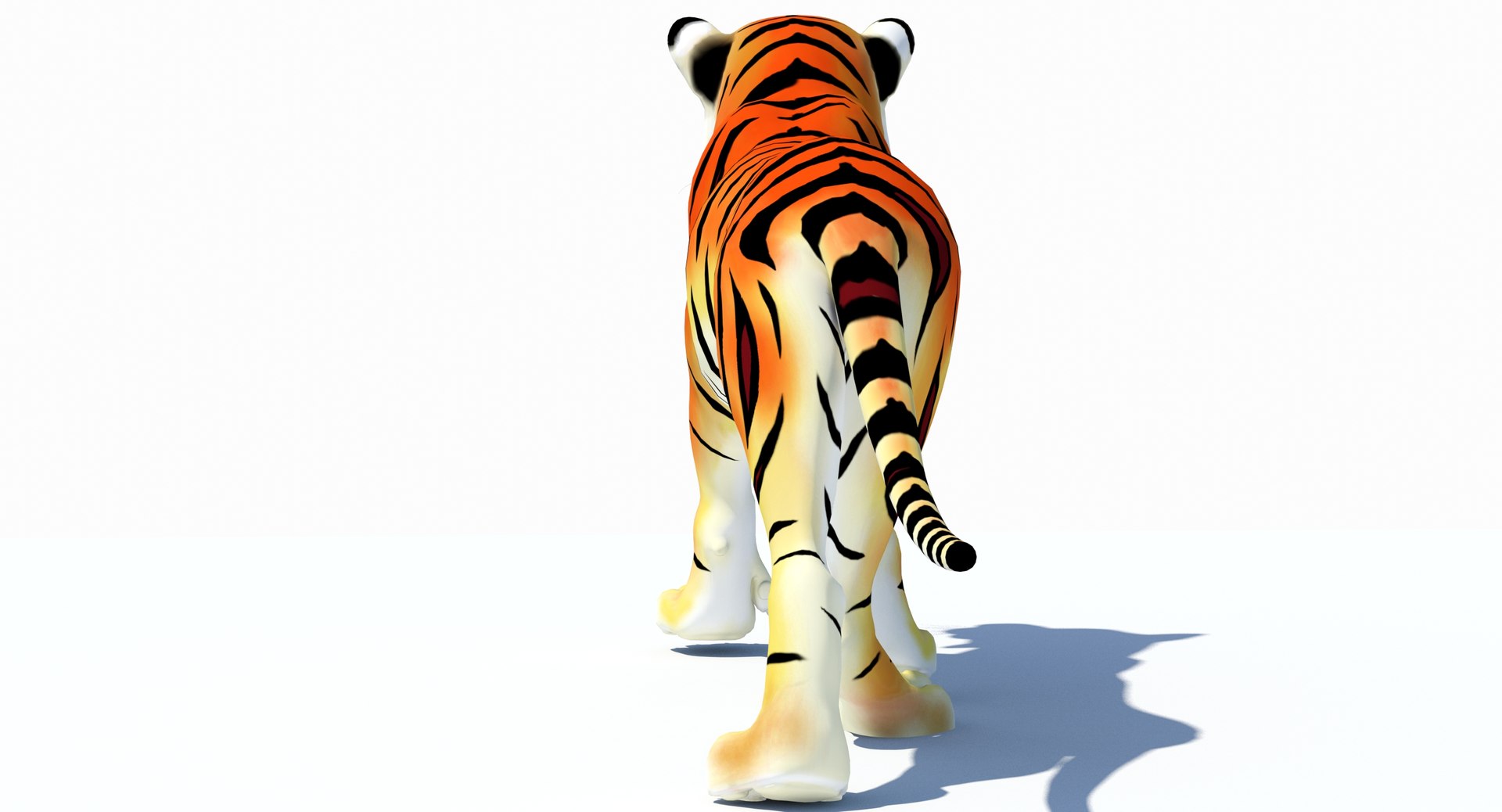
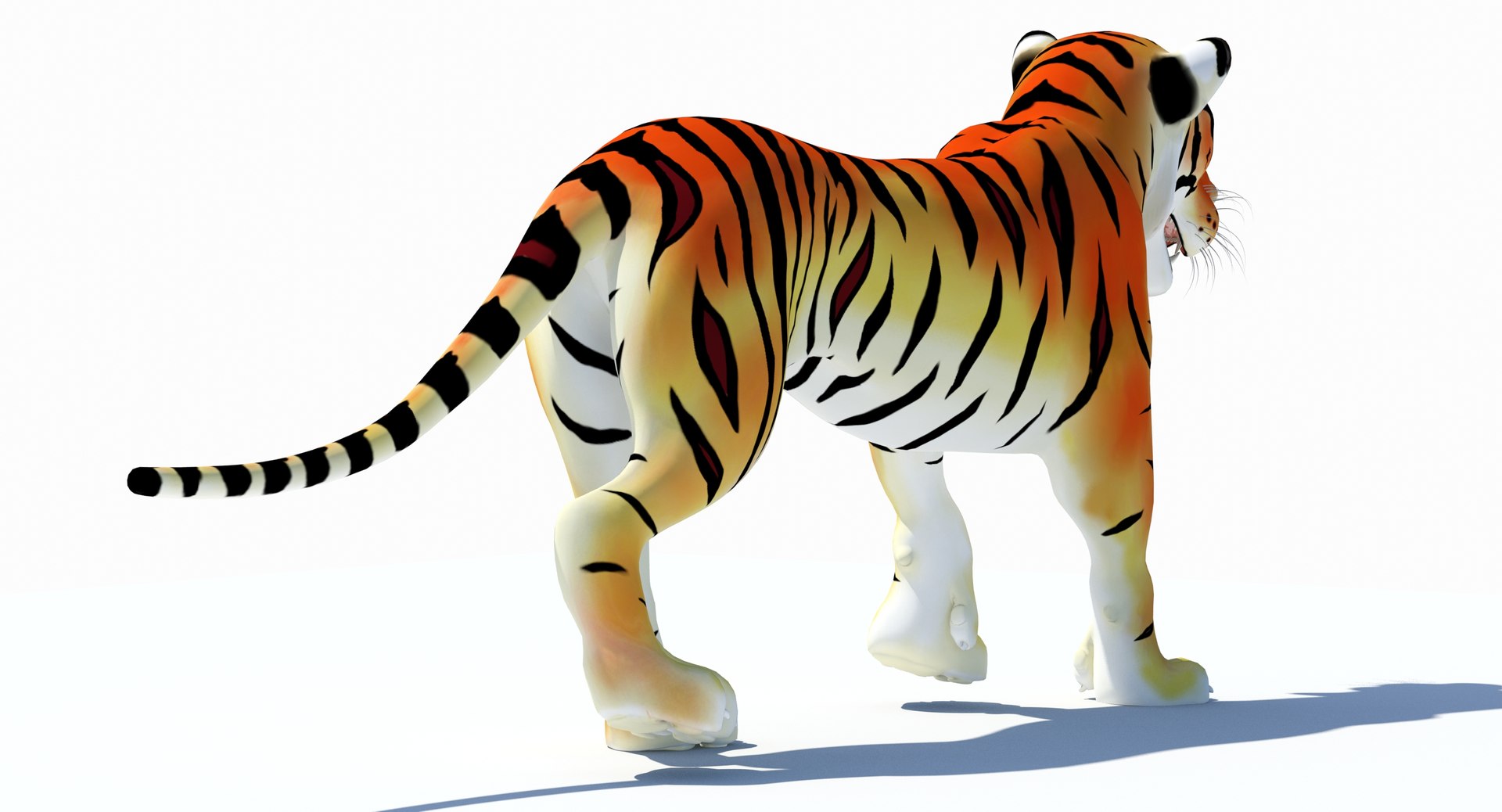
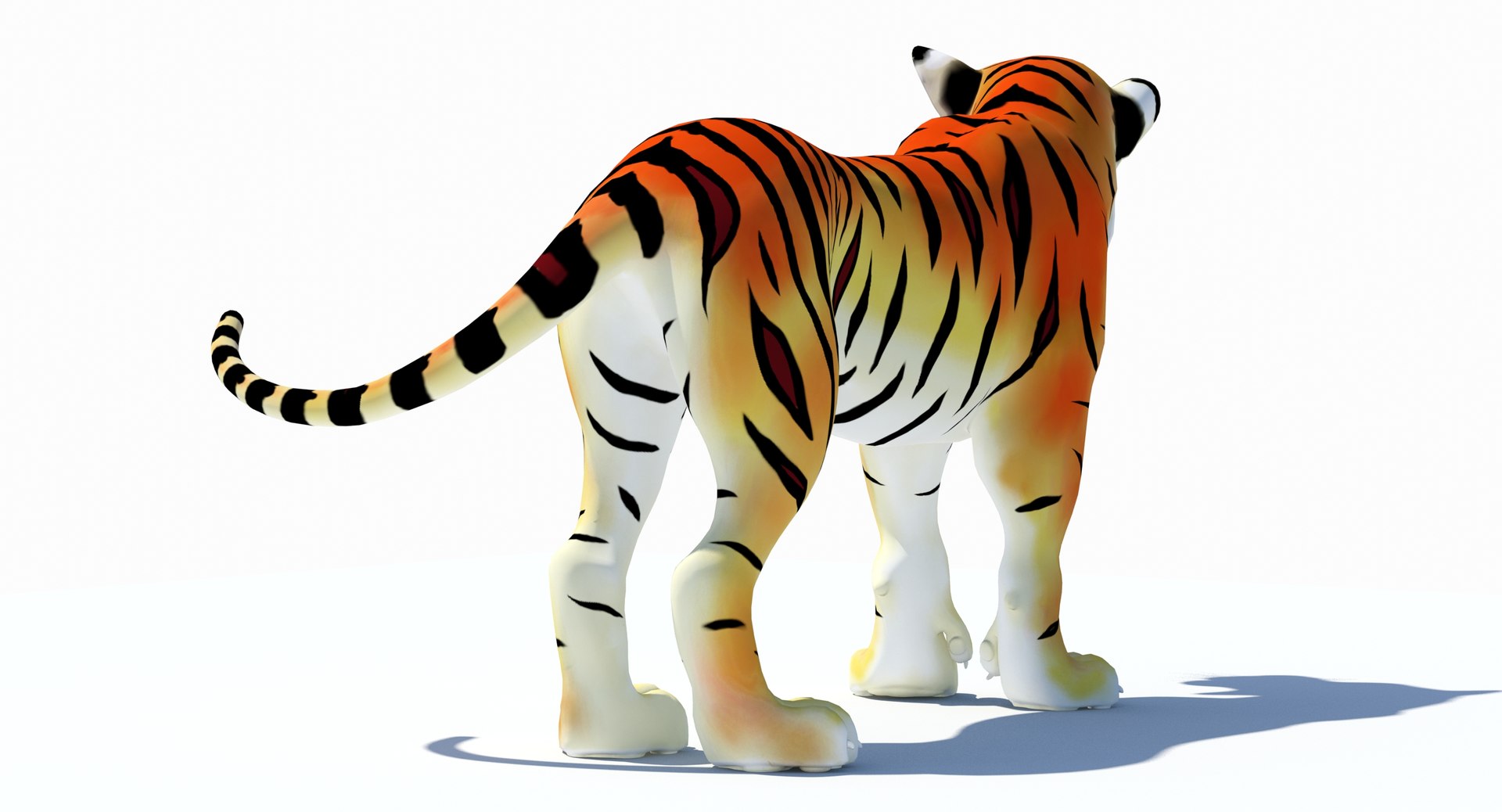
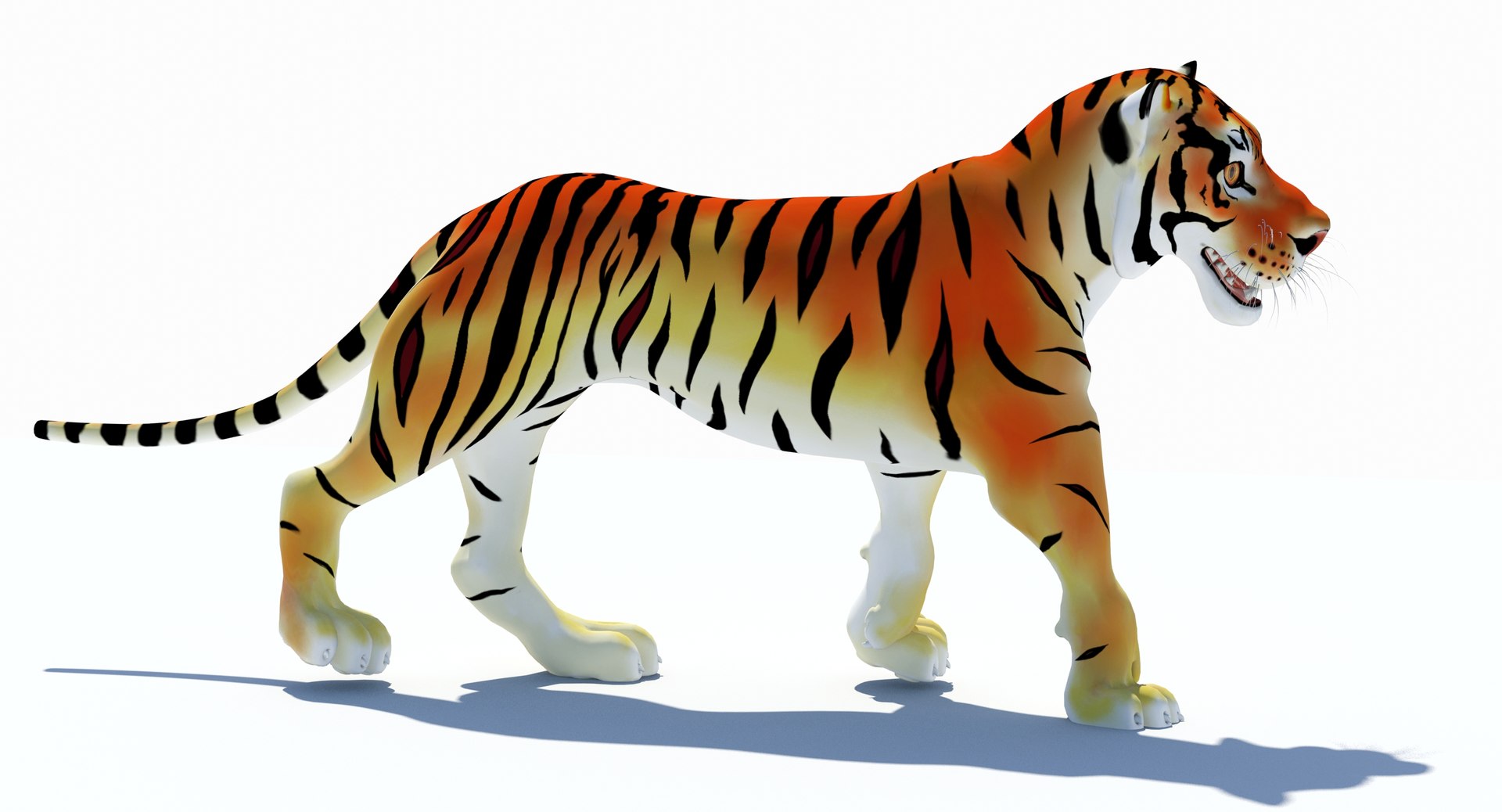
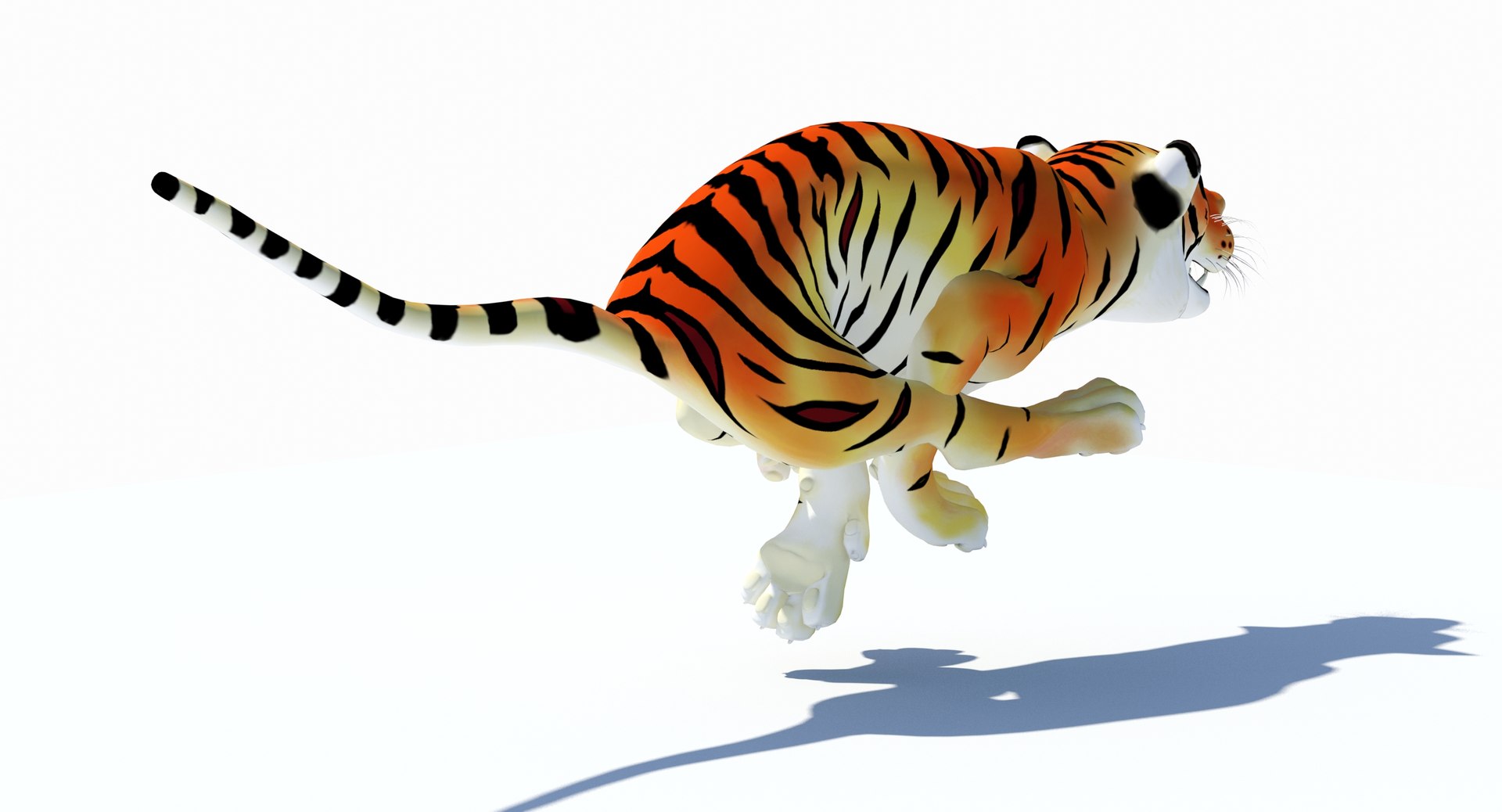
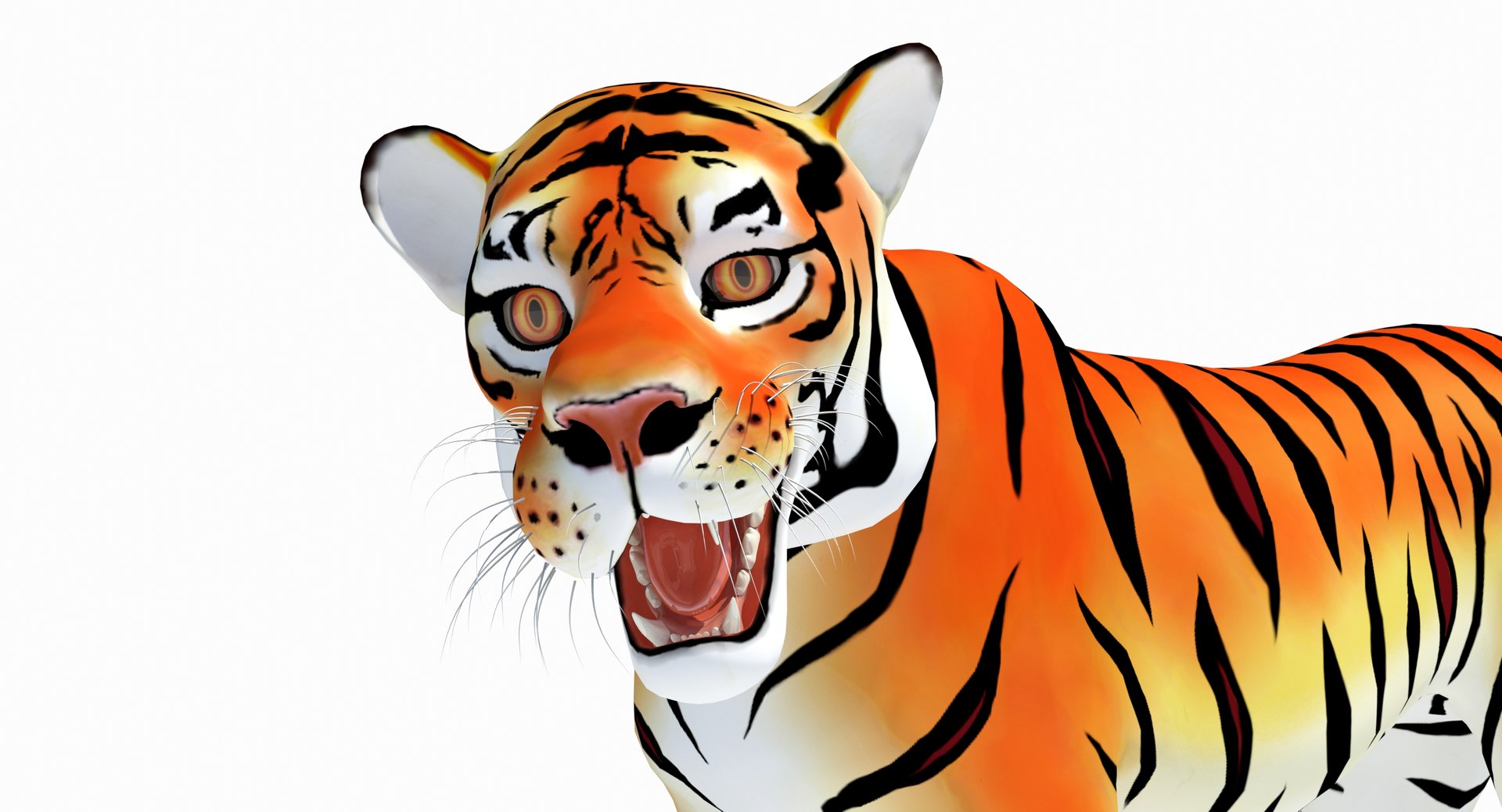
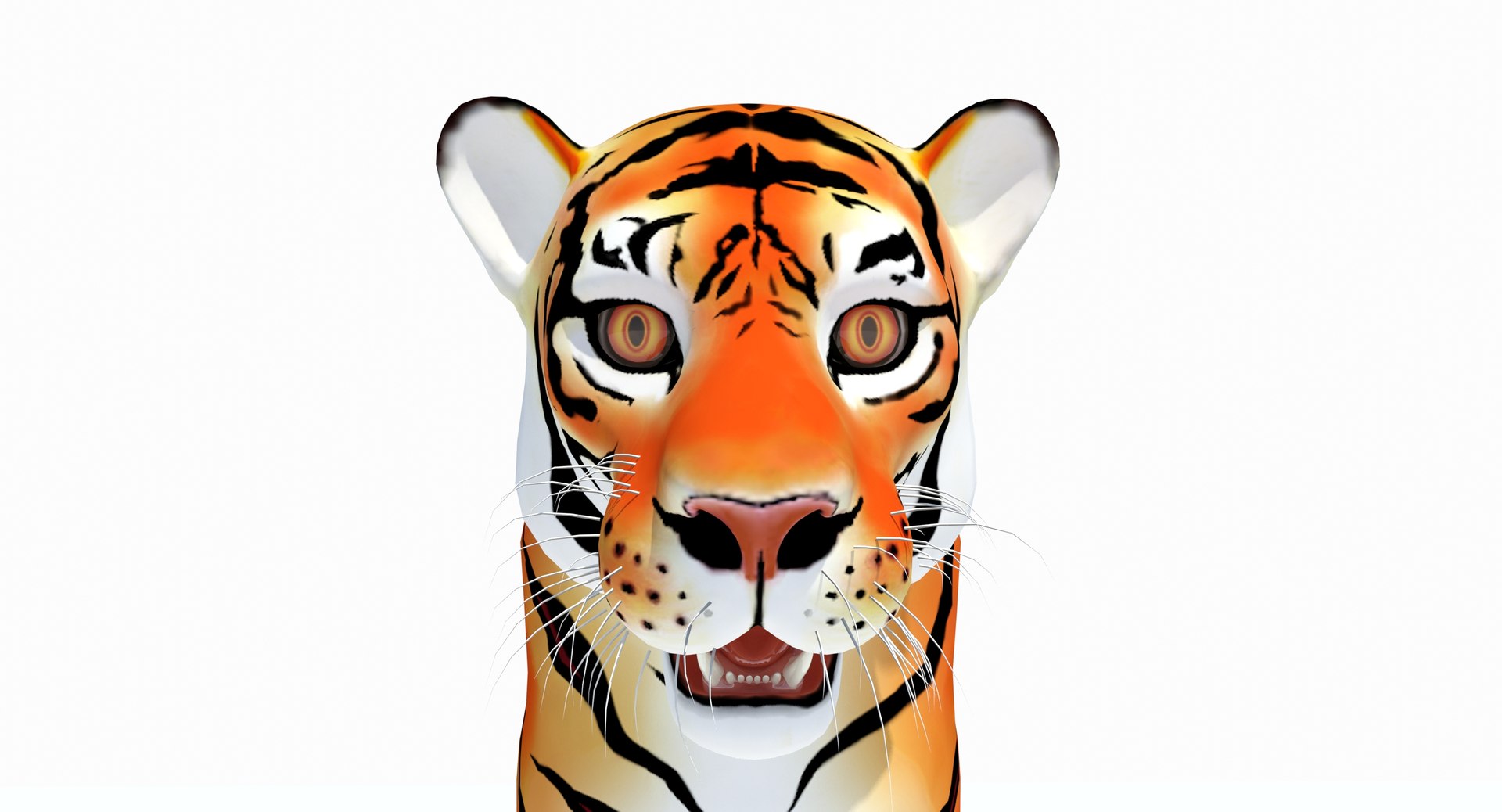
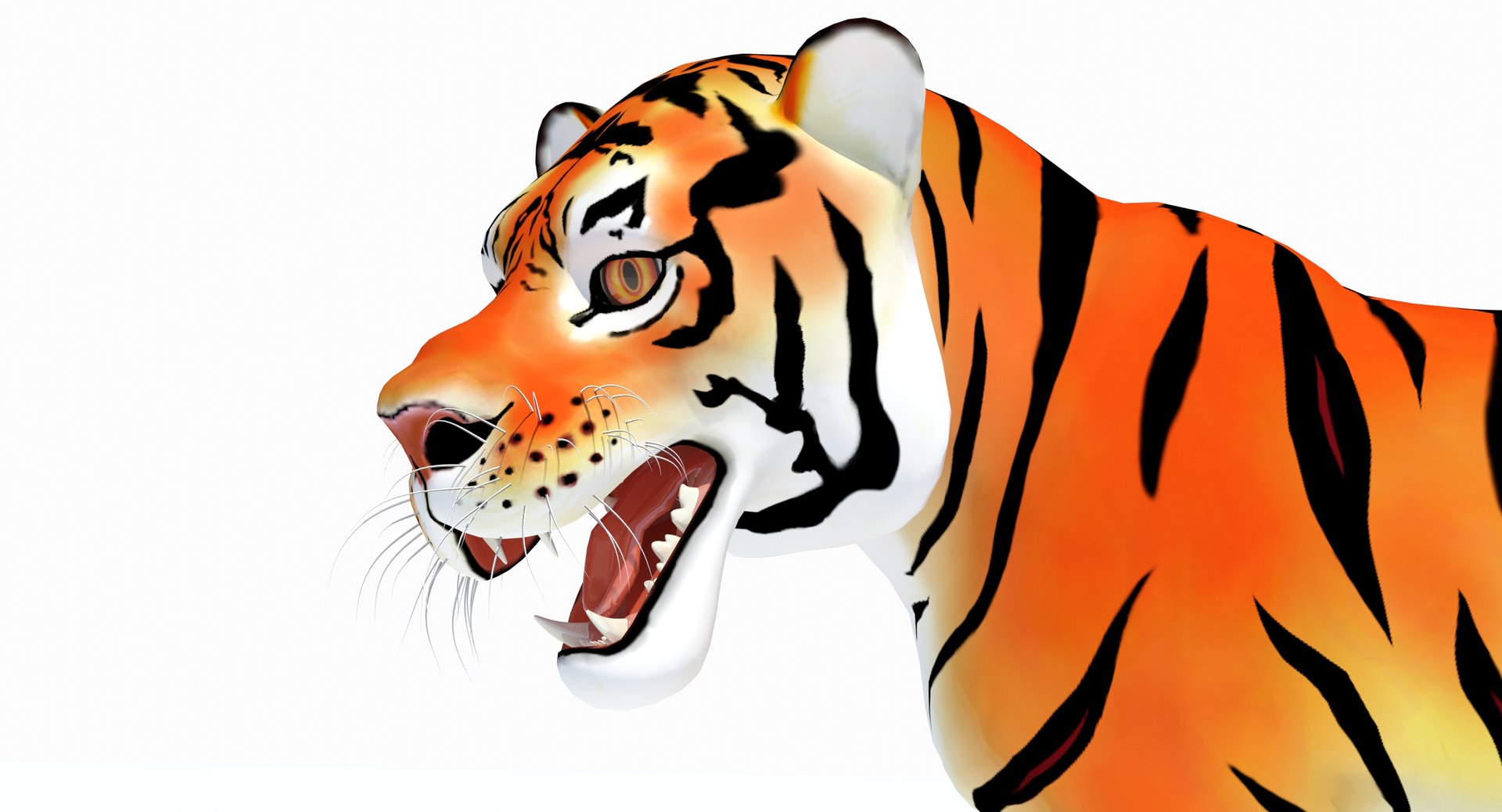
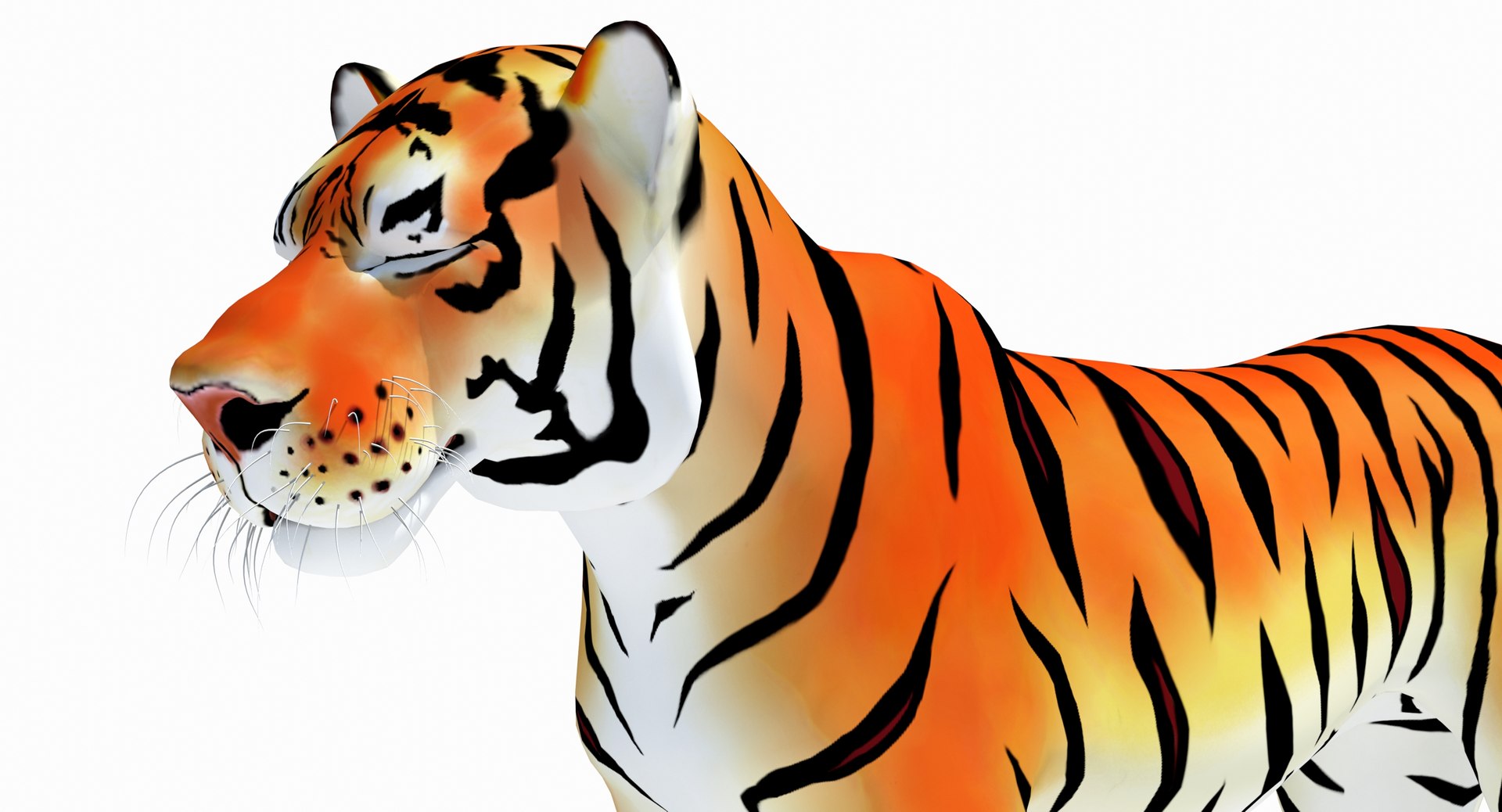
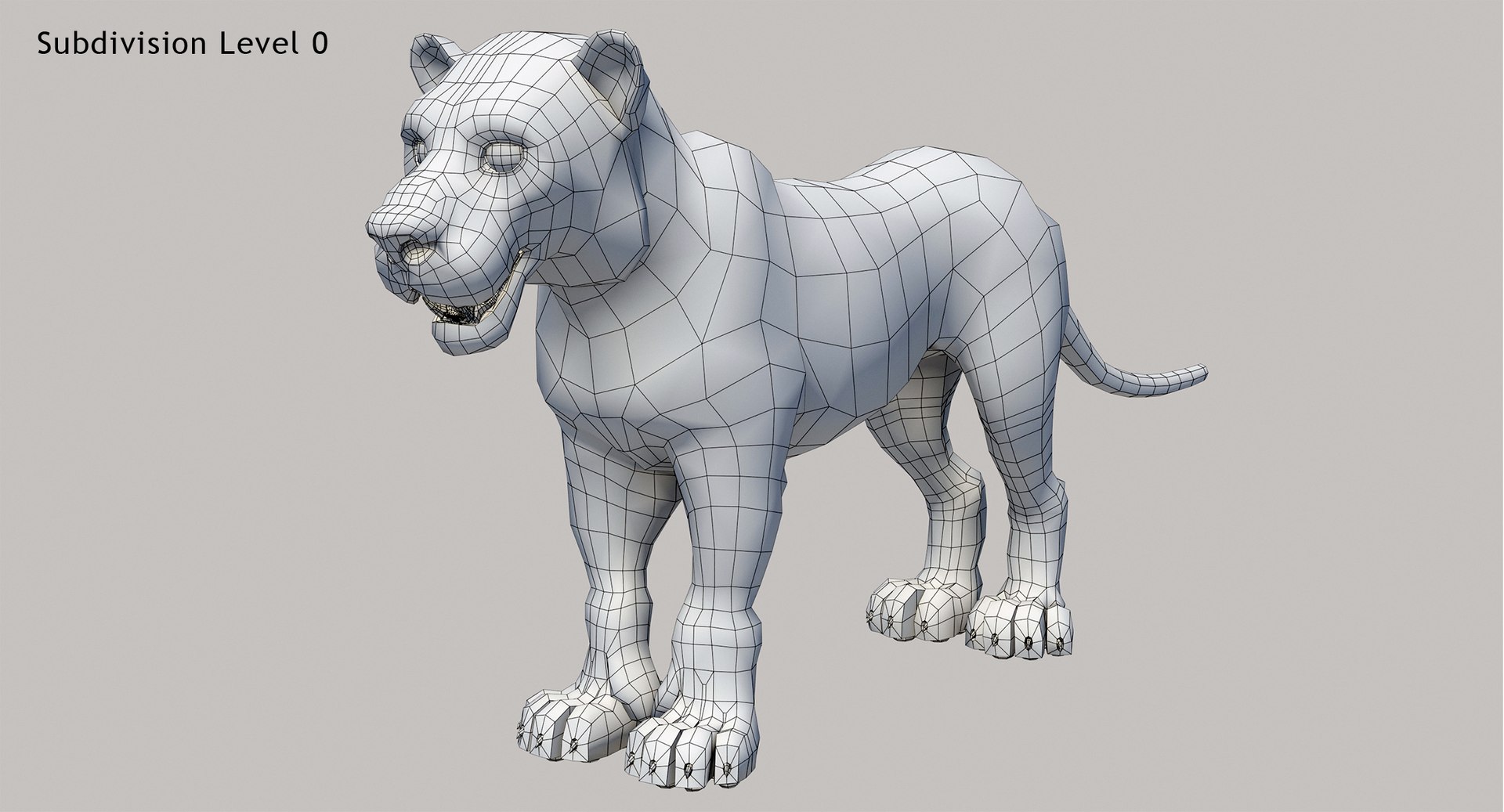
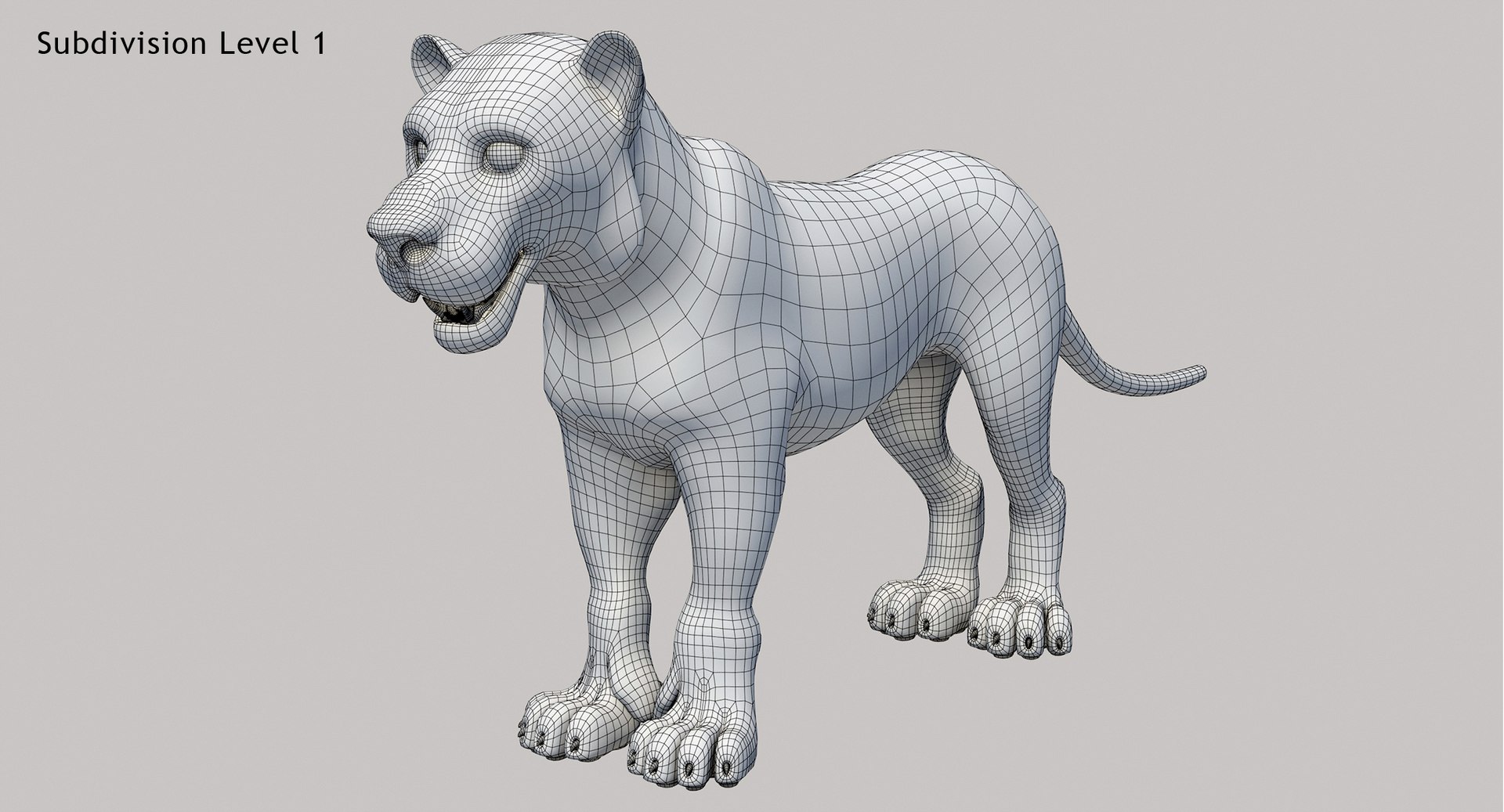
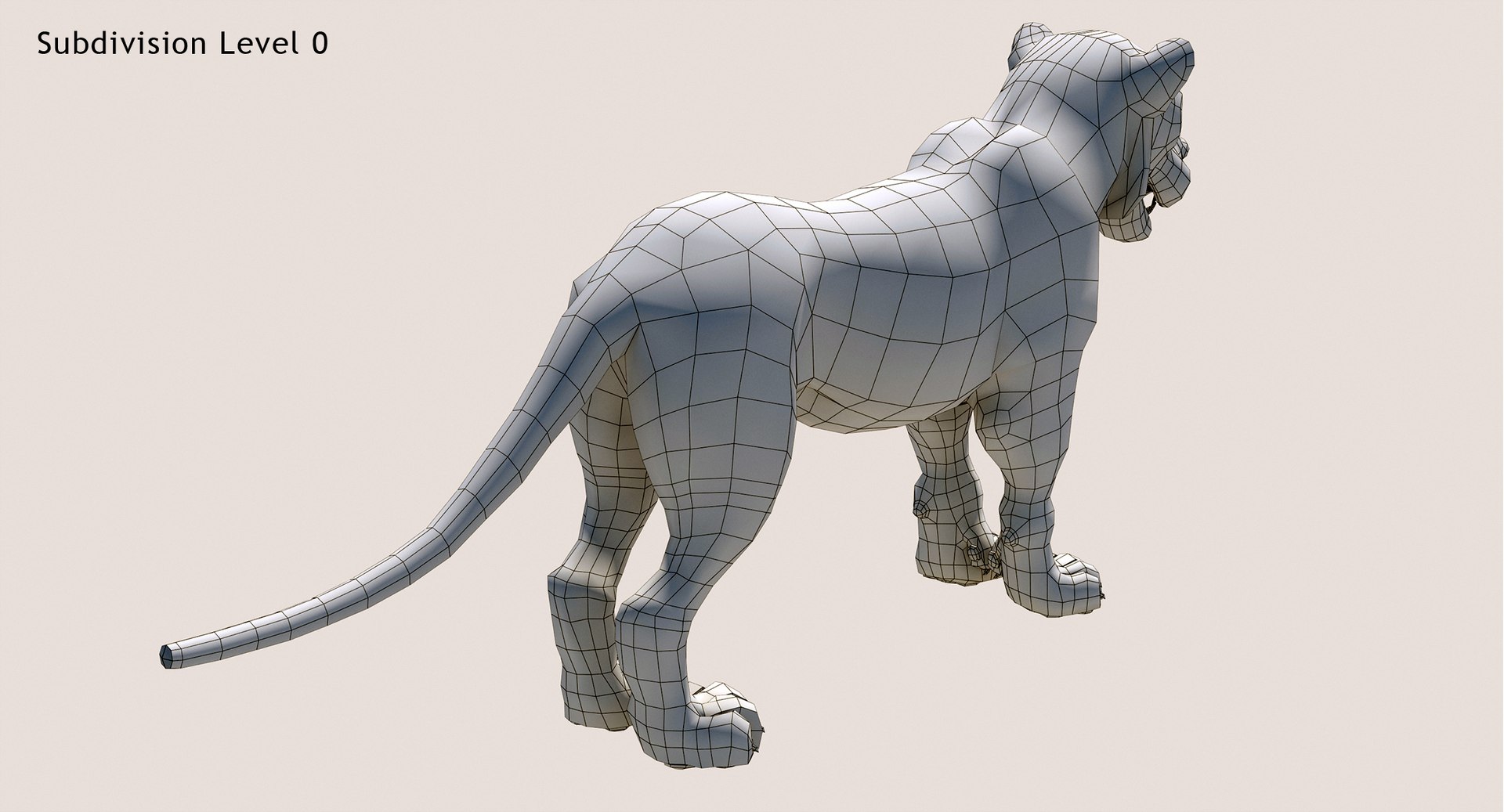
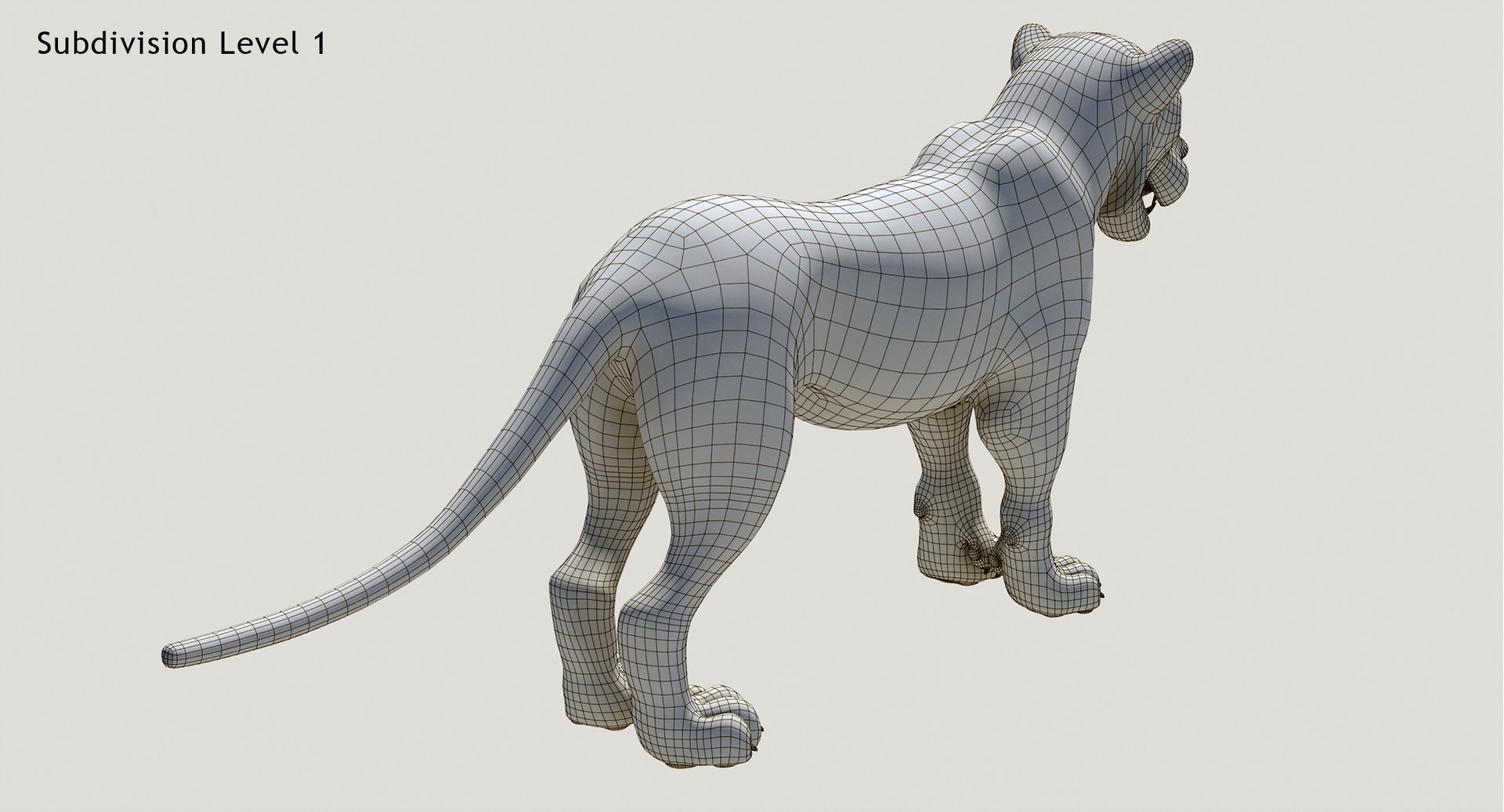
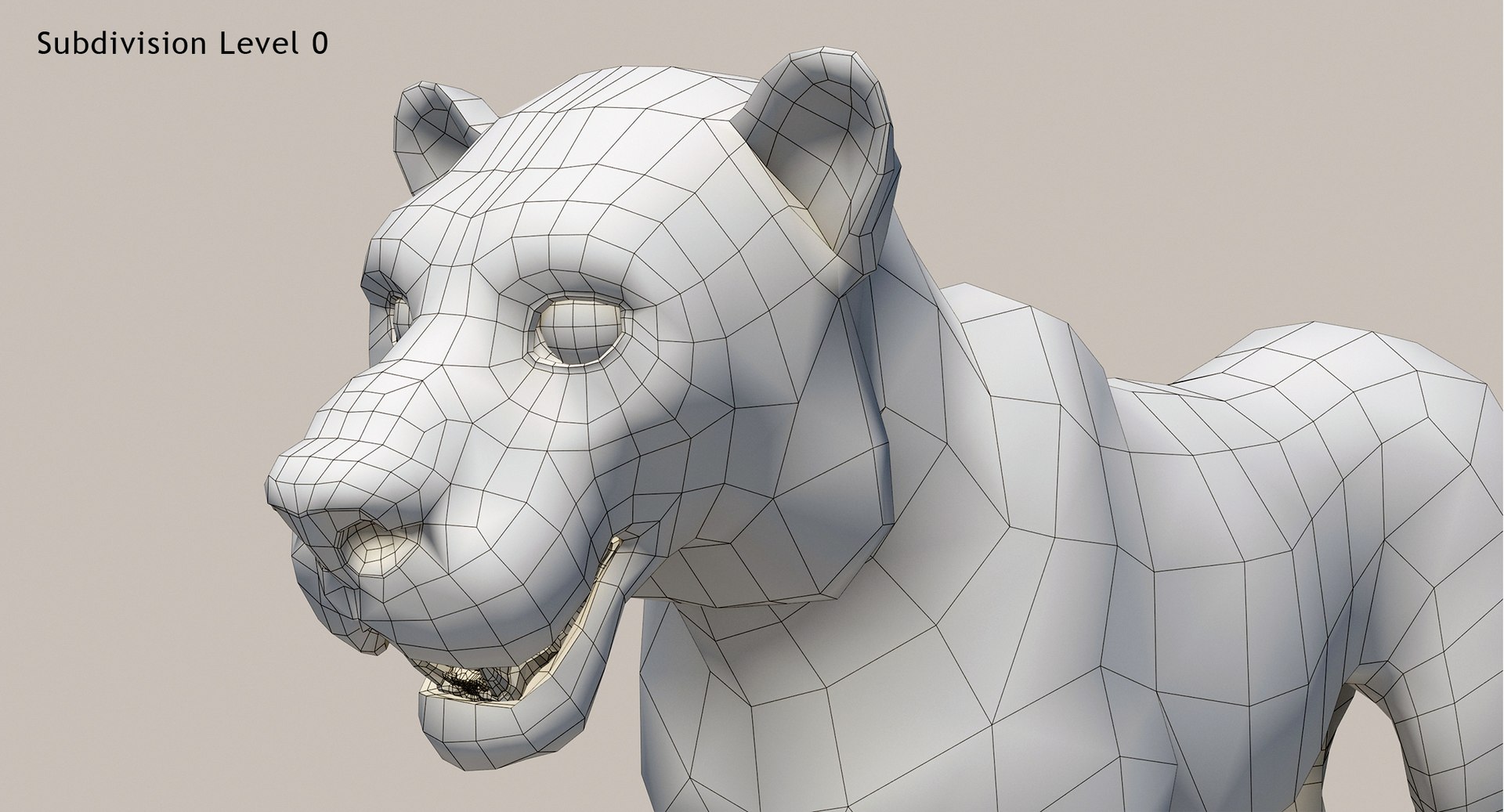
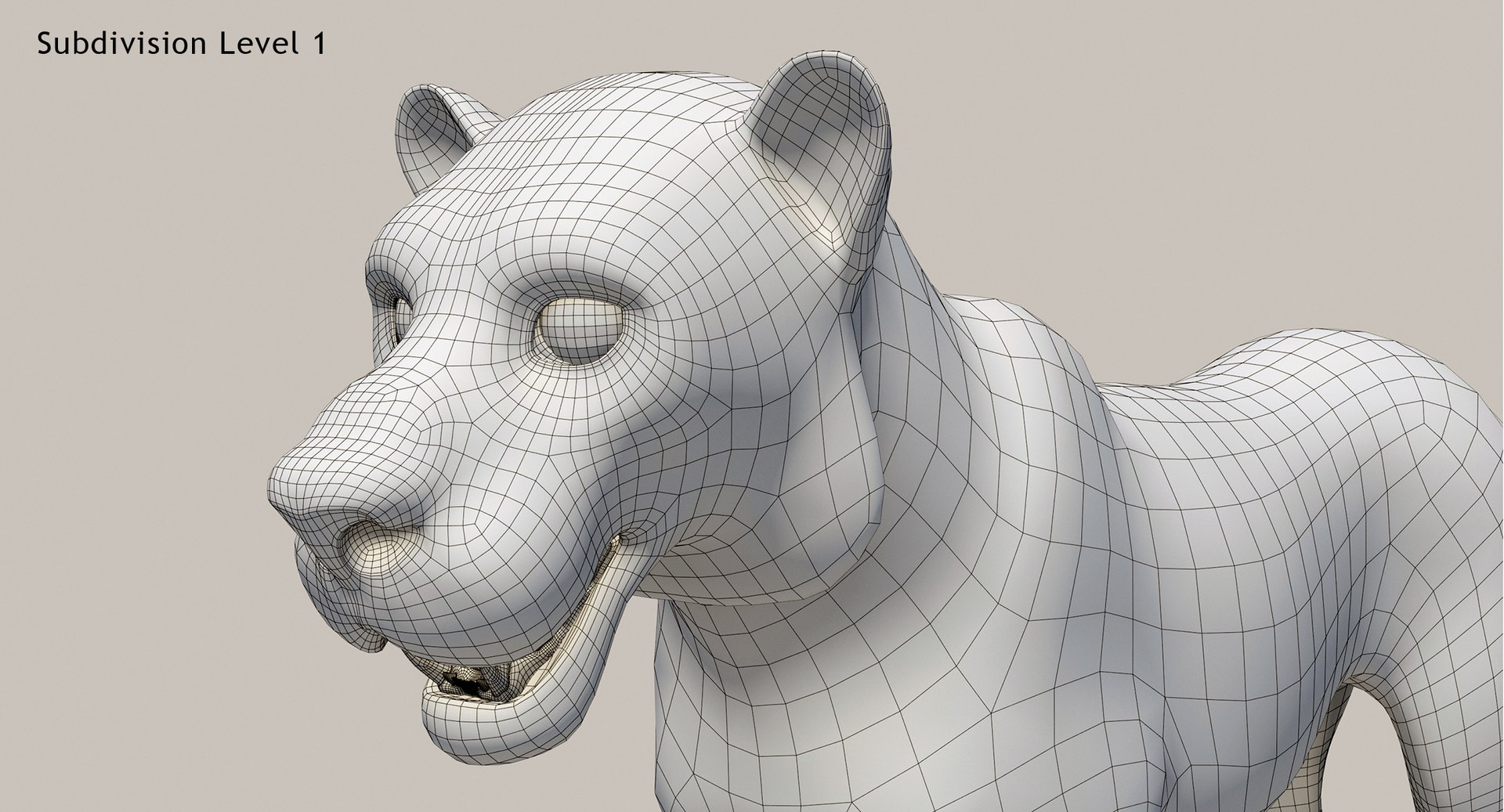
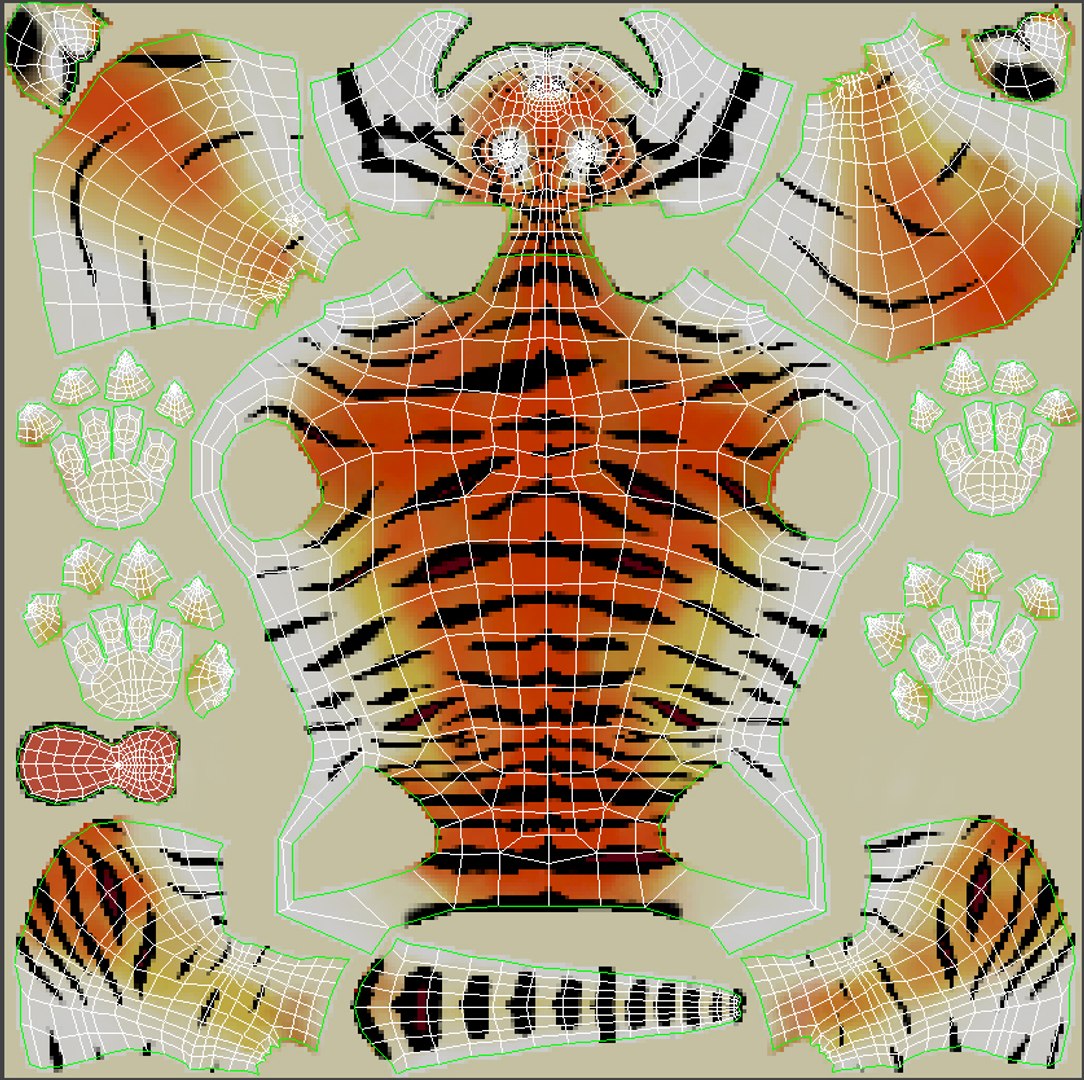
'Cartoon Tiger (Animated)' is a high quality 3d model to add more details and realism to your rendering projects. Fully detailed, textured model. Detailed enough for close-up renders. Comes with detailed textures.
Originally modeled in 3ds Max 2016. Final images rendered with Mental Ray.
*********************************
Textures formats and resolution:
The model is provided with high resolution texture (color maps are .png):
Tiger_Cartoon_Diffuse (2048x2048)
Tiger_Cartoon_Specular (2048x2048)
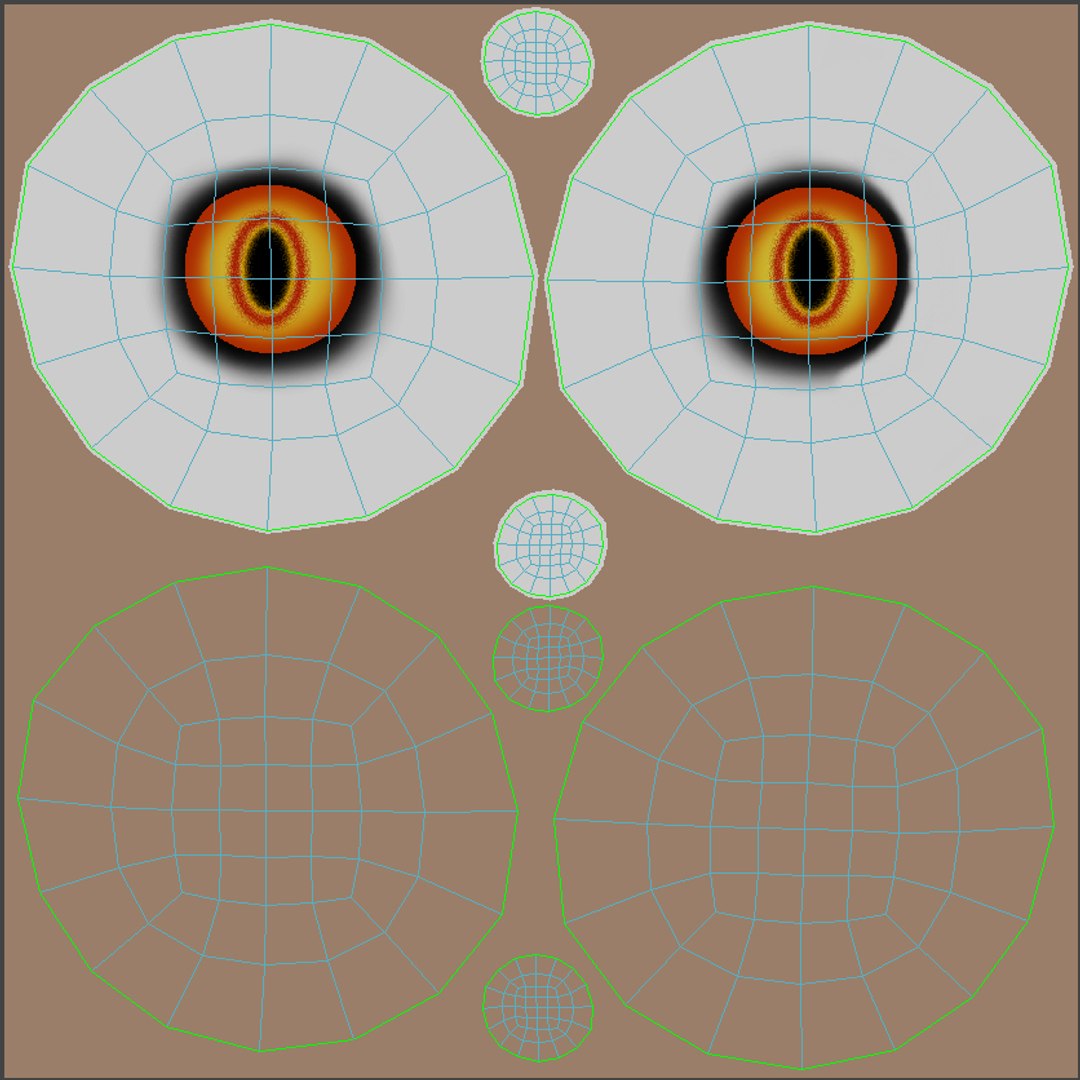
Tiger_Cartoon_Eyes_Diffuse (2048x2048)
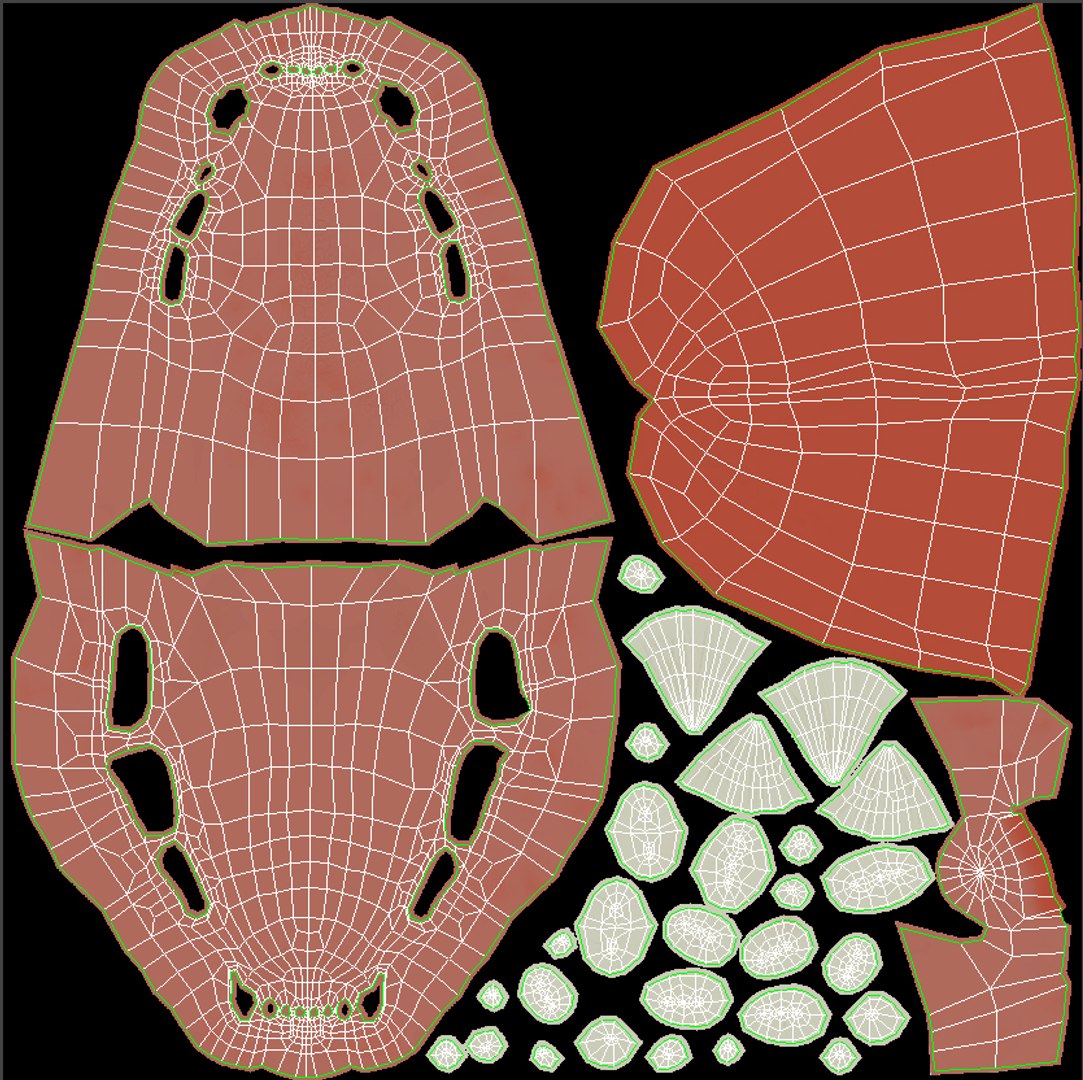
Tiger_Cartoon_Mouth_Diffuse (2048x2048)
*********************************
Features:
- High quality polygonal model - correctly scaled accurate representation of the original objects.
- Display Unit Scale is set to Metric - Meters.
- Model resolutions are optimized for polygon efficiency (in 3ds Max the MeshSmooth function can be used to increase mesh resolution if necessary).
- All colors can be easily modified.
- Model is fully textured with all materials applied.
- All textures and materials are included and mapped in every format.
- Max models grouped for easy selection & objects are logically named for ease of scene management.
- No part-name confusion when importing several models into a scene.
- No cleaning up necessary, just drop model into your scene and start rendering.
- No special plug-in needed to open scene.
*********************************
File formats:
- 3ds Max 2016 (Contains also mental ray and standard materials scenes!)
All files are compressed in Archive.
*********************************
Rigging and Animation:
Rigging was done via CAT object.
Animation done via CAT Motion, and Animation Layers...
Frame Rate is NTSC (FPS:30)
In the Motion panel -> Layer Manager
1) Abs T_Pose
2) Abs Signature Image
3) CATMotion Layer (In CatMotion Editor (the paw icon) you will find main tow animation layers)
- Walk (01-48)
- Run (01-48)
4) +L Walk Adjustment (Local Adjustment Layer - Adjustment for walk cycle, that should be enabled only if you are using walk cycle )
5) +L Run Adjustment (Local Adjustment Layer - Adjustment for run cycle, that should be enabled only if you are using Run cycle.)
6) +L Mouth_Closed (Adjustment World - Mouth Closed)
7) +L Eyes_Closed (Adjustment World - Eyes Closed)
Note: Walk and run have their own separate adjustment layers that should be activated depending animals running or walking. You have to simply just turn on or off them.