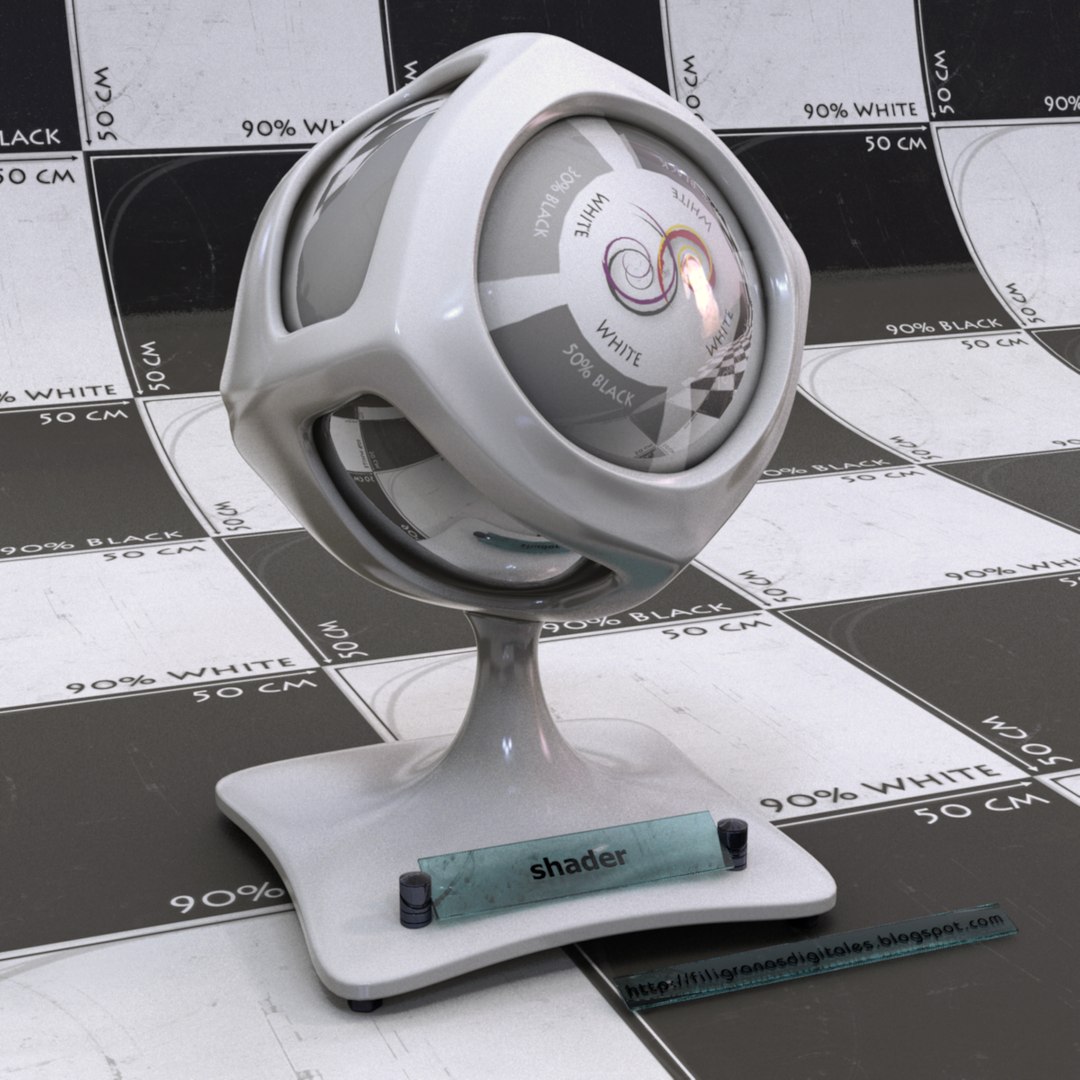
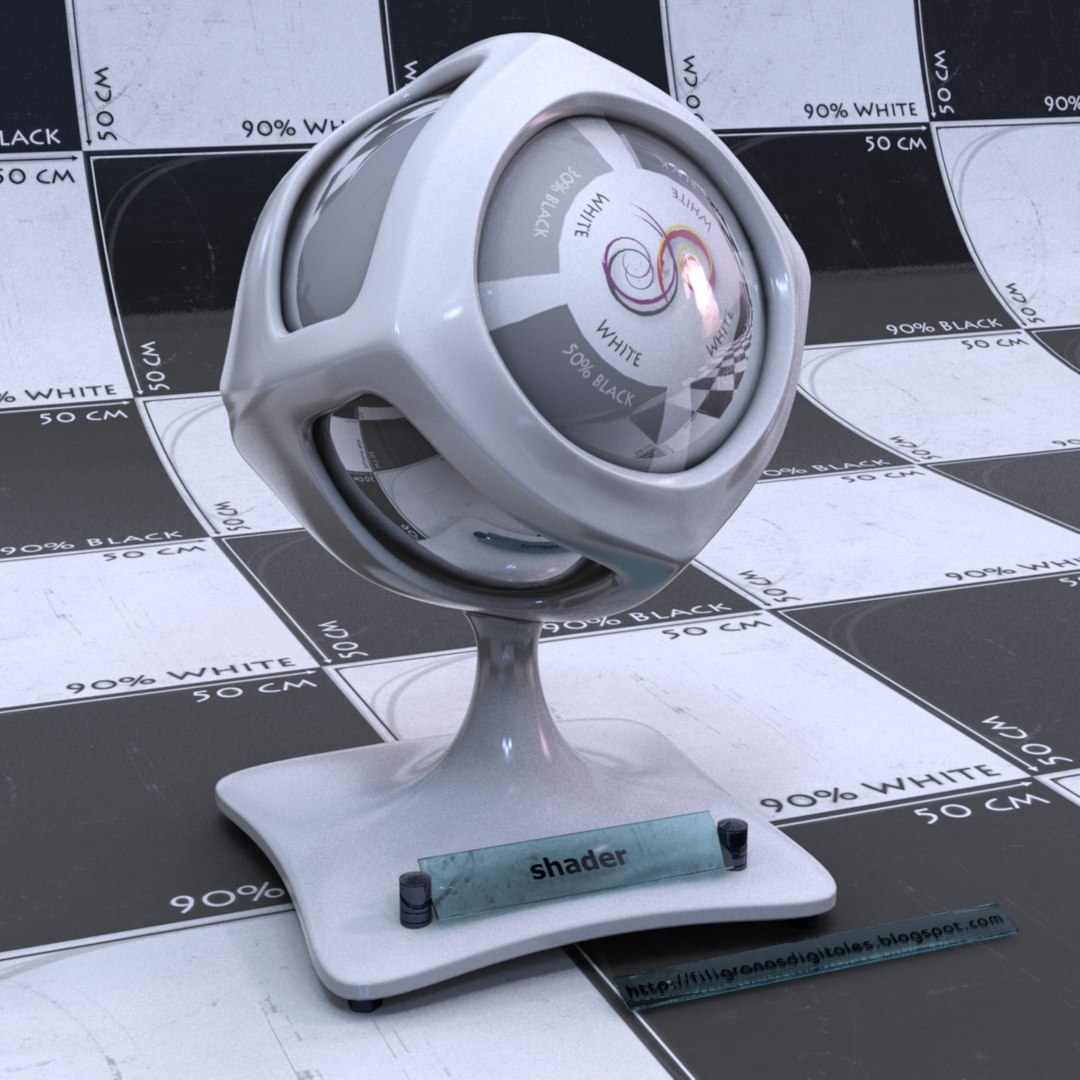
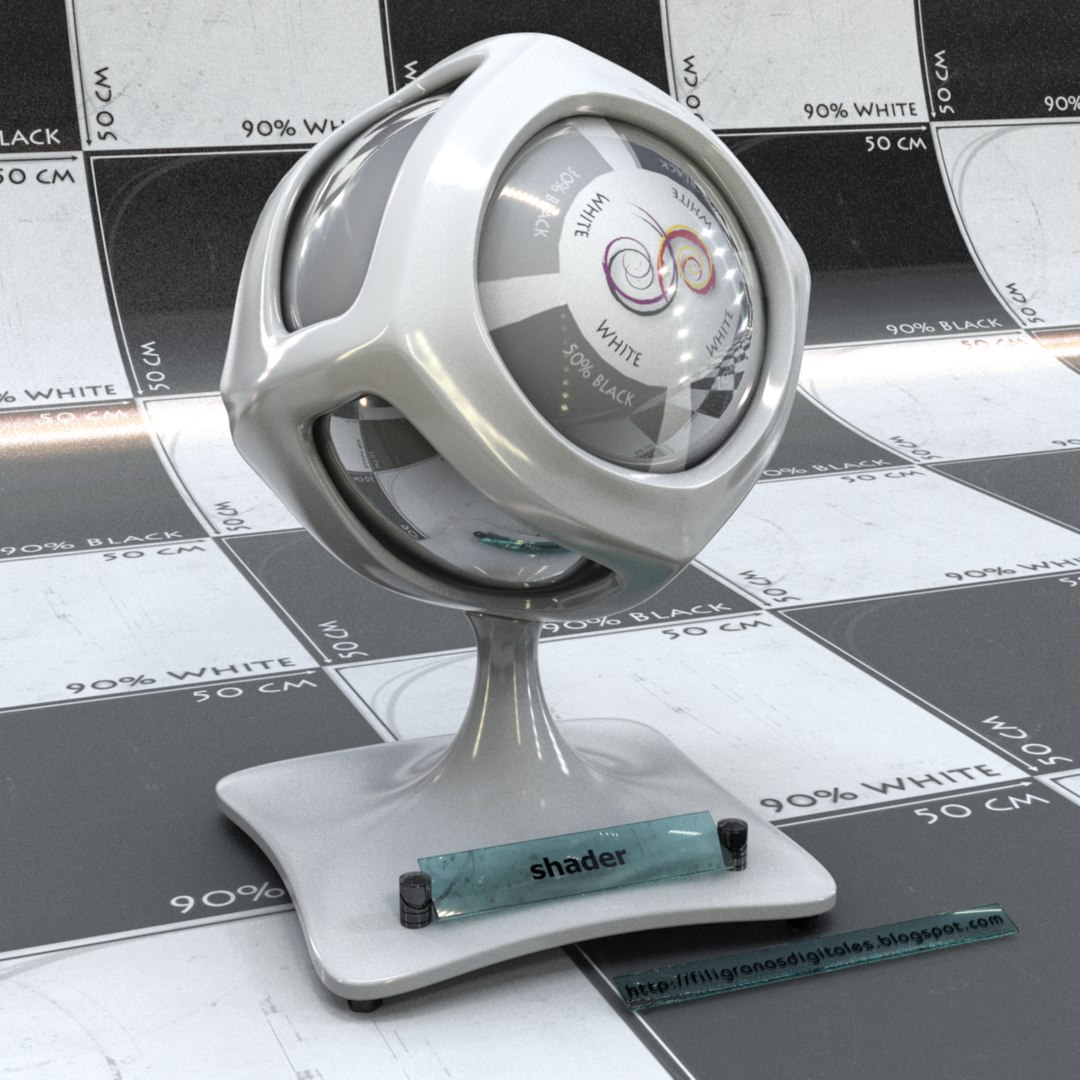
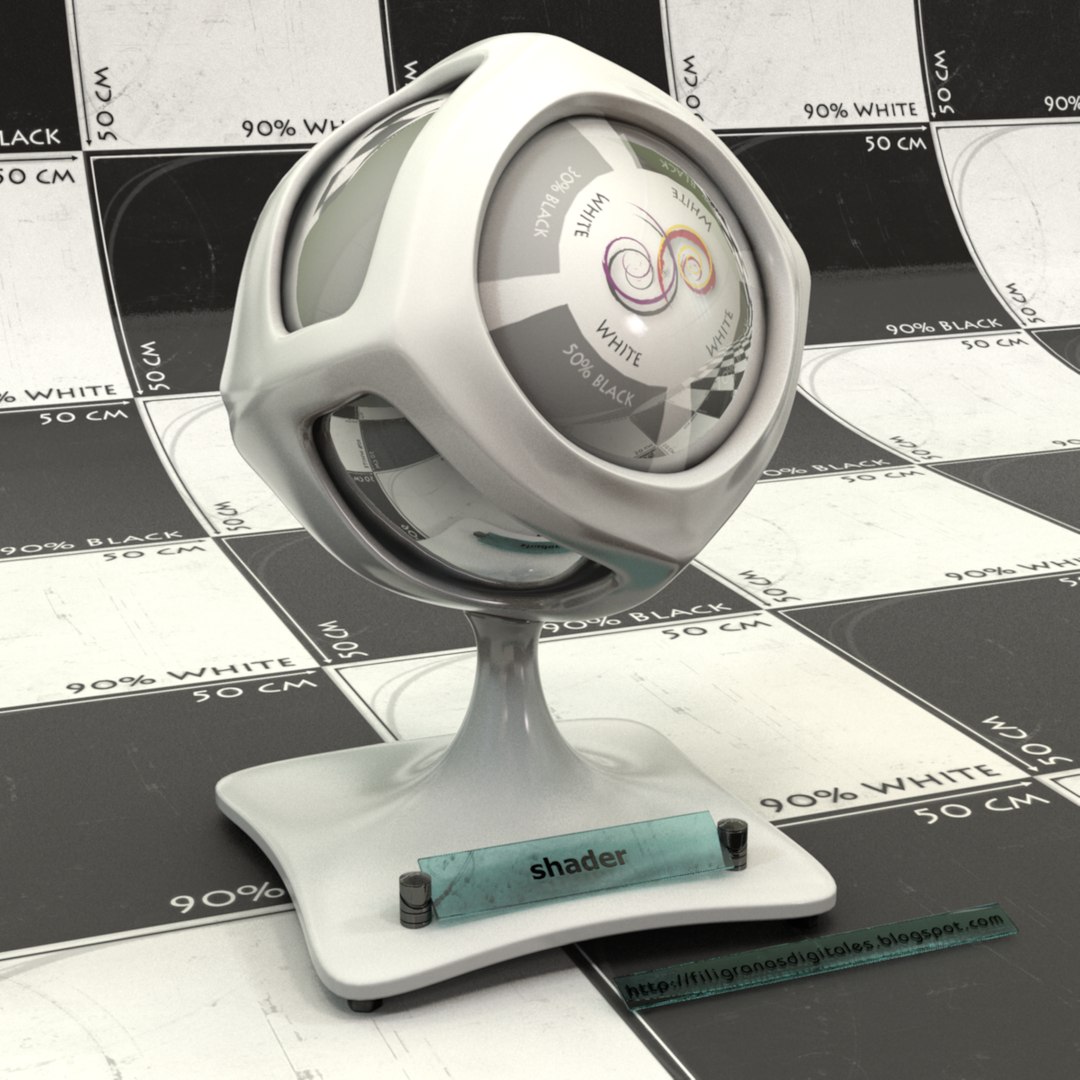
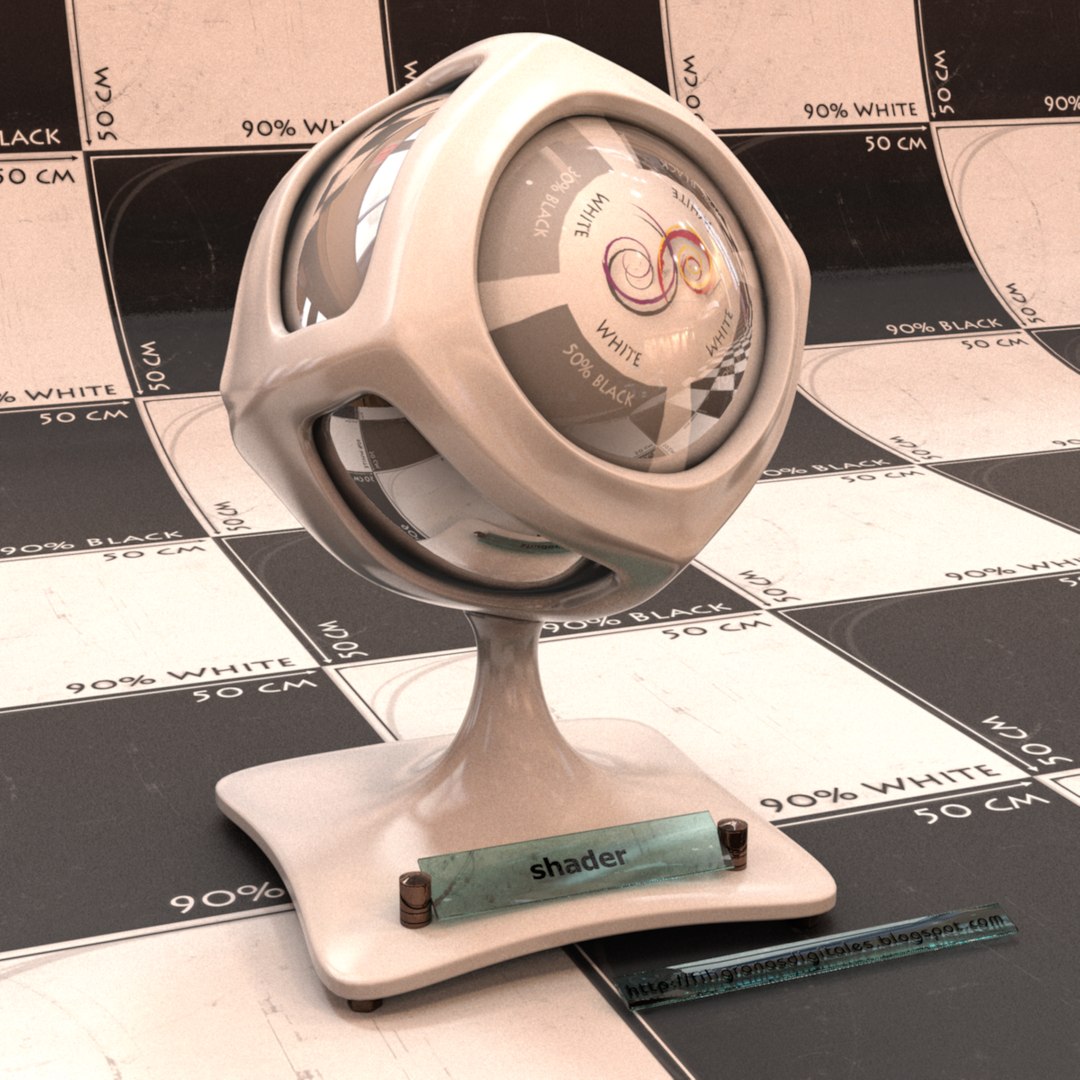
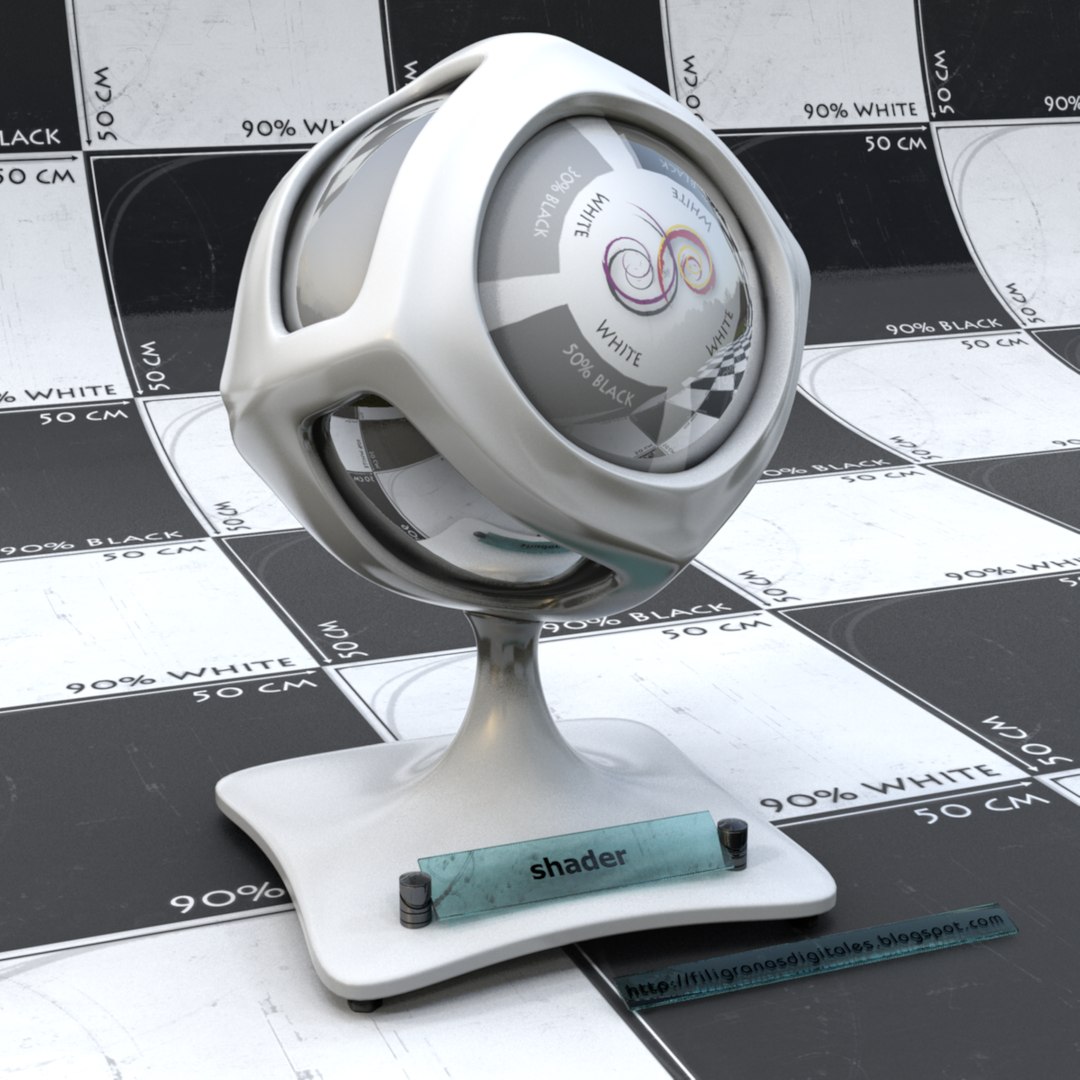
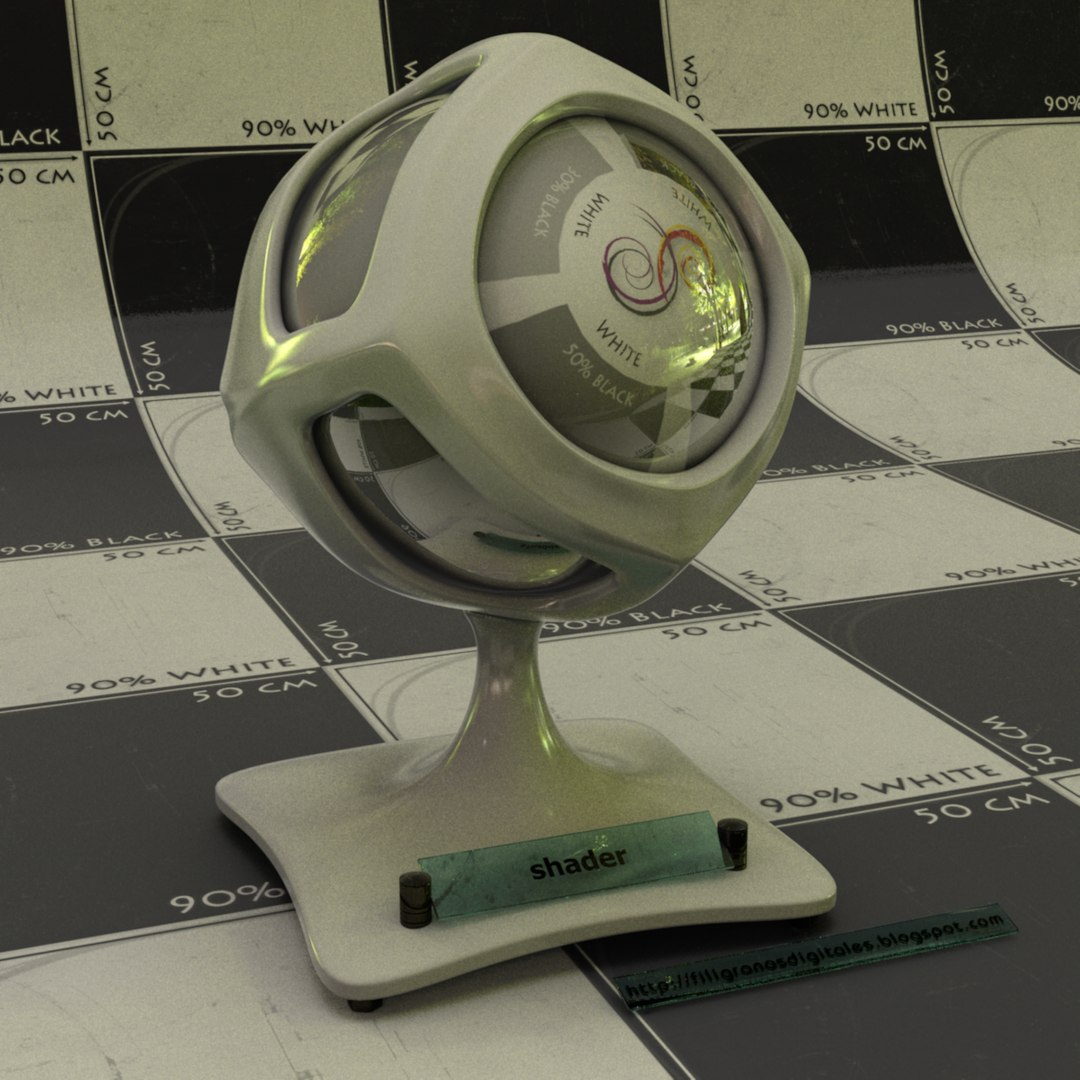
This is my Cinema 4D version of the typical shader sample scene.
Also helped me to put into practice some lighting ideas that came to surround my head.
It was created with Cinema 4D v.13 "prime" and it's ready to render with pure standard renderer, without any script or plugin, or any advanced rendering engine, without Global Illumination, or anything like that.
Designed for very fast renders with standard materials, for when you just need that "thing look", without further complications.
I allways looking for the more optimized option to give the look without much load calculation times.
Technical data:
The images were created without "global illumination" or any other calculation method or advanced rendering plugin.
Lighted with one dome of instanced lights created by hand that projects an HDRI to simulate GI and create glare on the materials, one Infinite light with wide area shadows that simulate the soft light of a sky, and finally another very dimmed infinite light without shadows that creates the effect of ambient light bouncing between objects and minimizes the dark and hard shadows.
While this may at first seem a rather complex (it was when I was developing it) then it's easy to modify and adjust, because in the end you just need to change only the one HDRI image that "lights up" and make the brightness on the materials (of course it's all faked)
The images show the effect produced on the scene using different HDRI, and demonstrate that the effect achieved of global illumination, being fake is totally convincing.
I finally share the scene, if you are interested, the heap up as you like.
I put at your disposal, completely free and without limitations, provided that, when you use or share the scene, show the original author, and source.
A final note on the scene, if eventually you decide to use it. To control the reflections and lighting produced by only one HDRI, the easiest method to change it, if you need is to access the "edit" menu then "project info" and then looking for "textures" tab, there you will see the list of textures that are loaded on the scene, just look for the .hdr and locate (by clicking the button with an ellipsis next to the name of the image) the one that you want to use, accepting the message windows, it will inform you that the texture is updated.
Please feel free to use it, hope it is useful for you, my humble scene.
Best regards.
Charli Soler