

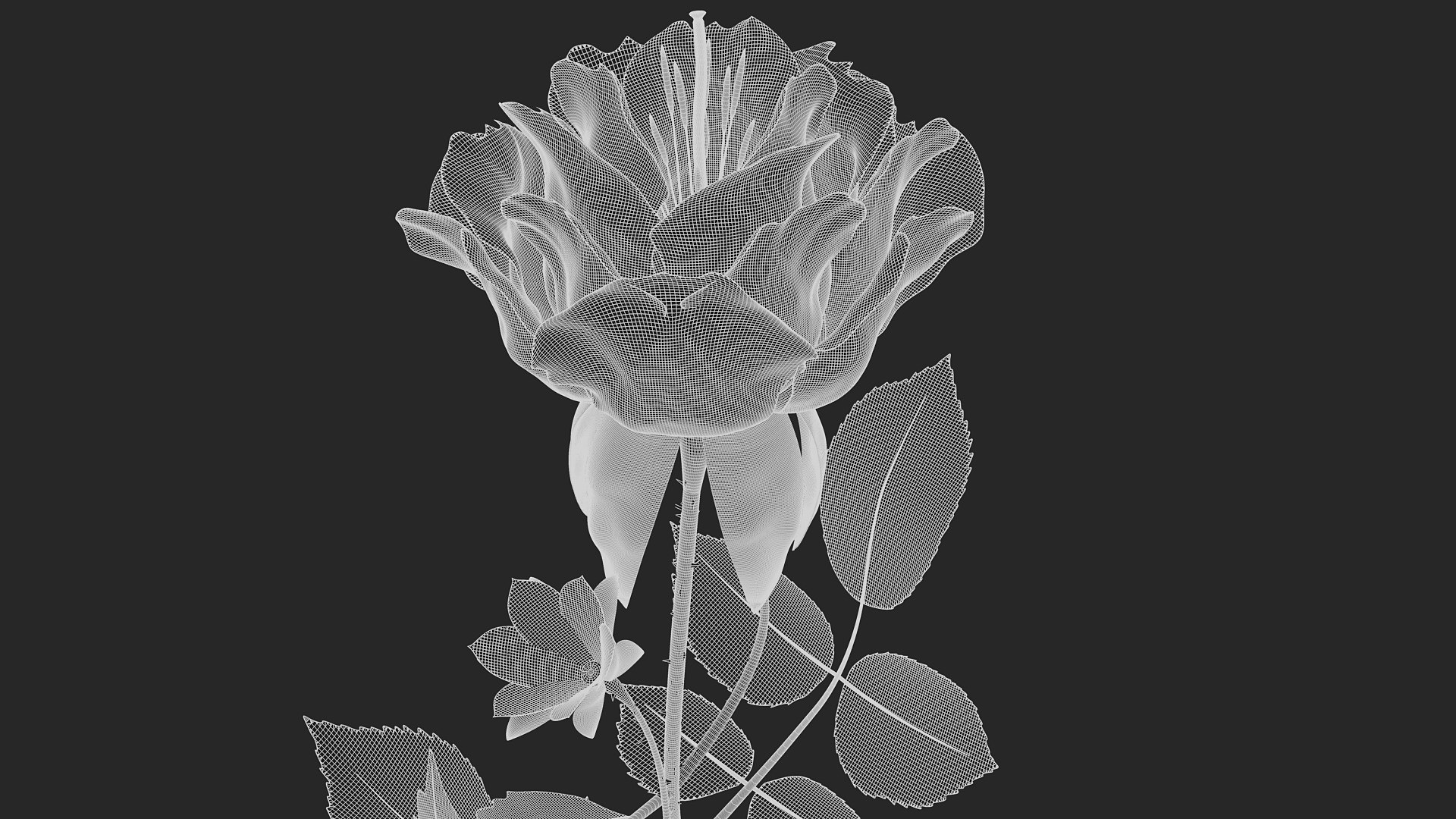

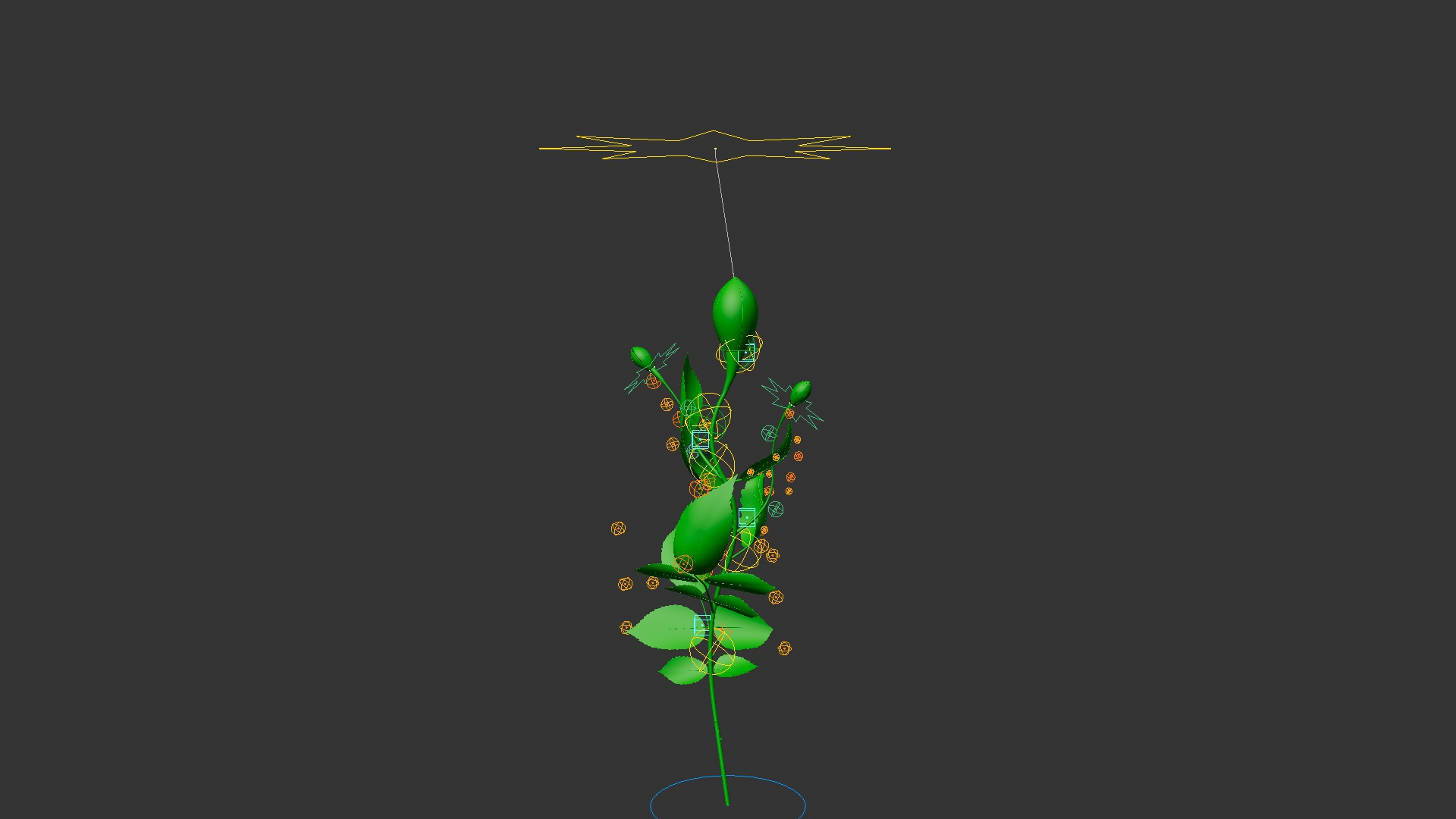
Cinema 4D에서 절차적으로 생성되는 꽃

$76

표준 라이센스 | 업그레이드 라이센스
형식 (3)
Native | Cinema 4D 2024 | Other
Cinema 4D R25 | Other
다른 파일들
flower_README.txt
사양
게시 날짜 April 15, 2026
제품 ID 2556632
다각형 531,974
정점들 515,372
다각형
리깅
member avatar
Max Bitiukov
11 제품 | Contributor 부터 2019
질문 있니? 지금 우리와 채팅하십시오.

기술

Description

Create beautiful and fully customizable flowers with this procedural xpresso-based asset for Cinema 4D. You can add up to 5 layers of petals, with 9 different shape variations available, as well as pistils and stamens for extra detail. Easily animate the blooming of the flower using a single slider, and control the growth of the plant with an additional parameter. The setup is flexible, easy to use, and perfect for motion graphics, animations, and design projects—allowing you to generate unique floral elements directly inside your scene.

You will get

one asset file with 4 redshift petal materials

Compatibility

Cinema 4D supported versions: R25-2026

Works with all renders (Standard, Physical, Octane, Arnold, RS, etc....)

How to install and use (R25 and above)

  • open Asset Browser
  • tap Create and then Import Asset
  • choose the proper zip file
  • right click on the element name of the element and "load" it to your scene
  • open "Asset Control" tab and adjust the parameters

Important

It can be quite difficult to achieve a realistic flower shape — it’s more likely to result in something abstract

This asset contains a lot of complex Xpresso setups. You can use the shortcut ‘A’ to force parameter changes in the viewport

Release Notes

v1.03 - minor bugs for the older versions fixed

향상된 라이센스 선택

  • $10,000 법적 보호(보상)
  • 무제한 법적 보호(배상)
  • 금지 명령 구제 면제
  • 할당 가능한 모델 권한
  • $1,000,000 법적 보호(보상)
  • 금지 명령 구제 면제
  • 할당 가능한 모델 권한
  • $250,000 법적 보호(보상)
  • 할당 가능한 모델 권한
향상된 라이선스 티어에 대해 자세히 알아보려면 또는 enterprise@turbosquid.com으로 문의하세요. 이미 Shutterstock Enterprise 고객이신가요? 3D 기능 추가에 대해 문의하려면 Shutterstock 영업 지원 담당자에게 문의하세요.

About Conversion Requests

To submit a conversion request for a purchased asset, please complete our Conversion Request Form.

If you have not yet purchased a model, please review our Documentation about Conversions to learn about what limitations you may encounter with a conversion.

For any additional questions about a model’s suitability for conversion, please contact TurboSquid Support.

로딩중...