
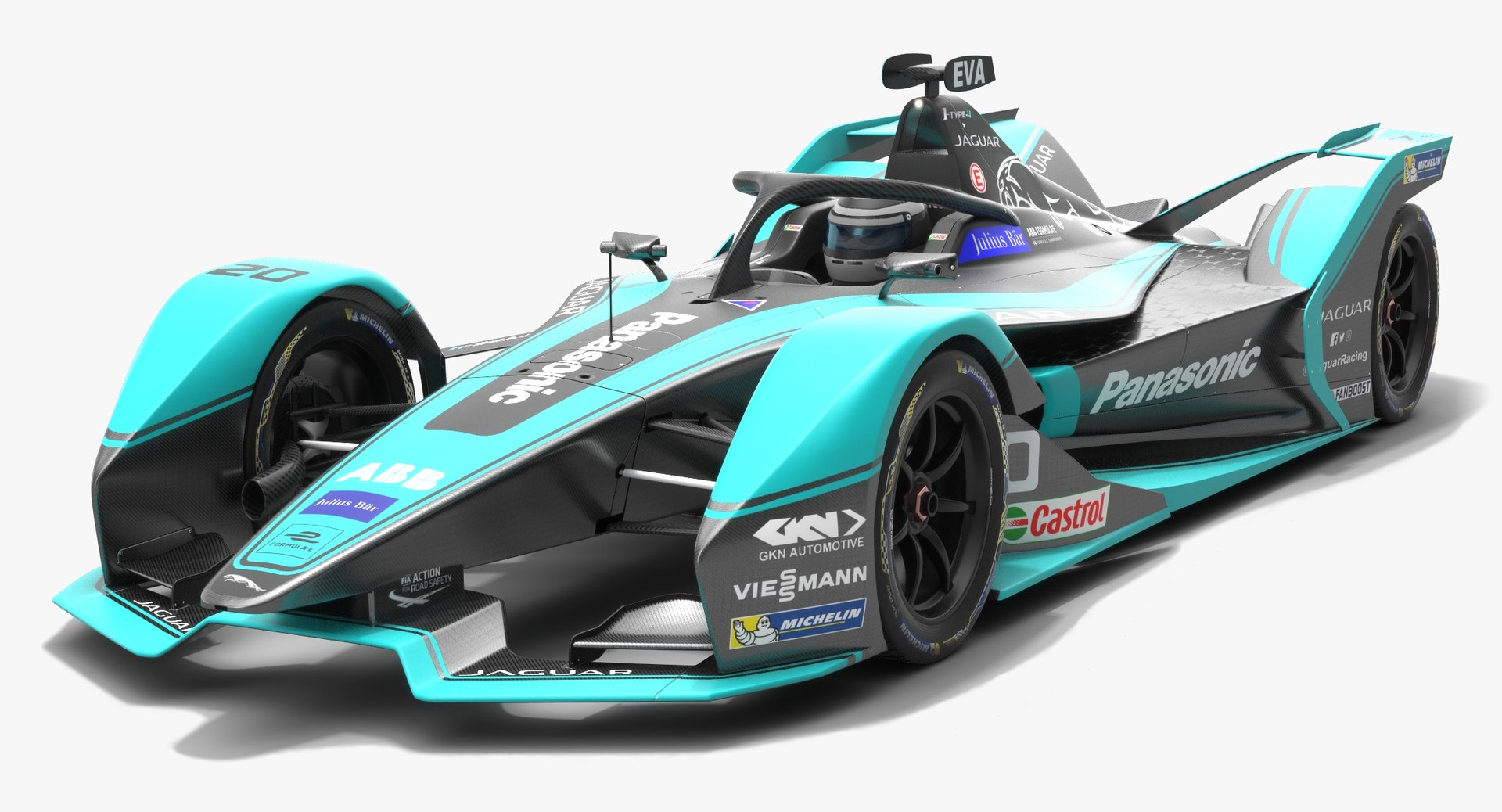
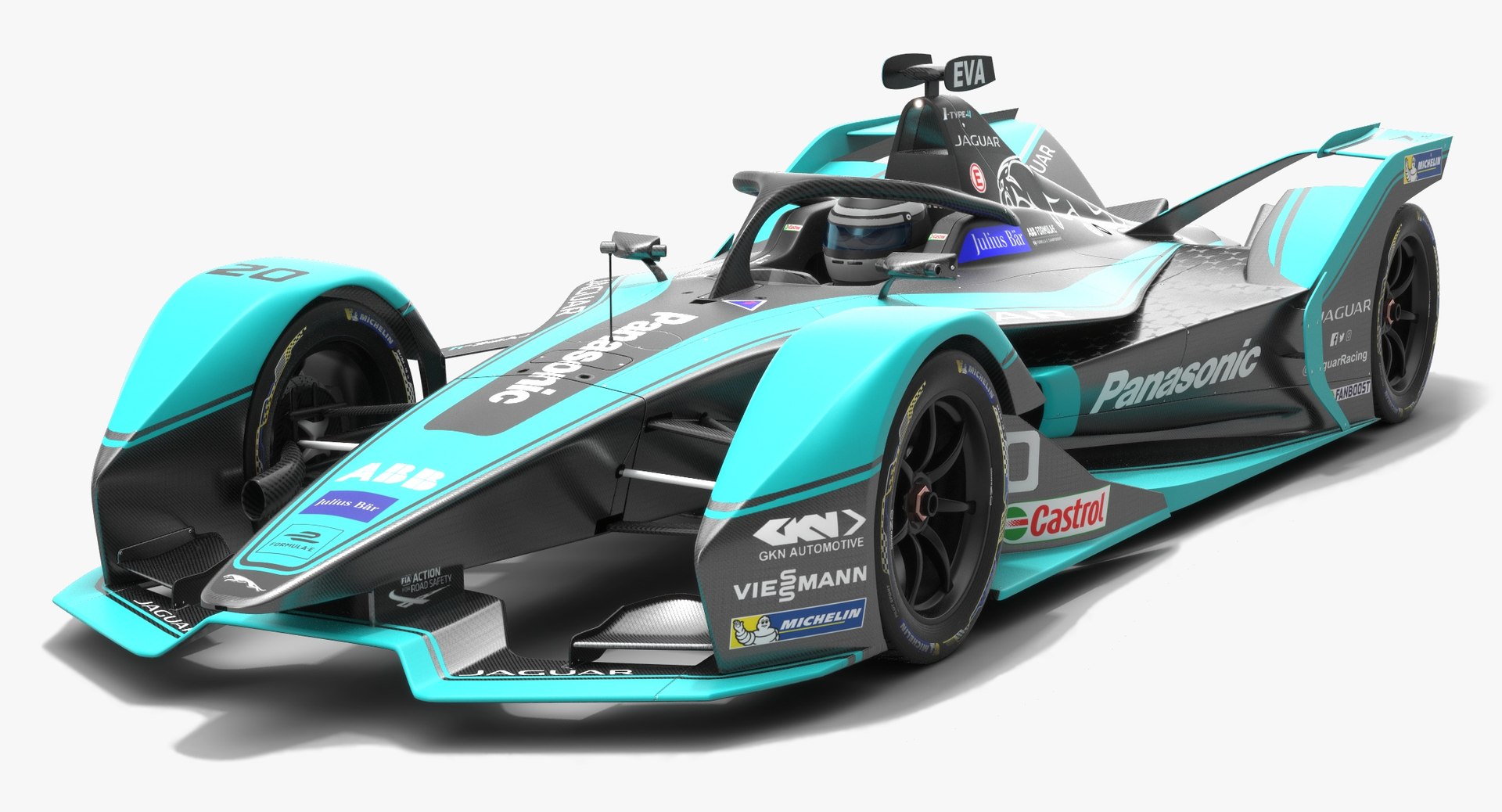
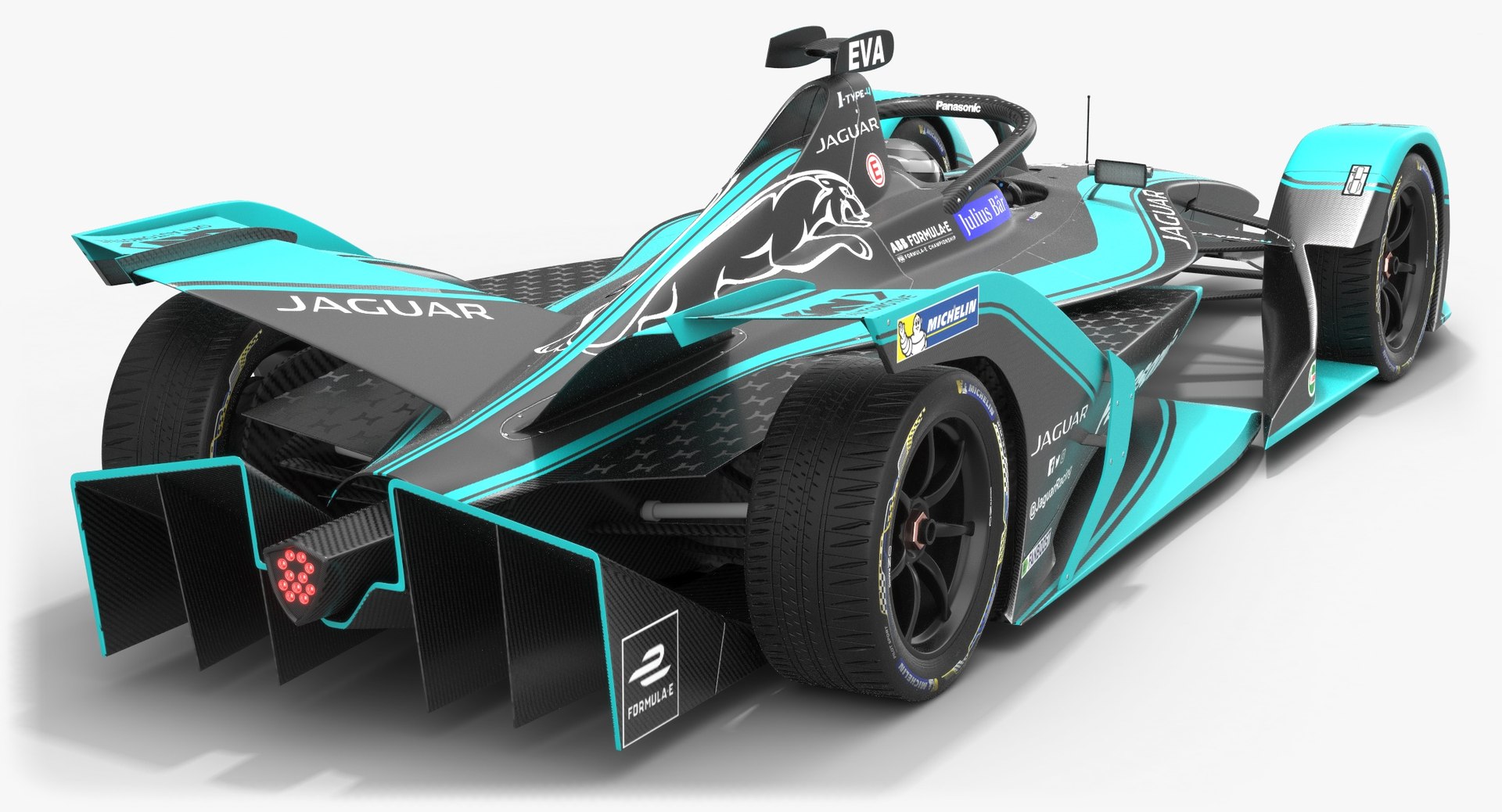
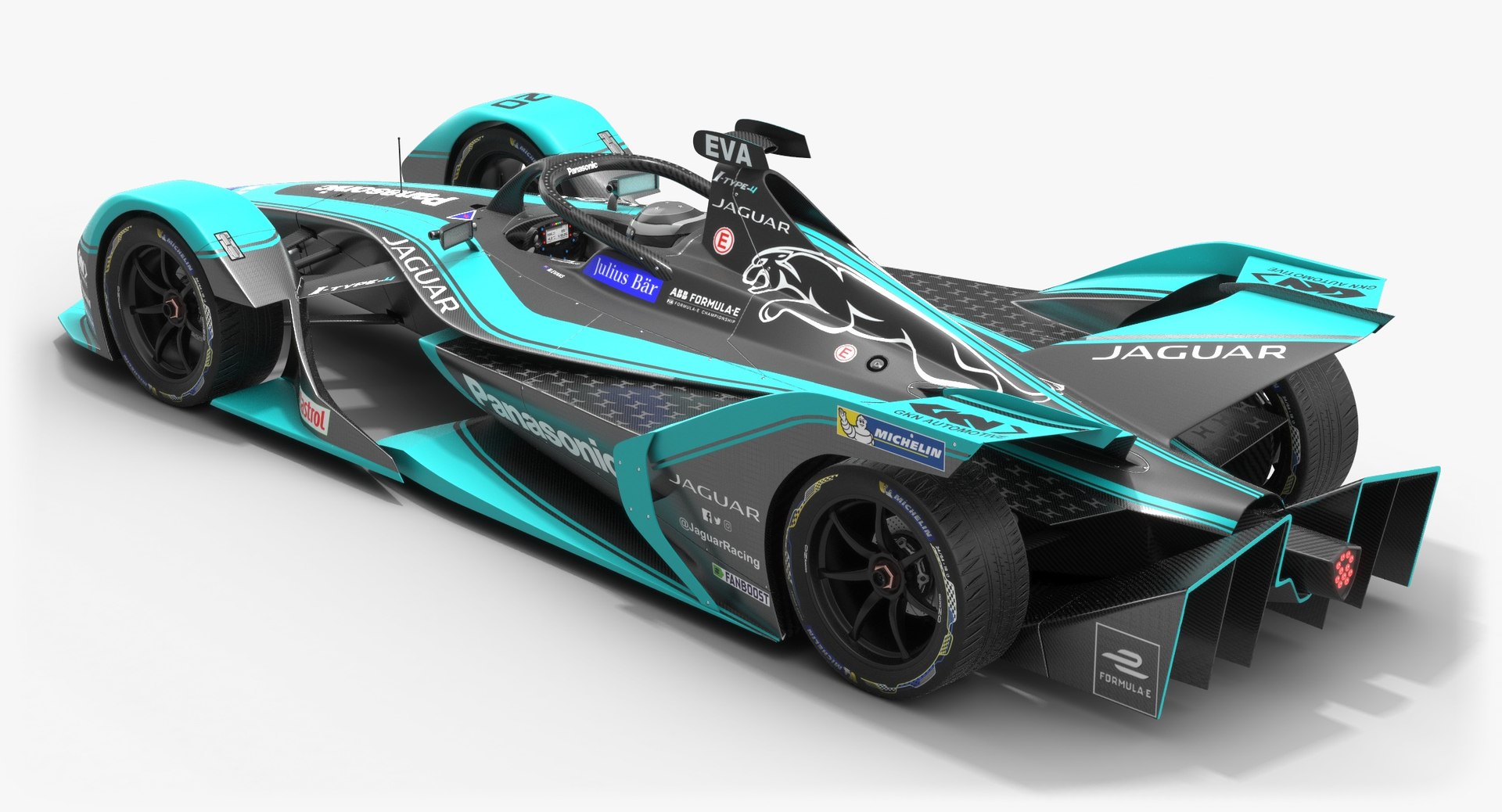
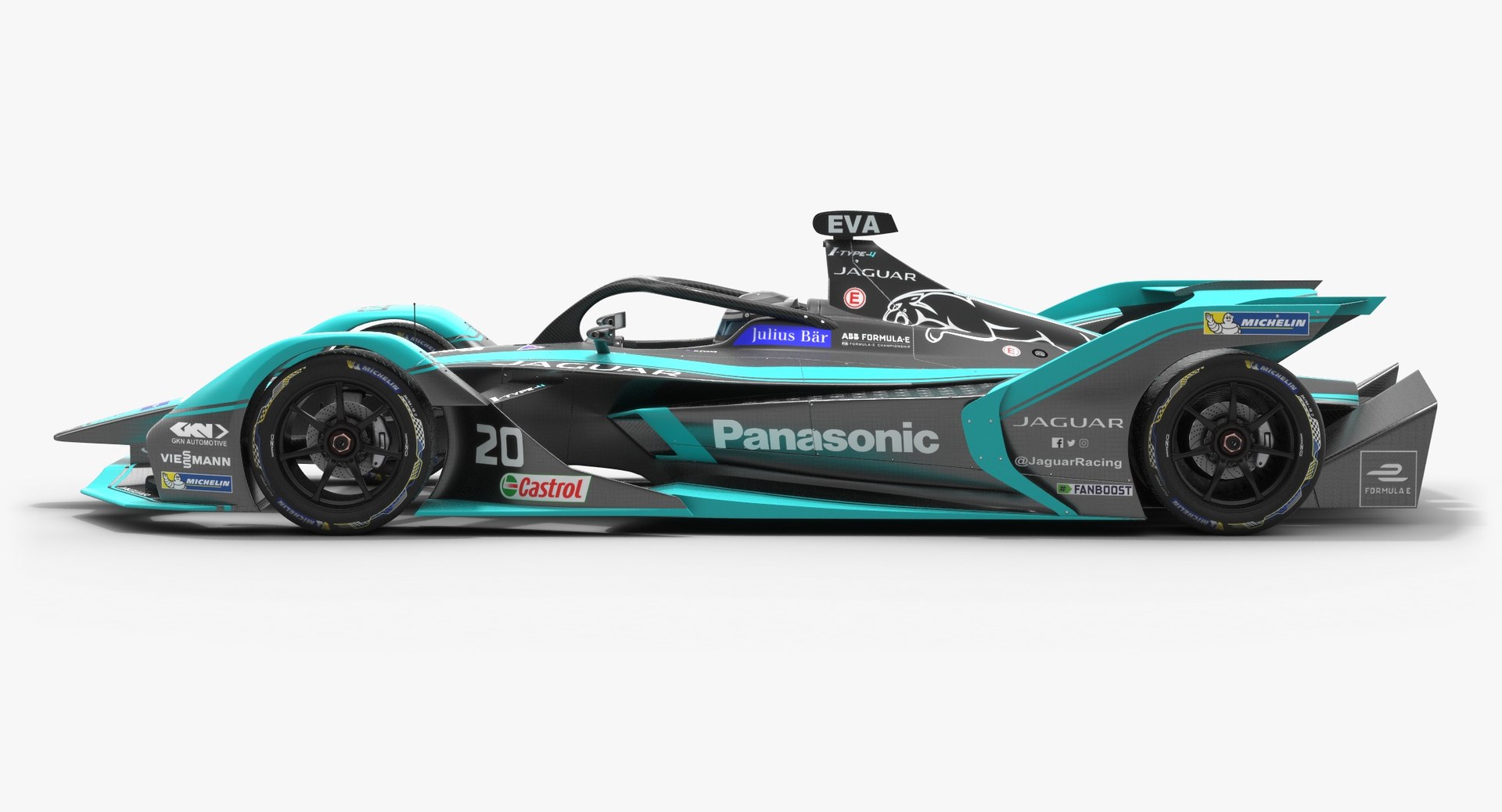
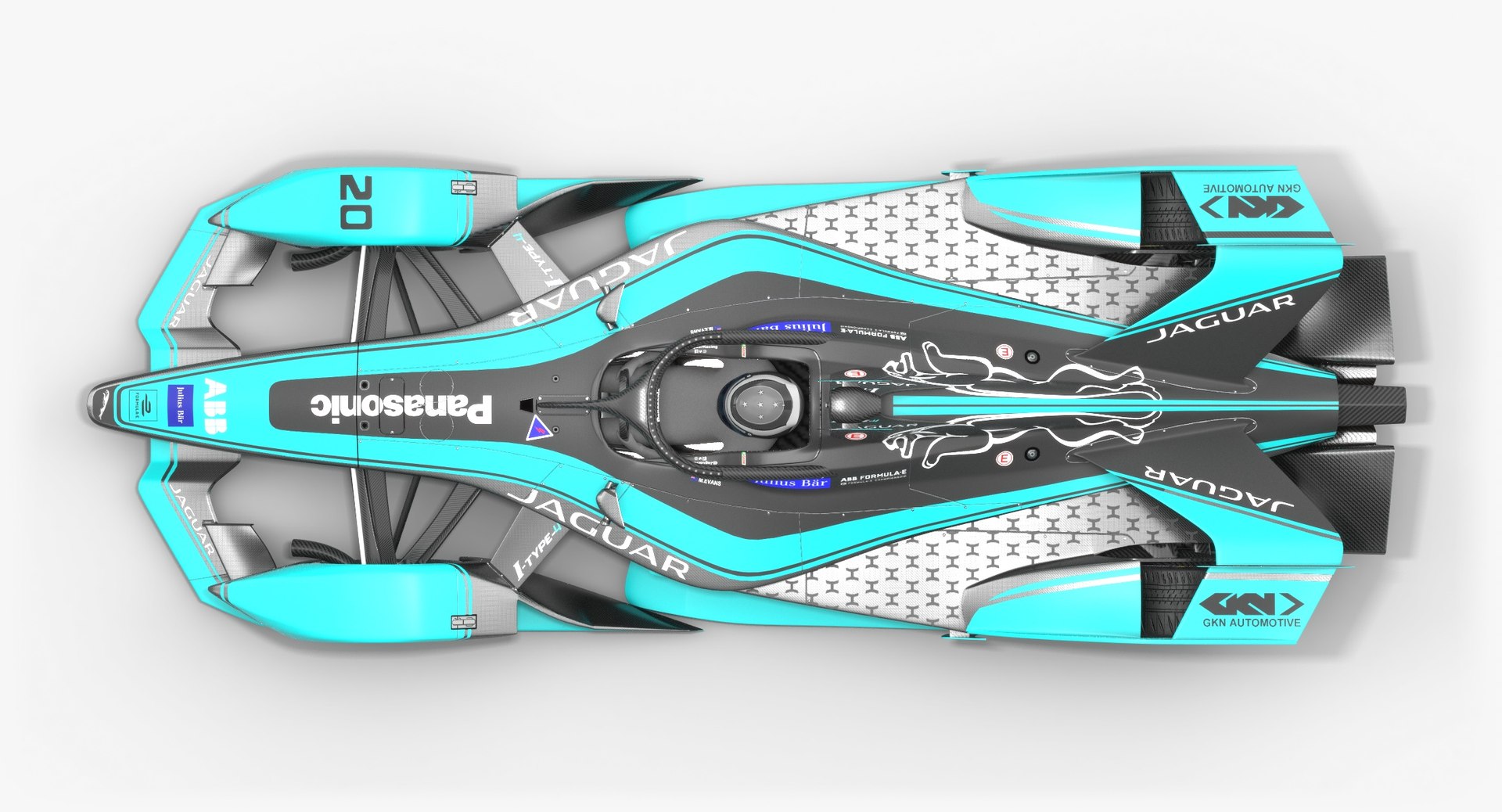
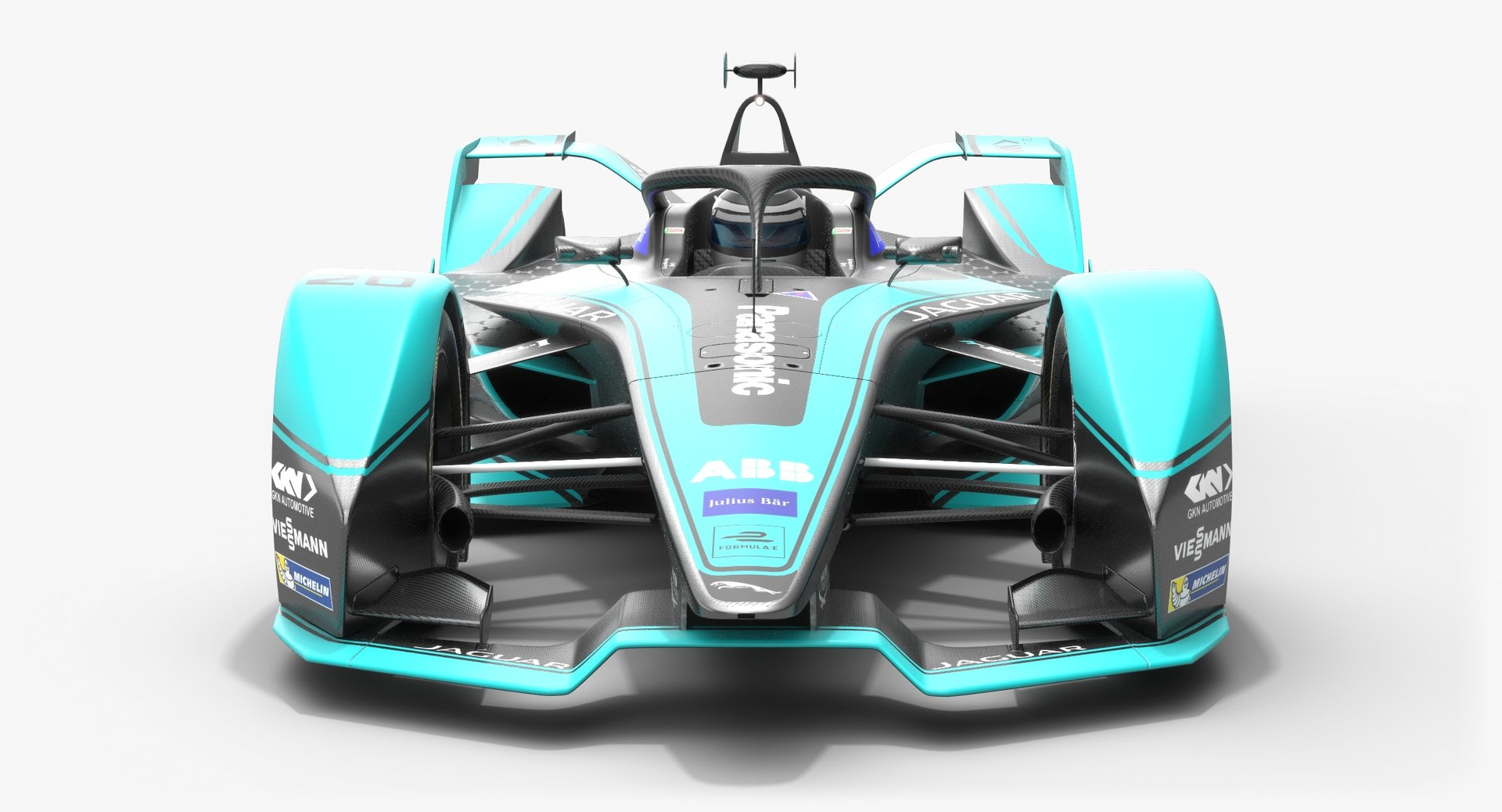
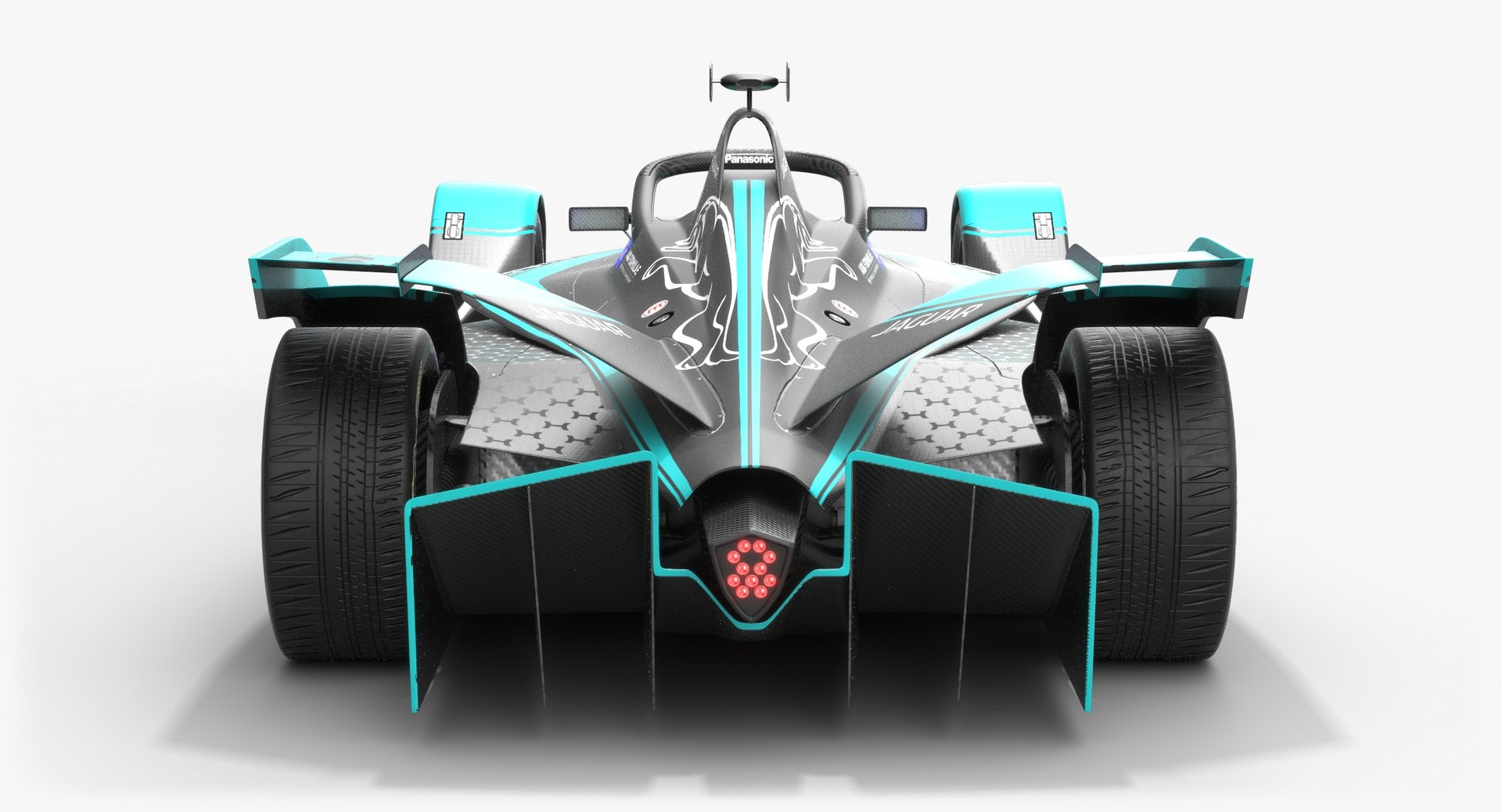
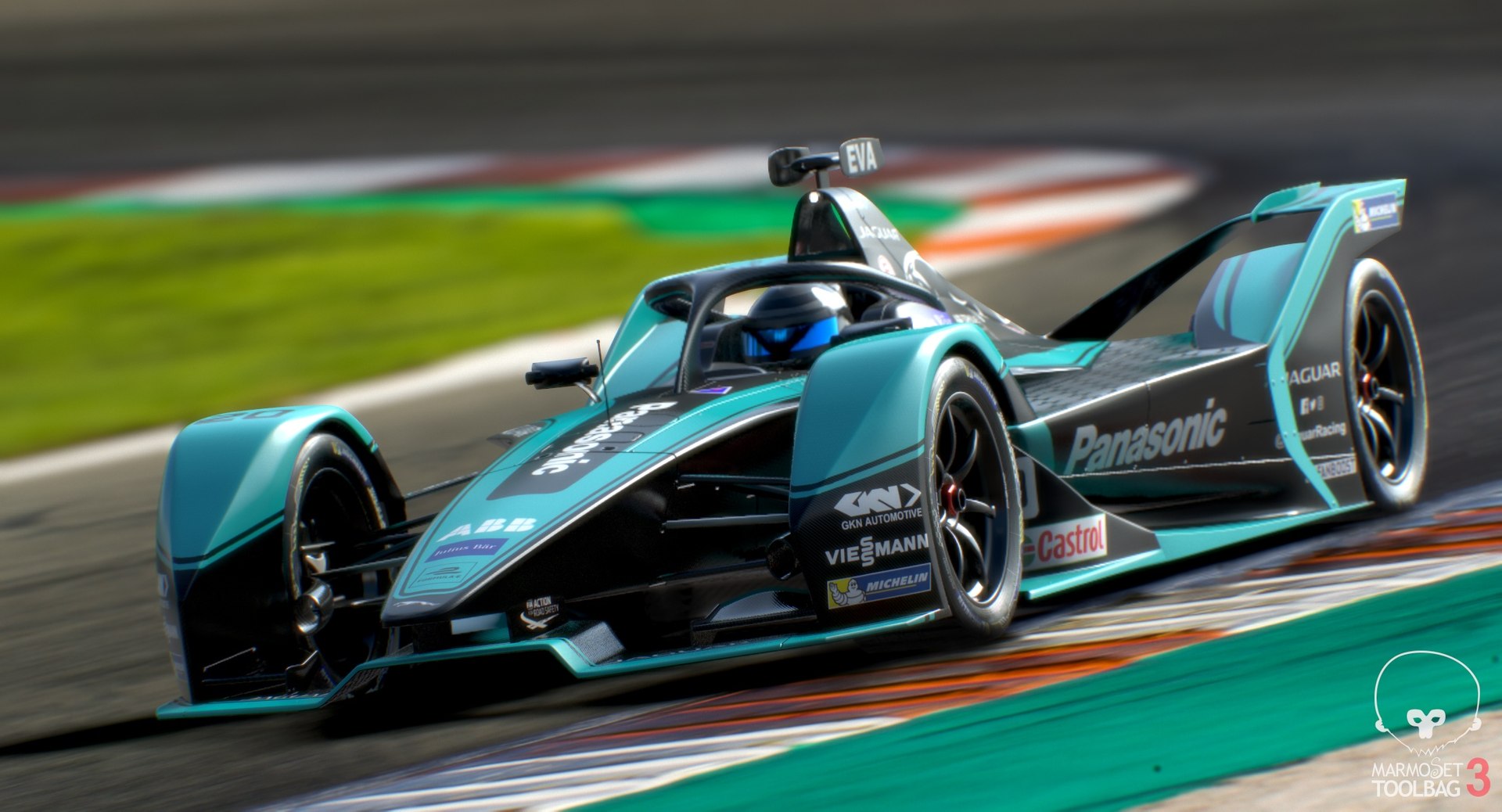
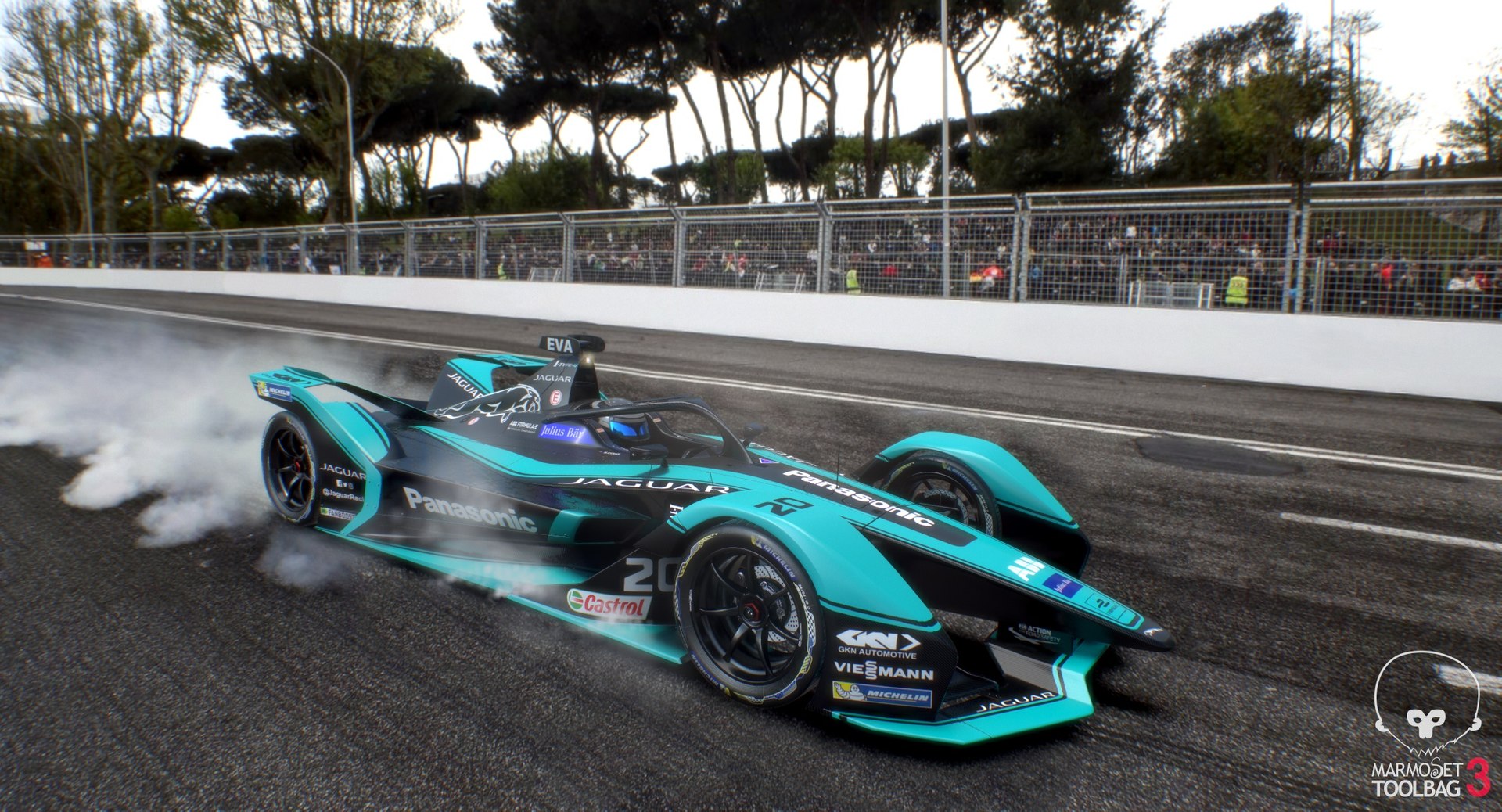
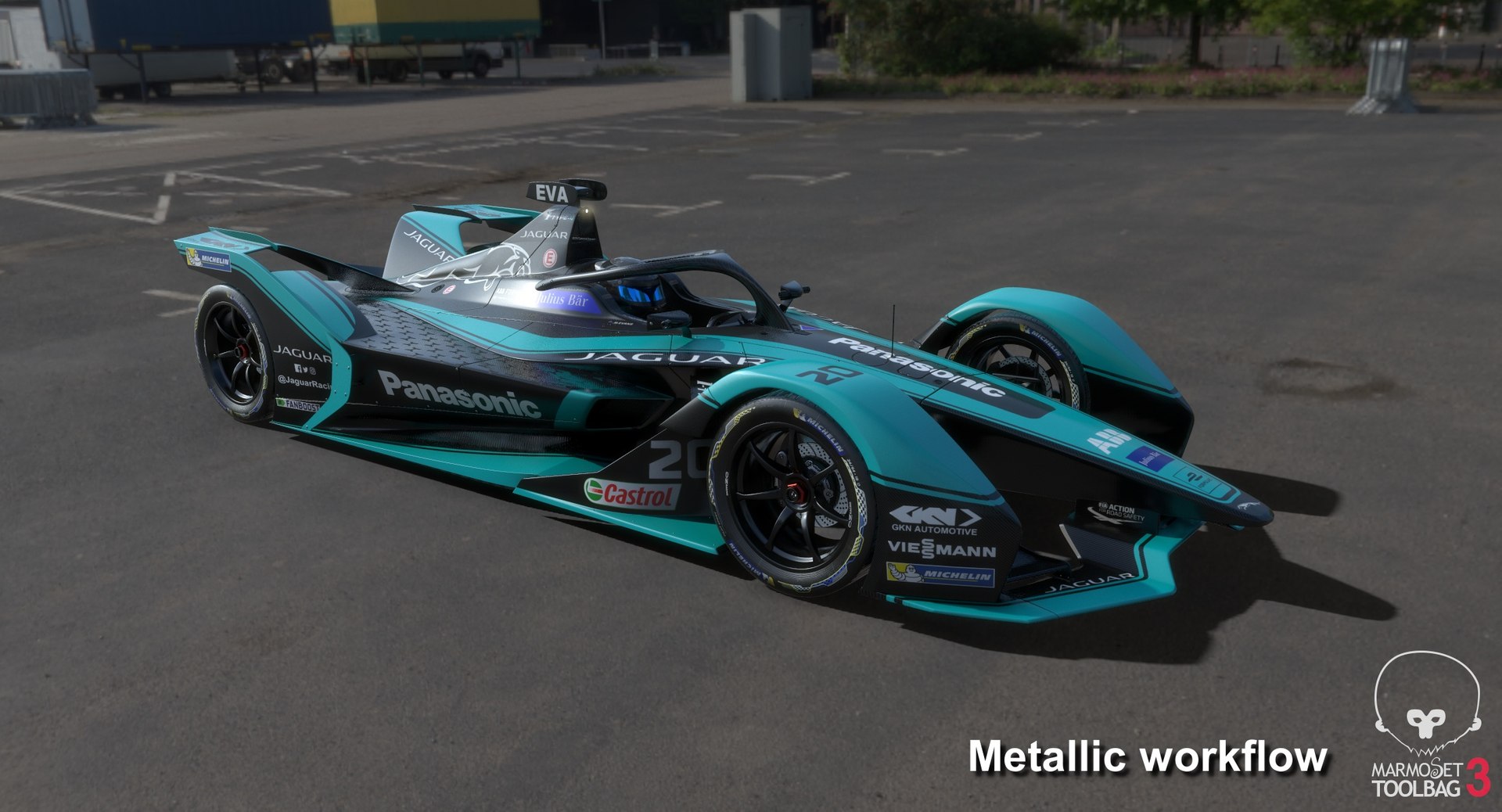
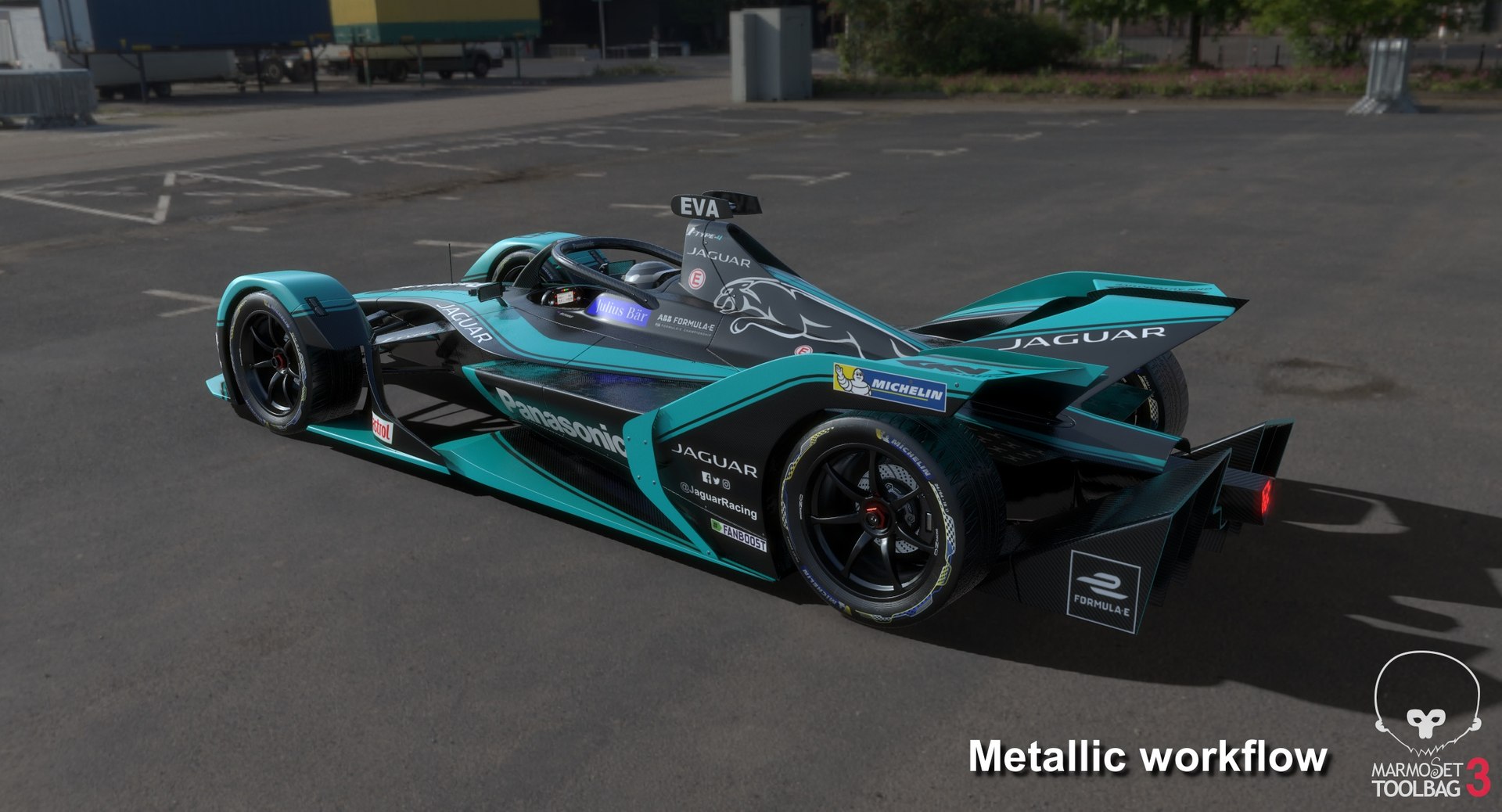
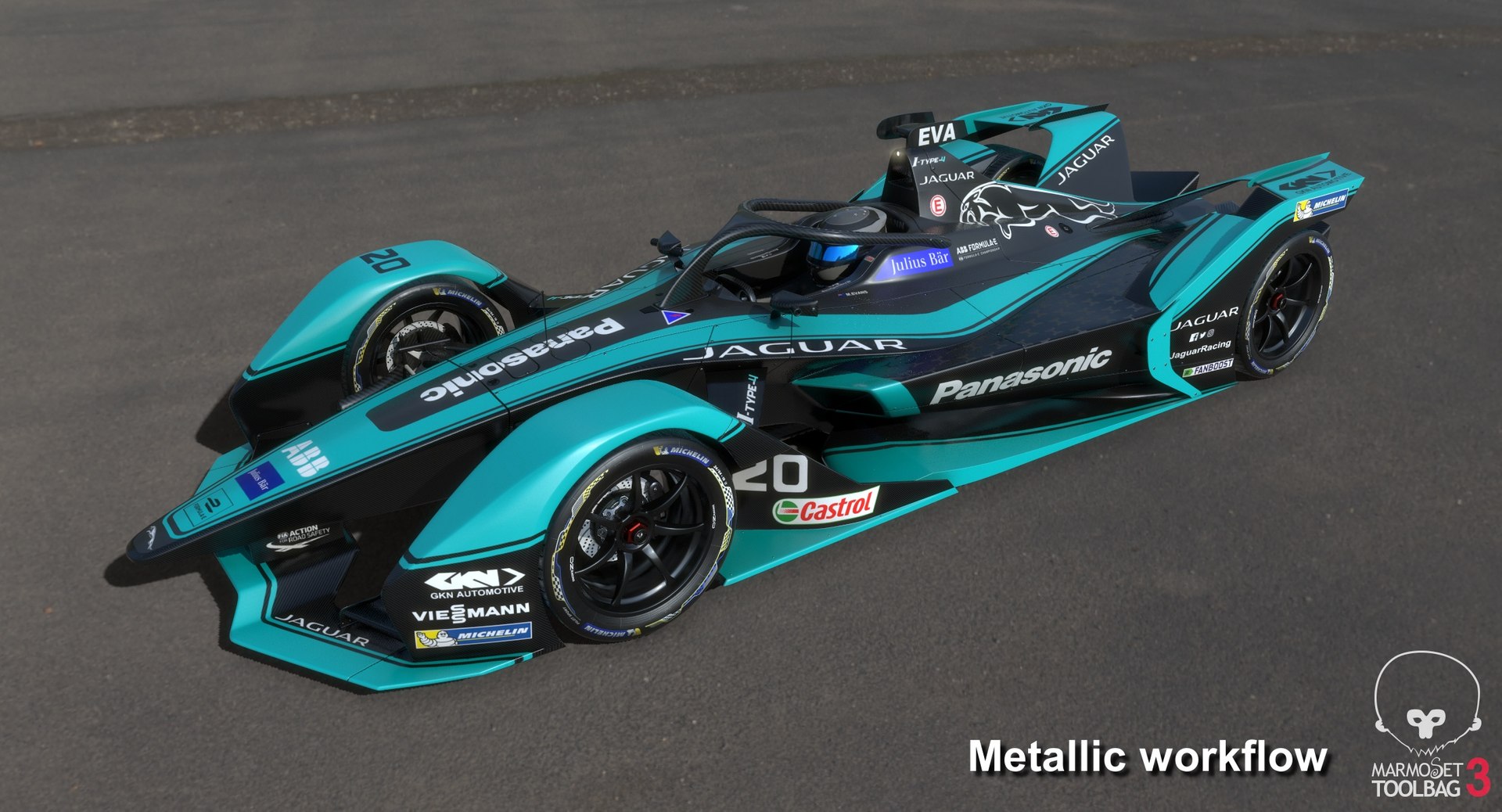
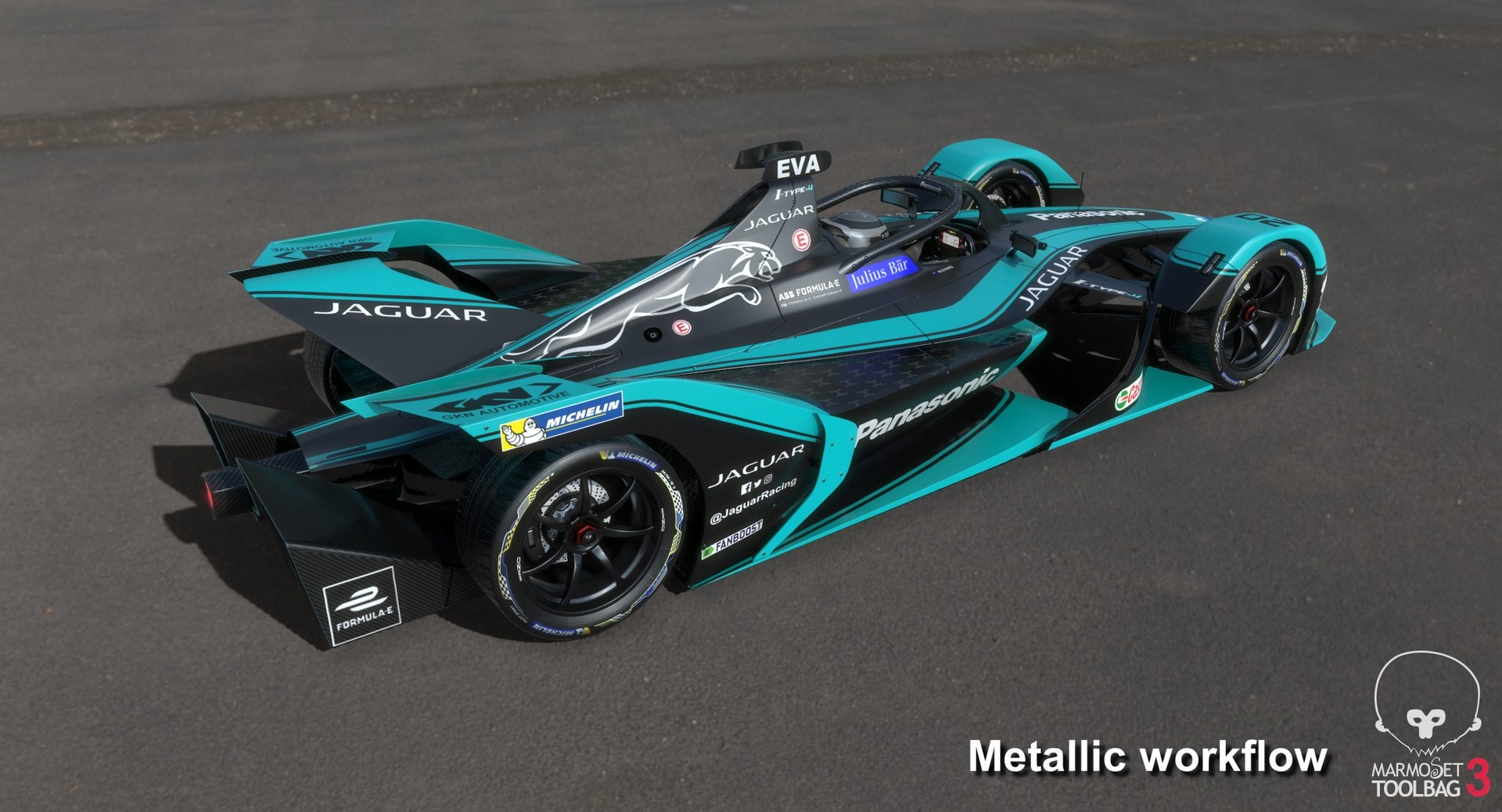
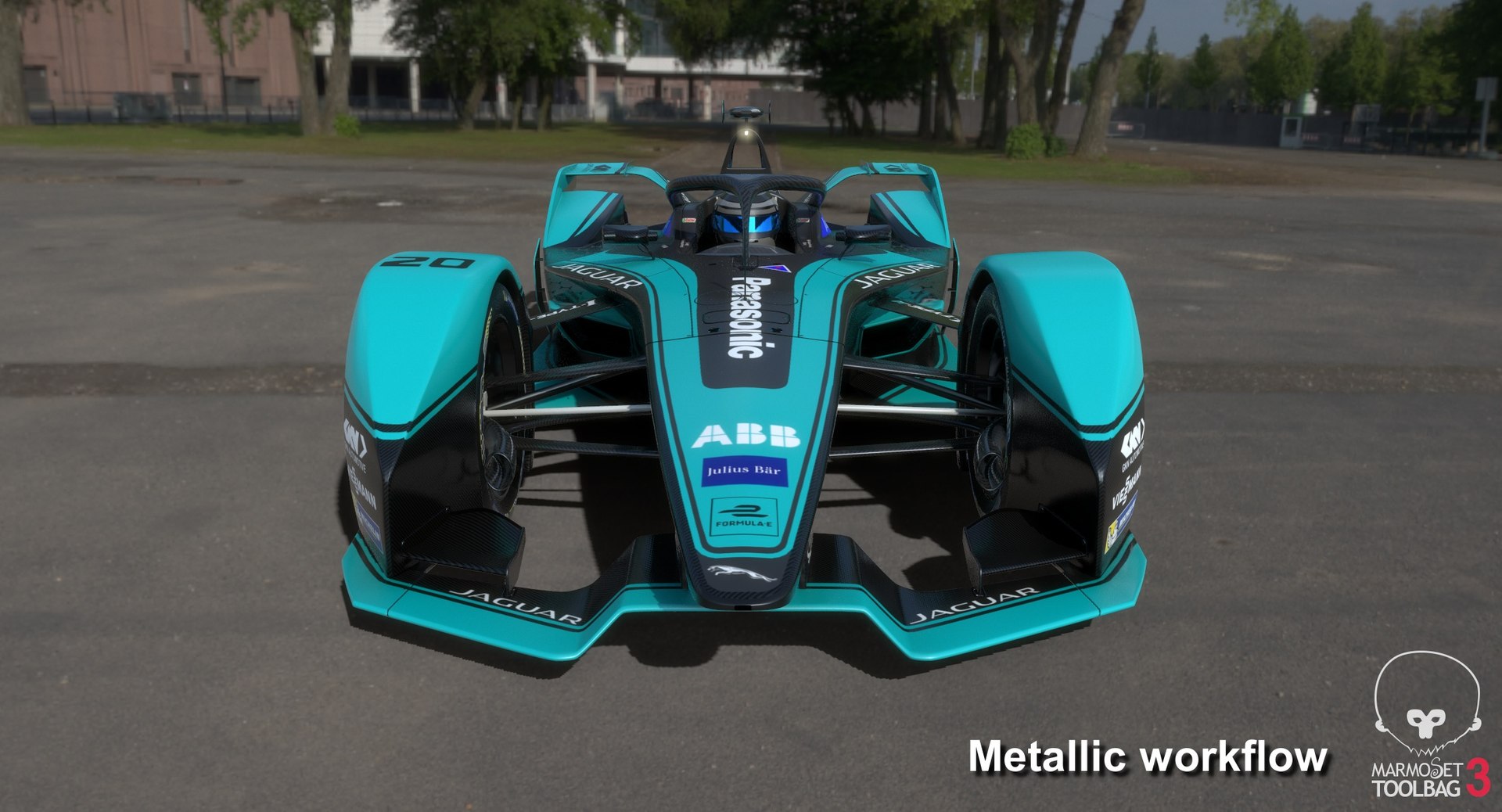
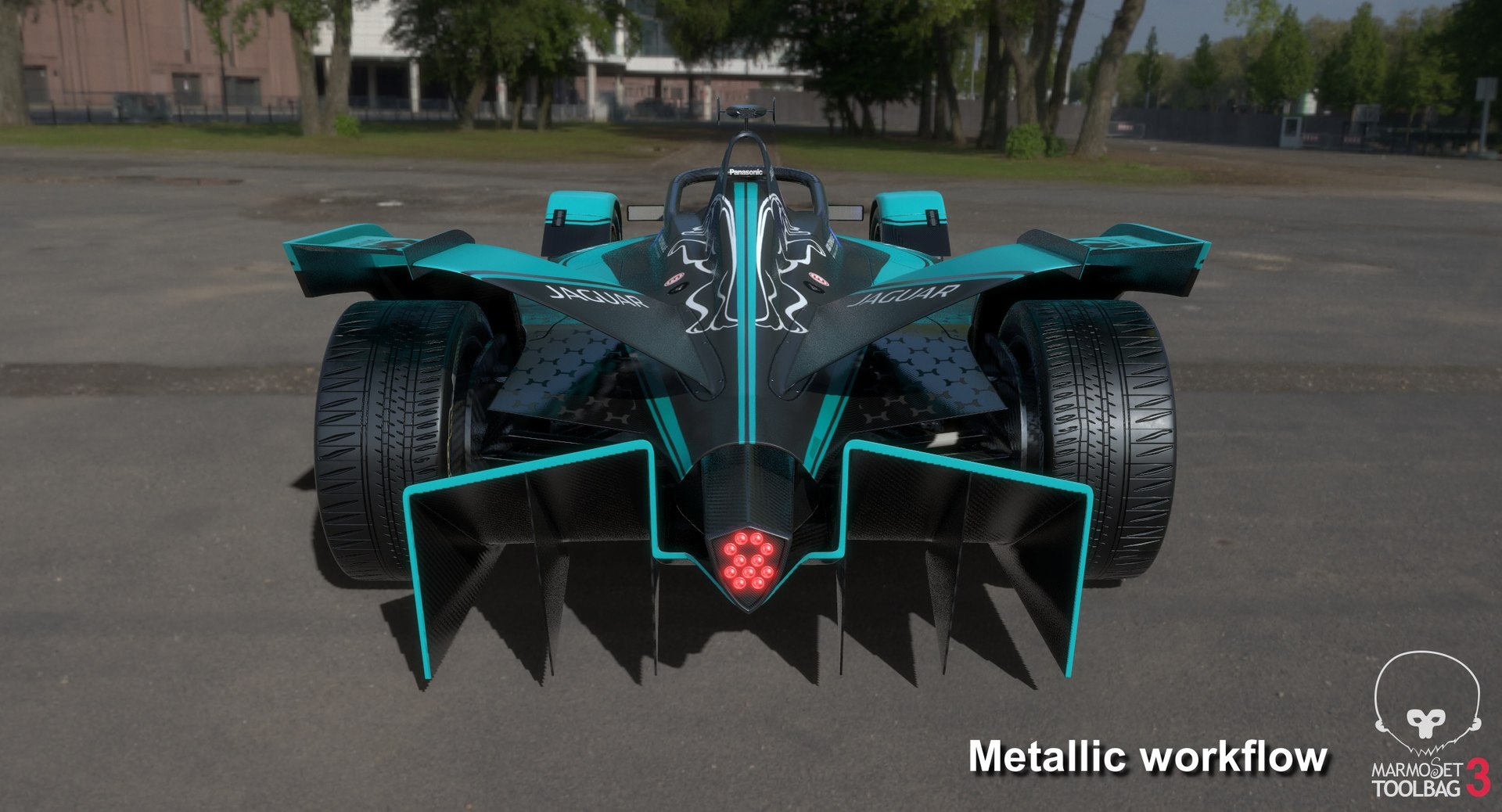
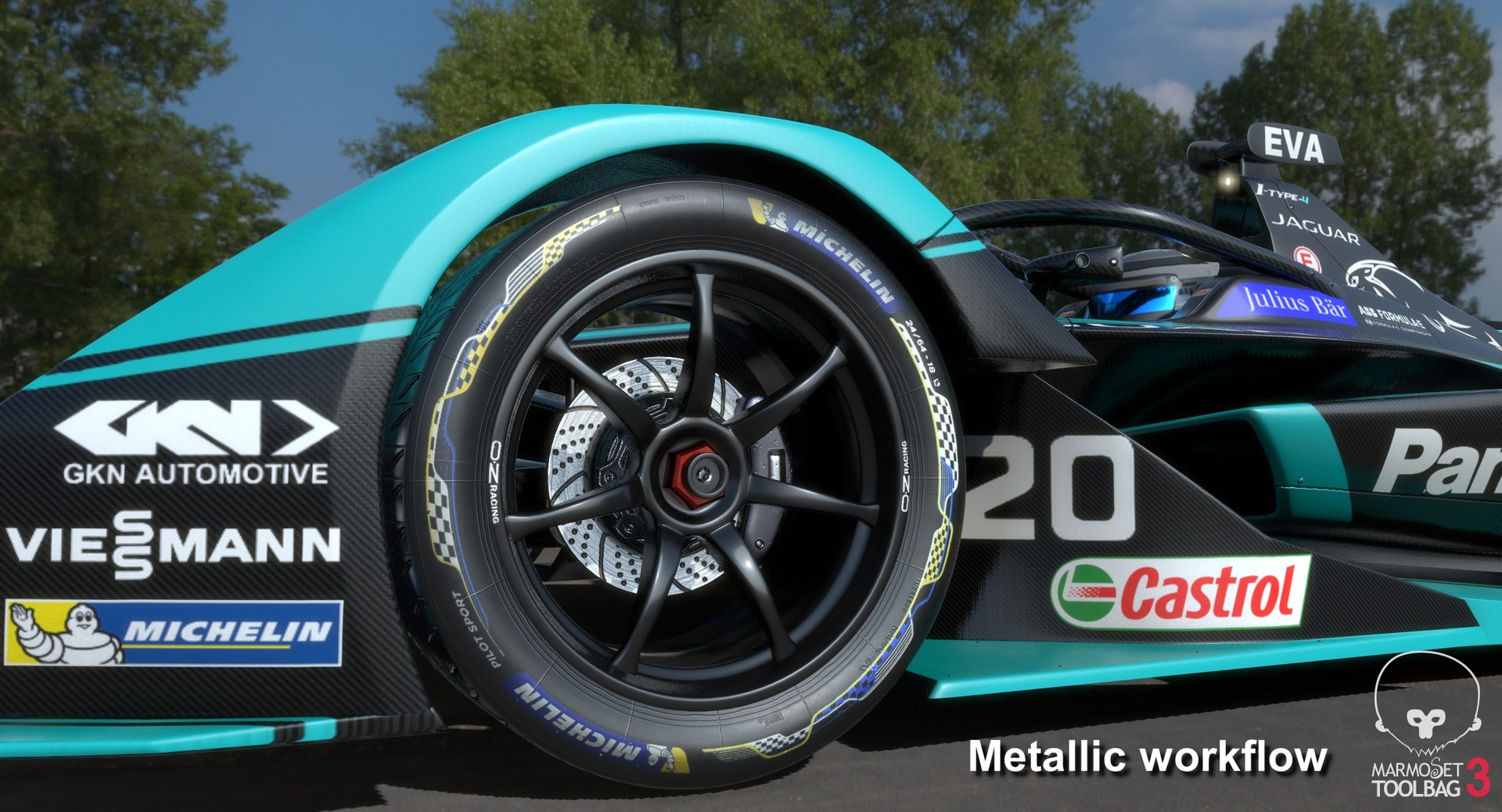
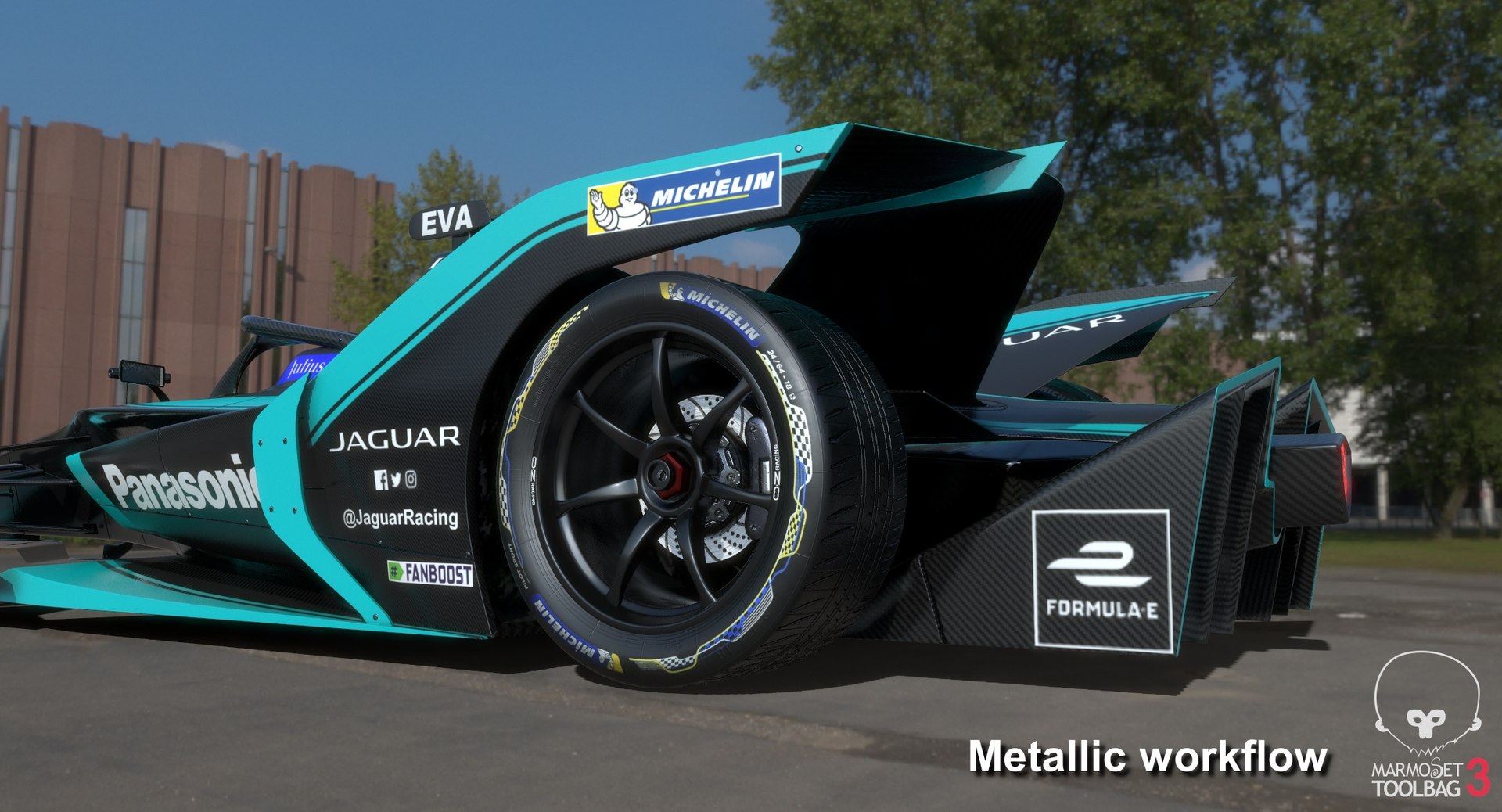
파나소닉 재규어 레이싱 포뮬러 E 시즌 2019 2020

$99

표준 라이센스 | 업그레이드 라이센스
편집 전용
형식 (21)
무료 파일 형식 변환 가능
Native | 3ds Max 2016 | V-Ray 3.30.04
Maya 2015 | V-Ray 3.2
Maya 2015 | mental ray
Maya 2017 | Arnold 5.3.1.1
3ds Max 2018 | Arnold 5.3.1.1
Cinema 4D R18 | Arnold 5.3.1.1
Cinema 4D R18 | Advanced Render
3D Studio
DXF
FBX
OBJ
STL
USD
glTF
Unreal
Unity
사양
게시 날짜 June 15, 2020
제품 ID 1472003
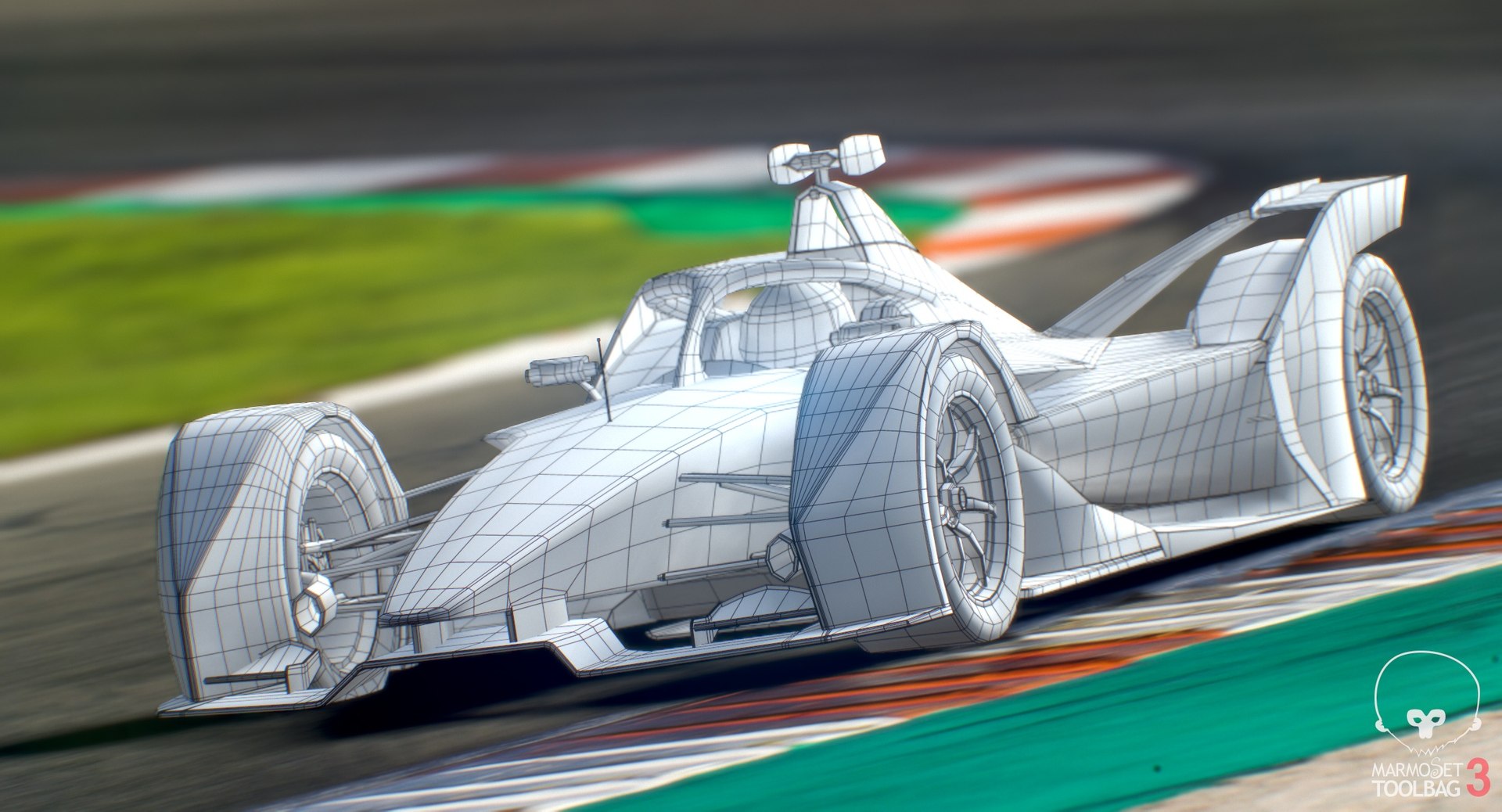
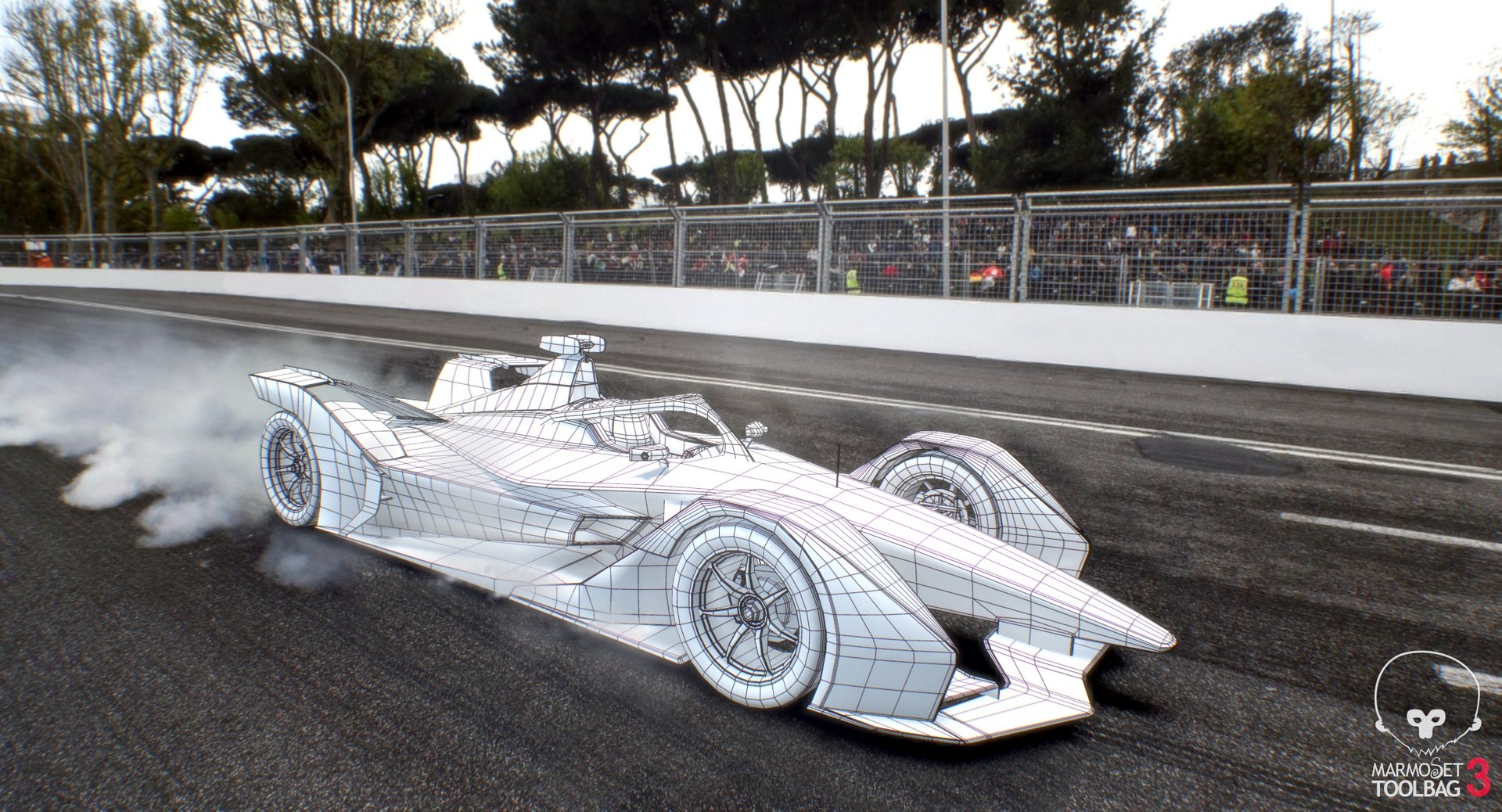
다각형 23,316
정점들 23,627
다각형 쿼드/트리스 기하학
텍스처
기재
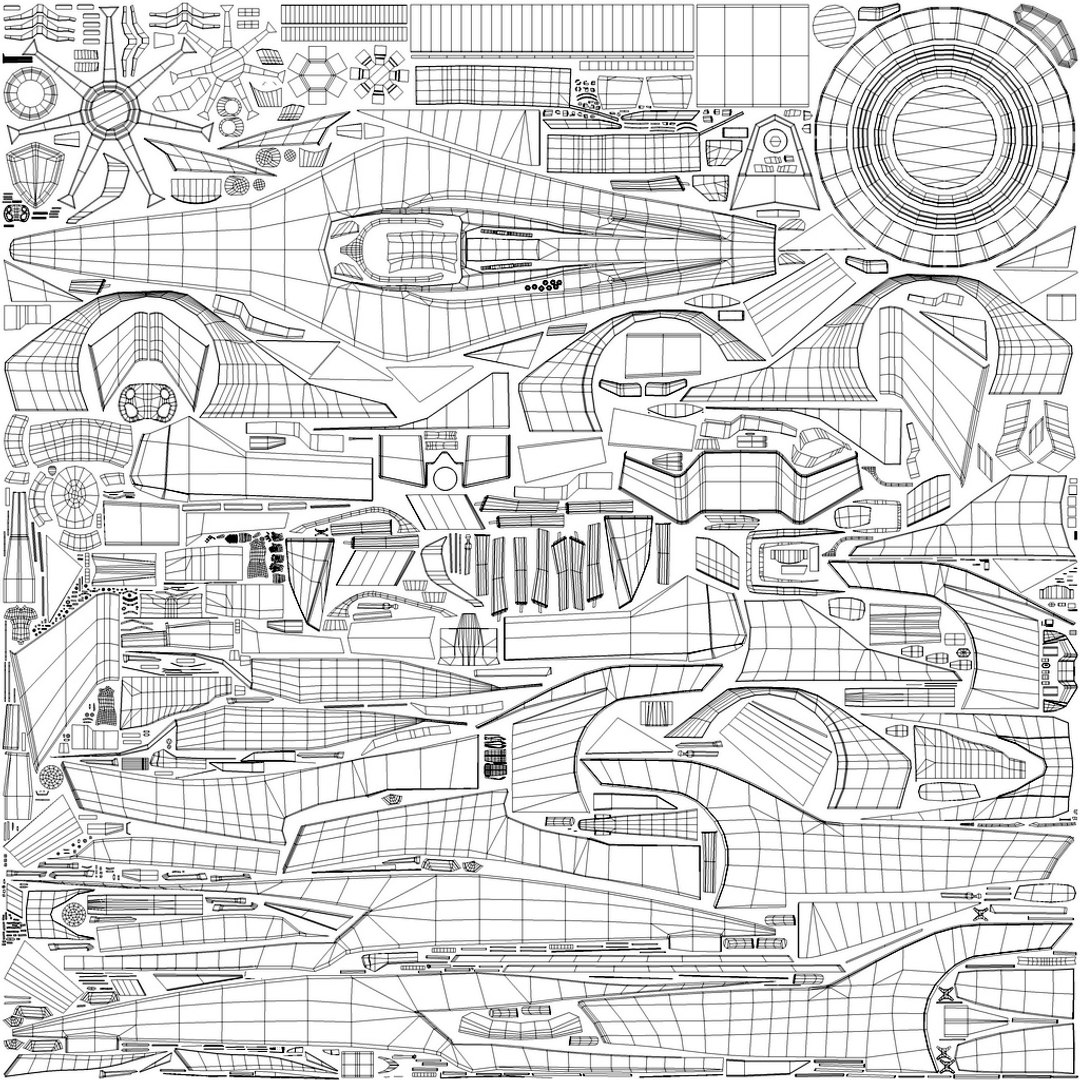
UV 매핑 됨
겹치지 않는 래핑되지 않은 UV
PBR
StemCell 인증
터보스퀴드 독점

member avatar
OpticalDreamSoft
802 제품 | Contributor 부터 2008
질문 있니? 지금 우리와 채팅하십시오.

기술

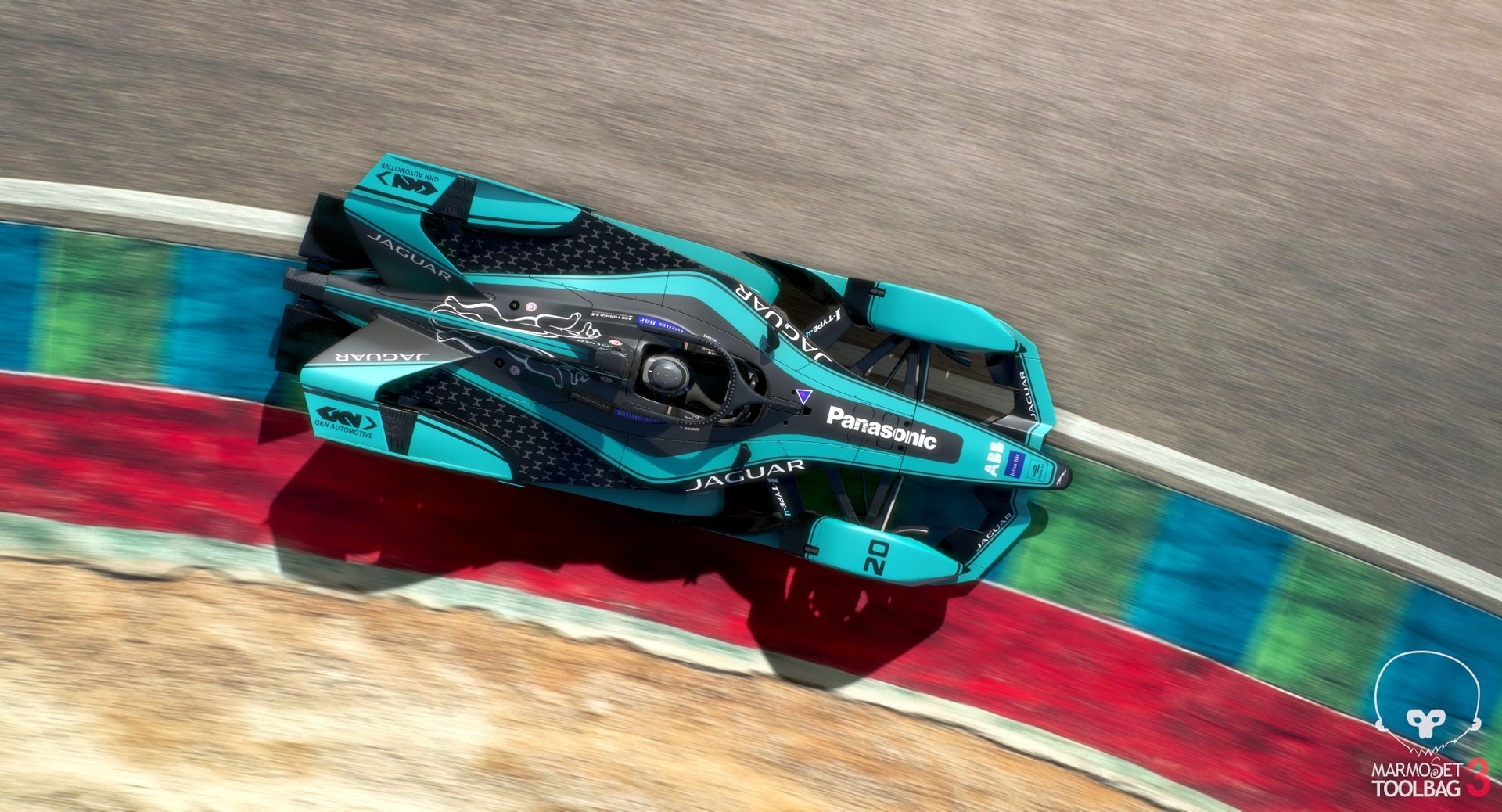
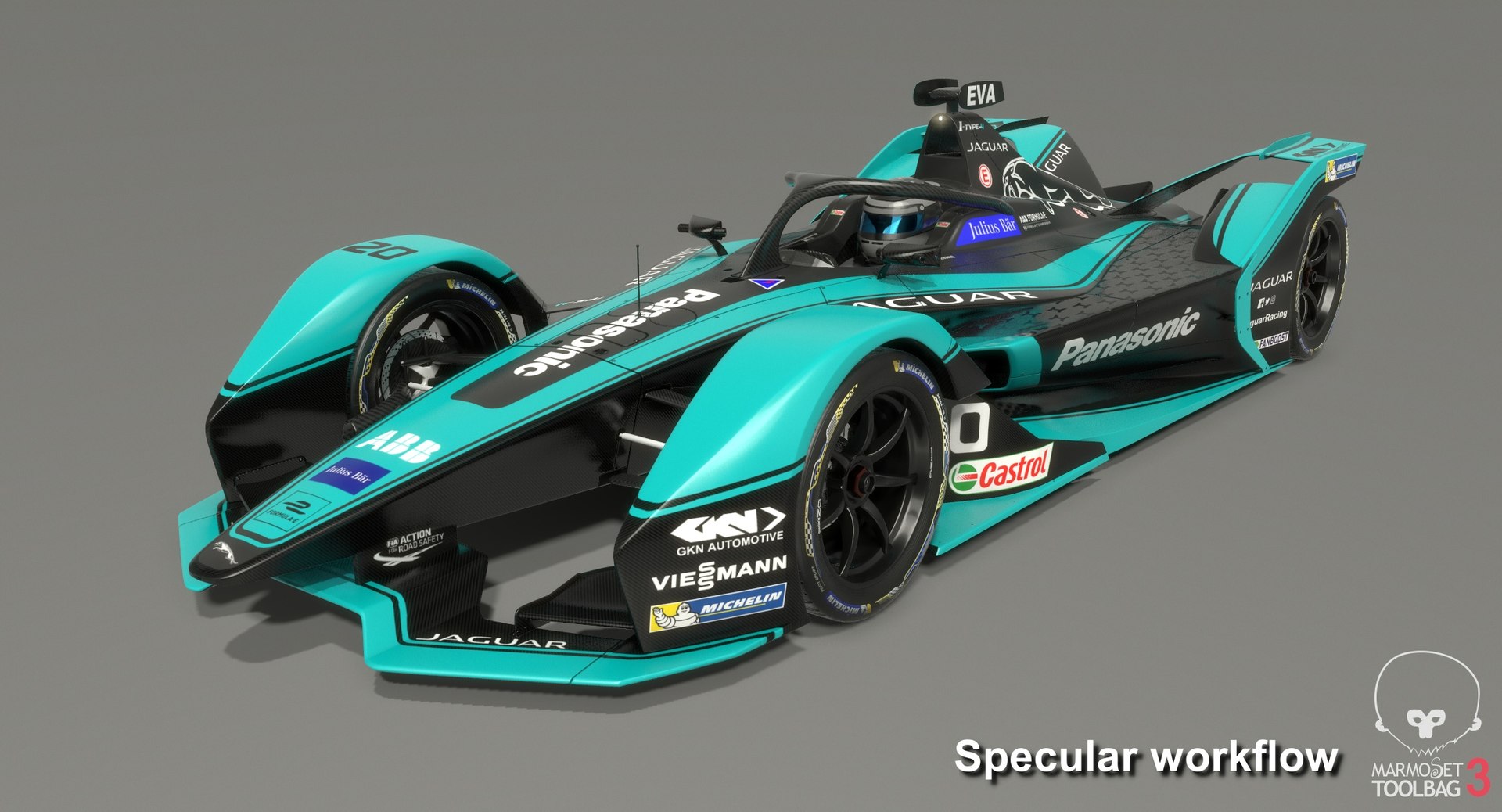
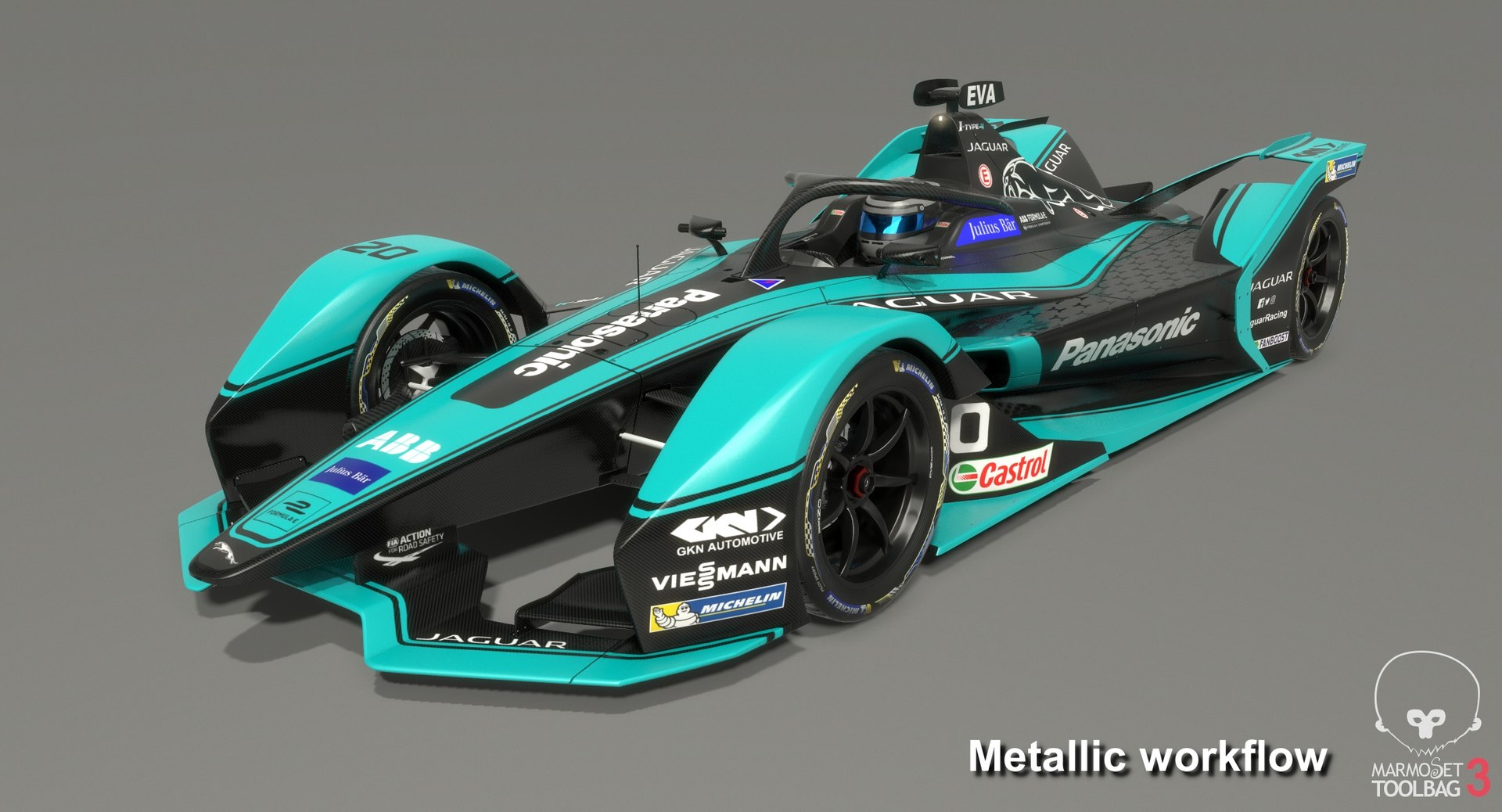
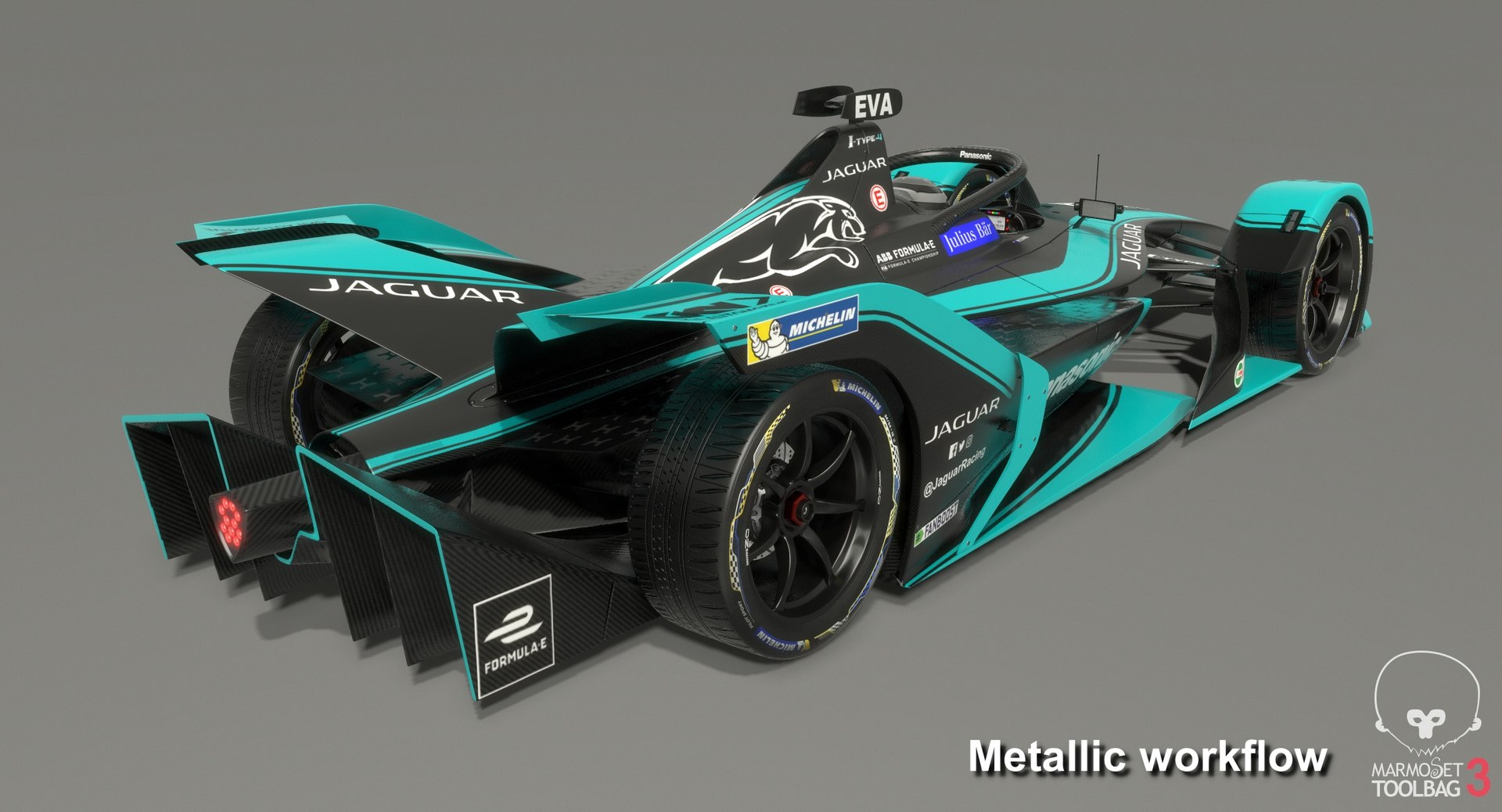
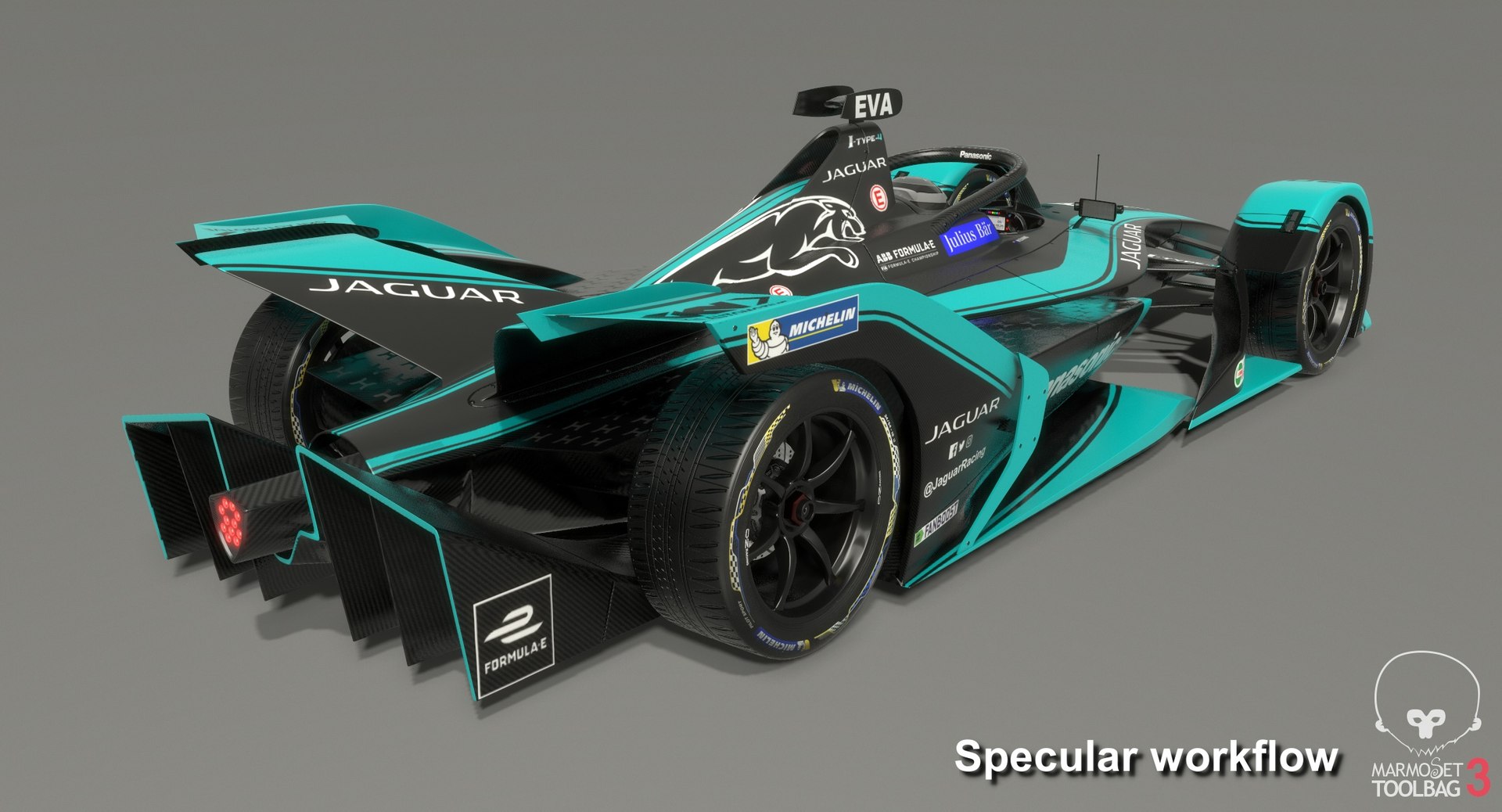
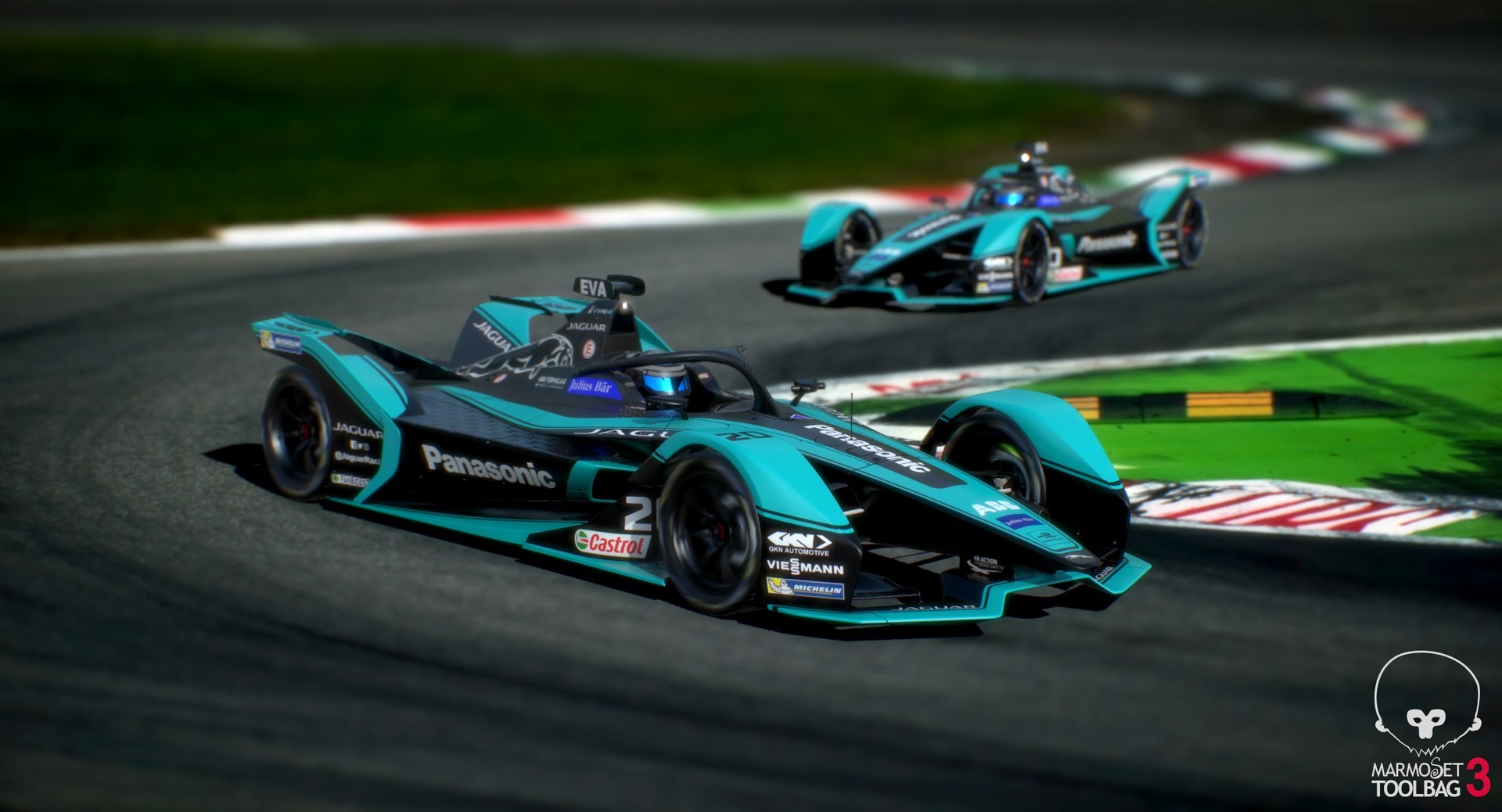
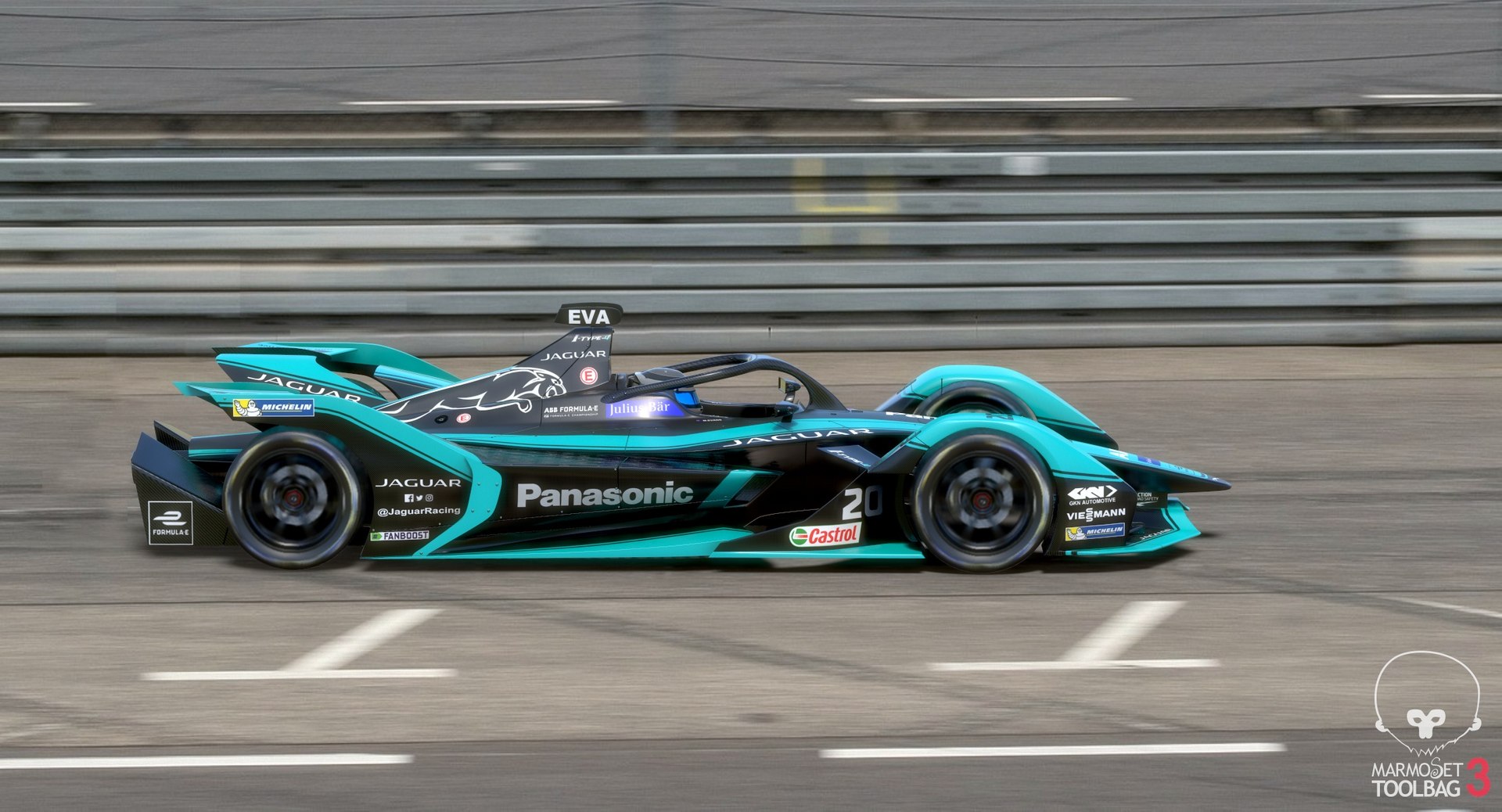
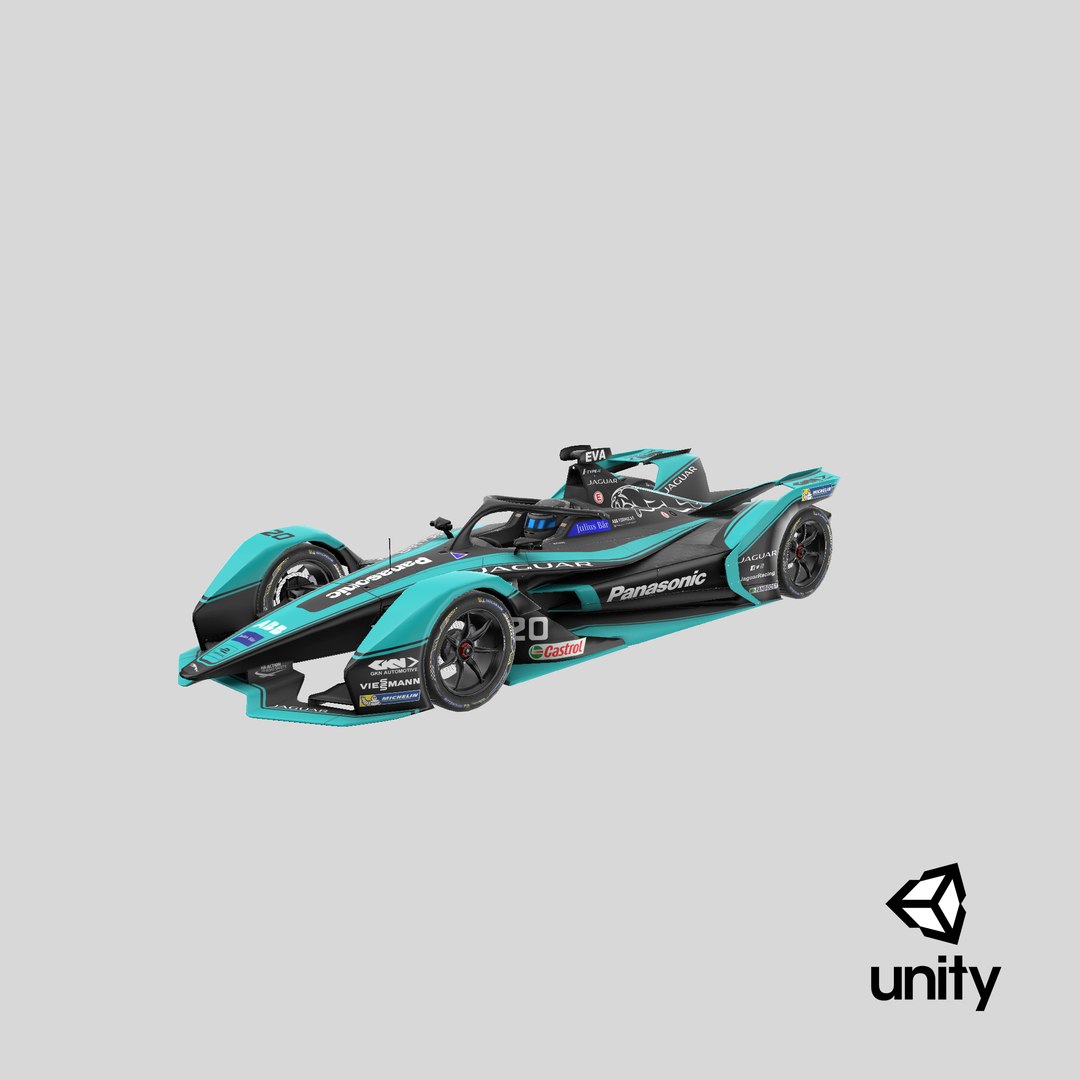
Low-poly subdivision-ready 3D model of Panasonic Jaguar Racing Formula E Season 2019 2020 Gen2 race car with PBR materials (Specular and Metallic workflows).

Advantages of the model:

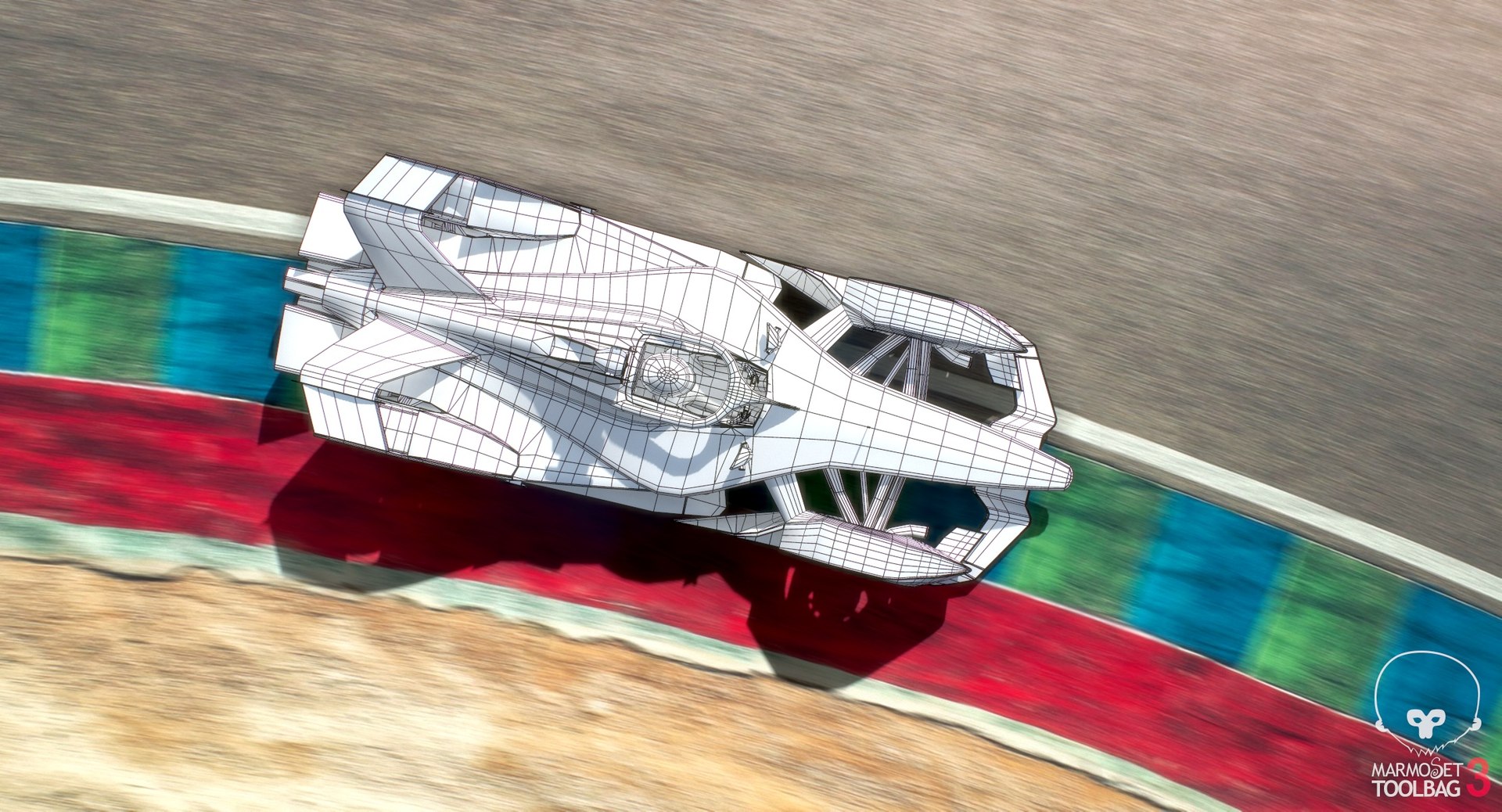
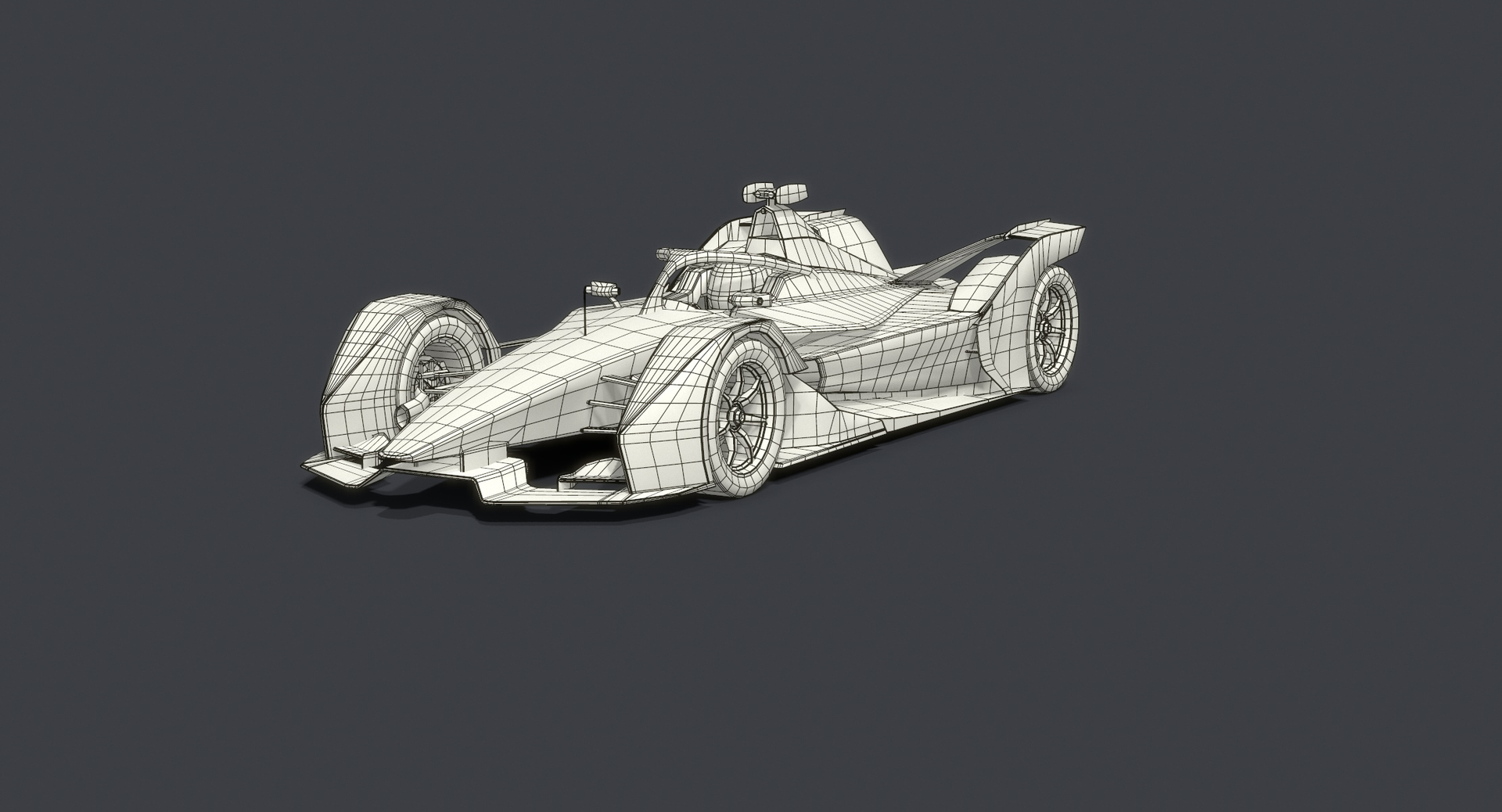
- Very clean geometry;
- The model is maximally optimized for use in 3d games and VR;
- Just one material and one set of textures for the whole model. This allows you to achieve maximum performance in games and real-time applications;
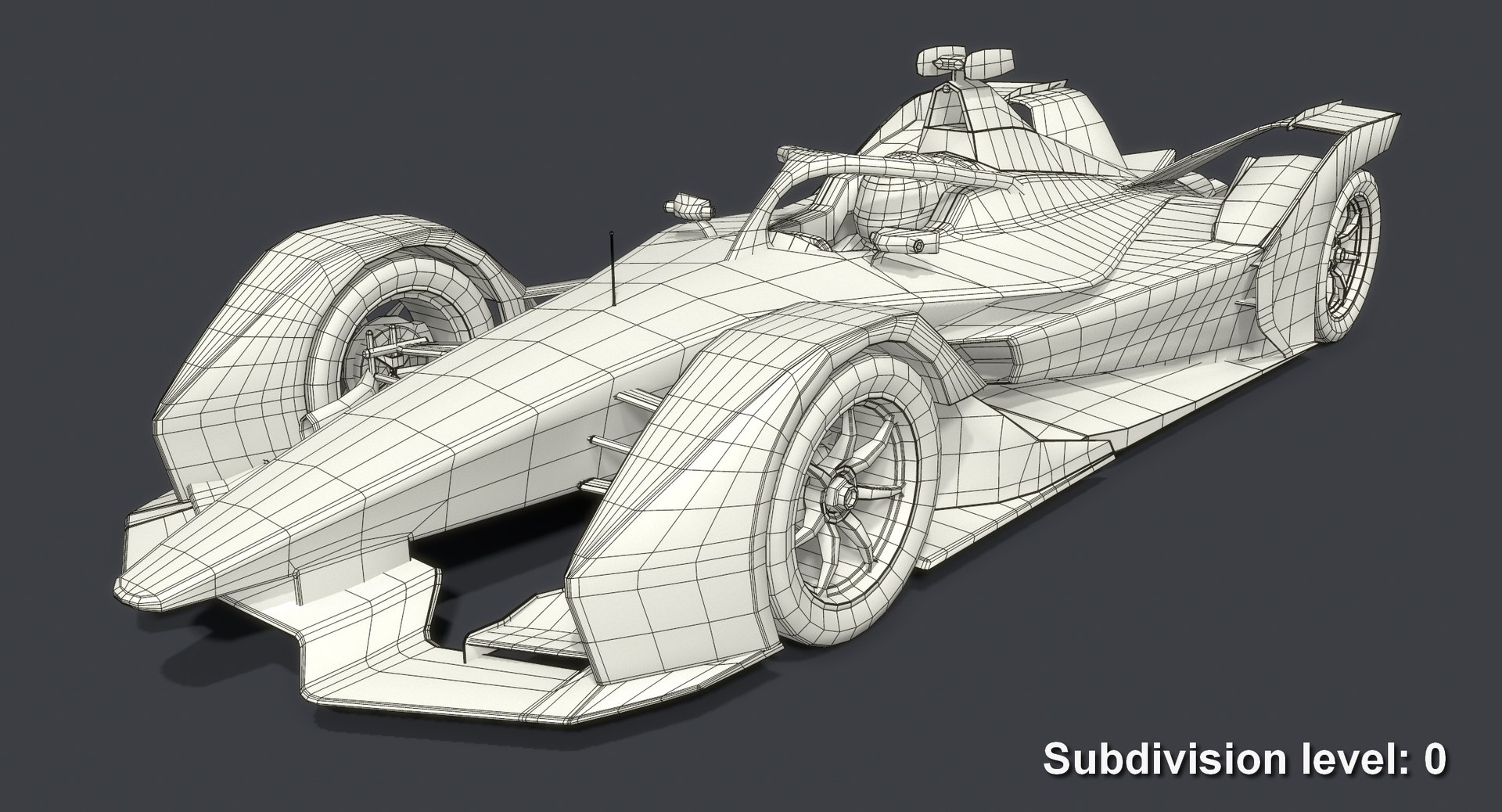
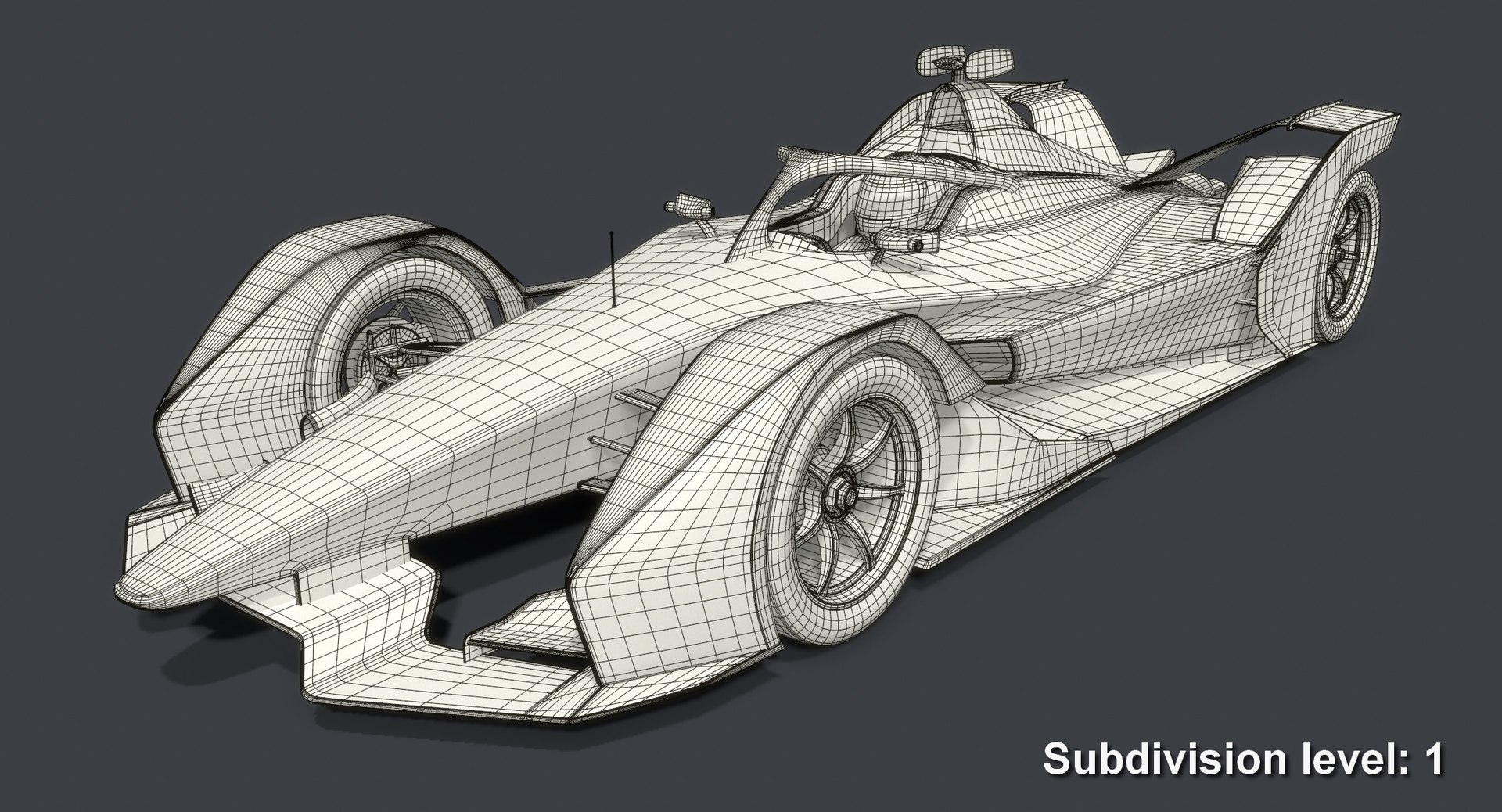
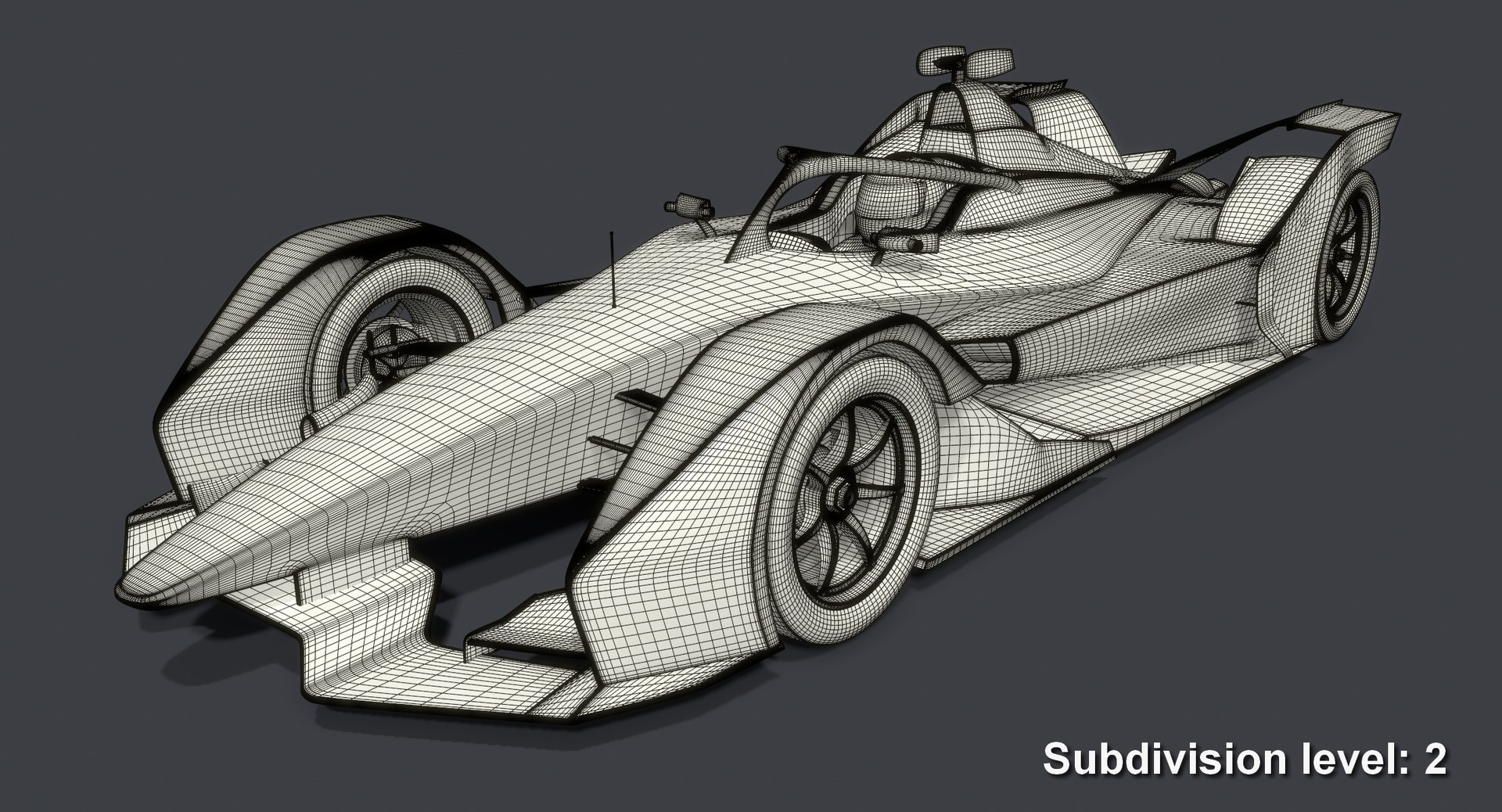
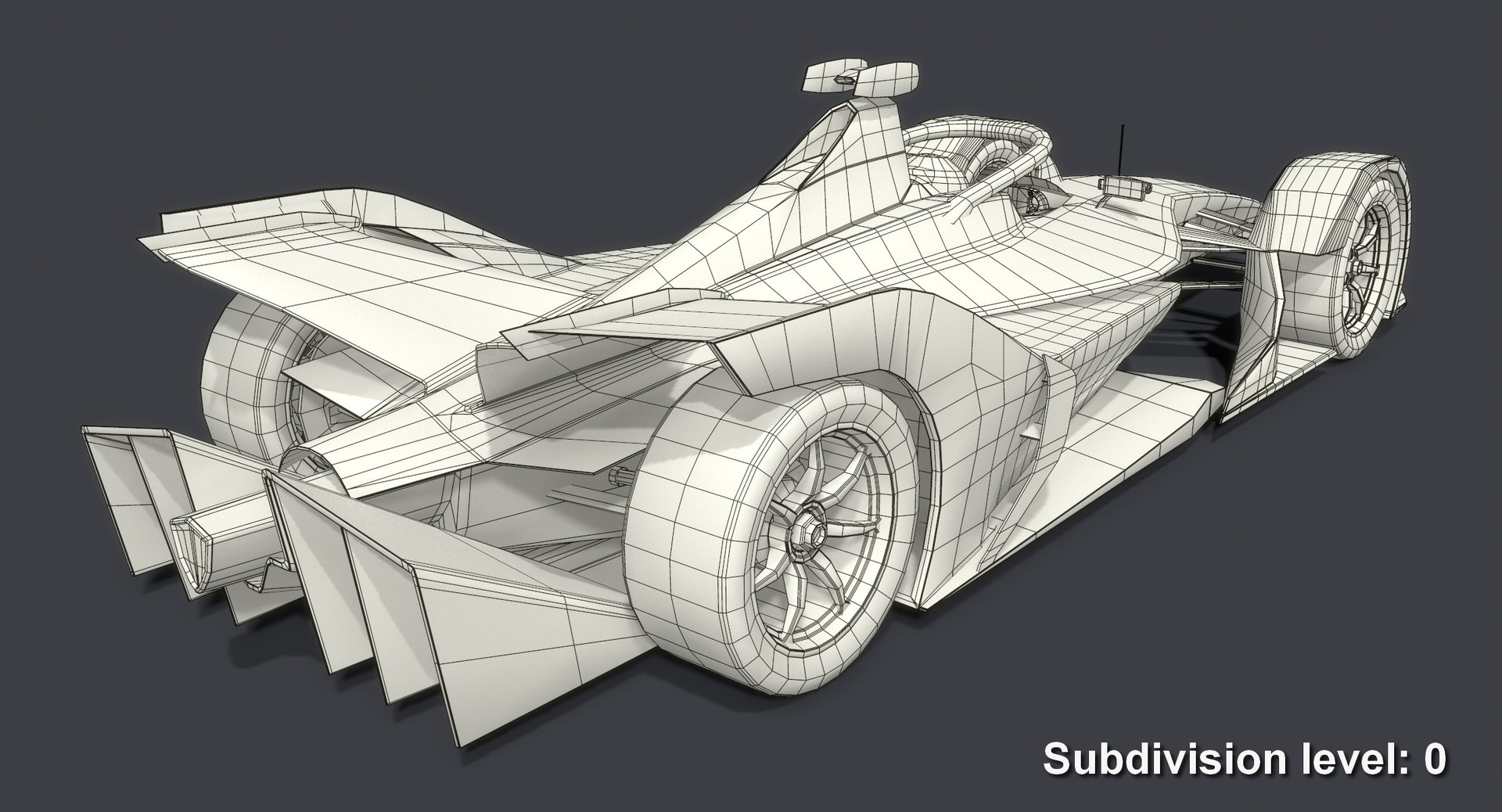
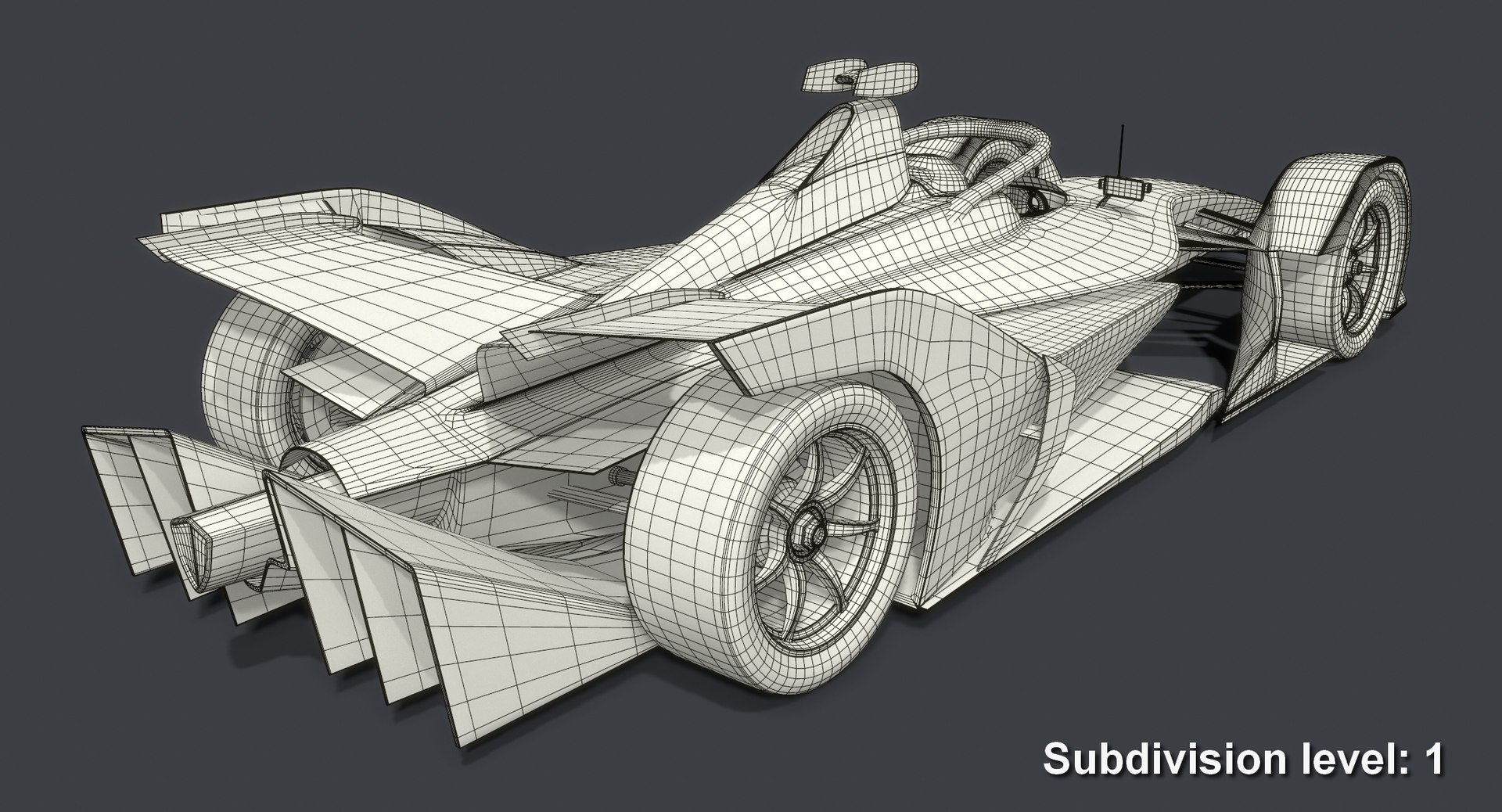
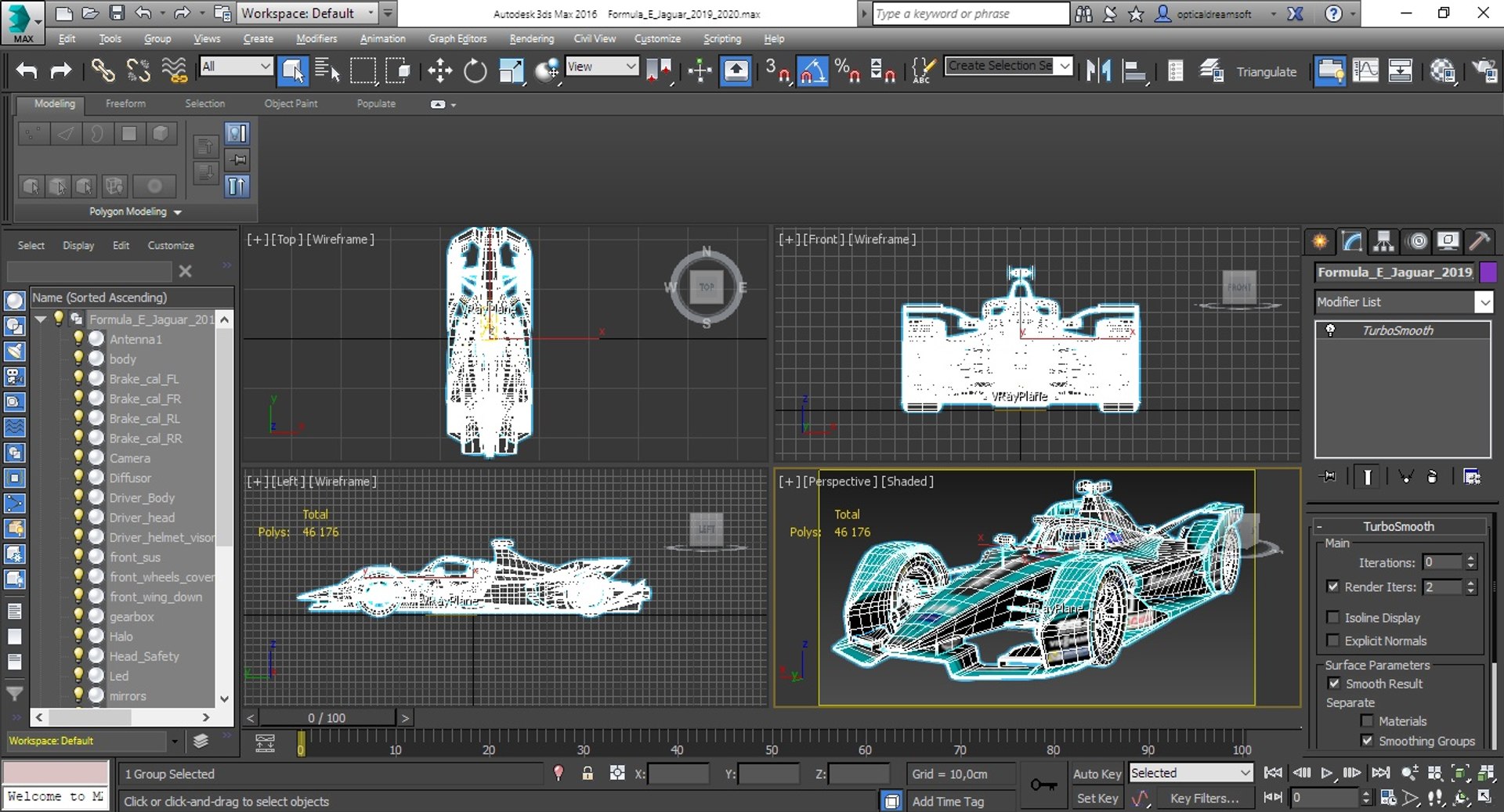
- Very low polycount. The model without turbosmooth is great for mobile games. When you apply a turbosmooth modifier, it starts to look great in large projects on PCs and game consoles as well. This is possible thanks to a very competent application of smoothing groups and properly adjusted geometry;
- Real world scale (Metric / Centimeters). So you can import this model easily into your project without need to change anything;
- The model uses smoothing groups, so you can always increase details to the required level simply by applying a turbosmooth modifier with a necessary number of iterations;
- Divided into functional parts and grouped for easy editing and using in game engines;
- The model consists of 30 separate objects grouped together. Each of these objects has a simple and understandable name;
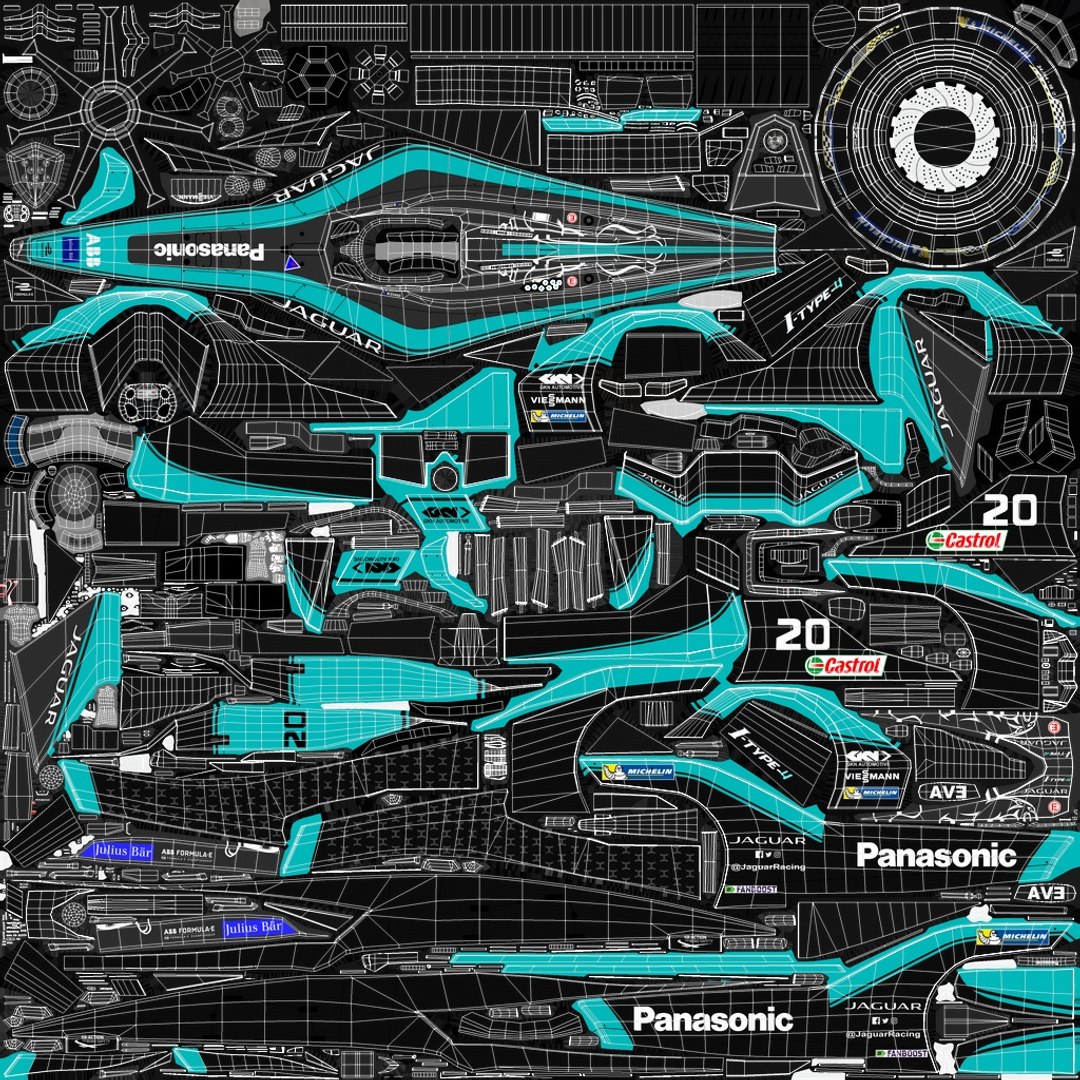
- UV map is maximally optimized for texture's easy editing so without difficulties you can add or remove any logo or some details where needed;
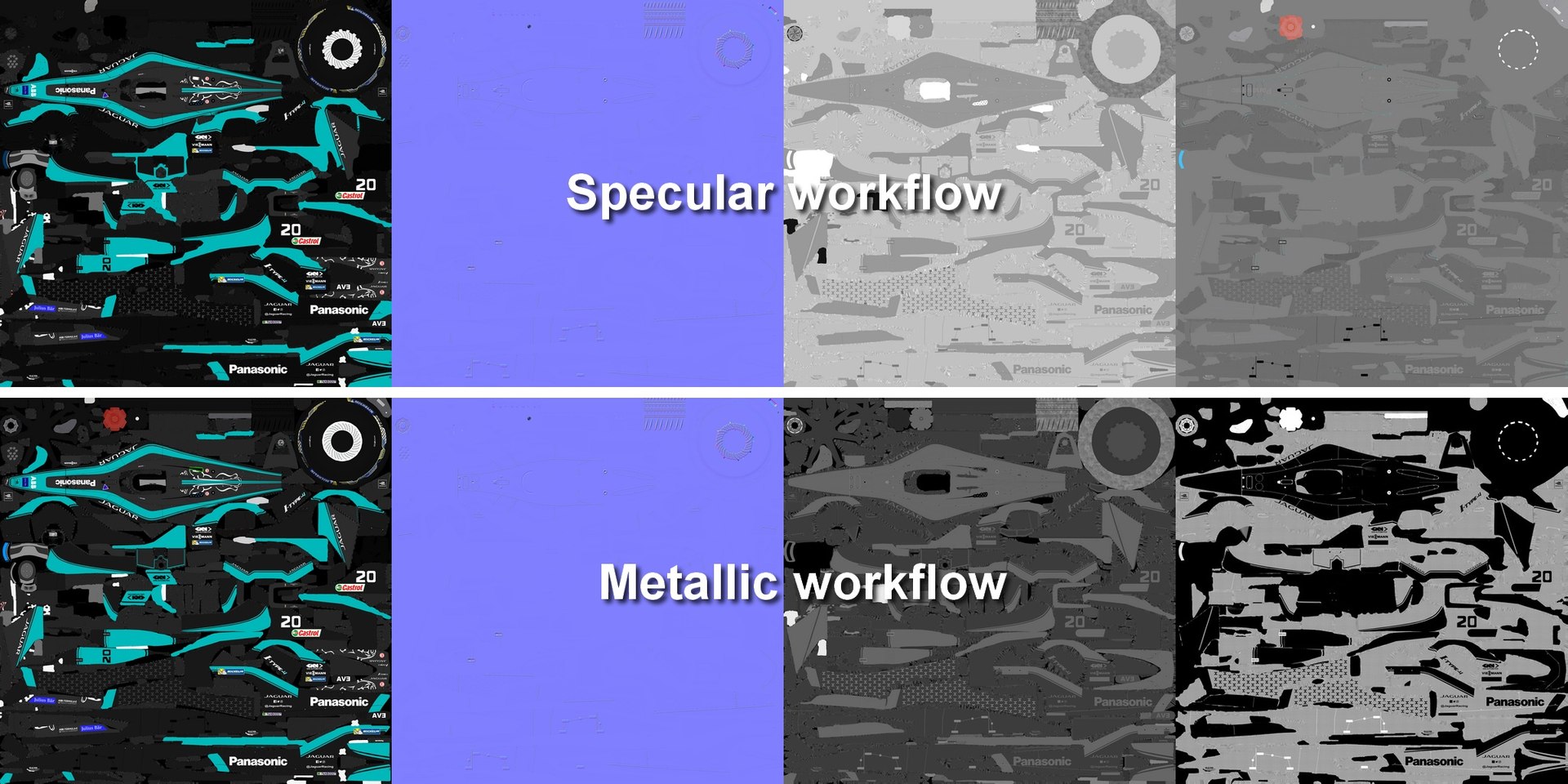
- Specular and Metallic workflow textures included!
- 3DS MAX archieve includes separate layers of diffuse texture thus making changes to textures is easy as never.
- Compatible with the majority of modern game engines!


Model specifications:

Created in 3DS Max 2016 and rendered with V-Ray 3.30. Lighting is a mix of global illumination from HDRI (included) and 1 v-ray light. The model does not require installation of additional plug-ins or software. You need only 3DS Max 2016 and V-Ray 3.30.04 to get the same rendering as on the preview image.

- Polygons count: 23,316 (no n-gons)
Subdivision 1 polygons count: 185,616
Subdivision 2 polygons count: 742,464
- Vertices count: 23,627
- Unit Scale: Metric / Centimeters


Materials:
A V-Ray PBR material with specular workflow is applied to the model. All its parameters were created for the StemCell standard.

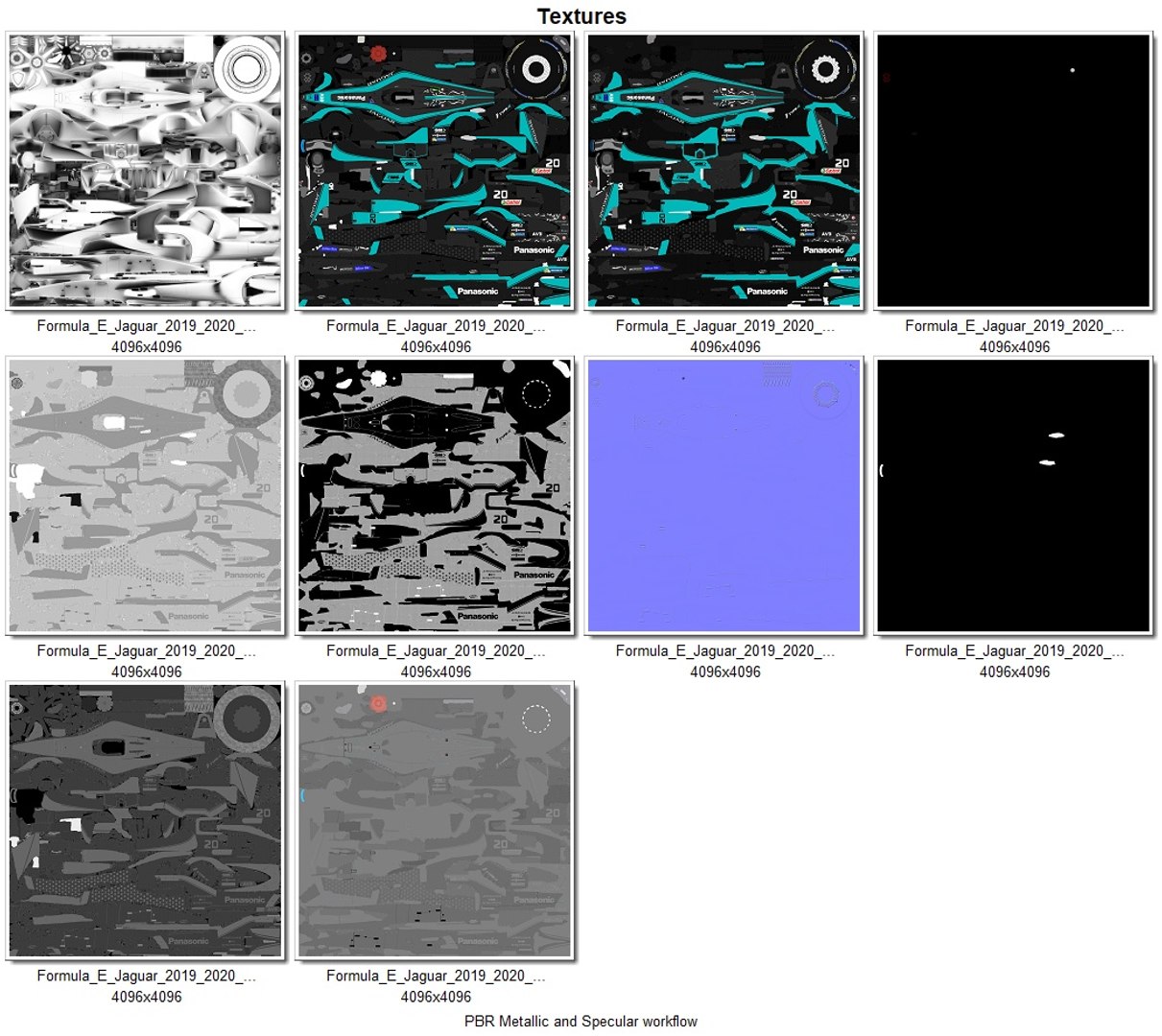
Textures (Specular workflow):
- Diffuse (4,096 x 4,096 PNG)
- NormalMap (4,096 x 4,096 PNG)
- Specular (4,096 x 4,096 PNG)
- Glossiness (4,096 x 4,096 PNG)
- Emissive (4,096 x 4,096 PNG)
- Refraction (4,096 x 4,096 PNG)
- Ambient Occlusion (4,096 x 4,096 PNG)

Textures (Metallic workflow):
- Base Color (4,096 x 4,096 PNG)
- NormalMap (4,096 x 4,096 PNG)
- Metallic (4,096 x 4,096 PNG)
- Roughness (4,096 x 4,096 PNG)
- Emissive (4,096 x 4,096 PNG)
- Refraction (4,096 x 4,096 PNG)
- Ambient Occlusion (4,096 x 4,096 PNG)

Model is available in the following formats:
- MAX (2016)
- FBX
- OBJ
- 3DS
- DXF (2010)
- STL


You will find 3 versions of the model in every archive (format) file except 3DS format: the original one and two modes with applied turbosmooth modifier (1 and 2 iterations). 3DS format does not have those due to limitations on the maximum number of polygons. The model in 3DS format is available only in subdivision 0.

향상된 라이센스 선택

  • $10,000 법적 보호(보상)
  • 무제한 법적 보호(배상)
  • 금지 명령 구제 면제
  • 할당 가능한 모델 권한
  • $1,000,000 법적 보호(보상)
  • 금지 명령 구제 면제
  • 할당 가능한 모델 권한
  • $250,000 법적 보호(보상)
  • 할당 가능한 모델 권한
향상된 라이선스 티어에 대해 자세히 알아보려면 또는 enterprise@turbosquid.com으로 문의하세요. 이미 Shutterstock Enterprise 고객이신가요? 3D 기능 추가에 대해 문의하려면 Shutterstock 영업 지원 담당자에게 문의하세요.

About Conversion Requests

To submit a conversion request for a purchased asset, please complete our Conversion Request Form.

If you have not yet purchased a model, please review our Documentation about Conversions to learn about what limitations you may encounter with a conversion.

For any additional questions about a model’s suitability for conversion, please contact TurboSquid Support.

로딩중...