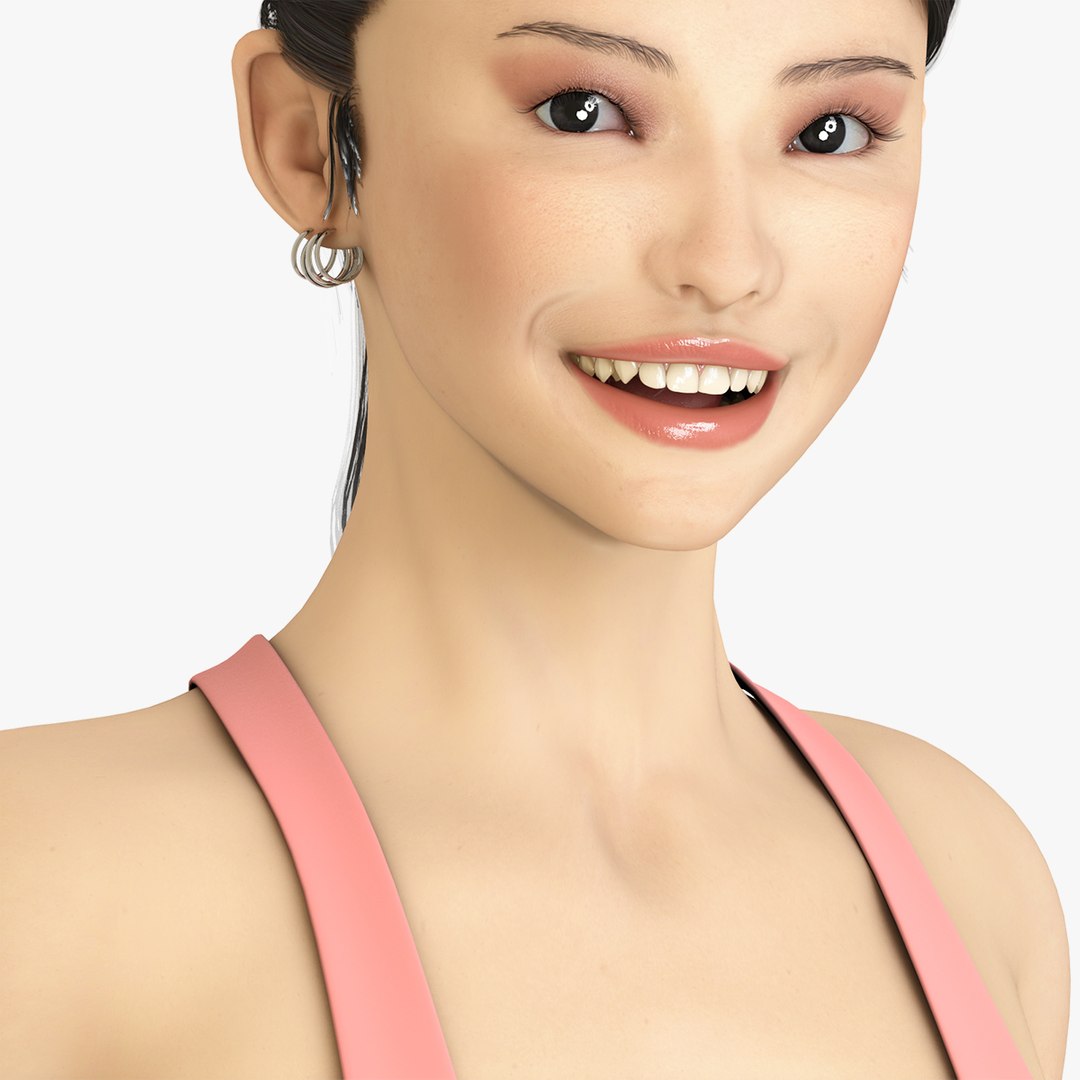
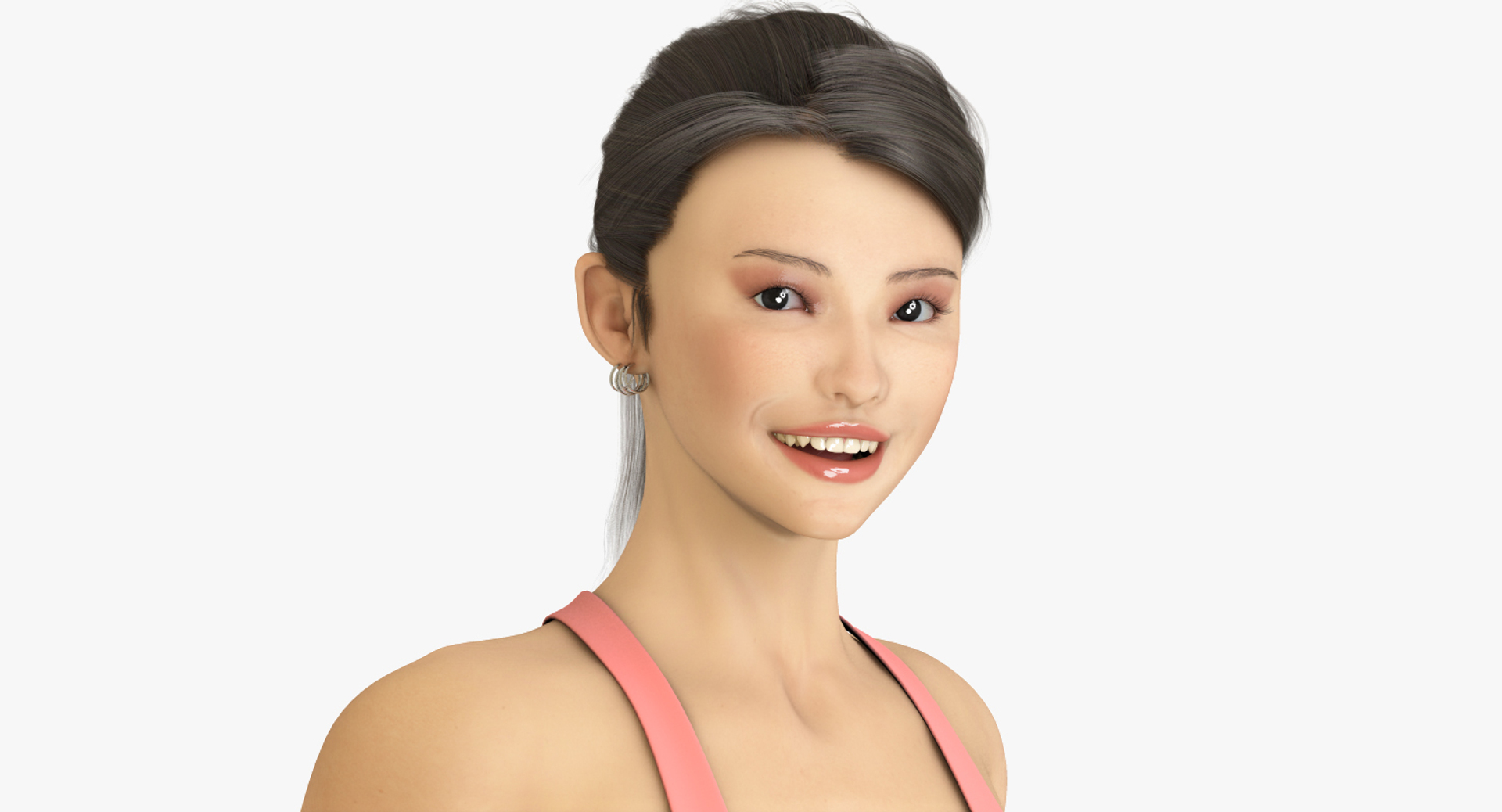
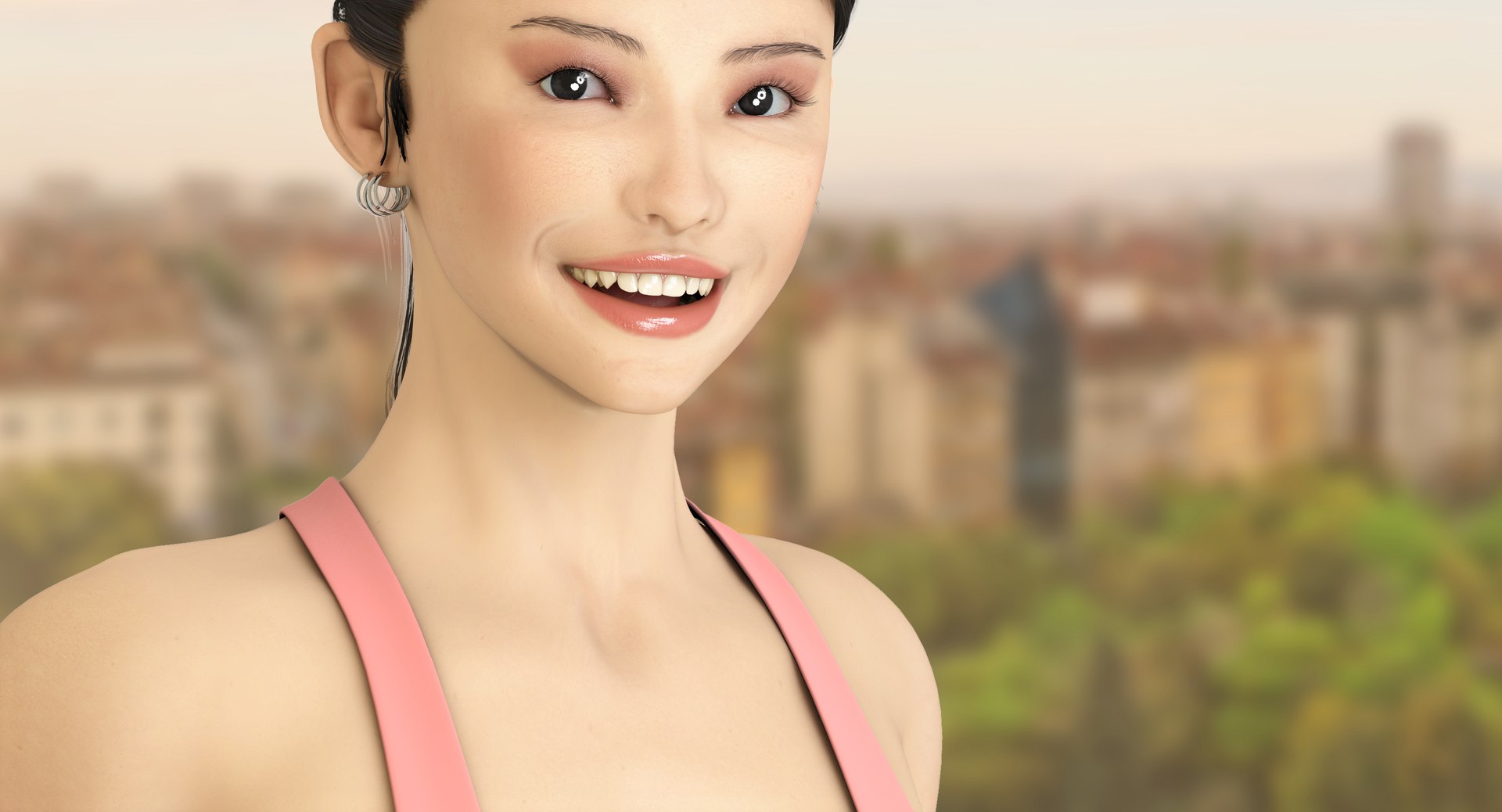
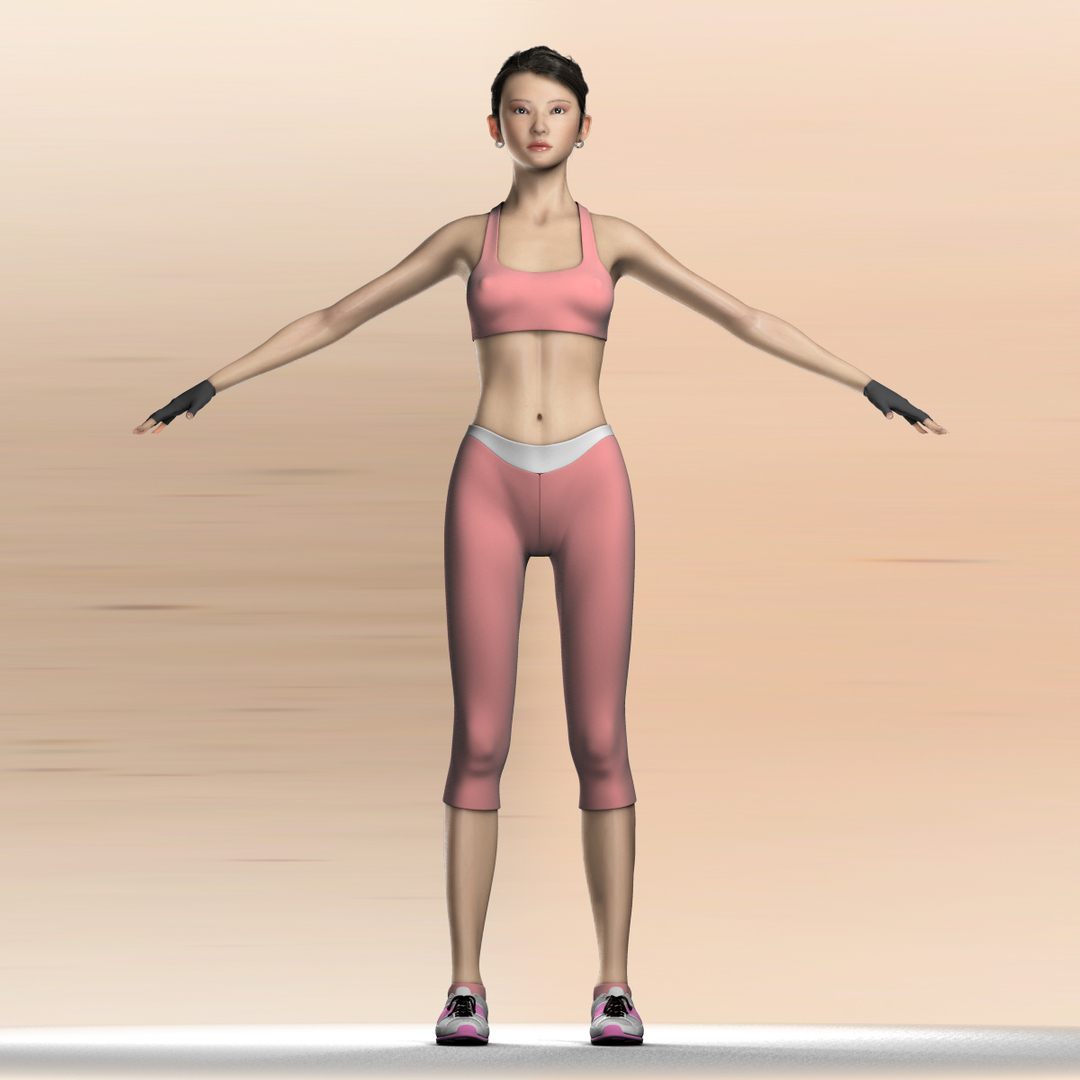
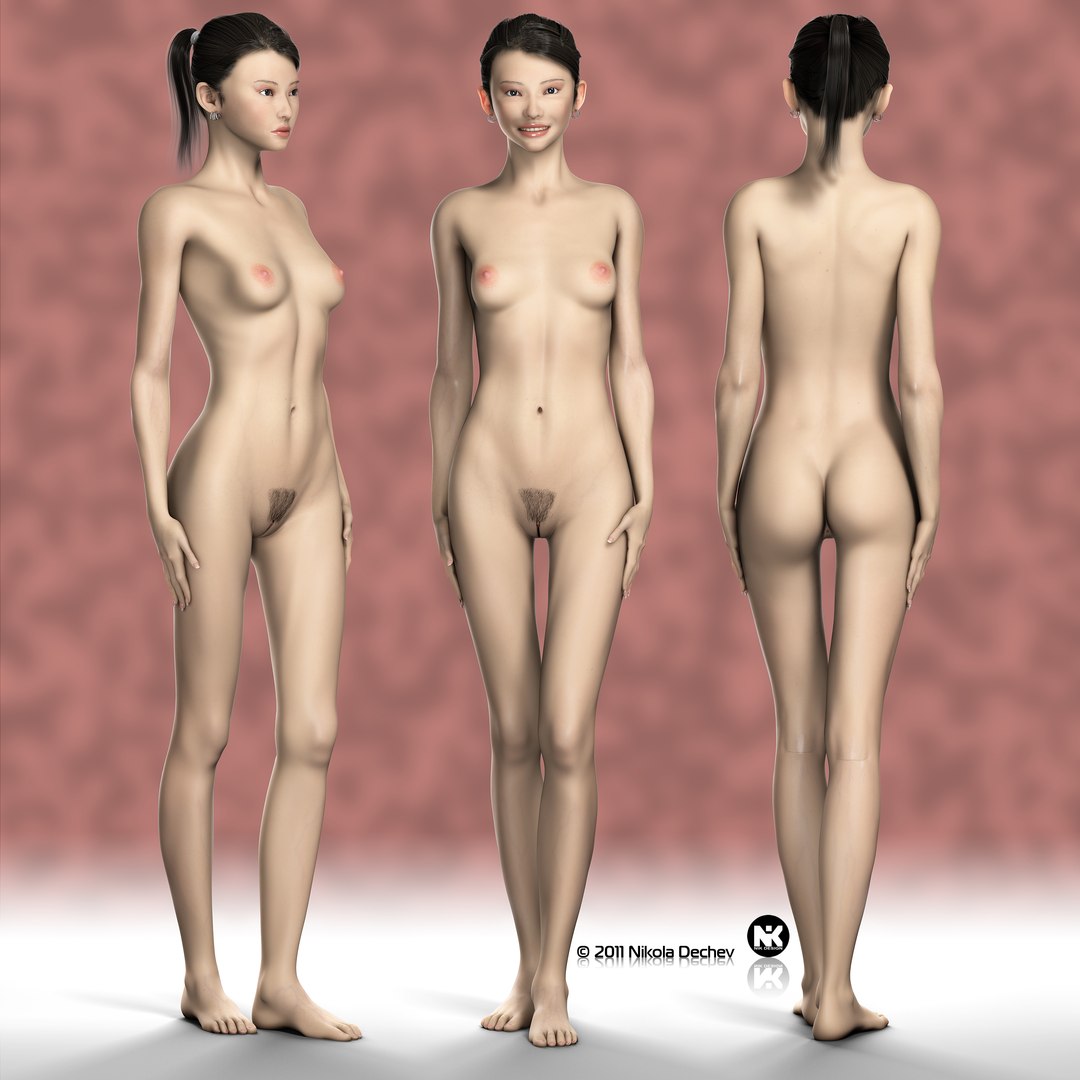
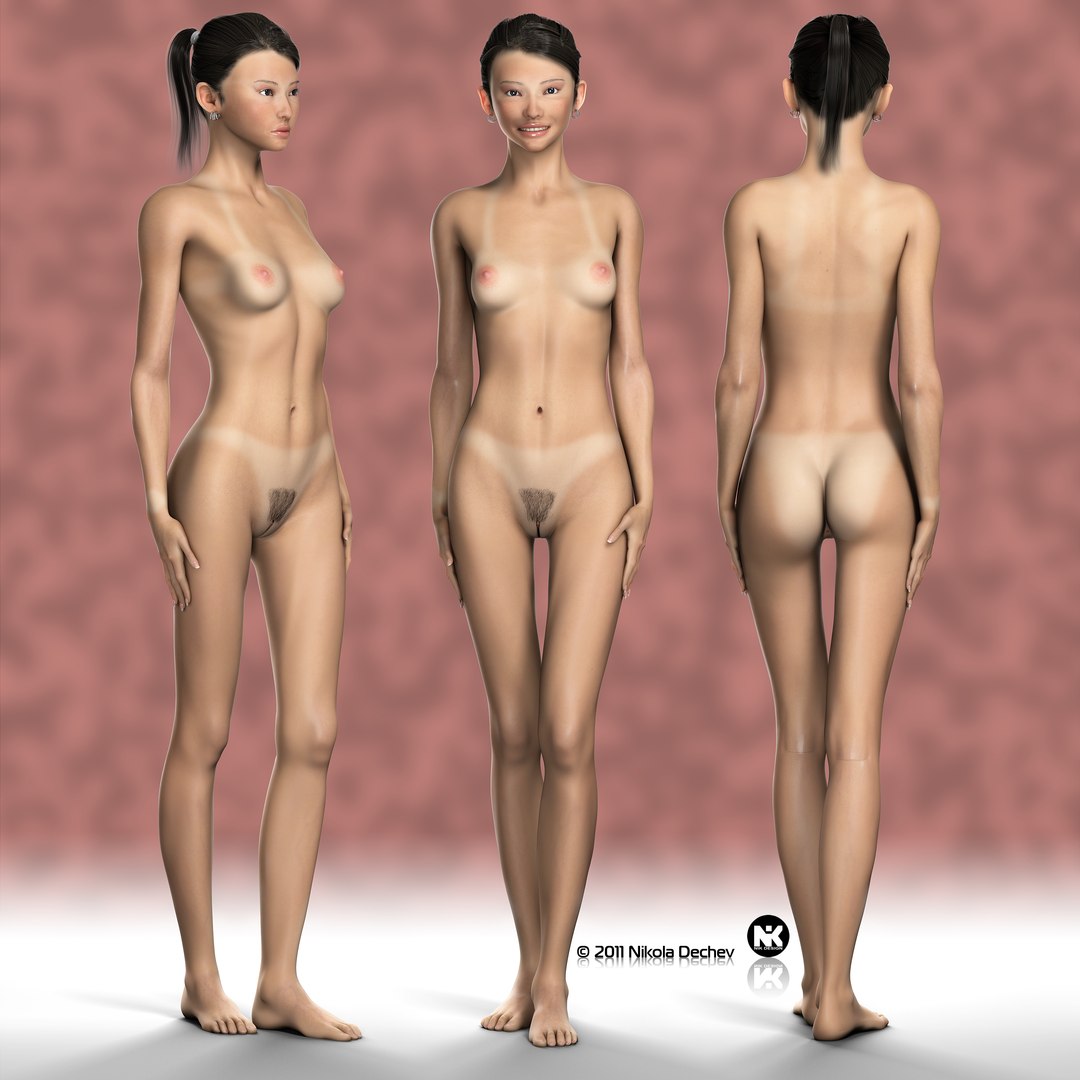
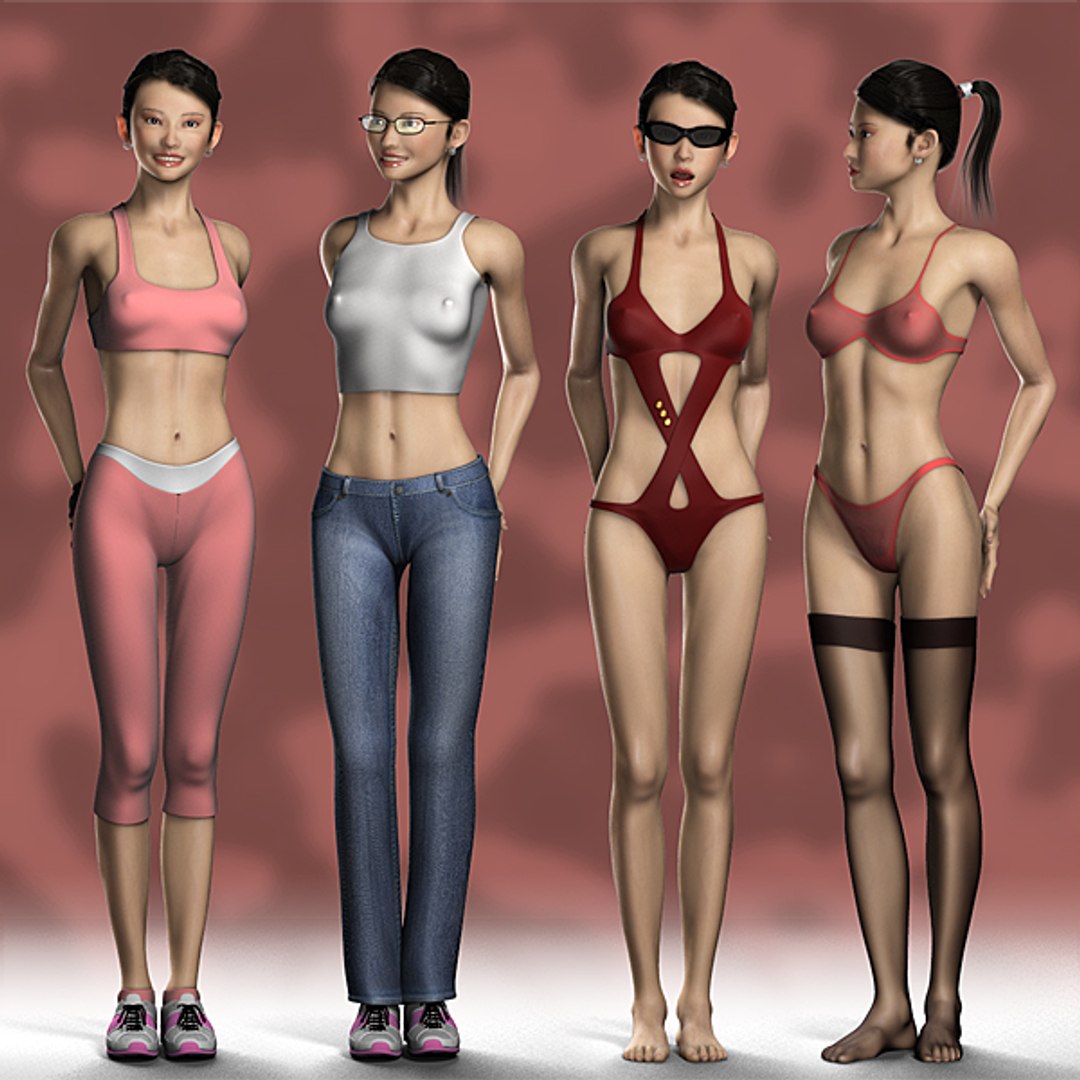
- Name: Mika v3.3, photo realistic, rigged female model with detailed mouth, hair, clothes, SSS materials, user manual and render setup.
- Price: $788
- Version: 3ds Max 9.0 or higher
===MINIMAL REQUIREMENTS===
- CPU: Intel® Pentium® 4 1.4 GHz or equivalent AMD® processor (DUAL or QUAD core recommended)
- RAM: 3 GB (4 GB recommended)
- VIDEO: Direct3D® 9 or OpenGL®-capable graphics card (256 MB or higher memory recommended)
- SOFTWARE: 3ds Max® 9.0 or higher, no additional plugins, Photoshop® CS3 (optional)
- HDD SPACE: 1 GB
- PAGE FILE: 2 GB swap space (4 GB recommended)
===KEYWORDS===
woman women girl female sexy seductive anatomy face people human character realistic athletic caucasian mika mouth teeth tongue throat tooth body hair lips breast legs
=====FEATURES=====
- Included user manual (30 pages PDF file with FAQ and samples)
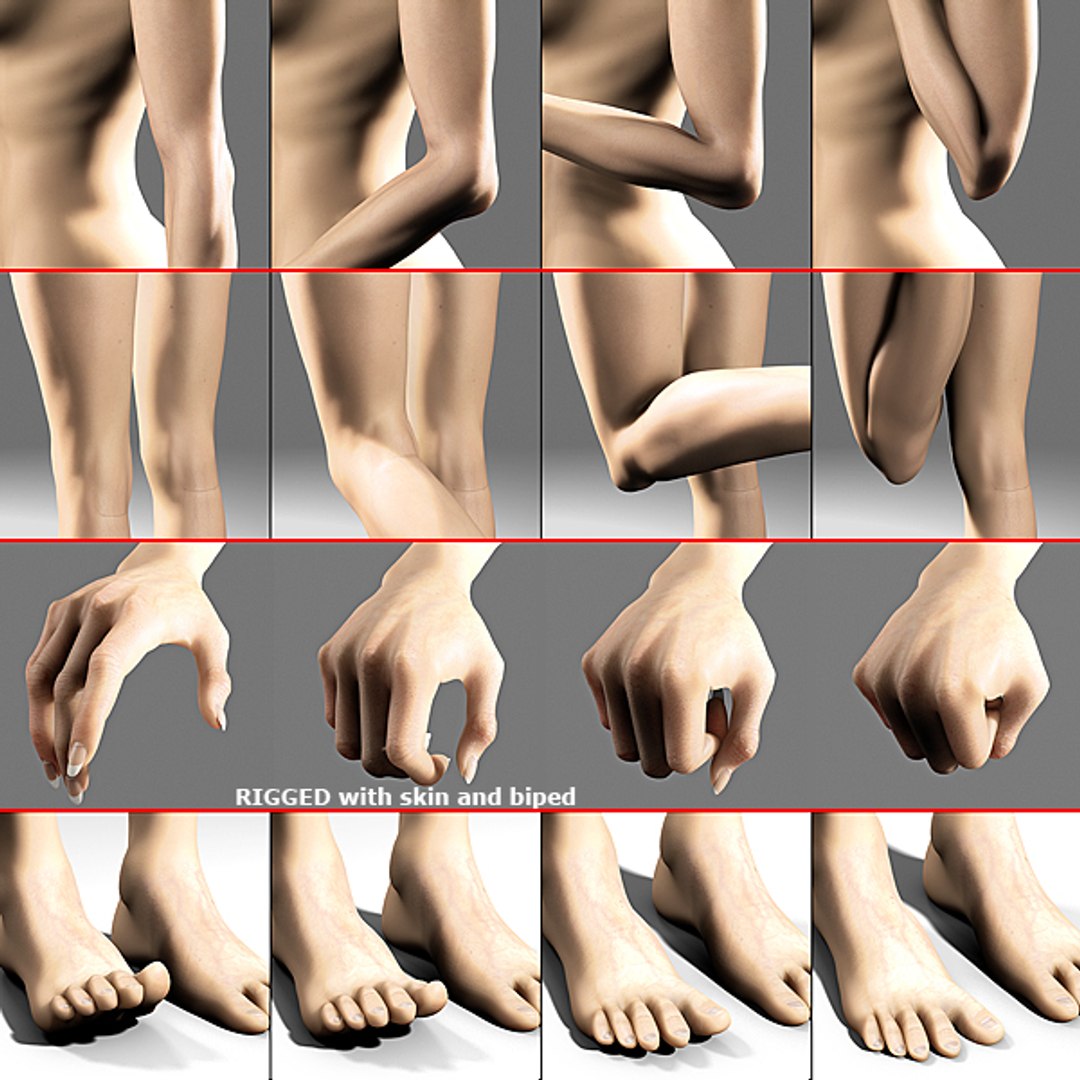
- RIGGED with skin and biped
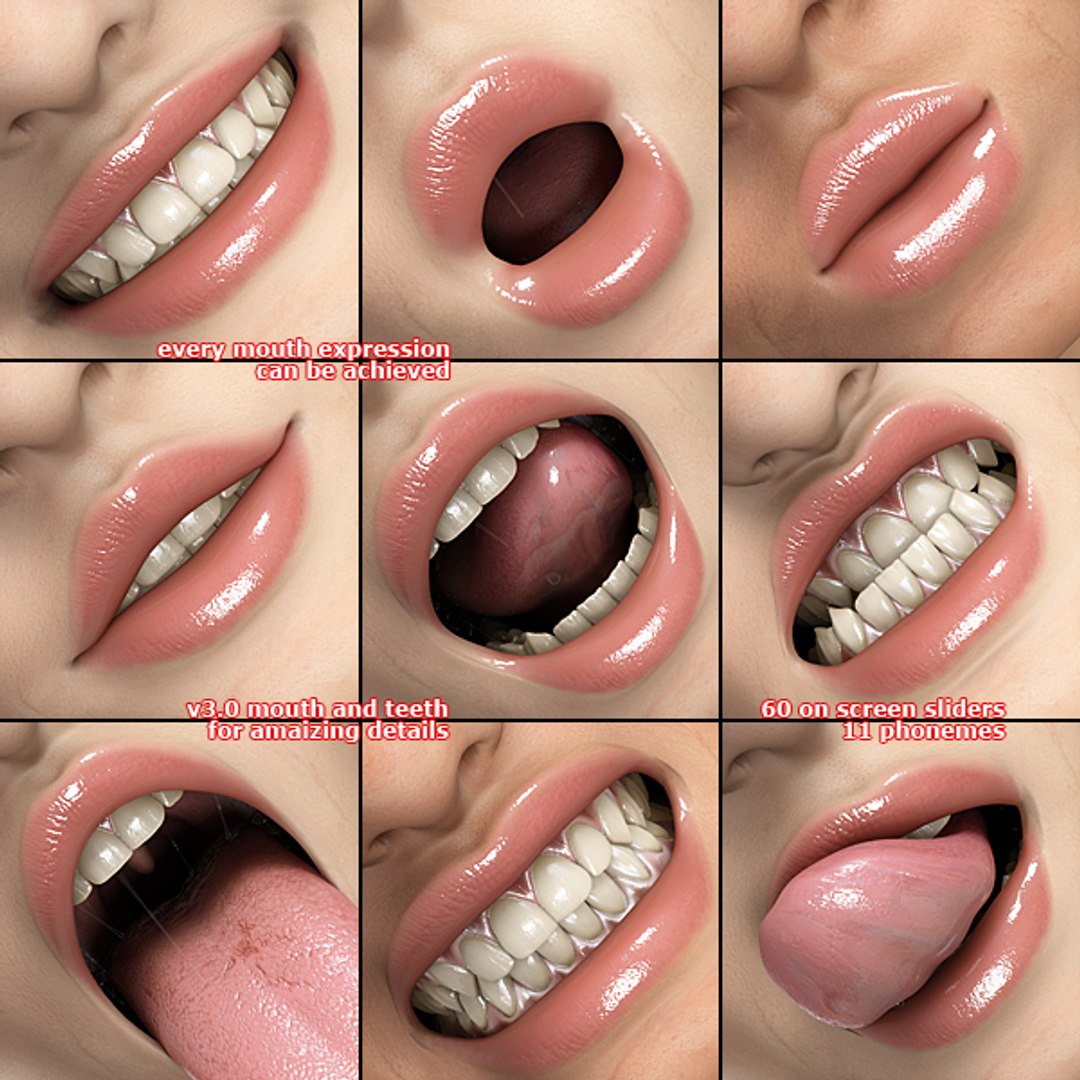
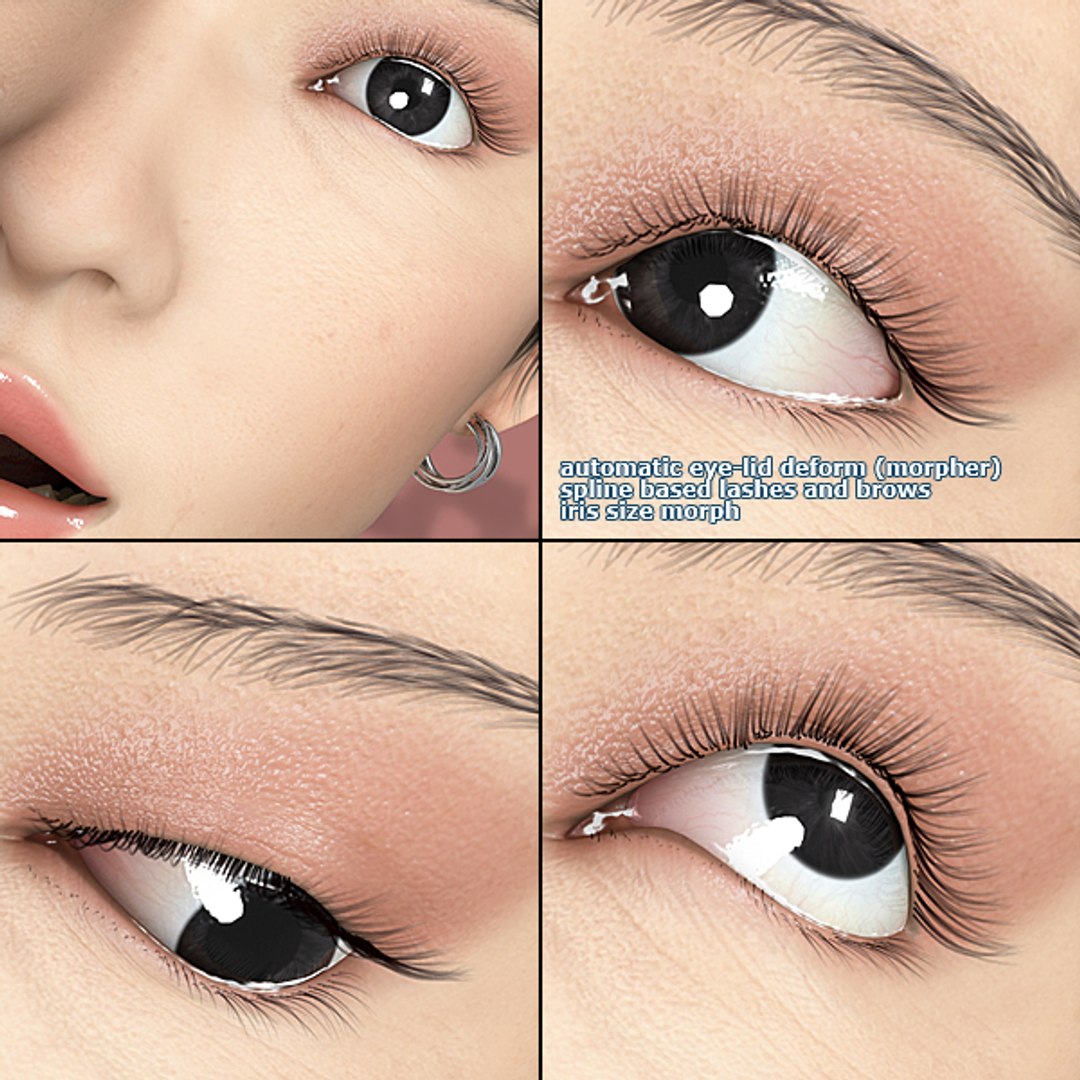
- MORPH controlled expressions, lipsynk and more (60 sliders)
- WIRE PARAMETERS to automate different morphs
- DISPLACEMENT map to alter the polycount (up to 100296 polys)
- SSS (Sub Surface Scattering) materials
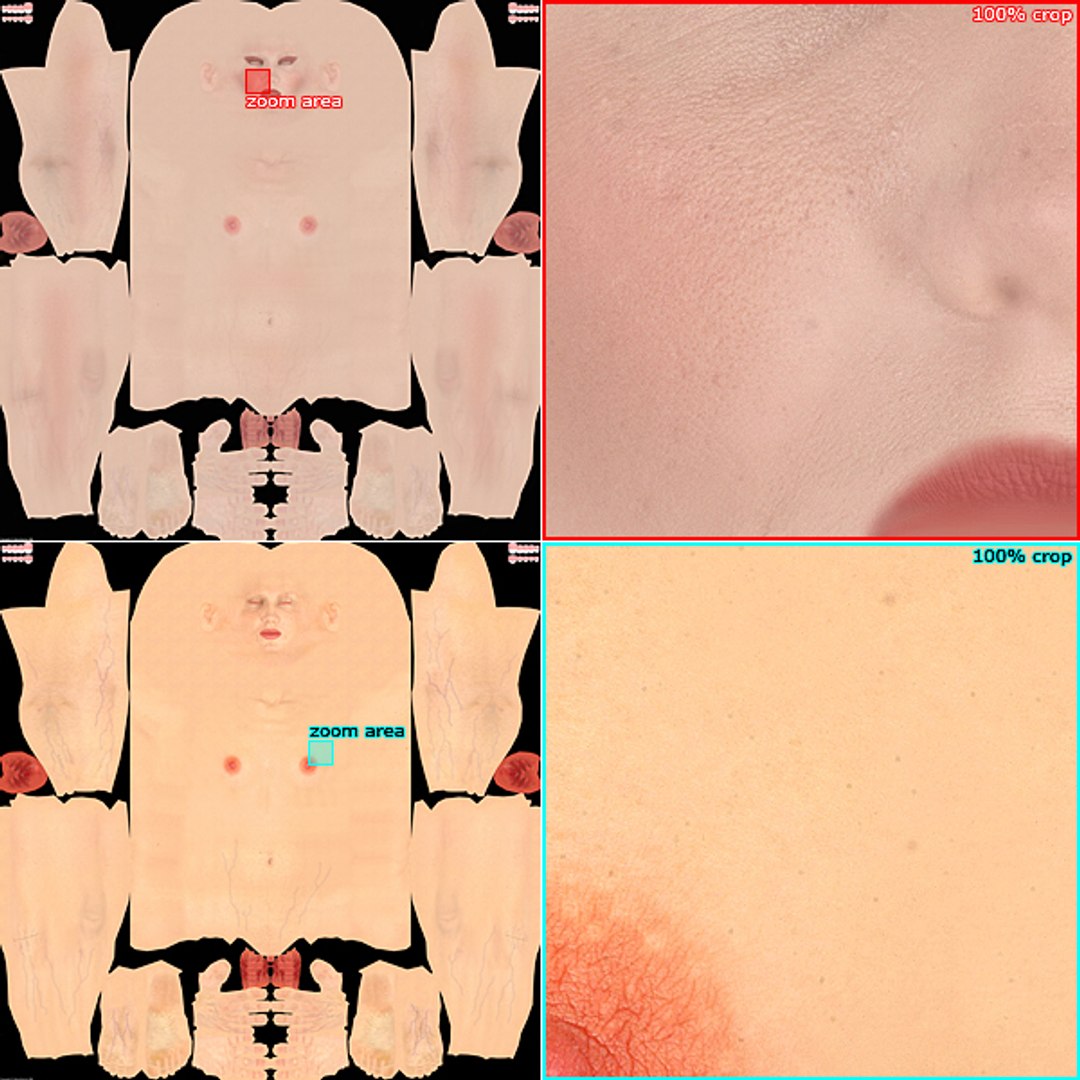
- 6144x6144 textures (Color, Bump, Subderm, BackSurf, Spec, Refl)
- “Hair&Fur” hair
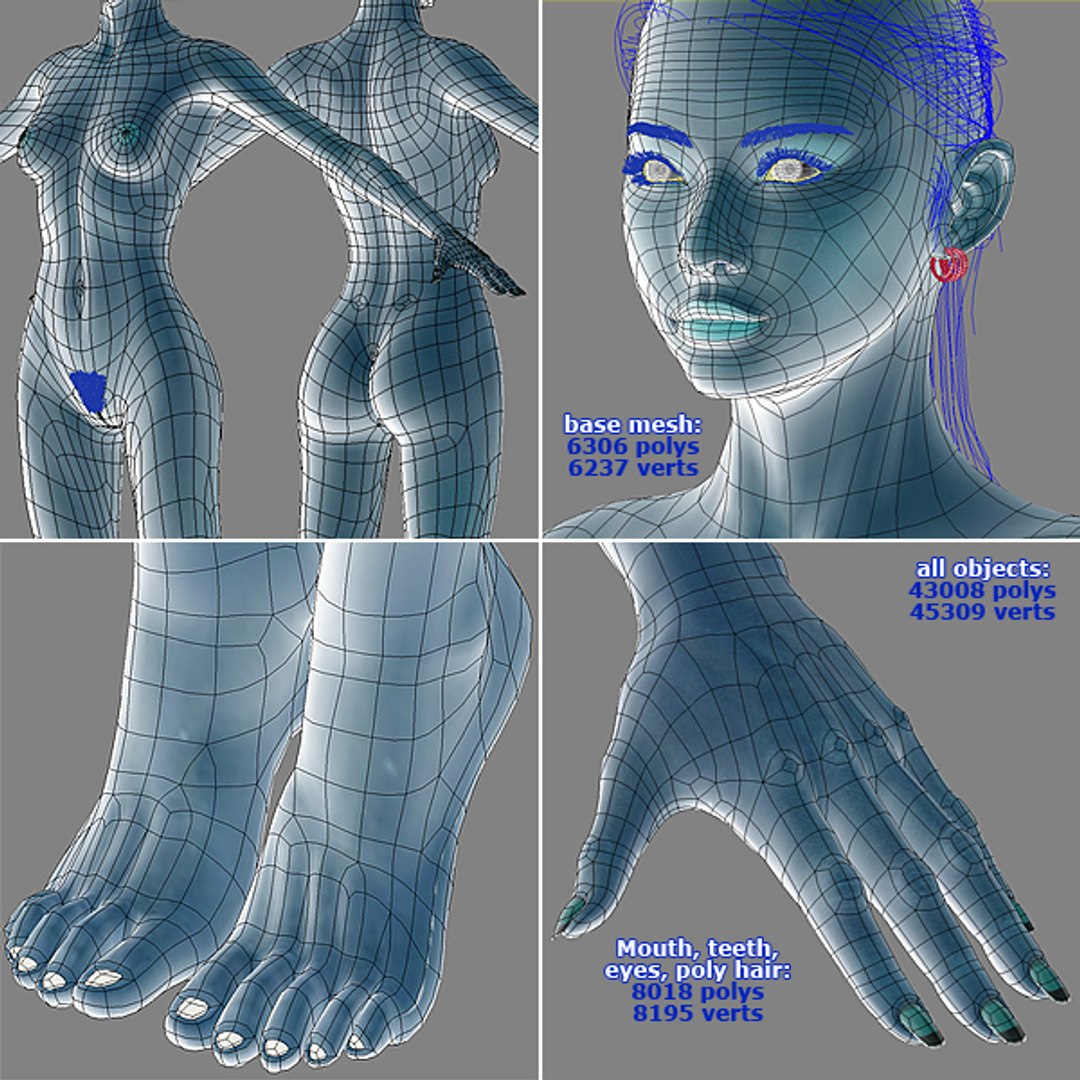
- Clean edge-loops based topology
- LIGHT/RENDER/SSS/AO setup for mental ray 3.5
- 3ds Max 9.0 or higher compatible
- System Unit: cm
=====SUPPORT=====
- Contact the author via 'SUPPORT TICKET' for any questions.
=====POLYCOUNT=====
Mika body - (6302 polys, 6237 verts)
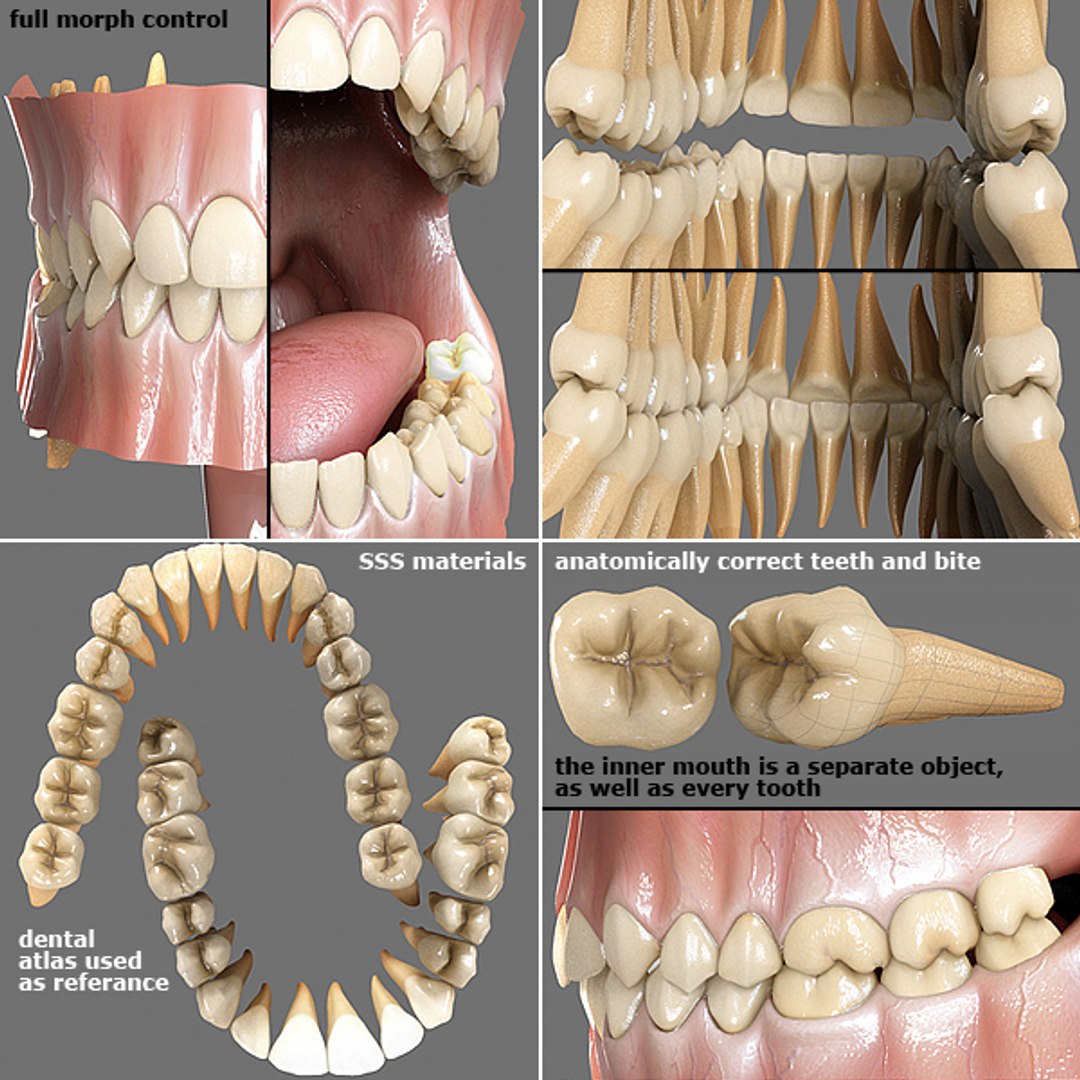
Mouth, teeth, eyes - (8018 polys, 8195 verts)
Brows, lashes, pubic hair - splines
Dress - (14817 polys, 16606 verts)
All - (43008 polys, 45209 verts)
=====FILES=====
- Mika_3.3__max9 - (light/render/SSS/AO setup for mental ray 3.5)
- maps(Mika) - (34)
- info(Mika) - (info/tips/tricks)
- user_manual(Eva) - (30 pages PDF user manual and "Eva3.0.atn" Photoshop actions file for blending the AO pass)
=====MAPS(34)=====
- mika_dif.jpg - (6144x6144)
- mika_dif_tan.jpg - (6144x6144)
- mika_bum.jpg -(6144x6144)
- mika_sub.jpg - (6144x6144)
- mika_bac.jpg - (6144x6144)
- mika_spe.jpg - (6144x6144)
- mika_ref.jpg - (6144x6144)
- mika_dis.jpg - (3072x3072)
- teeth_dif.jpg - (2048x2048)
- teeth_bum.jpg - (2048x2048)
- teeth_sub.jpg - (2048x2048)
- teeth_bac.jpg - (2048x2048)
- teeth_spe.jpg - (2048x2048)
- teeth_ref.jpg - (2048x2048)
- teeth_dis.jpg - (2048x2048)
- teeth_uns.jpg - (2048x2048)
- tongue_dif.jpg - (2048x2048)
- tongue_bum.jpg - (2048x2048)
- tongue_sub.jpg - (2048x2048)
- tongue_bac.jpg - (2048x2048)
- tongue_spe.jpg - (2048x2048)
- tongue_ref.jpg - (2048x2048)
- gums_dif.jpg - (1024x1024)
- gums_bum.jpg - (1024x1024)
- gums_sub.jpg - (1024x1024)
- gums_bac.jpg - (1024x1024)
- gums_spe.jpg - (1024x1024)
- gums_ref.jpg - (1024x1024)
- eye_dif.jpg - (3072x3072)
- eye_spe.jpg - (3072x3072)
- eye_bum.jpg - (2072x2072)
- eye_w - (512x 512)
- hair_thick.jpg - (1024x1024)
- jeans.bmp - (2048x2048)
=====MORPHER=====
- full control of the face (mouth, eyes, brows, jaw, tongue, ect.)
- lipsynk controlled by 11 phonemes
- control of the body (fat, breasts, thighs, waist, nails breath, private parts, ect)
=====TIPS=====
- If you need long distance renders, resize Mika's textures in half or more, and set TurboSmooth's Render Iterations to 1 for faster results.
- CenterEyes: (useful when creating new morph targets, to restore 0.0 values for auto eyes morphs) - Align "CONTROL-ViewPoint" to "ViewCenter".
- DummyHeadBindCollector - Link to it every object that must move with the head bone.







cAni.giffa1ccc25-d61c-4d54-9c3d-b0ff524f049c.jpg)