
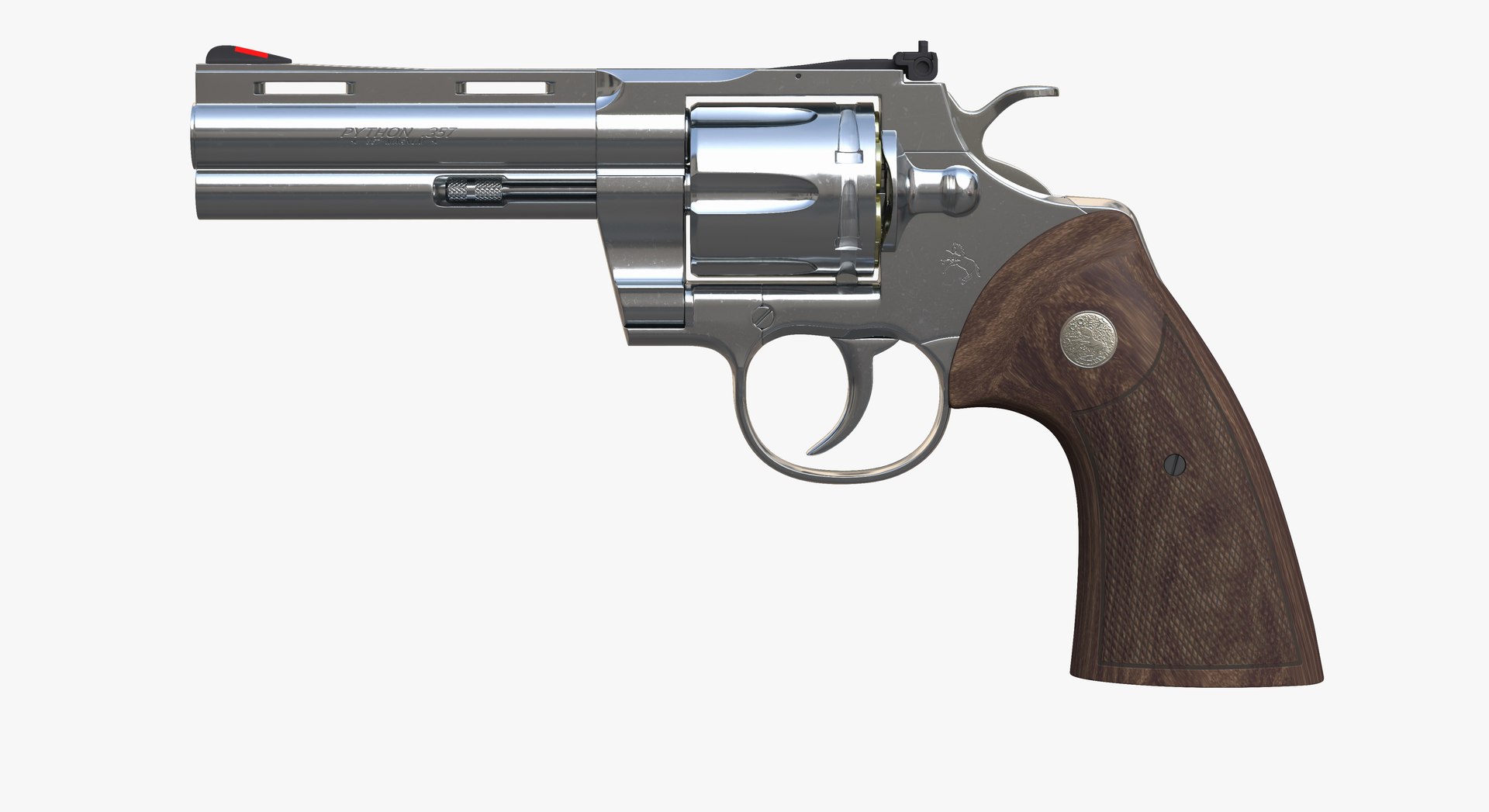
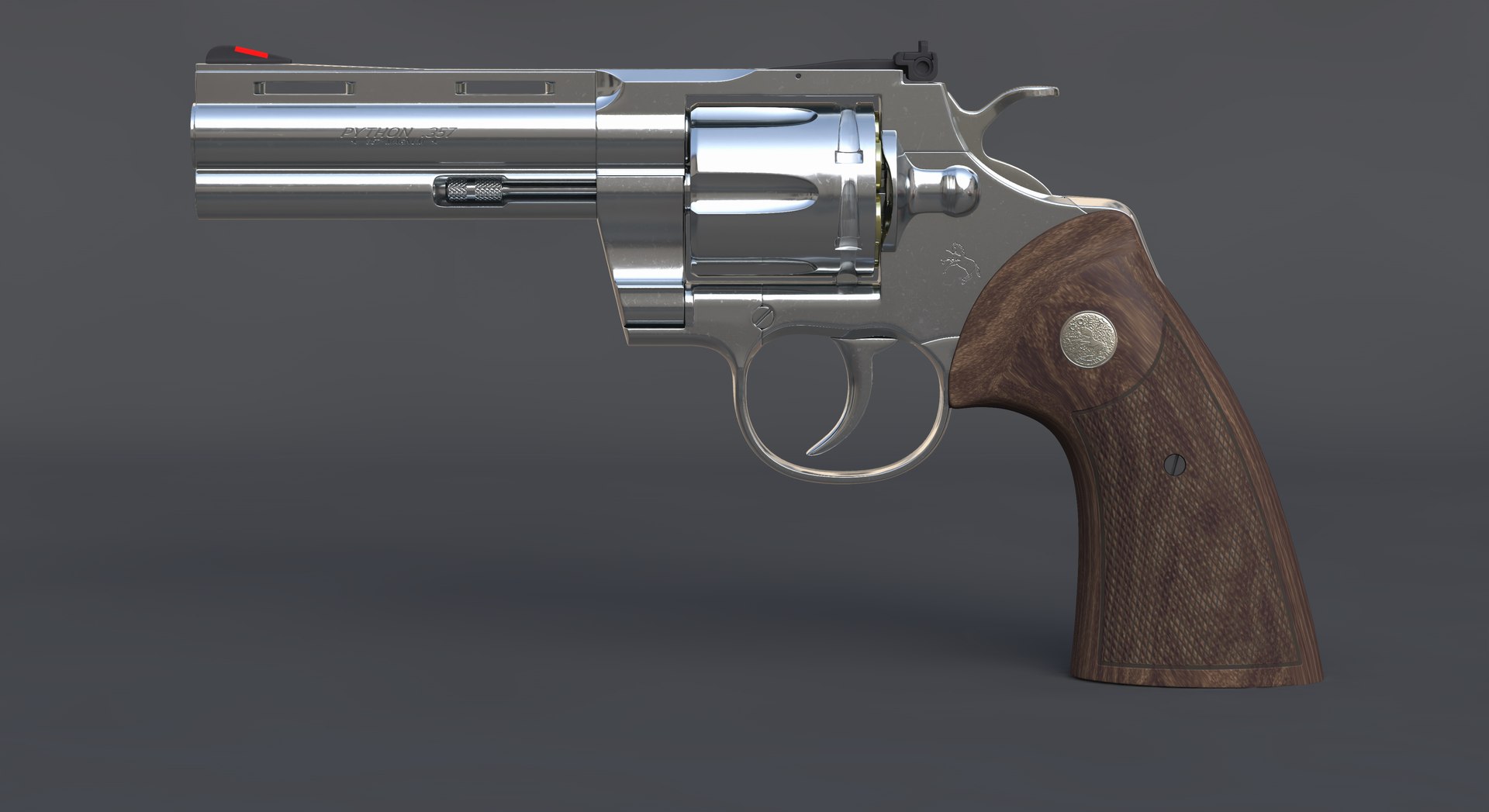
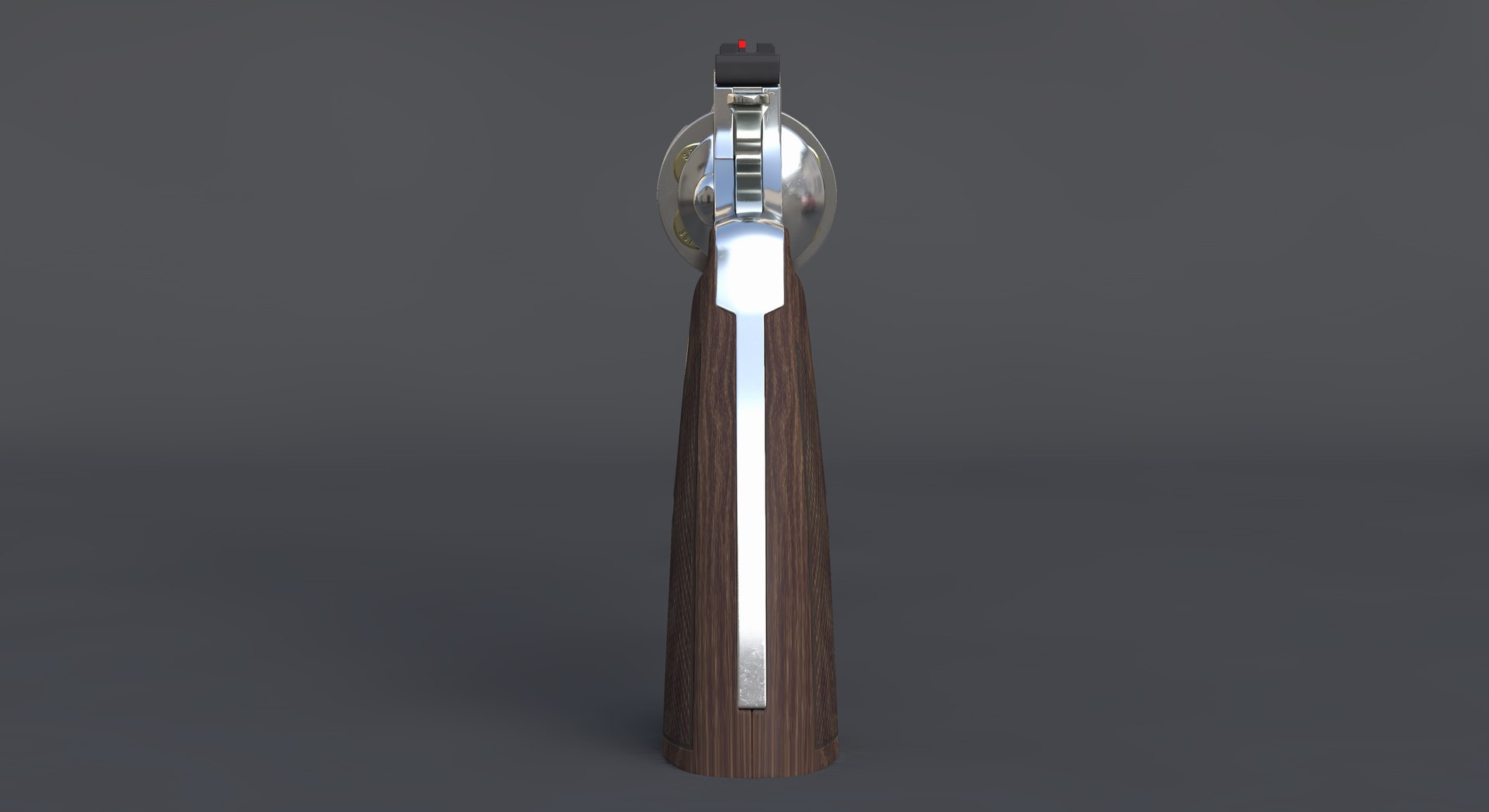
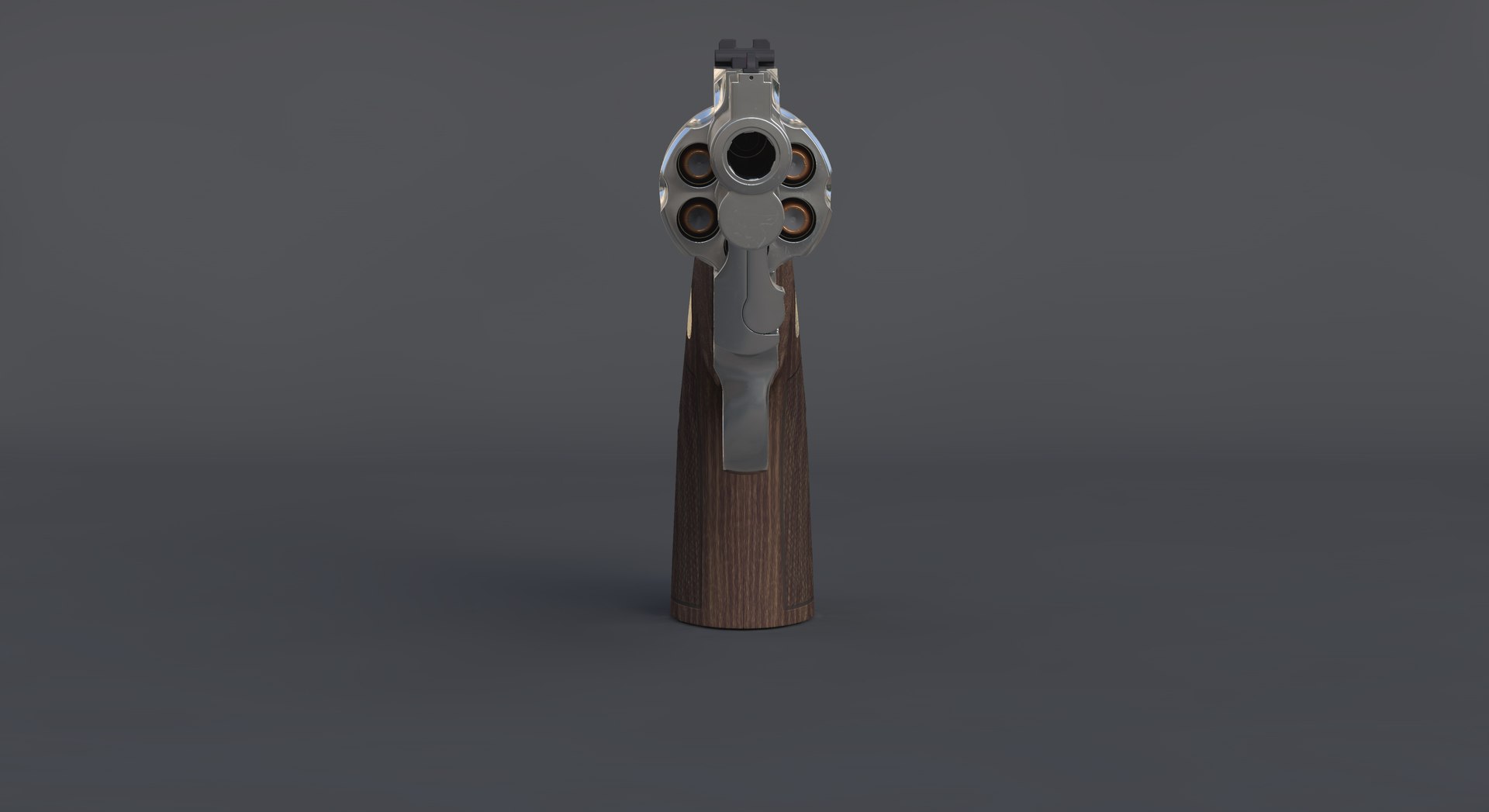
Colt Python 2020 4.25 in. 전체 세부 정보

$99

표준 라이센스 | 업그레이드 라이센스
편집 전용
형식 (4)
무료 파일 형식 변환 가능
Native | Cinema 4D 19 | Advanced Render
Collada
FBX
OBJ
사양
게시 날짜 February 19, 2020
제품 ID 1512021
다각형 42,831
정점들 42,870
다각형 쿼드만
텍스처
기재
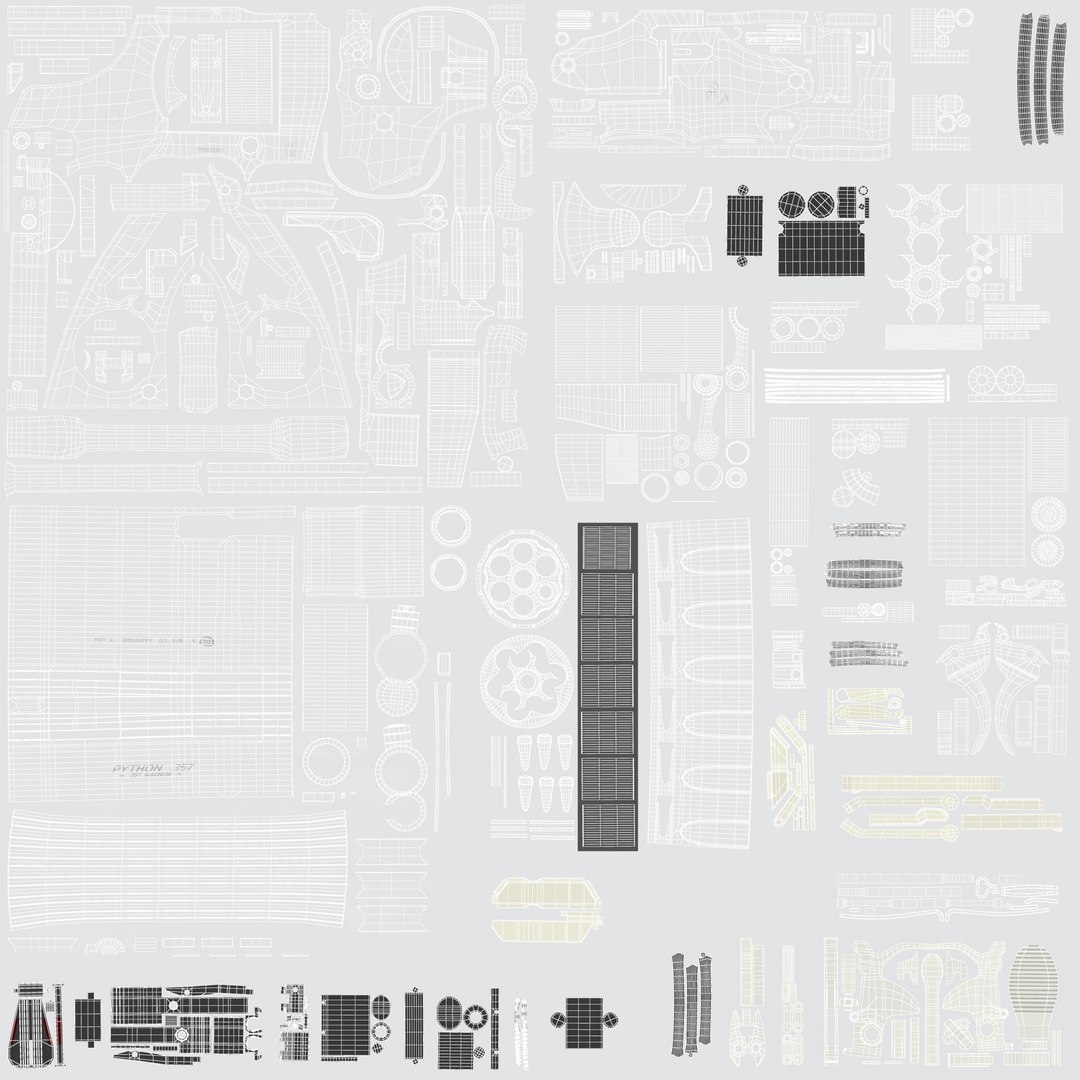
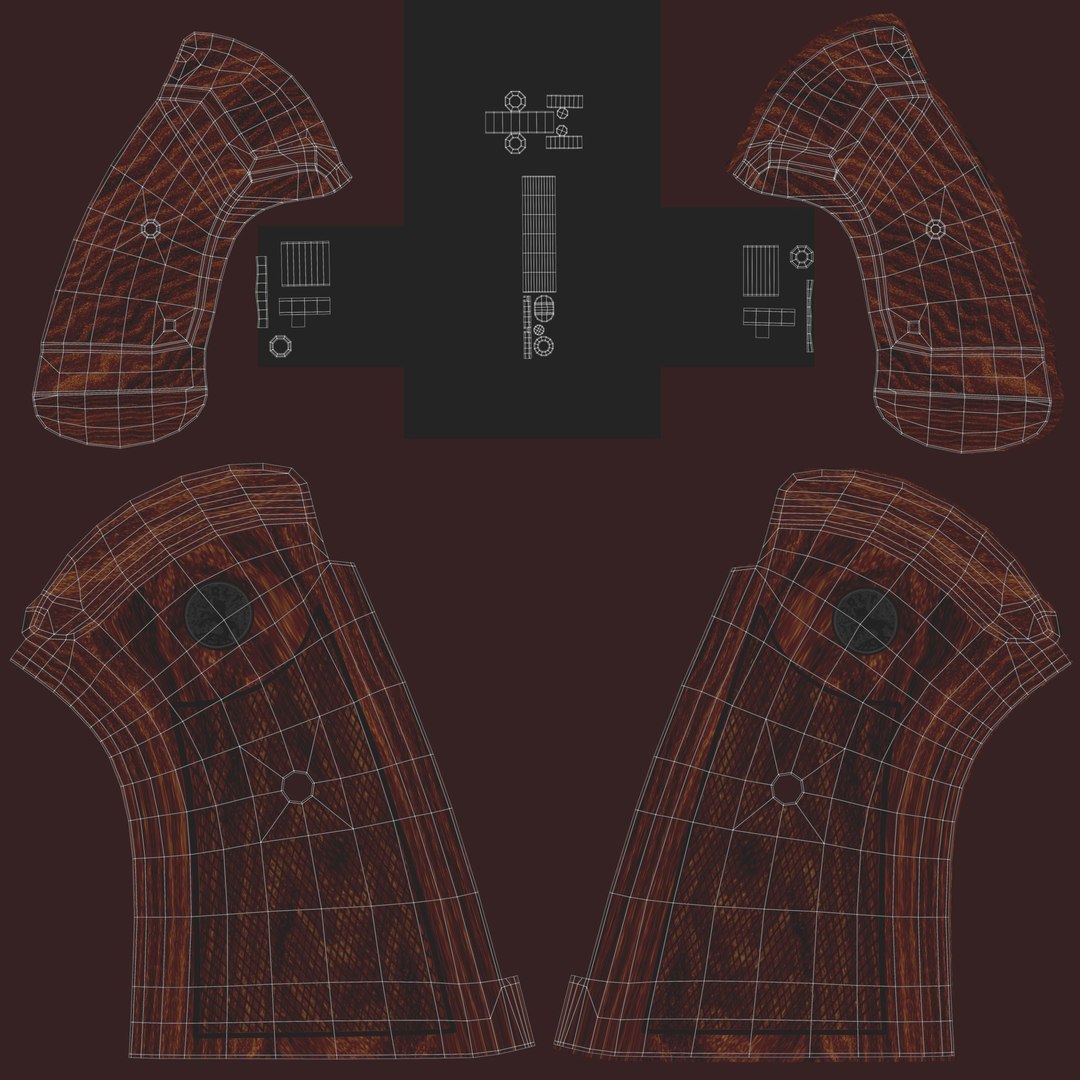
UV 매핑 됨
겹치지 않는 래핑되지 않은 UV
PBR
터보스퀴드 독점
member avatar
3d craft
49 제품 | Contributor 부터 2016
질문 있니? 지금 우리와 채팅하십시오.

기술

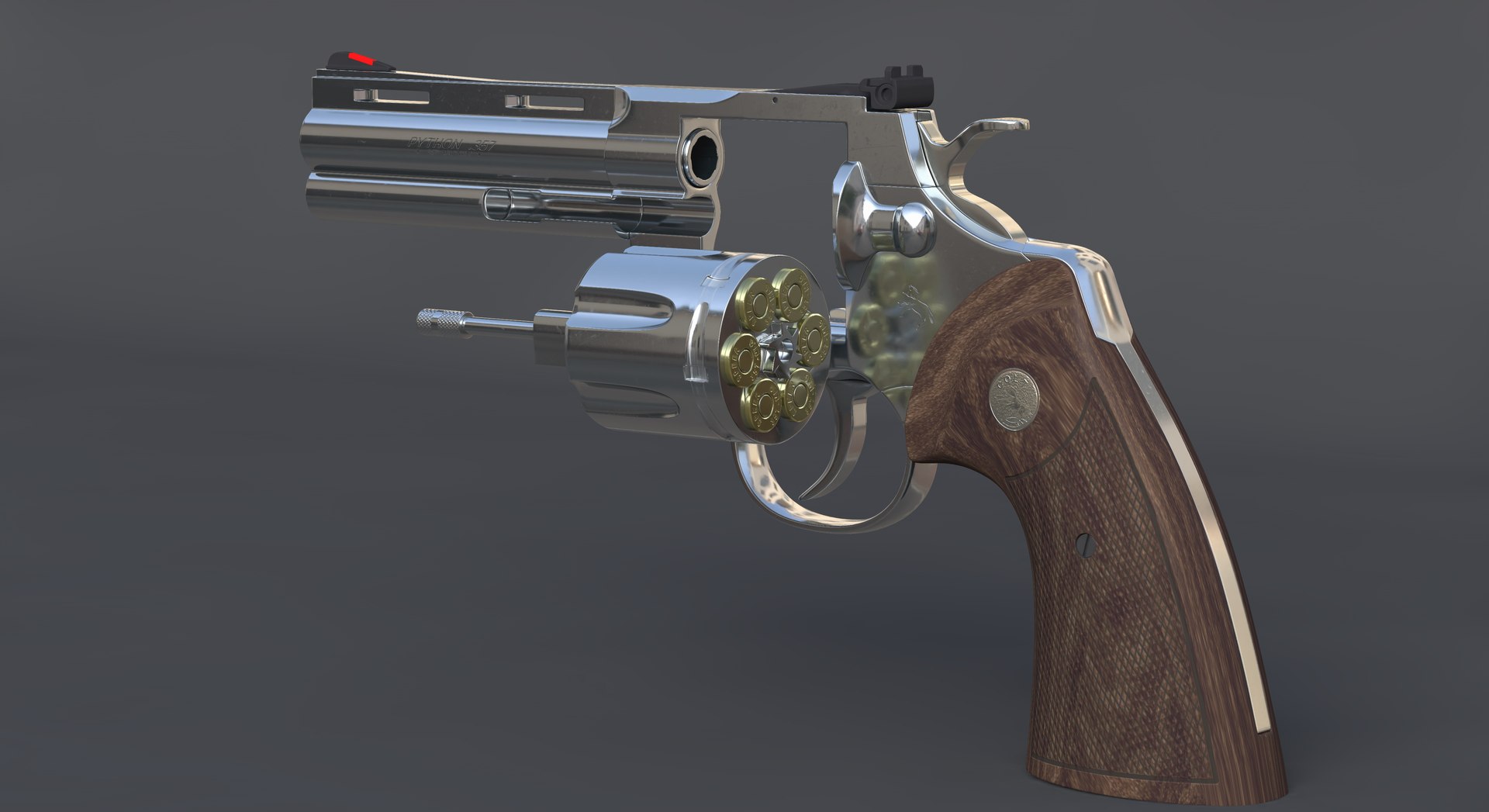
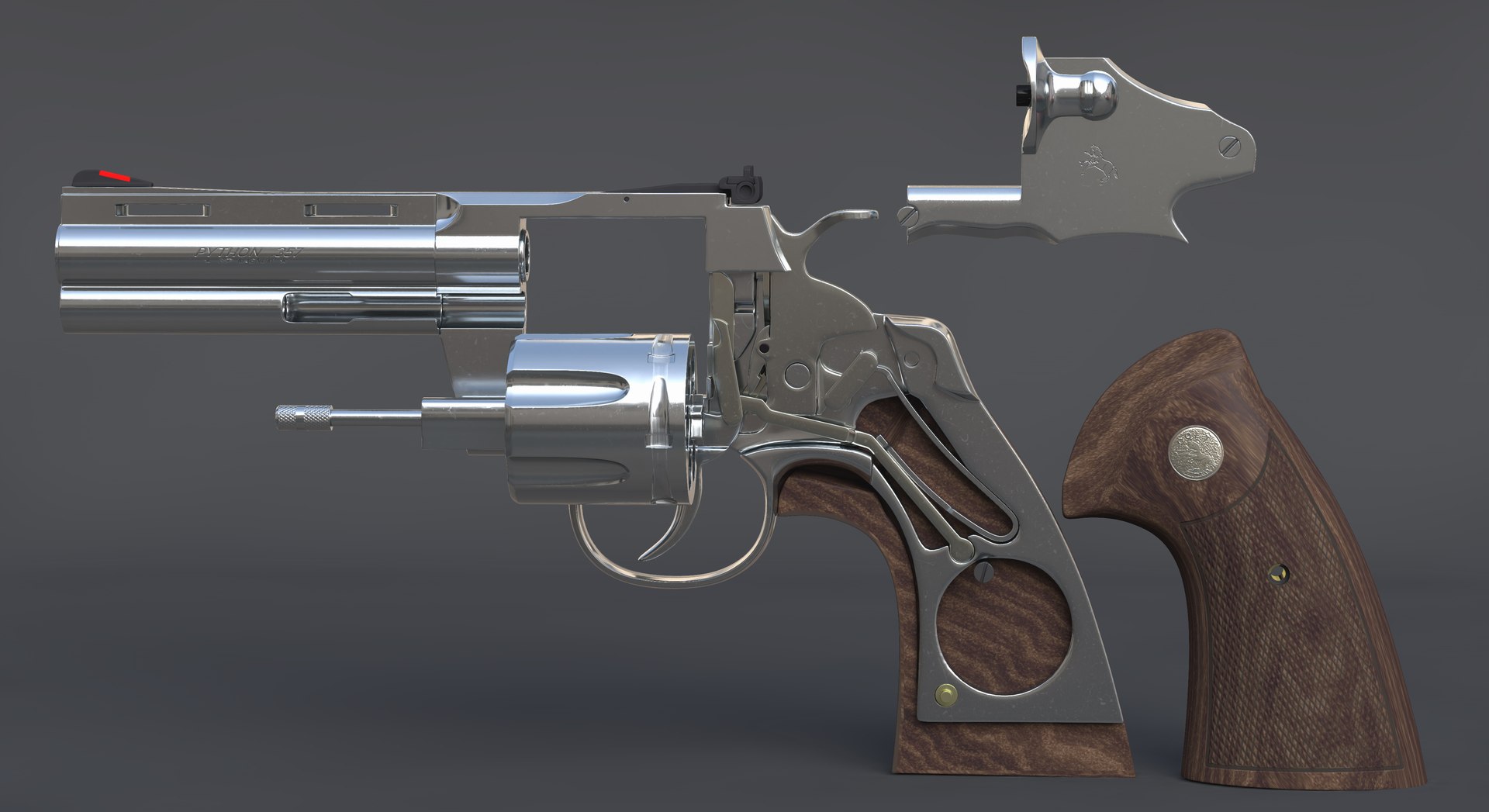
3d model Colt Python 2020 4.25 in. Full Detail.
3D model can be used to create including images or video demonstrating the principle of the revolver and its device.
Created in Cinema 4D R19 and shown with Advanced Render.
Native The file is equally correctly opened in 21, 20, 19, 18 version of Cinema 4D
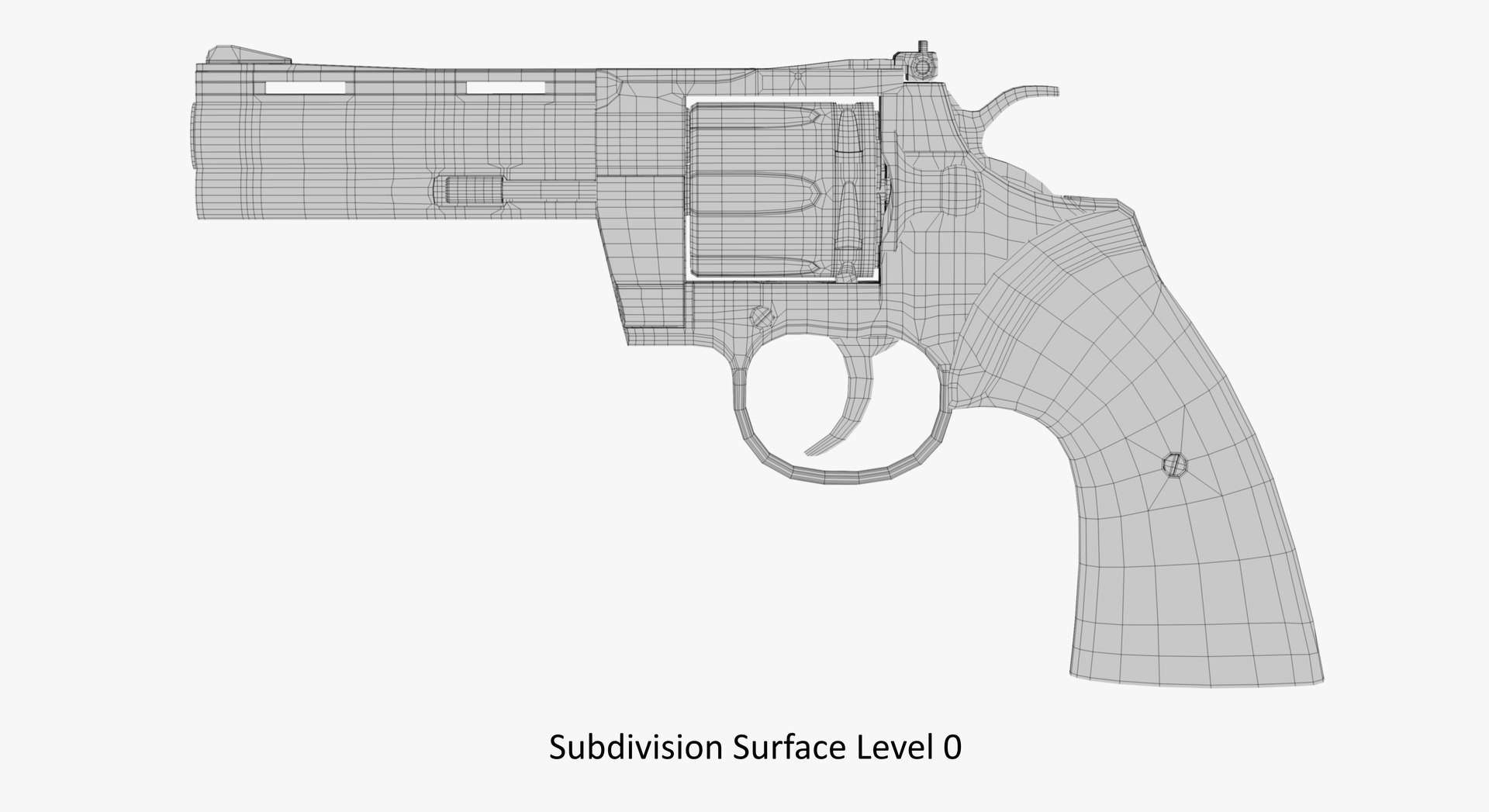
Modeled for subdivision - only quads polygons.
Model is built to real-world scale.
Used C4D scene units: centimeters. Size: Length 29 cm, Height 14 cm, Width 3.8 cm..
3d model consists of 56 objects.
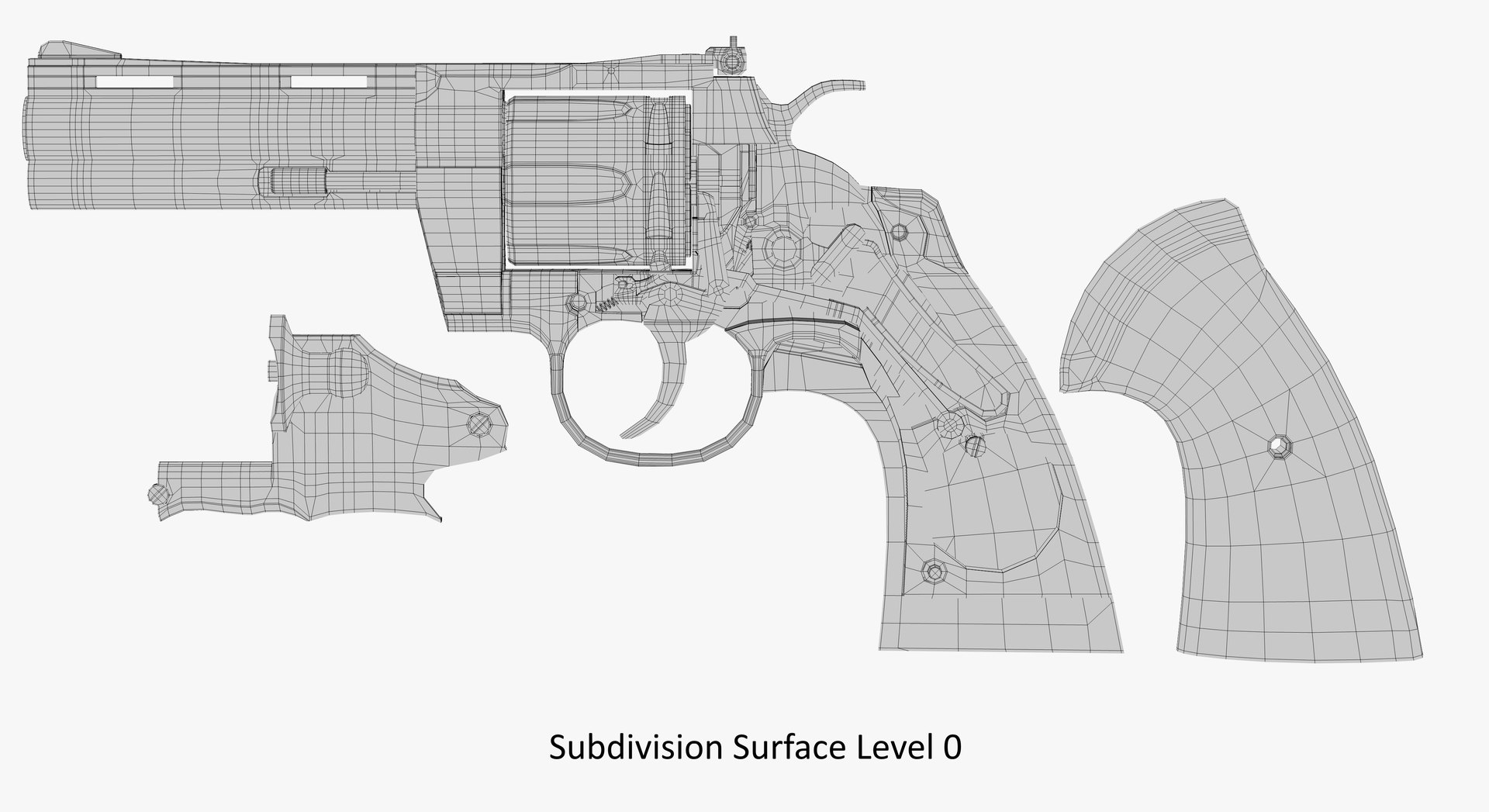
SPEC:
polygons: 42831
points: 42870
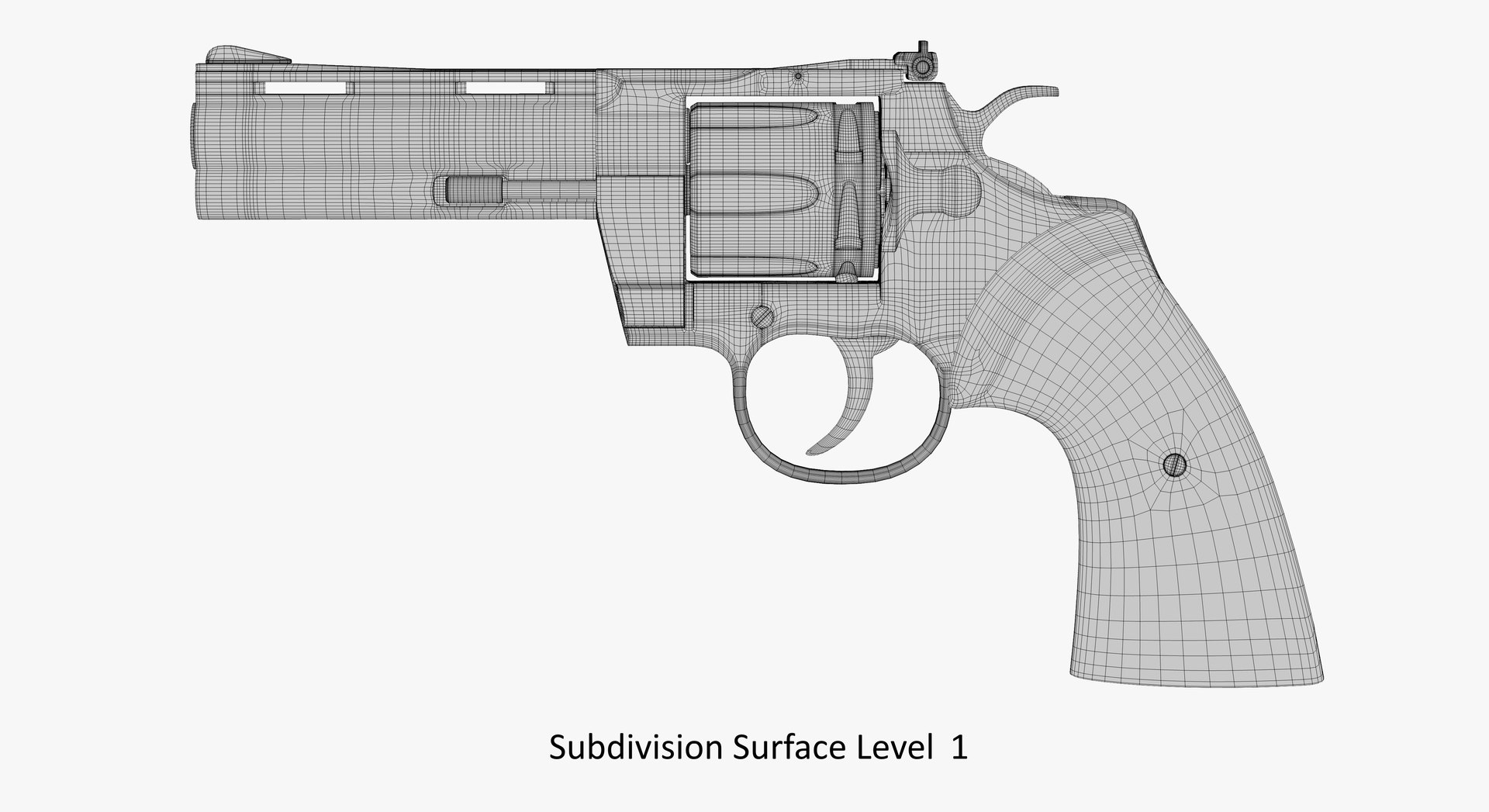
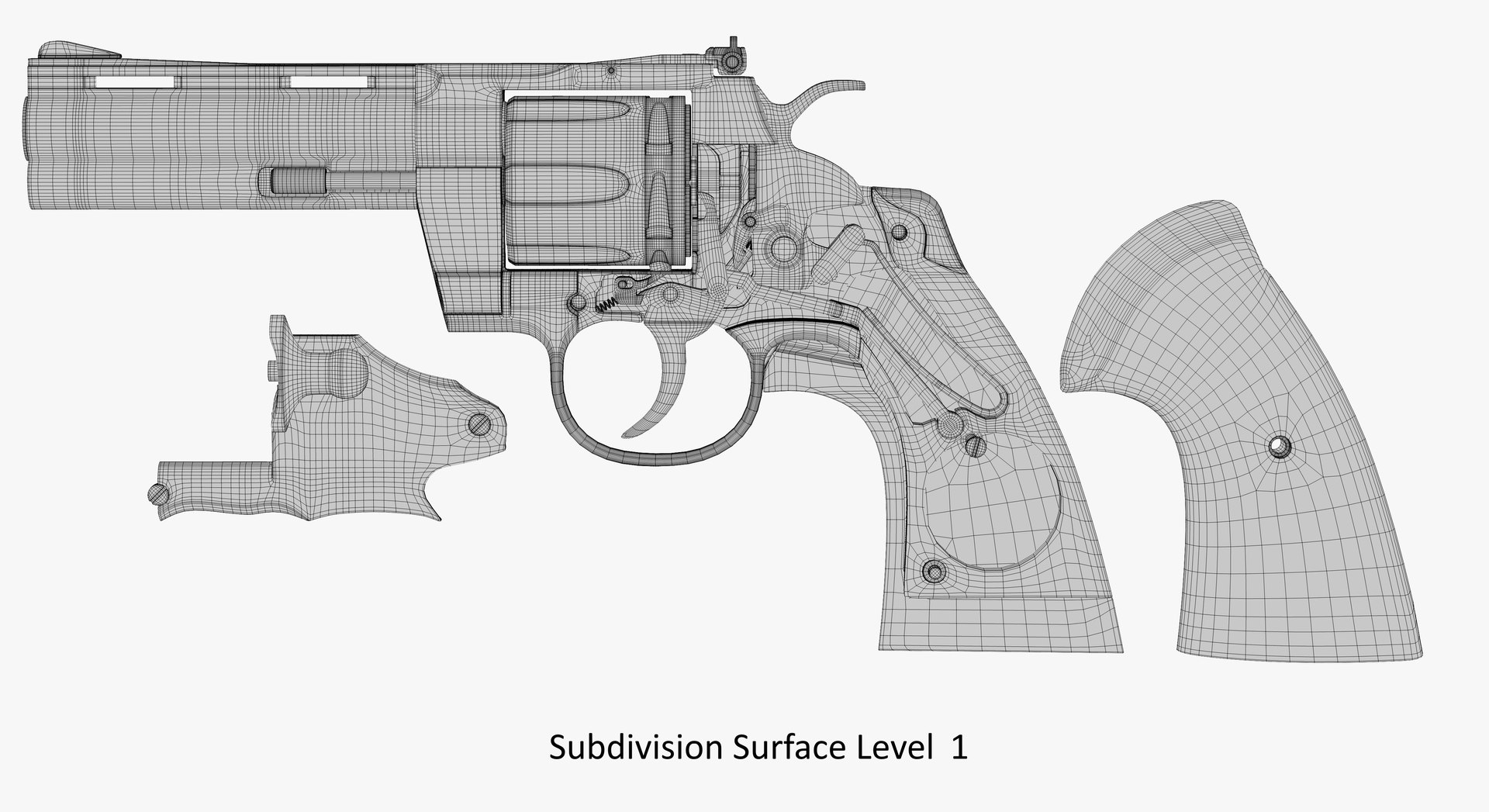
Subdivision Surface Level 1:
polygons: 214030
points: 214106
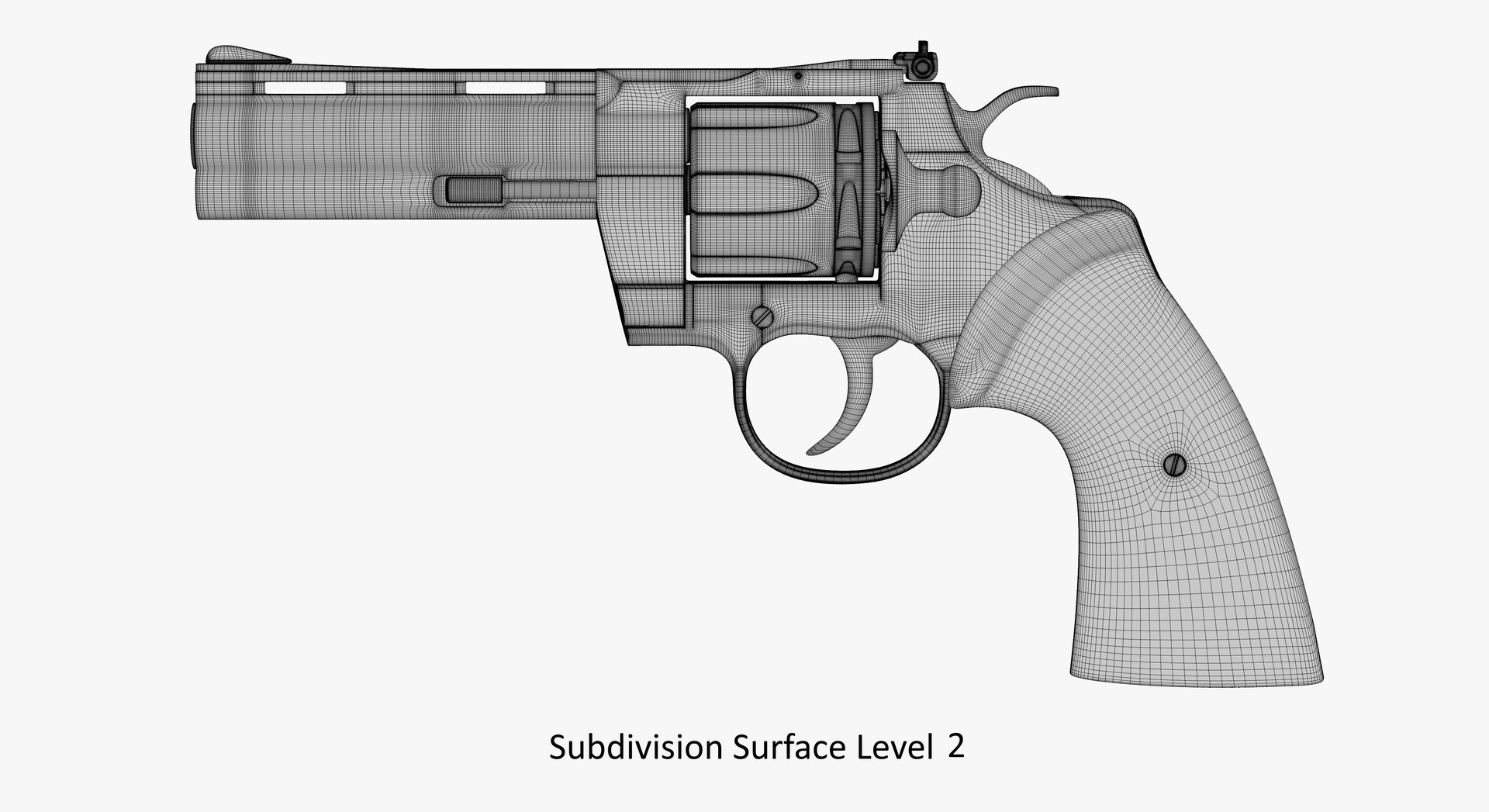
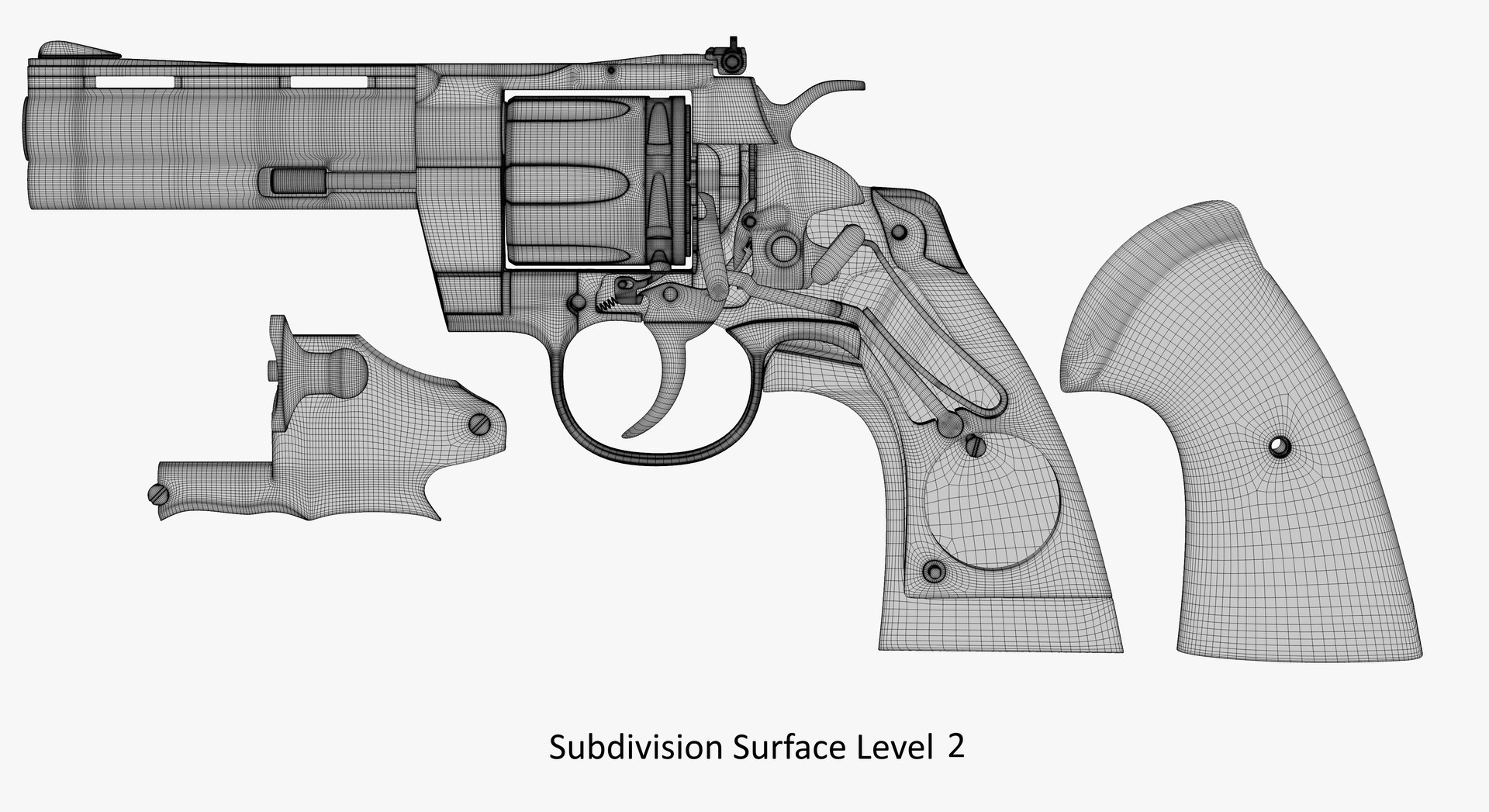
Subdivision Surface Level 2:
polygons: 728902
points: 728978
Textures:
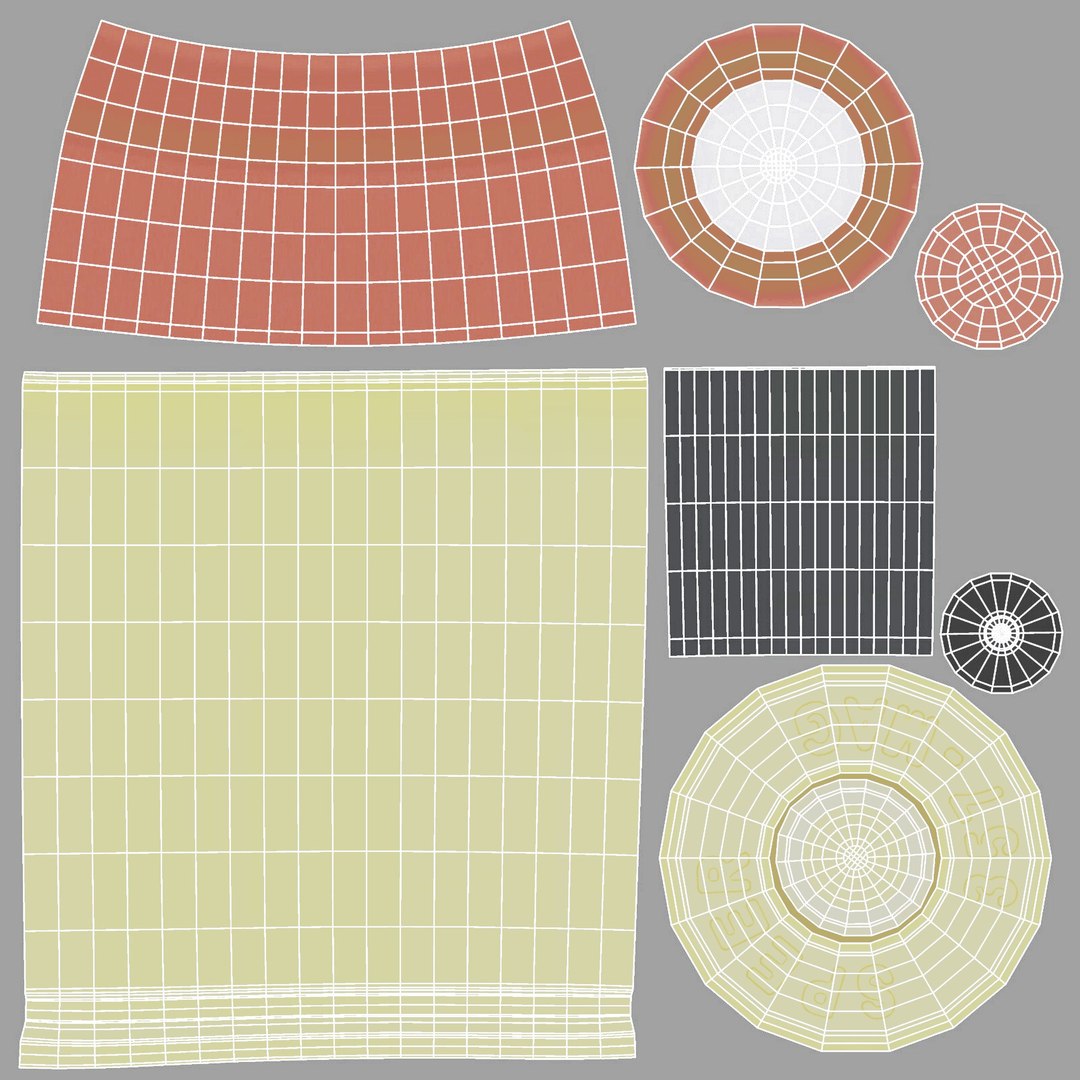
The scene has 3 materials, 18 texture resolution (6 items 8192x8192 and 12 items 4096x4096), format PNG (.png)., Included HDRI map.
Other formats exported as base mesh:
OBJ
FBX (7,2 (2012))
DAE (COLLADA 1,4)
To other multi formats, you need to apply the subdivision modifier after importing it into your 3d editor.
And in all cases, to obtain an image of a shiny metal, the scene must have a source of environment HDRI map.
For correct display of textures, Subdivision Surface needs to be switched to Boundary or Edge mode.

Abbreviations of names of textures:
Color - Color, Color reflection
Difus - Diffusion, Color
Roug - Roughness
Metal - Metallnes
Bump - Bump, Displacement
Norm - Normal

향상된 라이센스 선택

  • $10,000 법적 보호(보상)
  • 무제한 법적 보호(배상)
  • 금지 명령 구제 면제
  • 할당 가능한 모델 권한
  • $1,000,000 법적 보호(보상)
  • 금지 명령 구제 면제
  • 할당 가능한 모델 권한
  • $250,000 법적 보호(보상)
  • 할당 가능한 모델 권한
향상된 라이선스 티어에 대해 자세히 알아보려면 또는 enterprise@turbosquid.com으로 문의하세요. 이미 Shutterstock Enterprise 고객이신가요? 3D 기능 추가에 대해 문의하려면 Shutterstock 영업 지원 담당자에게 문의하세요.

About Conversion Requests

To submit a conversion request for a purchased asset, please complete our Conversion Request Form.

If you have not yet purchased a model, please review our Documentation about Conversions to learn about what limitations you may encounter with a conversion.

For any additional questions about a model’s suitability for conversion, please contact TurboSquid Support.

로딩중...