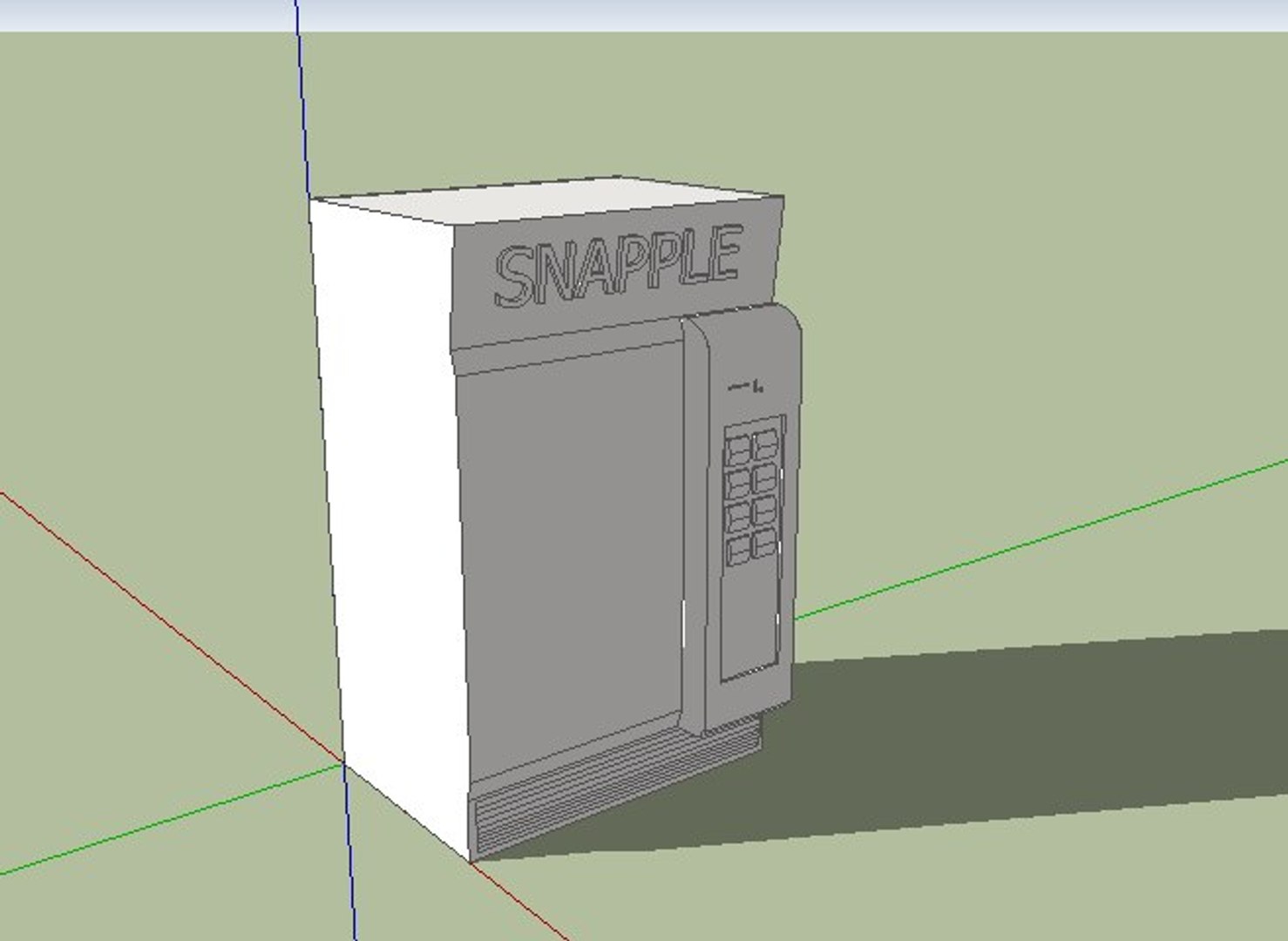
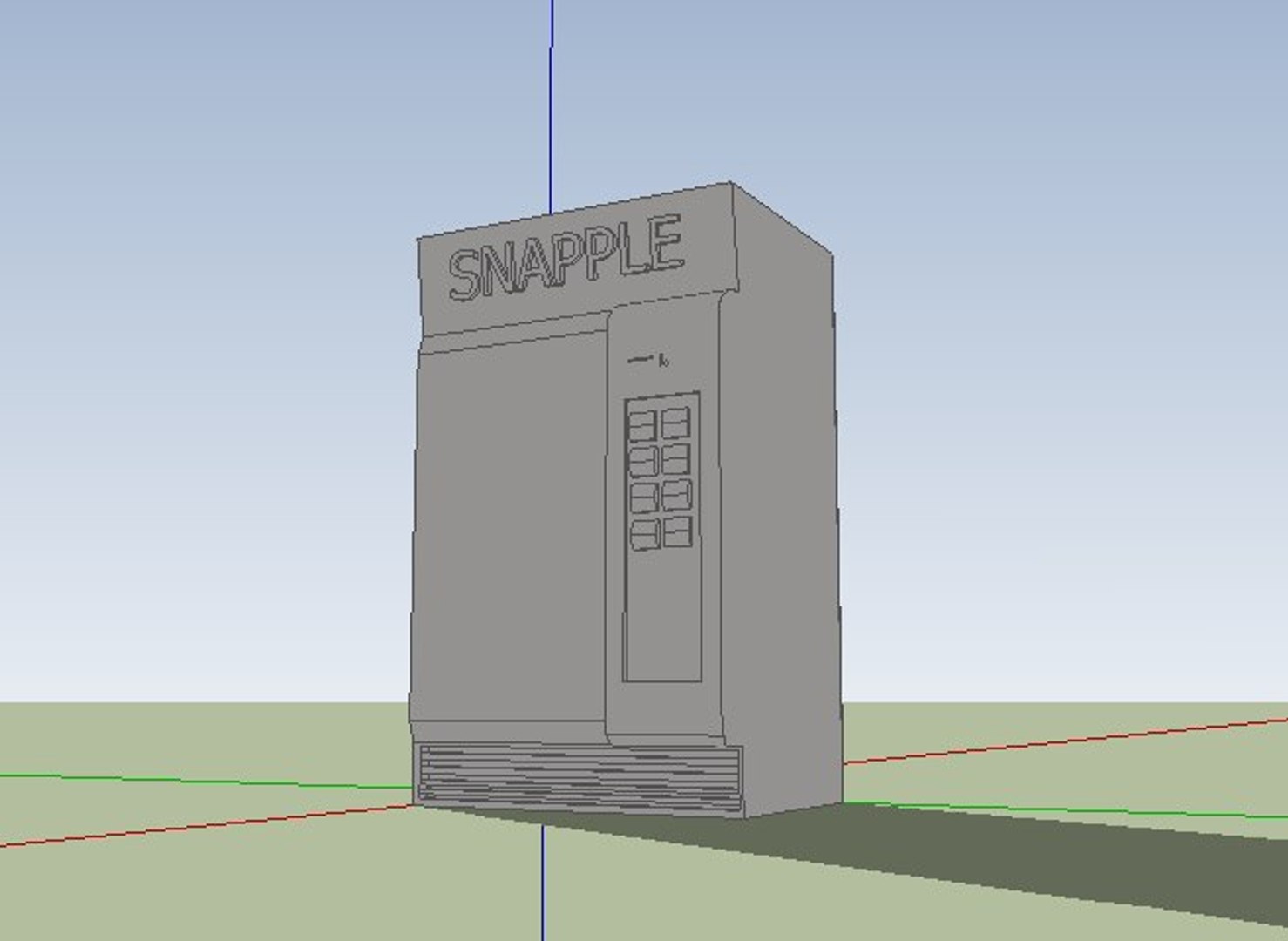
go to google and type "FBX converter" download the FBX converter and install it, now, in the FBX converter, load the file (.dae) into it, and convert it into a .FBX, then click in the "convert from FBX" tab and then click the convert to .3DS radio button if not already selected. now, hit convert and shaZAM! its now a .3ds and it works too.