
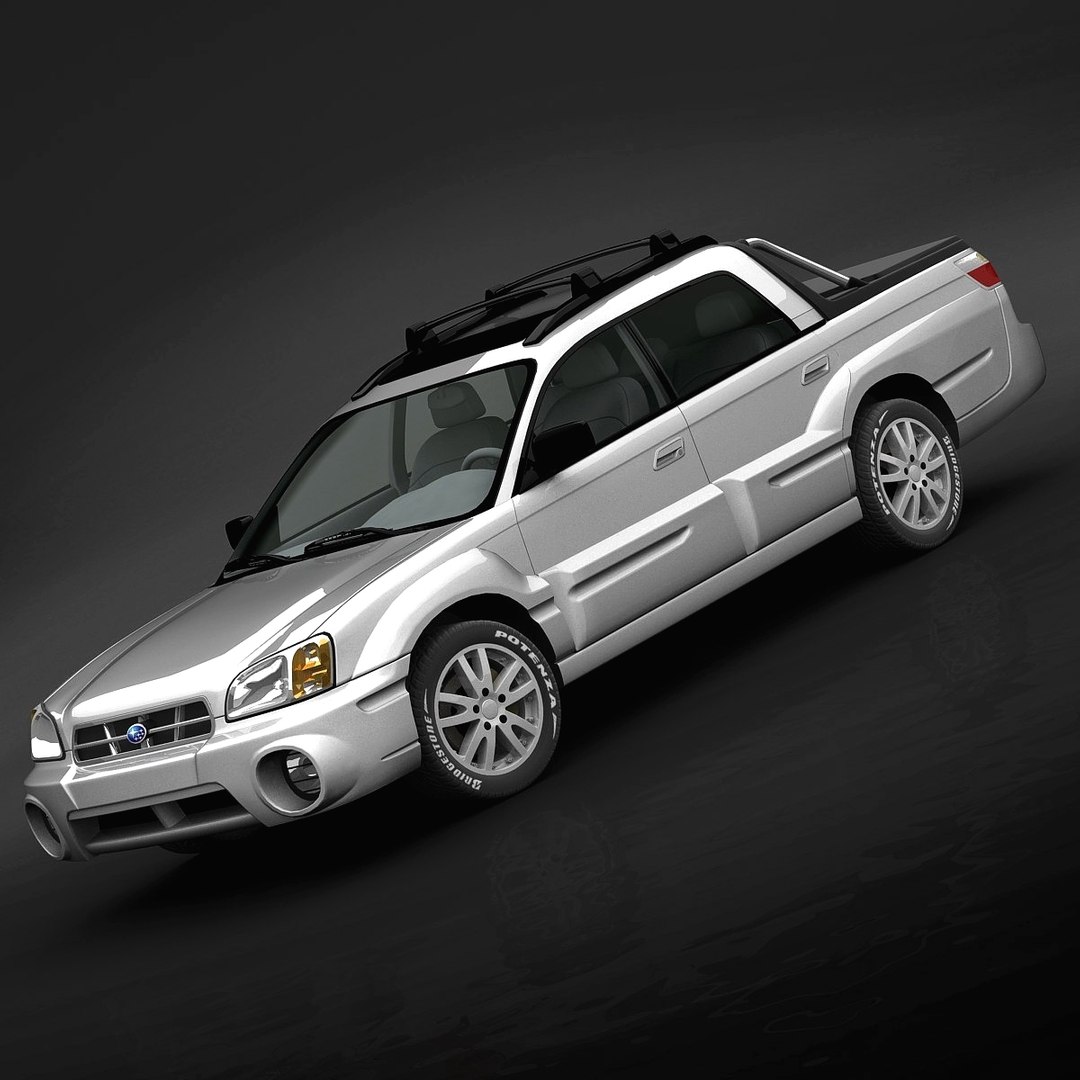
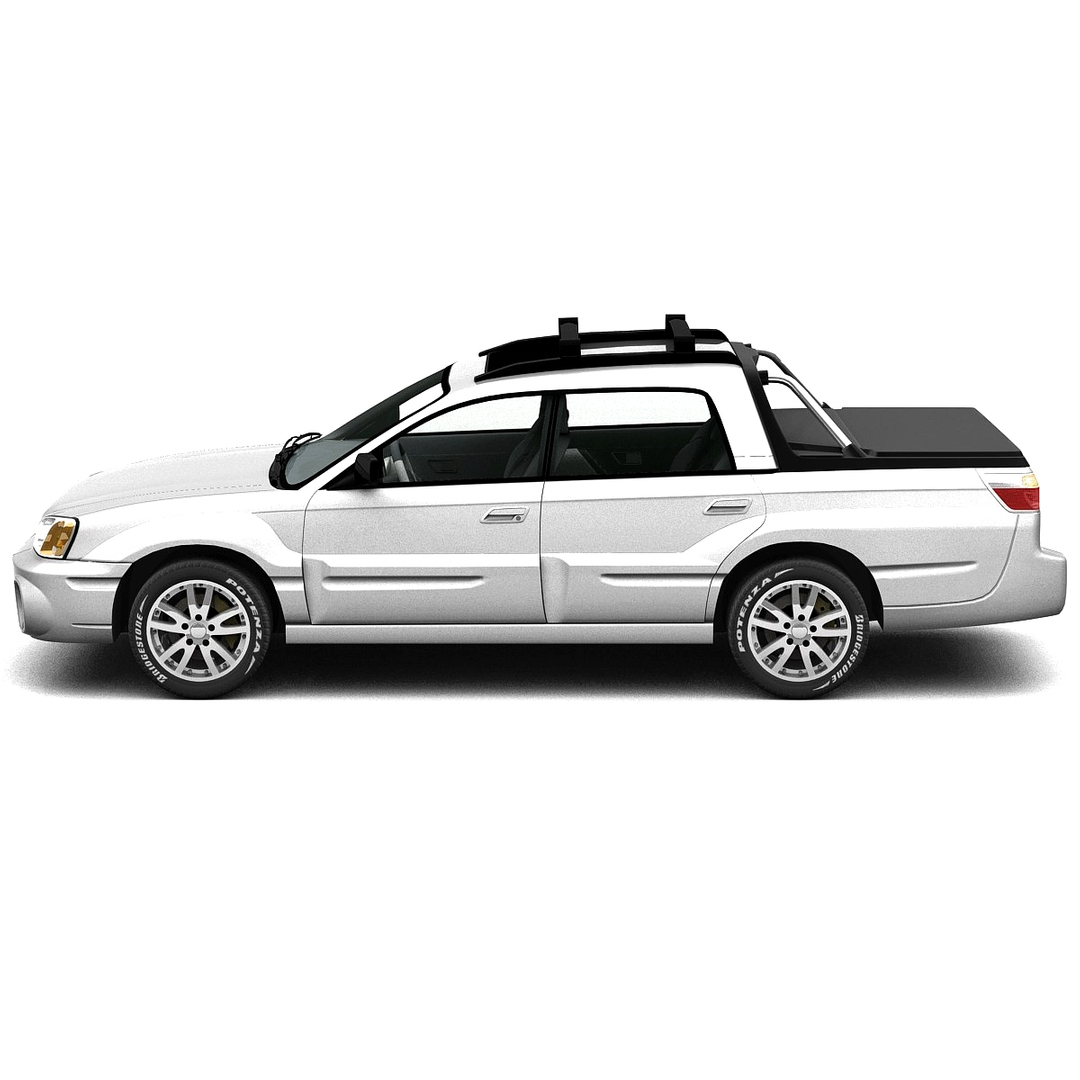
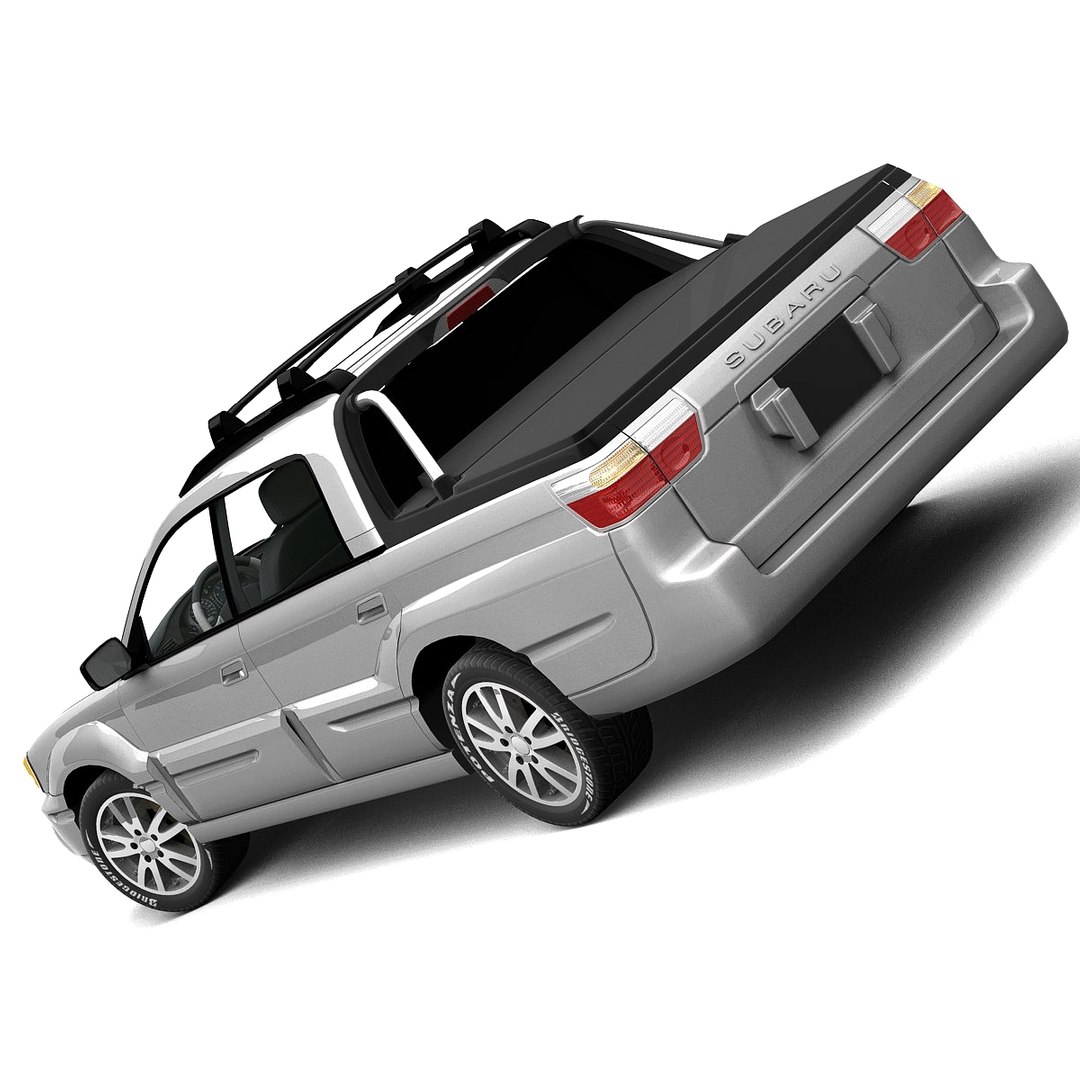
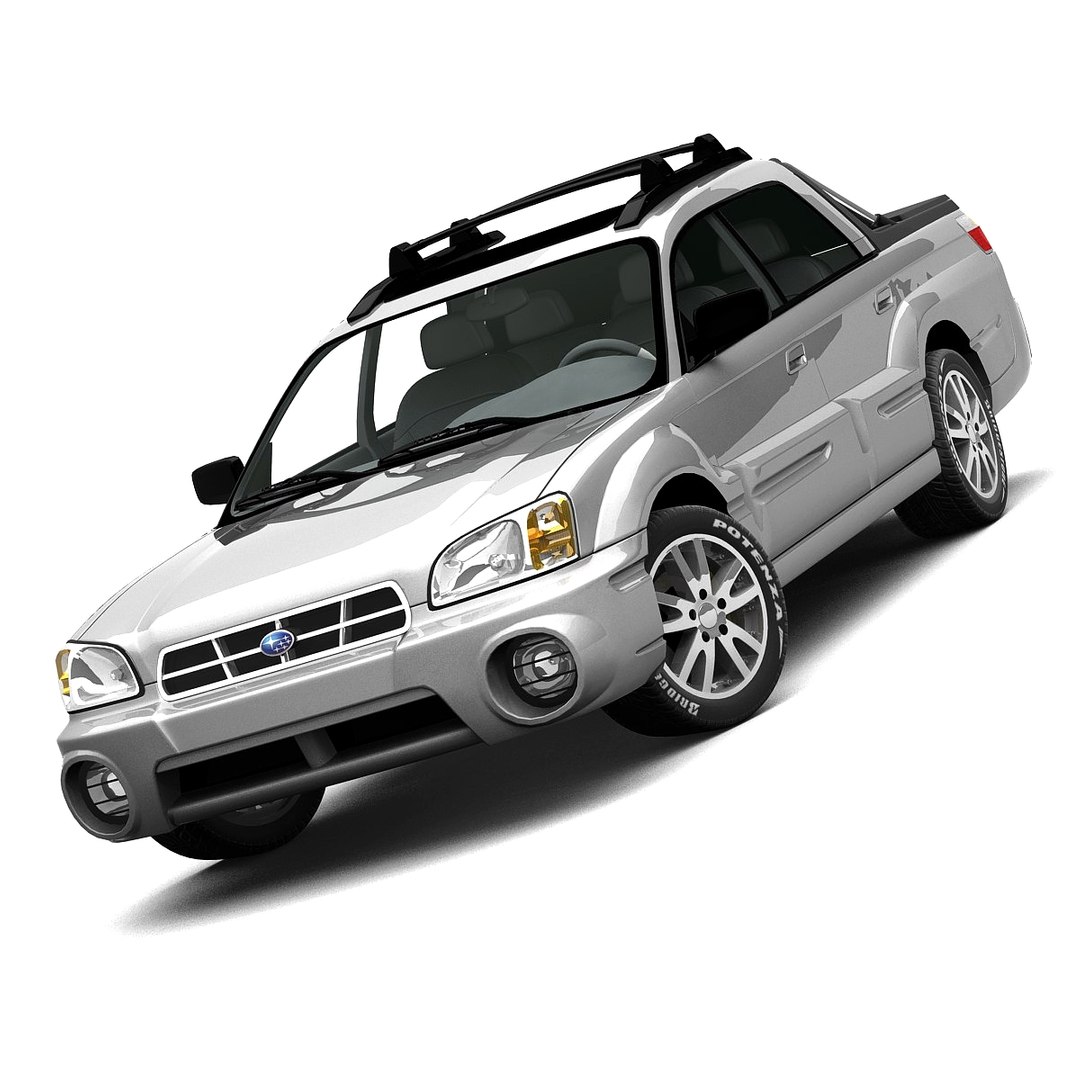
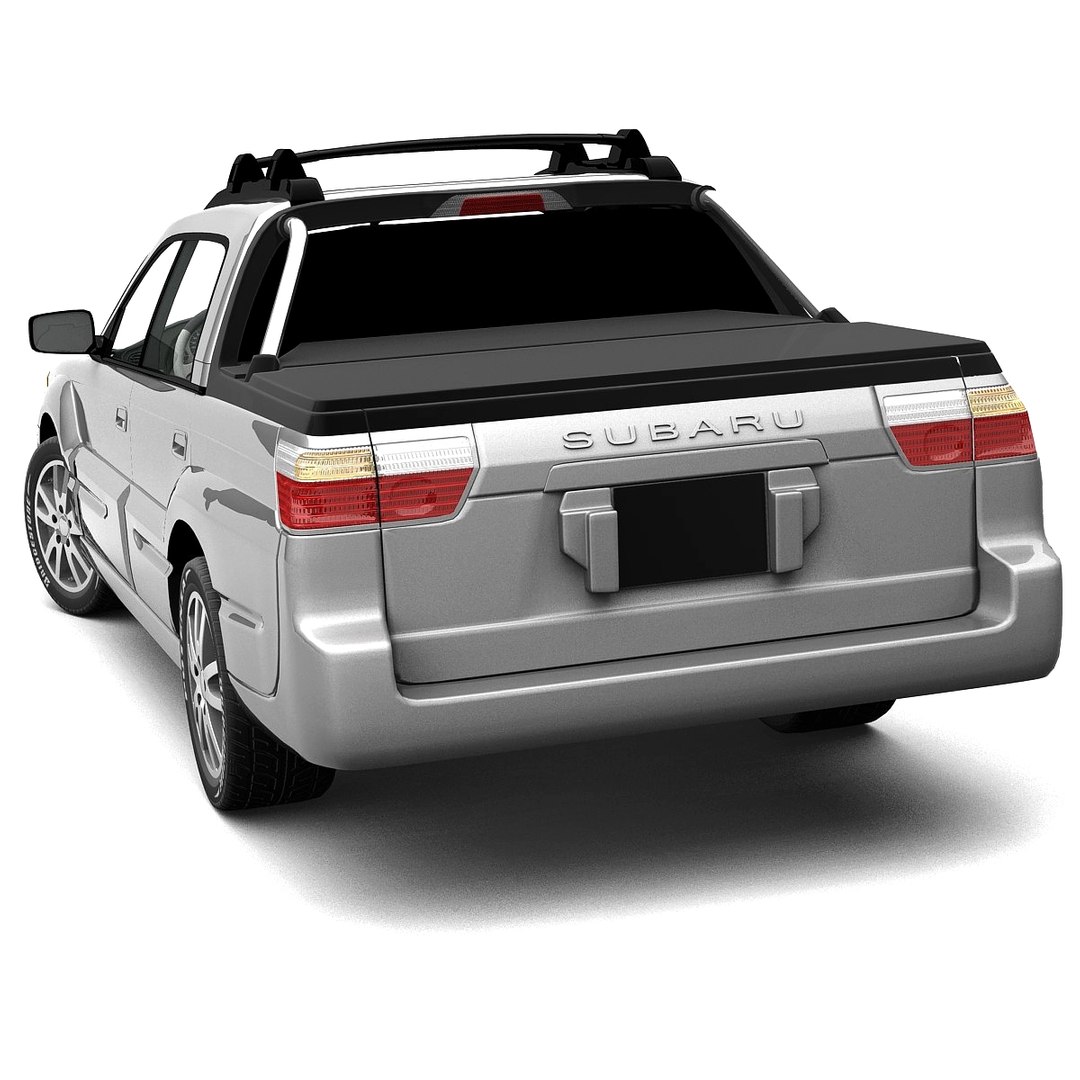
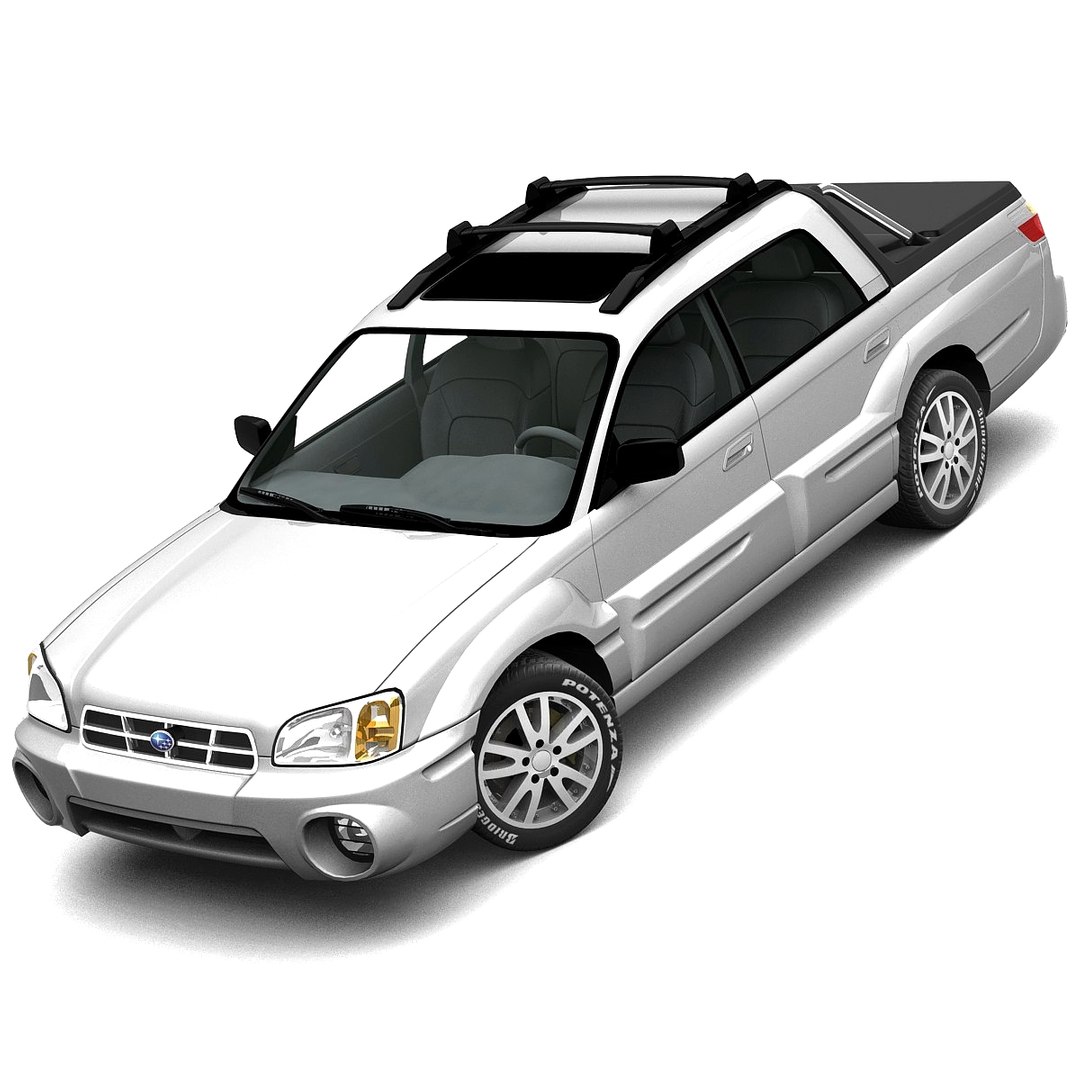
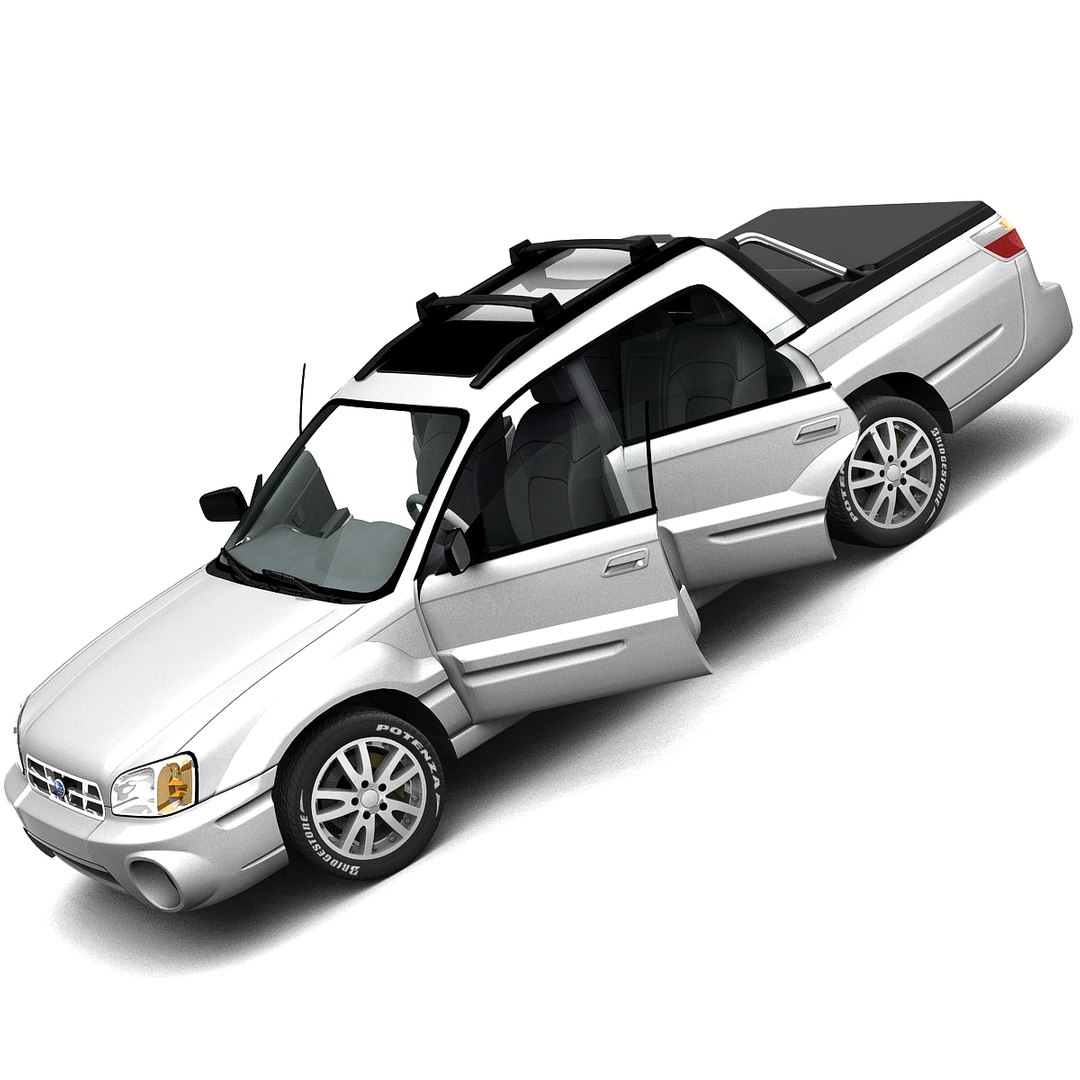
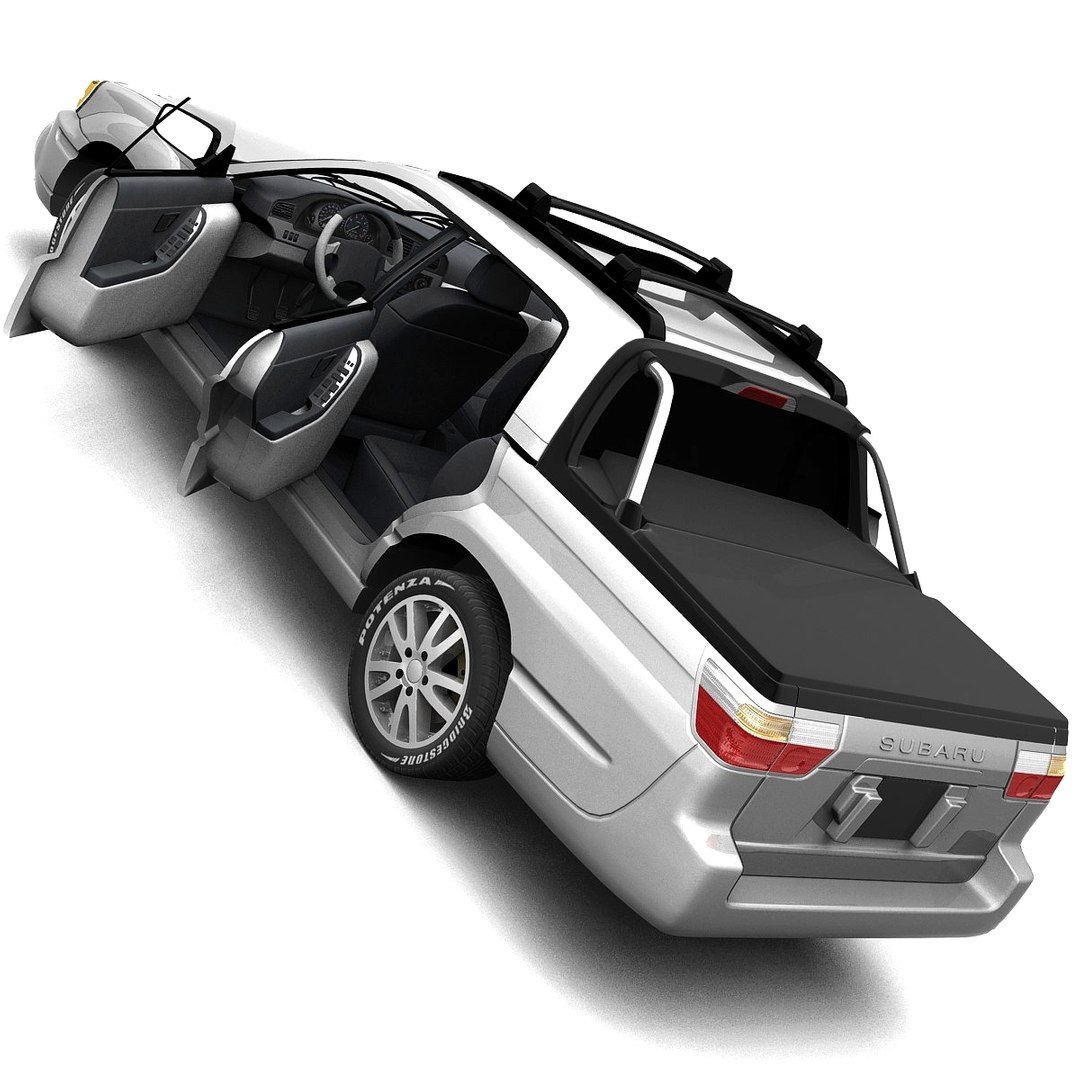
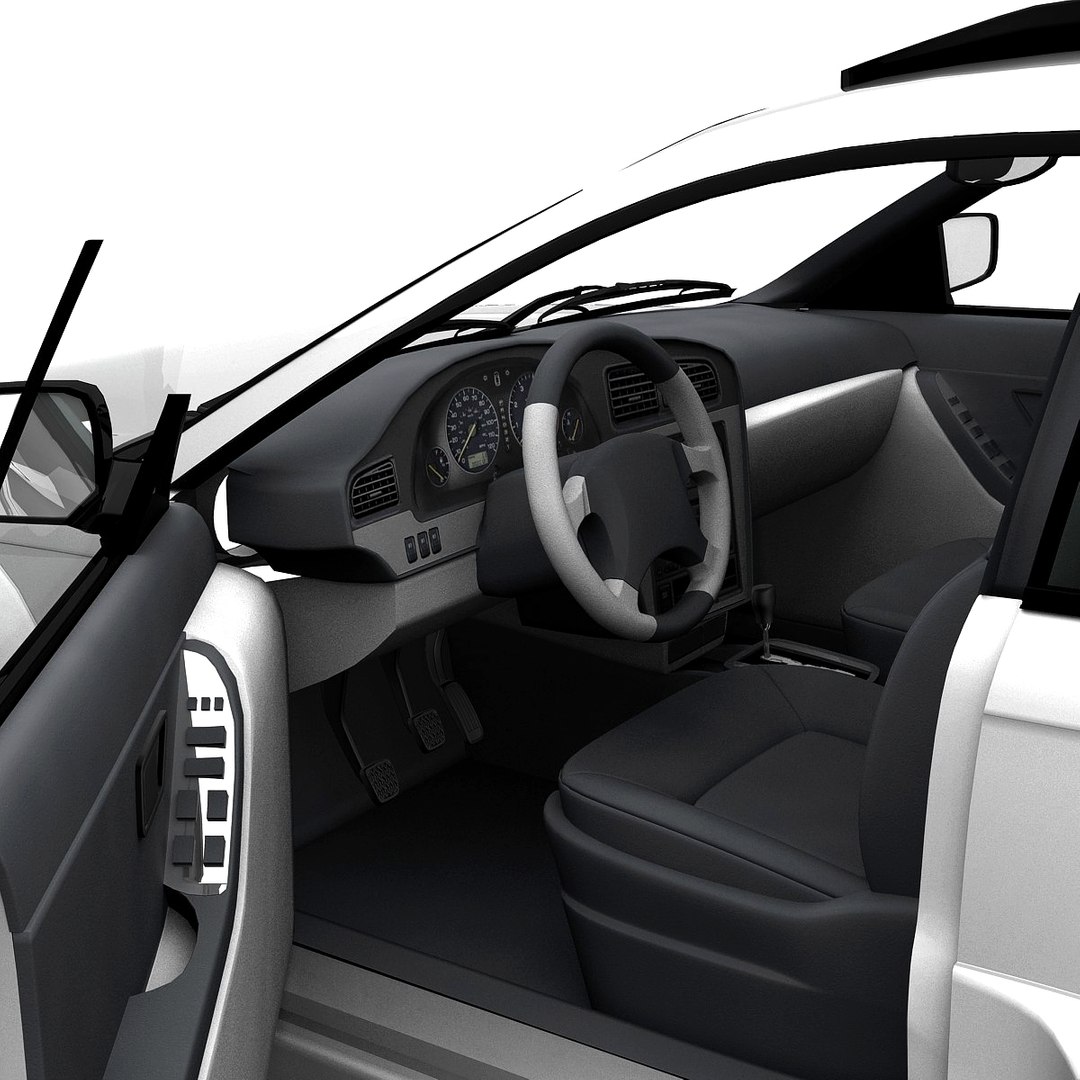
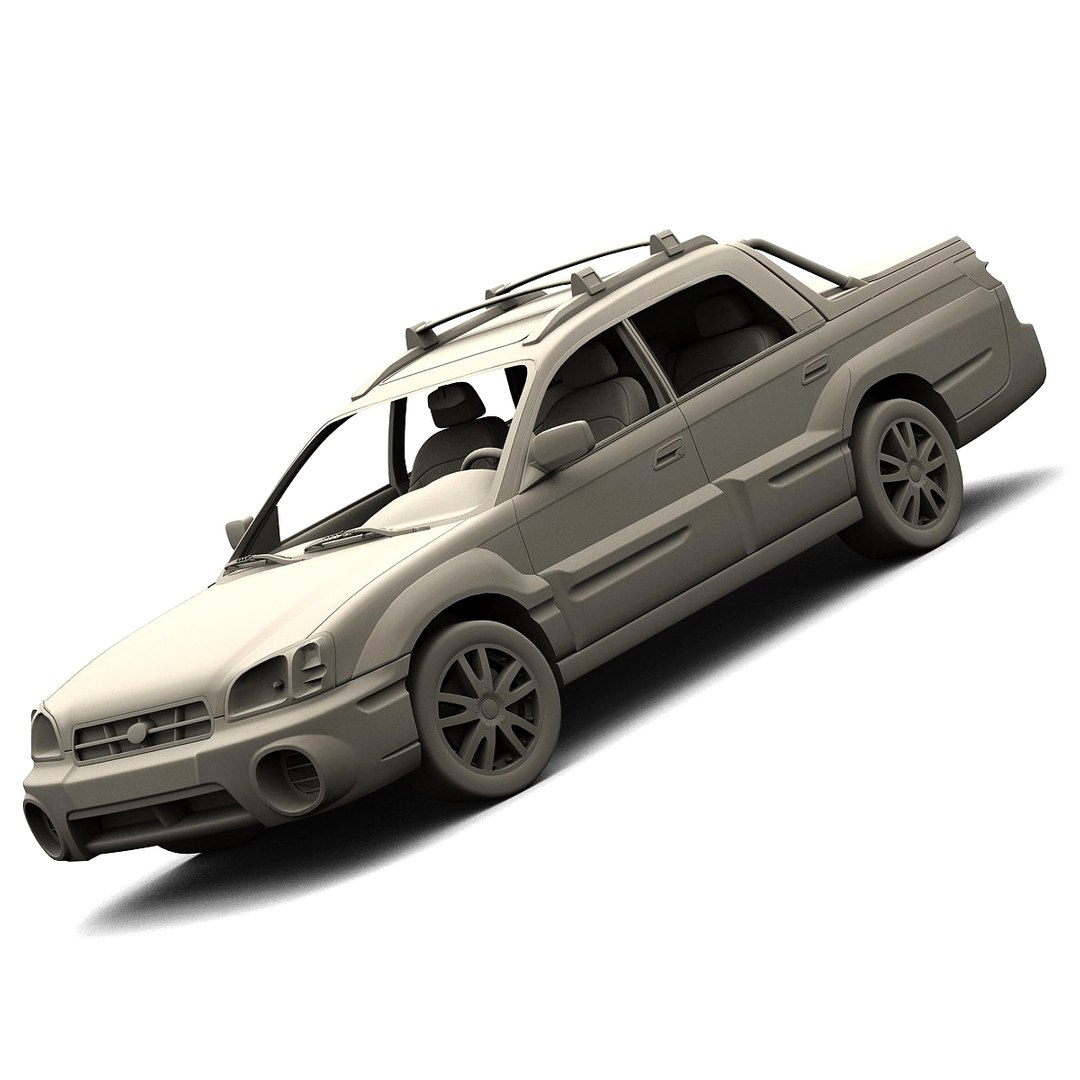
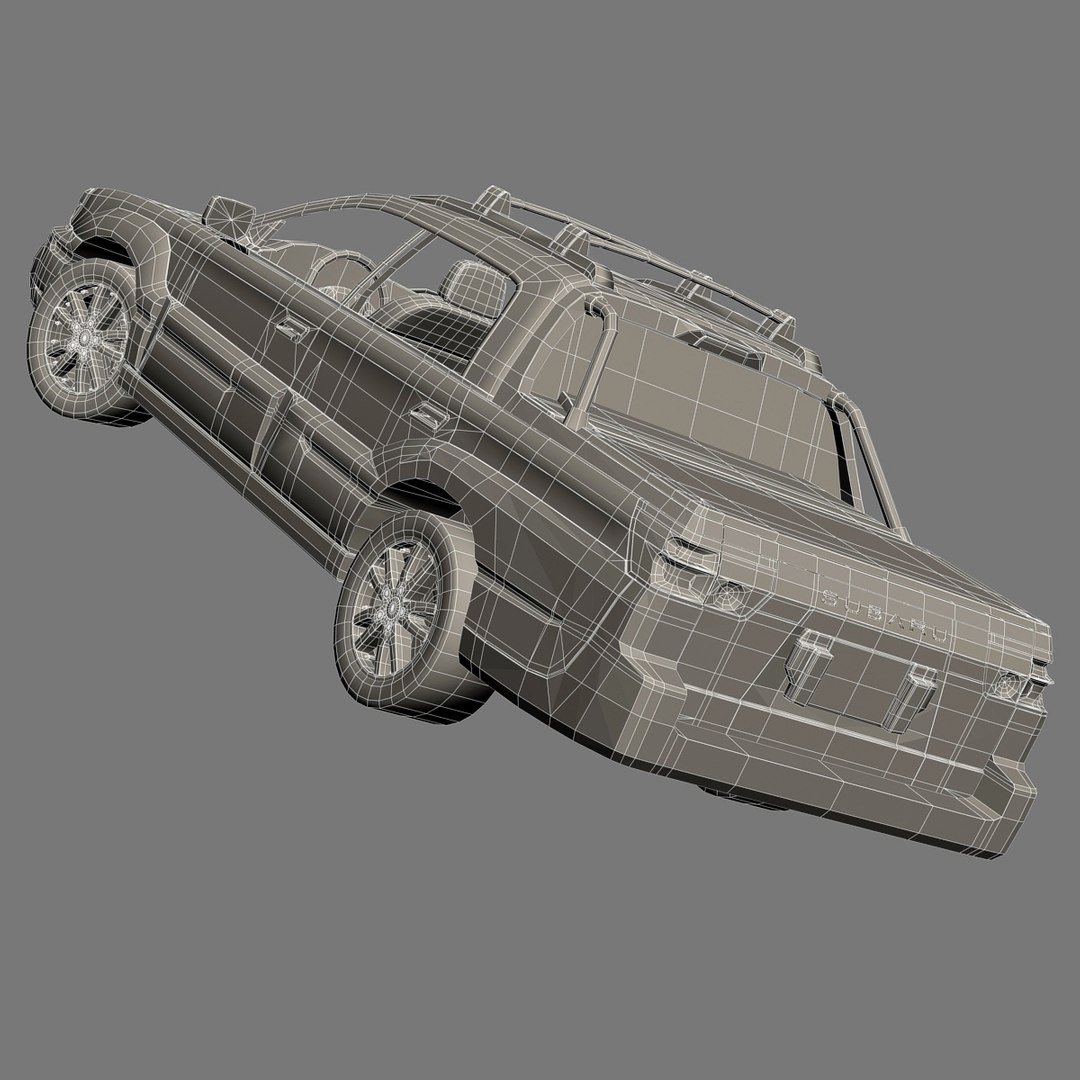
스바루 바하 2005

$69

표준 라이센스 | 업그레이드 라이센스
편집 전용
형식 (8)
무료 파일 형식 변환 가능
Native | 3ds Max 7.0 | Default Scanline
Softimage 7.5 | Default Scanline
Maya 7.0 | Default Scanline
3ds Max 7.0 | Brazil 2.1
Lightwave 9.3 | Default Scanline
Cinema 4D 9.6 | Default Scanline
OBJ
3D Studio
사양
게시 날짜 February 19, 2006
제품 ID 558531
다각형 44,597
정점들 50,871
사용된 다각형 Ngon
텍스처
기재
UV 매핑 됨

member avatar
HKV Studios
729 제품 | Contributor 부터 2005
질문 있니? 지금 우리와 채팅하십시오.

기술

High detailed 3d model of Subaru Baja 2005 with interior.

Main features:

- Two .max files with Brazil and Standard 3ds Max materials
- MeshSmooth is still in the history for .max format (MeshSmooth level 1 is set by default)
- Separate objects like body, wheels and doors. All objects are intelligently named
- Doors can be opened
- All textures and materials are included and assigned
- Previews rendered in 3ds Max 7.0 with Brazil R/S using MeshSmooth iteration level 1 for all objects

Special notes:

- .obj format is recommended for import in other 3d software. If your software doesn"t support .obj format, please use .3ds format; .obj format was exported from 3ds Max. The geometry for .obj format is set to quads
- .max files can be loaded in 3ds Max 7.0 or higher. In order to use Brazil rendering setups and materials, Brazil R/S 2.0 or higher is required

Polycounts:

- .max format:
• no MeshSmooth: 44,597 faces and 50,871 vertices
• MeshSmooth level 1: 176,360 faces and 190,677 vertices
• MeshSmooth level 2: 705,440 faces and 733,807 vertices

- .c4d, .lwo, .scn, .mb and .obj formats:
• low: 45,139 faces and 50,819 vertices
• medium: 176,360 faces and 190,593 vertices
• high: 705,440 faces and 733,723 vertices

- .3ds format:
• low: 87,015 faces and 50,653 vertices
• medium: 352,558 faces and 191,187 vertices
• high: 1,410,711 faces and 739,607 vertices

향상된 라이센스 선택

  • $10,000 법적 보호(보상)
  • 무제한 법적 보호(배상)
  • 금지 명령 구제 면제
  • 할당 가능한 모델 권한
  • $1,000,000 법적 보호(보상)
  • 금지 명령 구제 면제
  • 할당 가능한 모델 권한
  • $250,000 법적 보호(보상)
  • 할당 가능한 모델 권한
향상된 라이선스 티어에 대해 자세히 알아보려면 또는 enterprise@turbosquid.com으로 문의하세요. 이미 Shutterstock Enterprise 고객이신가요? 3D 기능 추가에 대해 문의하려면 Shutterstock 영업 지원 담당자에게 문의하세요.

About Conversion Requests

To submit a conversion request for a purchased asset, please complete our Conversion Request Form.

If you have not yet purchased a model, please review our Documentation about Conversions to learn about what limitations you may encounter with a conversion.

For any additional questions about a model’s suitability for conversion, please contact TurboSquid Support.

로딩중...