
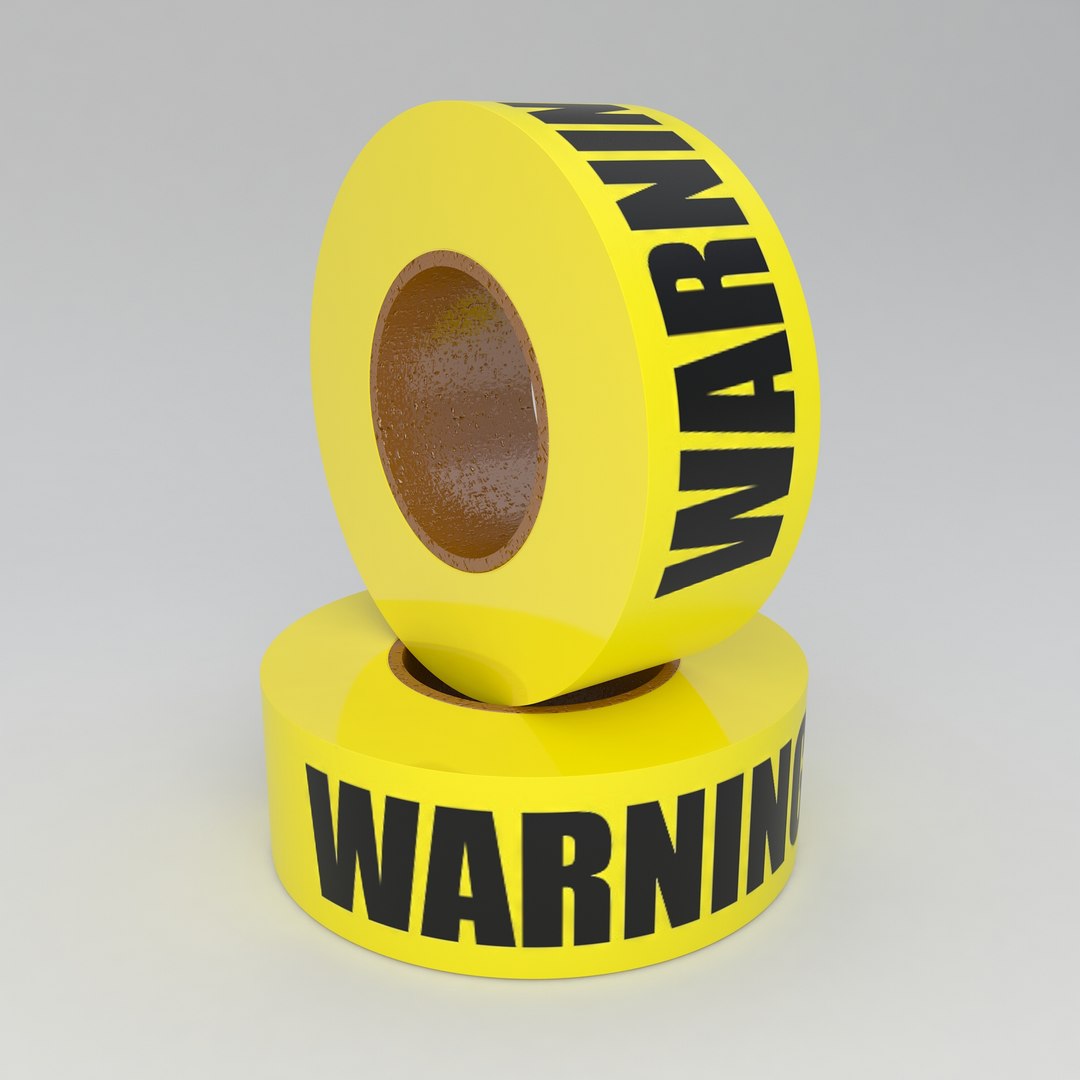
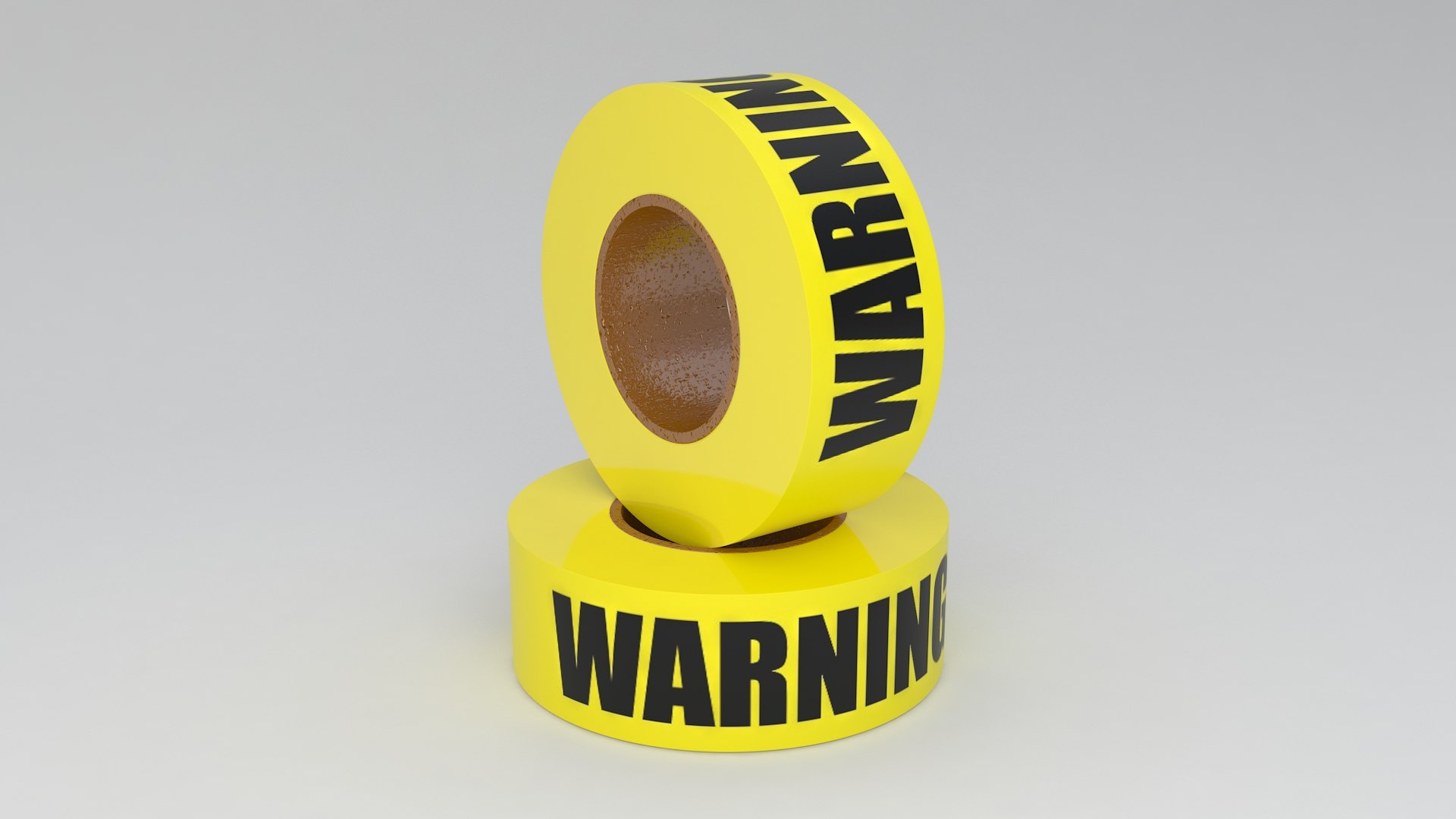
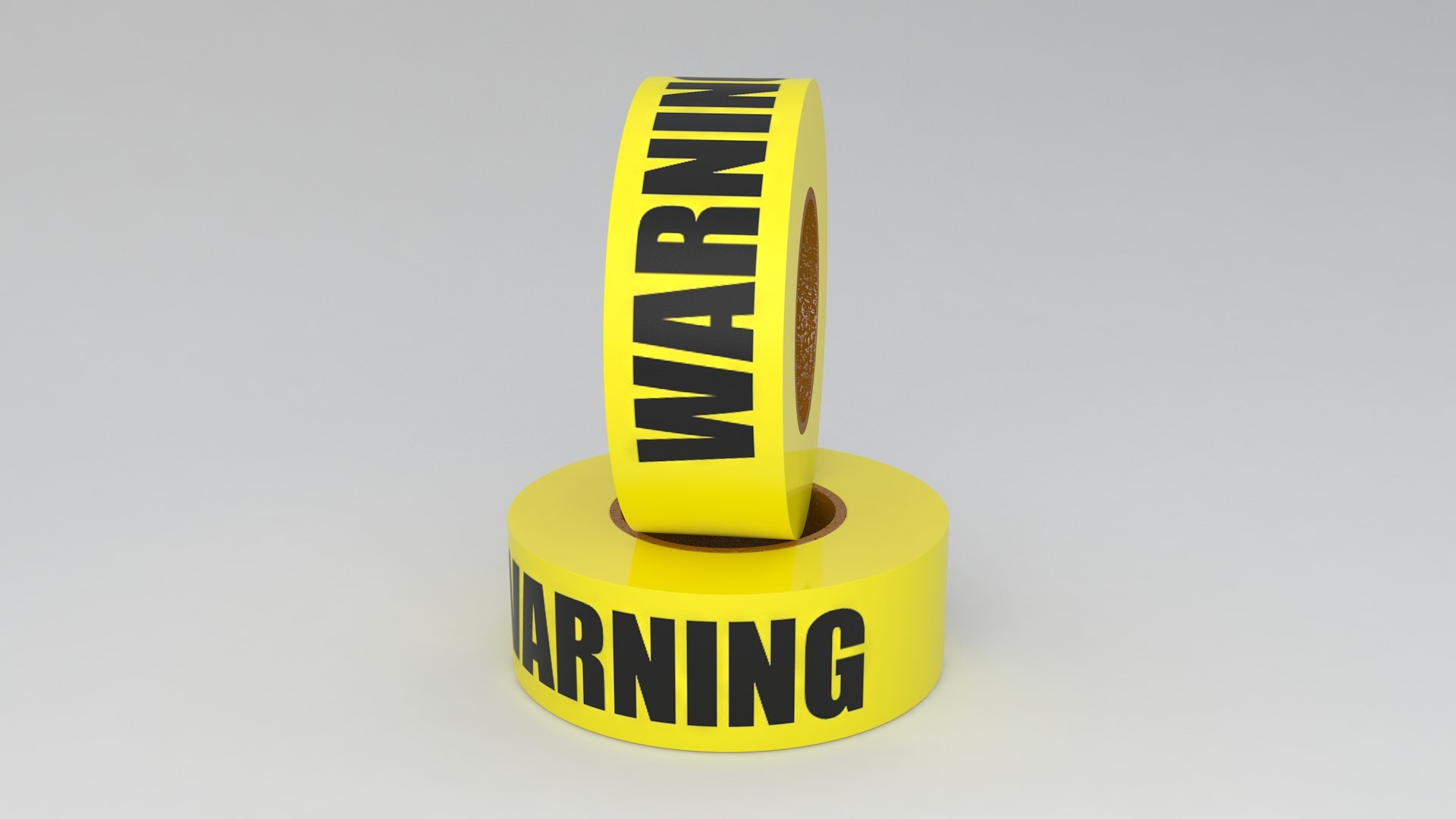
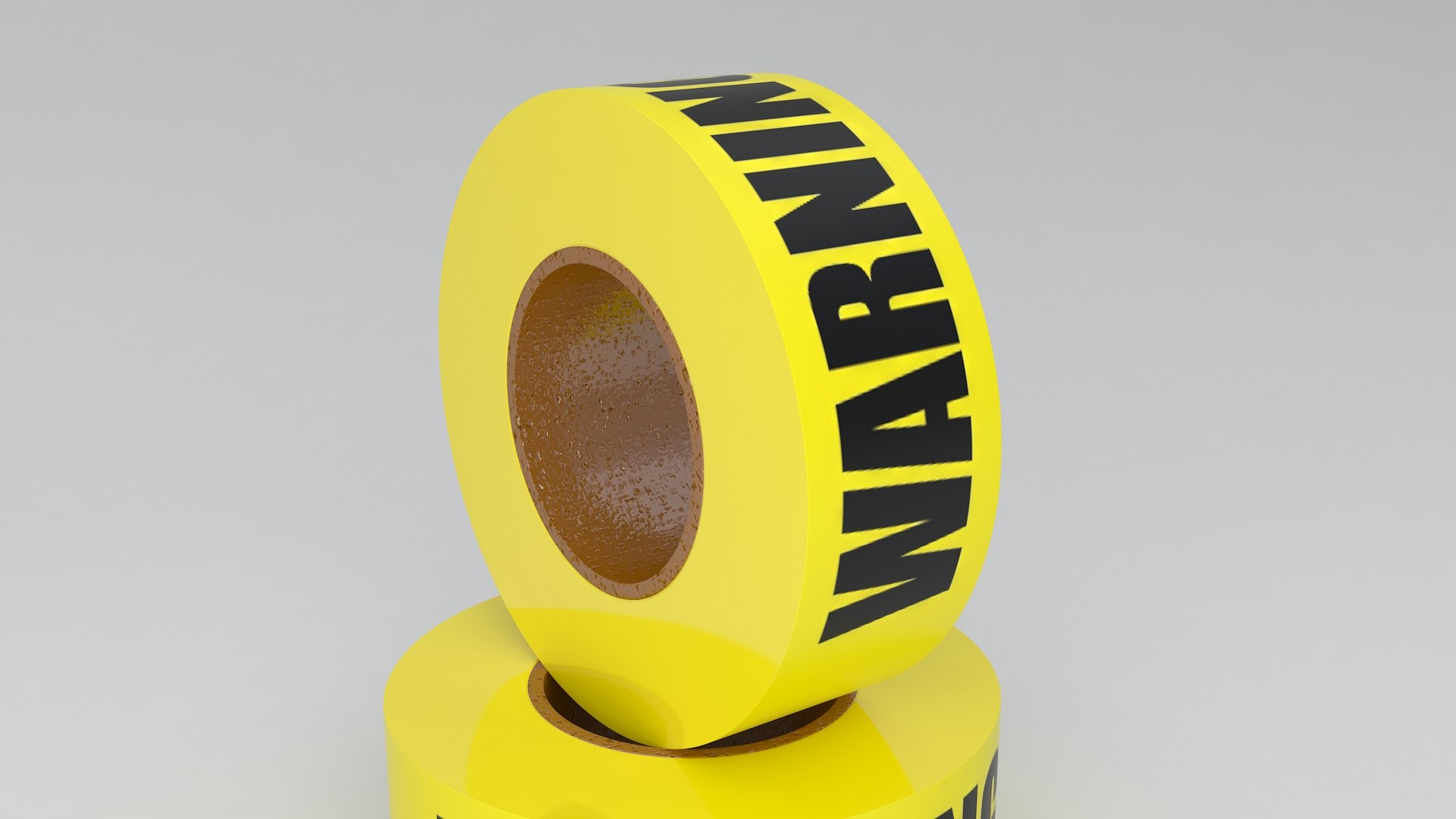
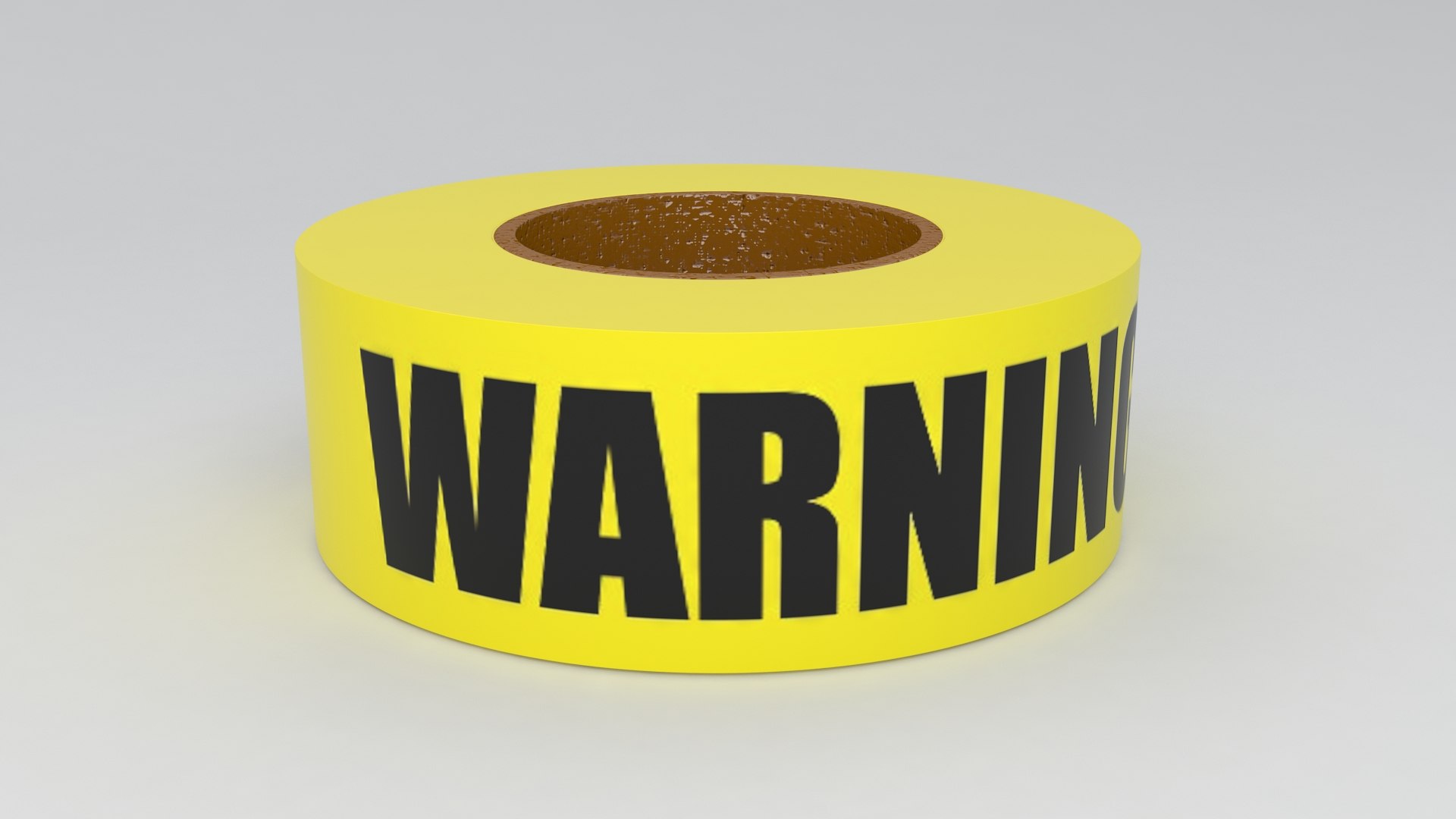
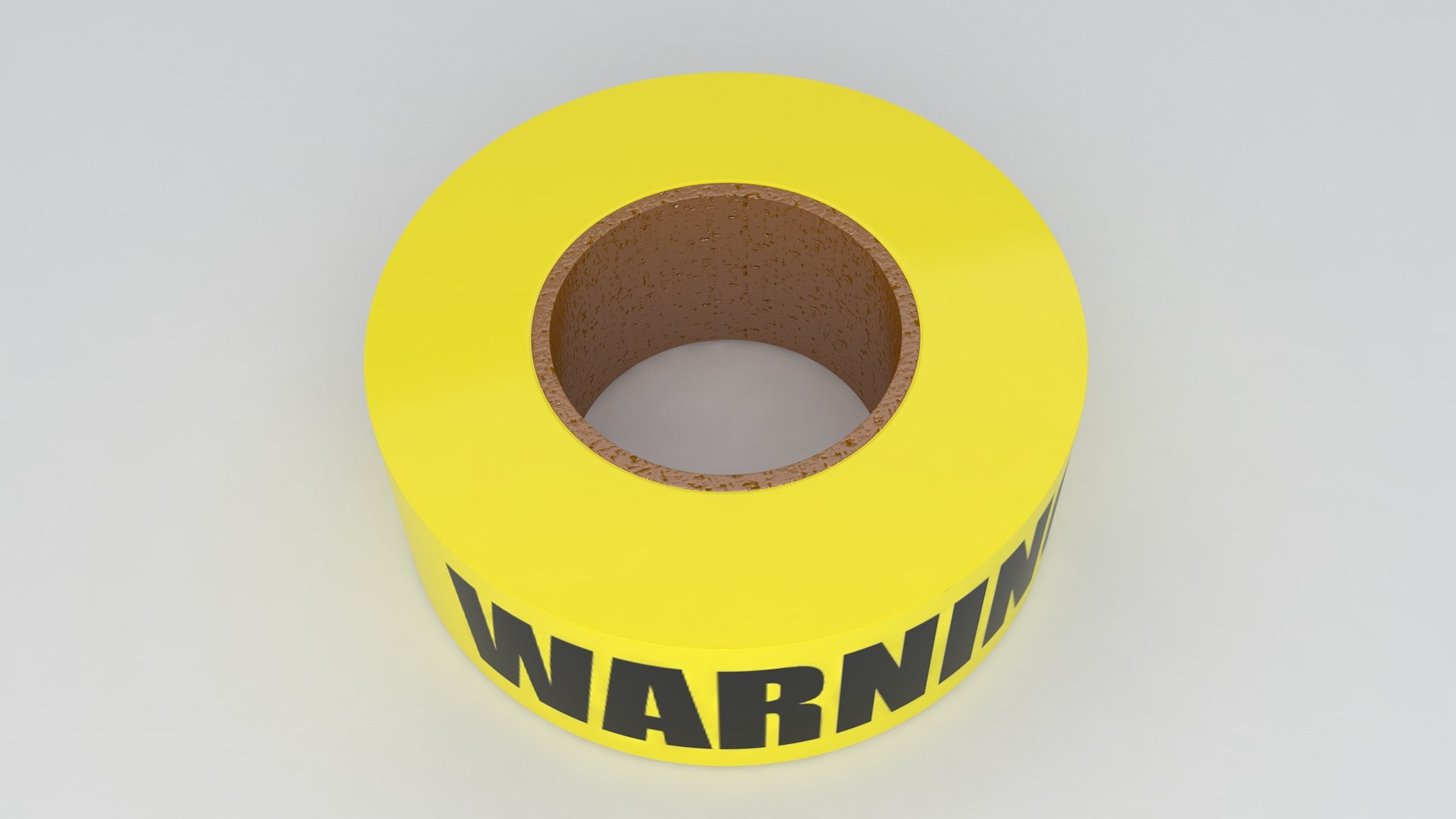
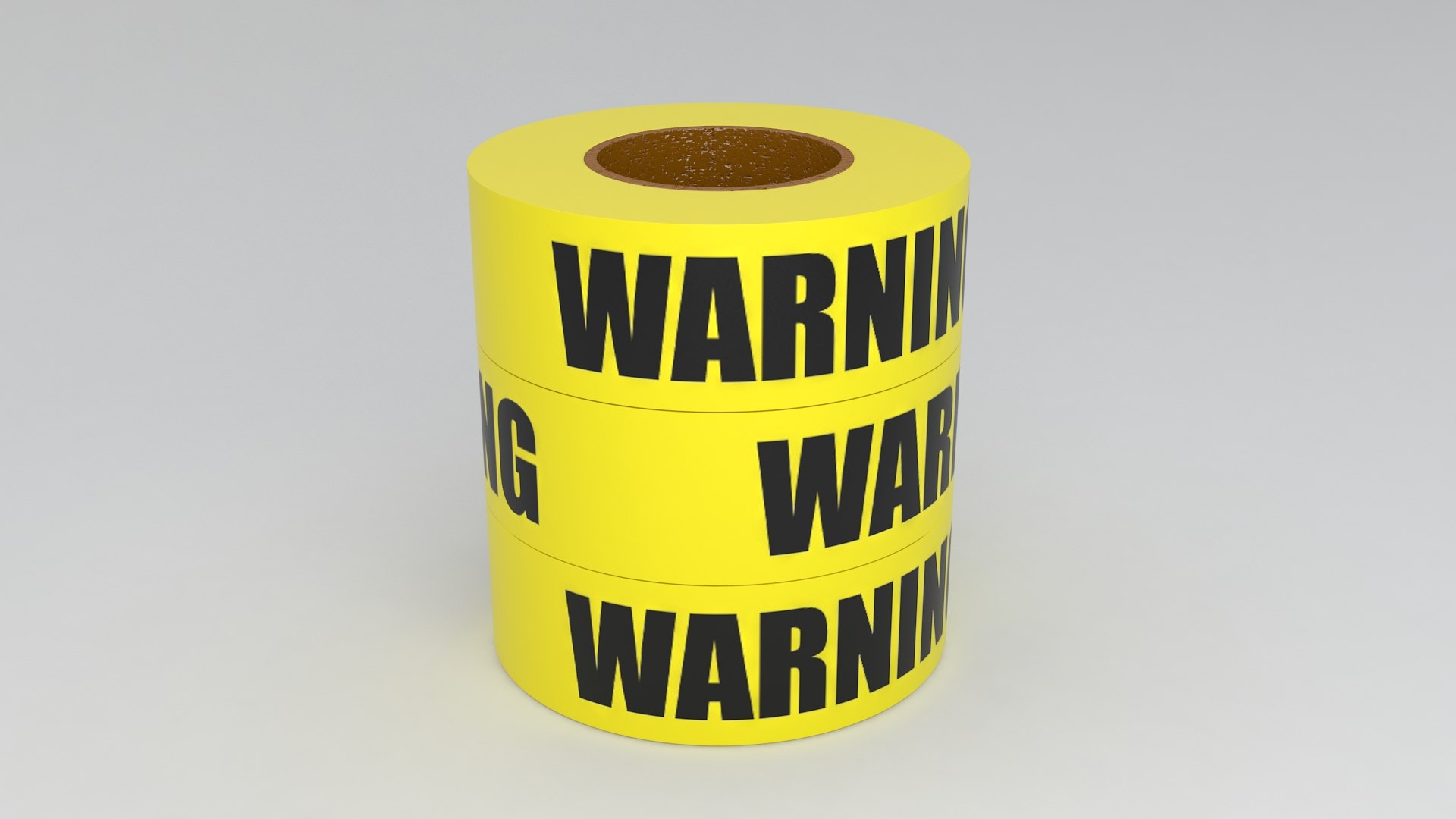
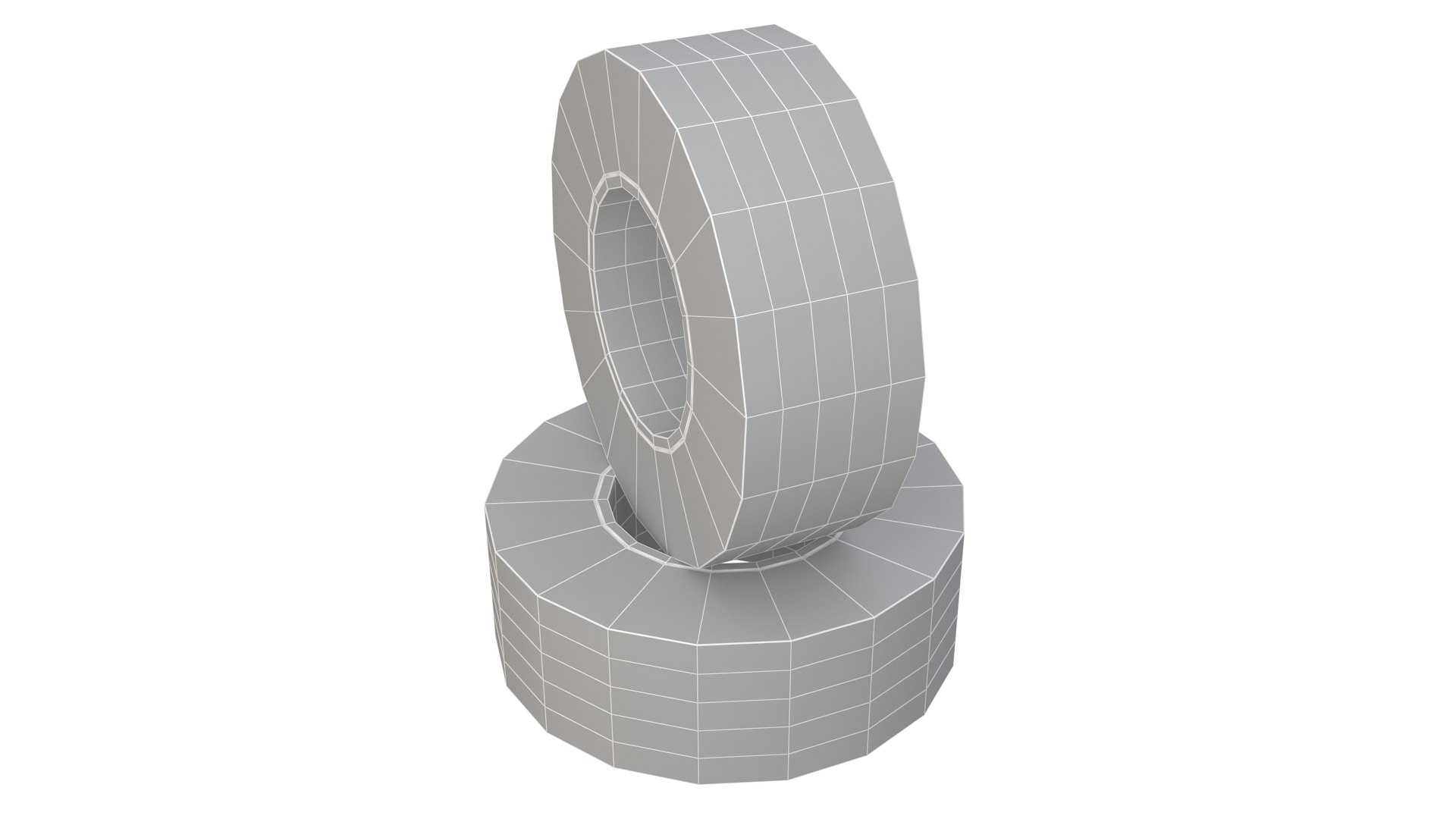
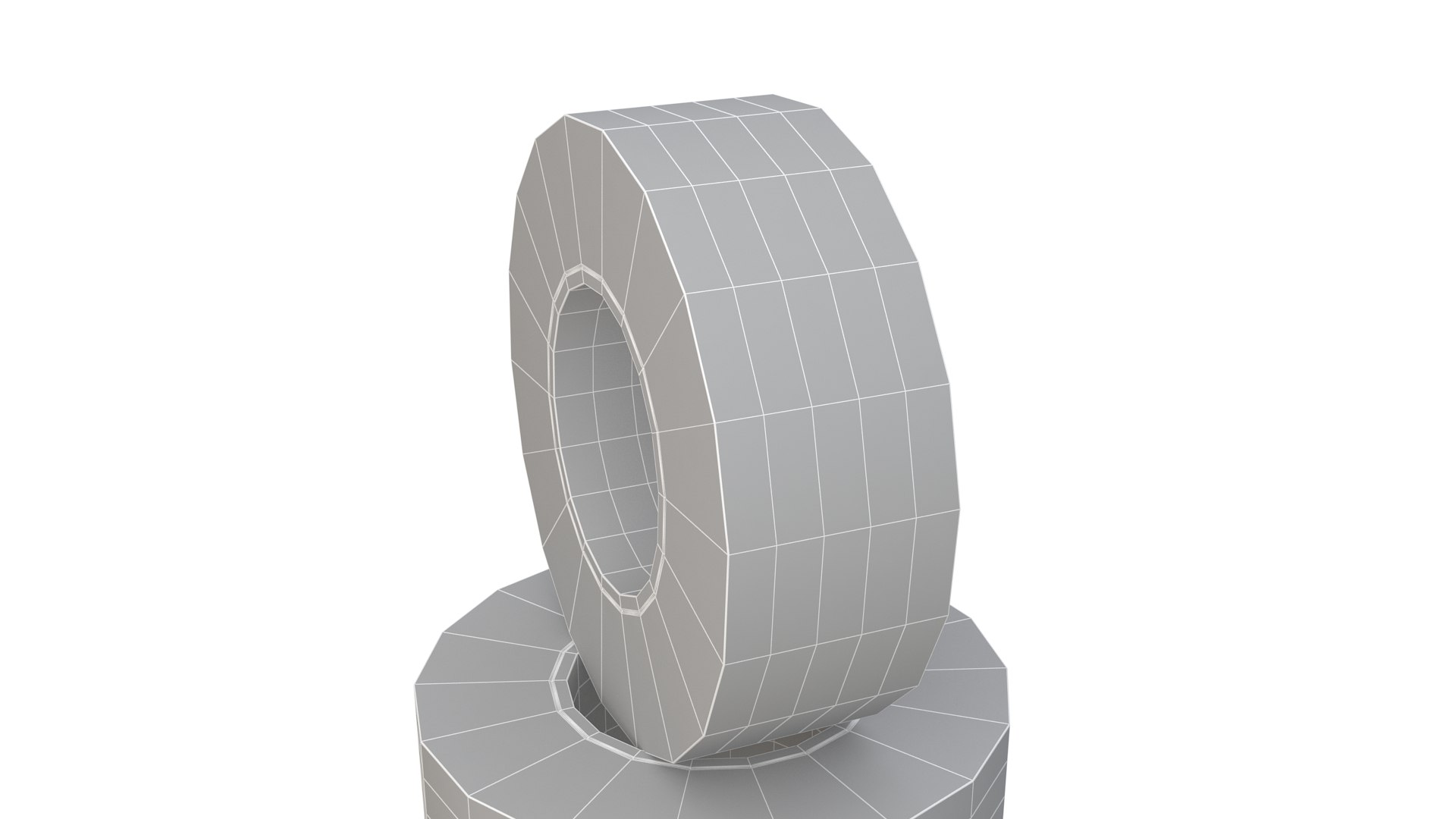
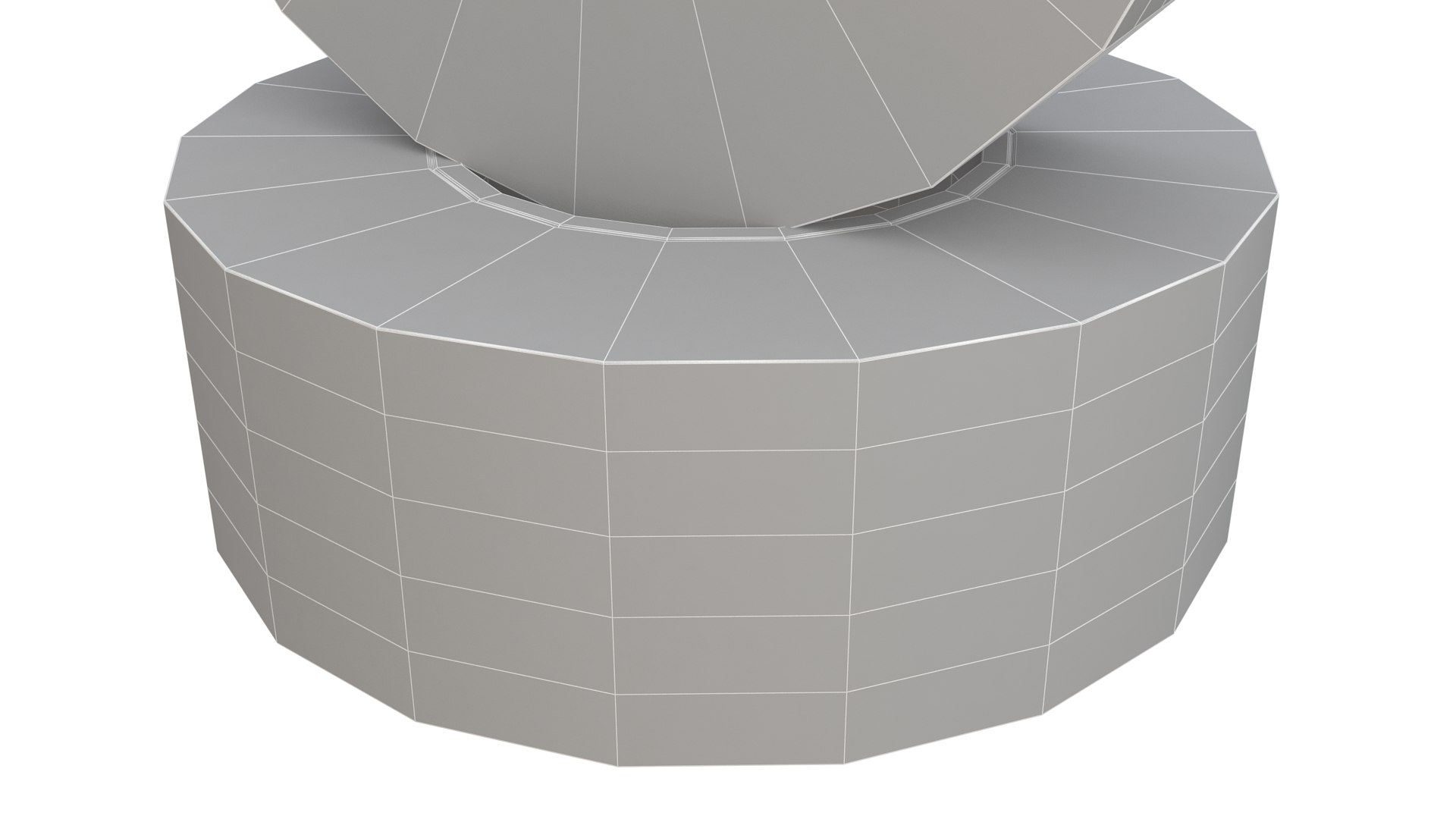
警告テープ 黄色

$6

標準ライセンス | アップグレードライセンス
フォーマット (15)
Native | 3ds Max 2014 | V-Ray 3.60.03
Cinema 4D R12 | Default Scanline
Lightwave 10 | Default Scanline
Maya 2016 | Default Scanline
Modo 10 | Other
Blender 3.3.1 | Blender Render
3D Studio 2014
OBJ 2014
Collada 2014
Other Textures 3.3.1
STL 2014
DXF 2014
VRML 2014
仕様
公開日 January 25, 2025
製品番号 2344939
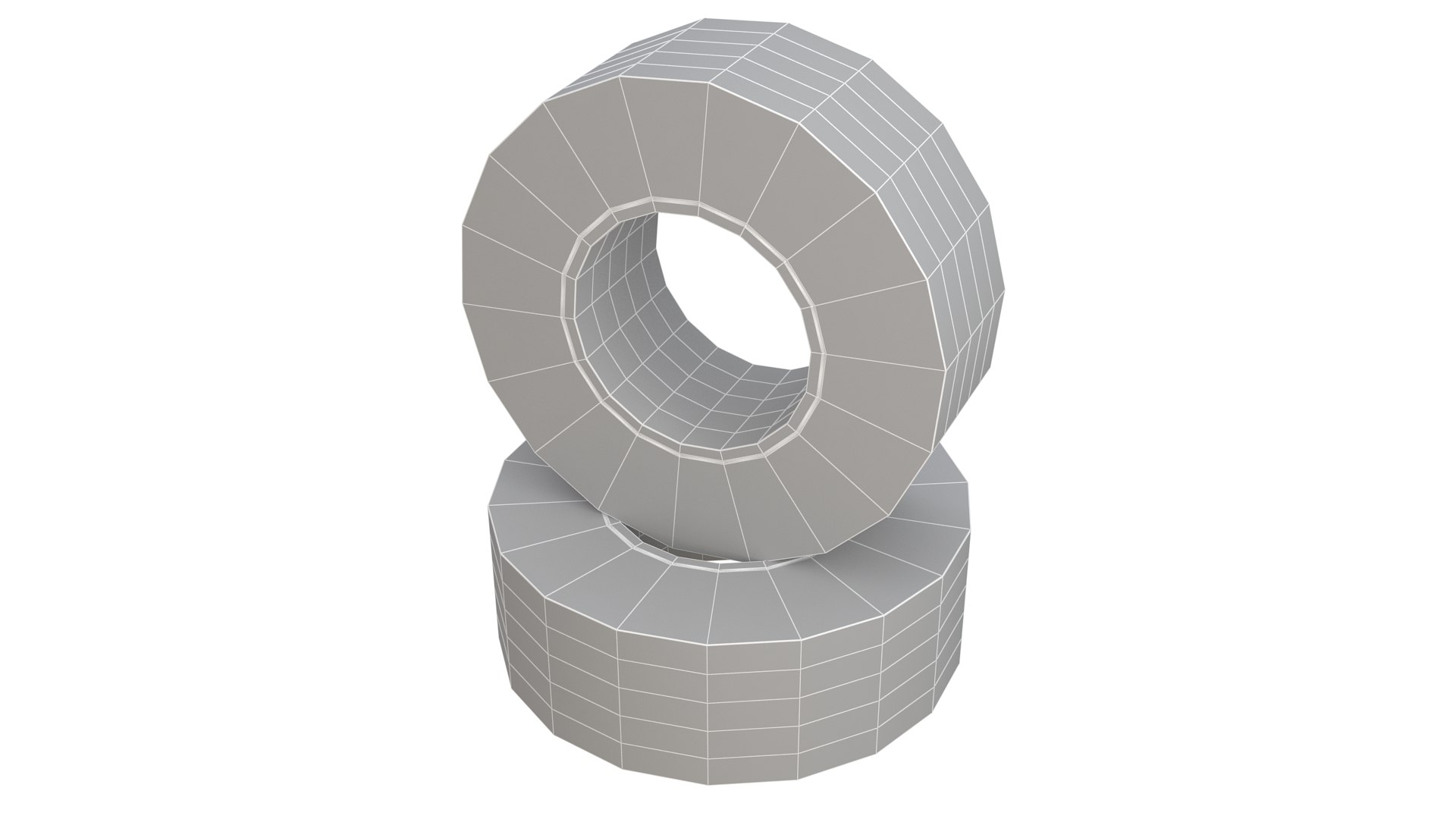
多角形 648
頂点 648
多角形四角形/三角形ジオメトリ
テクスチャ
材料
member avatar
Scorpion Studio
1562 製品 | Contributor 以来 2013
質問がありますか?今私達とチャットしてください。

説明

High Quality Model OF 3D WARNING Tape Yellow Available in the following file formats:

OBJ (.obj) optimized for: - Blender - Cinema 4D - LightWave - Maya - Rhino - Softimage XSI - ZBrush - Google Sketchup

The materials are available in the Max file format with V-Ray, and Standard (Scanline) materials. All other file formats are mesh only and will require material reapplication.

High quality textures, perfect for extreme close-up and high resolution renders.

The preview images were rendered on Max 2014 with V-Ray 3.4

Native File format is Max 2014.

Model is fully textured with all materials applied.

You can make the poly count higher by the MeshSmooth and TurboSmooth level As you Wish.

Includes V-Ray materials and textures only in Max format.

A file without V-Ray shader is included with standard materials.

The .obj formats are geometry with texture mapping coordinates. No materials attached.

Textures format JPEG.

Big size textures included.

3ds Max files included Standard materials and V-Ray materials.

Hi-poly model with MeshSmooth and TurboSmooth modifier.

NOTE: V-Ray is required for the V-Ray Max scene and Studio setup is included.

Thank you for visiting And Thanks For Buying. i am sure you will like this and also my other Products Just Click on User Name

拡張ライセンスを選択

  • $10,000 法的保護(補償)
  • 無制限の法的保護(補償)
  • 差し止めによる救済の放棄
  • 割り当て可能なモデルの権利
  • $1,000,000 法的保護(補償)
  • 差し止めによる救済の放棄
  • 割り当て可能なモデルの権利
  • $250,000 法的保護(補償)
  • 割り当て可能なモデルの権利
拡張ライセンスの詳細についてはこちらをご覧ください。または、enterprise@turbosquid.comまでお問い合わせください。既にShutterstock Enterpriseをご利用の場合は、3D機能の追加についてShutterstockのセールスサポート担当者にお問い合わせください。

About Conversion Requests

To submit a conversion request for a purchased asset, please complete our Conversion Request Form.

If you have not yet purchased a model, please review our Documentation about Conversions to learn about what limitations you may encounter with a conversion.

For any additional questions about a model’s suitability for conversion, please contact TurboSquid Support.

読み込み中...