

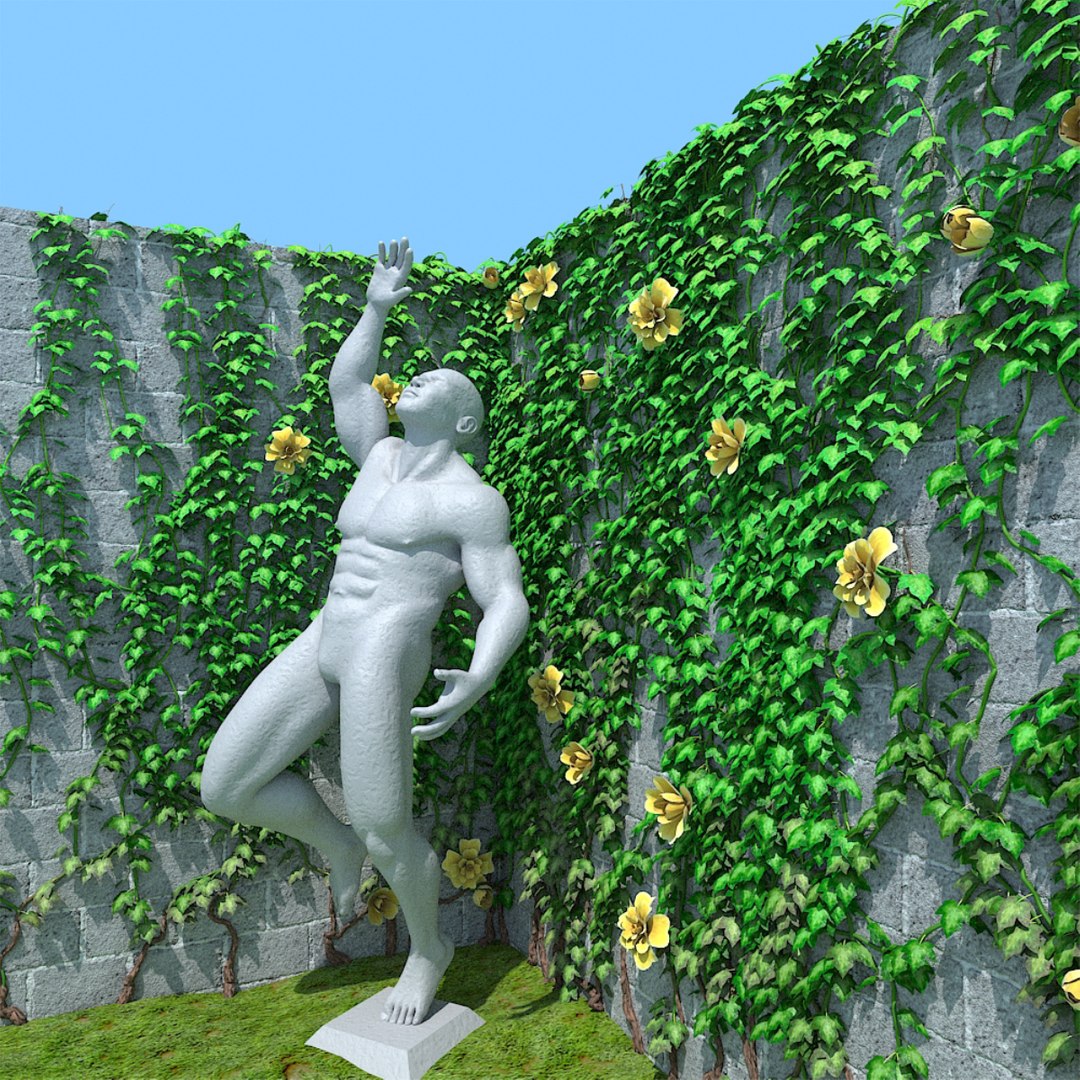
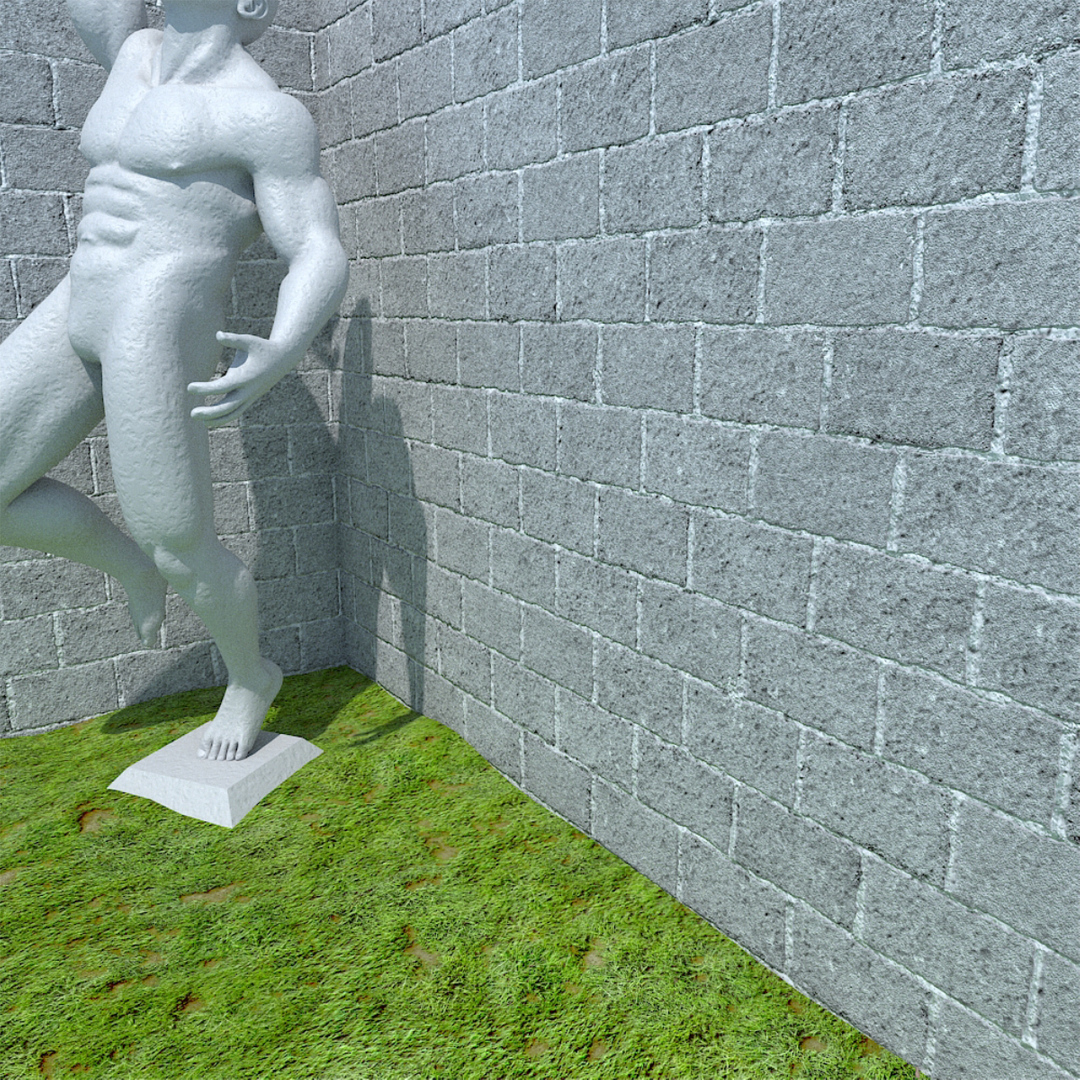
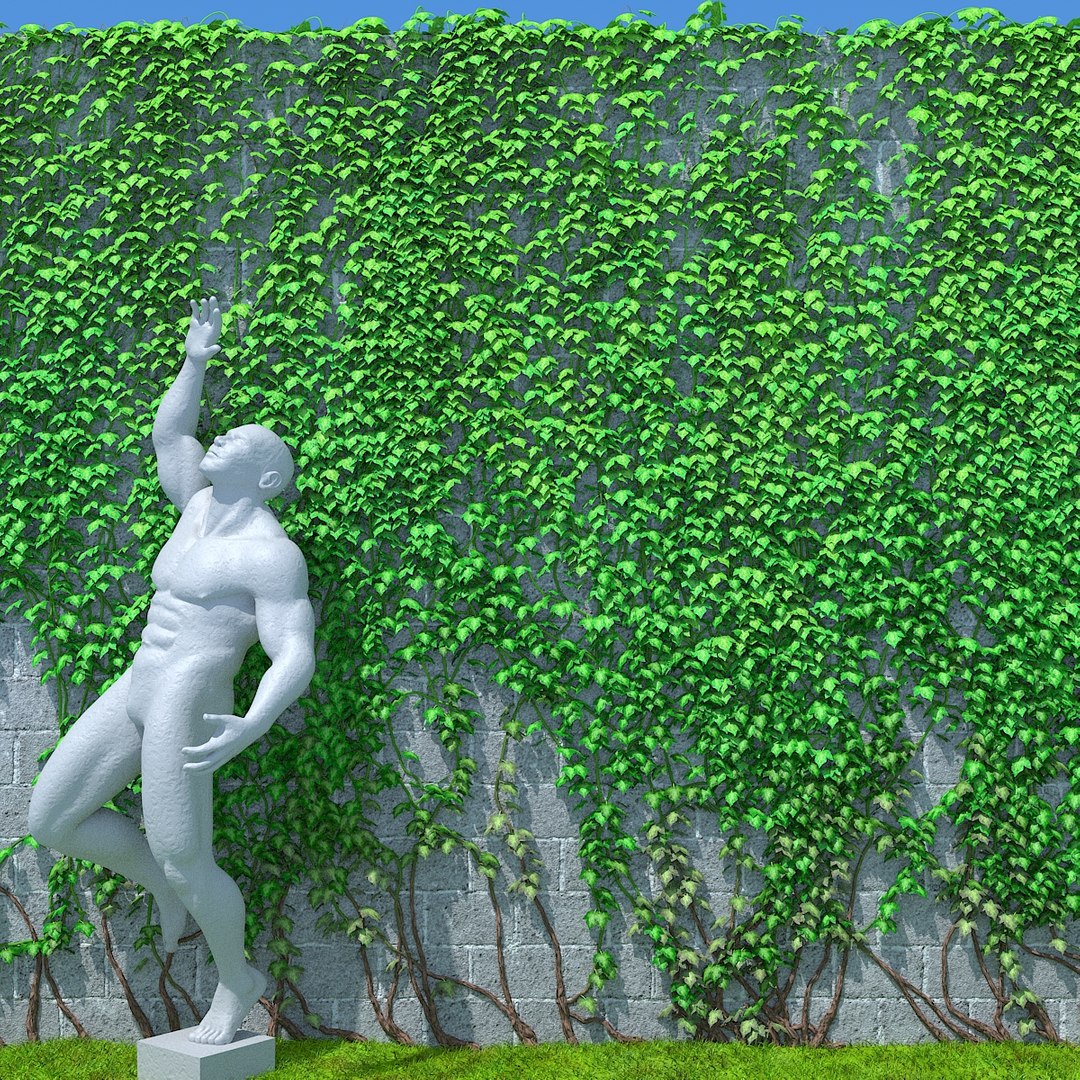
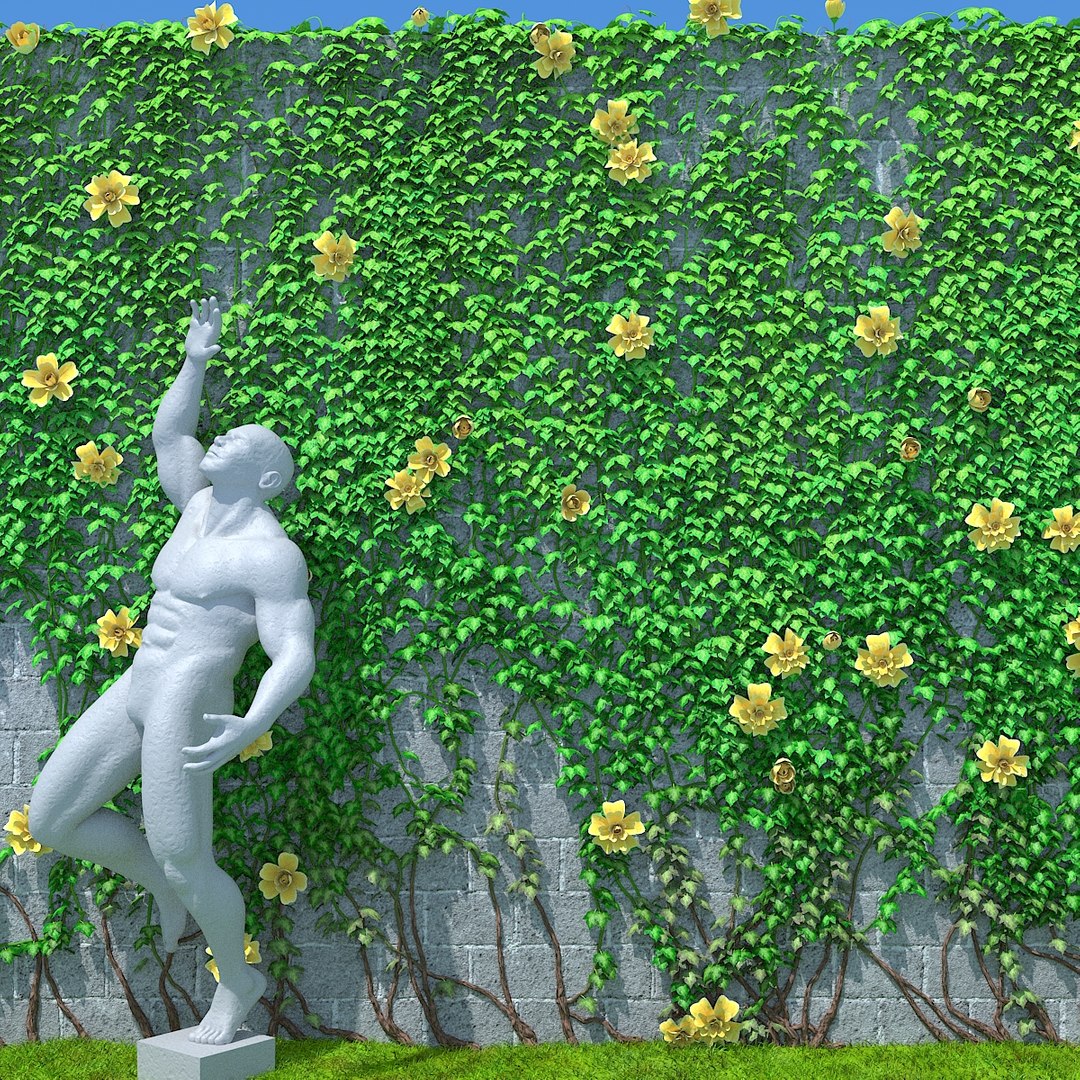
つる植物ジェネレーター

$140

標準ライセンス | アップグレードライセンス
フォーマット (9)
Native | 3ds Max 2020 | V-Ray NEXT
3ds Max 2020 | V-Ray NEXT
3ds Max 2017 | V-Ray NEXT
その他のファイル
tyFlow_016080_Vray3.6 or NoVray.zip tyFlow_016080_VRayNEXT or NoVray.zip VrayProxiesUsed.rar
仕様
公開日 April 09, 2020
製品番号 1539047
多角形 99,999,999
頂点 99,999,999
多角形
テクスチャ
材料
UVマップ
ラップされていない UV の重複
堅い
アニメ化
TurboSquid 限定

member avatar
Ricmage
44 製品 | Contributor 以来 2009
質問がありますか?今私達とチャットしてください。

説明

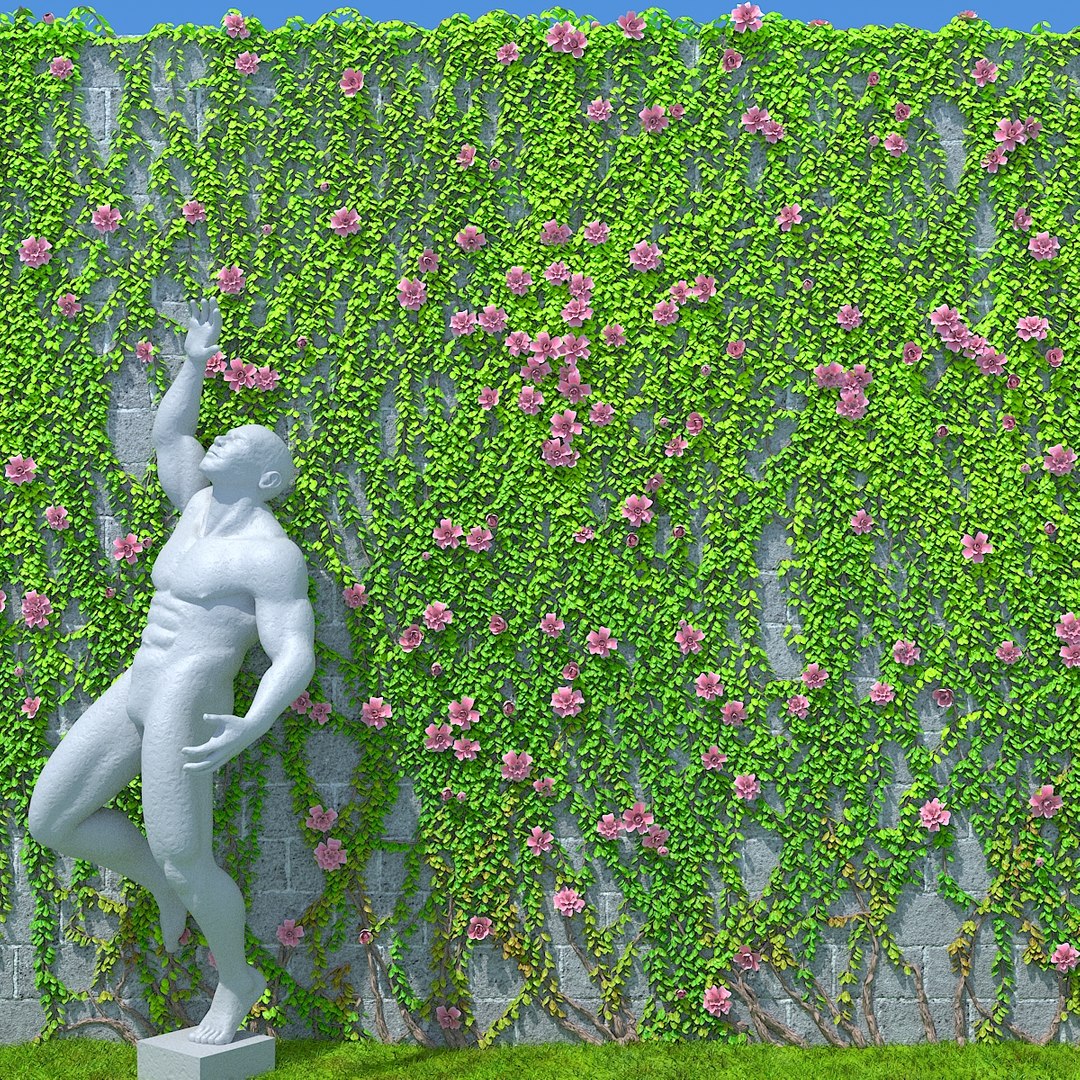
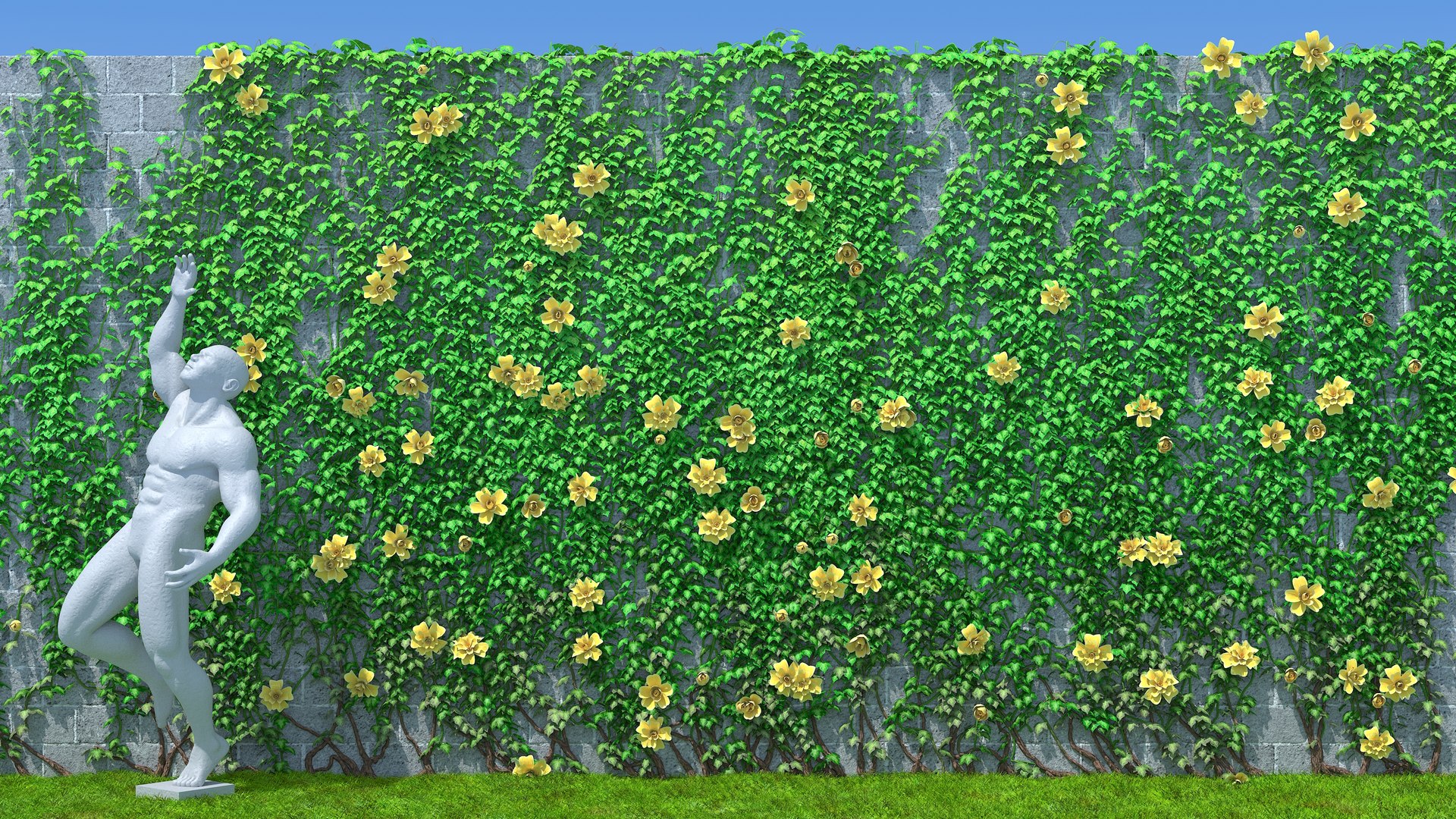
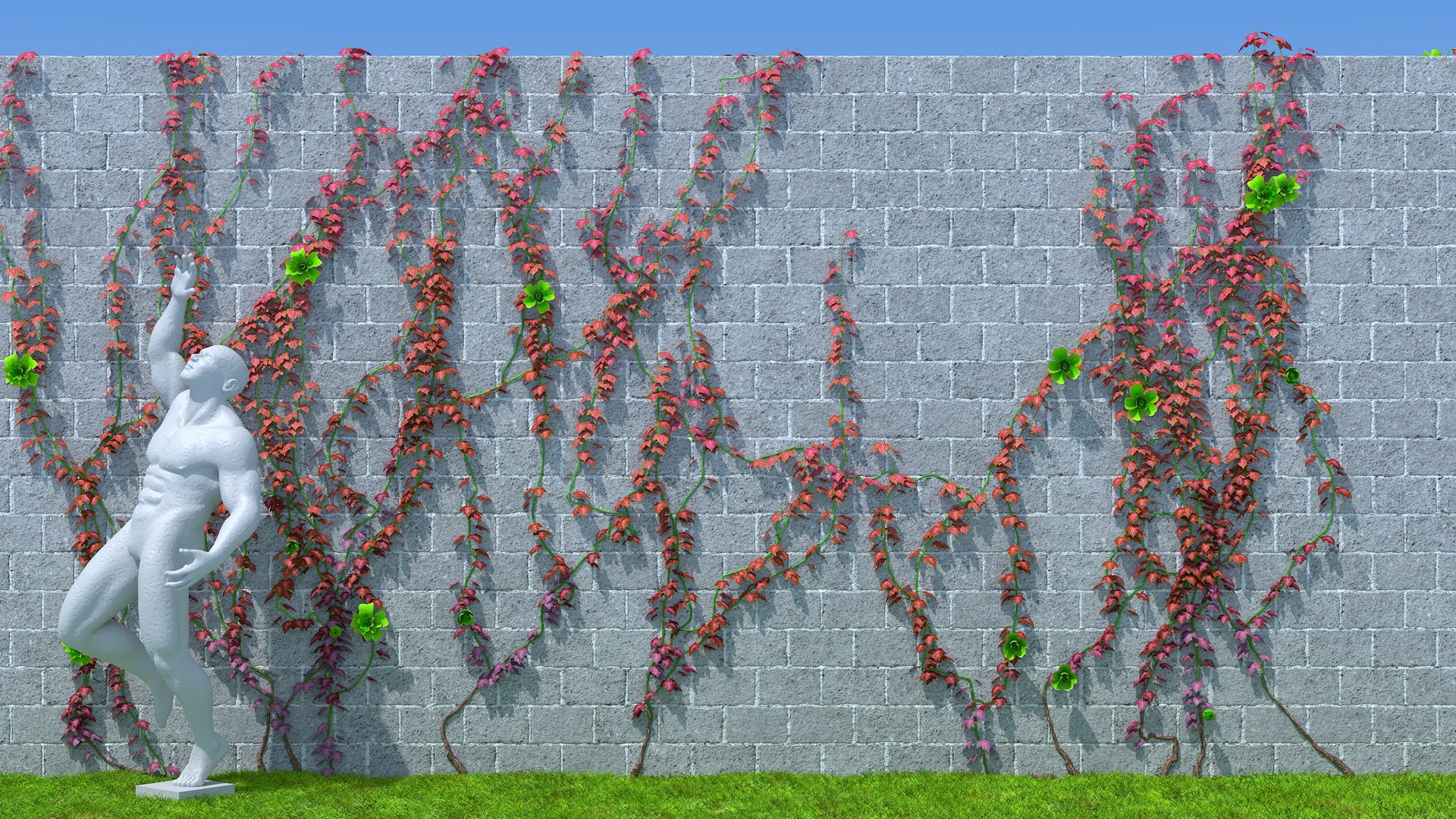
Vines Generator,
Animated, made with TyFlow particle system in 3dsmax


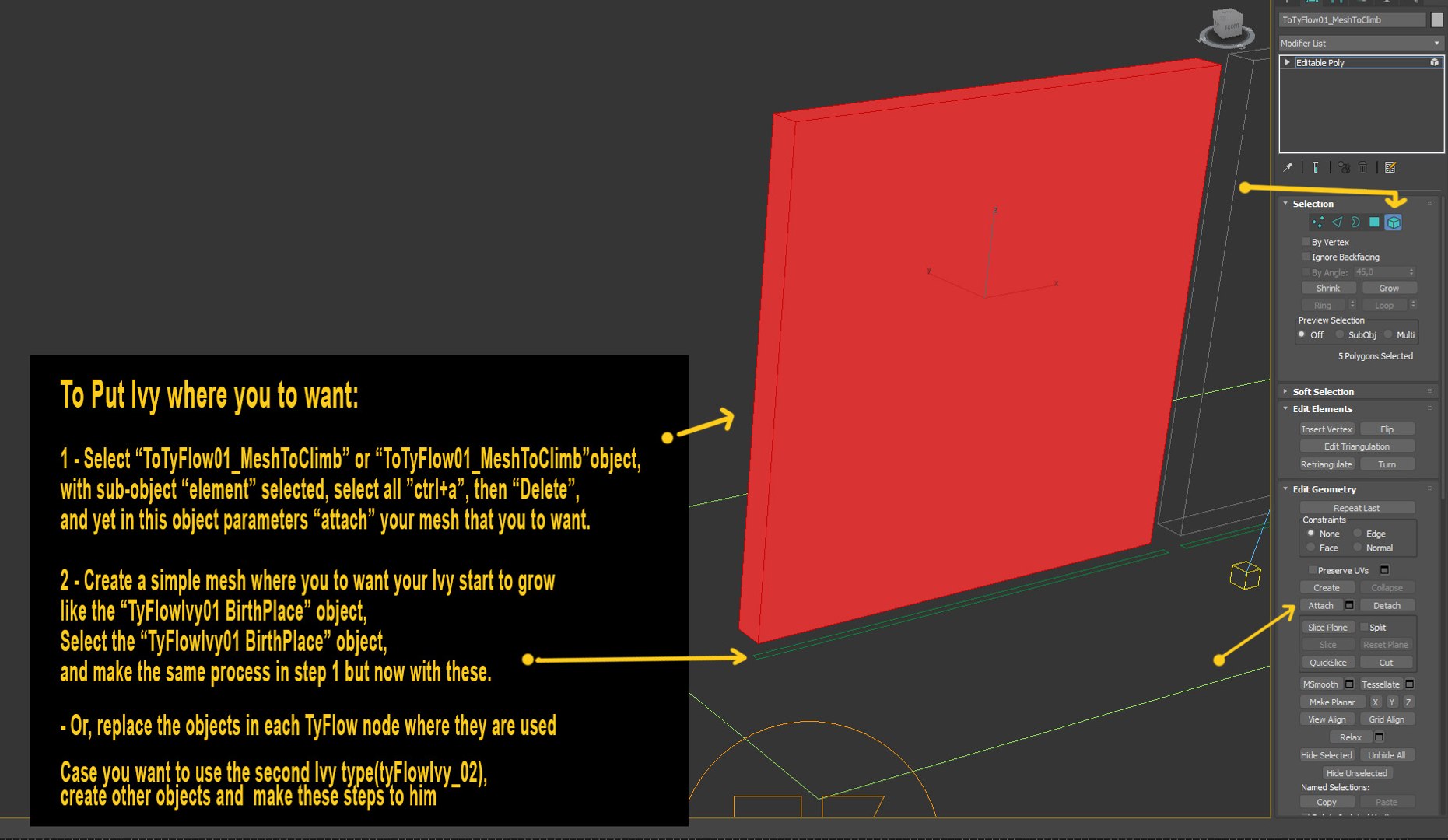
To Put the Vines in your Meshs:

Duplicate your mesh
select the mesh where they already are working, select sub object "Element", delete all elements,
than , atach the mesh you had duplicated

Make the same thing to mesh from where they are birthing starting to grow, Or, just ajust the mesh from where the vines already birthing starting to grow in the original file, to the floor near of your mesh where you to want they climb.

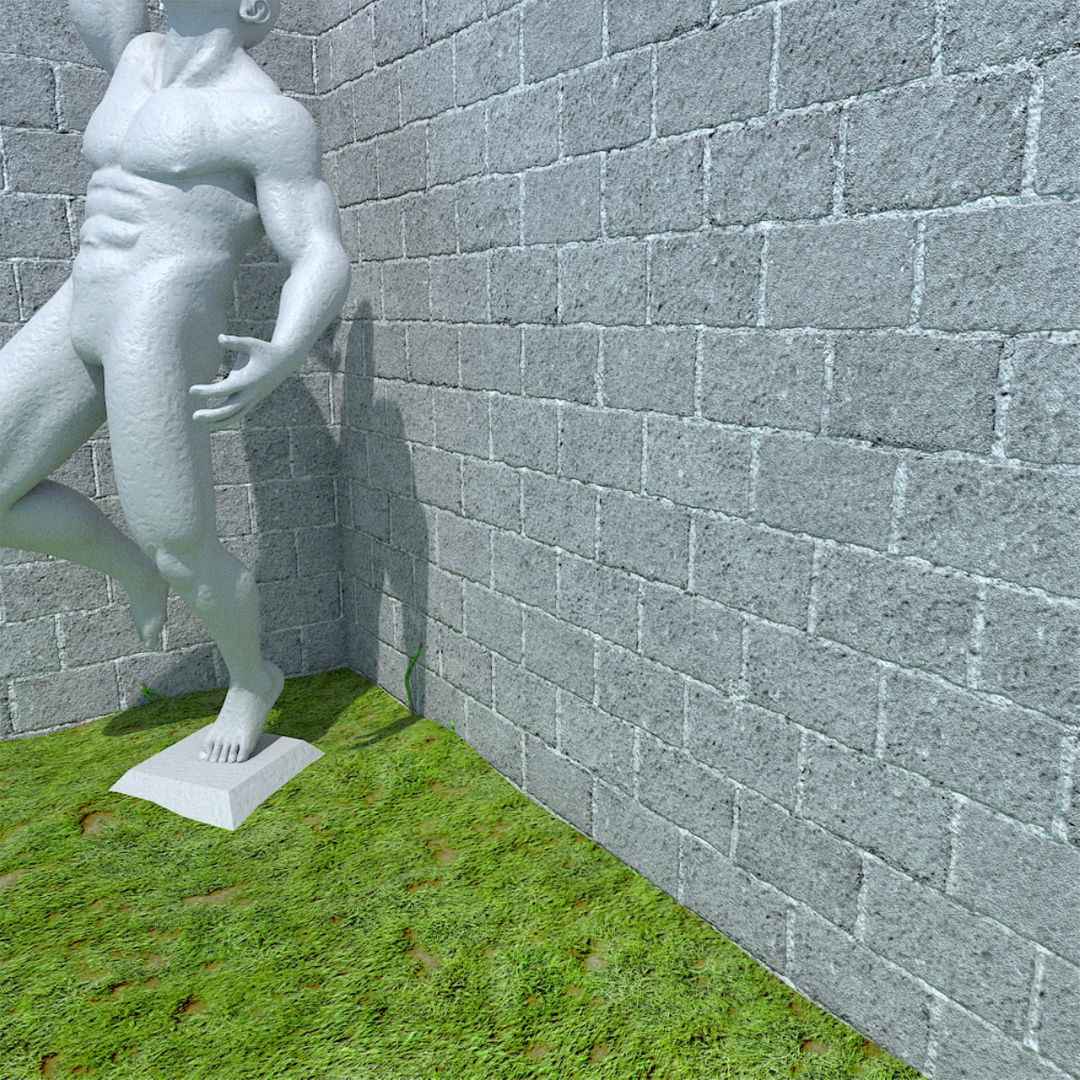
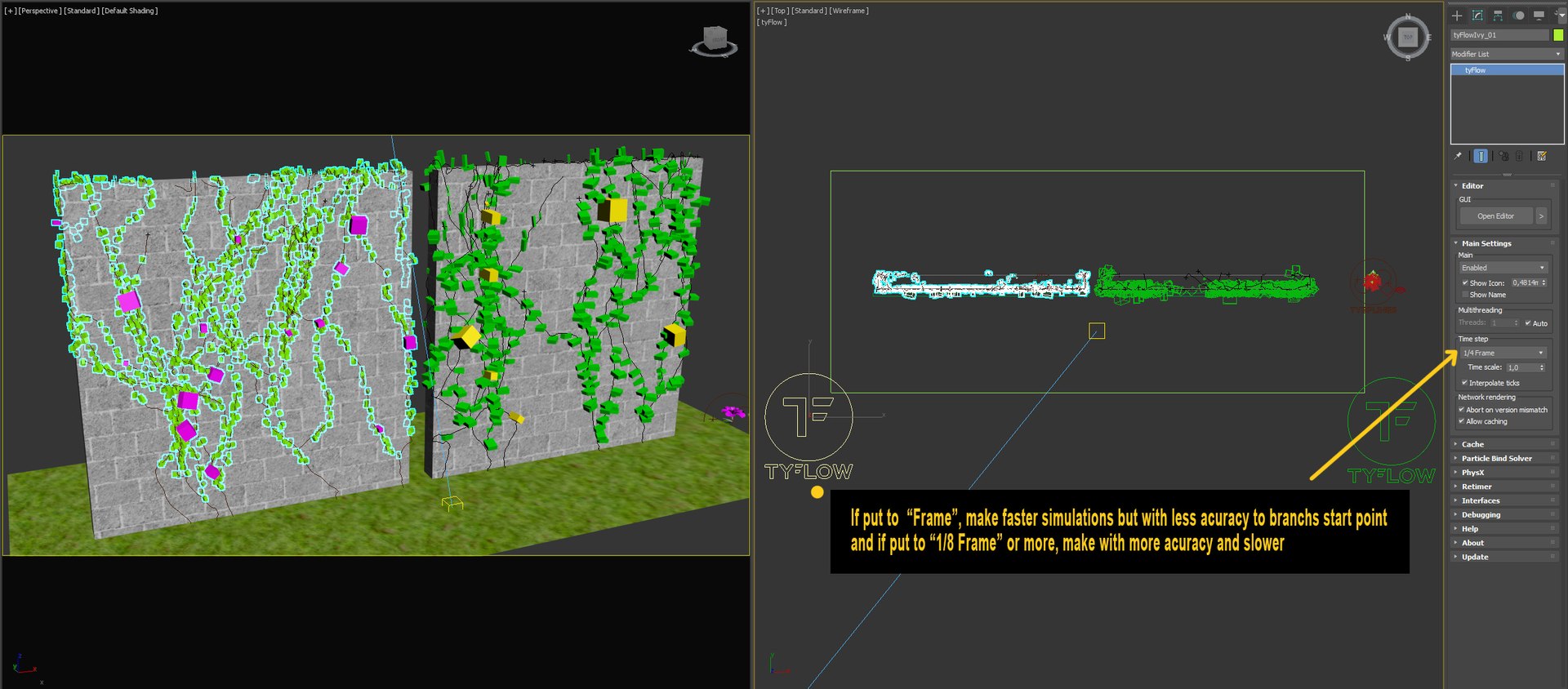
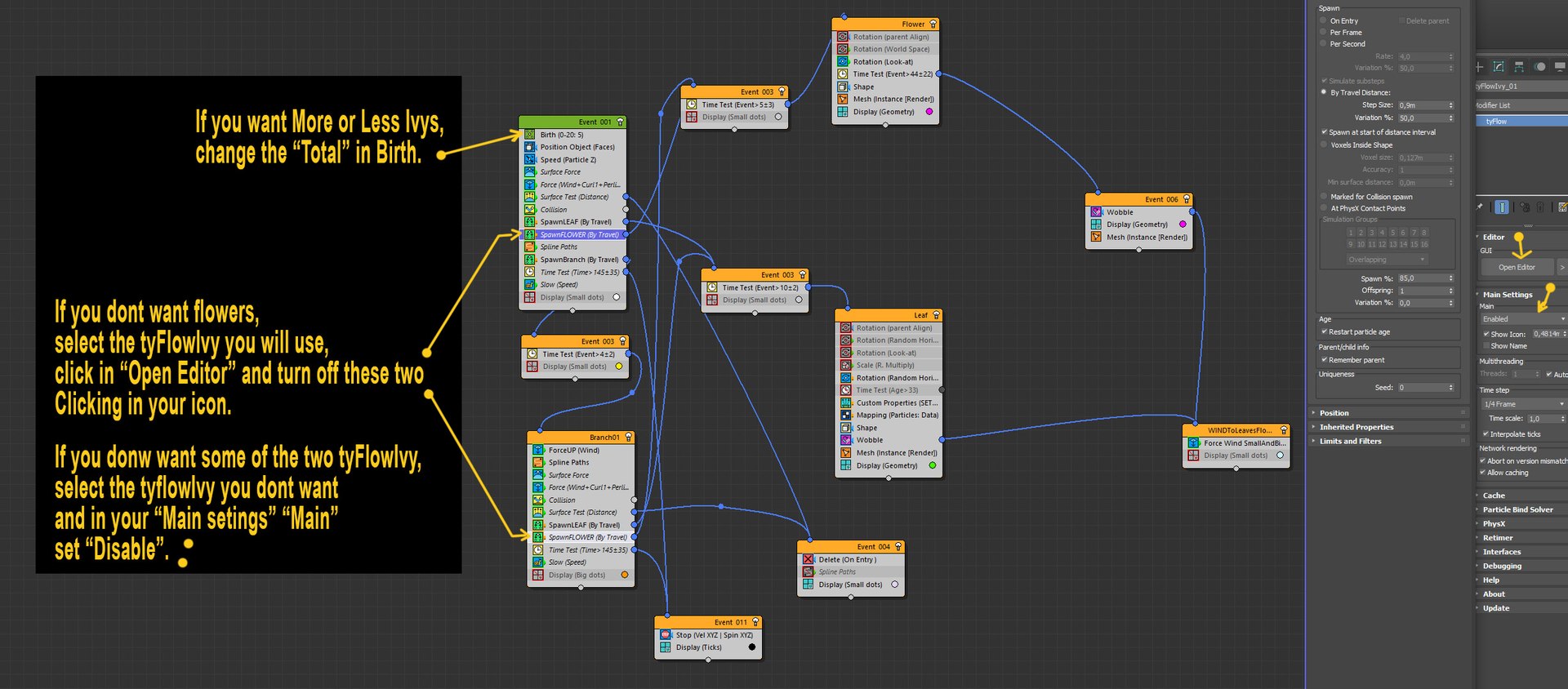
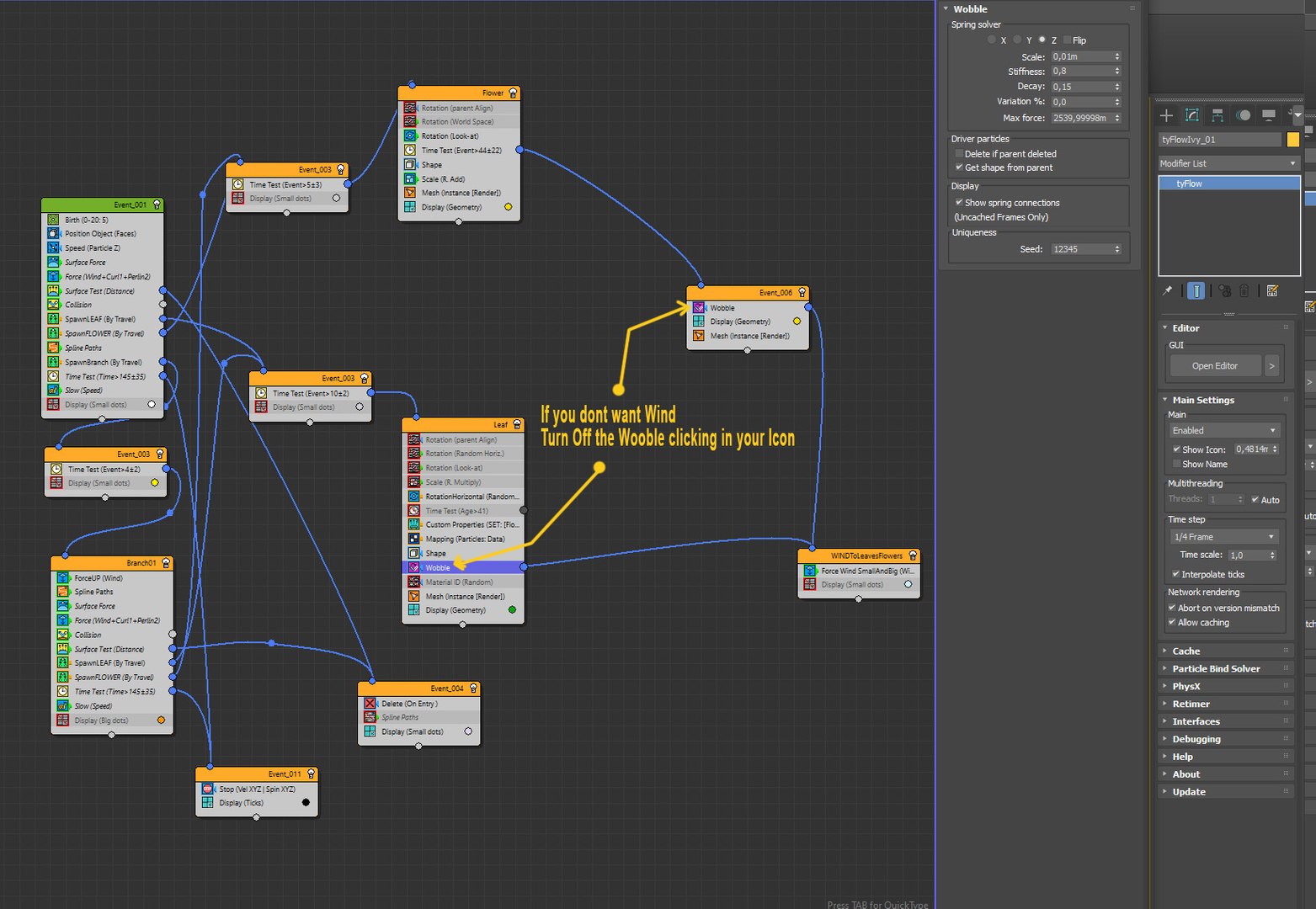
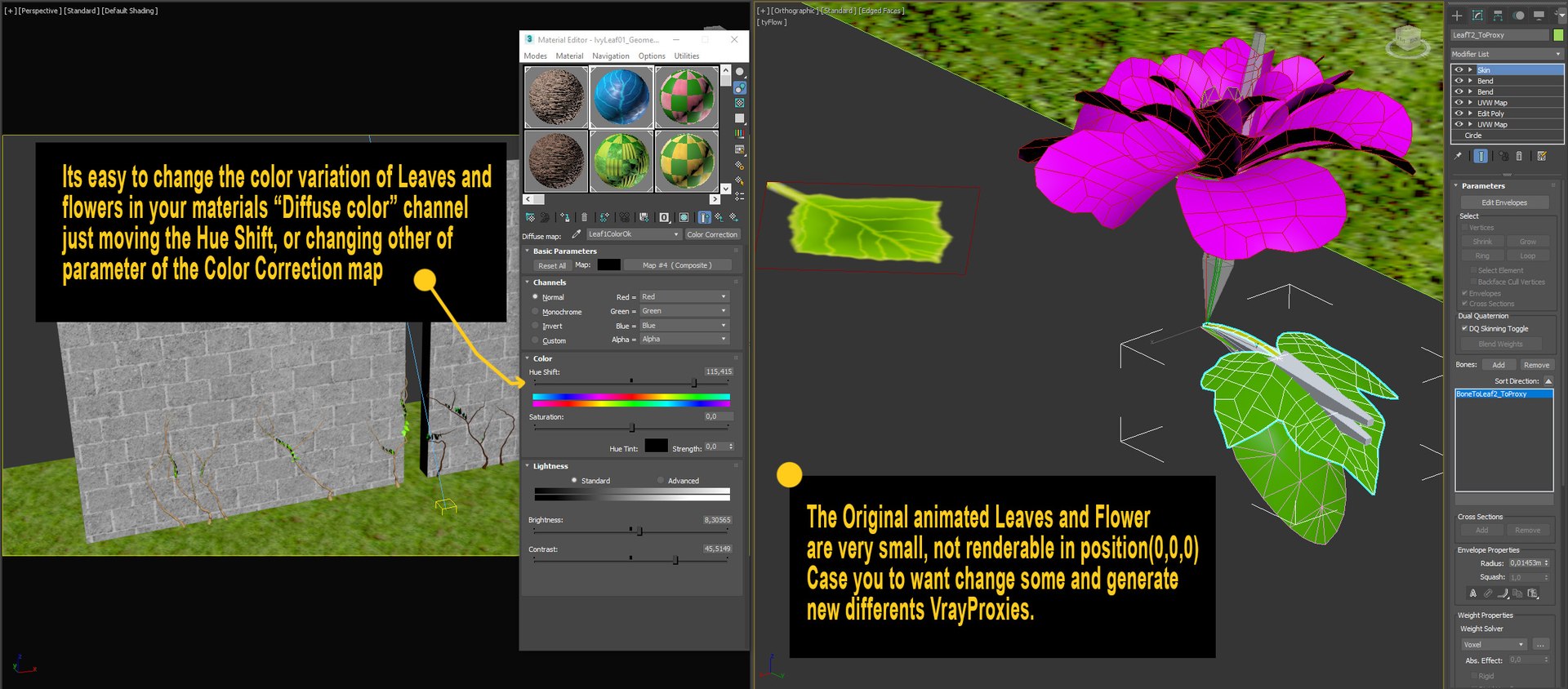
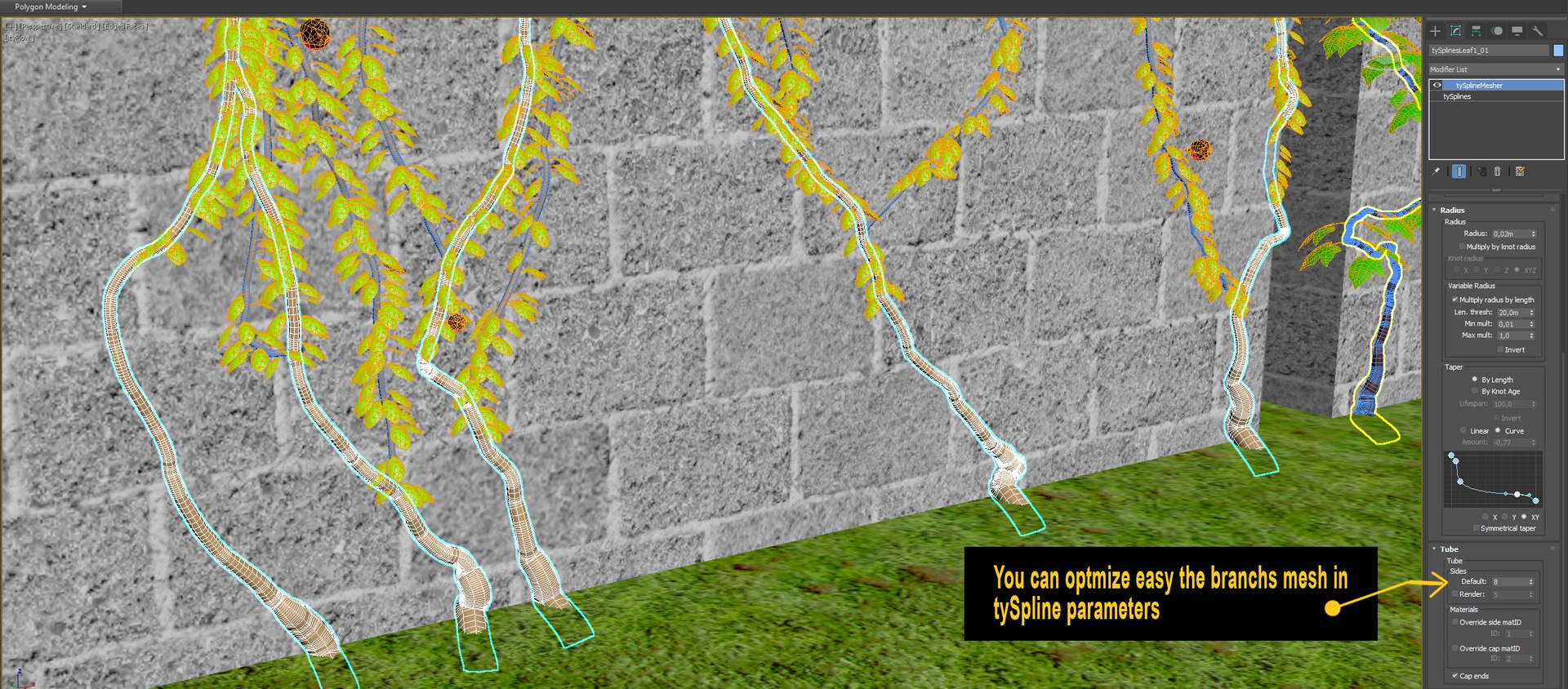
But in the images also have explaining better how to do.


- Procedural maps

Animations:

- Branchs grow
- Leaves and Flowers grow
- "Wind" after grow

**InTyFlow Editor, Increasing a lot the "Variation " parameter amount in " Surface Force" "Atraction", in the first event make the branchs get more flying Distances of the walls, generating more chaotic branchs formation;

Knowing some of particle system TyFlow you can reach
to Several Differents insterestings results with.

Thanks to Ibele


Notes:

- I put some images explaning about how use better the Ivy

- You need Install Tyflow to works,
Just download and copy your right version to inside \Plugins 3ds Max directory.
Its here to Download,
and also if you browser search for "tyflow" you found easy to download in your official website, its Free;

- Need also download the avaiable in this product, Vray proxies of leaves and flower, the Ivy TyFlow system are using they;

- Case when you download leaves dont apear, you just re set where the vrayproxies are, in tyflow "Shape" operators

-Needs Vray, or transpose to render that will be used

- Case you to want uses the Ivy already in your wall,
You have to wait the Ivy grow, are seted to reach more or less in frame 230;


- The scene of AnimationSample02 of previews with butterflies is not included, but your vines were made with the same Vines Generator just with some adjustments.

- You can add "export" node in events of Tyflow and generate the objects or vray Proxies of the frame you choose, and convert the branchs to editable meshes,
and use only these, then after , turn off tyflows or delete them.


Hope you Enjoy.

拡張ライセンスを選択

  • $10,000 法的保護(補償)
  • 無制限の法的保護(補償)
  • 差し止めによる救済の放棄
  • 割り当て可能なモデルの権利
  • $1,000,000 法的保護(補償)
  • 差し止めによる救済の放棄
  • 割り当て可能なモデルの権利
  • $250,000 法的保護(補償)
  • 割り当て可能なモデルの権利
拡張ライセンスの詳細についてはこちらをご覧ください。または、enterprise@turbosquid.comまでお問い合わせください。既にShutterstock Enterpriseをご利用の場合は、3D機能の追加についてShutterstockのセールスサポート担当者にお問い合わせください。

About Conversion Requests

To submit a conversion request for a purchased asset, please complete our Conversion Request Form.

If you have not yet purchased a model, please review our Documentation about Conversions to learn about what limitations you may encounter with a conversion.

For any additional questions about a model’s suitability for conversion, please contact TurboSquid Support.

読み込み中...