
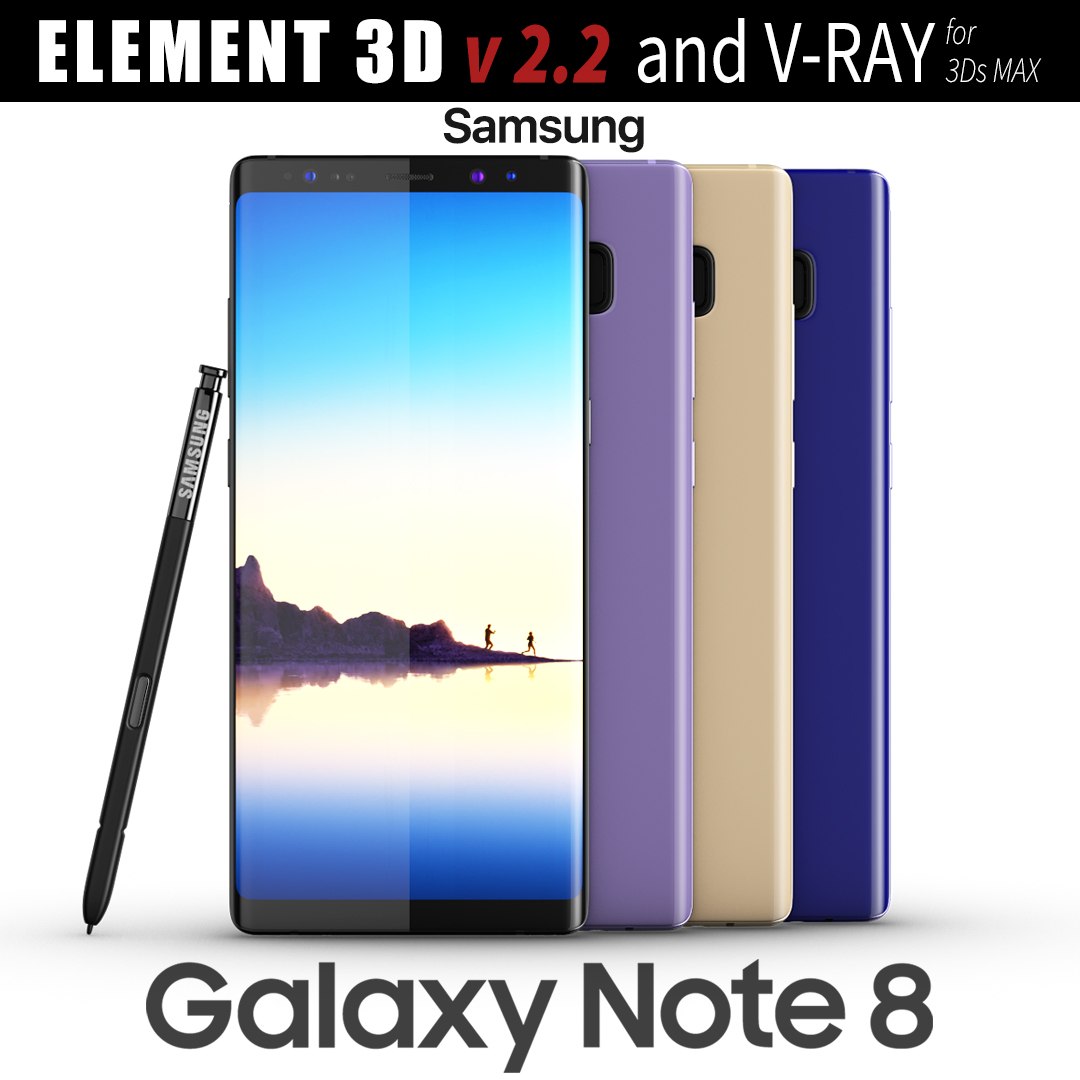
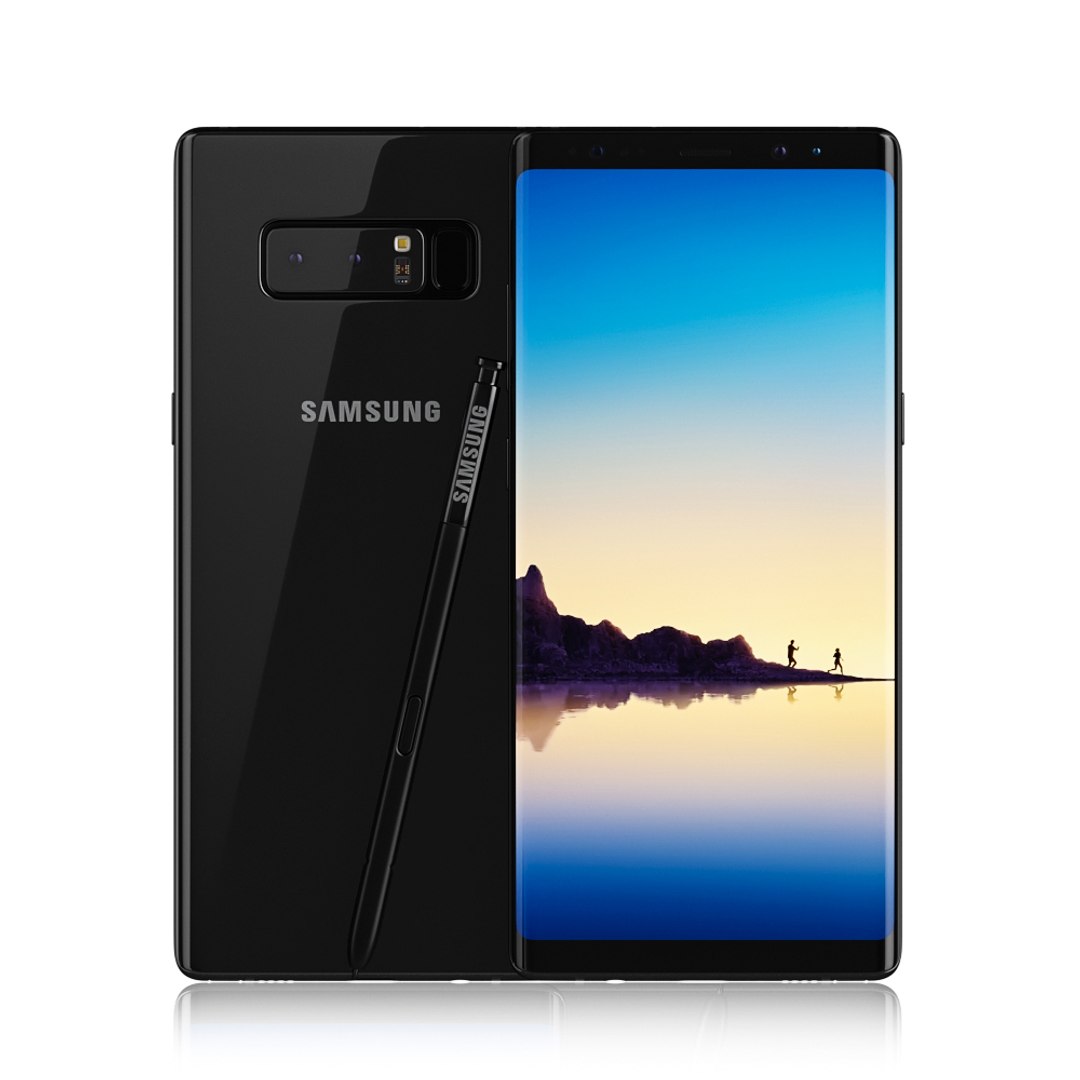
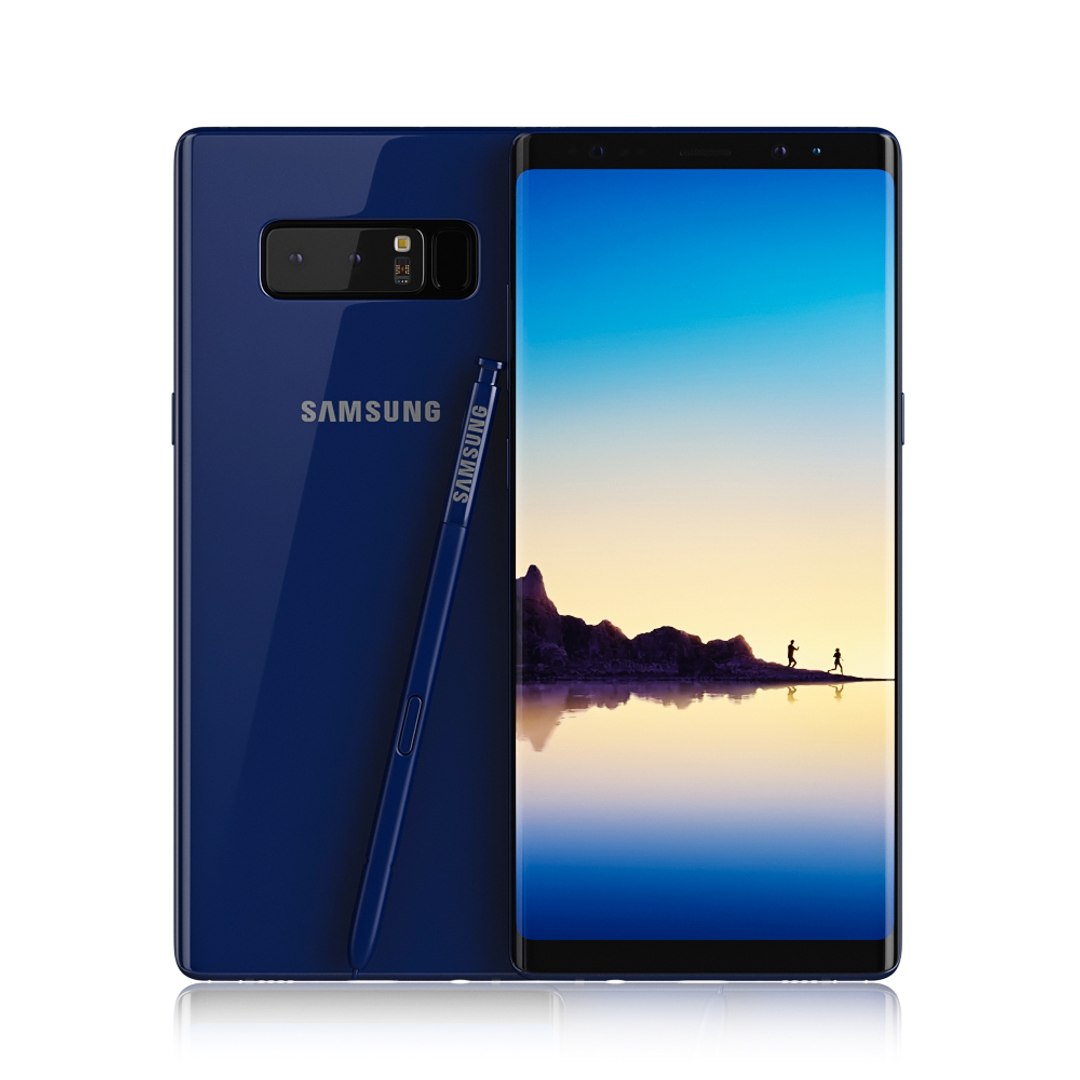
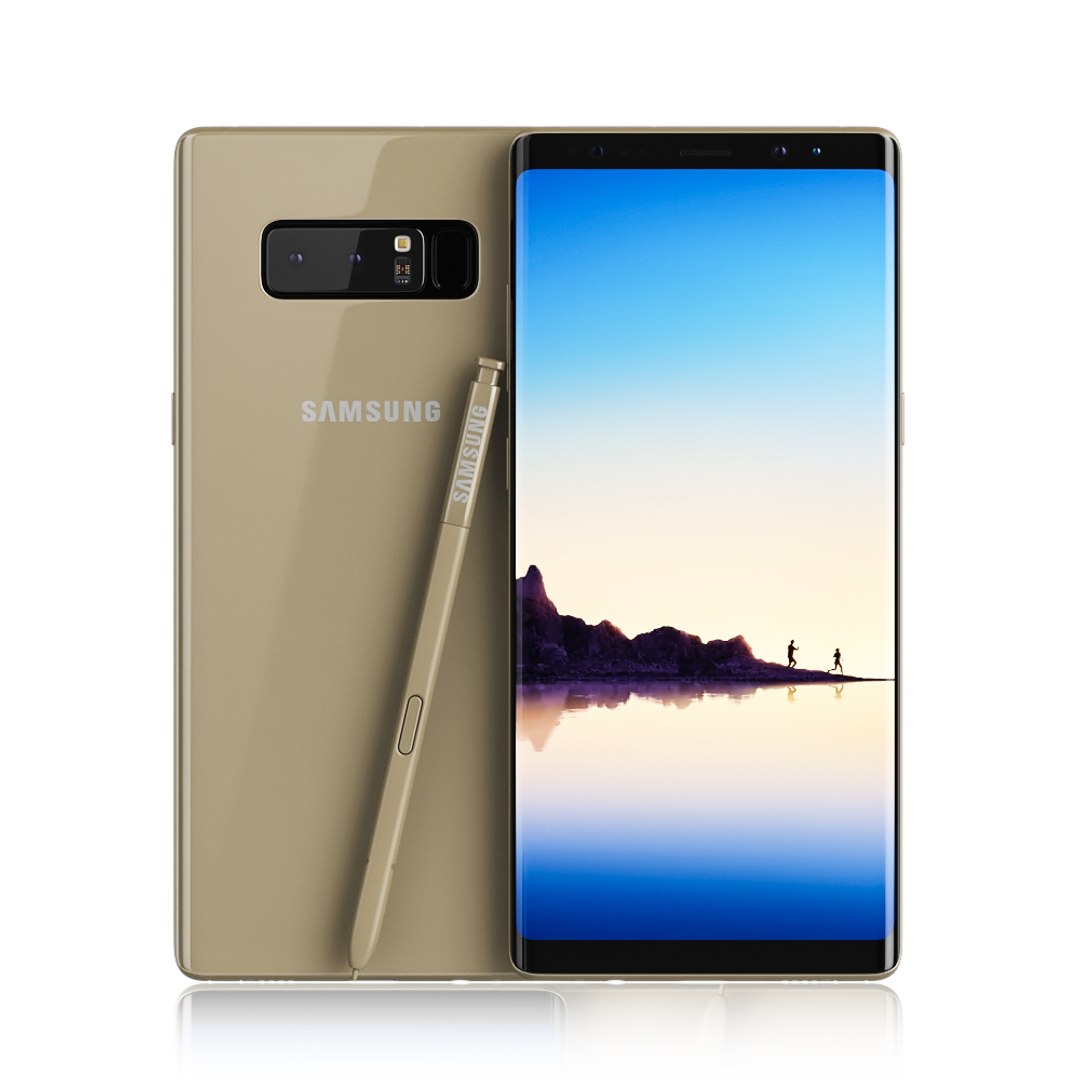
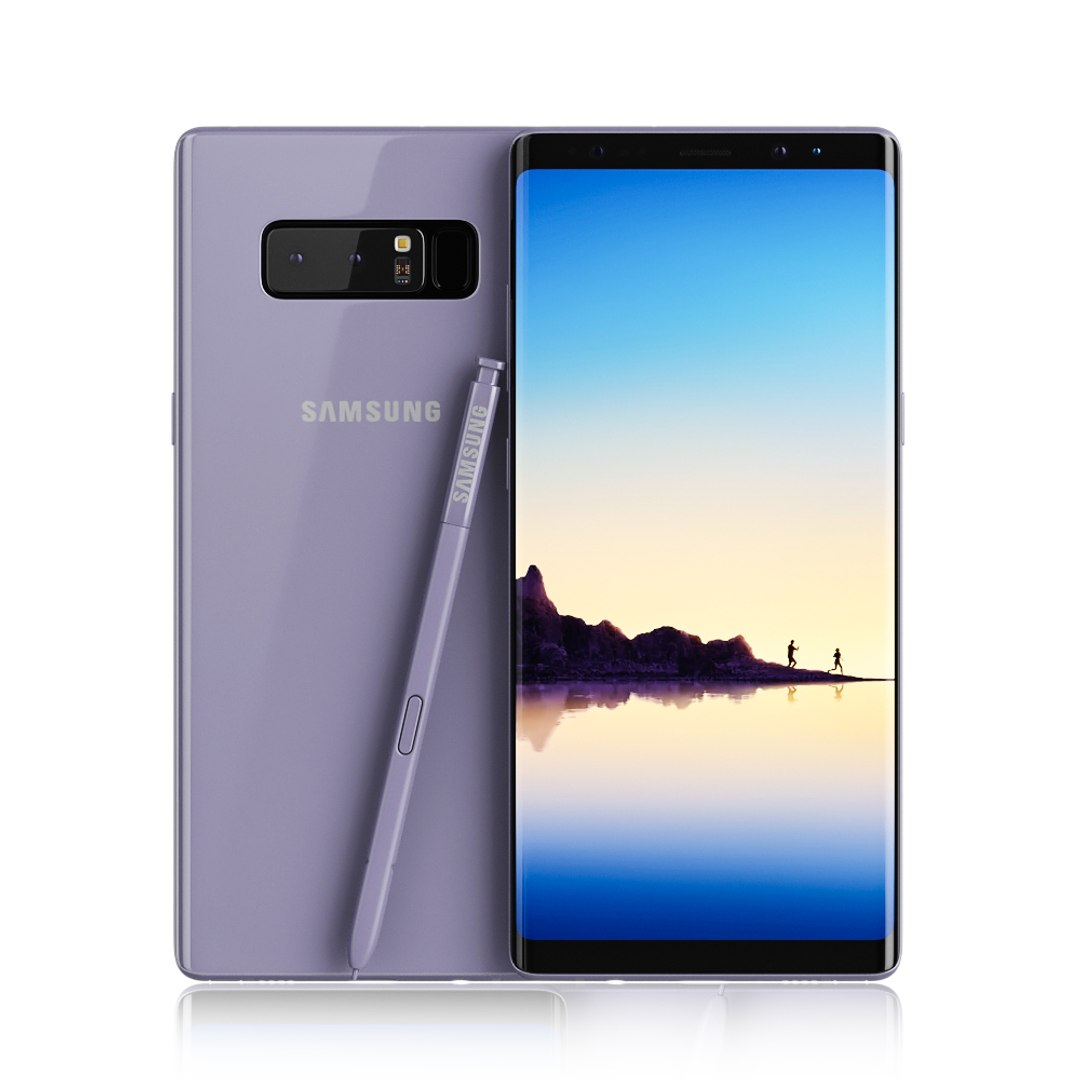
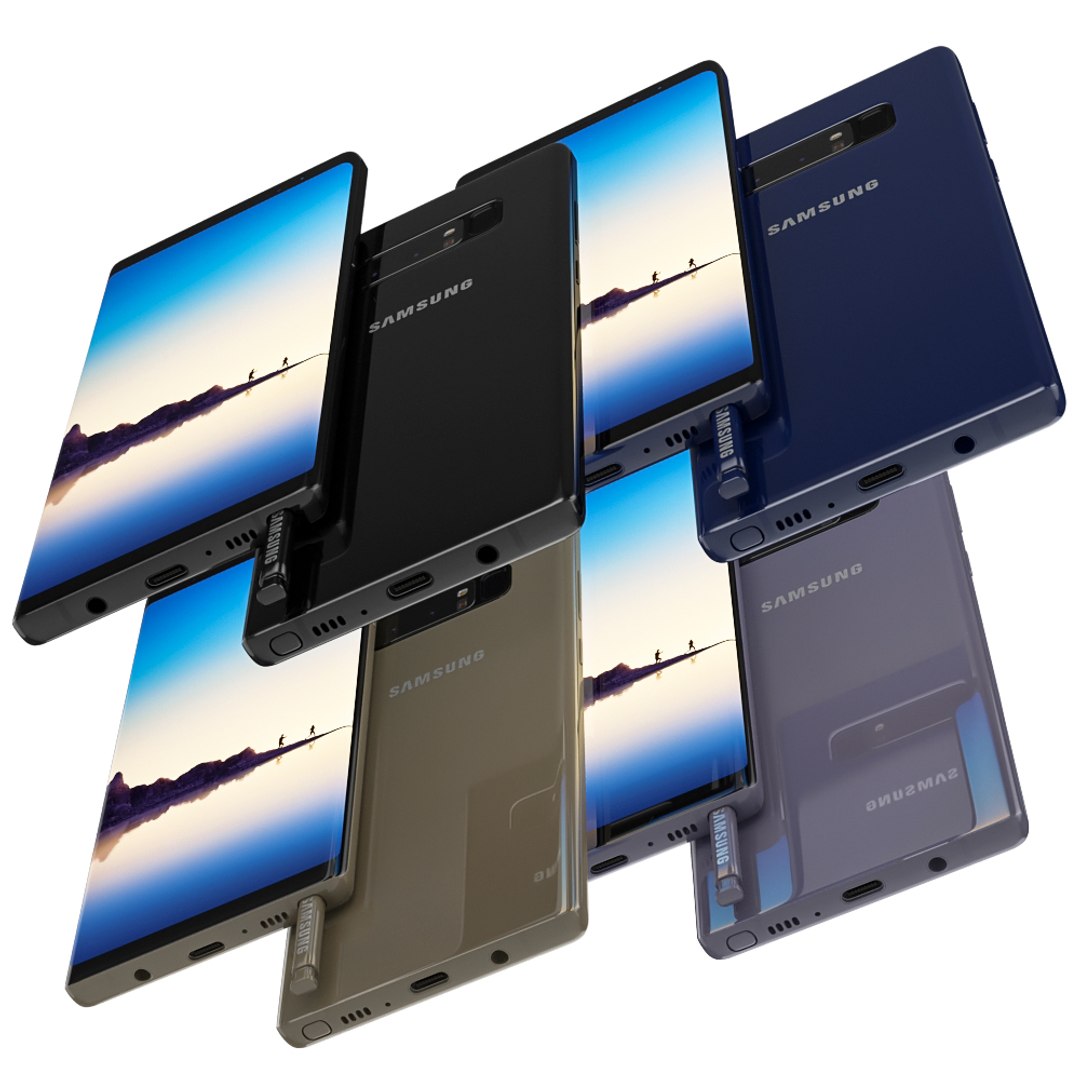
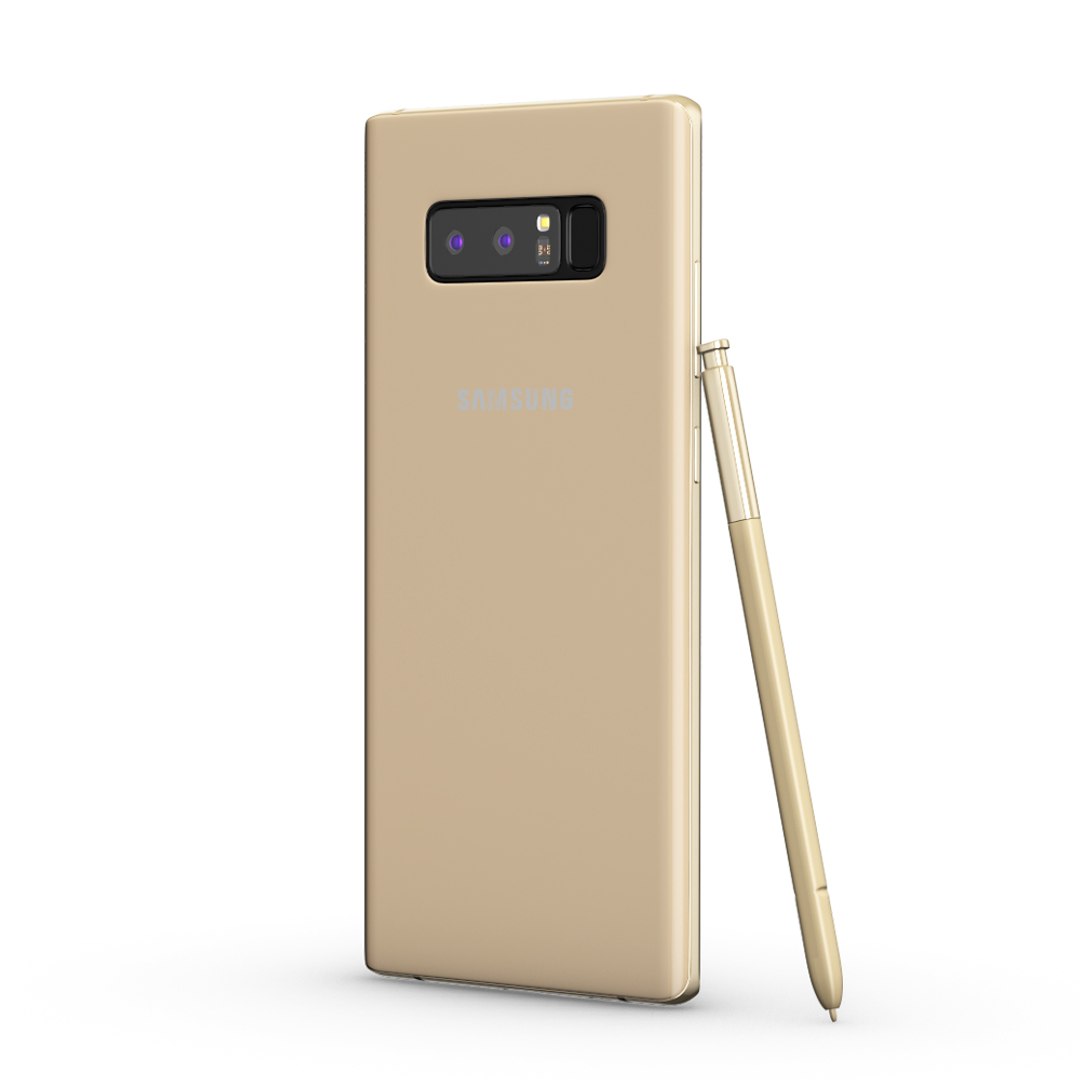
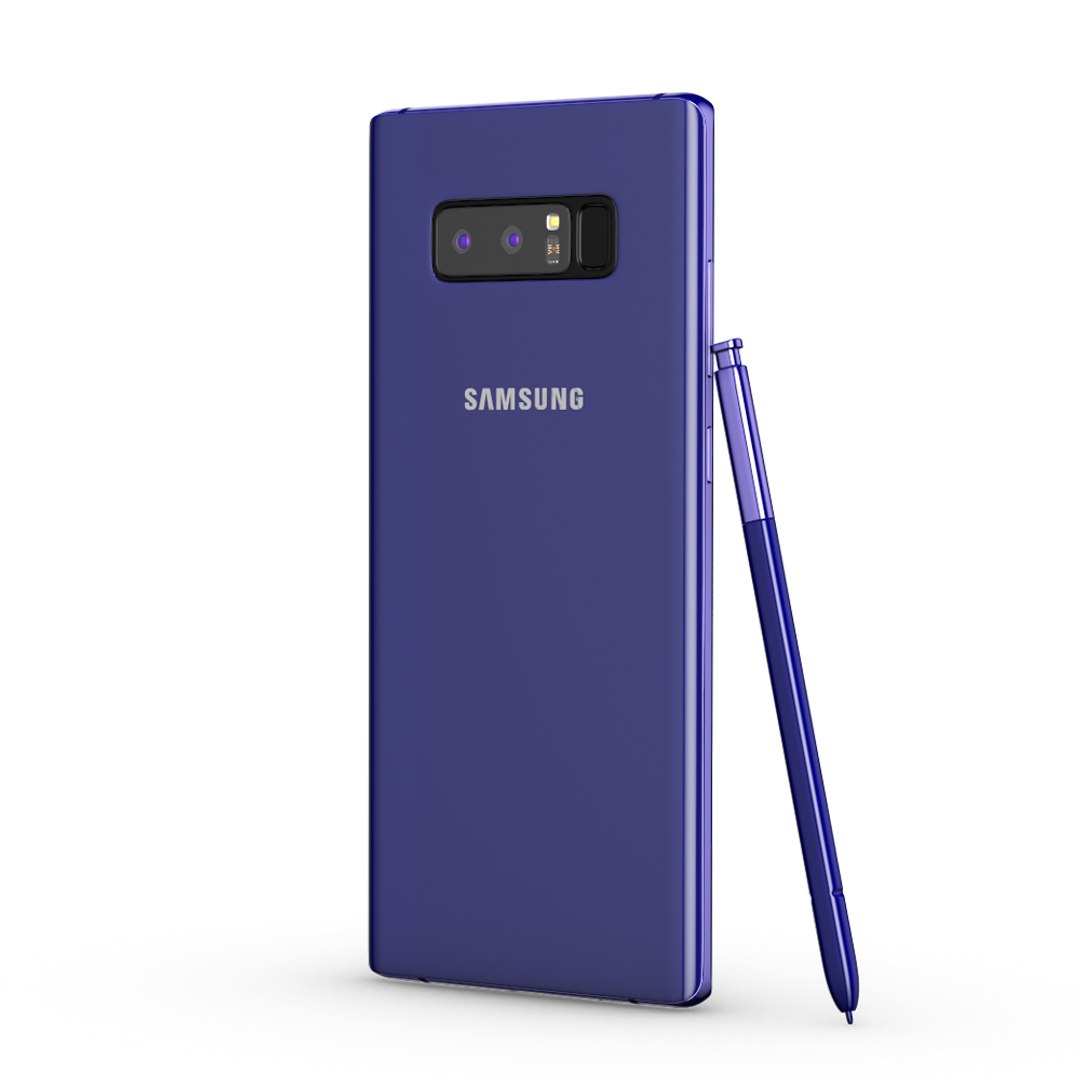
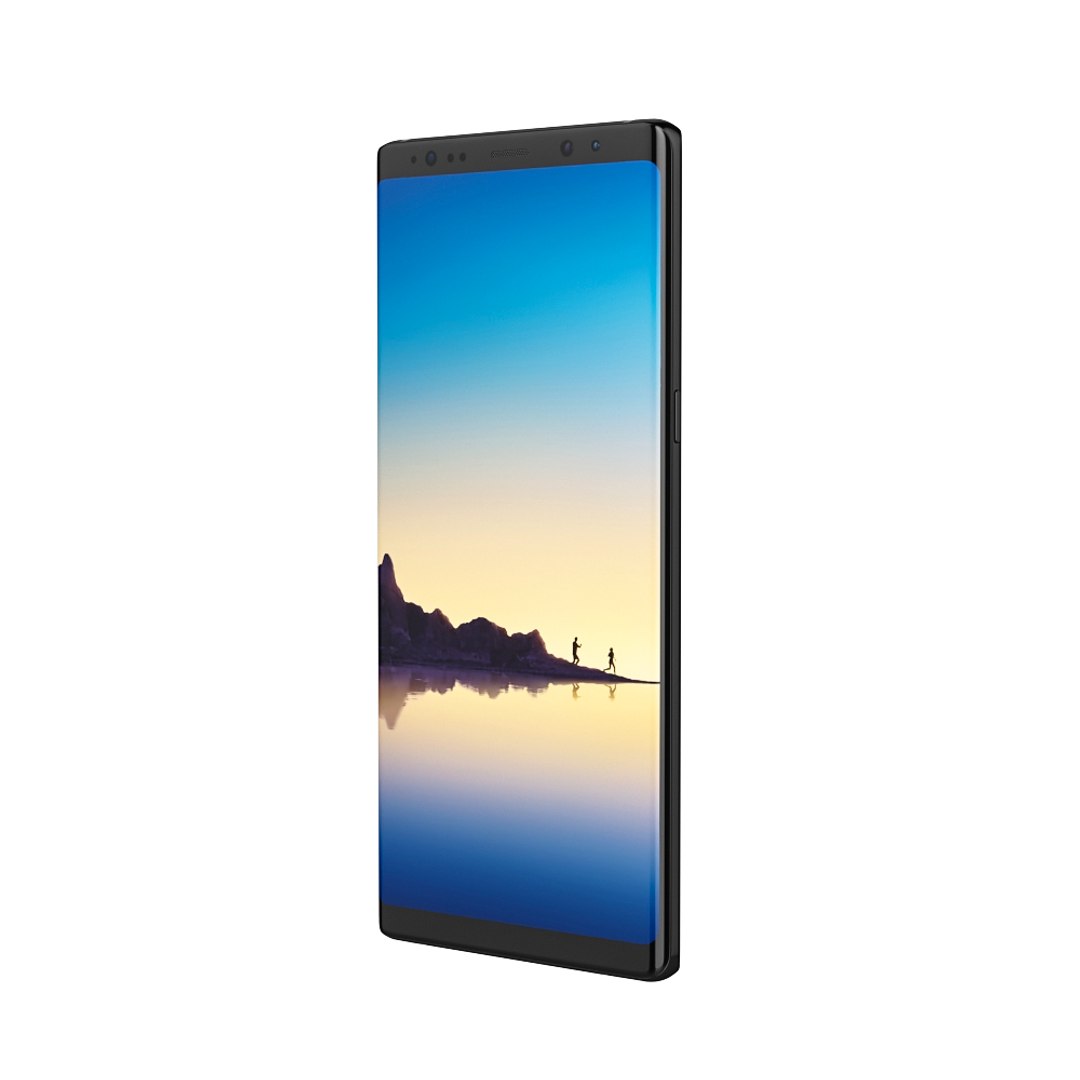
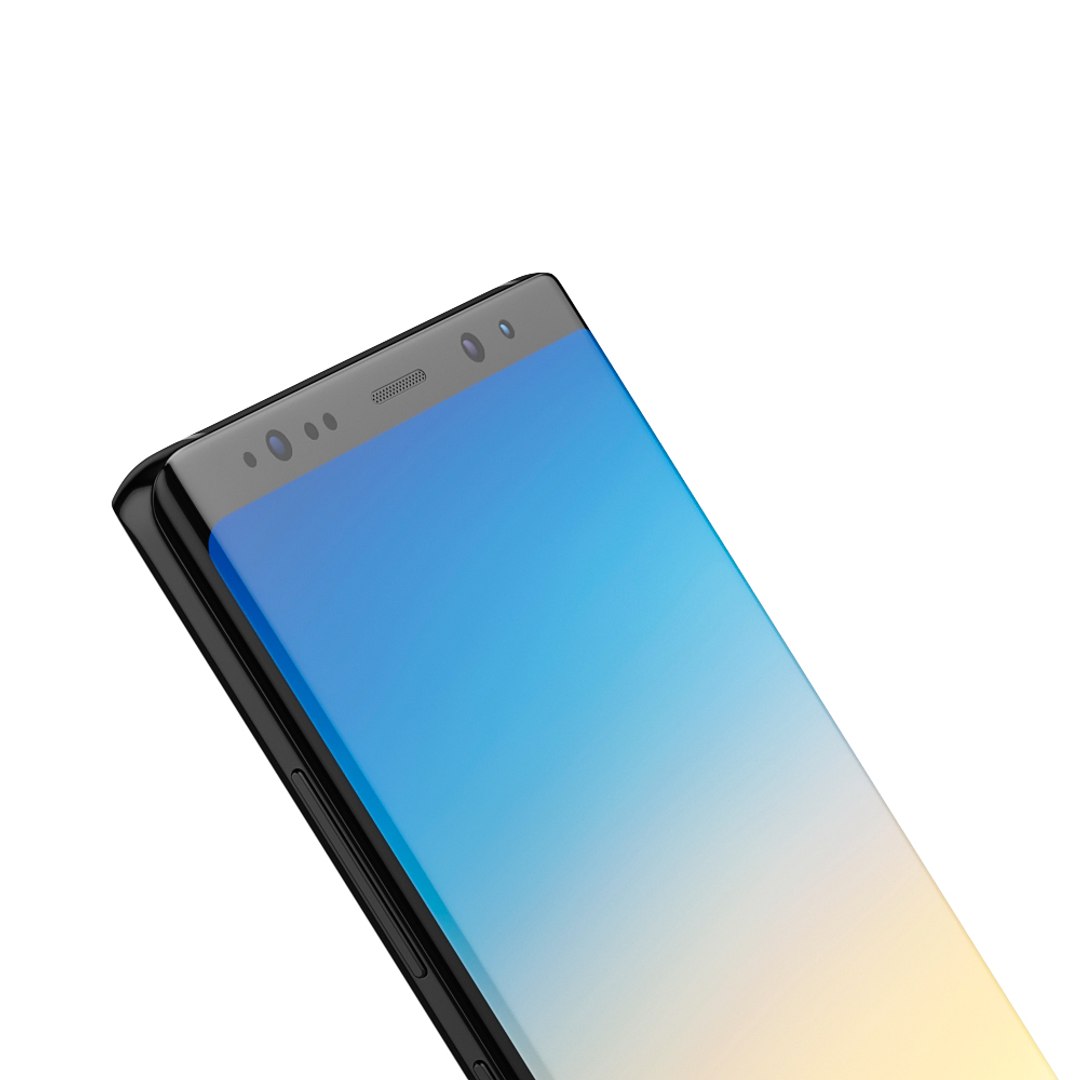
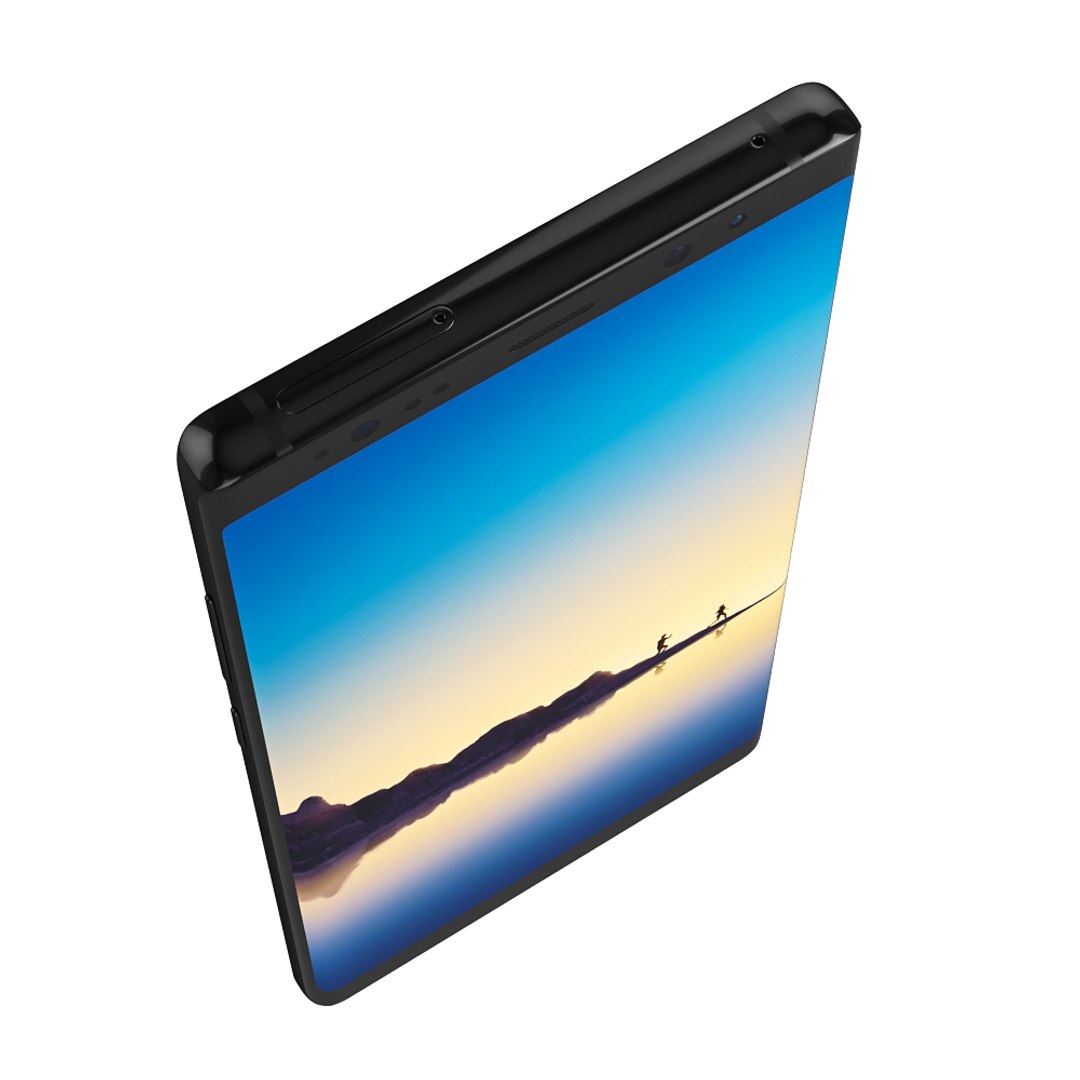
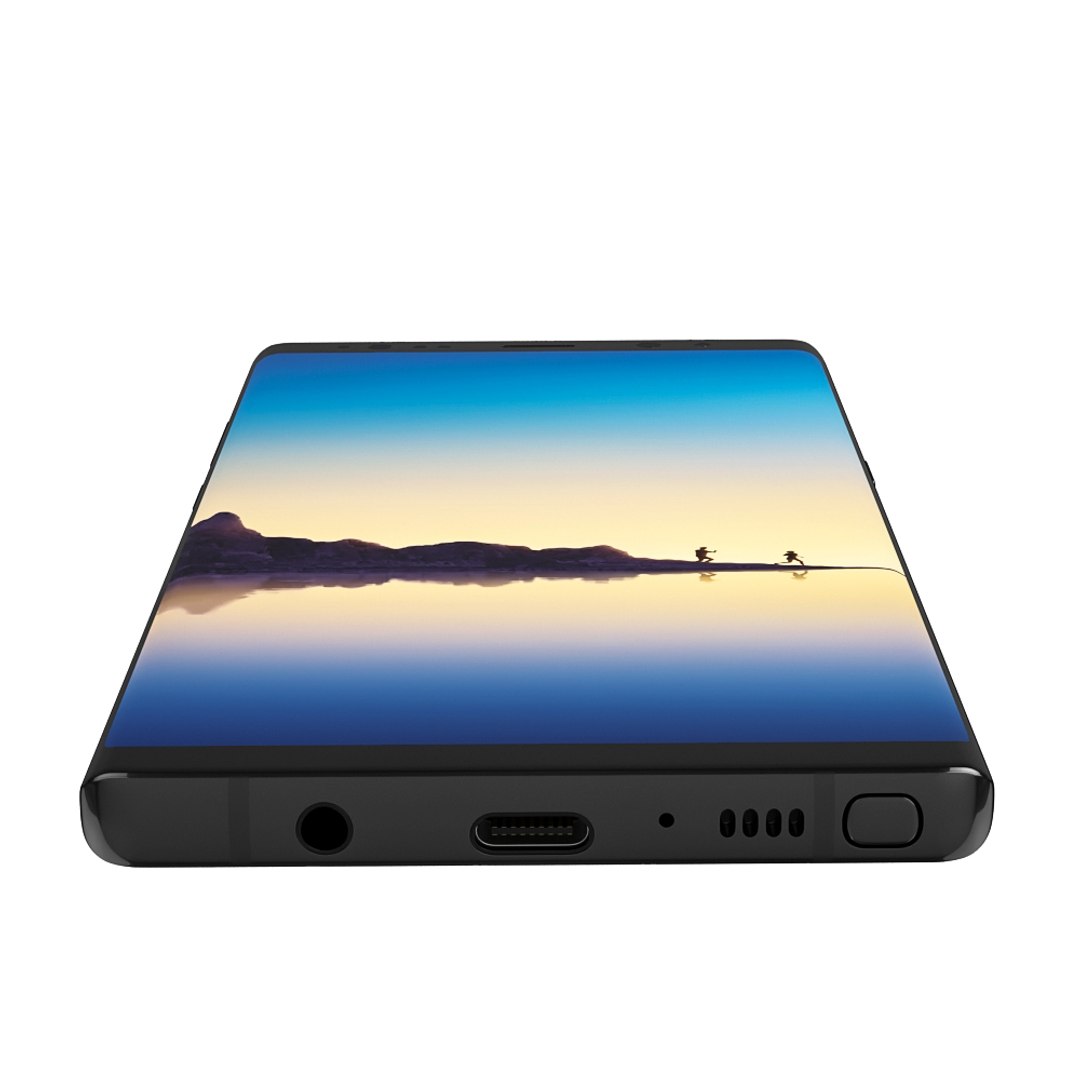
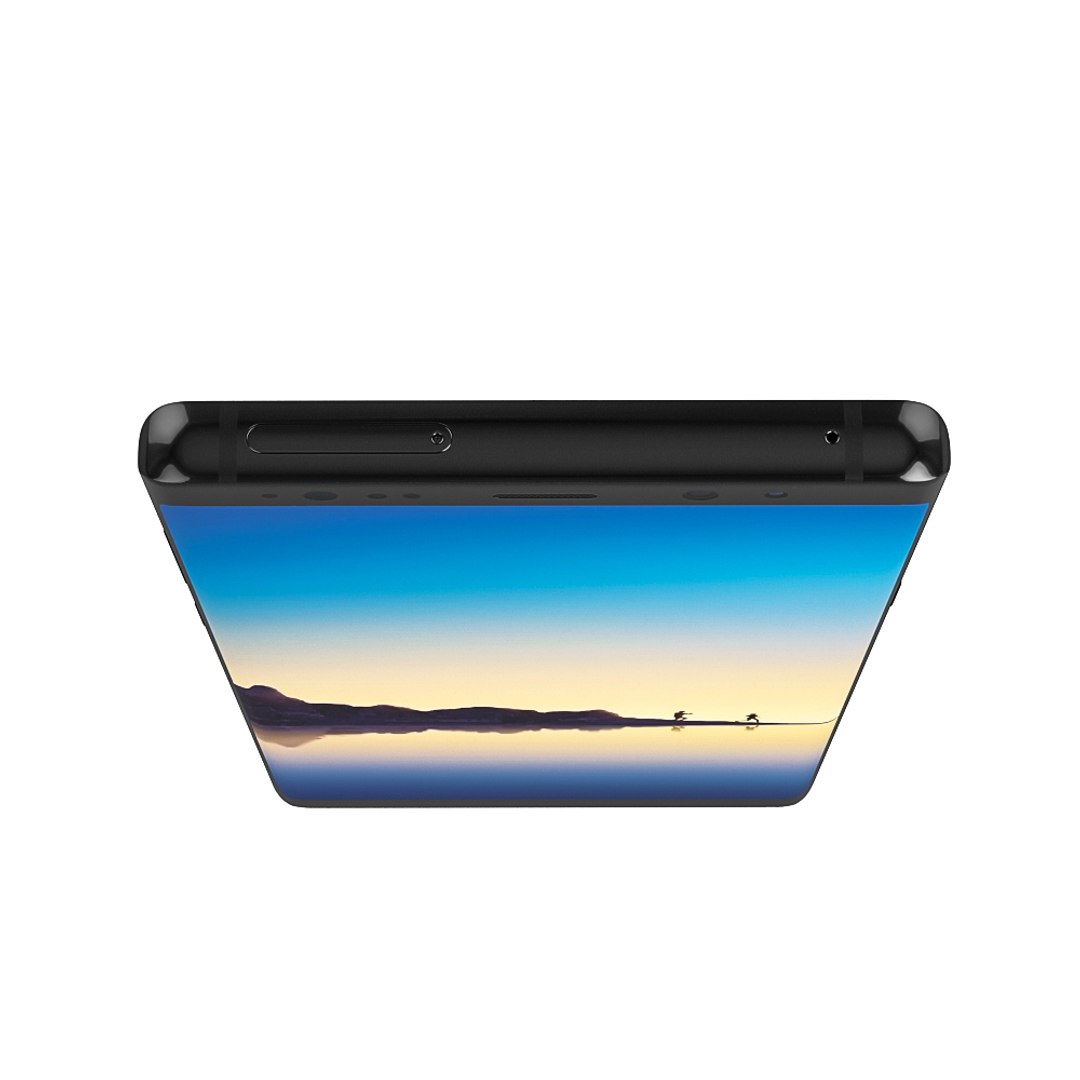
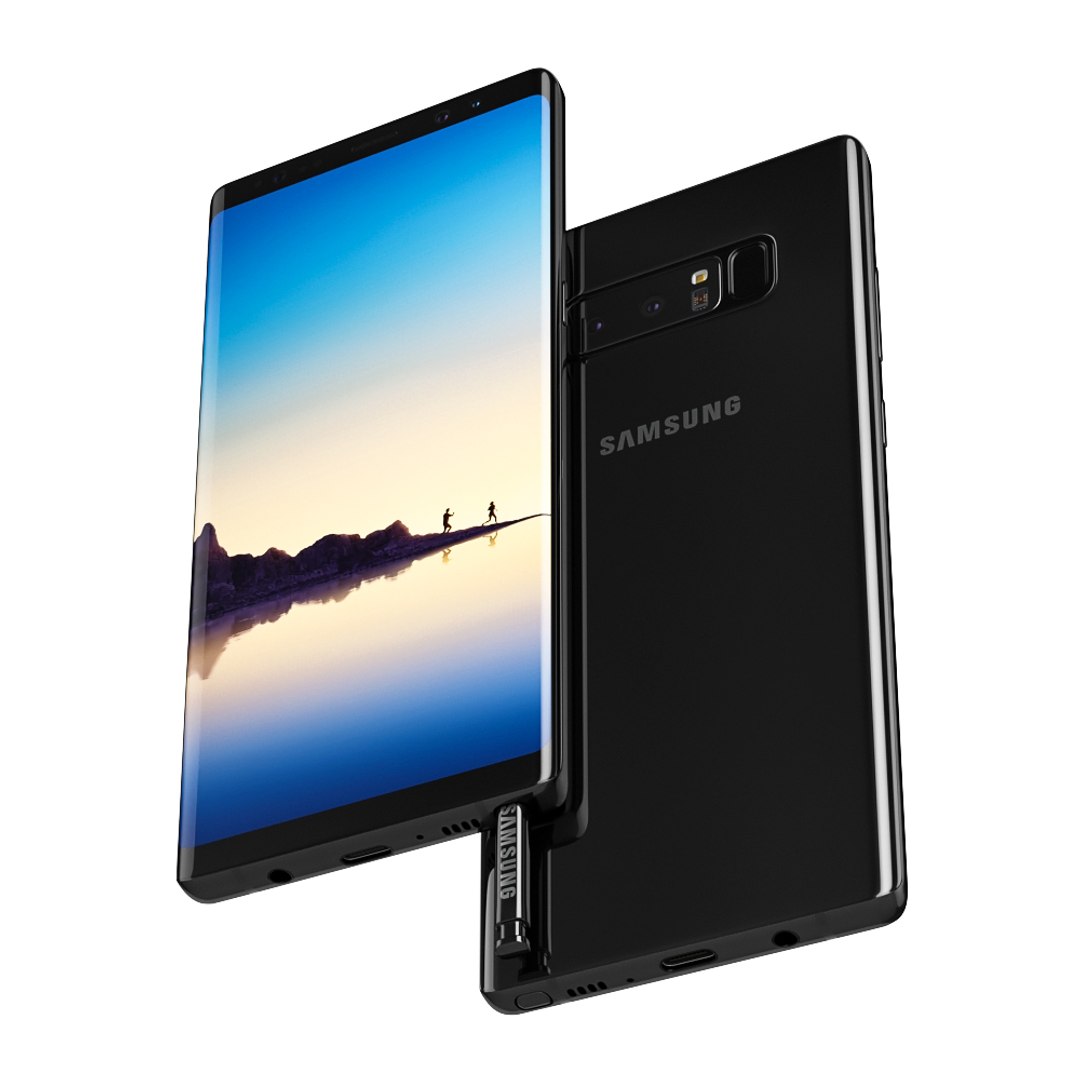
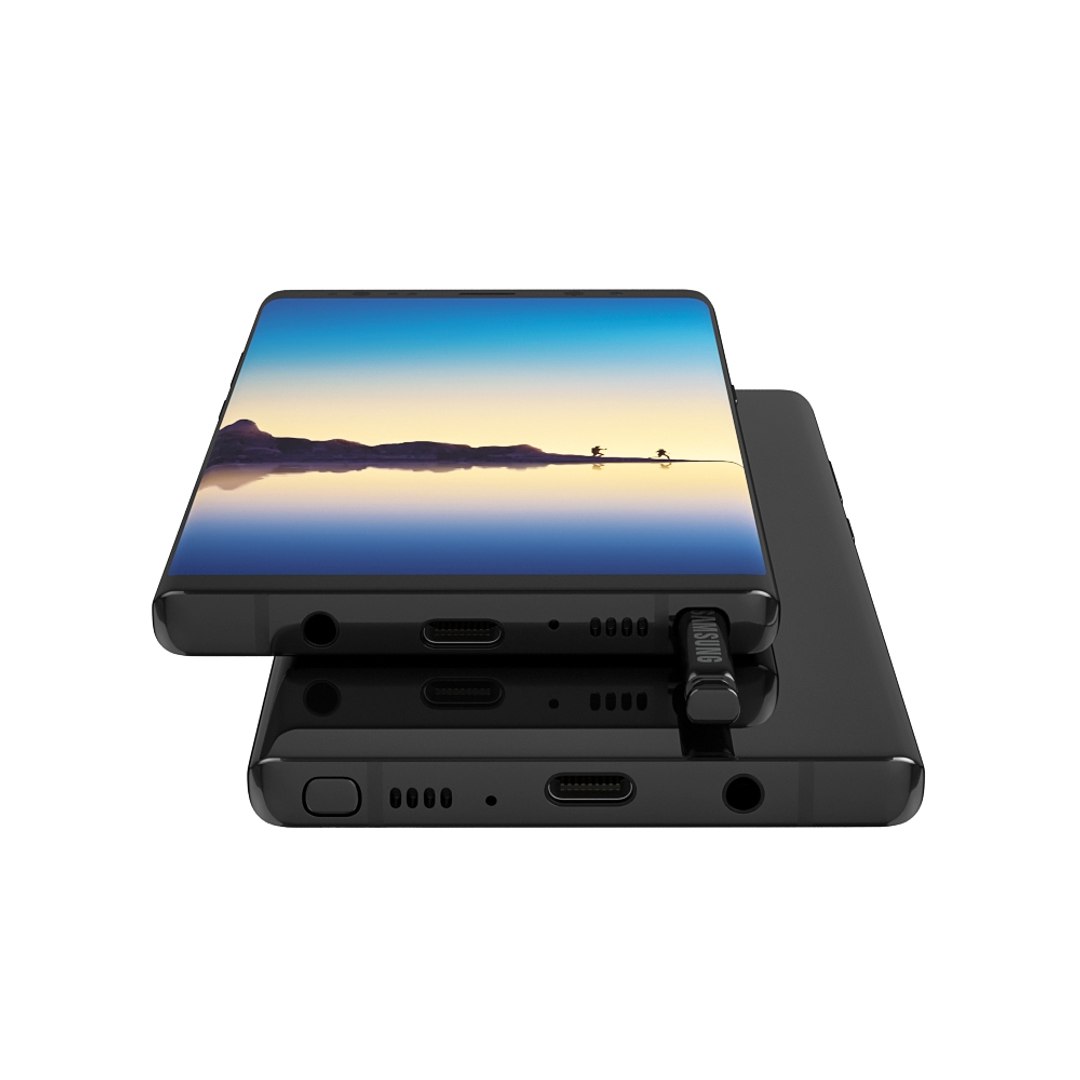
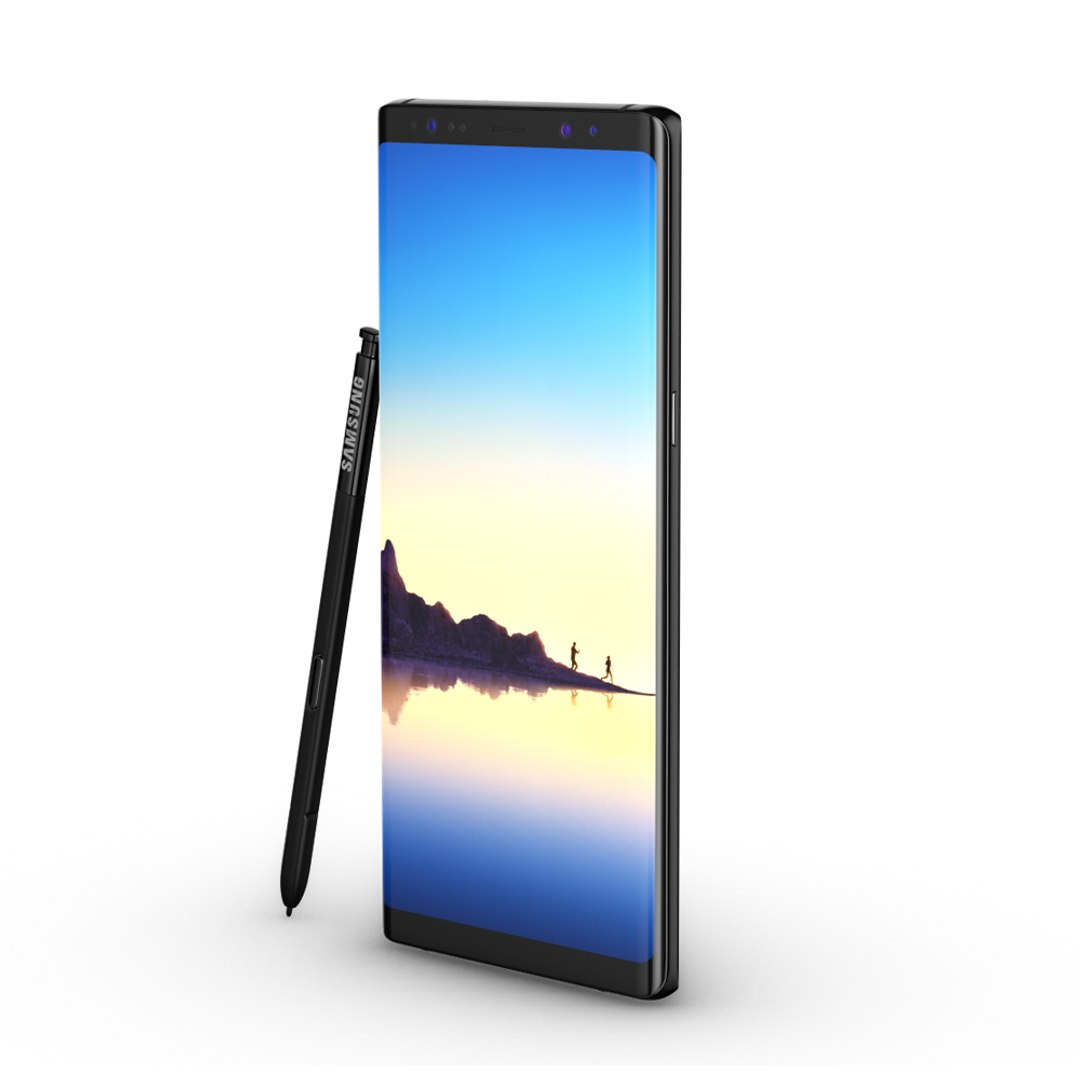
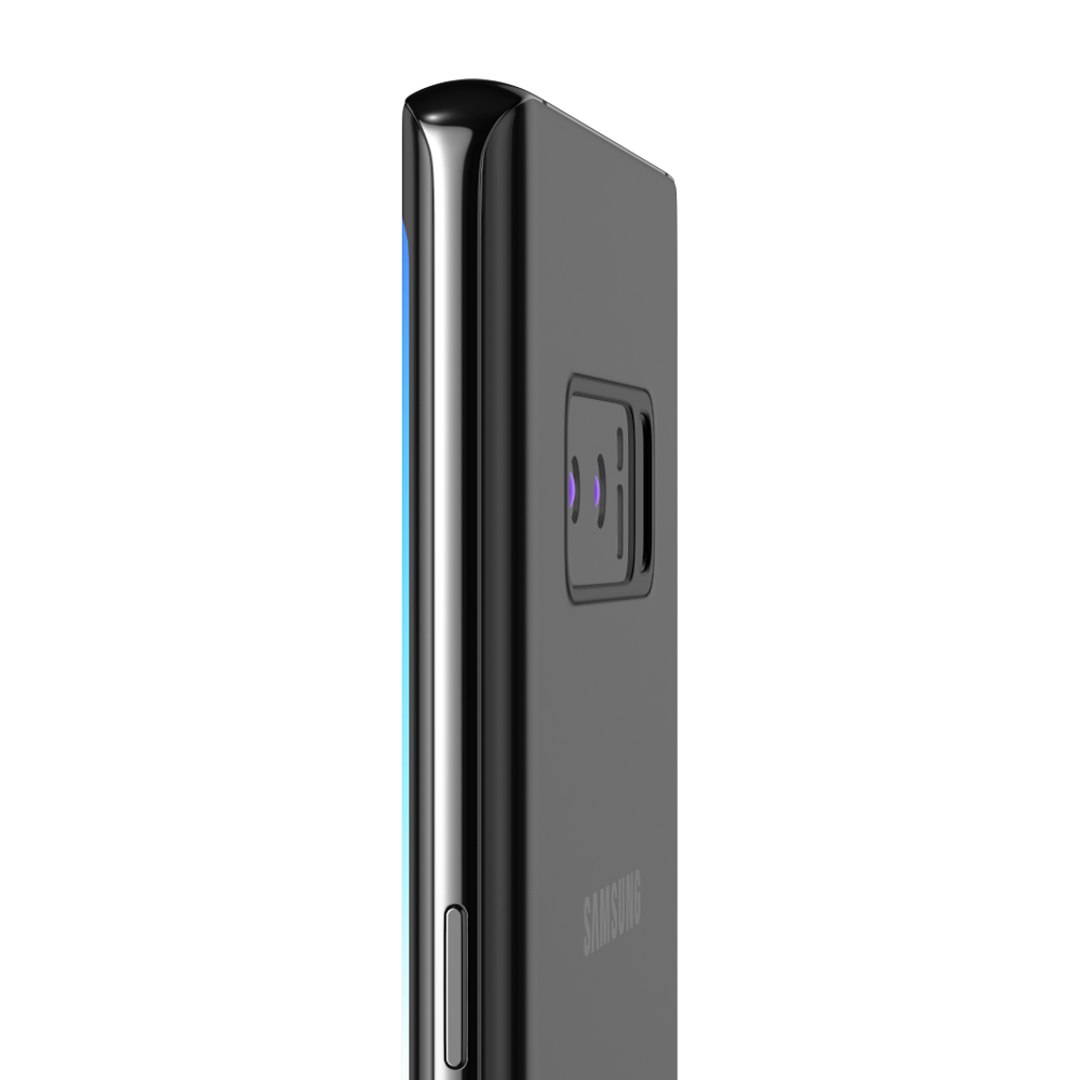
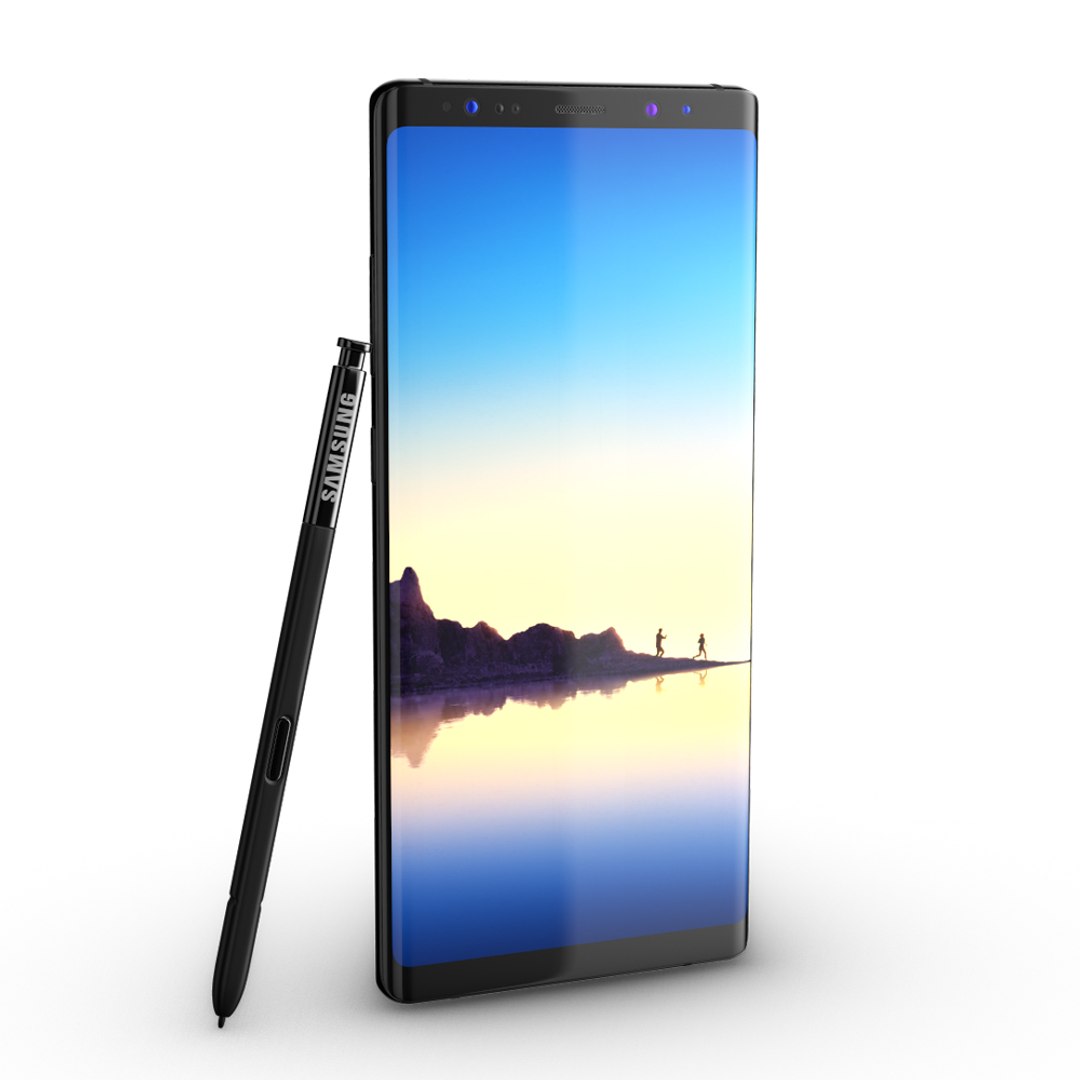
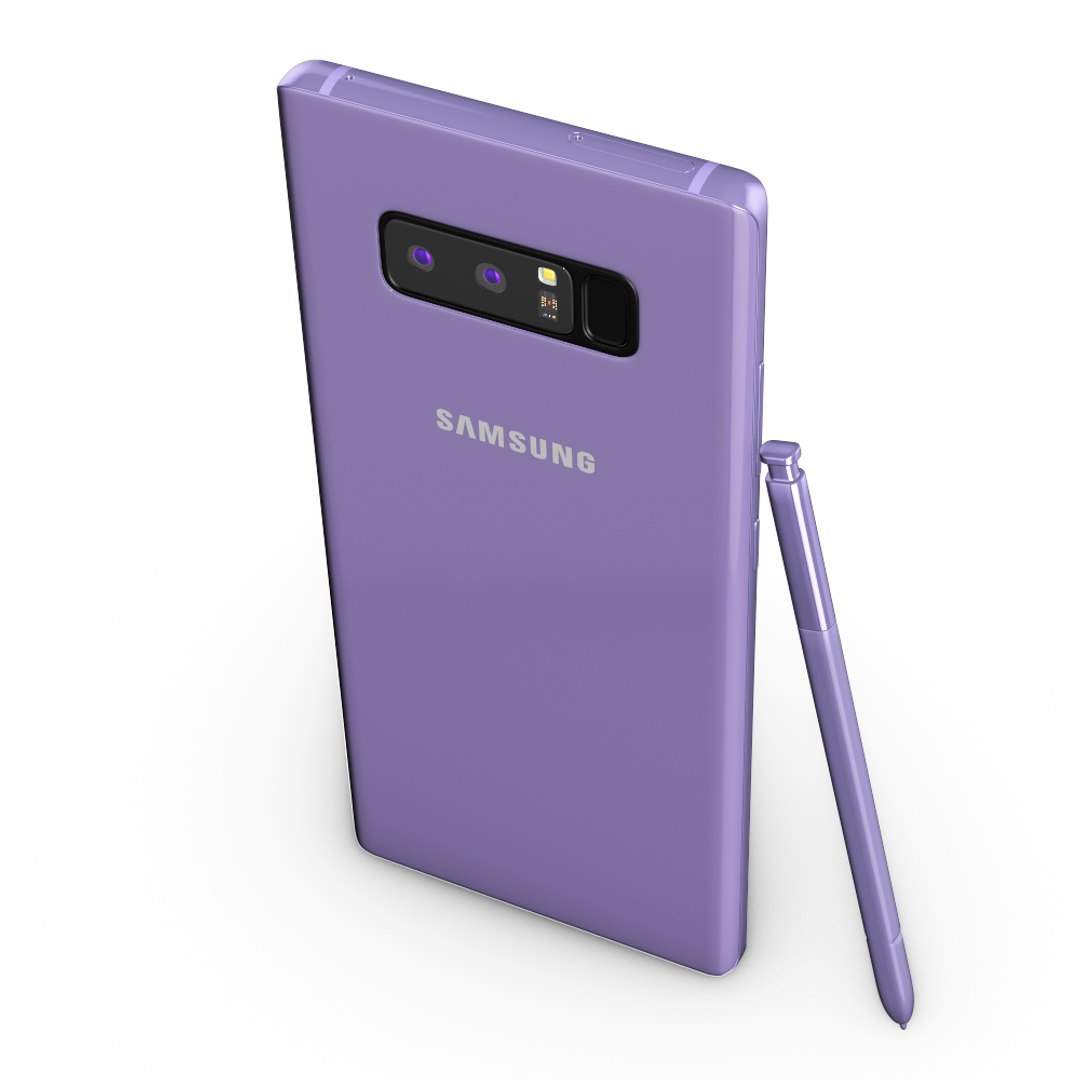
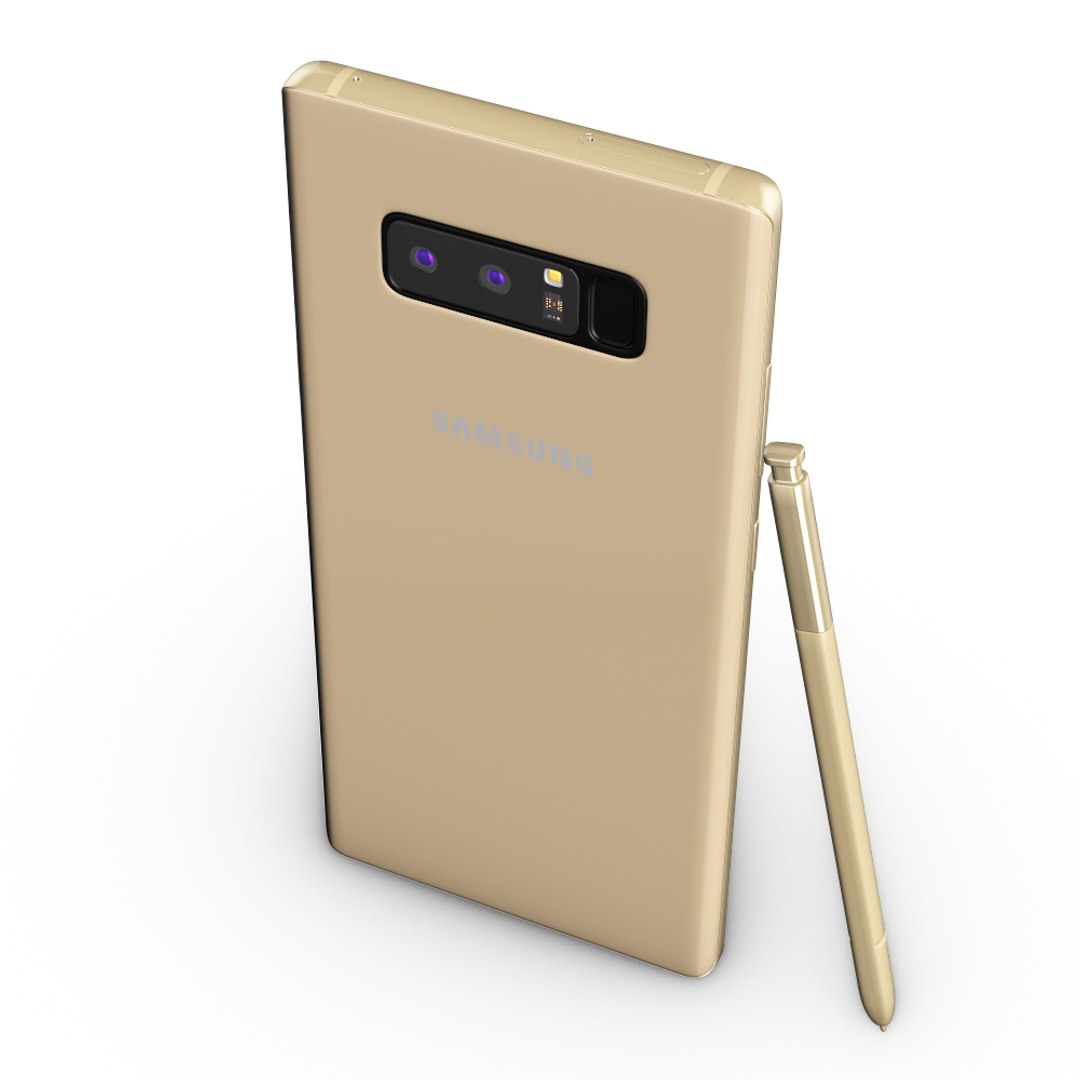
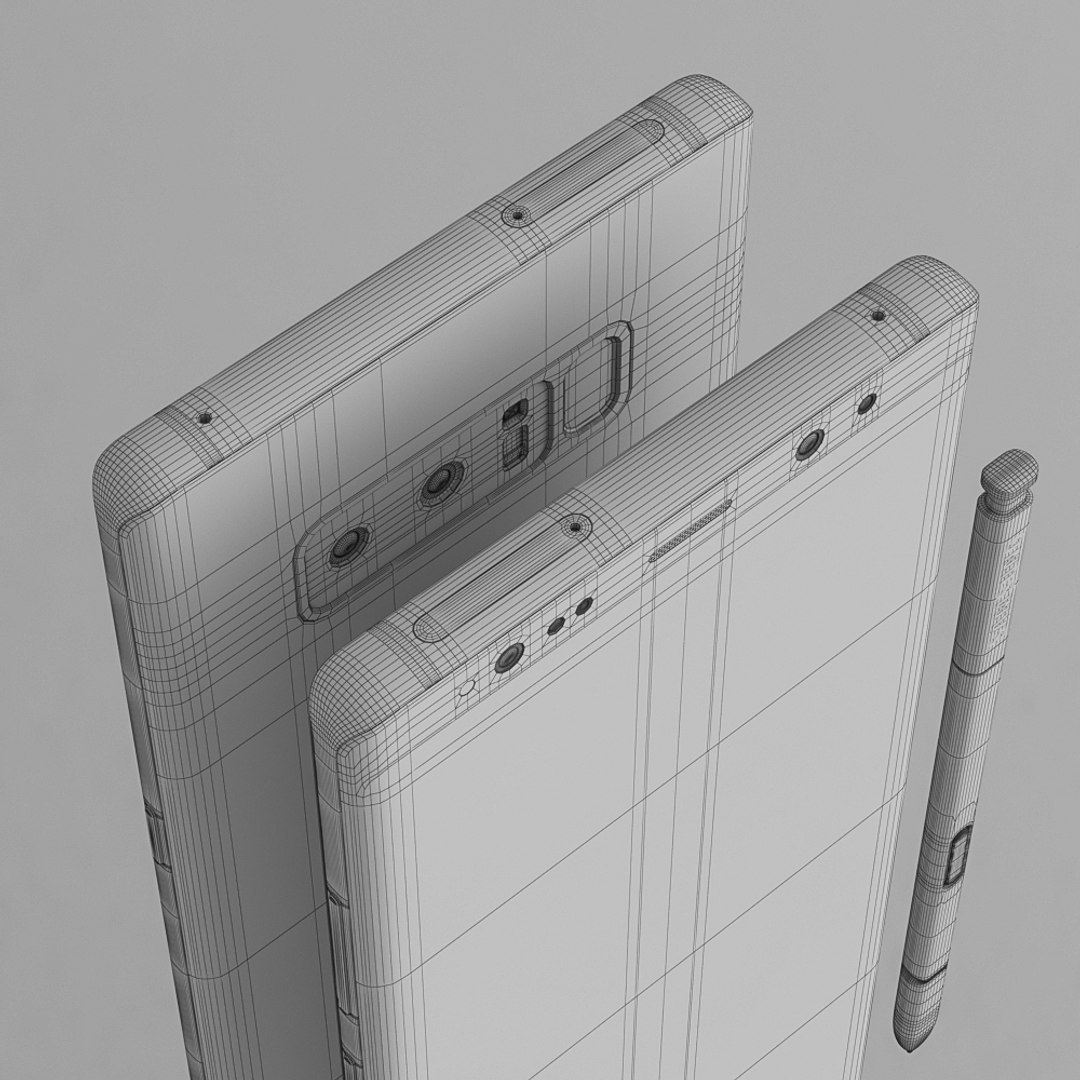
サムスンギャラクシーノート8すべての色 - 要素3D

$14

標準ライセンス | アップグレードライセンス
エディトリアル使用のみ
フォーマット (10)
Native | 3ds Max 2013 | V-Ray
3D Studio
Other Textures
OBJ
glTF
3ds Max
USDz
仕様
公開日 September 30, 2017
製品番号 1208621
多角形 37,912
頂点 40,446
多角形
テクスチャ
材料
UVマップ
重複しないアンラップされた UV
PBR

member avatar
madMIX_X
817 製品 | Contributor 以来 2016
質問がありますか?今私達とチャットしてください。

説明

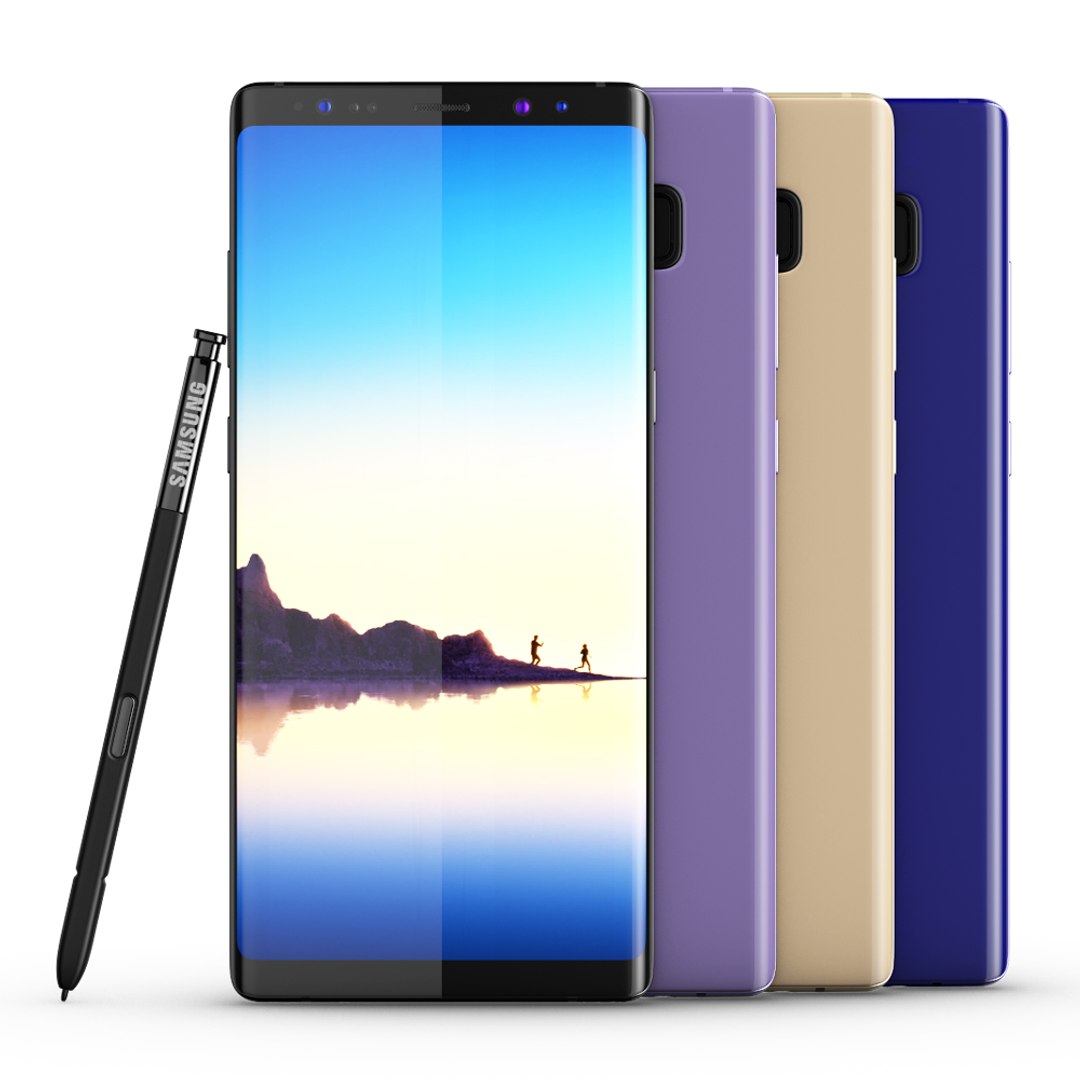
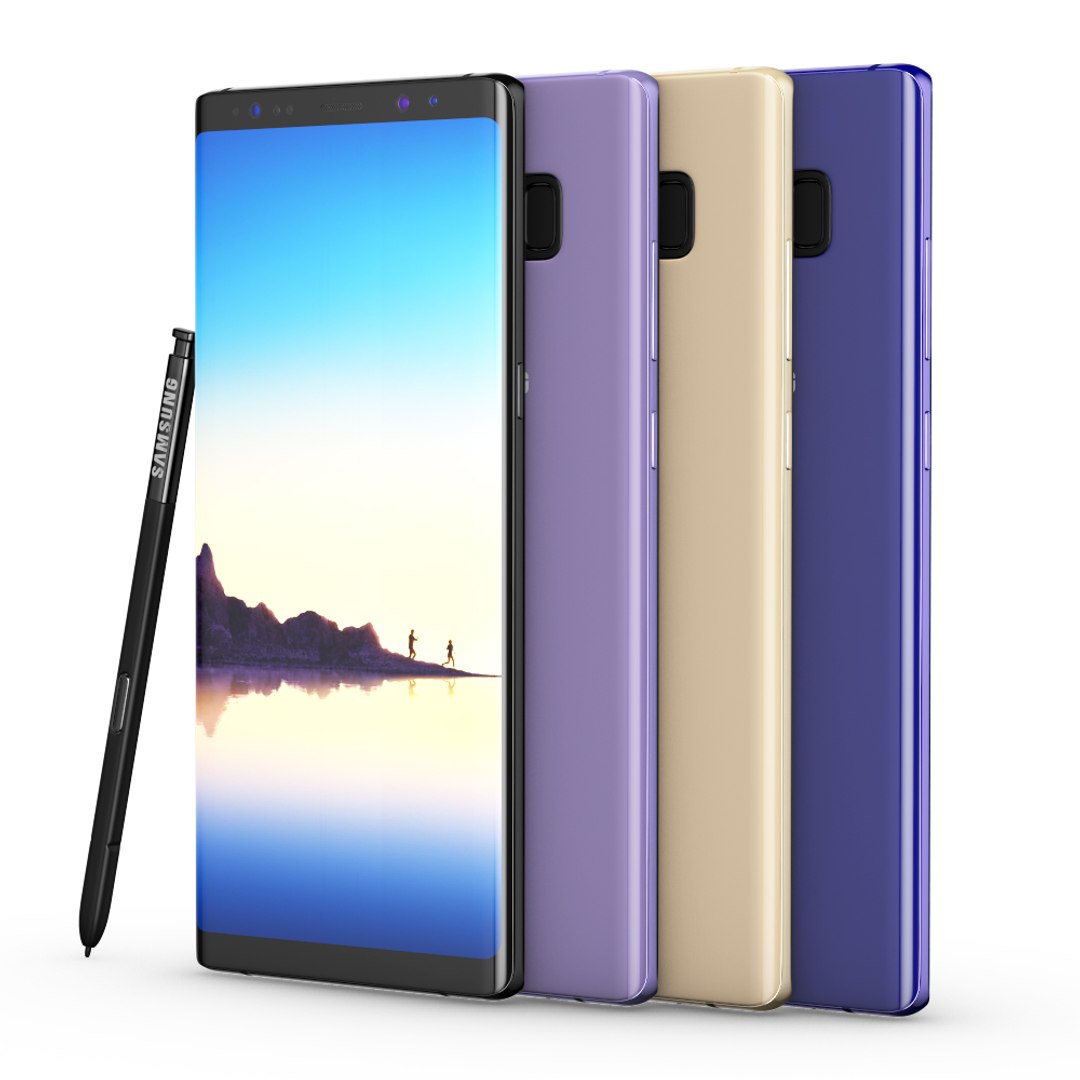
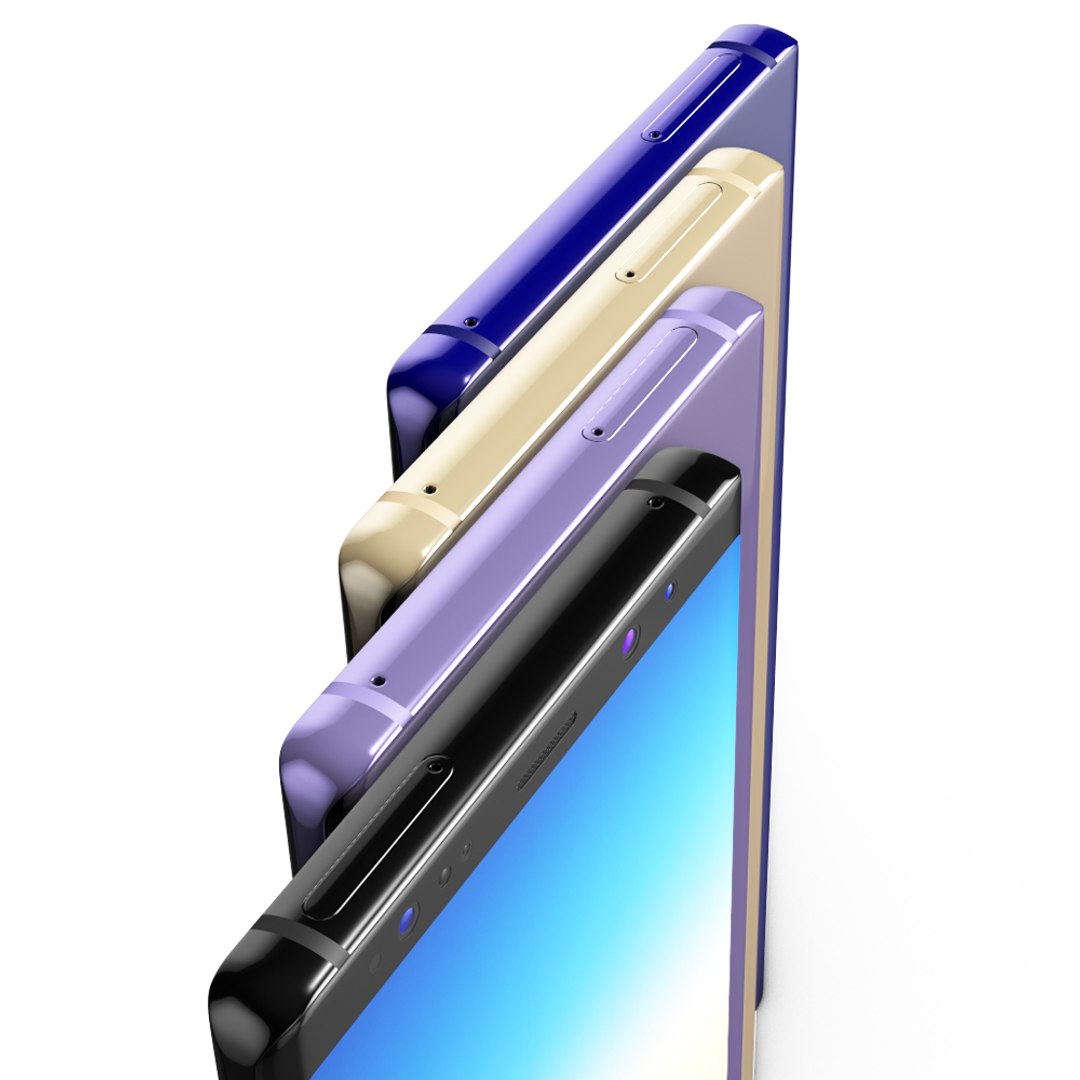
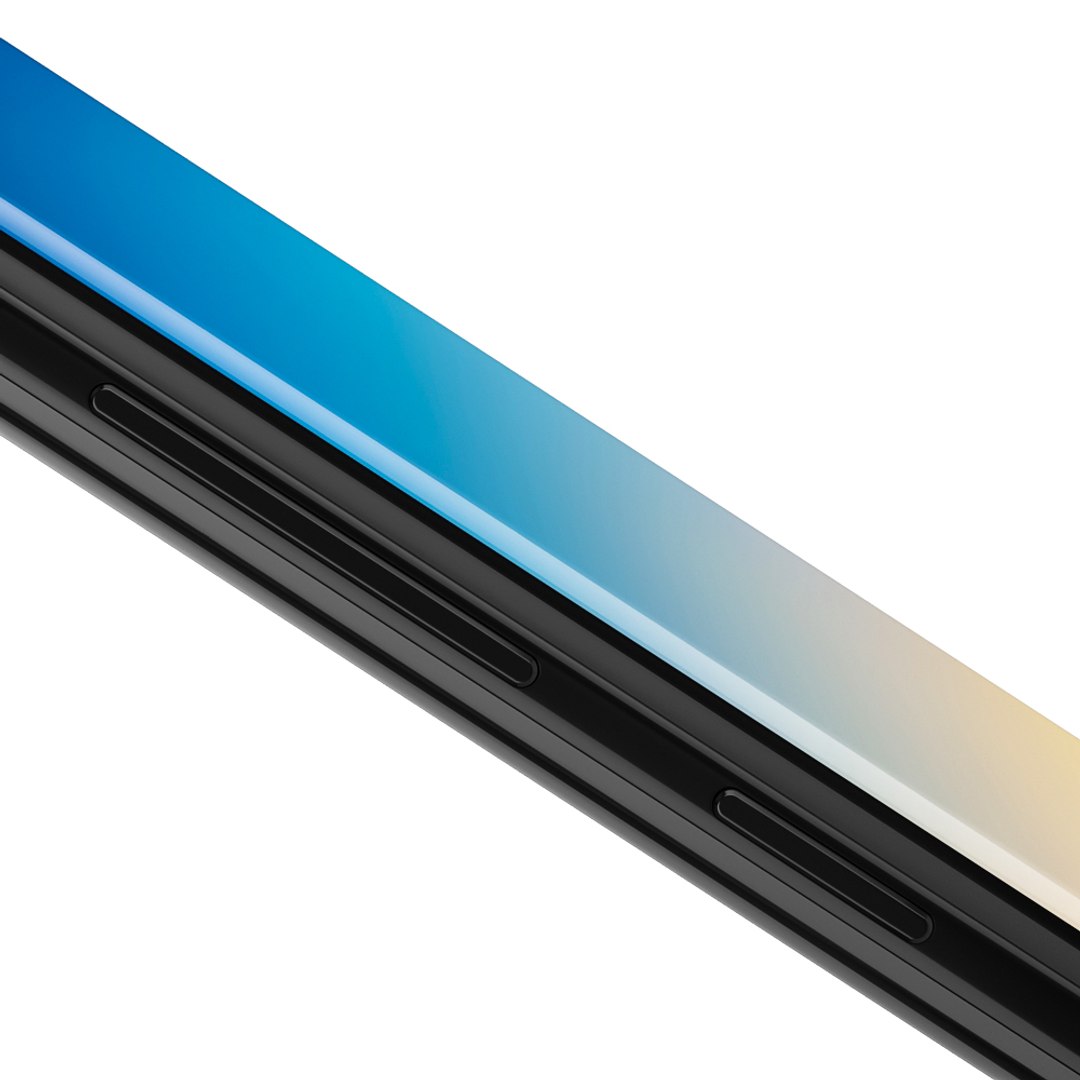
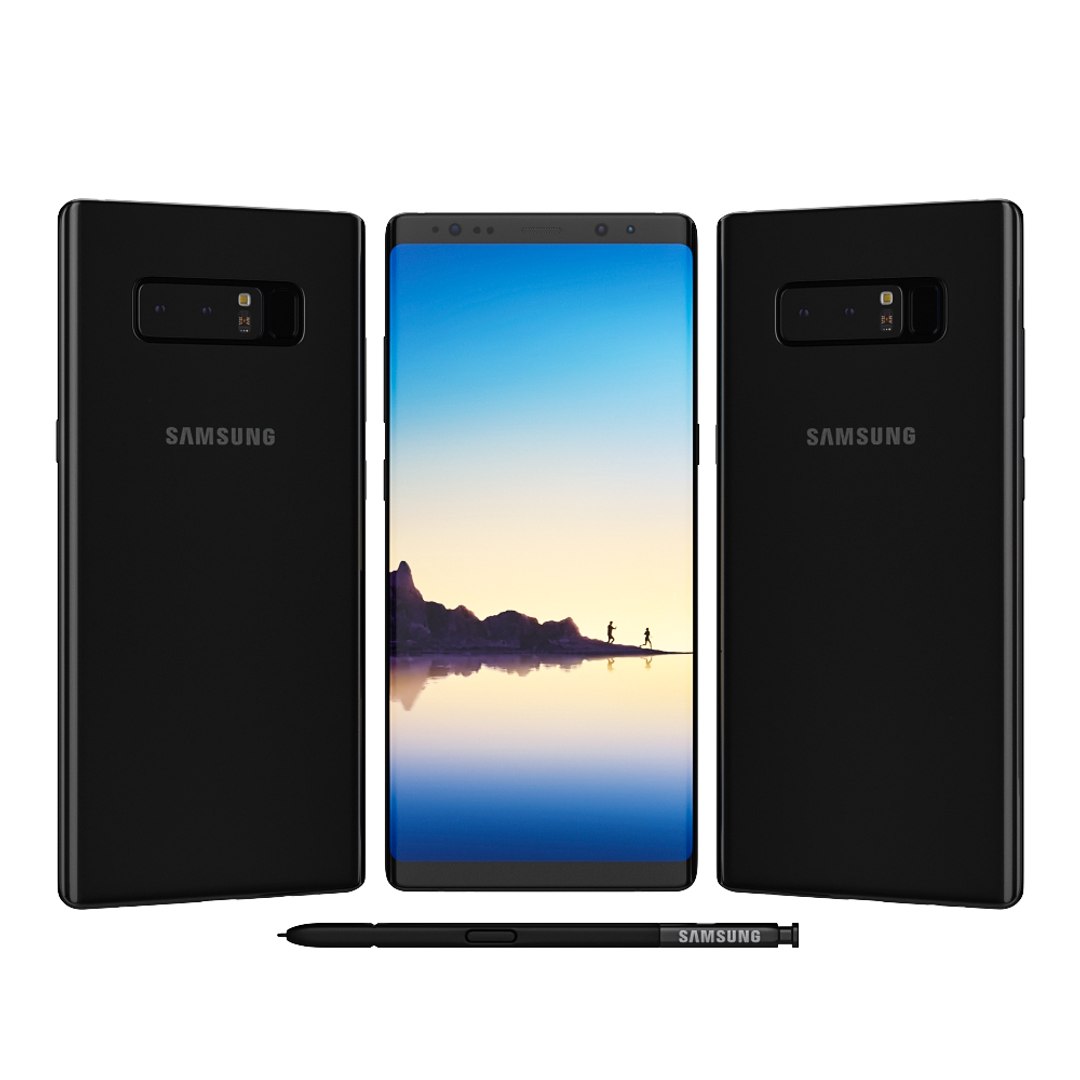
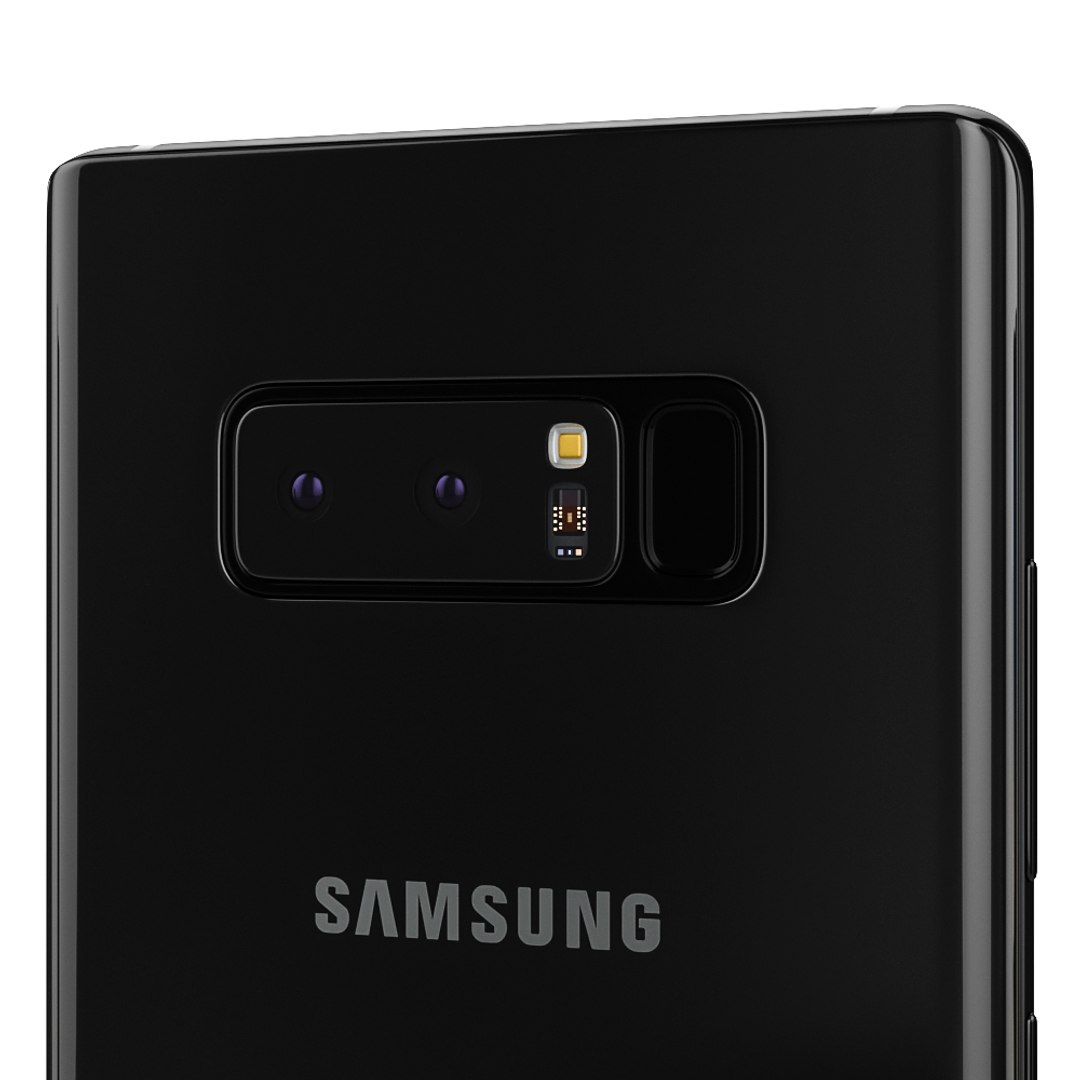
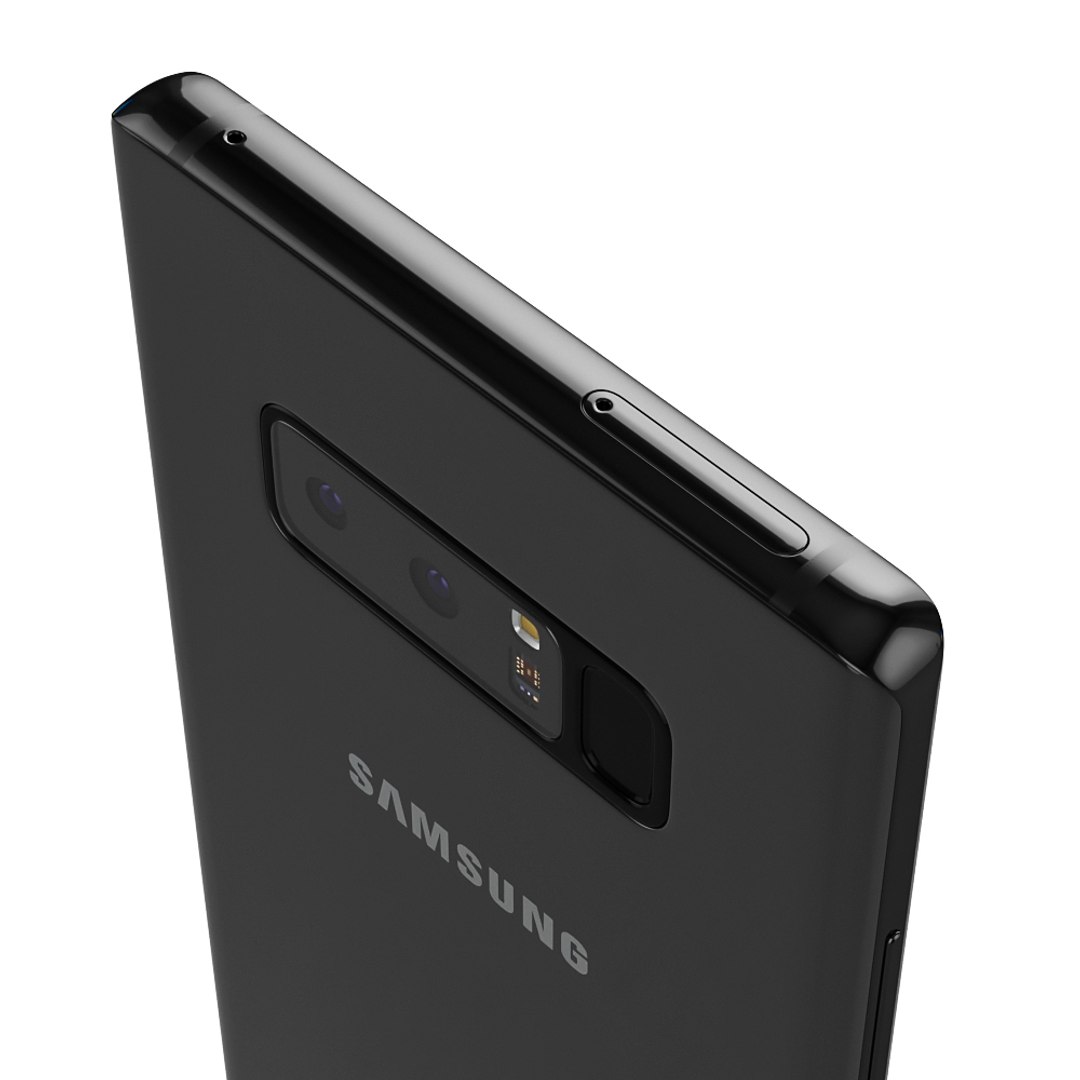
Realistic (copy) 3d model of Samsung Galaxy Note 8 All colors .

Sketchfab Preview: skfb.ly/69GMC

This set:
3D element v2.2
The model given is easy to use
- 1 file obj standard
- 1 file 3ds Max 2013 vray material
- 1 file of 3Ds
- file e3d full set of materials, like a preview

How to use it?

1. Discovery after the impact of CC 2014 (or above) and create a new composition (you need Element3D v2.2 to use)
2. Create a new solid layer and add the effect of the elements. (Effect / Video Copilot / Element)

3. Select Install Location
4. Click on the import inside the Element3D Installation location
5. Select my .e3d according to the model and click on the open button.

If you do not see the model, do not forget to right click on the model name and press the replace model select.


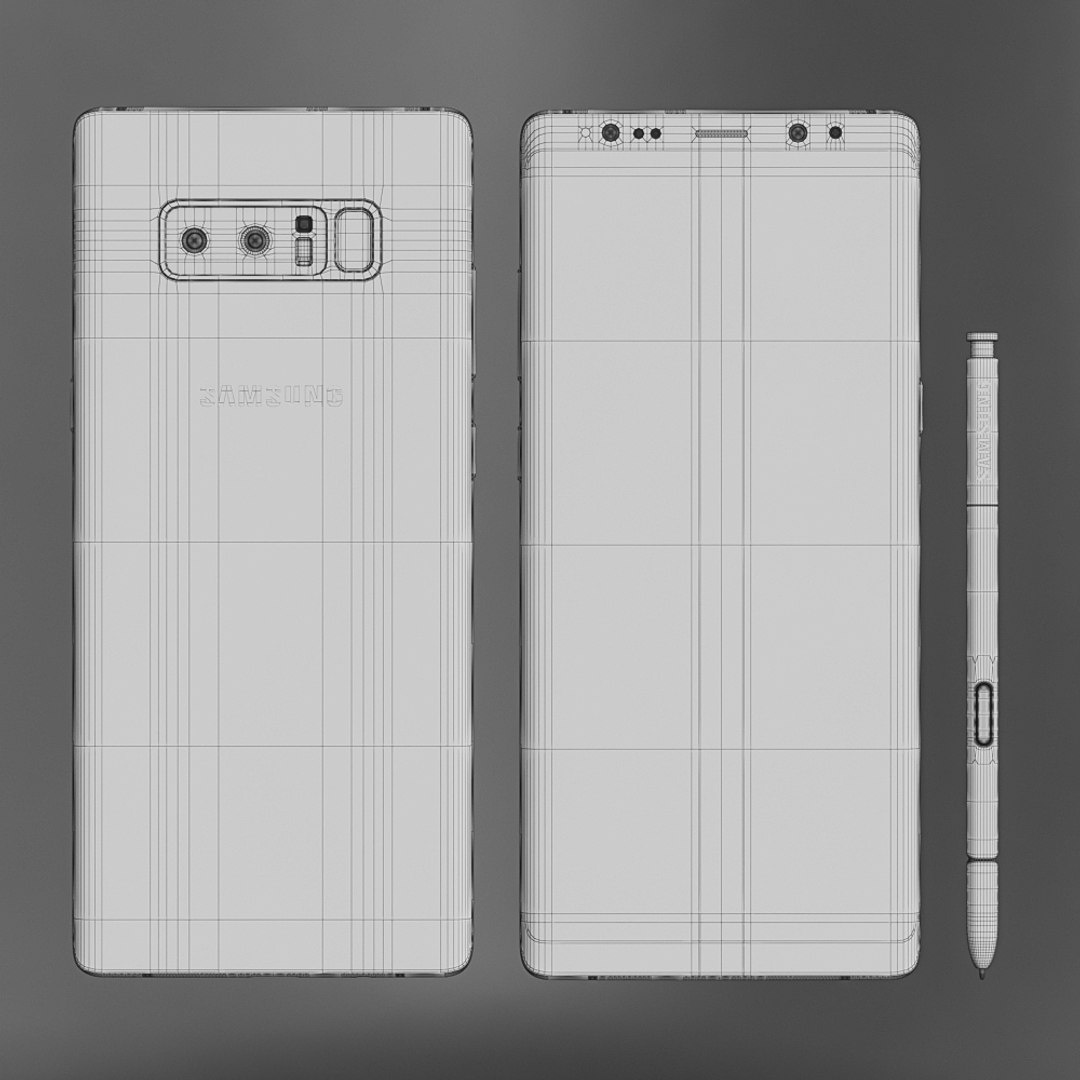
Topology of geometry:

- forms and proportions of The 3D model
- the geometry of the model was created very neatly
- there are no many-sided polygons
- detailed enough for close-up renders
- the model optimized for turbosmooth modifier
- Not collapsed the turbosmooth modified
- apply the Smooth modifier with a parameter to get the desired level of detail


Materials and Textures:

- 3ds max files included Vray-Shaders
- all texture paths are cleared


Organization of scene:

- to all objects and materials
- real world size (system units - mm)
- coordinates of location of the model in space (x0, y0, z0)
- does not contain extraneous or hidden objects (lights, cameras, shapes etc.)

拡張ライセンスを選択

  • $10,000 法的保護(補償)
  • 無制限の法的保護(補償)
  • 差し止めによる救済の放棄
  • 割り当て可能なモデルの権利
  • $1,000,000 法的保護(補償)
  • 差し止めによる救済の放棄
  • 割り当て可能なモデルの権利
  • $250,000 法的保護(補償)
  • 割り当て可能なモデルの権利
拡張ライセンスの詳細についてはこちらをご覧ください。または、enterprise@turbosquid.comまでお問い合わせください。既にShutterstock Enterpriseをご利用の場合は、3D機能の追加についてShutterstockのセールスサポート担当者にお問い合わせください。

About Conversion Requests

To submit a conversion request for a purchased asset, please complete our Conversion Request Form.

If you have not yet purchased a model, please review our Documentation about Conversions to learn about what limitations you may encounter with a conversion.

For any additional questions about a model’s suitability for conversion, please contact TurboSquid Support.

読み込み中...