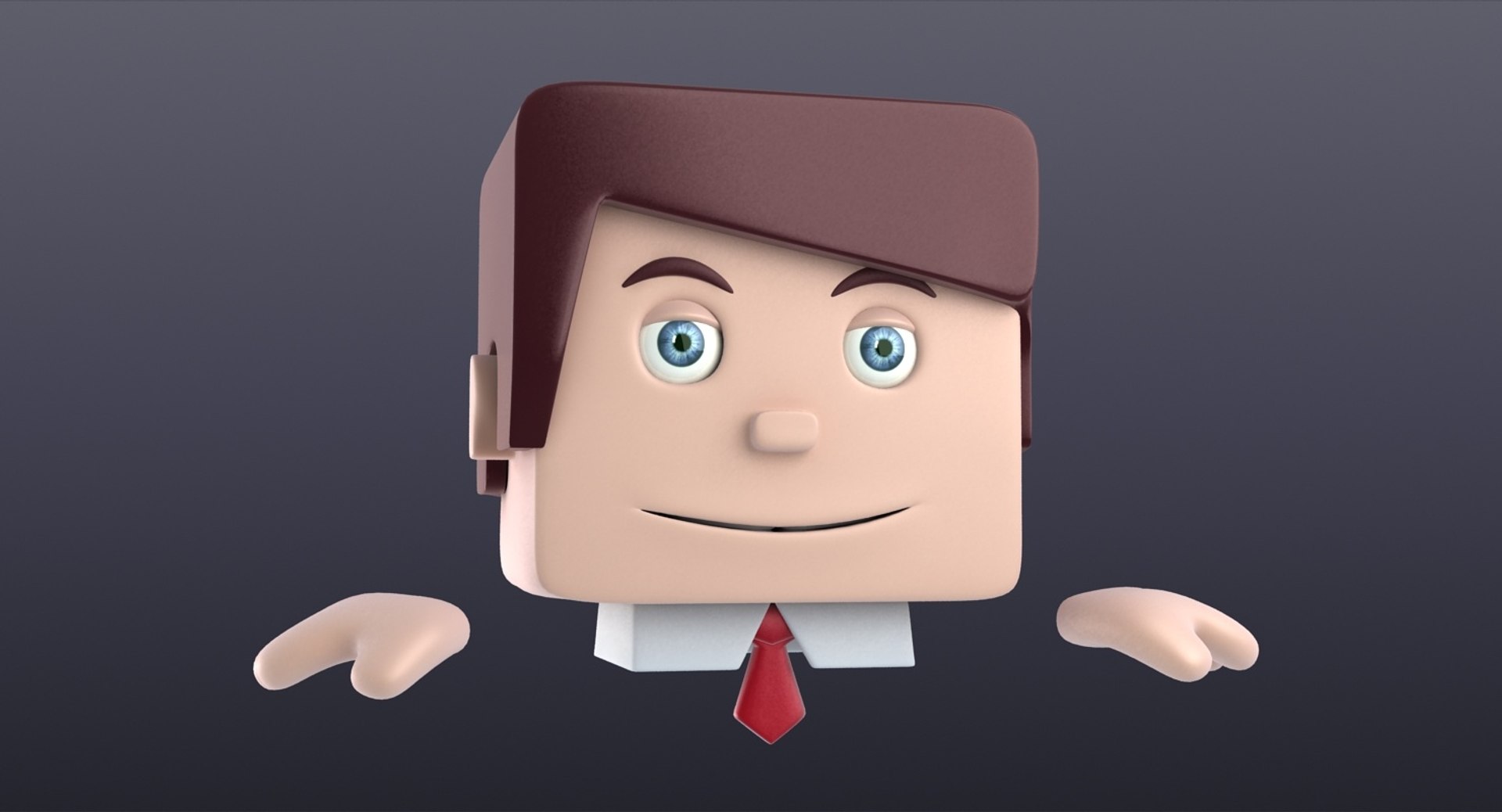
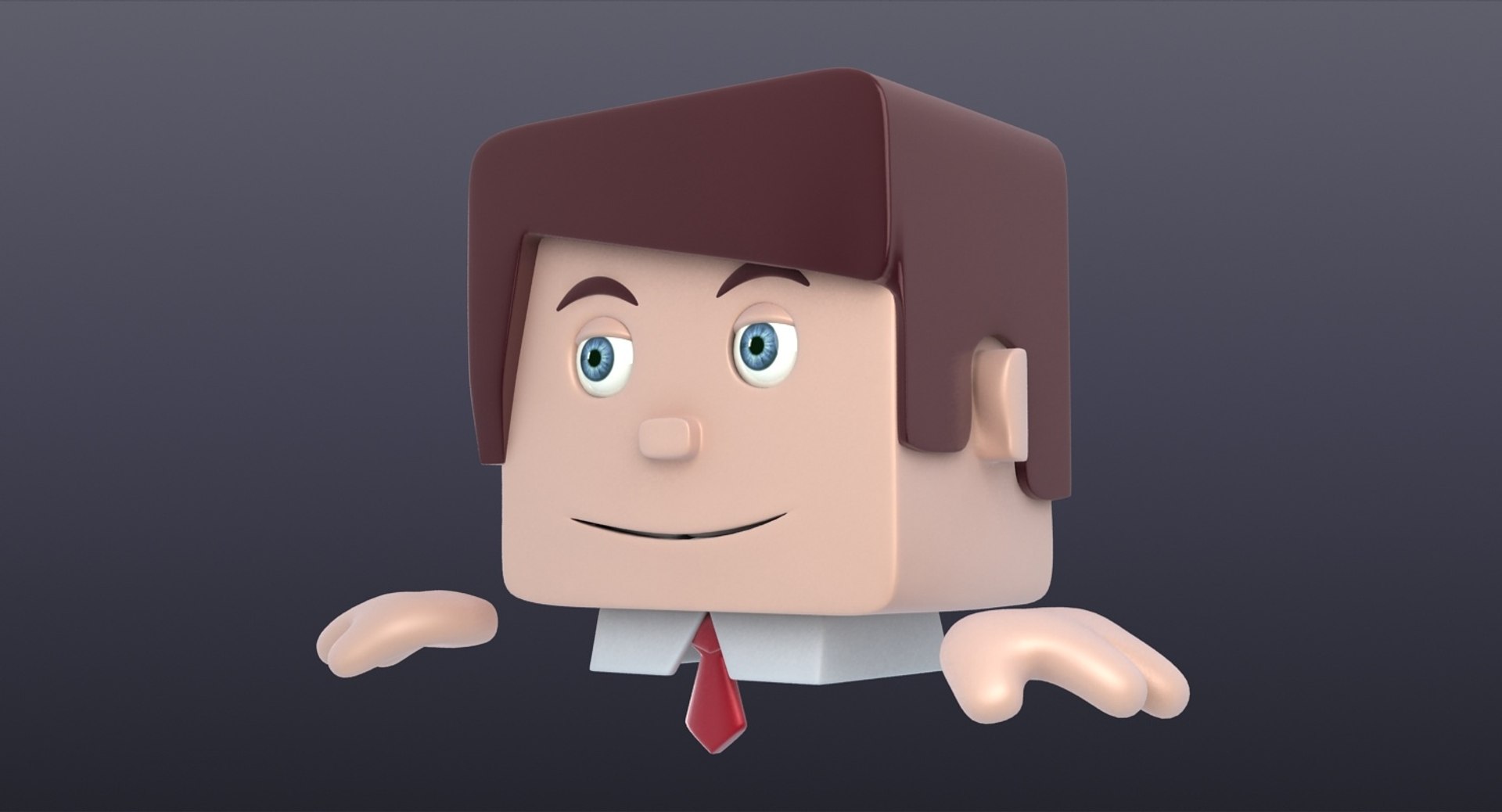
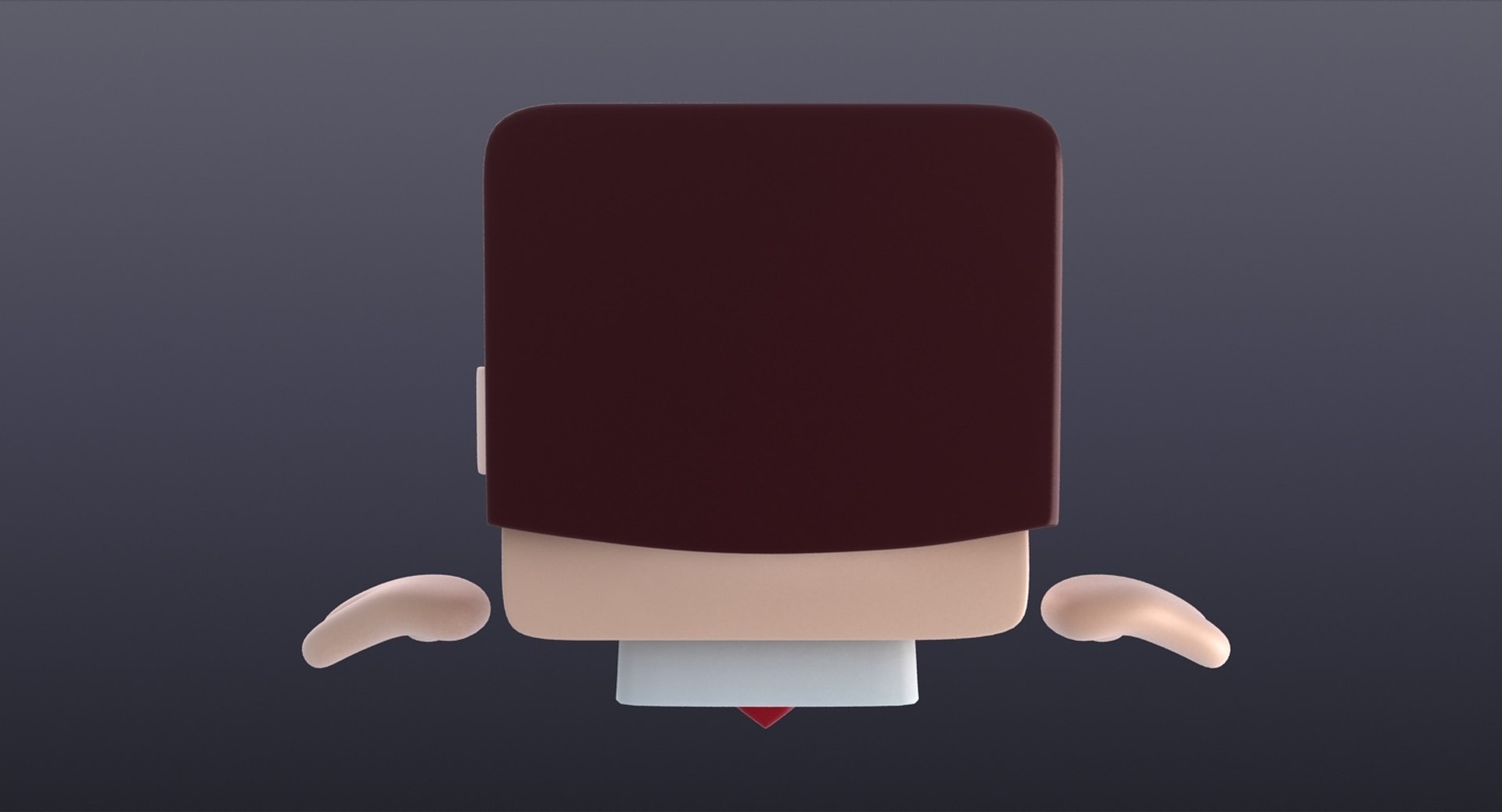
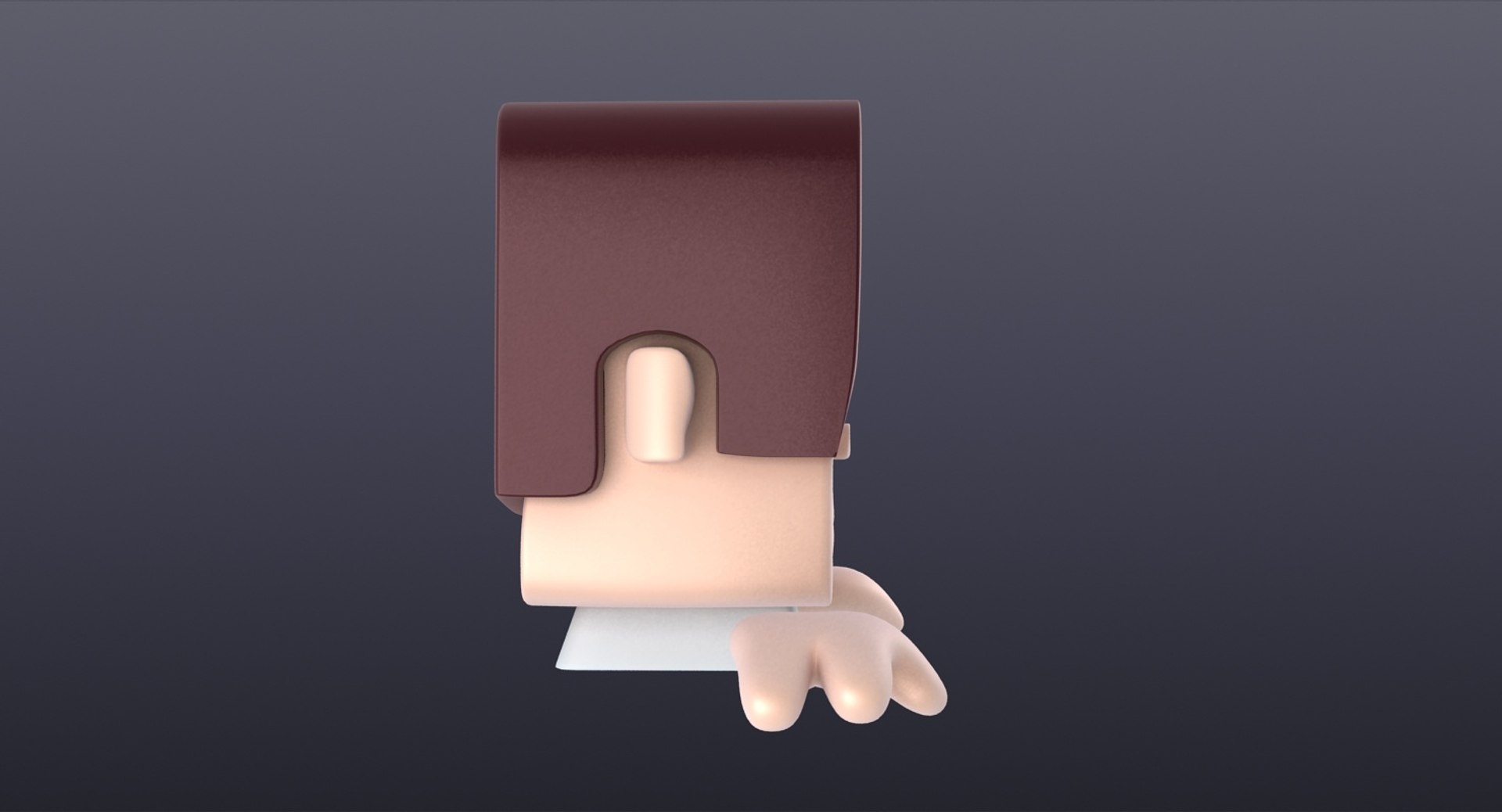
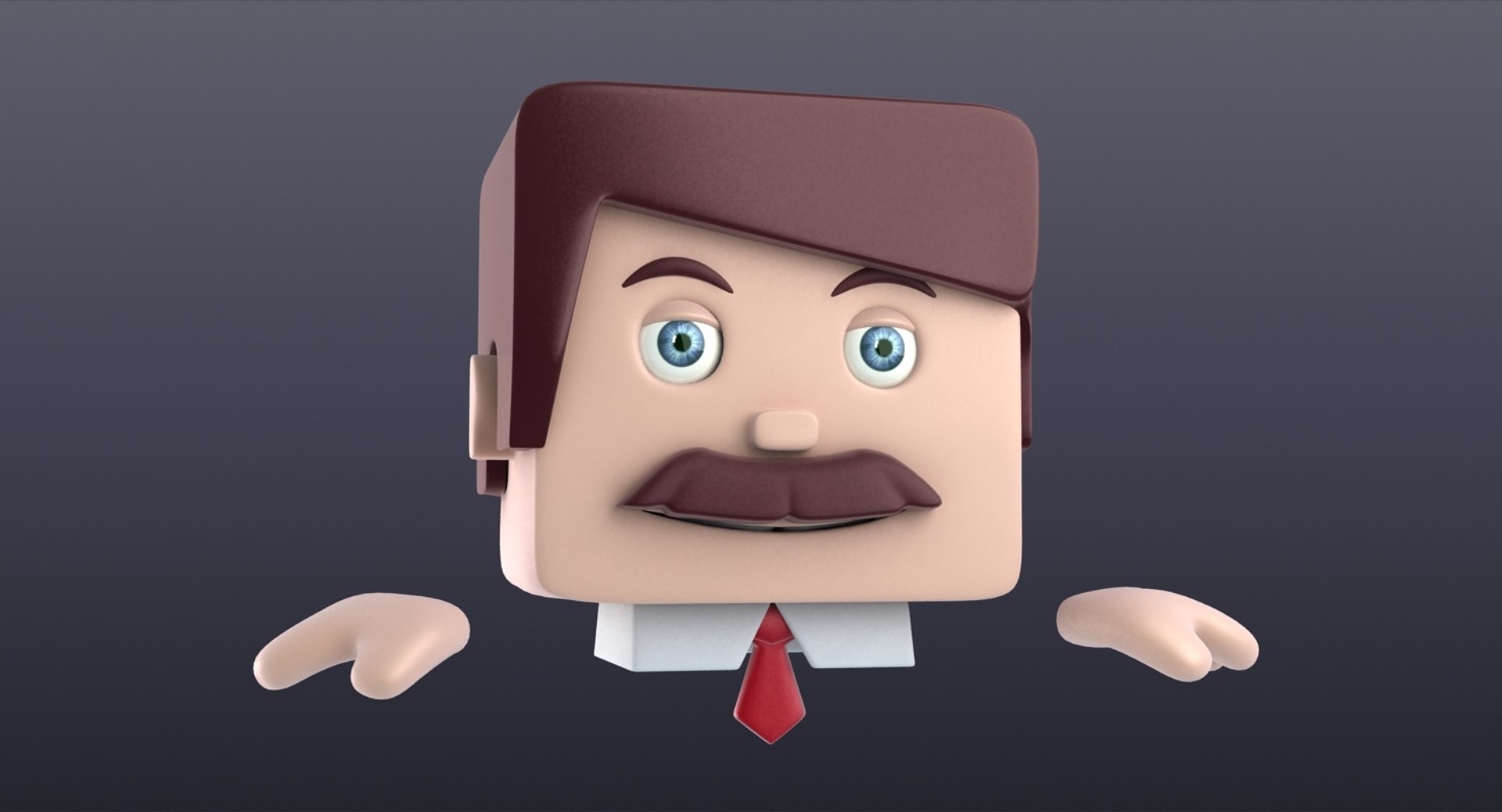
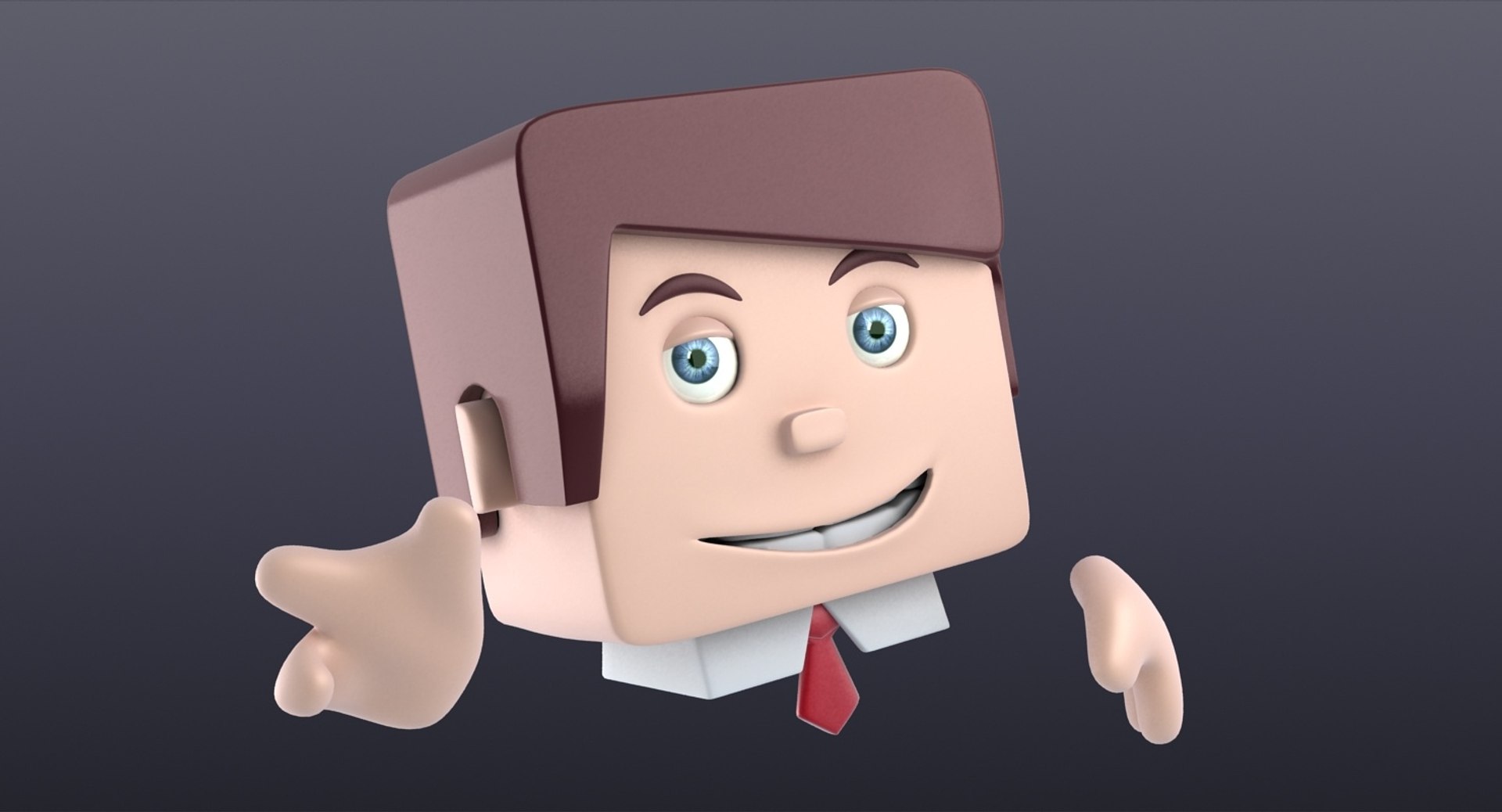
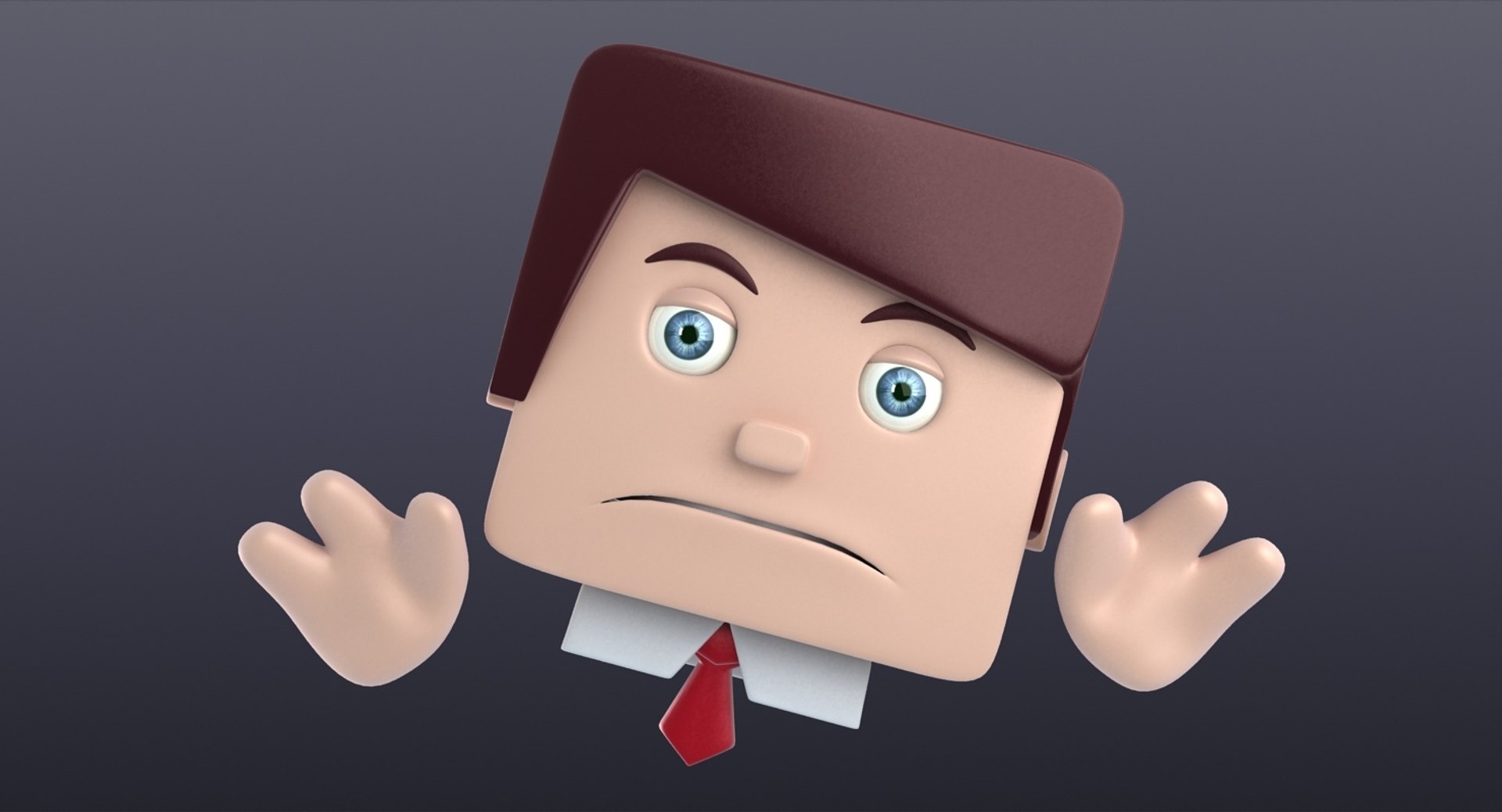
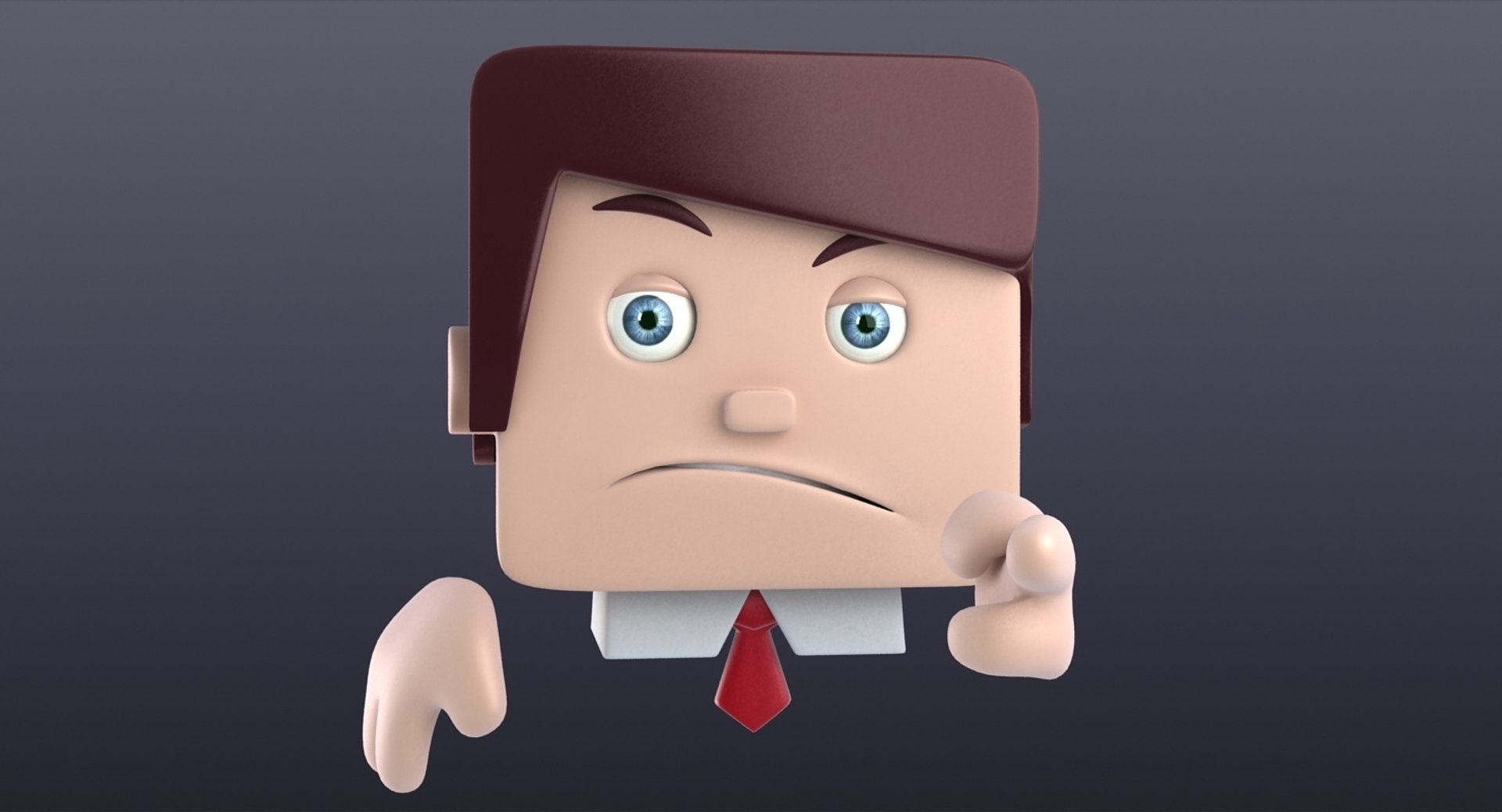
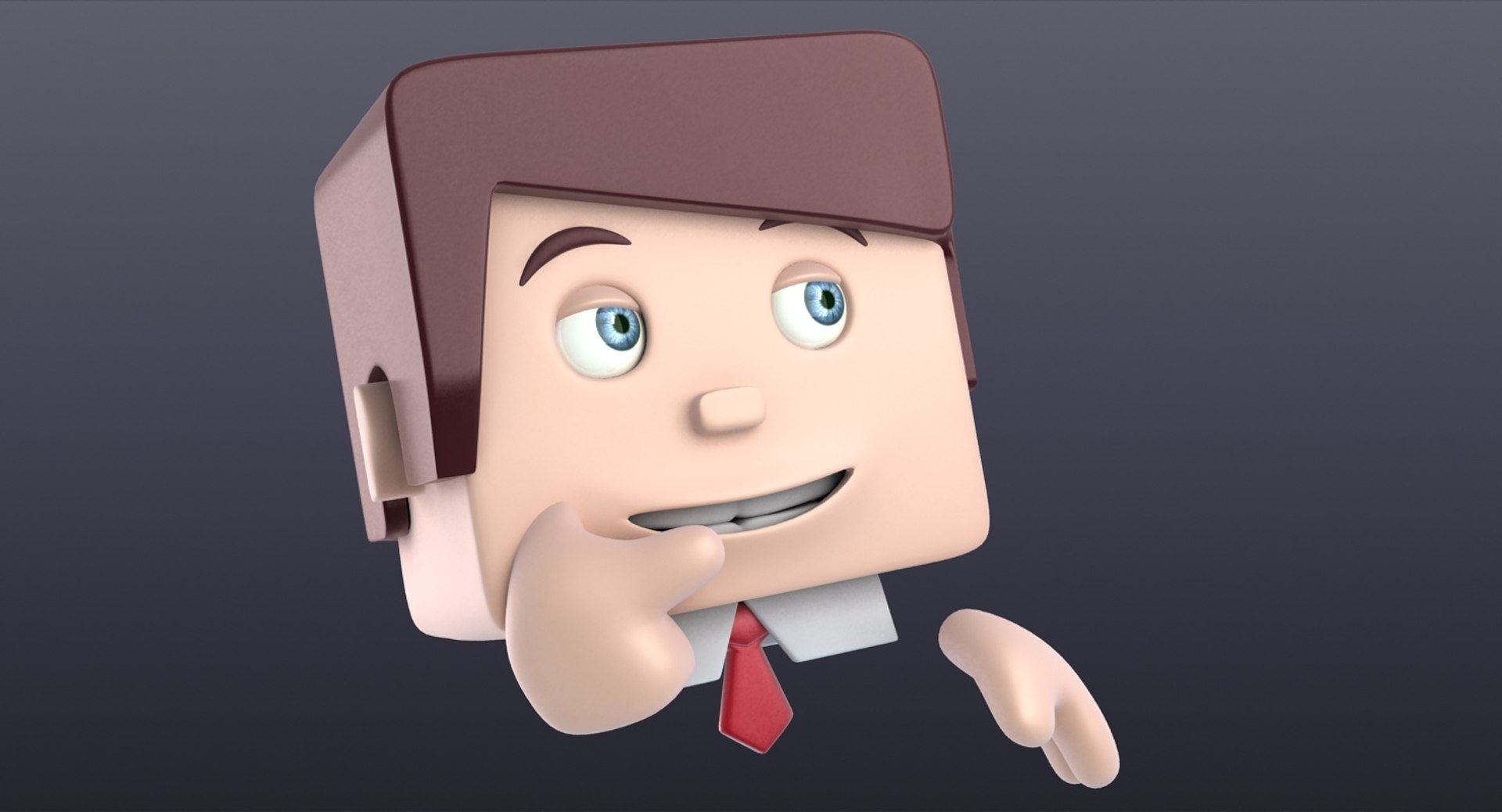
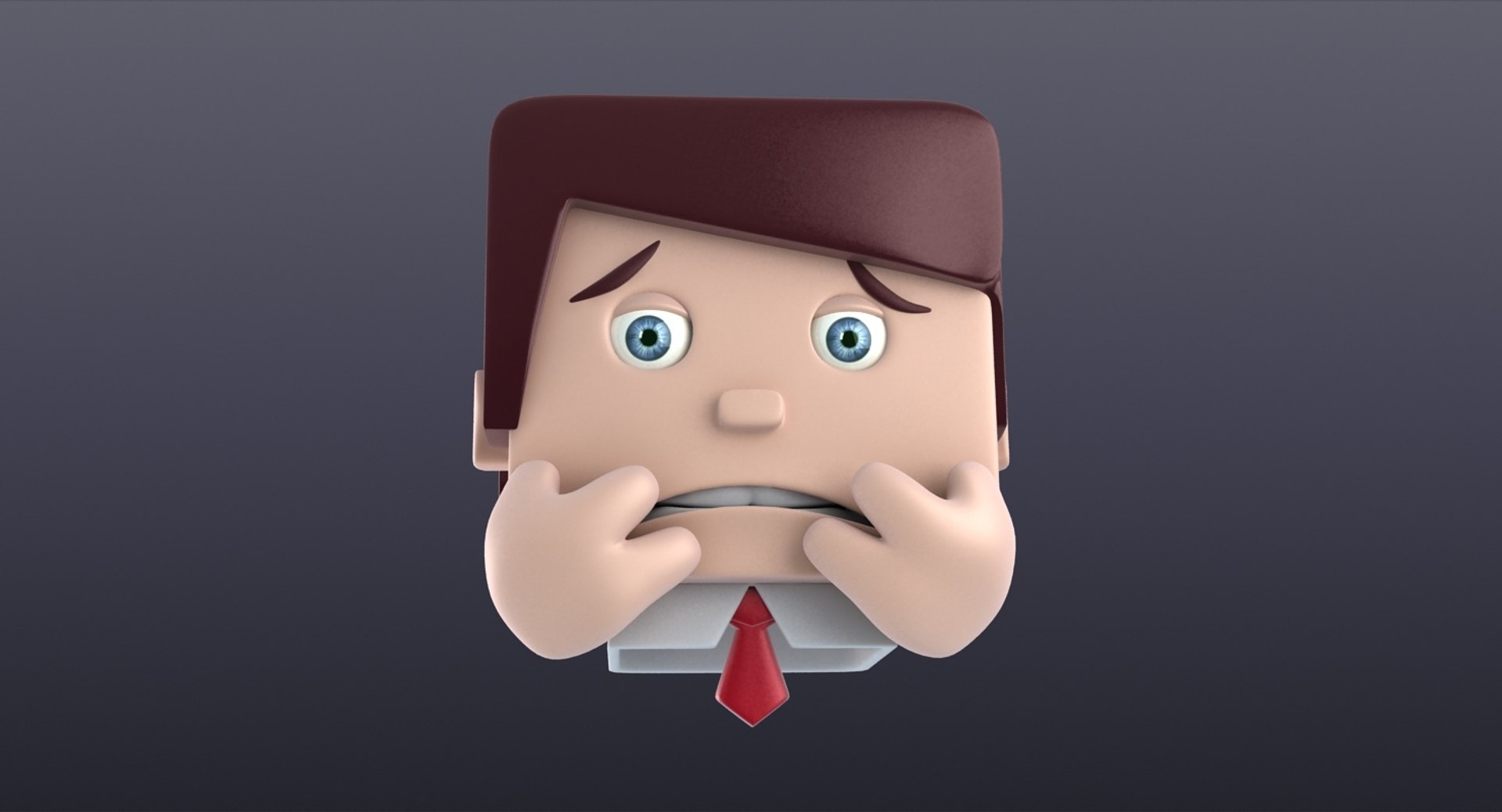
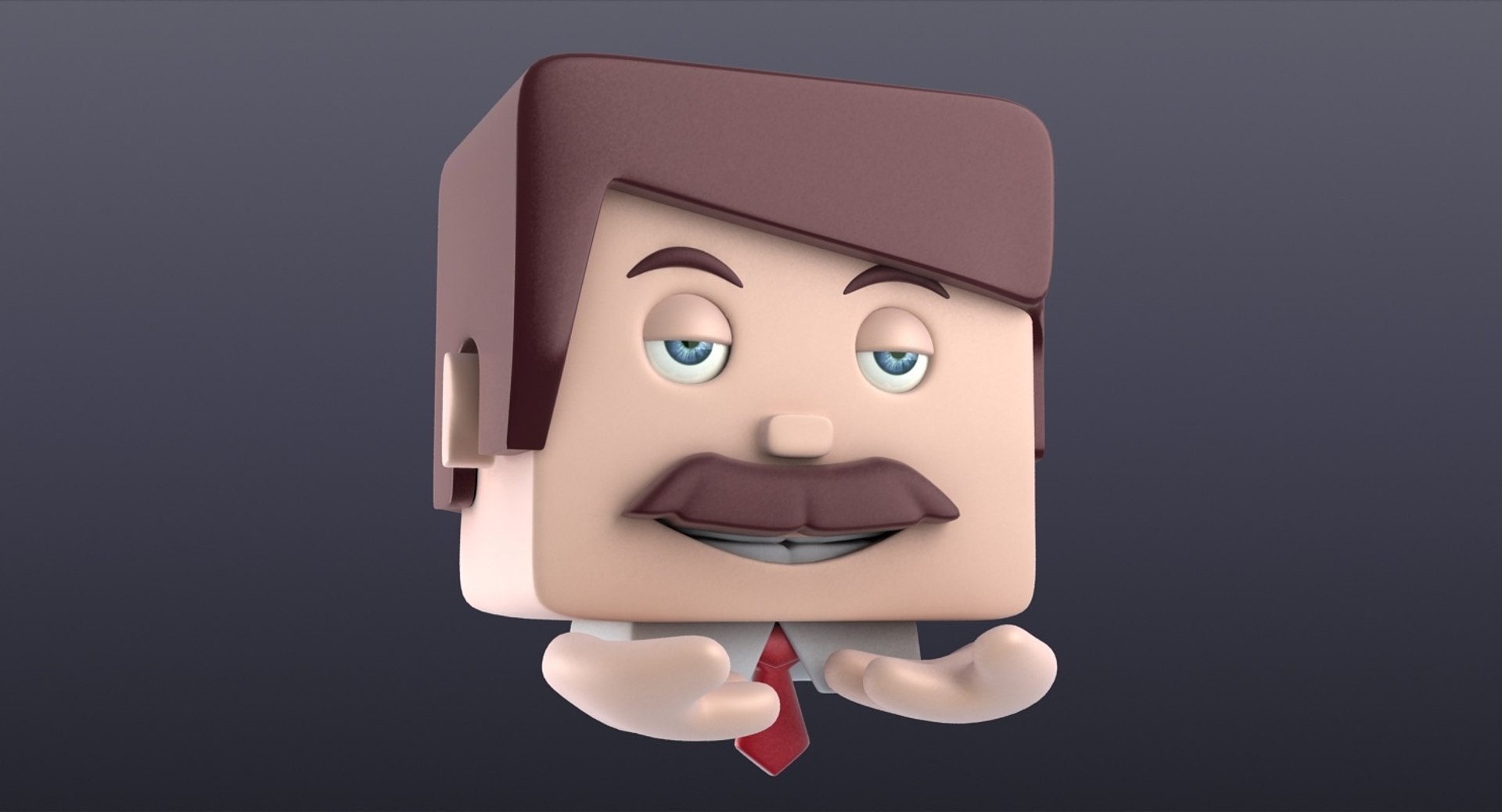
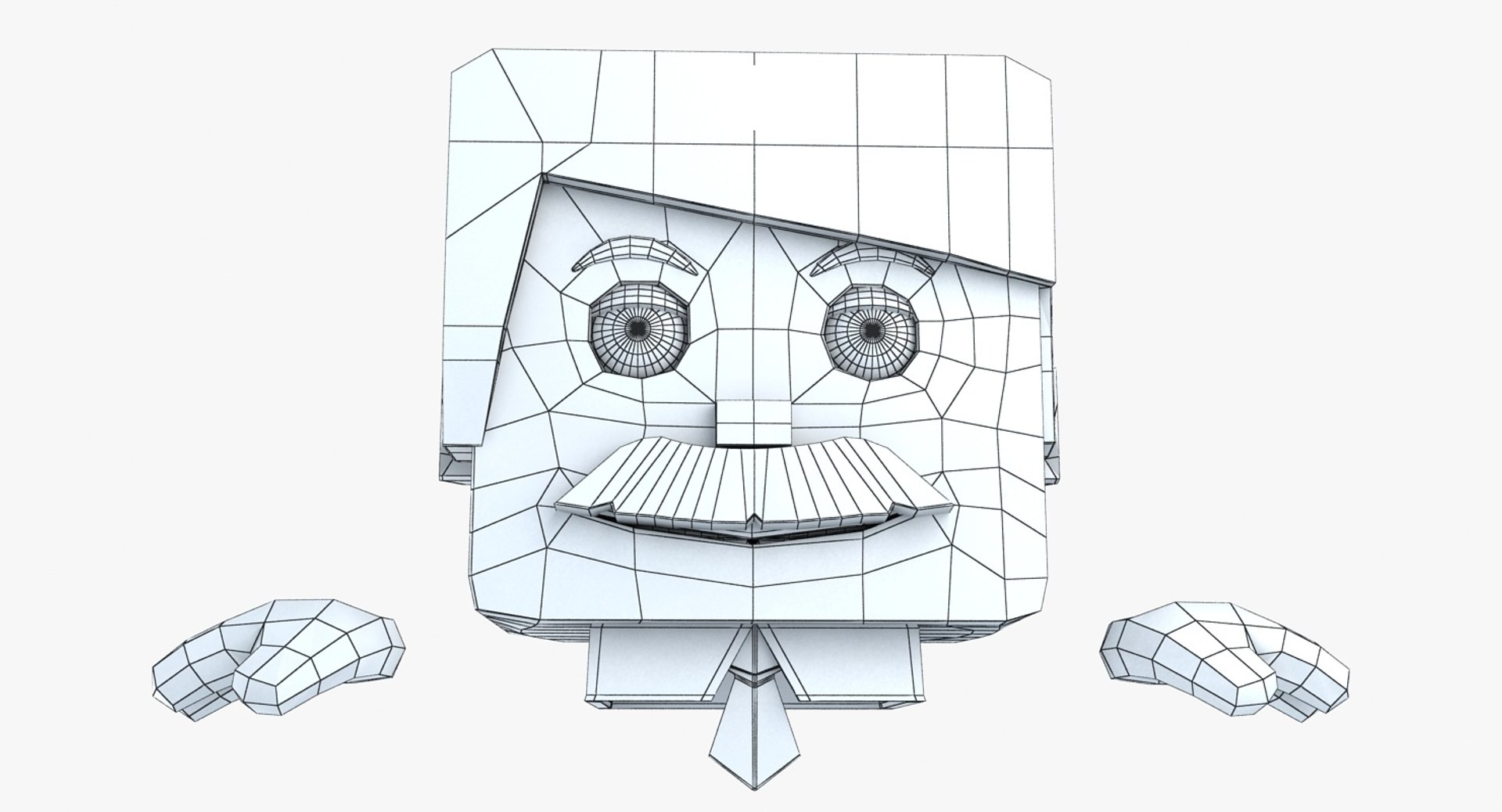
Mr. Float Emote, floating businessman.
Modeled in 3ds Max 2010,
Rendered with V-Ray 2.00,
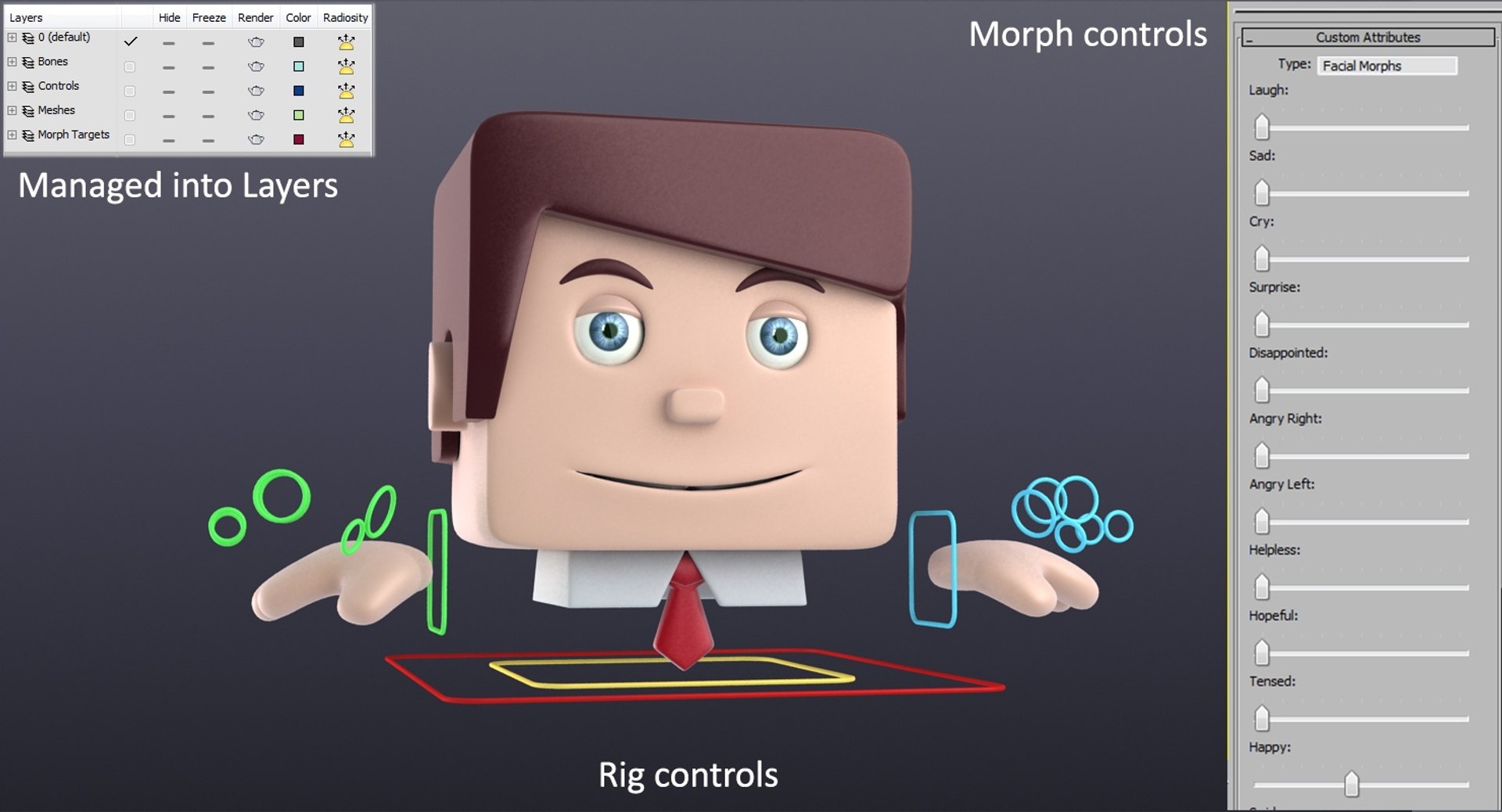
Rigged with custom bones, controllers and morpher.
*********************************
Usage:
As an Emoticon,
Custom 3d explainer videos,
Presentation movies,
Animation Projects,
Brochure presentations,
Game Concepts,
Self Learning
*********************************
Features:
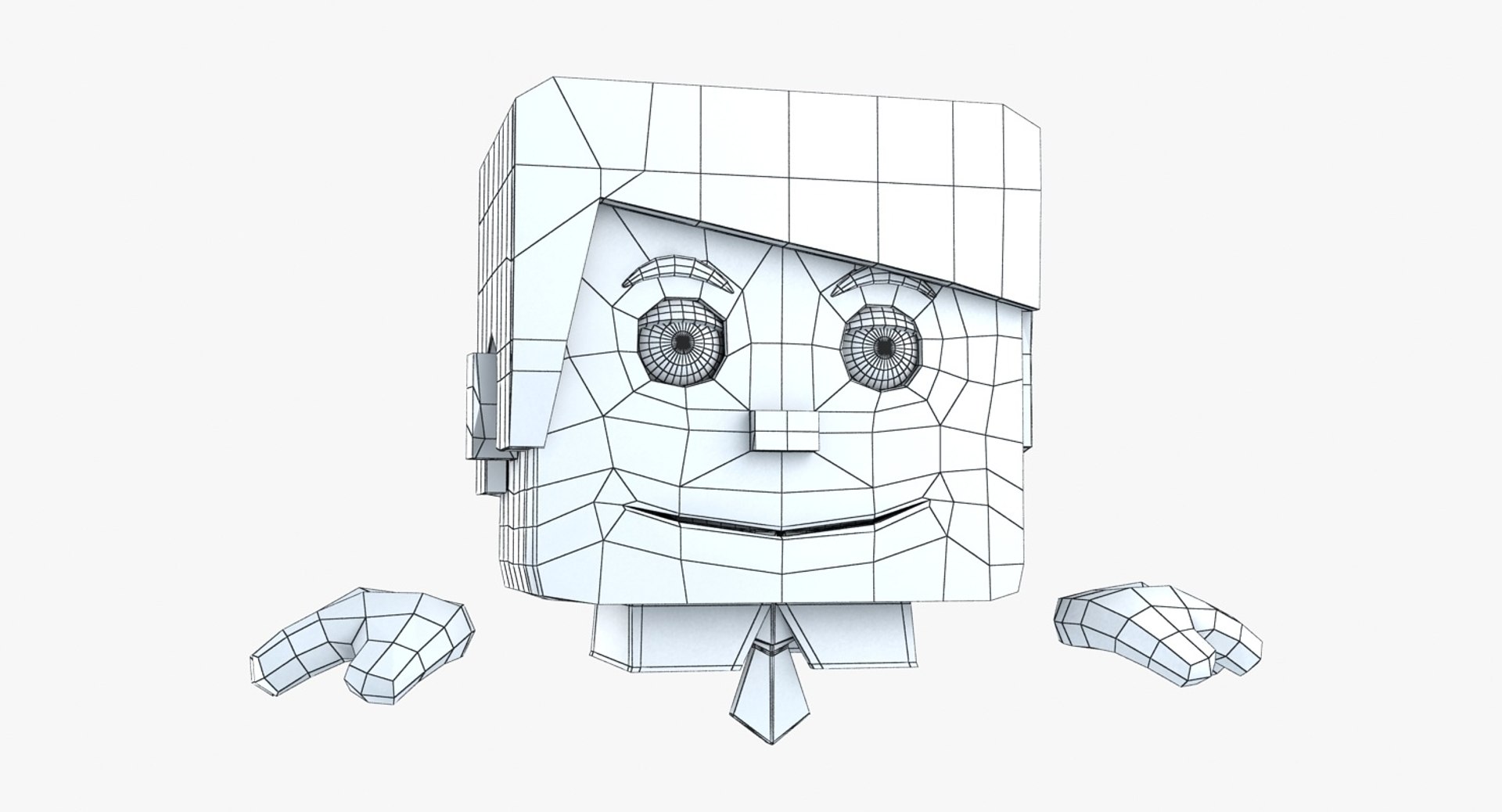
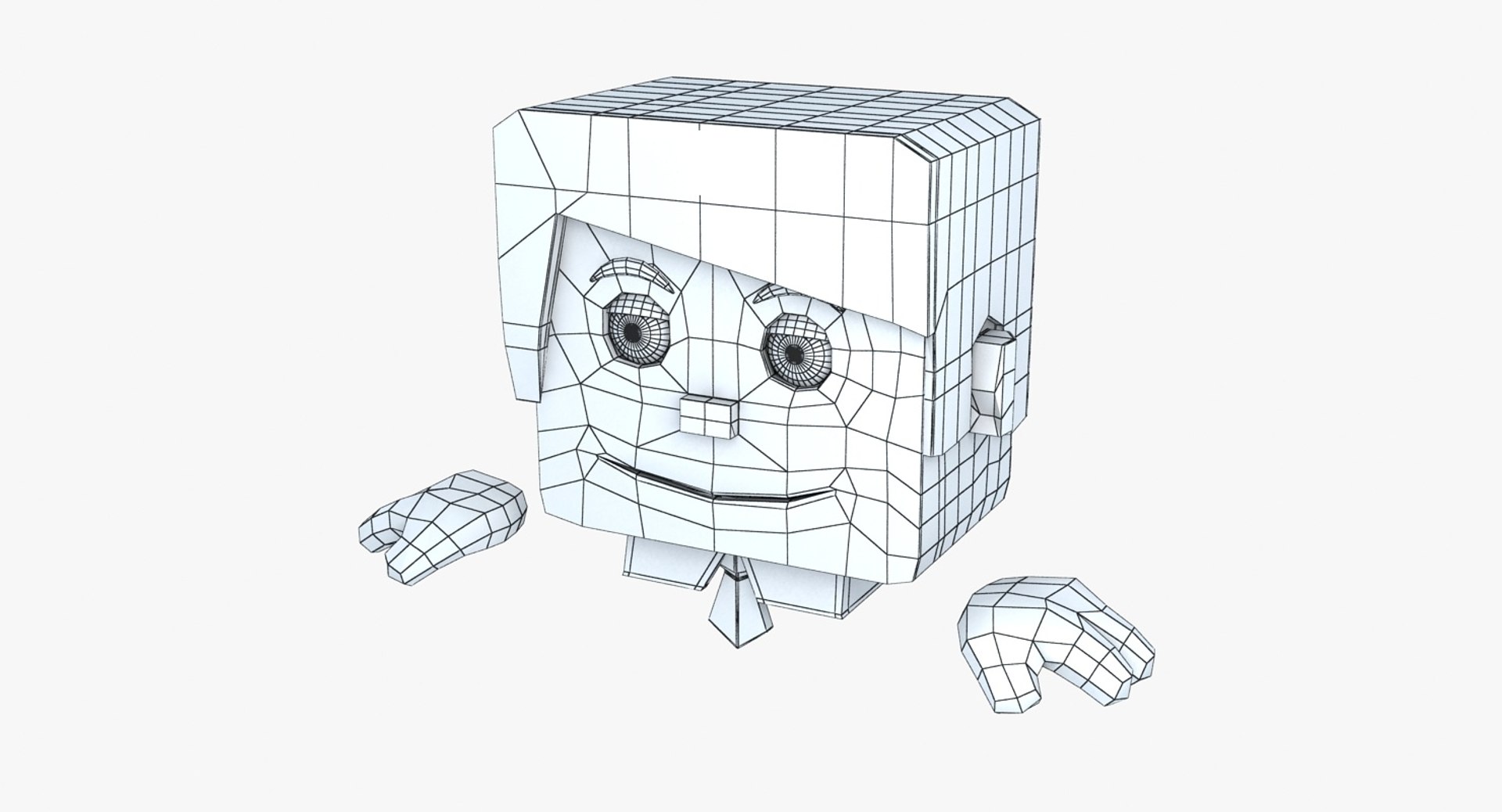
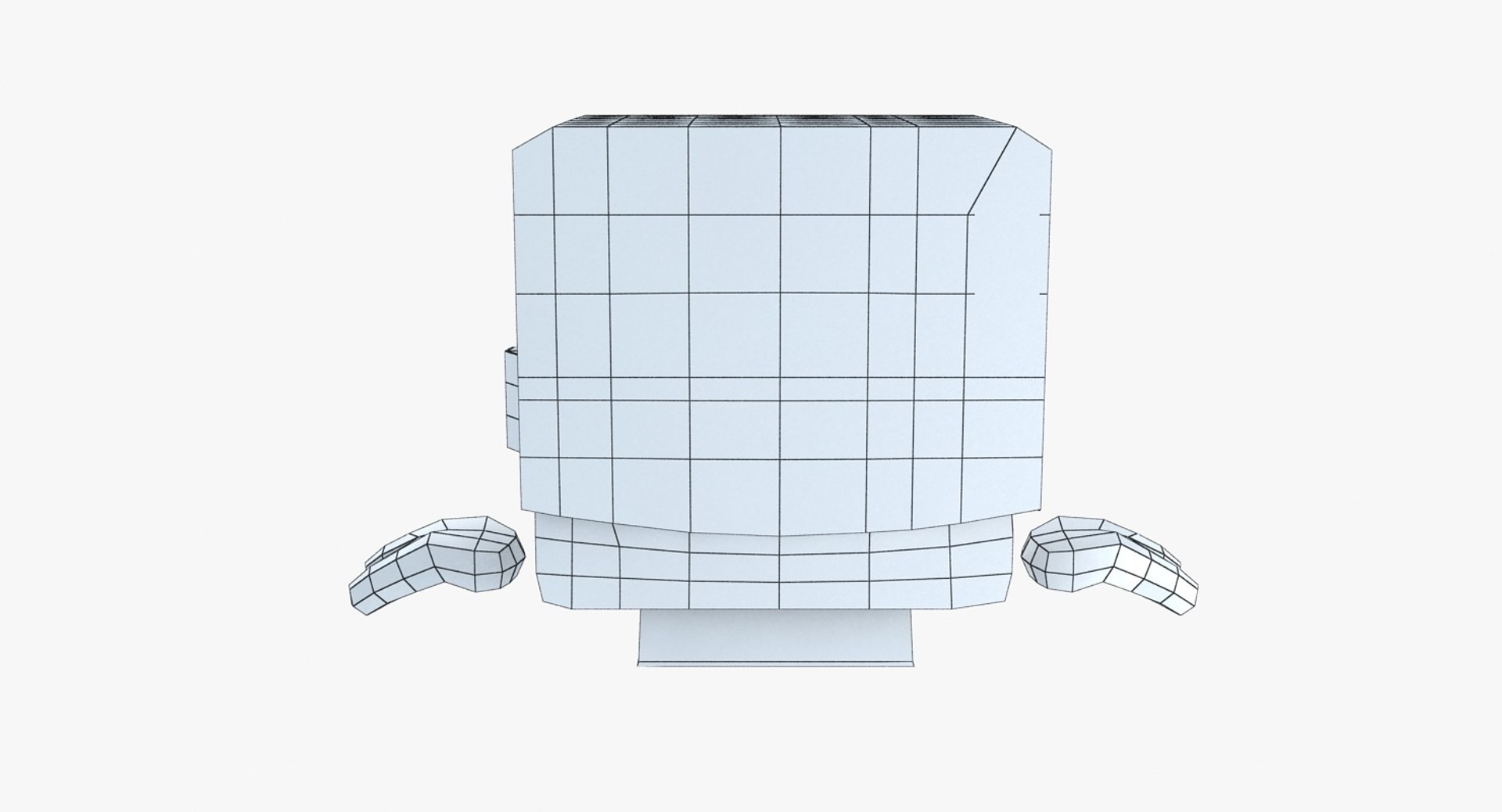
- High quality polygonal model
- All colors are modifiable inside 3ds Max.
- Detailed enough for close-up renders and high-res rendering.
- Model resolutions are optimized for polygon efficiency, in 3ds Max the turbosmooth modifier can be used to increase mesh resolution if necessary.
- Rig controls are simple and easy to animate.
- Scene is managed into layers.
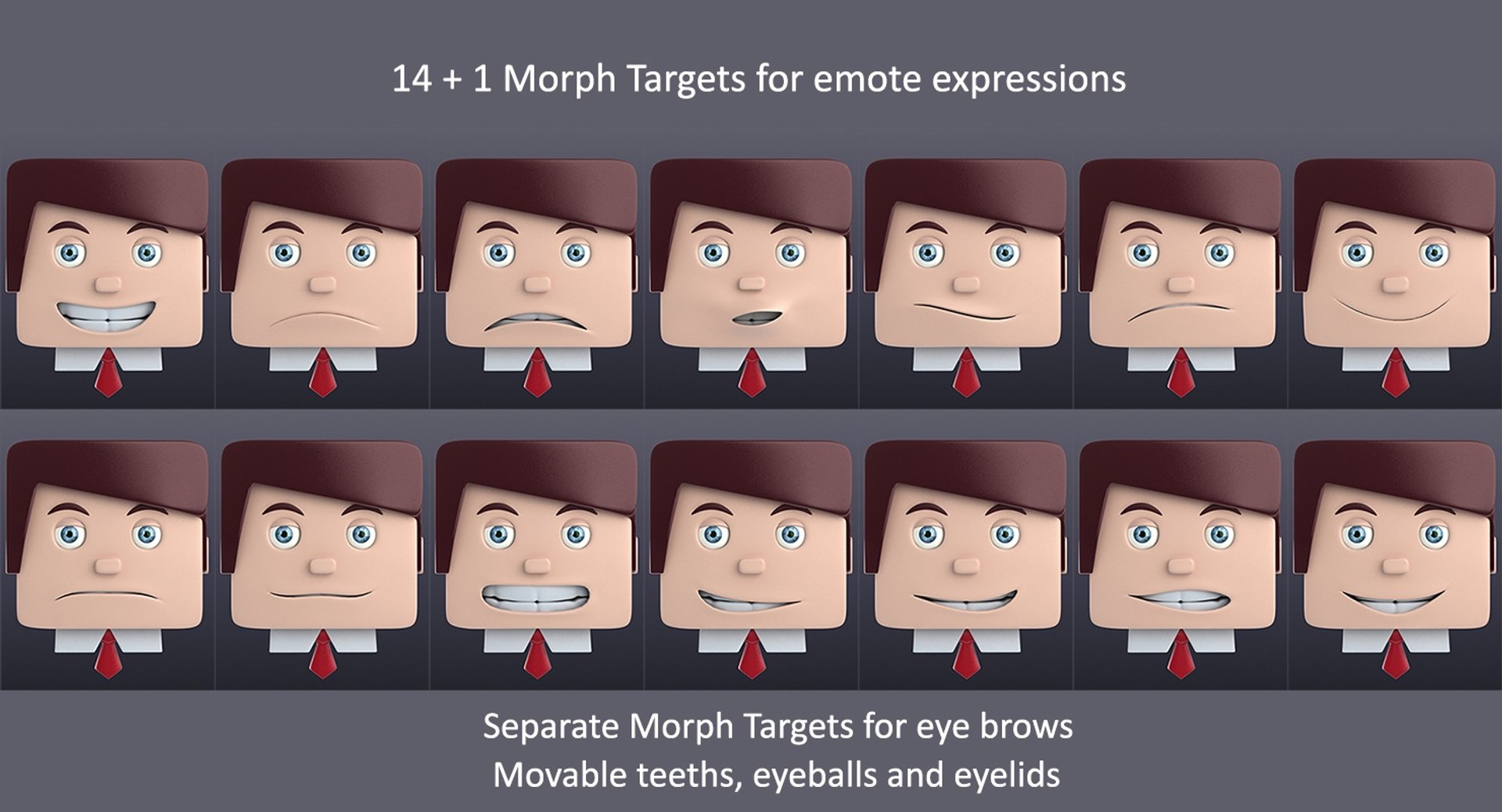
- Morph targets included in the scene,
separate morphs for face and brows for control.
- Custom sliders for morph targets added to Master control.
- No part-name confusion when importing several models into a scene.
- No cleaning up necessary, just drop your models into the scene and start Animating/rendering.
- No special plugin needed to open scene.
- V-ray 2.00 or higher is required for 3ds Max 2010 to render with the same quality as thumbnails.
- 1 Texture for eye pupil included within file archive.
*********************************
Polygon counts for scene:
Turbosmooth 0 - 15, 050
File Formats Available:
*********************************
- 3ds Max 2010
*********************************
Please rate the model after you purchase, Thank you.
Regards,
Shank3d