
電子ロック

$19

標準ライセンス | アップグレードライセンス
フォーマット (3)
Native | 3ds Max 2015 | Default Scanline
OBJ
FBX
仕様
公開日 February 27, 2014
製品番号 803405
多角形 235
頂点 253
多角形四角形/三角形ジオメトリ
テクスチャ
材料
UVマップ
重複しないアンラップされた UV

member avatar
Luchador
279 製品 | Contributor 以来 2009
質問がありますか?今私達とチャットしてください。

説明

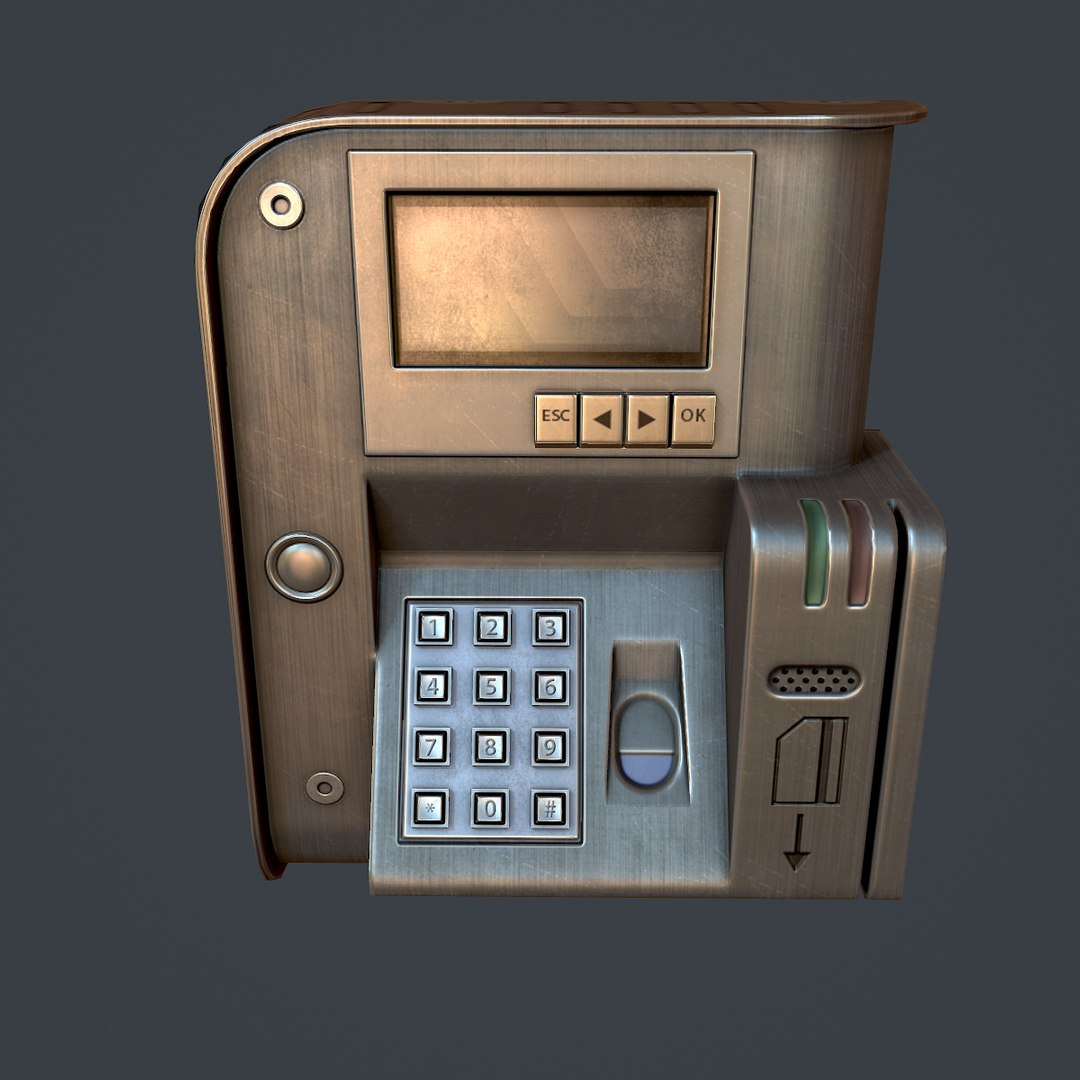
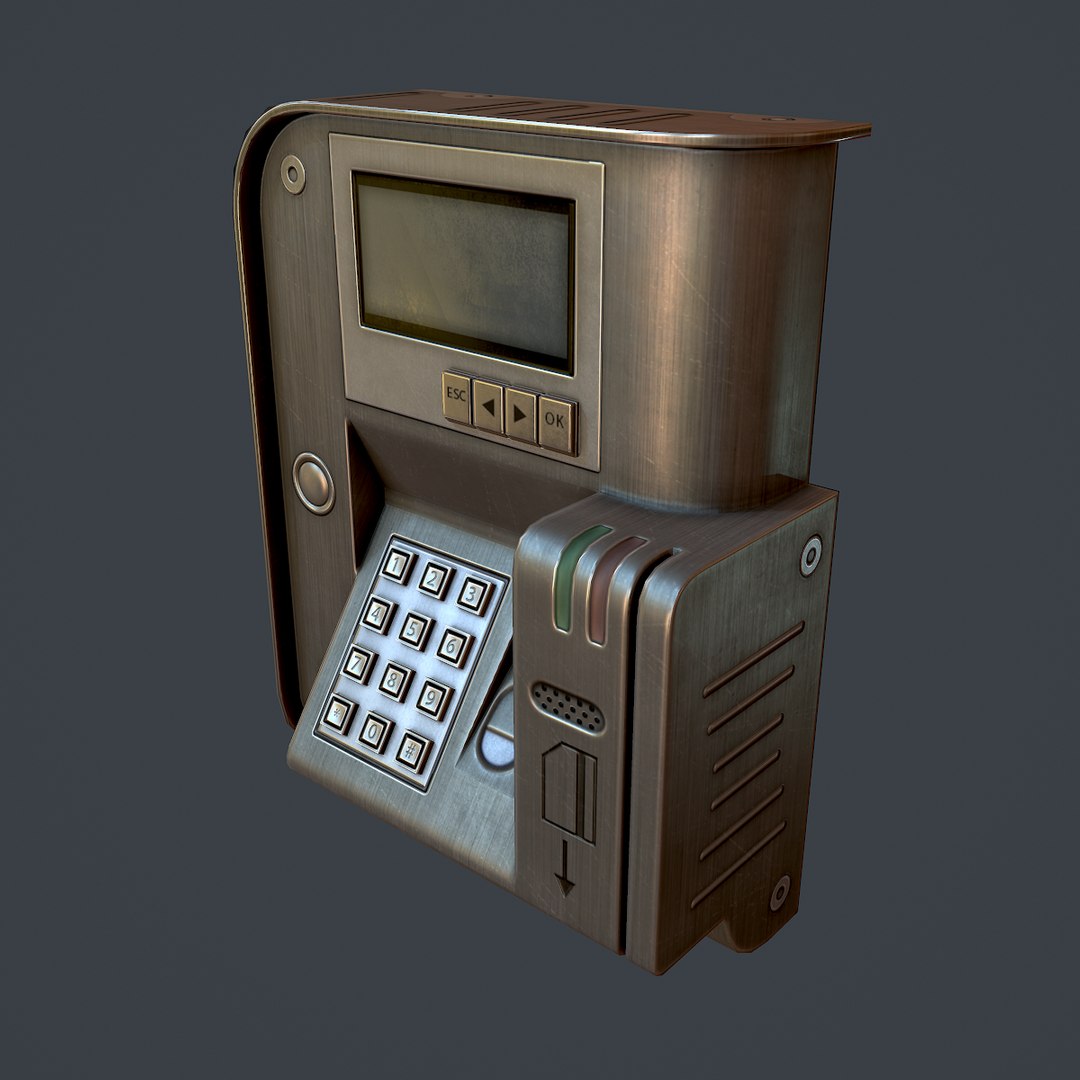
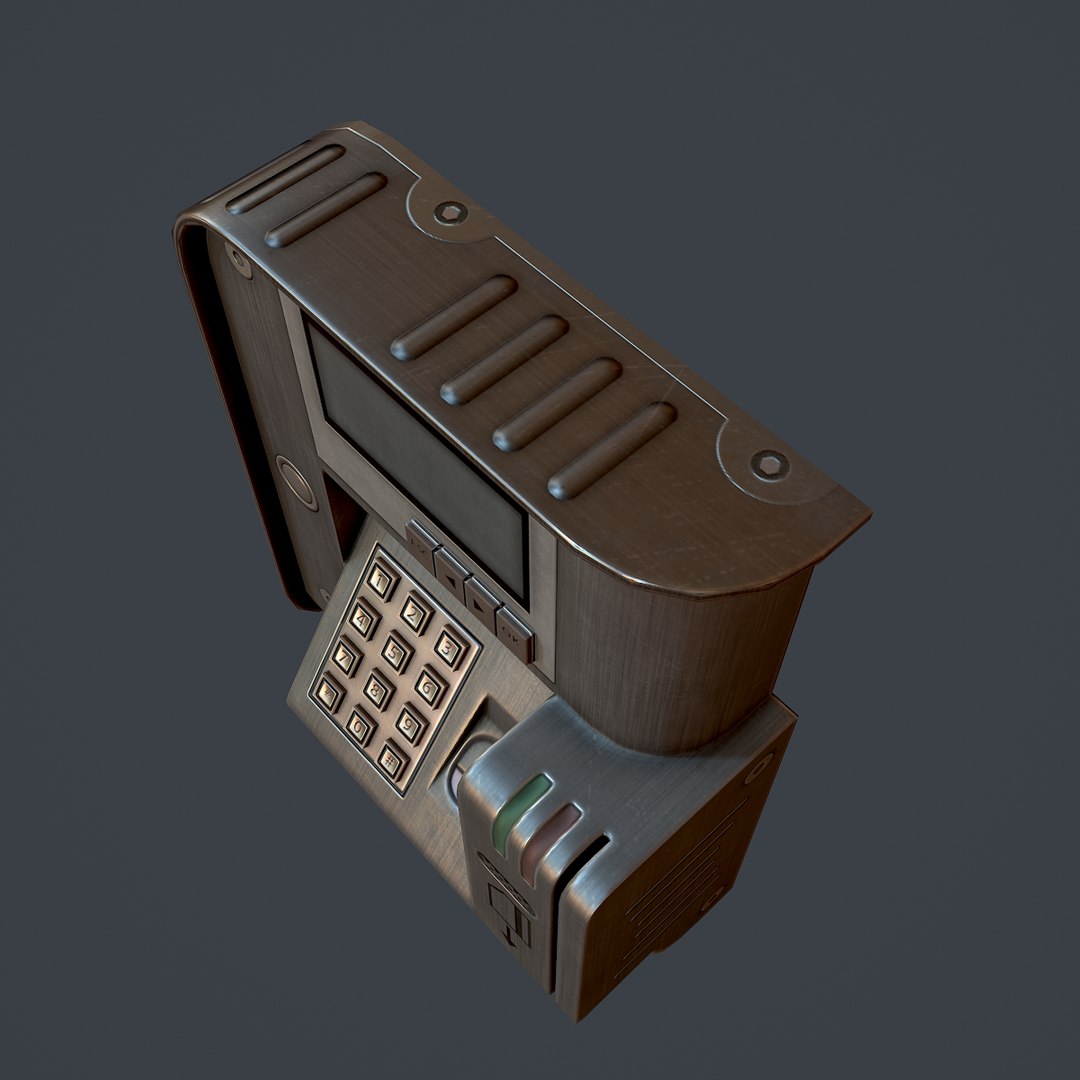
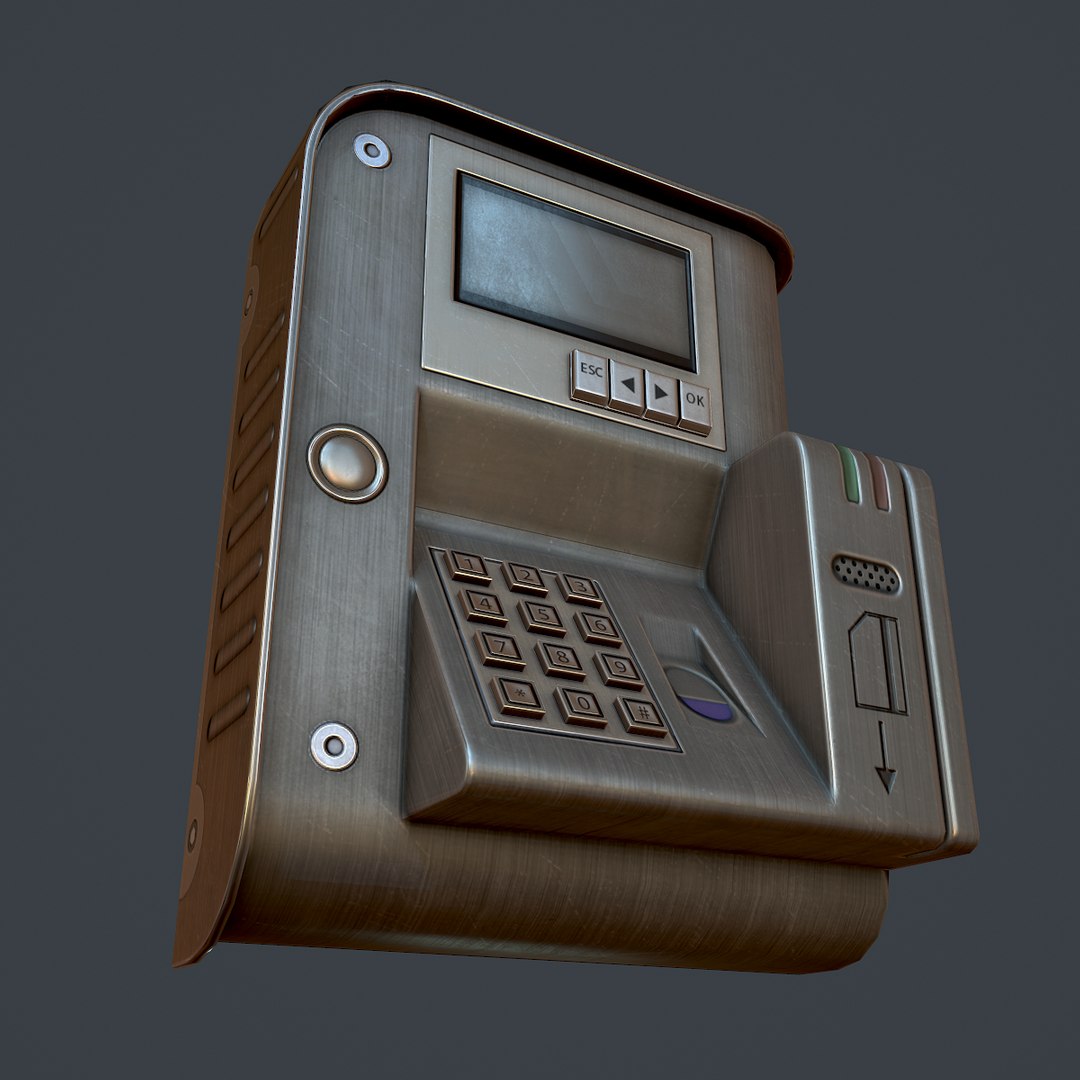
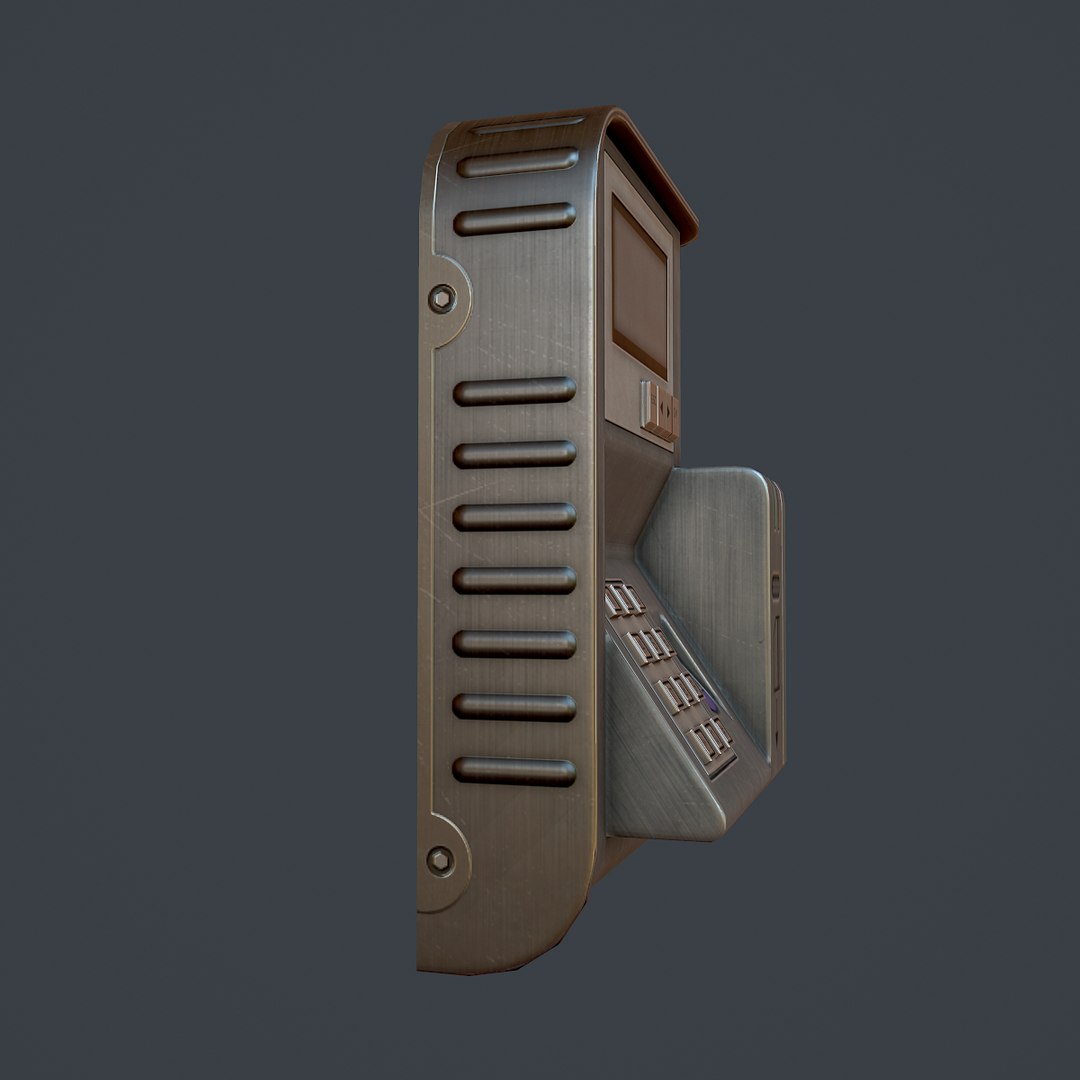
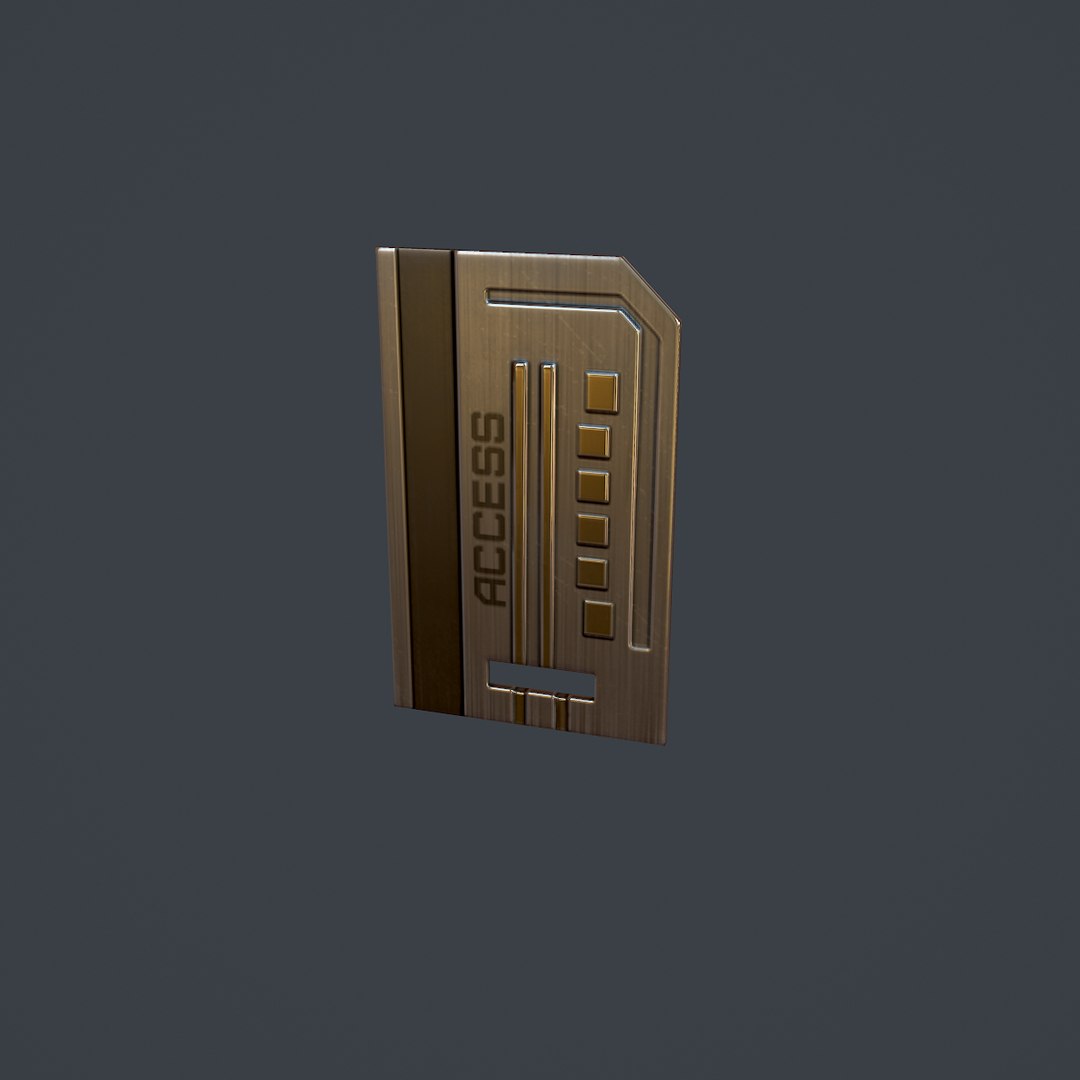
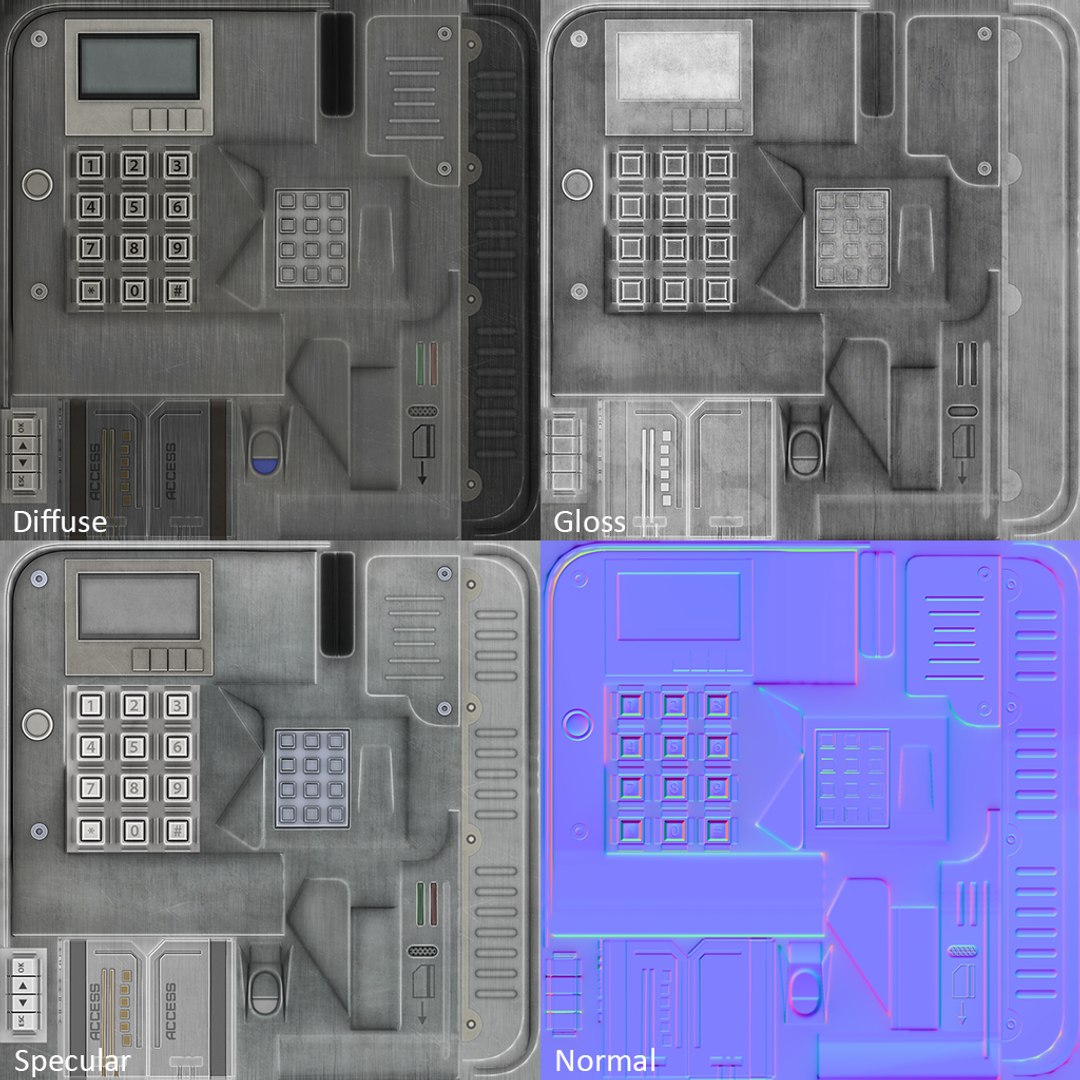
Electronic Lock is intended for game/real time/background use. In games it could be operated by the keypad, keycard, or fingerprint scanner.

This model is not intended for subdivision.

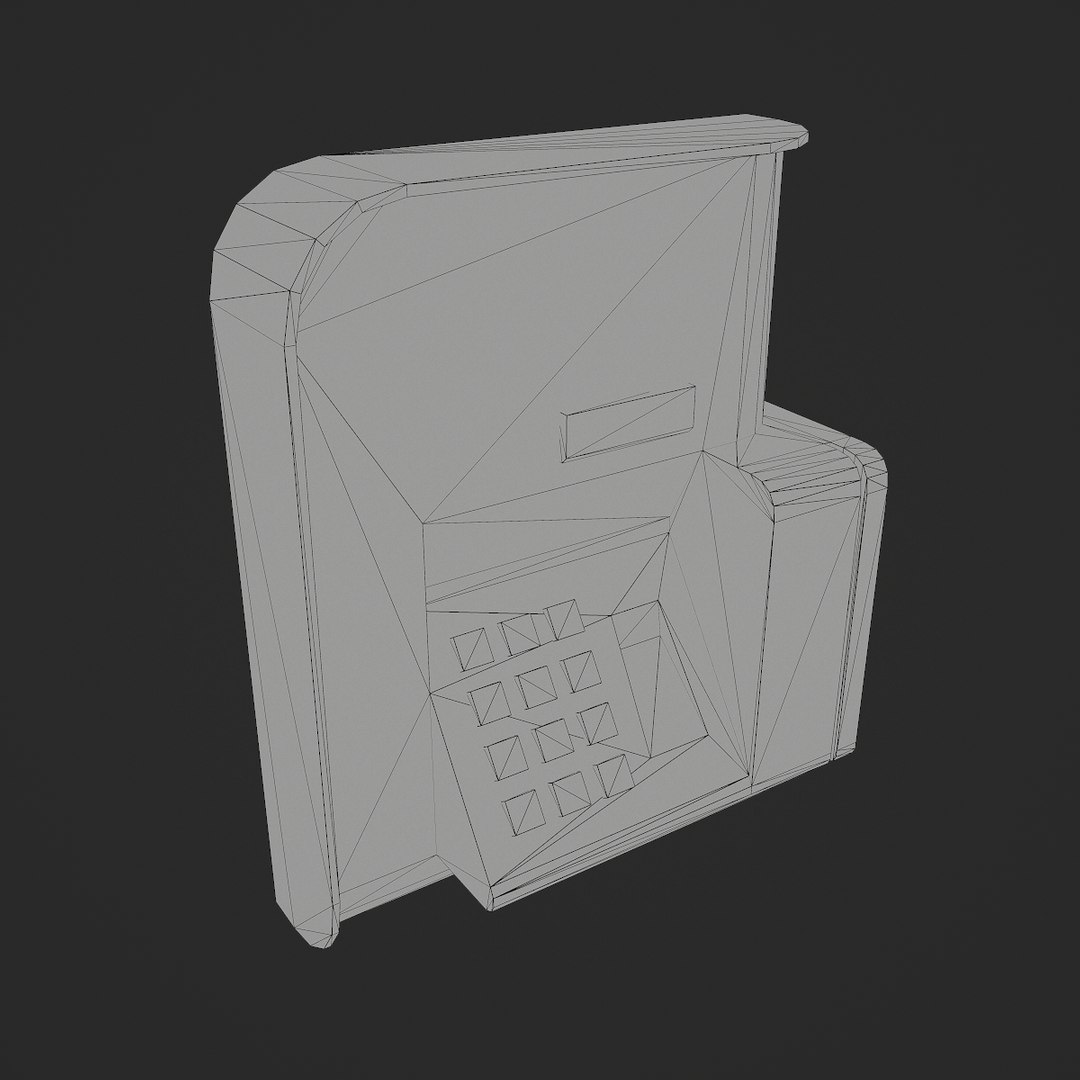
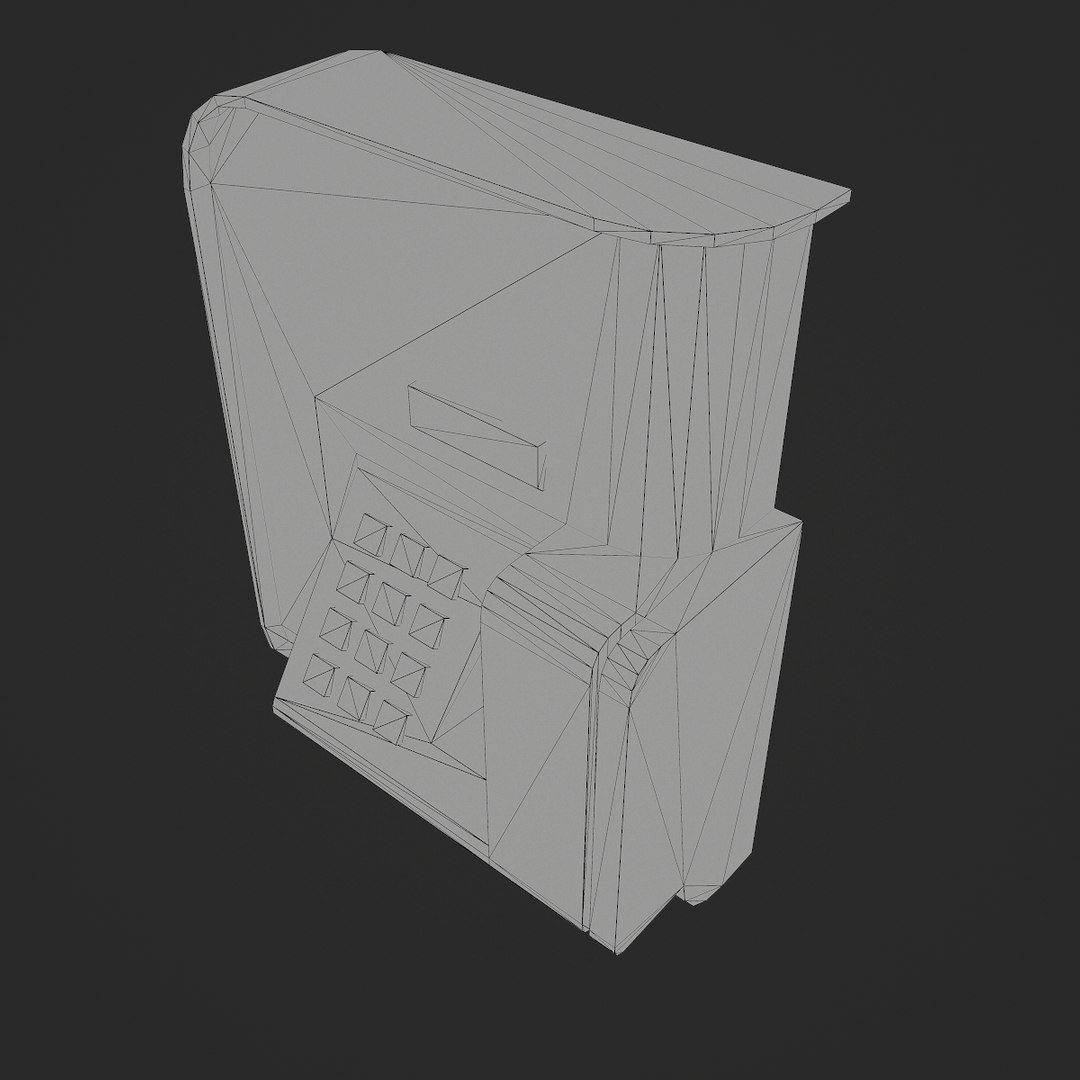
This is a high quality; low poly asset originally modeled in 3DS Max 2015. The normal map was baked from a high poly model, making this product look very detailed without using many polygons.

The main renders and wireframes were done in Marmoset Toolbag 2.

||SPECS||

Low Poly Model (2 Objects)

• Electronic Lock
• Keycard

|| Geometry ||
• 412 Total Tris
• 235 Total Polys
• 253 Total Verts

• Polygons are all quads or tris, no n-gons
• Model unwrapped manually to make most efficient use of the UV space
• Model scaled to approximate real world size (inches)
• Approximate dimensions: W:6'' x L:3'' x H:7''
• Model centered at the origin
• All materials and objects named appropriately
• Tested in Marmoset Toolbag
• Tested in the UDK
• No special plug-ins needed to use this product
• .obj and .fbx versions exported from 3ds Max 2013

|| Textures ||

• 1024x1024 diffuse, specular, gloss and normal textures
• There are two extra emissive (glow) maps to make the lock look like it's open or locked
• Textures in .tga format
• Model texture paths are stripped

One final note: Unfortunately there's no universal standard for normal map orientation between game engines. If the normals don't look correct try inverting the green and/or red channels of the normal map in an image editor.

拡張ライセンスを選択

  • $10,000 法的保護(補償)
  • 無制限の法的保護(補償)
  • 差し止めによる救済の放棄
  • 割り当て可能なモデルの権利
  • $1,000,000 法的保護(補償)
  • 差し止めによる救済の放棄
  • 割り当て可能なモデルの権利
  • $250,000 法的保護(補償)
  • 割り当て可能なモデルの権利
拡張ライセンスの詳細についてはこちらをご覧ください。または、enterprise@turbosquid.comまでお問い合わせください。既にShutterstock Enterpriseをご利用の場合は、3D機能の追加についてShutterstockのセールスサポート担当者にお問い合わせください。

About Conversion Requests

To submit a conversion request for a purchased asset, please complete our Conversion Request Form.

If you have not yet purchased a model, please review our Documentation about Conversions to learn about what limitations you may encounter with a conversion.

For any additional questions about a model’s suitability for conversion, please contact TurboSquid Support.

読み込み中...