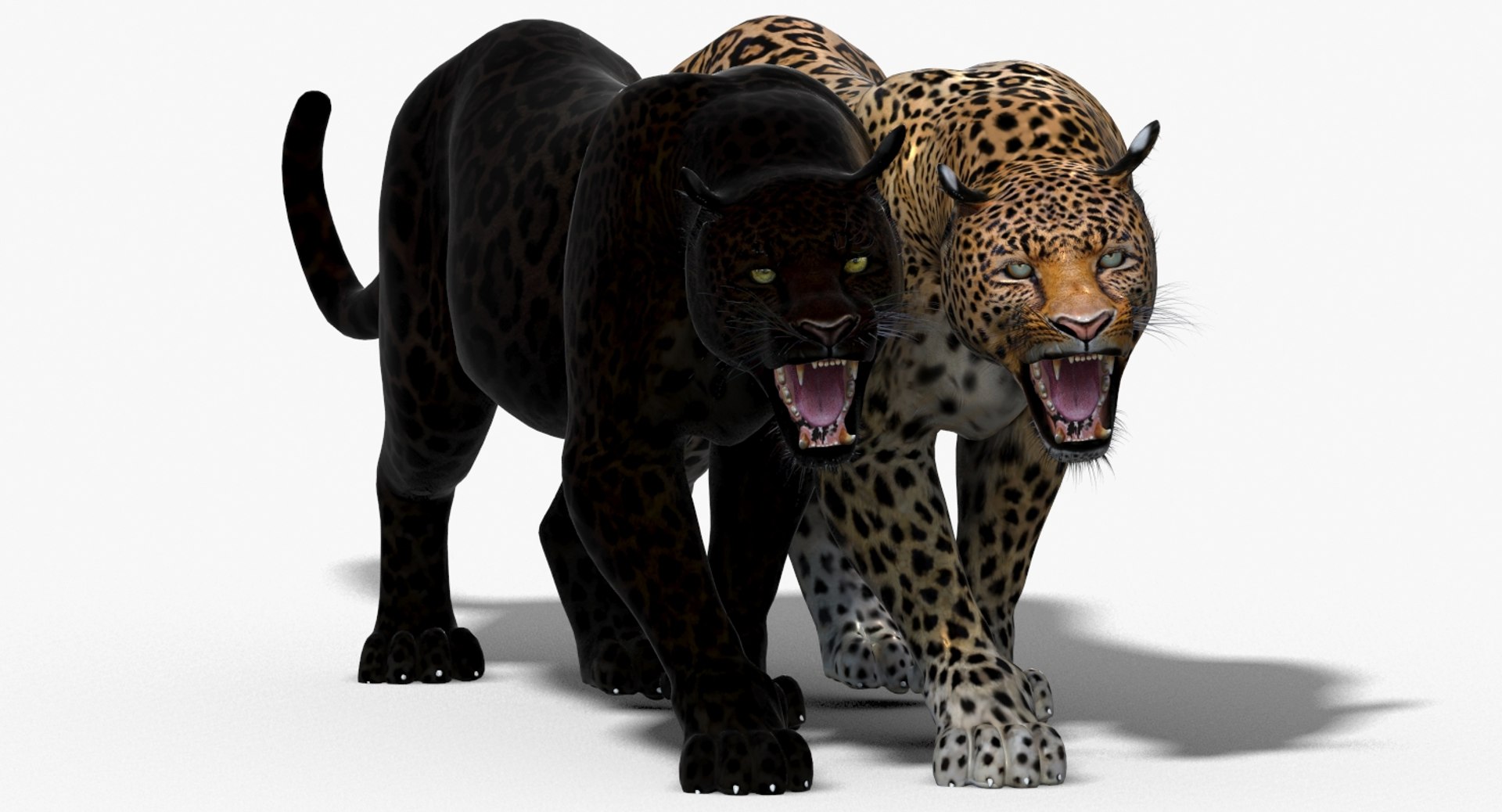
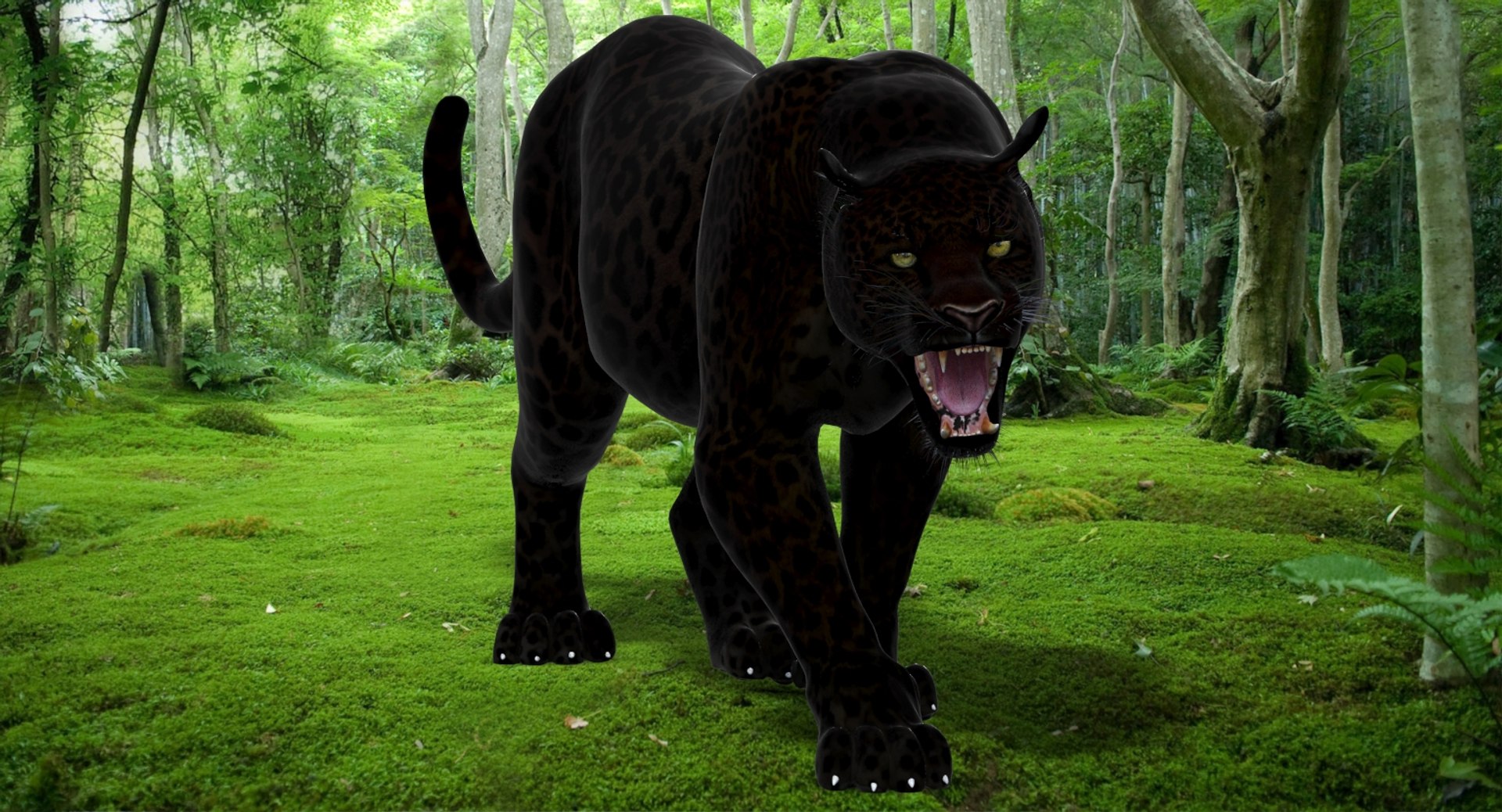
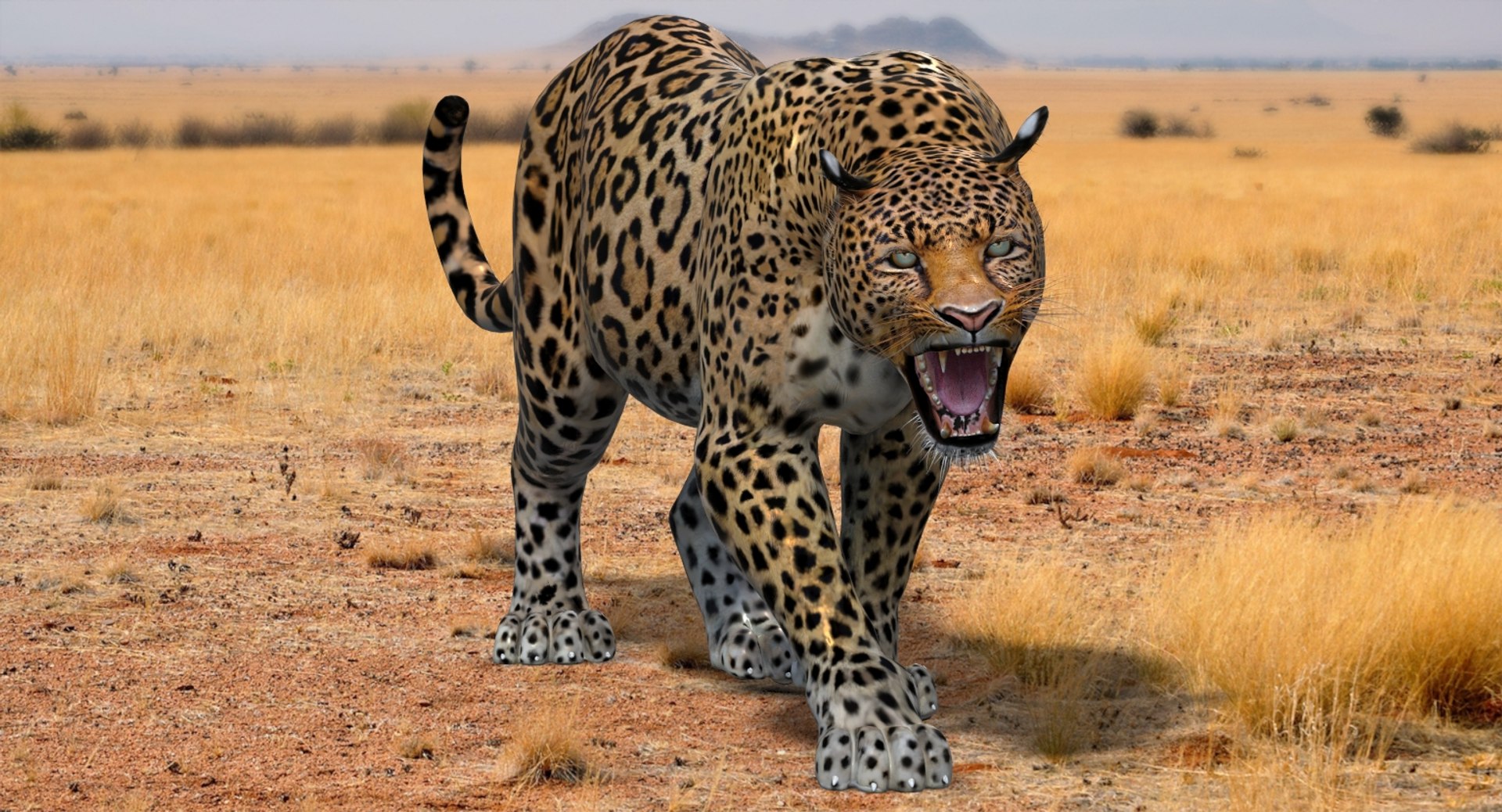
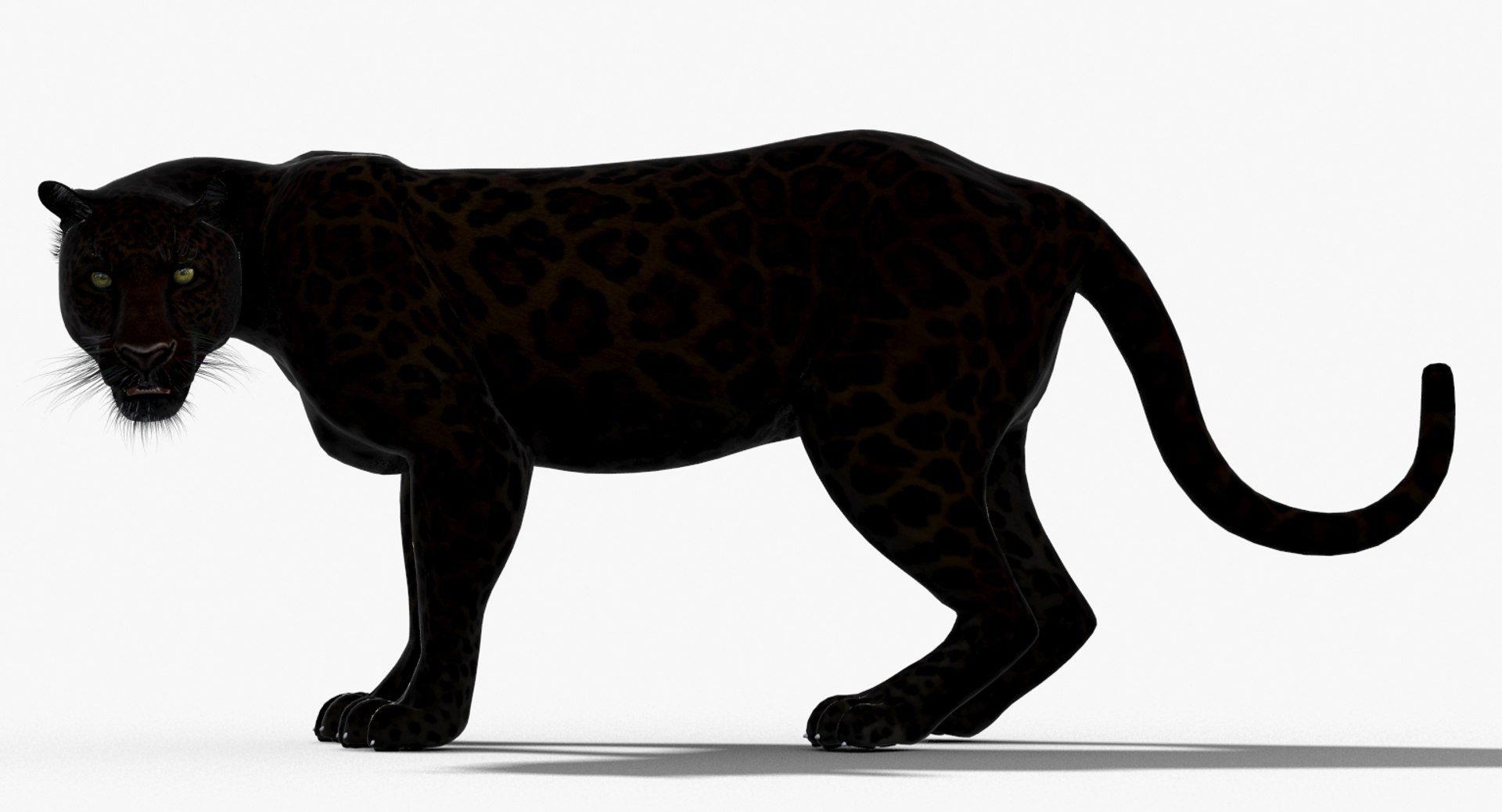
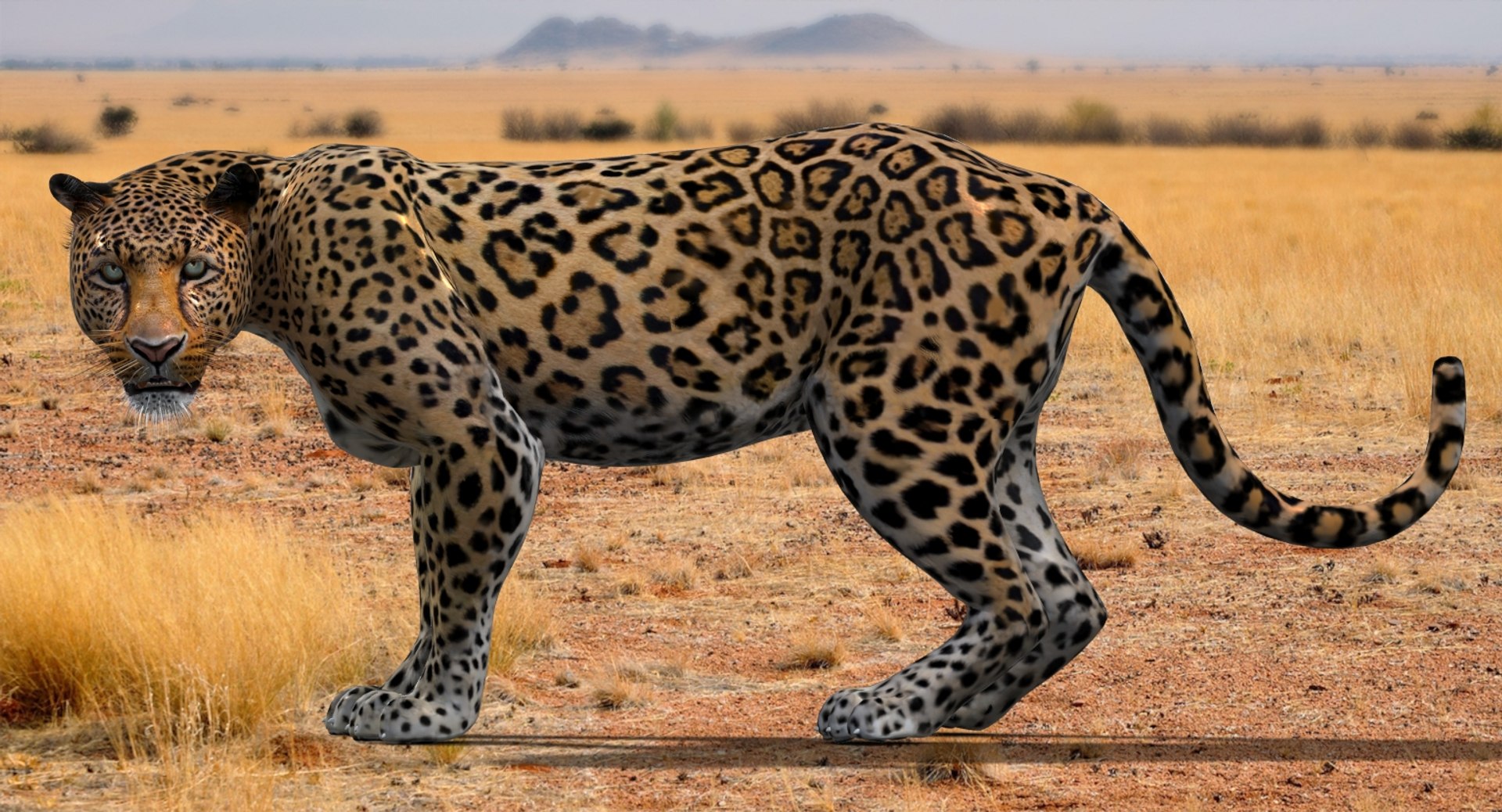
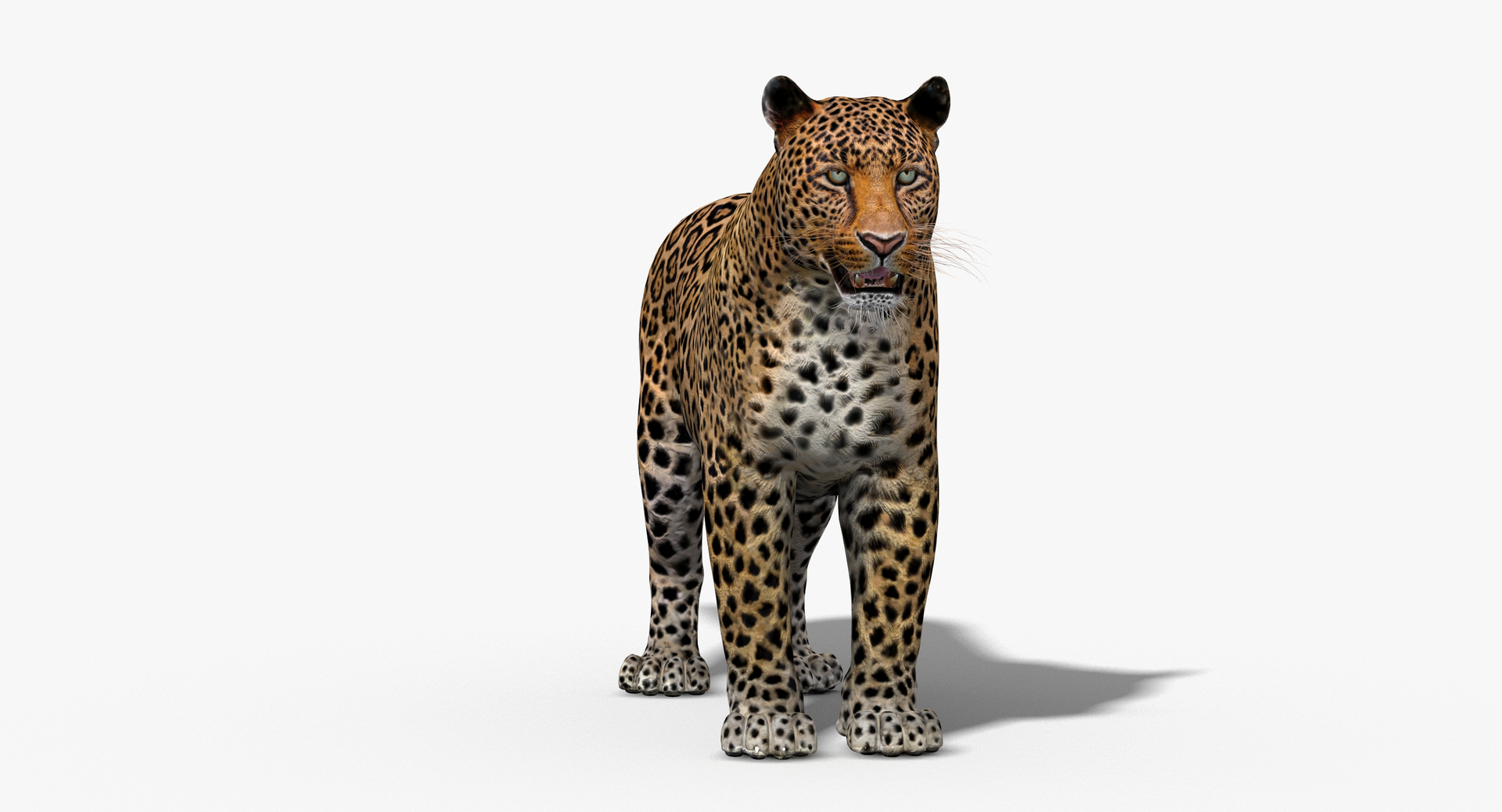
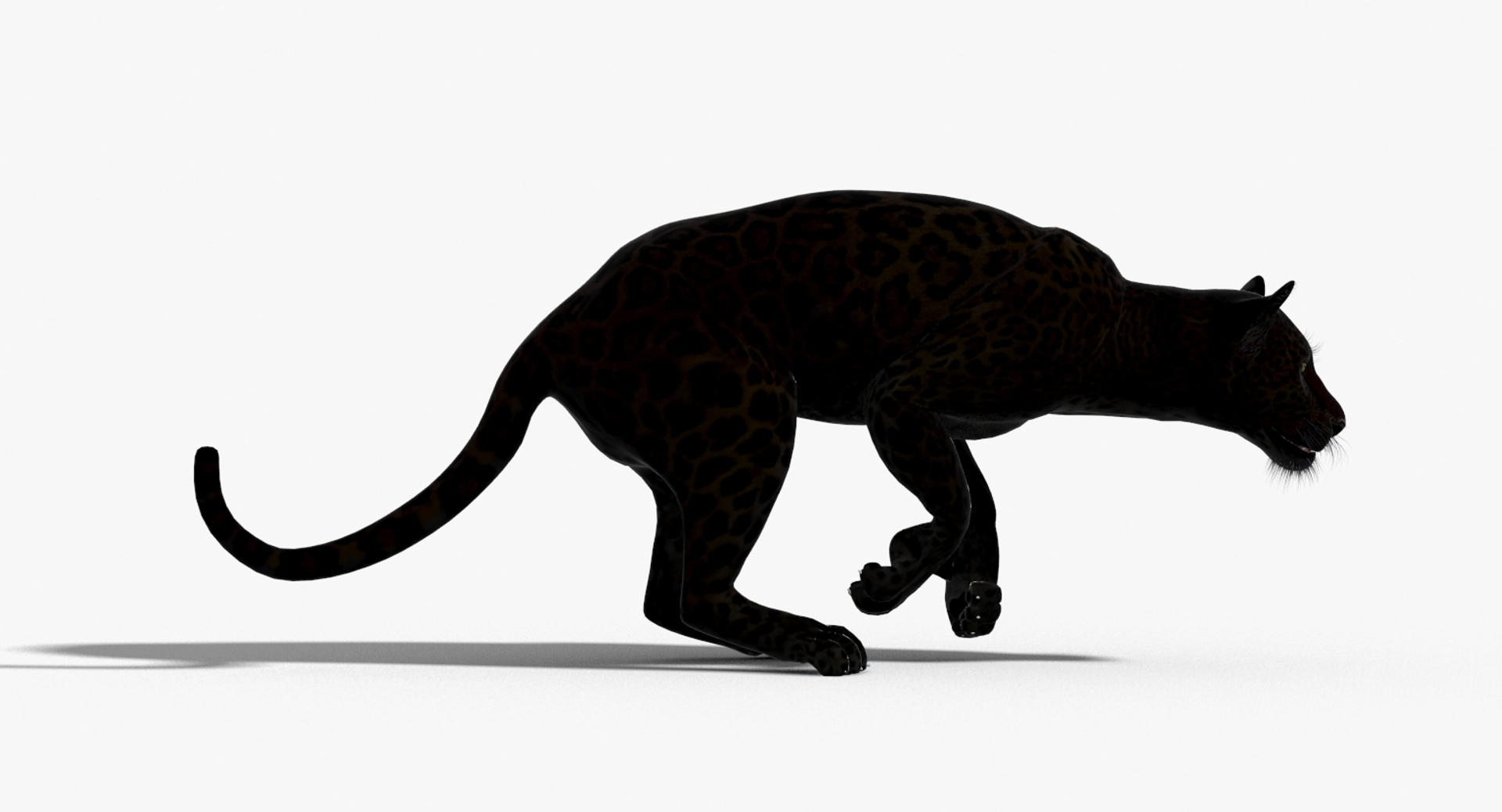
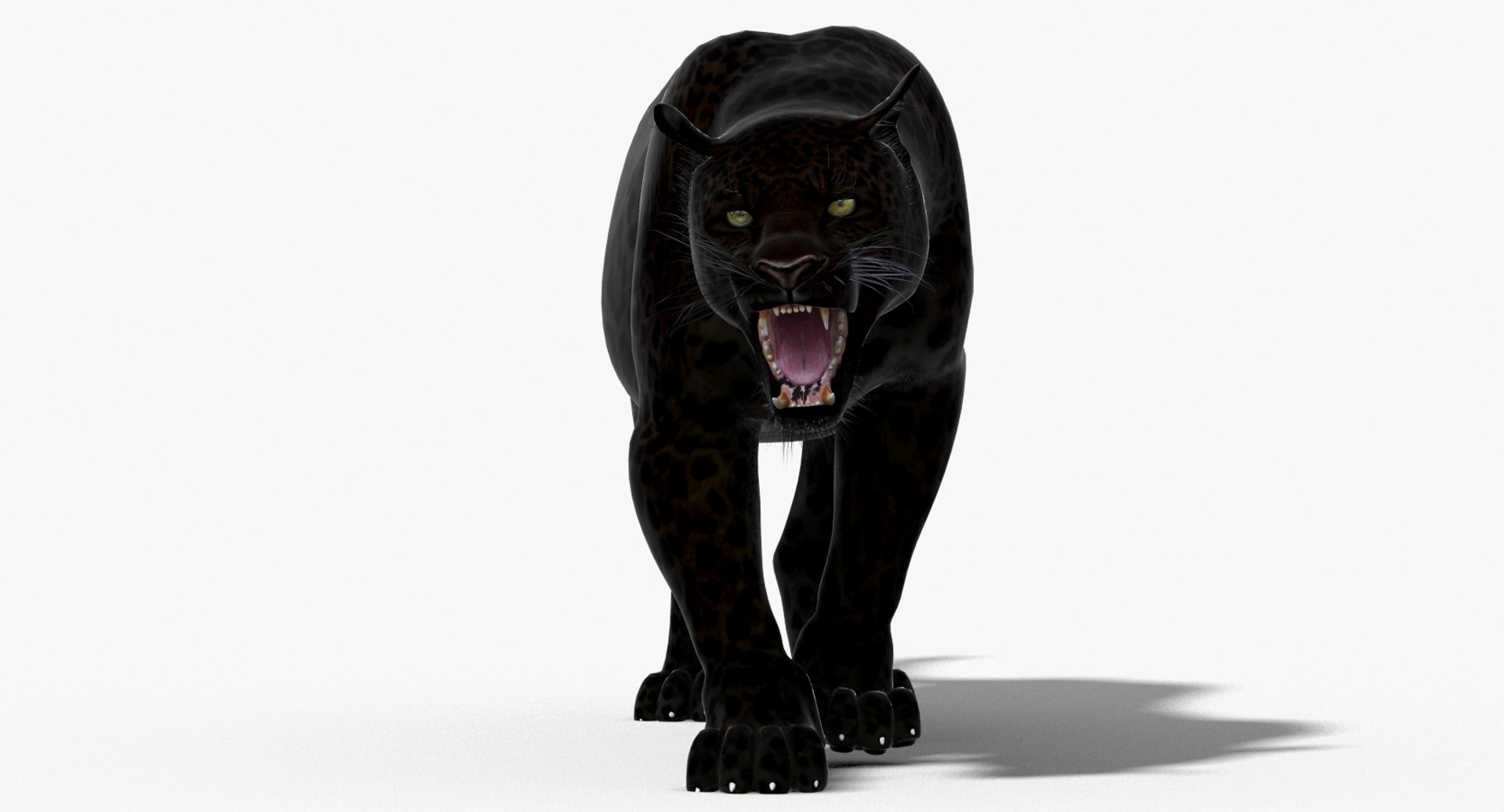
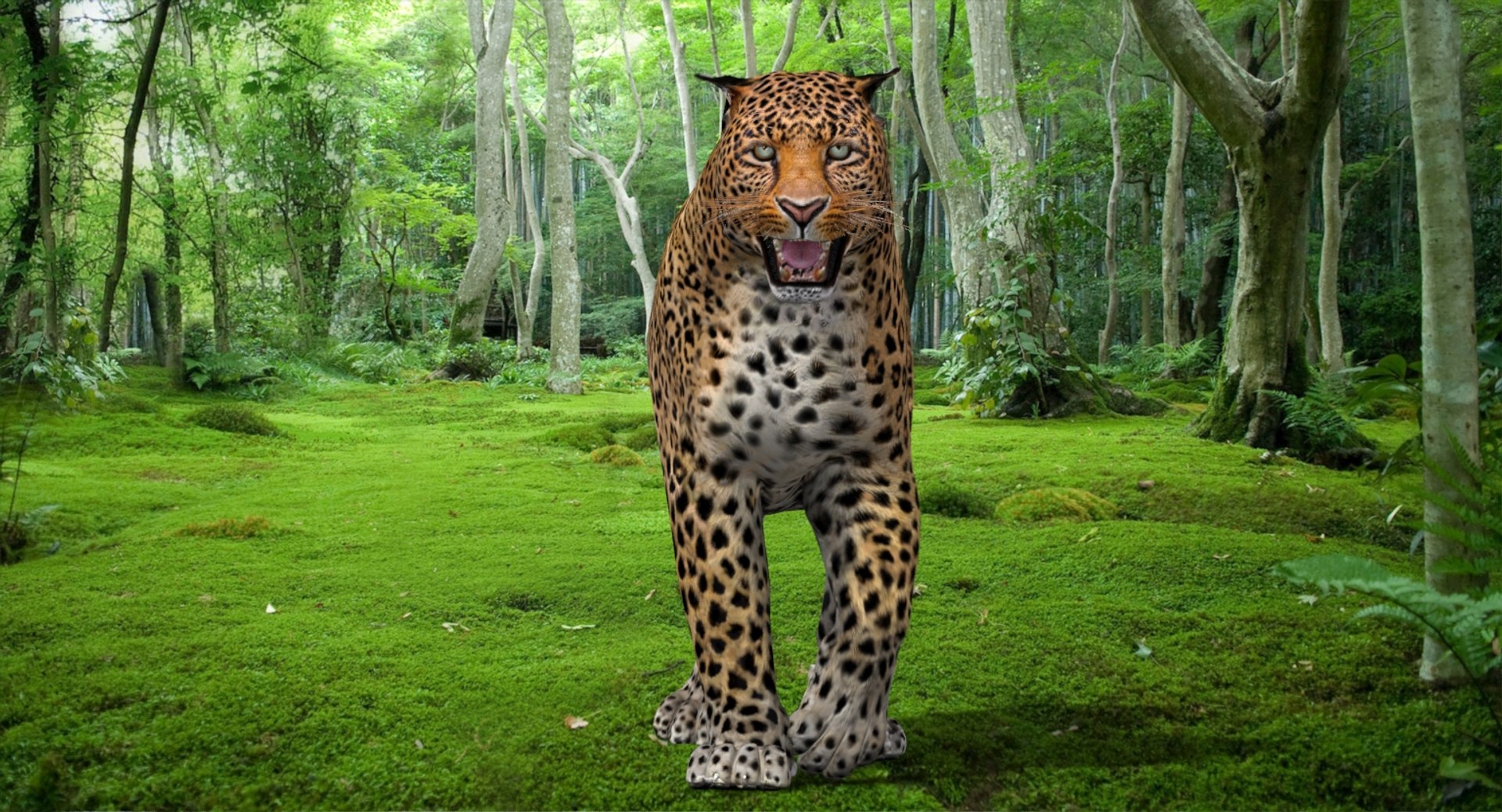
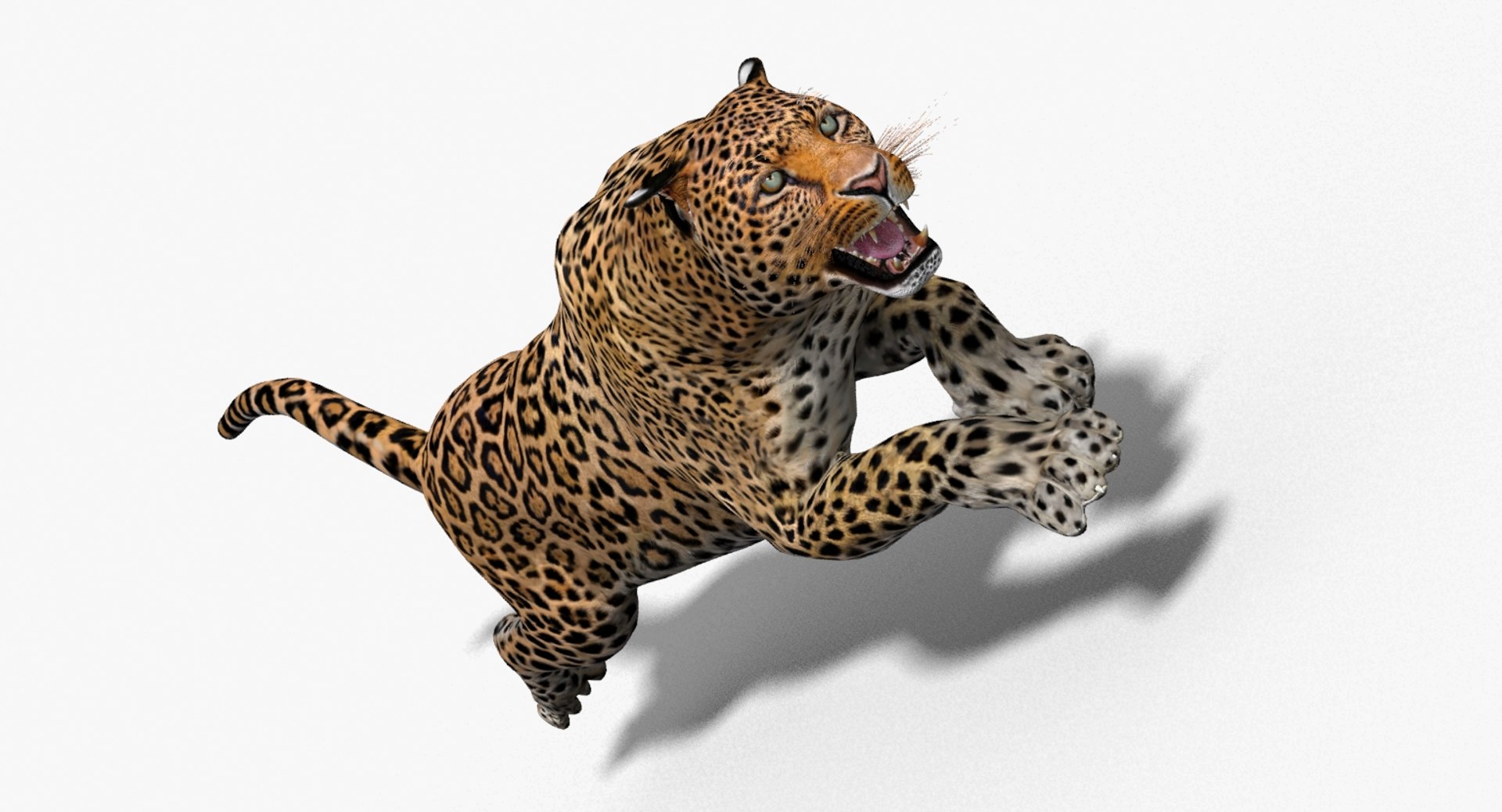
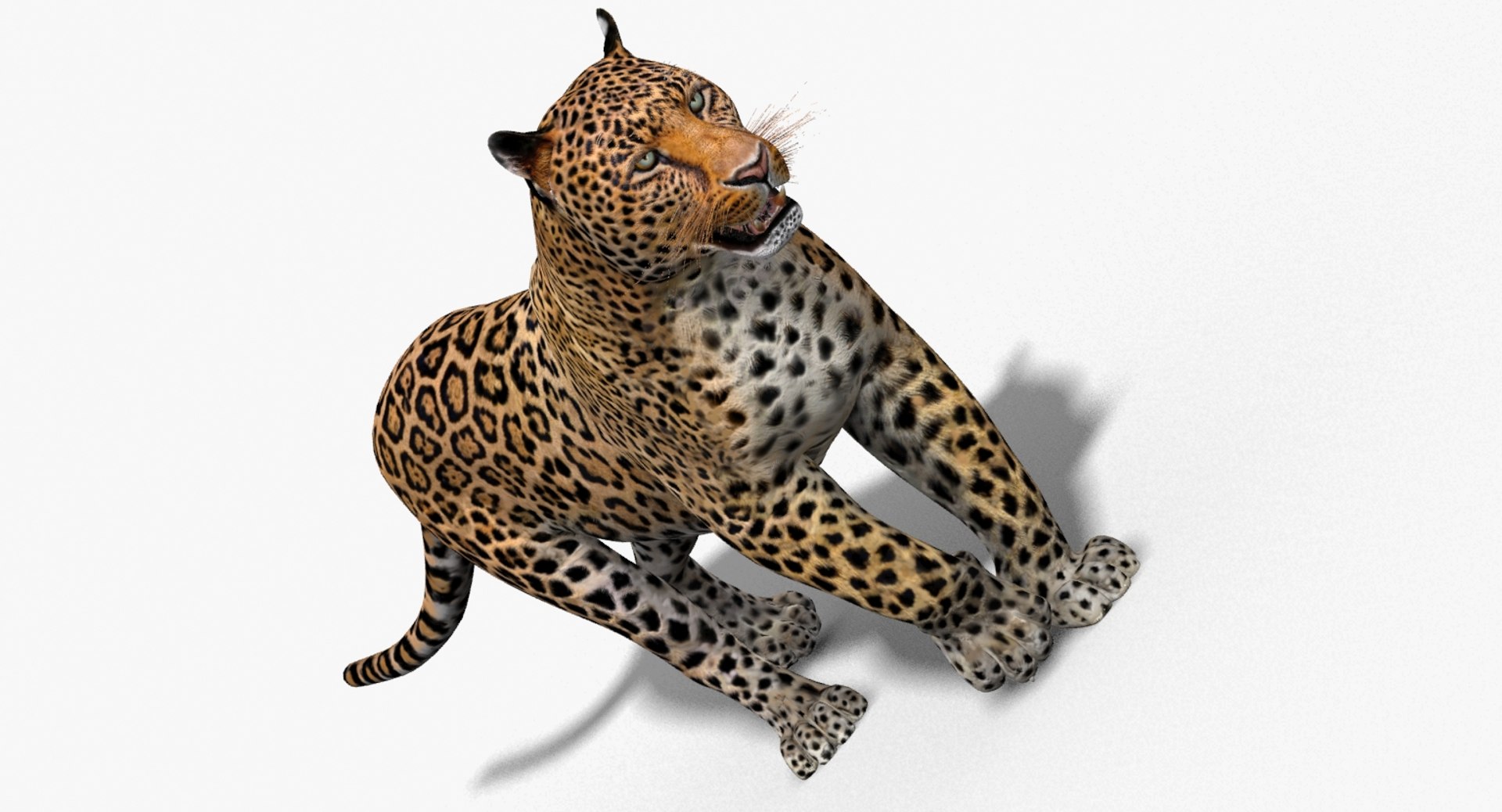
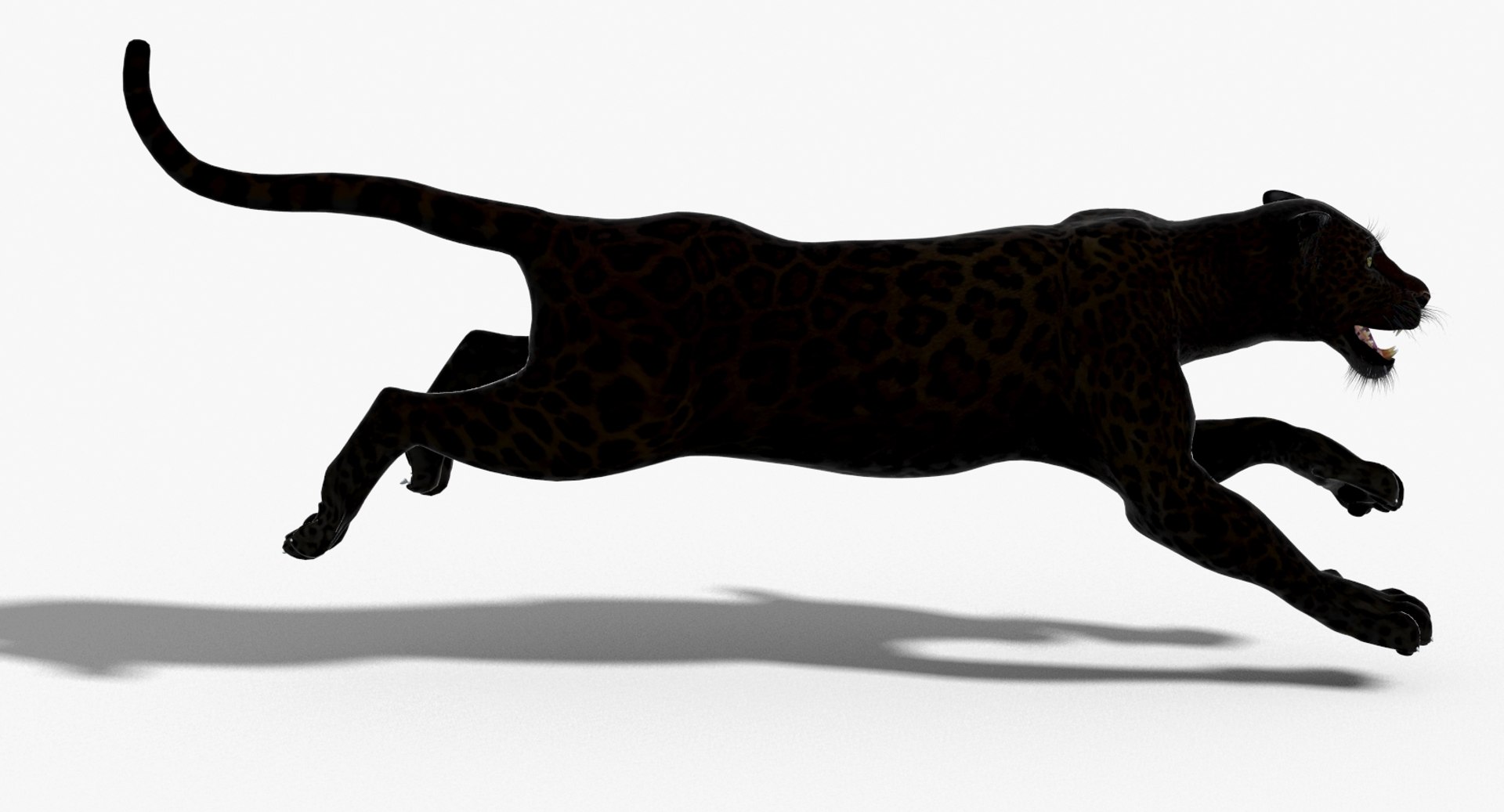
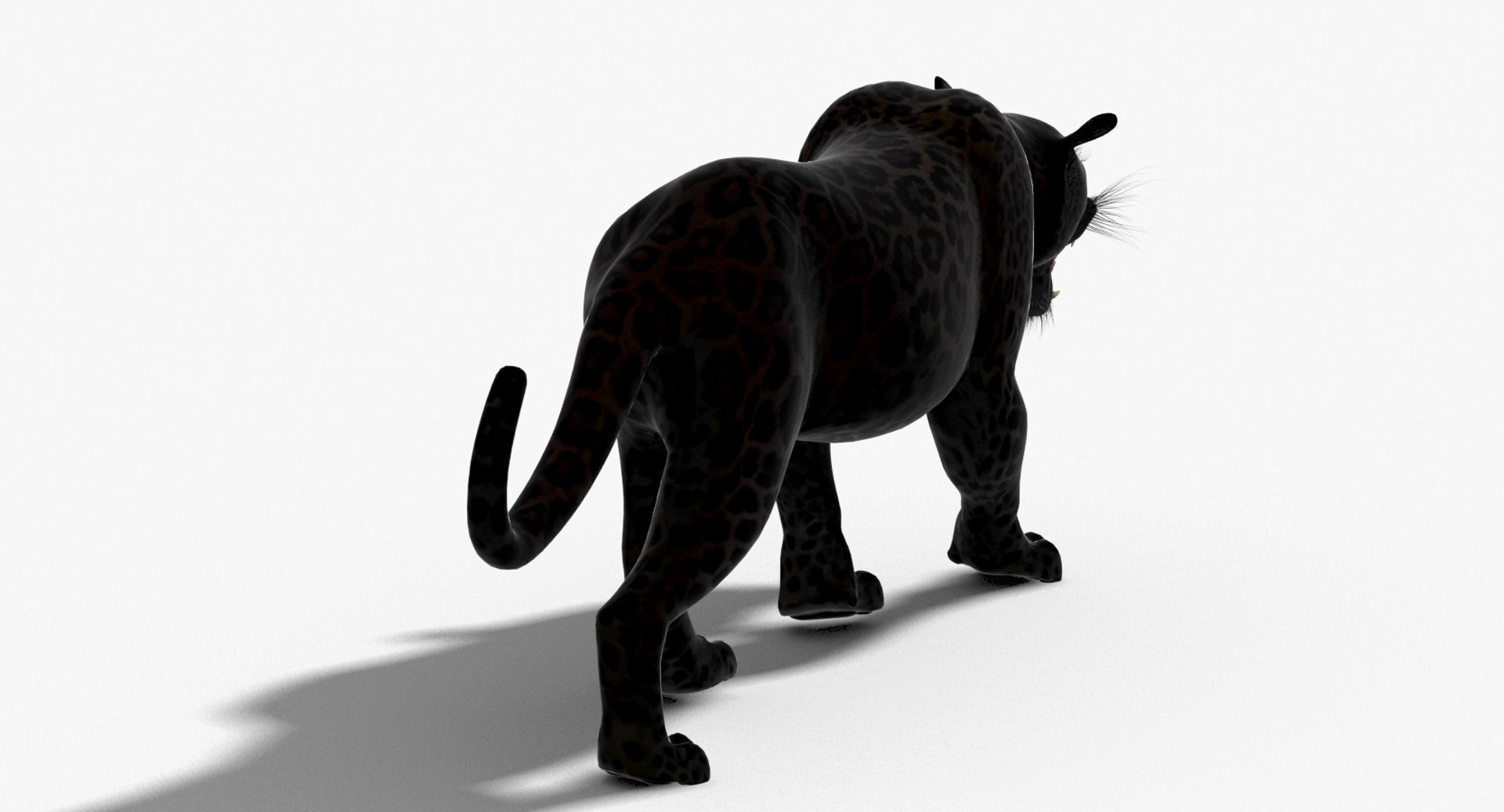
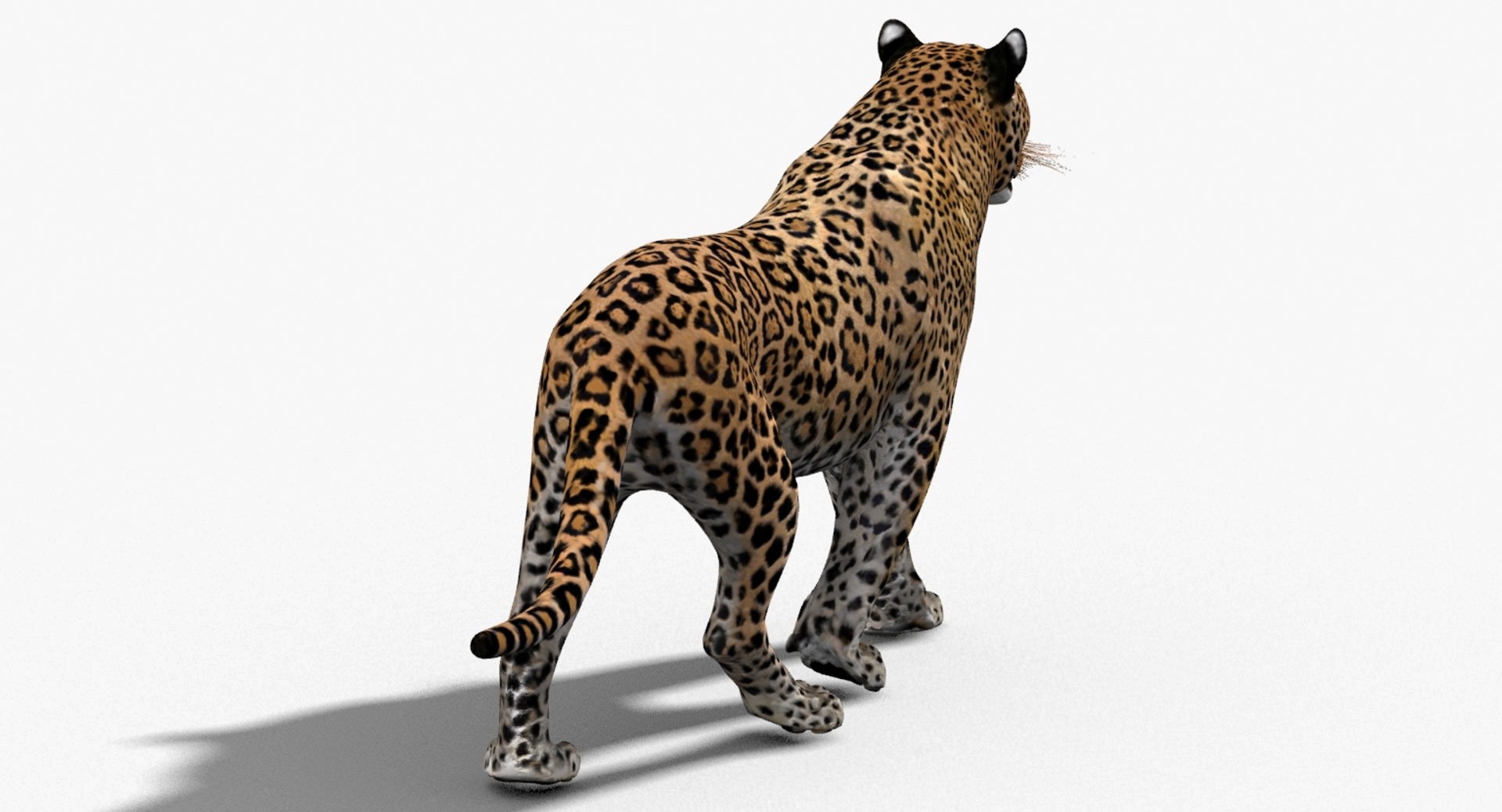
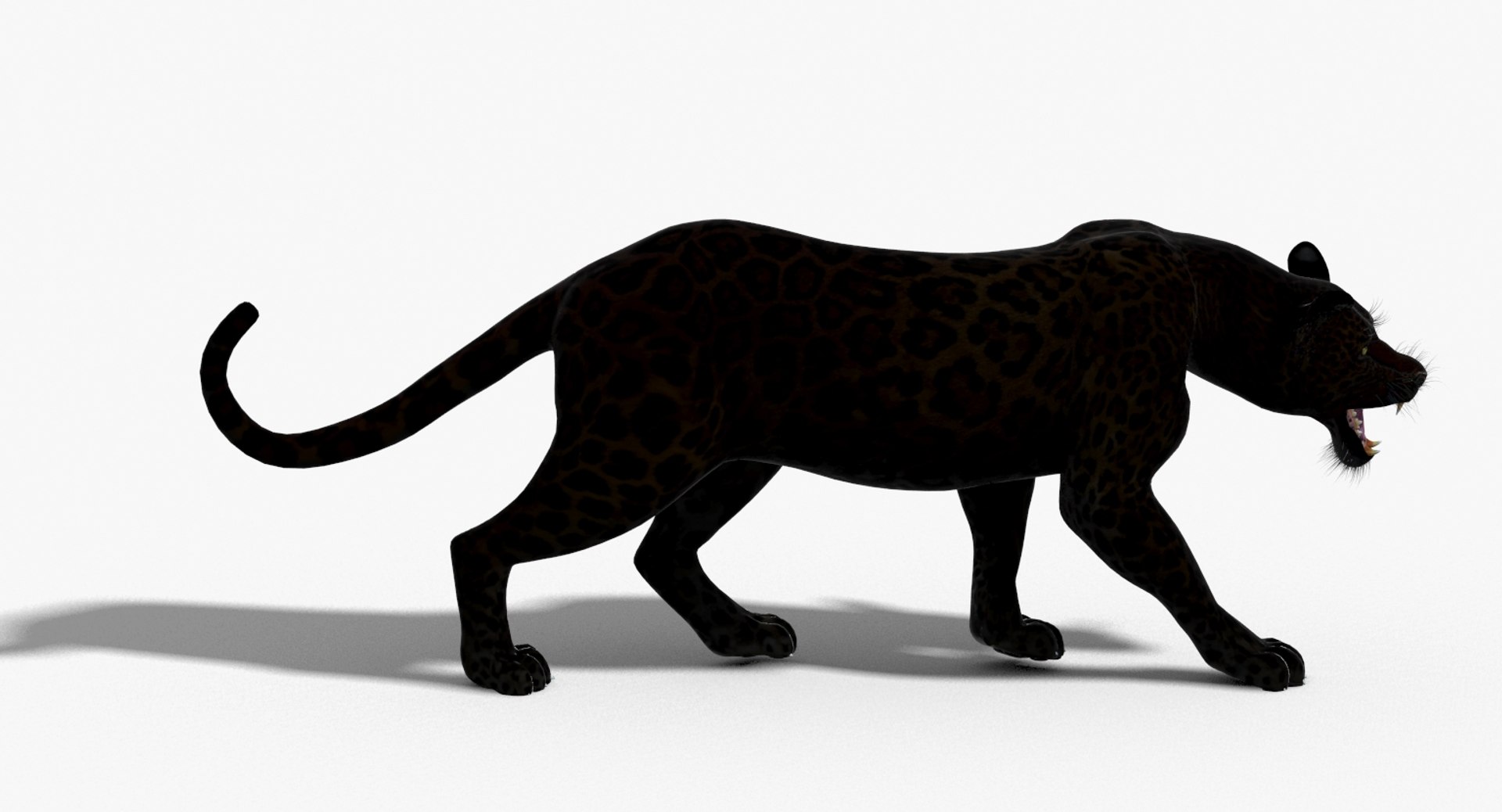
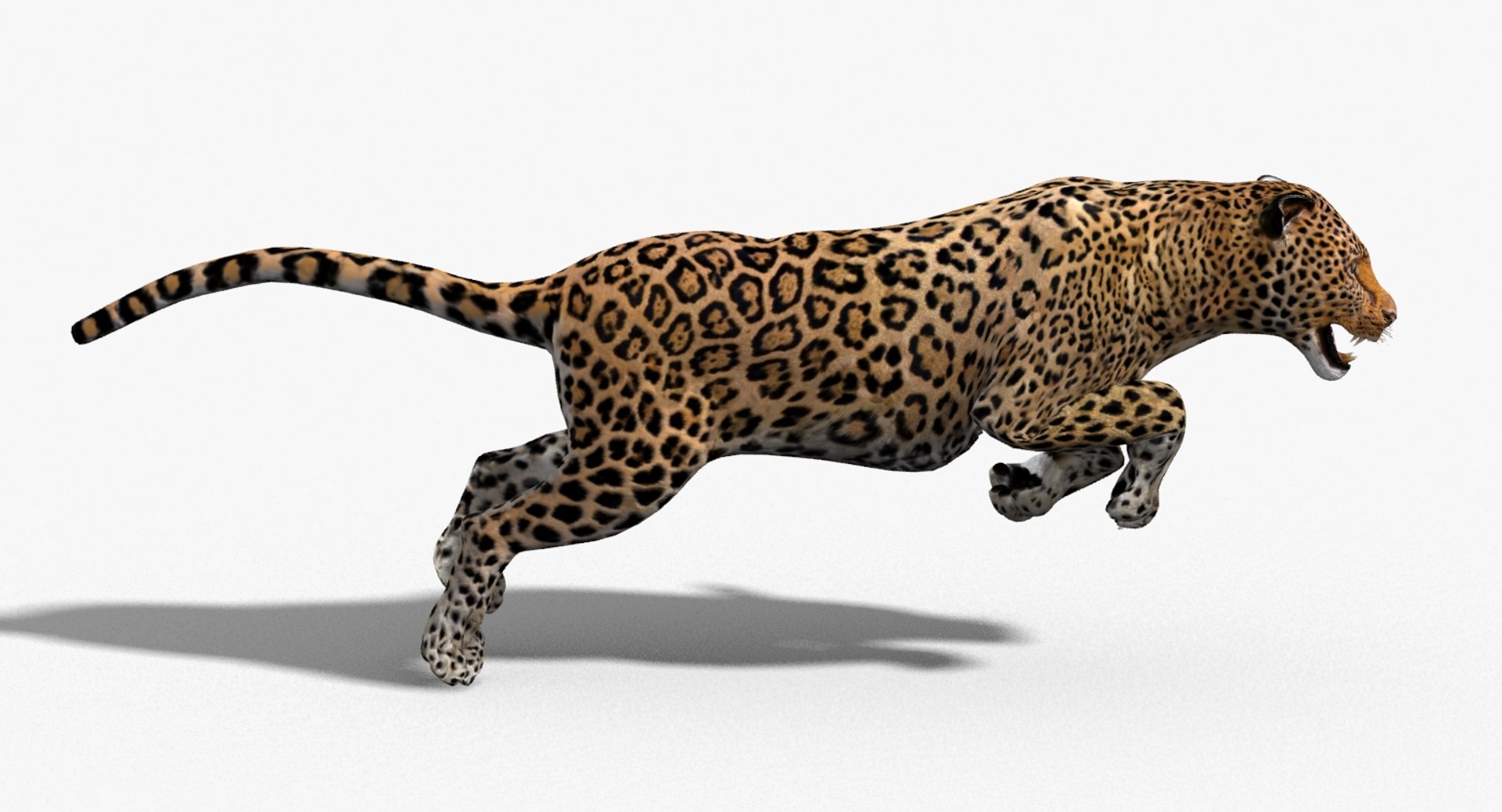
Leopard and Panther Animated
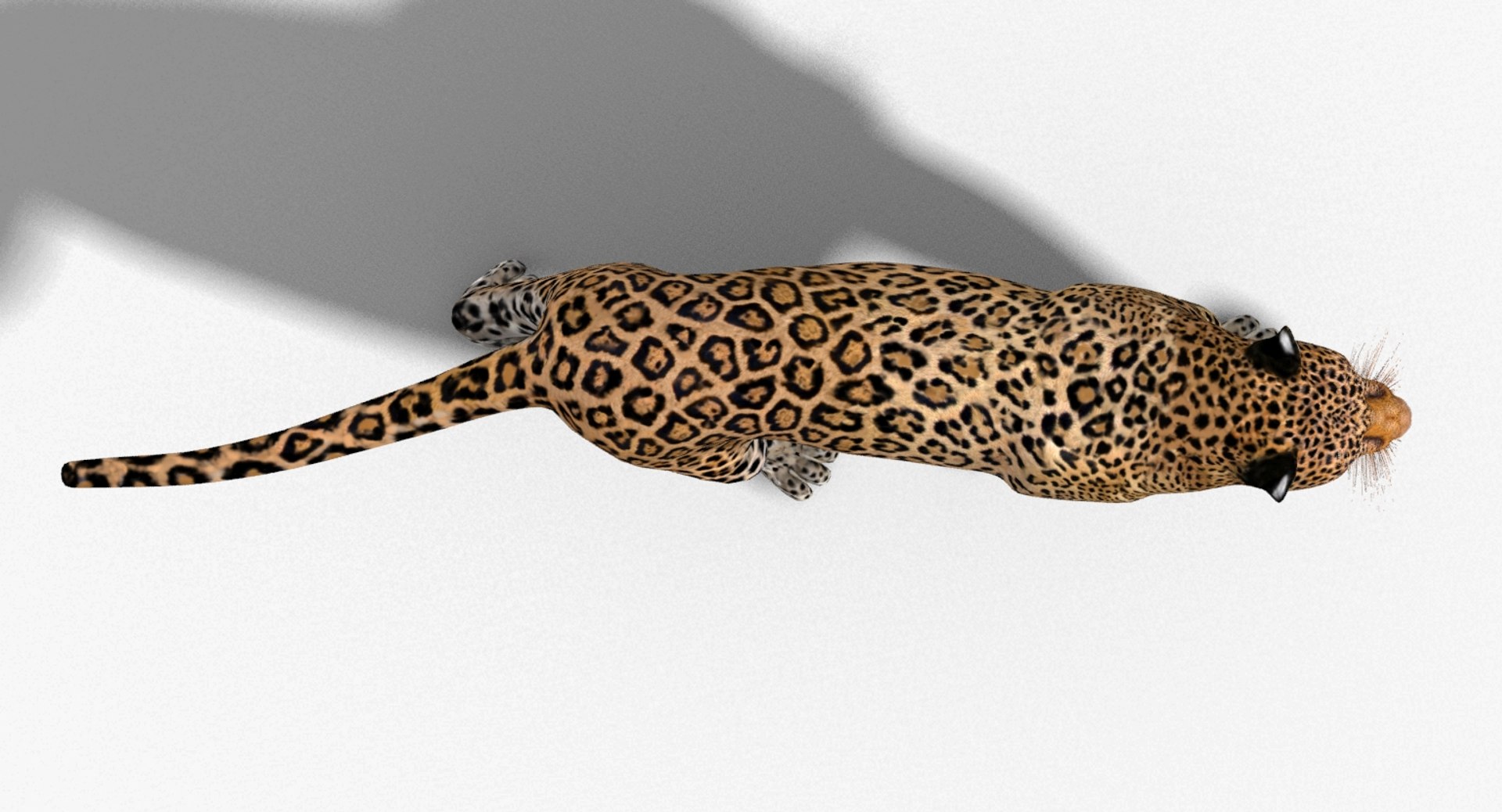
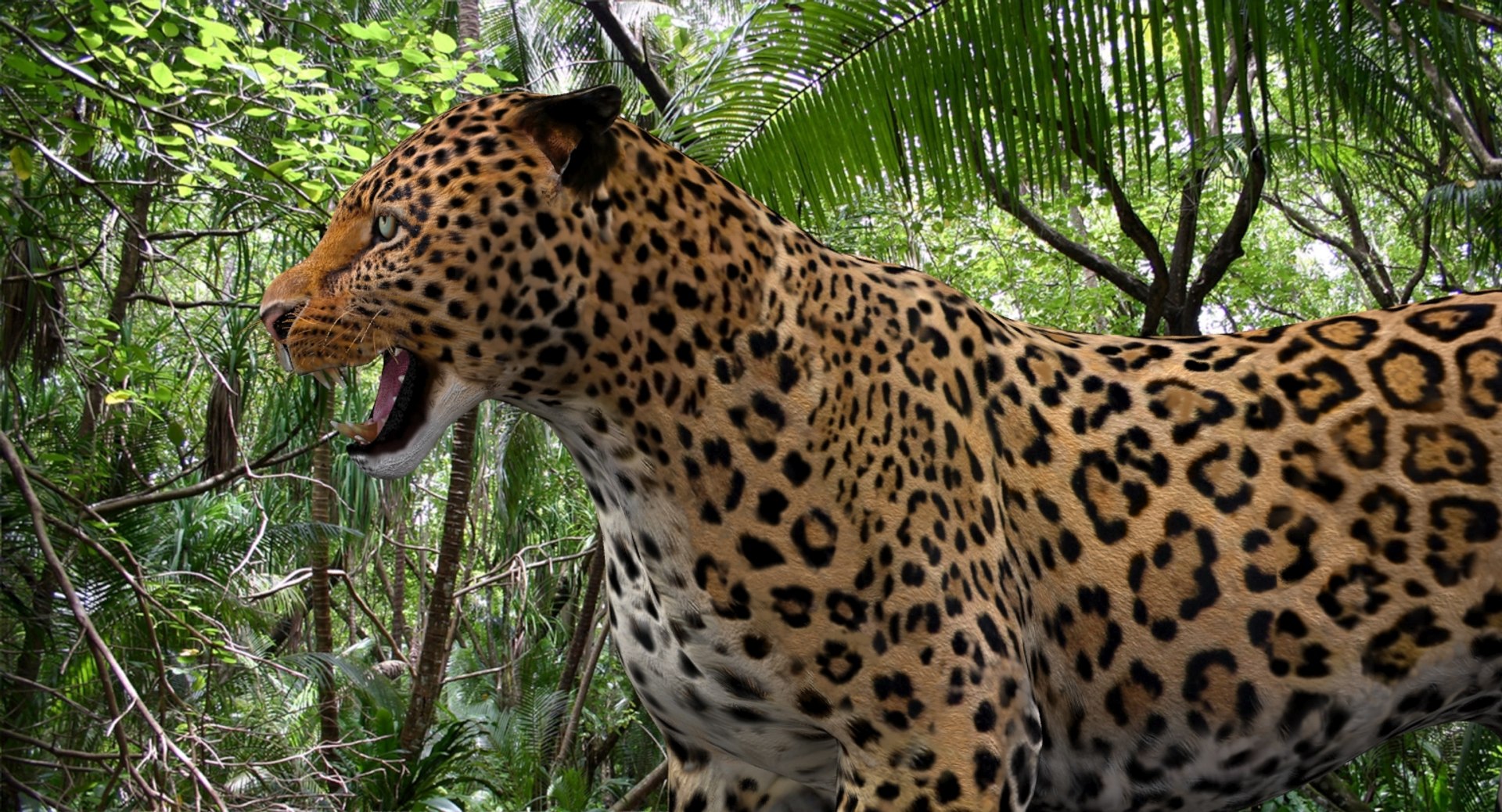
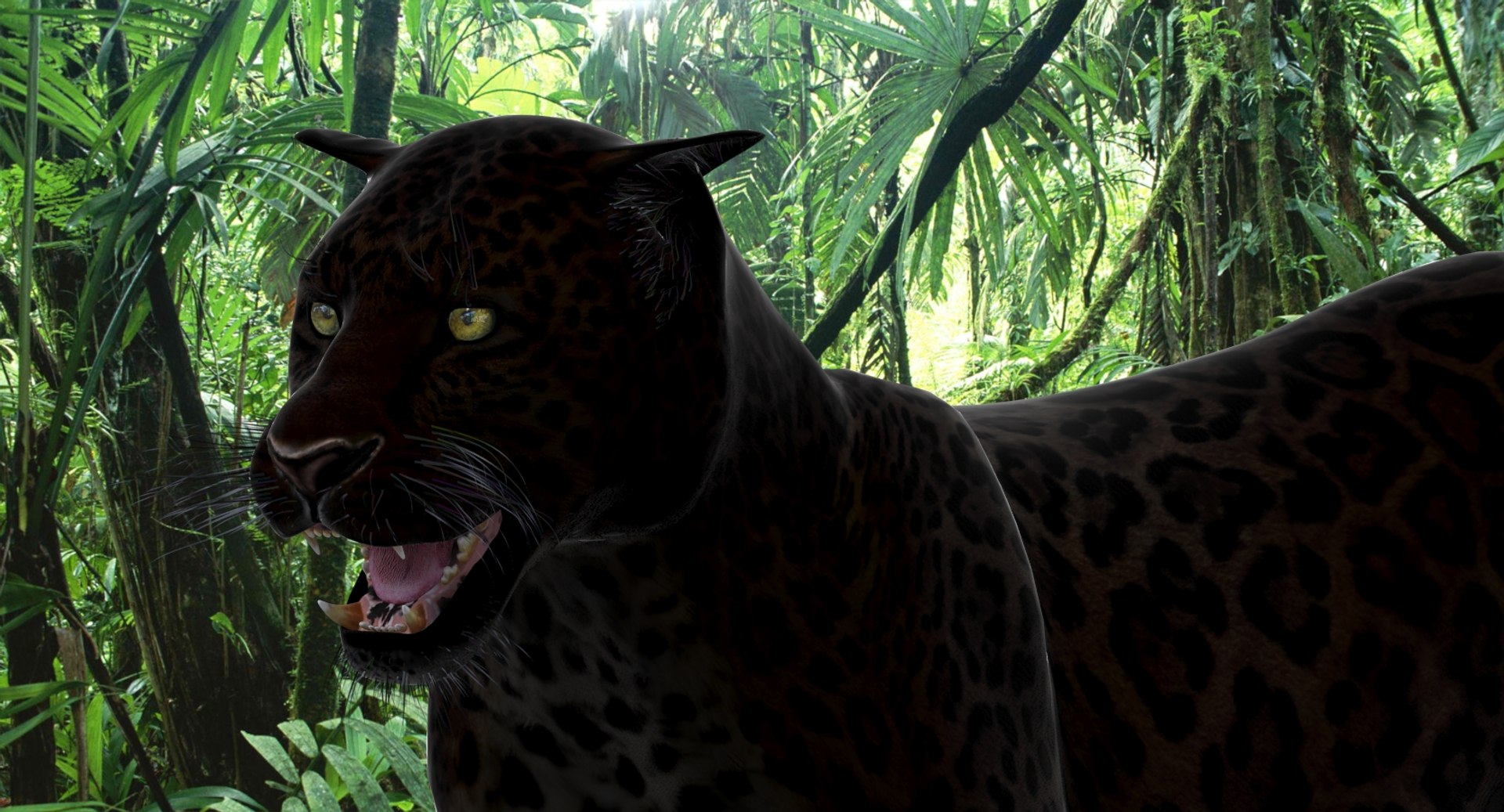
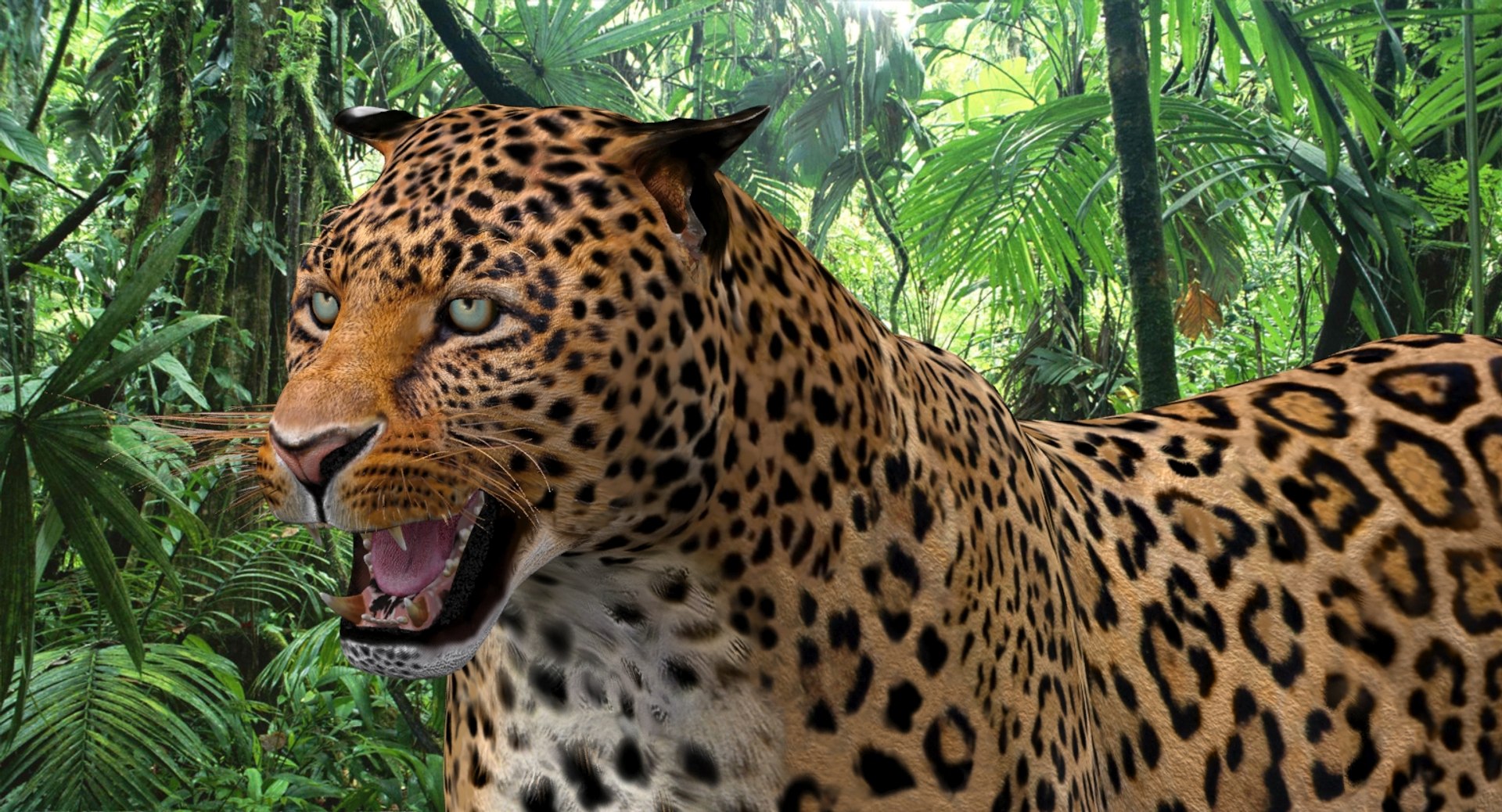
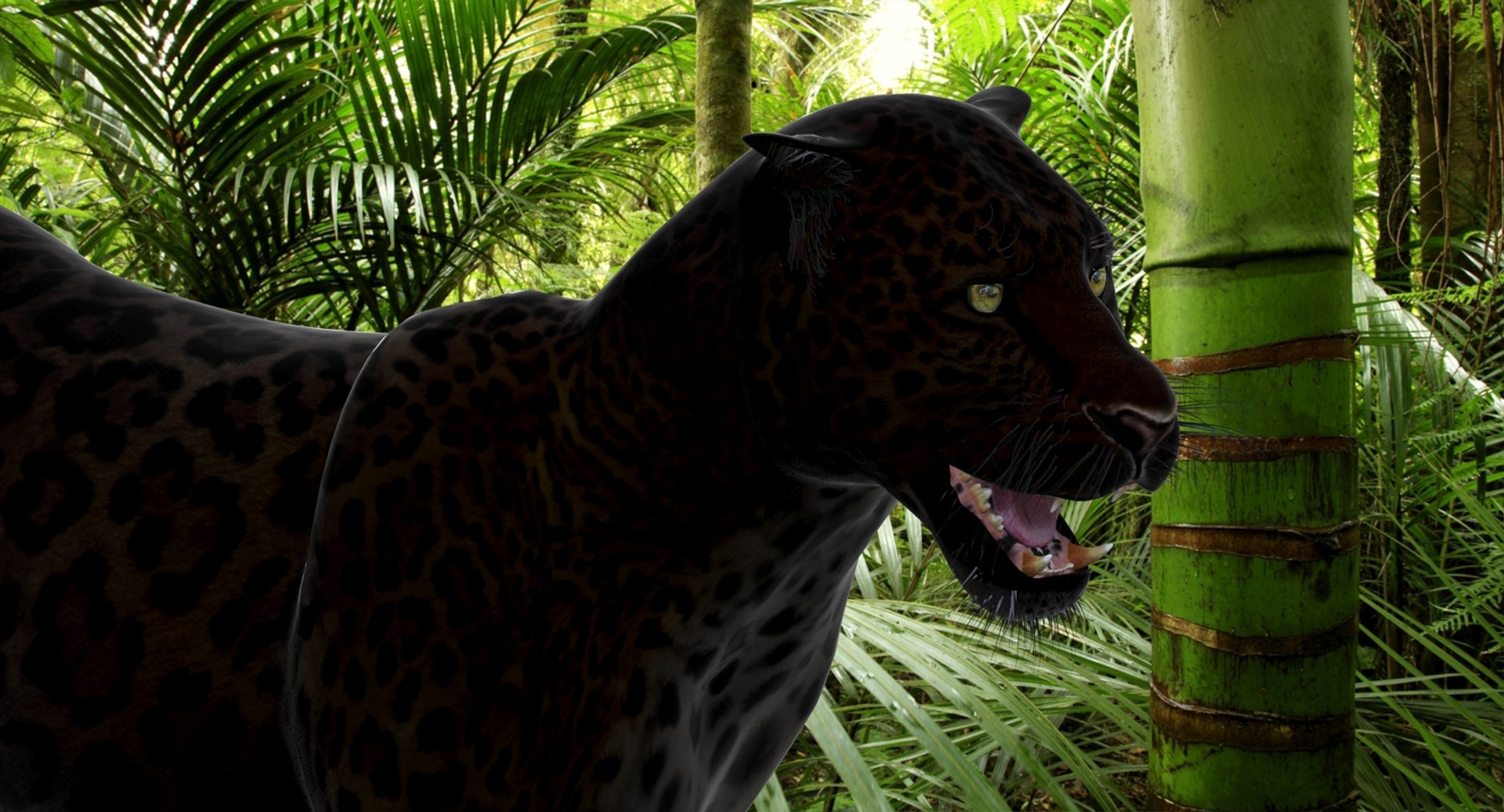
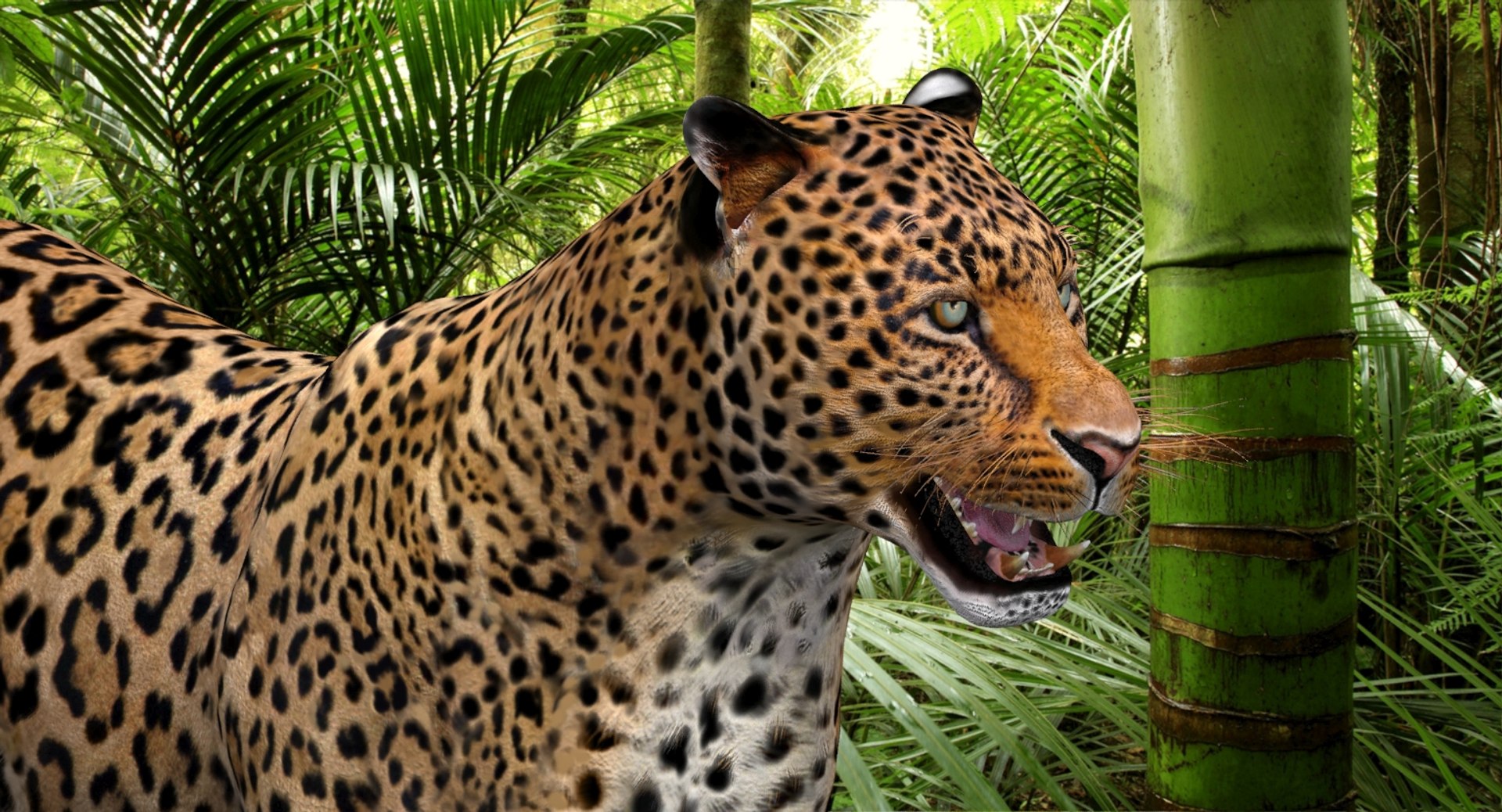
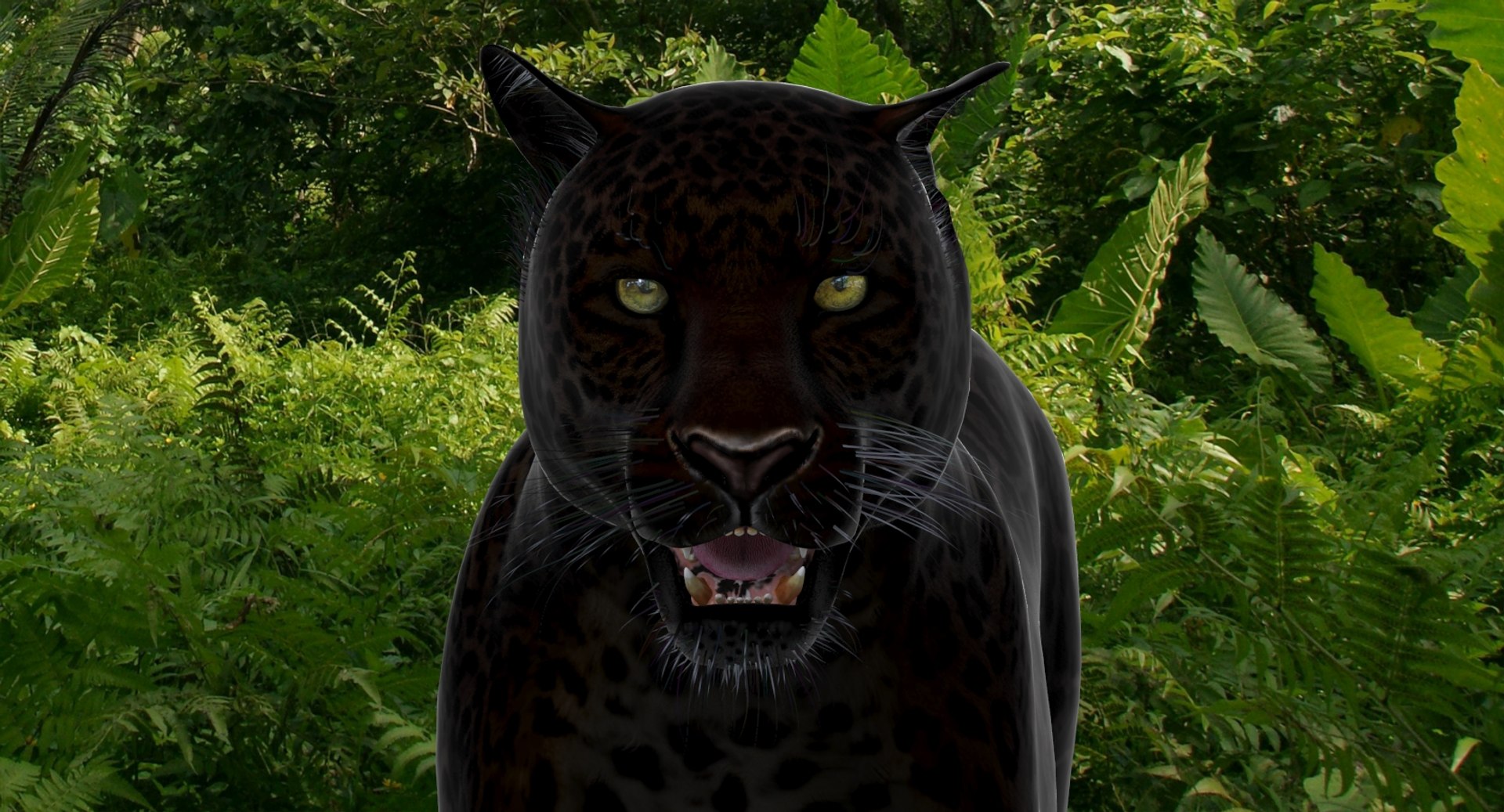
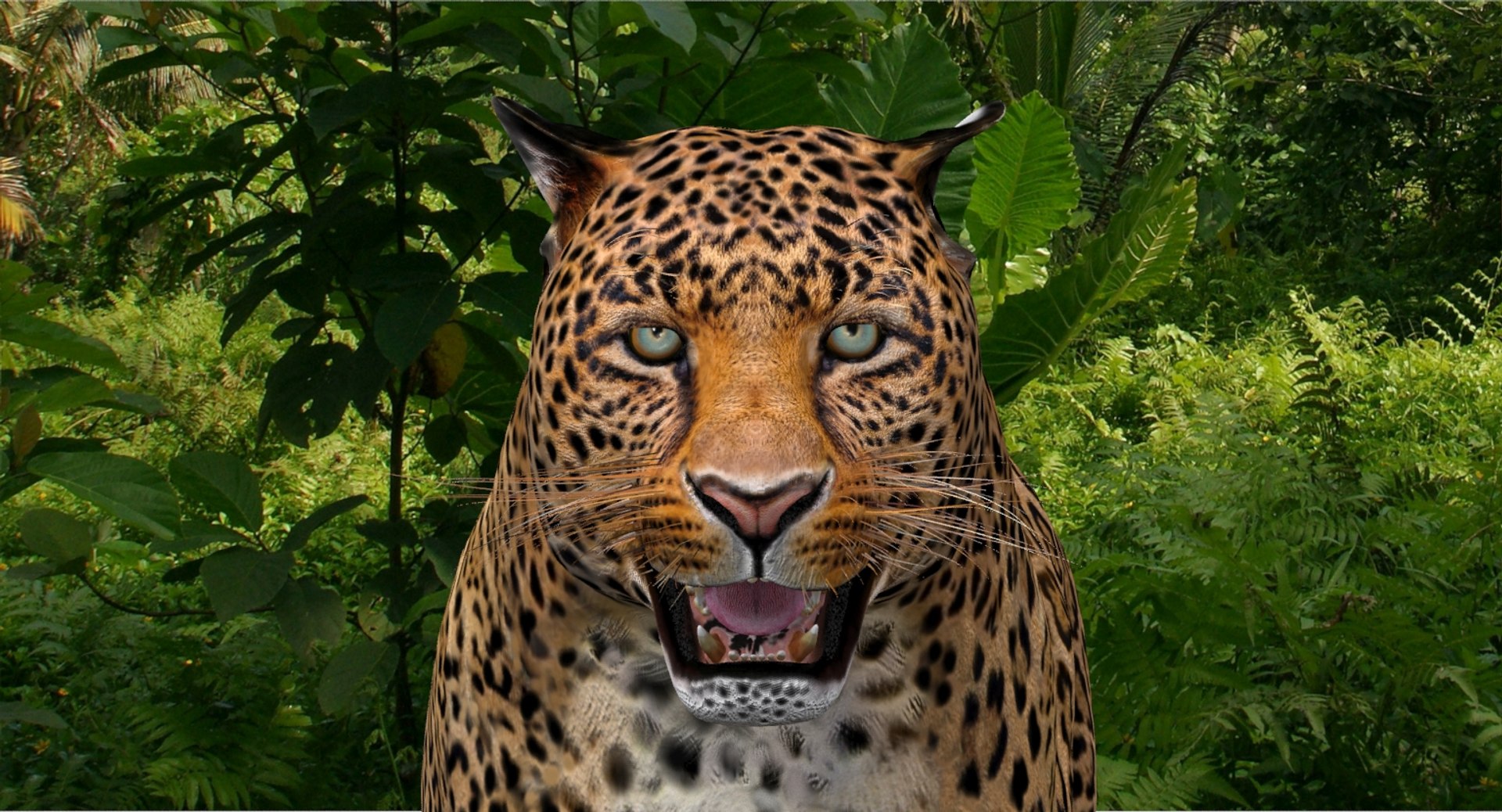
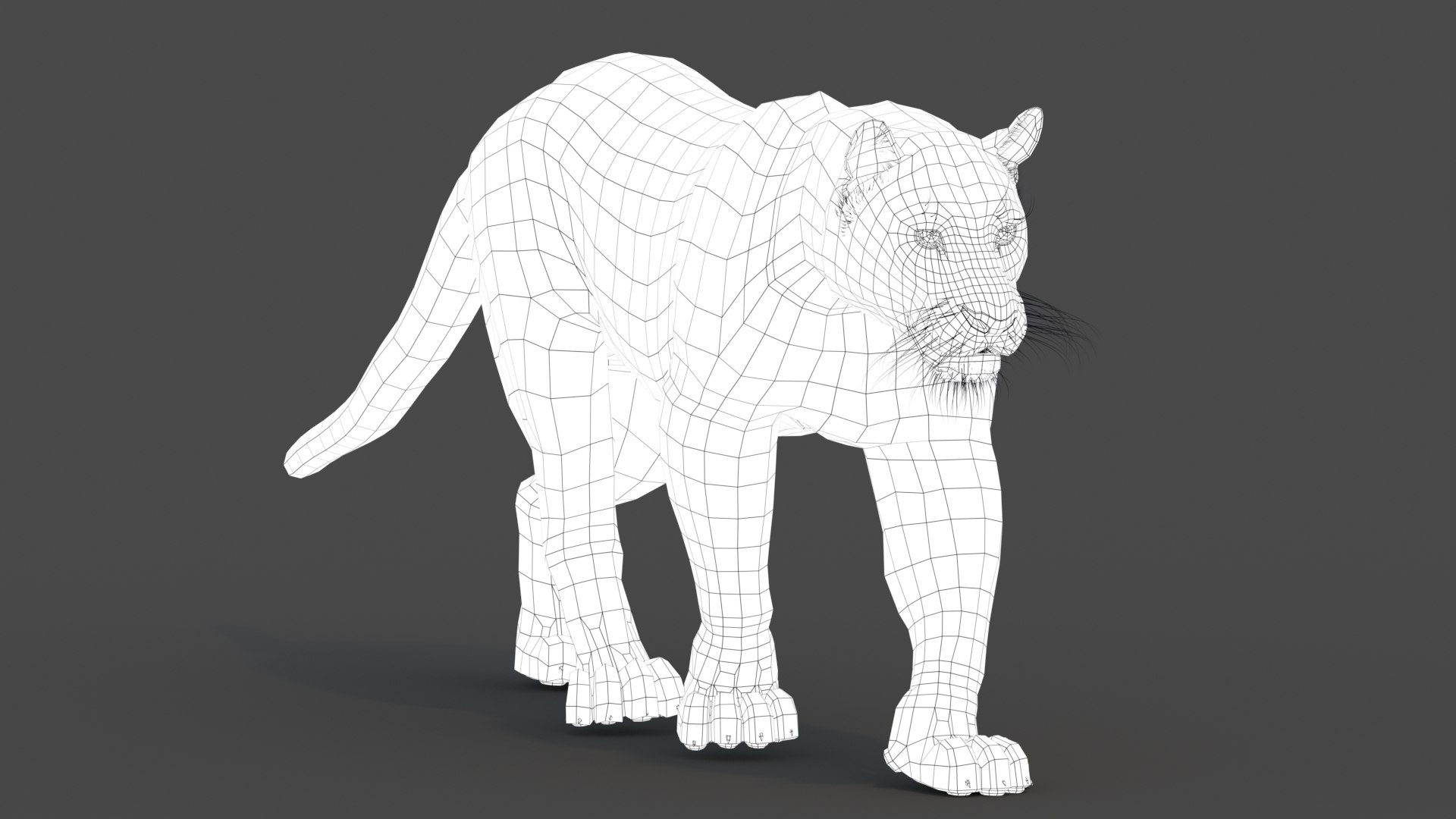
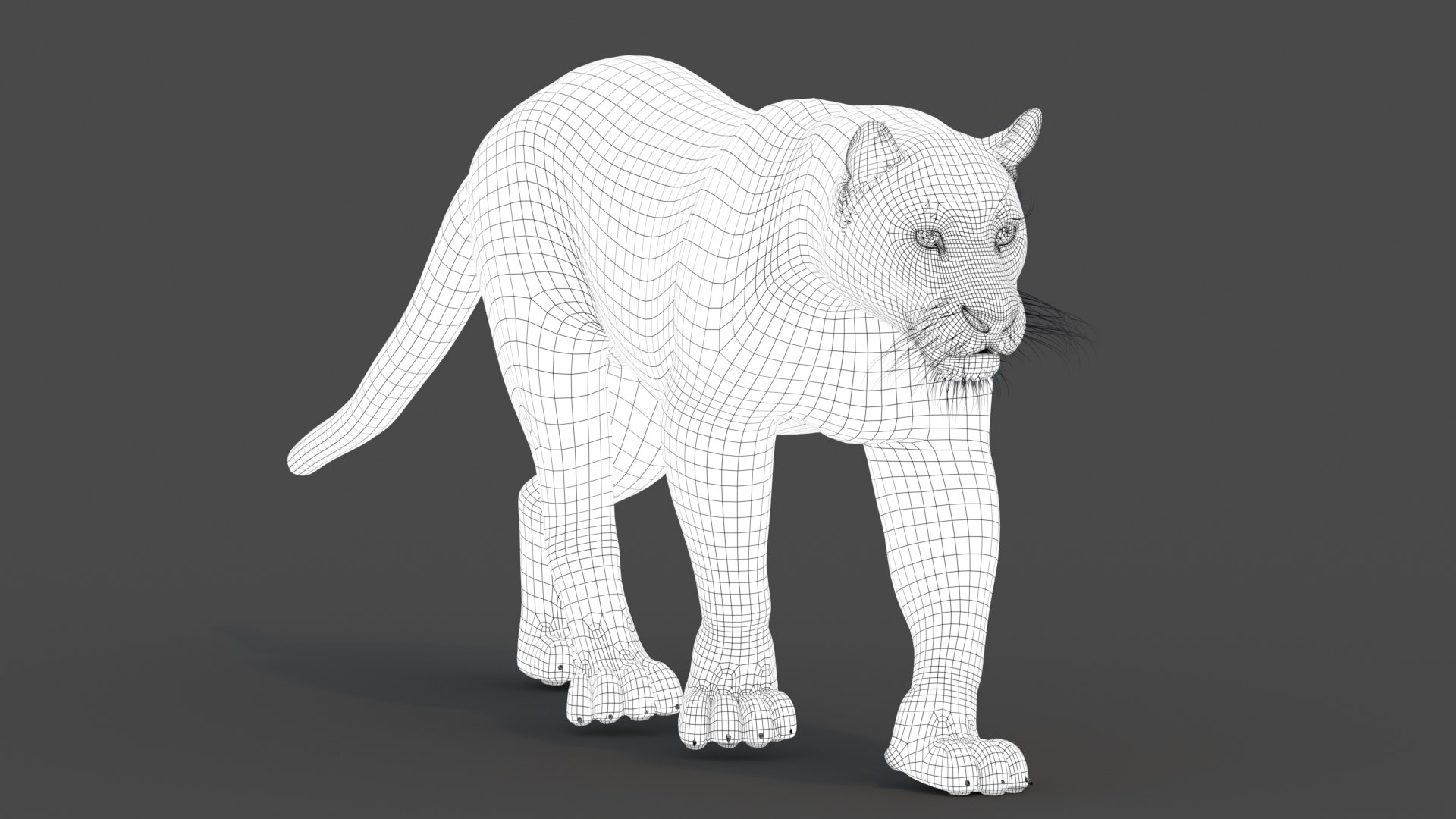
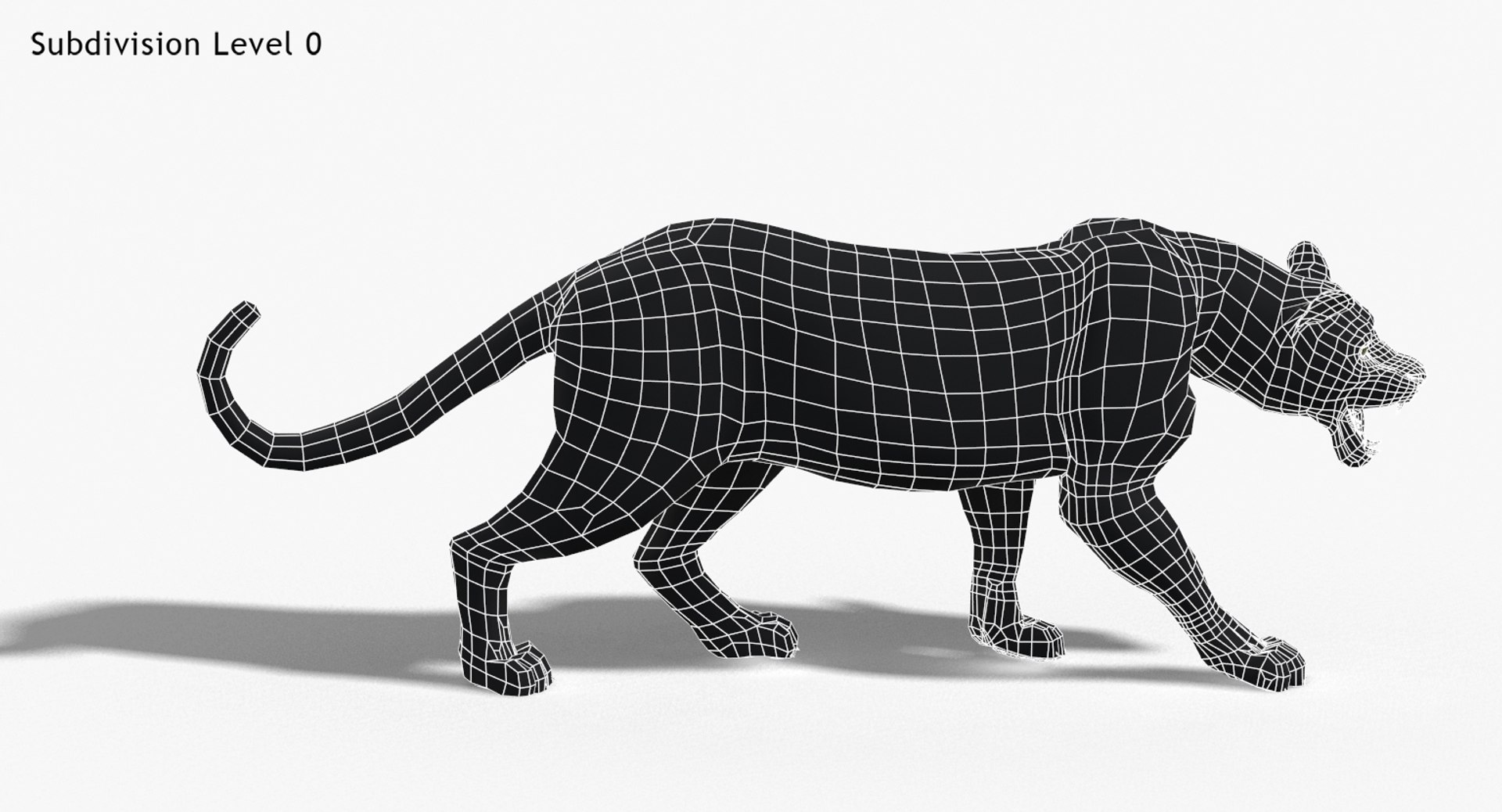
Panther and Leopard Animated is a high quality photorealistic 3d model to add more details and realism to your rendering projects. Fully detailed and textured 3d model. Detailed enough for close-up renders. Final images rendered with mental ray.
Features:
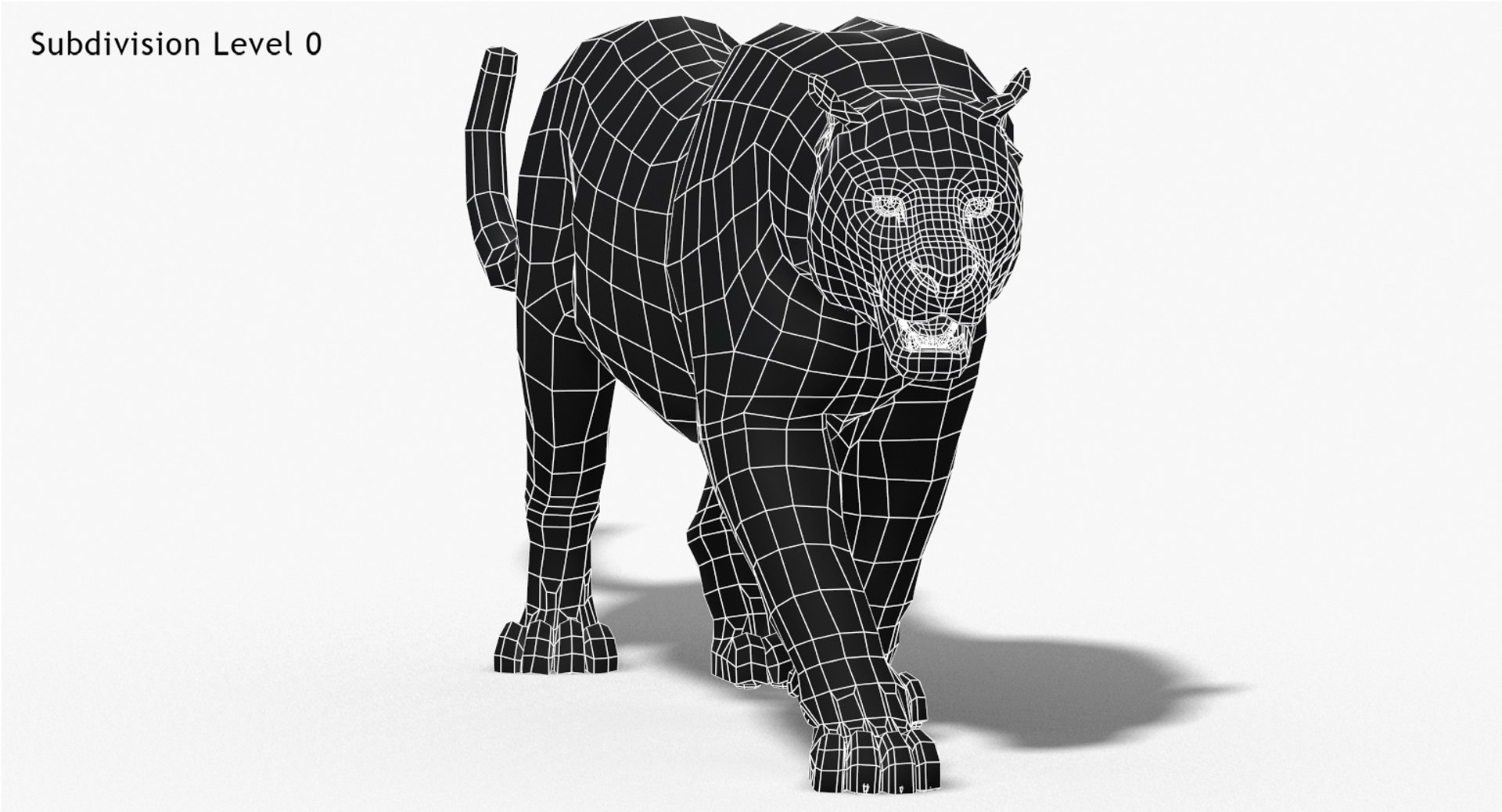
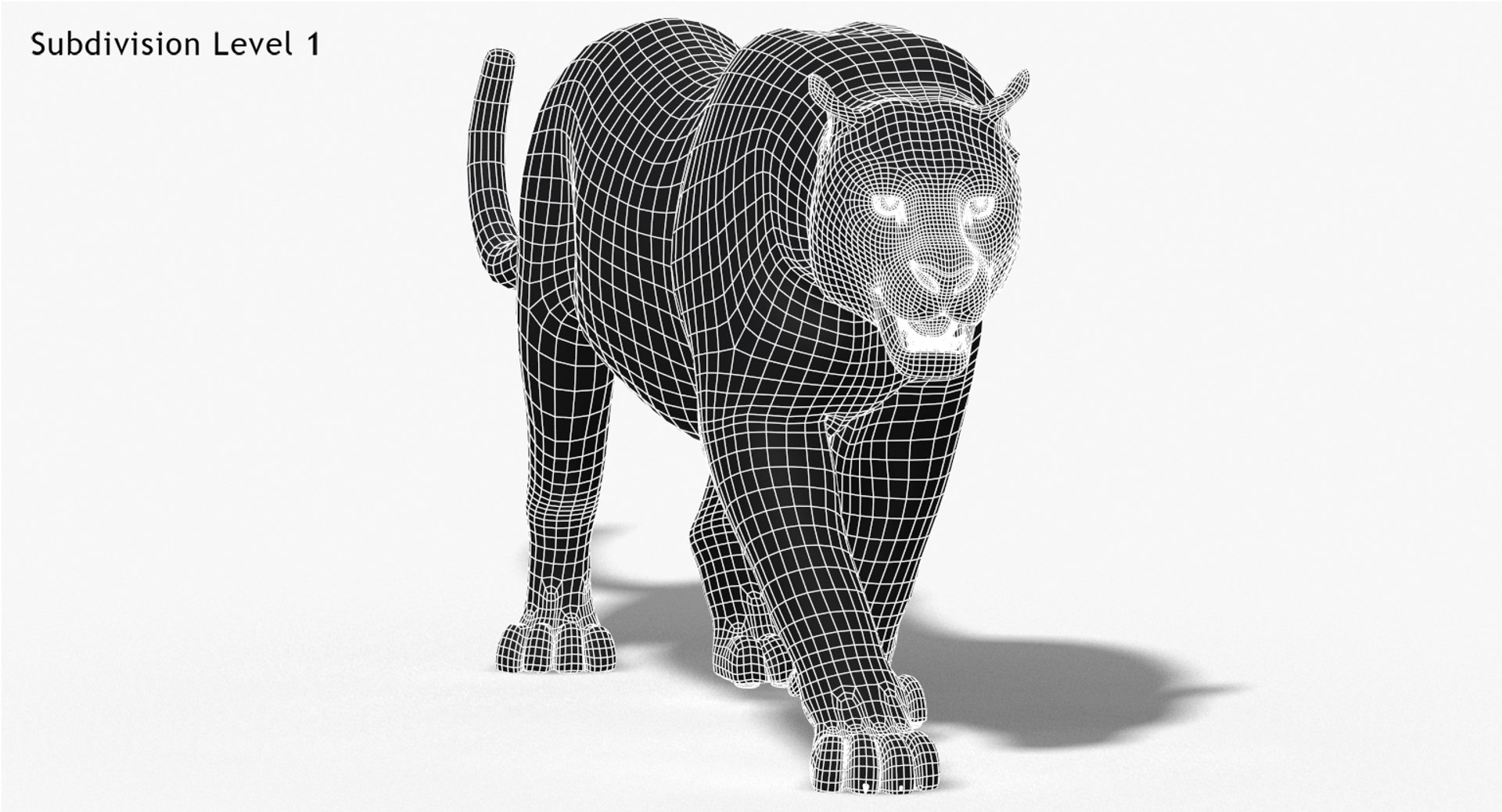
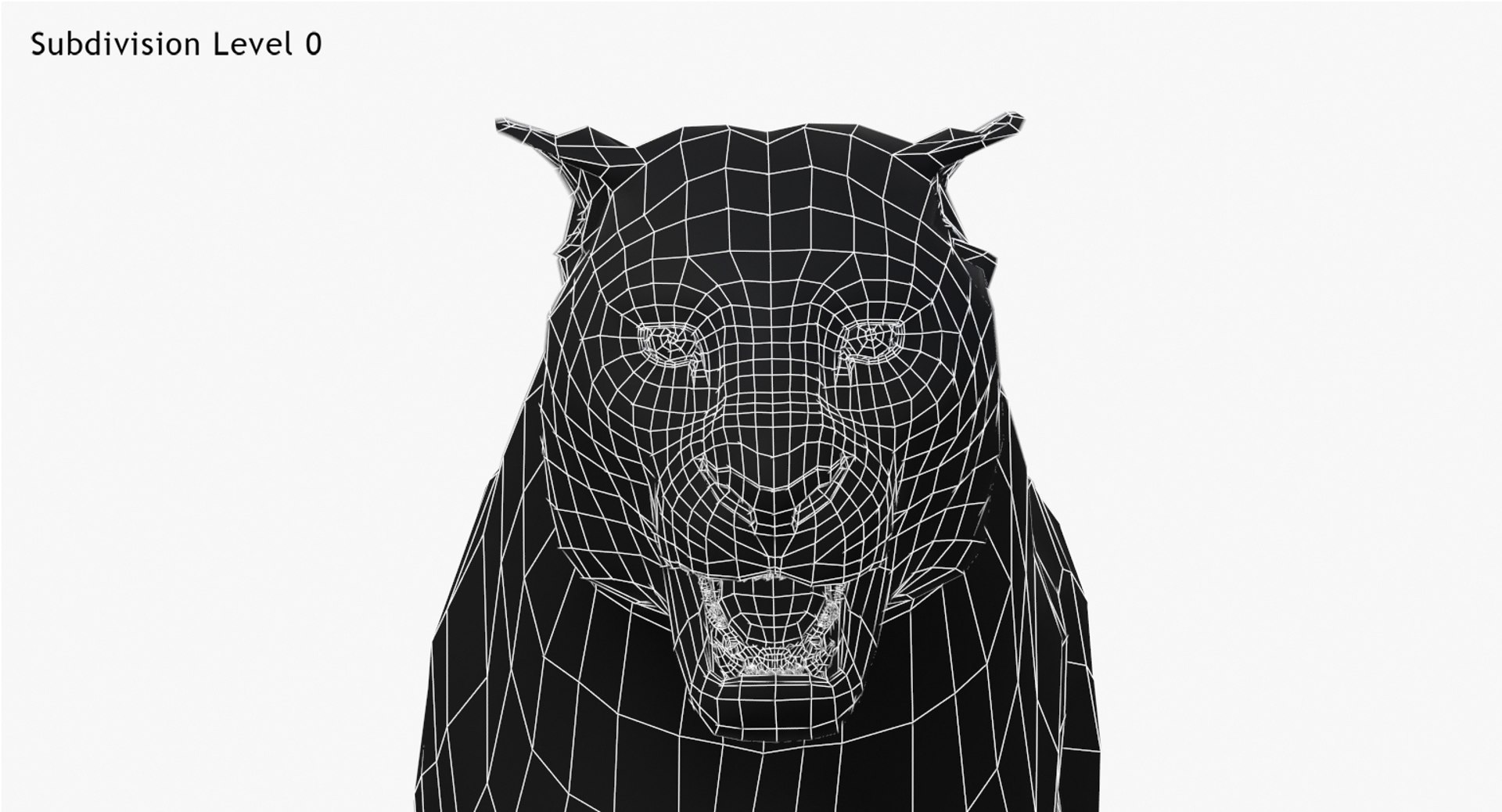
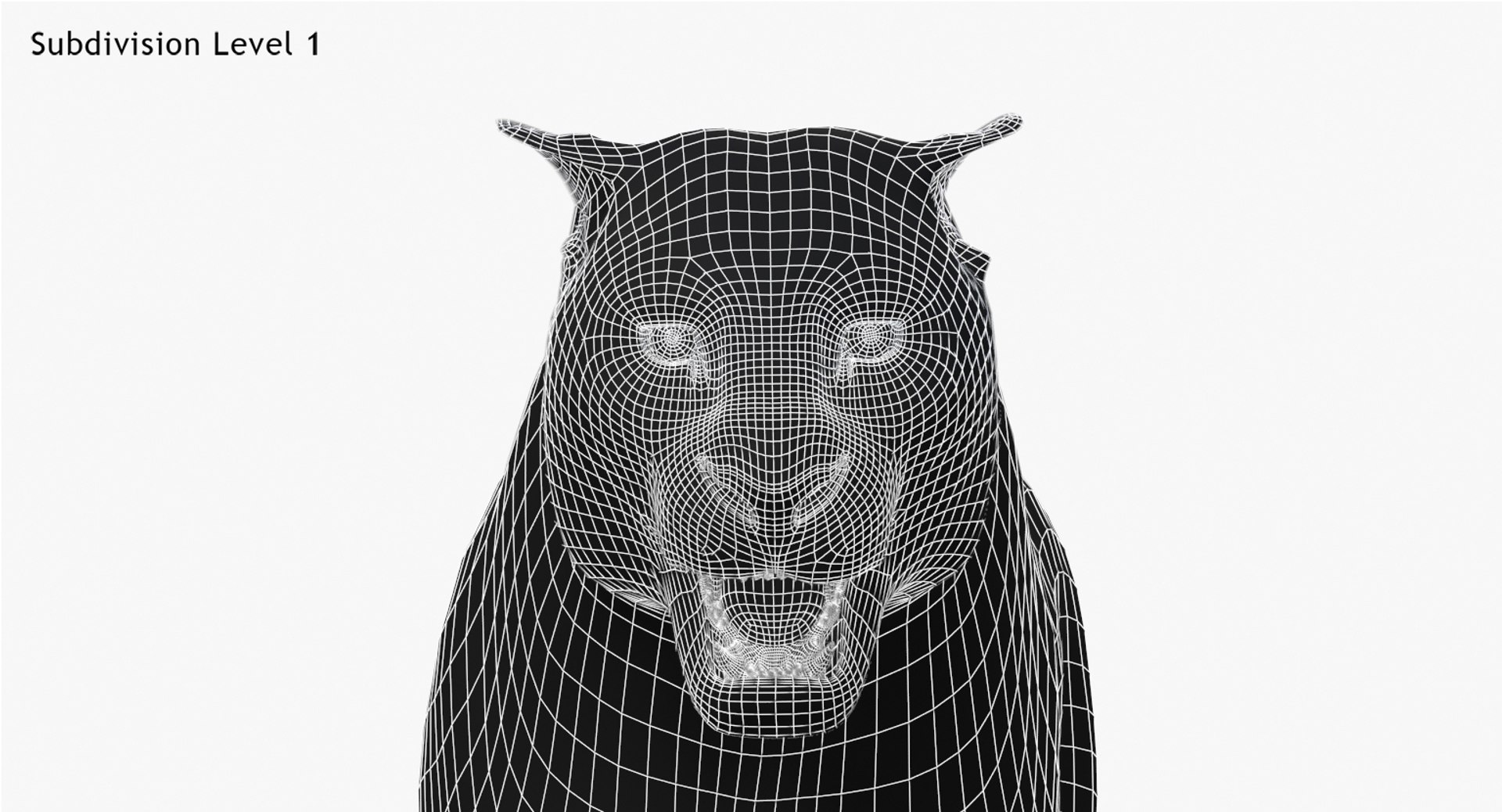
High quality polygonal model - correctly scaled accurate representation of the original objects.Objects are contained in a layer structure, with the layer having the same name as the product.Model resolutions are optimized for polygon efficiency (in 3ds Max the Mesh Smooth function can be used to increase mesh resolution if necessary).All colors can be easily modified.Model is fully textured with all materials applied.All textures and materials are included and mapped in every format.Max models grouped for easy selection & objects are logically named for ease of scene management.No part-name confusion when importing several models into a scene.No cleaning up necessary, just drop model into your scene and start rendering.No special plug-in needed to open scene.
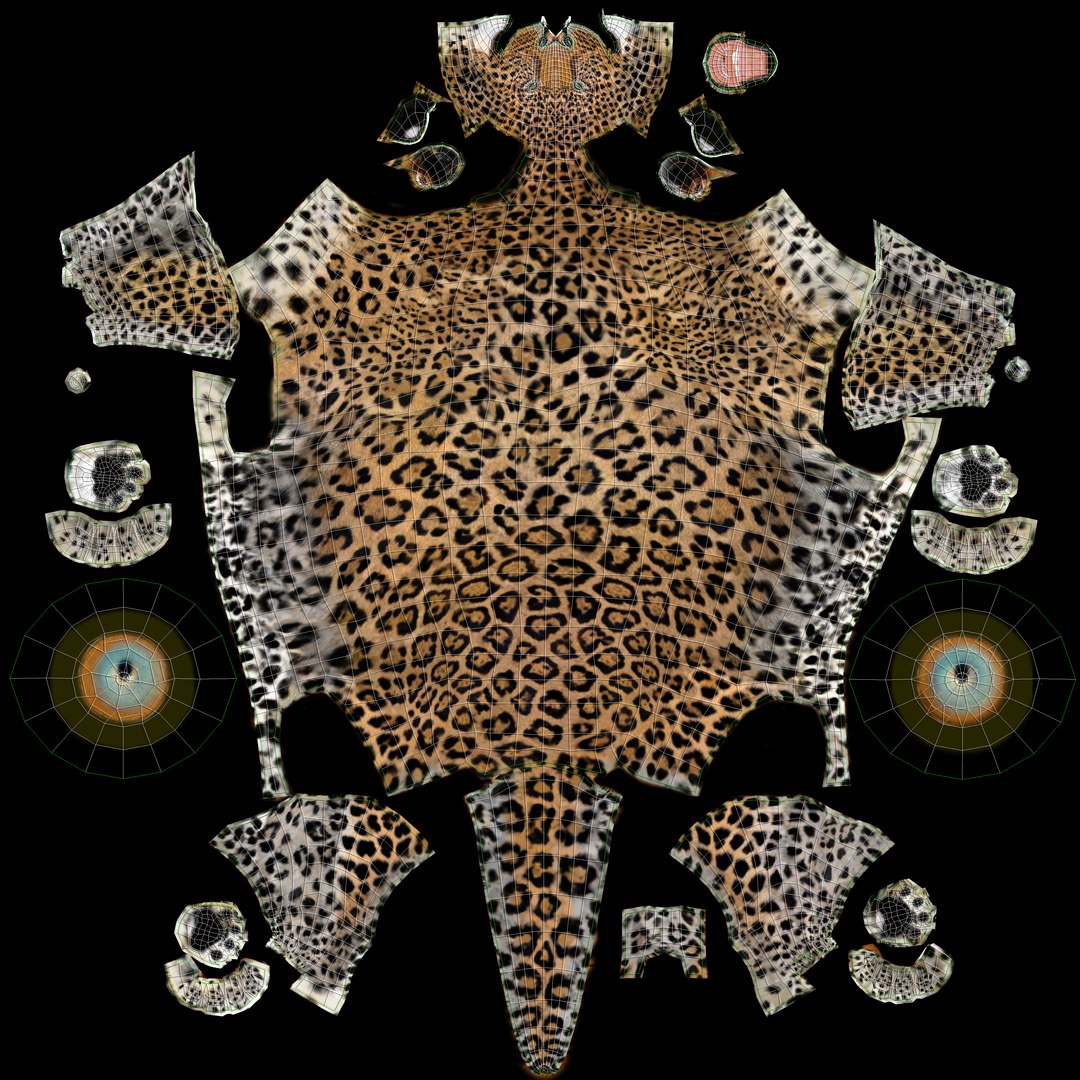
Textures formats and resolution:The model is provided with high resolution texture (color maps are .JPG, and PNG fromats):
- Panther_Diffuse_UVs (4096x4096)
- Leopard_Diffuse_UVs (4096x4096)
- -Panther_Glossiness (4096x4096)
- -Panther_Hair_Cut (2048x2048)
- -Panther-mouth-UVW (4096x4096)
- -Panther-mouth-Bumb (4096x4096)
- -Panther-mouth-Normal-Map (1024x1024)
- Nails_UVs (4096x4096)
Materials:
Color of the Panthera and Leopard are controlled via "composite shader" within diffuse channel of main material "Leopard&Panther Diffuse" and depending on which opacity is maxed, will determine which color of Leopard or Panthera is shown. Simply hide and unhide, or drag and drop up or down desired layer within "Composite shader" and you will achieve desired color change.
Mesh Totals
Body - Polys:4286; Vertices:4303,
Mouth - Polys:3890; Vertices:3974,
Eyes - Polys:288; Vertices:324,
Nails - Polys:384; Vertices:464,
Subtotal: Panther (Group); - Polys:8848; Vertices:9065.
Rigging and Animation:
Rigging was done via CAT object.
Animation done via CAT Motion, and Animation Layers...
Frame Rate is NTSC (FPS:30)
1) WalkAndRun (In CatMotion Editor (the paw icon) you will find main tow layers)
- Walk (01-48)
- Run (01-48)
2) +W Walk Run (Adjustment World - Adjustment for walk and run cycle)
3) +L Walk Run(Local Adjustment Layer - Adjustment for walk and run cycle)
4) +W Run (Adjustment World - Adjustment for run cycle only. Should be enabled only if you are using Run cycle.)
5) +W Ear Motion (Adjustment World - Ear motion)
6) +W Mouth Closed (Adjustment World - Mouth Closed)
7) +W Eyes Closed (Adjustment World - Eyes Closed)
8) Abs Standing Pose (Absolute layer)
9) Abs Signature Image (Absolute layer)
Notes:
To activate the animation you have to select any bone first, then to select 'Motion' -> 'Layer Manager', after you can select WalkAndRun appropriate ("CATMotion" walk/run-cycle) animation layer...
Walk and run have their own separate adjustment layers that should be activated depending animals running or walking. Simply turn on or off the animation layers.