
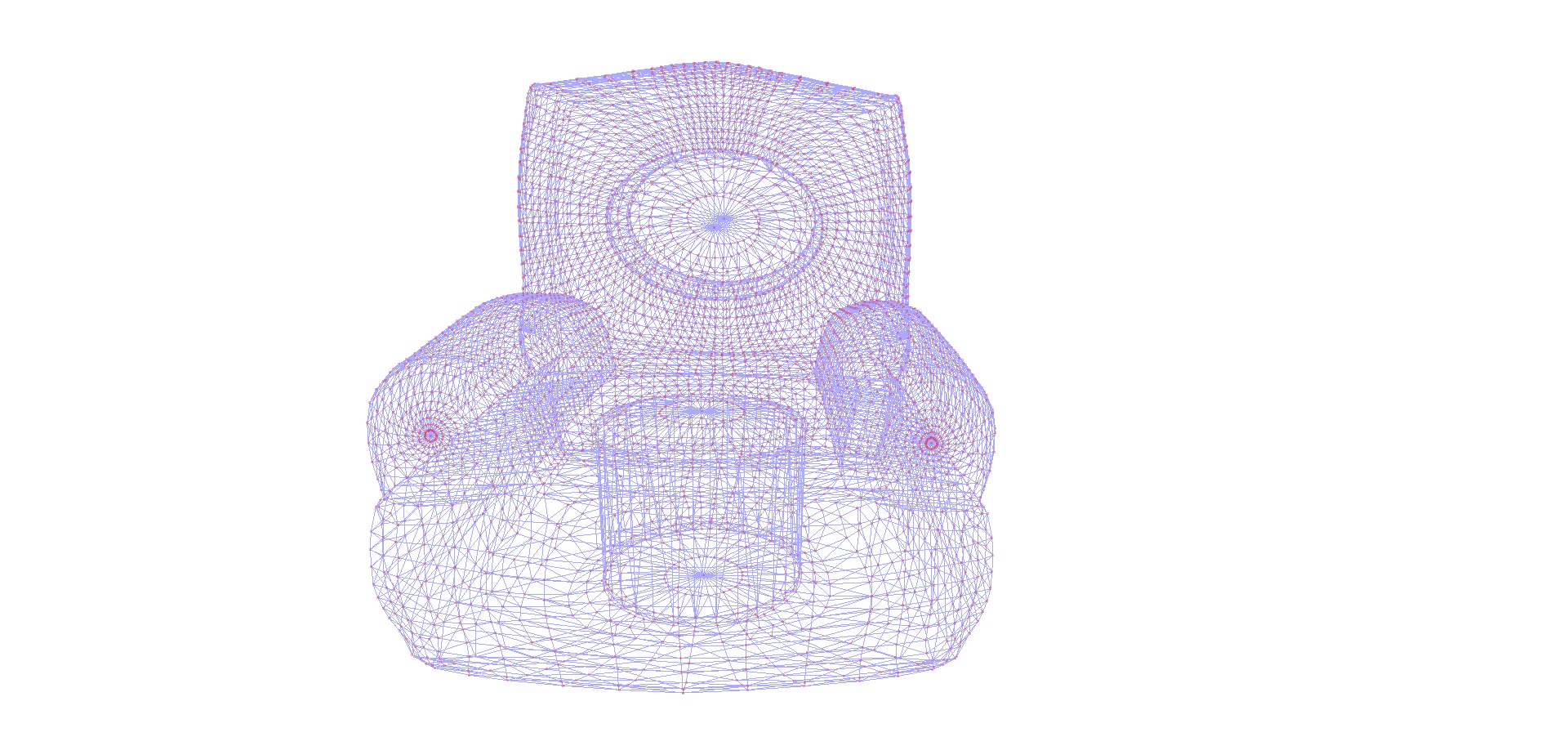
インフレータブルチェア

$19

標準ライセンス | アップグレードライセンス
フォーマット (6)
Native | Blender 2.81 | Cycles Render
3ds Max 2020 | Other
OBJ
Other Textures
FBX
Collada
その他のファイル
AStitchNorm.png
仕様
公開日 January 23, 2020
製品番号 1499979
多角形 6,106
頂点 6,238
多角形四角形/三角形ジオメトリ
テクスチャ
材料
UVマップ
混合アンラップUV

member avatar
TheresNoGhost
65 製品 | Contributor 以来 2019
質問がありますか?今私達とチャットしてください。

説明

The FUTURE is inflatable furniure, my friend.
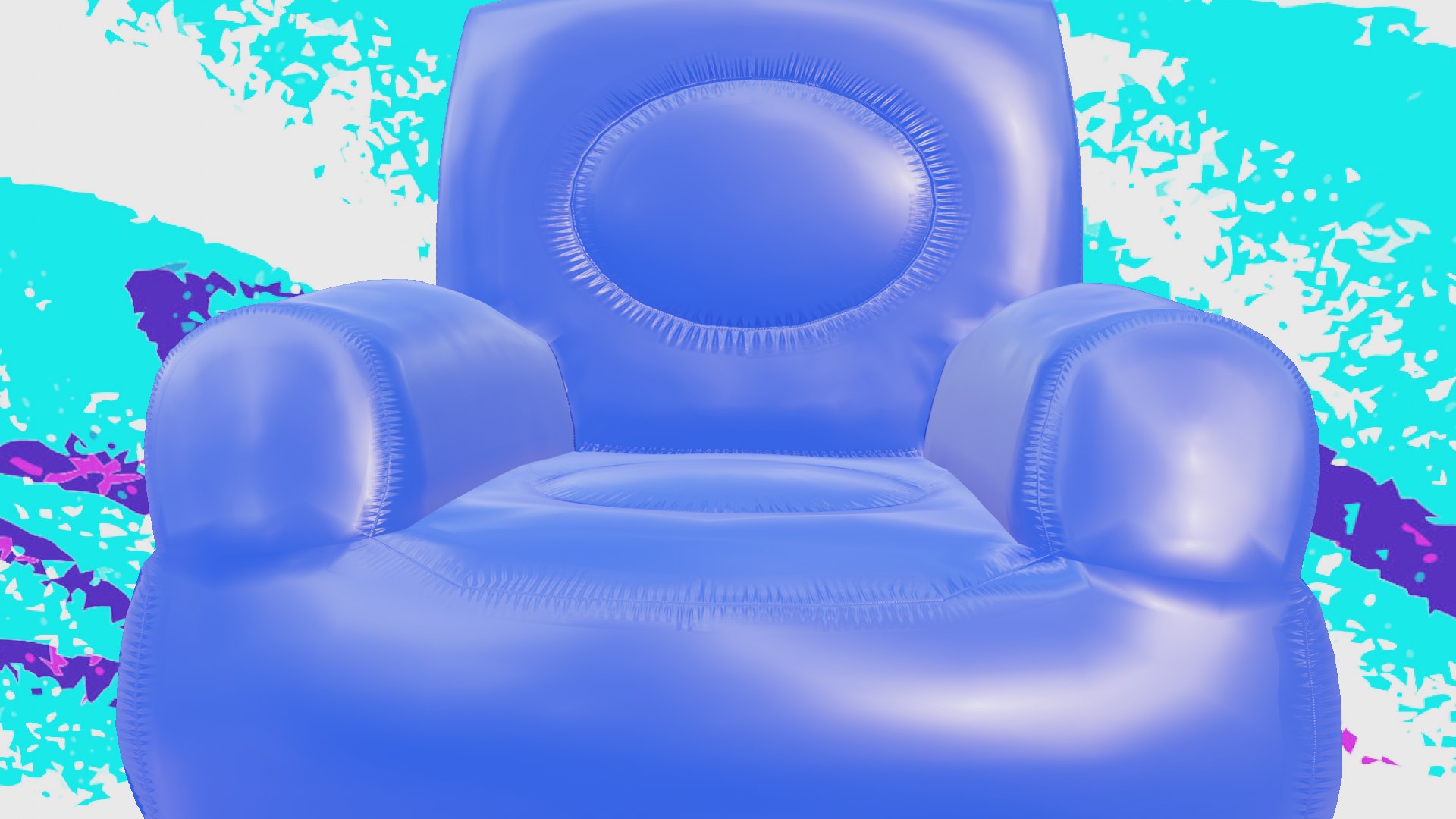
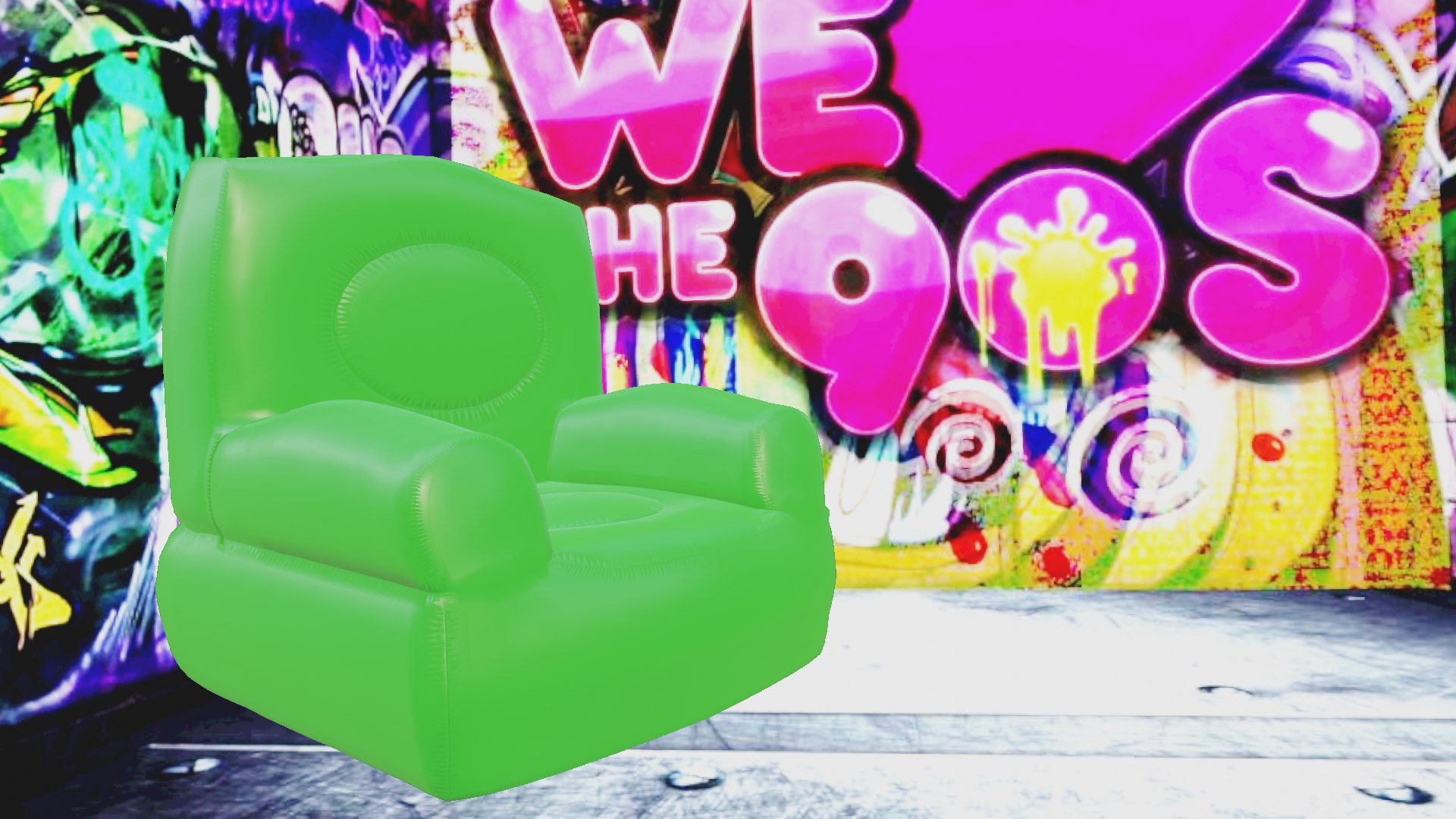
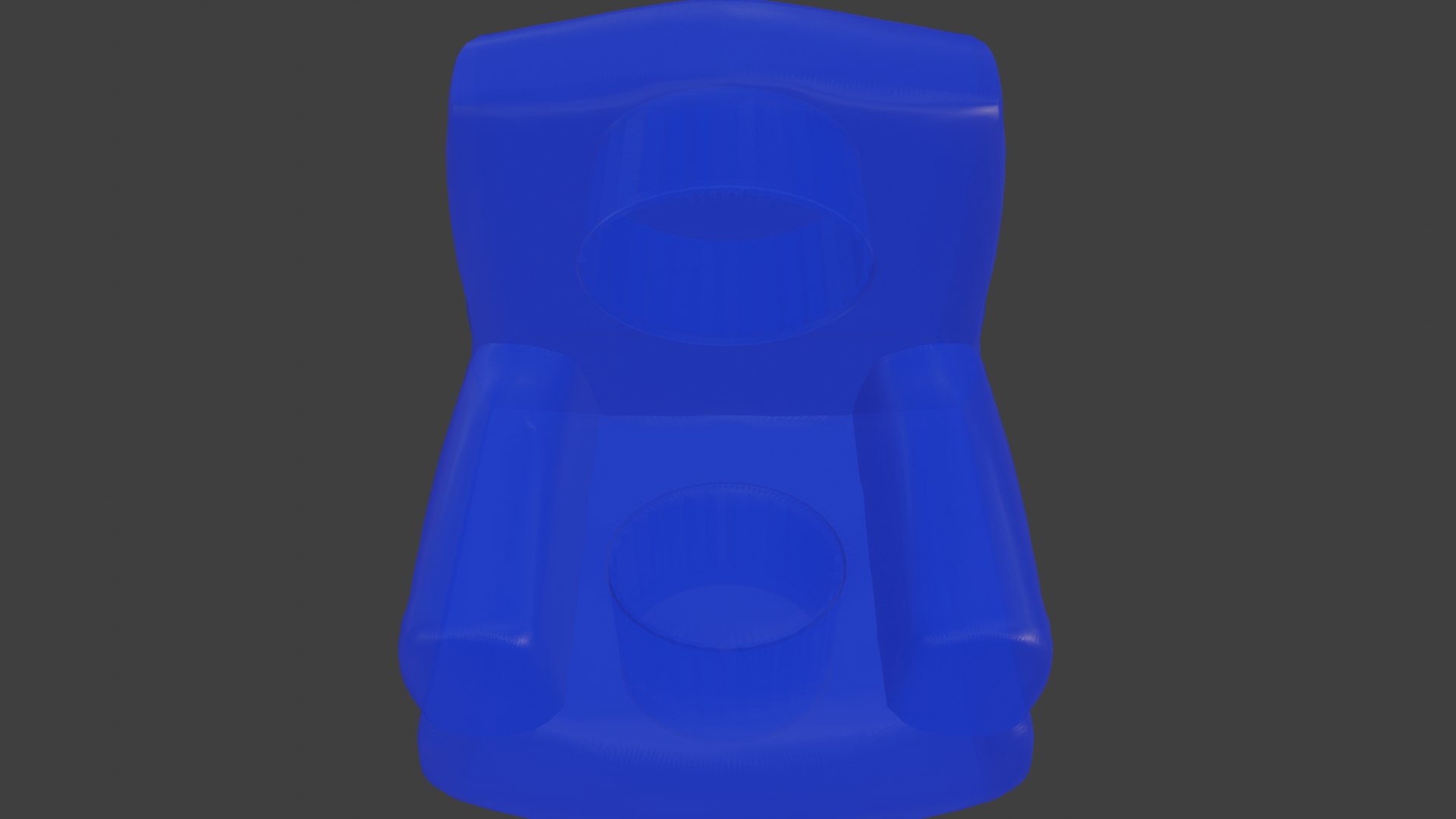
Inflatable chair with stitches and stretch marks around all sides. Low rendering cost and can be transparent or opaque without losing the appearence of being inflated.
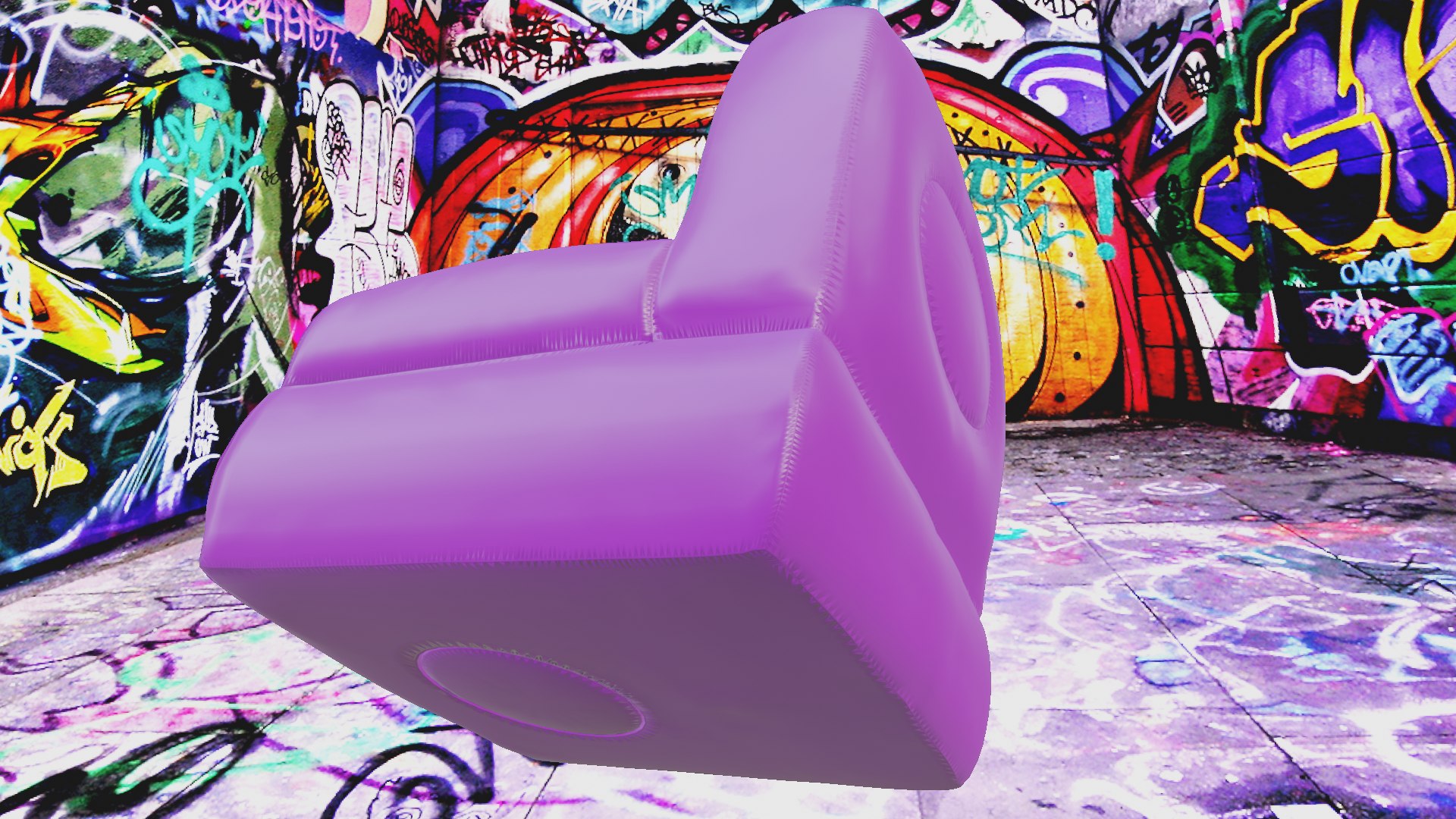
The underside is also high quality in case you want to throw it into a tornado.
*********************************
File Formats:
- .blend (blender 2.81)
- OBJ (Multi Format)
- 3DS (Multi Format)
- DAE (collada)
- X3D (3d extensible)

Made in blender, blend file used to render images. Other software and formats will need some assembly with the material, but the stitches are mapped and found working in all formats.
*********************************
How-To:

Depending on software used to load this model, you may need to apply norms and colors manually. Normal located in AStitchNorm.png, color can be anything you like.

Other formats, such as fbx and obj, will need these norms applied to the mats you make for them in software you choose.

For example, in unity you would make a material, set albedo to any color, choose normal image "AStitchNorm.png", set it as Normal Map, and in the material apply it as the normal. The Stitches will apply to the appropriate areas over the color.
*********************************
Textures:
- AStitchNorm.png, 800x800, adds stitches and stretchmarks
*********************************

拡張ライセンスを選択

  • $10,000 法的保護(補償)
  • 無制限の法的保護(補償)
  • 差し止めによる救済の放棄
  • 割り当て可能なモデルの権利
  • $1,000,000 法的保護(補償)
  • 差し止めによる救済の放棄
  • 割り当て可能なモデルの権利
  • $250,000 法的保護(補償)
  • 割り当て可能なモデルの権利
拡張ライセンスの詳細についてはこちらをご覧ください。または、enterprise@turbosquid.comまでお問い合わせください。既にShutterstock Enterpriseをご利用の場合は、3D機能の追加についてShutterstockのセールスサポート担当者にお問い合わせください。

About Conversion Requests

To submit a conversion request for a purchased asset, please complete our Conversion Request Form.

If you have not yet purchased a model, please review our Documentation about Conversions to learn about what limitations you may encounter with a conversion.

For any additional questions about a model’s suitability for conversion, please contact TurboSquid Support.

読み込み中...