
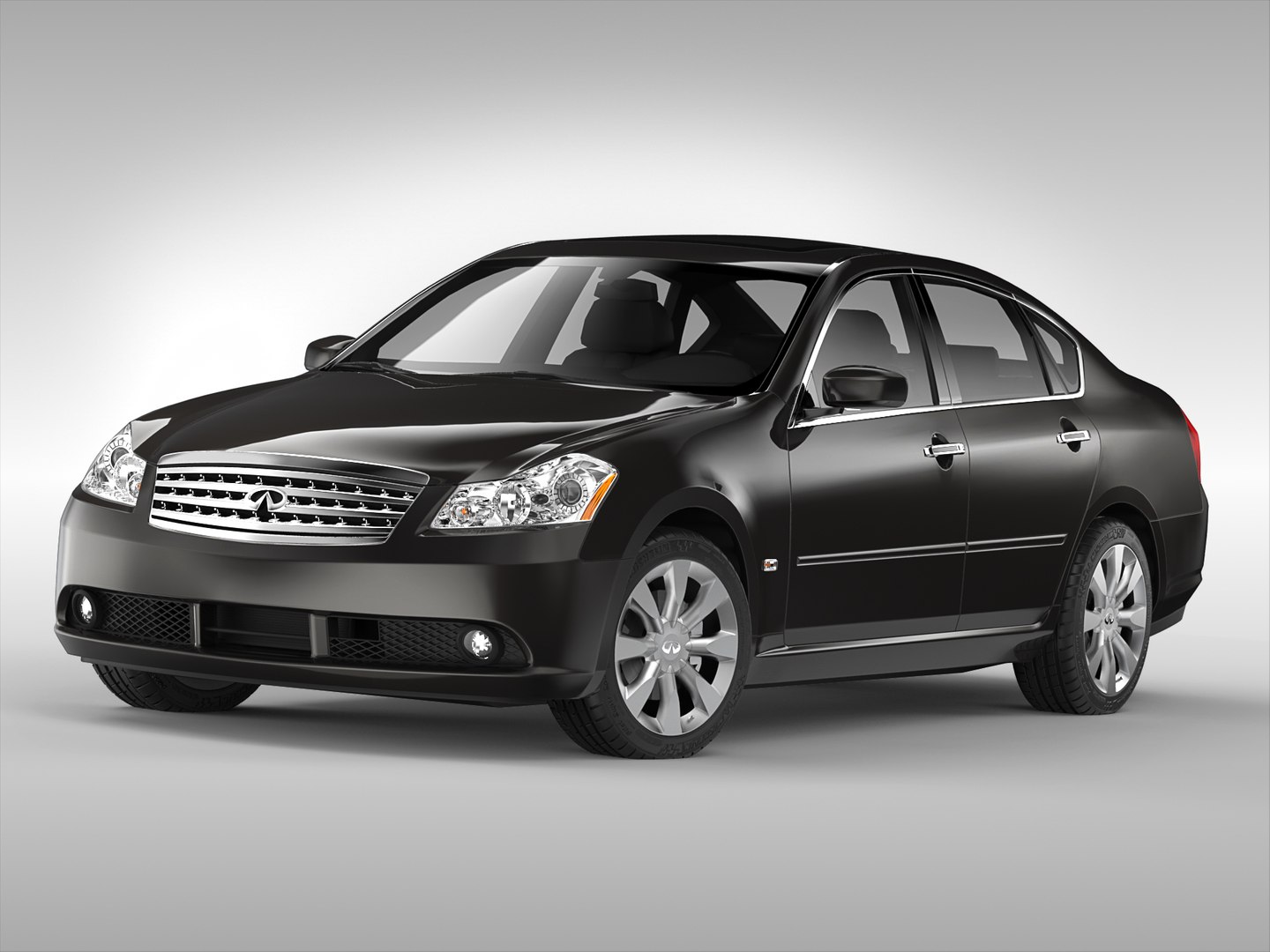
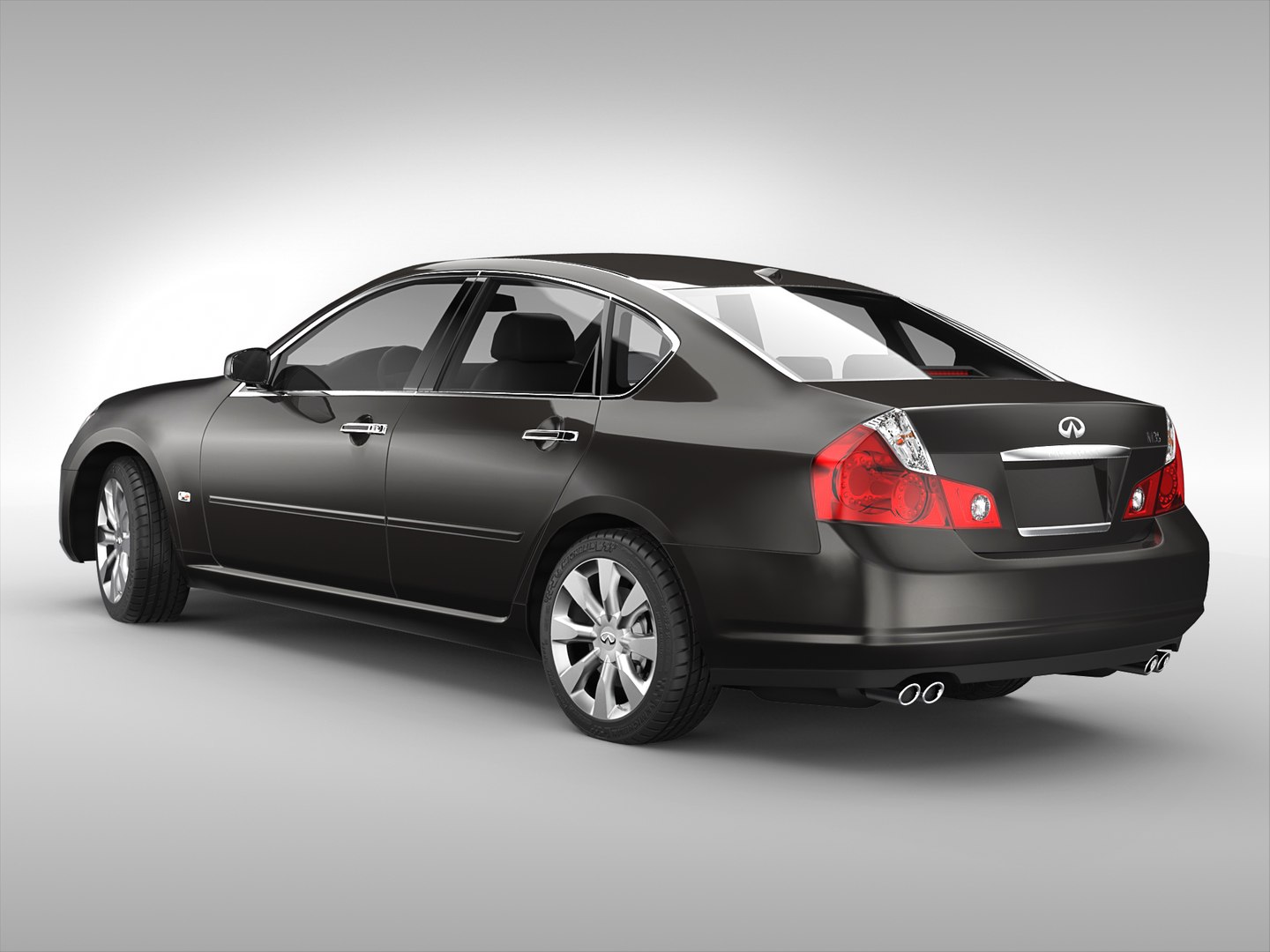
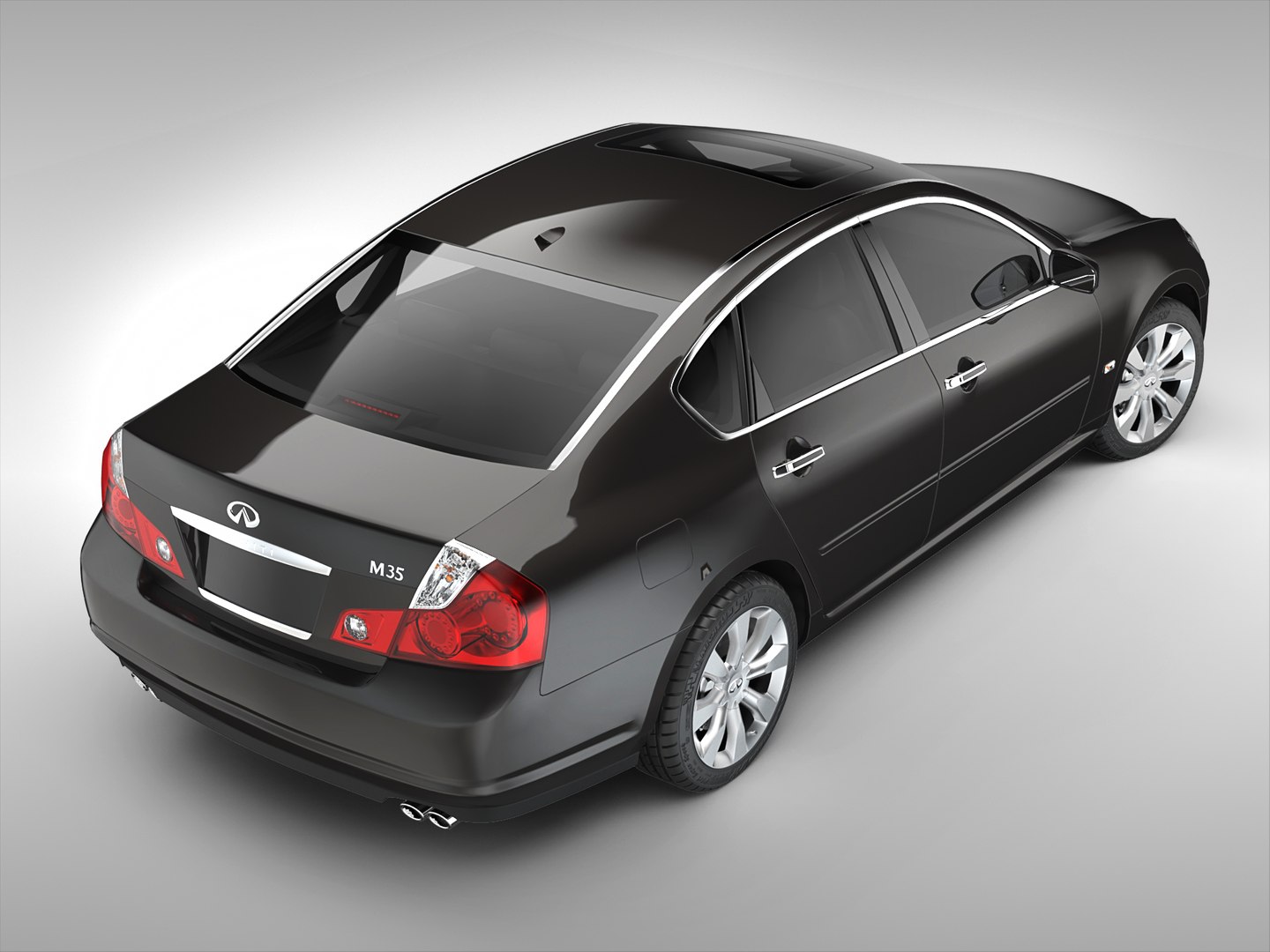
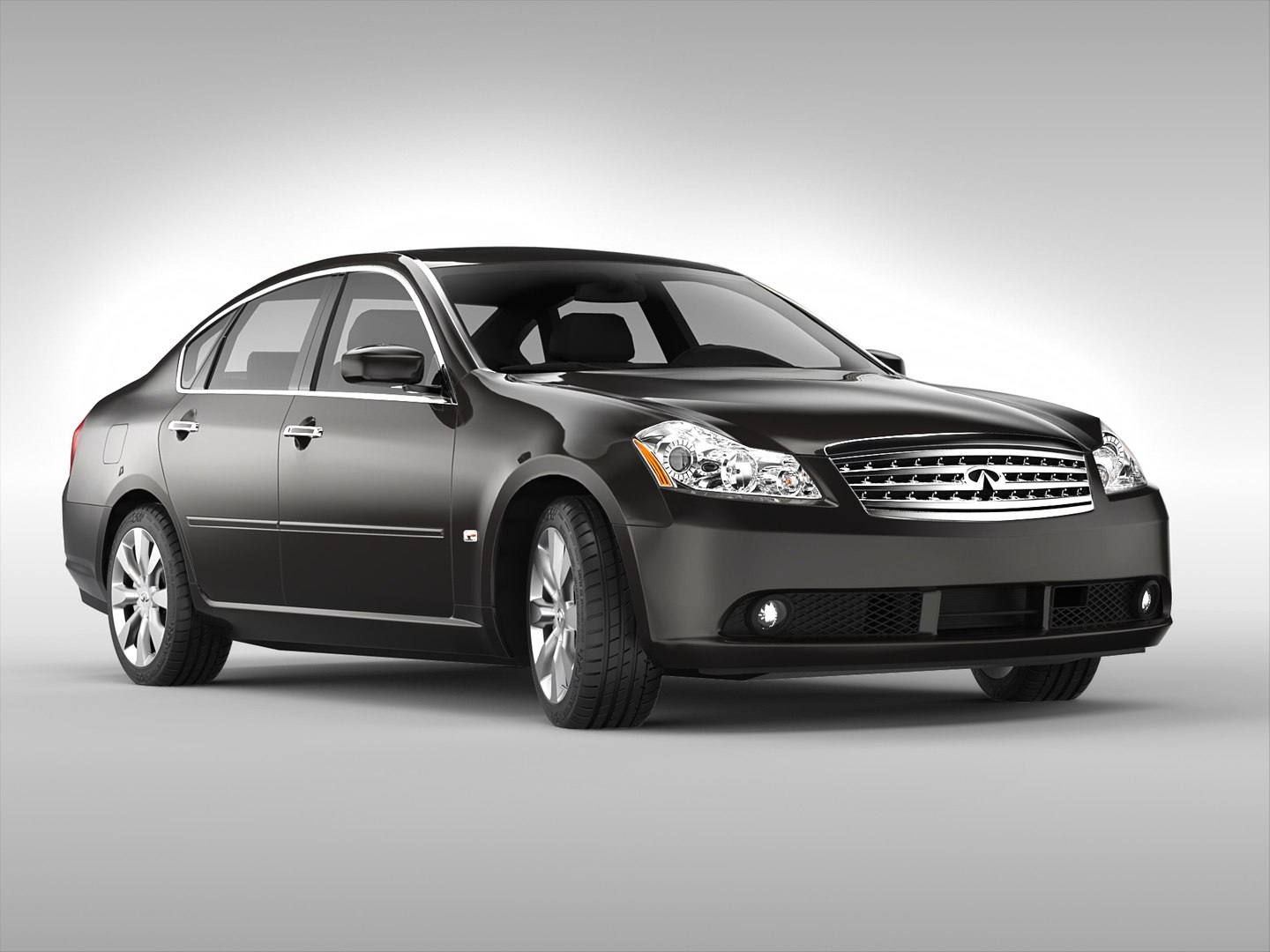

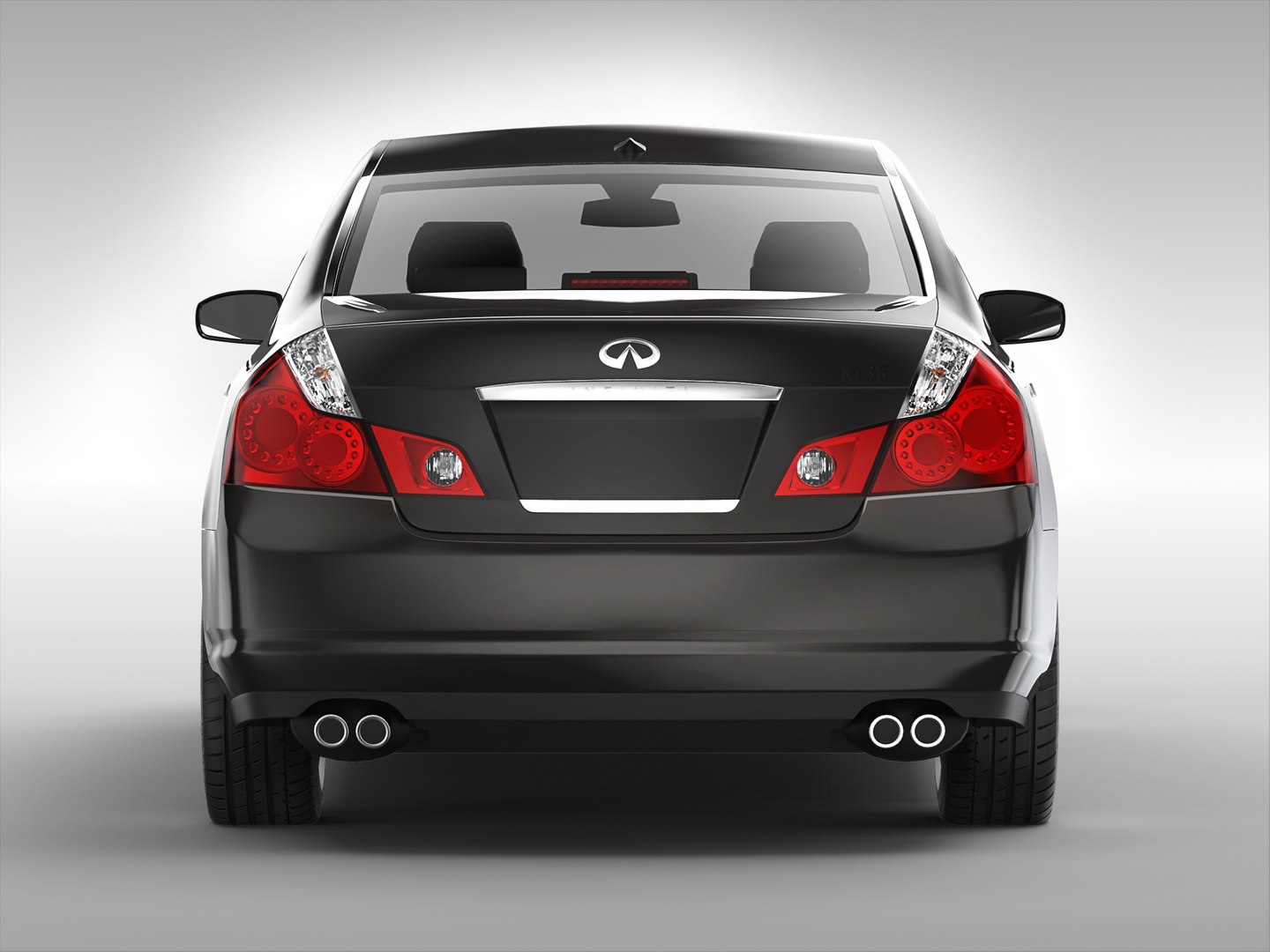
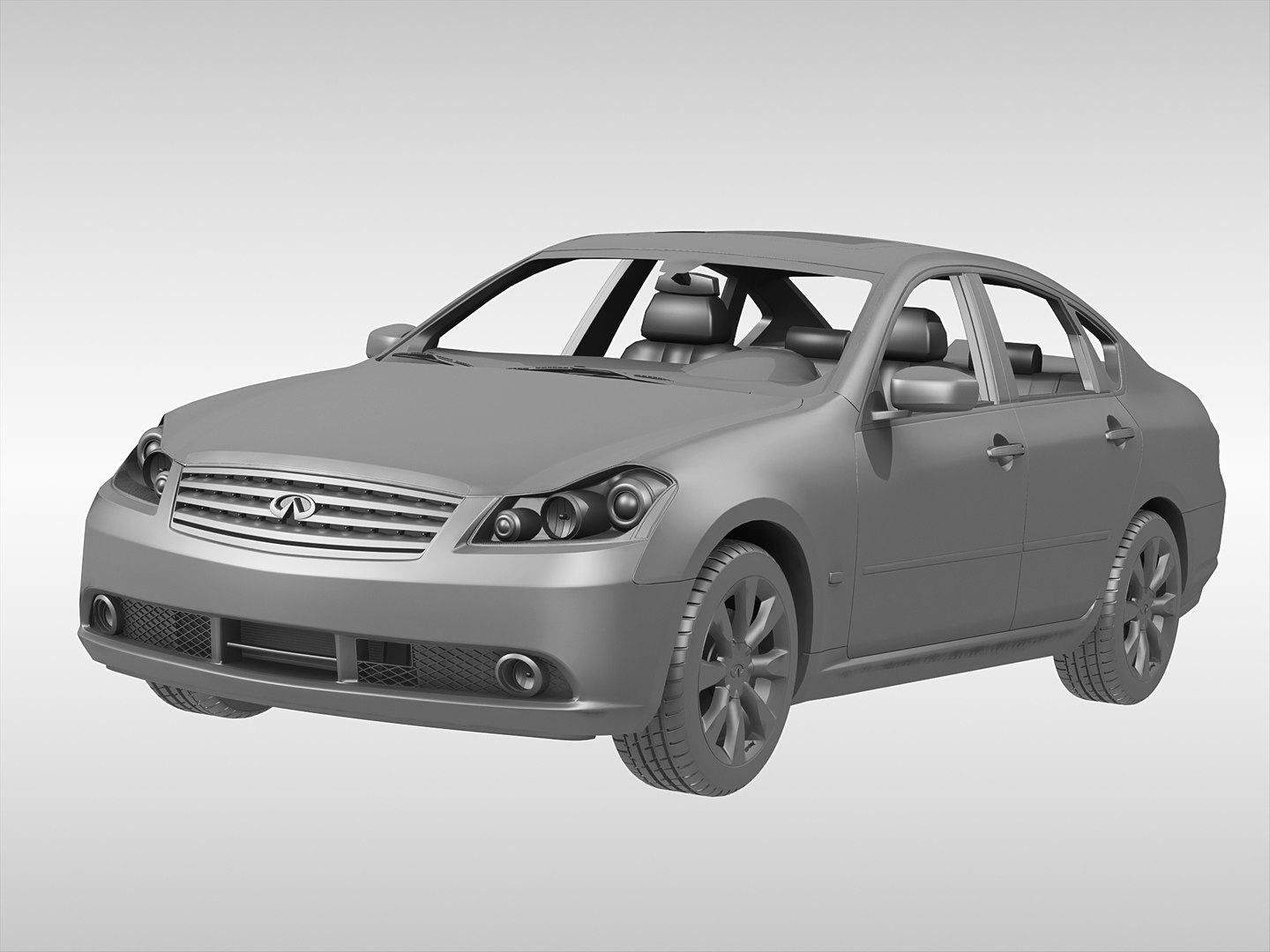
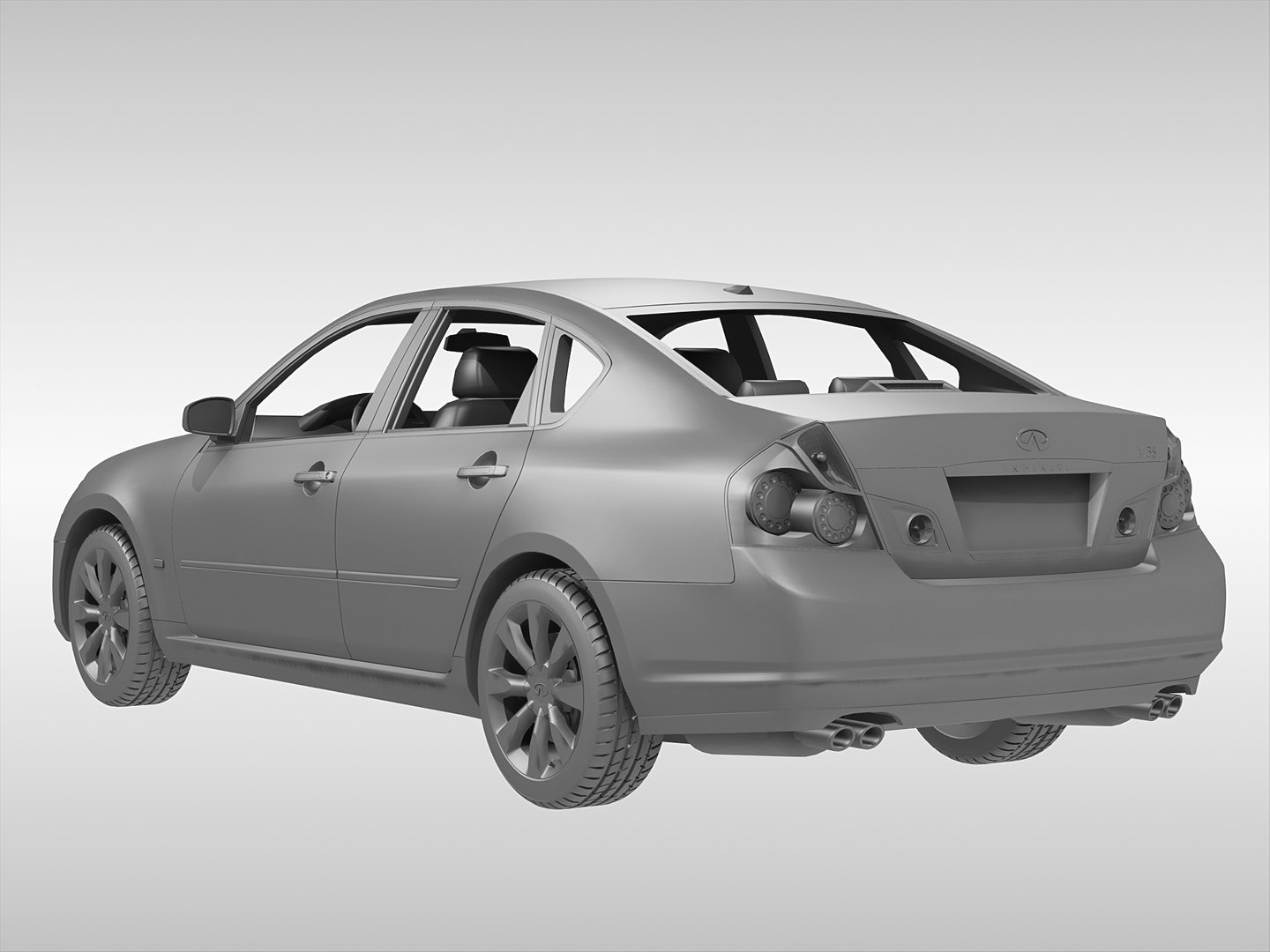
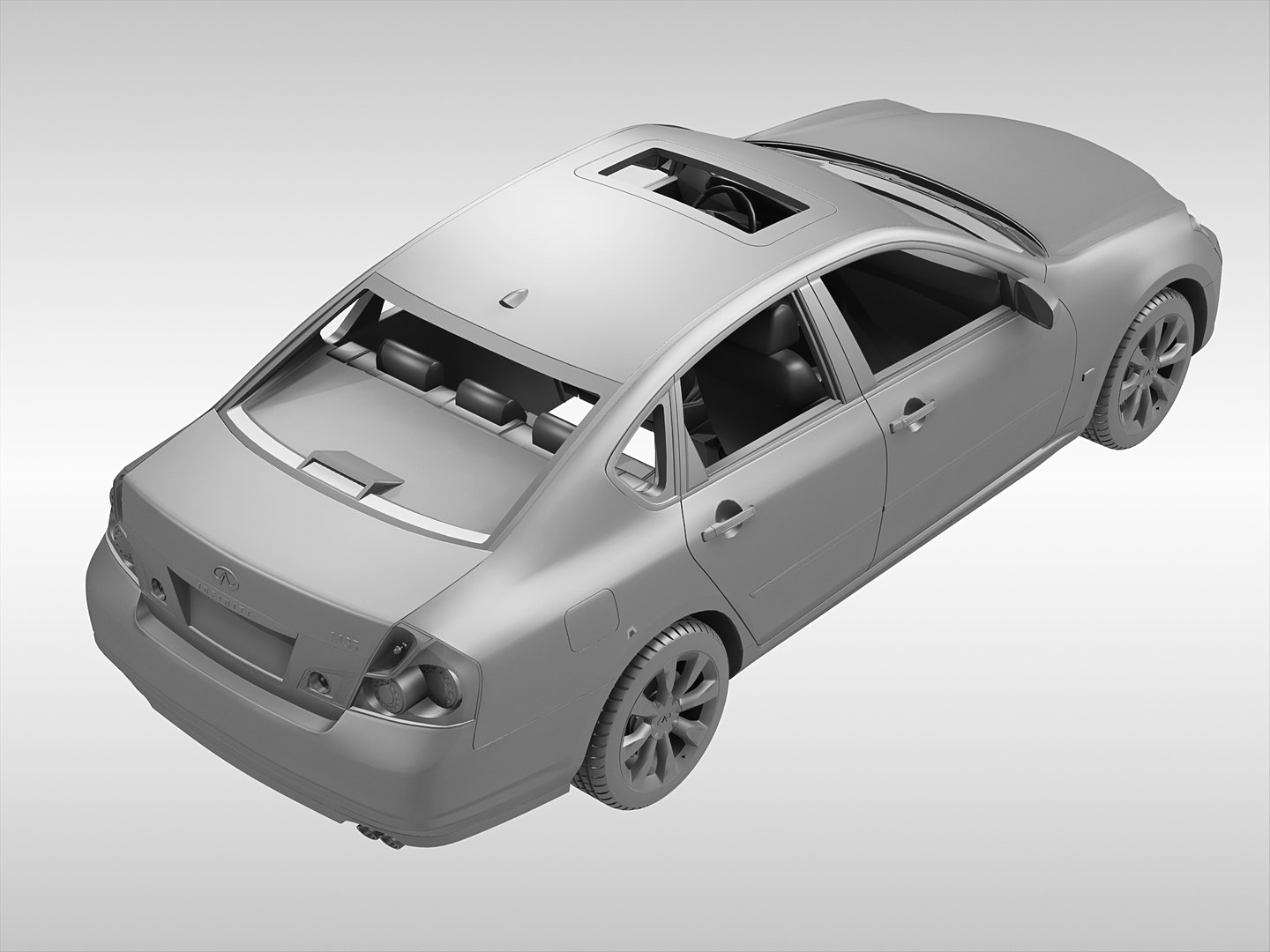
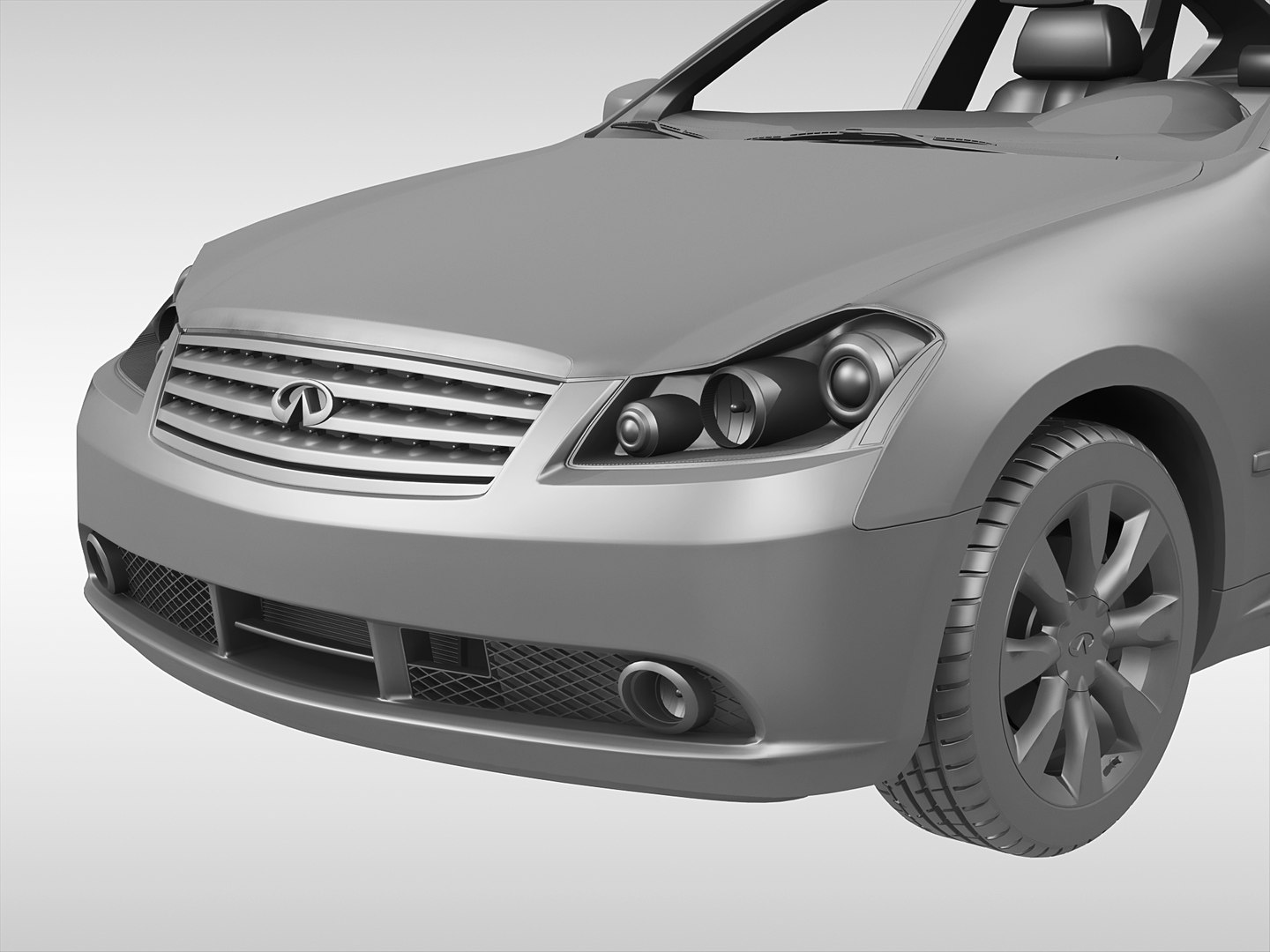
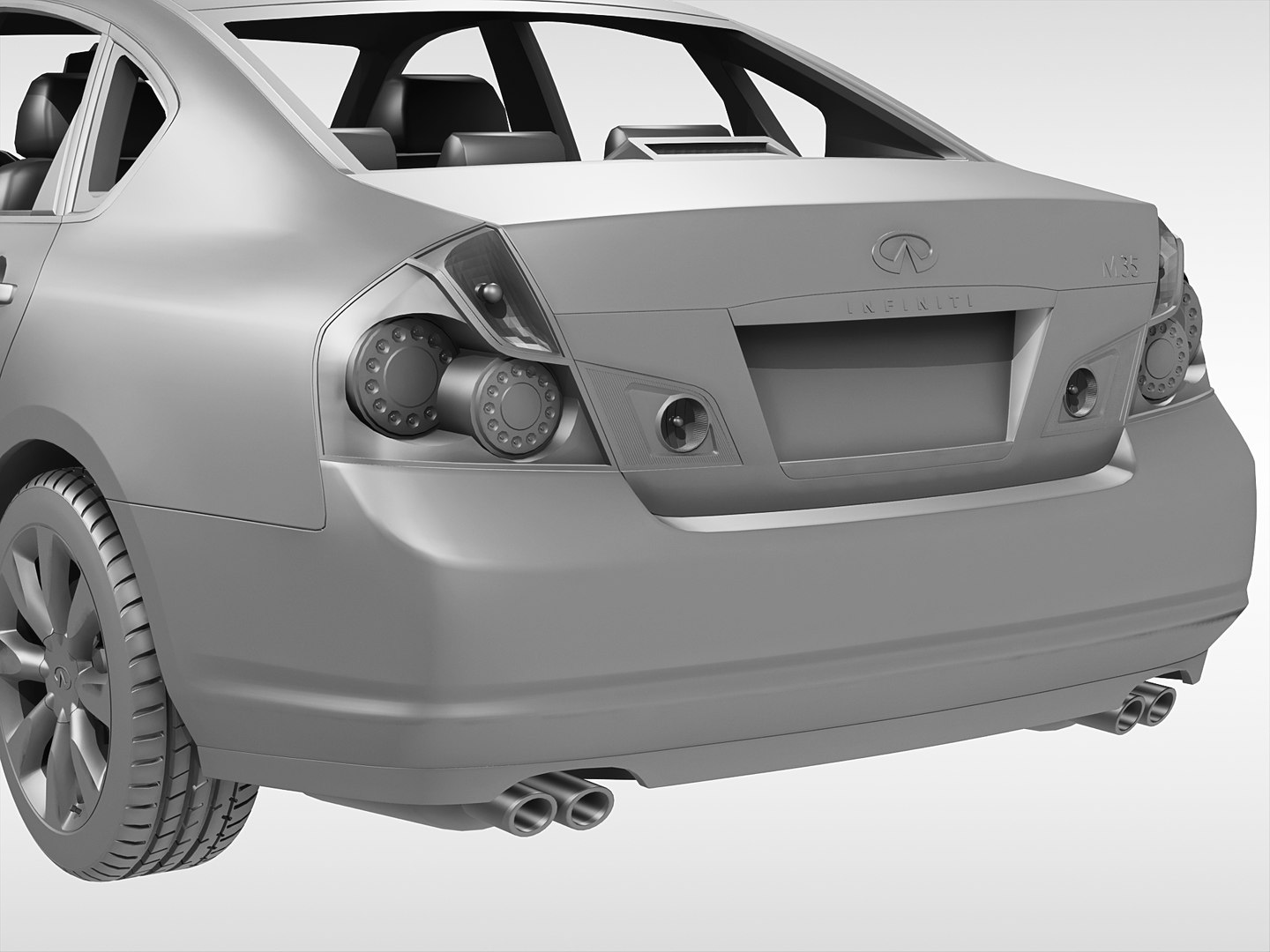
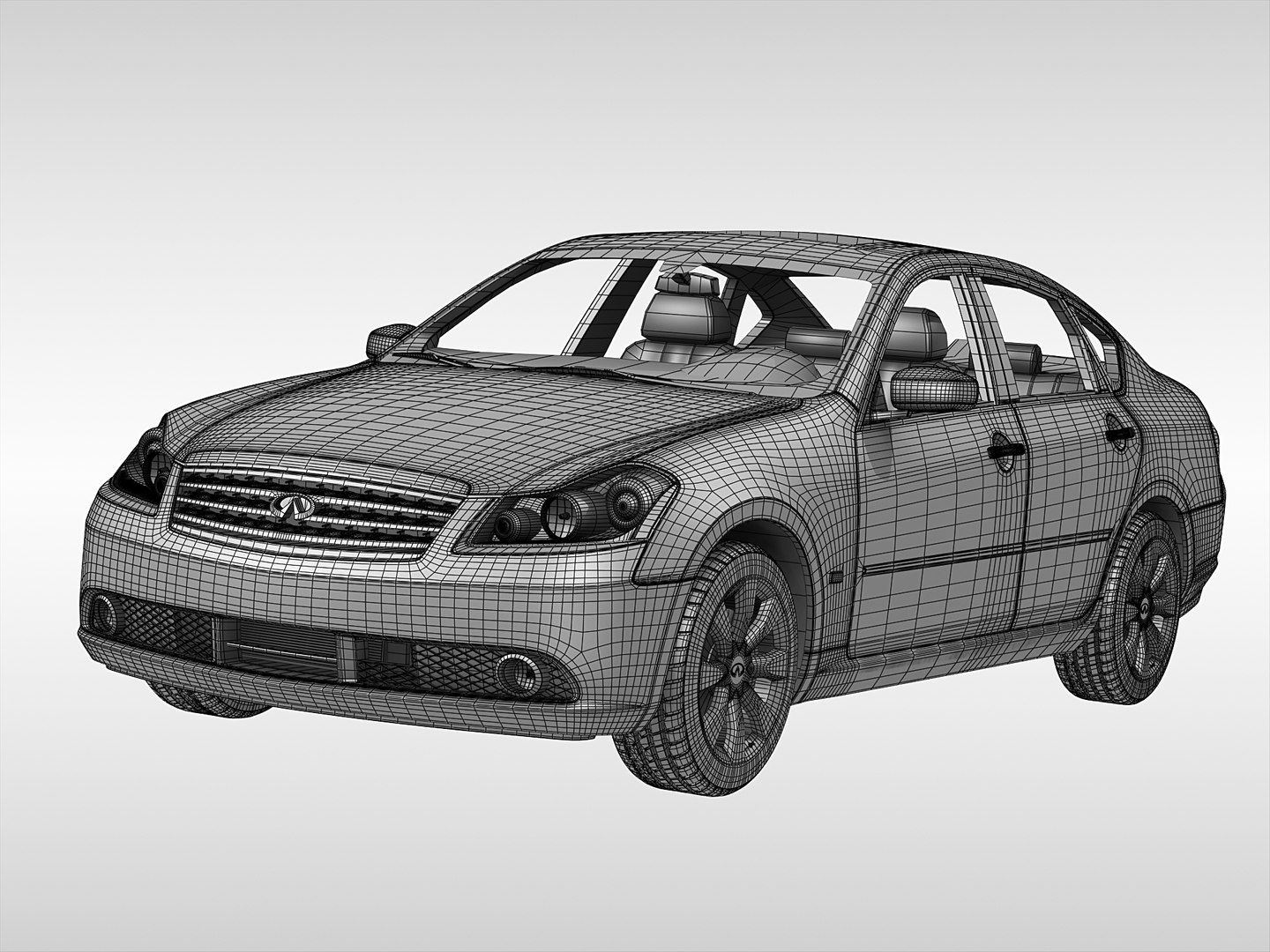
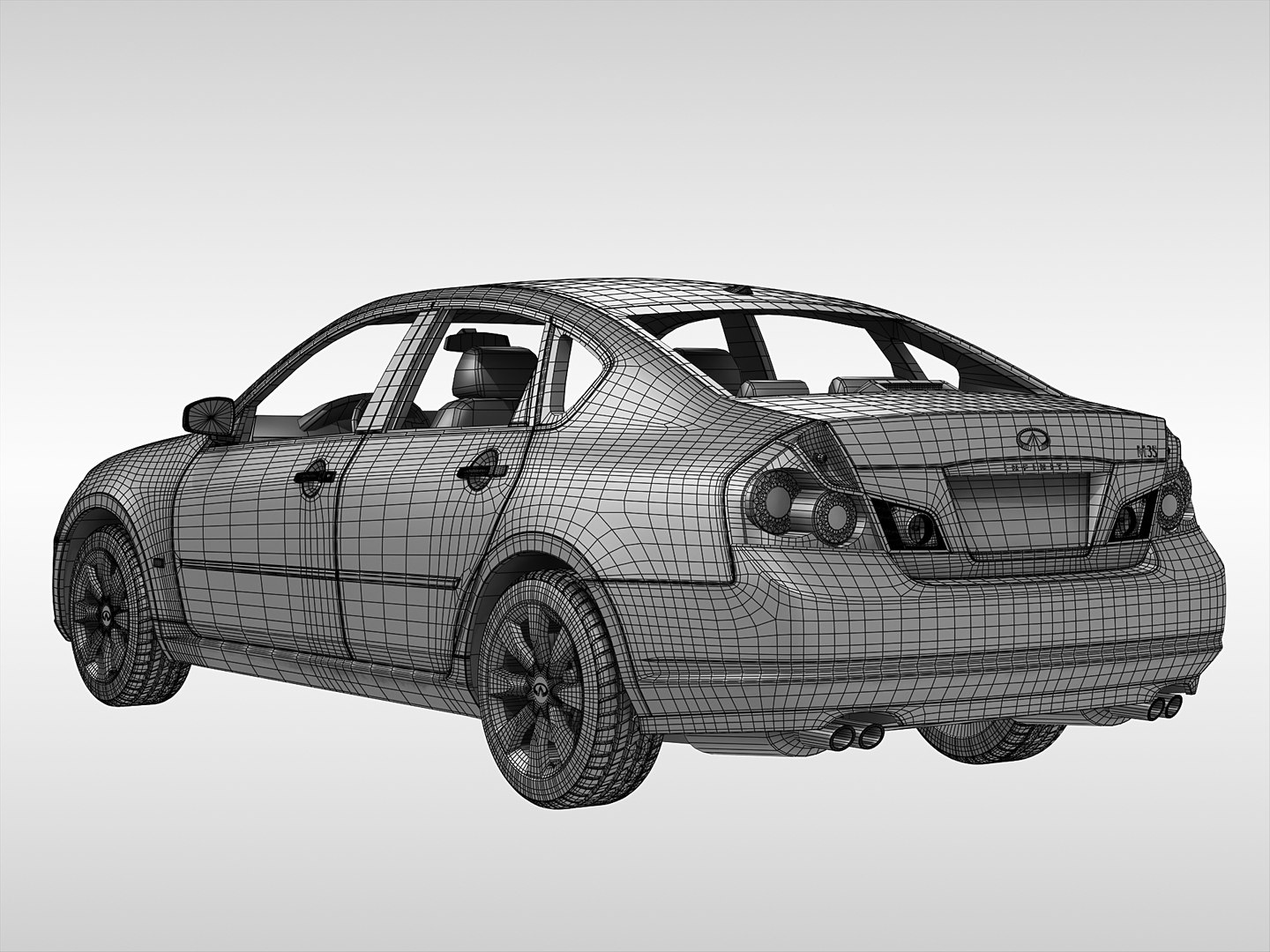
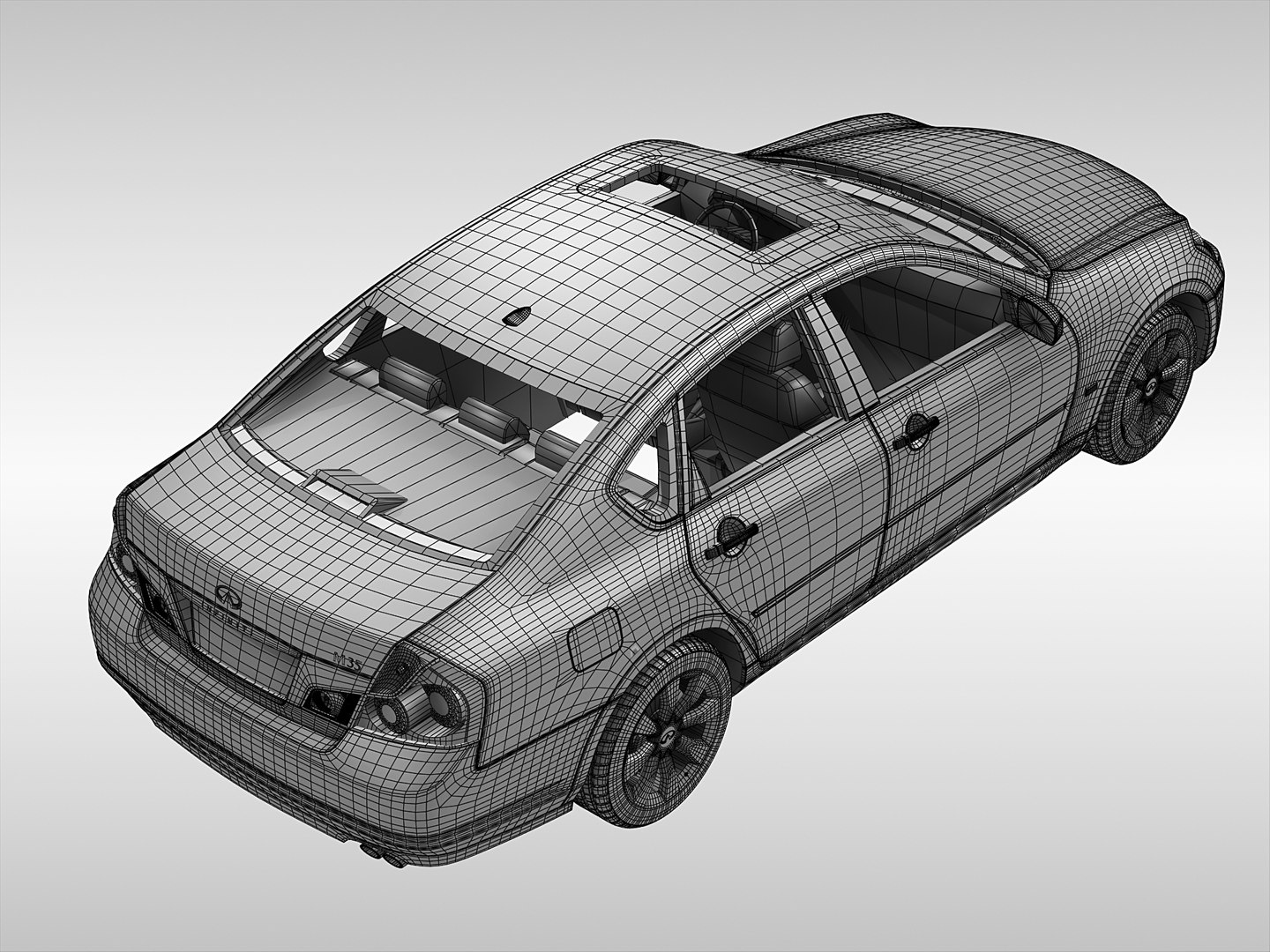
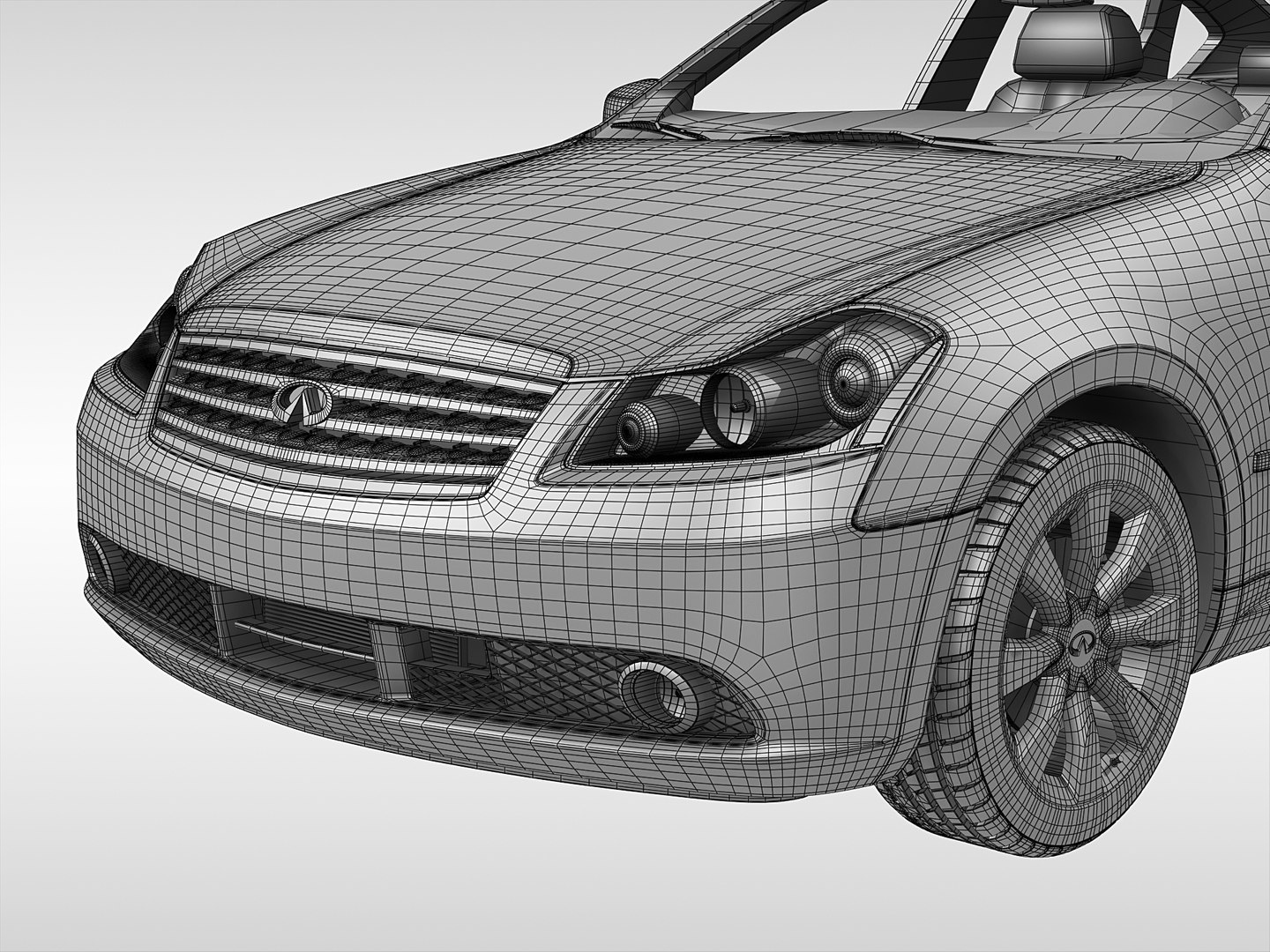
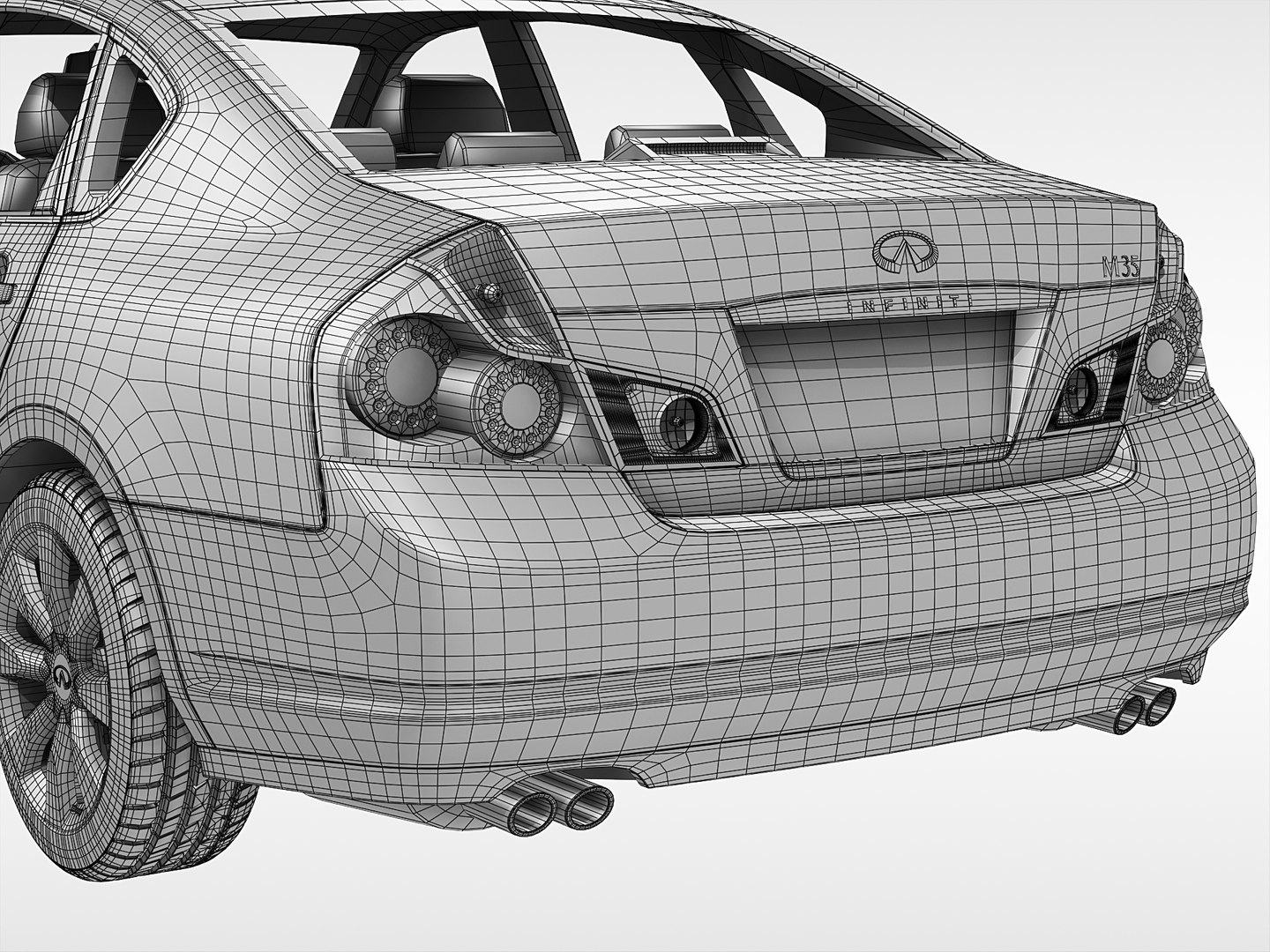
インフィニティM35(2005 - 2007)

$100

標準ライセンス | アップグレードライセンス
エディトリアル使用のみ
フォーマット (9)
無料のファイル形式変換が利用可能
Native | 3ds Max 2011 | Default Scanline
Blender 2.76 | Blender Render
3ds Max 2011 | mental ray
Cinema 4D R16 | Default Scanline
Maya 2011 | Default Scanline
Collada
3D Studio
FBX
OBJ
仕様
公開日 April 27, 2018
製品番号 1280911
多角形 167,000
頂点 181,000
多角形
テクスチャ
材料
UVマップ

member avatar
Swan3DStudios
331 製品 | Contributor 以来 2010
質問がありますか?今私達とチャットしてください。

説明

* Features:
- Highly detailed exterior and basic interior.
- Model is settled to 0,0,0 xyz axis.
- Standart materials are included in max rar file.
- Real world scaled.(Units in milimeters)
- Textures included.(C:\MCT\Infiniti) Place textures folder in that directory
- Suitable for animations and architectural visualizations or after changing tires for games.
- Wheels grouped seperately.
- All parts of car and materials named properly so you can easily find which material
is for which part of the car.
- Body color can be changed.Model color can be different from preview images.
- Meshsmooth modifier collapsed for lower poly.
- Environment shown on preview renders is not included. Only the model file.
- No advanced texturing skill required to modify texturing. Plain and simple texturing.


Polygon count : 166769
Vertex count : 180608

---------One 3DS File--------

Polygon count : 337770
Vertex count : 215963

---------One FBX File--------

Polygon count : 248232
Vertex count : 180608

---------One OBJ File--------

Polygon count : 166767
Vertex count : 180588


ATTENTION !!!

Max,FBX,Maya and 3DS format comes with default materials applied.Obj and cinema 4d format has only gray material.
ALL file formats includes textures.

拡張ライセンスを選択

  • $10,000 法的保護(補償)
  • 無制限の法的保護(補償)
  • 差し止めによる救済の放棄
  • 割り当て可能なモデルの権利
  • $1,000,000 法的保護(補償)
  • 差し止めによる救済の放棄
  • 割り当て可能なモデルの権利
  • $250,000 法的保護(補償)
  • 割り当て可能なモデルの権利
拡張ライセンスの詳細についてはこちらをご覧ください。または、enterprise@turbosquid.comまでお問い合わせください。既にShutterstock Enterpriseをご利用の場合は、3D機能の追加についてShutterstockのセールスサポート担当者にお問い合わせください。

About Conversion Requests

To submit a conversion request for a purchased asset, please complete our Conversion Request Form.

If you have not yet purchased a model, please review our Documentation about Conversions to learn about what limitations you may encounter with a conversion.

For any additional questions about a model’s suitability for conversion, please contact TurboSquid Support.

読み込み中...