
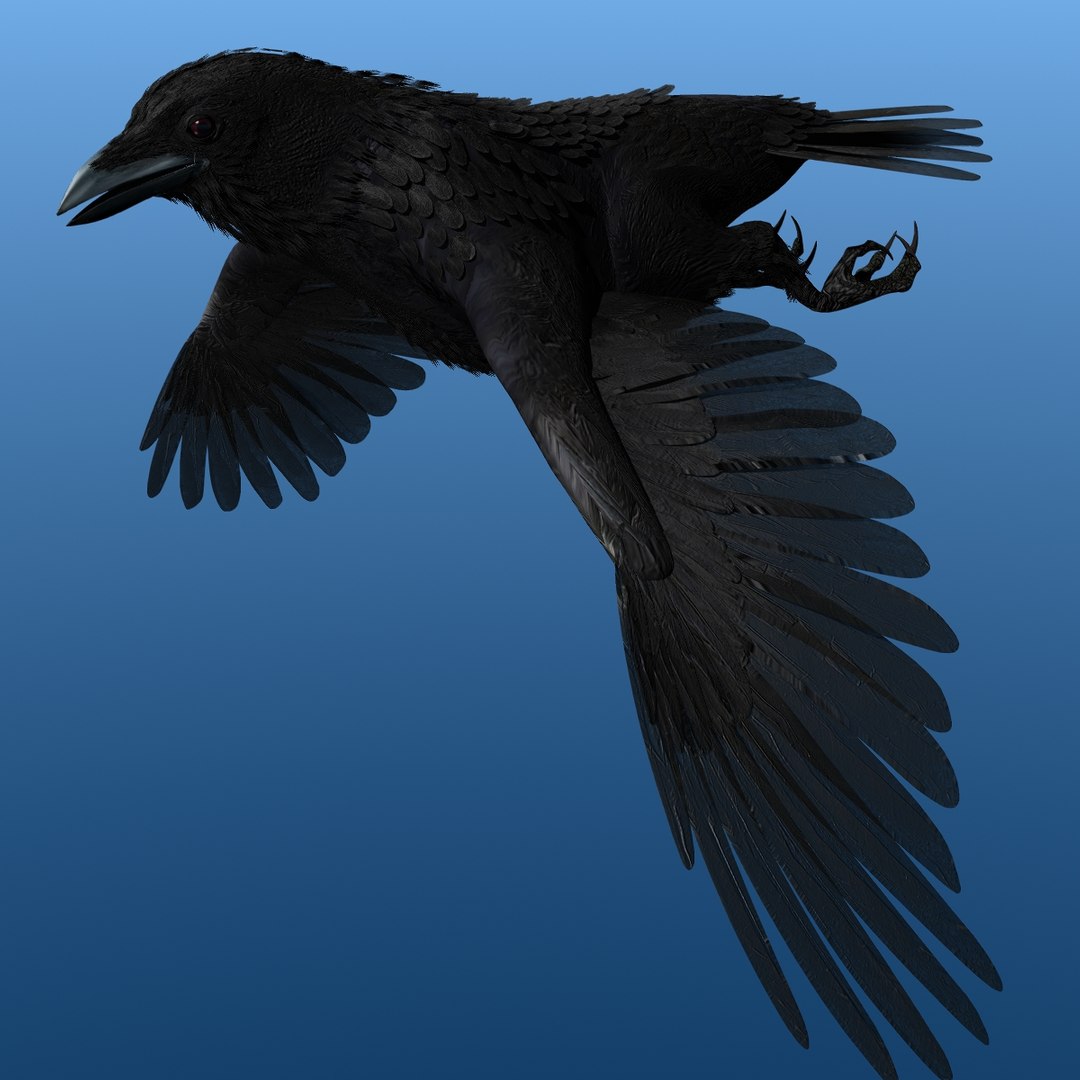
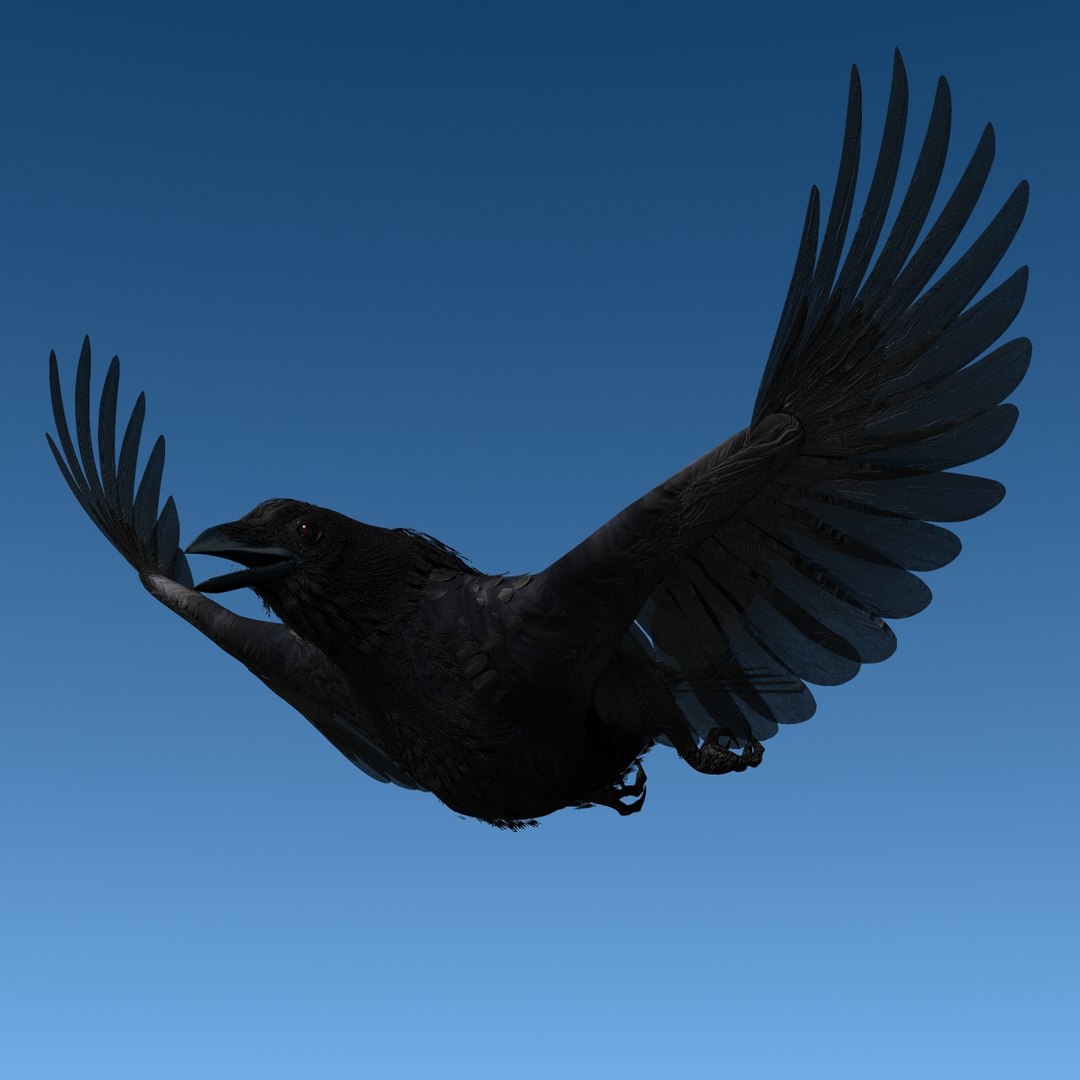
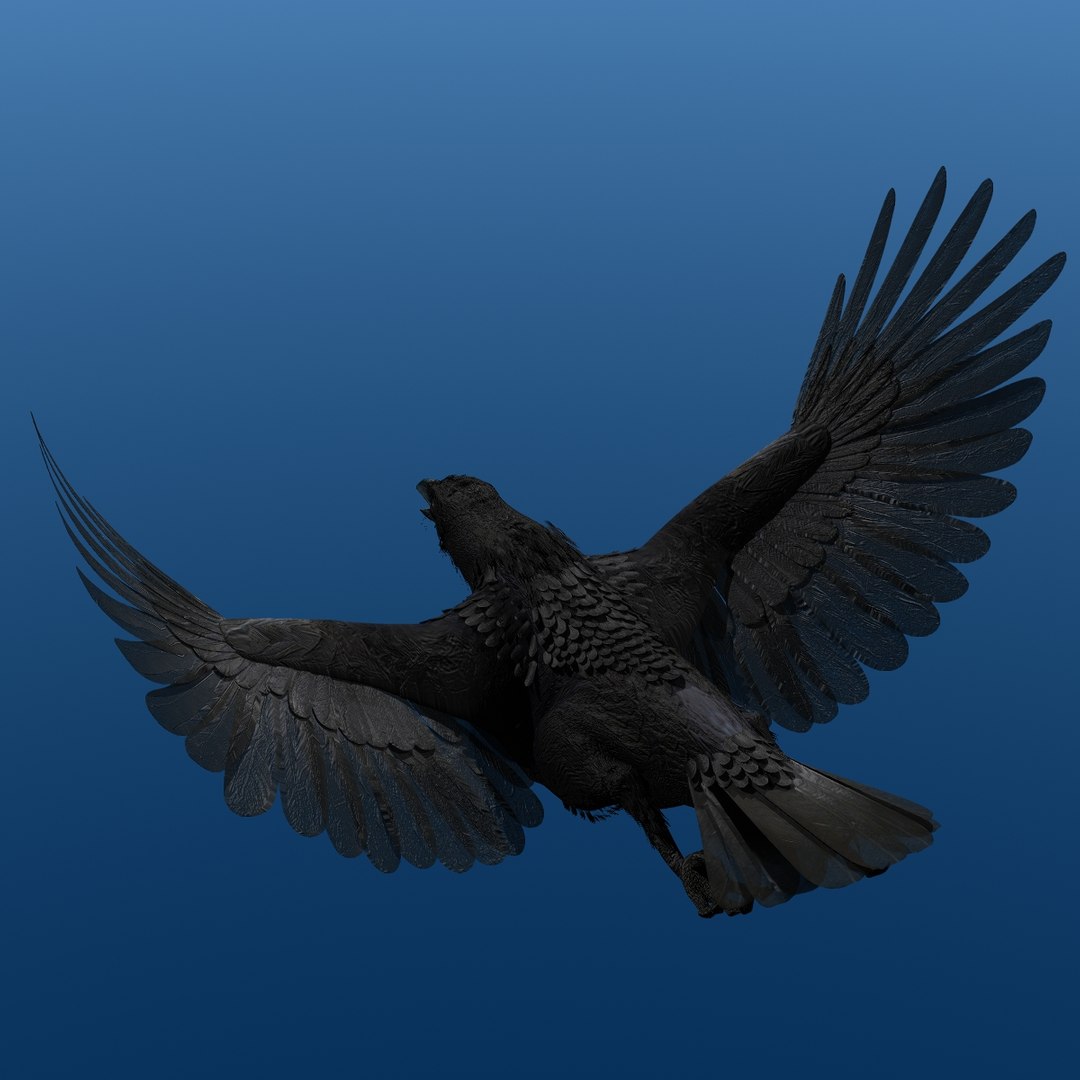
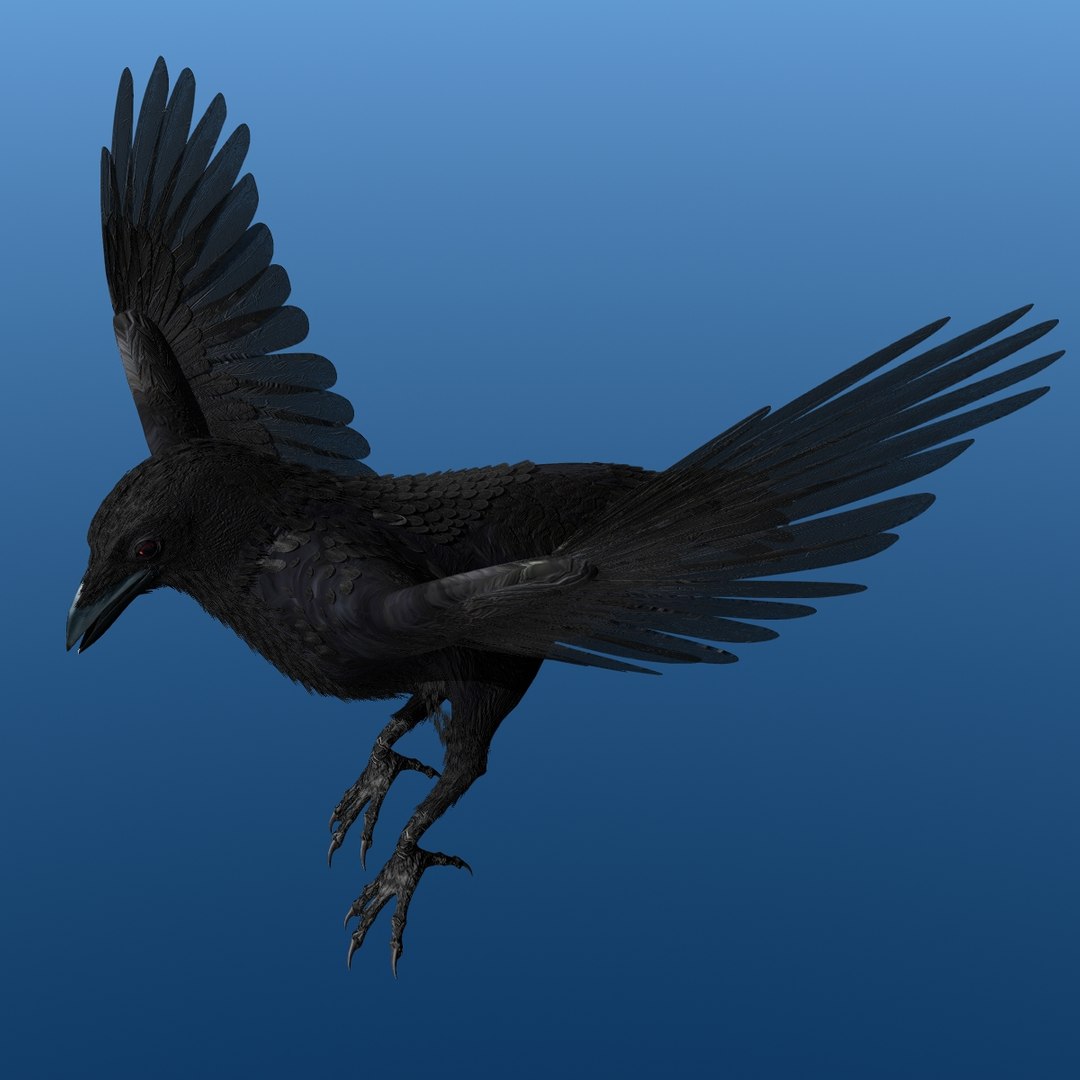
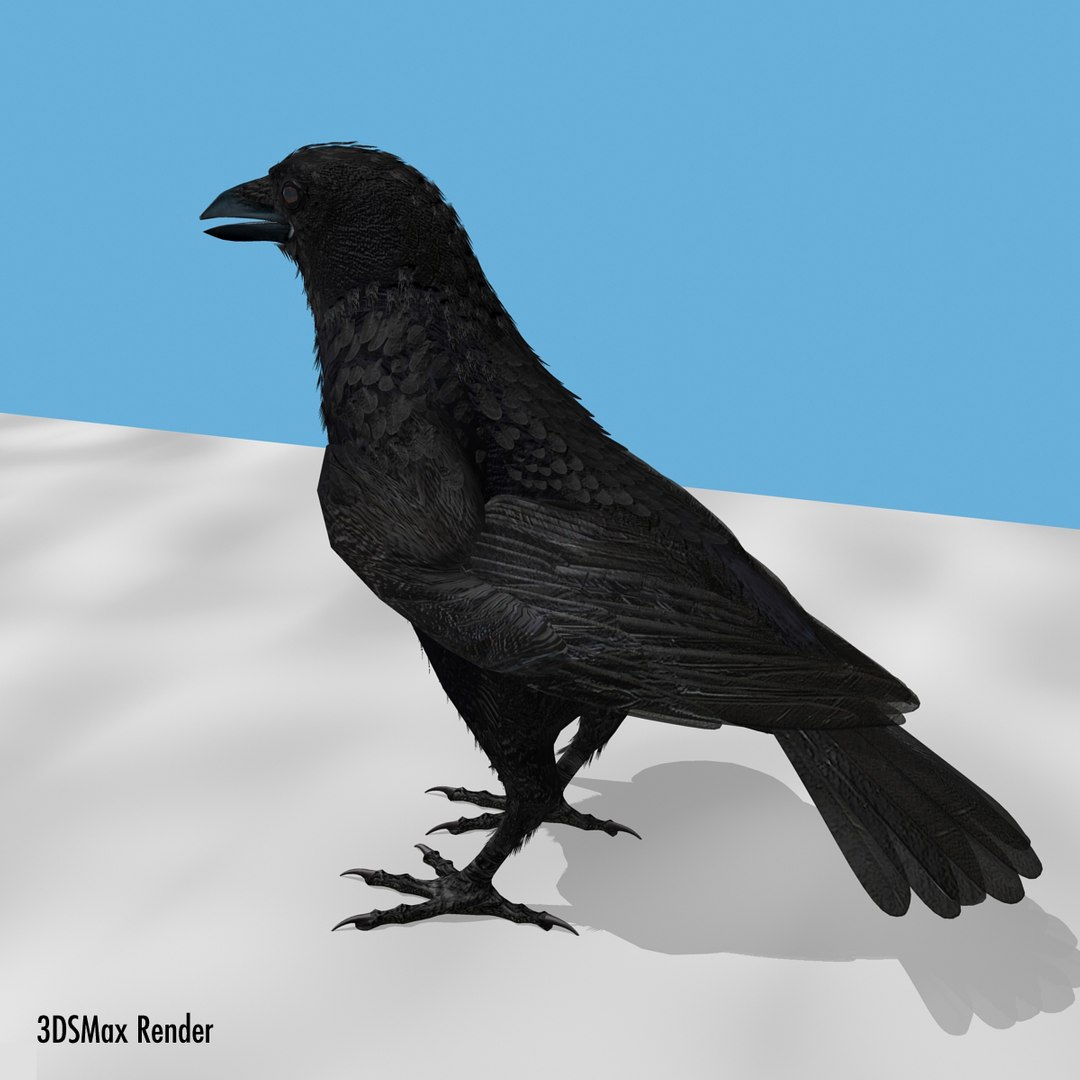
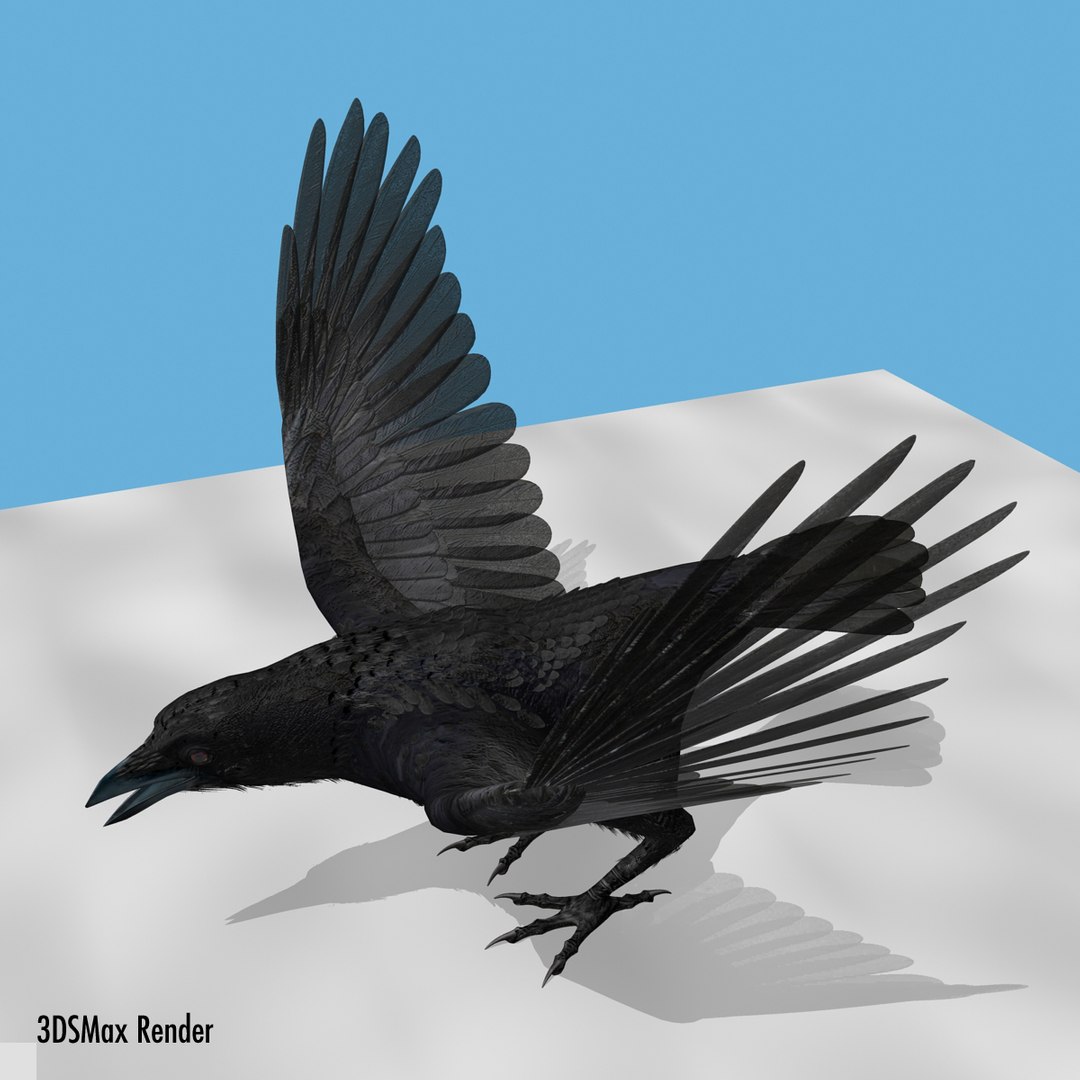
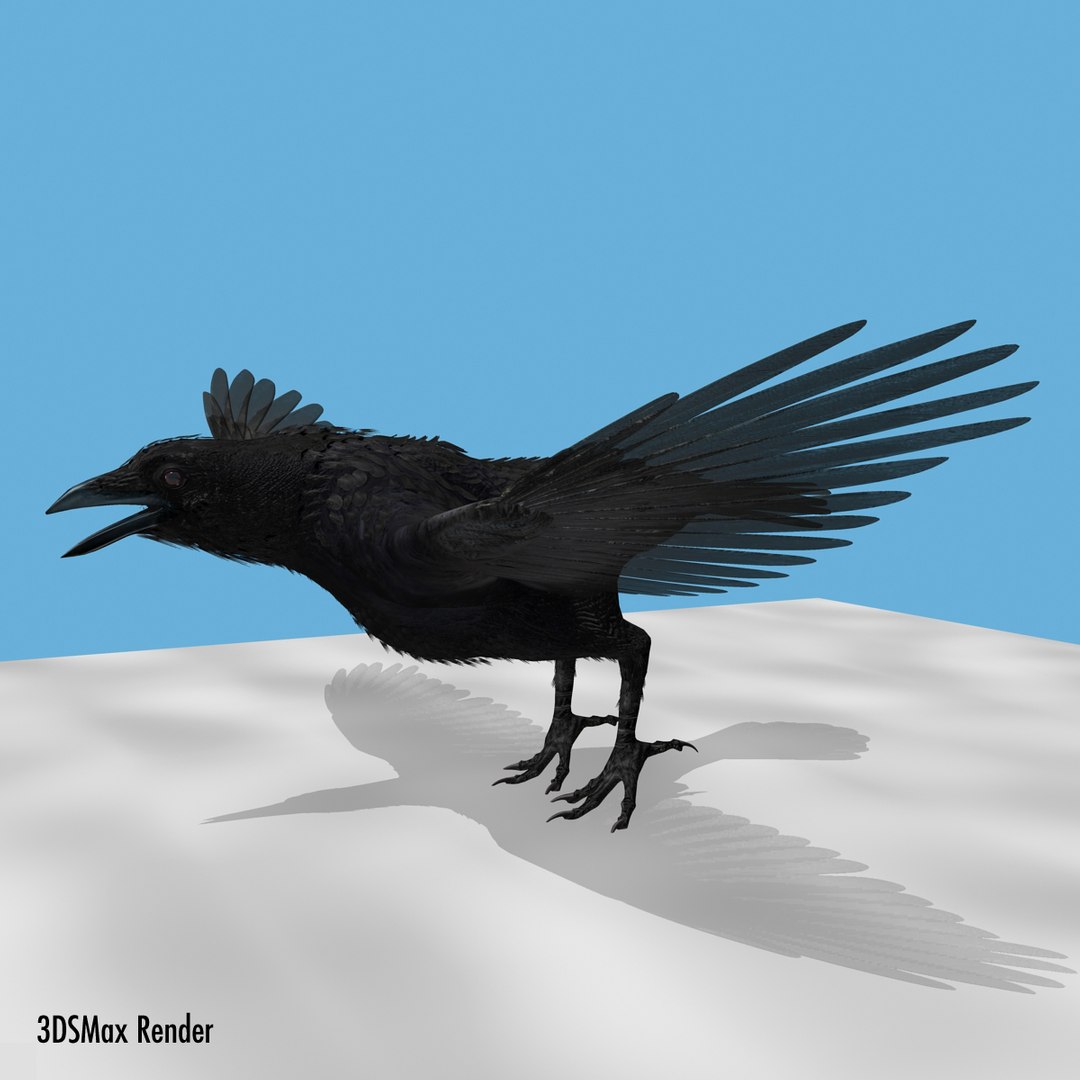
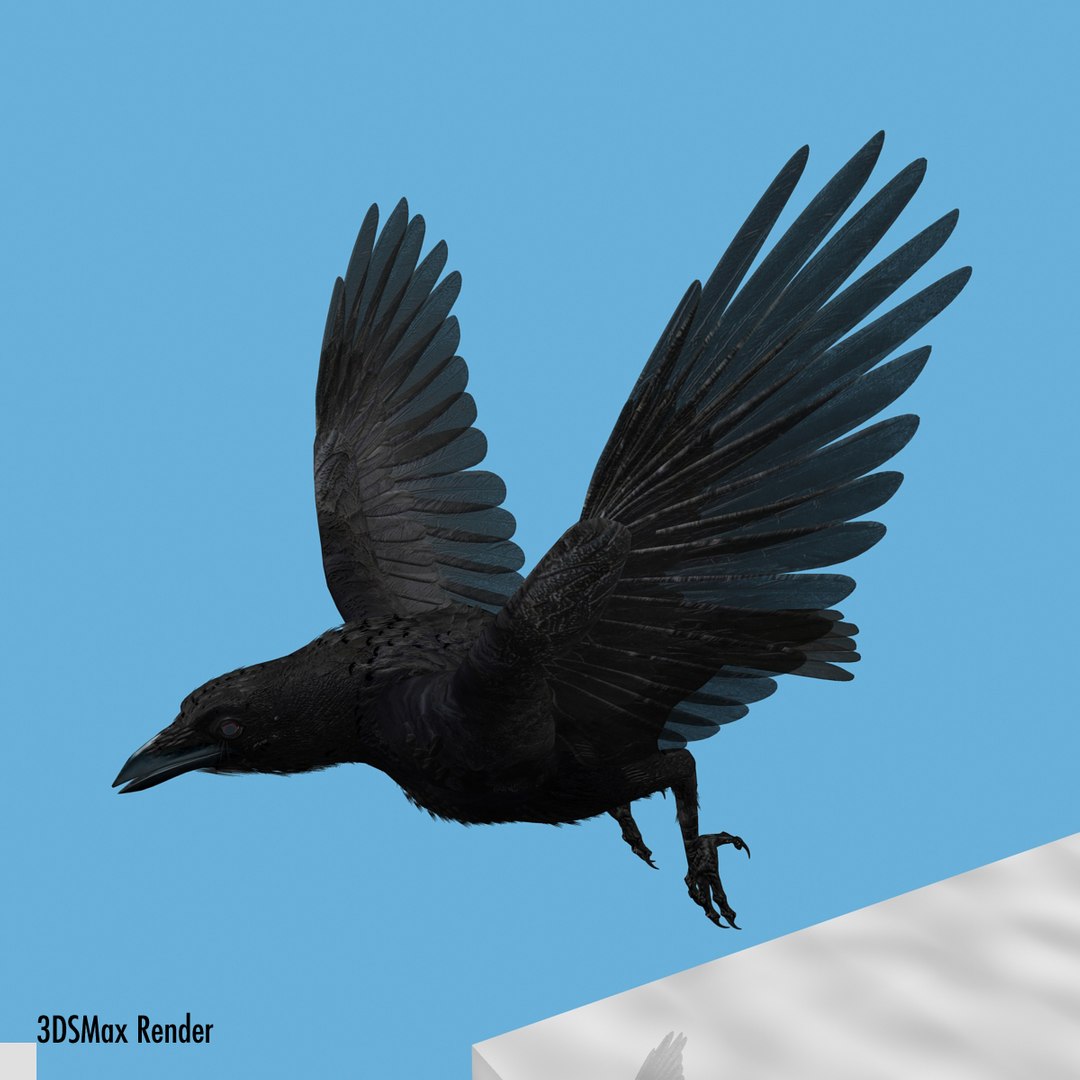
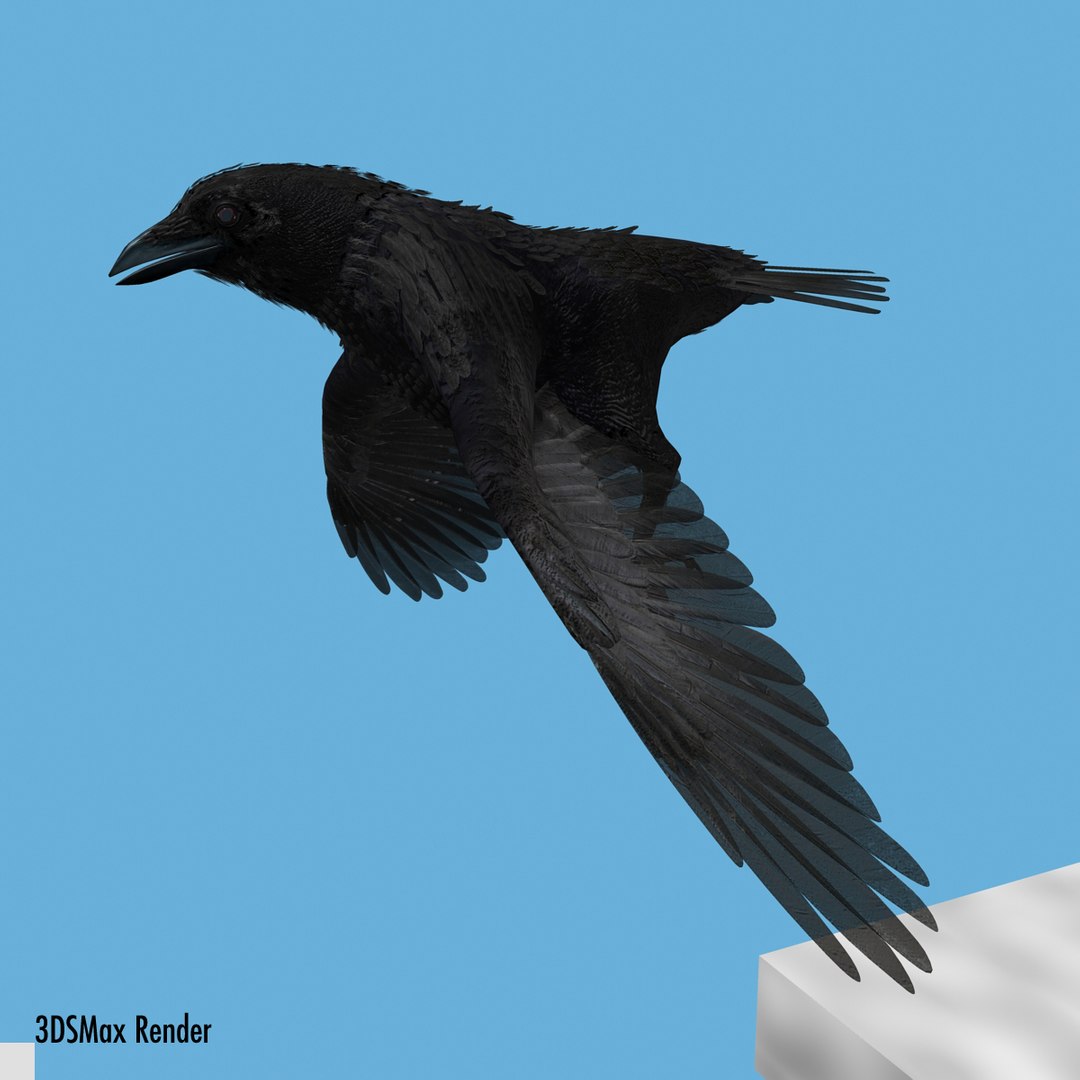
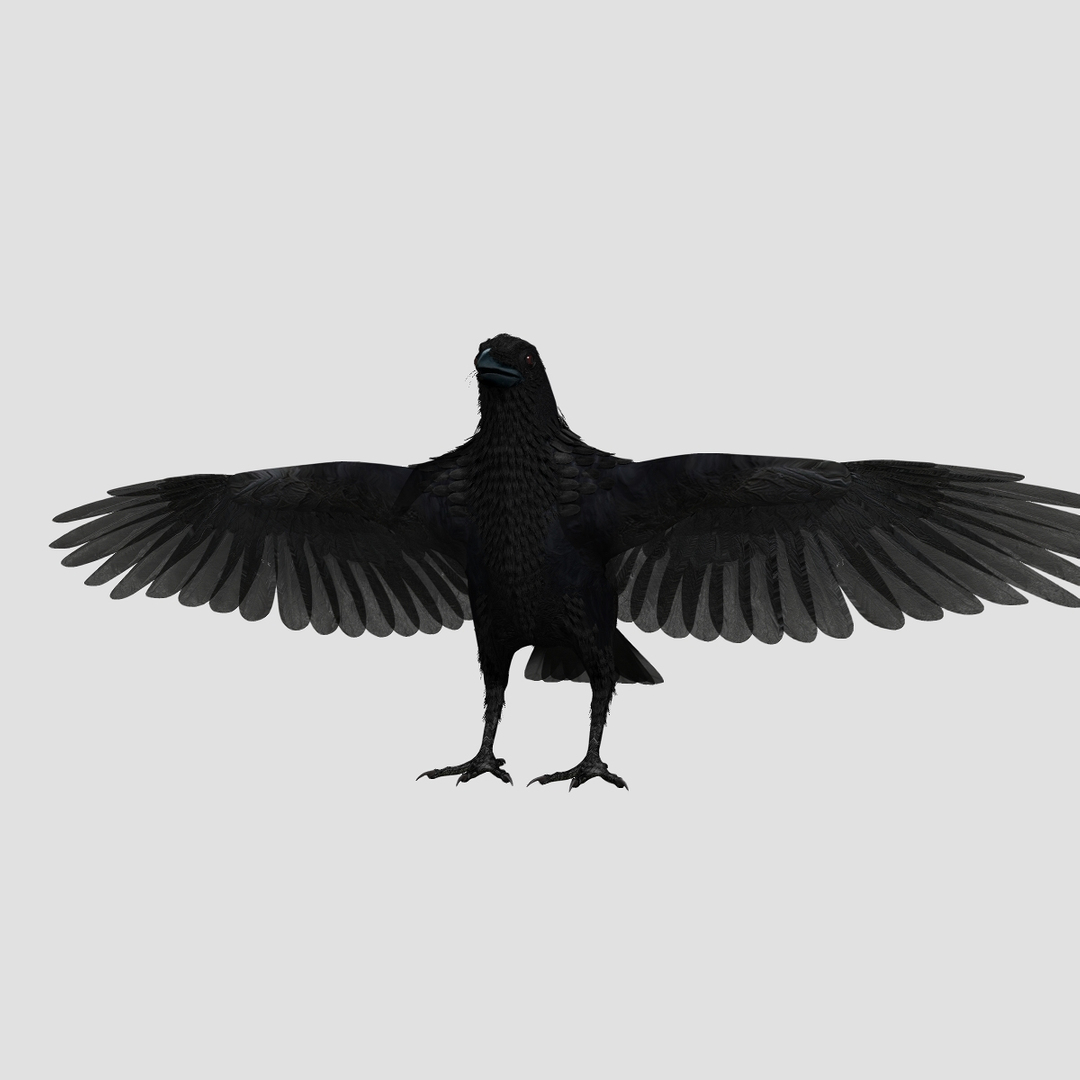
Corvo

$70

Licenza standard | Aggiorna licenza
formati (8)
Formato file gratuito Conversioni disponibili
Native | Lightwave 8.5 | Default Scanline
Cinema 4D r13 | Default Scanline
Lightwave 2019 | Default Scanline
3ds Max 2017 | mental ray
3ds Max 2017 | V-Ray 3.4
3ds Max 8.5 | mental ray
OBJ
FBX
Specifiche
Data di pubblicazione January 19, 2012
Codice prodotto 649870
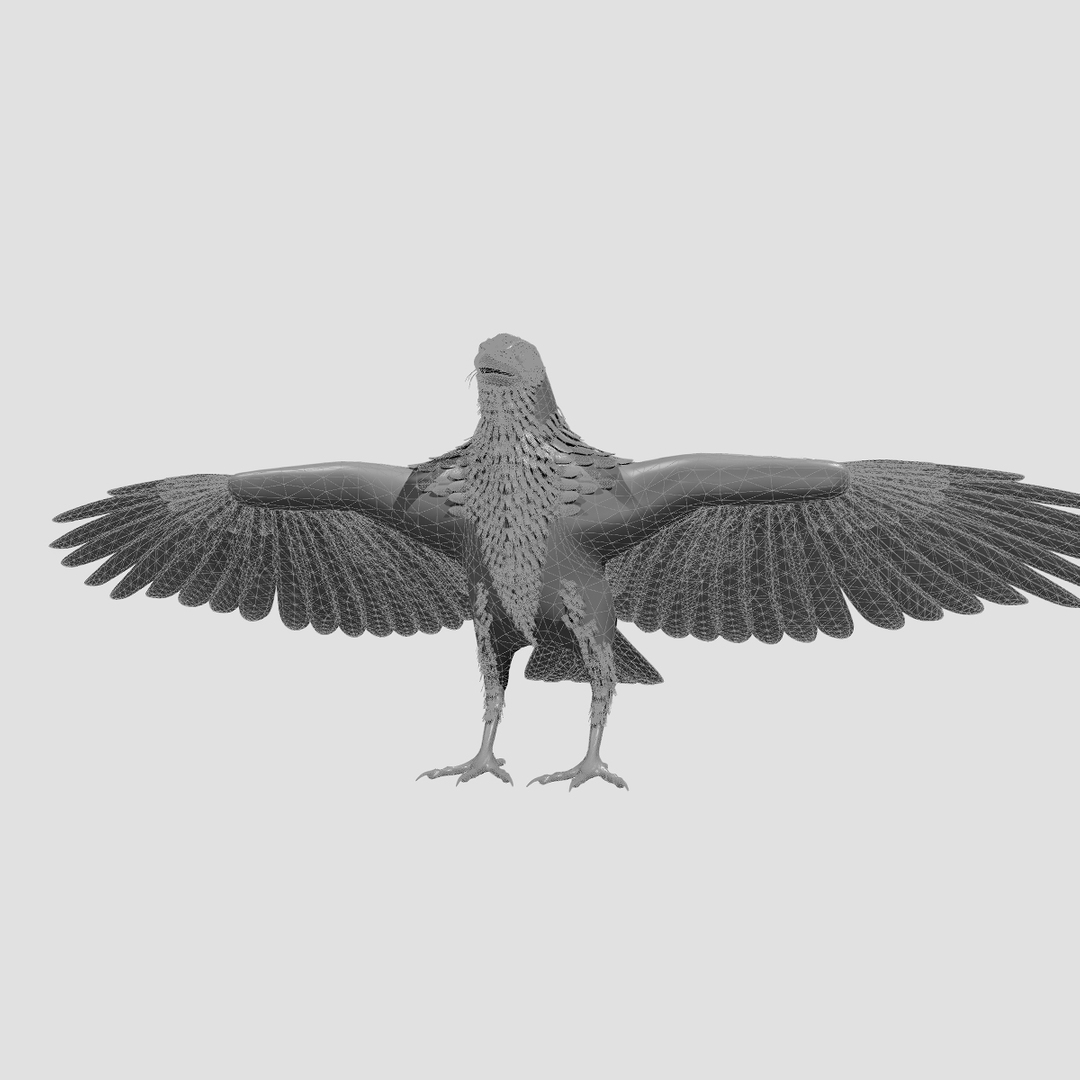
poligoni 23,748
vertici 29,992
Geometria poligonale quad/tris
Textures
materiale
UV mappato
UV non imballati sovrapposti
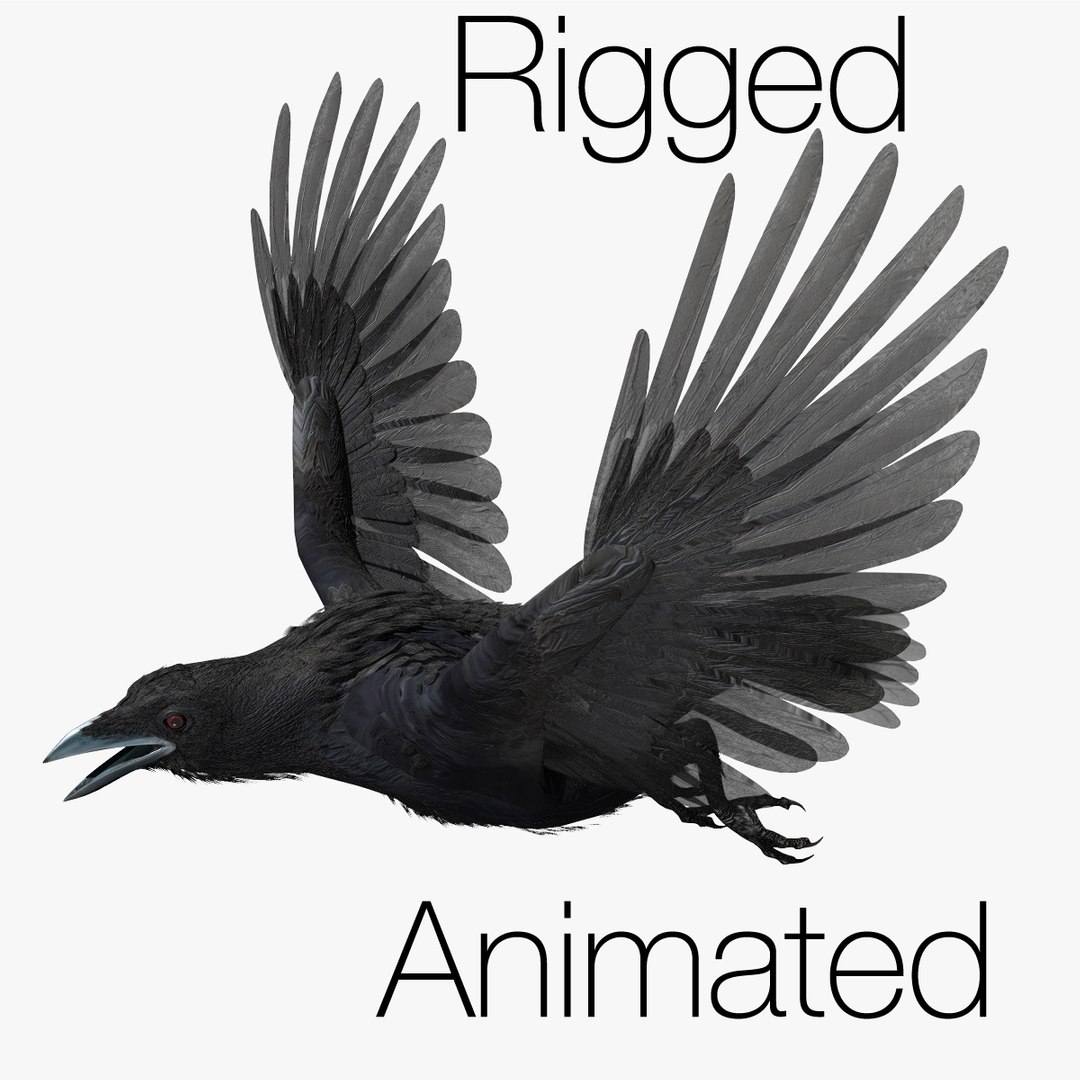
rigged
Animato
PBR
member avatar
r189
157 Prodotti | Contributor Da 2005
Hai domande? Chatta con noi ora.

Descrizione

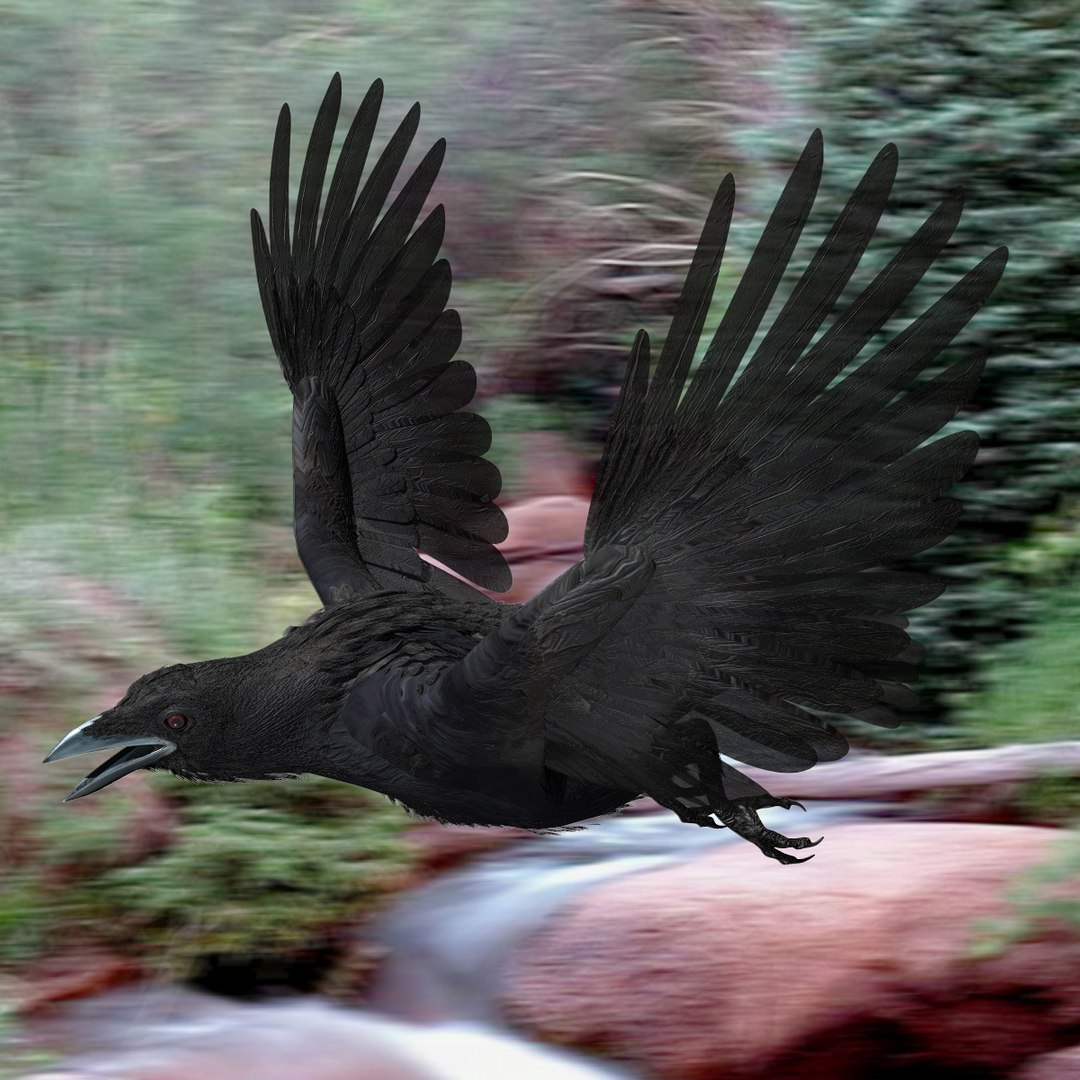
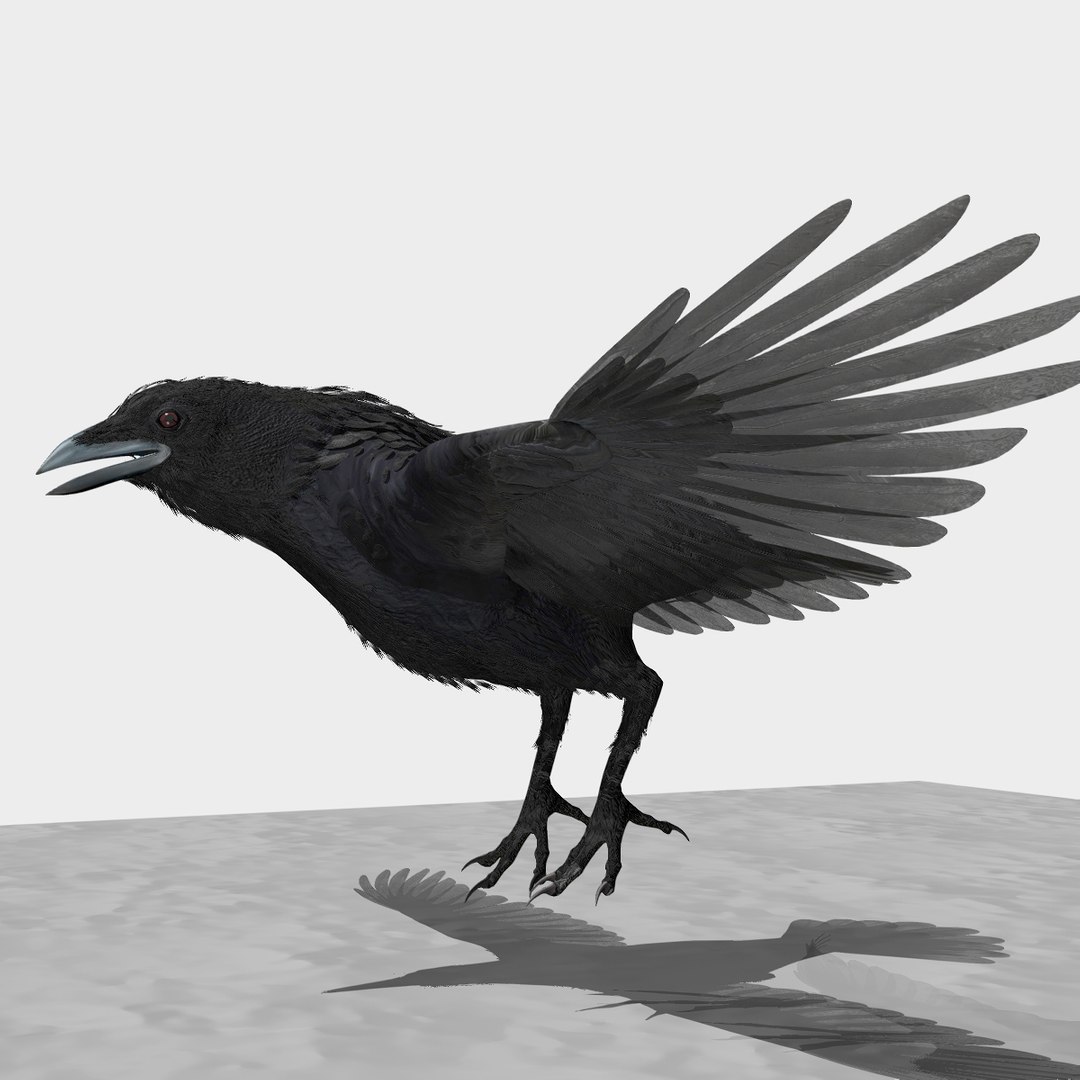
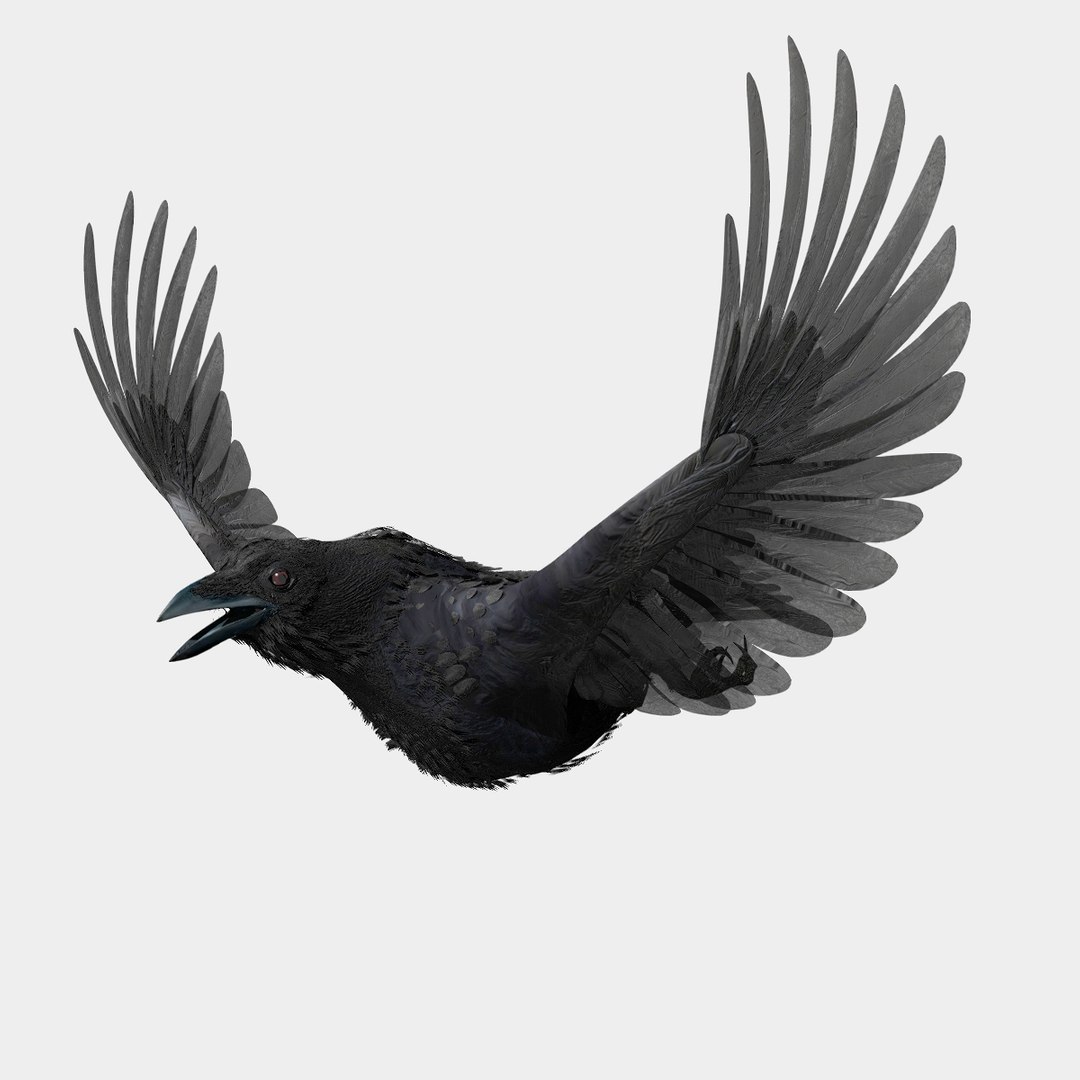
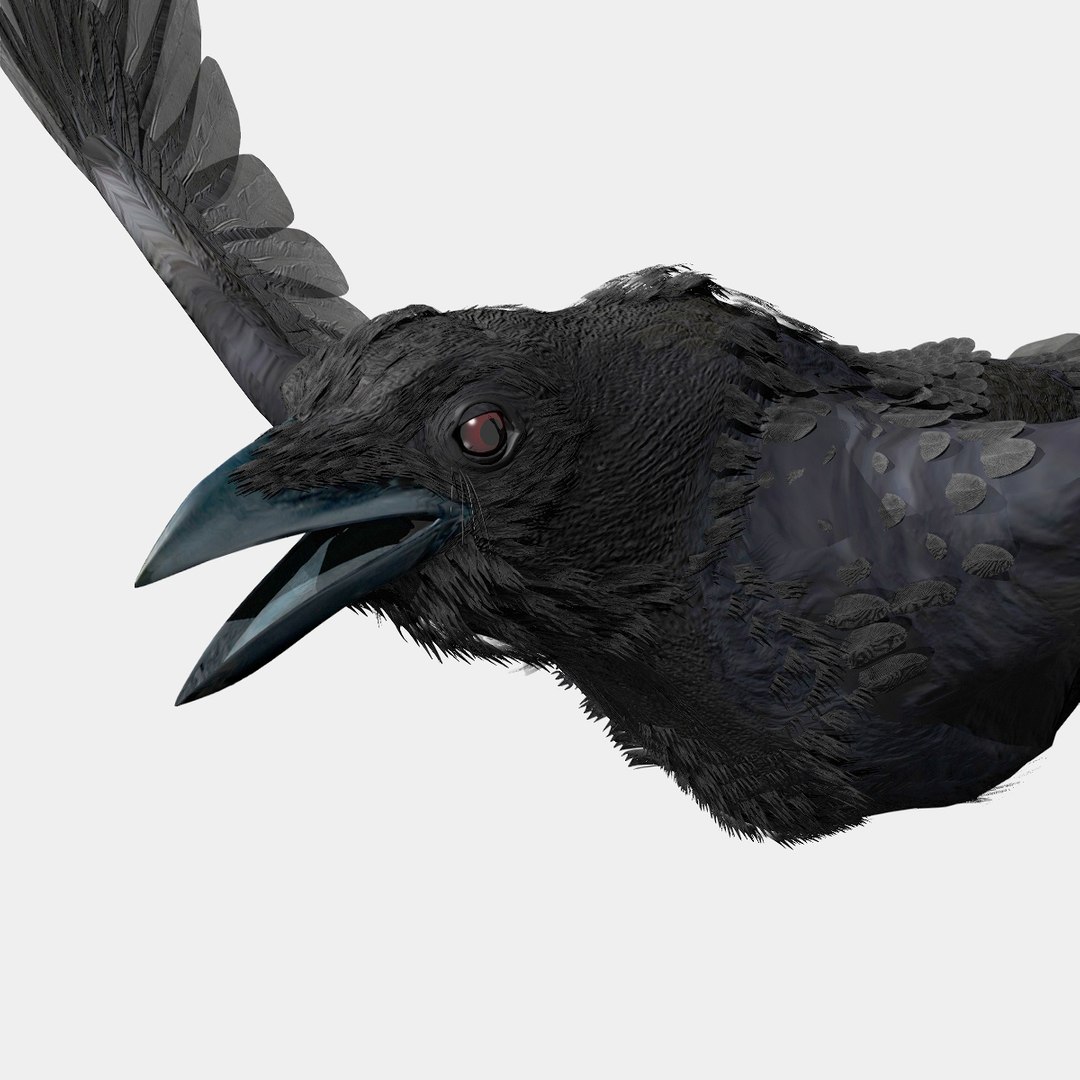
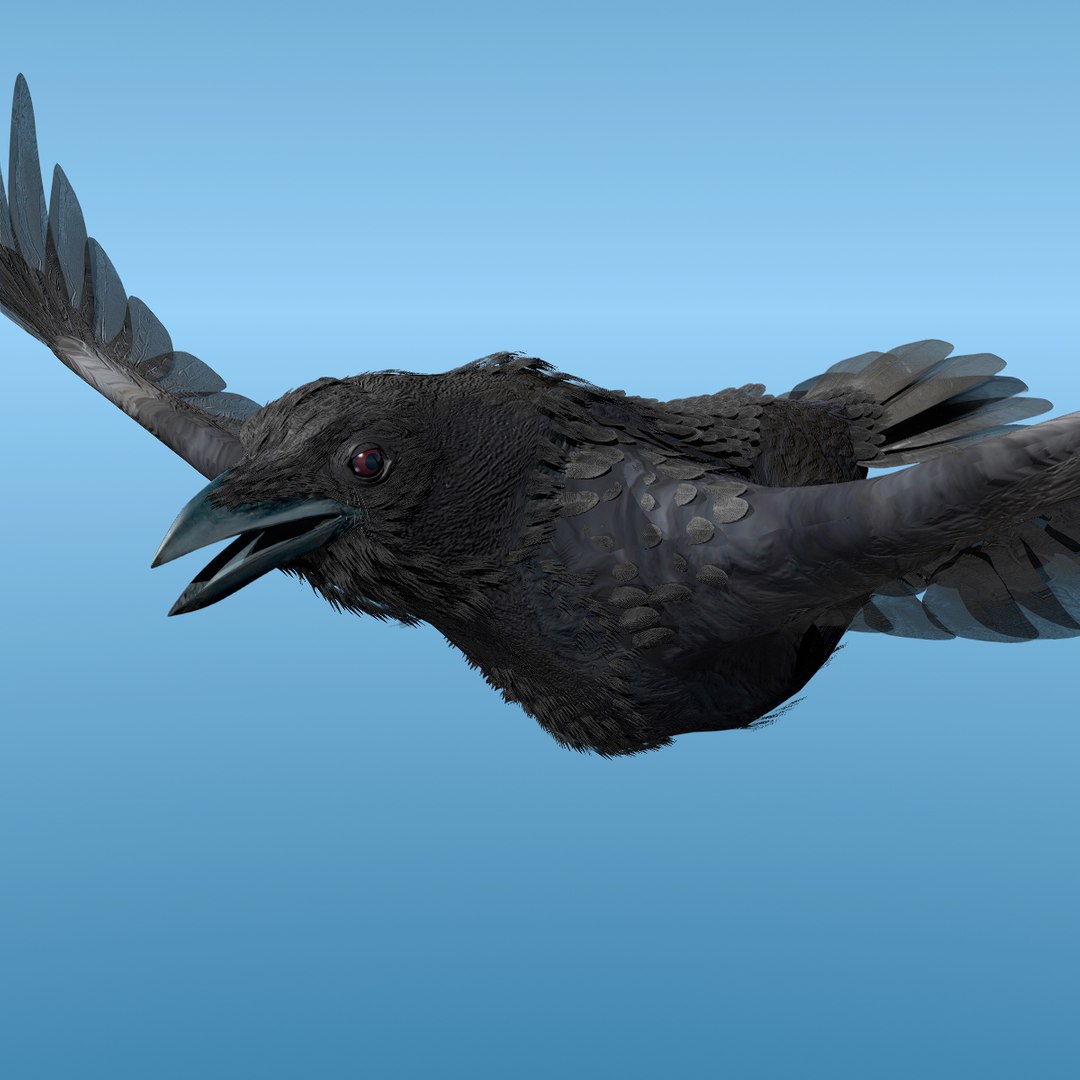
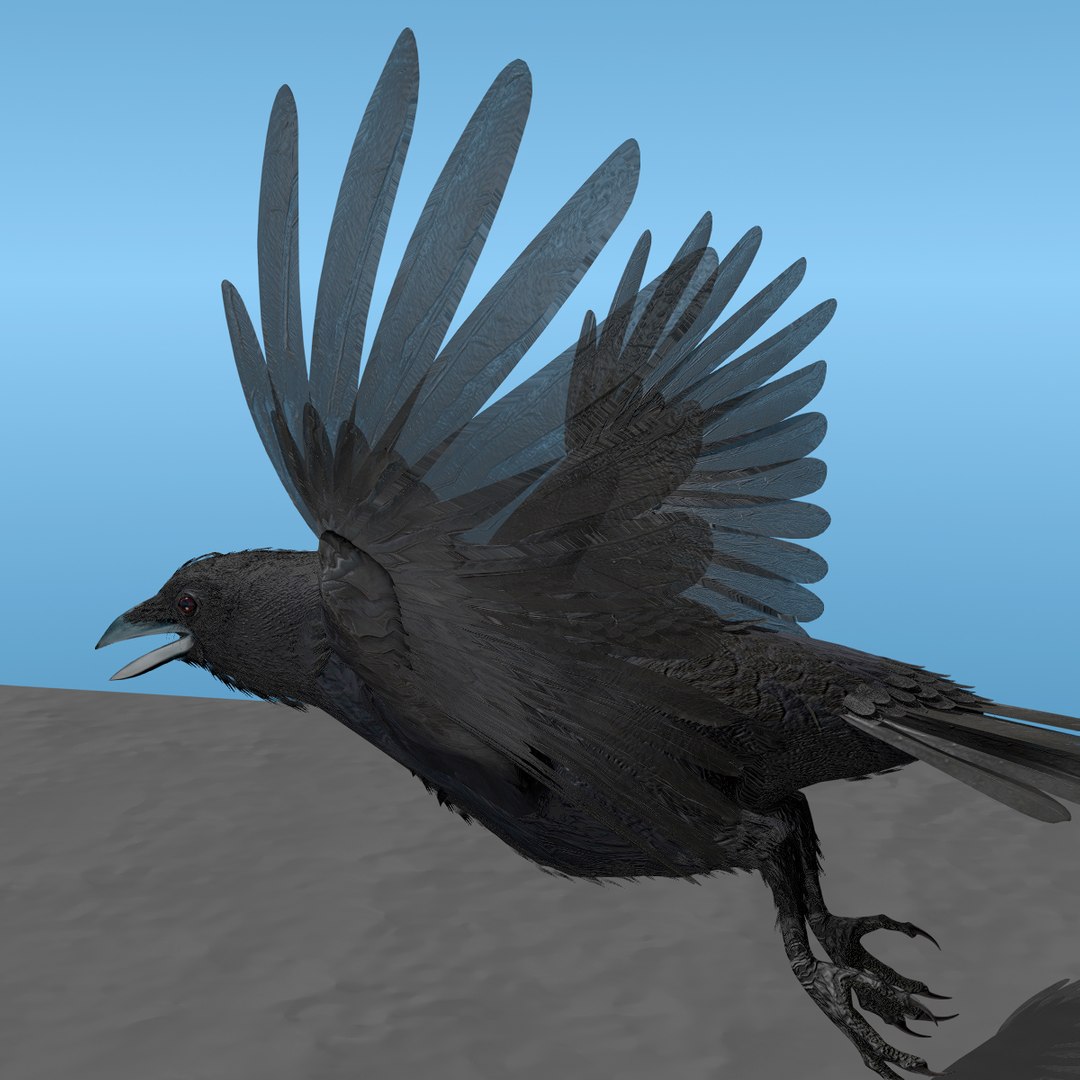
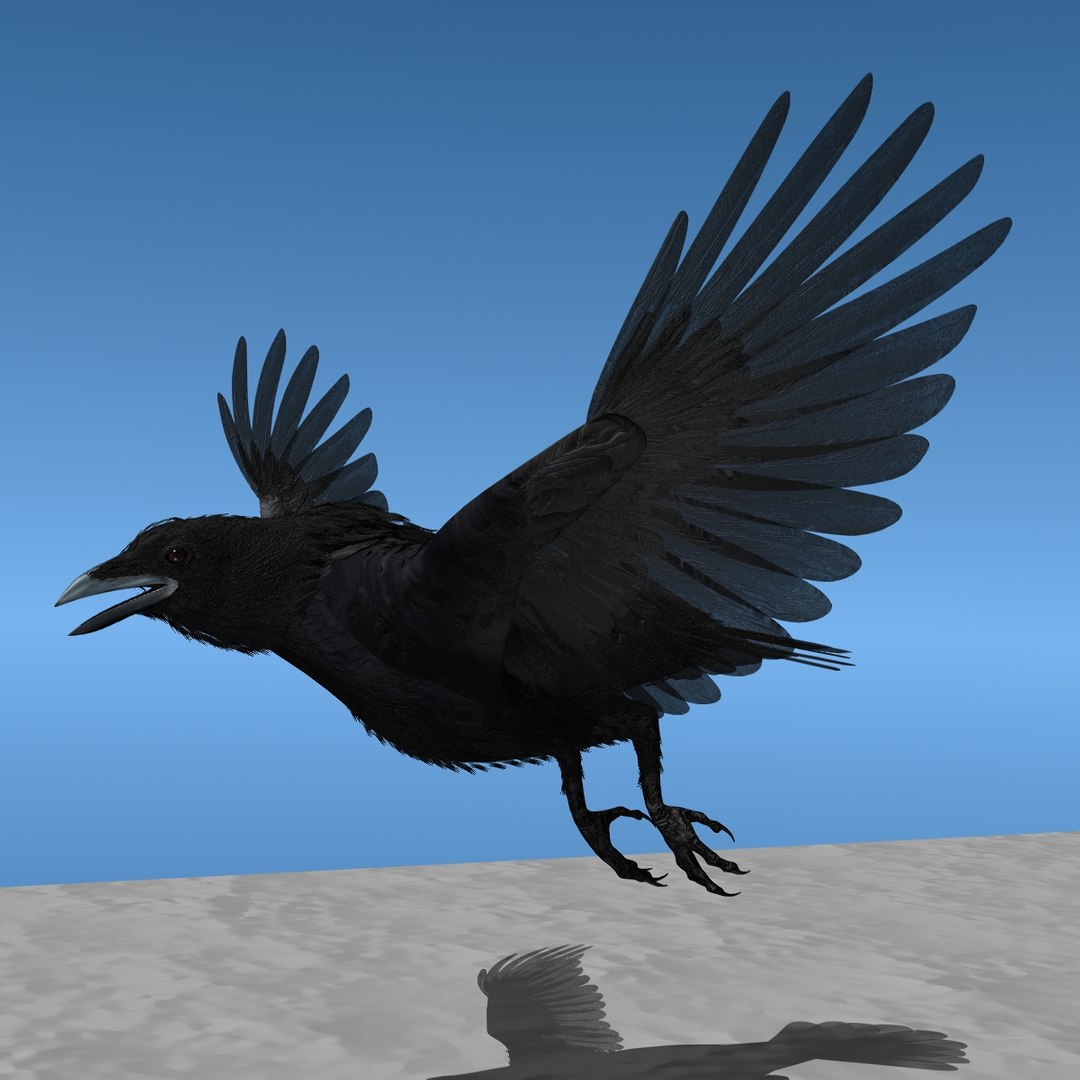
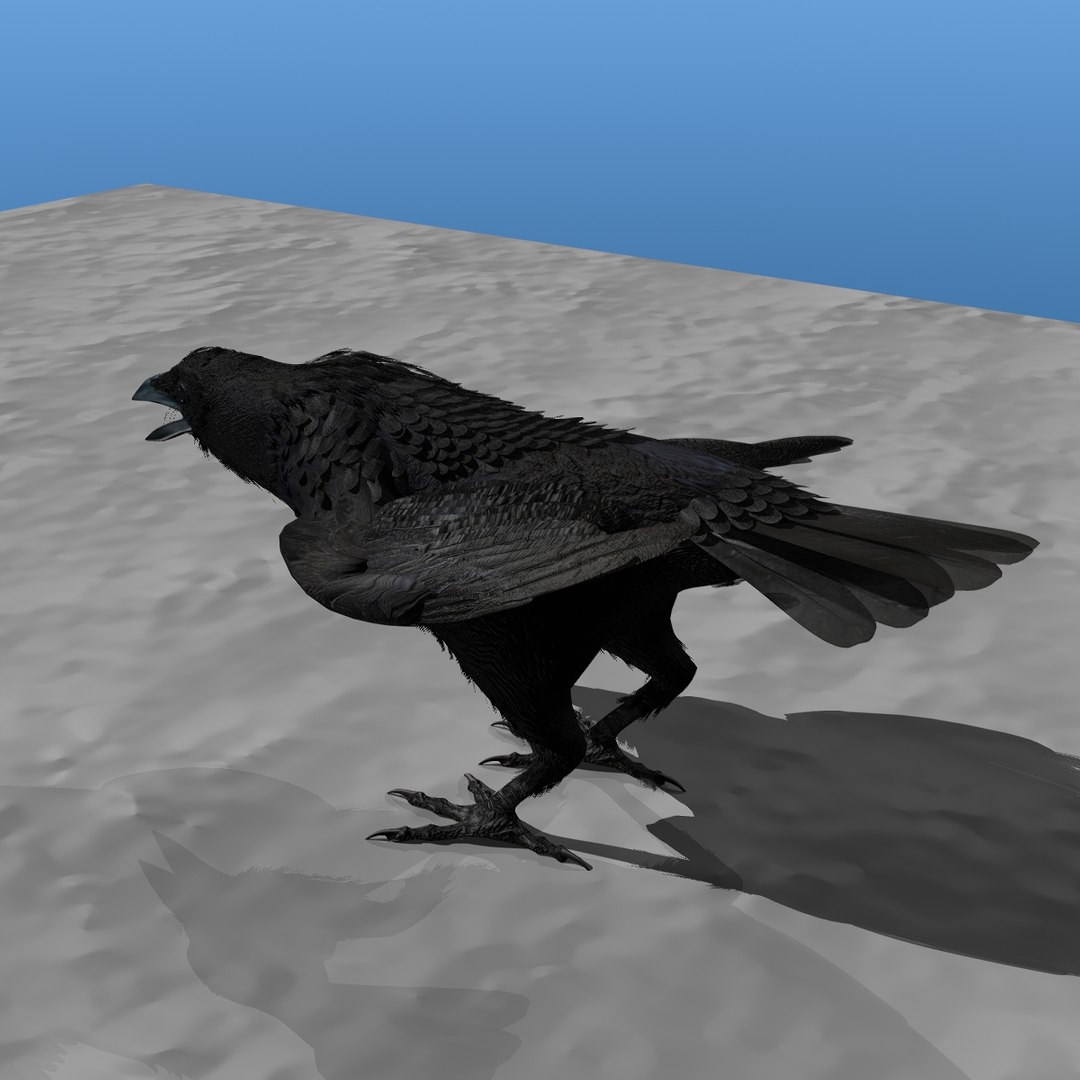
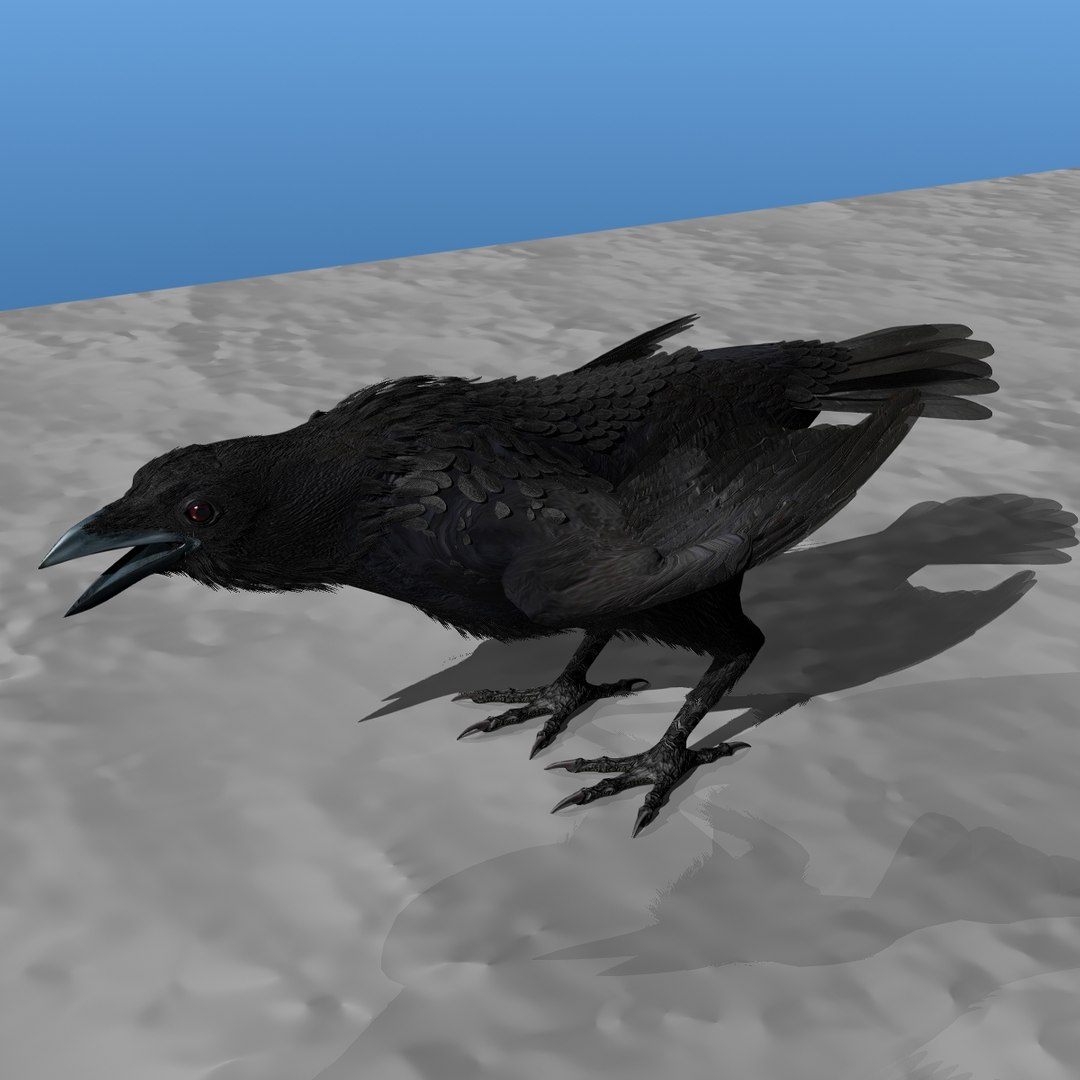
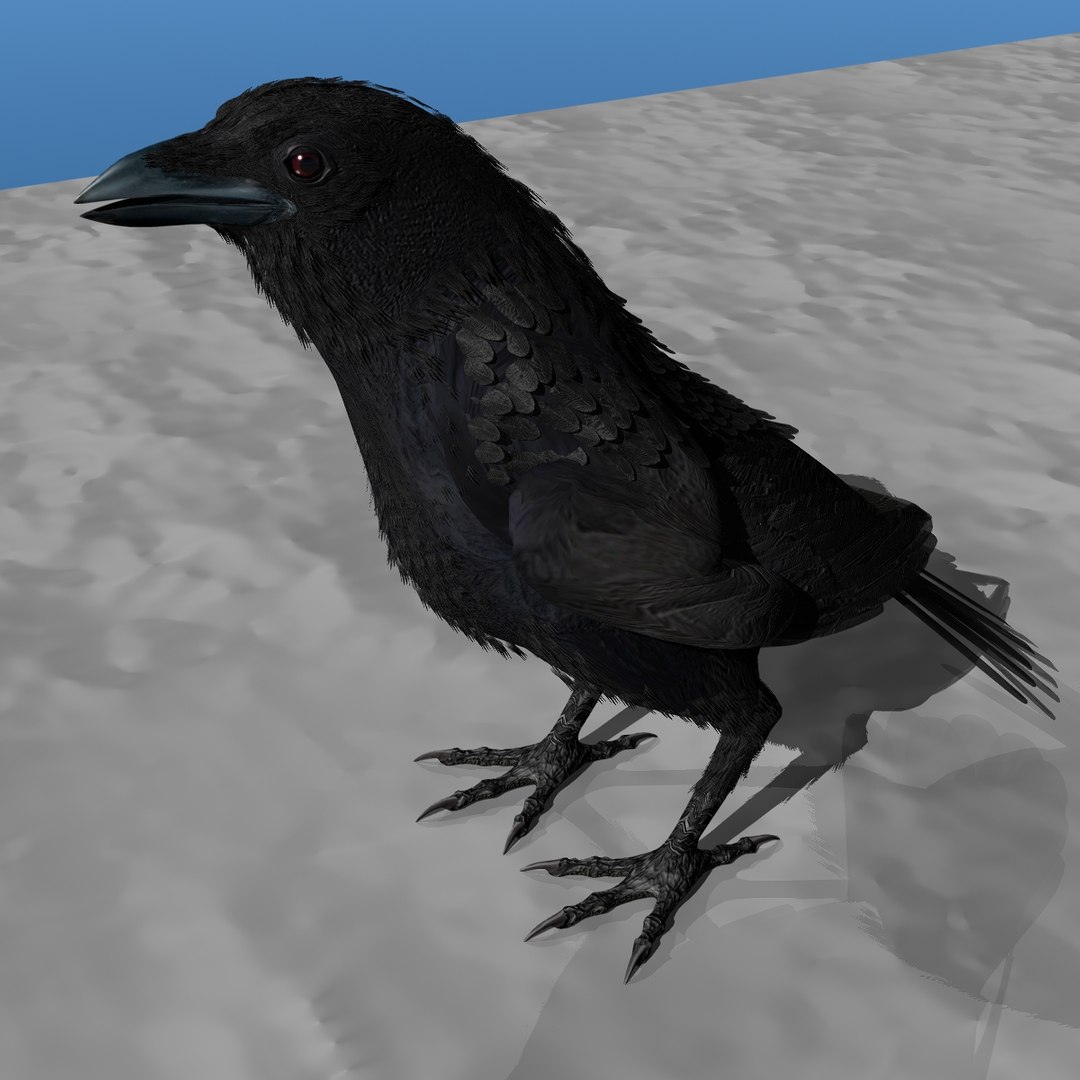
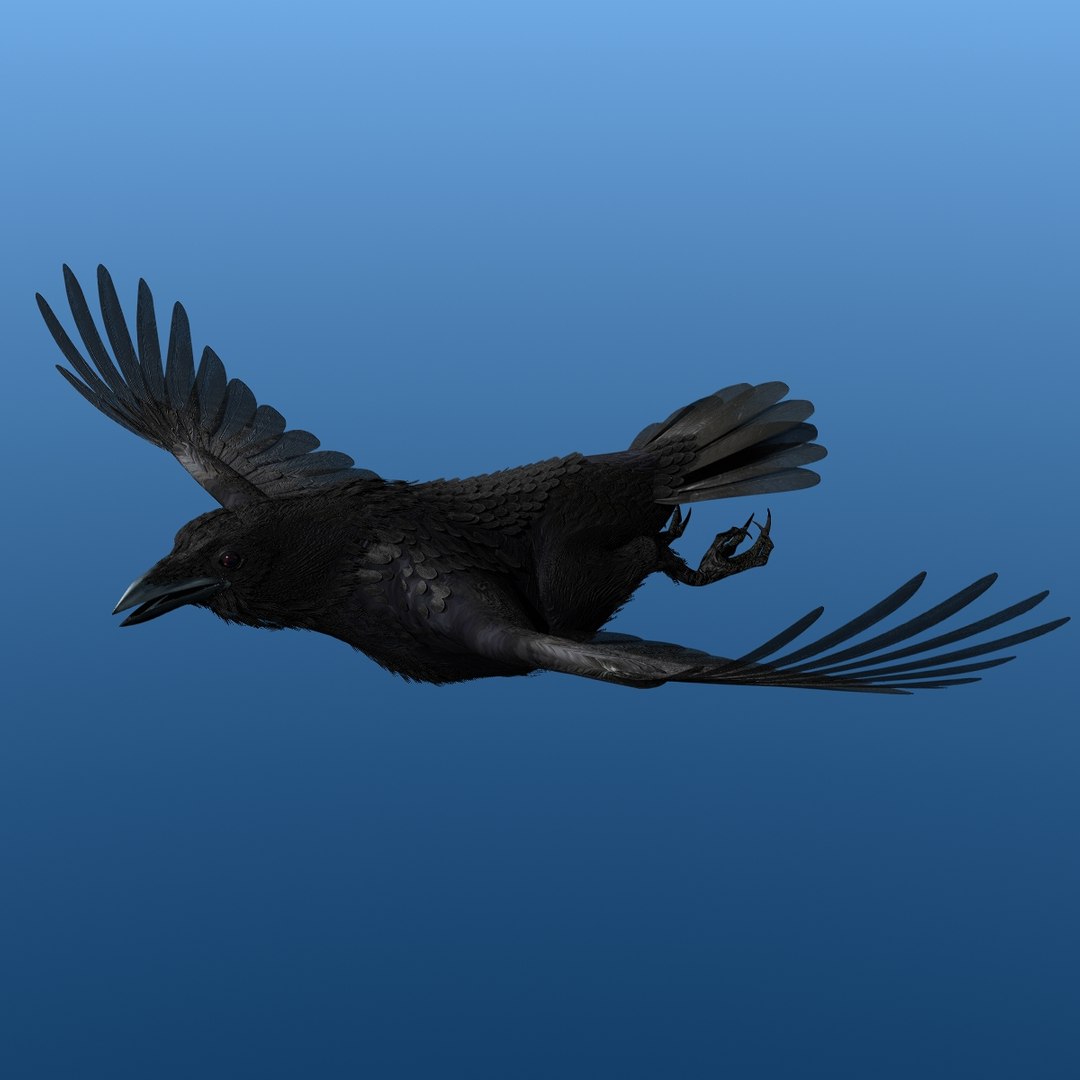
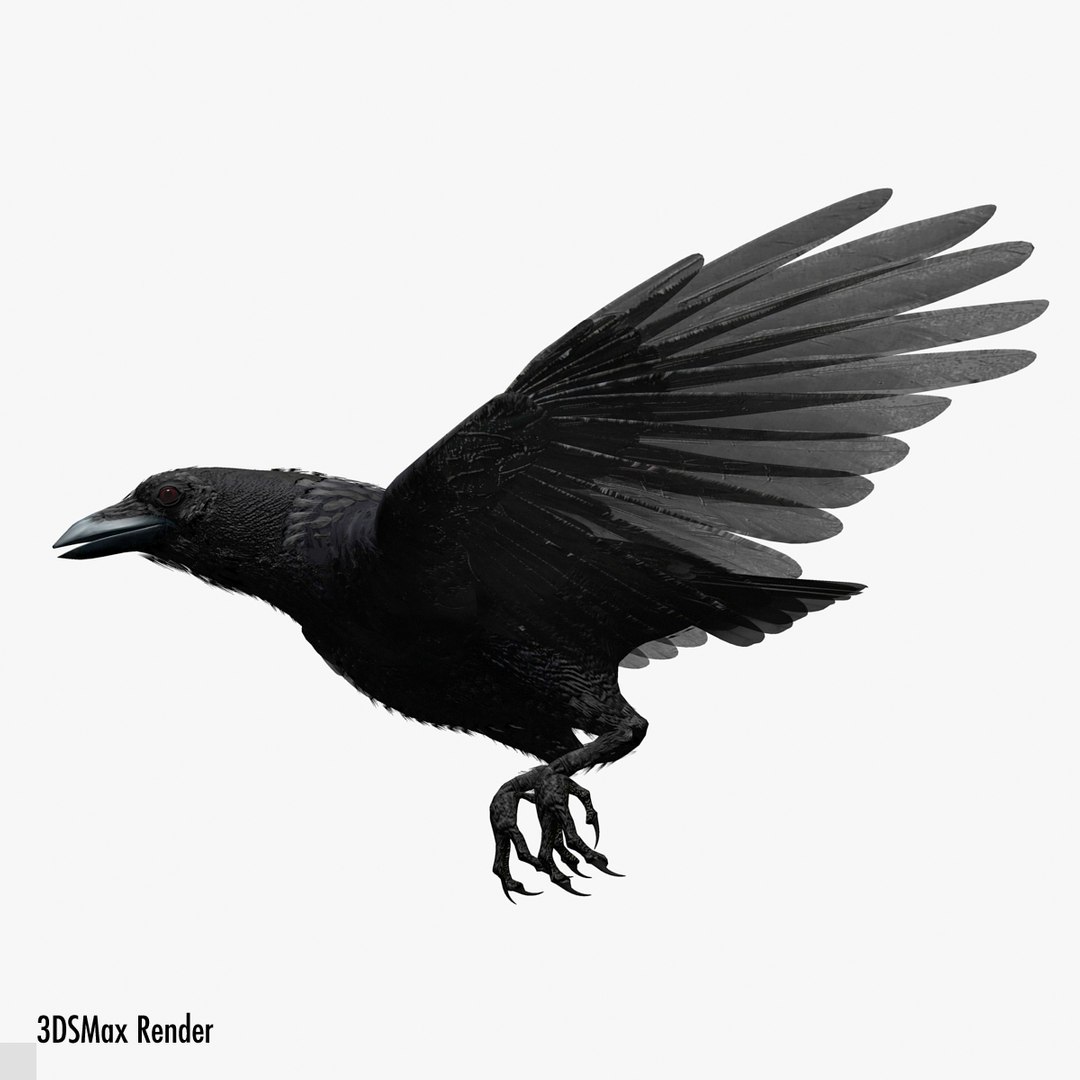
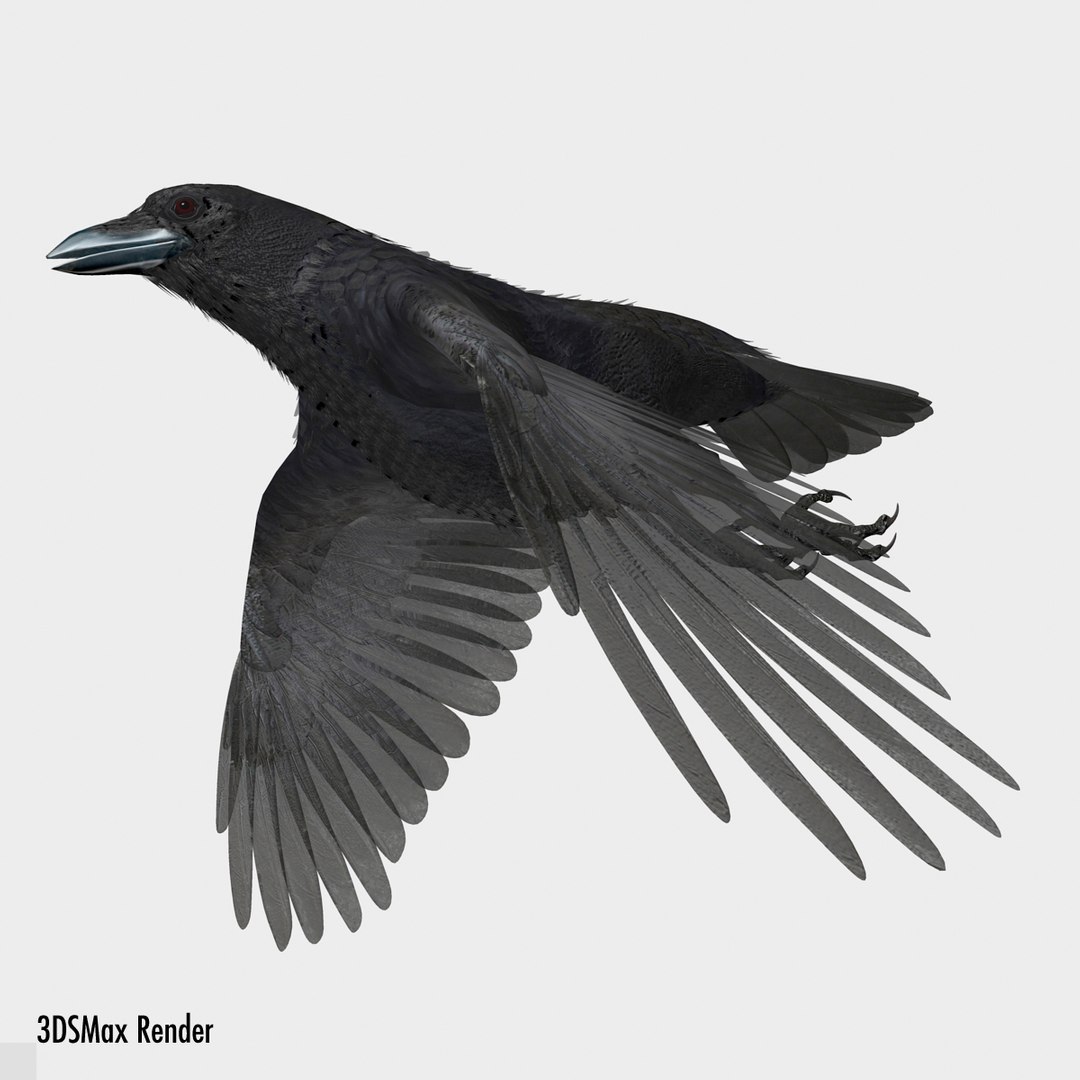
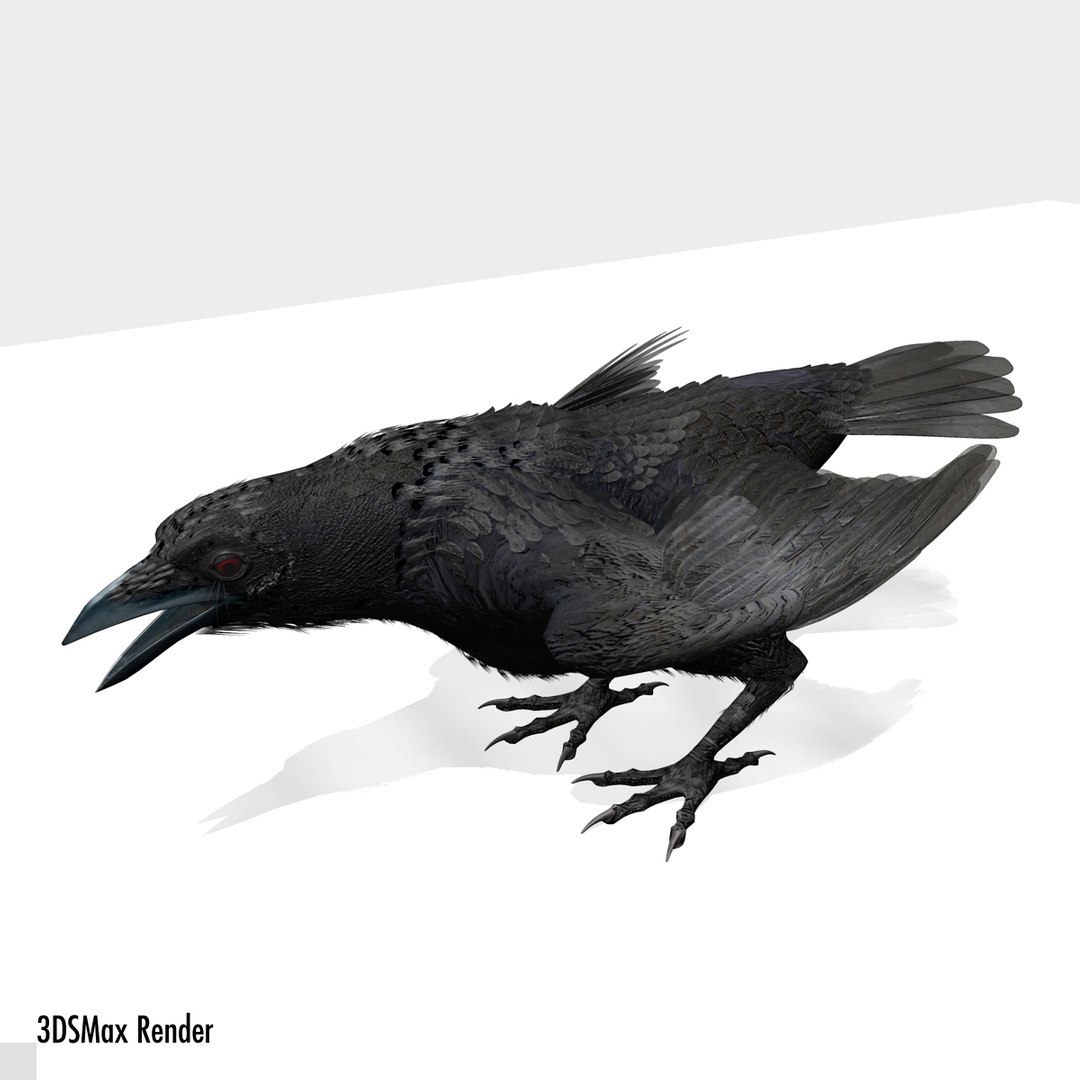
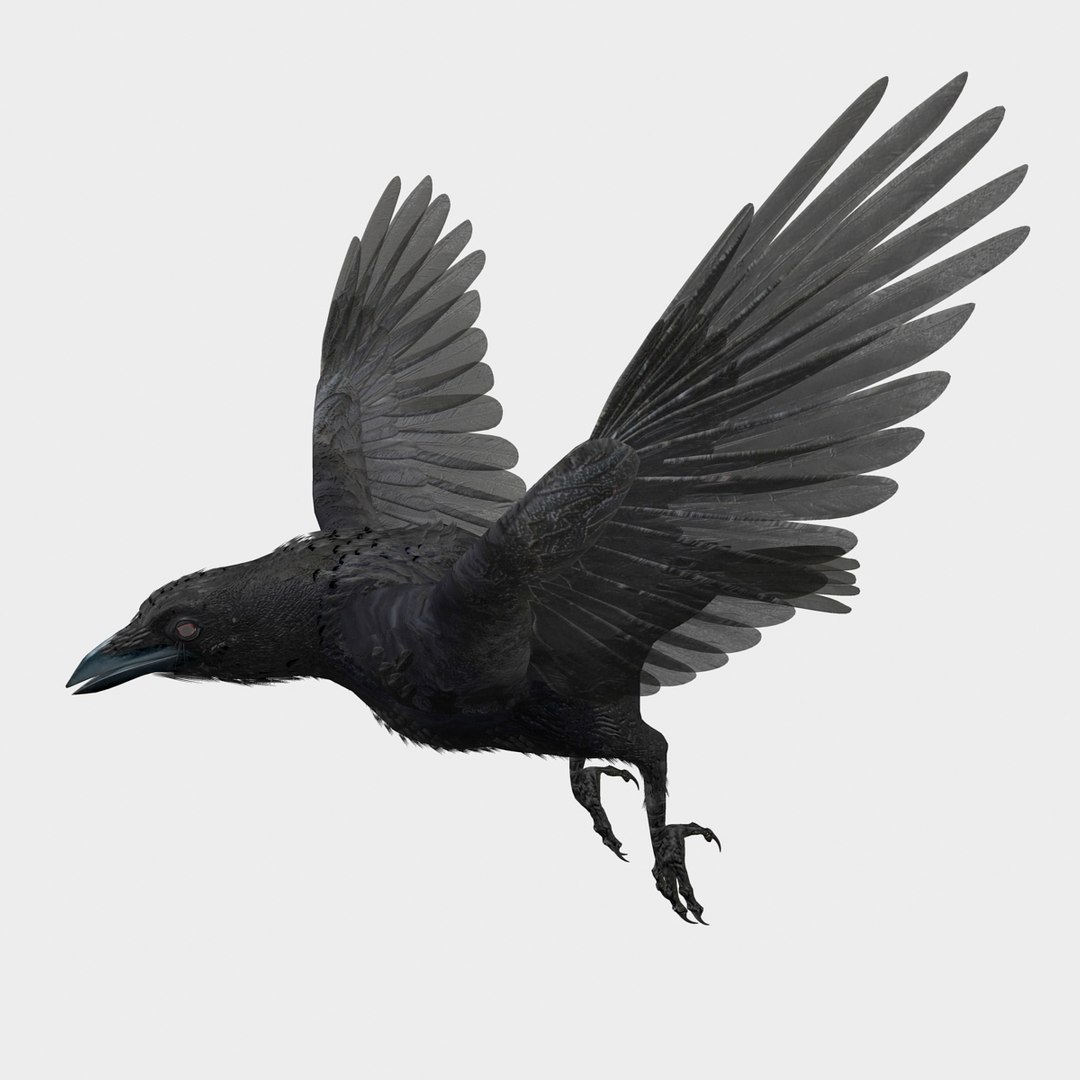
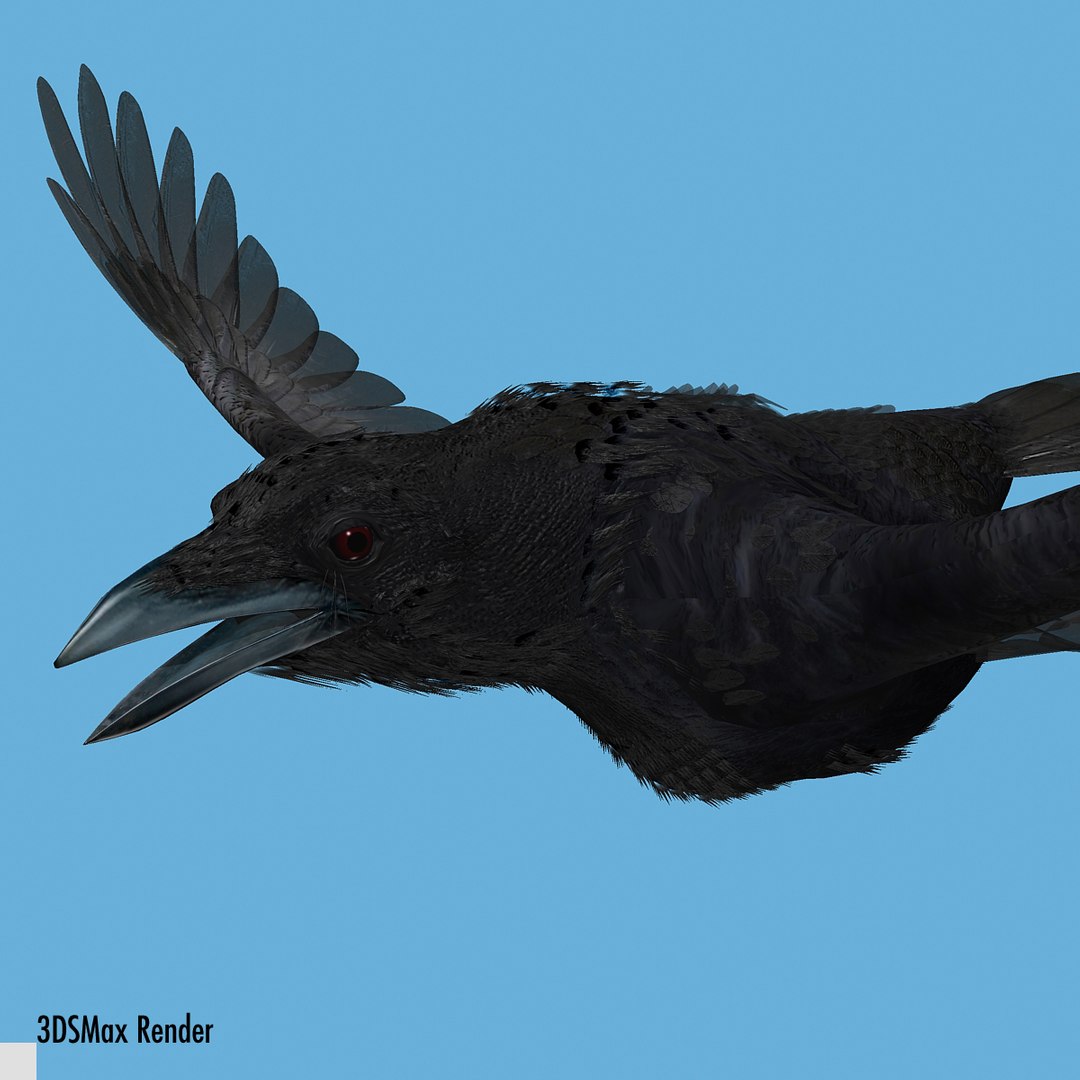
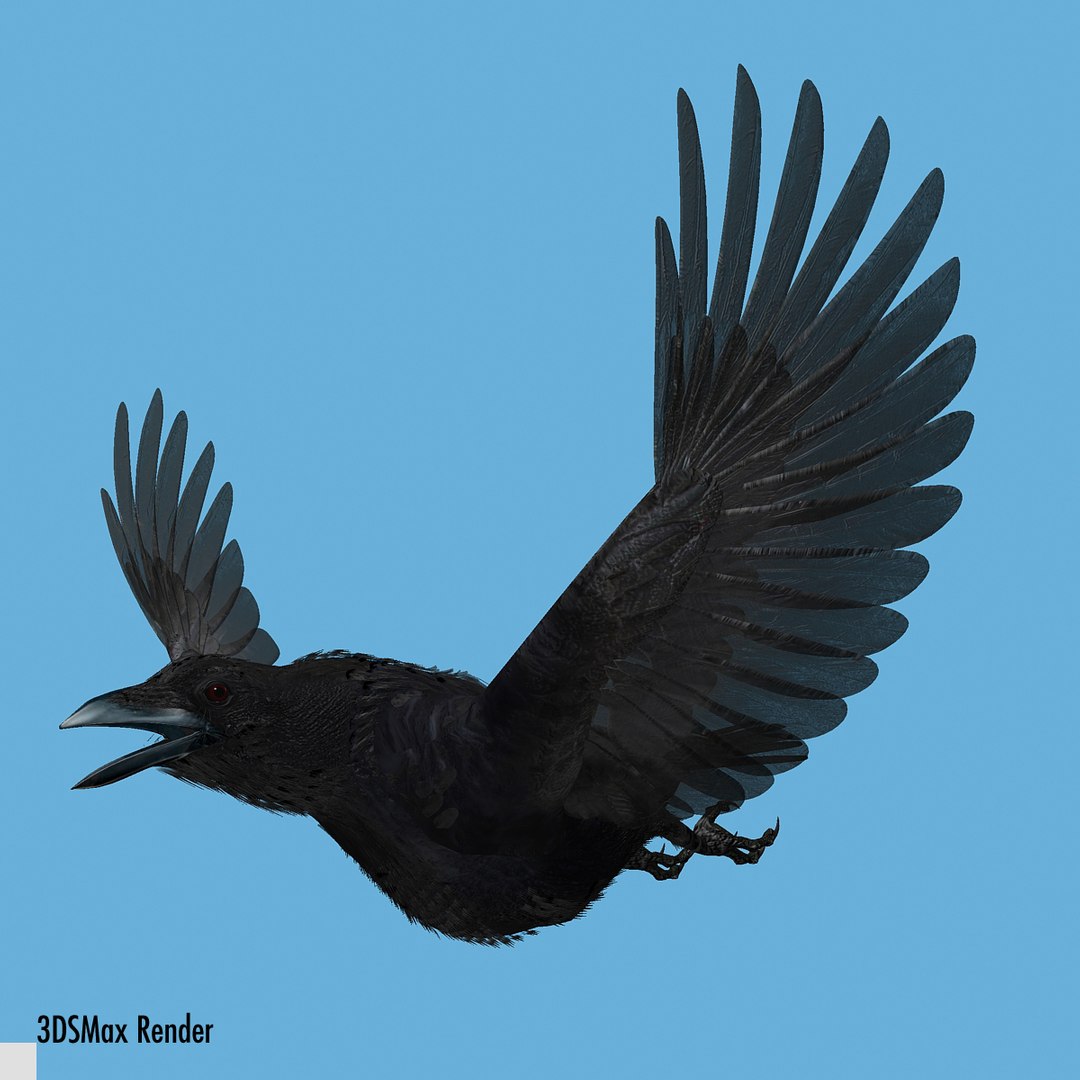
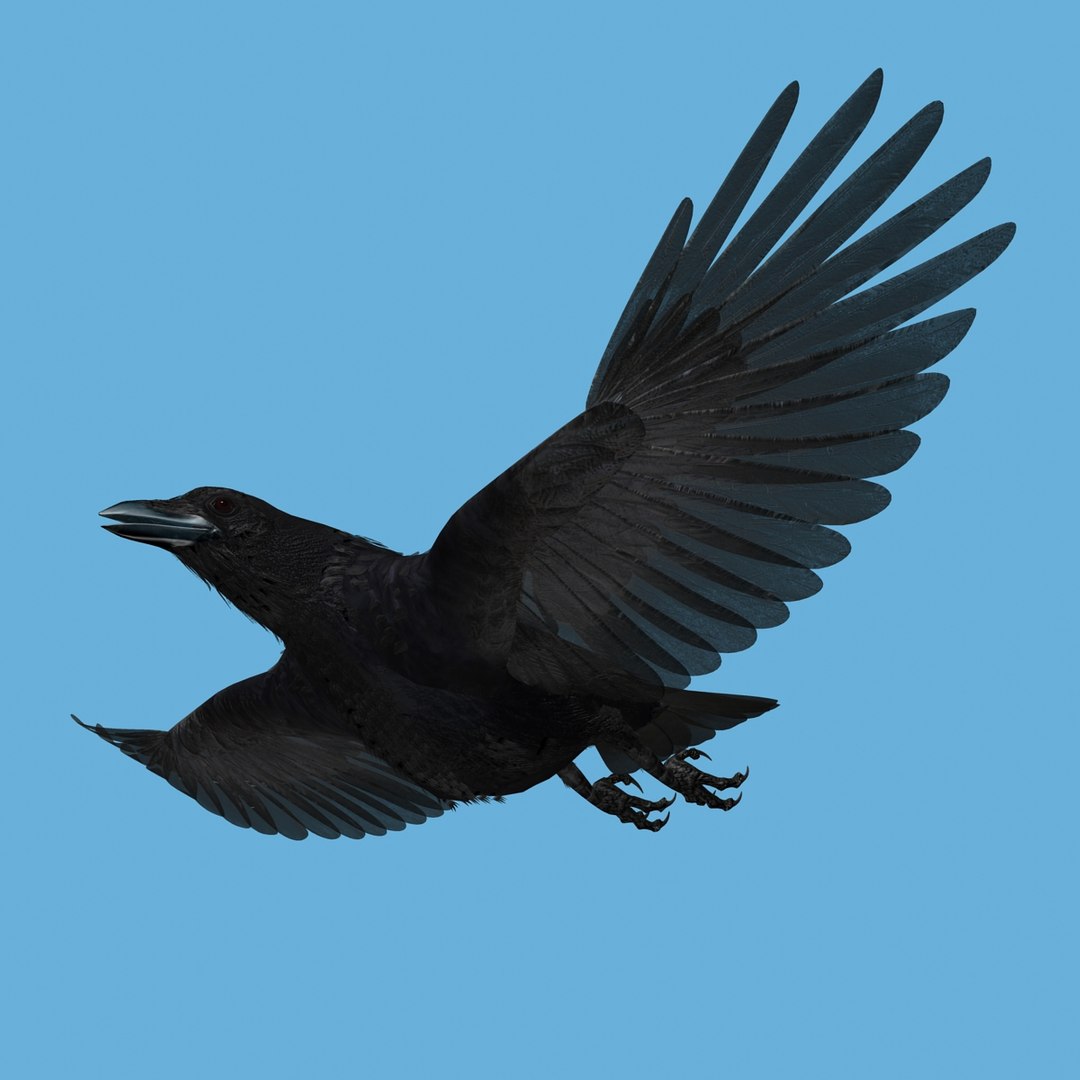
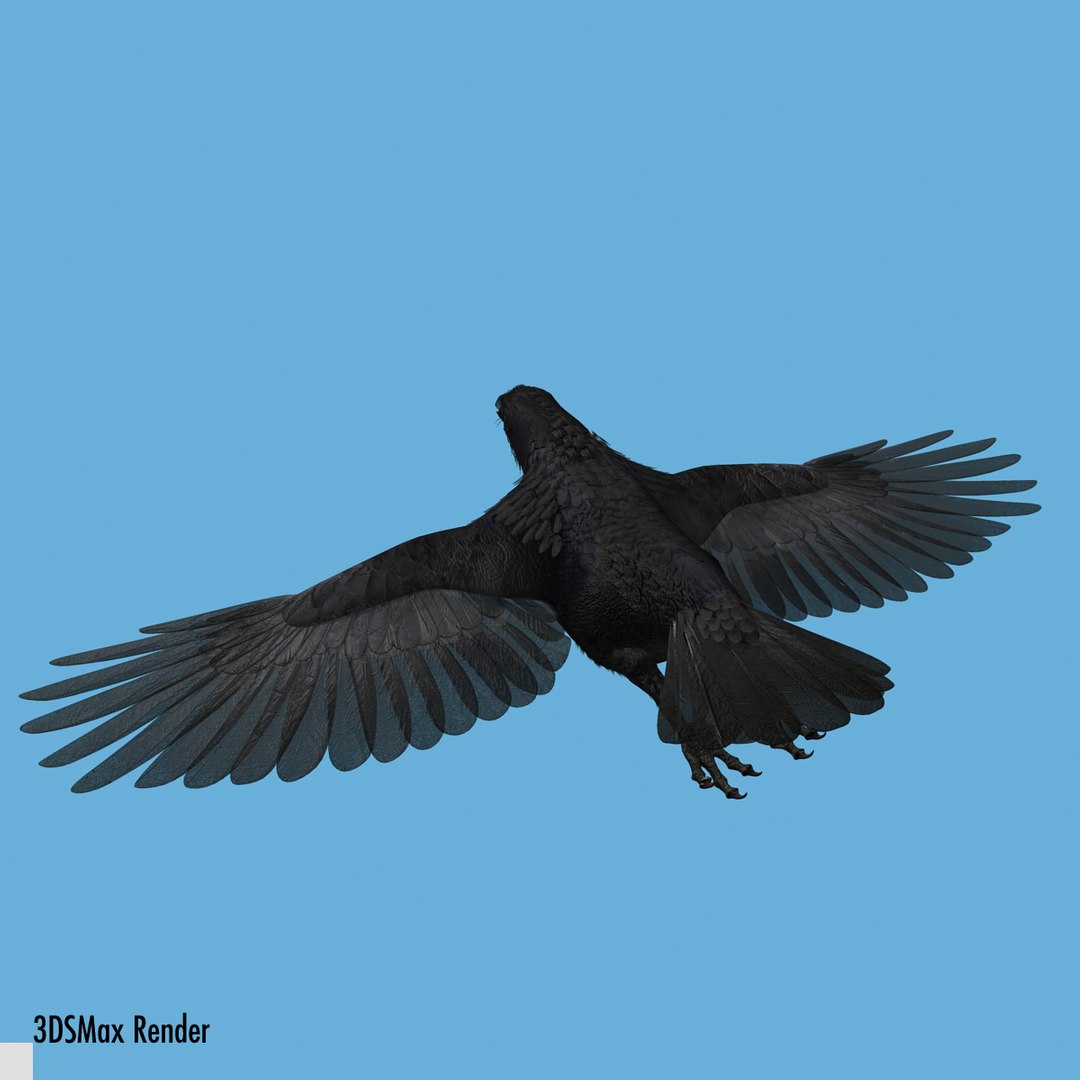
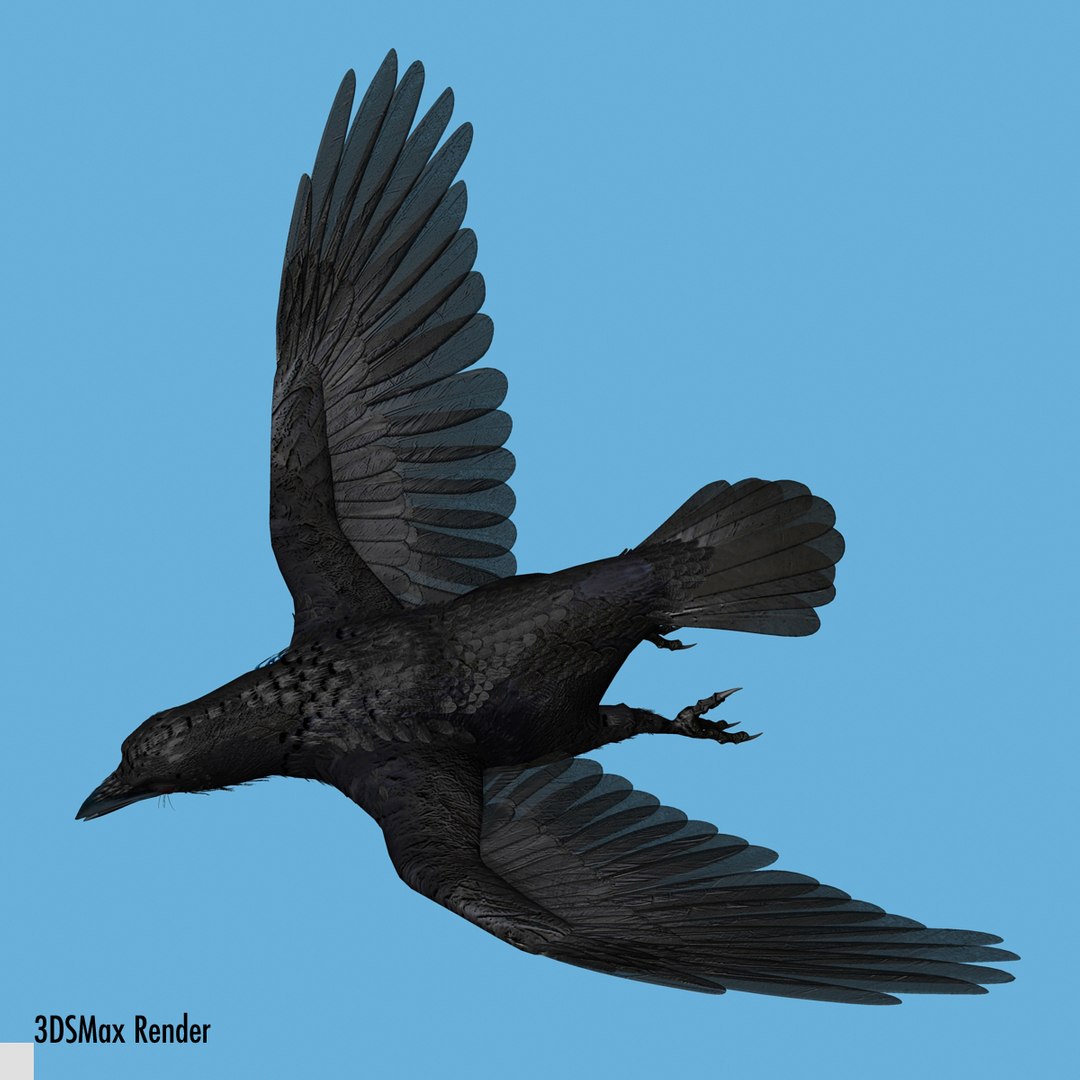
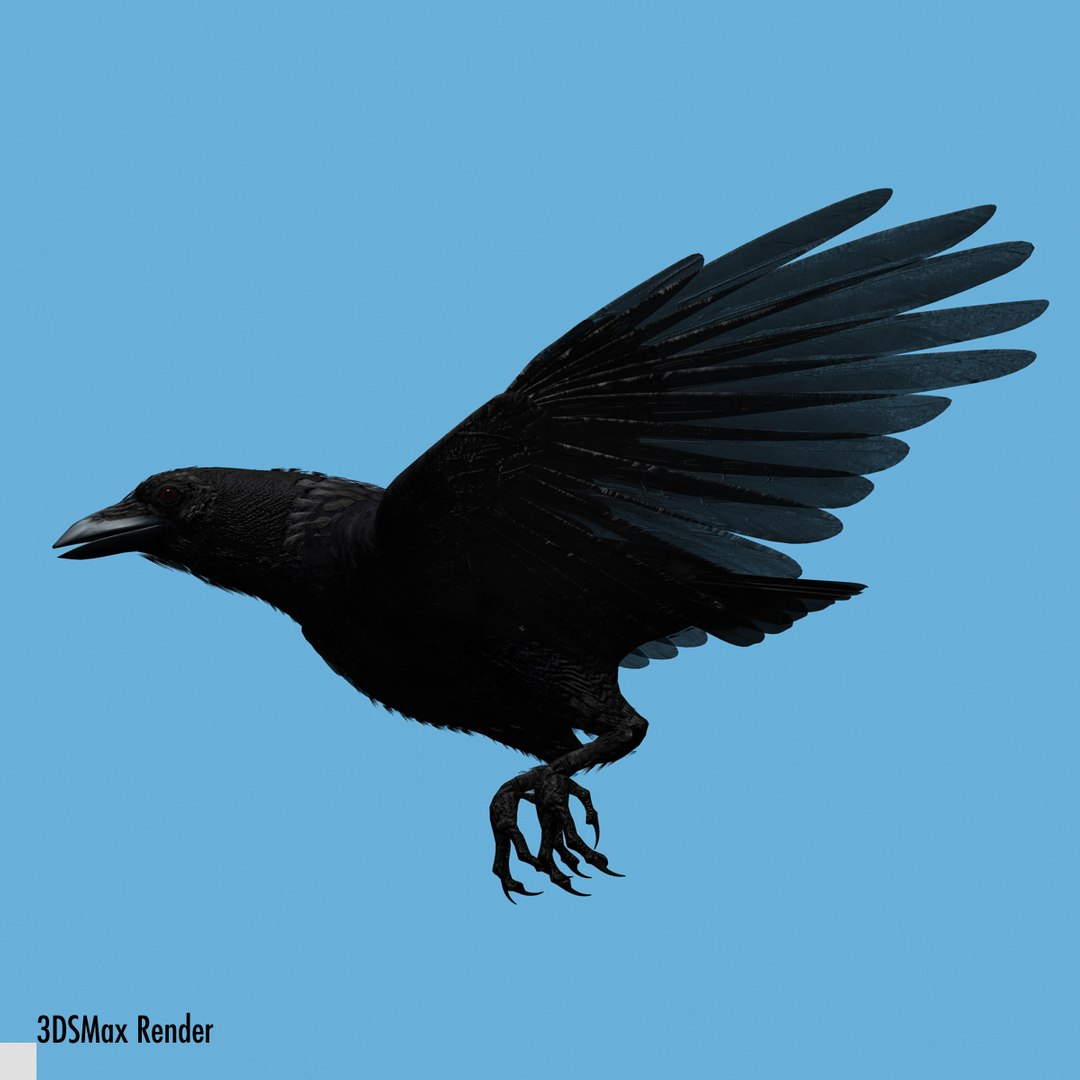
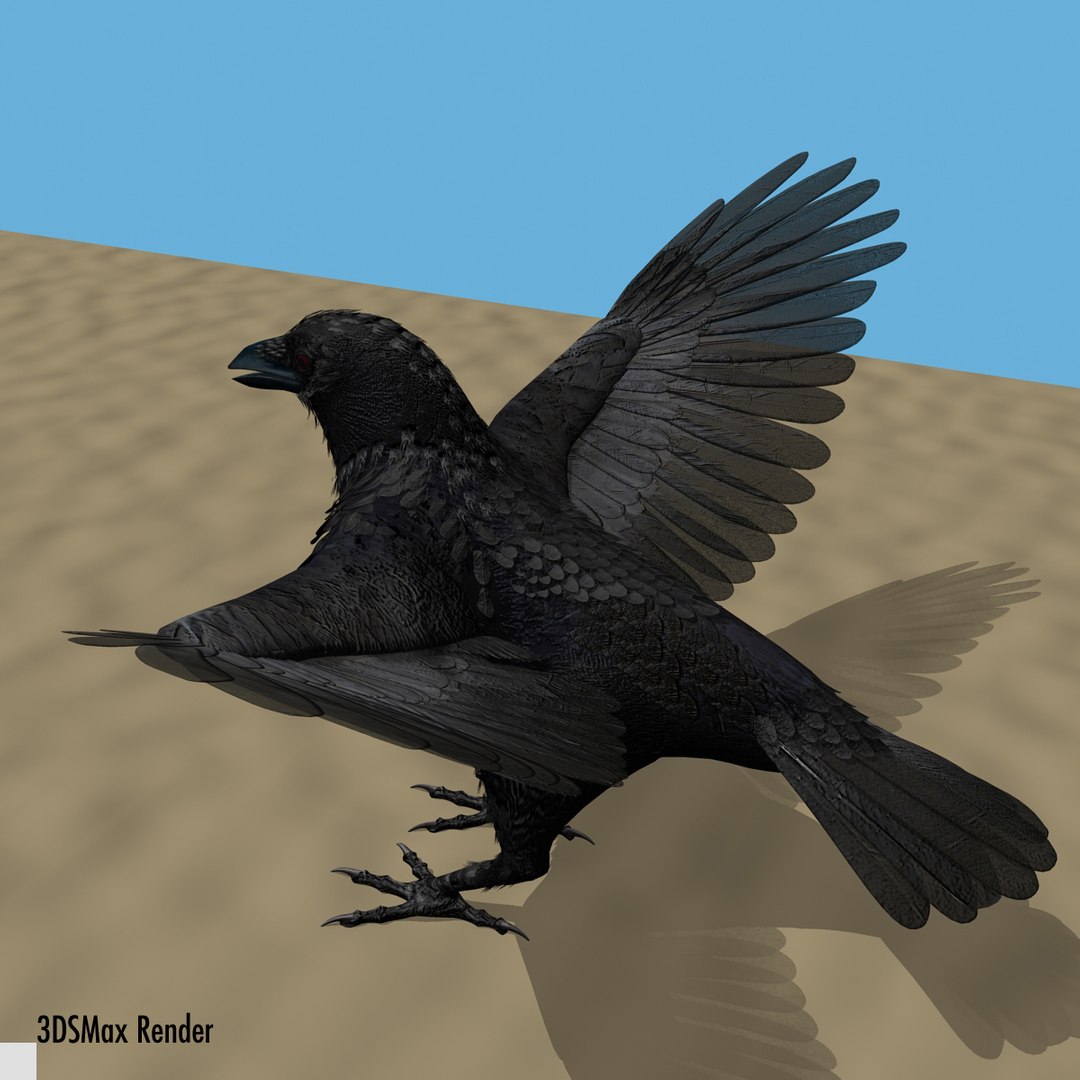
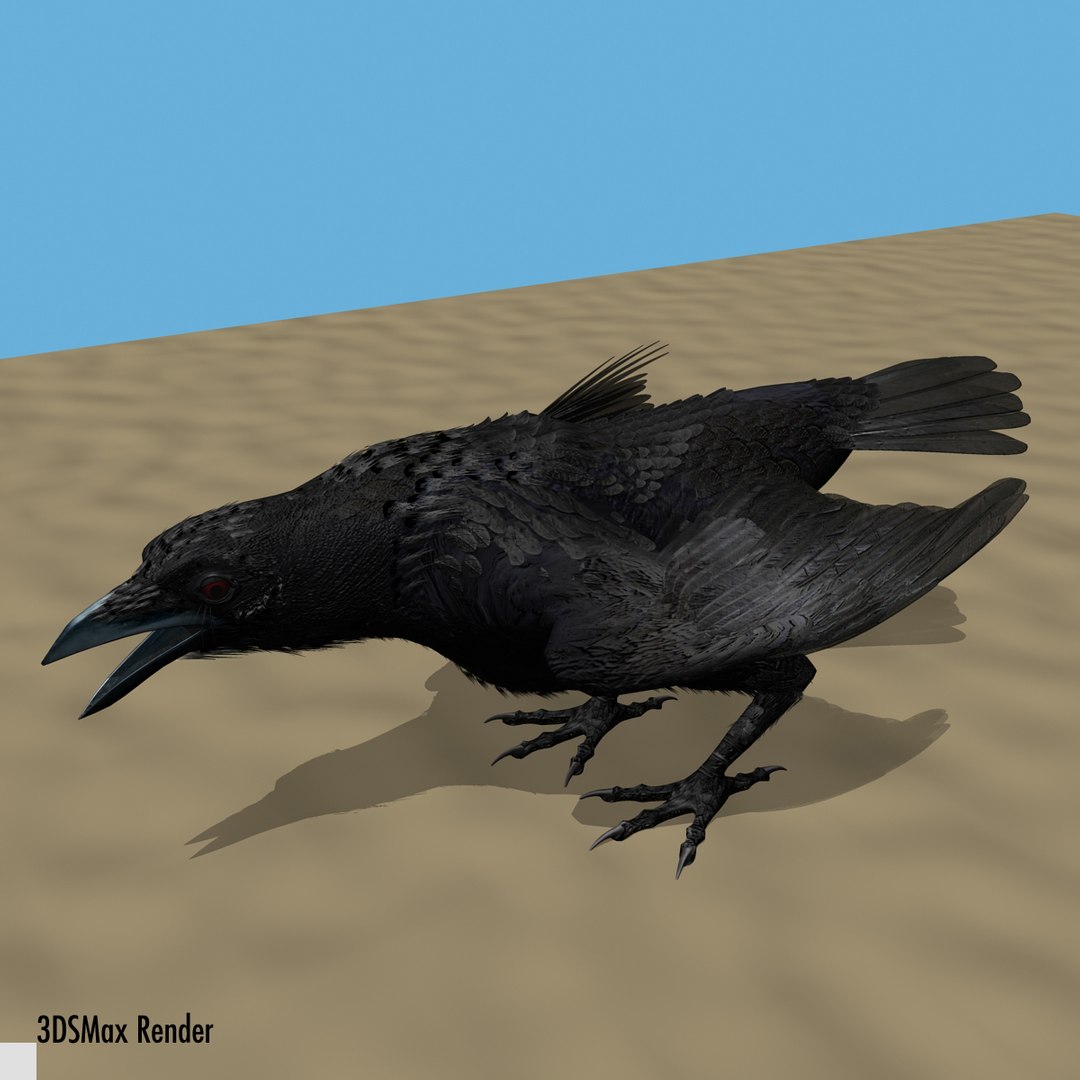
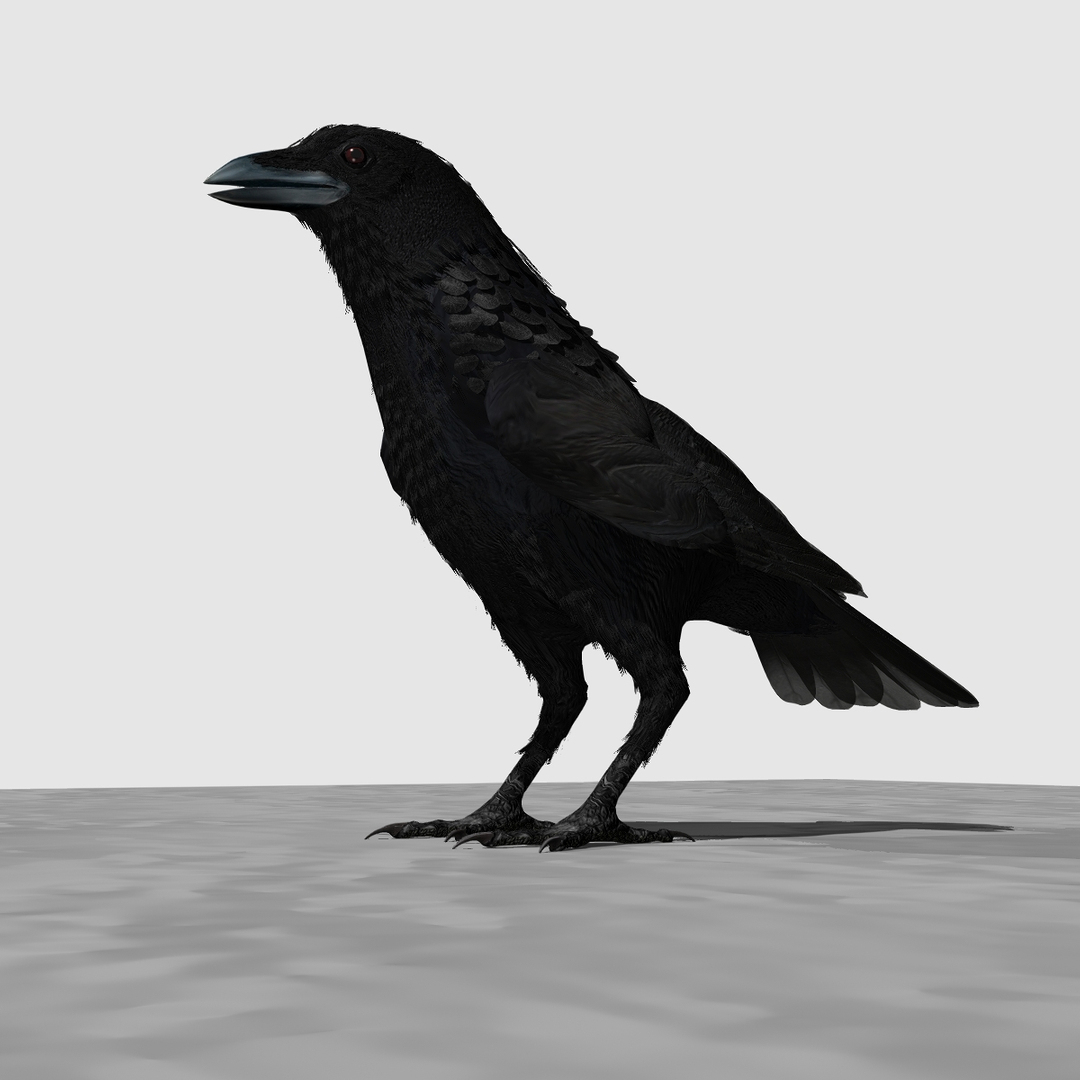
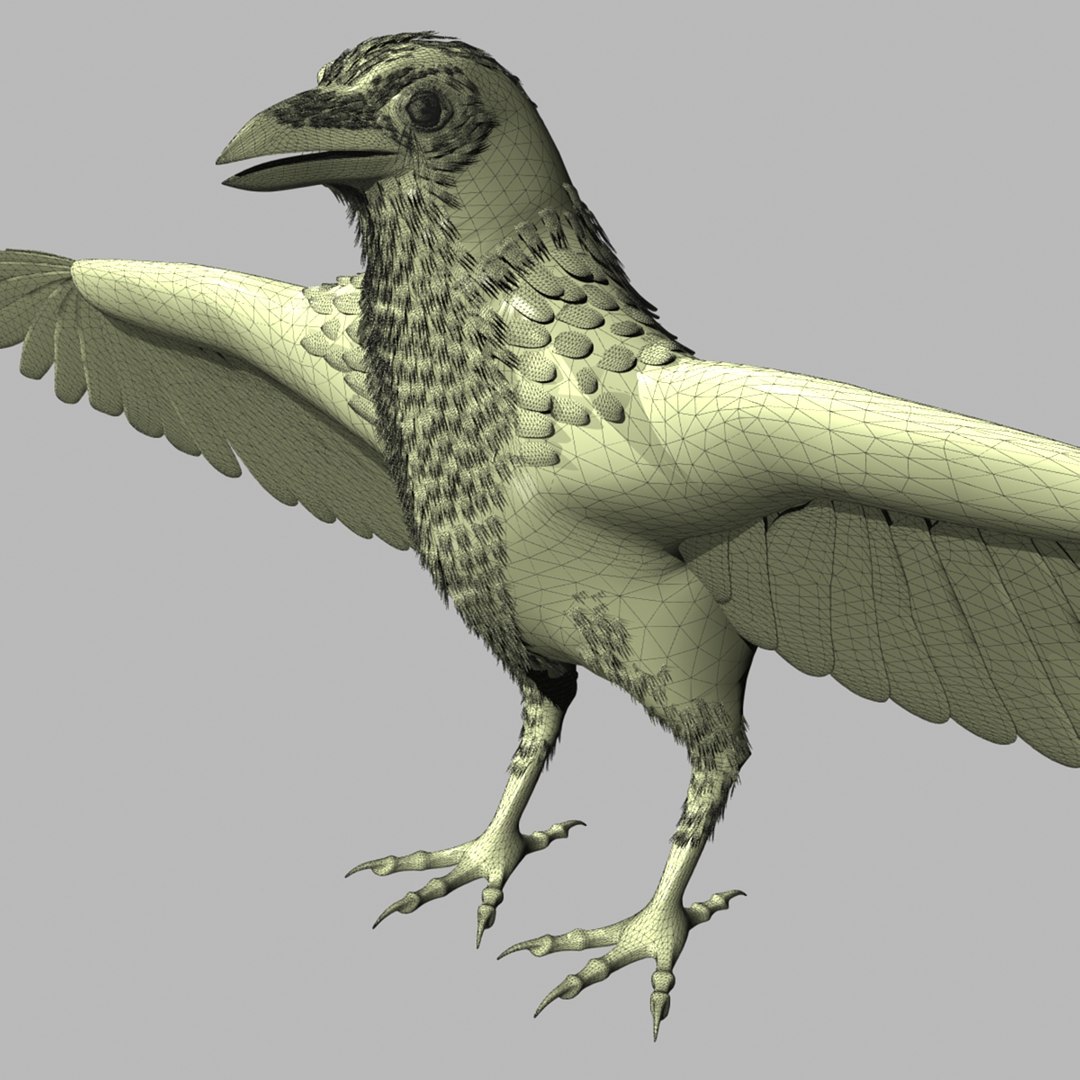
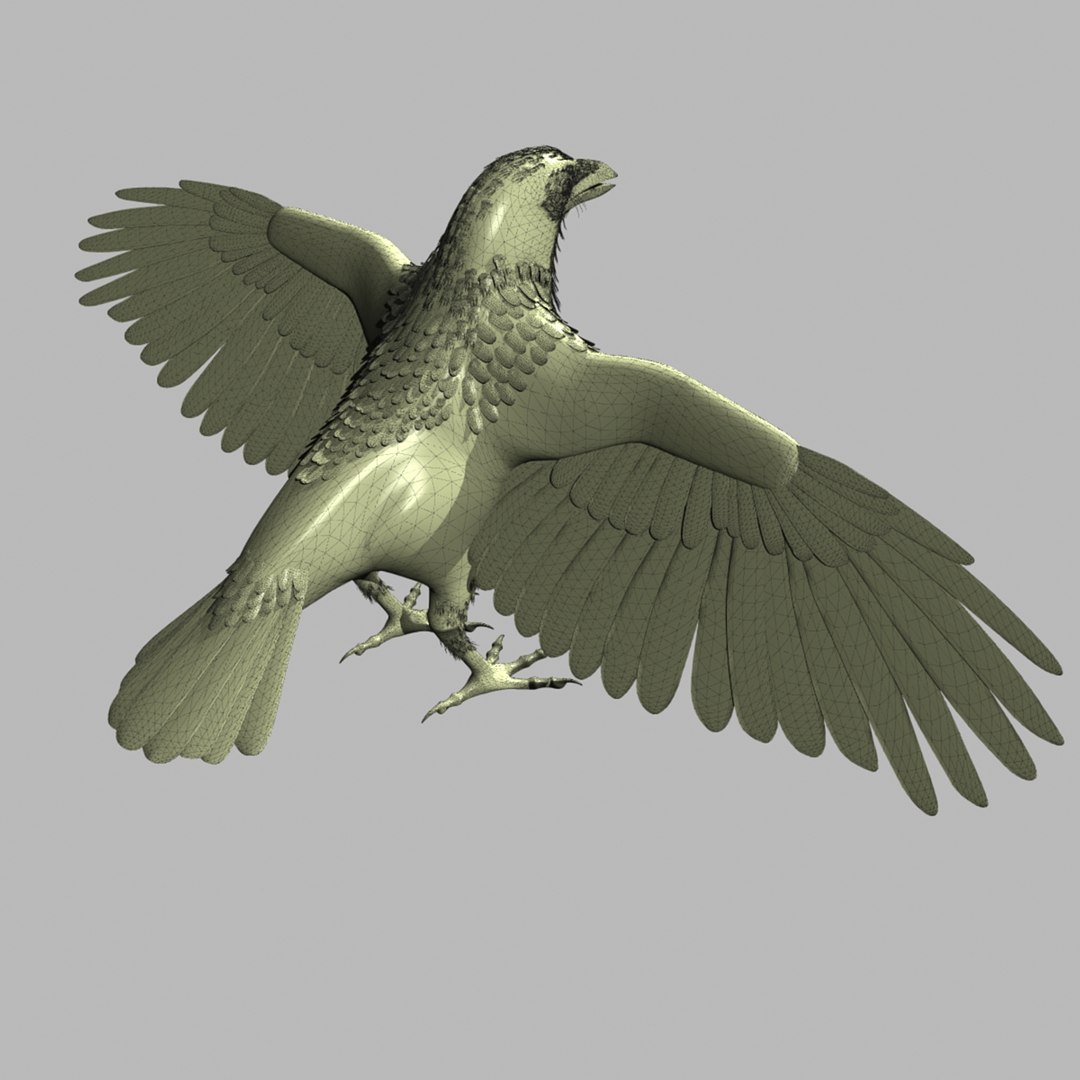
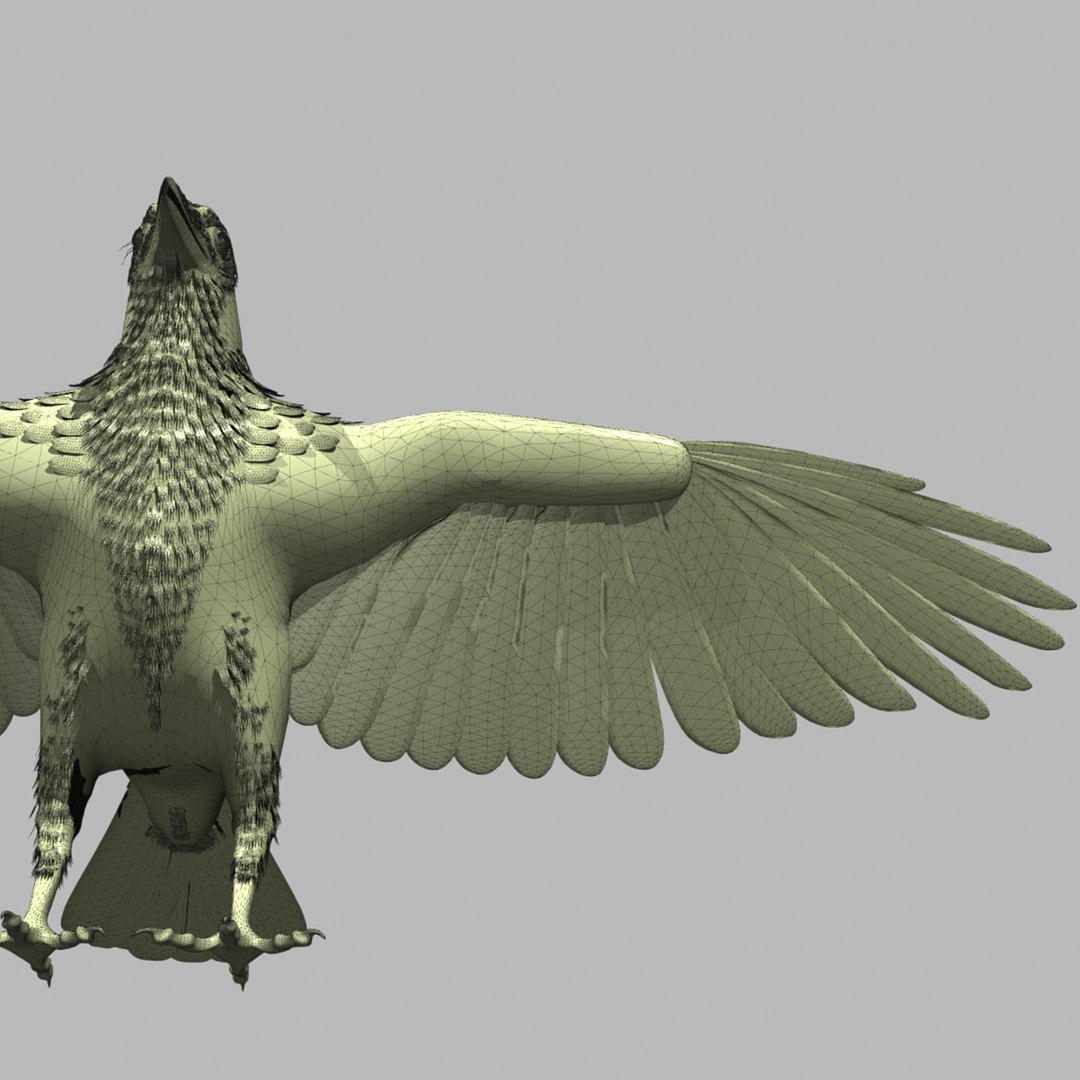
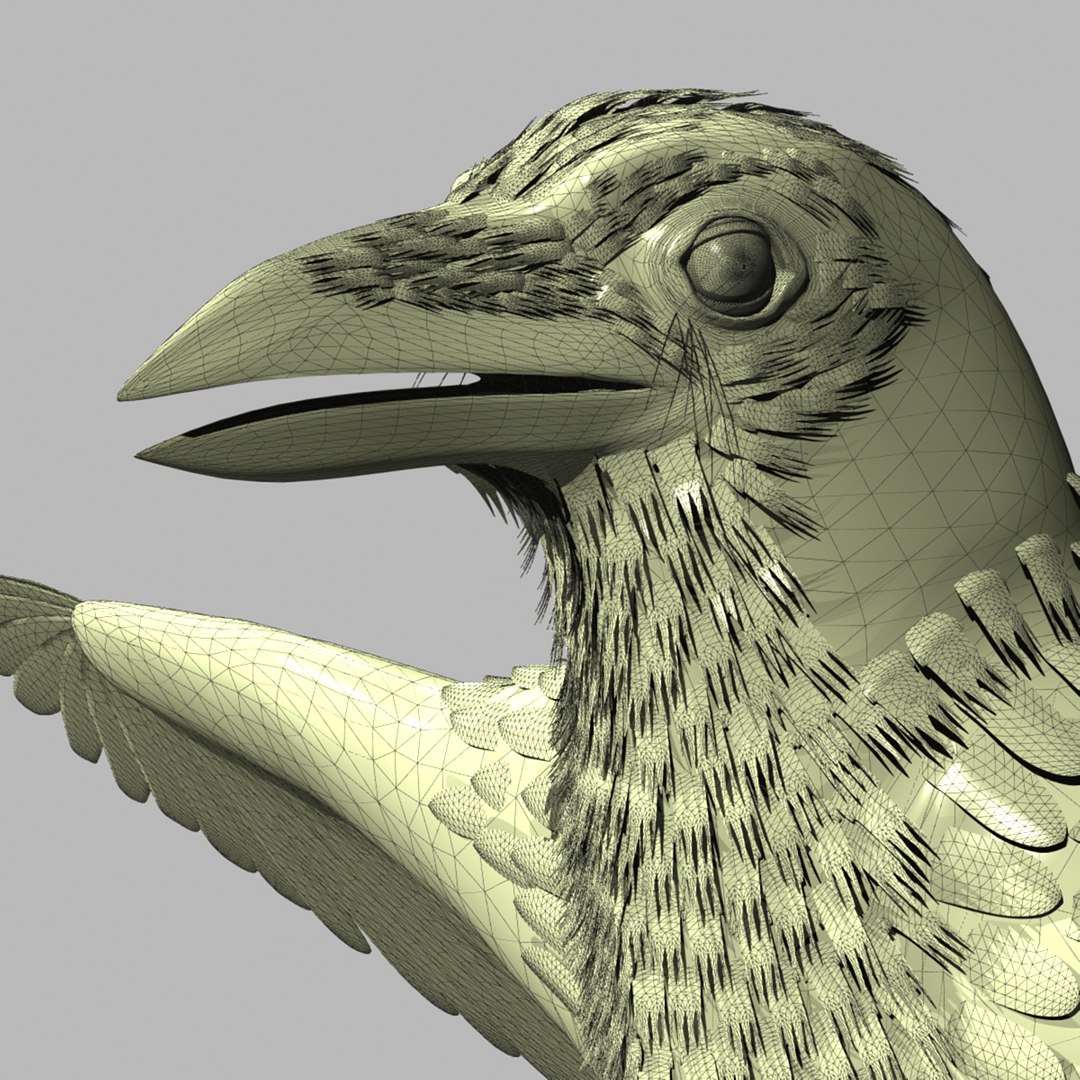
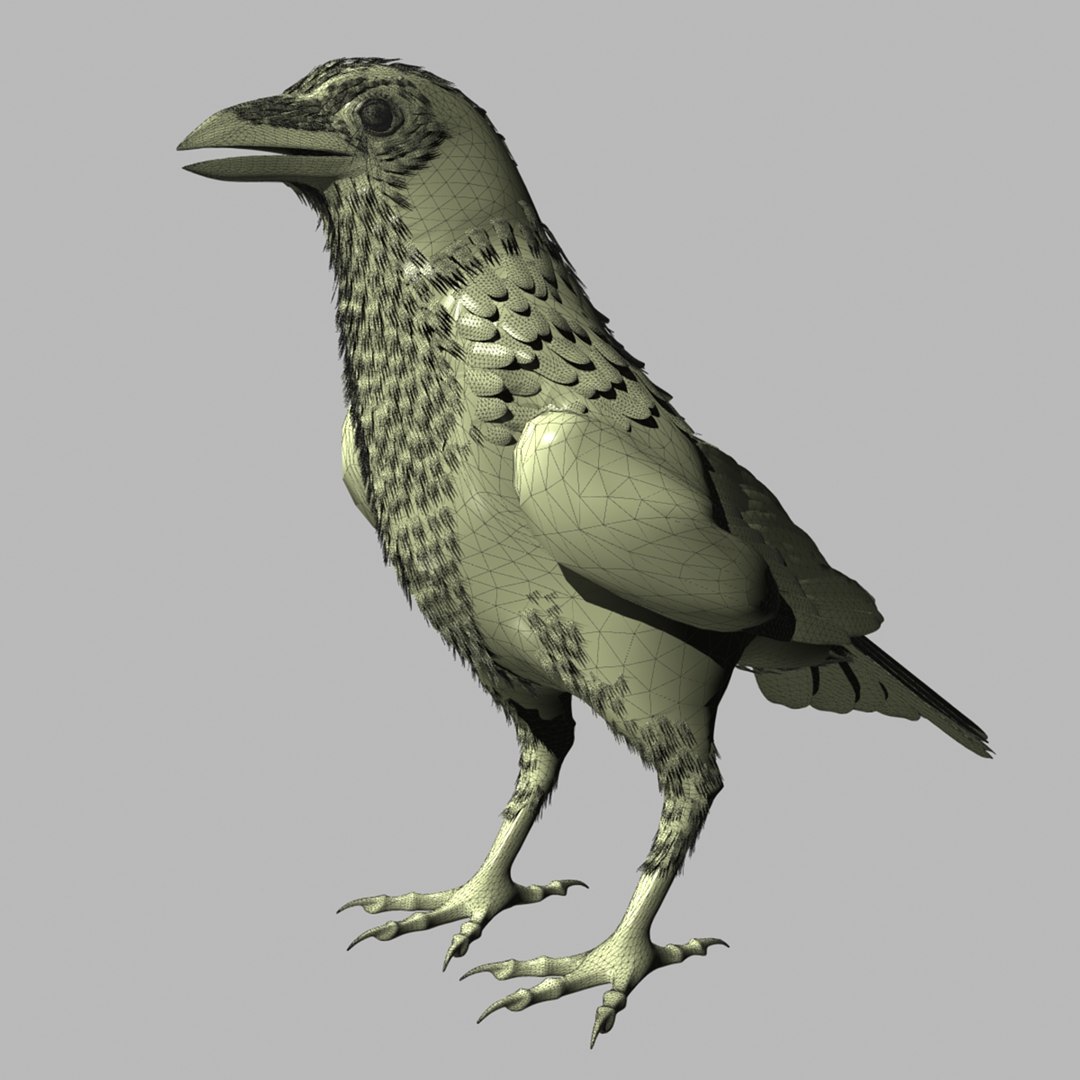
CROW

Rigged and Animated for:
LightWave 8.5 and up
Lightwave 2019 PBR maps
3ds Max 8 and up
3DS MAX 2017 and up PBR maps
3DS MAX 2017 and up VRAY 3.4 maps
Cinema4D R-13 and up
MAX 2009 generated FBX
OBJ - includes base object and all morph taraget objs

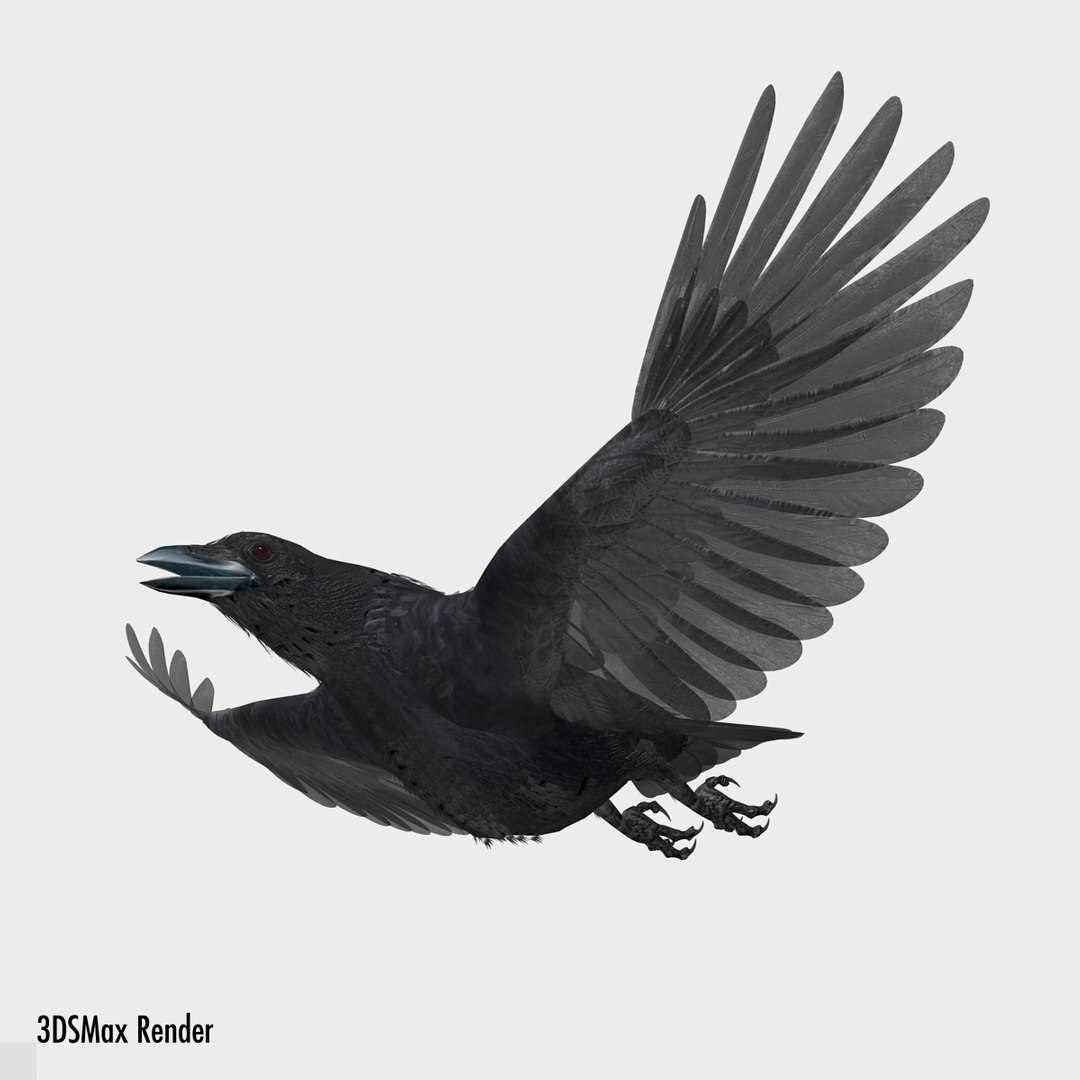
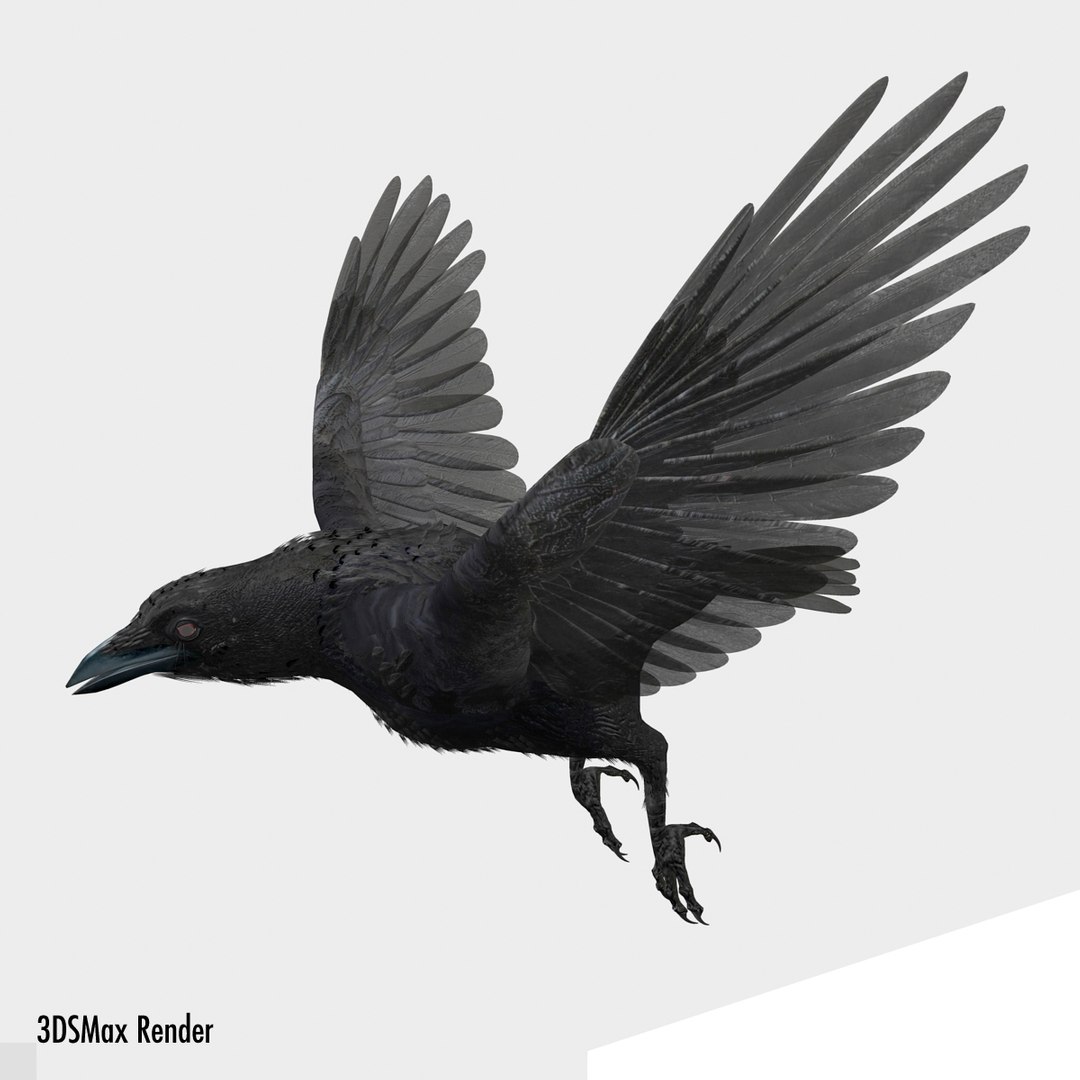
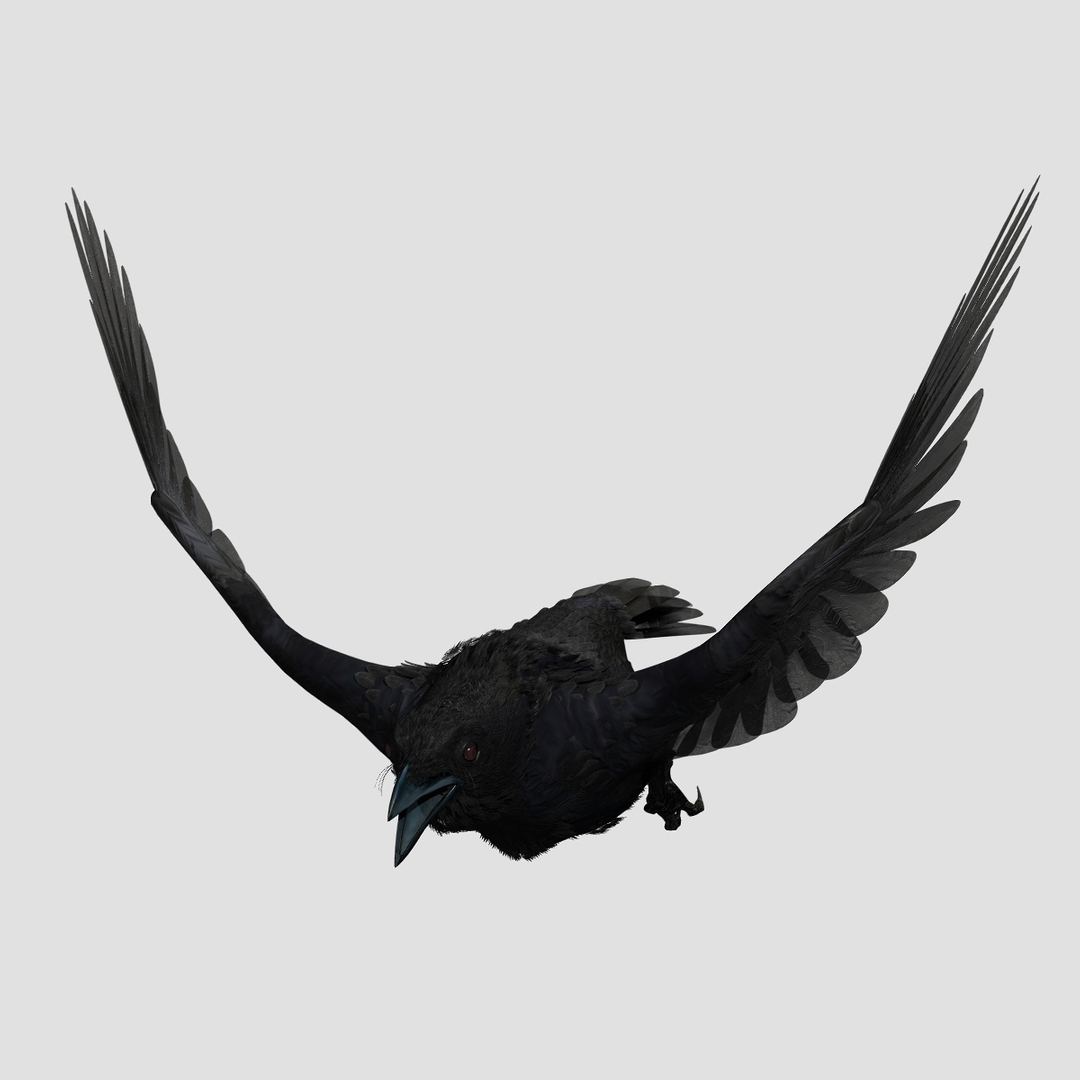
All models come with several pre-animated scenes to get you started.

The wings are animated using the 3 bones within each. The wings are folded using one of several morph targets.

You can also make adjustments, like spreading the wing tip feathers and spreading the tail using morph targets.

-------------------------

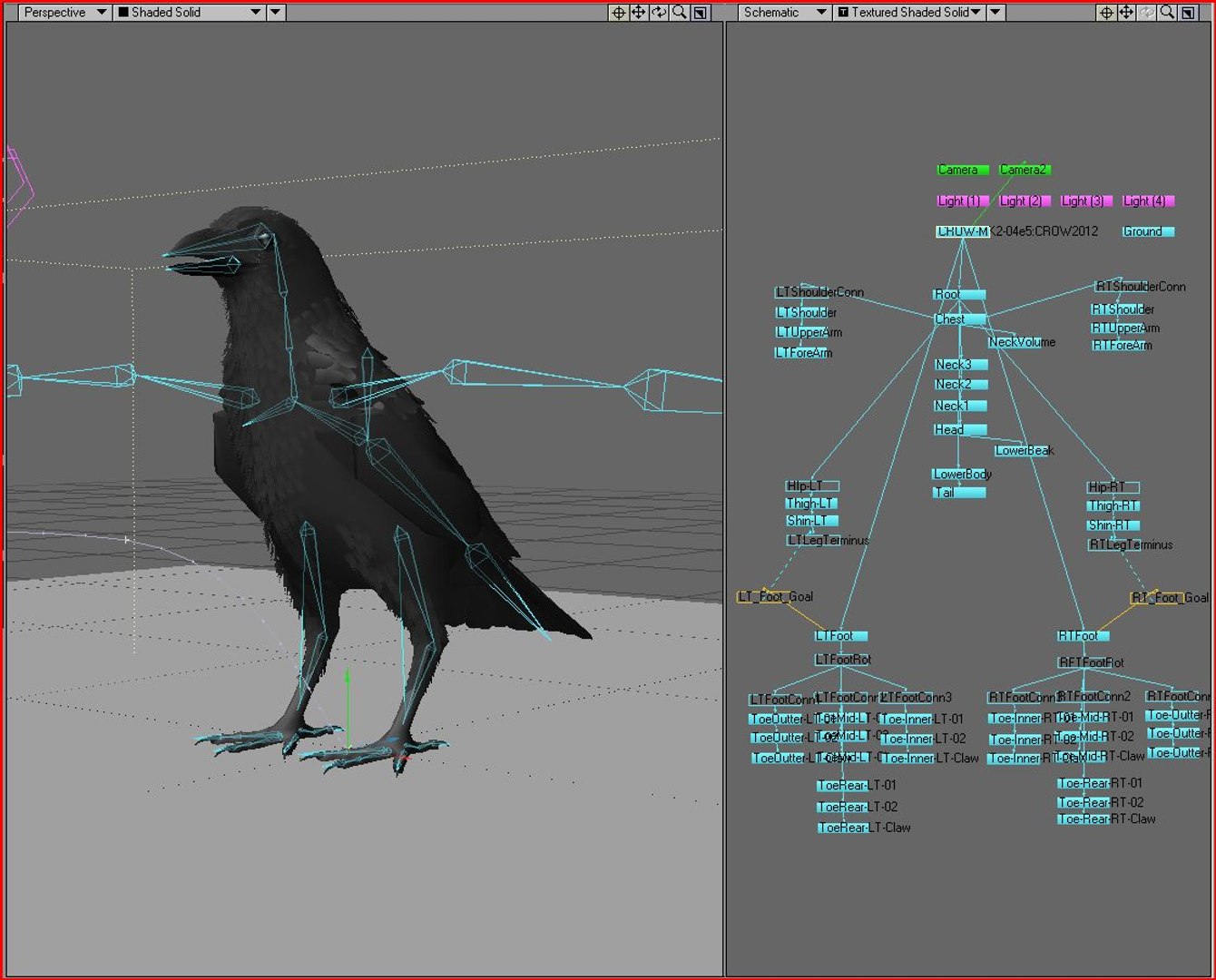
The main controlling object is the "ROOT" bone

I have provided several scene files to get you started:
Take-Off
Land
Fly loop

The feet and legs are controlled by "LT-Foot" and "RT-Foot" respectively. (Lightwave)
The feet and legs are controlled by "LT-FootControl" and "RT-FootControl" respectively. (Max)

There is 1 'neck' bone, a 'head' bone and a 'lower beak' bone.

There are 25 Morph targets. (Lightwave)
There are 18 Morph targets. (Max)
There are 25 Morph targets. (C4D)

The 'Mouth' phonemes are controlled by 8 Morph targets:
located when you select the CROW mesh and go to "Object" => "Properties" => "Deform" (Lightwave)
located when you select the CROW mesh and go to "Modify" => "Morpher" (Max)

But the mouth can be opened and closed with a bone as well.

The wings are controlled by 3 bones each
and have 1 Morph position, to spread the wing tips and 5 morph positions to fold the wing

Fold1, Fold2, Fold3, Fold4, Fold5, Fold6, Tips-Spread (Lightwave)
Fold5, Fold6, Tips-Spread (Max)
The Tail spread is controlled via Morph target "TailSpread", the Tail bone controls position and rotation.

The toes are controlled by 12 bones on each foot.

To fold the wings use the morphs noted above.

But if you have positioned the wings by moving the bones, AND you try to use morph targets to fold them, you WILL have some pretty weird distortions that will freak you out.

Don't panic, the solution is to 'zero' out your wing bone positions, as or just before you apply the 'Morph' targets.

-------------

The model is made hi resolution by using Sub-Patching, so the actual geometry is much less than the rendered geometry.

LIGHTWAVE:
Real Geometry:
29992 verticies
23748 polygons
-------------
MAX:
Real Geometry:
30105 verticies
23243 polygons
---------------
C4D-R13:
Real Geometry:
29926 verticies
38213 polygons

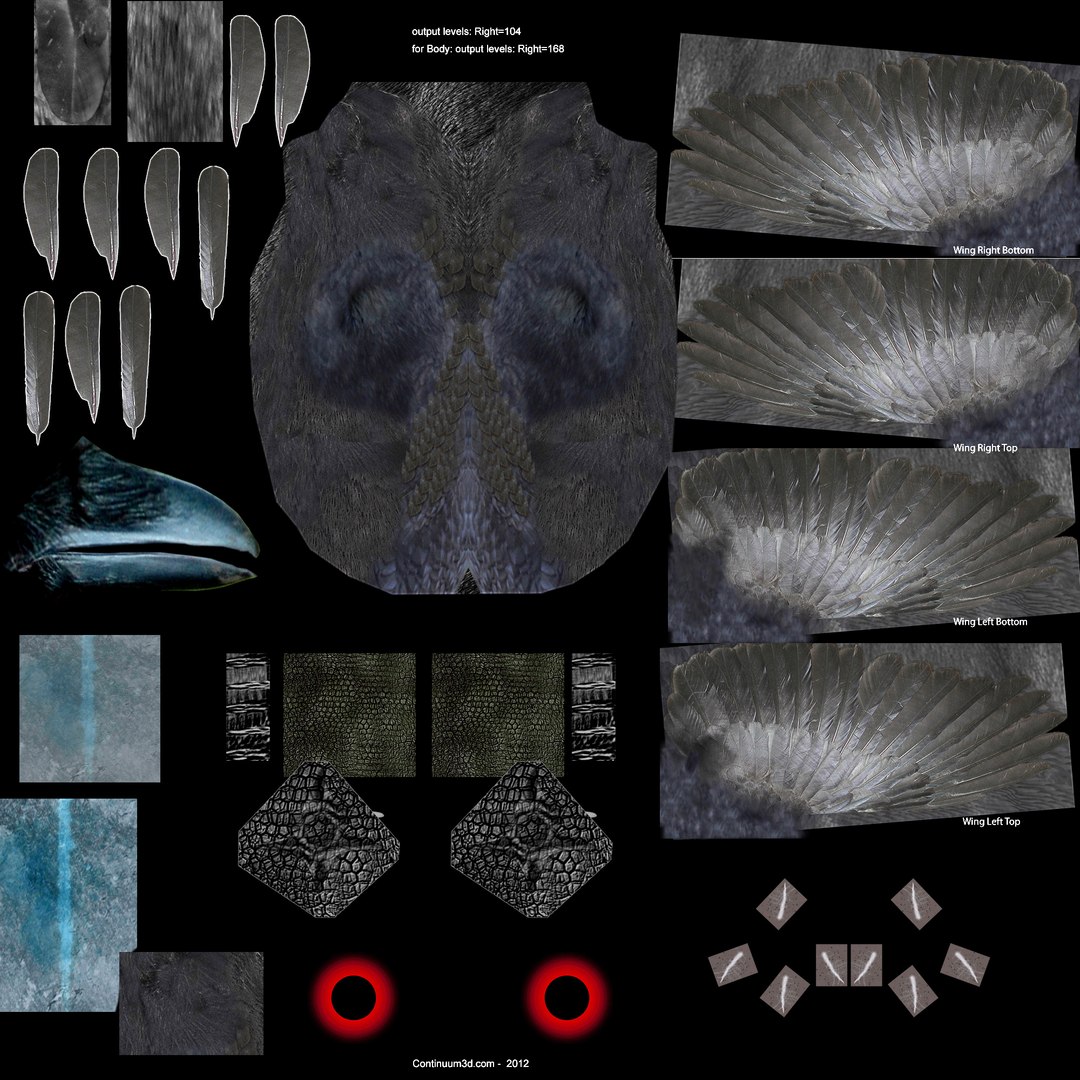
the maps are RGB or greyscale, 150dpi, 2000px X 2000px

Seleziona Licenza Avanzata

  • $10,000 in Tutela Legale (Indennizzo)
  • Protezione legale illimitata (indennizzo)
  • Rinuncia al sollievo ingiuntivo
  • Diritti di modello assegnabili
  • $1,000,000 in Tutela Legale (Indennizzo)
  • Rinuncia al sollievo ingiuntivo
  • Diritti di modello assegnabili
  • $250,000 in Tutela Legale (Indennizzo)
  • Diritti di modello assegnabili
Scopri di più sui livelli di licenza avanzati o contattaci all'indirizzo enterprise@turbosquid.com. Sei già un cliente Shutterstock Enterprise? Contatta il tuo agente di supporto vendite Shutterstock per parlare dell'aggiunta del 3D.

About Conversion Requests

To submit a conversion request for a purchased asset, please complete our Conversion Request Form.

If you have not yet purchased a model, please review our Documentation about Conversions to learn about what limitations you may encounter with a conversion.

For any additional questions about a model’s suitability for conversion, please contact TurboSquid Support.

Caricamento...