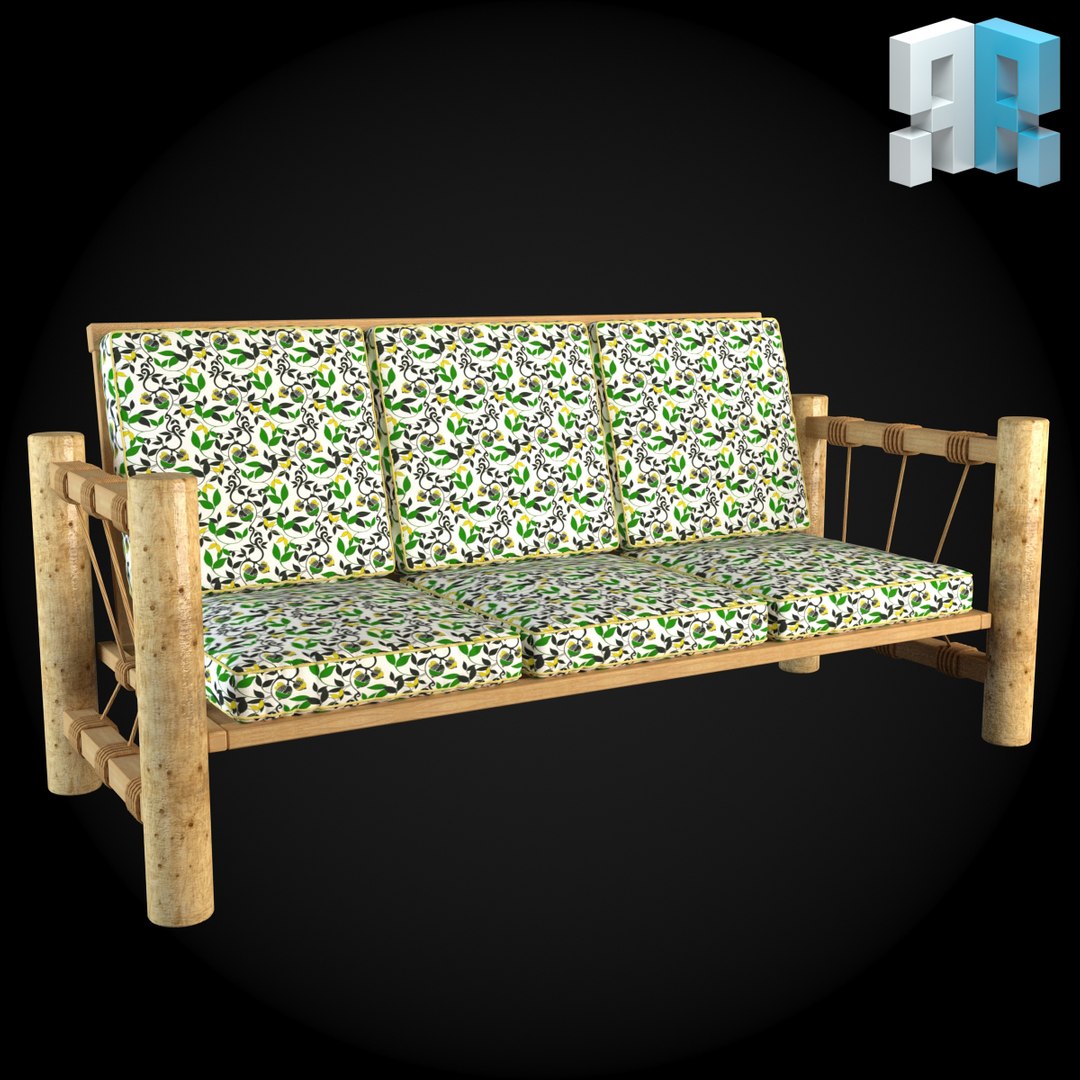
By using our architectural product you create design projects in 3D as if you are assembling LEGO brick:
Easy and full catalog of architectural styles and modules;
Optimal scene organization and standardized file arrangement make your work a lot easier;
All the models comply with common quality standard.
Big scenes are not a problem anymore. XRef will solve everything!
- XRef is easily integrated into the scene;
- XRef simplifies the scene by reducing the file’s size and increasing work speed;
- Work with XRef is much easier than you might think - use our tutorial!
- If you do not work with XRef, our products give you a chance to use simple model.
Along with the .max file you must necessarily download the archive!
It contains:
(.max file) a scene-file with XRef ogjects (link system, original files are uploaded from the folder ‘Models’);
(models) a folder with original models for XRef objects in the scene;
(maps) a folder with the textures used in the project;
(fbx) ..._high_poly;
(fbx) ..._low_poly;
(obj) ..._high_poly;
(obj) ..._low_poly;
text document ‘Product Description’;
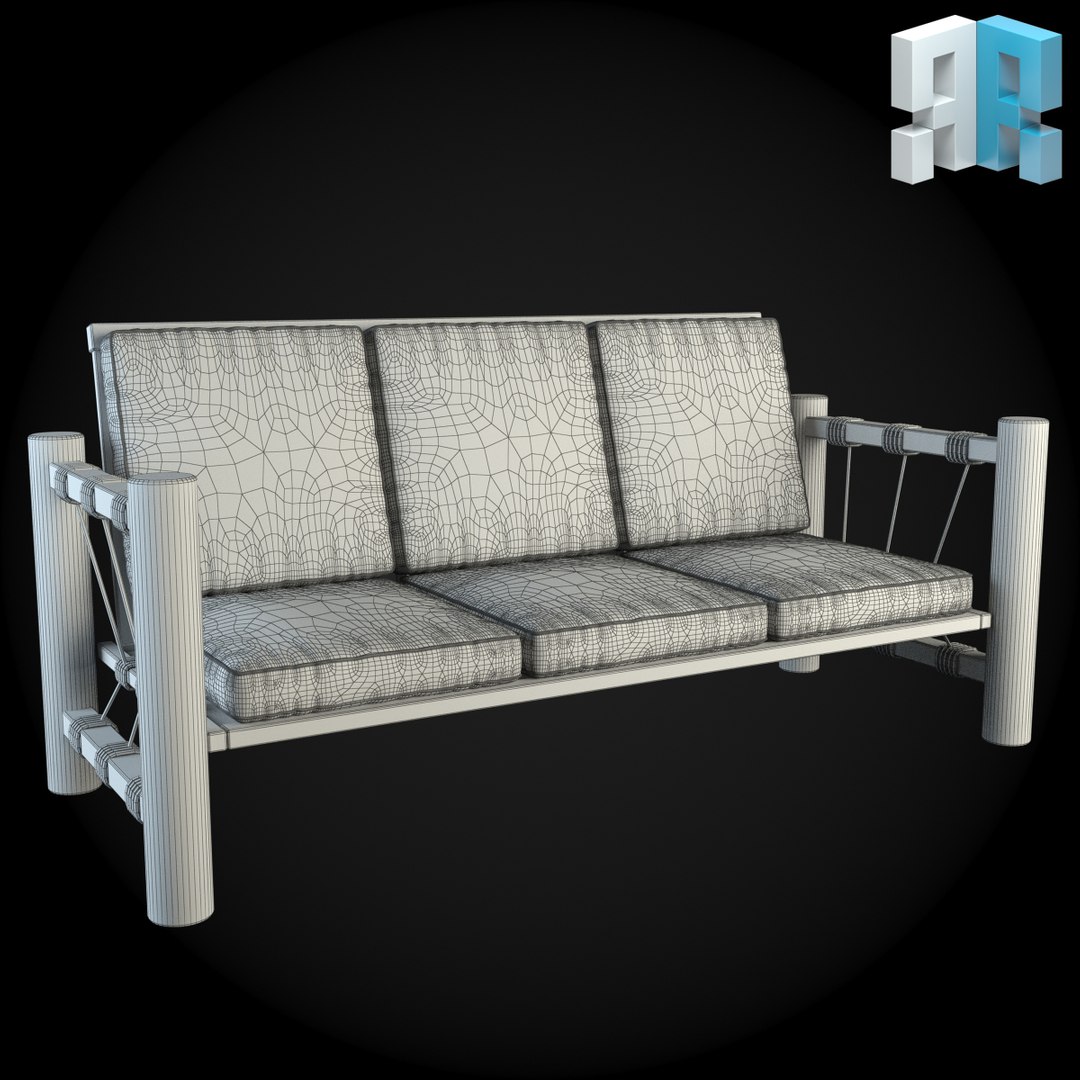
render preview images both in color and grid.
Either way, after you download the 3d scene from external source - all the local paths in files will not be valid, and they need to be updated. We used relative paths in our scenes. This allows you to work with the scene more correctly, on conditions that the work file will be in the folder extracted from the archive.
1) In this case you need to place folders of your project into the network storage and specify the path to them like to external resources in the settings ‘3D Max. -> Customize -> Configure User Paths -> tab XRefs -> Add -> specify the path to the folder ‘Use Paths’, as well as ‘Add Subpath’.
2) Or, having placed the folder into the catalog you need, you may open the scene and udate the links in asset tracker for new file location. To do this, you can use Shift+t, -> Refresh -> select files File Missing ->Paths -> Set Paths -> specify the path to the Max file adding _m ending (it’s located in the folder ‘models’). And then, you should do the same with bitmaps.
We would really appreciate if you rate our model after download or leave a comment on how you find our XRef solution.