
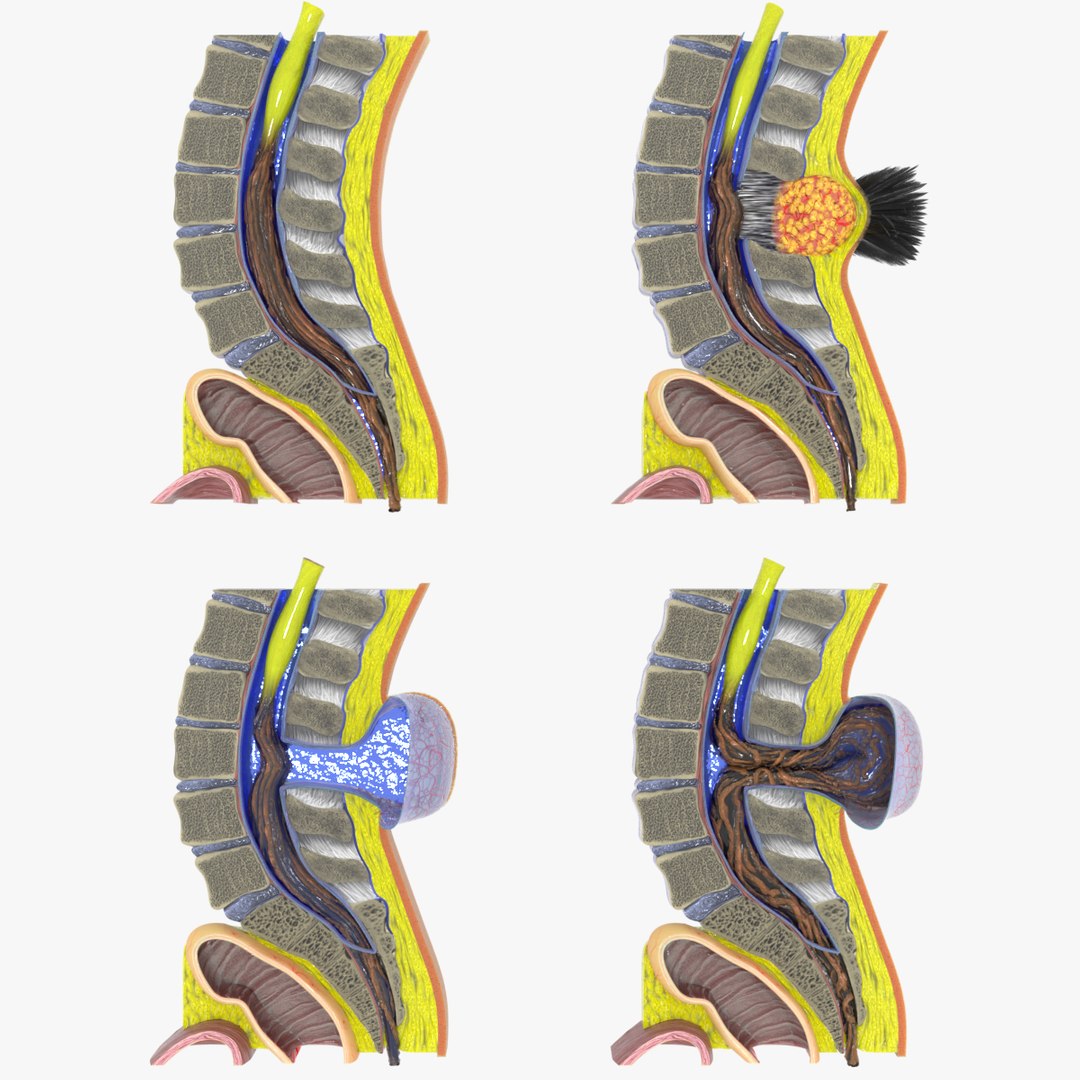
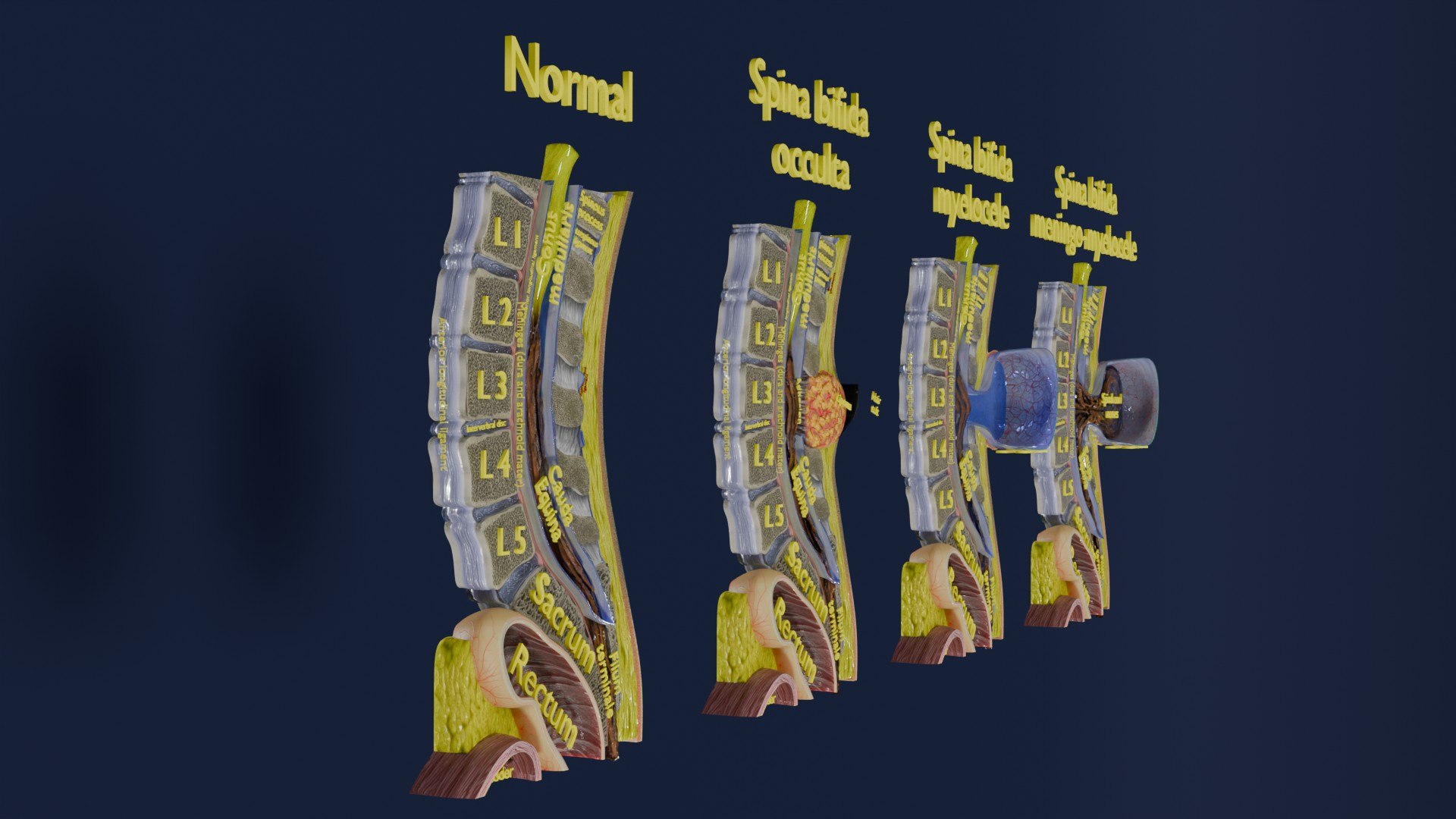
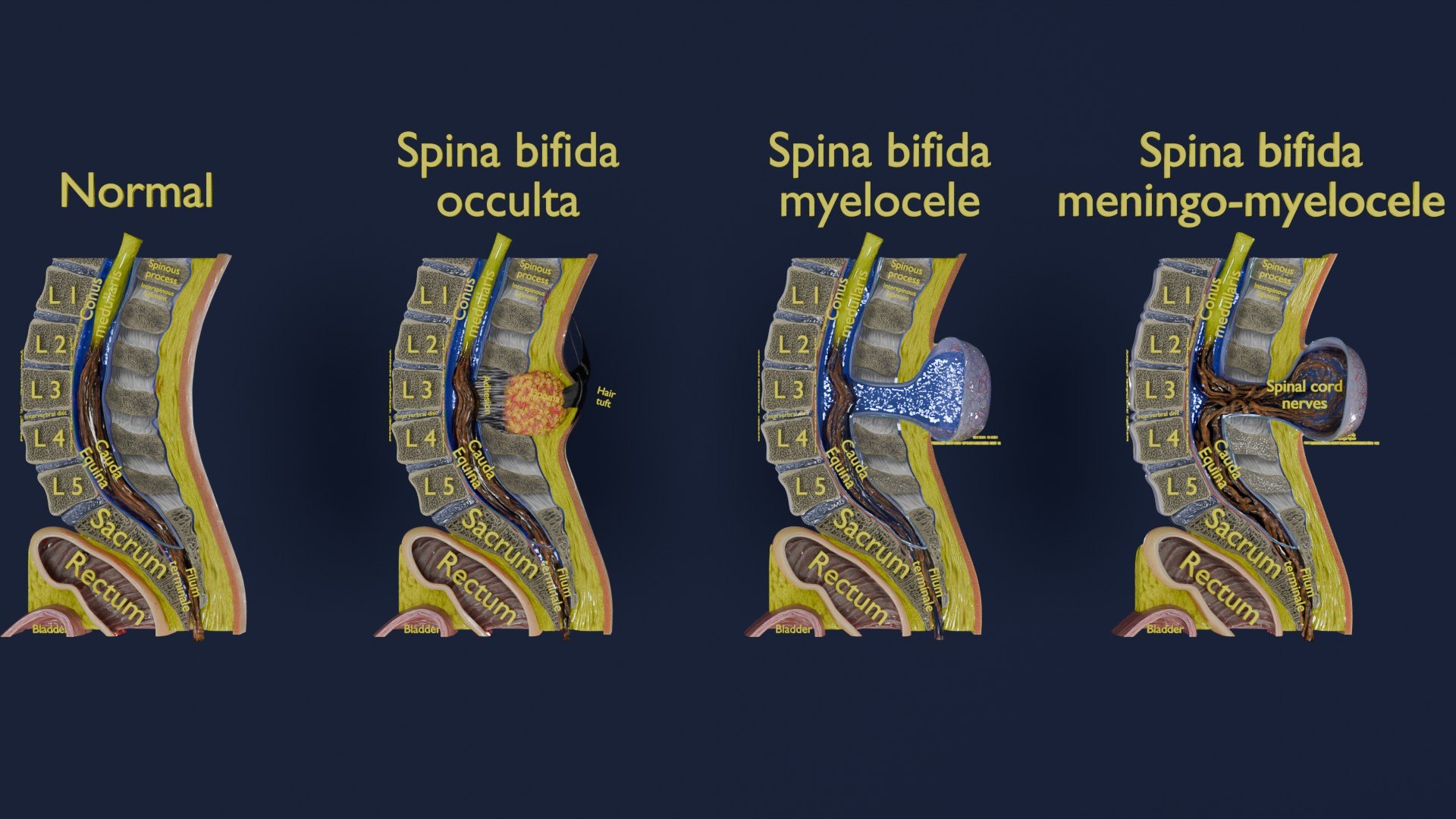
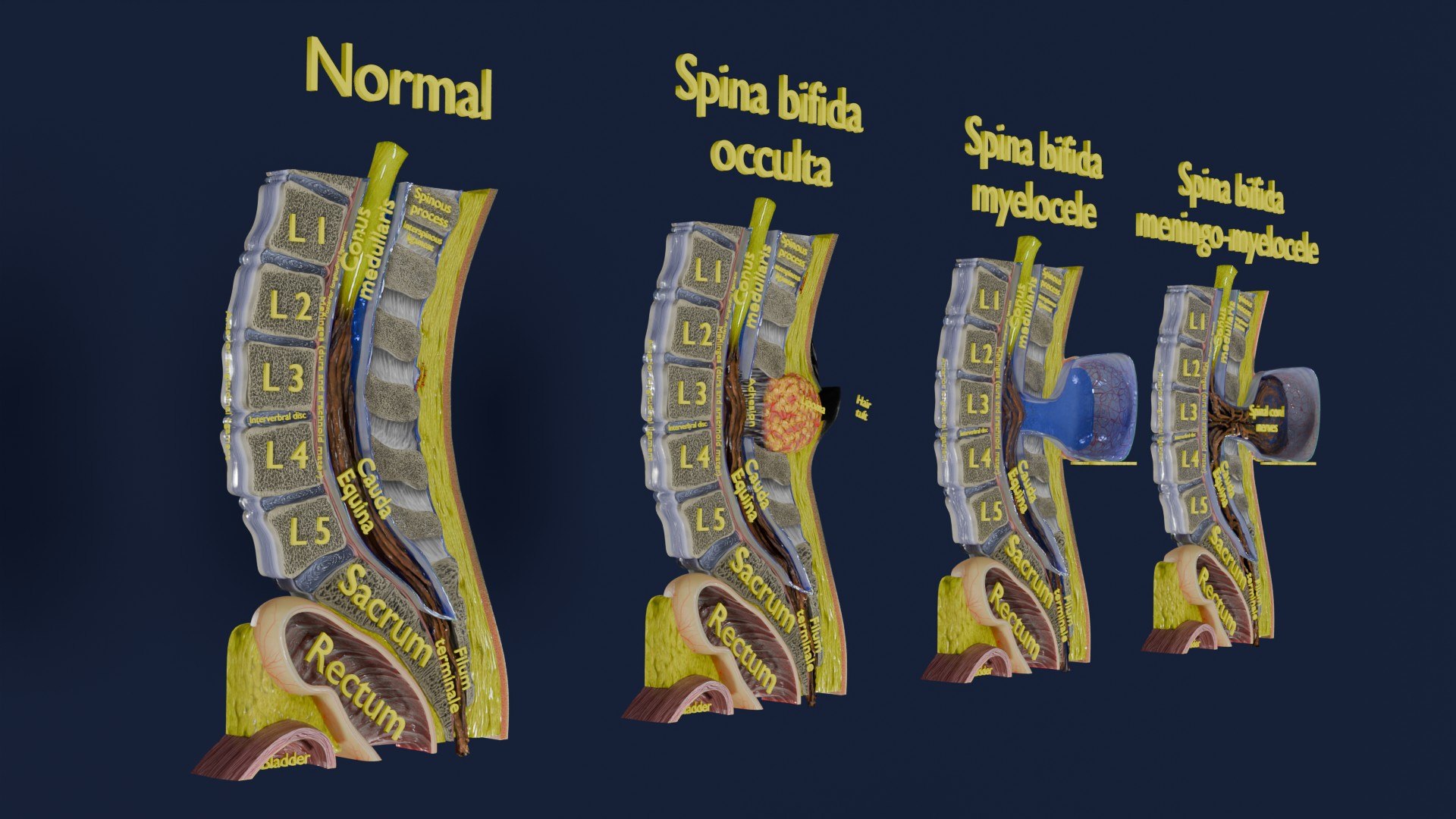
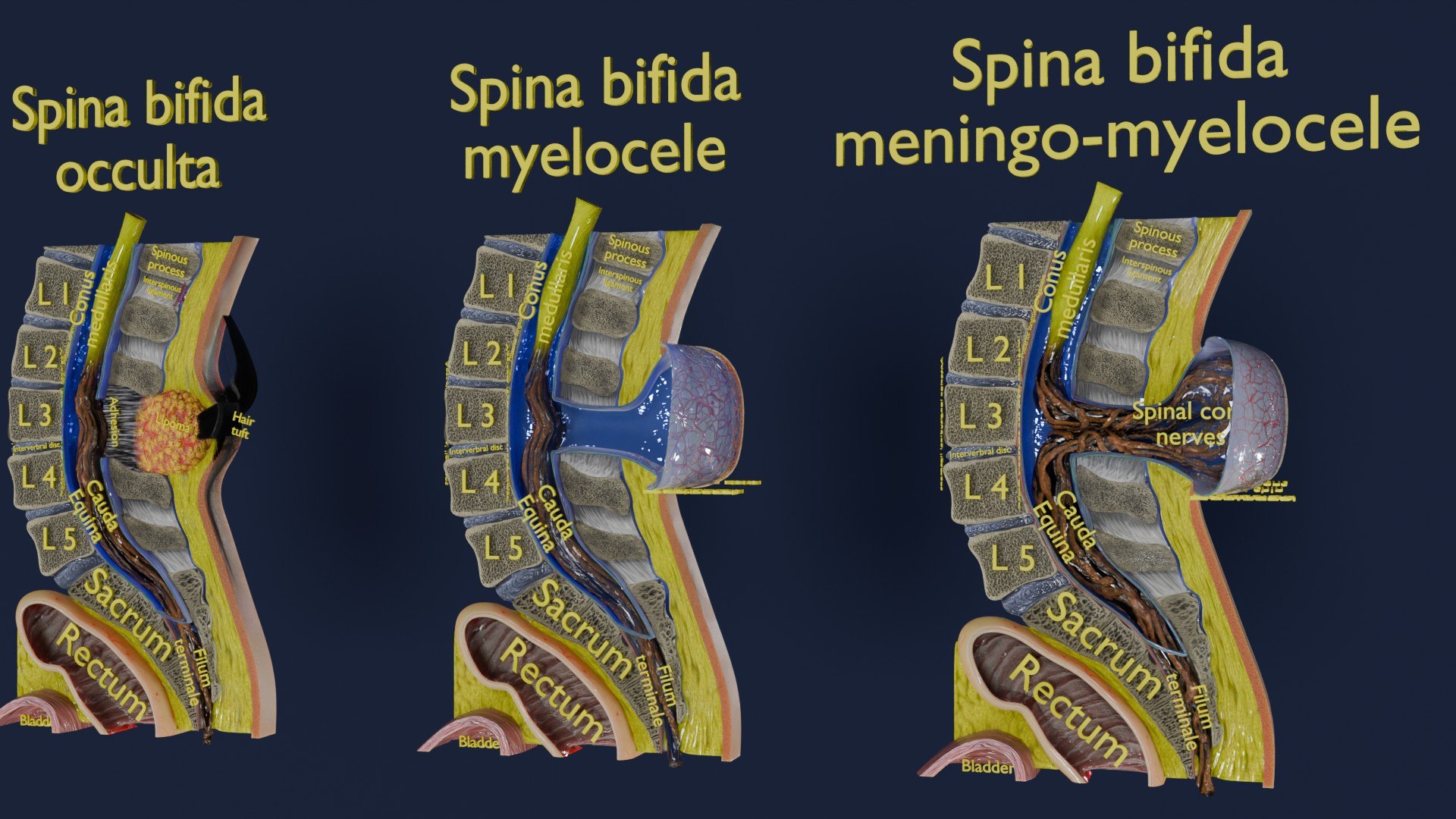
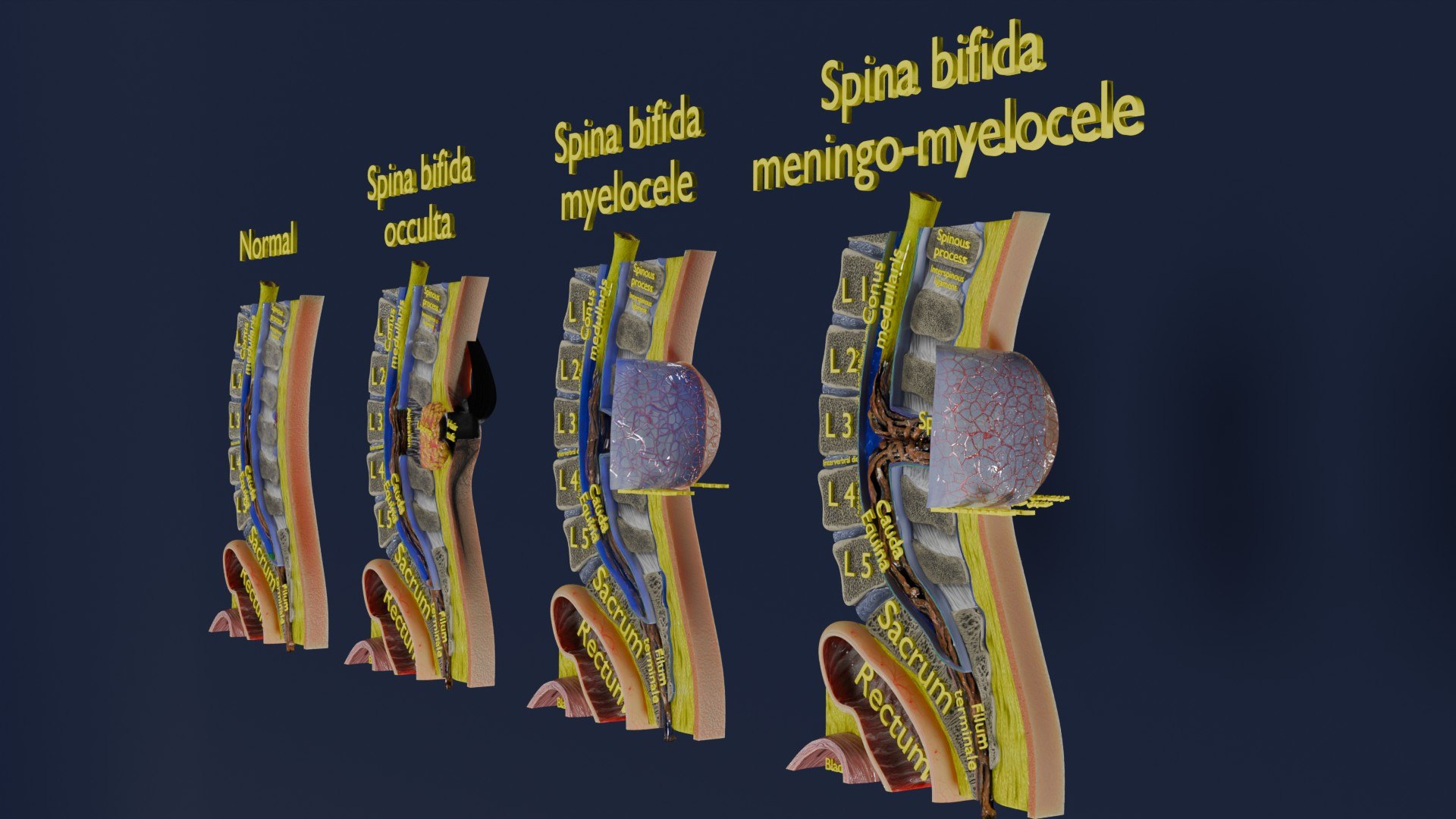
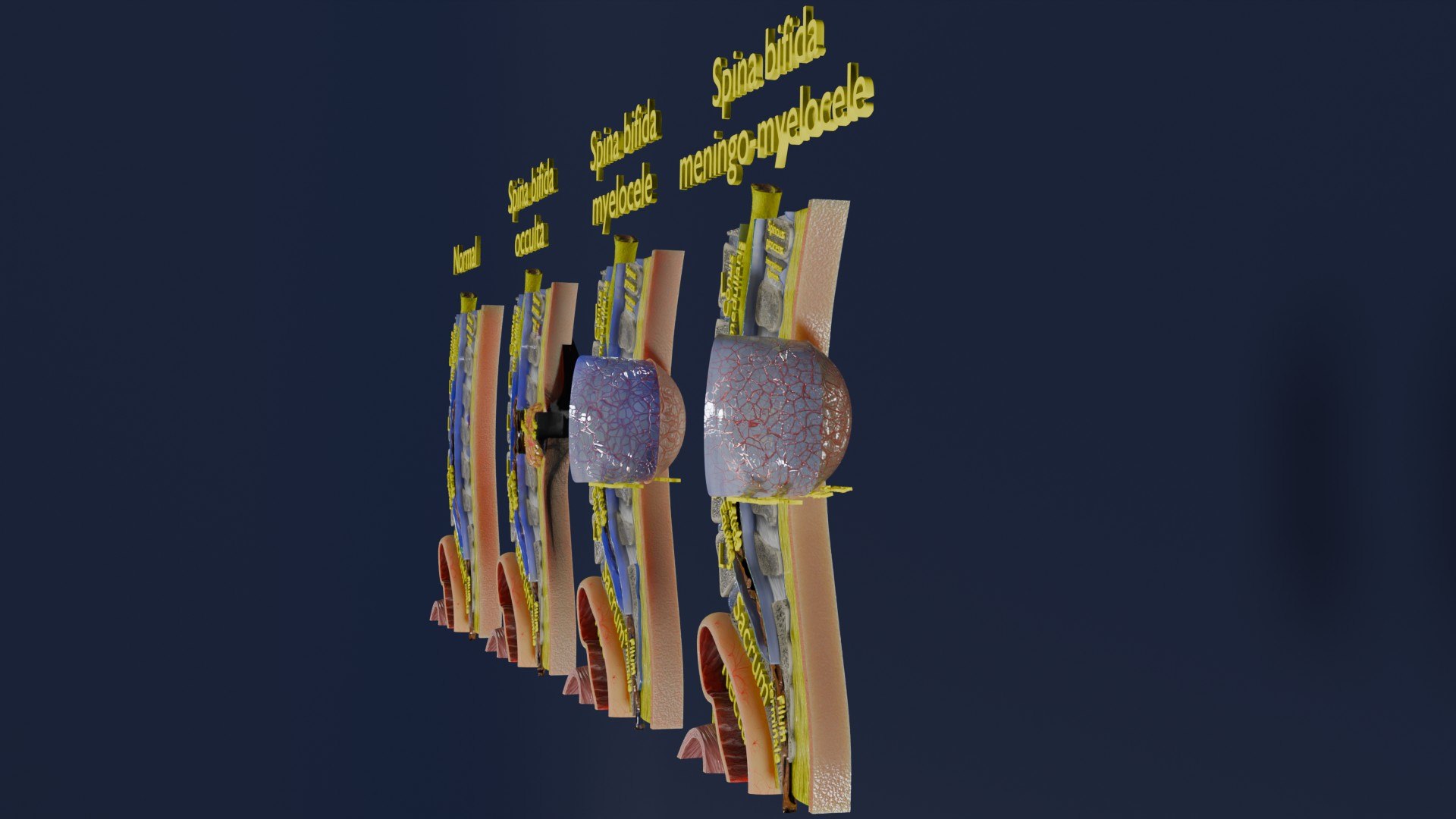
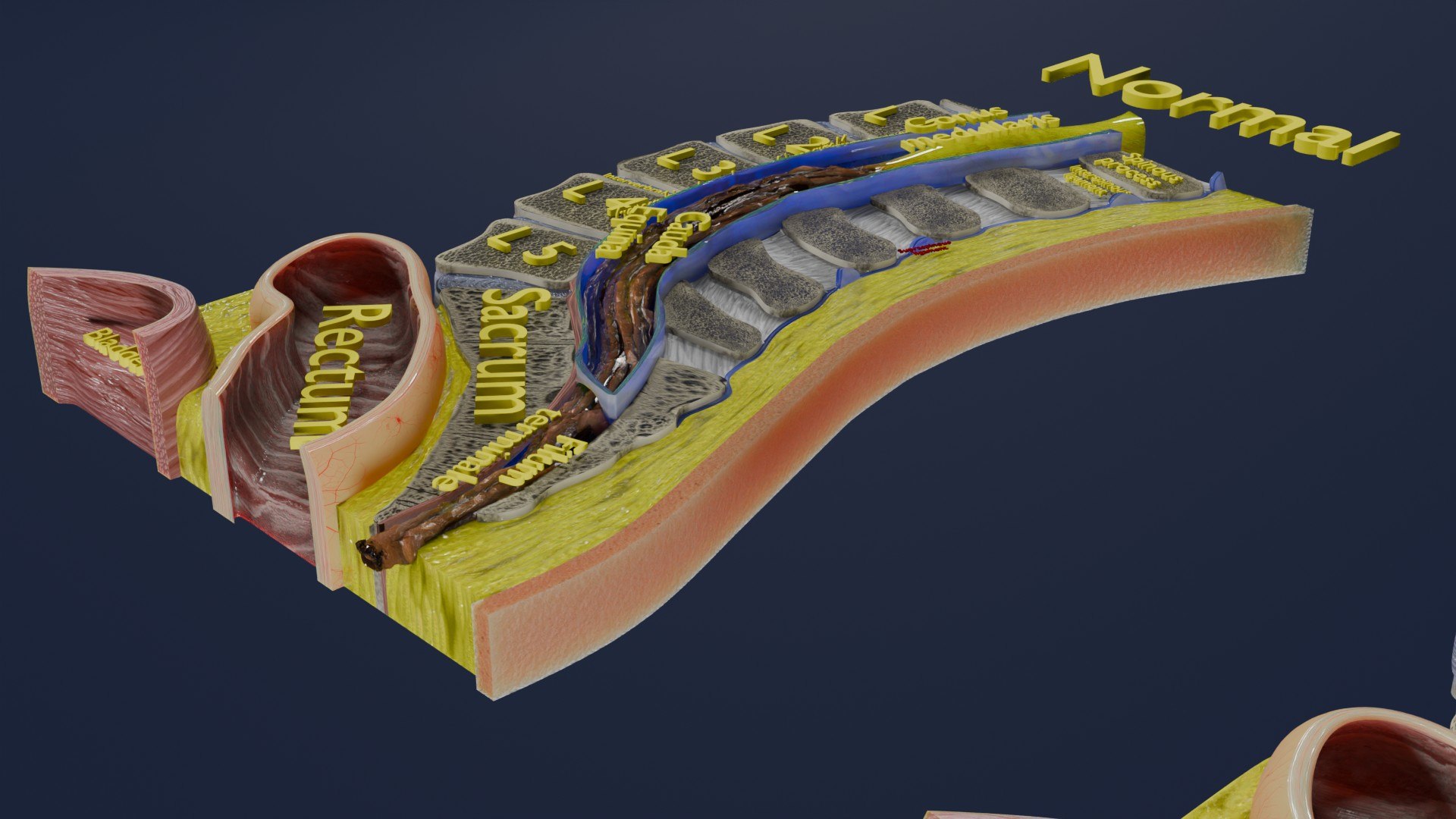
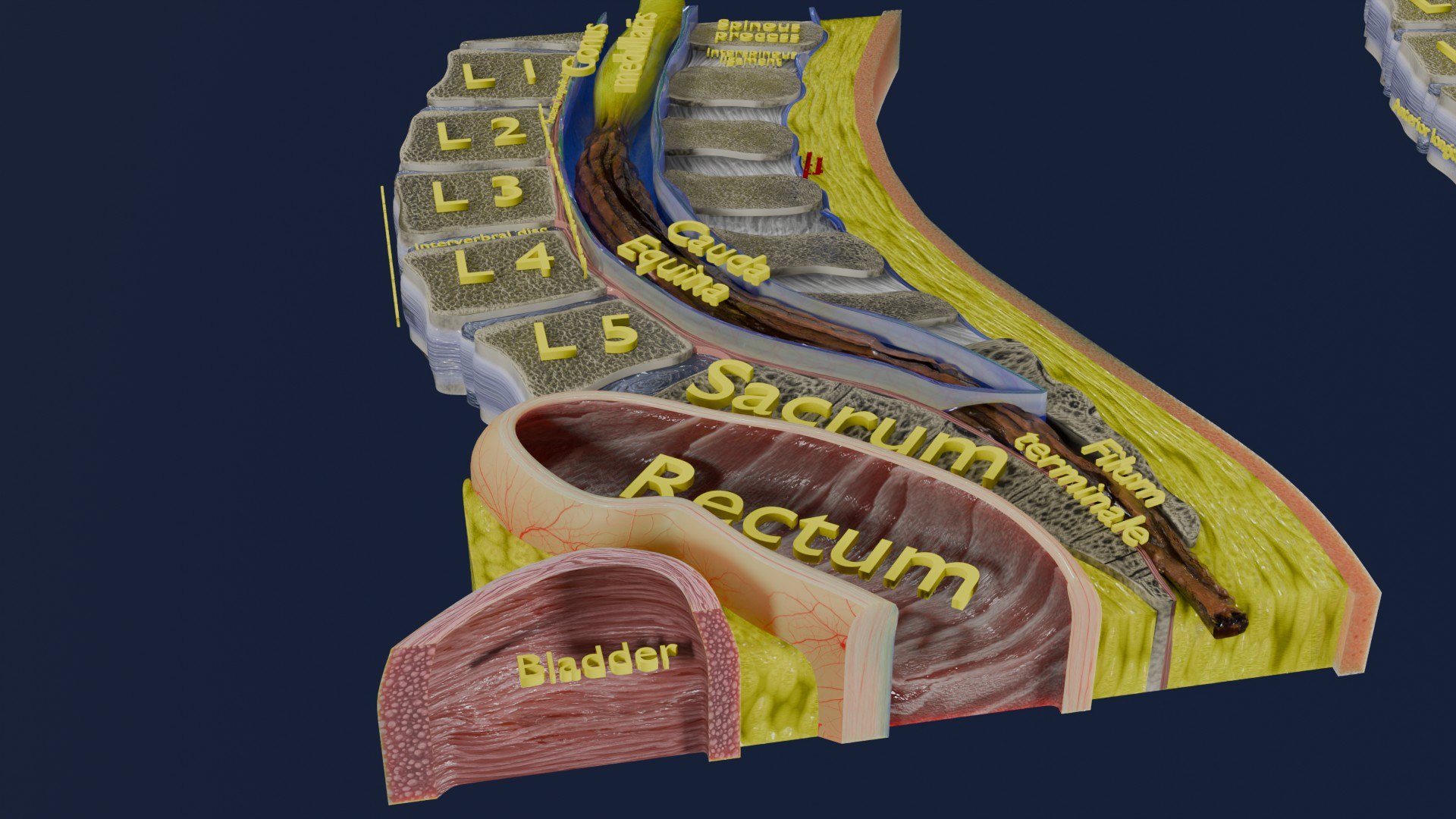
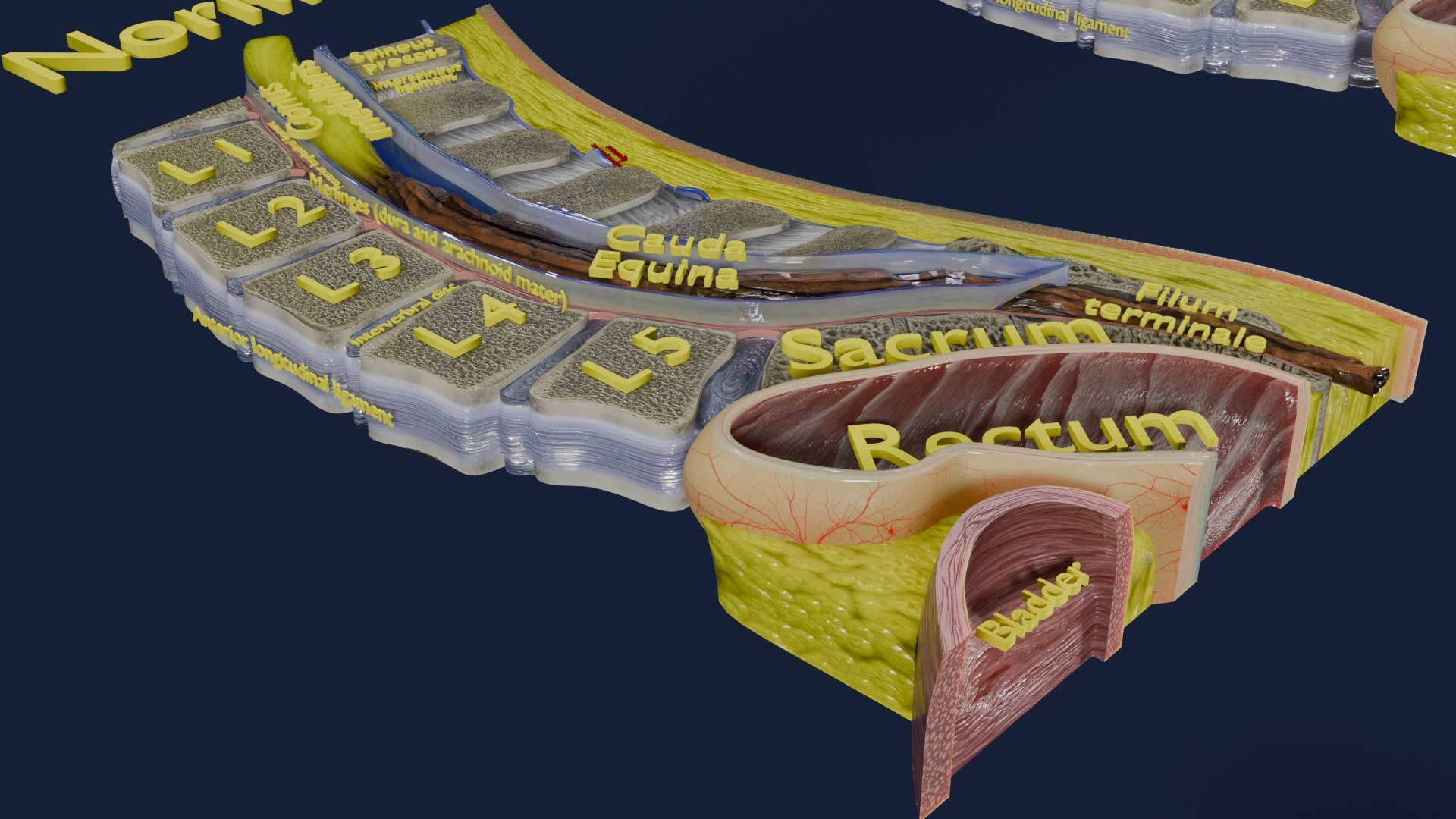
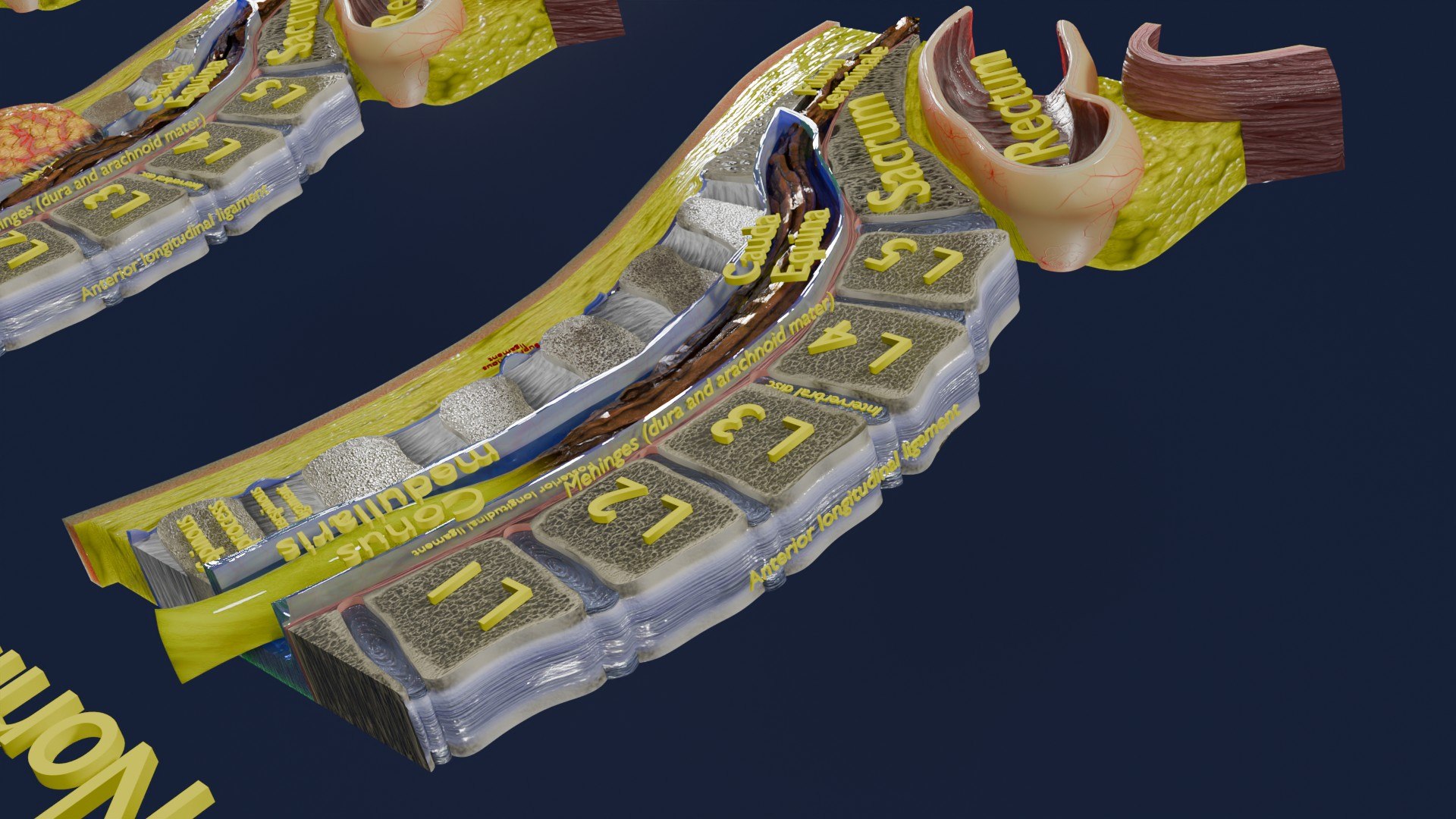
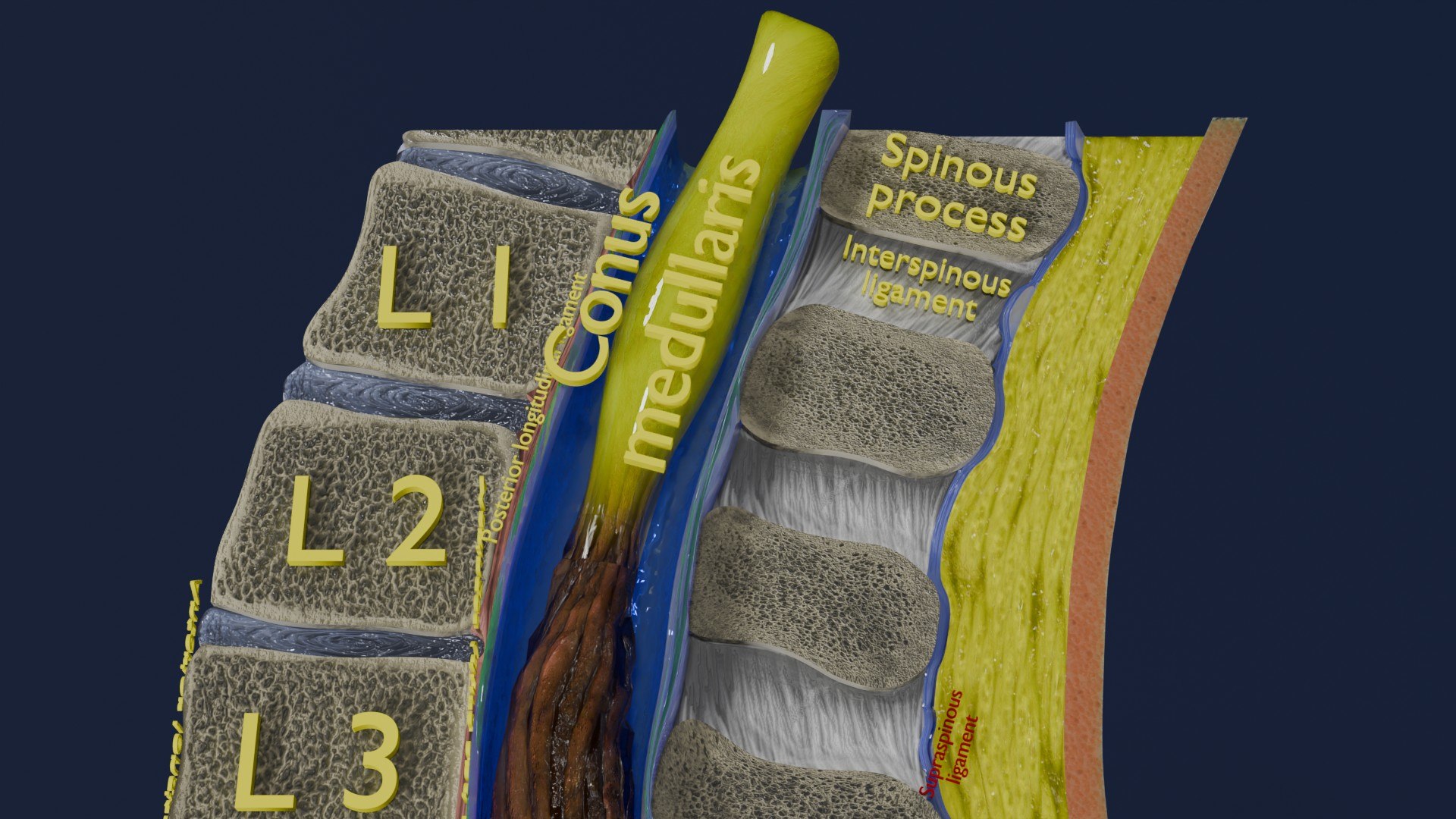
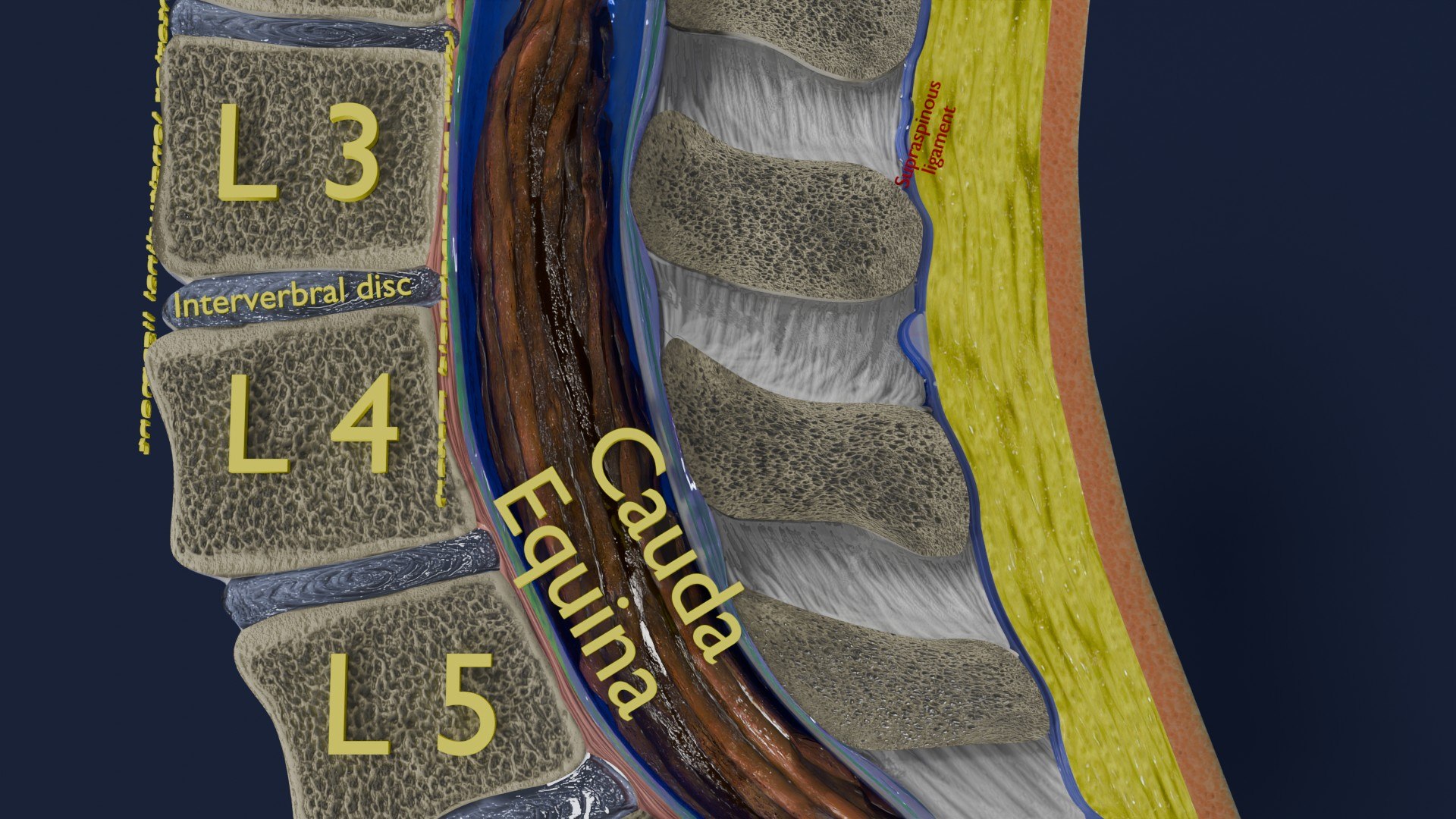
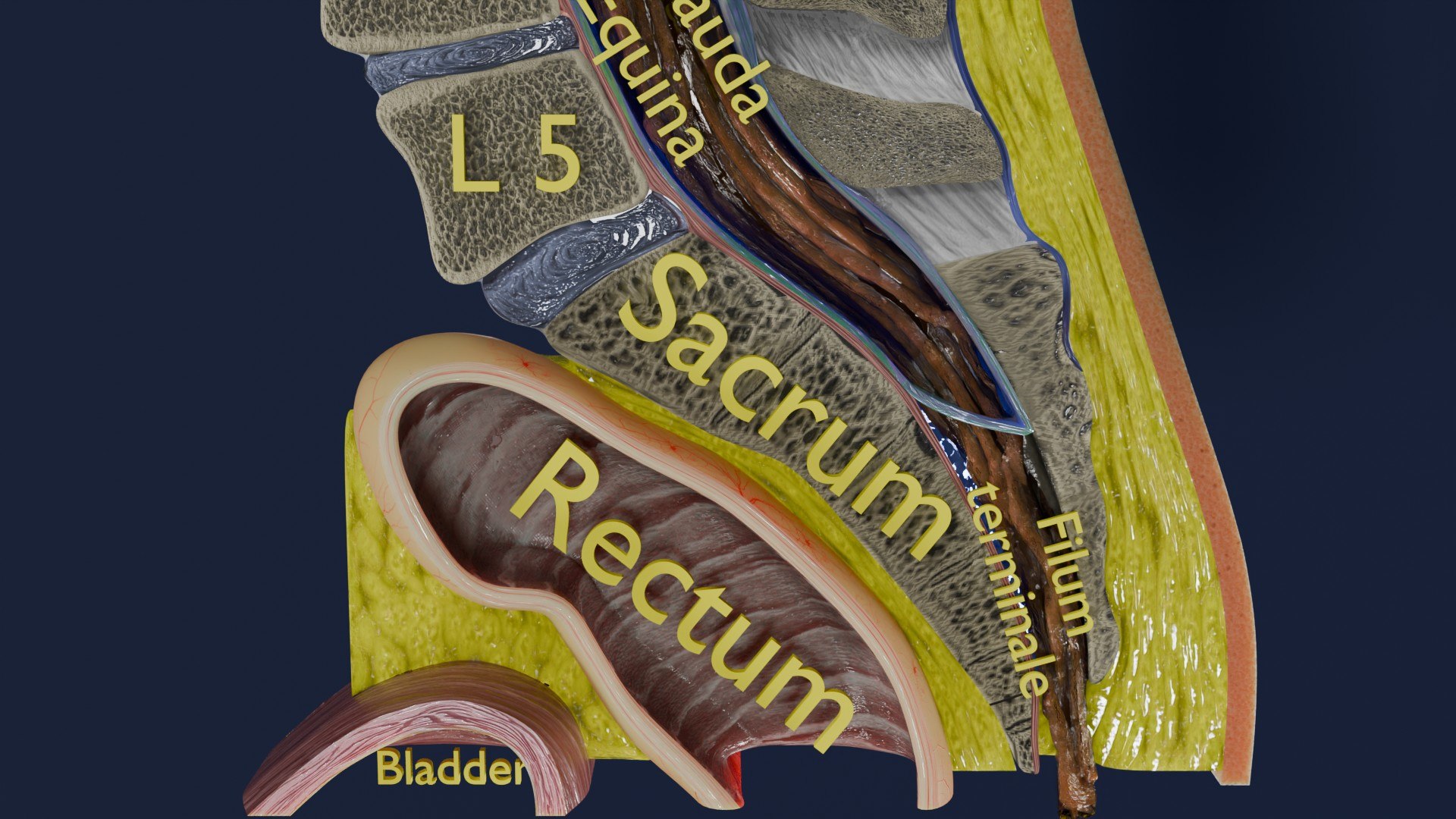
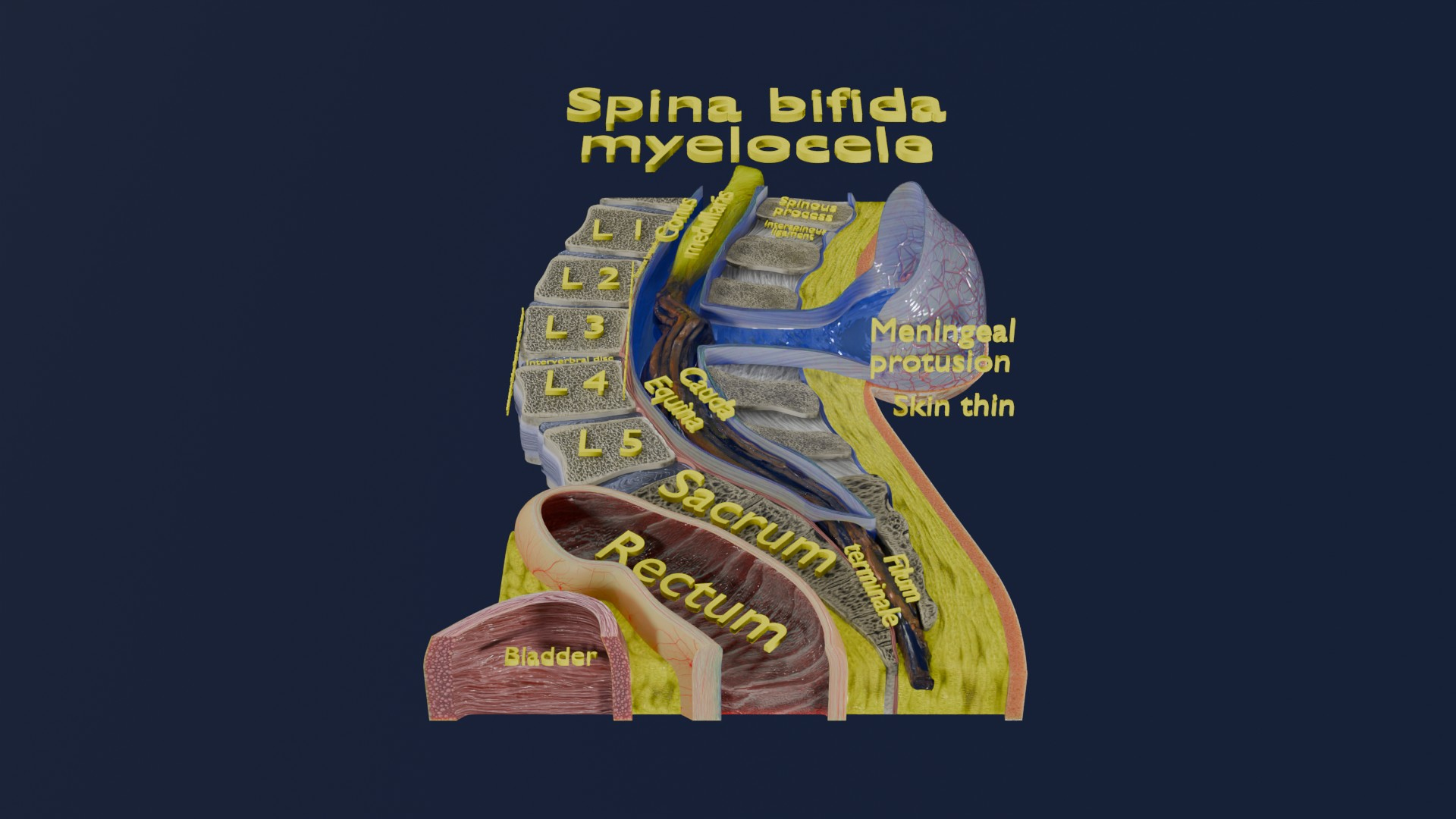
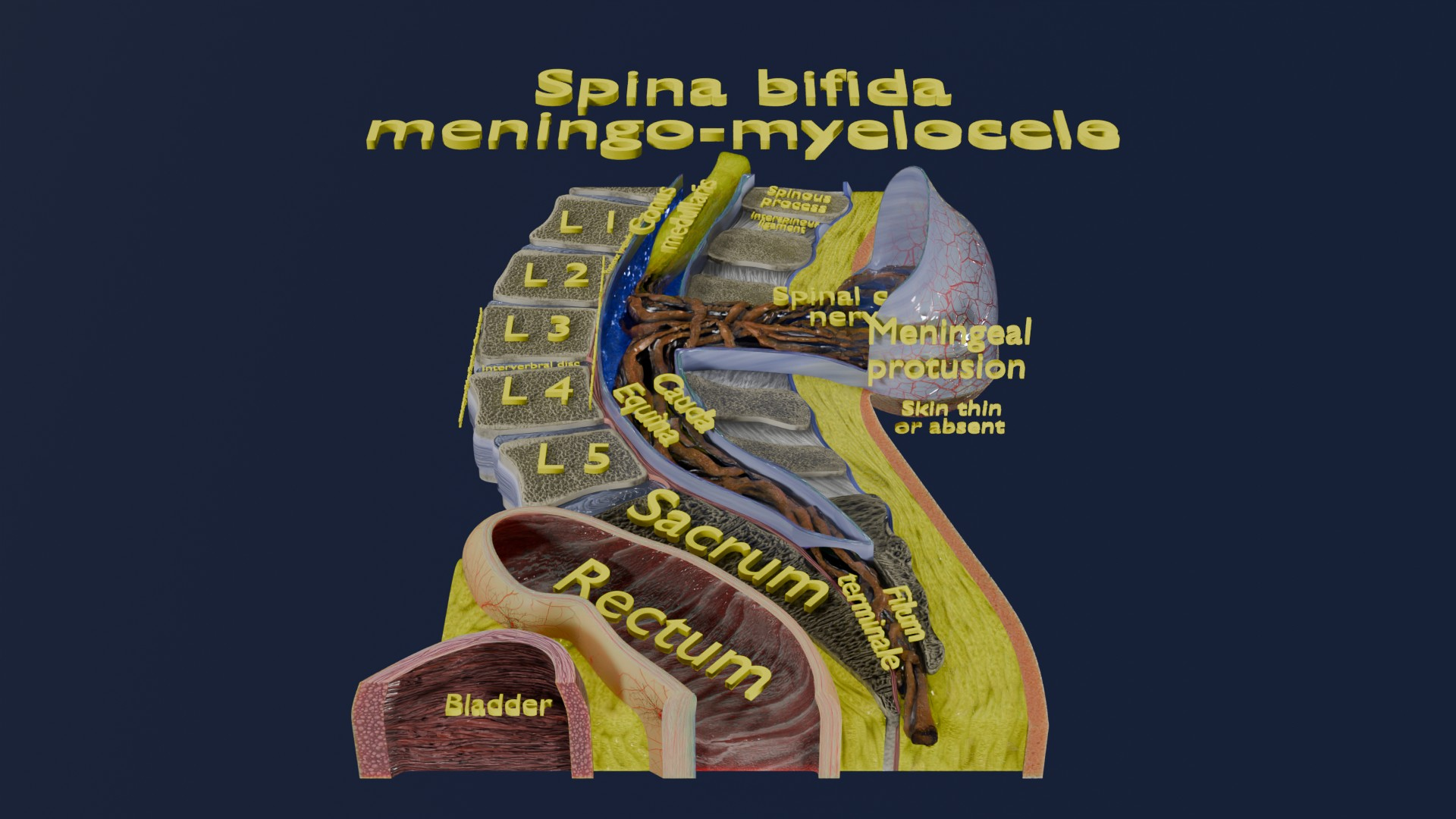
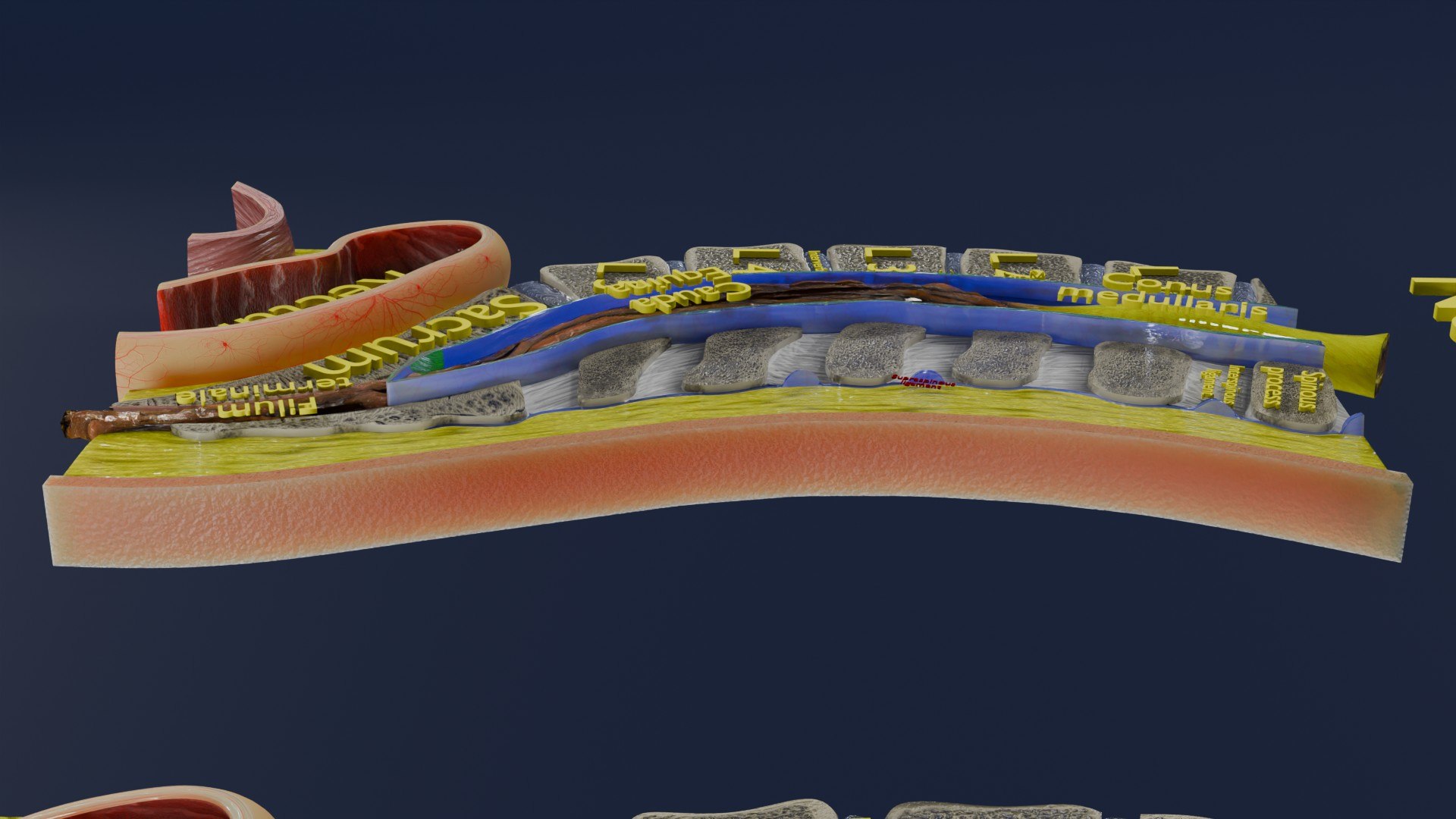
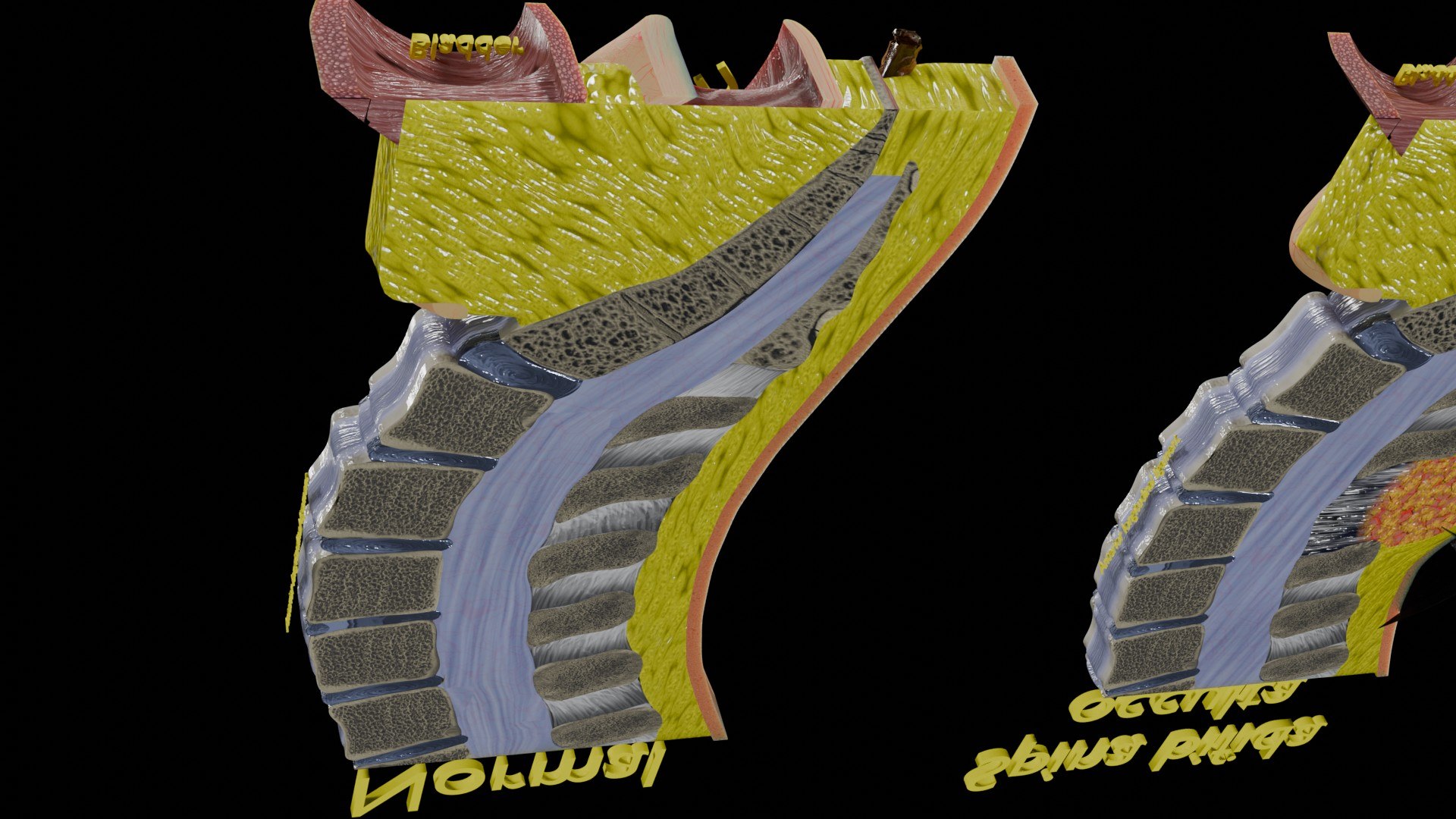
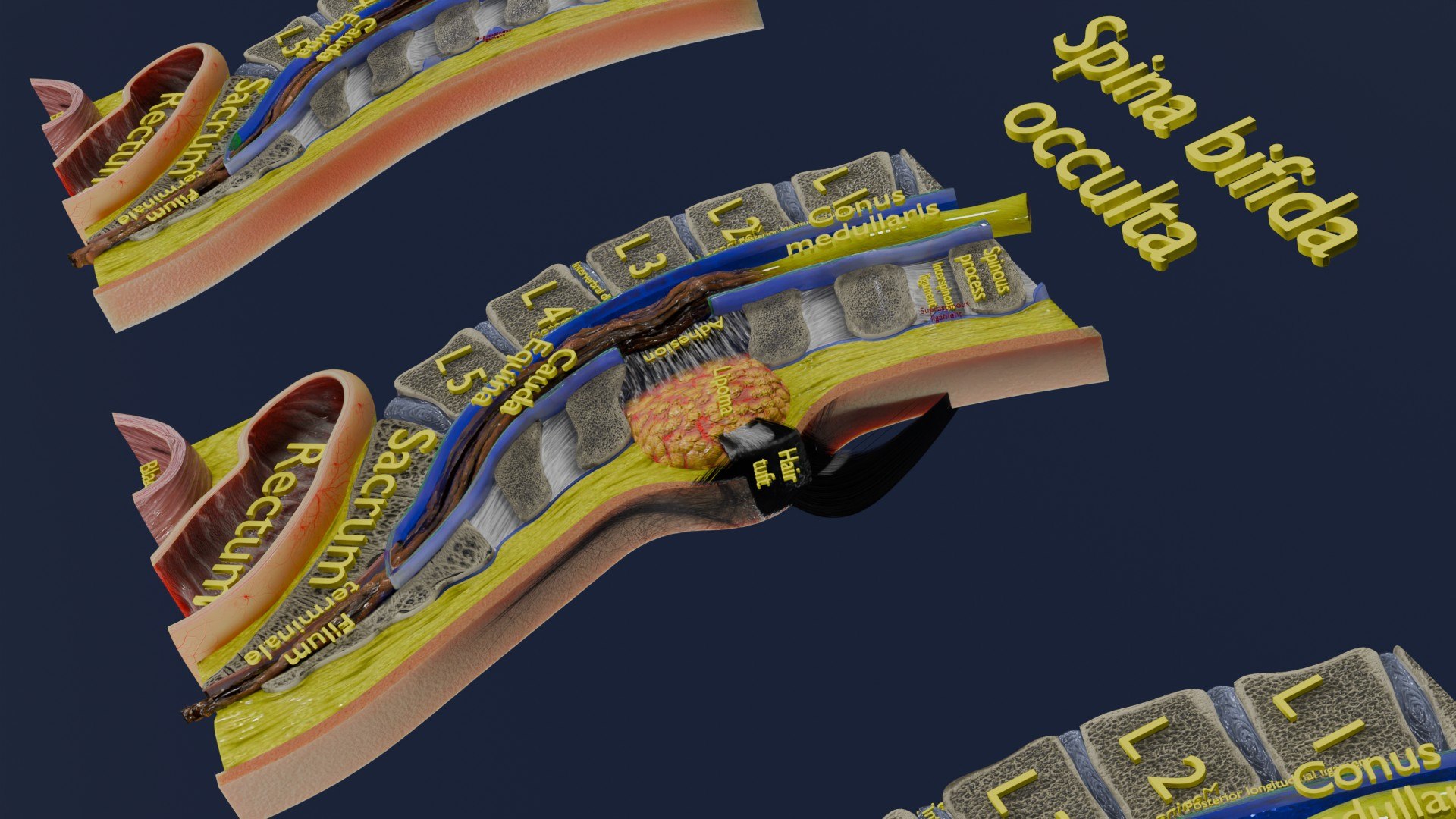
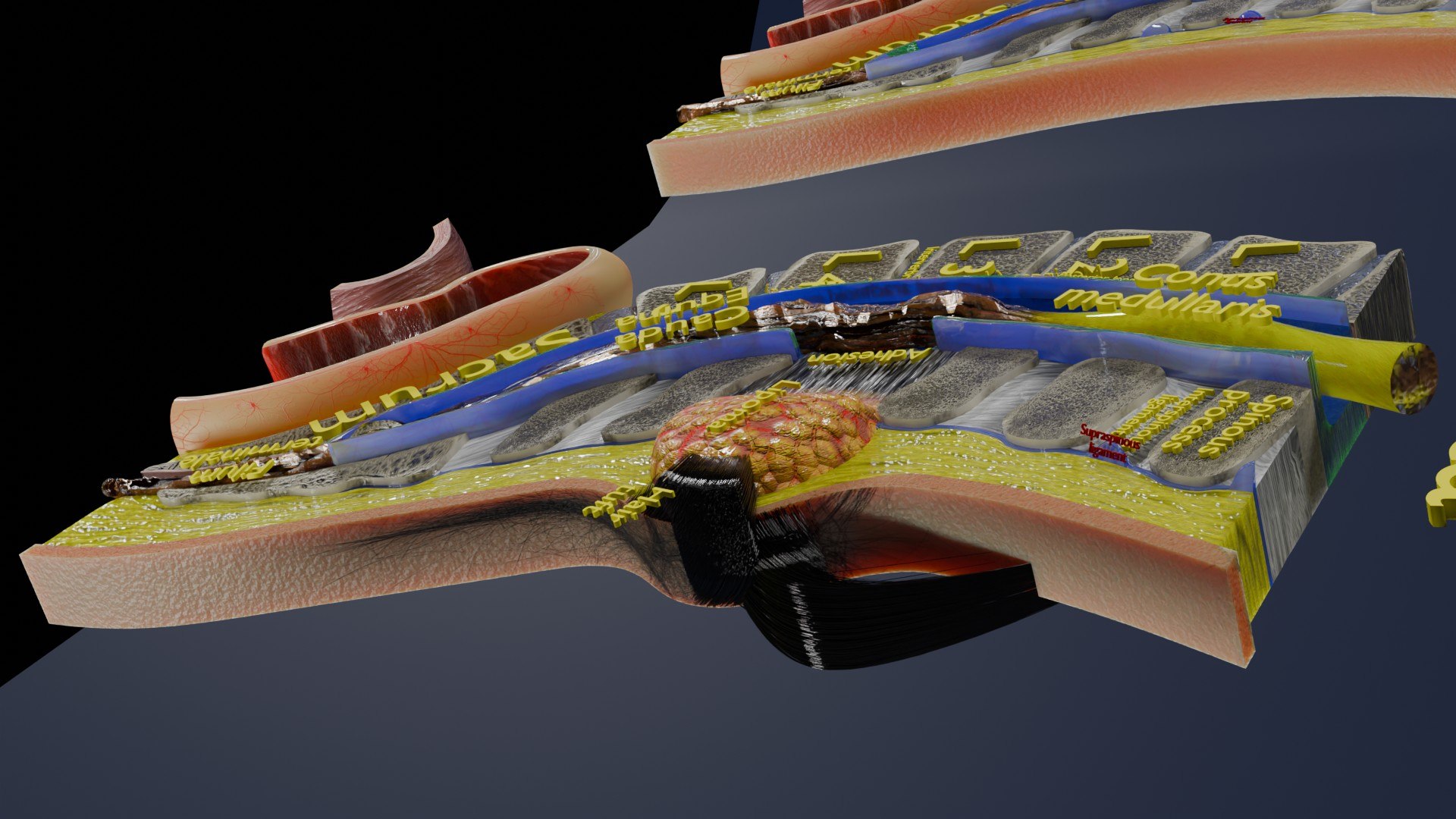
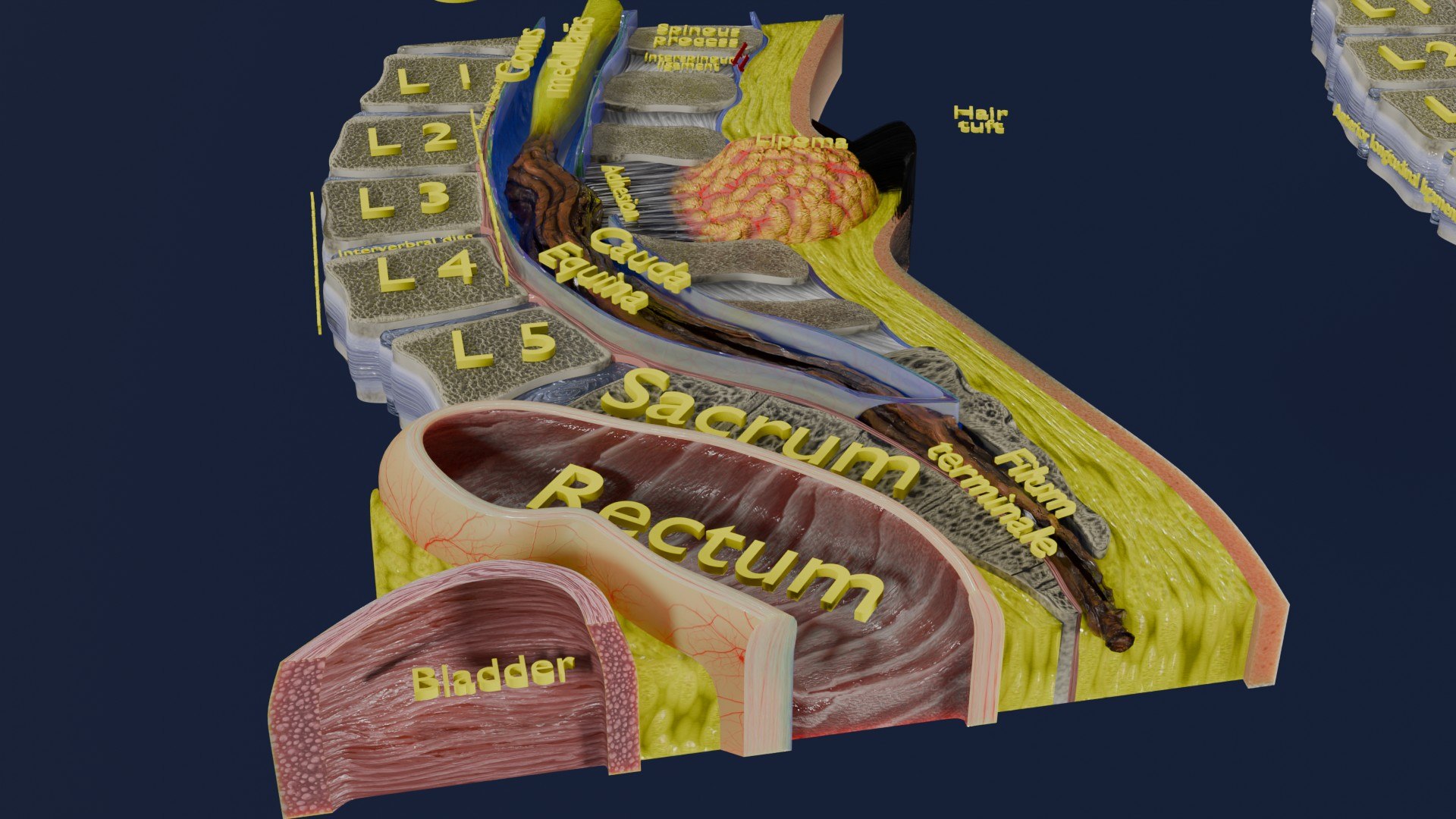
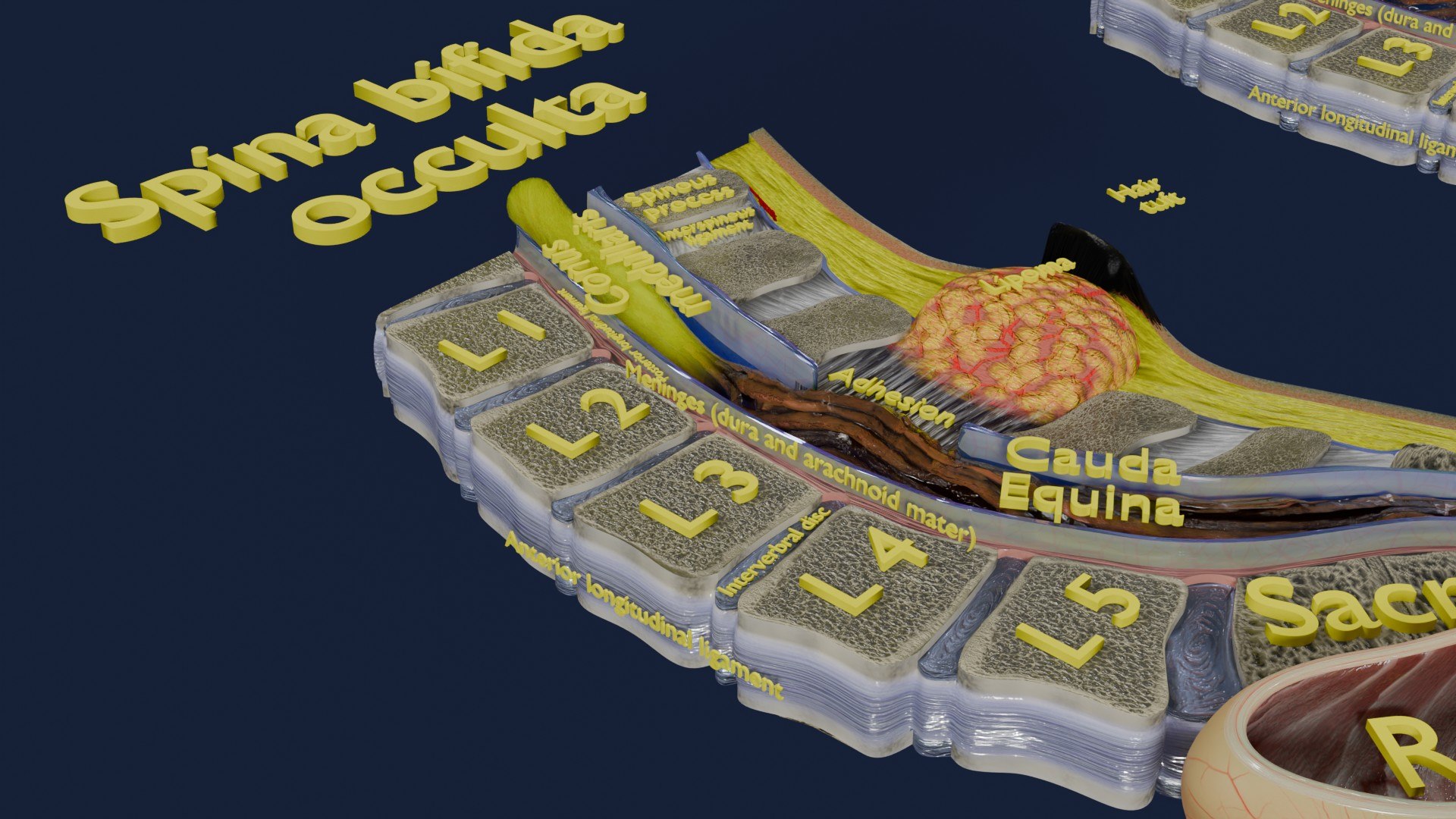
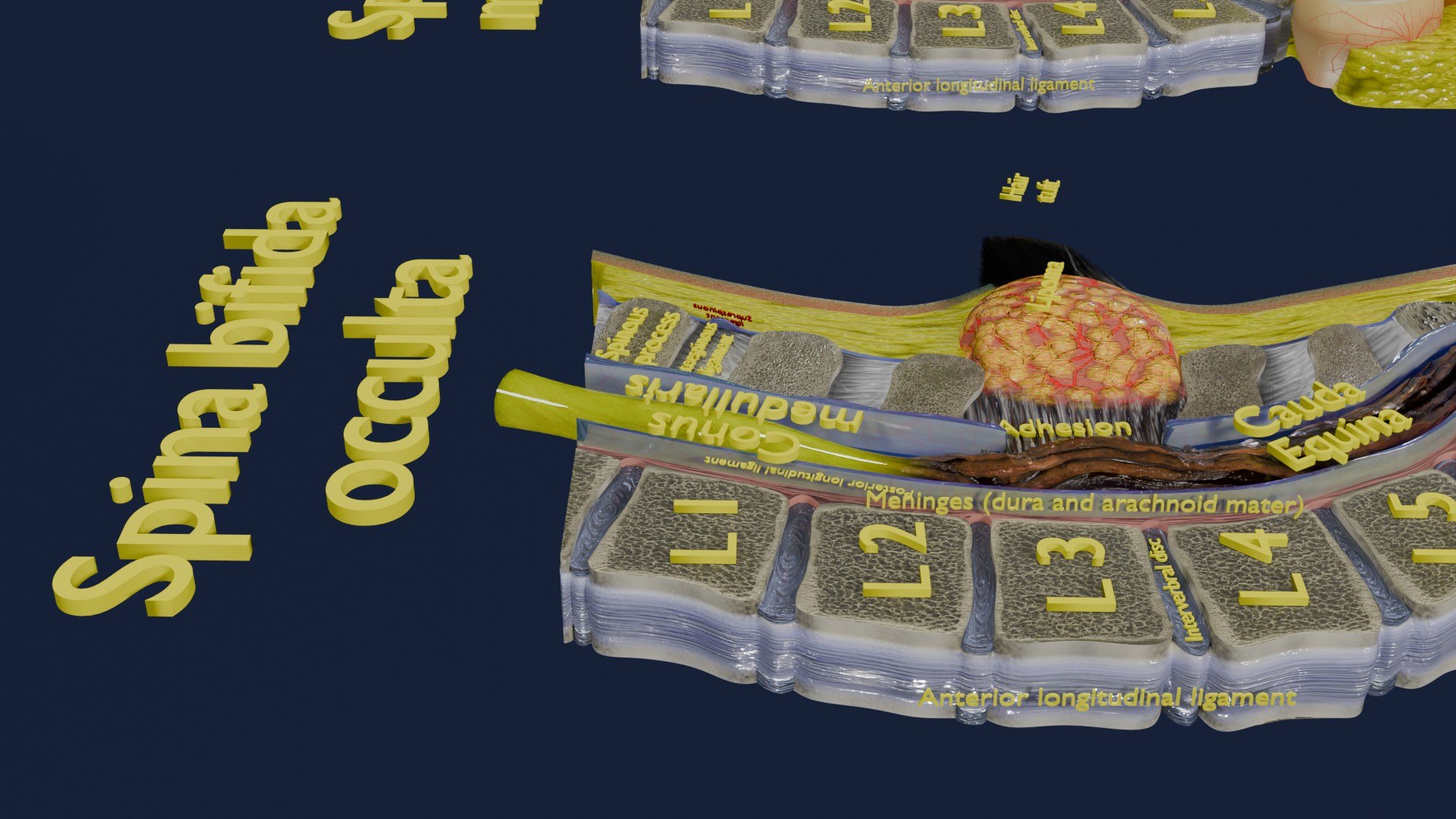
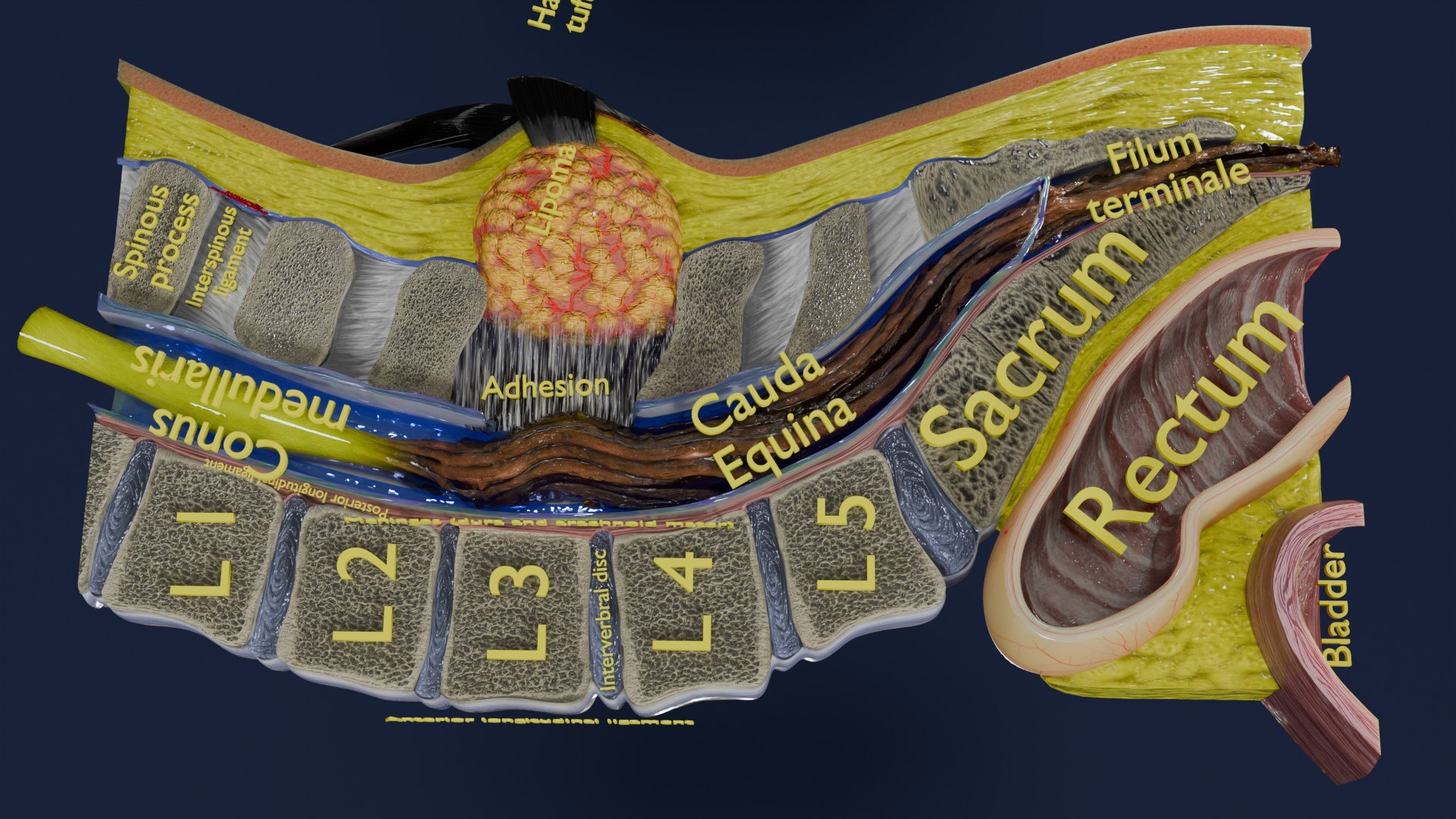
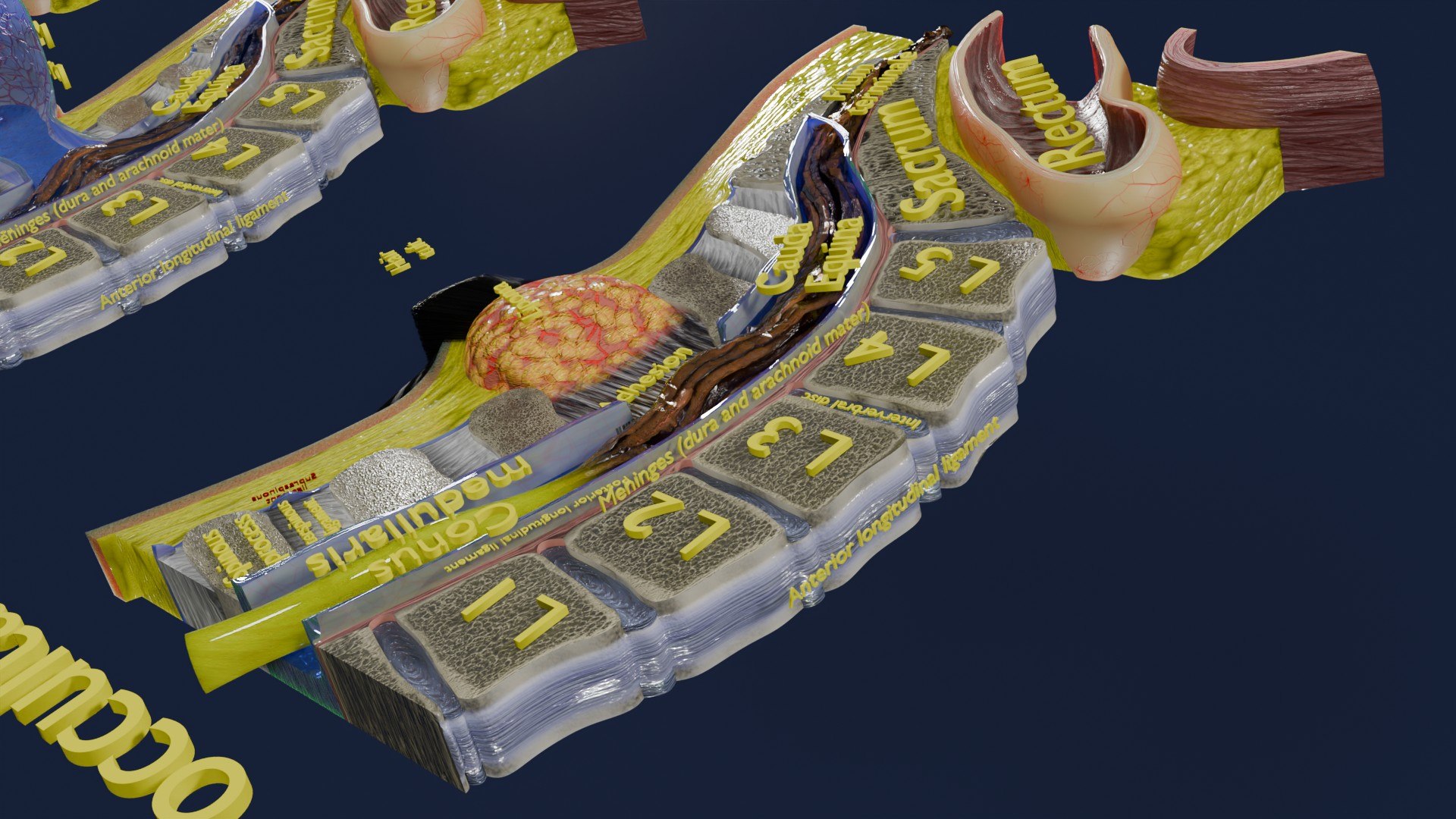
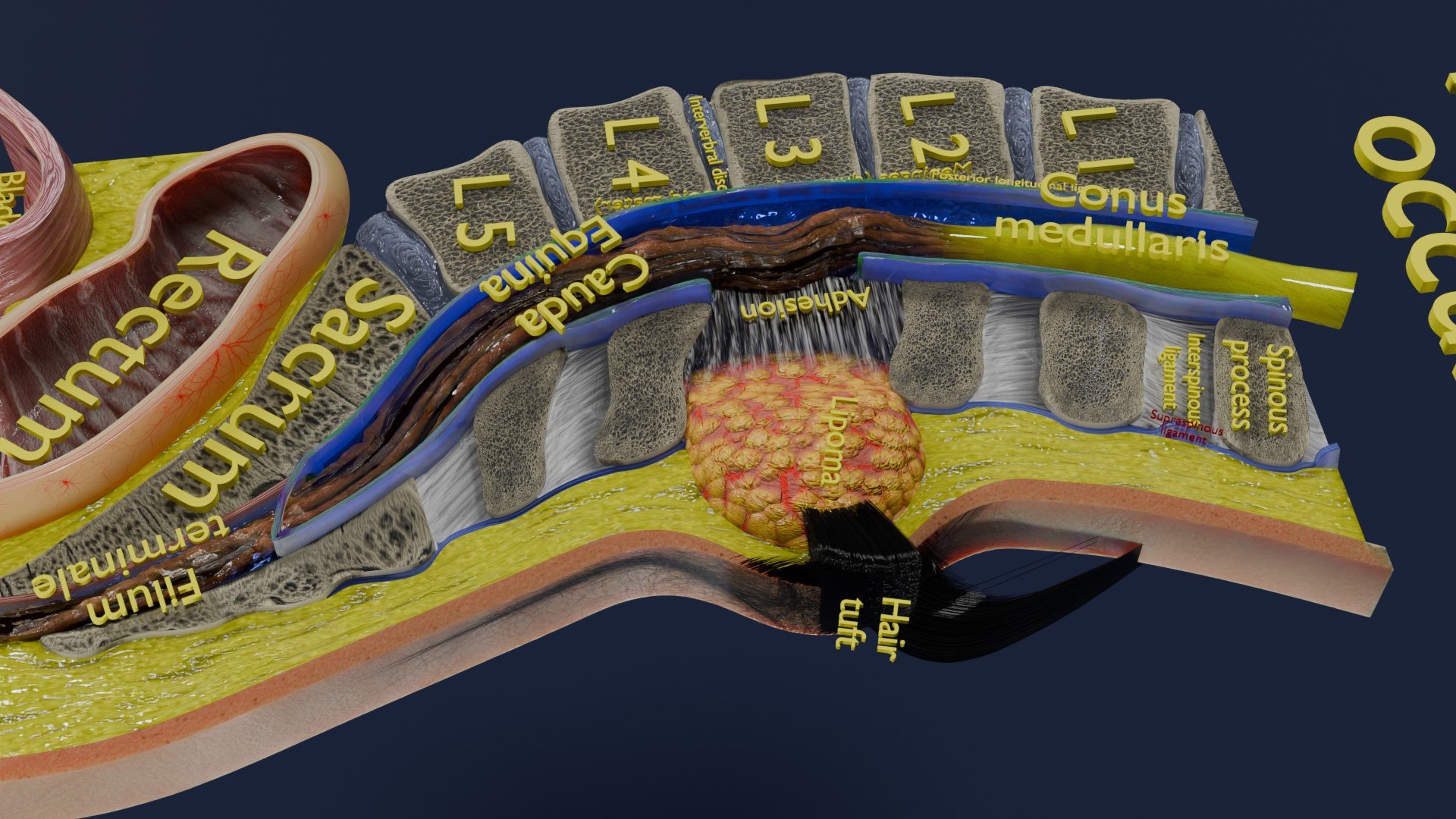
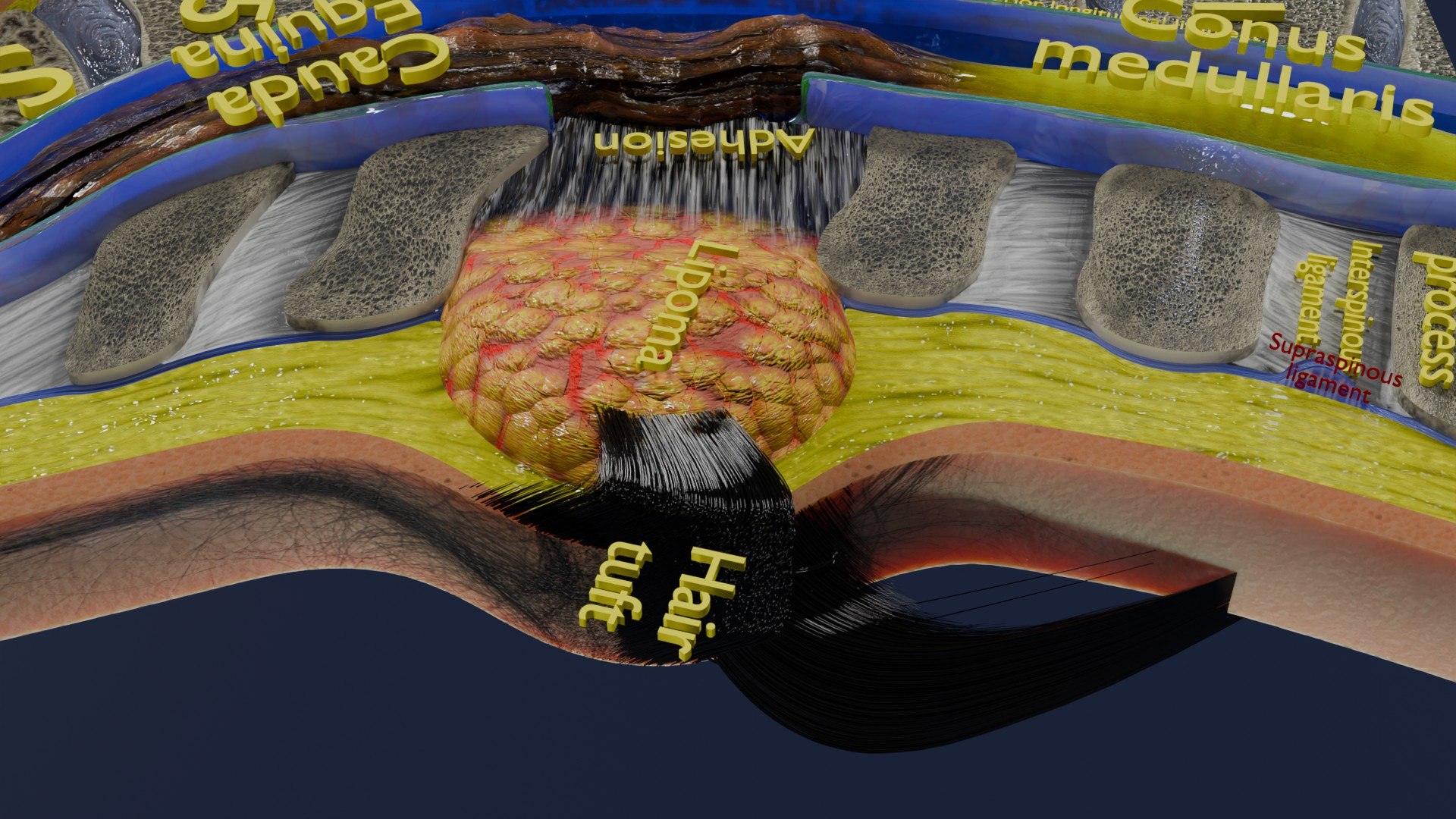
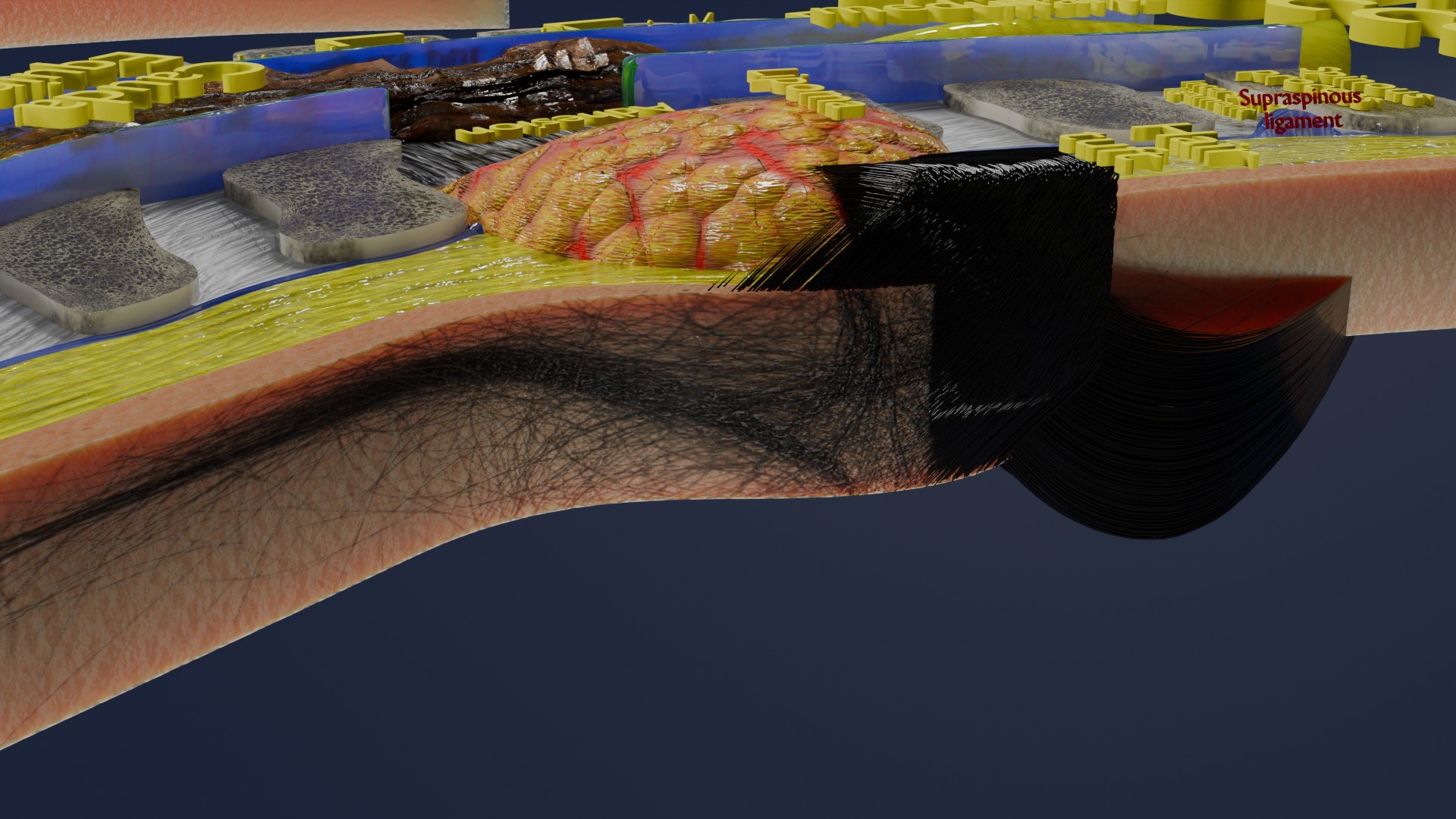
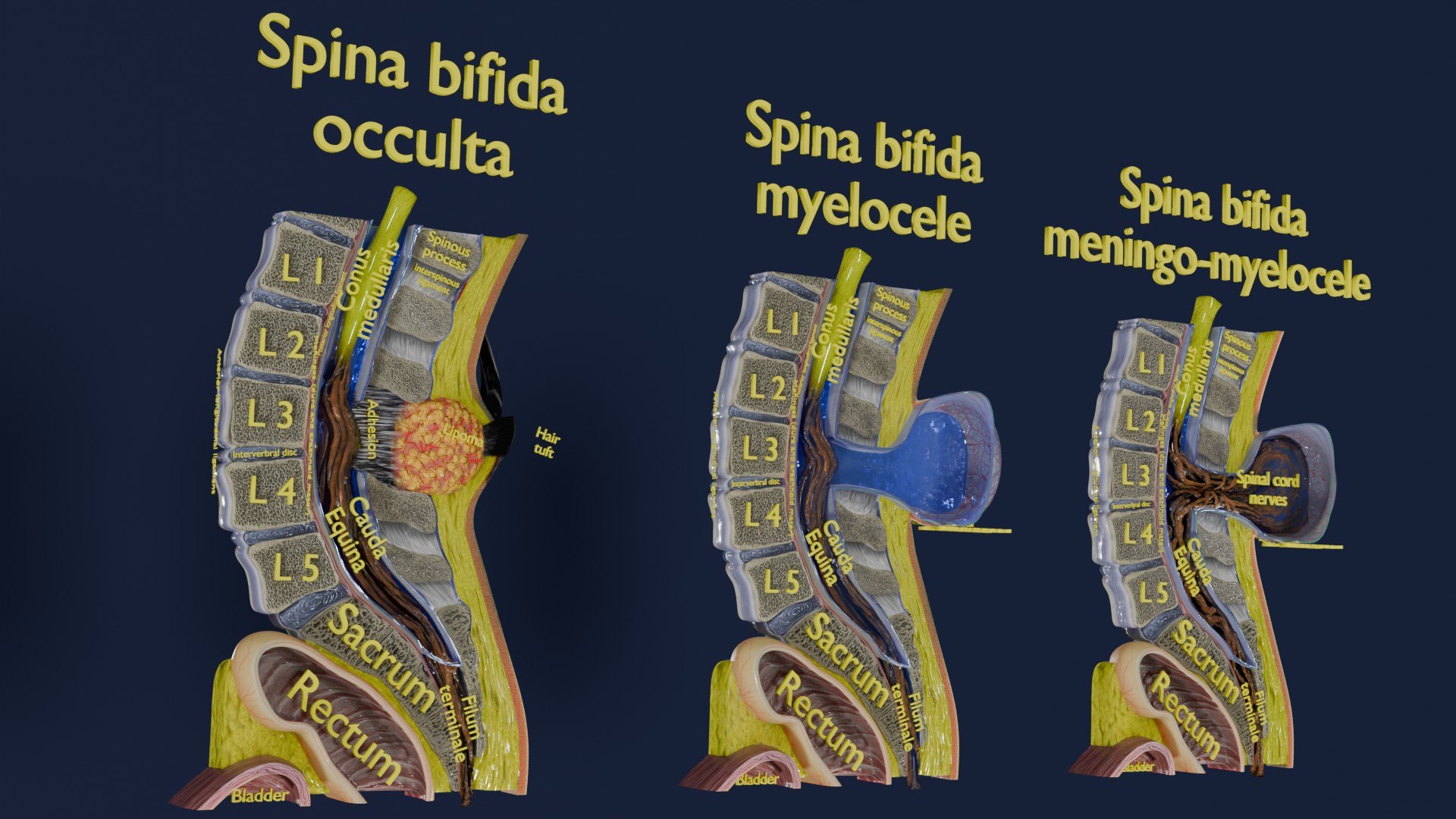
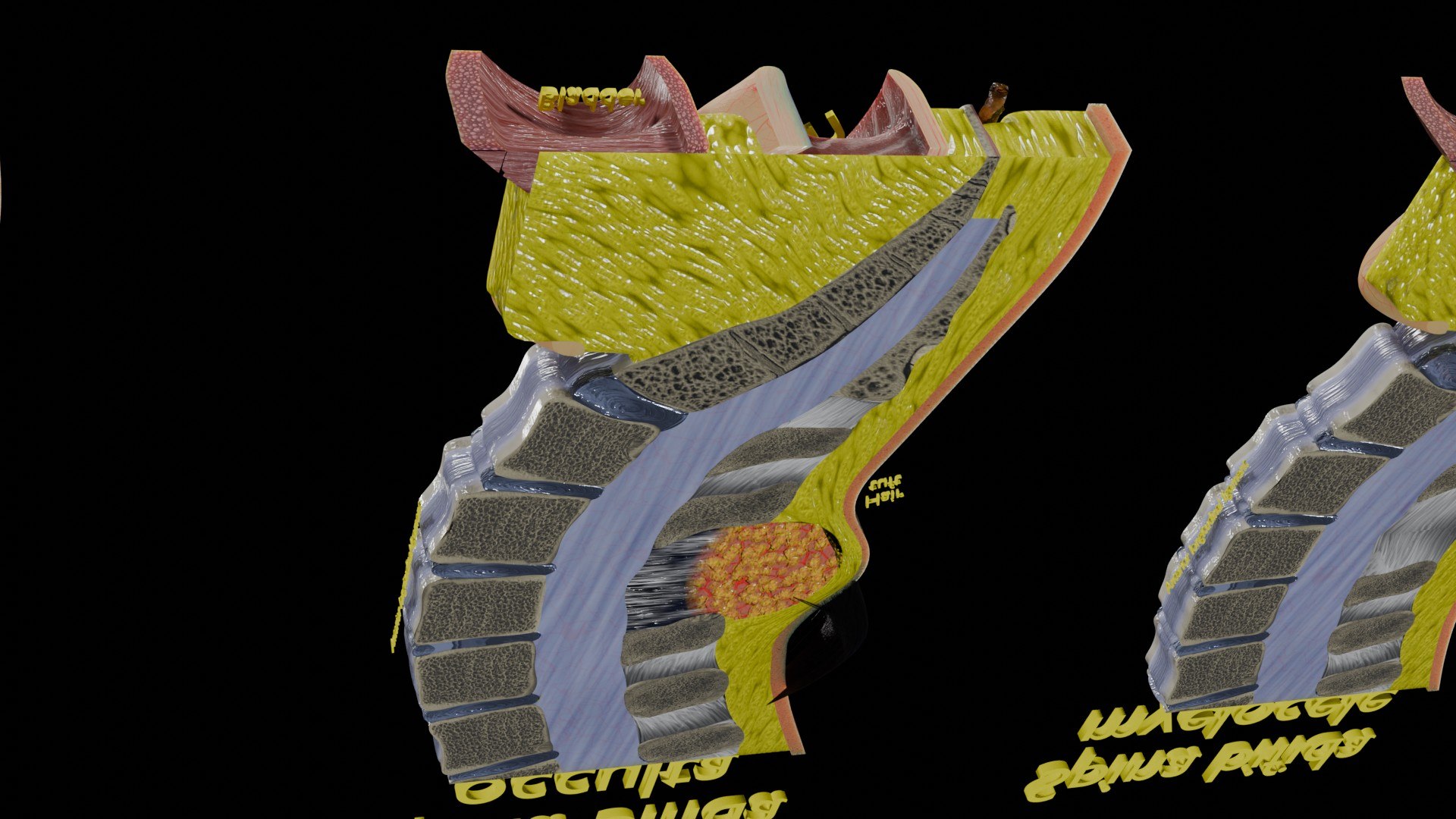
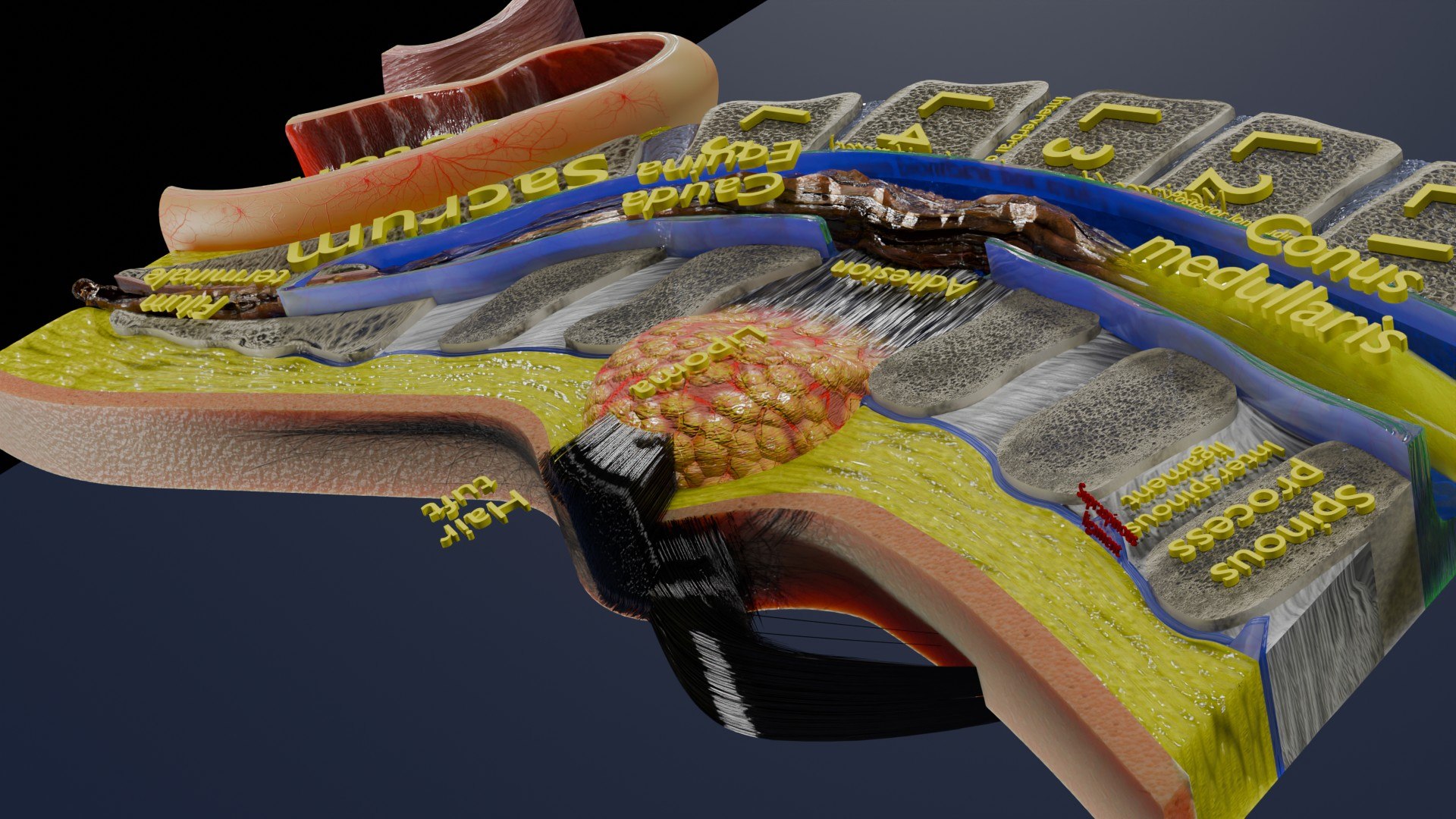
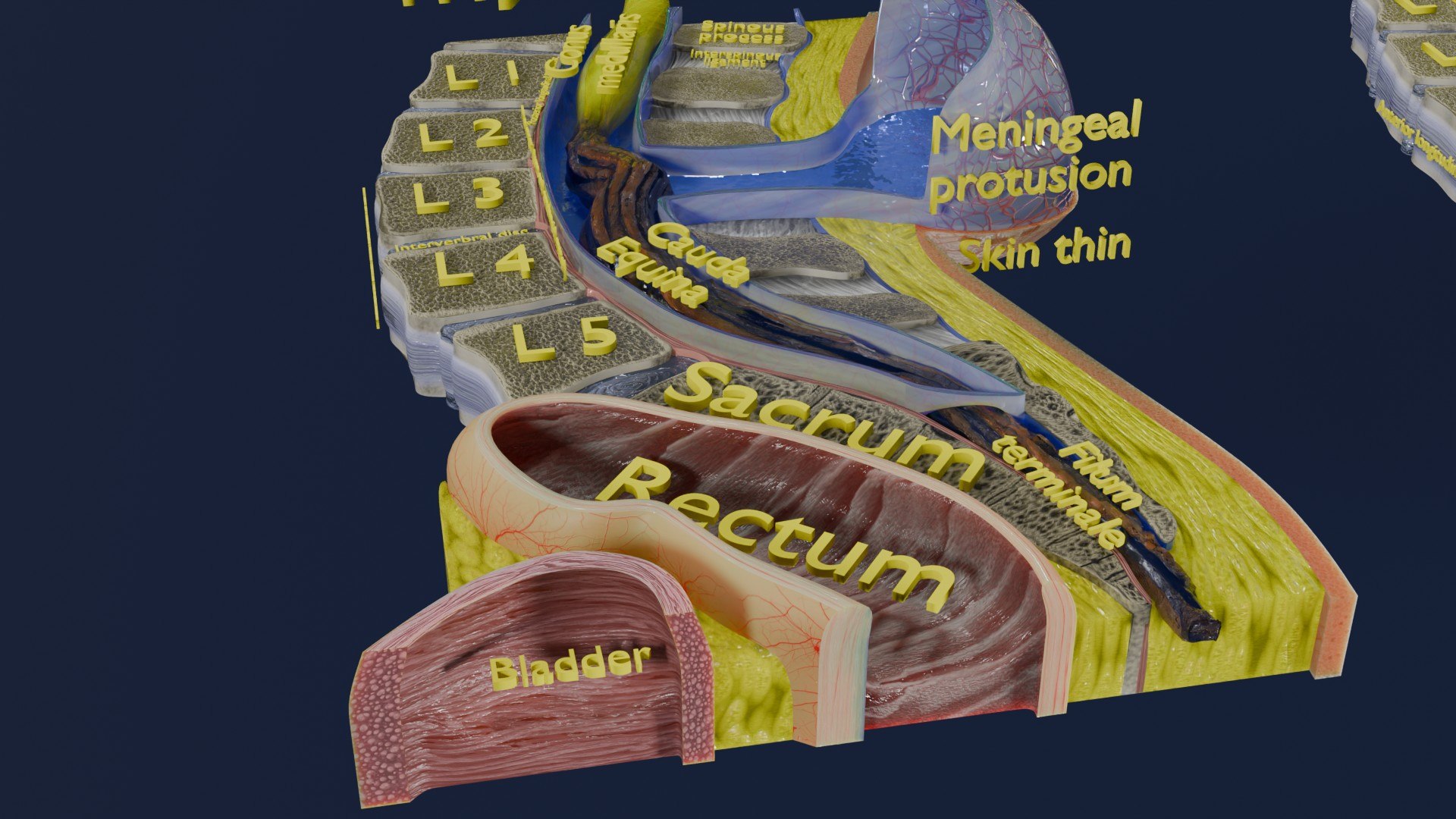
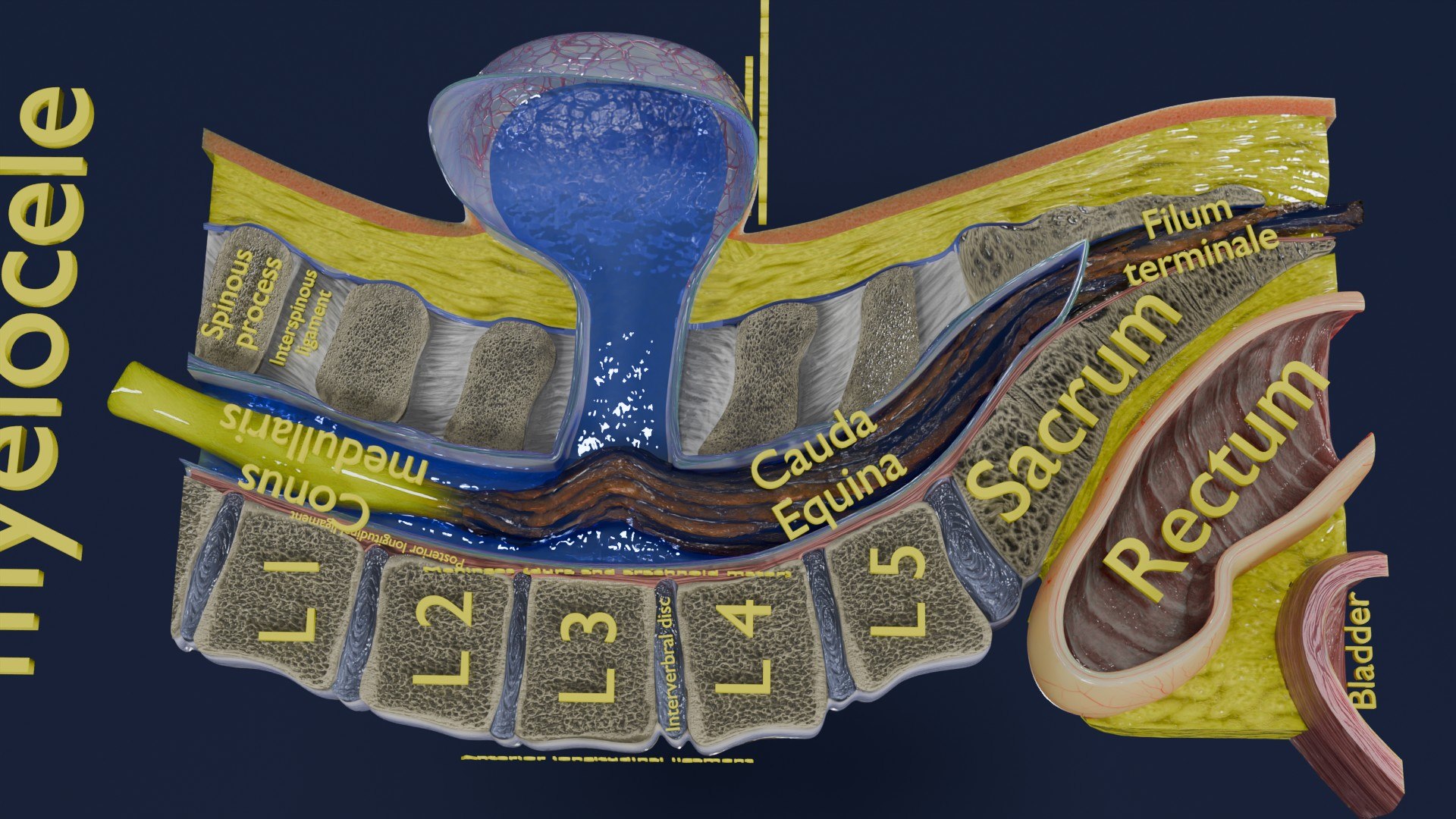
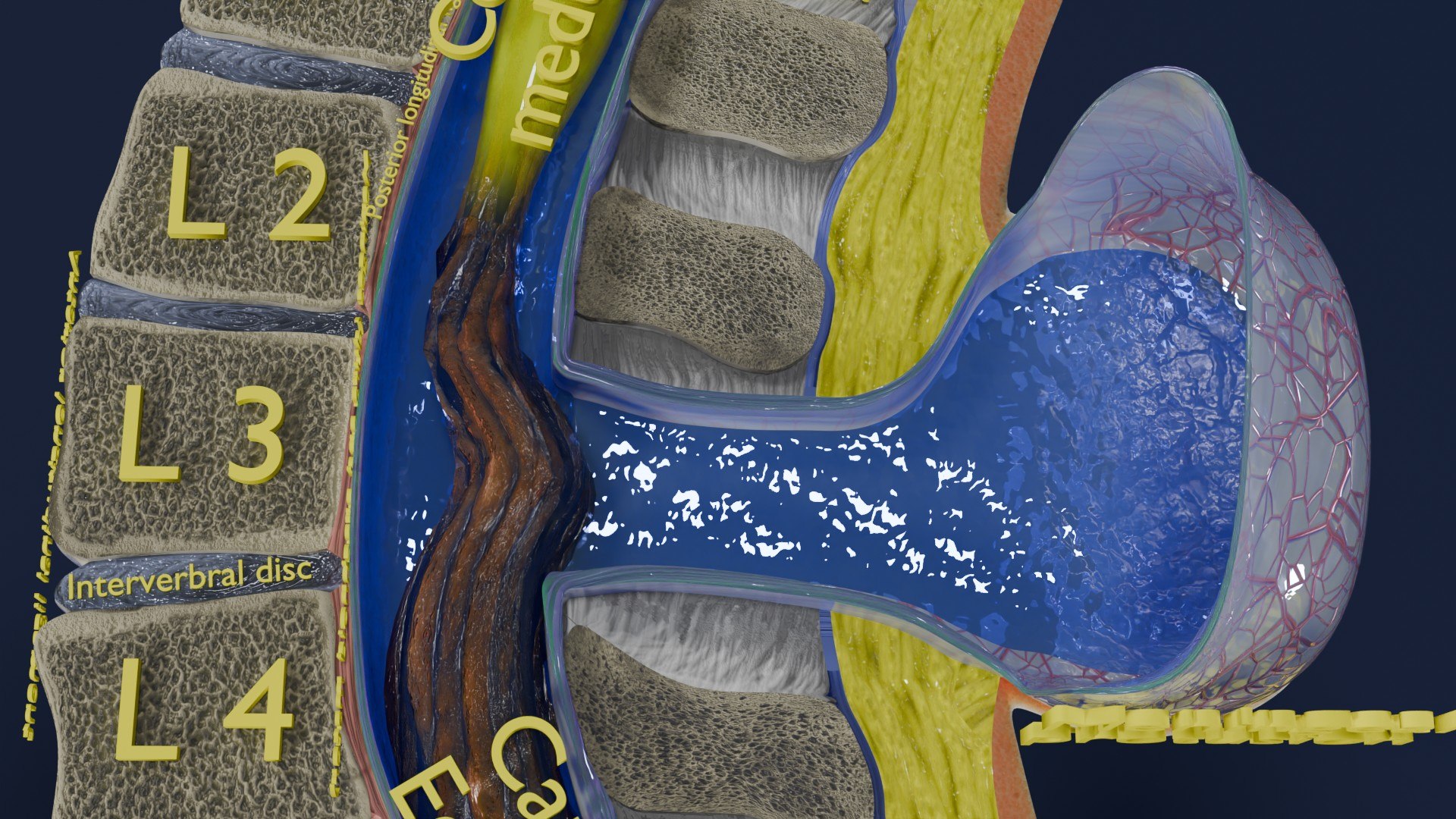
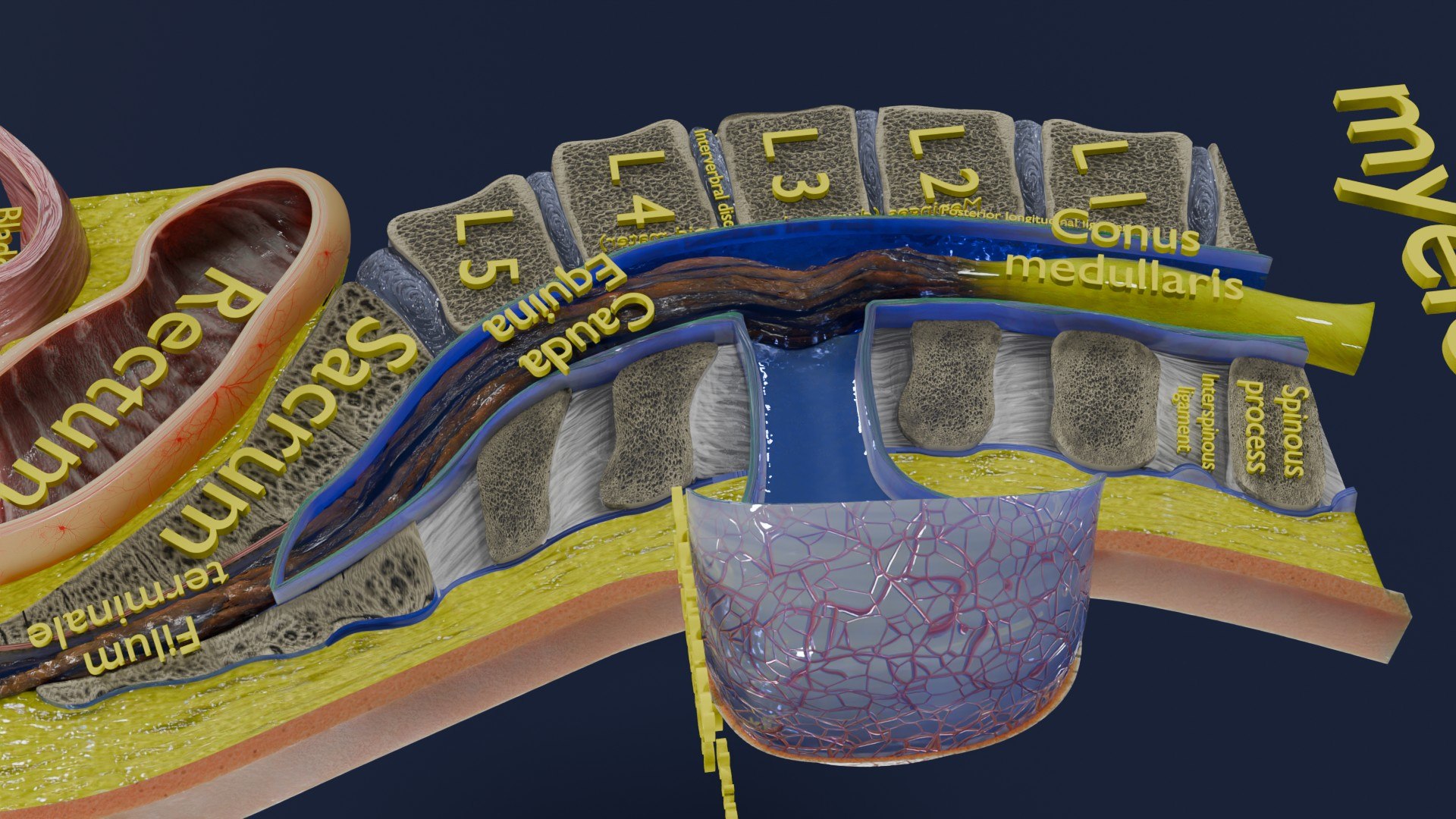
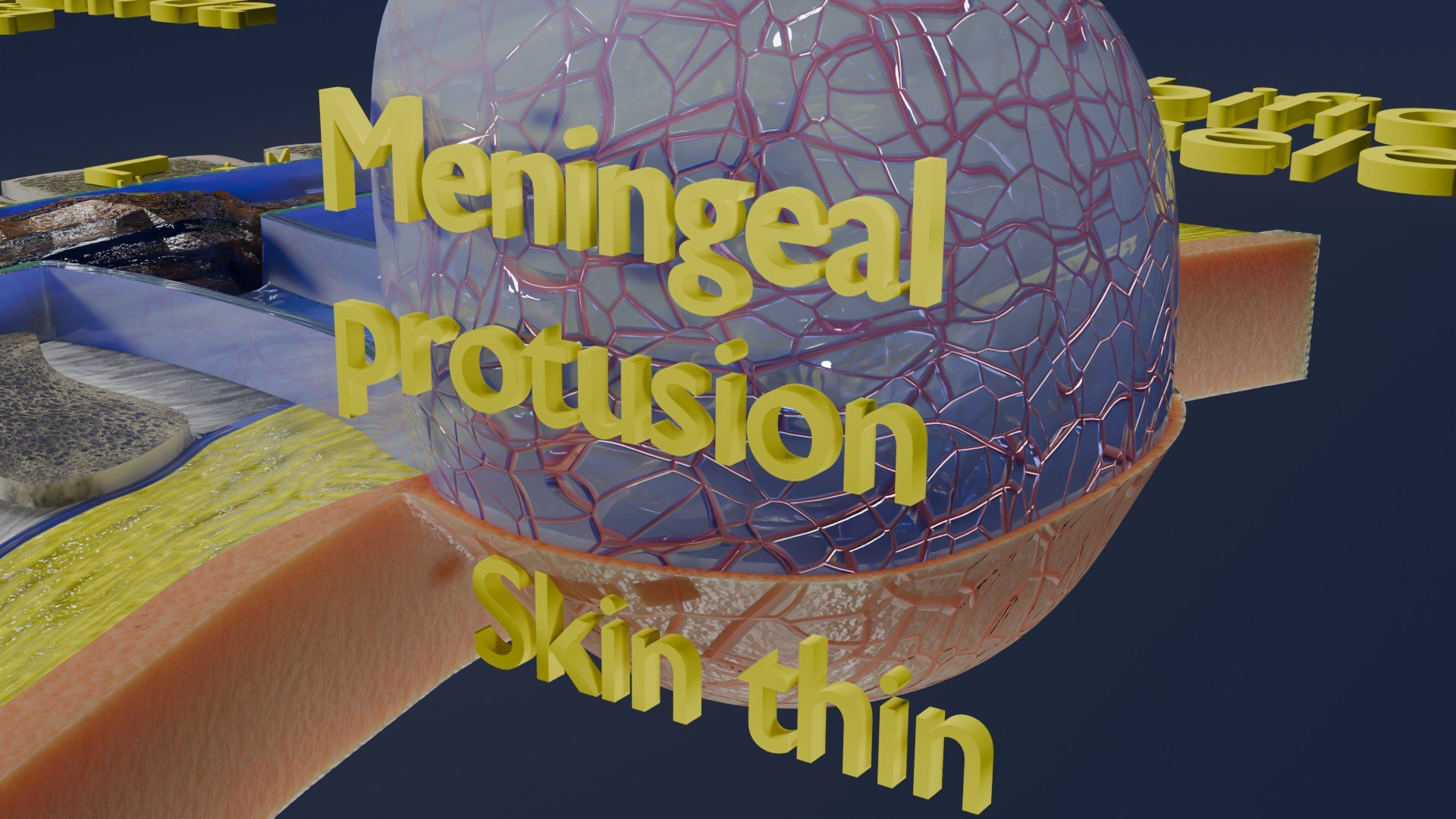
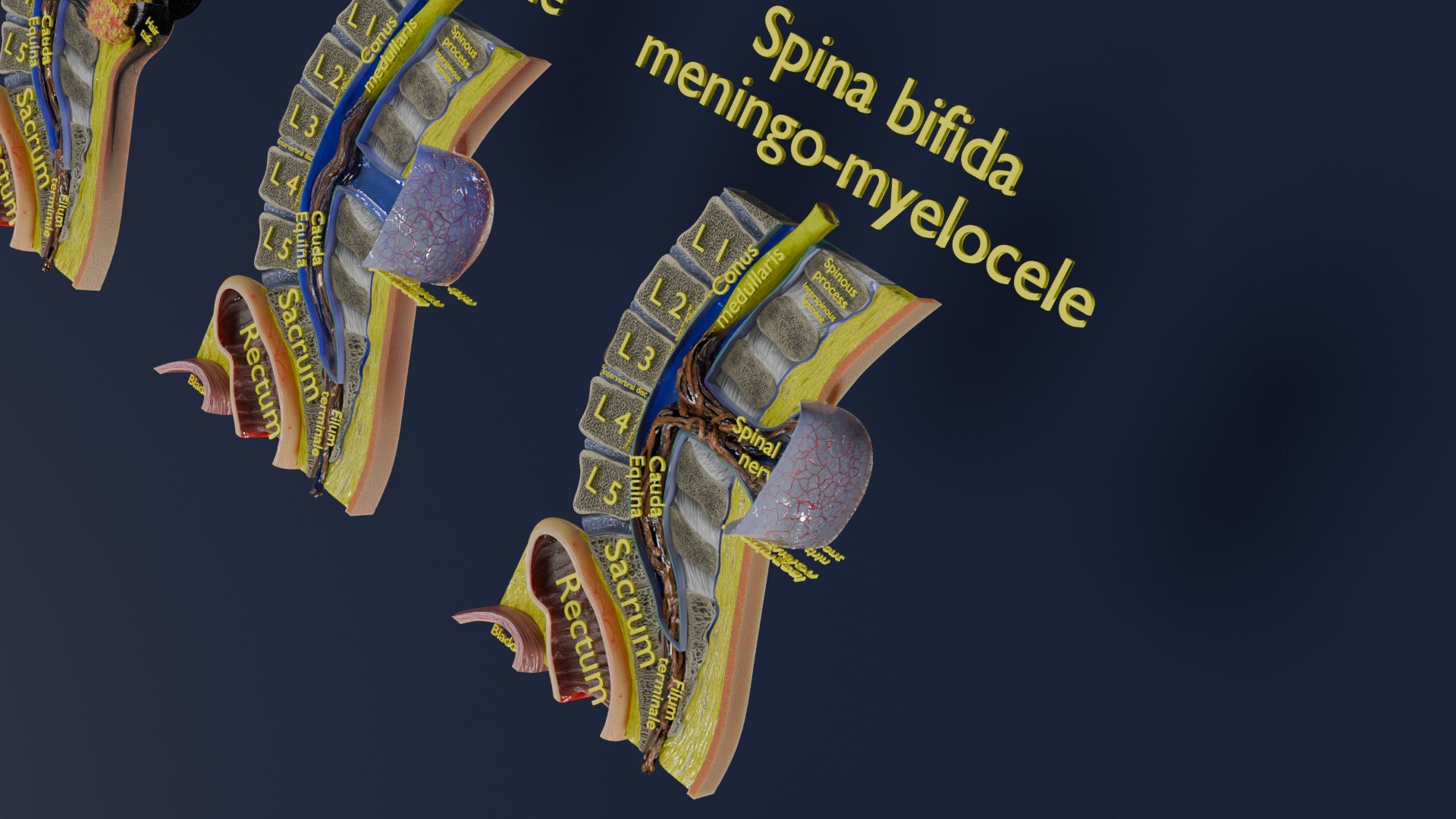
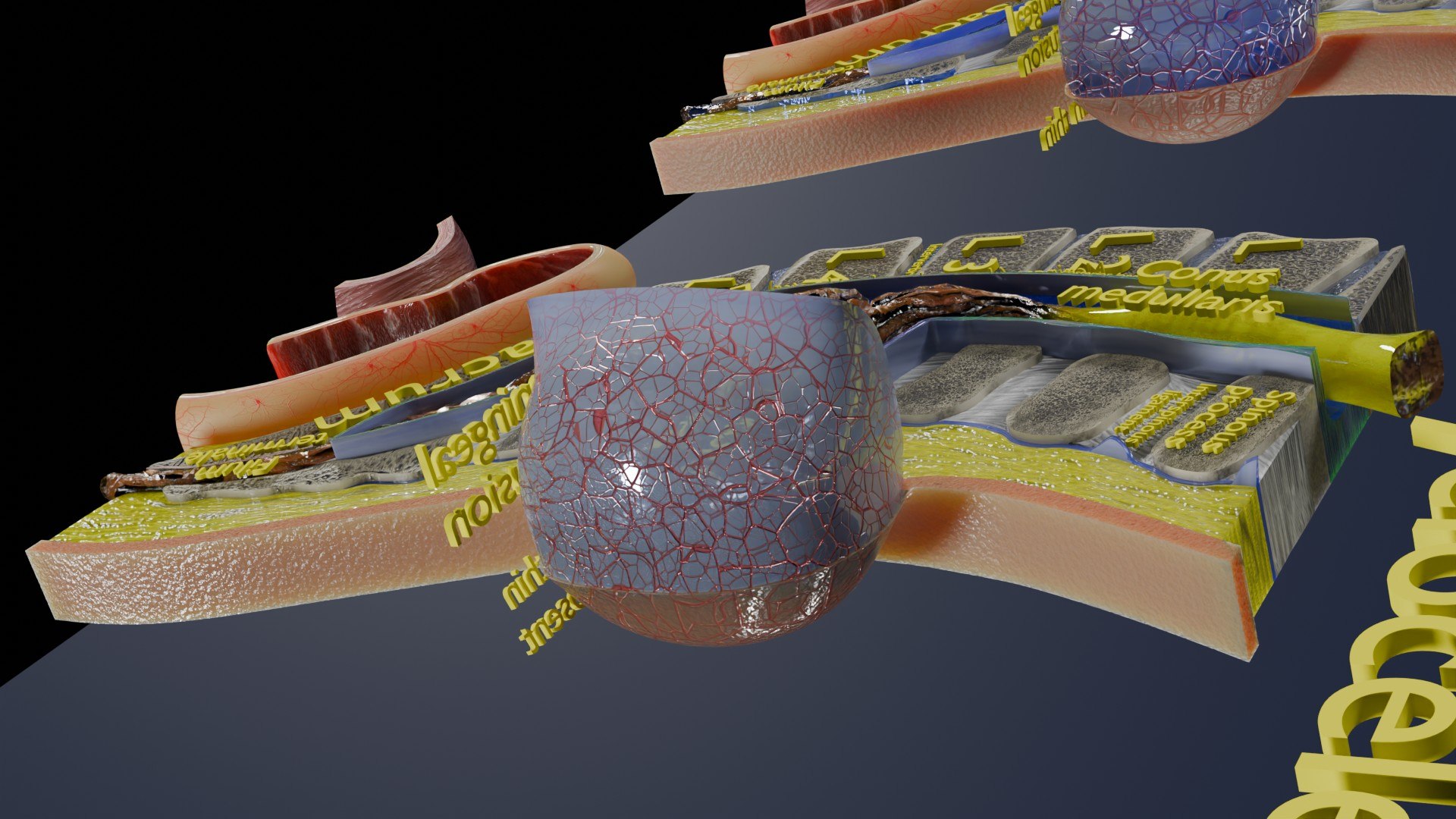
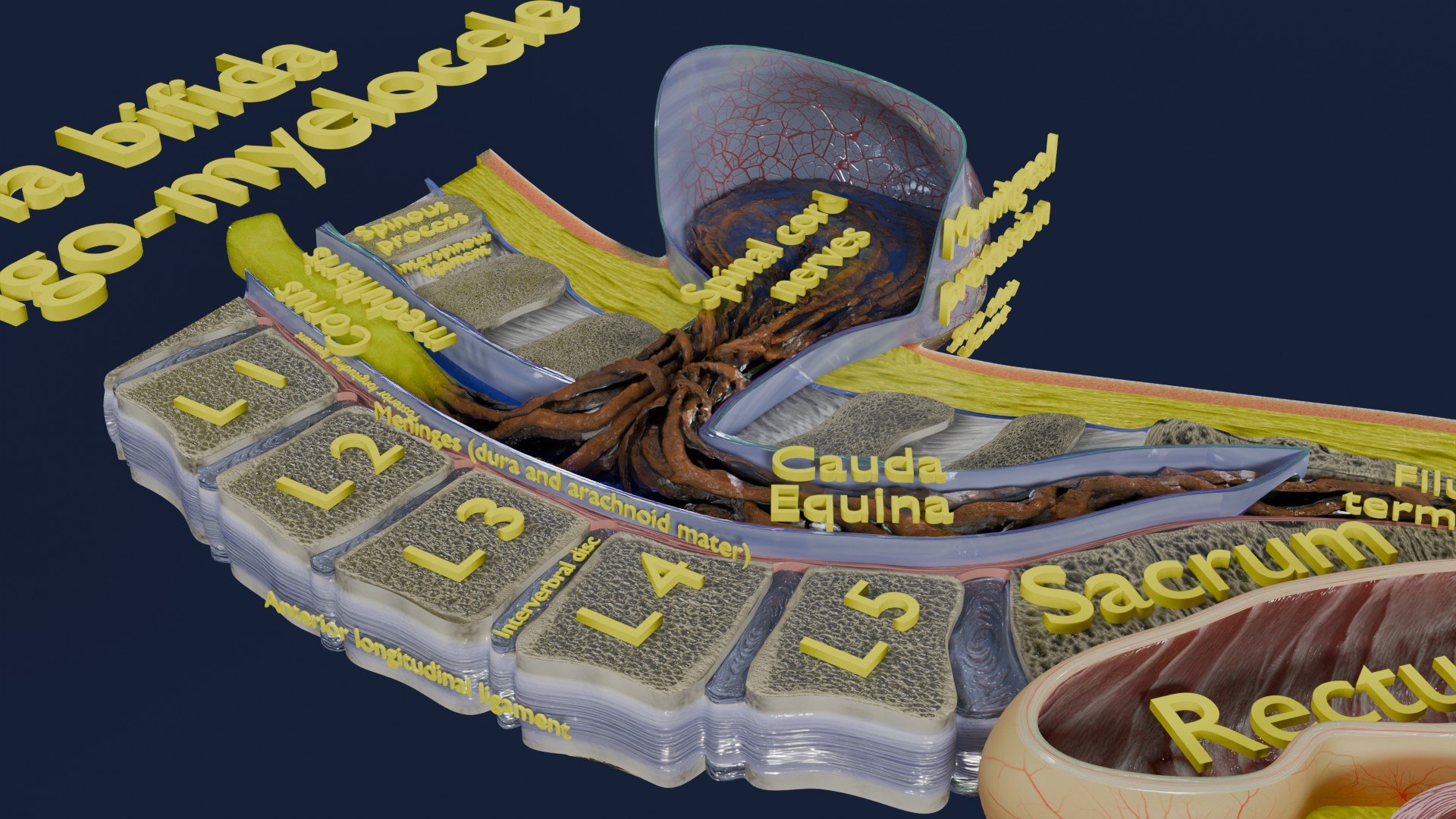
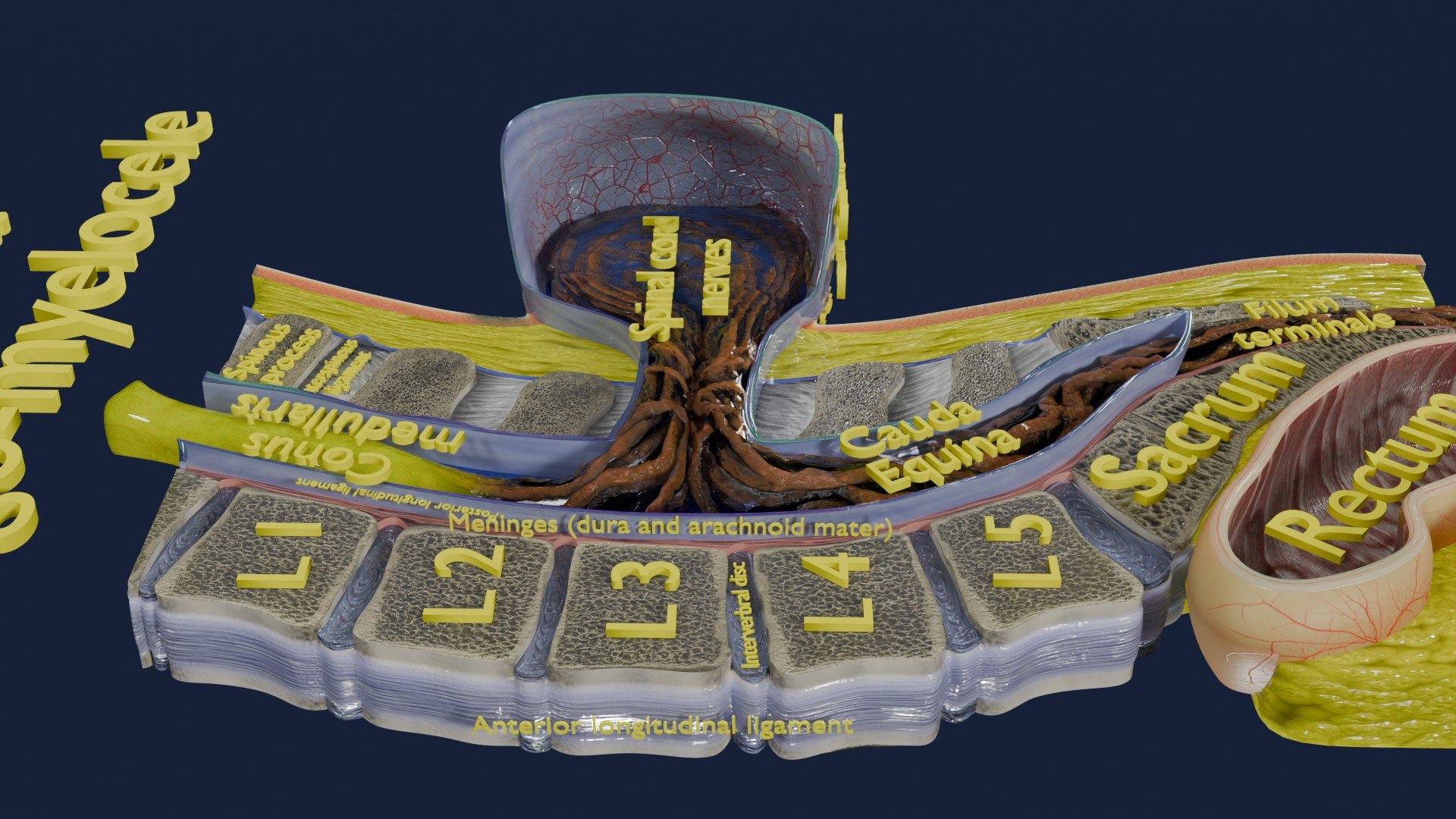
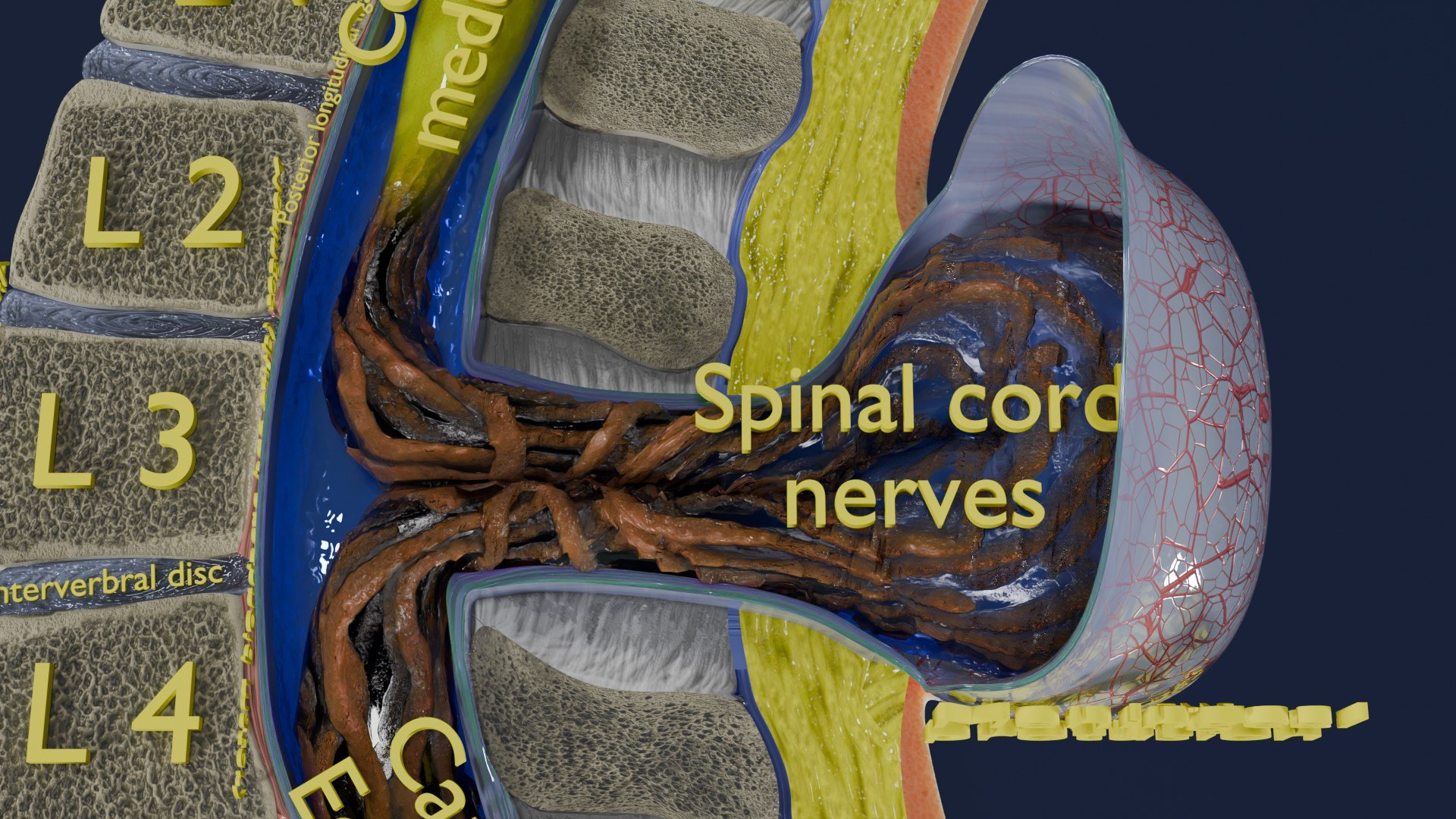
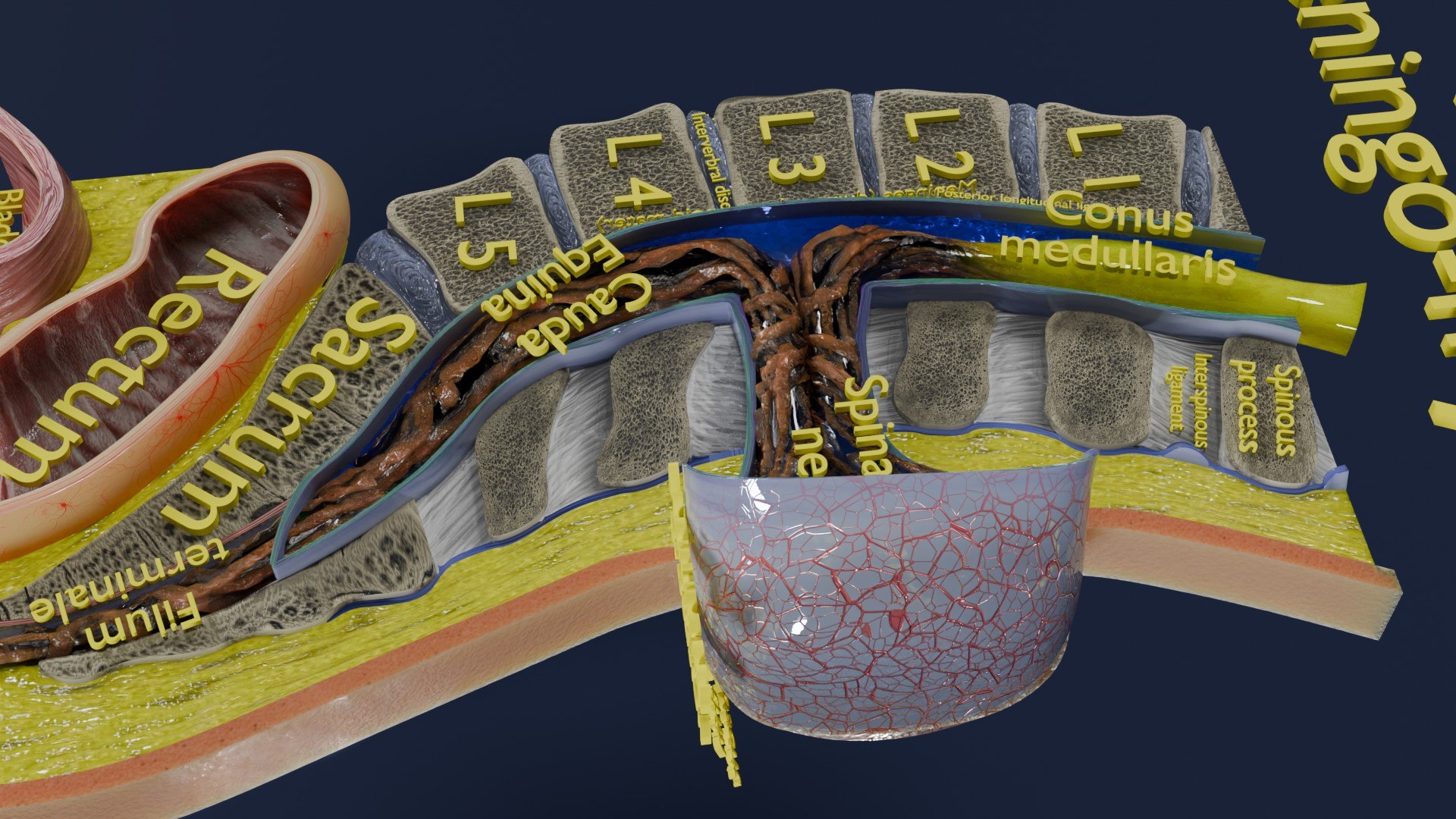
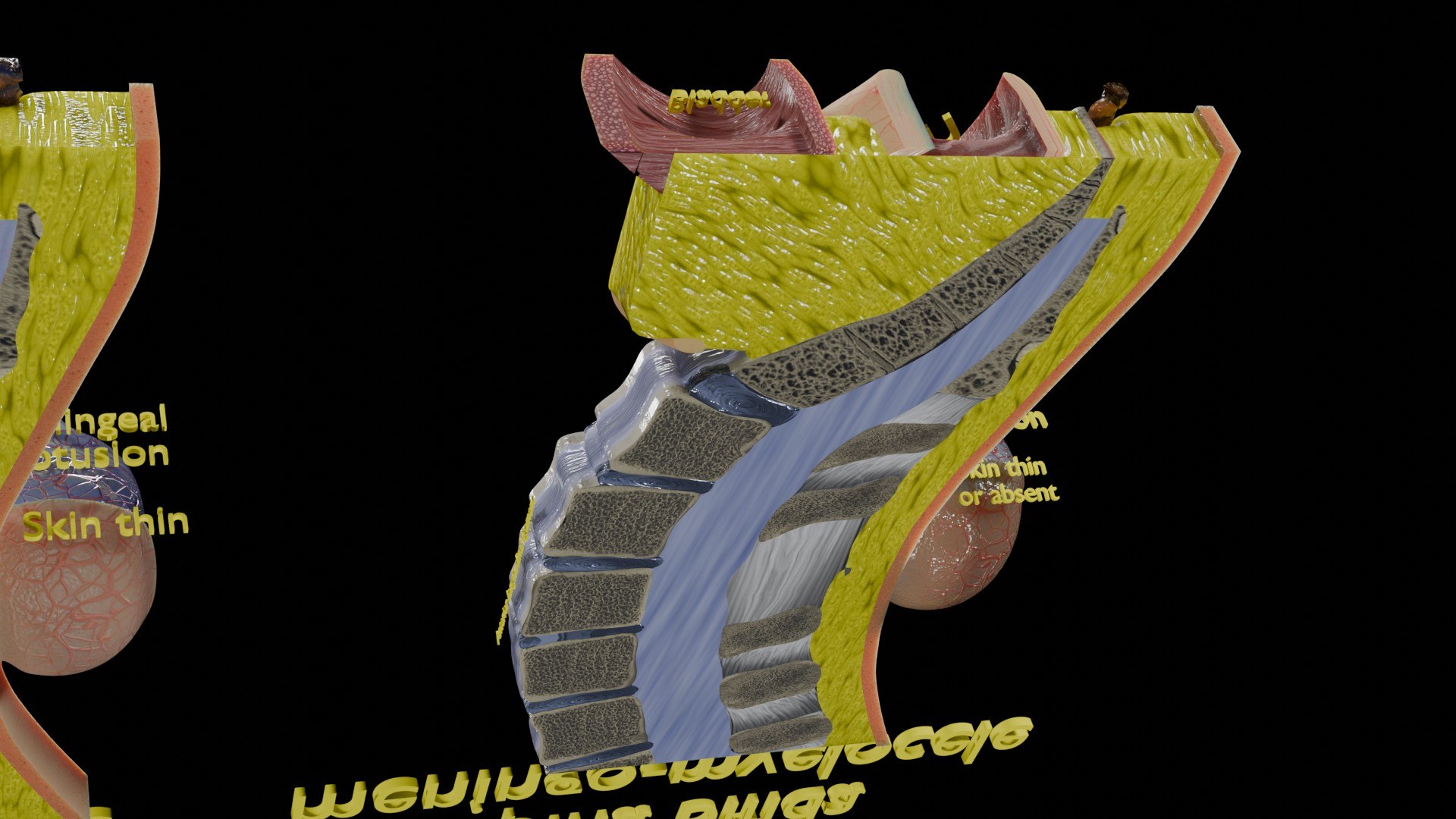
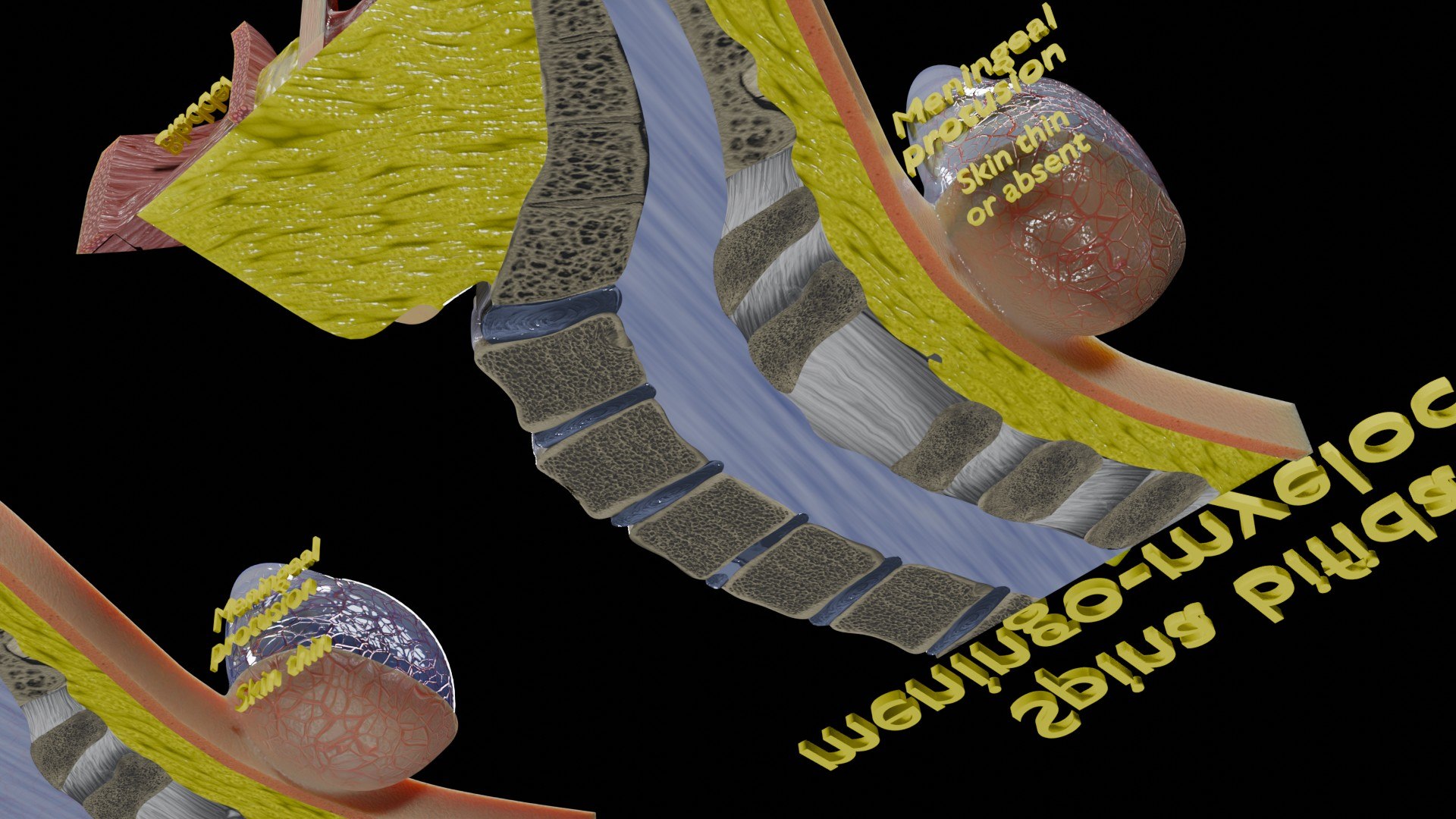
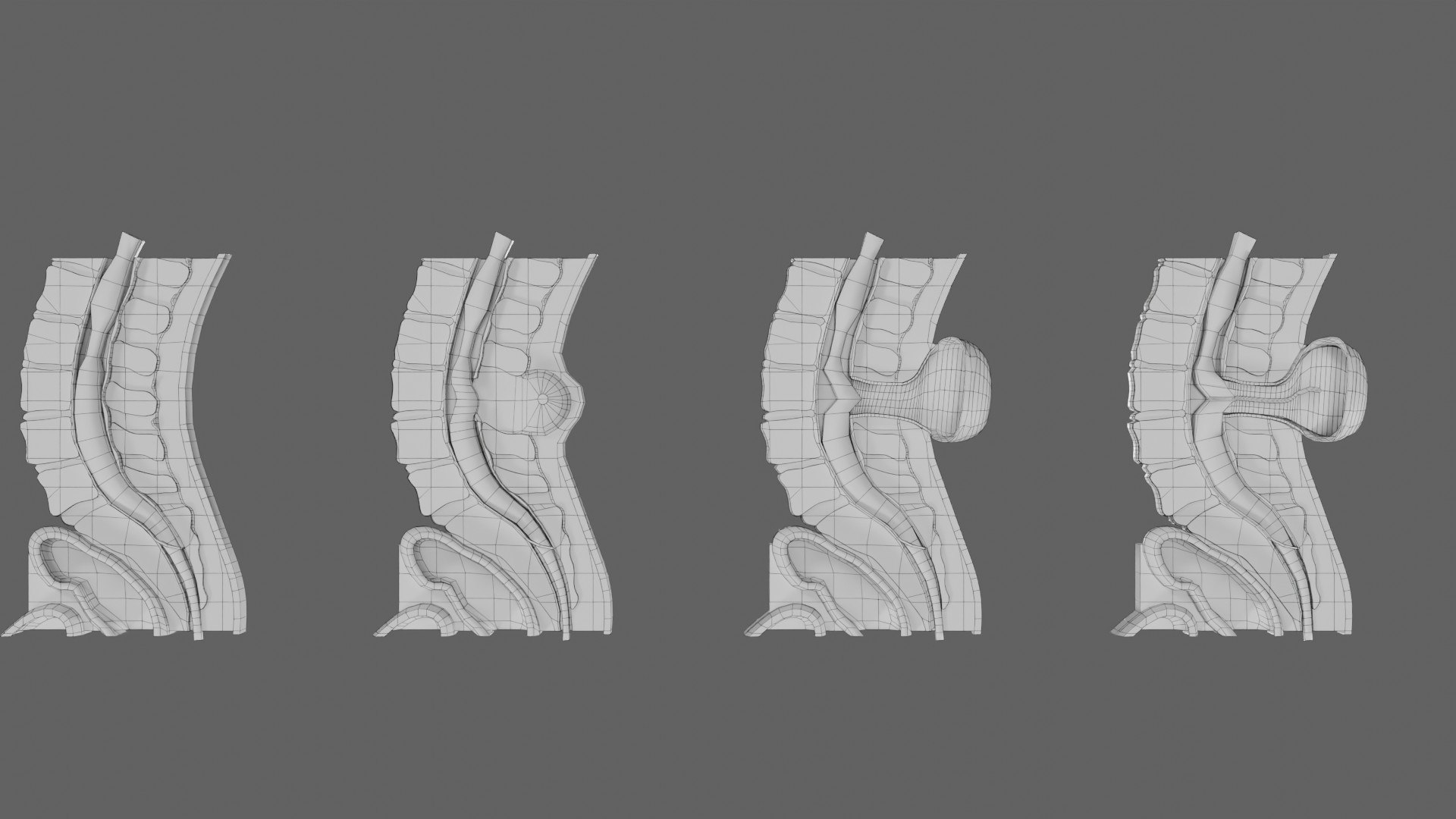
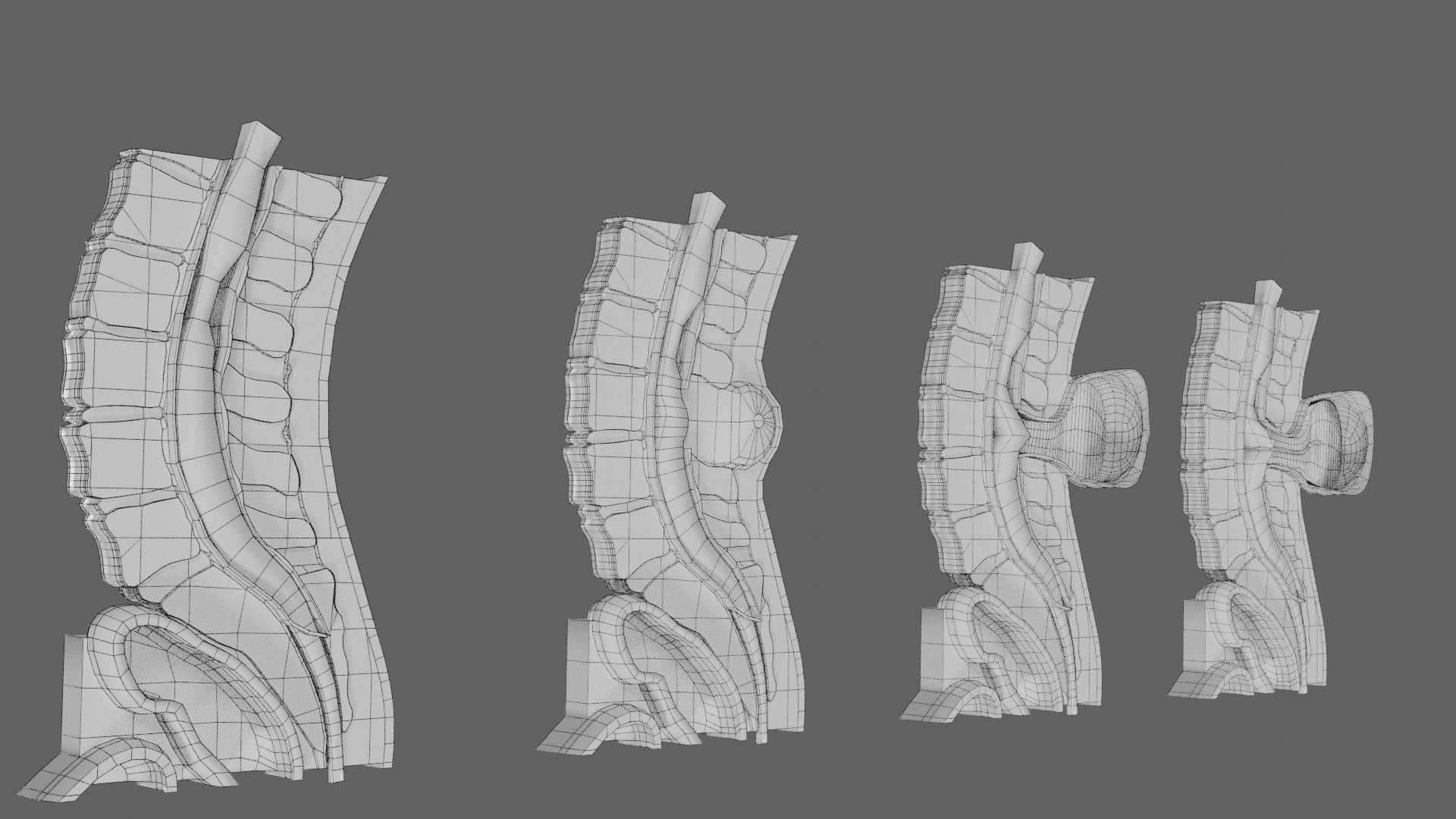
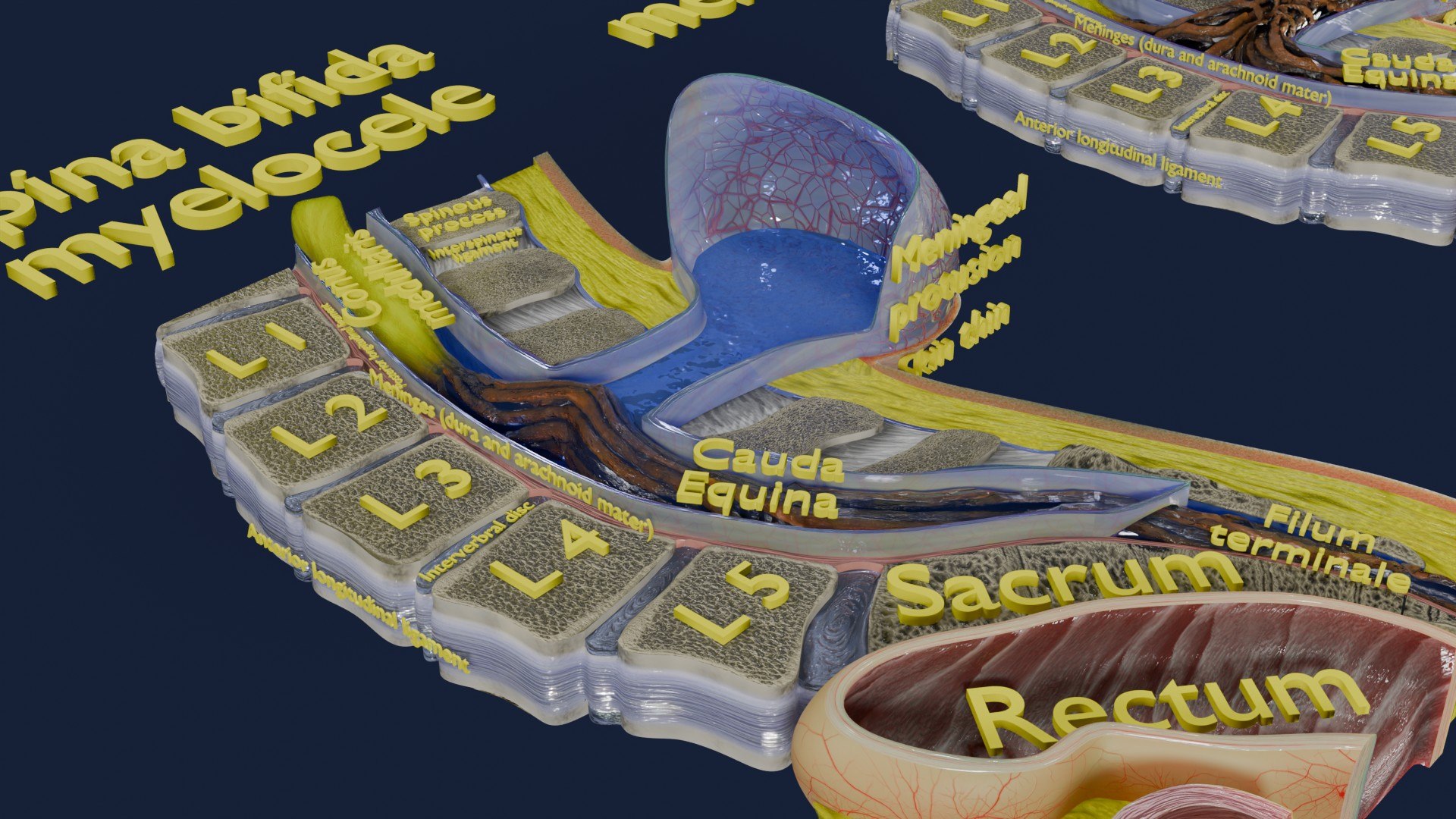
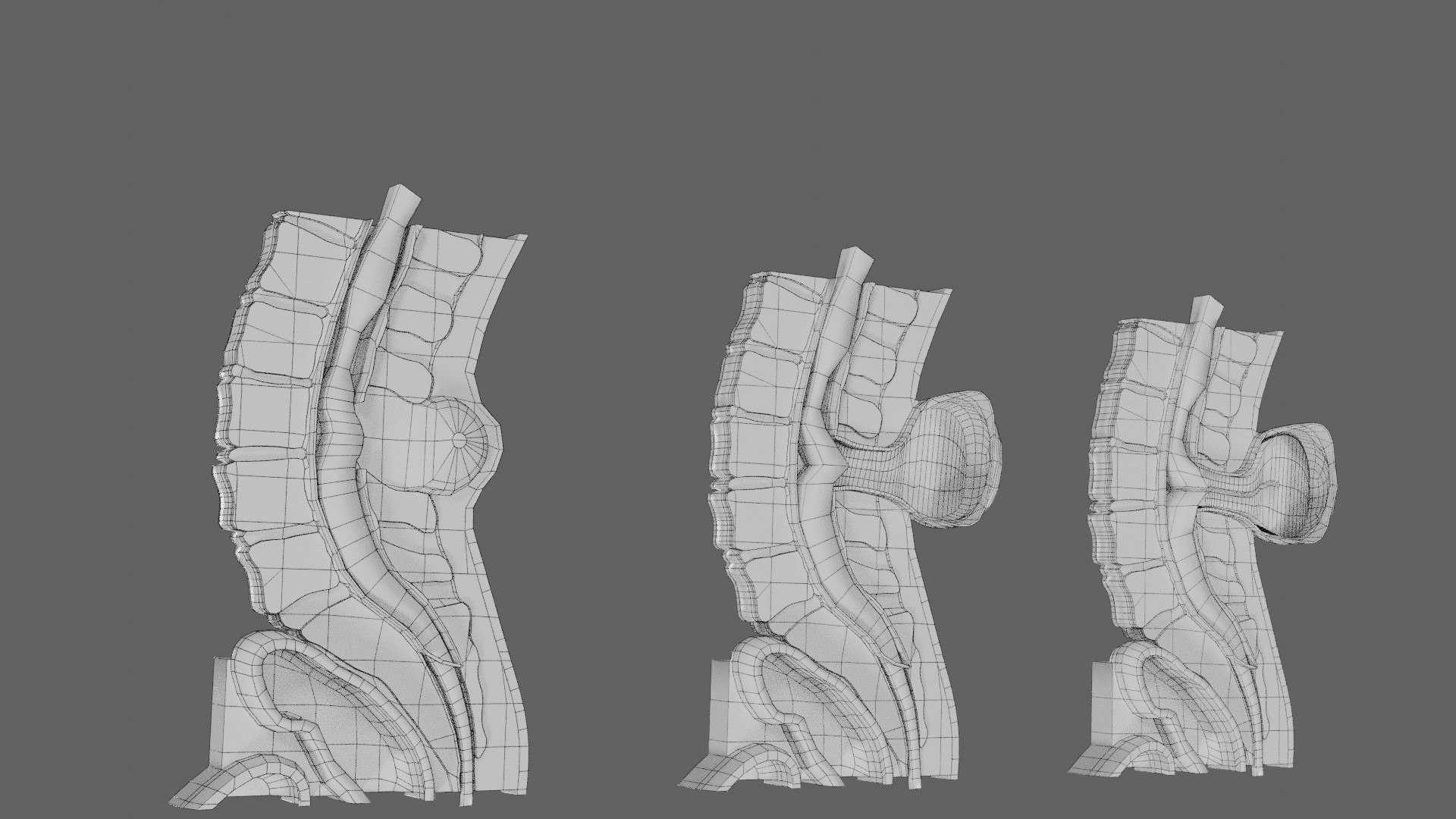
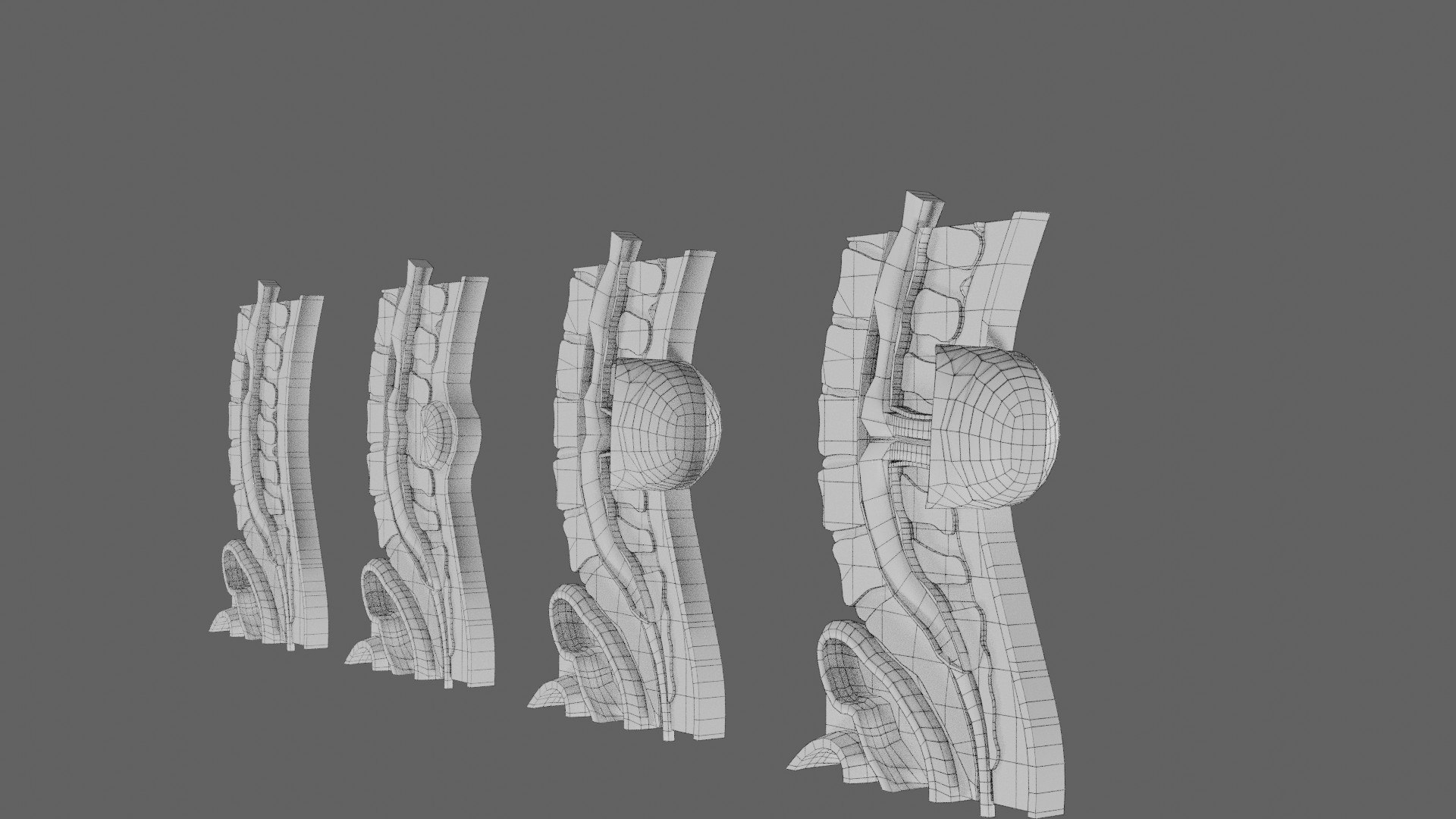
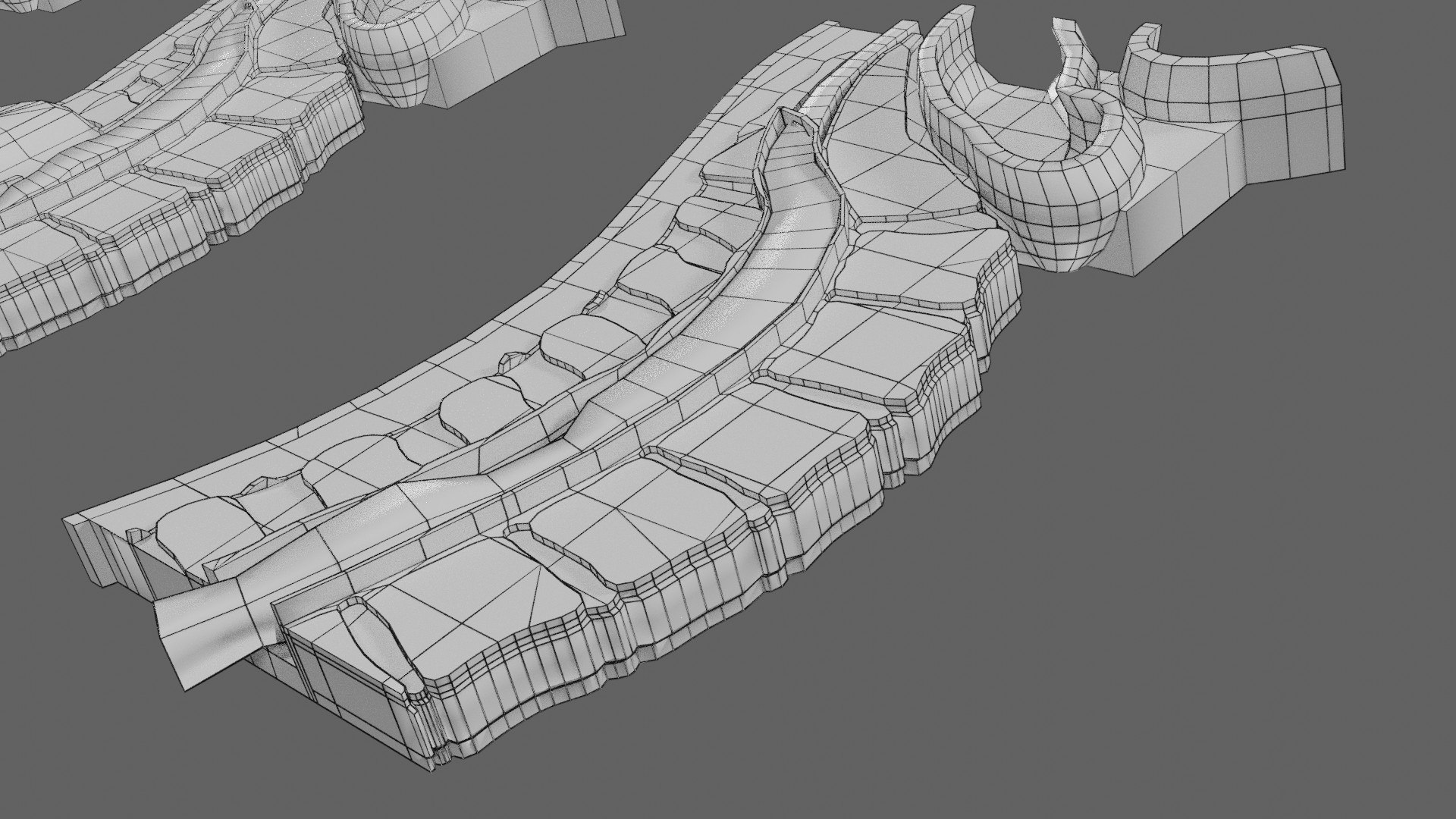
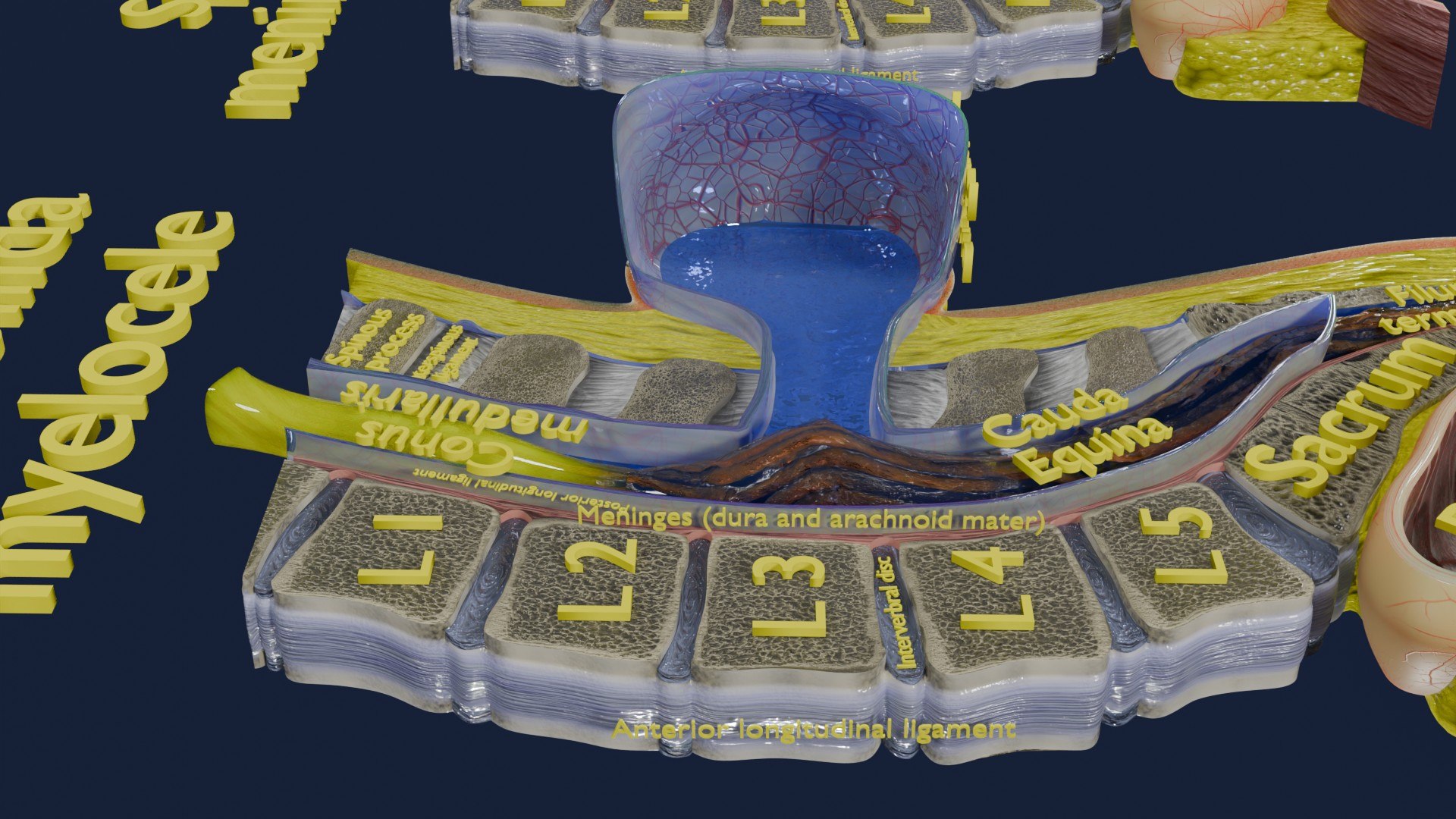
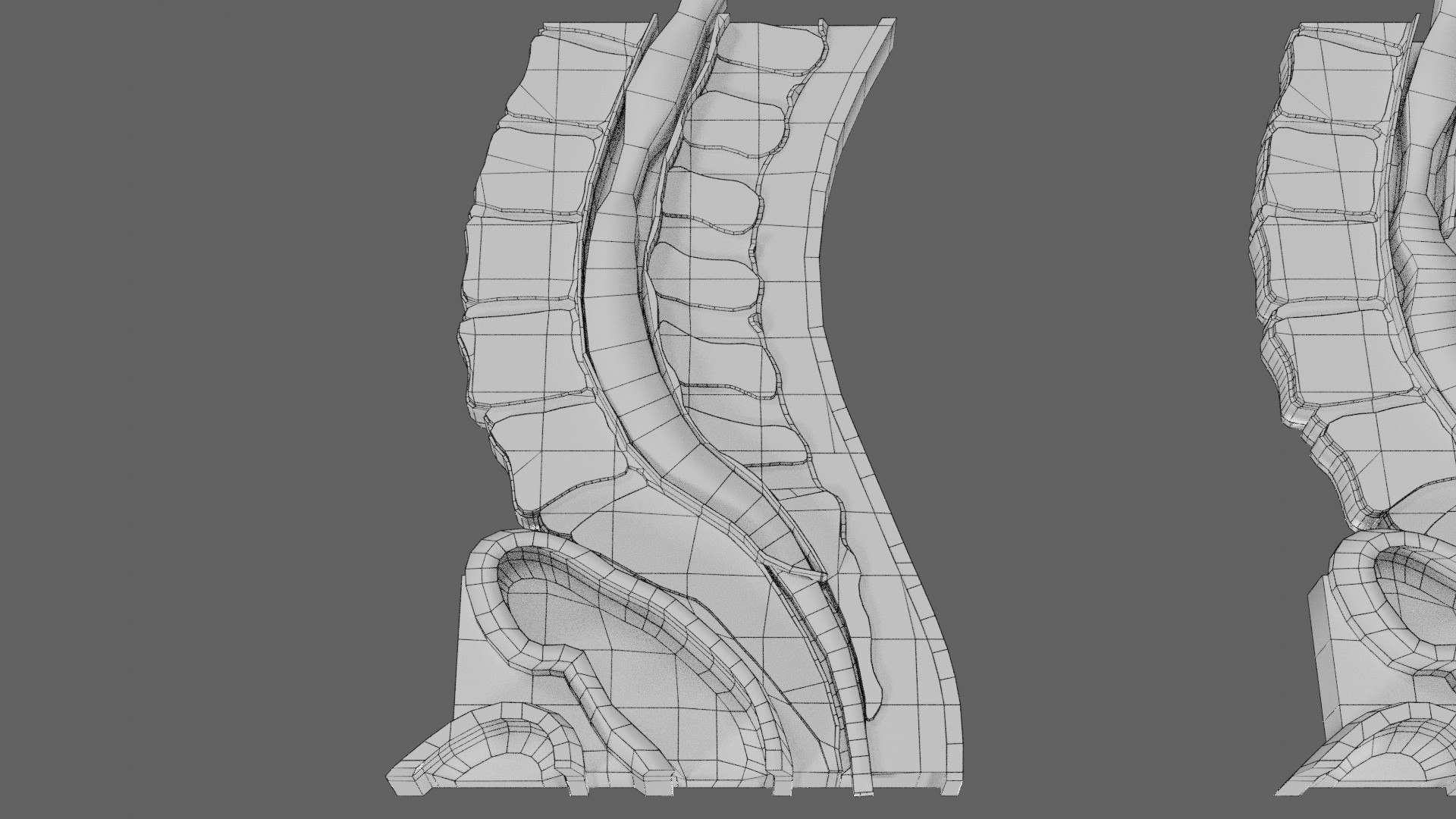
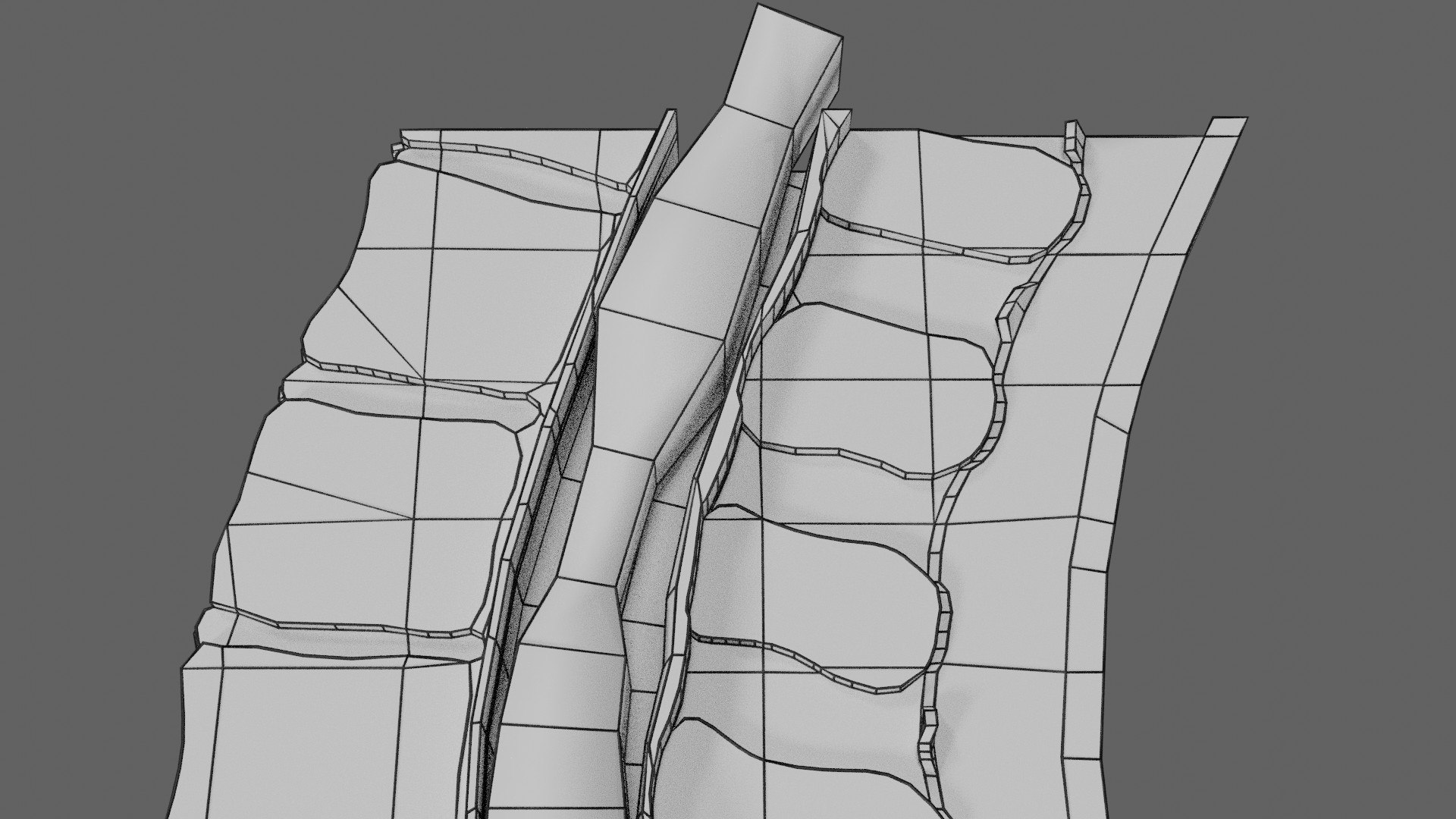
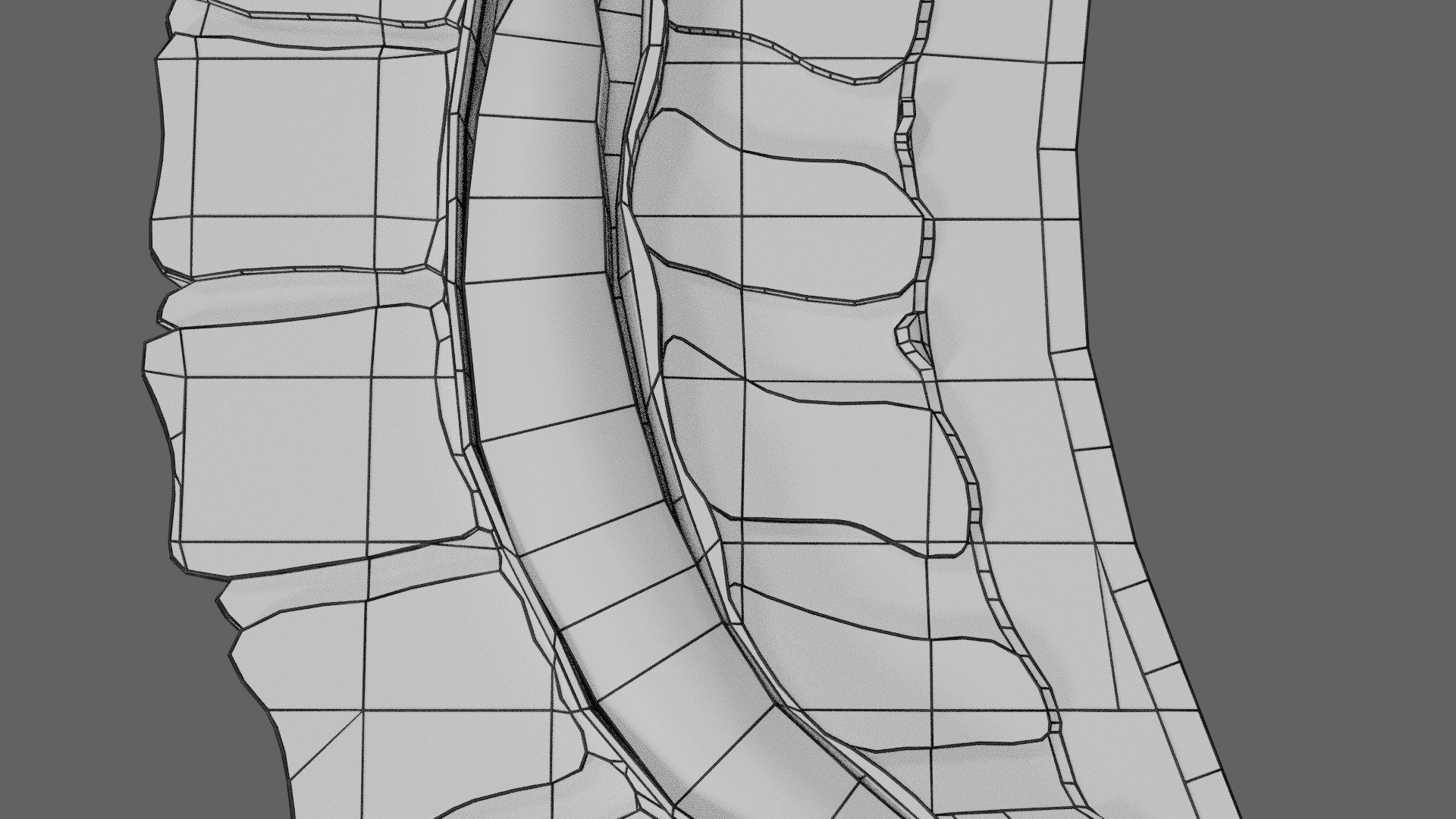
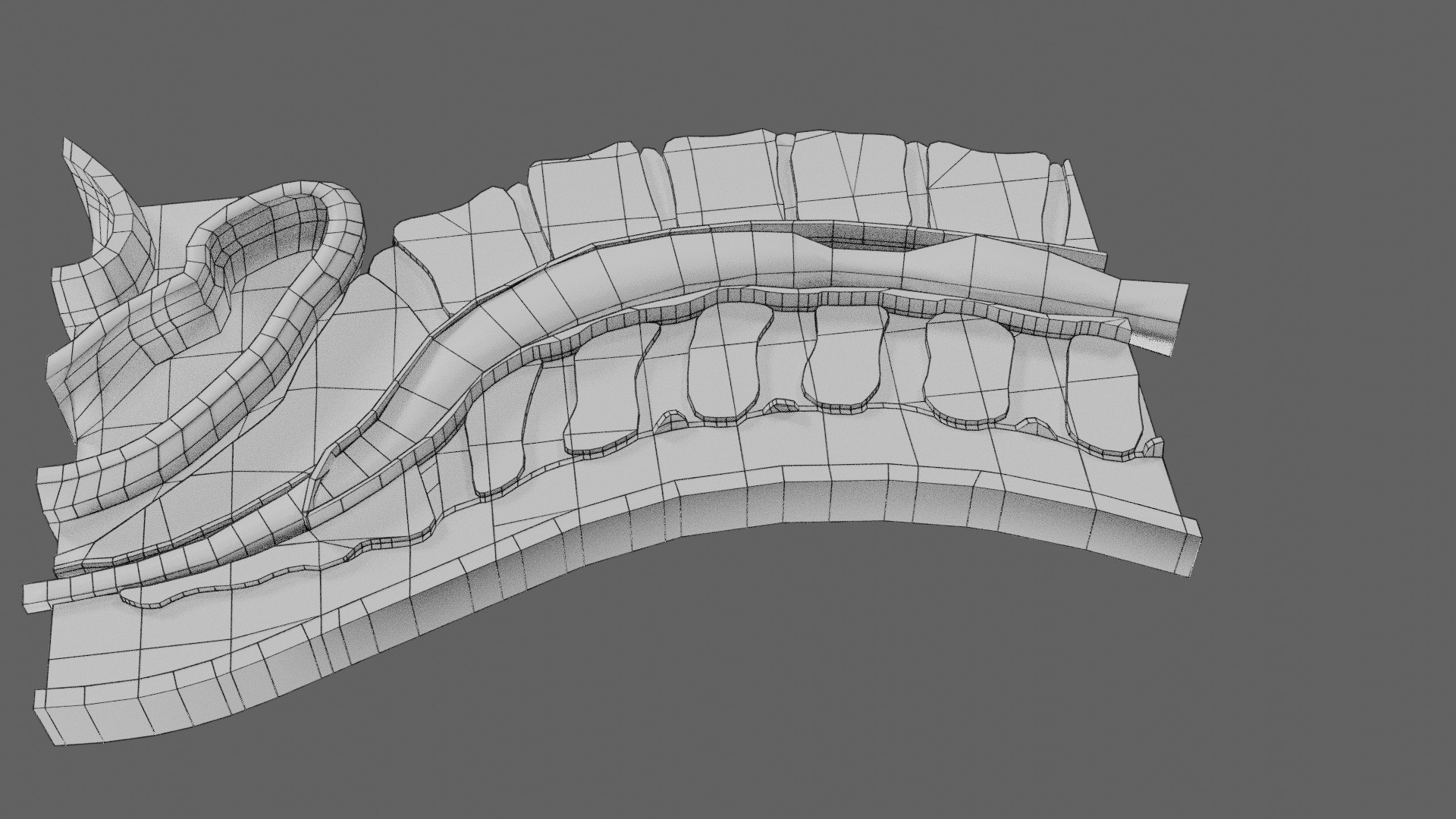
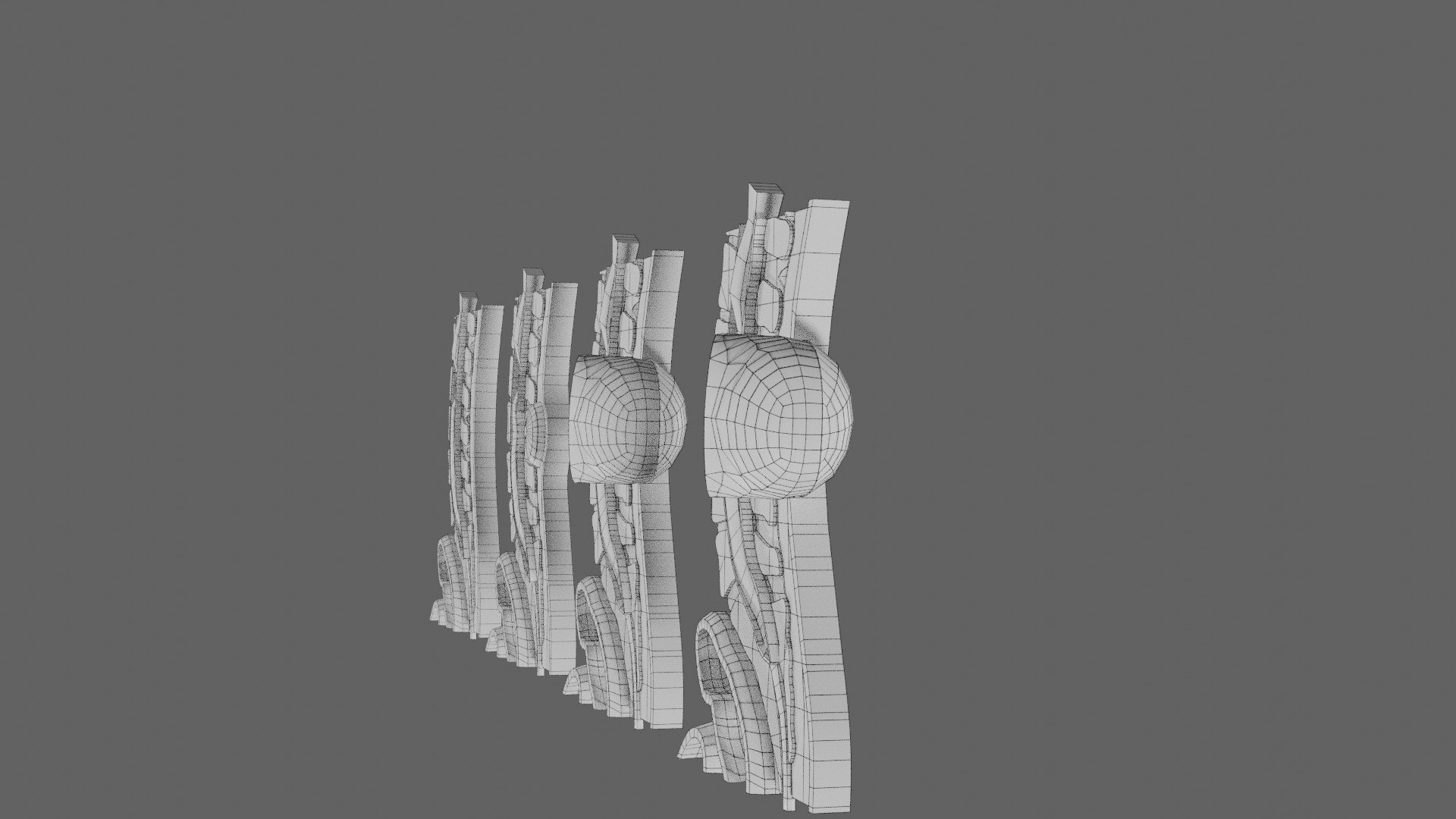
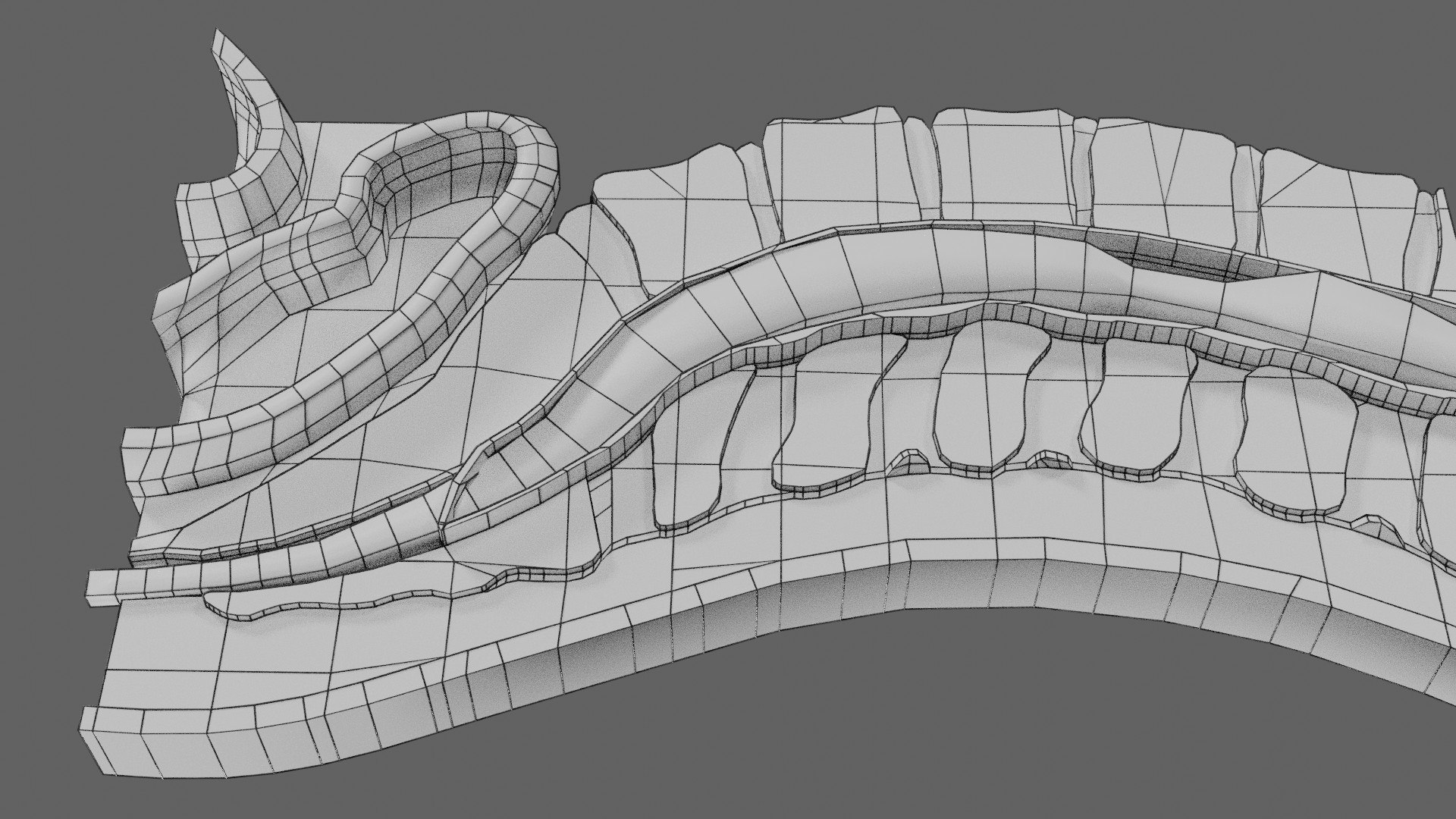
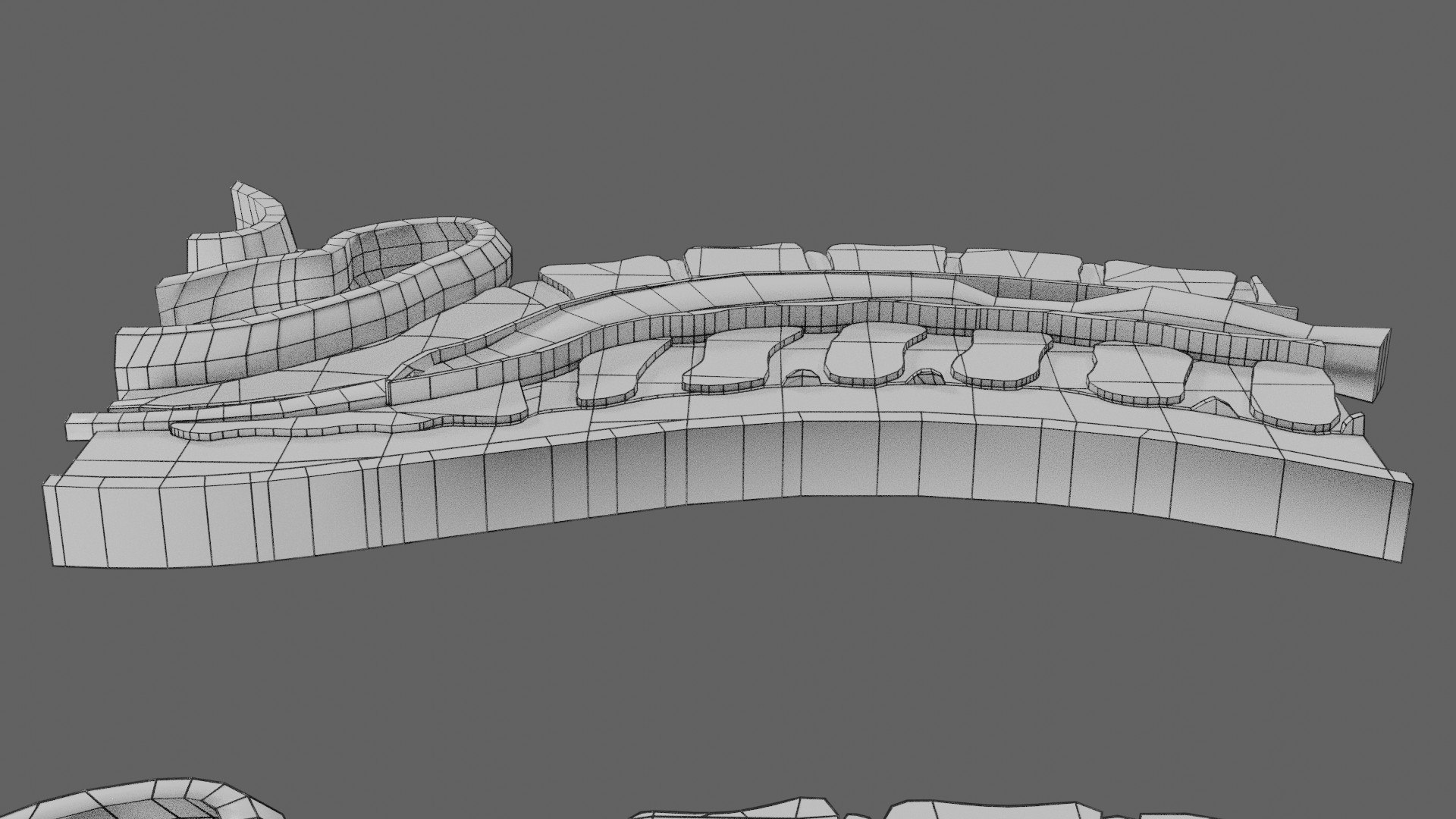
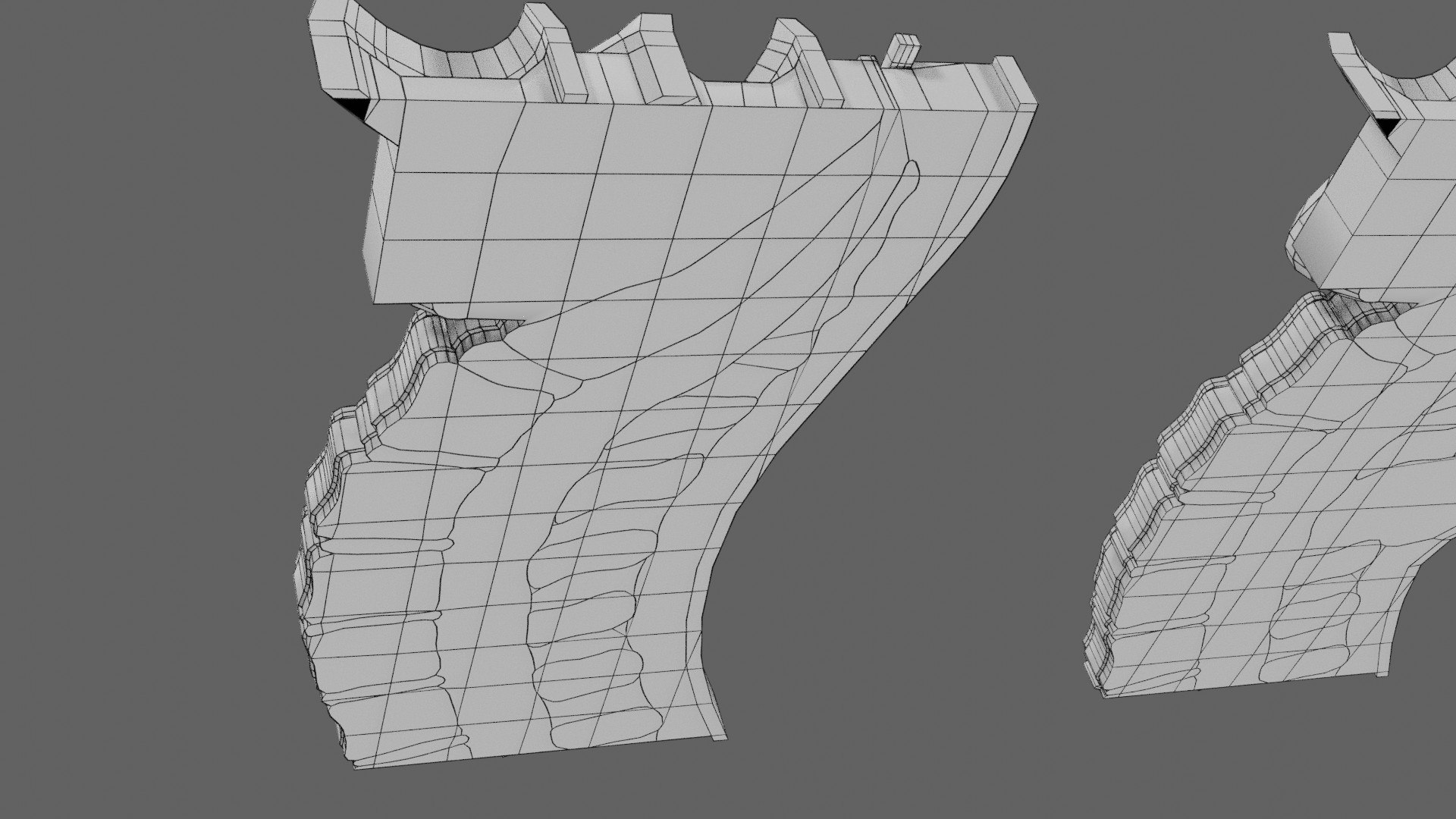
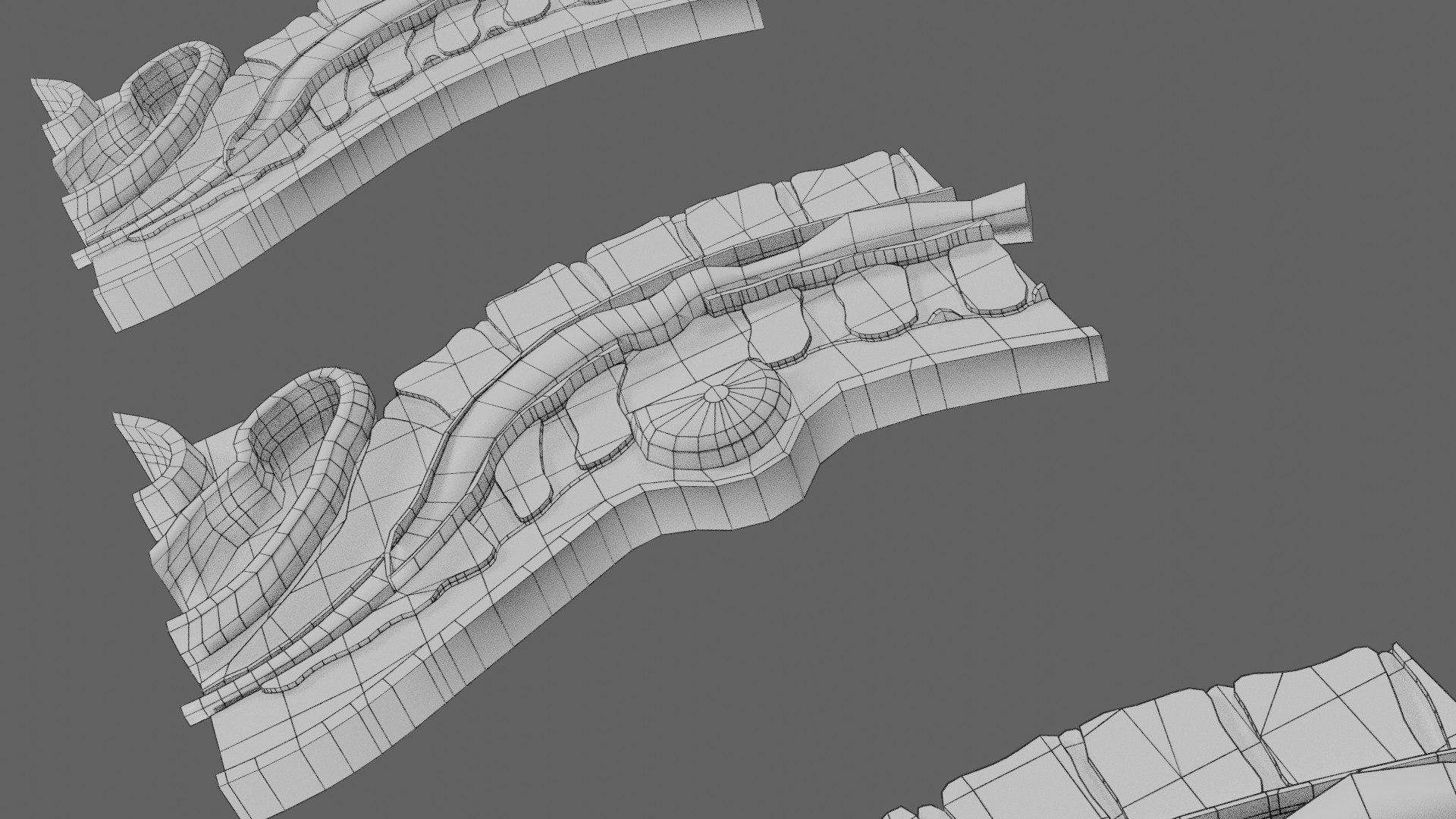
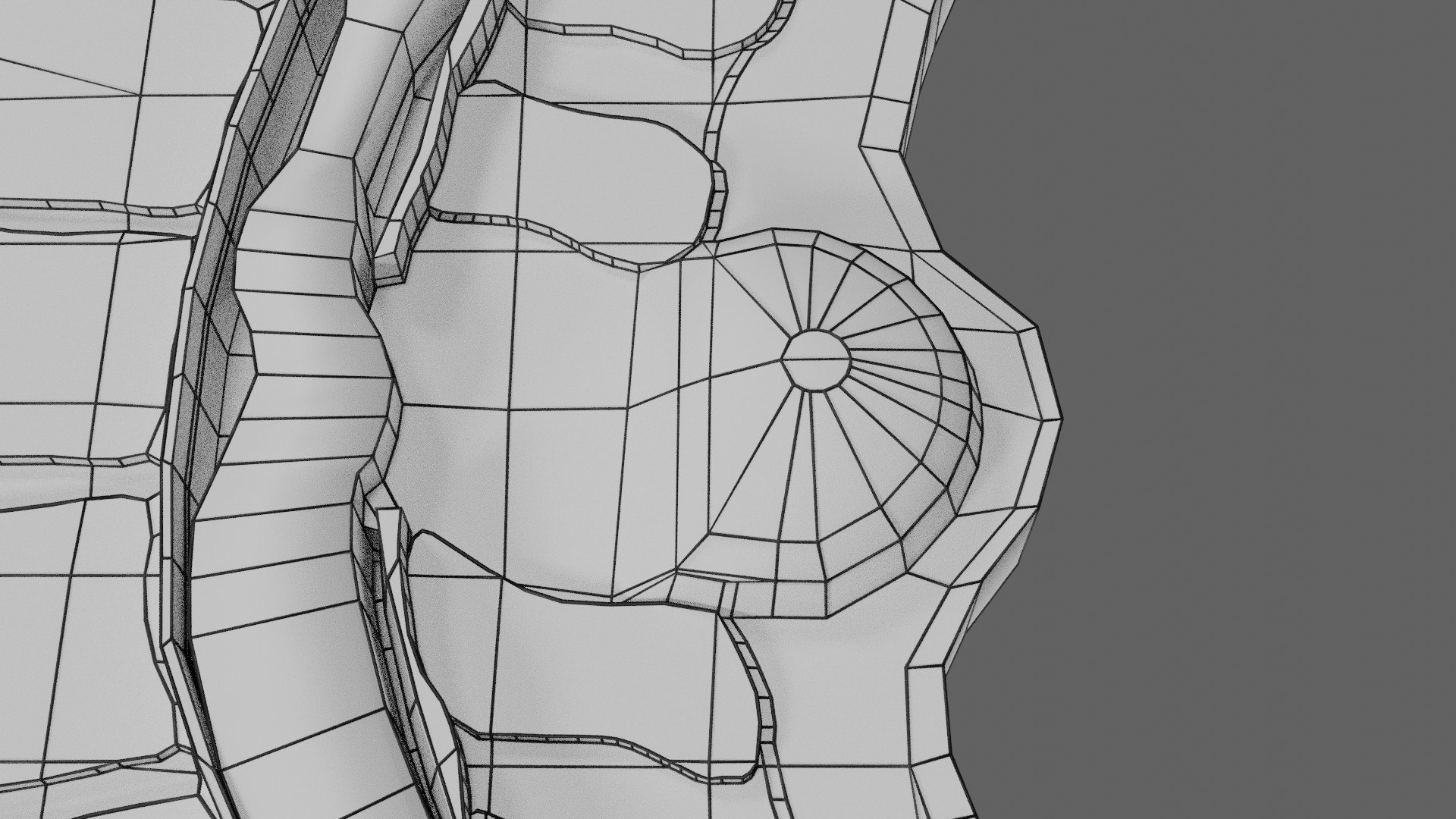
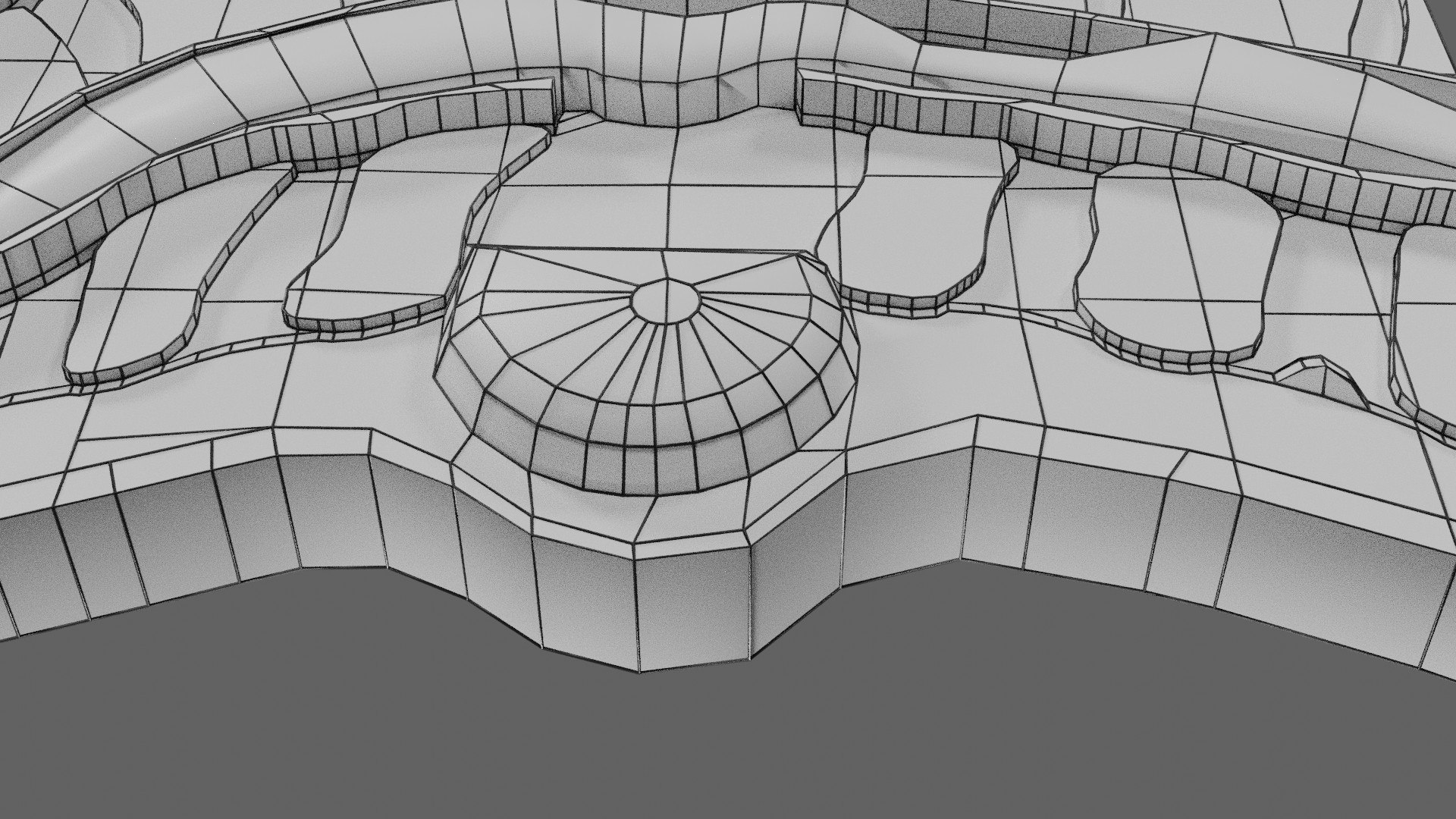
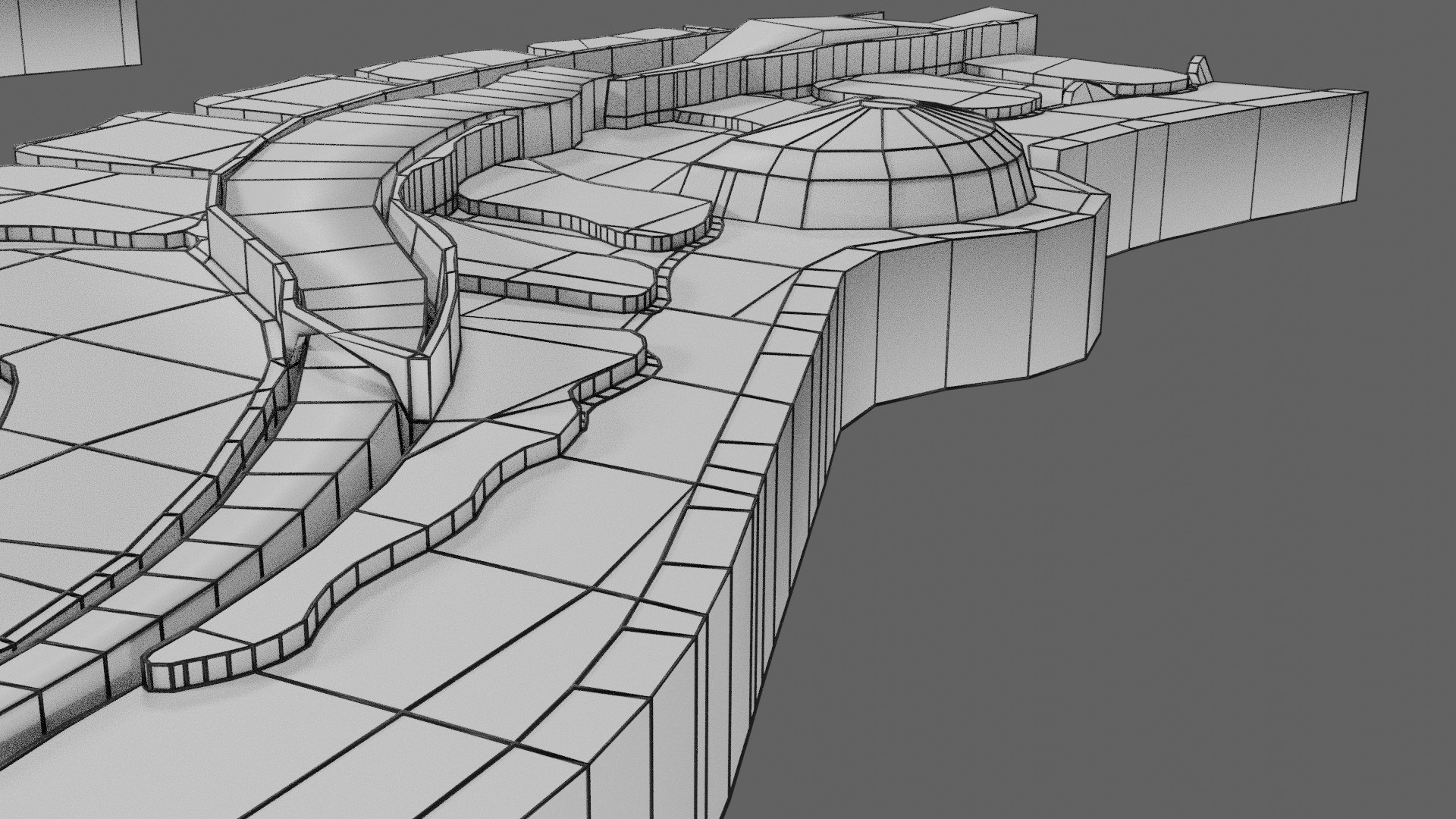
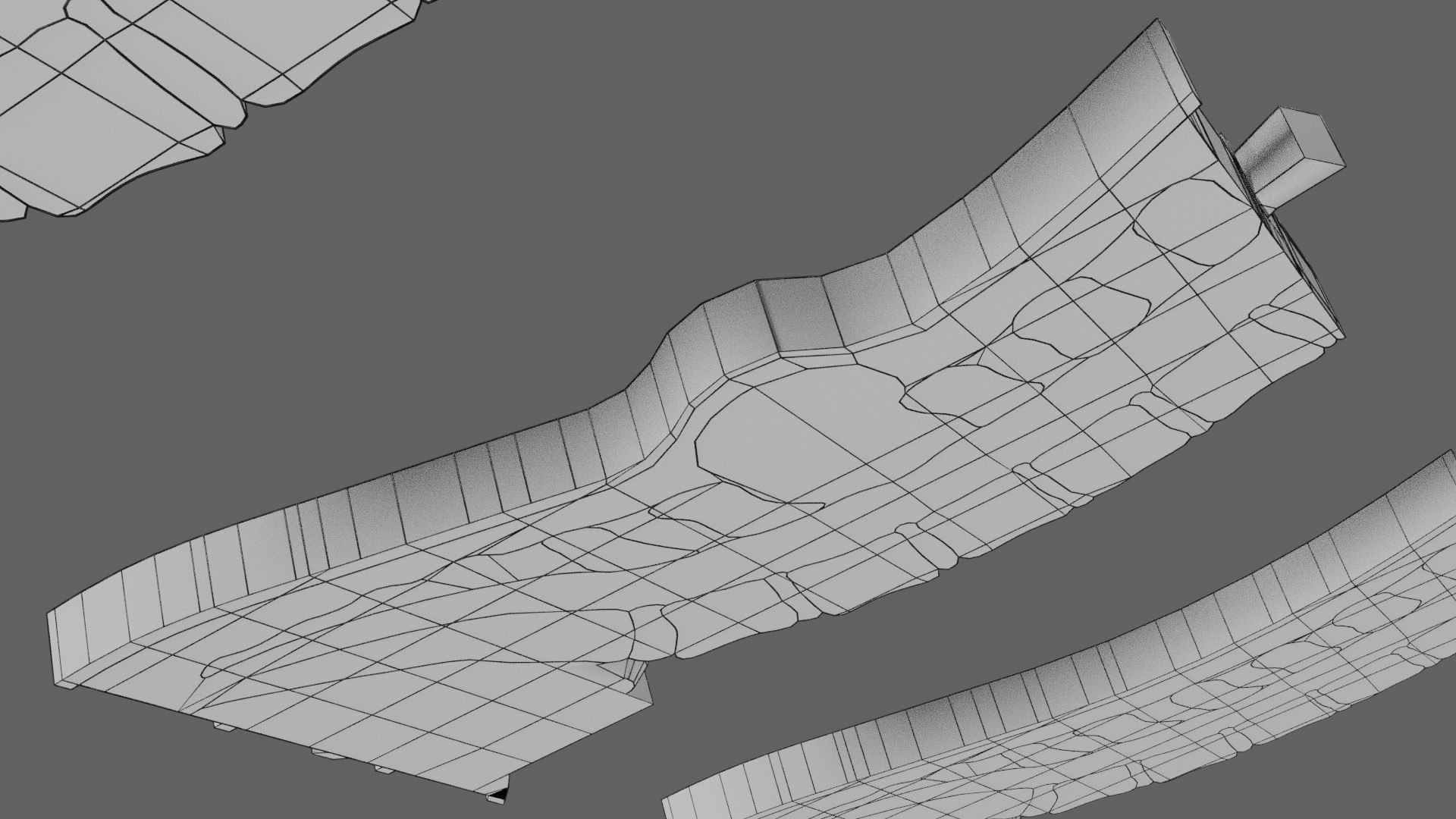
The model mesh includes longitudinal sectional model of Spina
bifida types including normal spine model in a schematic depiction. The lower spinal canal specifically the lumbar
and sacral region along with the ligaments, spinal cord conus medullaris, cauda
equina and filum terminale are dully labelled and depicted. The normal,
occulta, meningocele and spinal meningocele are all depicted separately. Excellent
model for teaching, demonstration and knowledge of biology. The models include
both procedural and image textures .blend files separately. The texture
file includes diffuse, roughness, normal and dipslacement png and jpeg based on
non-overlapping UV maps.
Besides the procedural and image texture based blender model
files, the formats 3mf, ply, obj, fbx,, GLTZ & GLB with applied uv mapped
textures have also been included in the downloads along with stl.
I have included the various formats needed by various customer
for the various 3d modelling software they may be using. The following formats
are compressed in rar formats:-
- blend
- 3mf
- stl
- obj
- fbx
- glb
- gltz
- ply
- textures
The downloaded files have
to be unpacked using any rar unpacker. After unpacking, the folder content of
the respective formats will be as follows :-.
- blend
:- single file with all applied and packed textures. - 3mf
:- single file with all applied and packed textures. - stl
:- single file with only geometry data - obj
:- mutiple files including .obj,.mtl, images textures. - fbx
:- single file with all applied and packed textures. - glb
:- single file with all applied and packed textures. - gltz
:- mutiple files including .bin, images textures. - ply
- Texture
files :- jpg and png
The native file is blend so the open source software blender
opens mostly all the files, with textures (packed with the files). The best way
is to open the files named blend with blender. Other files have to be imported
in blender by clicking within blender File >>Import>>select the
type of file you want to import>>open file location of the downloaded
unzipped files>>select the file>>the model would open in the 3d
viewport of the software. The other files including blend can be opened with
most of the free and paid 3d modelling software. The files obj & fbx are
compatible with other 3d modeling software, example maya. These software's have
the open/import options like blender. The files stl and 3mf are compatible with
3d printing software's. The built in3d builder " windows software opens
all these files including glb, & gltz. In case you don't have 3d builder
installed just download it free from Microsoft store for free. For 3d builder
3mf, fbx, stl, glb are standalone files (right click the model file>>select
open with>>3d builder). For obj,ply, & gltz 3d builder will prompt
you to select the model files .mtl and image textures (these are packed in the
rar files). The textures files have been separately supplied additionally; in
case one needs them.