
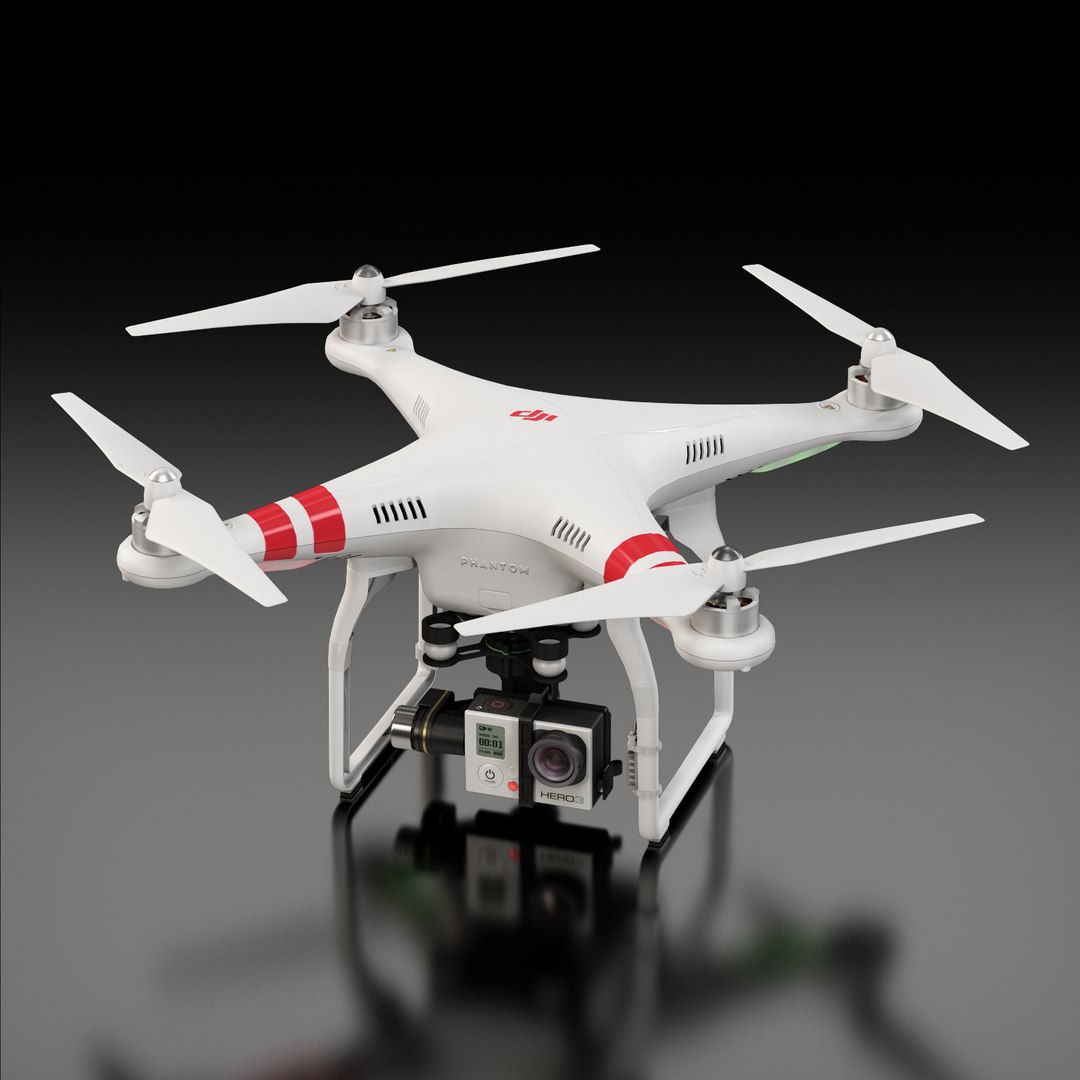
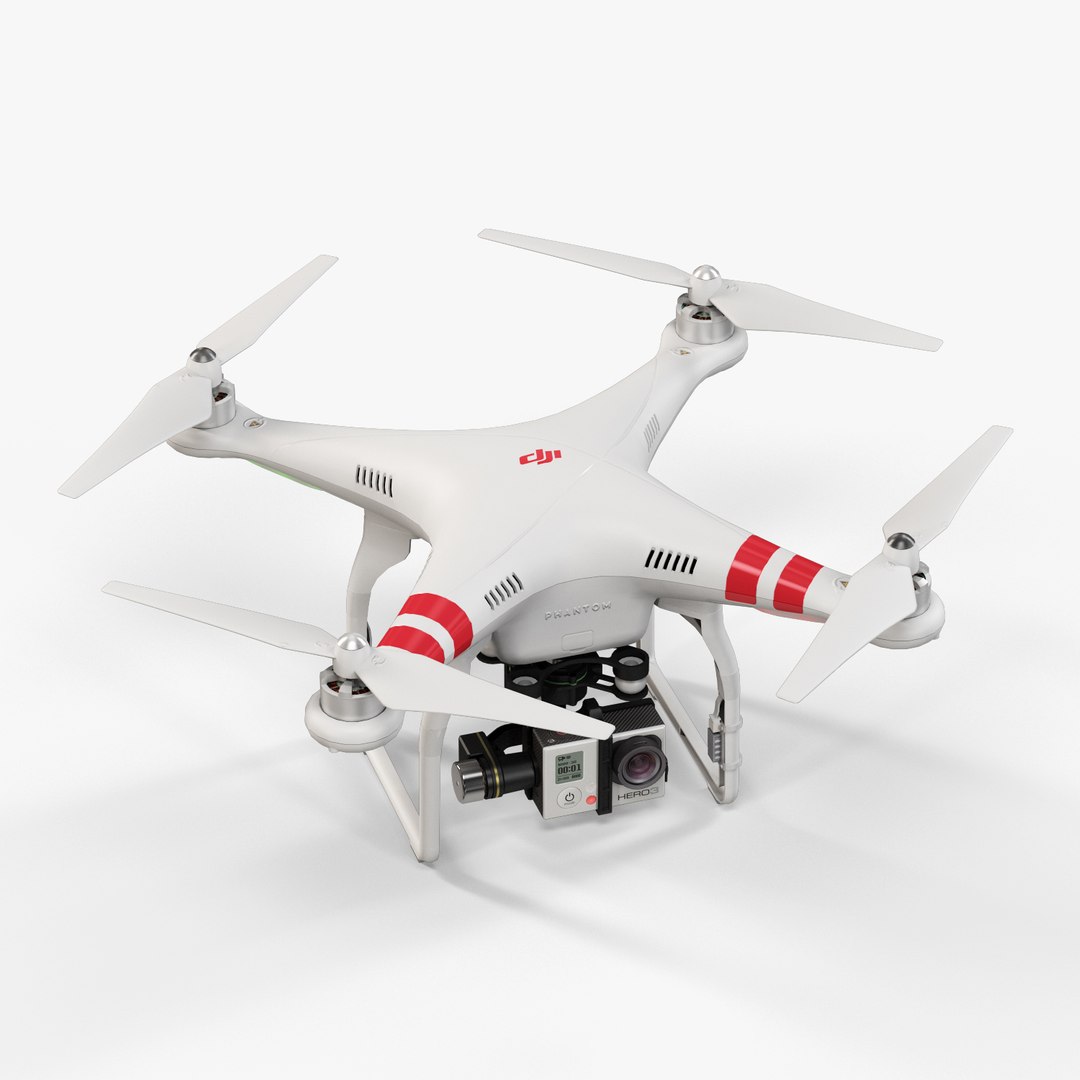
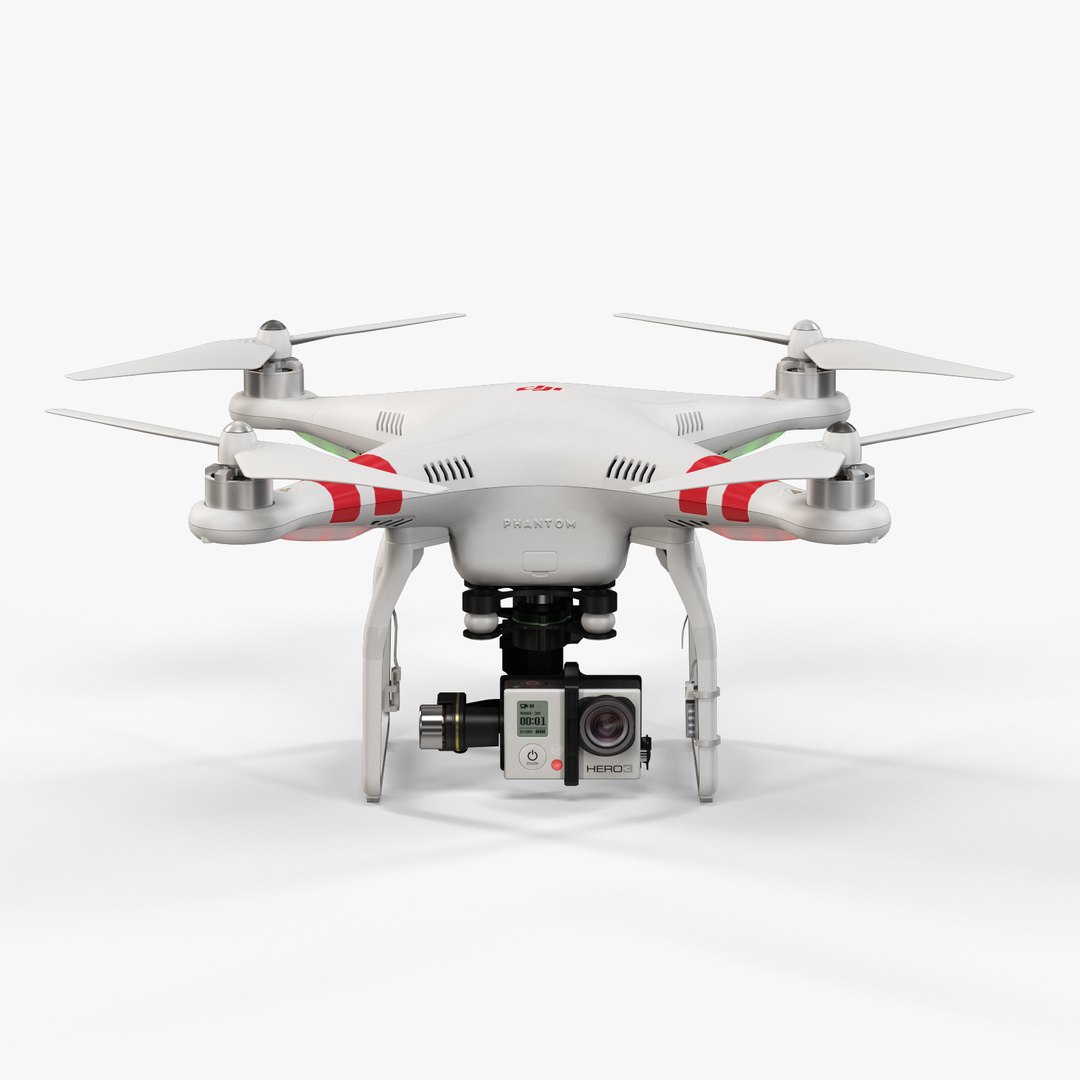
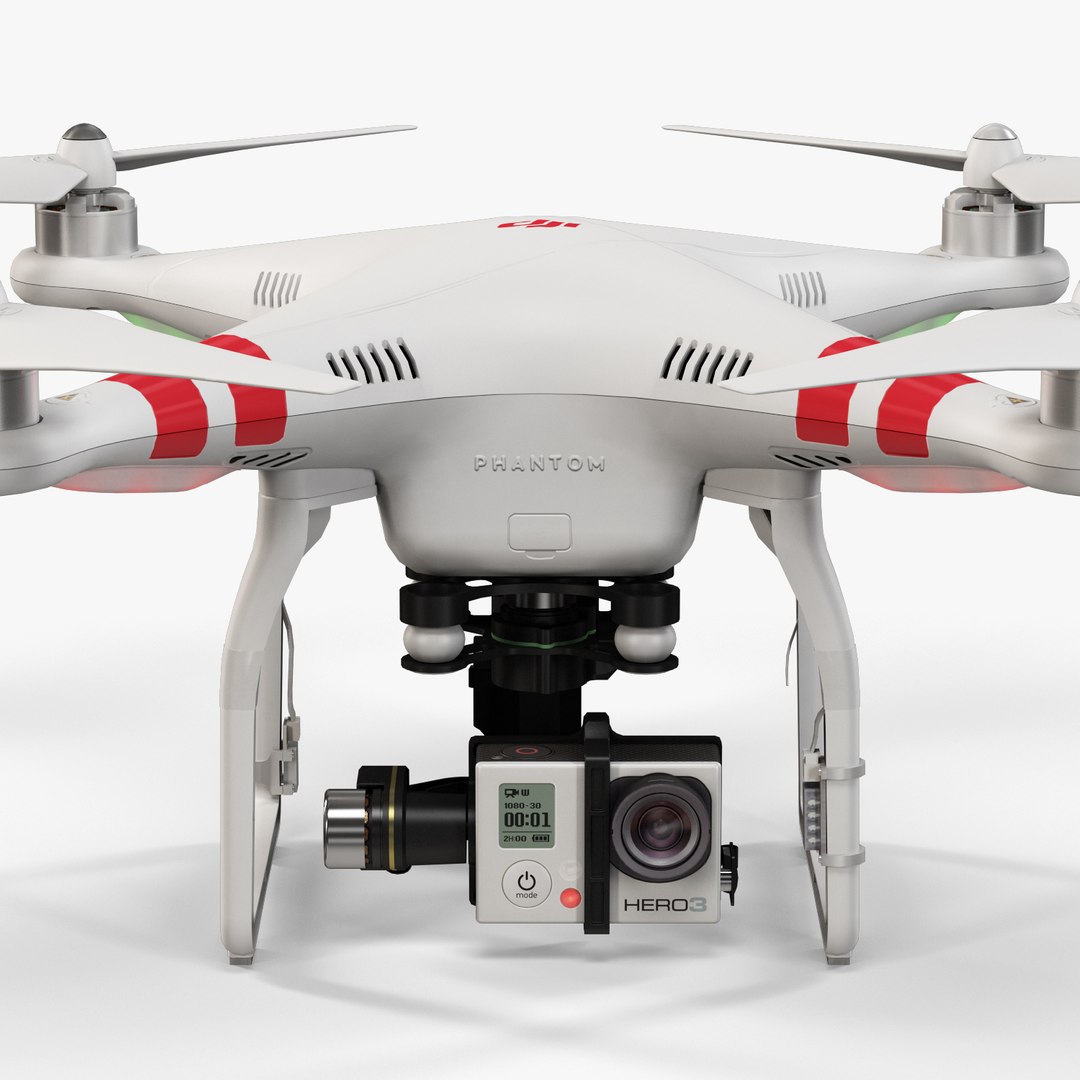
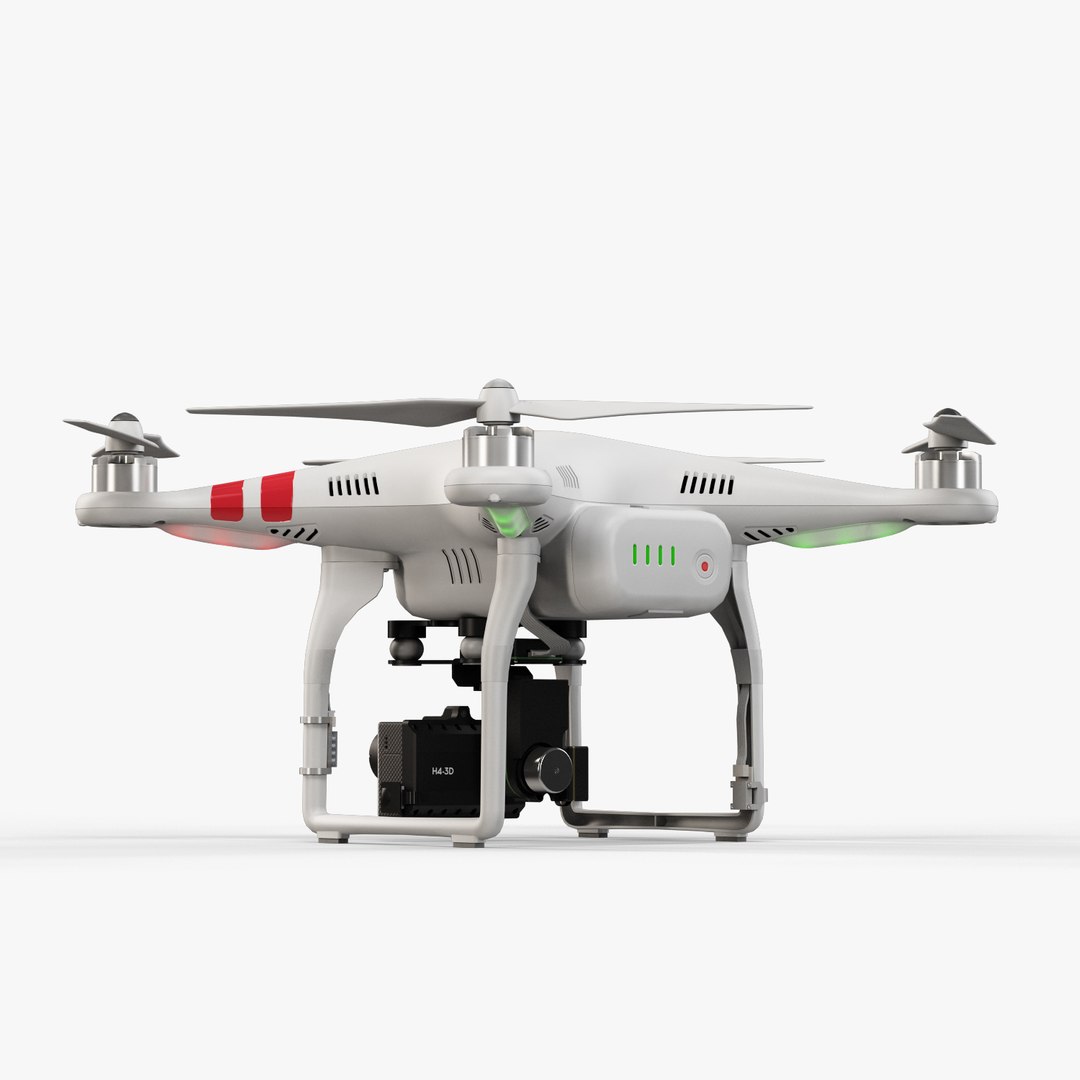
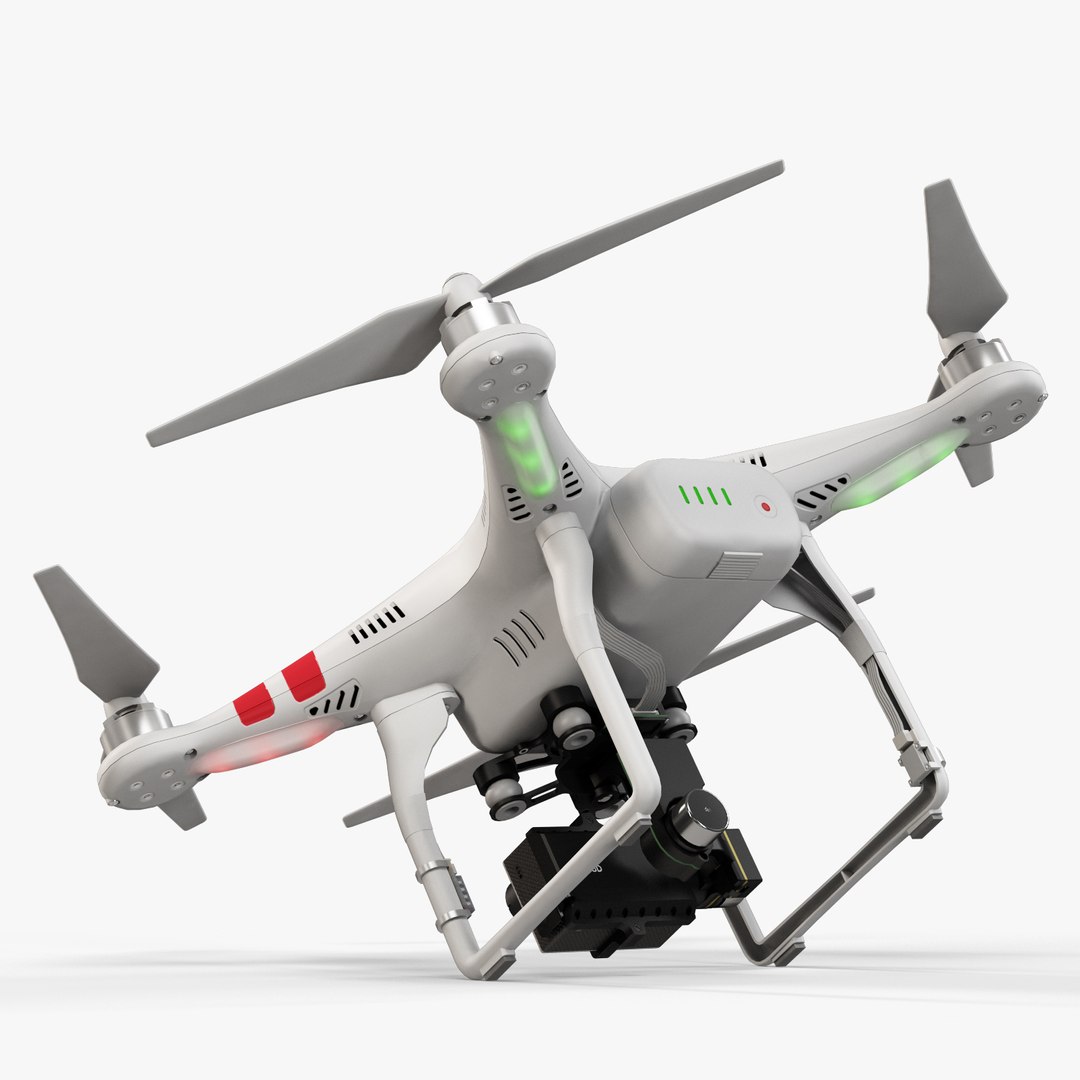
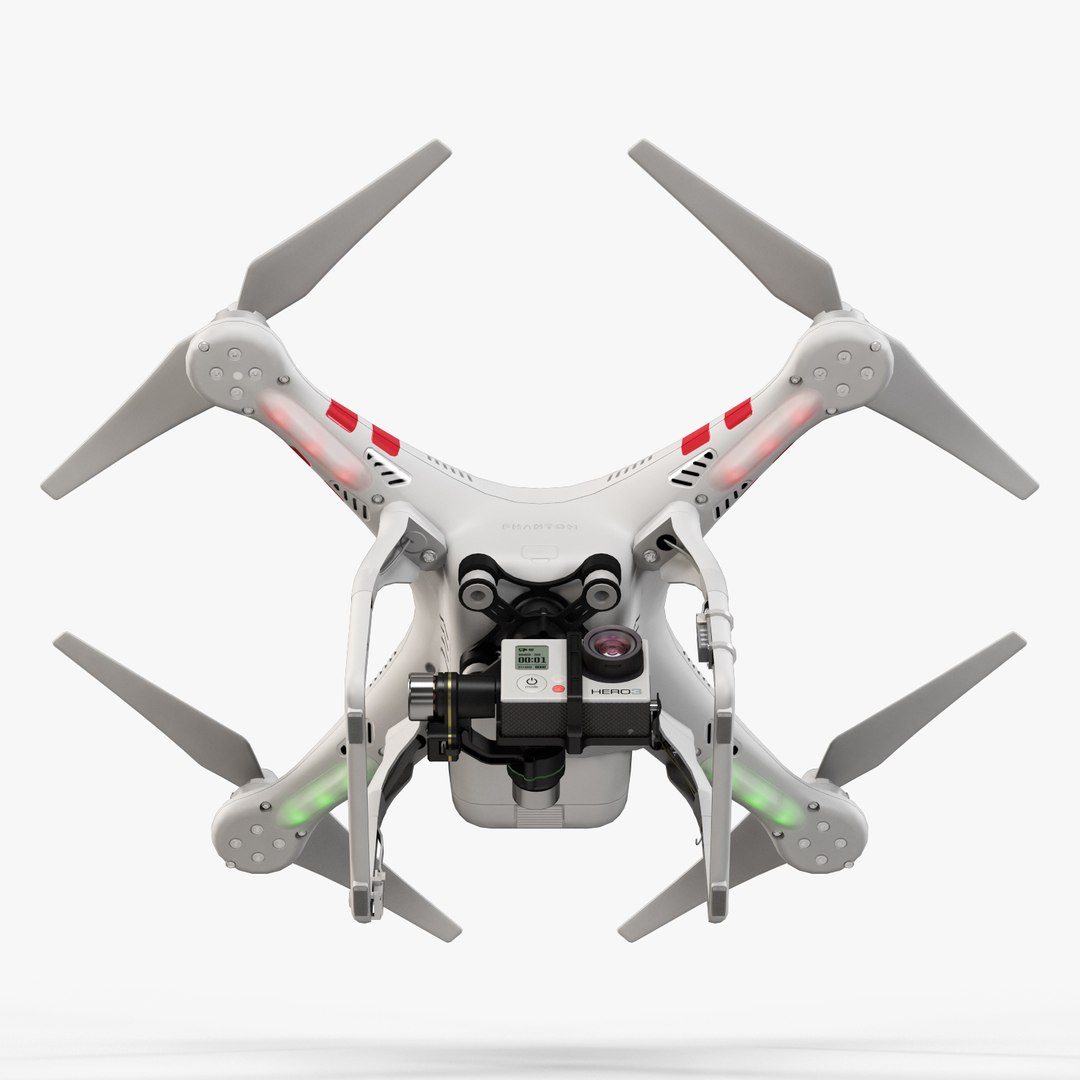
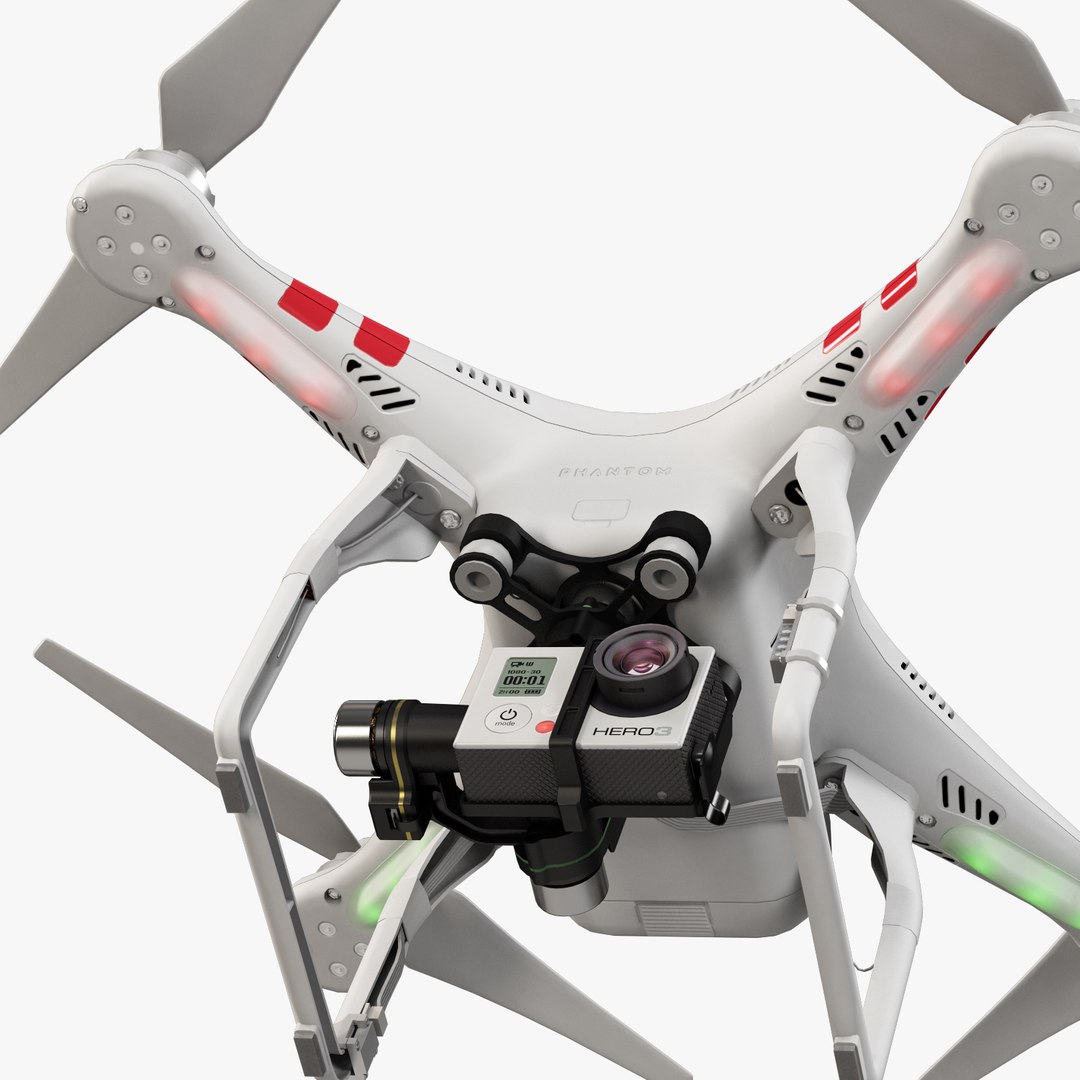
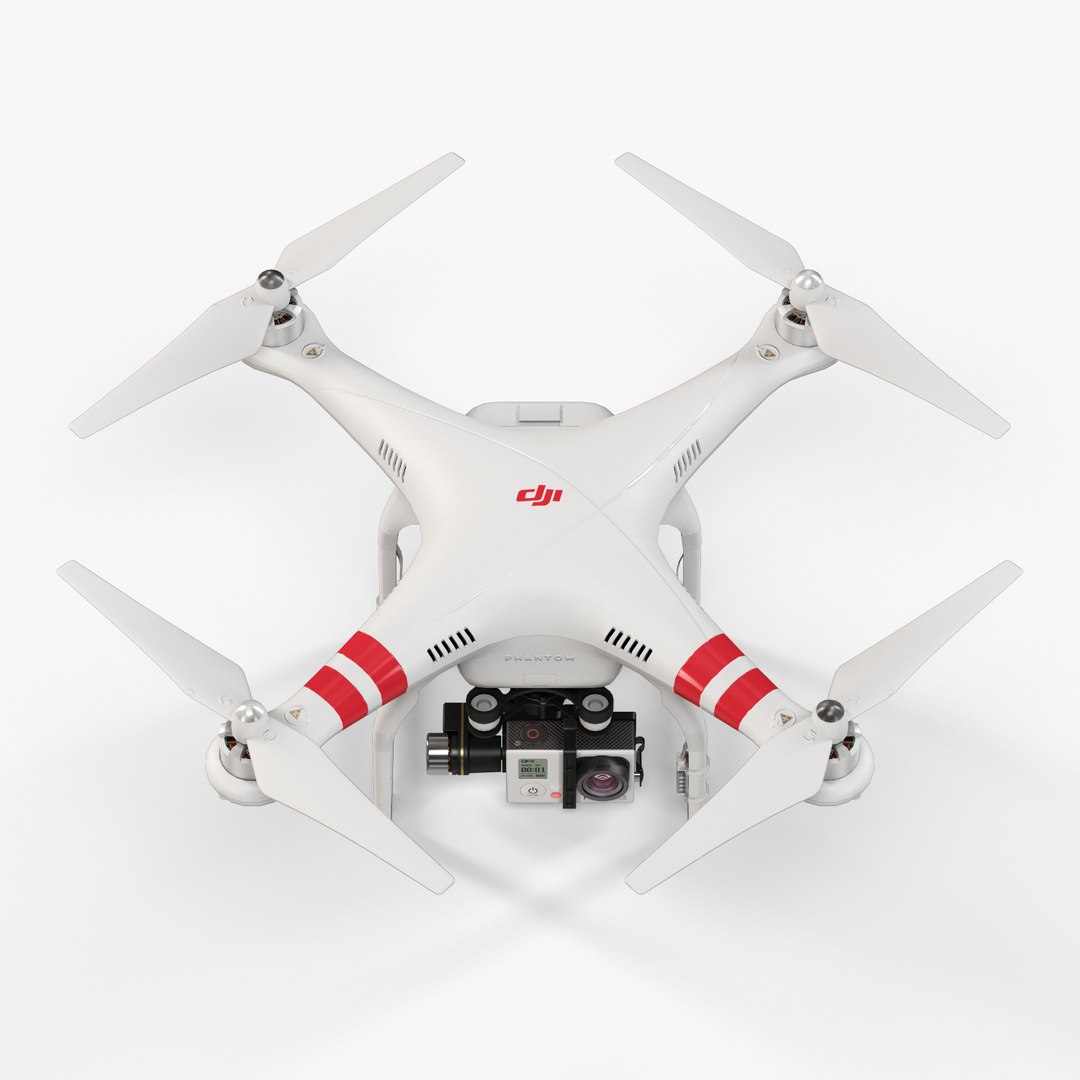
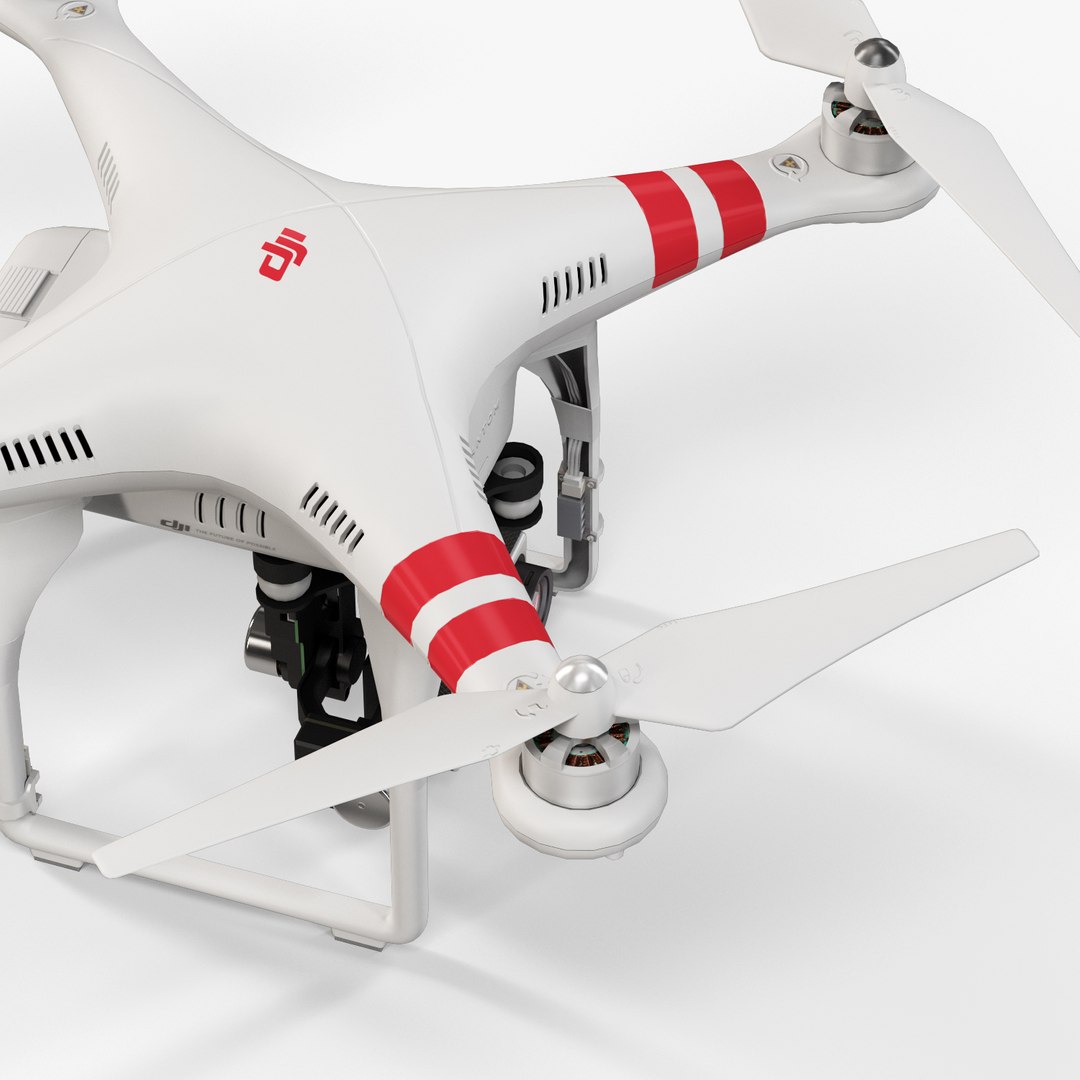
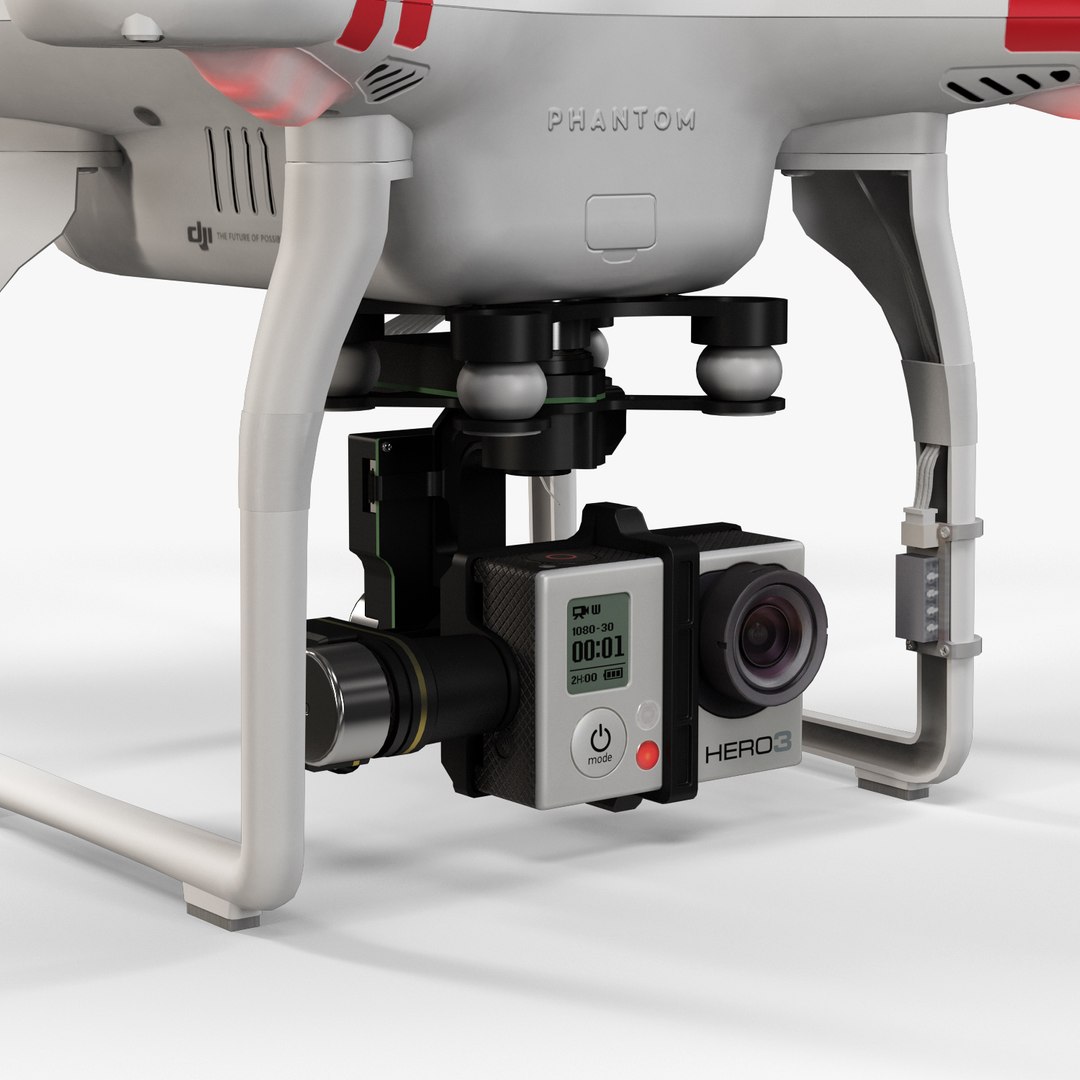
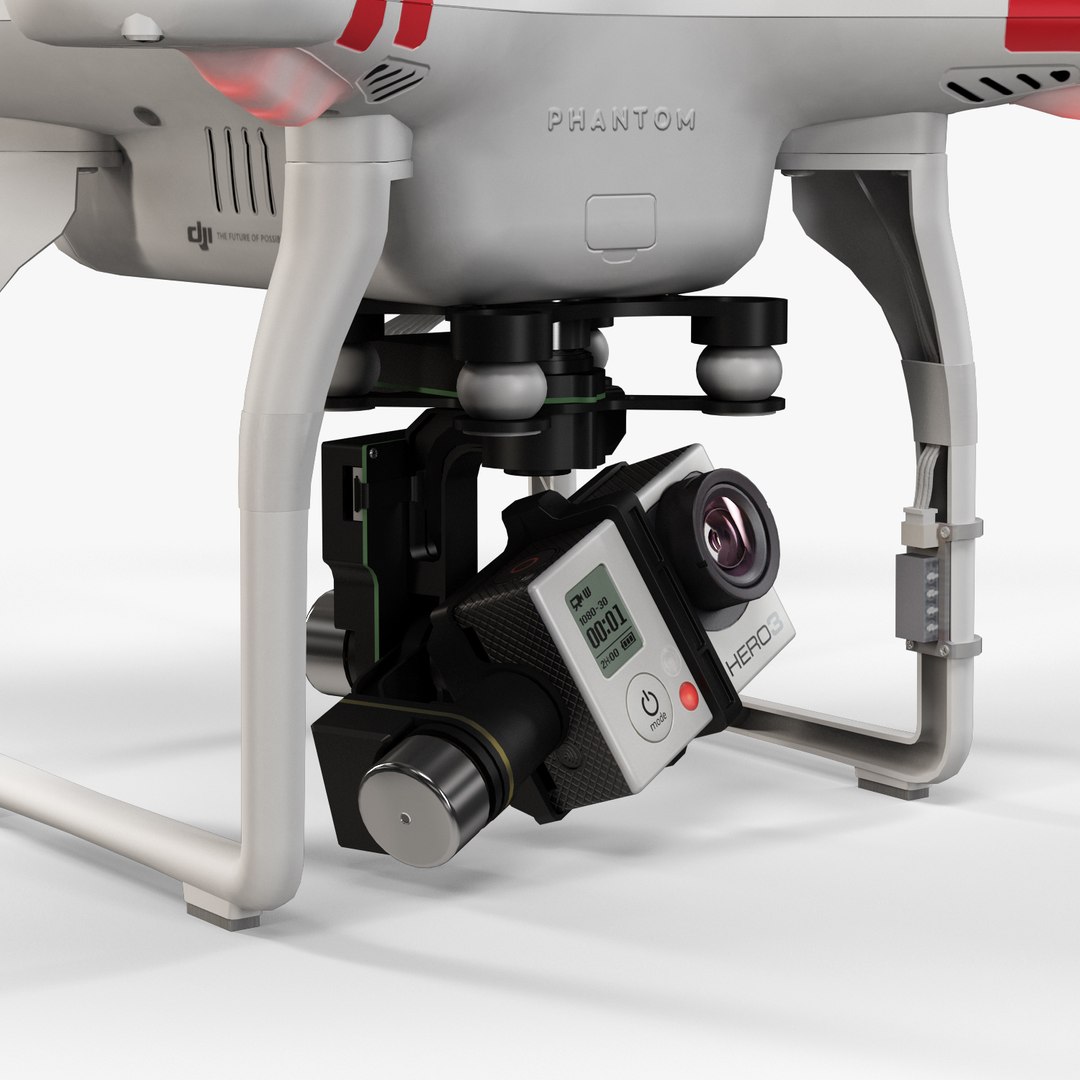
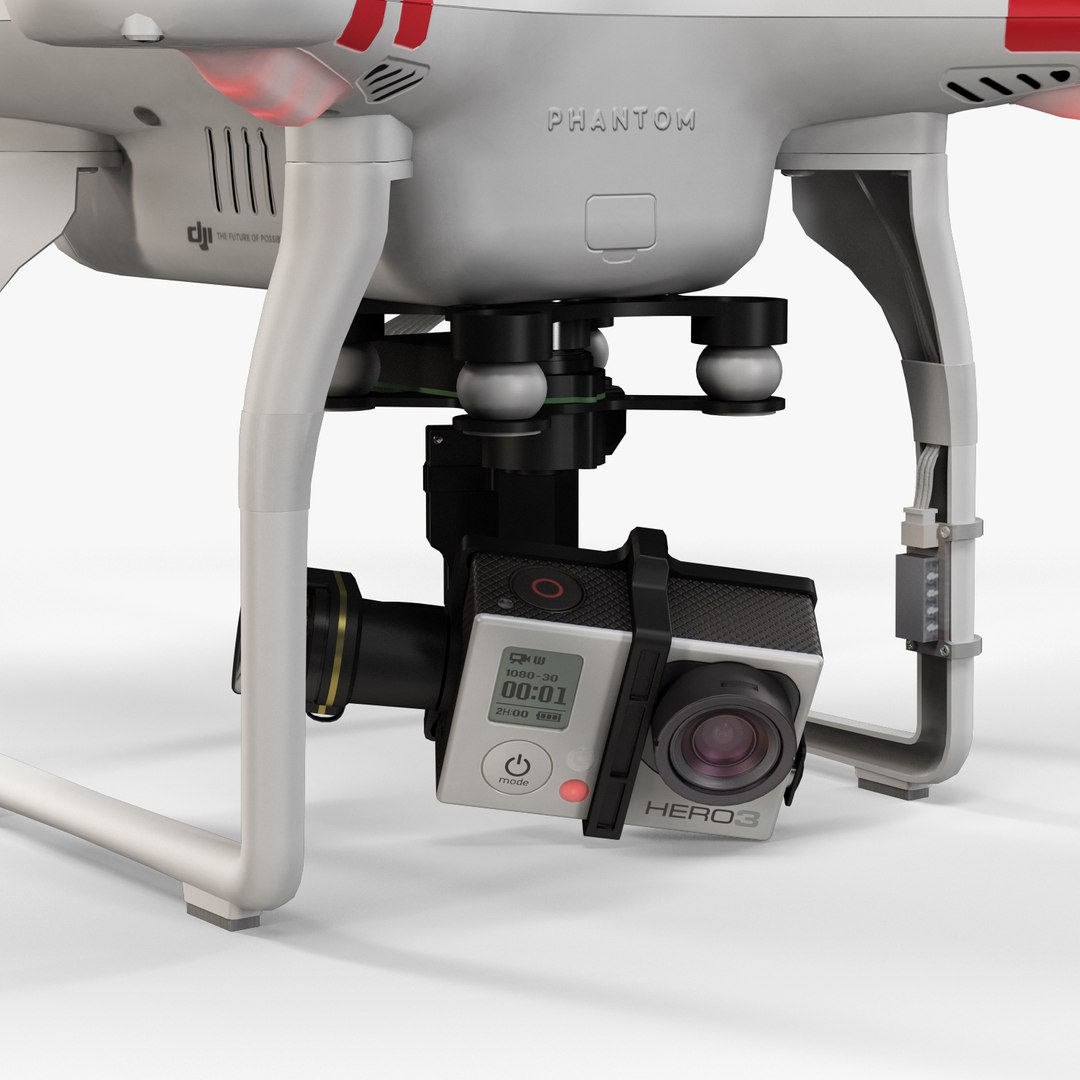
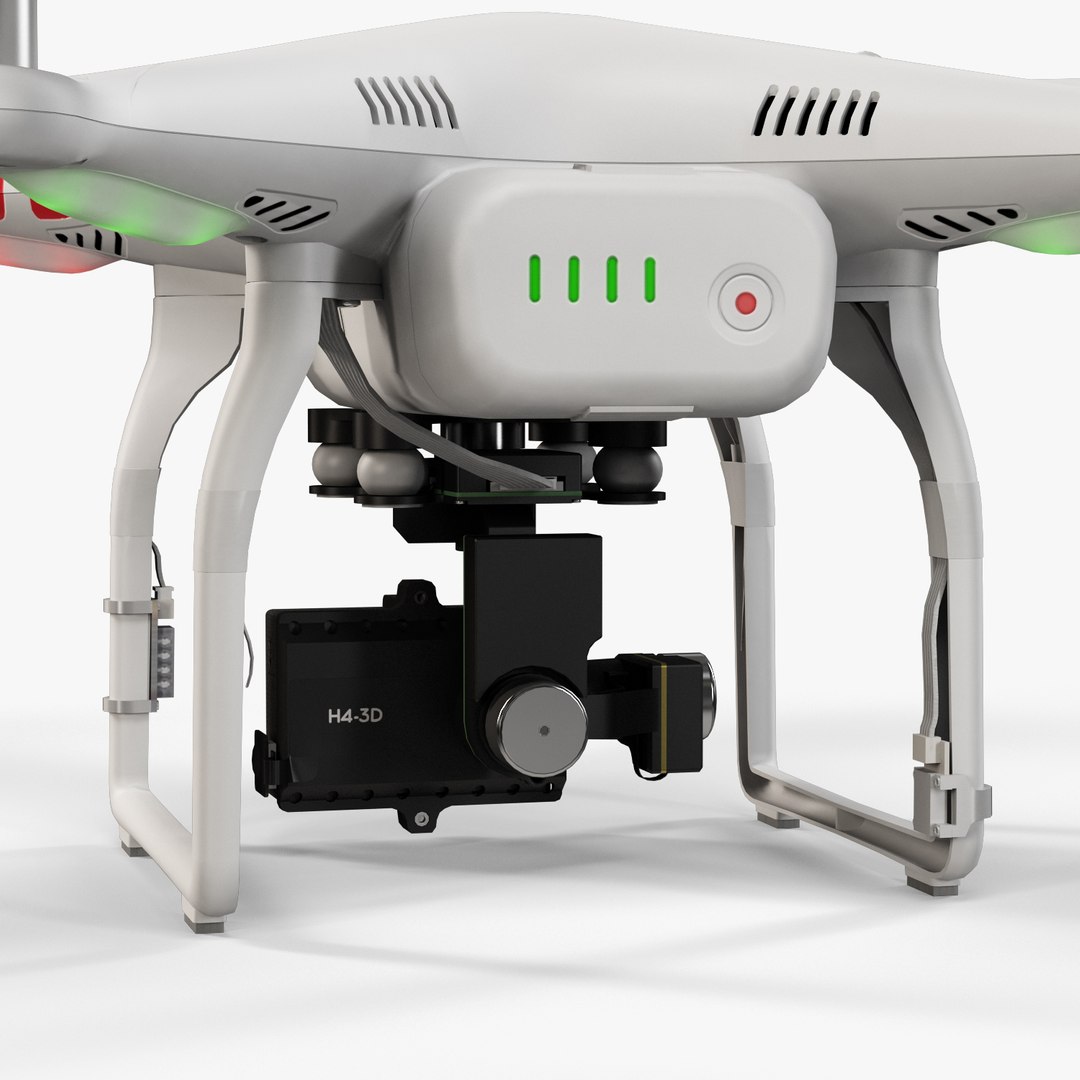
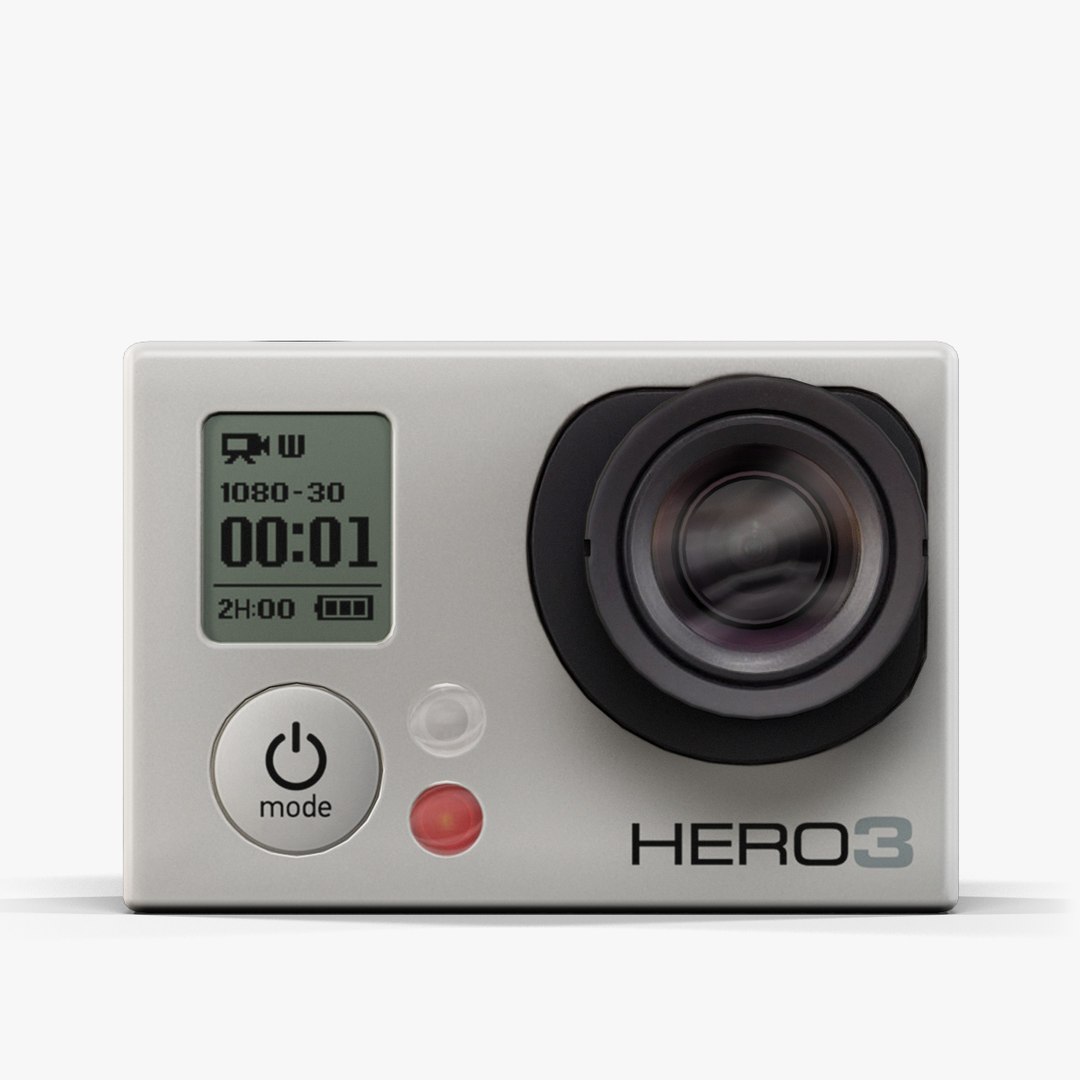
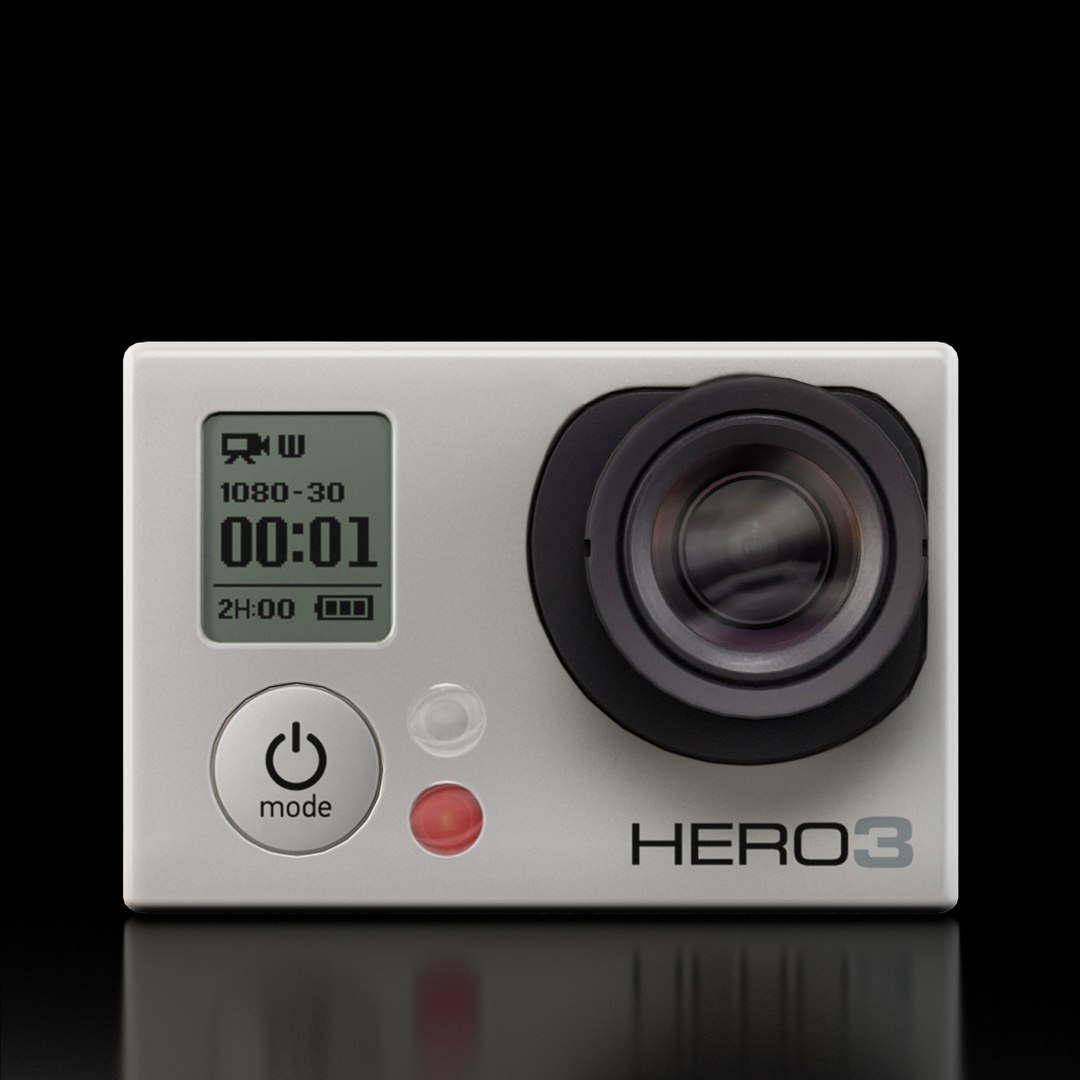
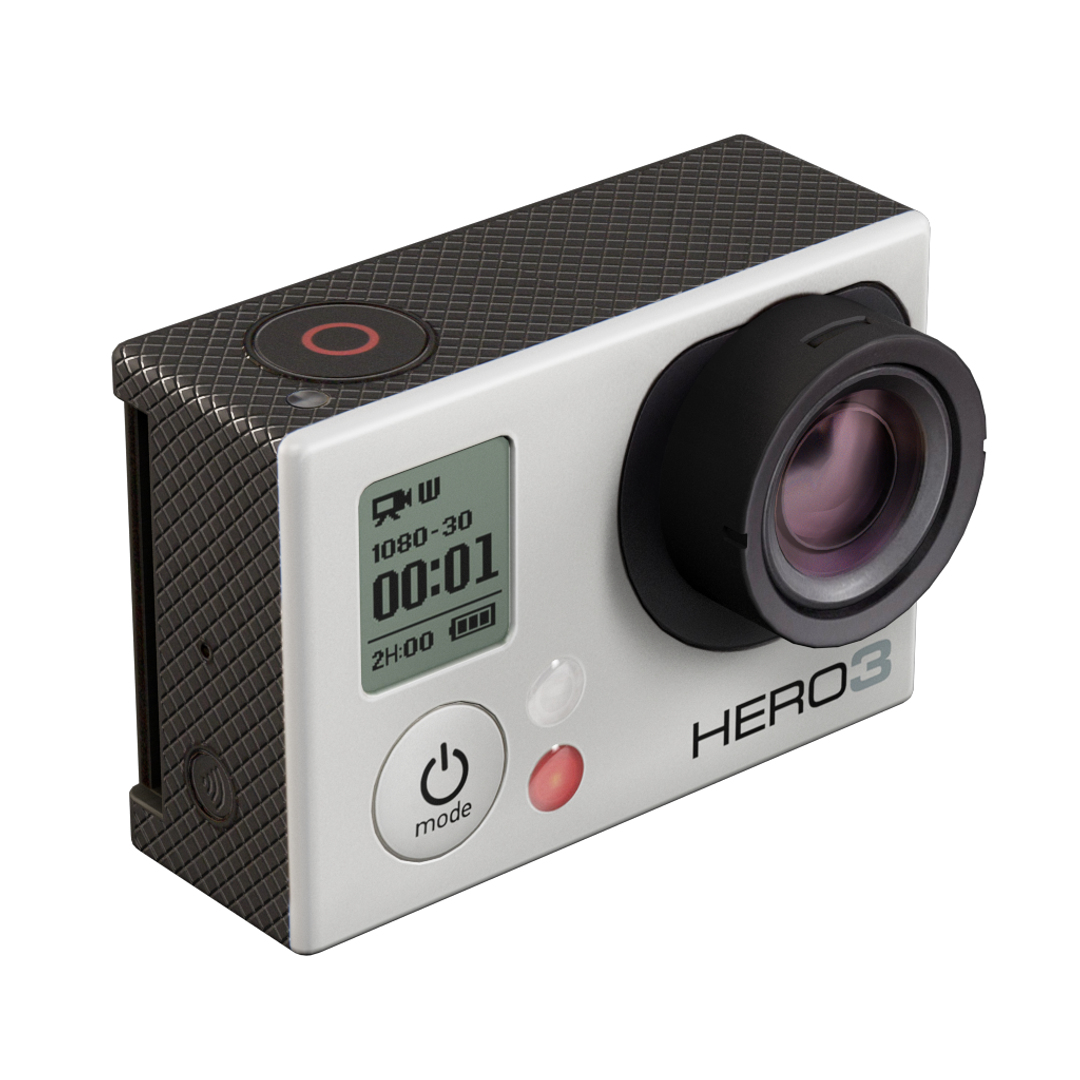
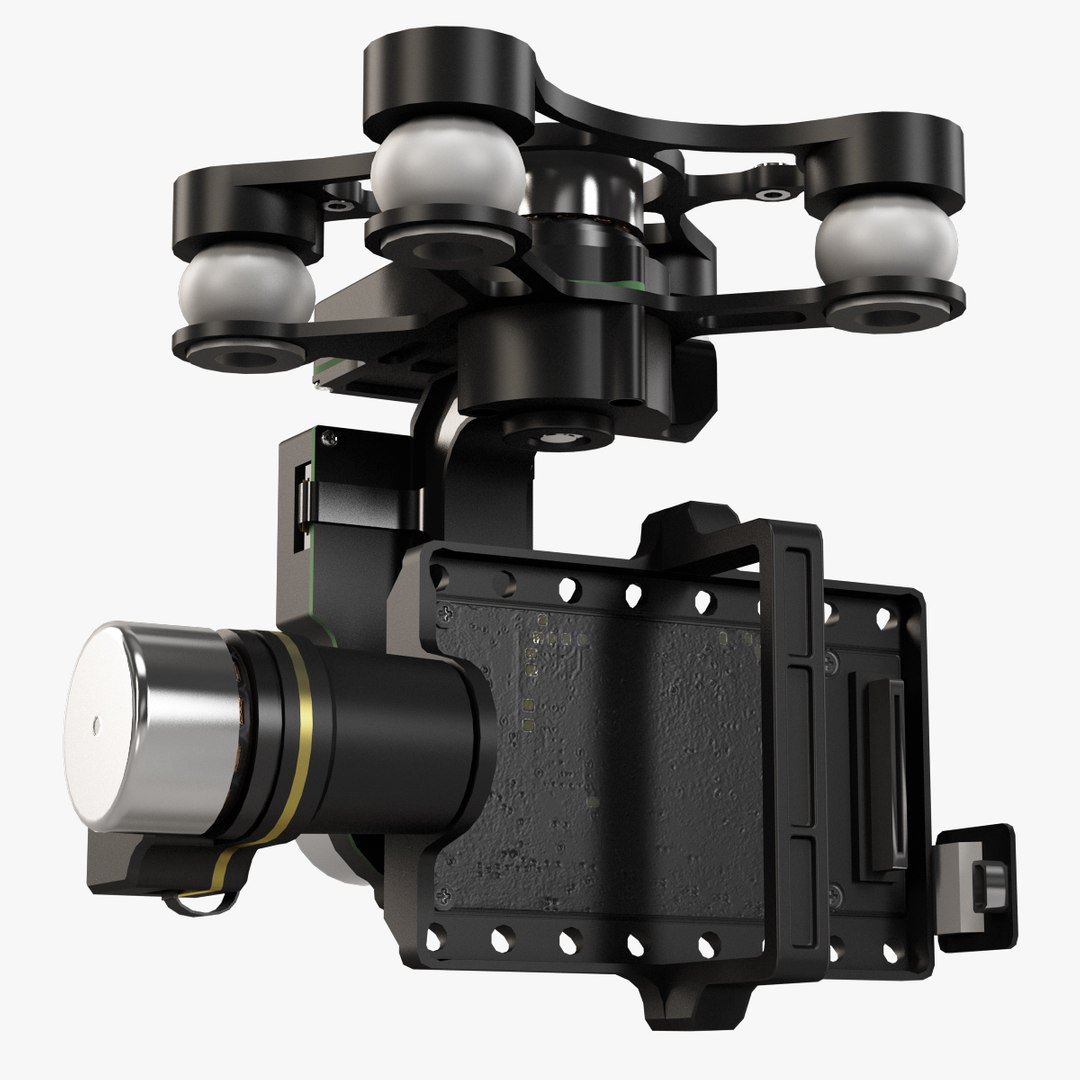
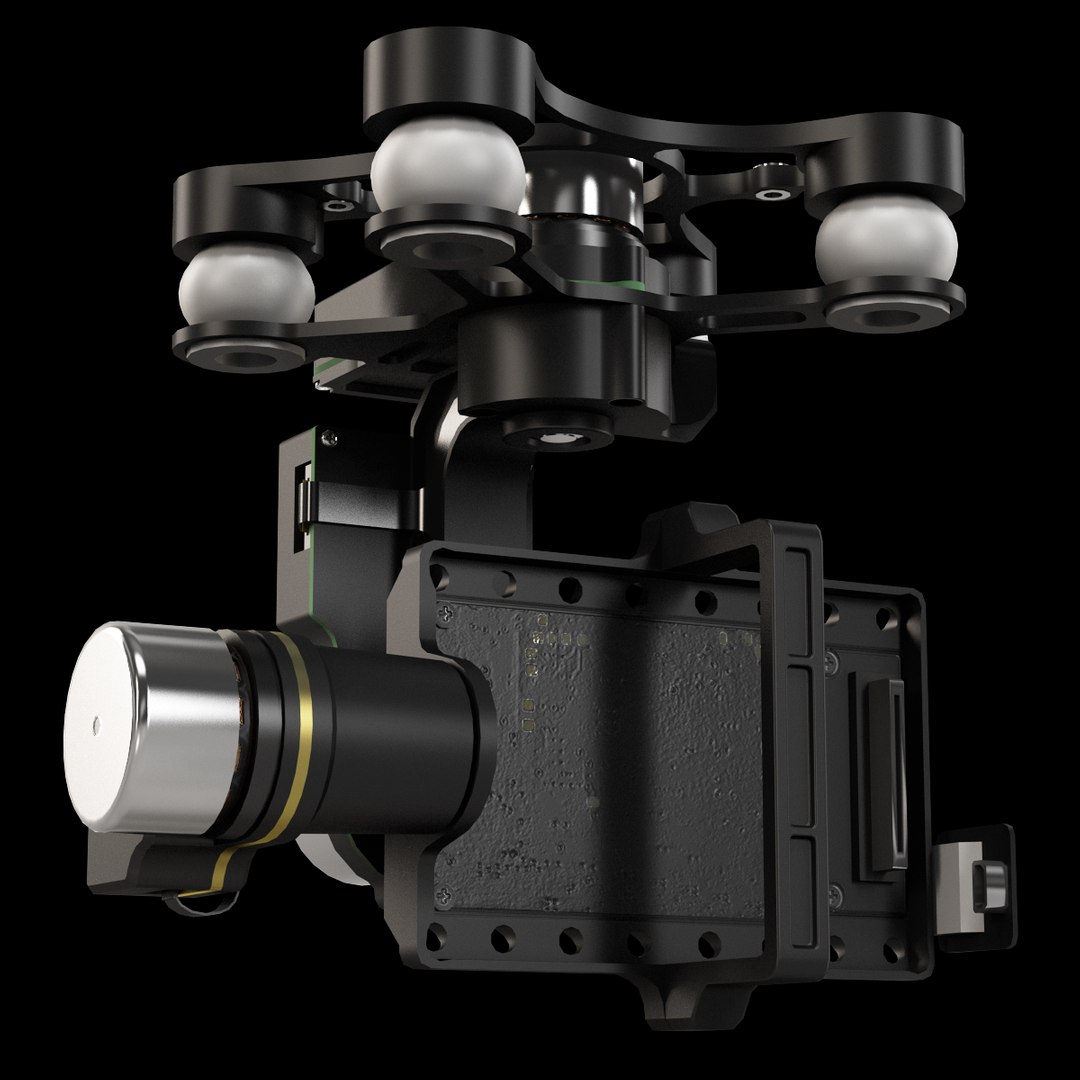
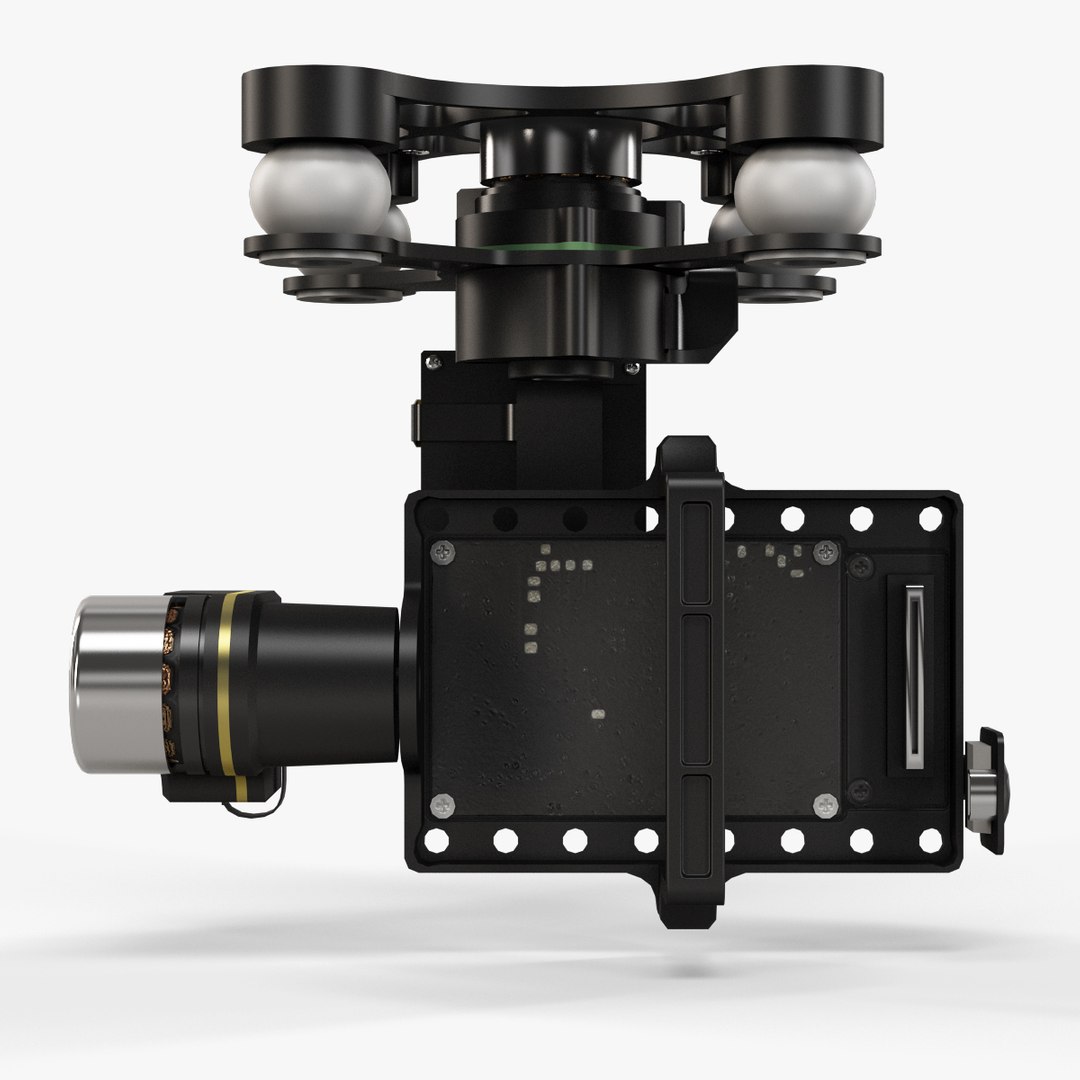
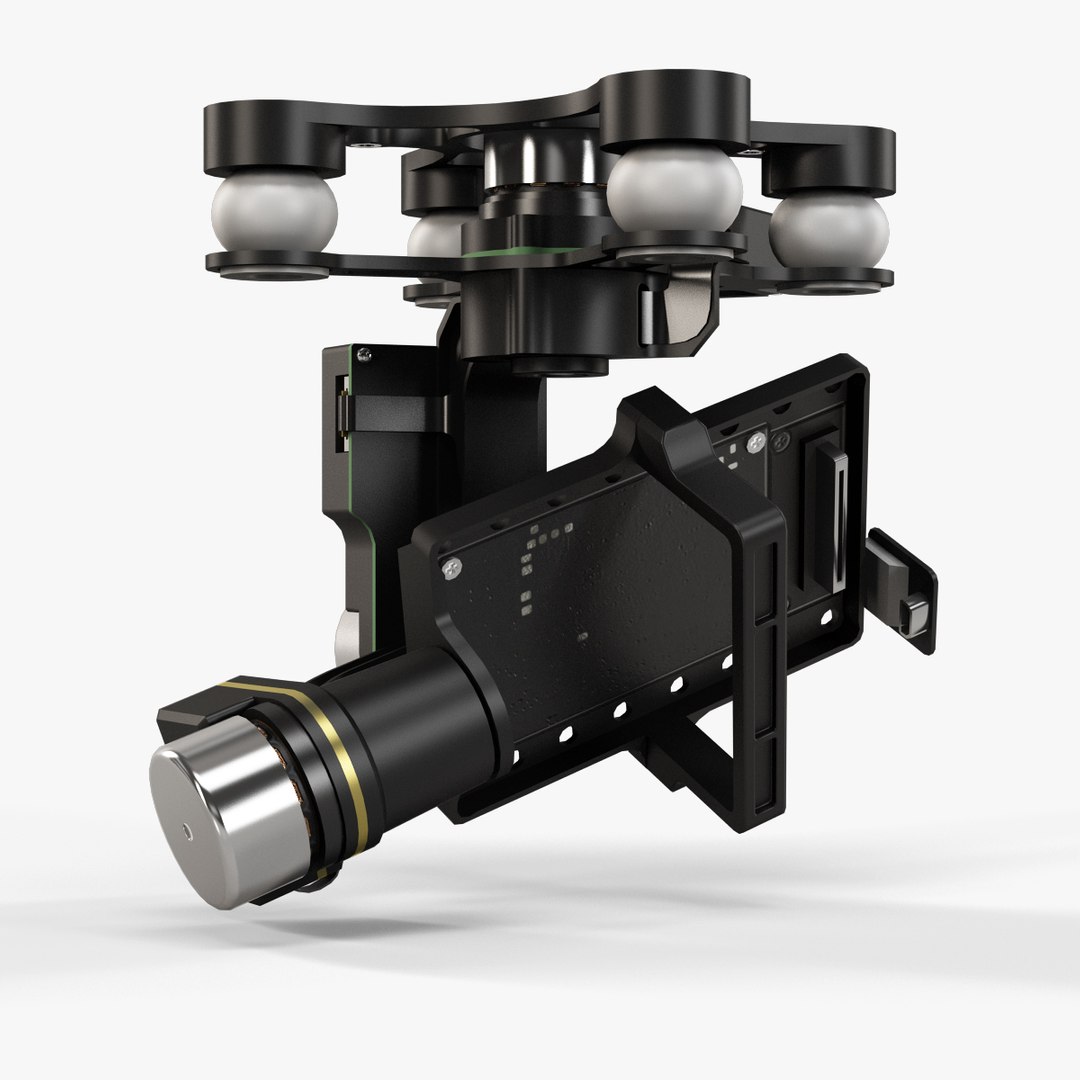
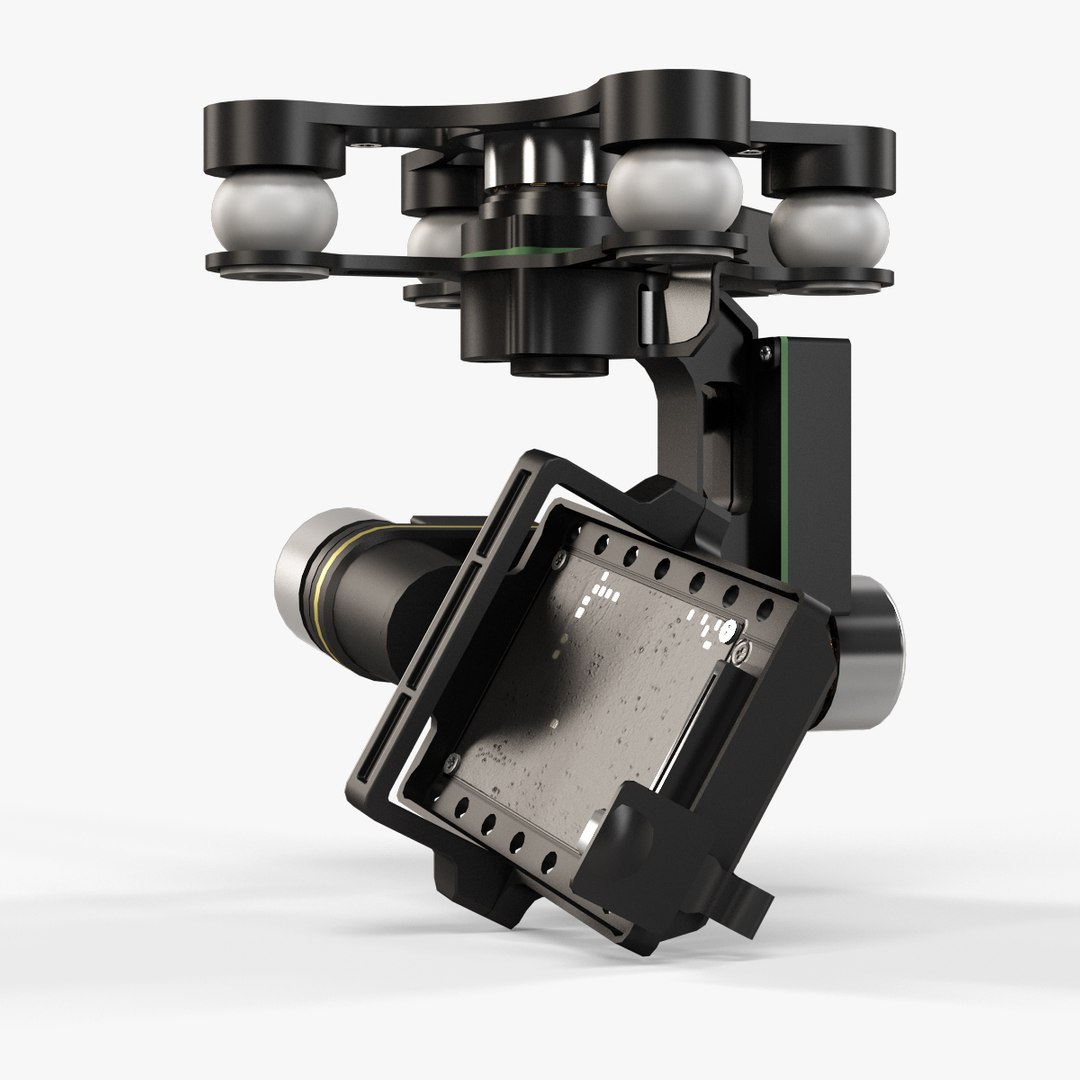
Quadricoptère DJI Phantom 2 avec GoPro HERO3

$104

Licence standard | Mettre à niveau la licence
Utilisations éditoriales uniquement
Formats (6)
Format de fichier gratuit Conversions disponibles
Native | Maya 2009 | Maya Software
3ds Max 2010 | Default Scanline
Maya 2014 | V-Ray 2.40
Collada
FBX
OBJ
Autres fichiers
DJI__Phantom_2_Quadcopter_psd.rar DJI_Zenmuse_H4-3D_psd.rar GoPro__Hero3_Camera_psd.rar
Spécifications
Date de publication June 16, 2015
ID du produit 936424
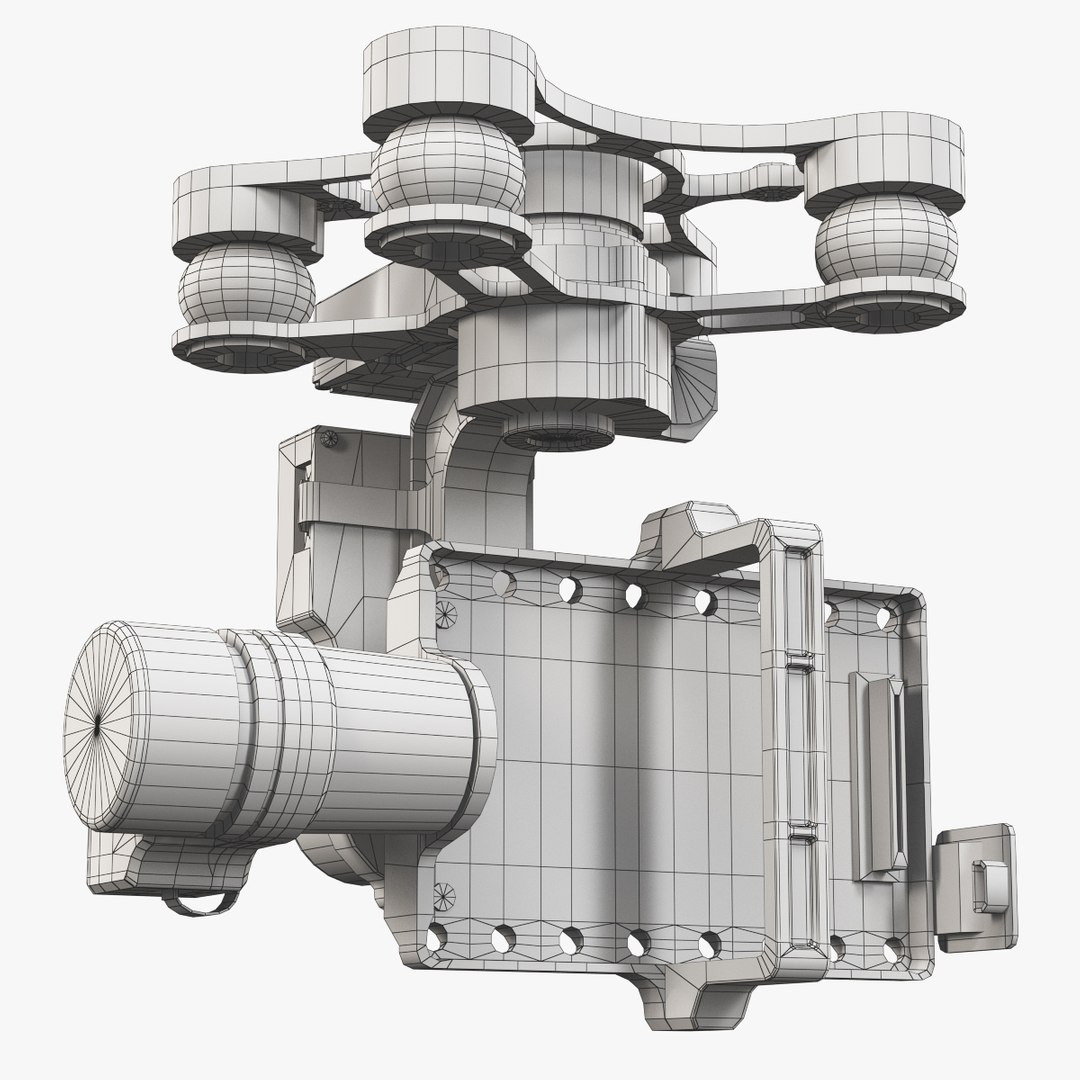
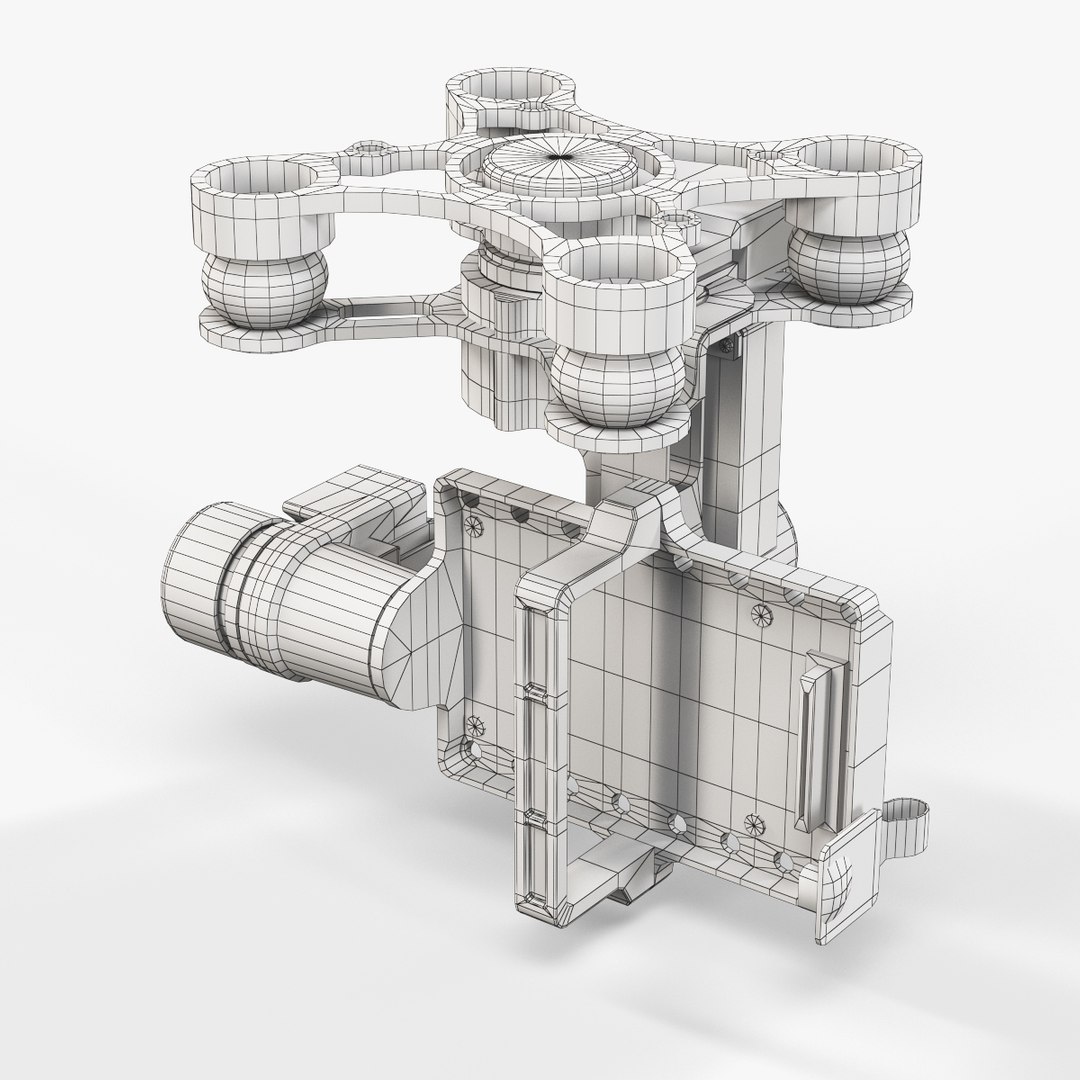
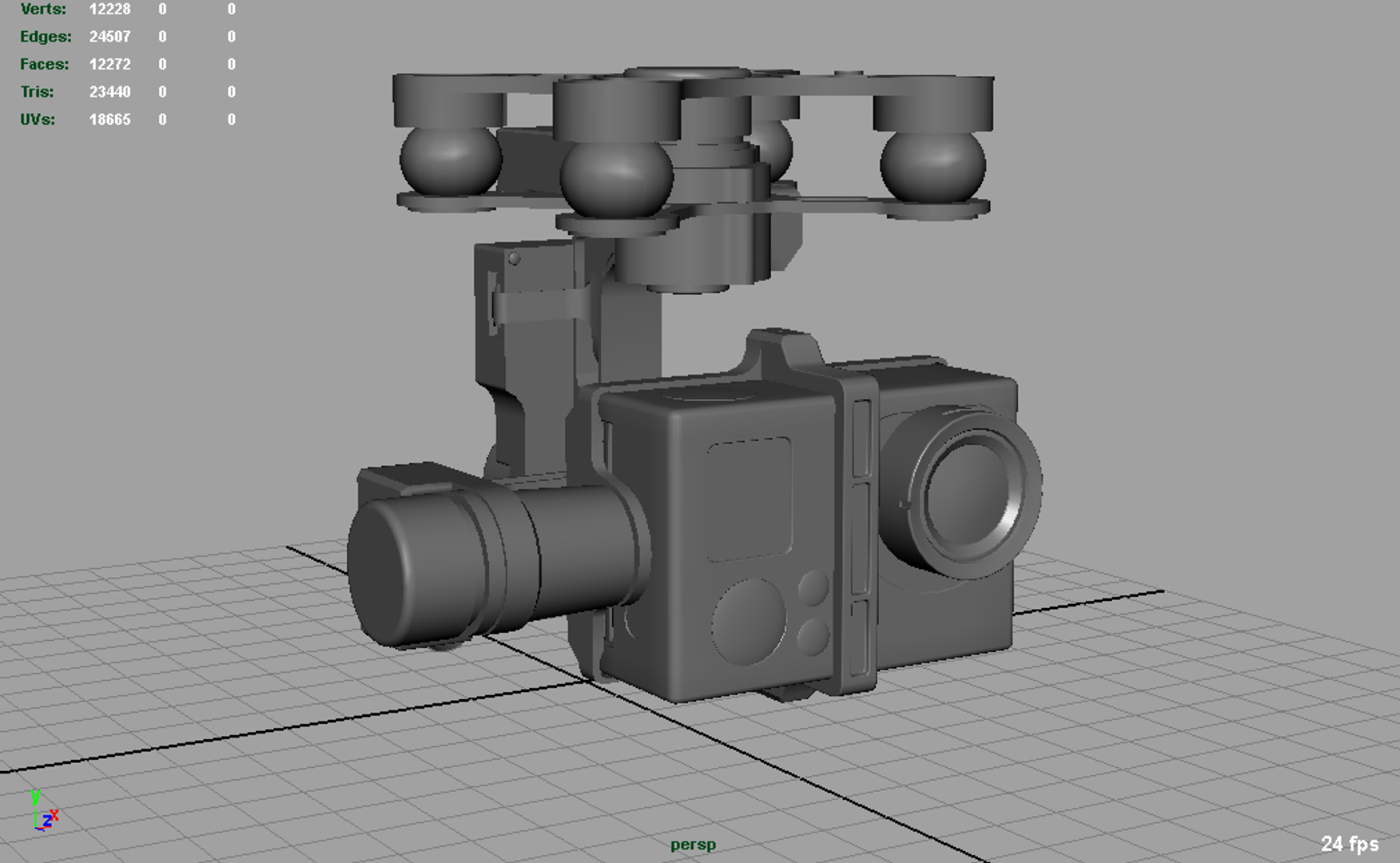
Des polygones 24,057
Sommets 23,928
Géométrie Polygonale Quads/Tris
Les textures
Matériaux
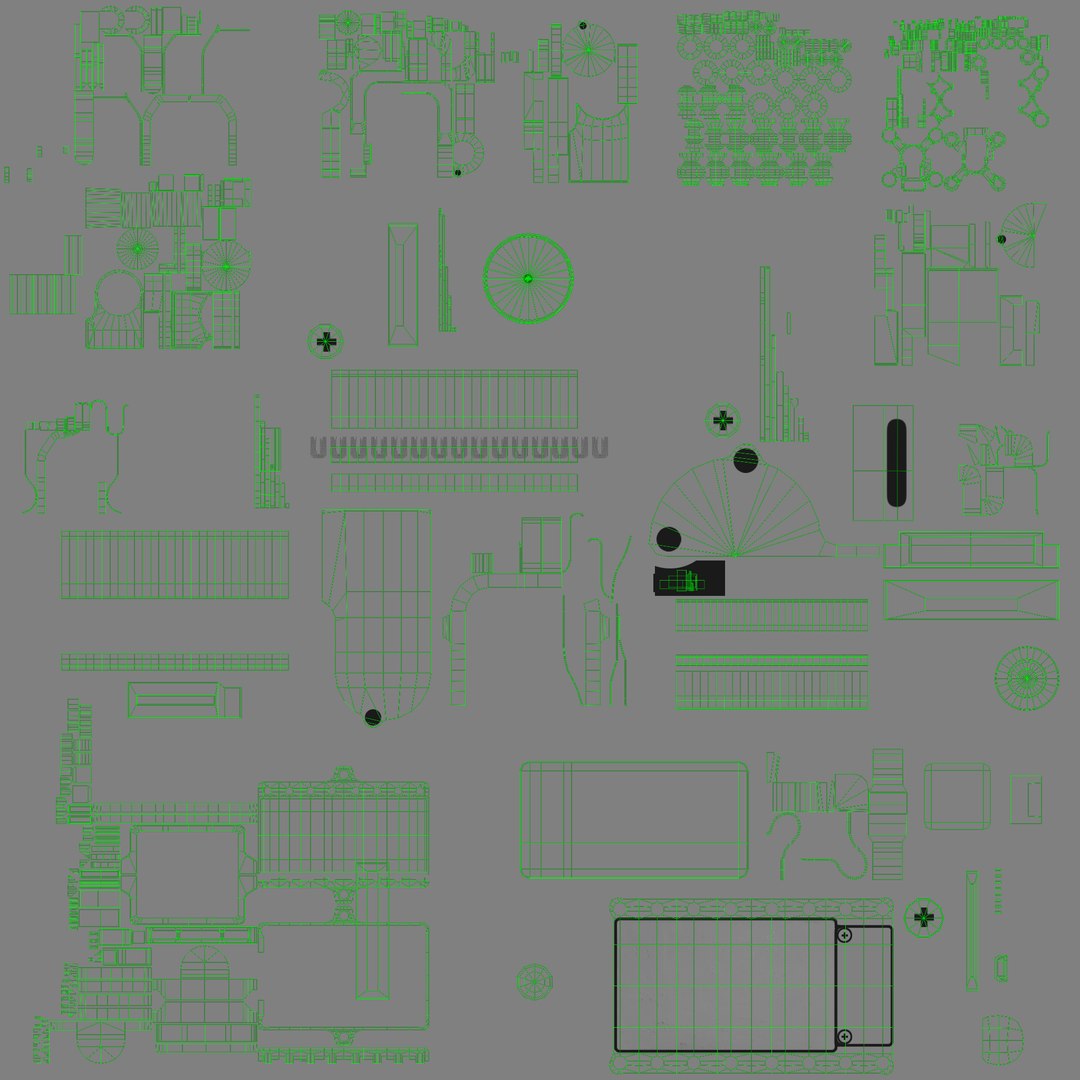
UV mappé
Chevauchement des UV non emballés
Animé

member avatar
3DOverstock
457 Des produits | Contributor Depuis 2013
Avoir des questions? Chattez avec nous maintenant.

la description


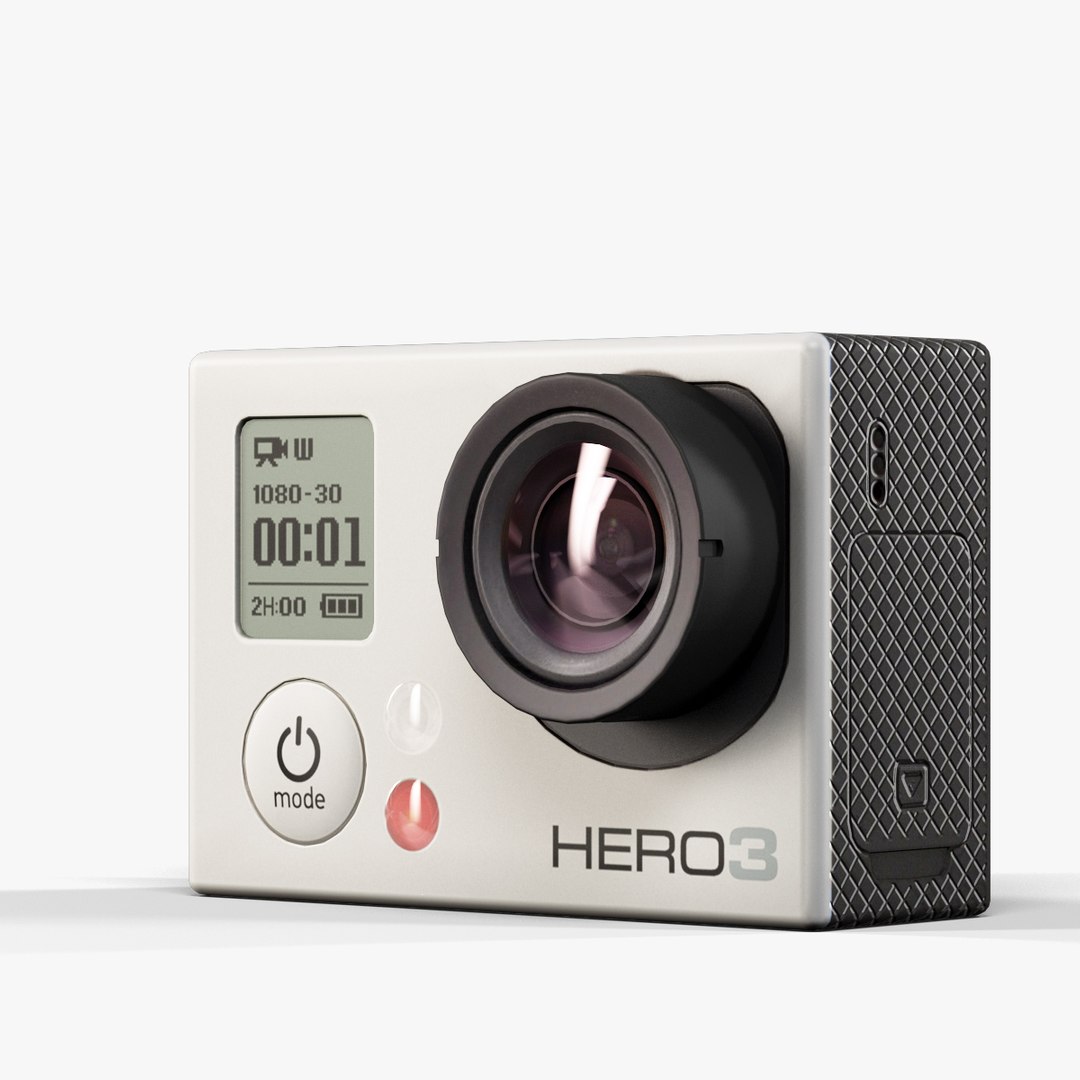
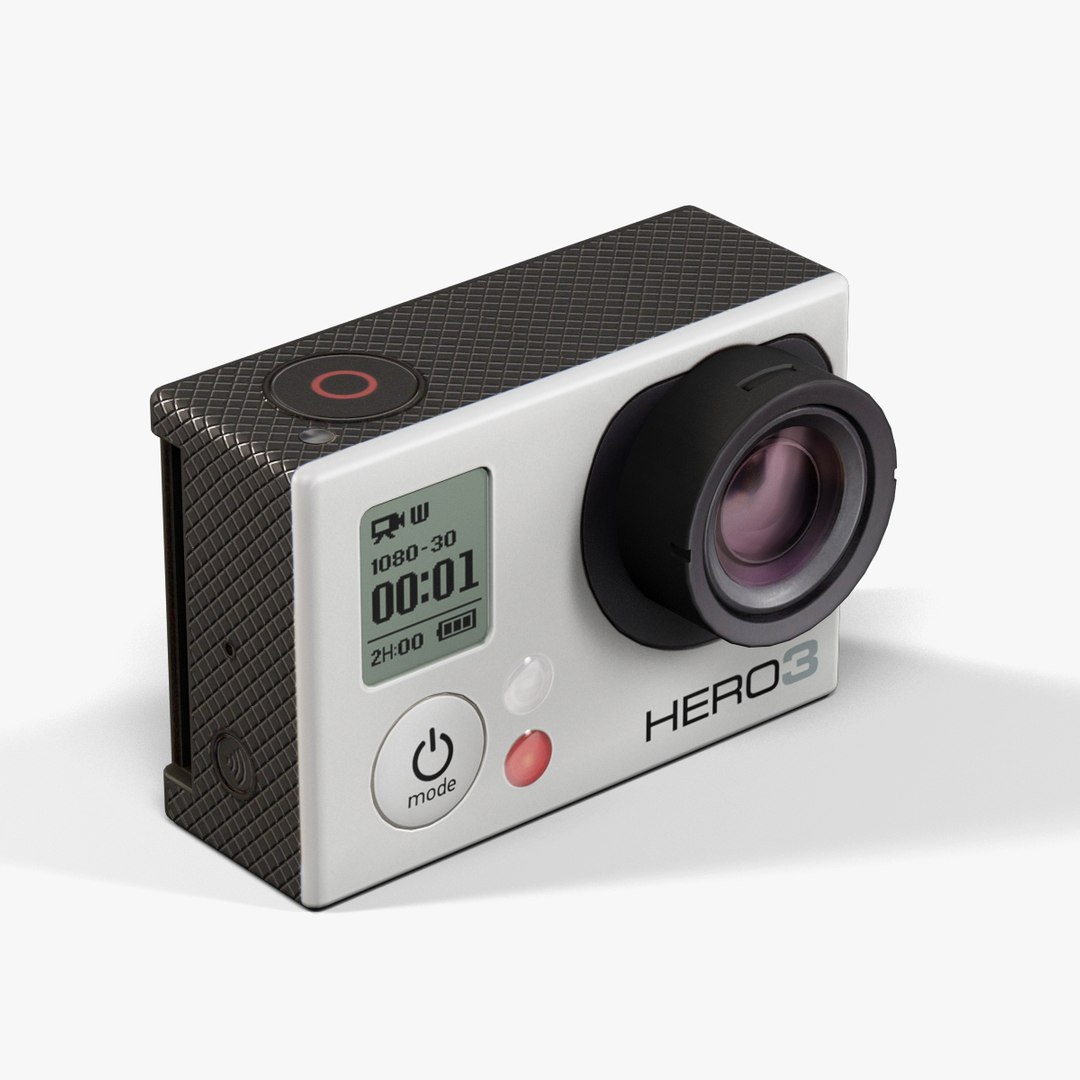
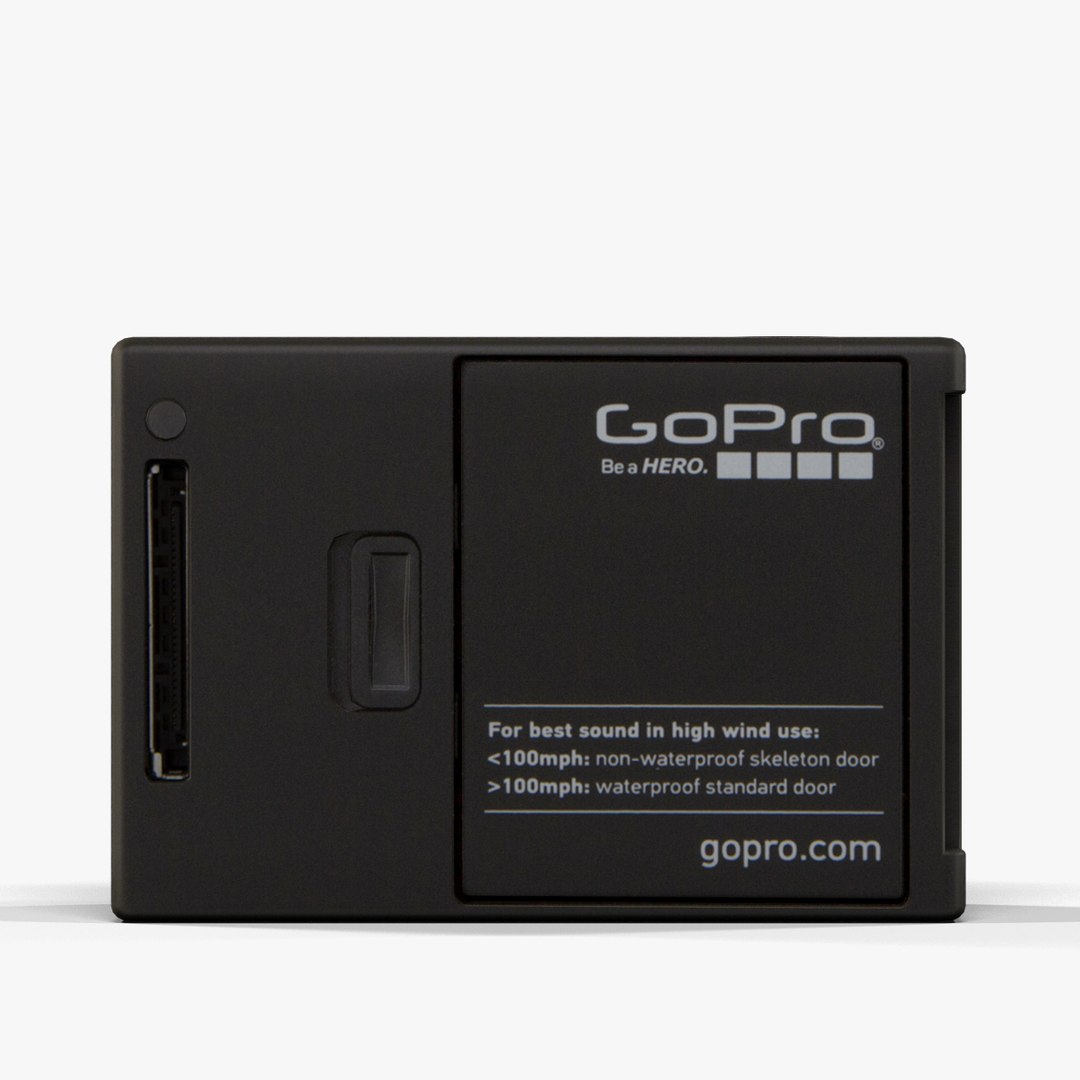
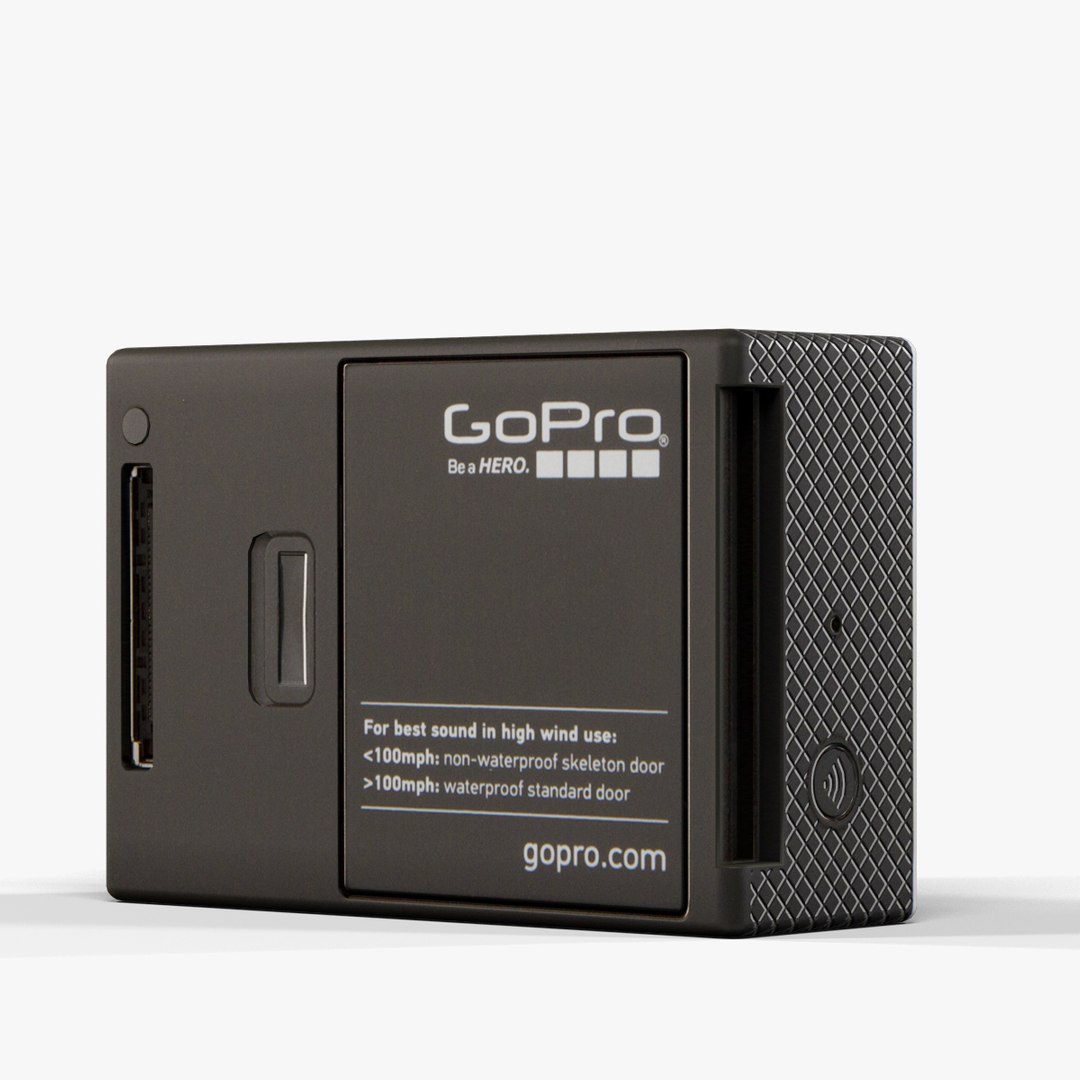
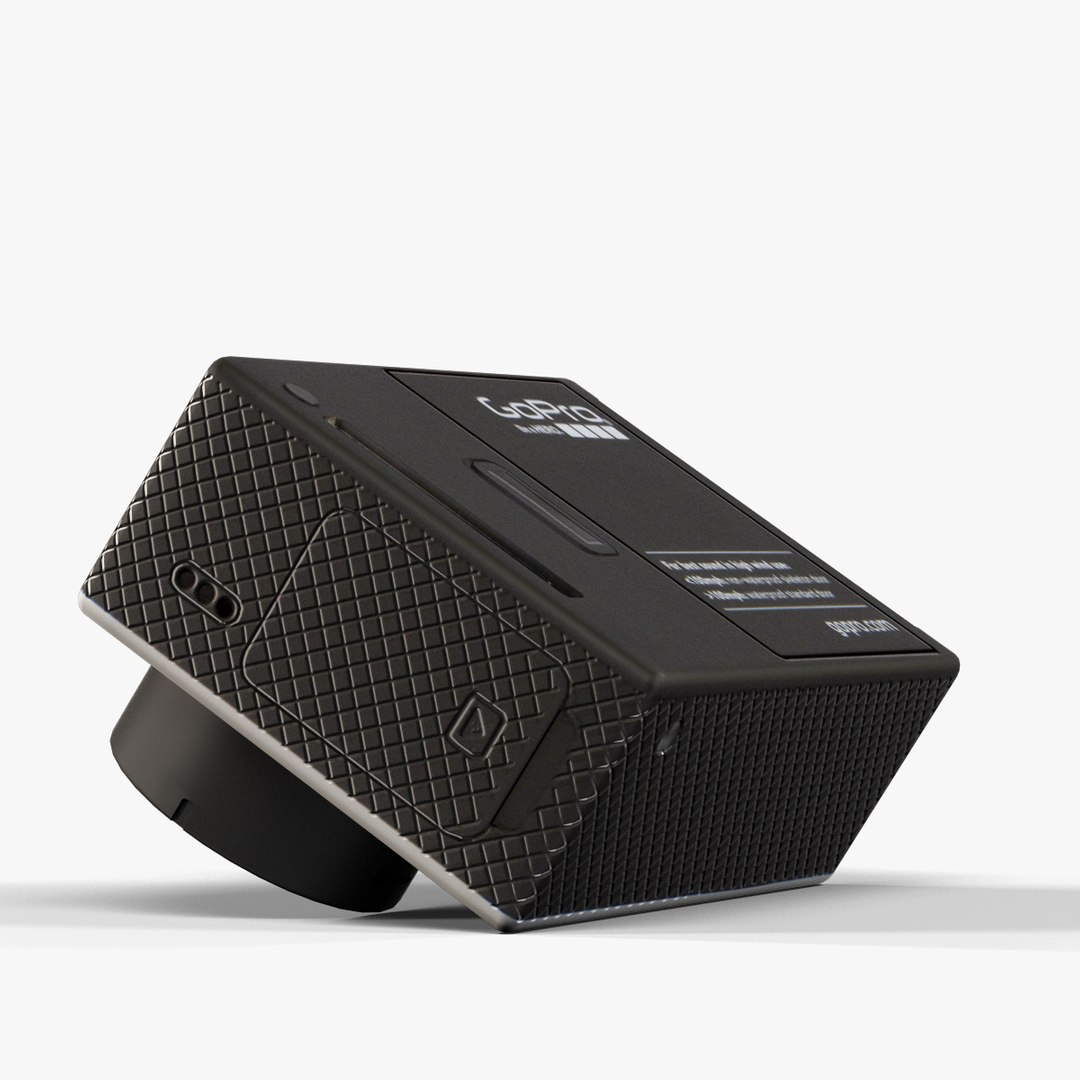
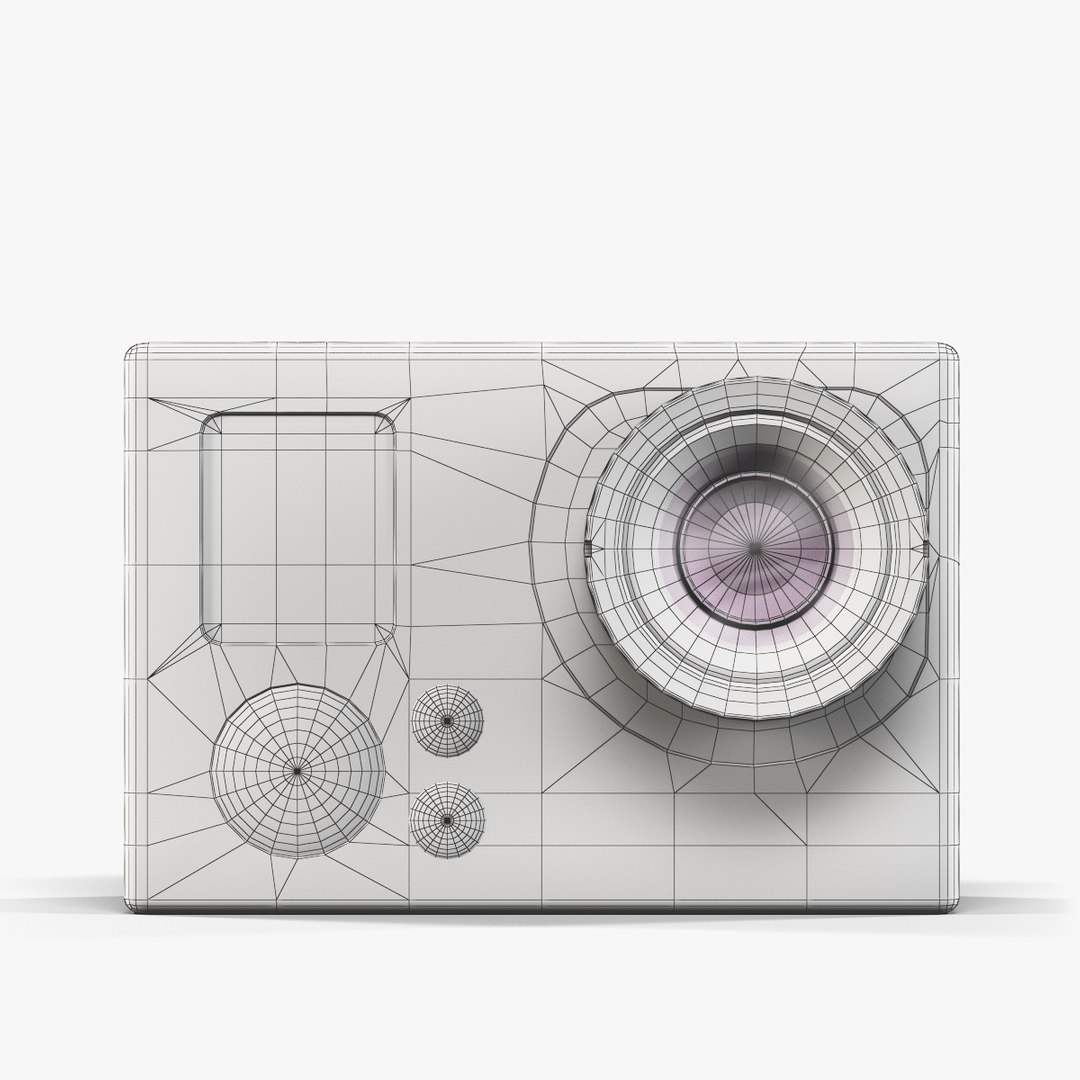
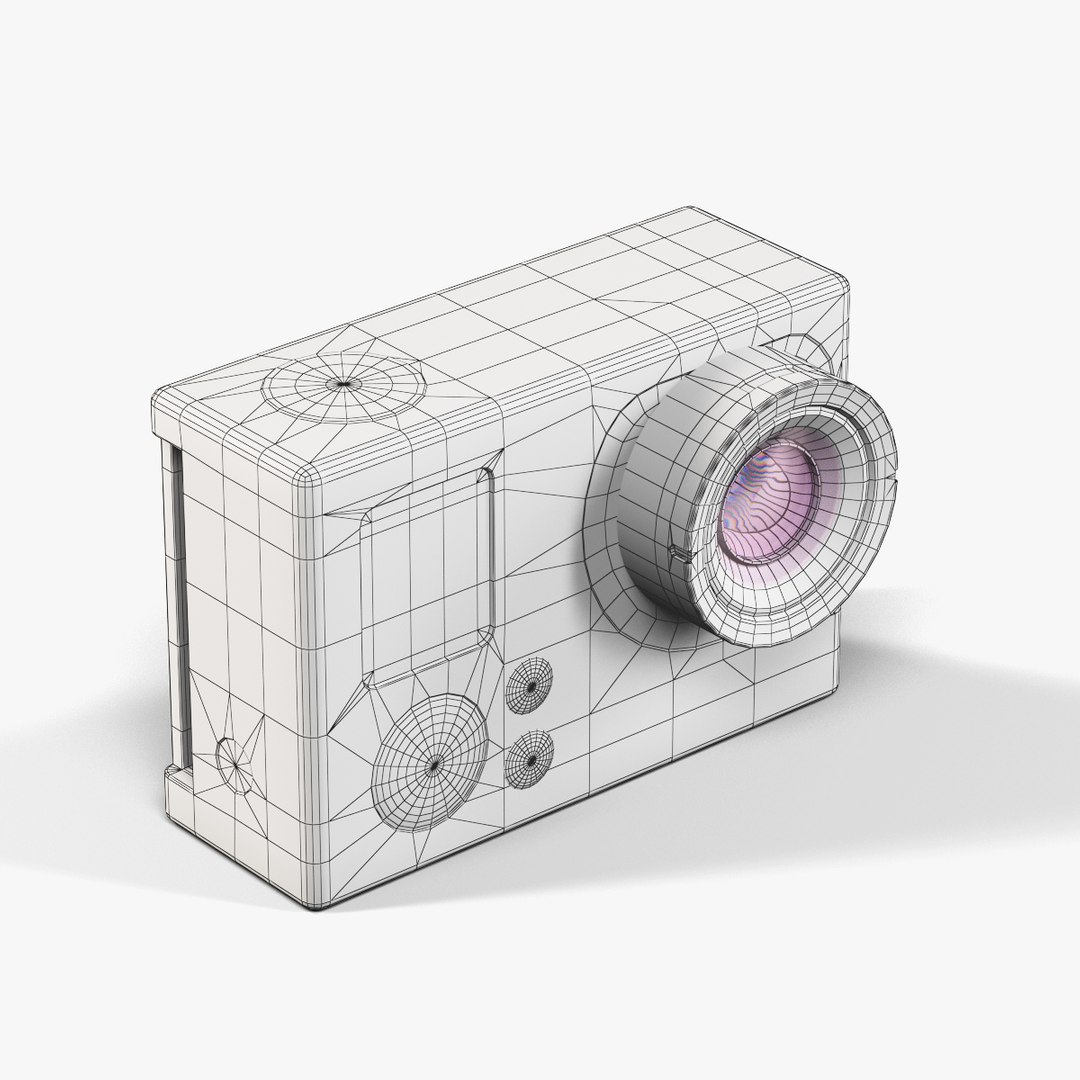
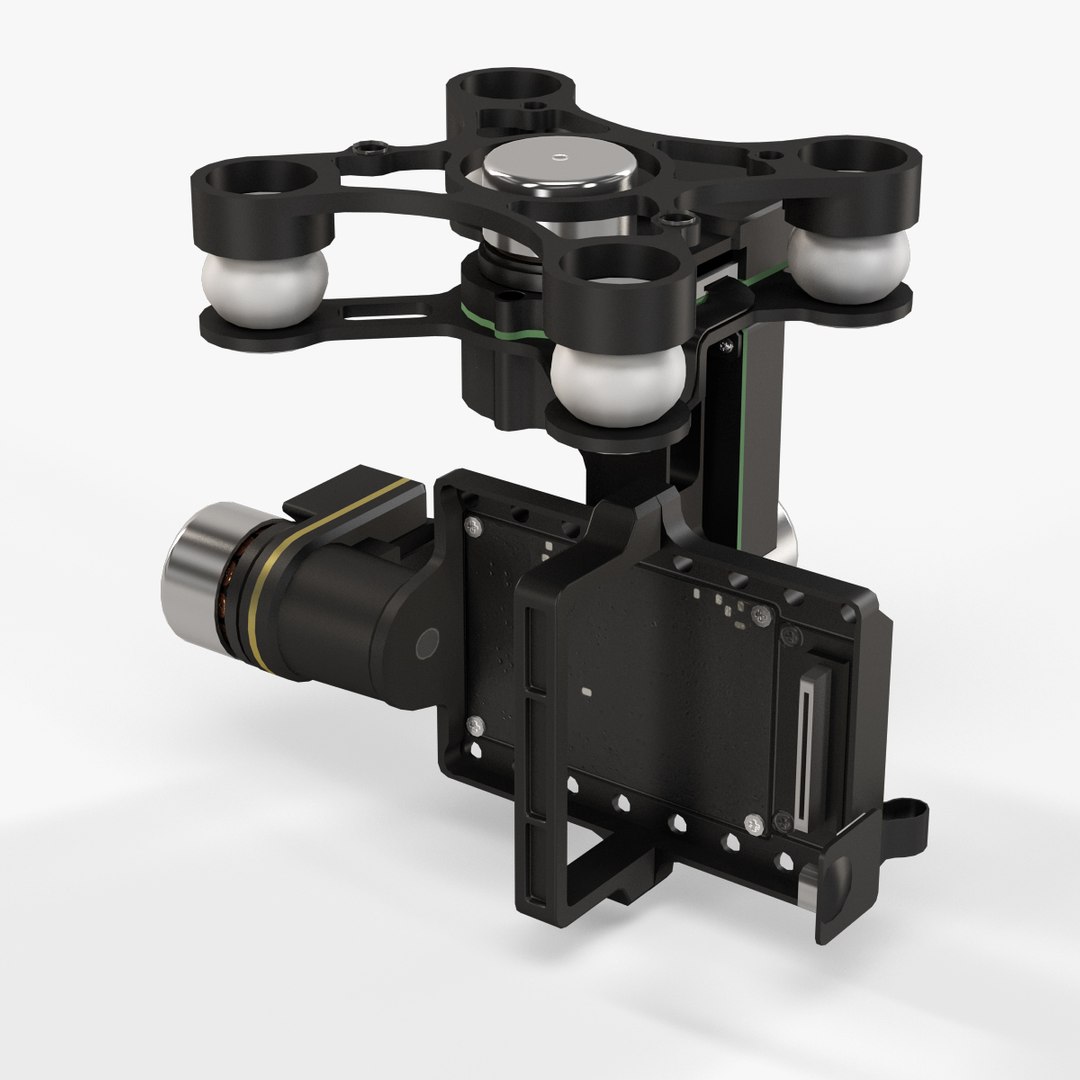
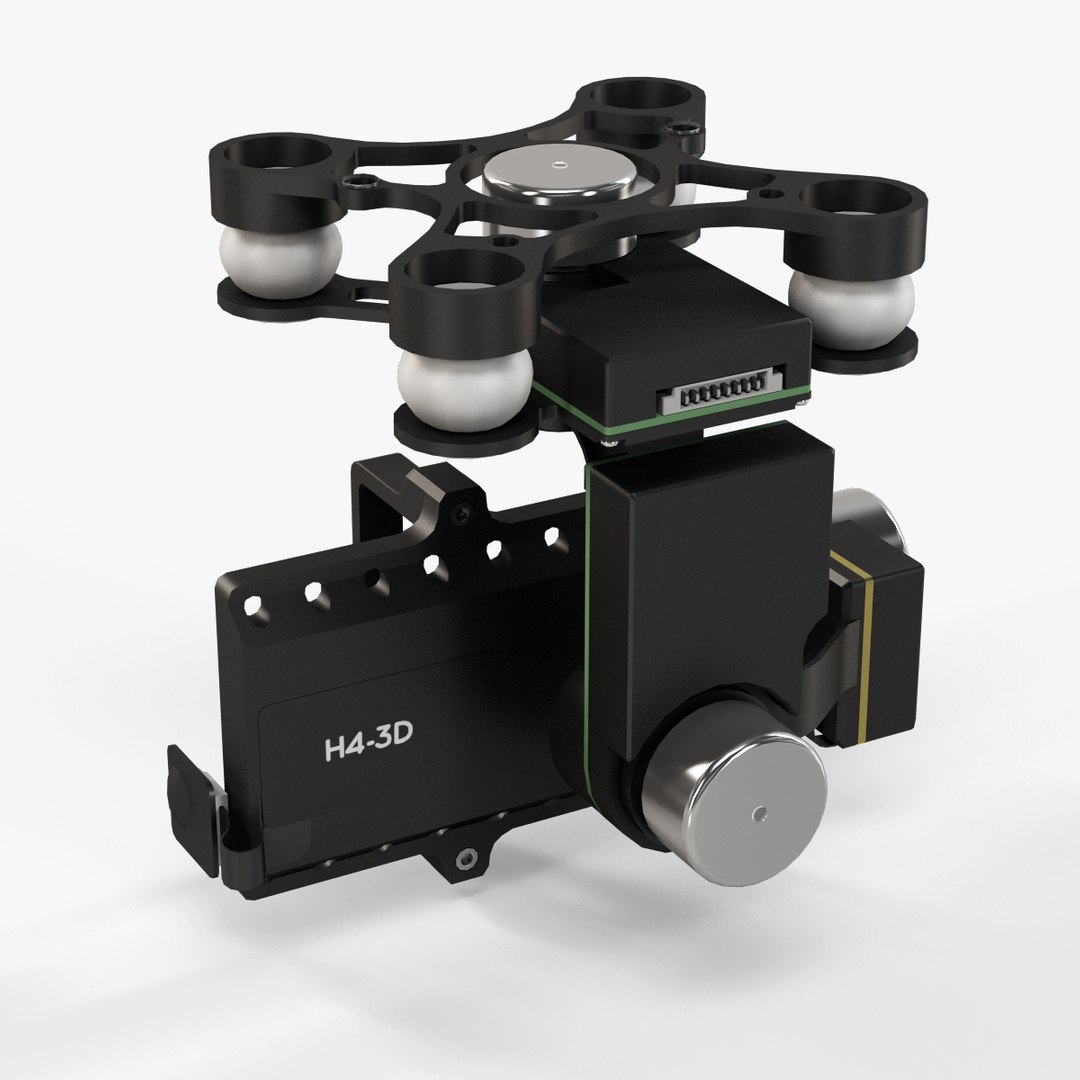
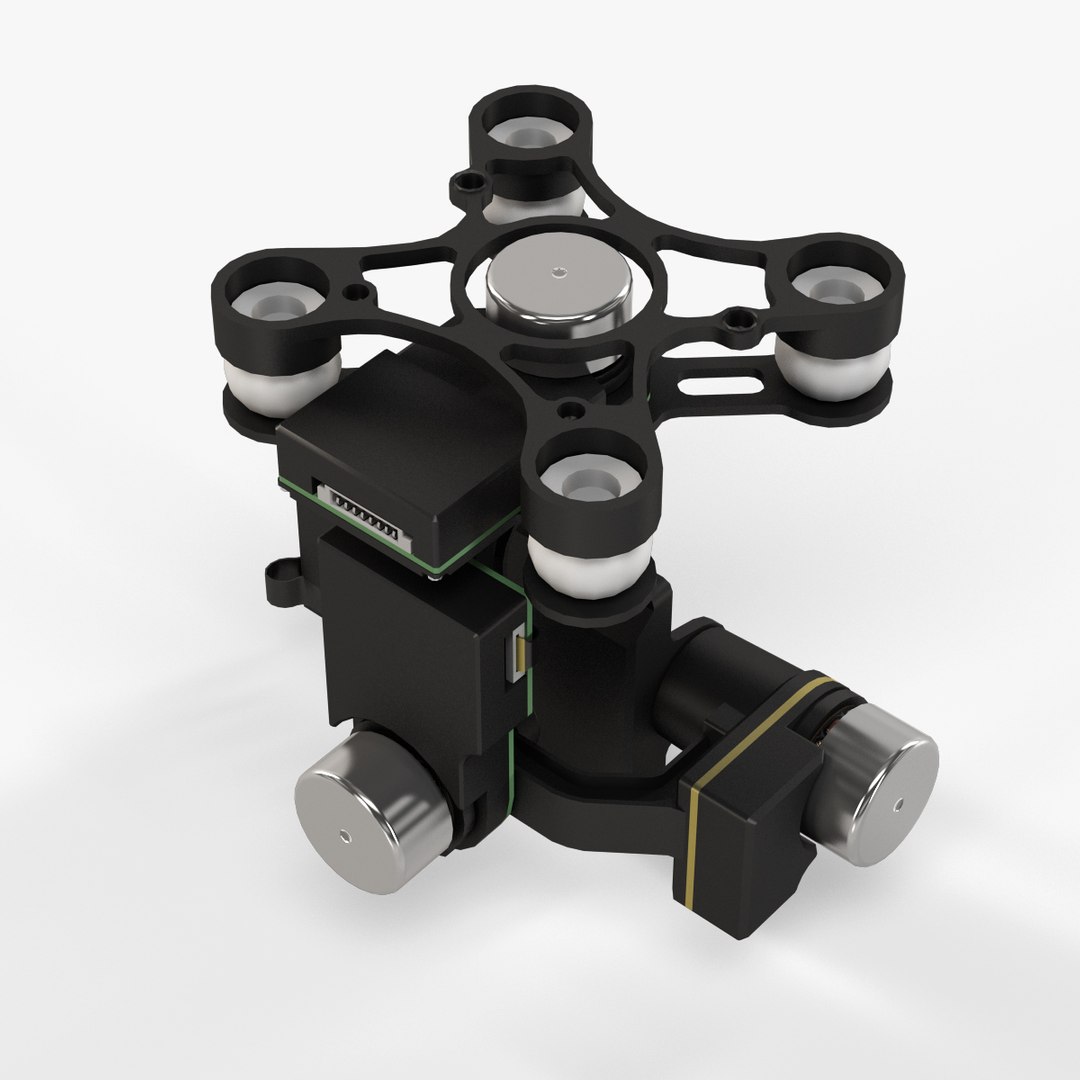
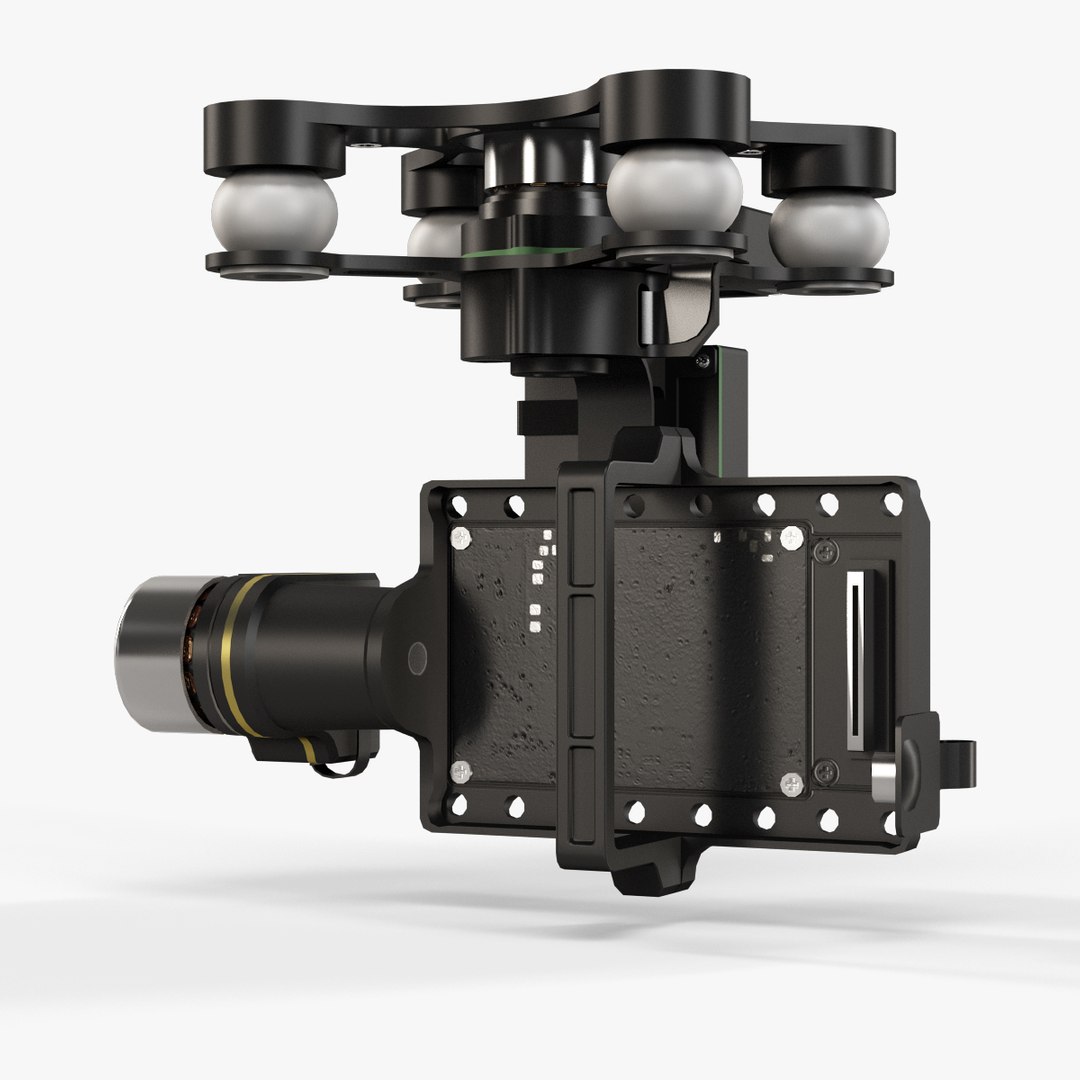
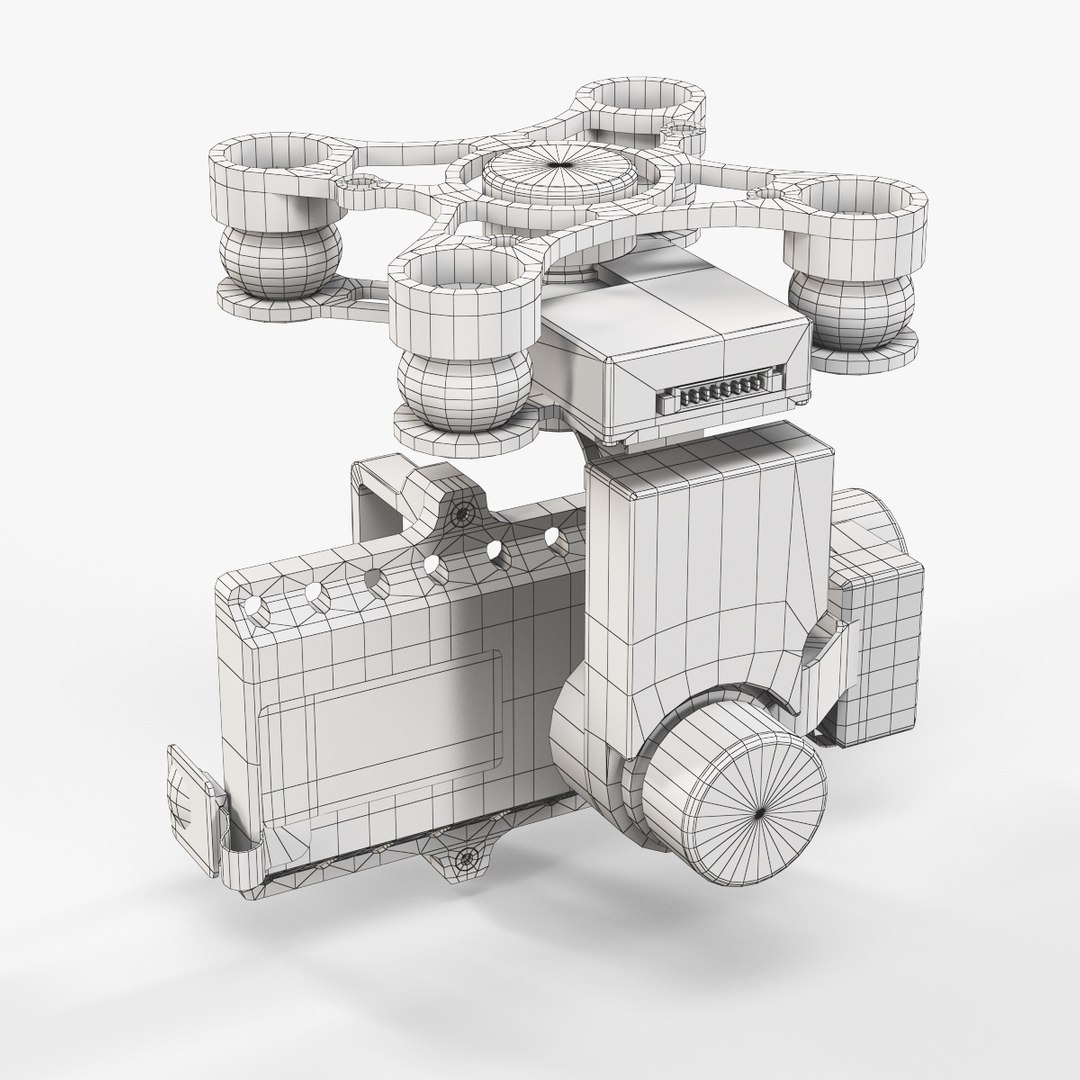
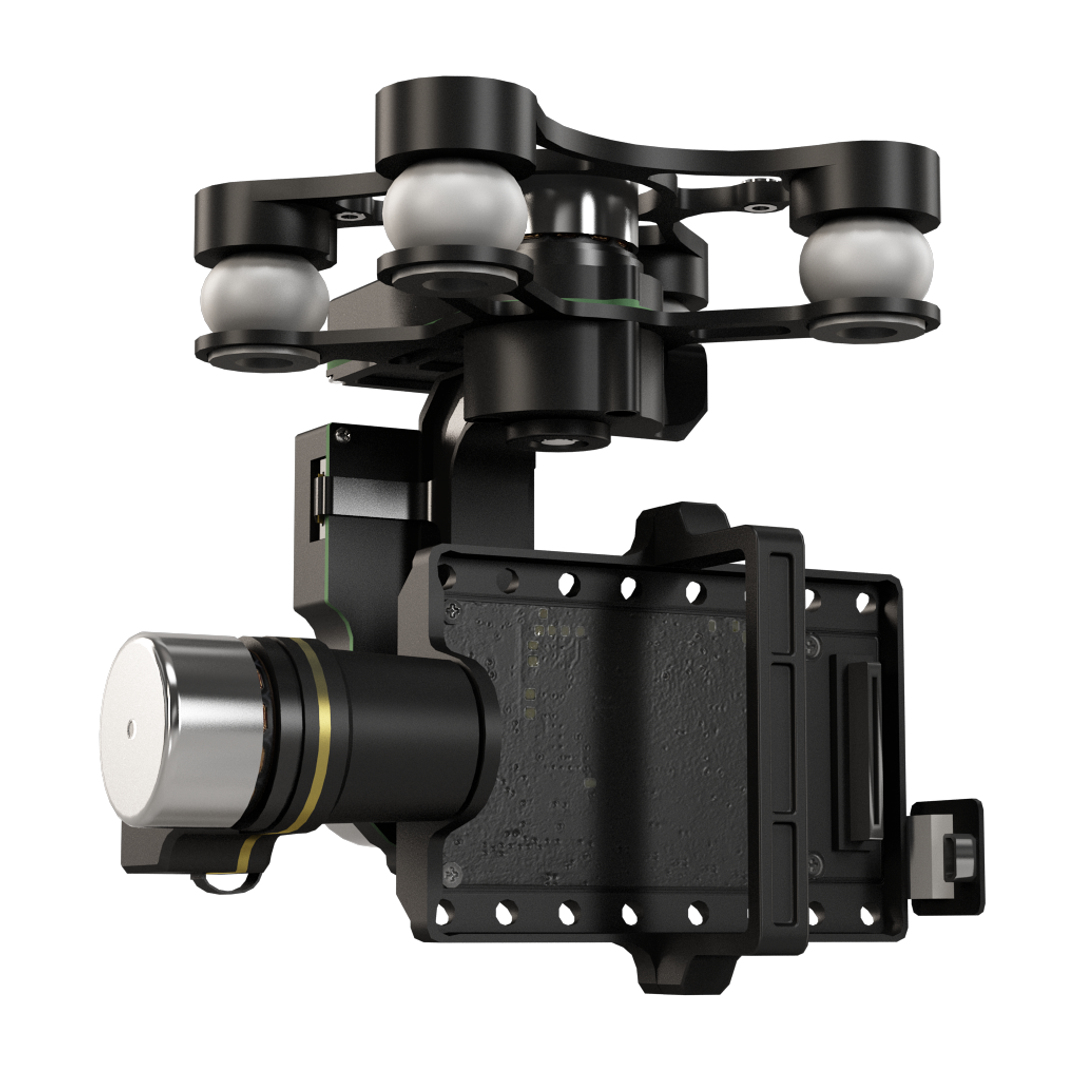
• Let me present to you high-quality low-poly 3D model DJI Phantom 2 Quadcopter with Zenmuse H4-3D gimbal for GoPro Hero3-4 and GoPro HERO3 action camera. This model can be used in various fields 3D Graphics such as game development, advertising, interior design, motion picture art, visualization, etc... Modeling was made with ortho-photos of real quadcopter, camera and gimbal that is why all details of design are recreated most authentically.

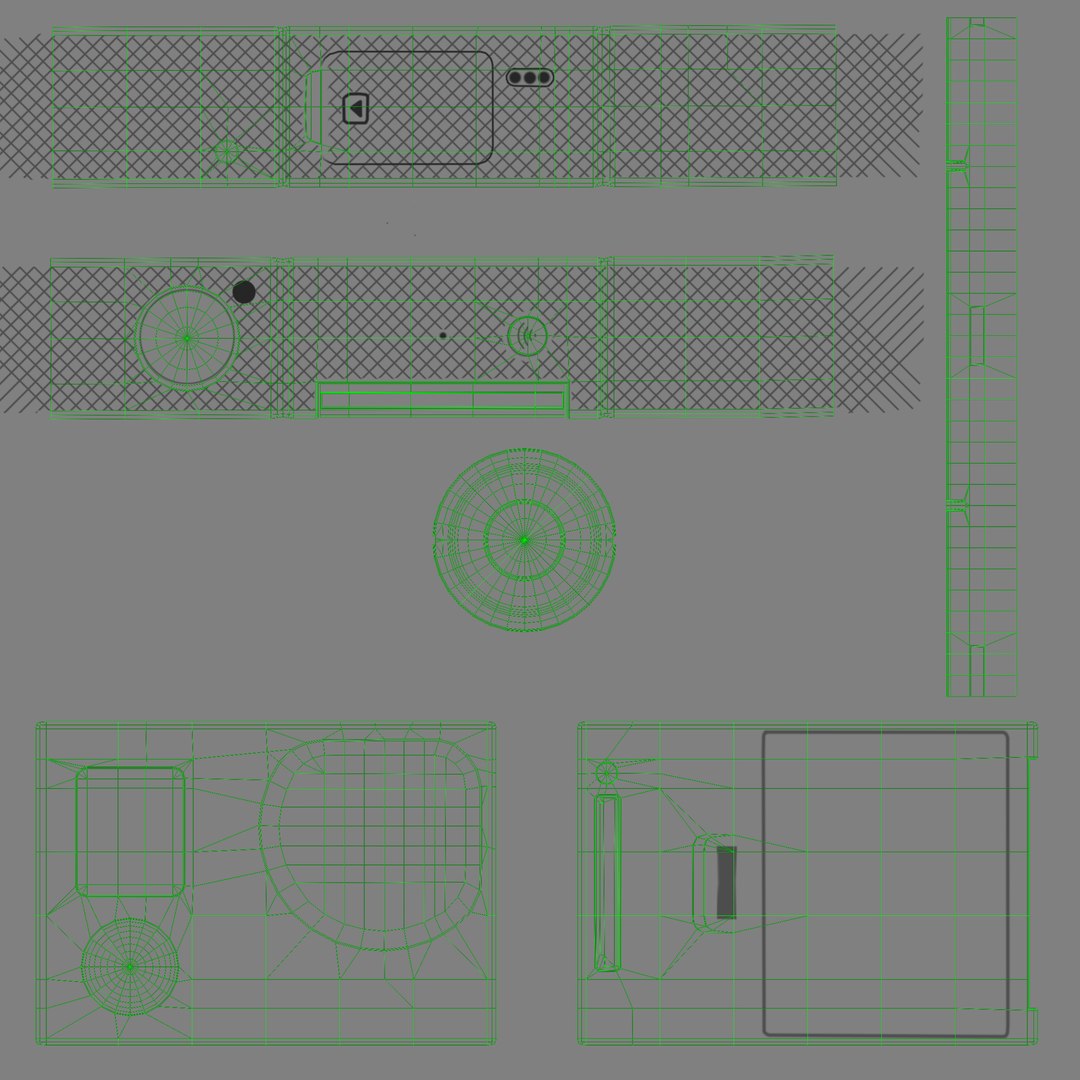
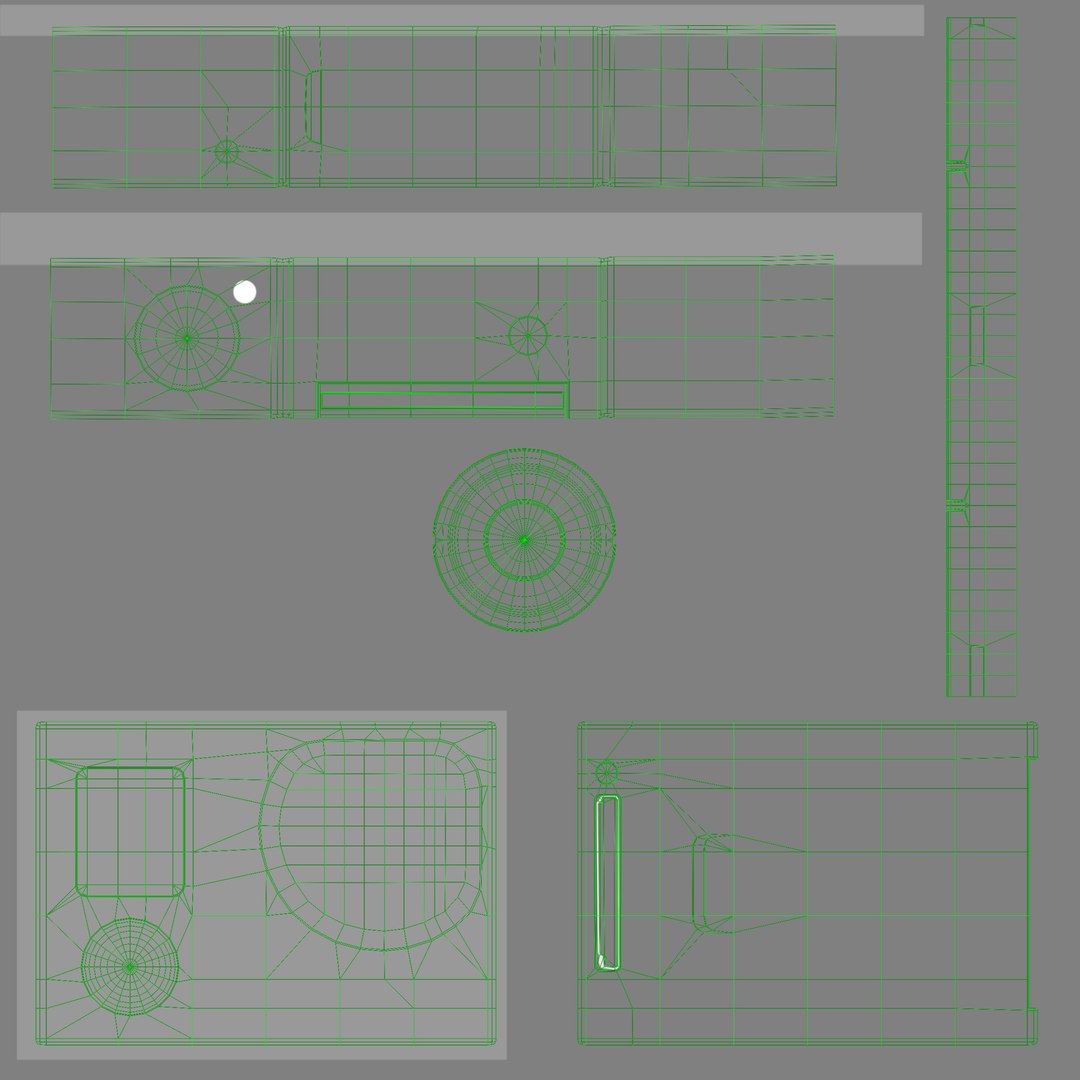
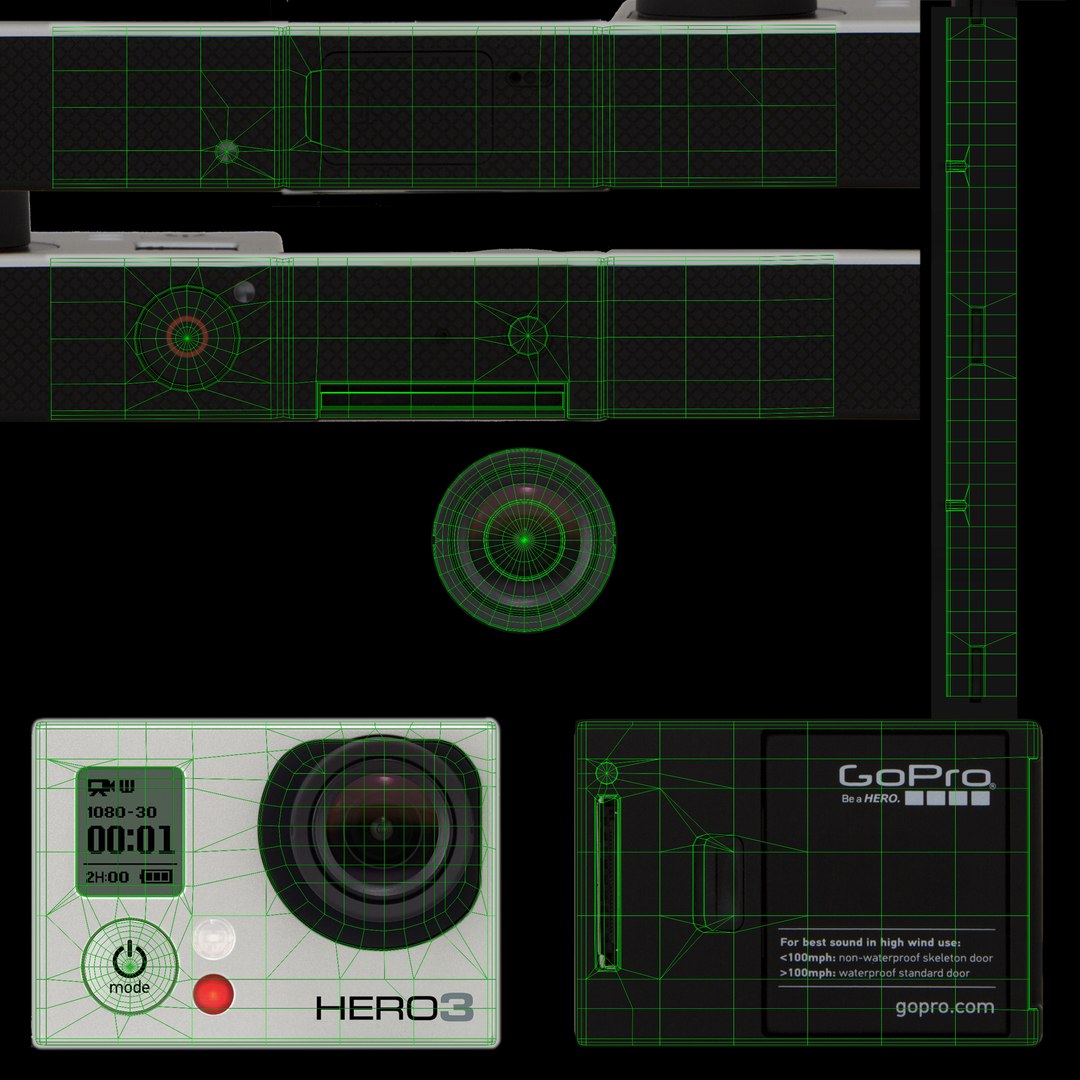
• Ease of use consists of a few meshes, it is low-polygonal and it has four materials. One material for glass lens on camera, one for quadcopter, one for gimbal and one for camera.

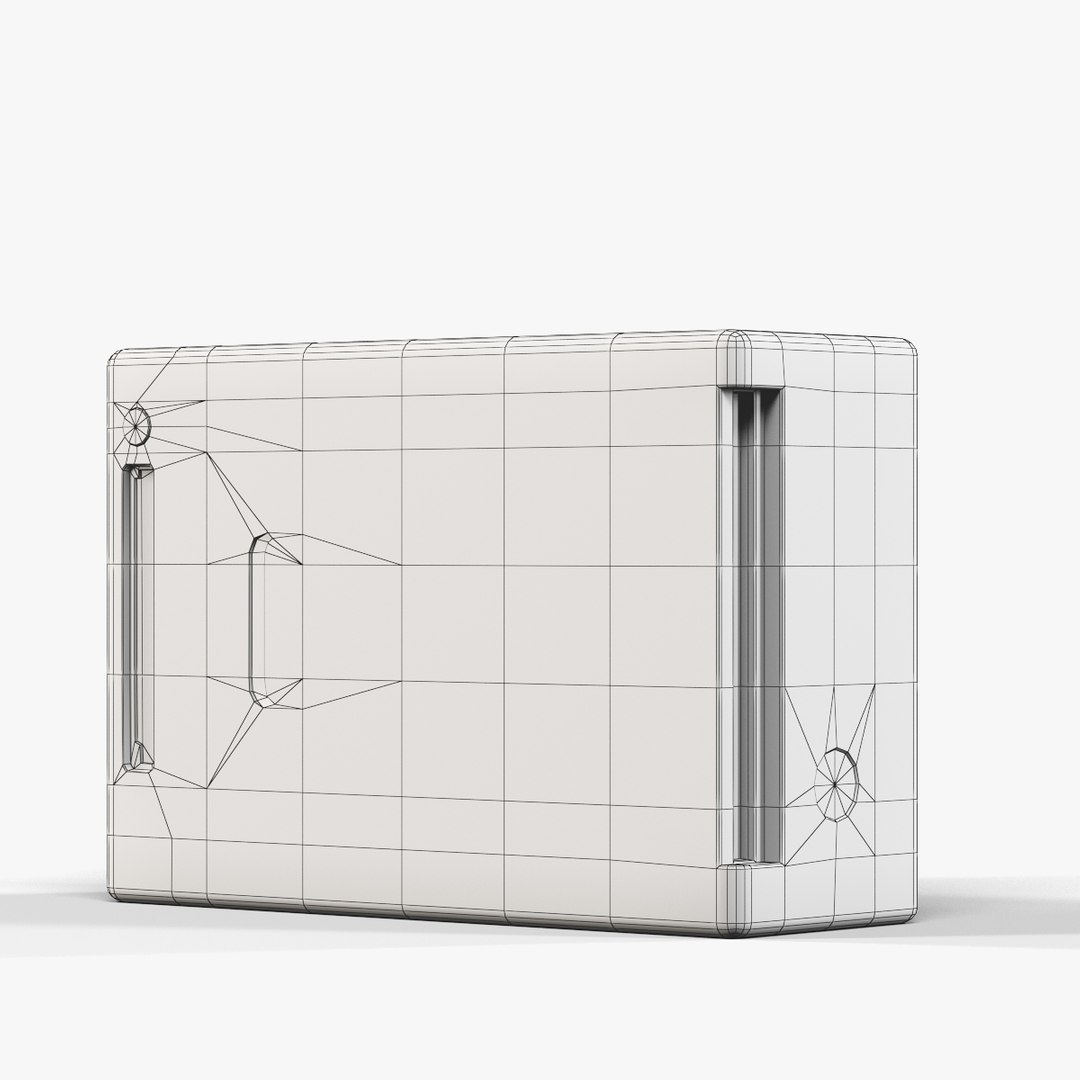
• The well topology of low-poly model with combination of detailed textures allows to get the best quality with a minimum number of polygons, which can be enough even for closeup.

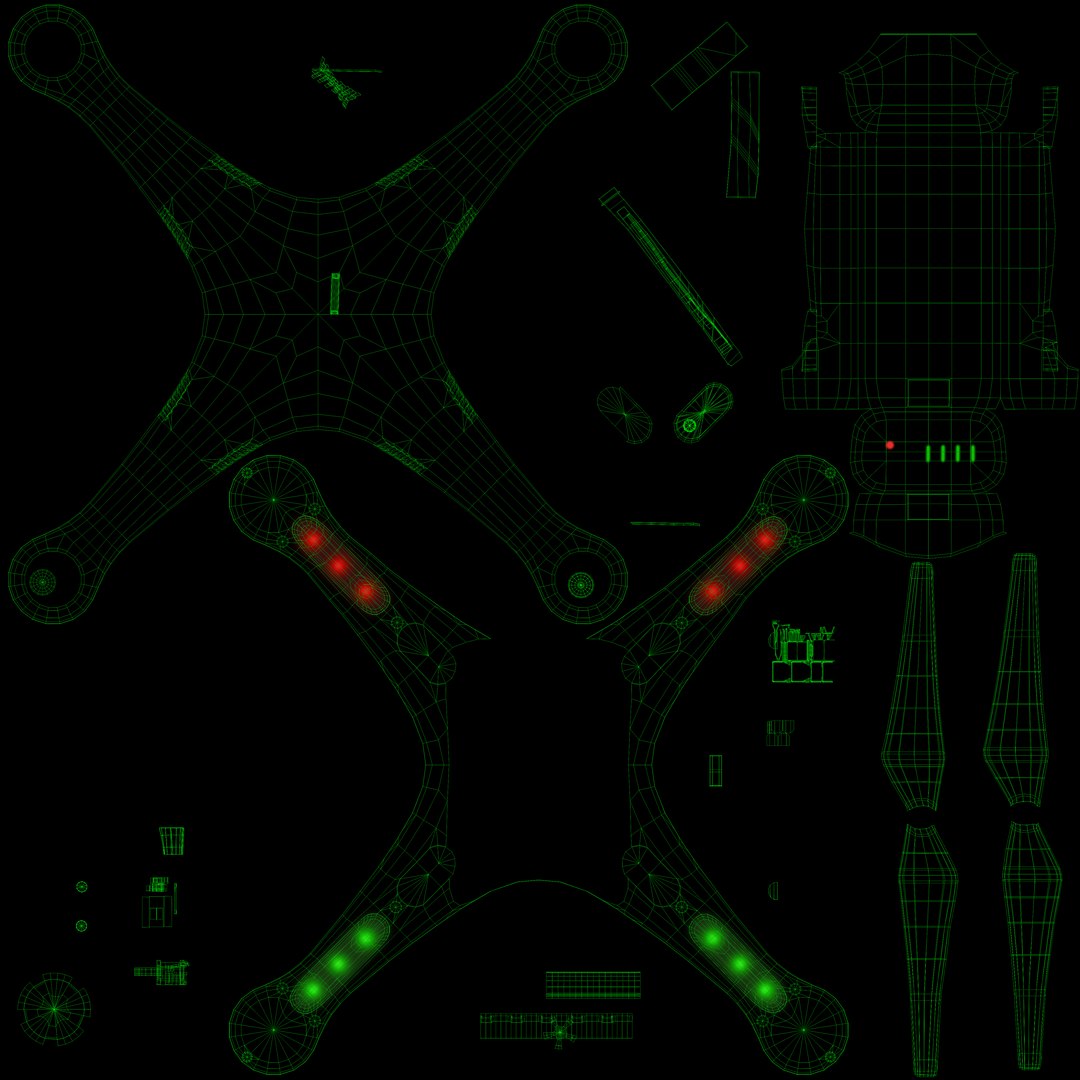
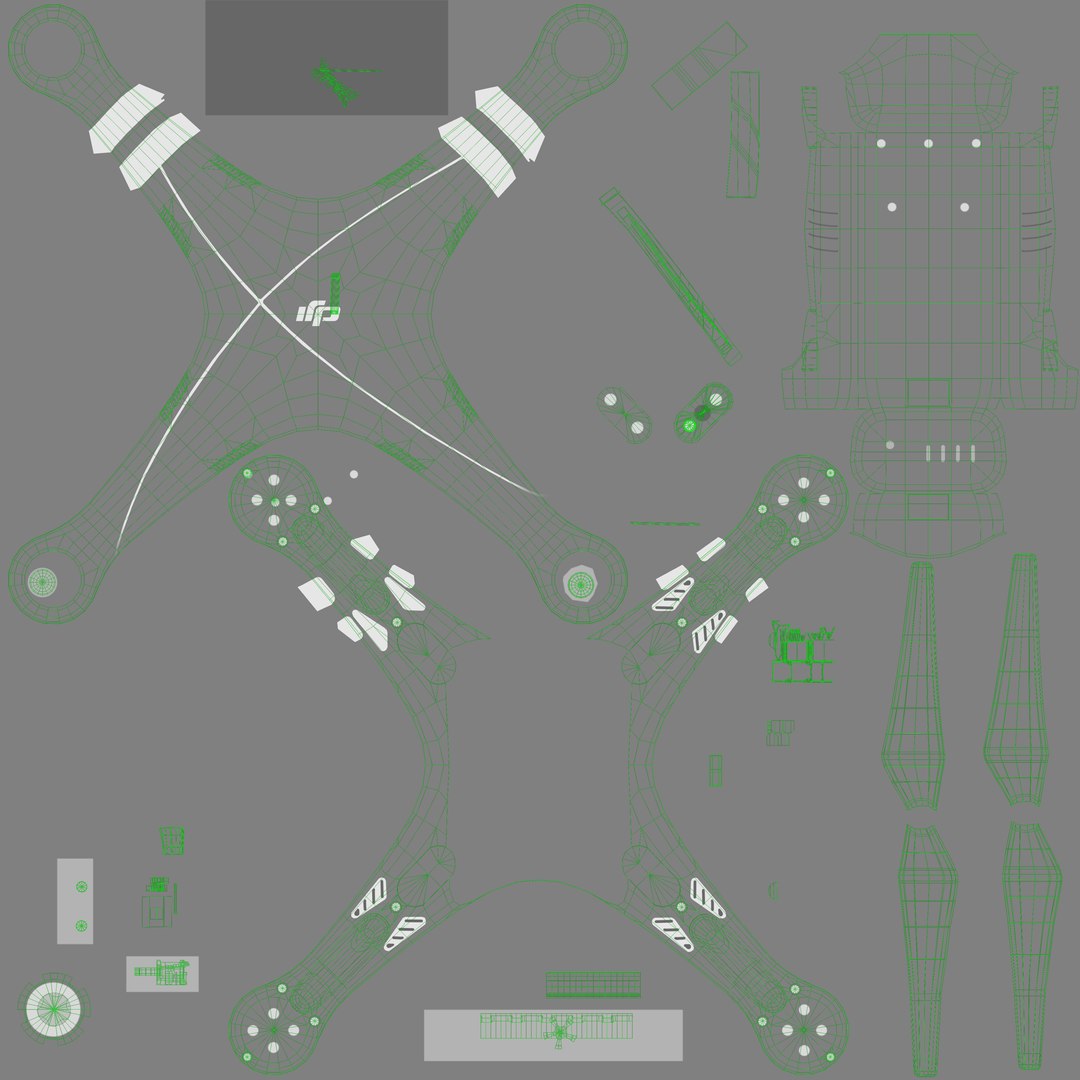
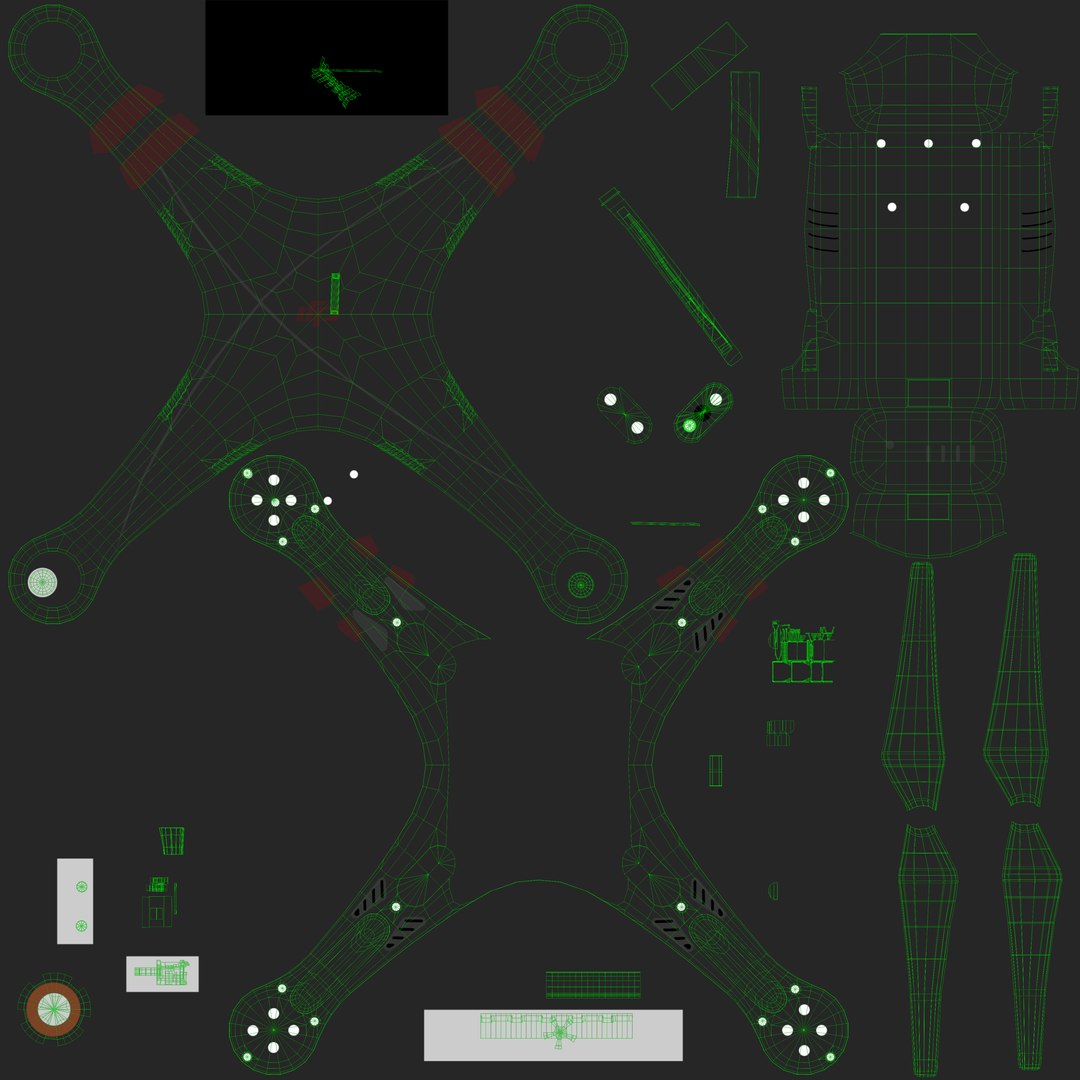
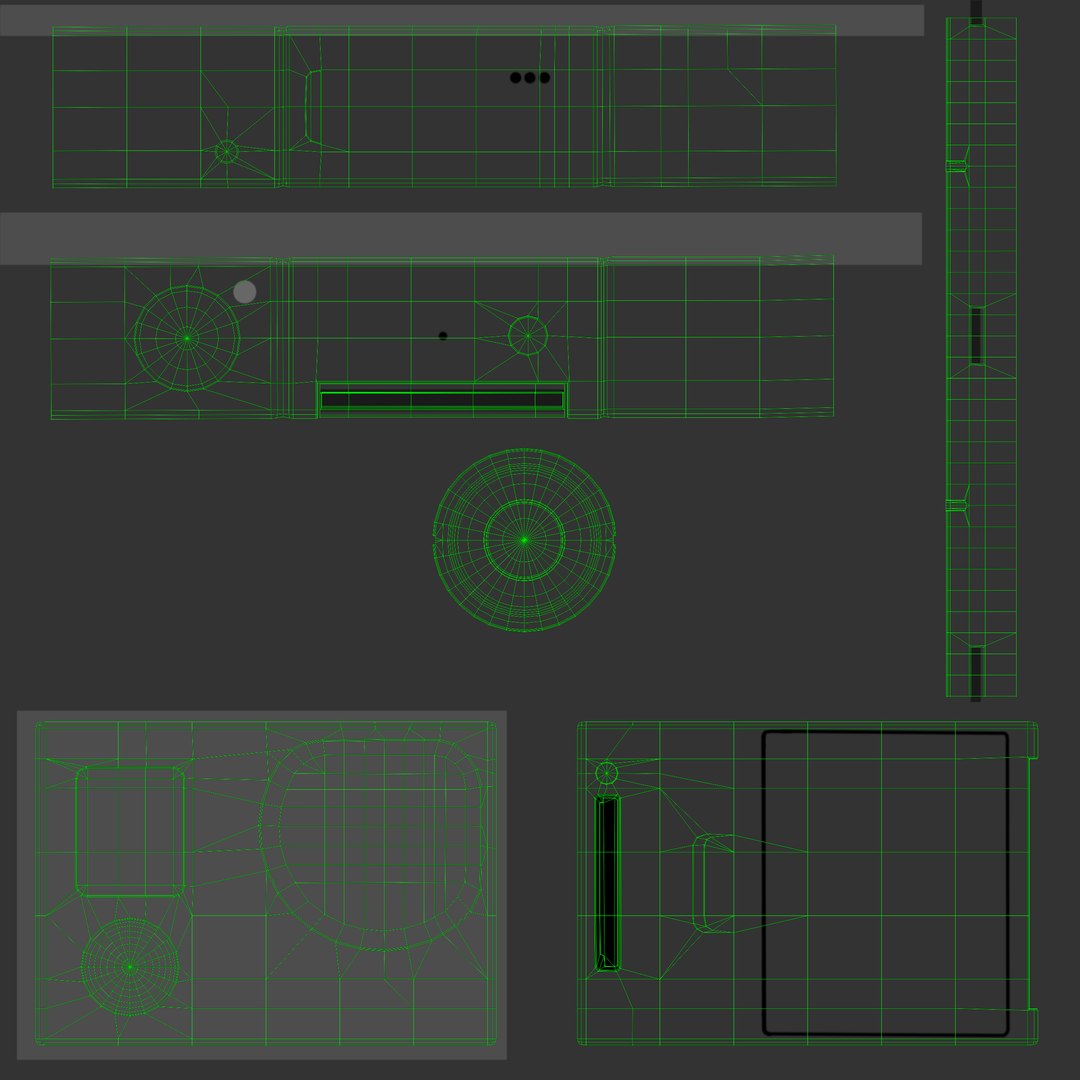
• To increase advanced realism these textures are used - Specular, Glossiness, Bump and Emission for the luminous elements of the model (For example, screens, indicators, etc.). If you use V-Ray renderer and V-Ray MTL materials set “BRDF Type” as “Phong” for correct glossiness effect. For correct reflecting effect you need to set “Use Fresnel” and “Fresnel IOR” is 5. For the best Bump depth we set “Bump Multiplier” is 0.1 - 0.2.

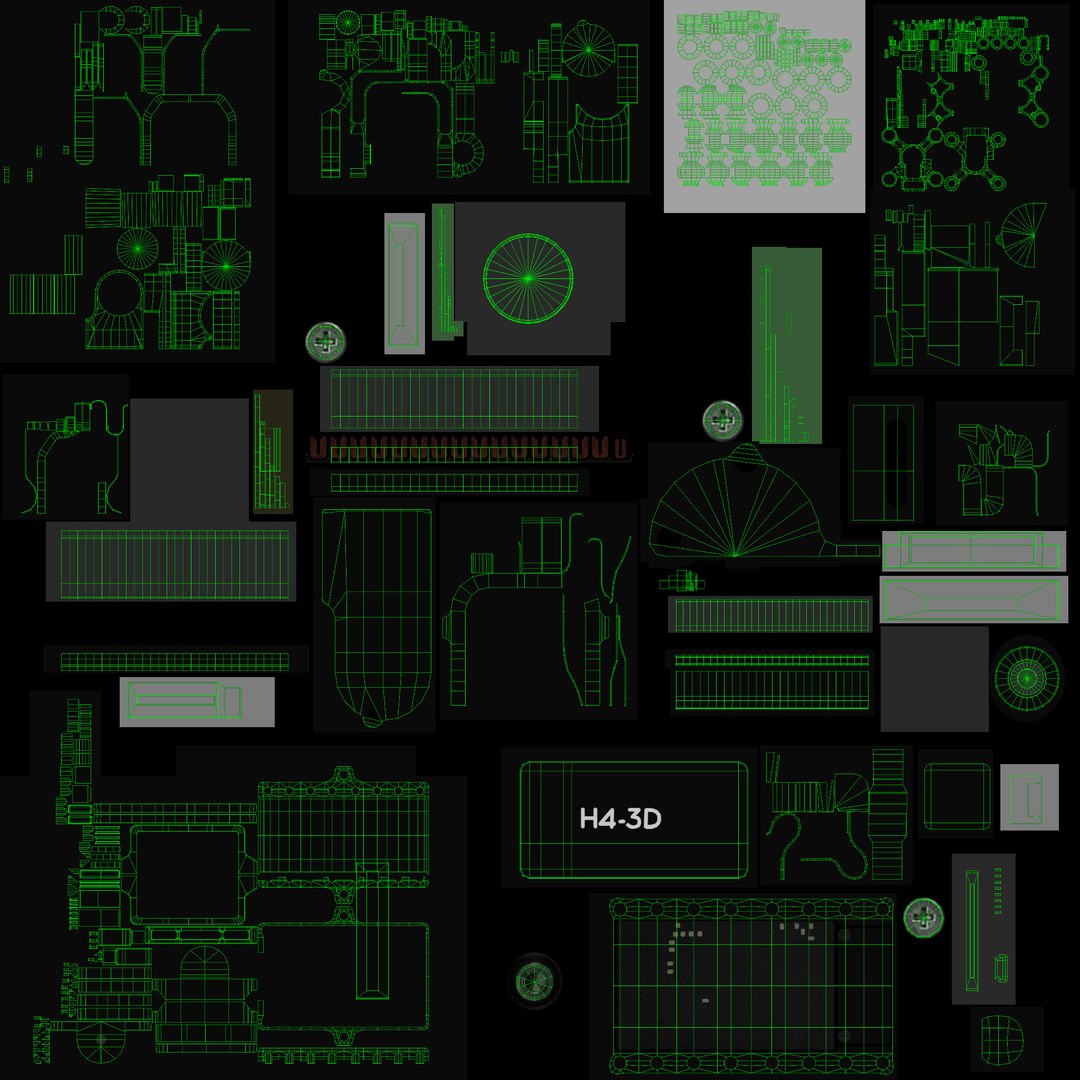
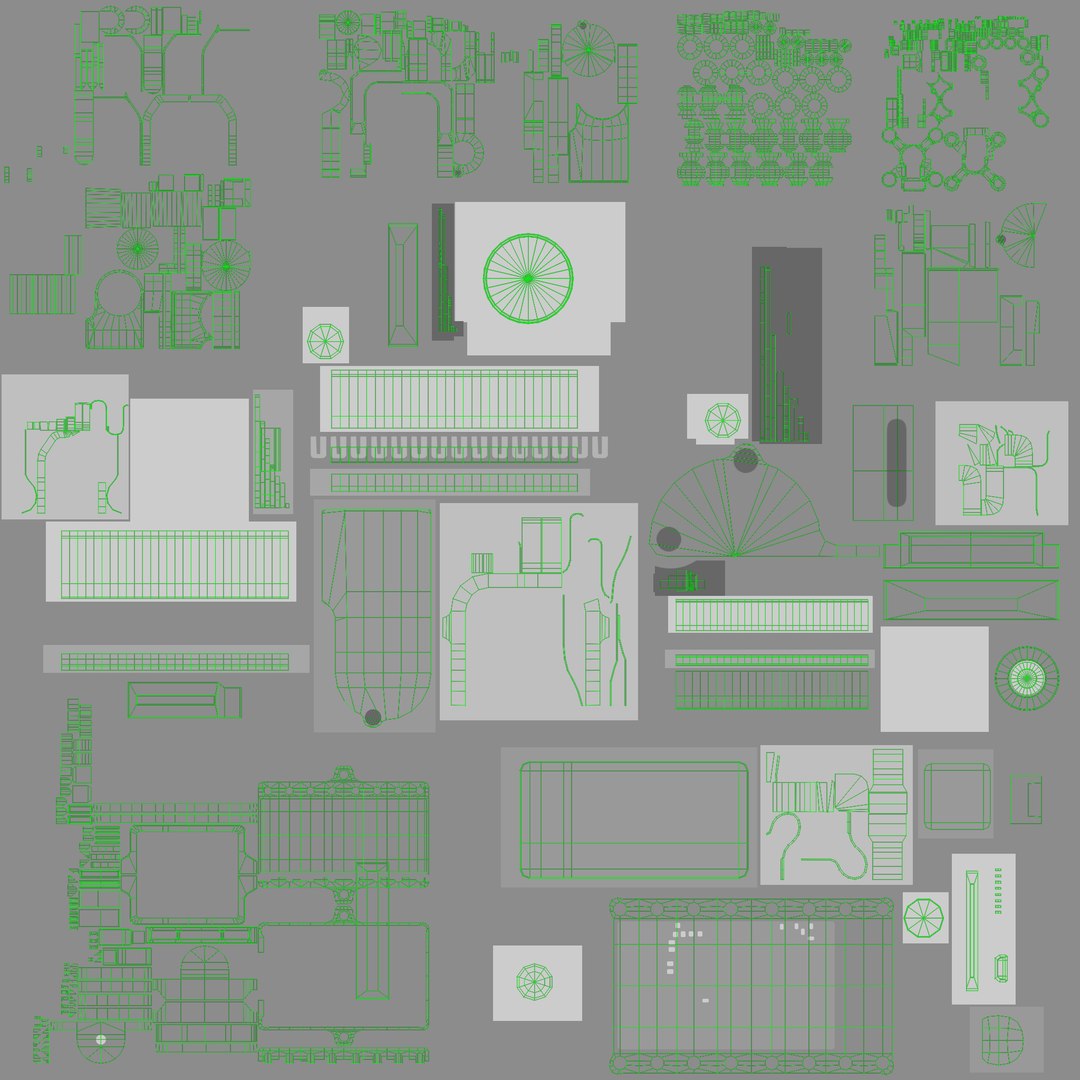
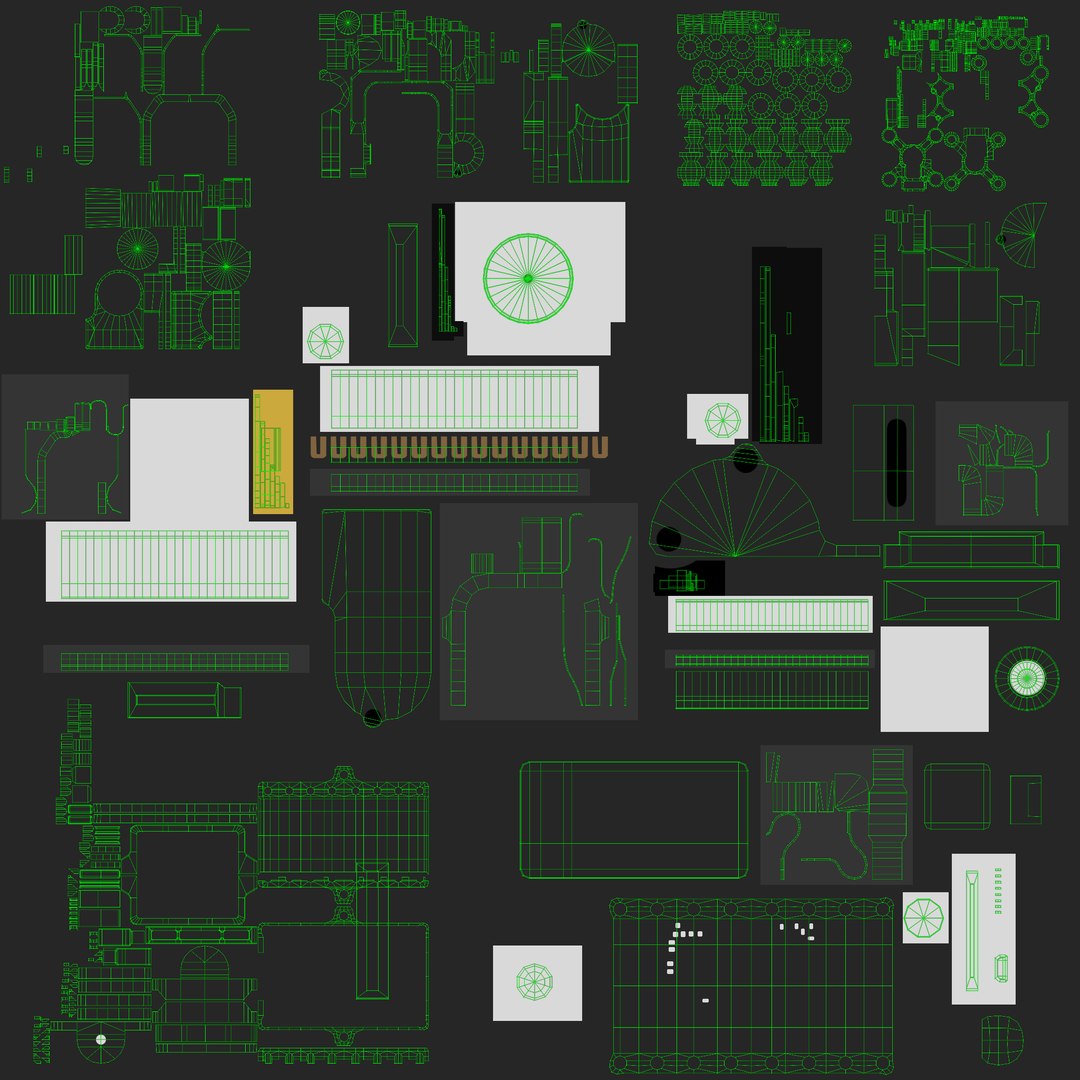
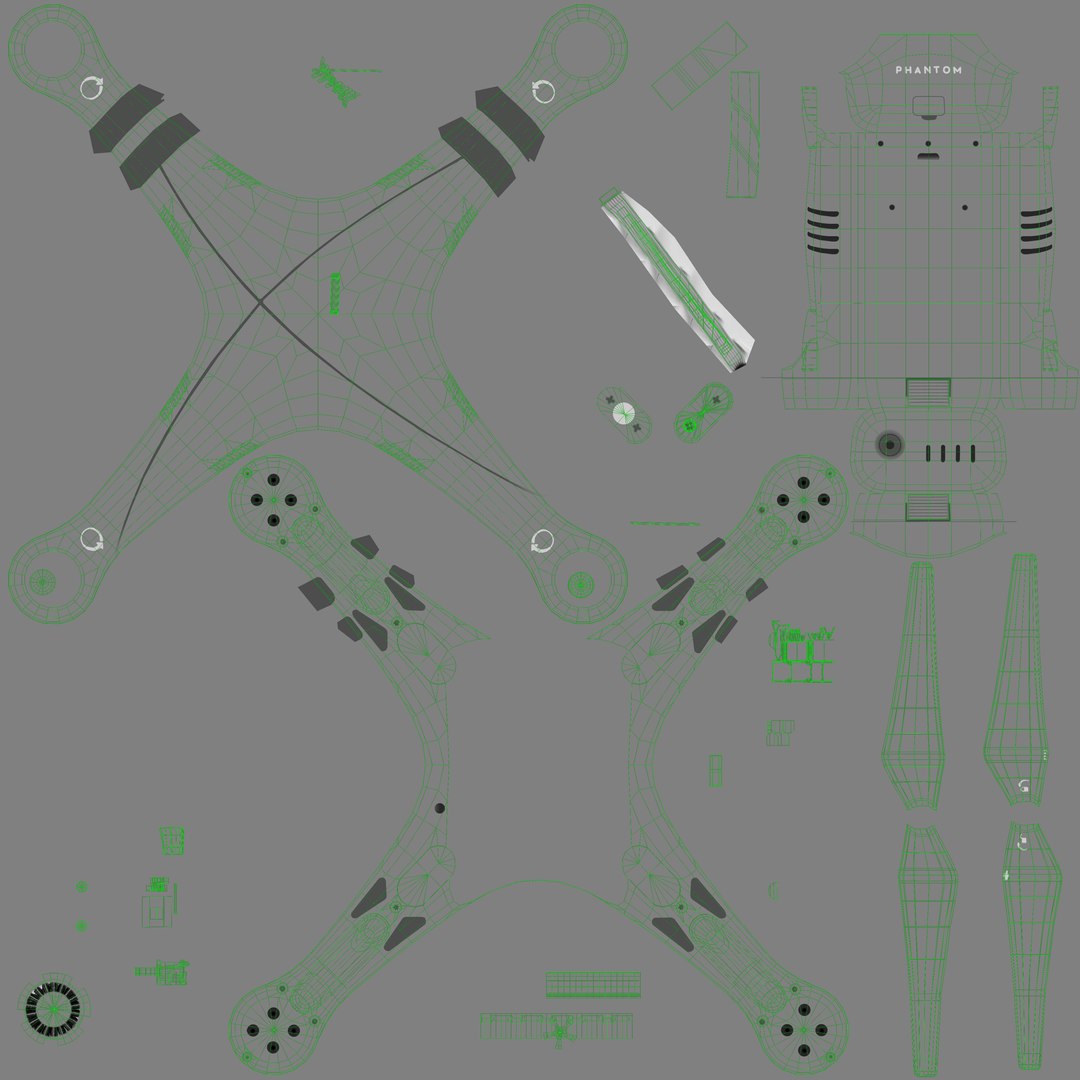
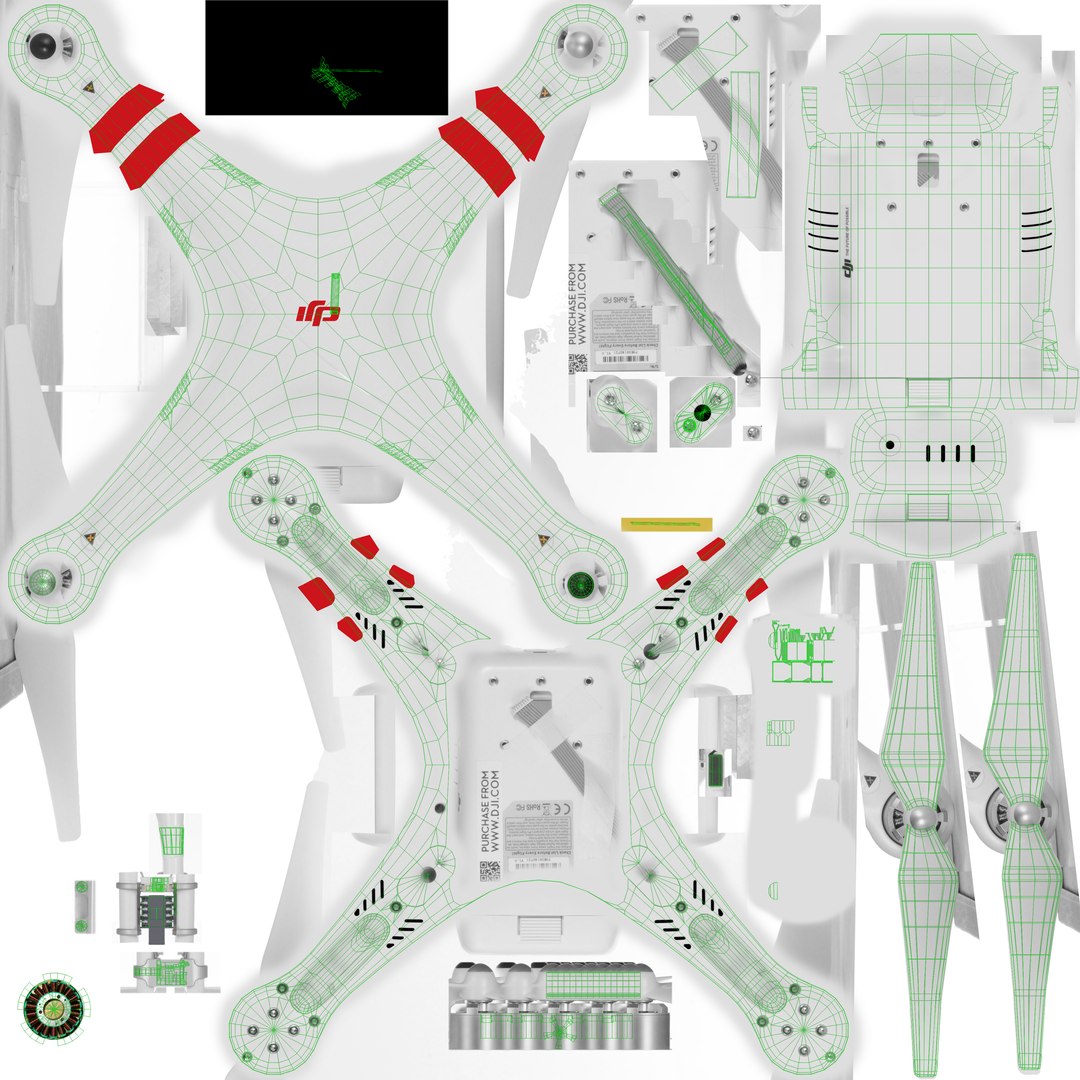
• The total of the main textures is 14. Resolution of all textures is from 2048 to 4096 pixels square aspect ratio in .png format. Also there is original texture file .PSD format in separate archive.

• You can animate propeller with the simple rotation of propeller mesh. Also you can animate gimbal position with the simple rotation needed level group. They are three level group hierarchy for each hinge. All rotating parts are animated for a demo in the scene.

• The model was created in the Maya 2009 3D program.

• The model has correct dimensions in real-world scale in centimeters. All parts grouped and named correctly.

• Also, there is a prepared render-scene created in the Maya 2014 with renderer plug-in V-Ray 2.40. This scene opens correctly in earlier versions up to the Maya 2012 with V-Ray 2.0 because it is saved in the .ma format. Render-scene includes 6 V-Ray Rect Light + reflectors. The V-Ray MTL materials are assigned to model. On Timeline was set animation keys for model and Render Camera position relevant Preview Images. If you don’t need these positions don’t forget to delete animation keys from translation and rotation channels.

• To use the model in other 3D programs there are scenes saved in formats .fbx, .obj, .DAE, max (2010 version).

Note: This is the Low-Poly model and it is not designed for the use of any smoothing modifiers.

See also our models:
- DJI Phantom 2 Quadcopter with Prop Guard and GoPro HERO3;
- DJI Phantom 2 Quadcopter with Prop Guard and GoPro HERO4;
- DJI Phantom 2 Quadcopter with GoPro HERO4 (without propeller guard);

Sélectionnez la licence améliorée

  • $10,000 en matière de protection juridique (indemnisation)
  • Protection Juridique Non Plafonnée (Indemnisation)
  • Renonciation à une injonction
  • Droits de modèle attribuables
  • $1,000,000 en matière de protection juridique (indemnisation)
  • Renonciation à une injonction
  • Droits de modèle attribuables
  • $250,000 en matière de protection juridique (indemnisation)
  • Droits de modèle attribuables
Pour en savoir plus sur les niveaux de licence améliorés ou contactez-nous à l'adresse enterprise@turbosquid.com. Déjà client Shutterstock Enterprise ? Contactez votre conseiller commercial Shutterstock pour discuter de l'ajout de la 3D.

About Conversion Requests

To submit a conversion request for a purchased asset, please complete our Conversion Request Form.

If you have not yet purchased a model, please review our Documentation about Conversions to learn about what limitations you may encounter with a conversion.

For any additional questions about a model’s suitability for conversion, please contact TurboSquid Support.

Chargement...