CottonSet_8x

Libre

Formats (1)
3ds Max Texture
Spécifications
Date de publication May 17, 2011
ID du produit 605053
Des polygones
Sommets
Exclusivité TurboSquid
member avatar
ReMark3D
34 Des produits | Contributor Depuis 2001
Avoir des questions? Chattez avec nous maintenant.

la description

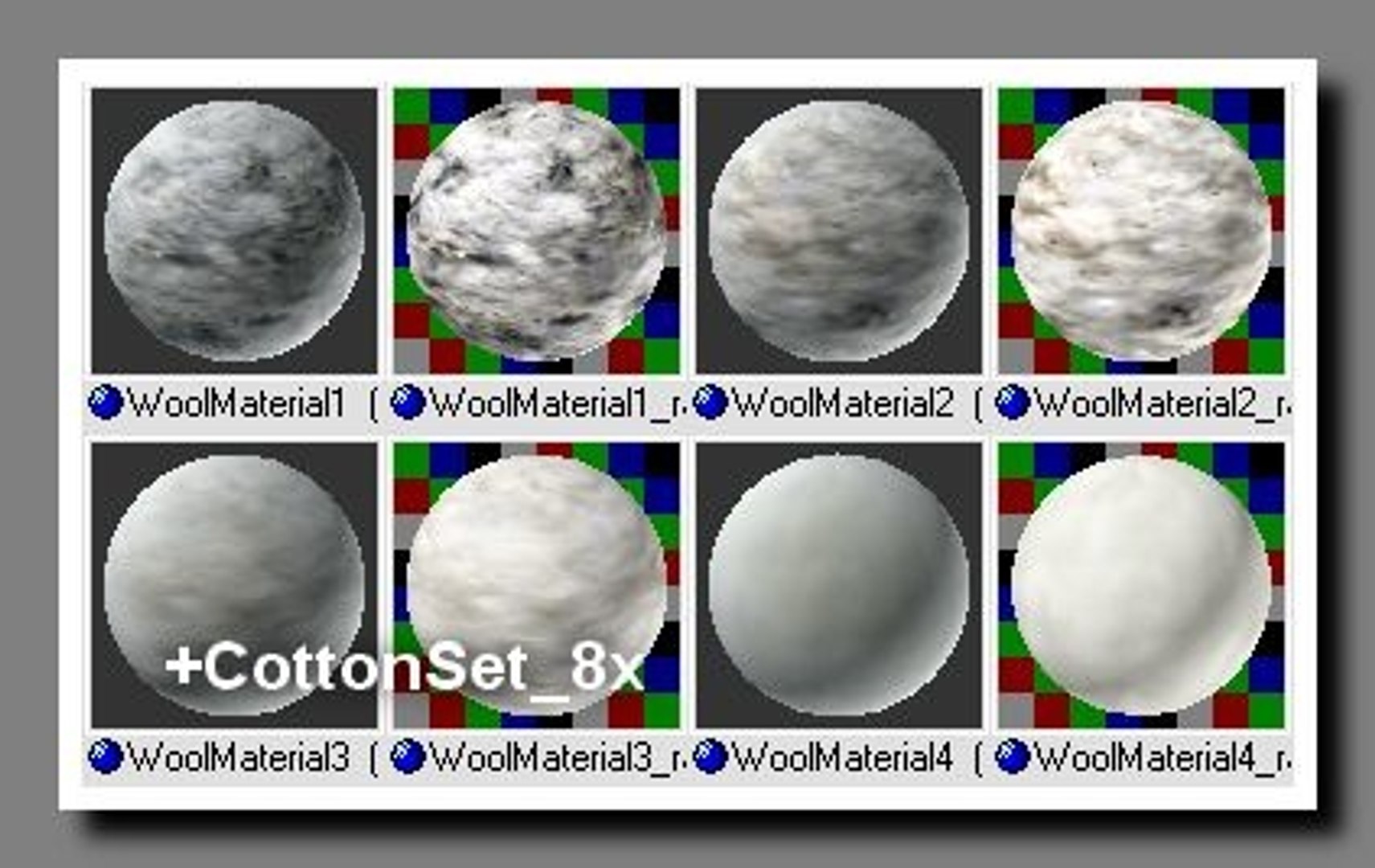
Great for weaver, textil factory to give the appearance of cotton. This Material contain 4 classes of process of cleaning of cotton. Material_1 - hard dirty to Material_4 - absolutely clean from dross. Feel free to download a preview file containing 8 materials in HTML gallery. Please download free file CottonSet_8x_HTMLpreview.zip for more info.

Technical Parameters:
Put textures as *.jpg in folder " Maps" and file *.mat in "Matlibs" folder.These folders are in a root folder of program 3DSMax. In 3DSMax folder, open "Material Editor" and click on Icon "Get Material". In the opened window, " Material/Map Browser", in section "Browse From", check "Mtl library" and in section "File" click on , "Open...". There you will find and open Matlibs files.

If a material slot- Displacement , is active and you want to use it, you have to applicate it to object modify Displacement Approx. This is the same as Bump Map but effects the shape of the objectand is also exacting to CPU and RAM.

Created in : 3ds max R5.1
Compatibility: 3ds max R5.x and higher

Sélectionnez la licence améliorée

  • $10,000 en matière de protection juridique (indemnisation)
  • Protection Juridique Non Plafonnée (Indemnisation)
  • Renonciation à une injonction
  • Droits de modèle attribuables
  • $1,000,000 en matière de protection juridique (indemnisation)
  • Renonciation à une injonction
  • Droits de modèle attribuables
  • $250,000 en matière de protection juridique (indemnisation)
  • Droits de modèle attribuables
Pour en savoir plus sur les niveaux de licence améliorés ou contactez-nous à l'adresse enterprise@turbosquid.com. Déjà client Shutterstock Enterprise ? Contactez votre conseiller commercial Shutterstock pour discuter de l'ajout de la 3D.

About Conversion Requests

To submit a conversion request for a purchased asset, please complete our Conversion Request Form.

If you have not yet purchased a model, please review our Documentation about Conversions to learn about what limitations you may encounter with a conversion.

For any additional questions about a model’s suitability for conversion, please contact TurboSquid Support.

Chargement...