
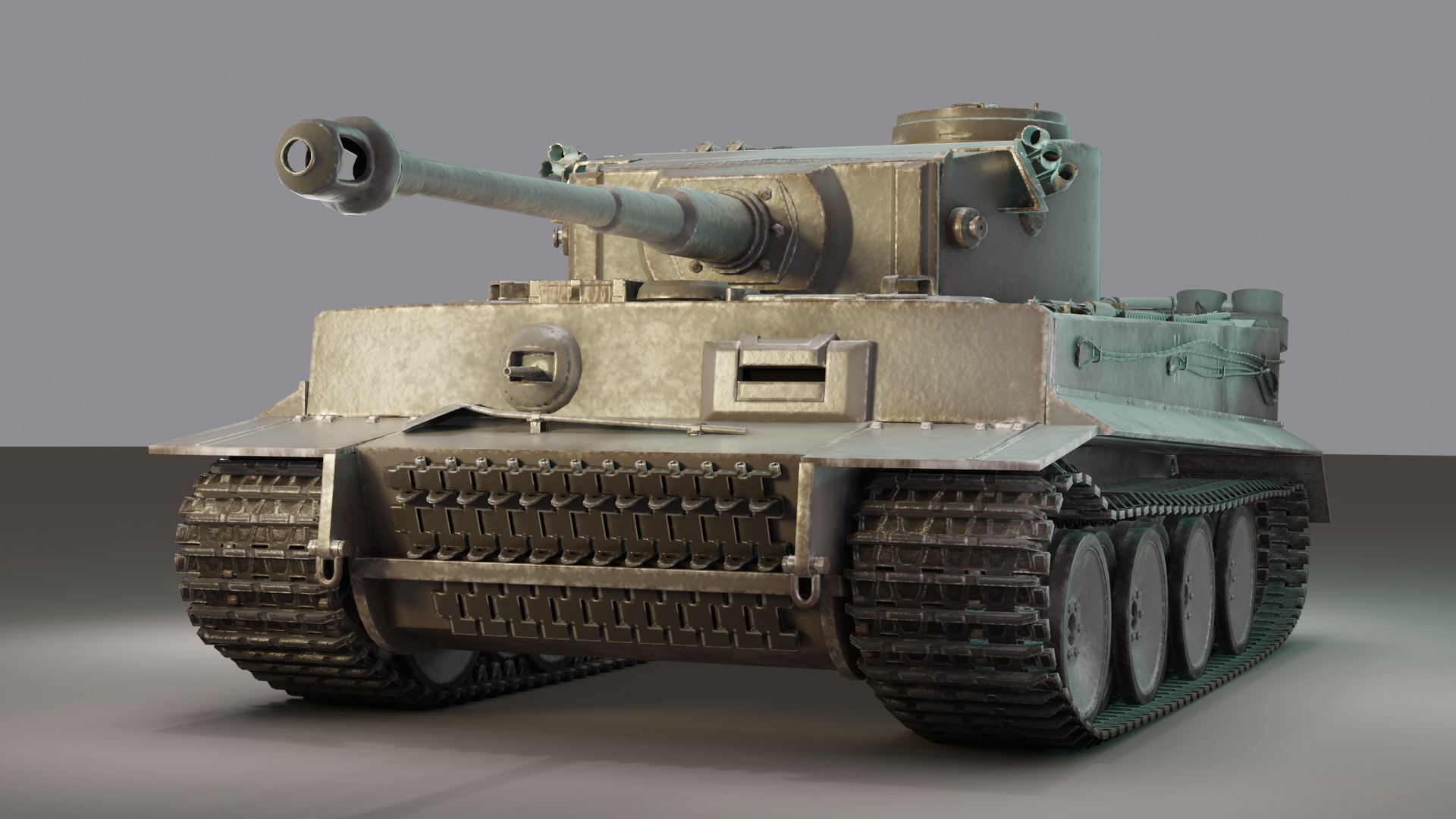
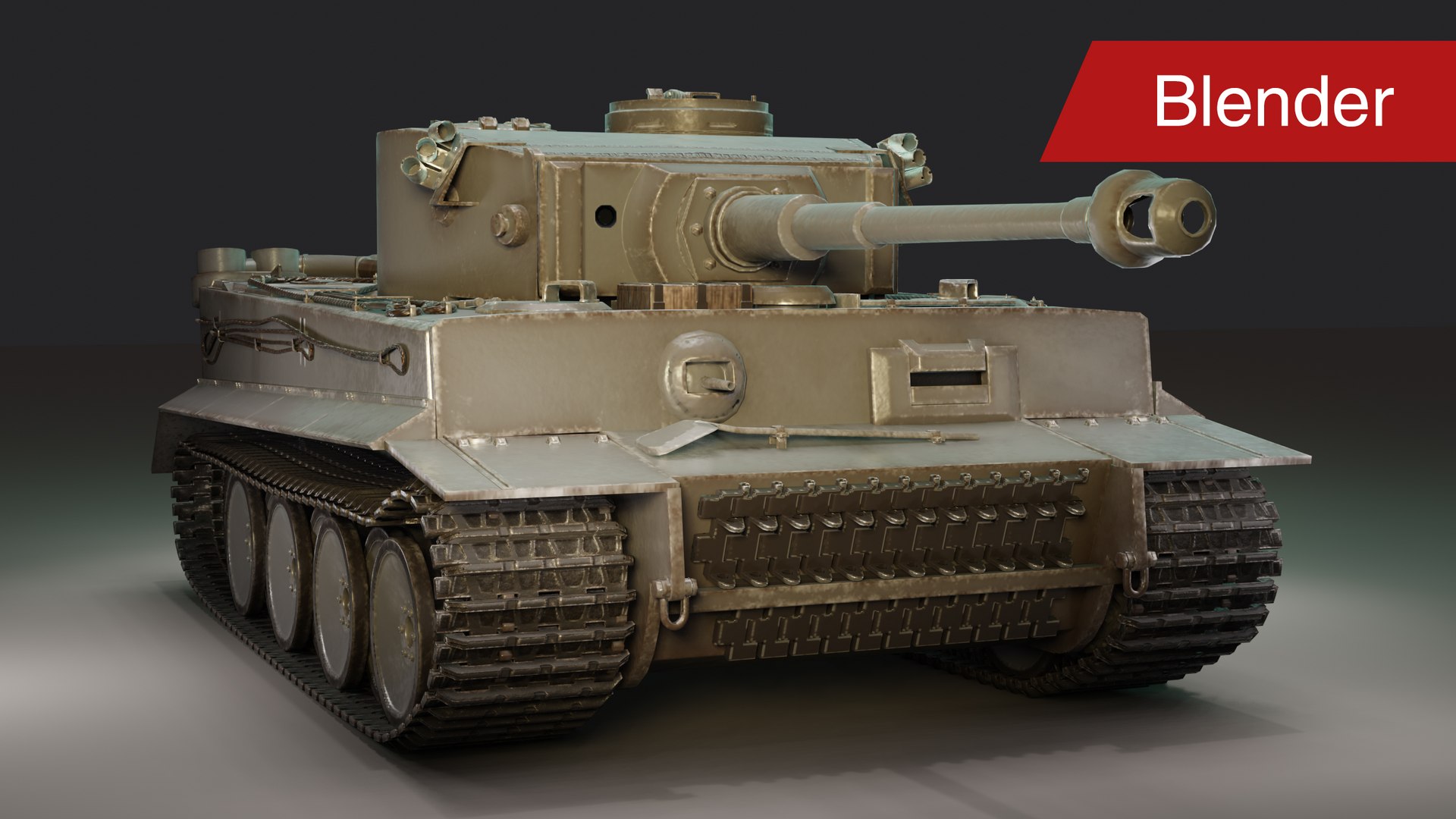
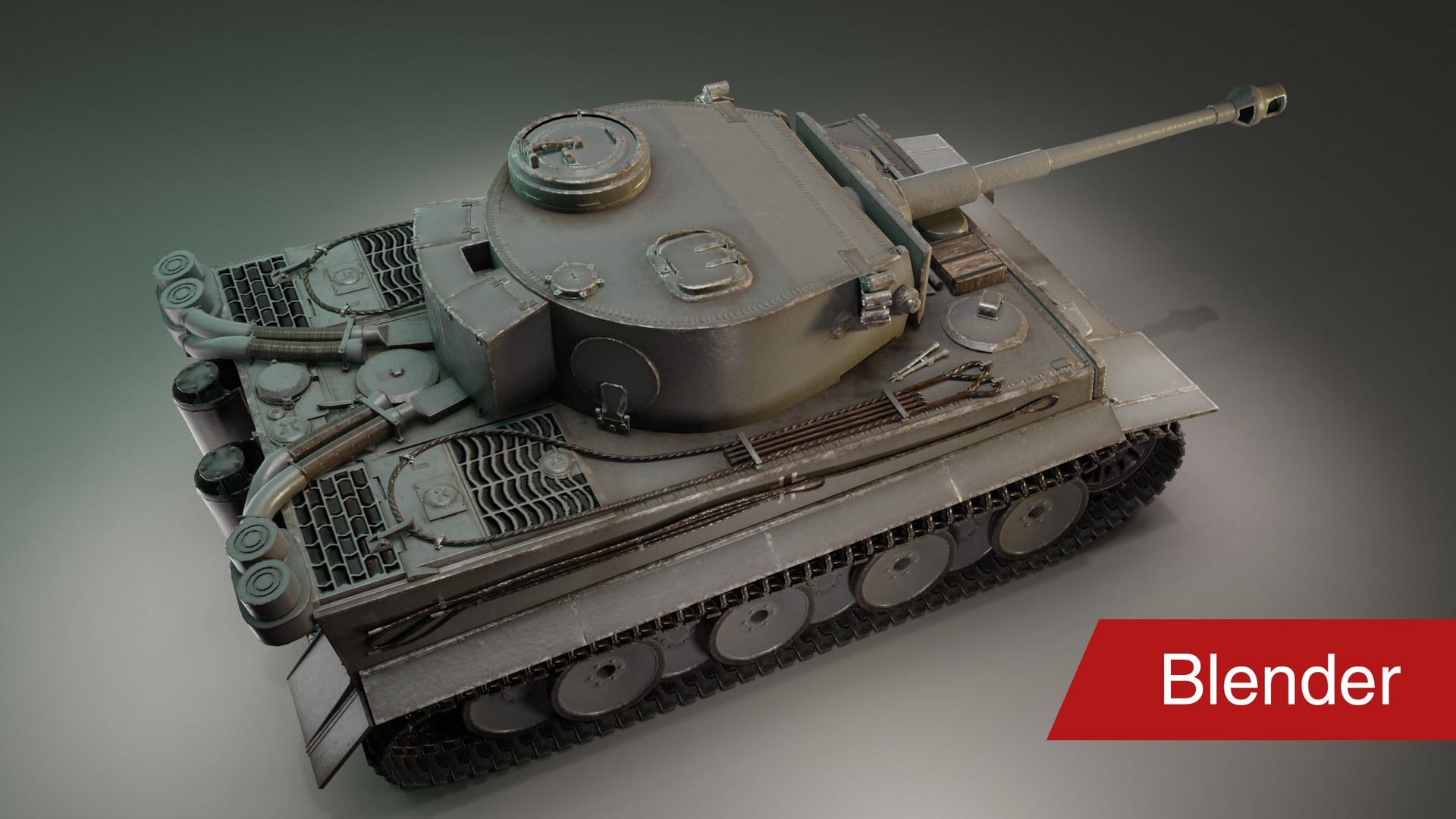
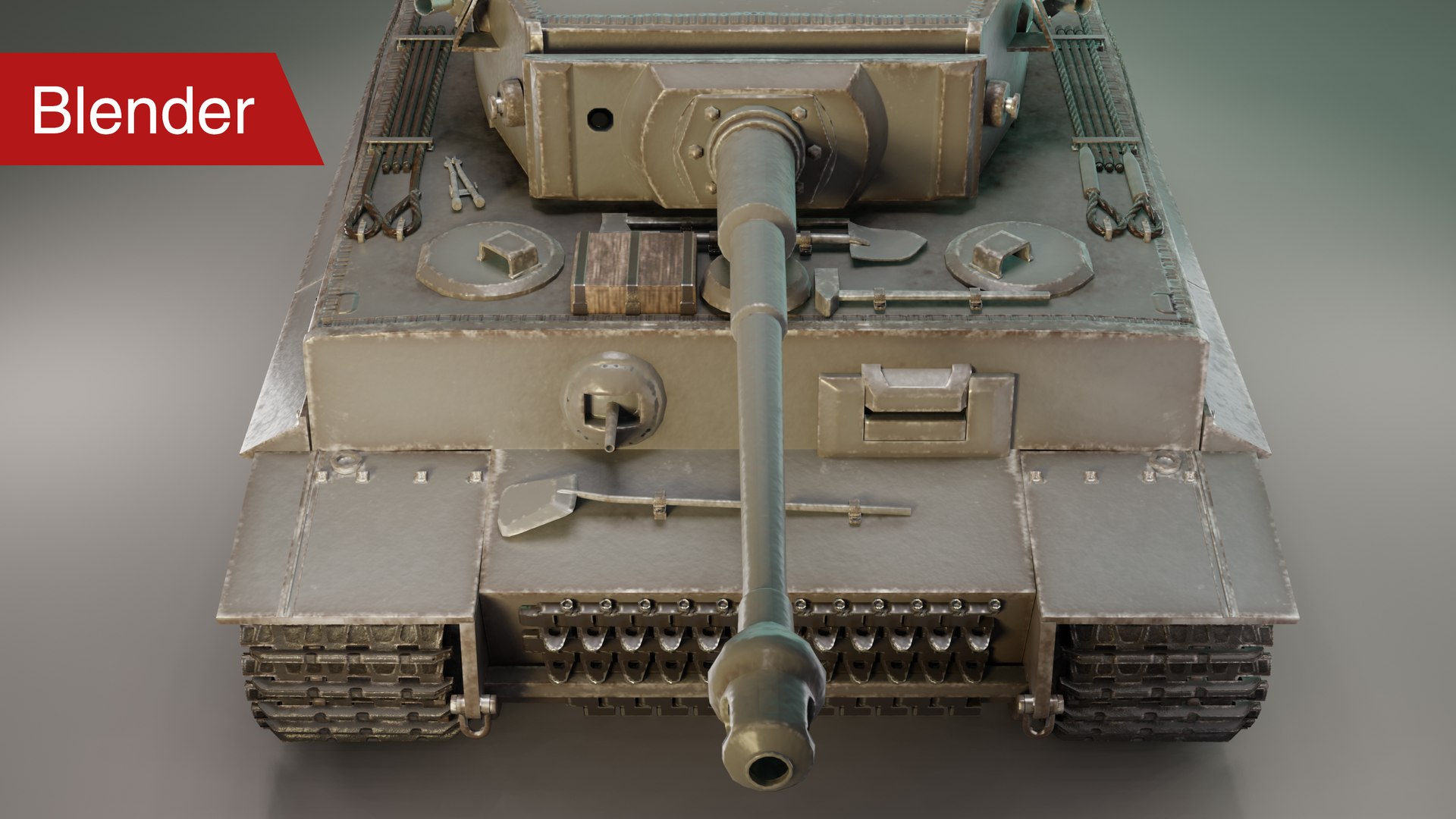
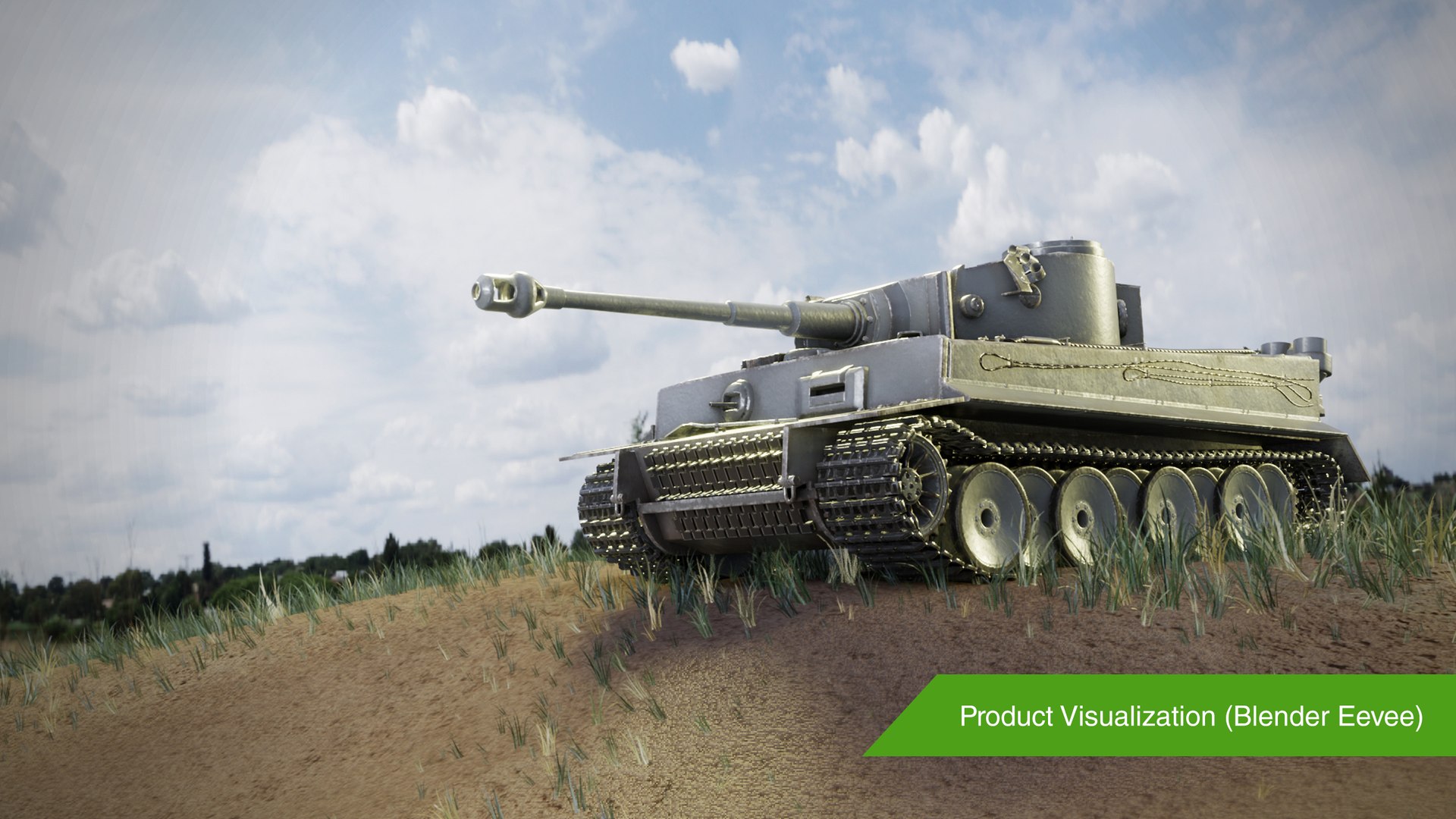

Réservoir Tiger 1 - Pz.Kpfw.Tiger Ausf. E (PBR)

$35

Licence standard | Mettre à niveau la licence
Utilisations éditoriales uniquement
Formats (5)
Format de fichier gratuit Conversions disponibles
Native | Blender 2.81
3ds Max 2019 | Quicksilver 2019
Maya 2019 | Maya Hardware 2.0
OBJ
FBX
Spécifications
Date de publication December 18, 2019
ID du produit 1484547
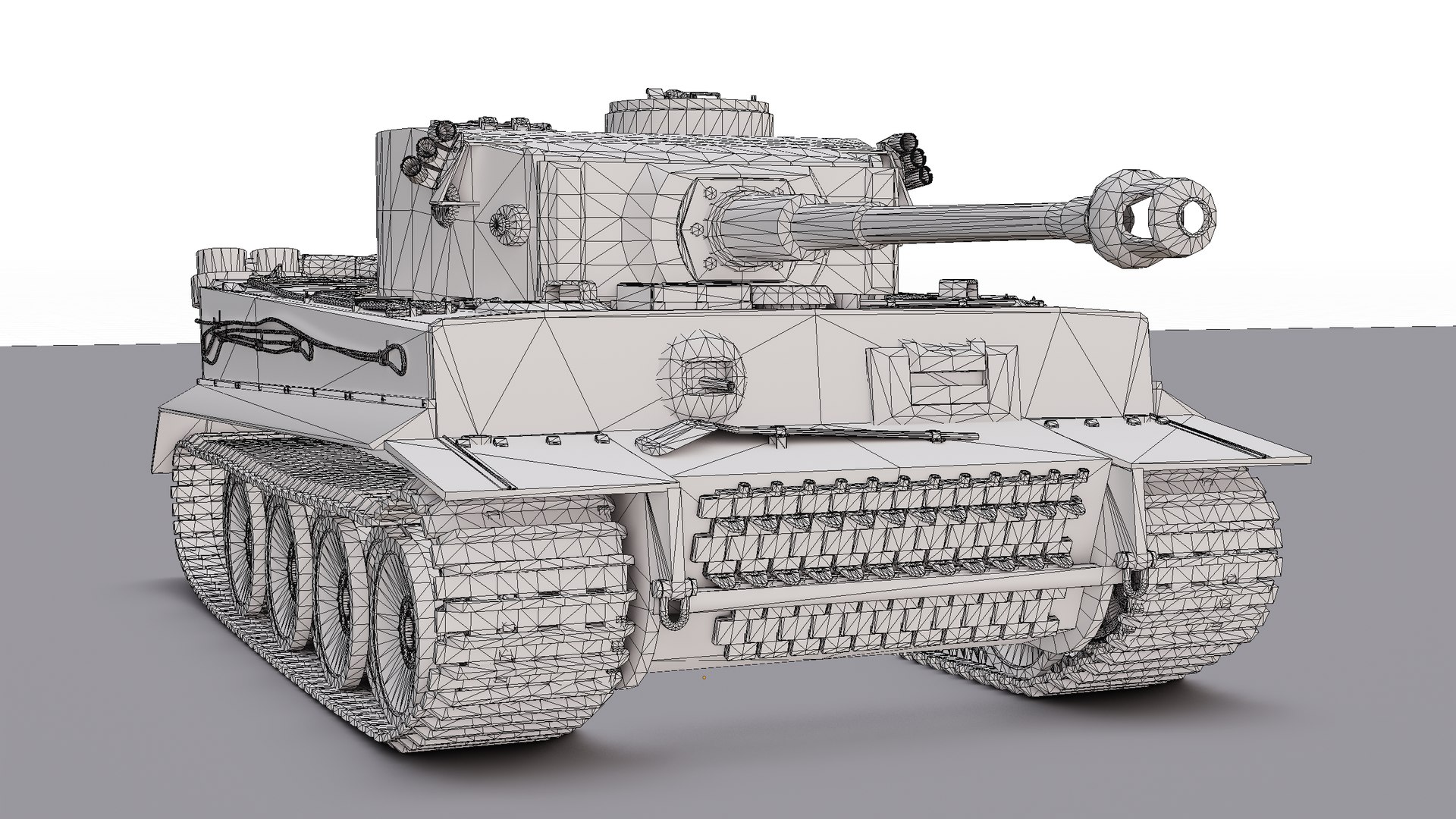
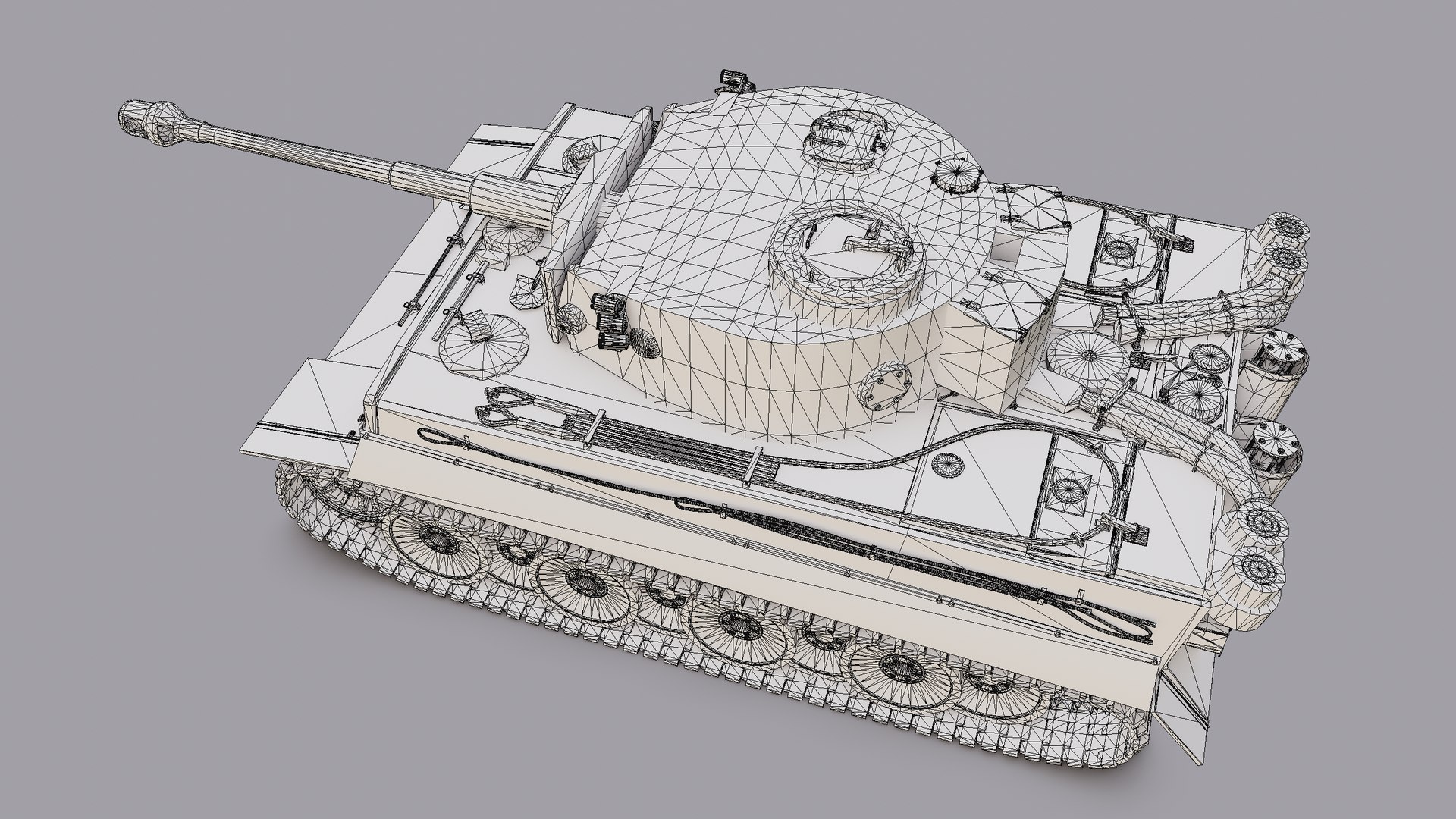
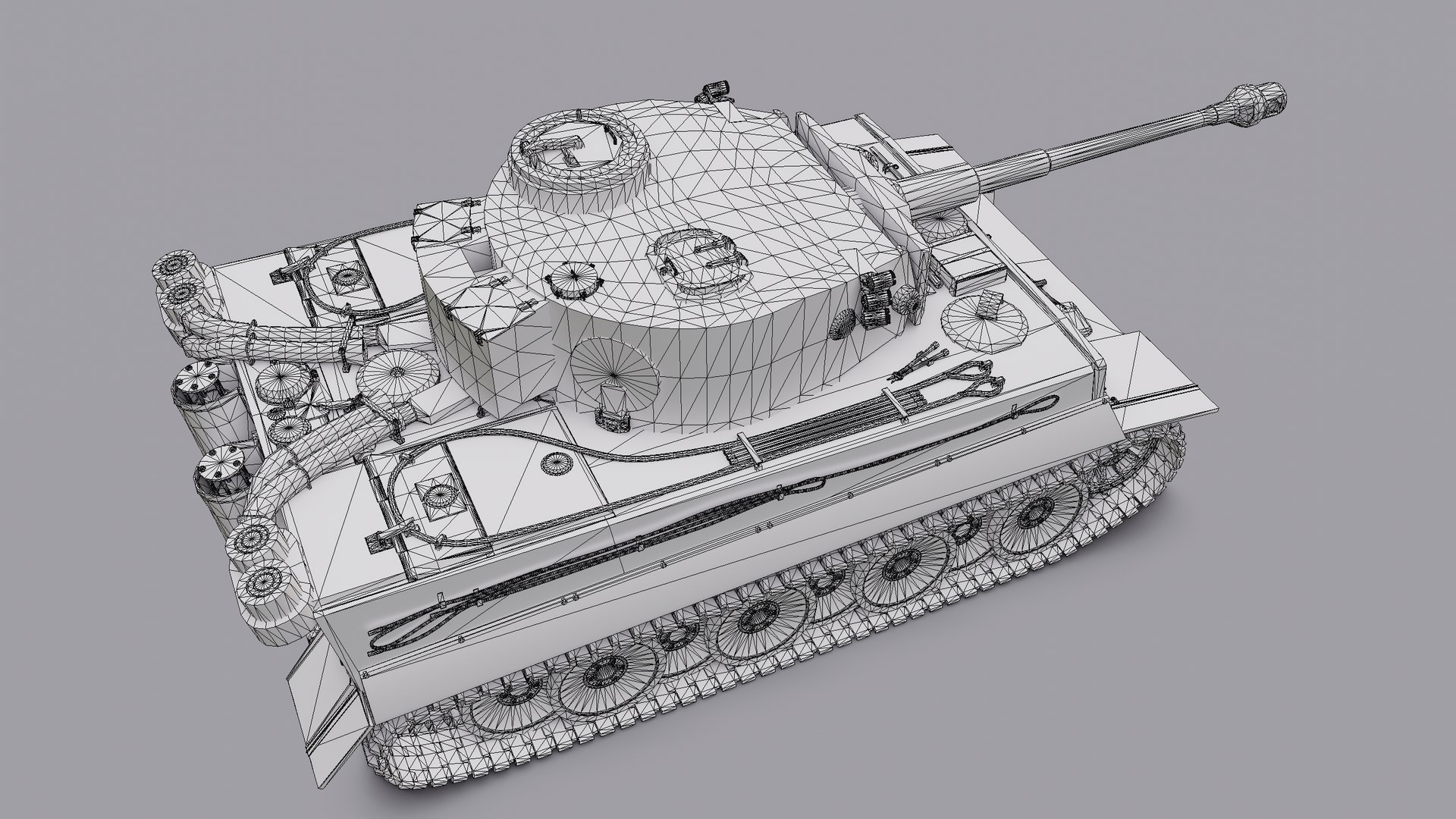
Des polygones 208,188
Sommets 108,654
Tris polygonal uniquement
Les textures
Matériaux
UV mappé
UV mixtes non emballés
PBR
Jeu

member avatar
J.3.D.s.
2 Des produits | Contributor Depuis 2019
Avoir des questions? Chattez avec nous maintenant.

la description

DESCRIPTION
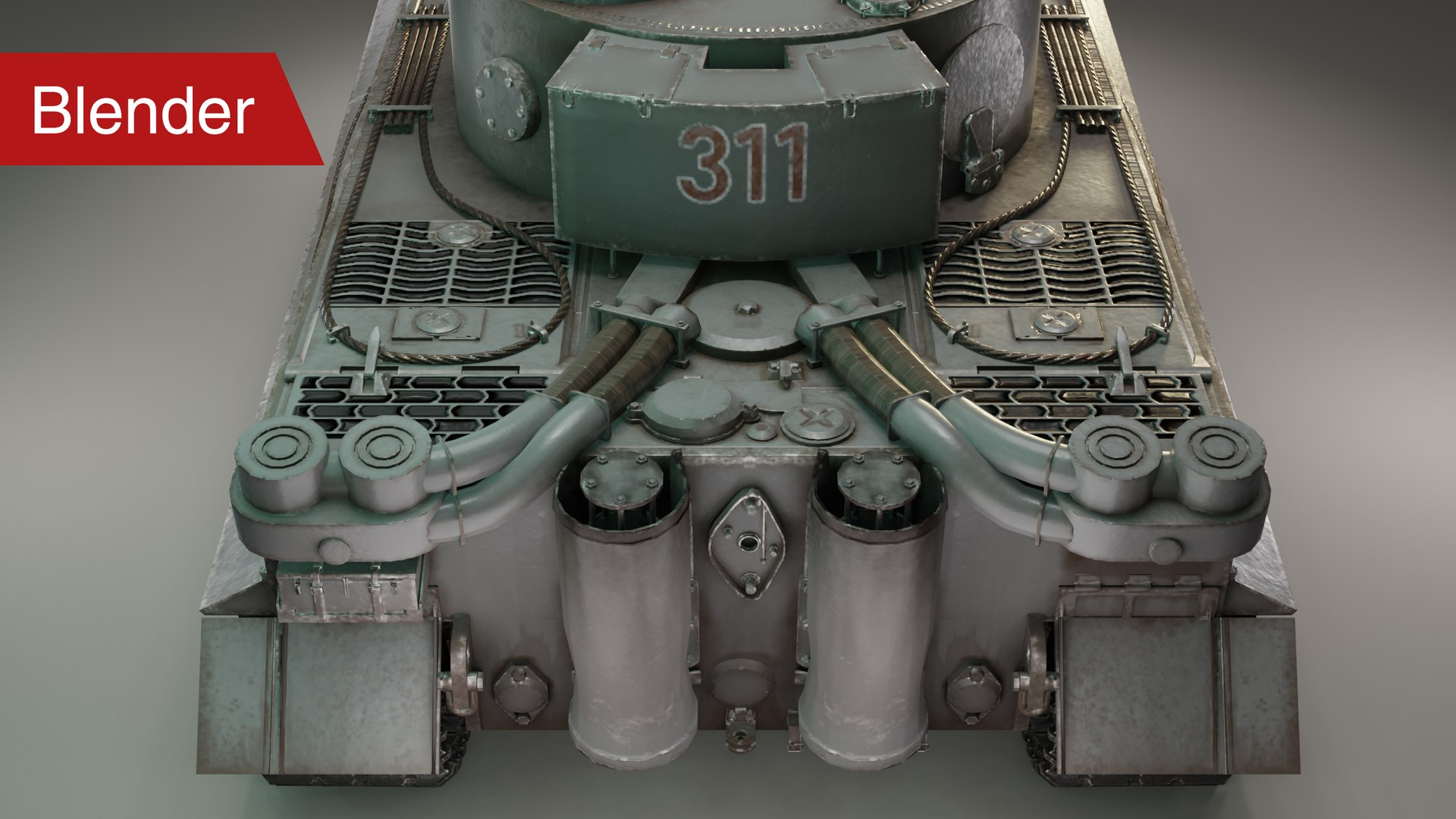
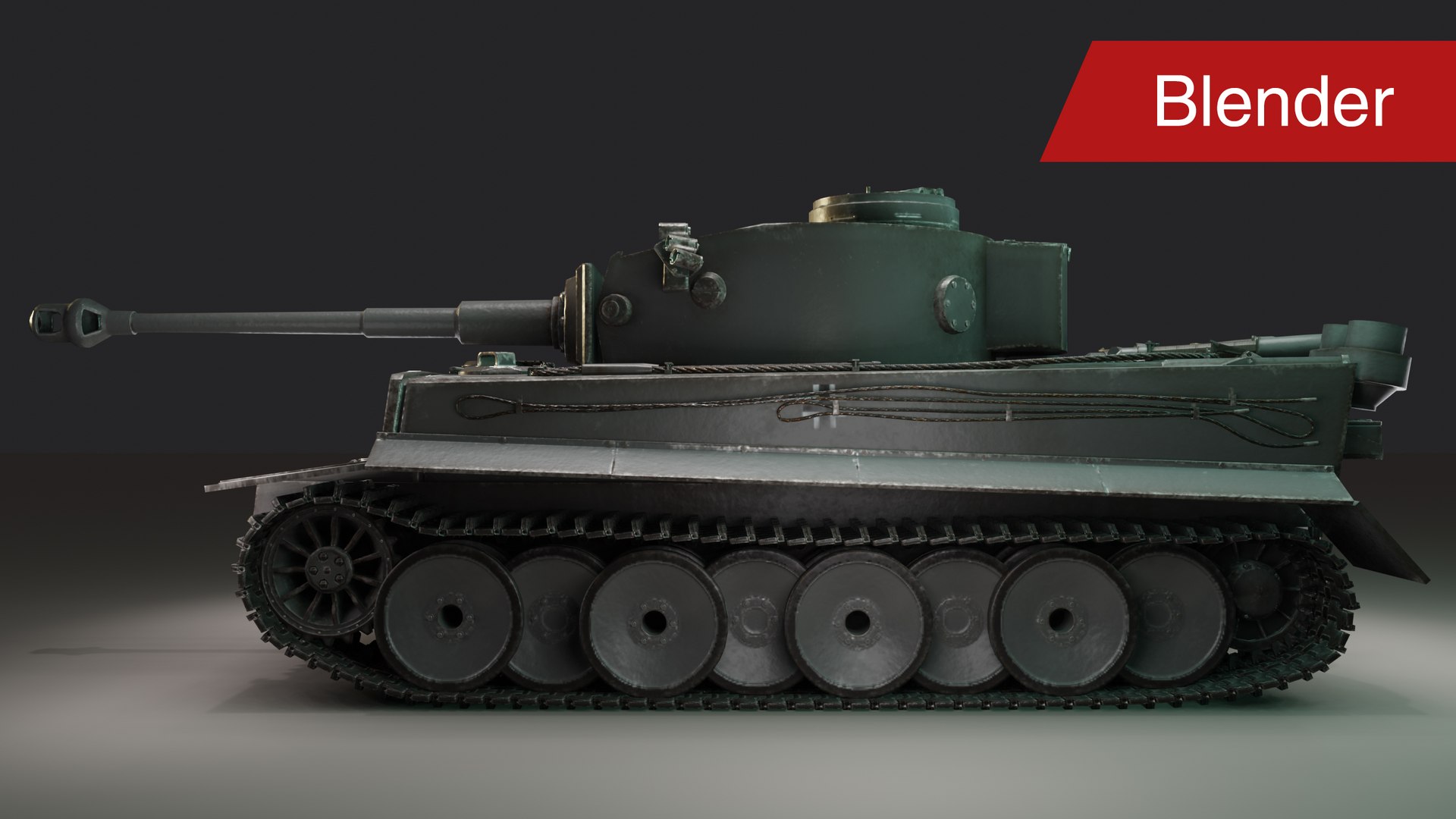
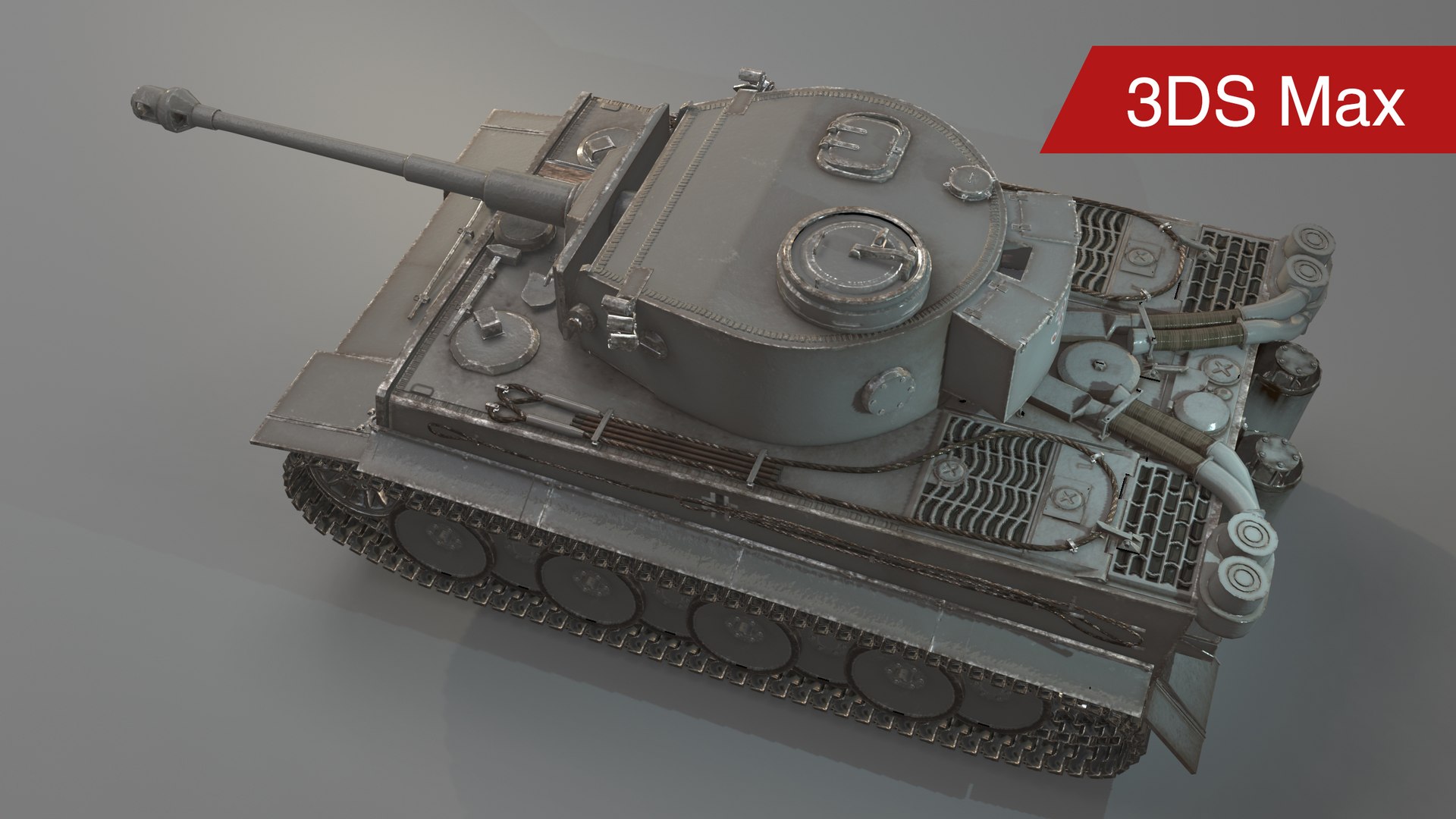
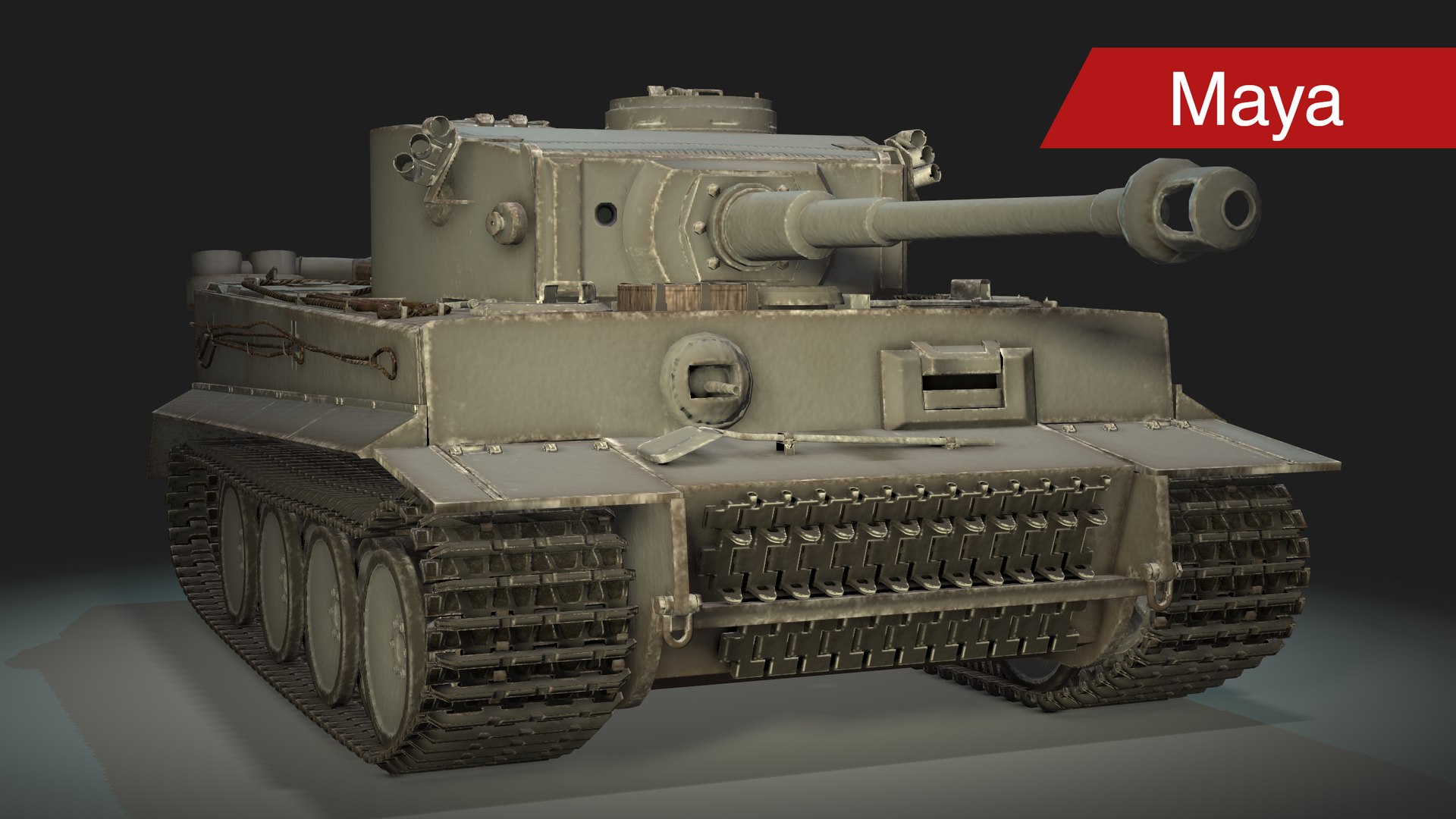
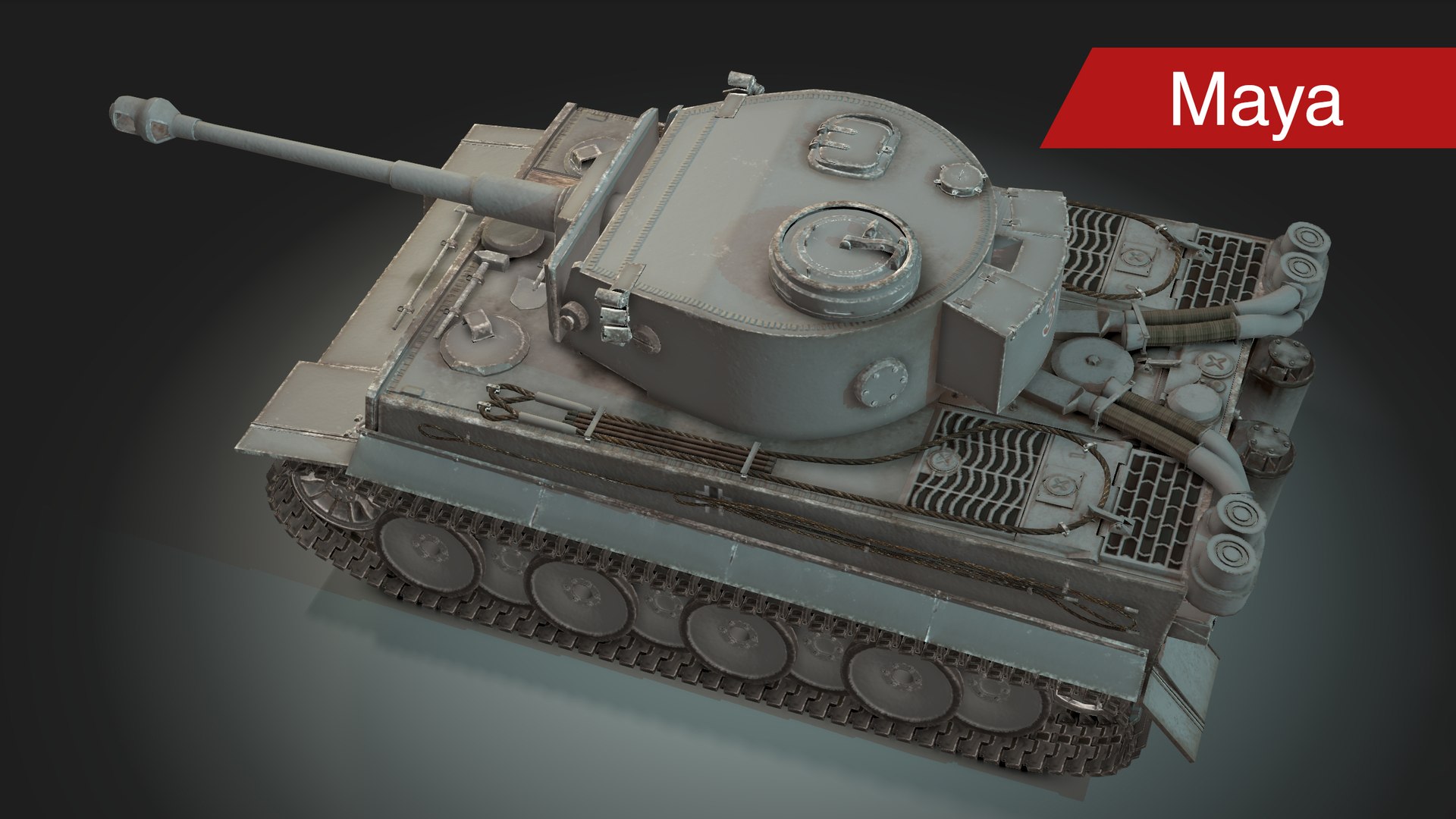
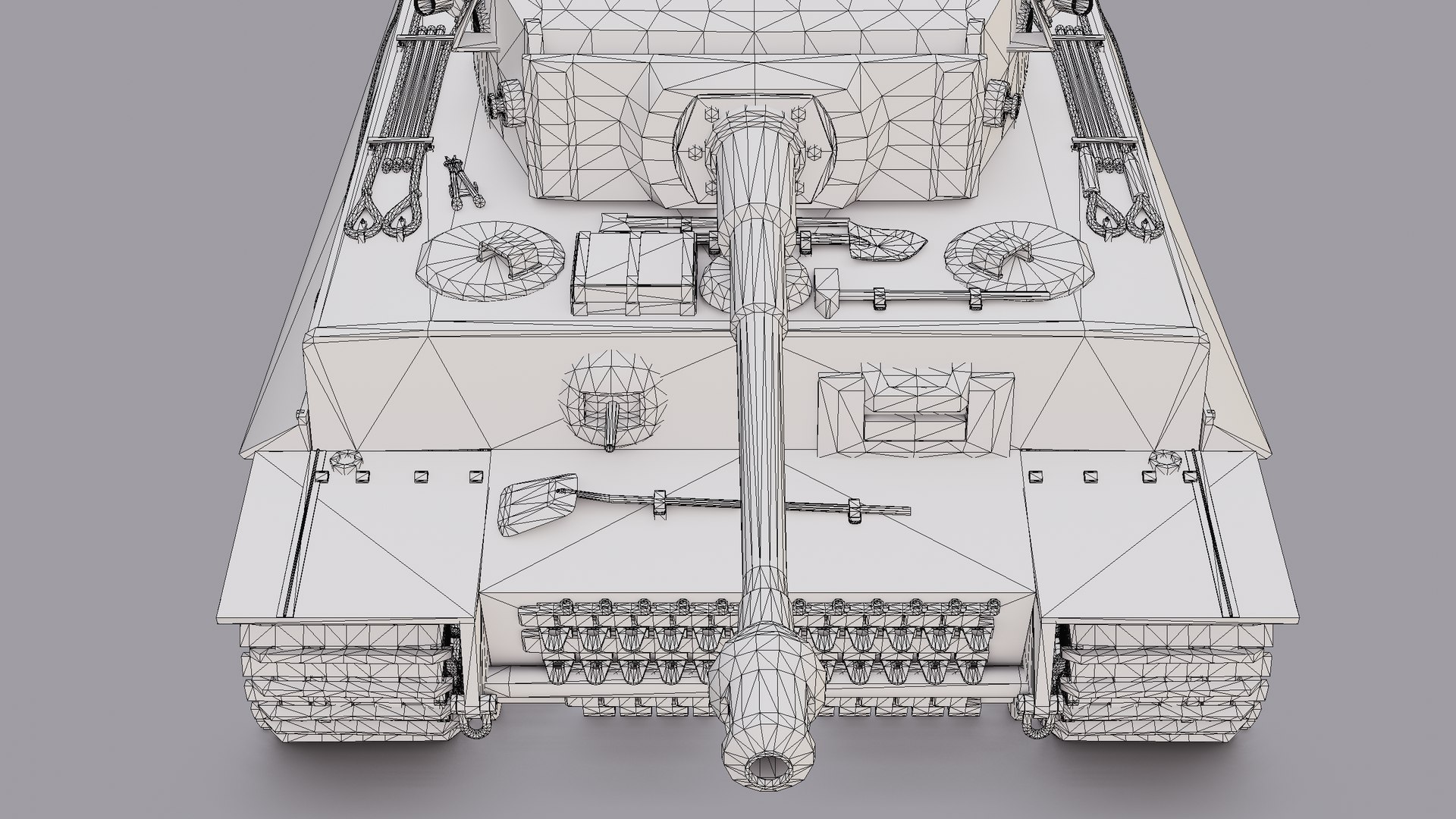
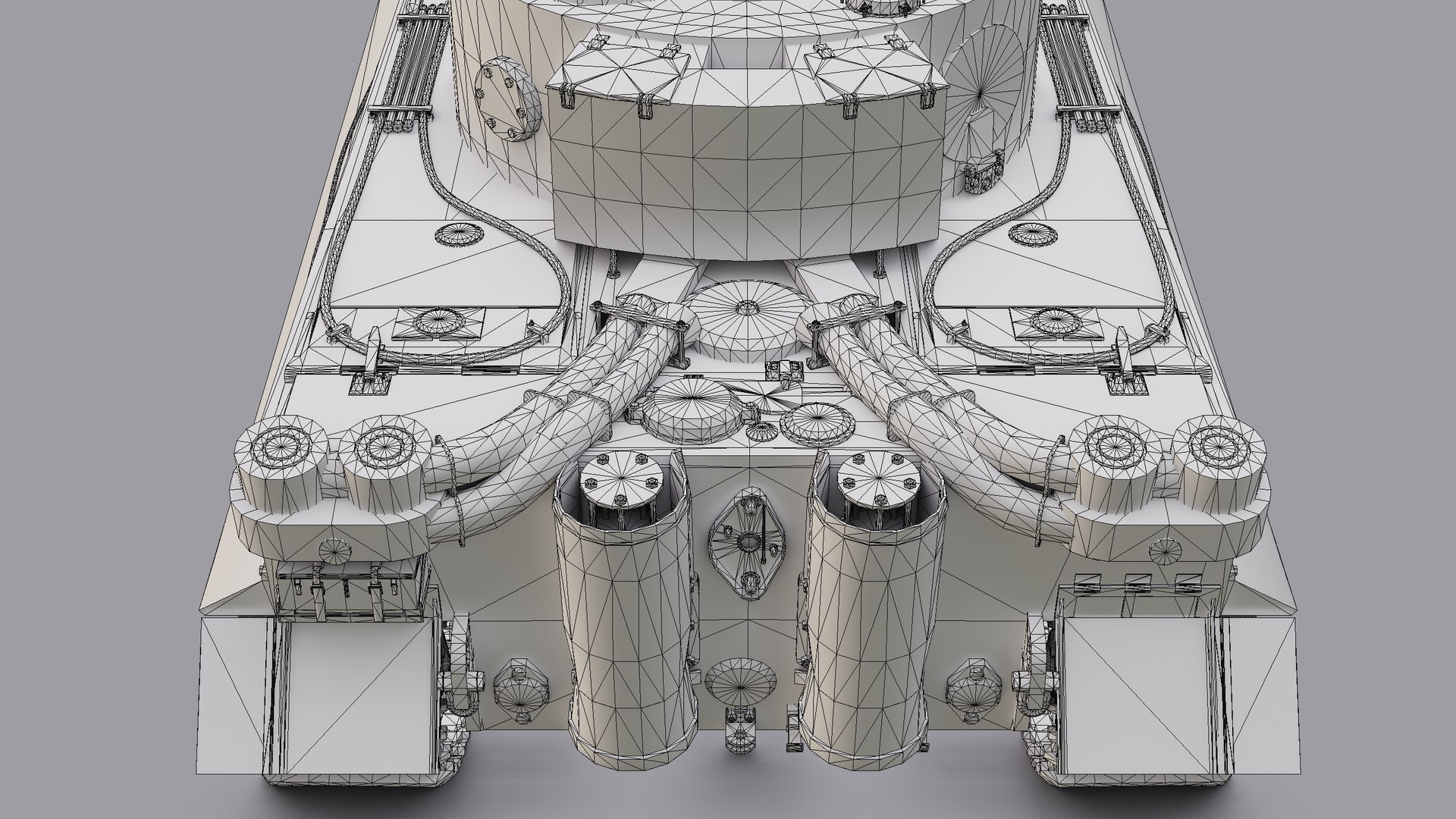
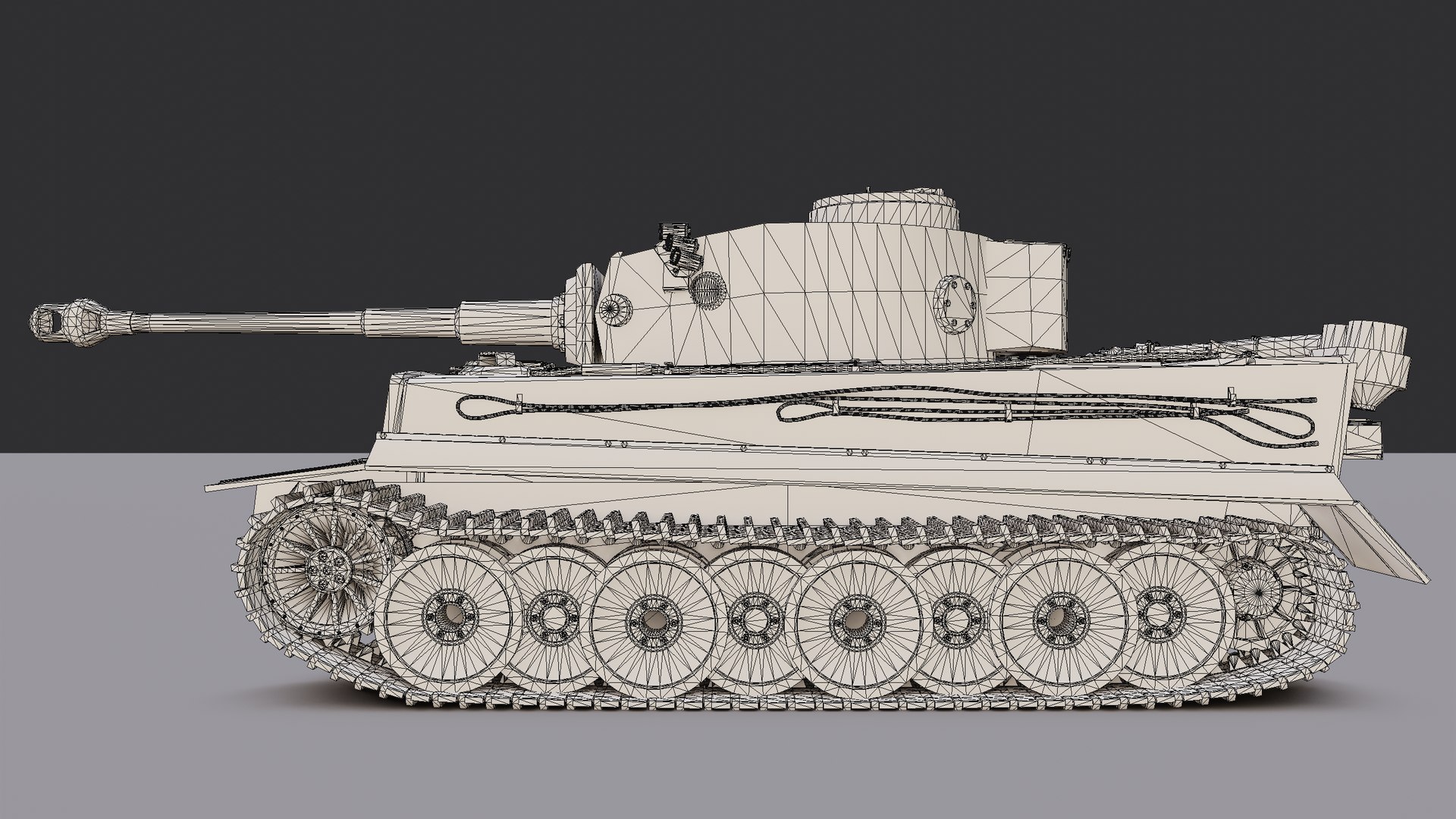
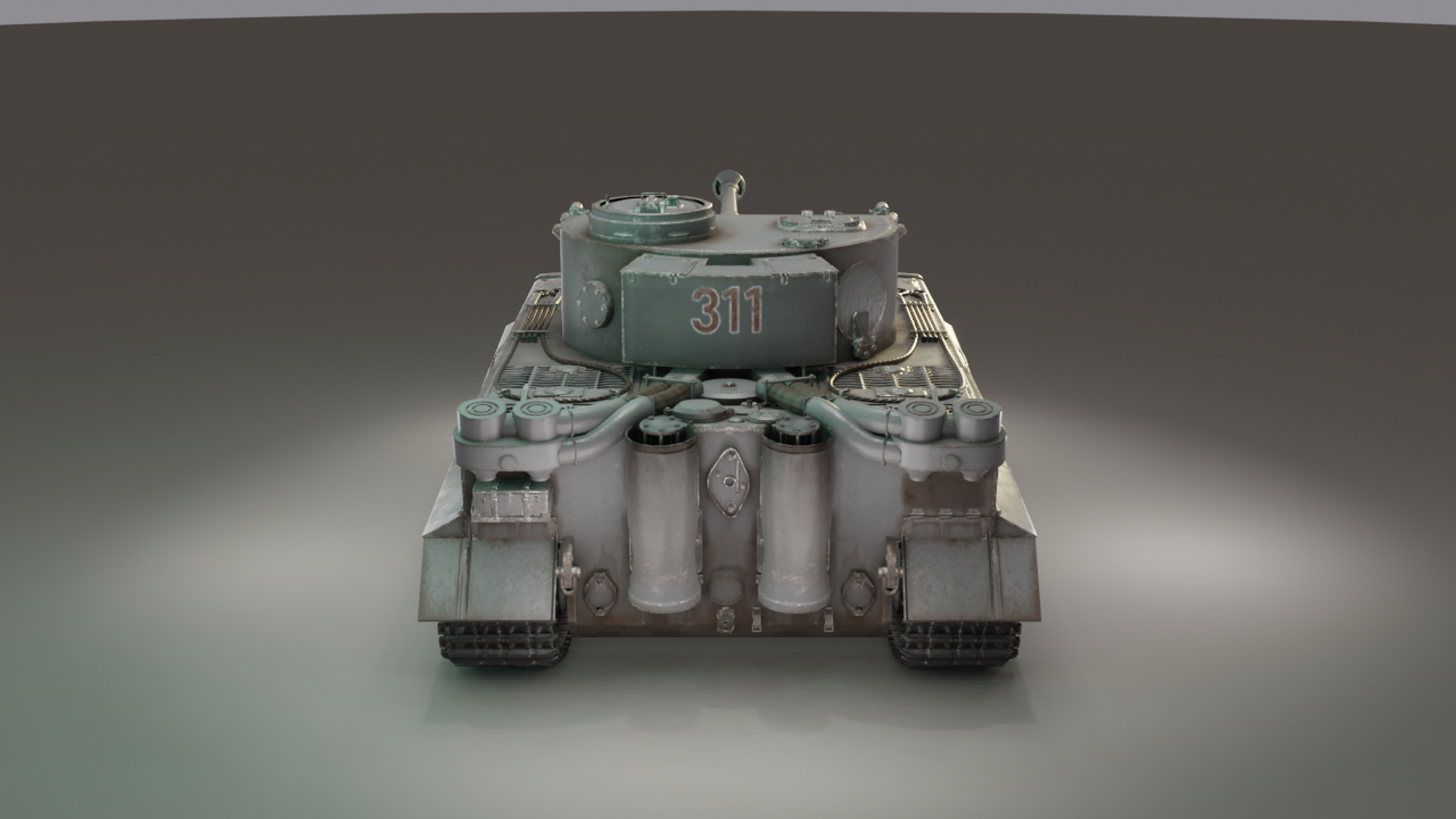
Tiger 1 tank model with standard 1024px PBR textures that can be used for your projects. This product comes with the model already prepared in three 3D applications (including scene lights and cameras); 3DS Max, Maya. and Blender with the latter being the native file as most of the parts are made here. FBX, OBJ, and Marmoset Viewer (MVIEW) files are also available. No plugins or third-party applications needed.

MODEL SPECIFICATIONS
- 208189 polygons
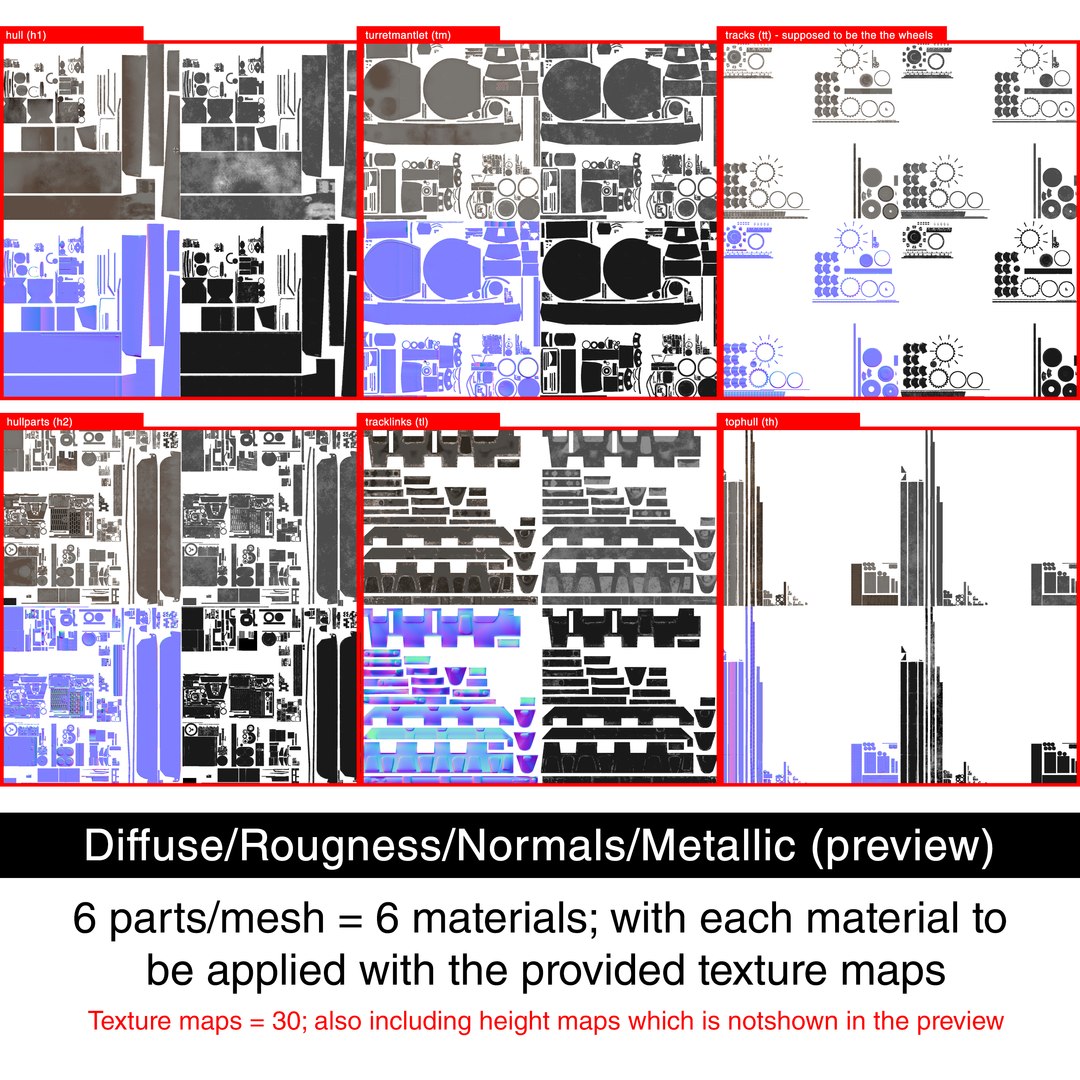
- 6 materials/texture sets (PBR Metalness)
- 30 texture maps (diffuse, roughness, metallic, normals, height)

FILES SUMMARY
1. Blender File (blend) - with packed external files
2. 3DS Max 2019 (3dsmax) - archived file
3. Maya 2019 (ma) - project file
4. Autodesk FBX (fbx)
5. Wavefront OBJ (obj)
6. Textures folder - includes 6 subfolders containing all the texture maps

** The Blender, 3DS Max, and Maya files already contain scene lights and the tank model (textures already applied). This is done for your convenience so I highly recommend opening these files instead. You can save a new file out of this file then delete the rest of the elements not needed (such as the lights and cameras that I created), By doing so, you'll only have the tank and its materials in the scene ready for your own projects.

** Please take note of the versions used in every application.
- For Blender, simply update yours to 2.81 so you can open the file 100% without problems. I'm not sure if opening files here are reverse-compatible but I think it might just work with 2.80. There's a high chance this might not work with for the 2.7x line.

- For 3DS Max, simply open it with the 2019 version knowing Max' files are not reverse-compatible.

- For Maya, you can probably open the file with 2018 version. The material I used specifically in setting up the PBR textures is Arnold Standard surface. Opening it with a version preceding the 2018 version might just give you problems.

** Since the settings/preferences for the three file applications (blend, max, maya) were edited, they may not match their respective default settings. One example of this is the Maya file, which uses the "foot" unit system (not the default cm units).

** These application files (blend, max, maya) all use real-time renderers: Blender=Eevee; 3DS Max=Quicksilver; Maya=Hardware 2.0. The images that you see above are rendered based on these engines. Respective material types are: Blender=Principled BDSF; Maya=aiStandardSurface; 3DS Max=Physical Material.

**READ THIS whenever you'll set the textures manually or if you plan on using the FBX or OBJ file which obviously requires you to do so:

The tank is made up of 6 meshes/parts; each of which, can be applied with their own respective materials. These parts are named as "hull (h1)" "hullparts (h2)", "tophull (th)", "tracklinks (tl)", "tracks (tt)", and "turretmantlet (tm)". The abbreviations like "h1" for example are actually in line with the material's name formats ("abbreviation"_mat) for you to be guided when assigning texture maps manually. Check the last thumbnail above.

Sélectionnez la licence améliorée

  • $10,000 en matière de protection juridique (indemnisation)
  • Protection Juridique Non Plafonnée (Indemnisation)
  • Renonciation à une injonction
  • Droits de modèle attribuables
  • $1,000,000 en matière de protection juridique (indemnisation)
  • Renonciation à une injonction
  • Droits de modèle attribuables
  • $250,000 en matière de protection juridique (indemnisation)
  • Droits de modèle attribuables
Pour en savoir plus sur les niveaux de licence améliorés ou contactez-nous à l'adresse enterprise@turbosquid.com. Déjà client Shutterstock Enterprise ? Contactez votre conseiller commercial Shutterstock pour discuter de l'ajout de la 3D.

About Conversion Requests

To submit a conversion request for a purchased asset, please complete our Conversion Request Form.

If you have not yet purchased a model, please review our Documentation about Conversions to learn about what limitations you may encounter with a conversion.

For any additional questions about a model’s suitability for conversion, please contact TurboSquid Support.

Chargement...