NATURE ASSETS PACK - TREES, PLANTS & FLOWERS
Created with and intended for use within Blender
Bring your Renders to life with this extensive Nature Asset Pack, great for adding that extra detail to your scene and giving it the wow factor it deserves.
The Pack contains the following:
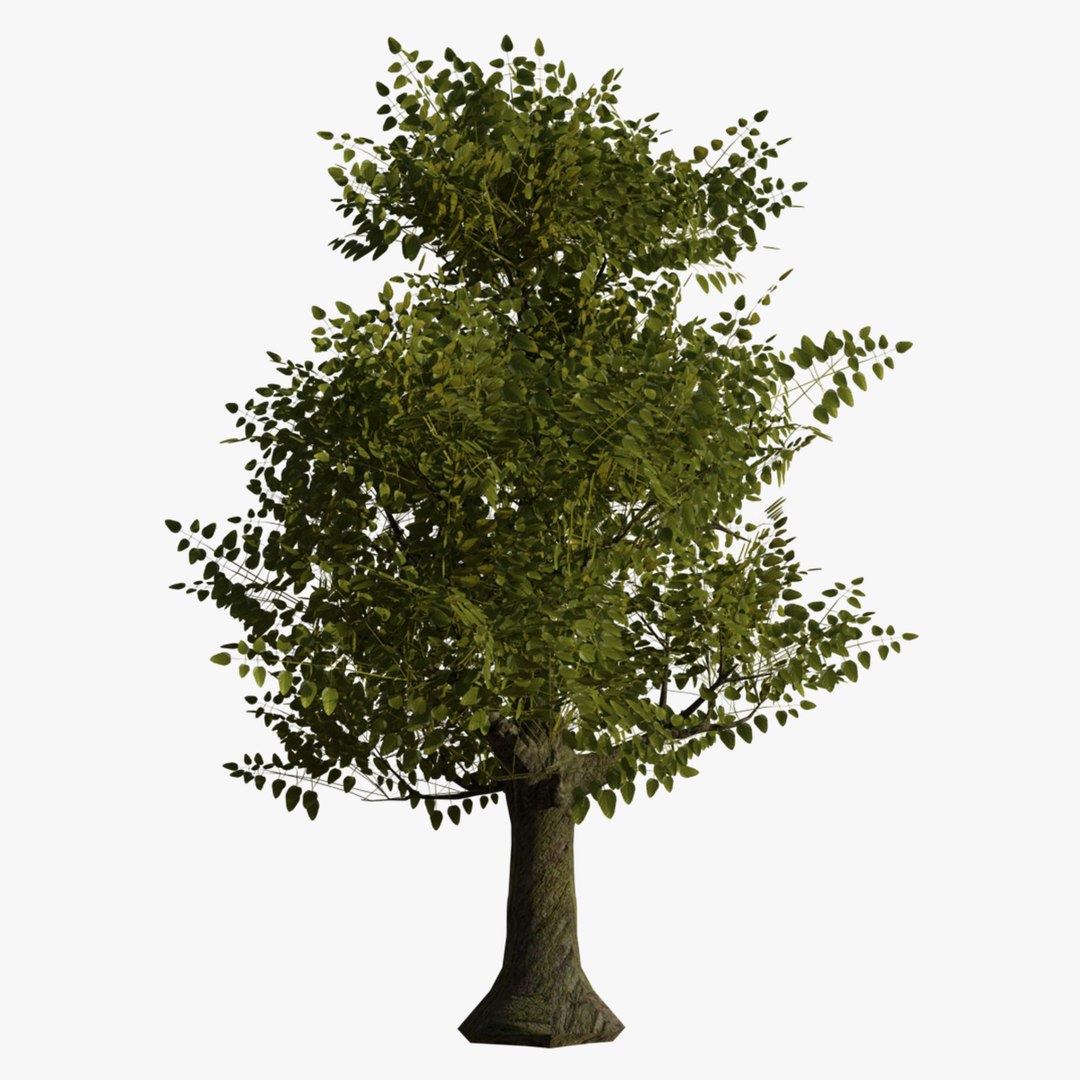
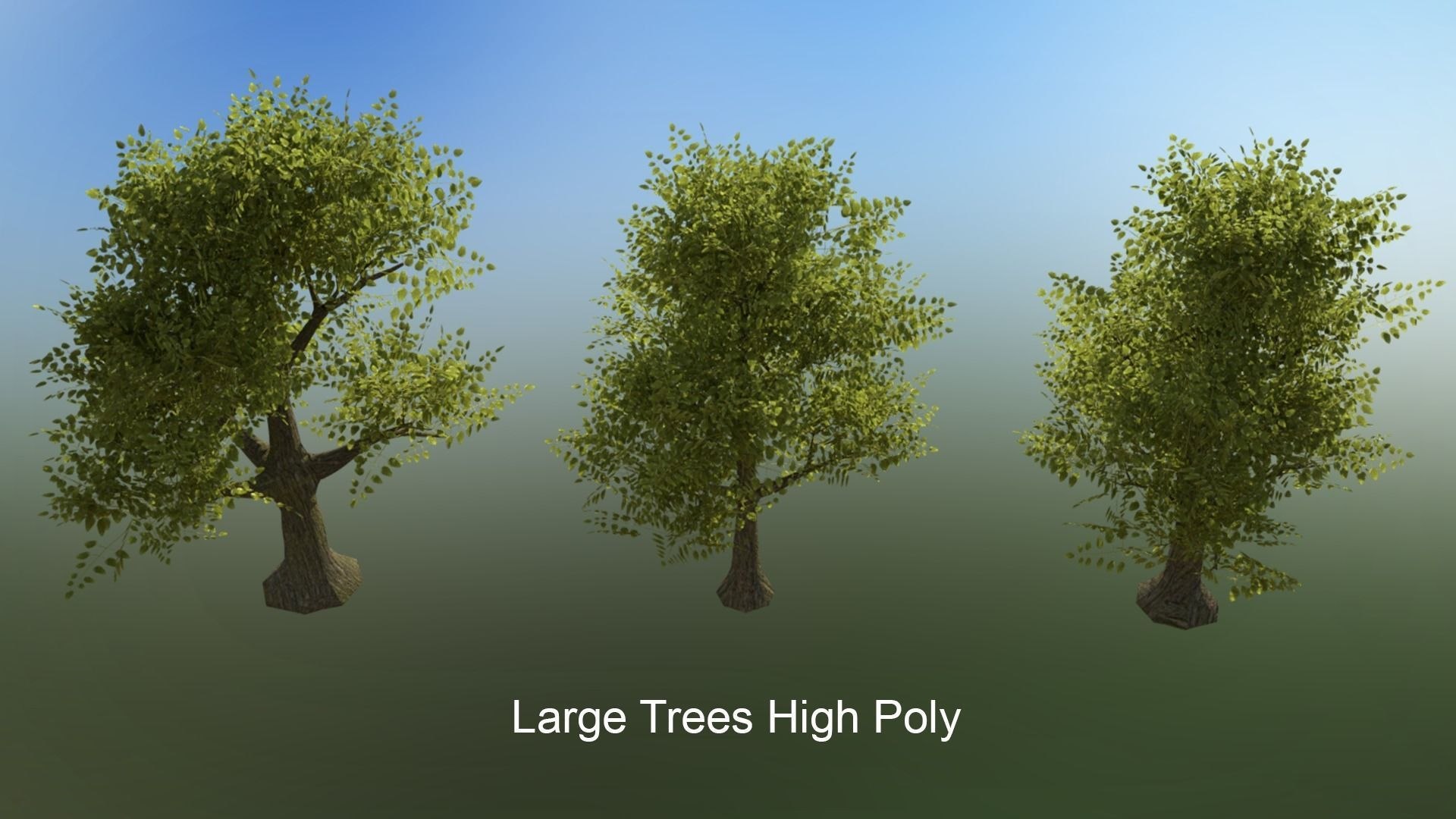
3 Large High Detailed Oak Trees
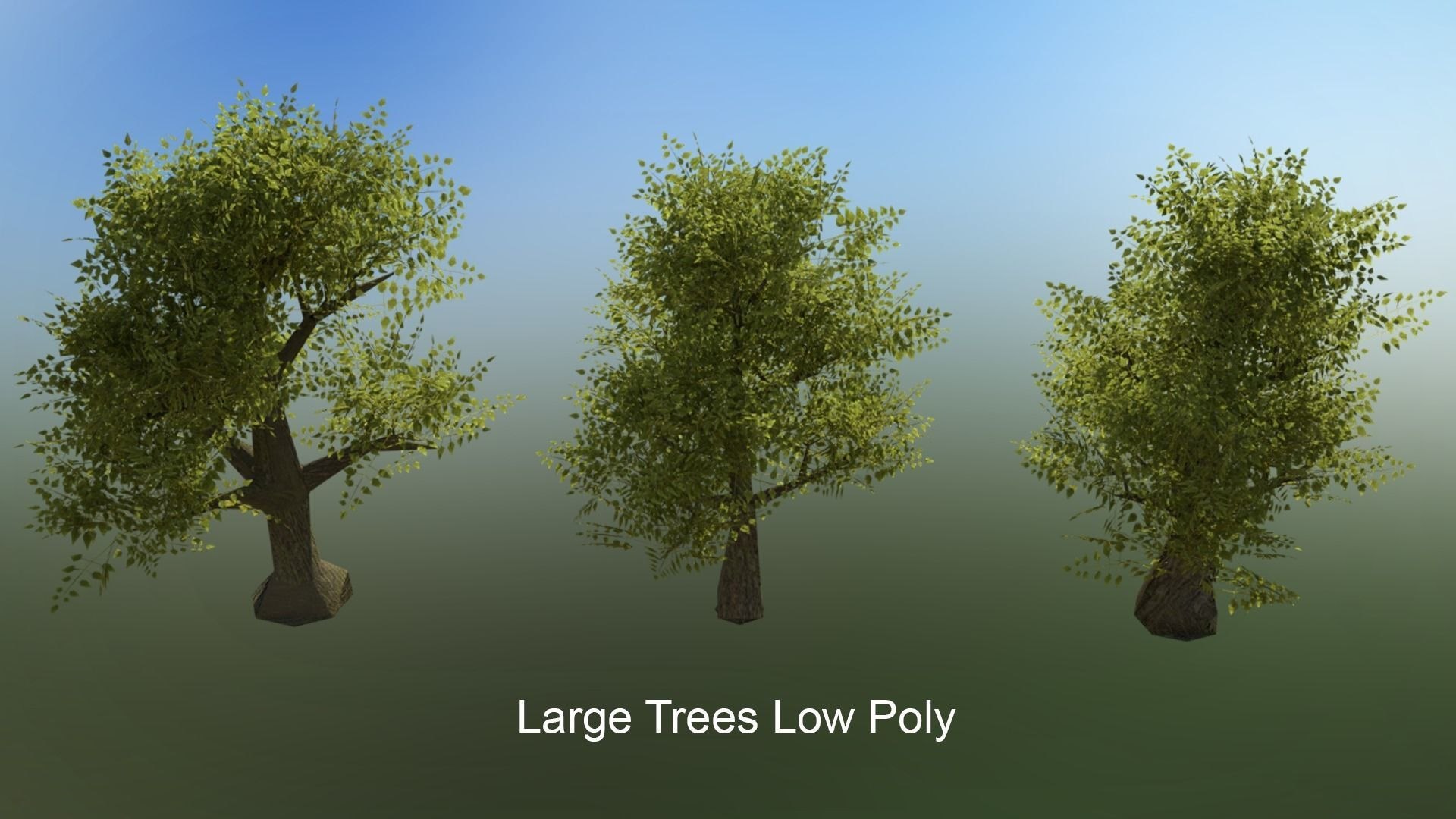
3 Large Low Detailed Oak Trees ( LOD)
3 Small High Detailed Trees
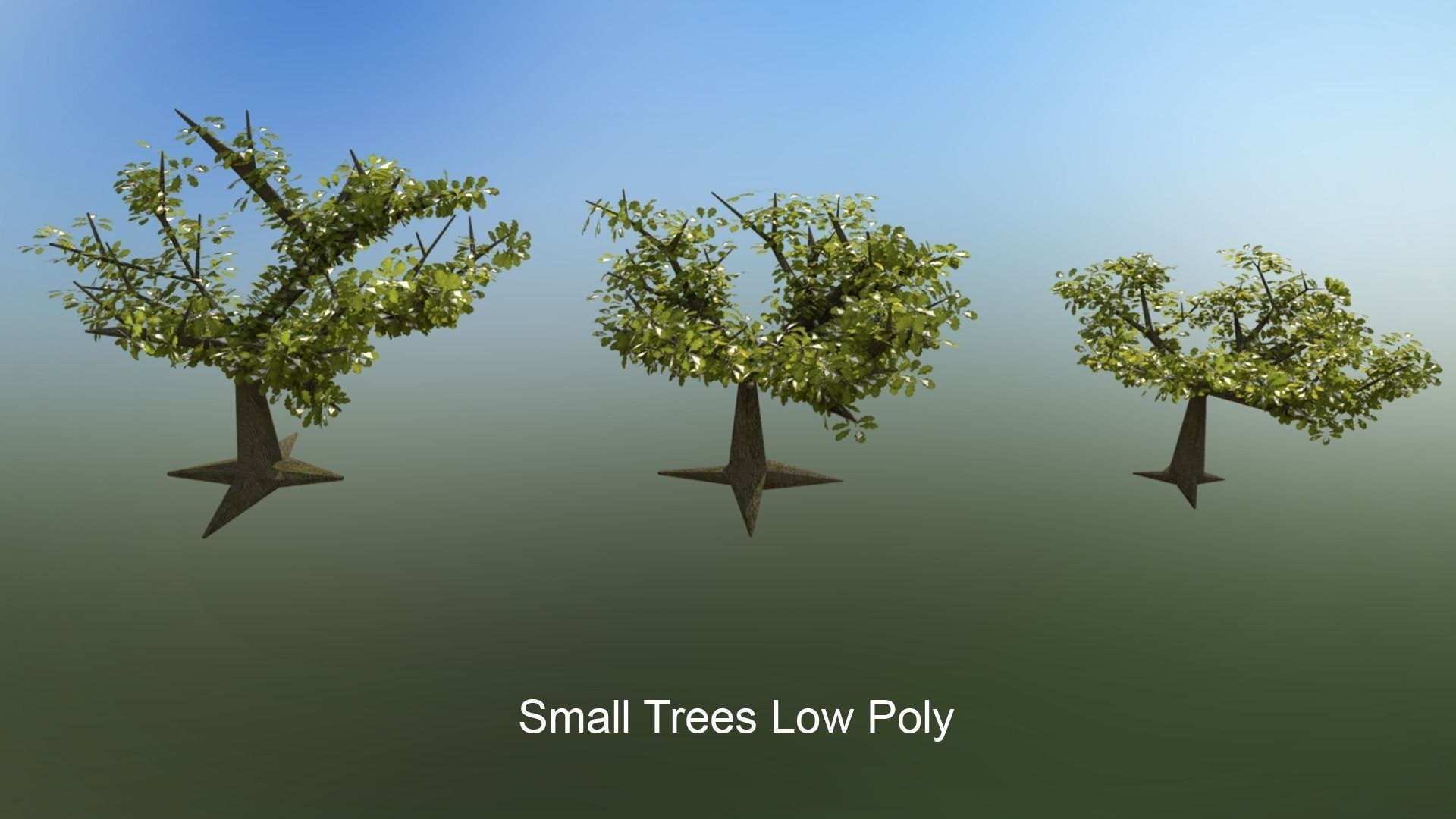
3 Small Low Detailed Trees (LOD)
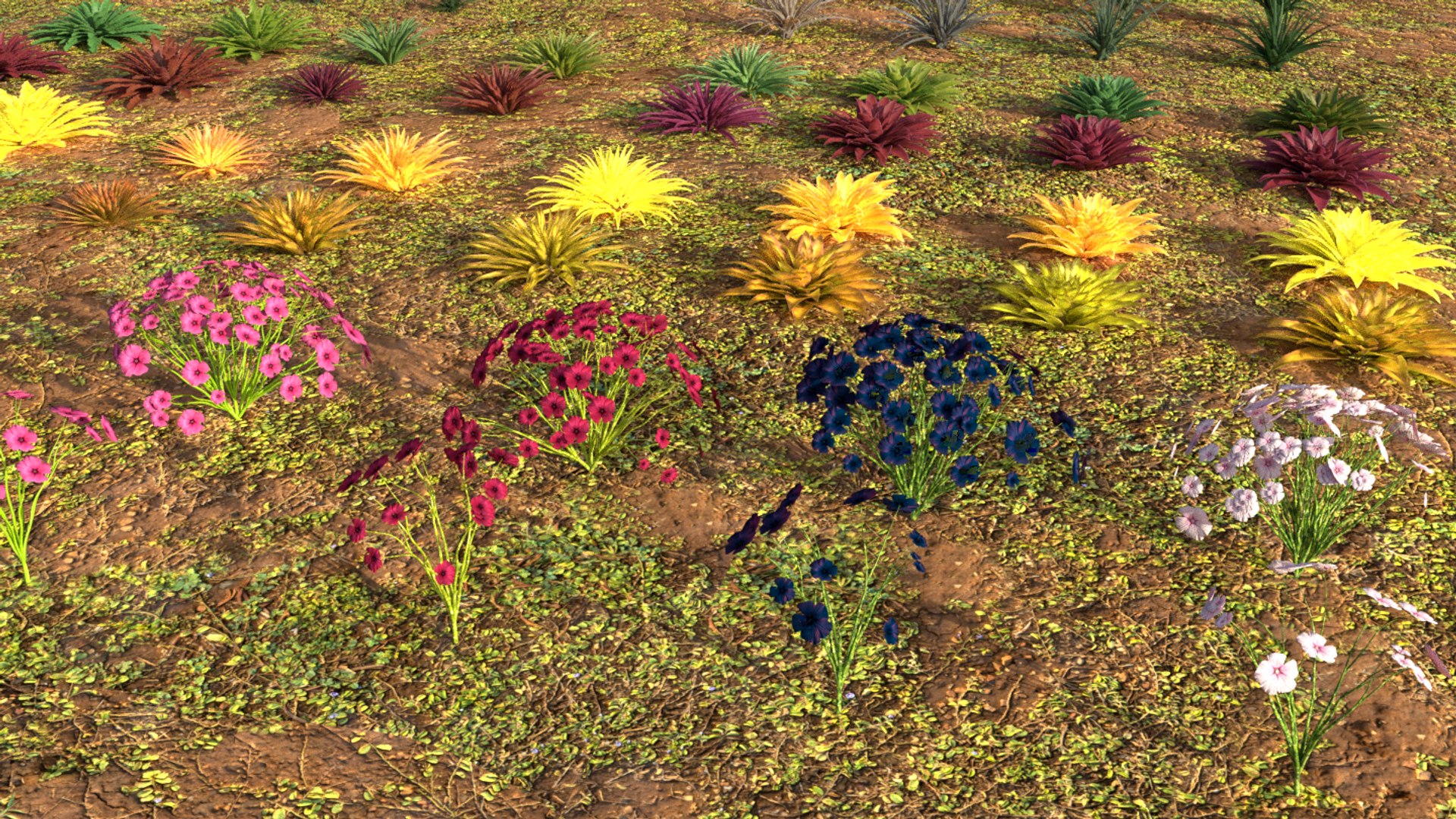
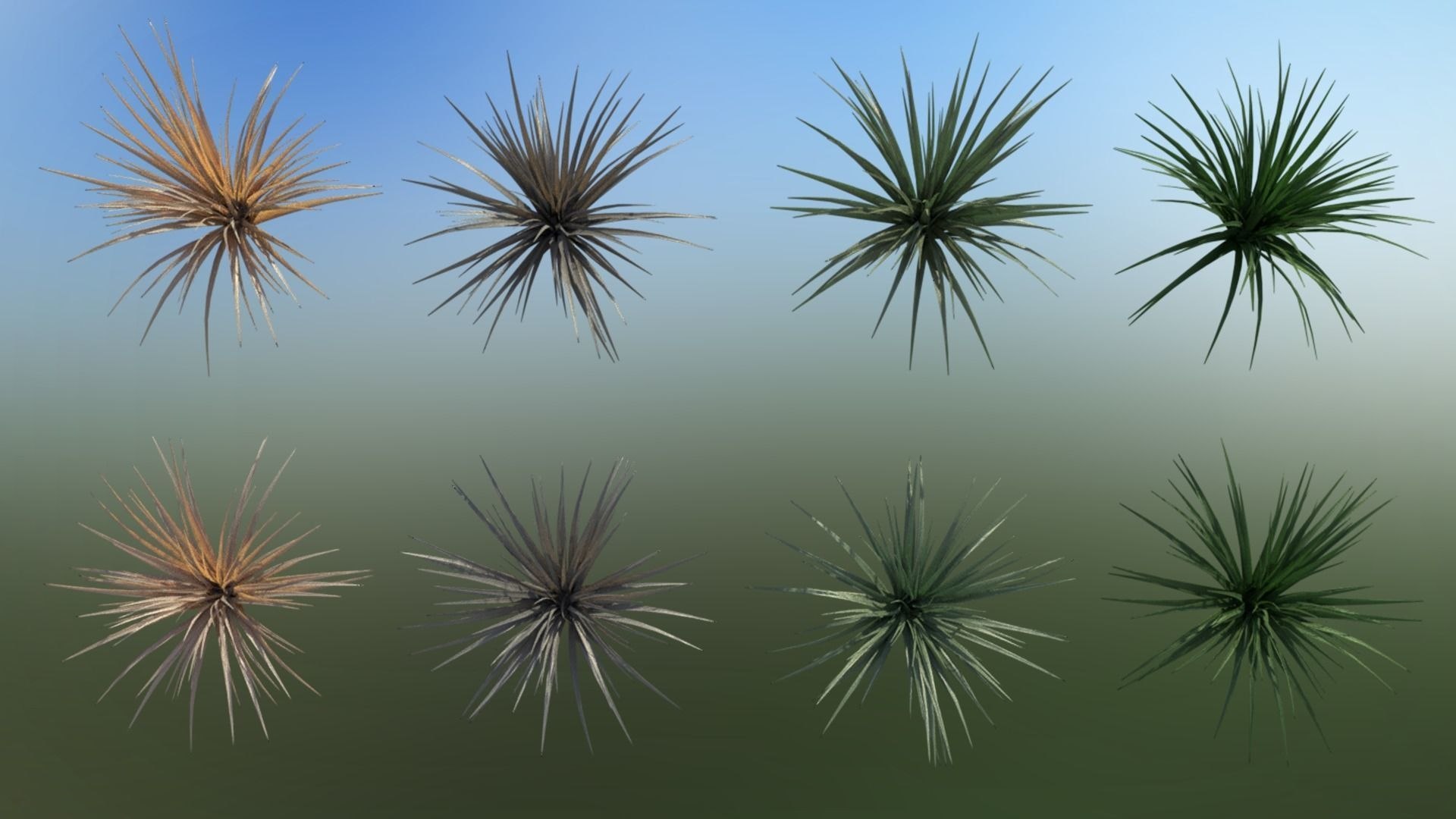
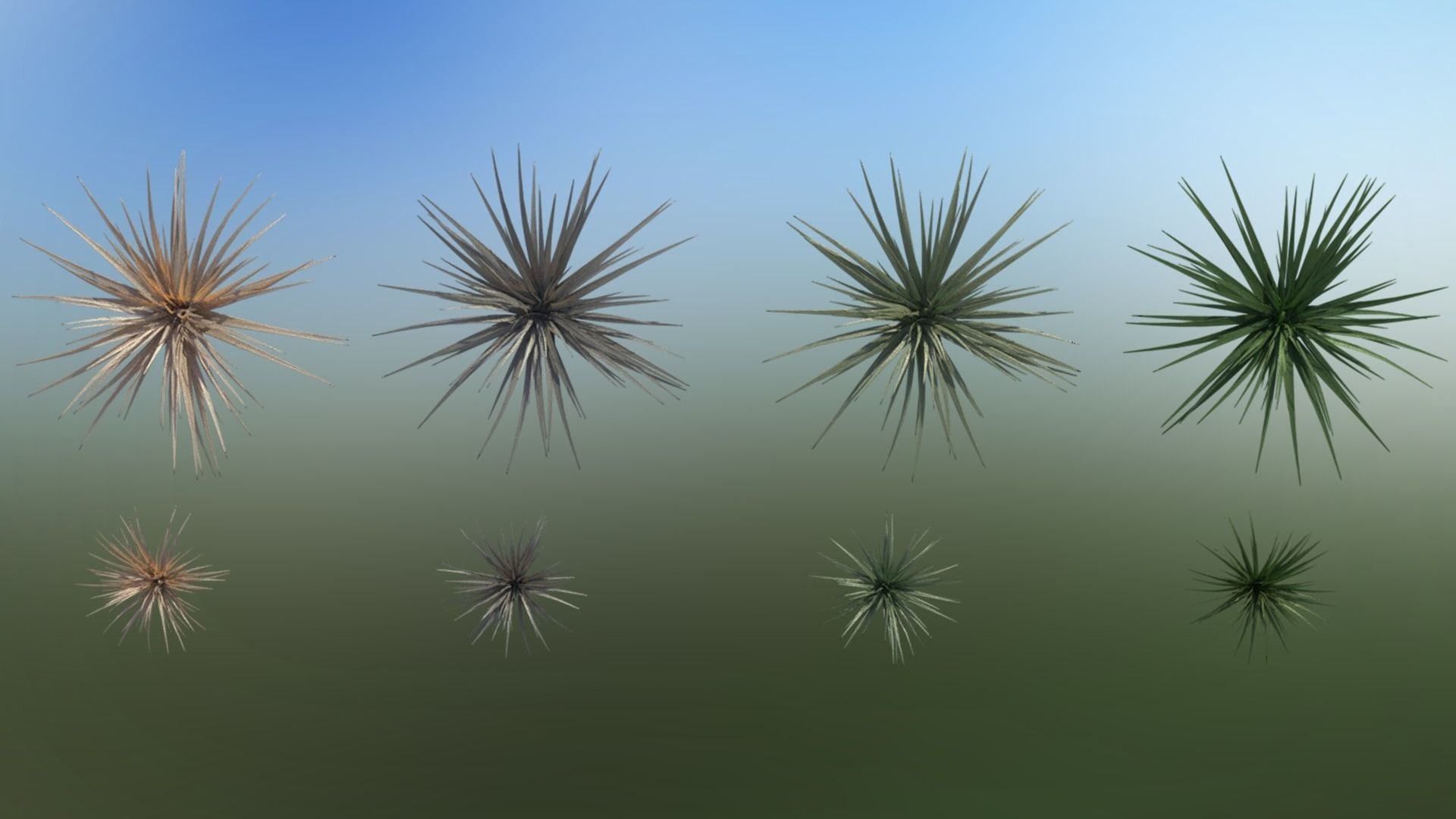
8 Tall Grass Type Plants - Various Colours
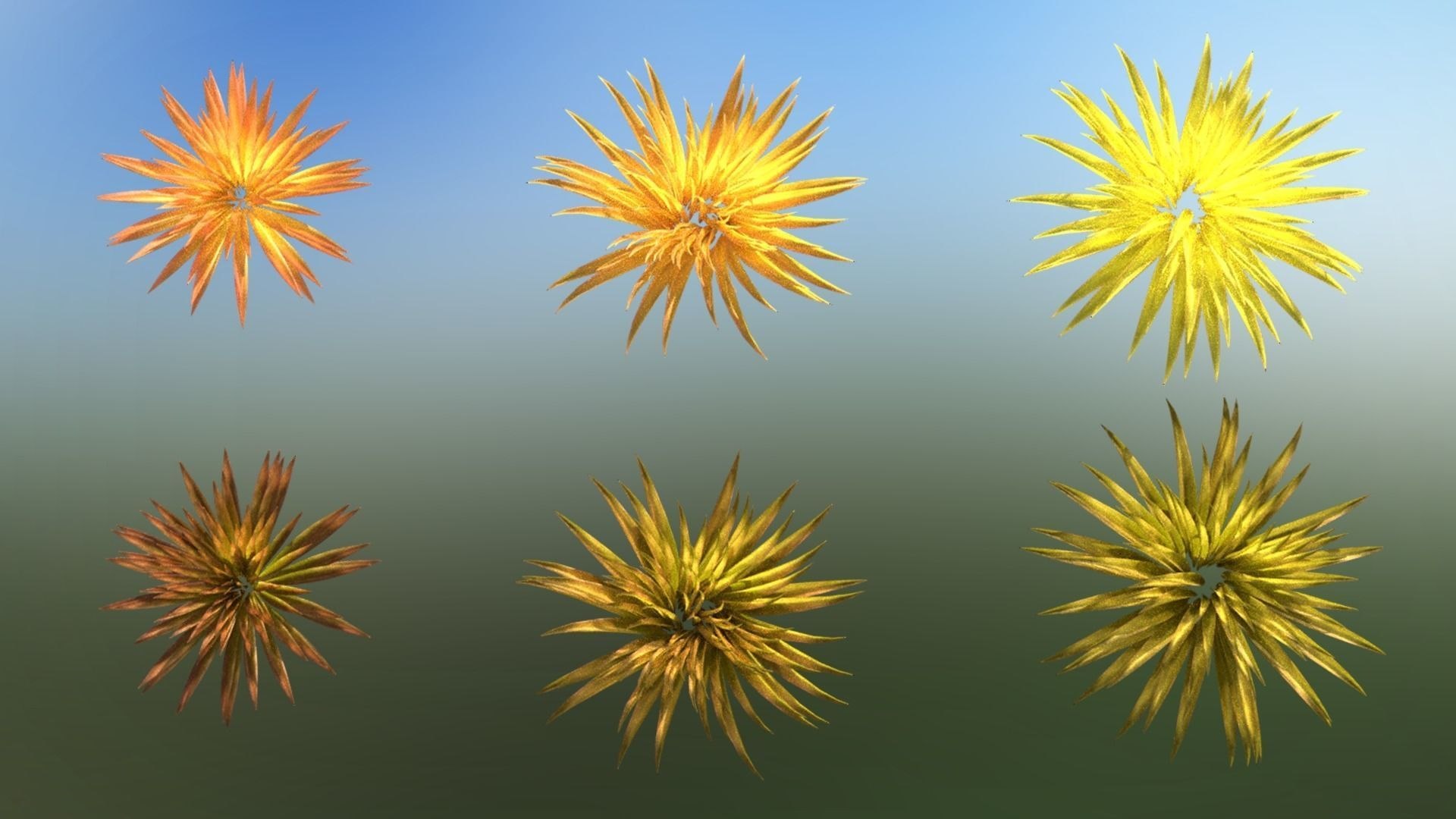
8 Small Grass Type Plants - Various Colours
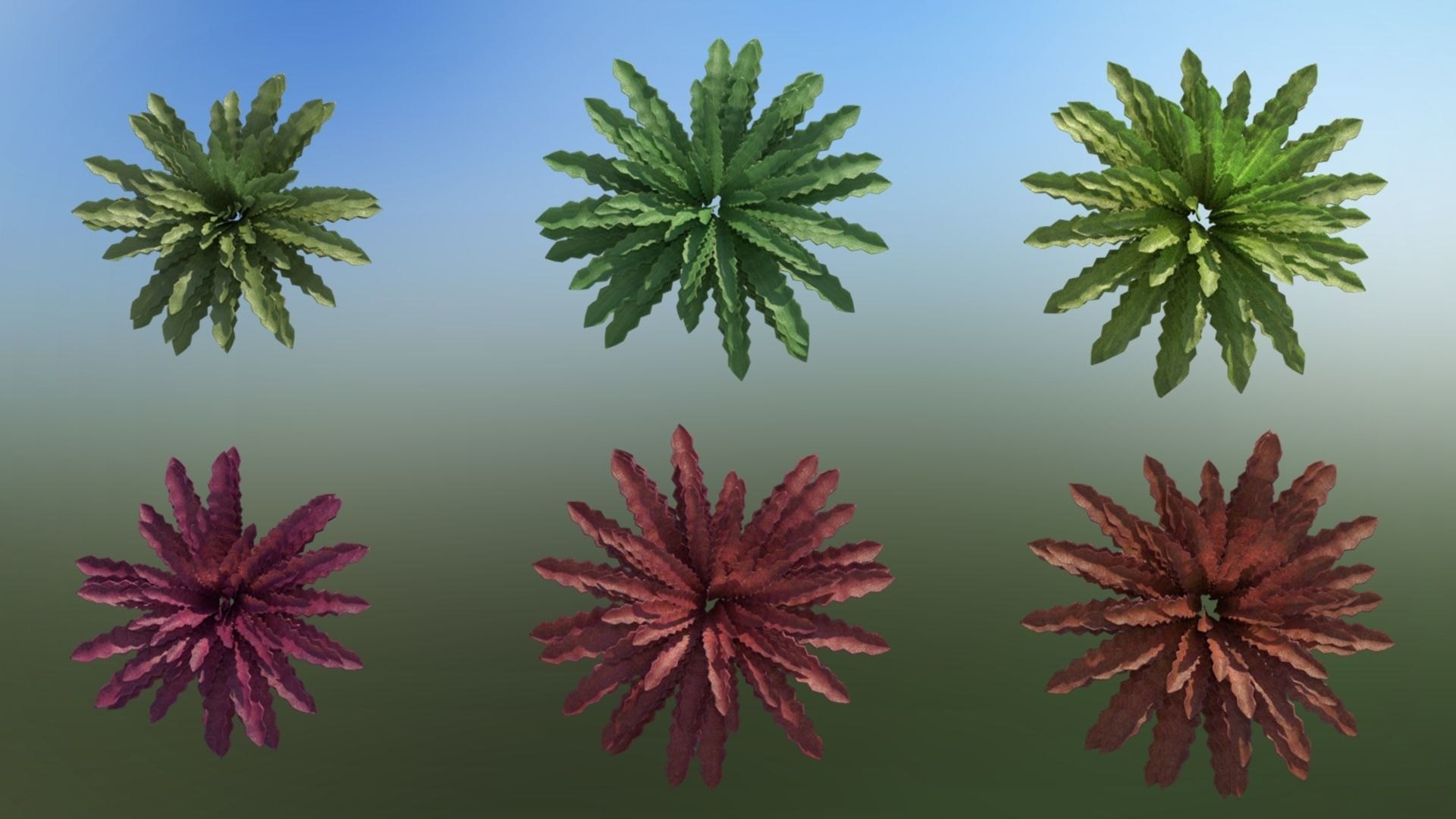
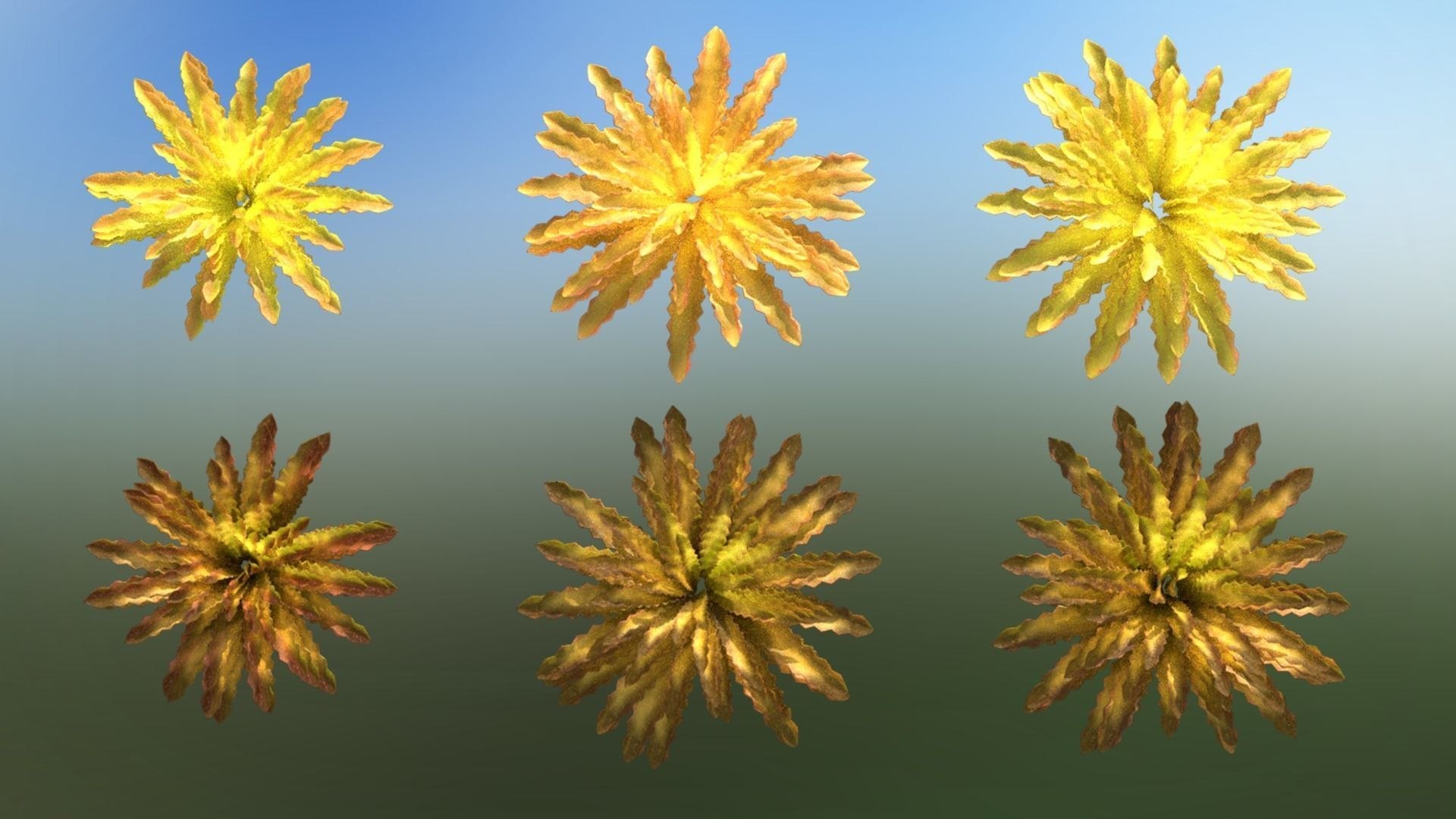
12 Fern Type Plants - Various Colours
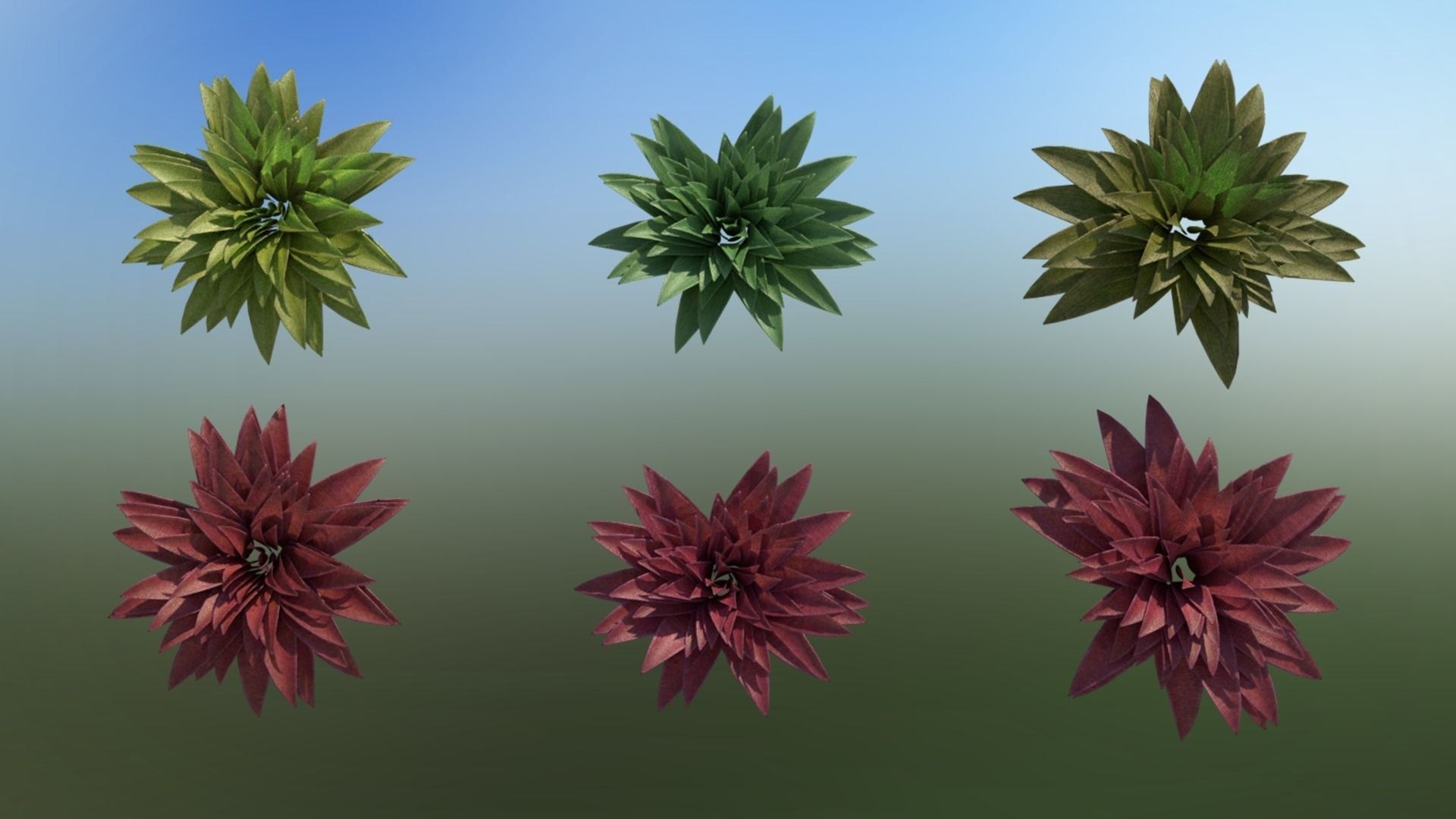
12 Large Type Leaf Plants - Various Colours
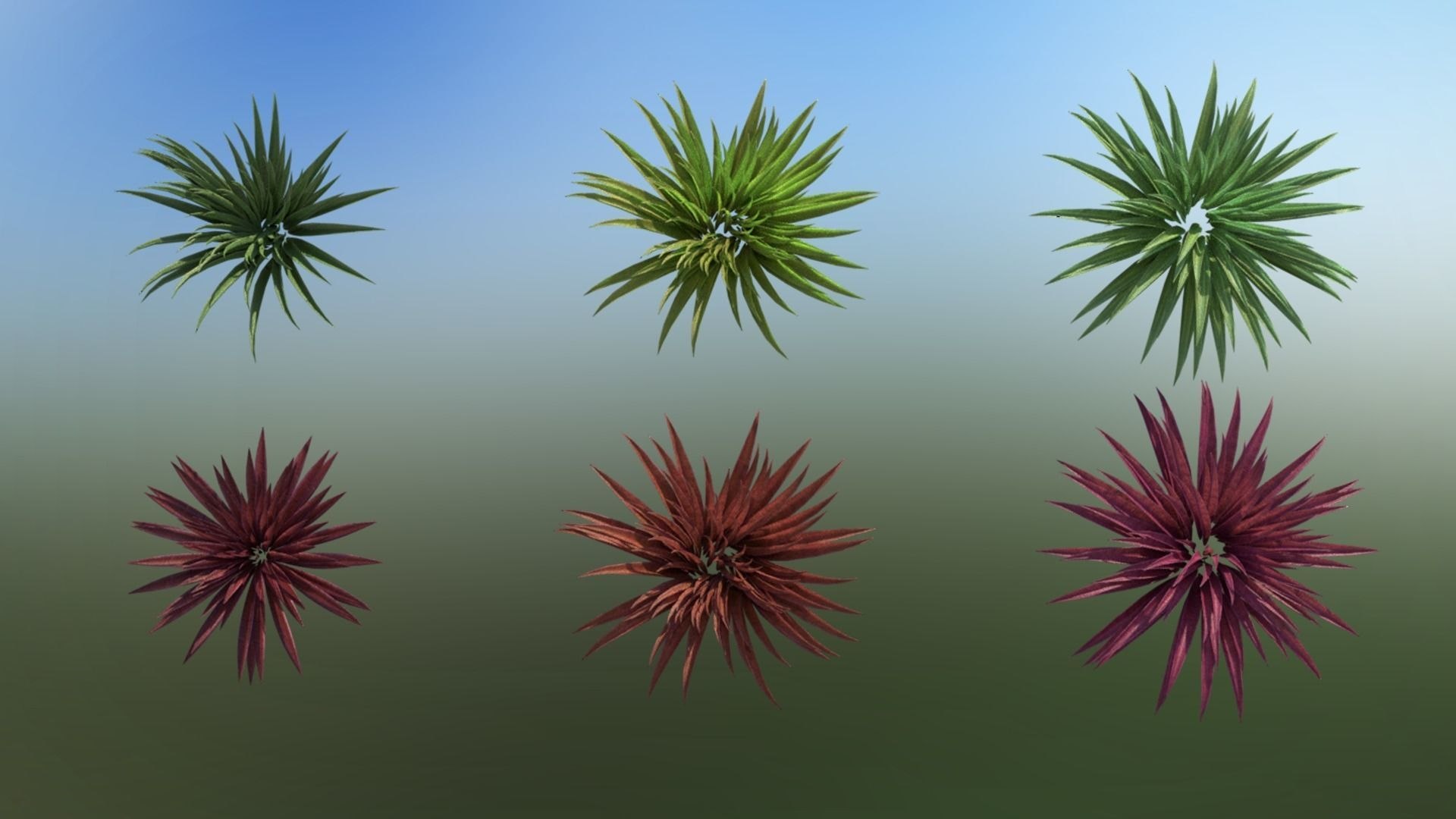
12 Long Leaf Type Mixed Plants - Various Colours
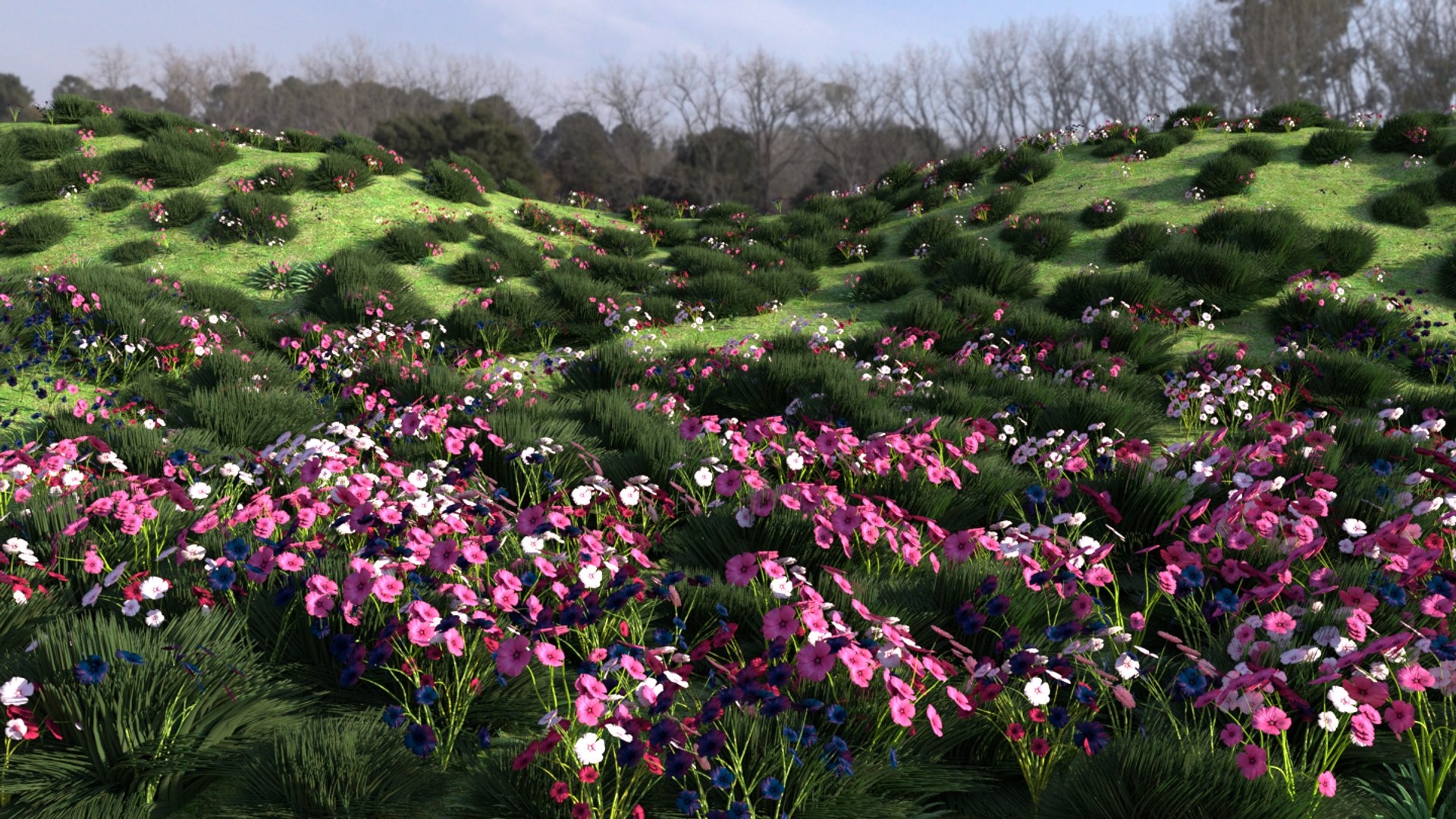
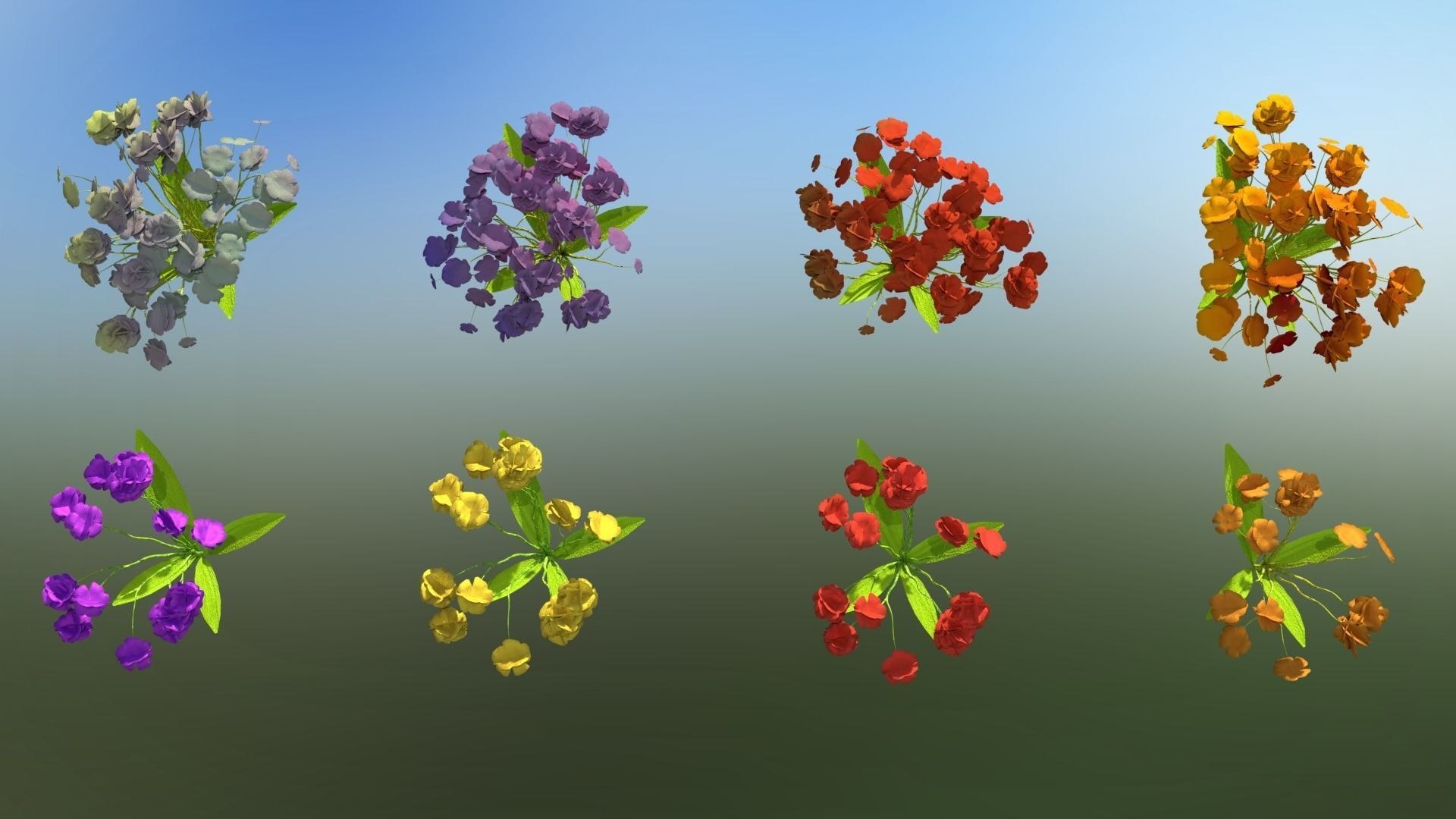
16 Flowers - Various Colours, Blooms & Differing inflorescence
1 Ground Plane
Polycount is for the whole package combined:
F: 3,484,391
V: 4,744,481
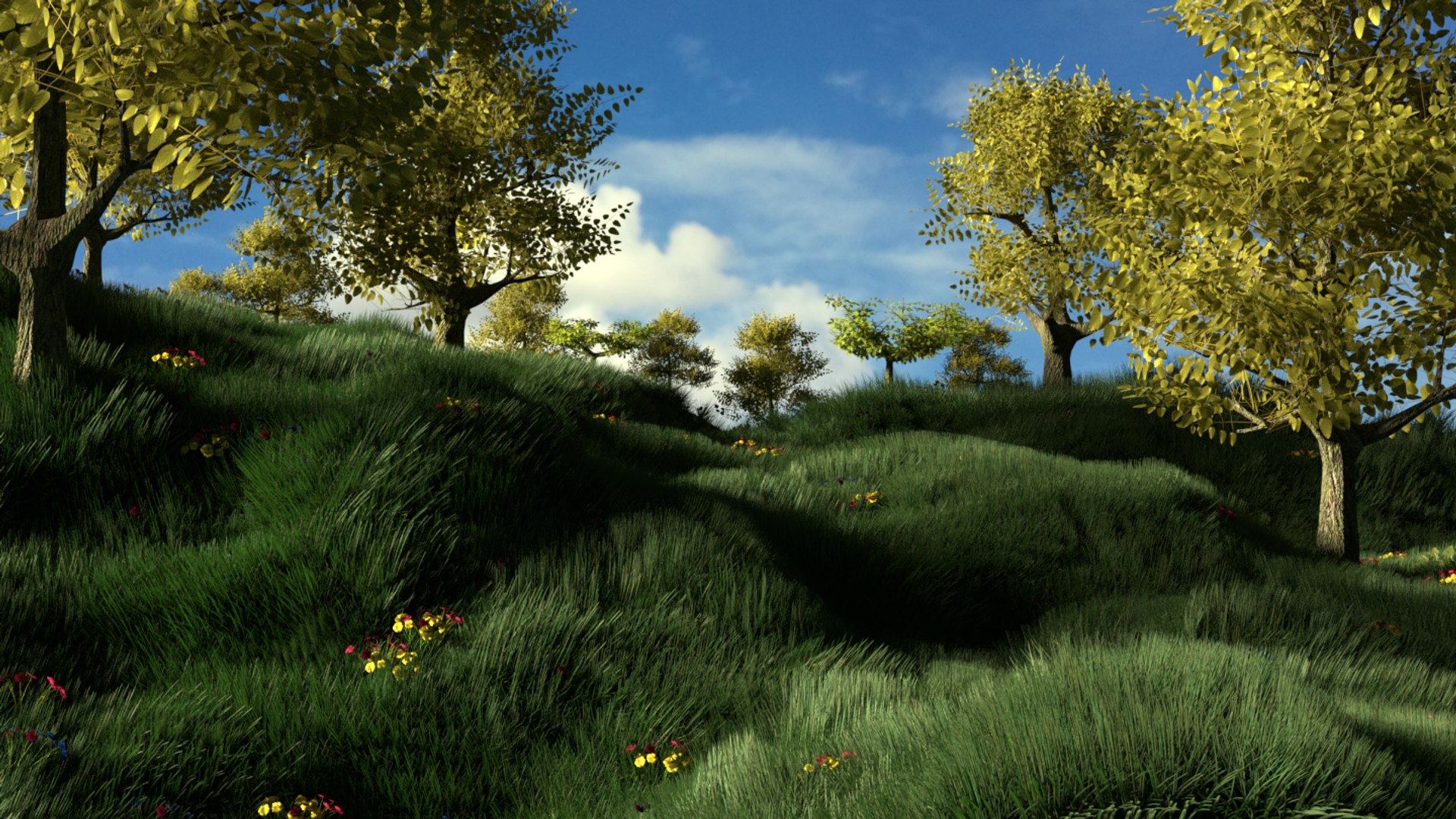
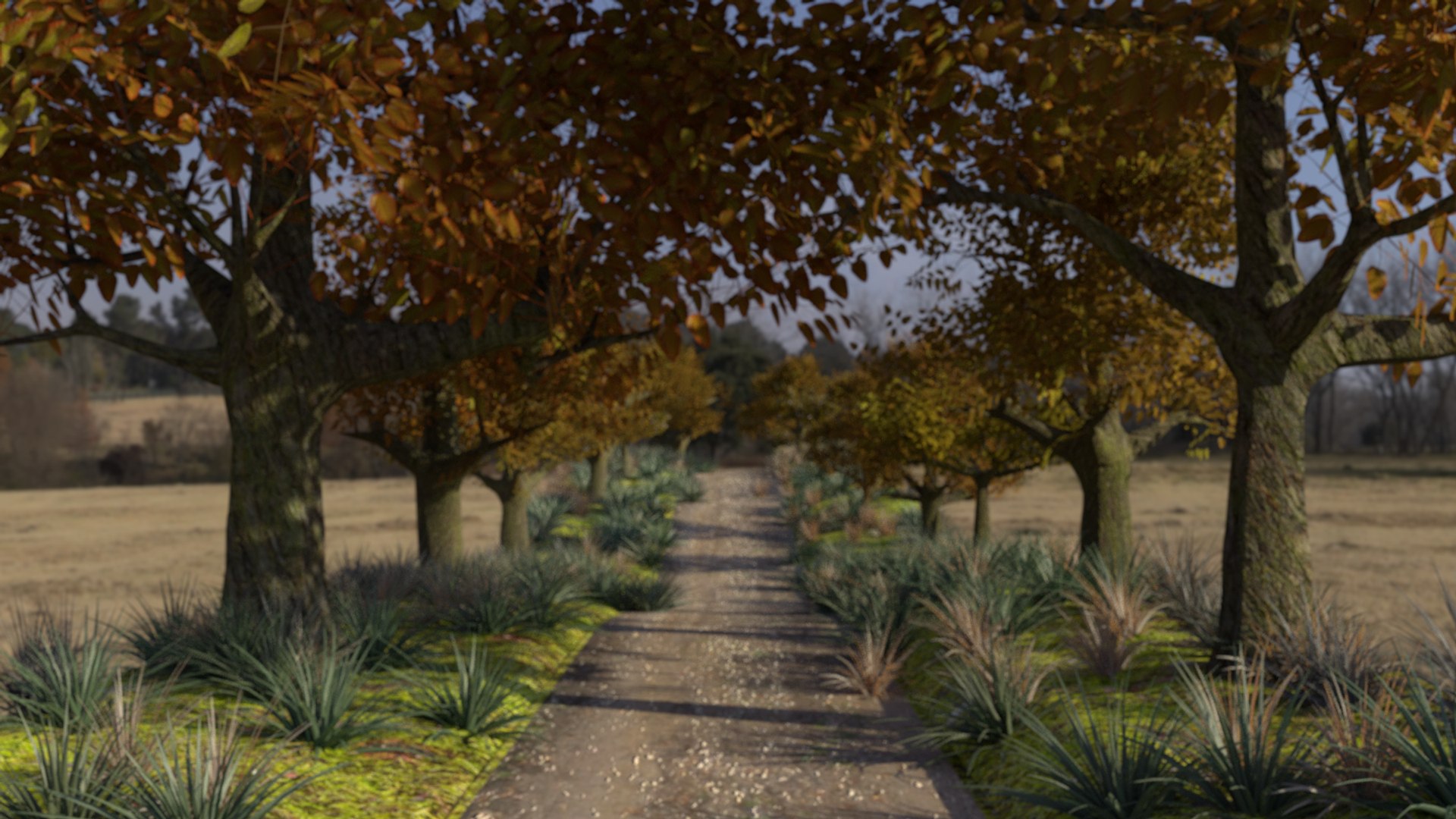
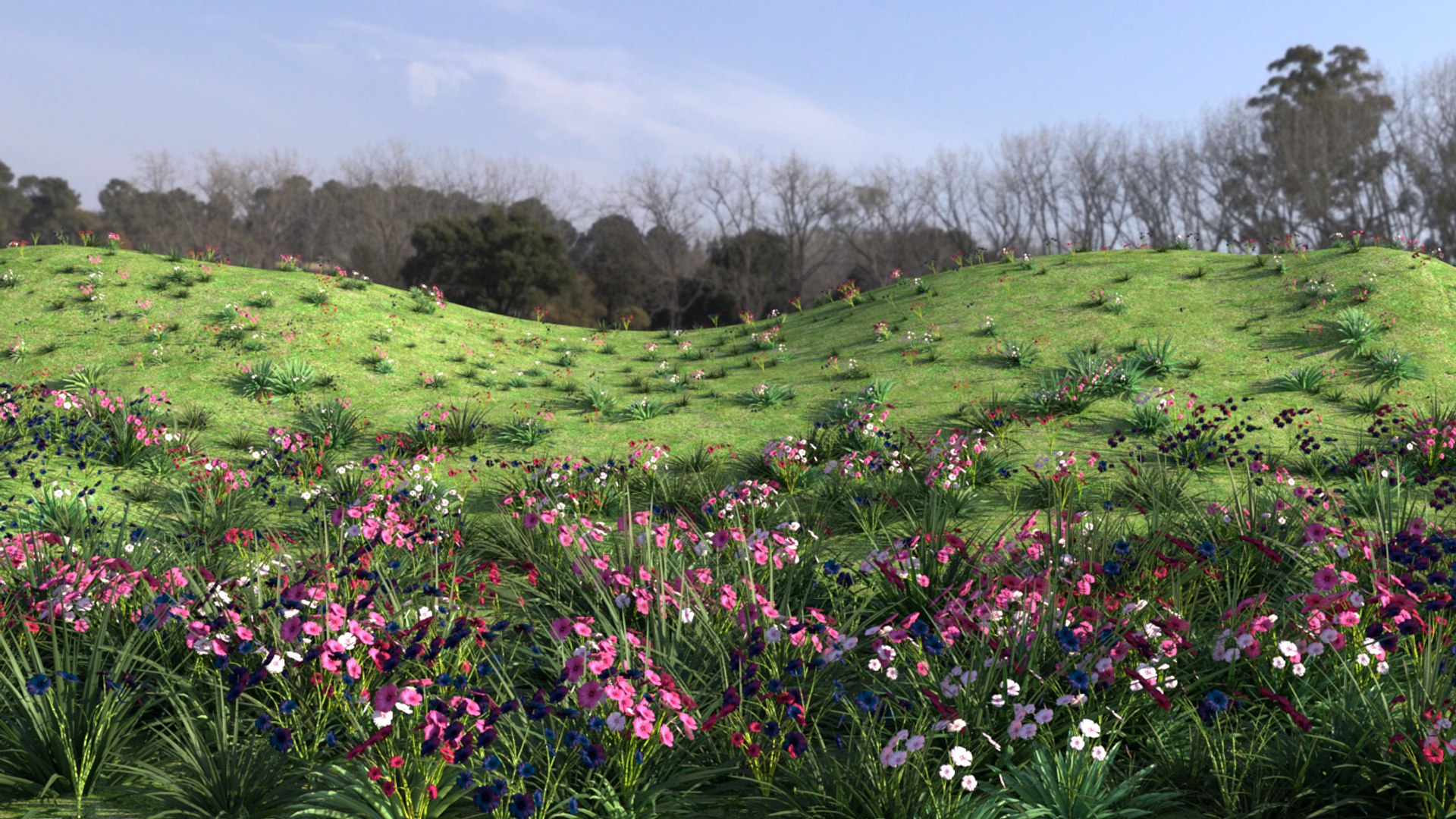
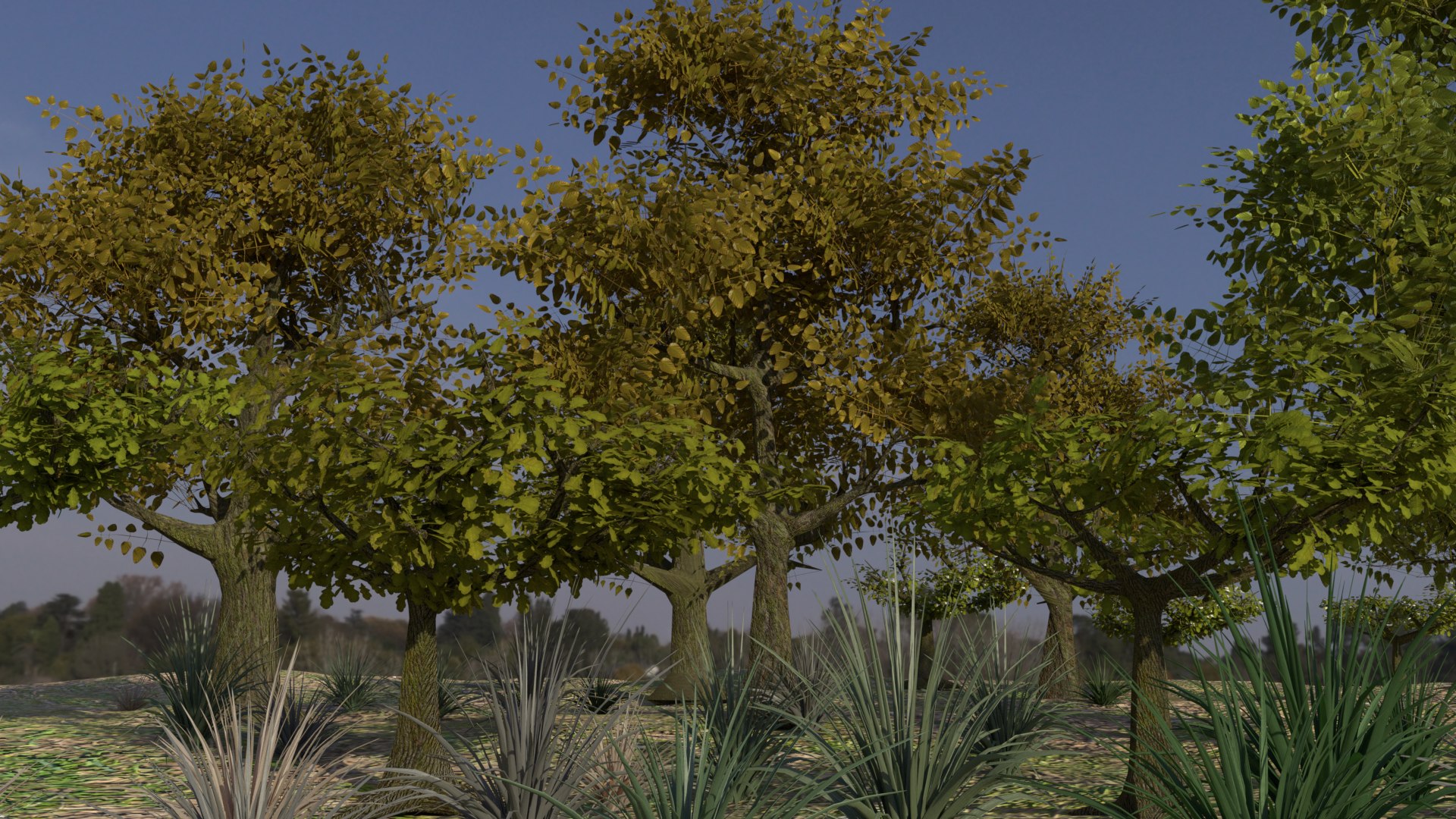
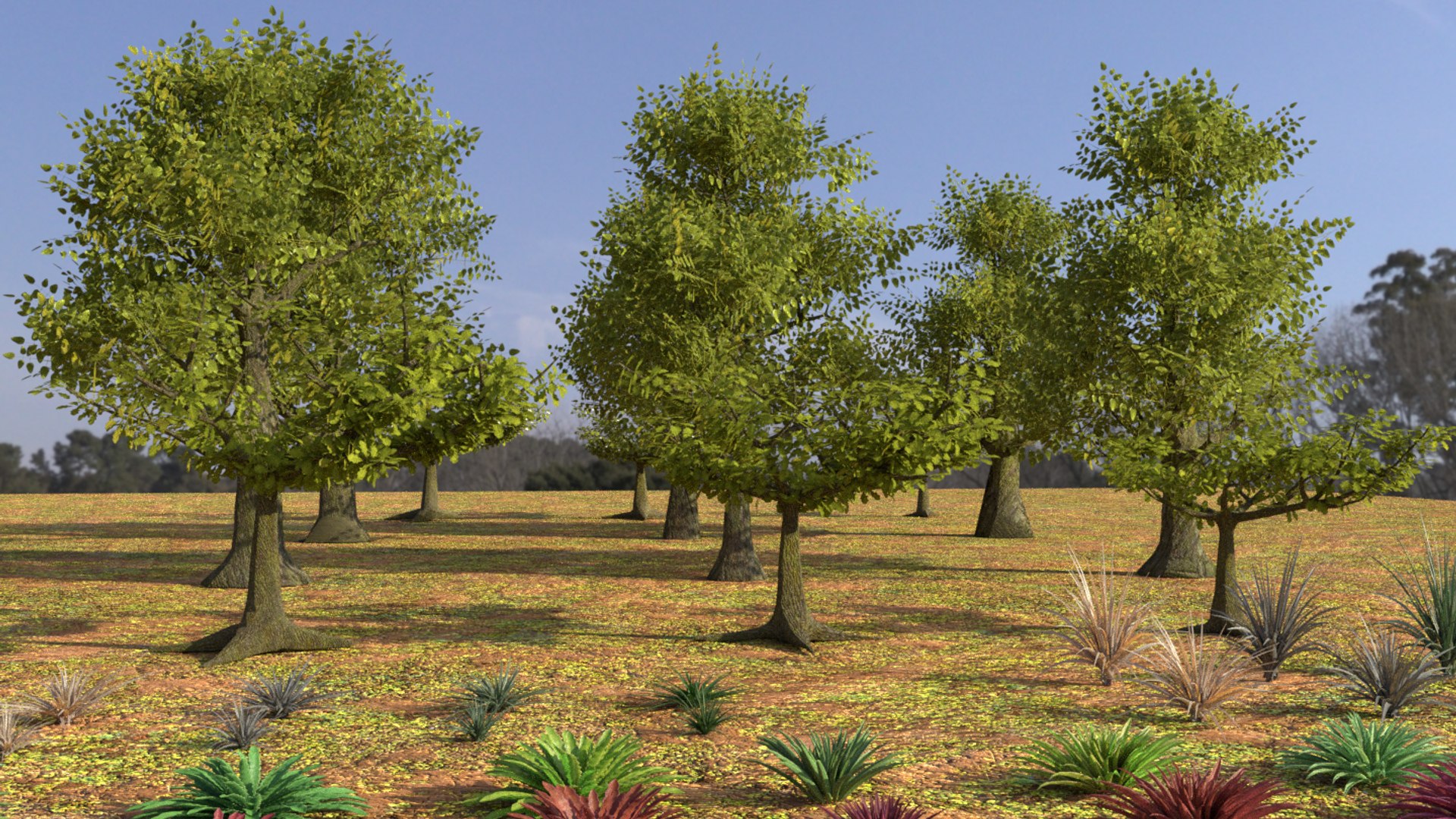
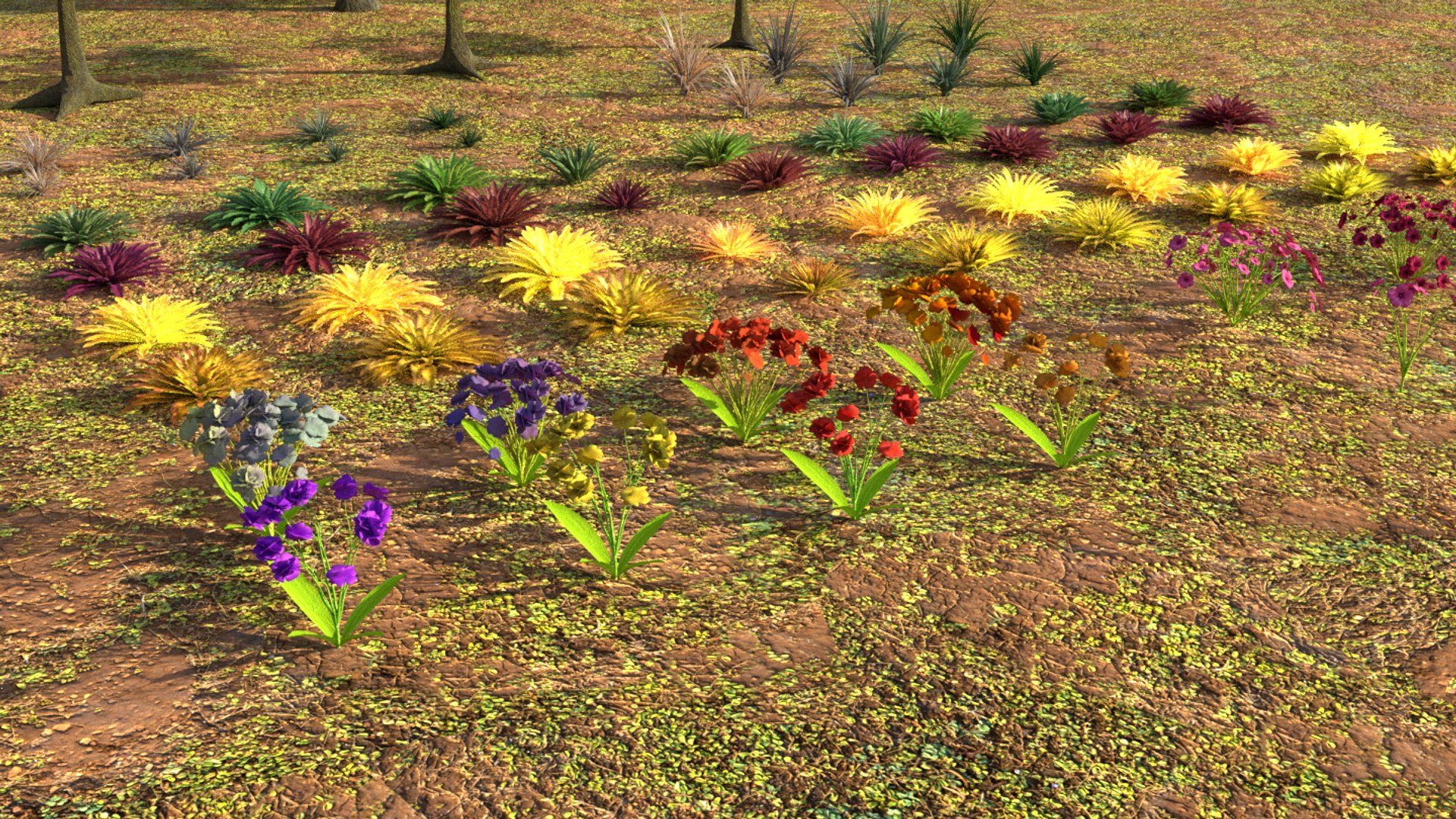
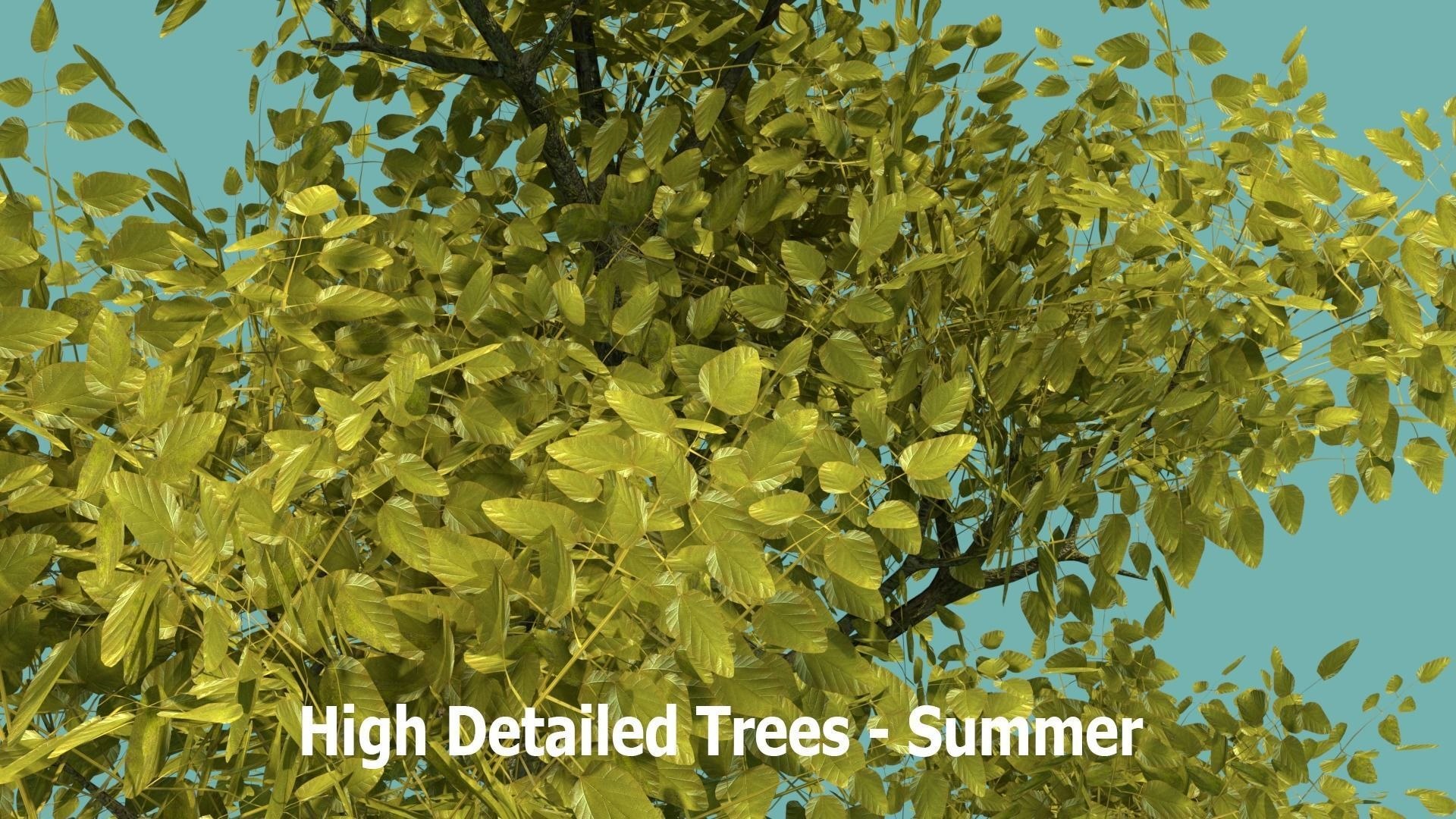
Please note the first 7 Images are example Renders of what can be achieved using this pack (Most are using Blenders awesome particle system)
Only the Trees, Plants, Flowers and a single Ground Plane are included with this pack
The lower detailed (LOD) Trees are great for distance Renders where detail is not an issue,....The higher detailed Trees are great for Closer Renders where detail does matter
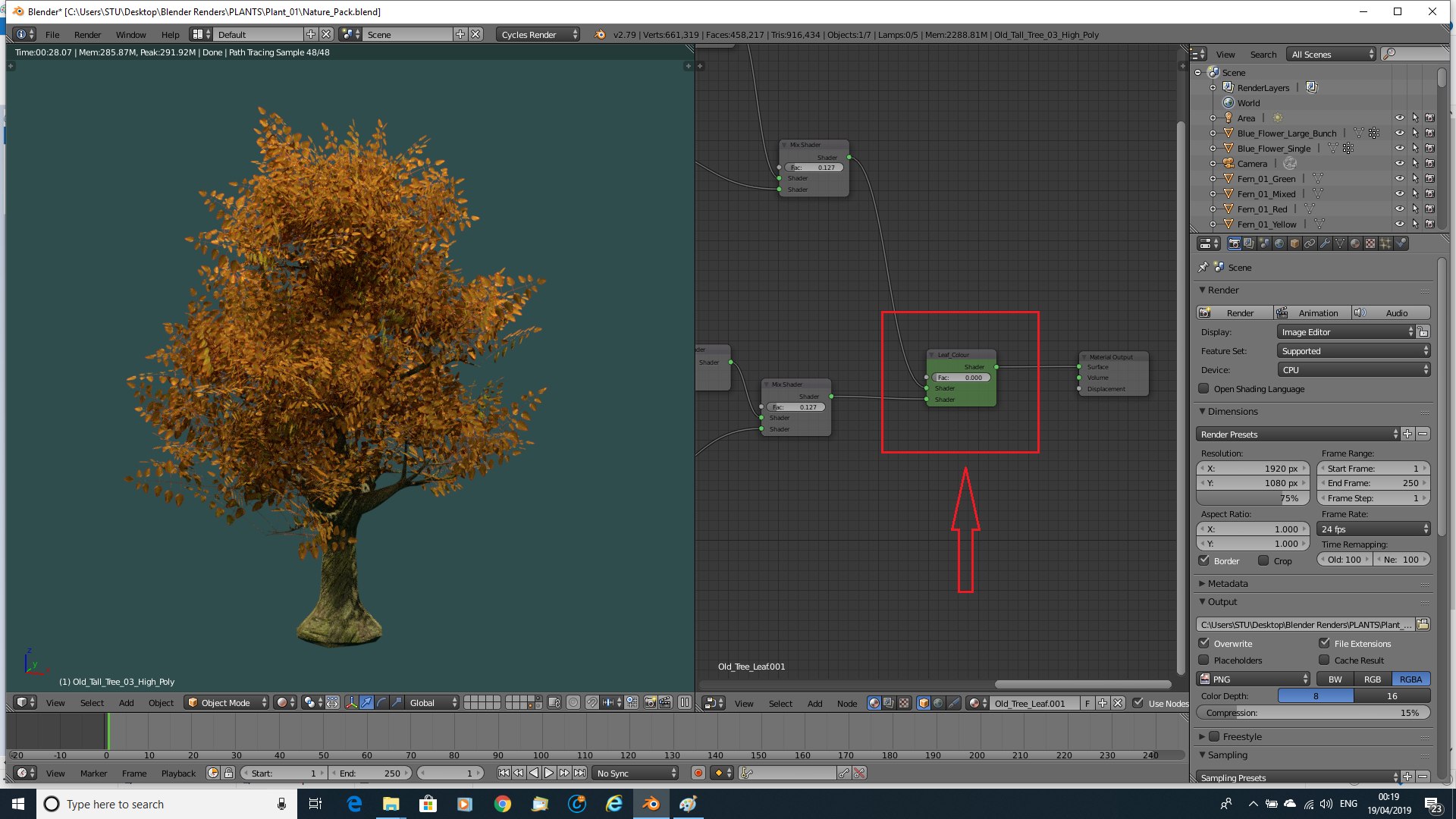
The Leaf colour of the Trees can also be easily changed within the Node editor using the highlighted Leaf_Colour value to change from Summer to Autumn (Or anywhere in-between)
This is a detailed comprehensive pack to enhance your own projects and save you the time and effort!
Documentation:
How to import these Models Into Blender/ your Blender Scene:
Unzip: Nature_Assets_Pack.7z
After you have extracted the file:
1. Open Blender
2. Go to File........find and open Nature_Assets_Pack.blend
If you are adding (Appending) selected objects to a current scene:
3. Select Append
4. Go To Your Nature_Assets_Pack Folder Location
5. Open: Nature_Assets_Pack.blend
6. Select the Object, or Objects, which you wish to add to your Scene then select `Append from library`
Blender Version 2.79 and Cycles Render engine used to create the Models
Tested in Blender 2.8
Please note if you are using EEVEE:
You may need to go into the Render Properties Tab - Performance - Enable High Quality Normals
All Textures/Images and associated files are included/Packed within the Blender file
All Objects are on Layer 1
I have Included a Ground Plane on Layer 2
The Lighting and Camera are on Layer 3
Approximate Real World Scale
The Leaf colour of the Trees can also be easily changed within the Node Editor using the highlighted Leaf_Colour value to change from Summer to Autumn ( Or anywhere in-between) .... Just open up the Node Editor and experiment with the value shown in the provided images
Please note the HDRI Lighting used in the Images provided is not included
The Renders showing examples of what is achievable with the pack are just for illustrative purposes and are not included with the pack
All Objects are named within the Outliner
A great Asset Pack for use with Blender`s wonderful Particle System
(Please note if you do use the Particle system you may have to change the orientation of the object ( usually Y +90 degrees)
This is a .blend file (unzipped .7z file provided)
Due to the 20 image restriction I have only shown a few of the Assets in close-up
Please kindly remember: This is for use within Blender and may not port correctly into other Software
Thank you for your interest & support!
MagicCGIStudios