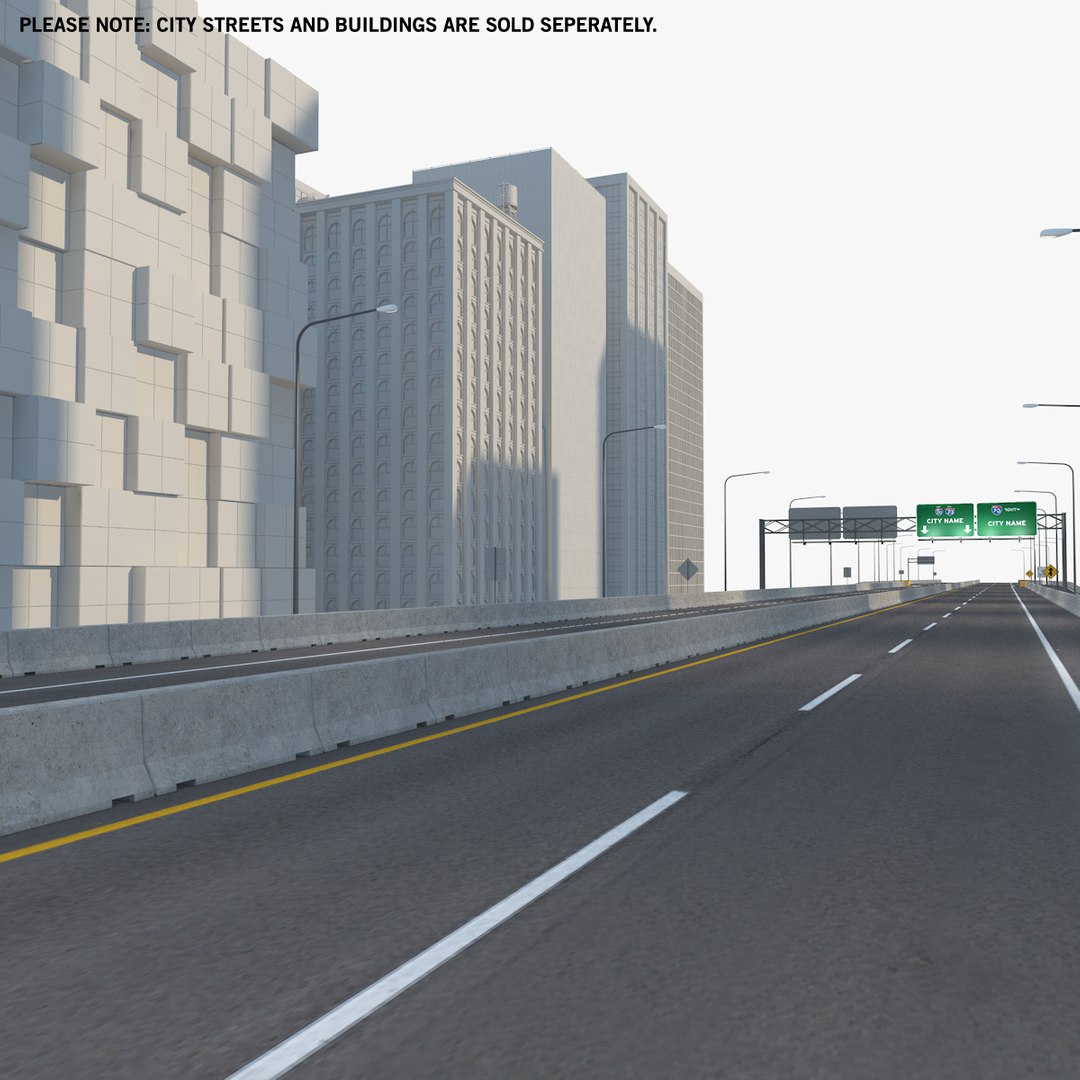
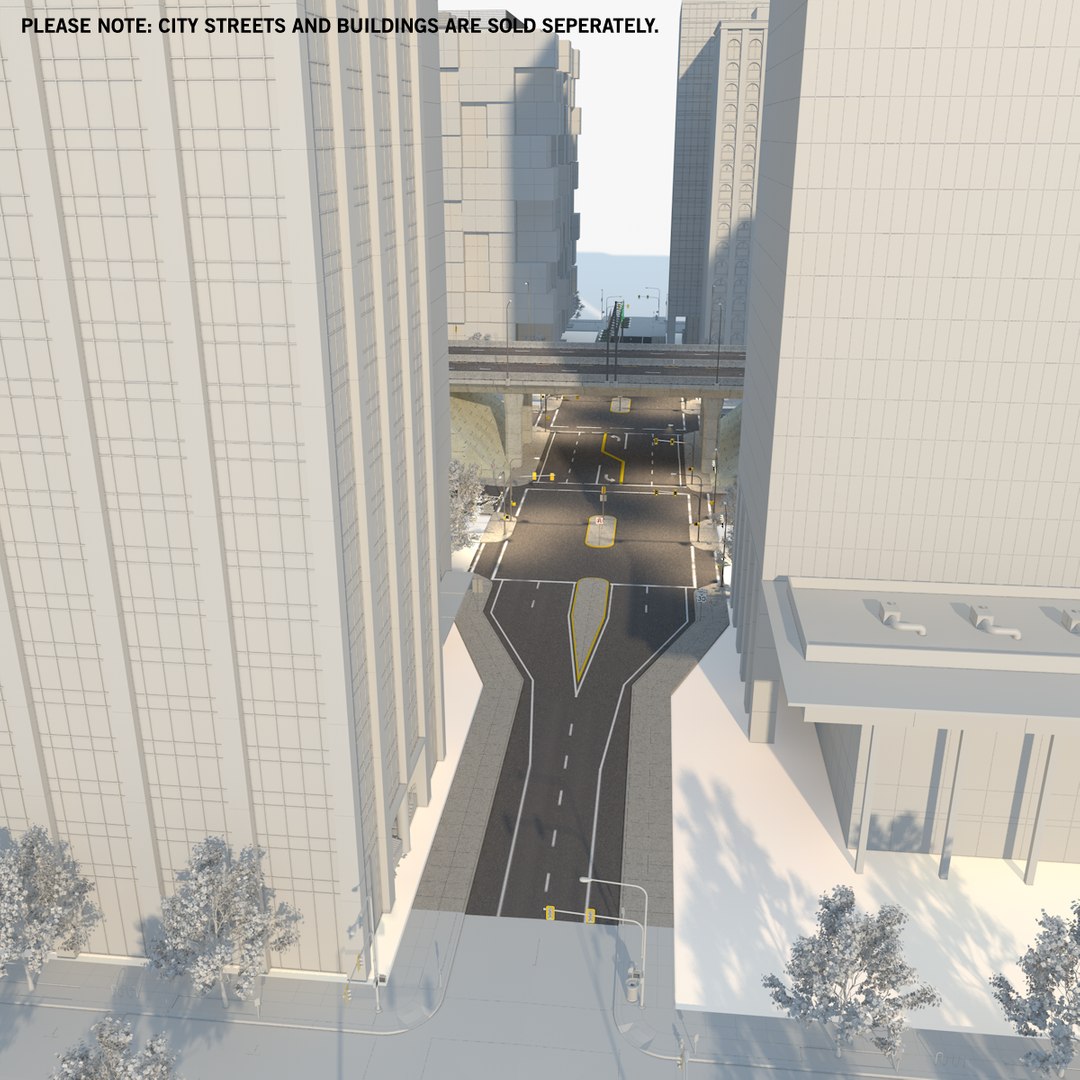
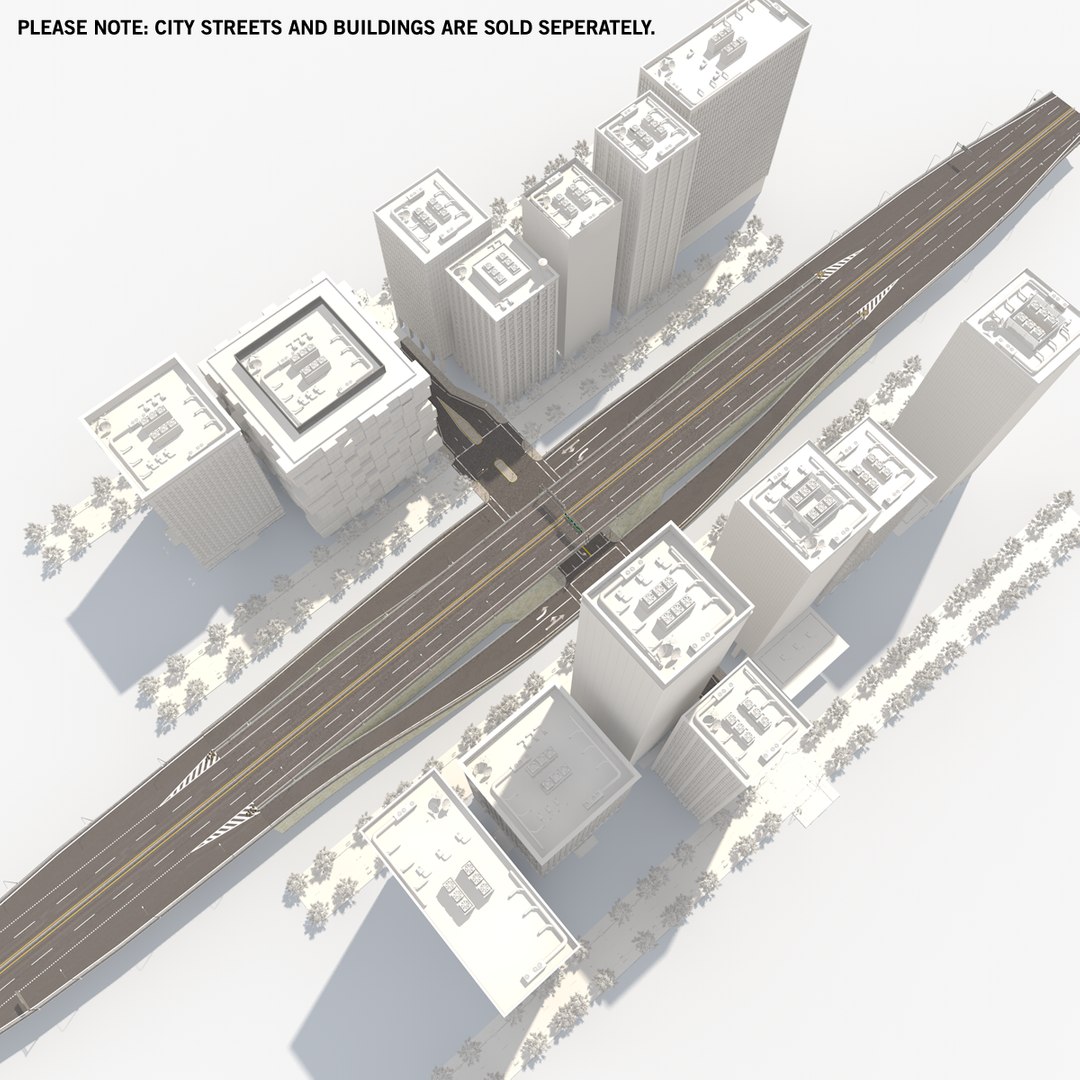
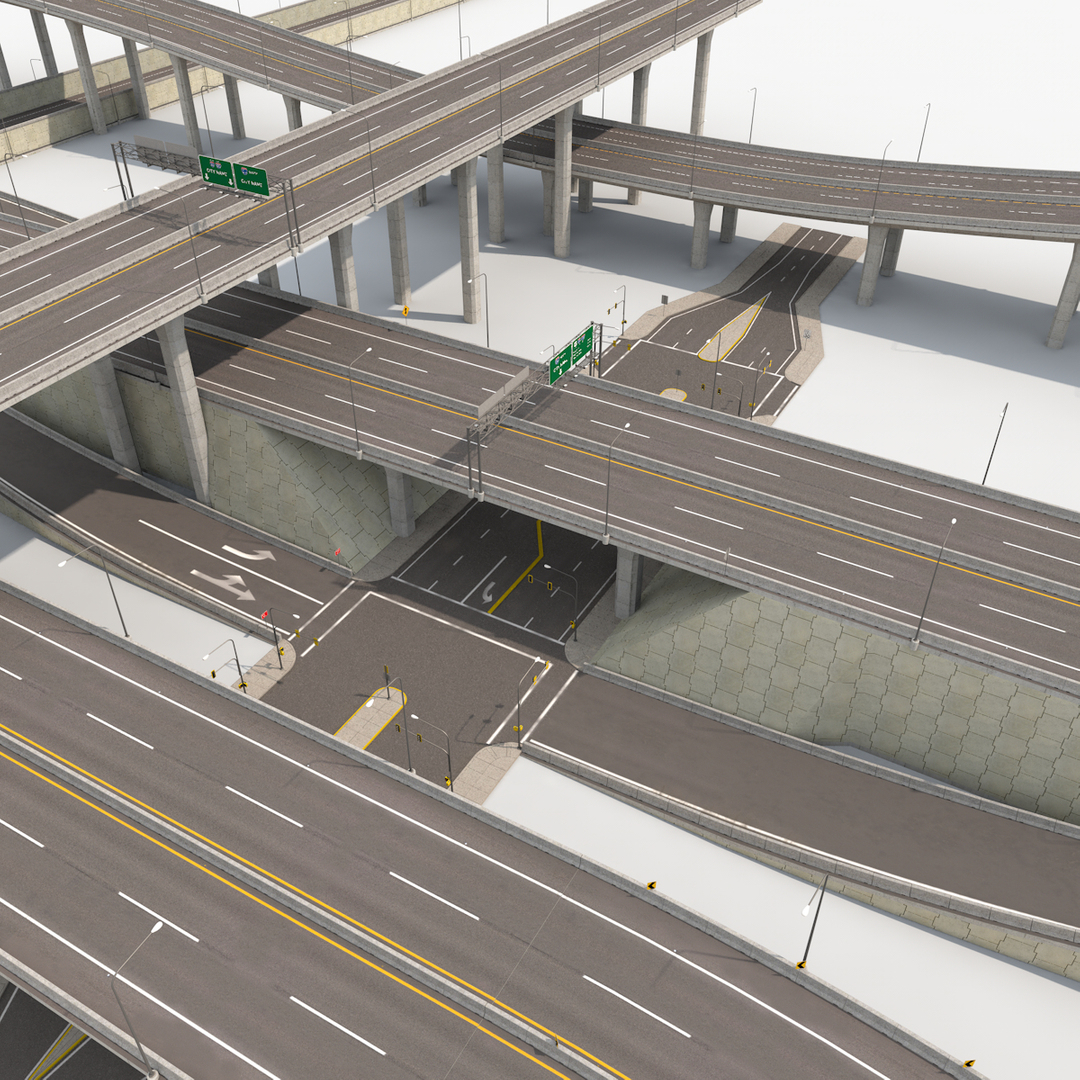
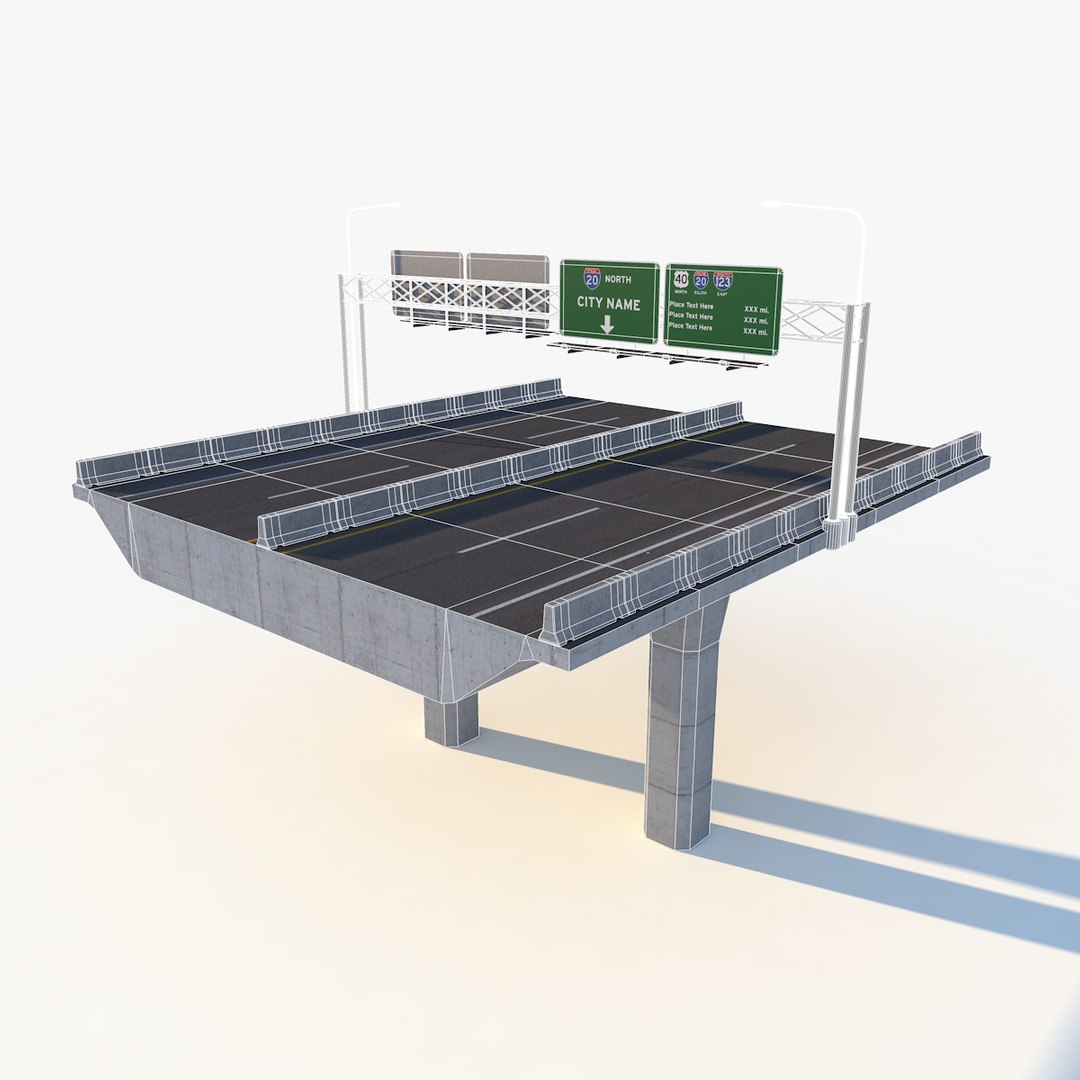
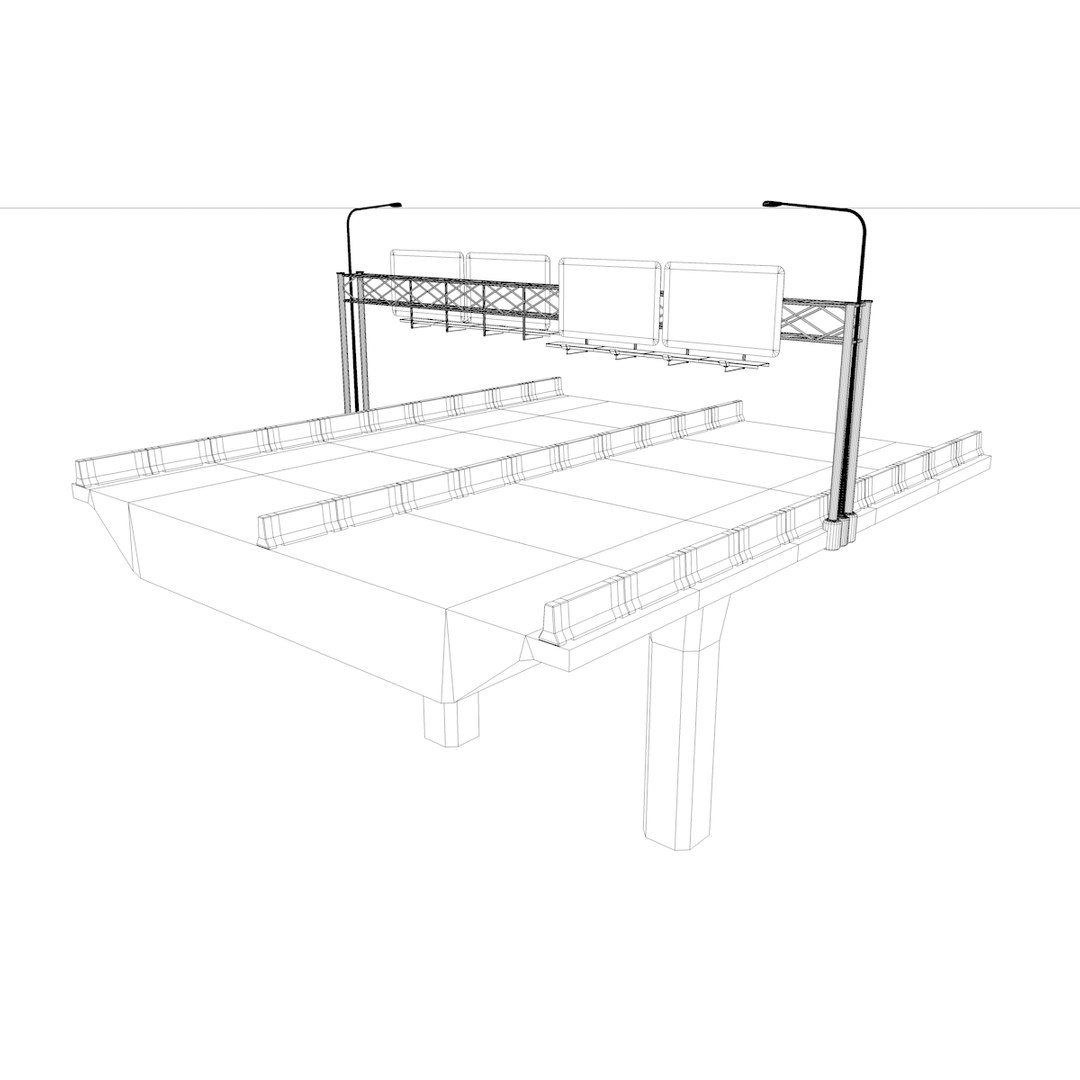
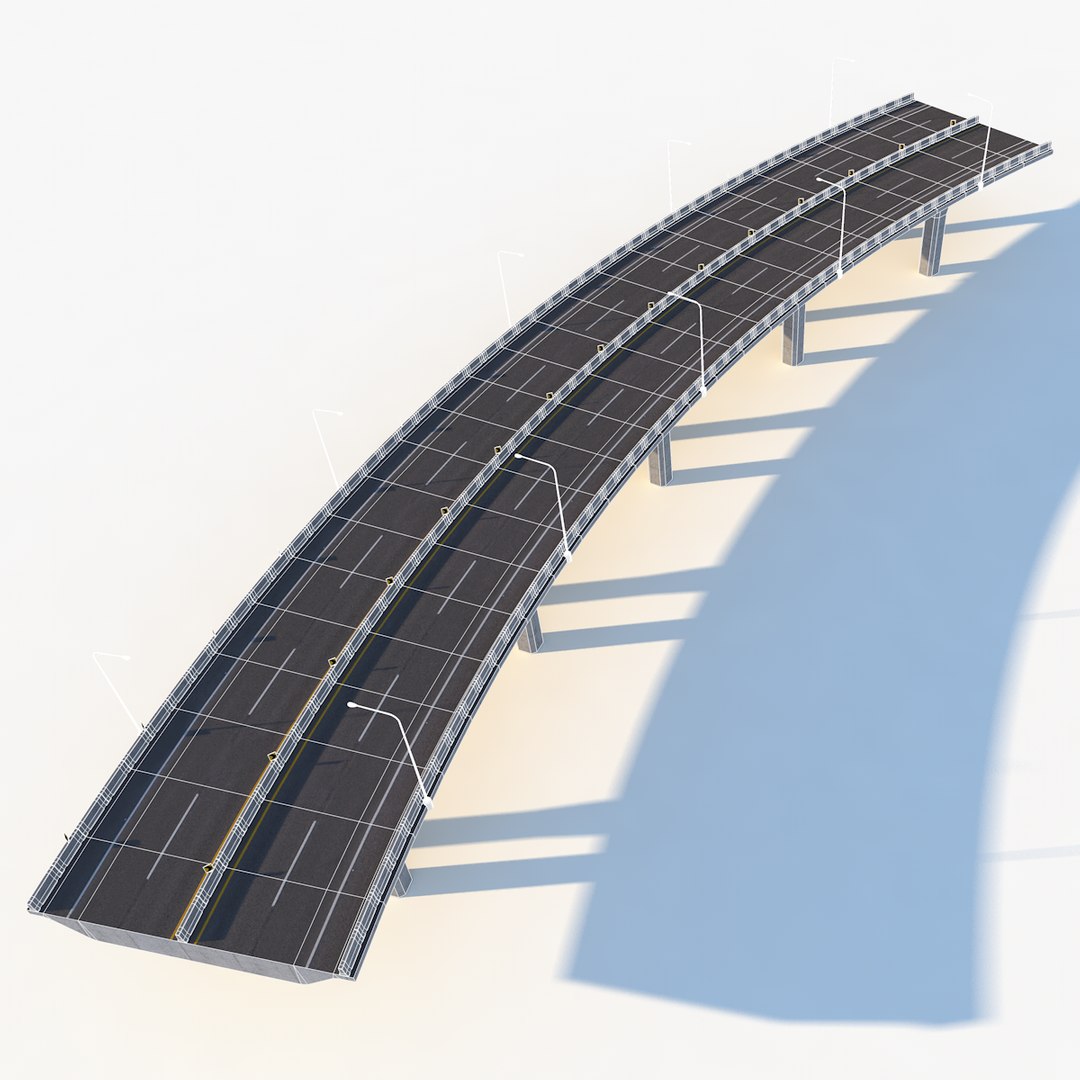
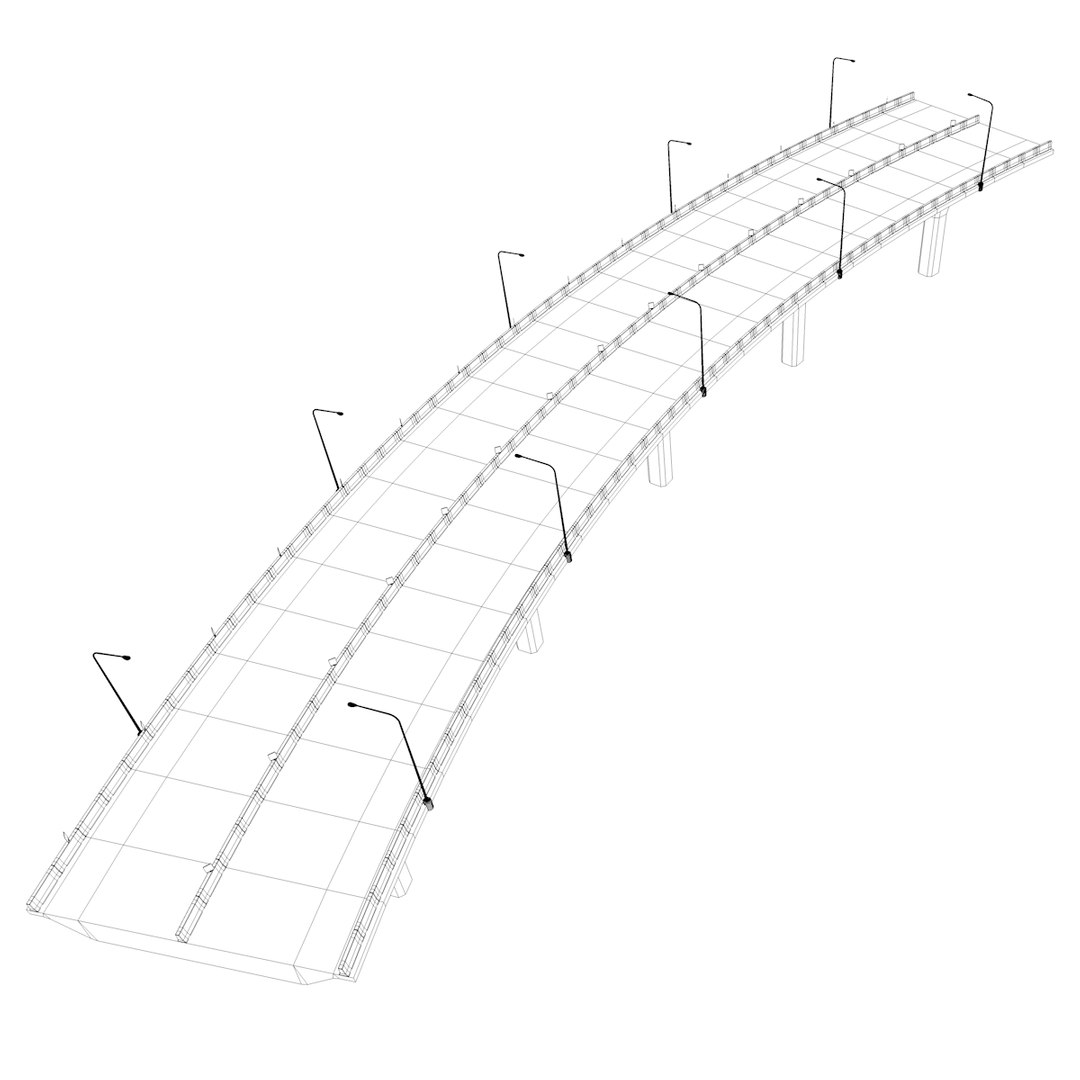
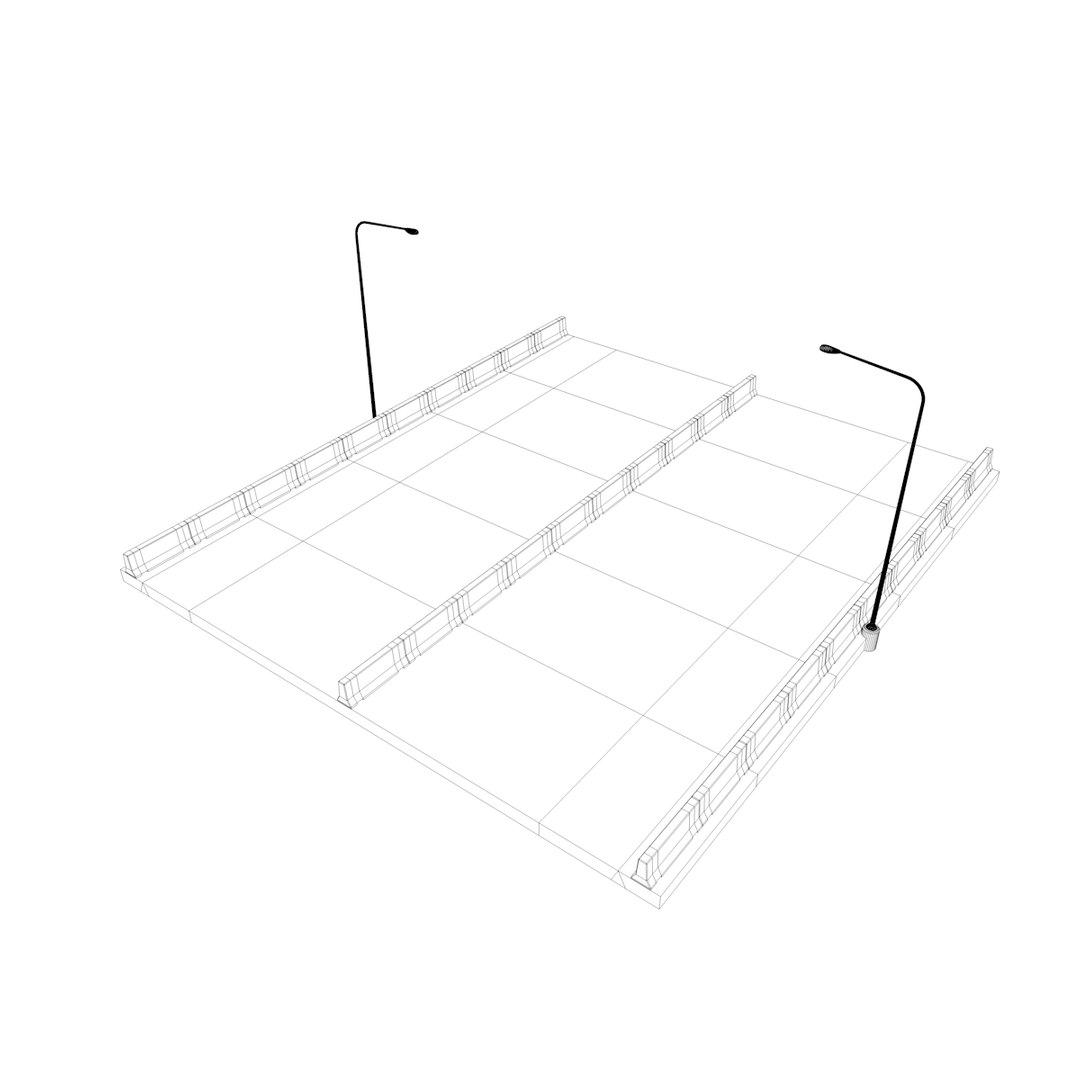
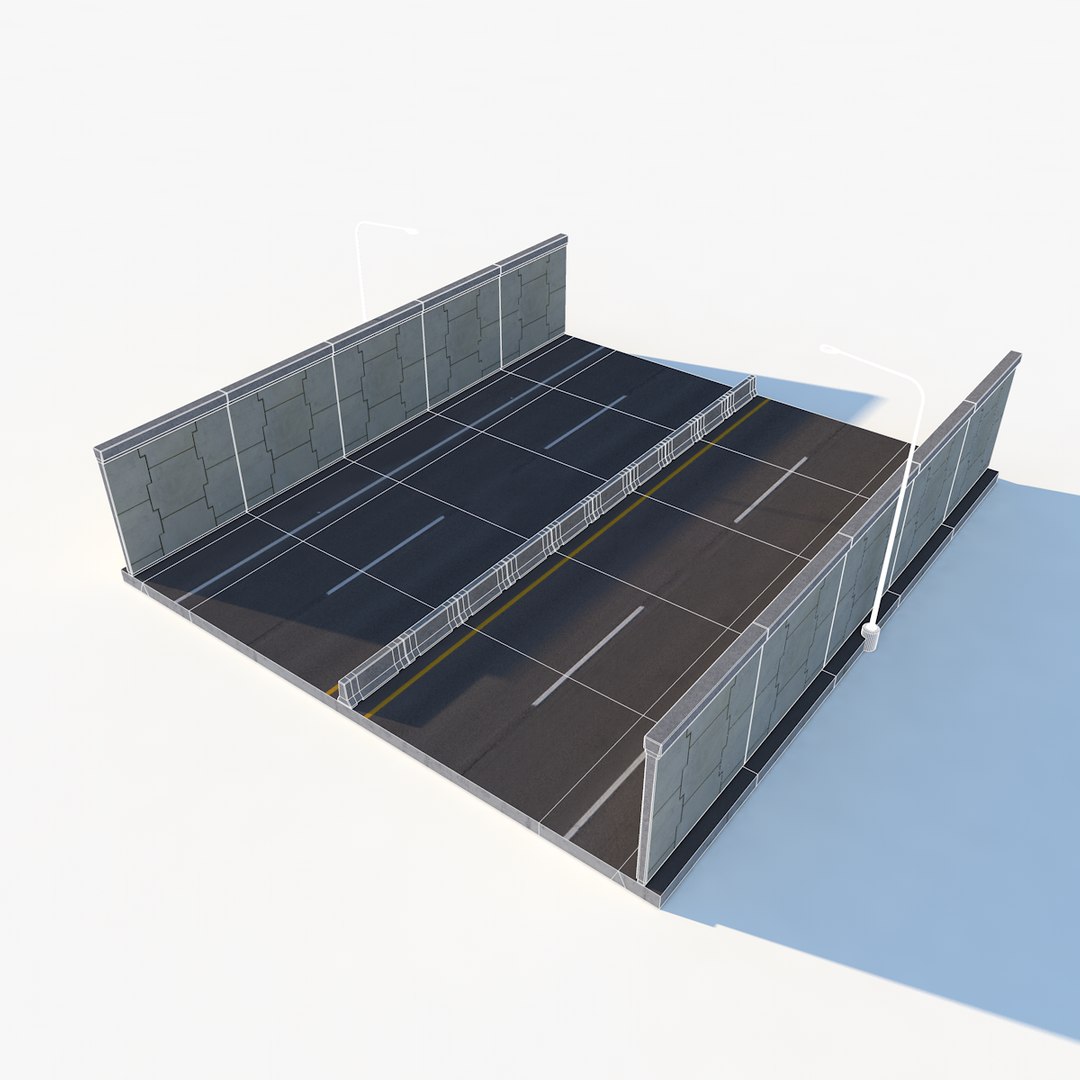
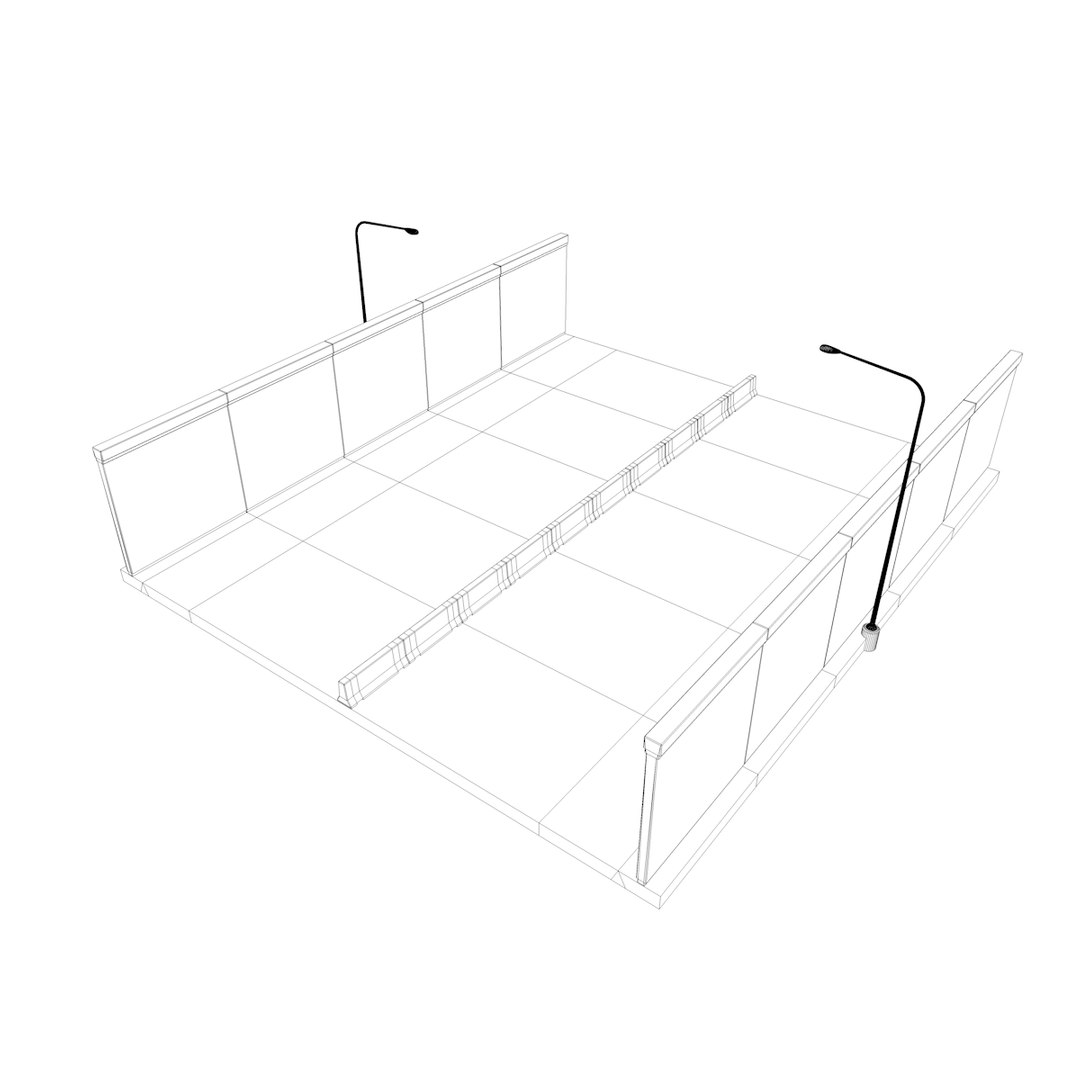
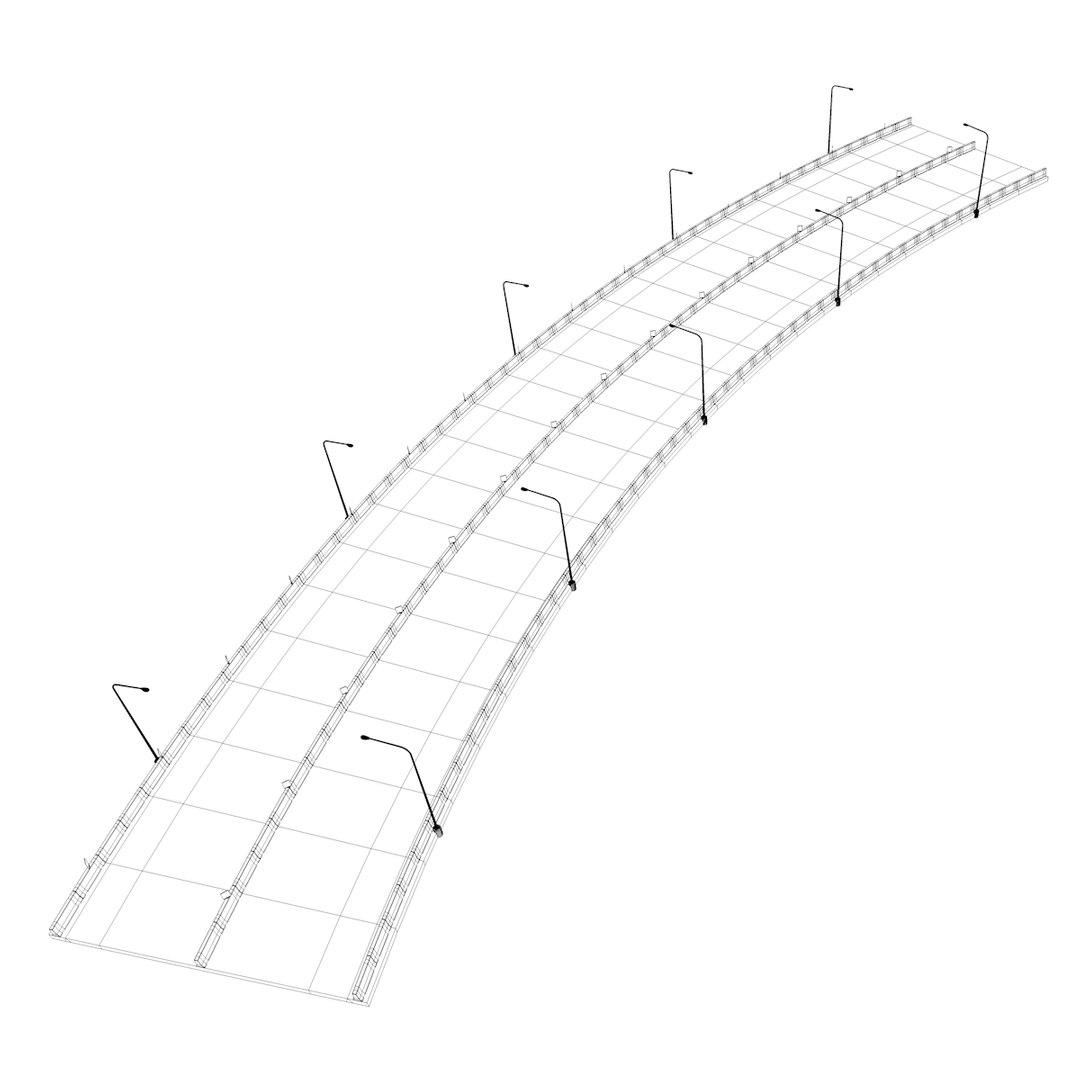
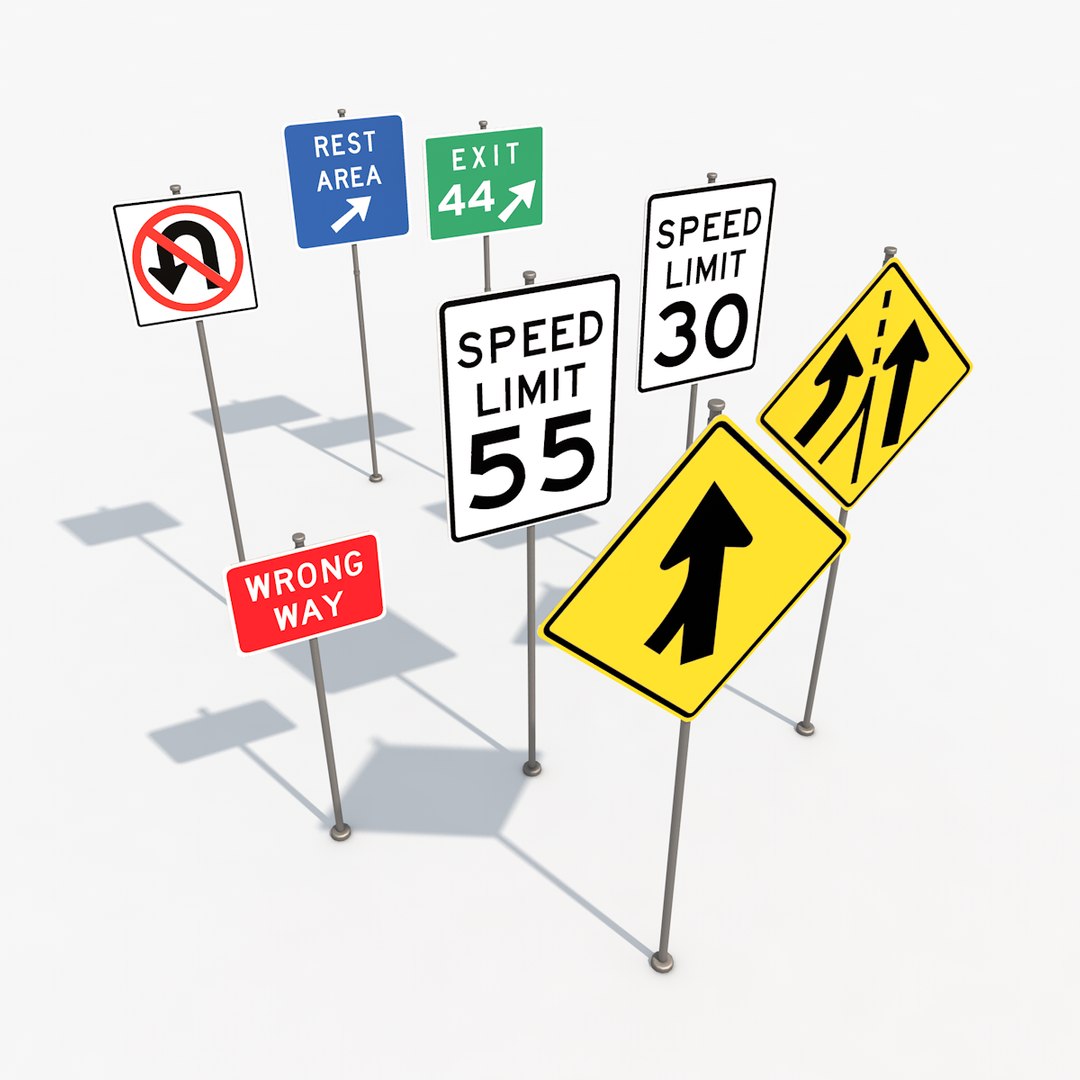
After a long time in development, Highway Pack is ready for your enjoyment!
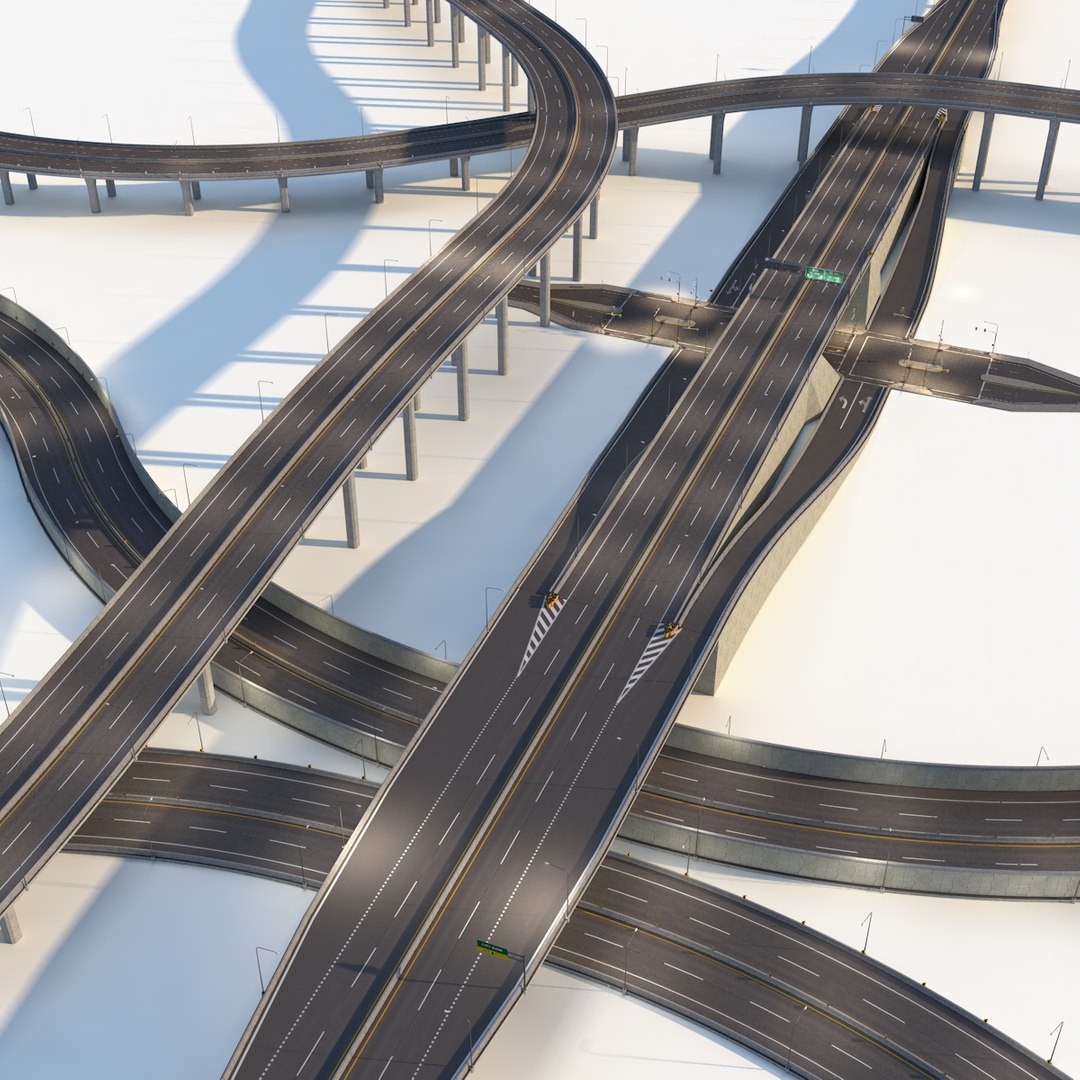
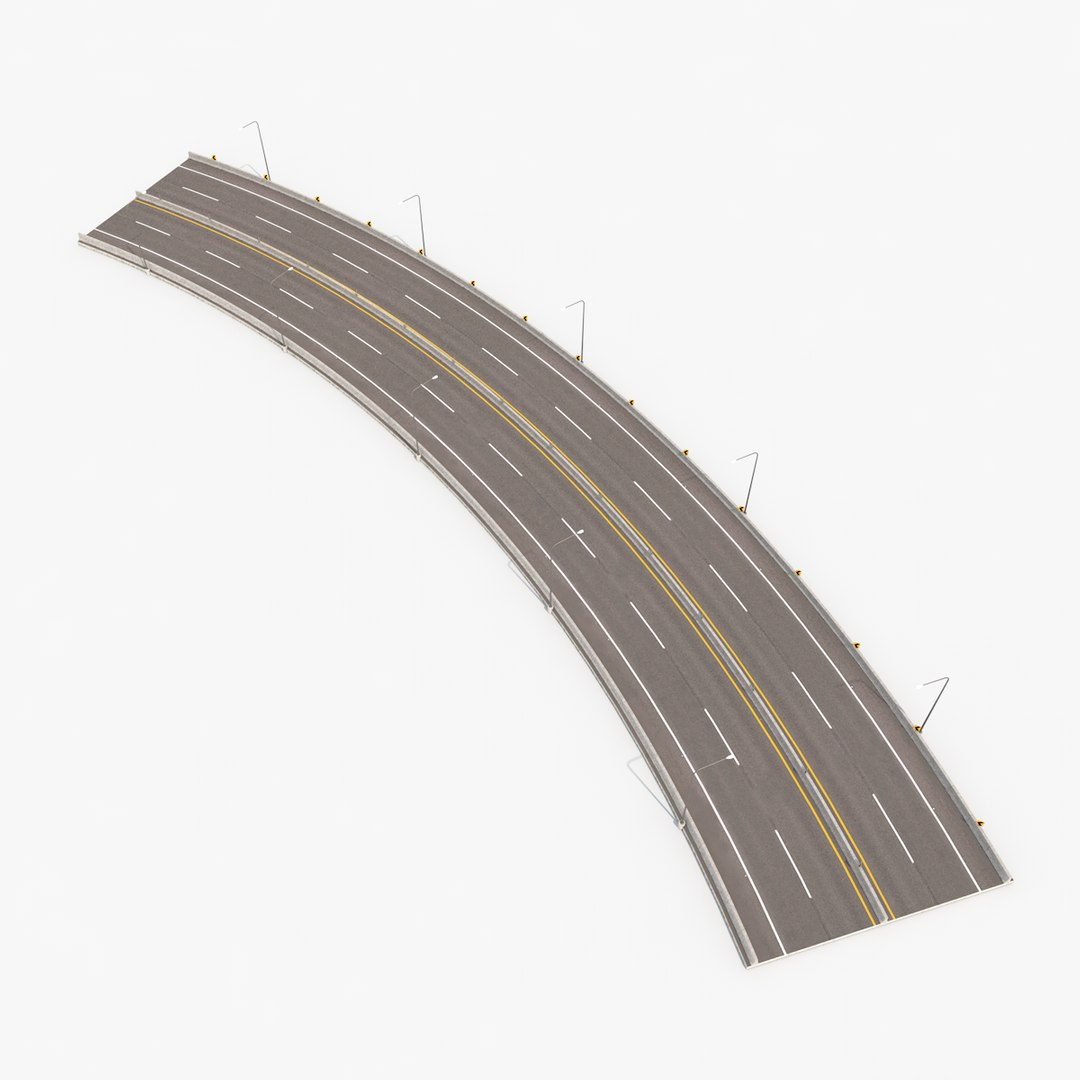
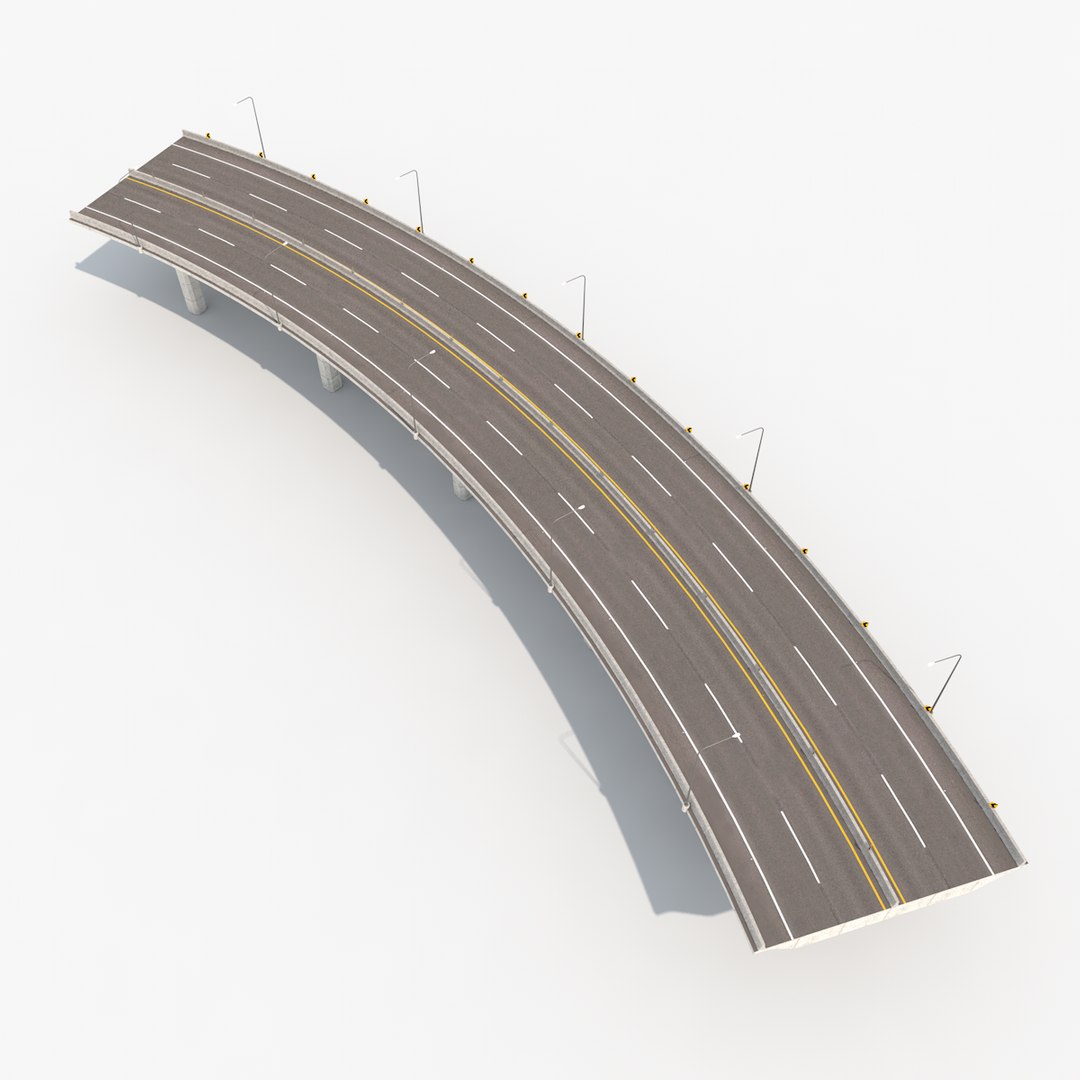
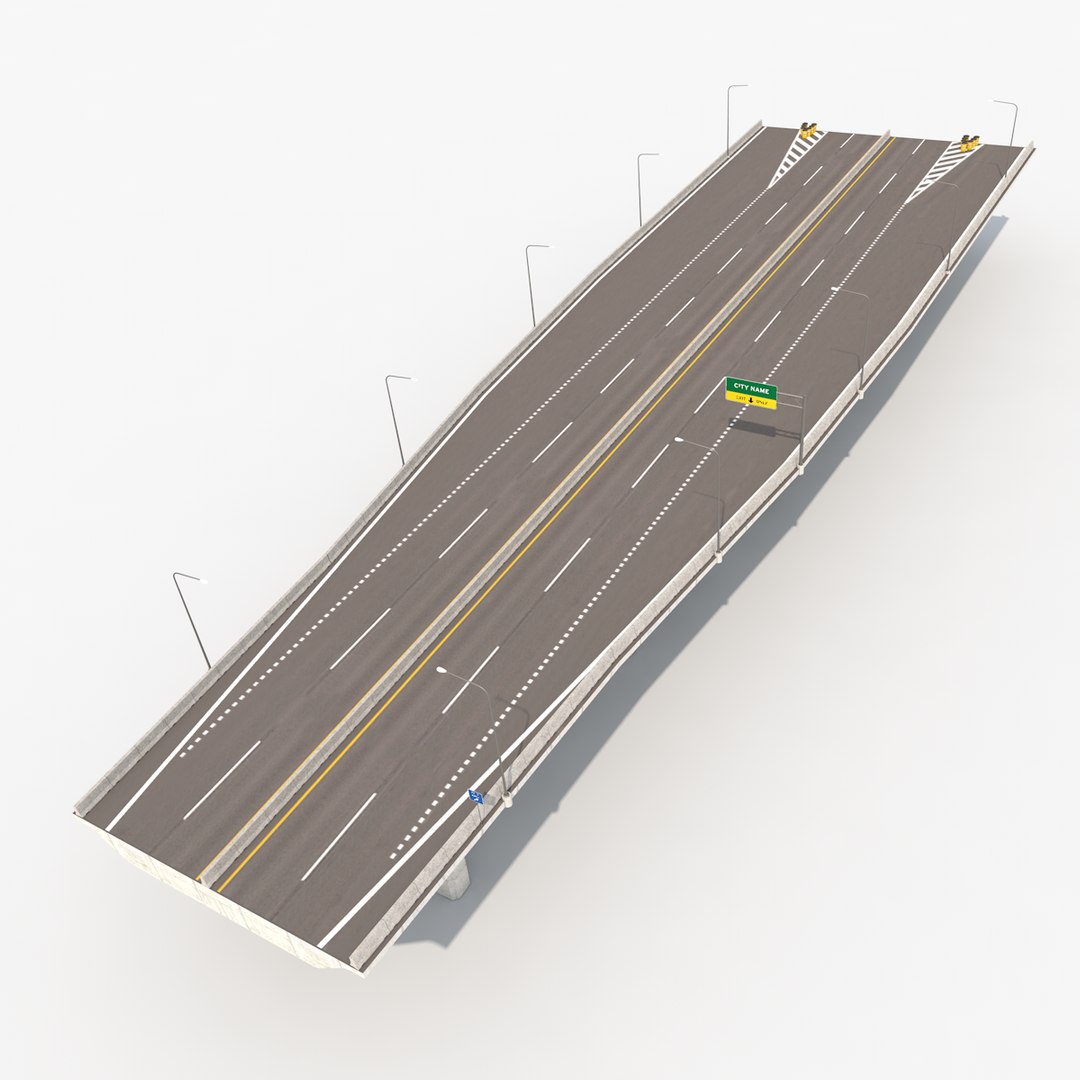
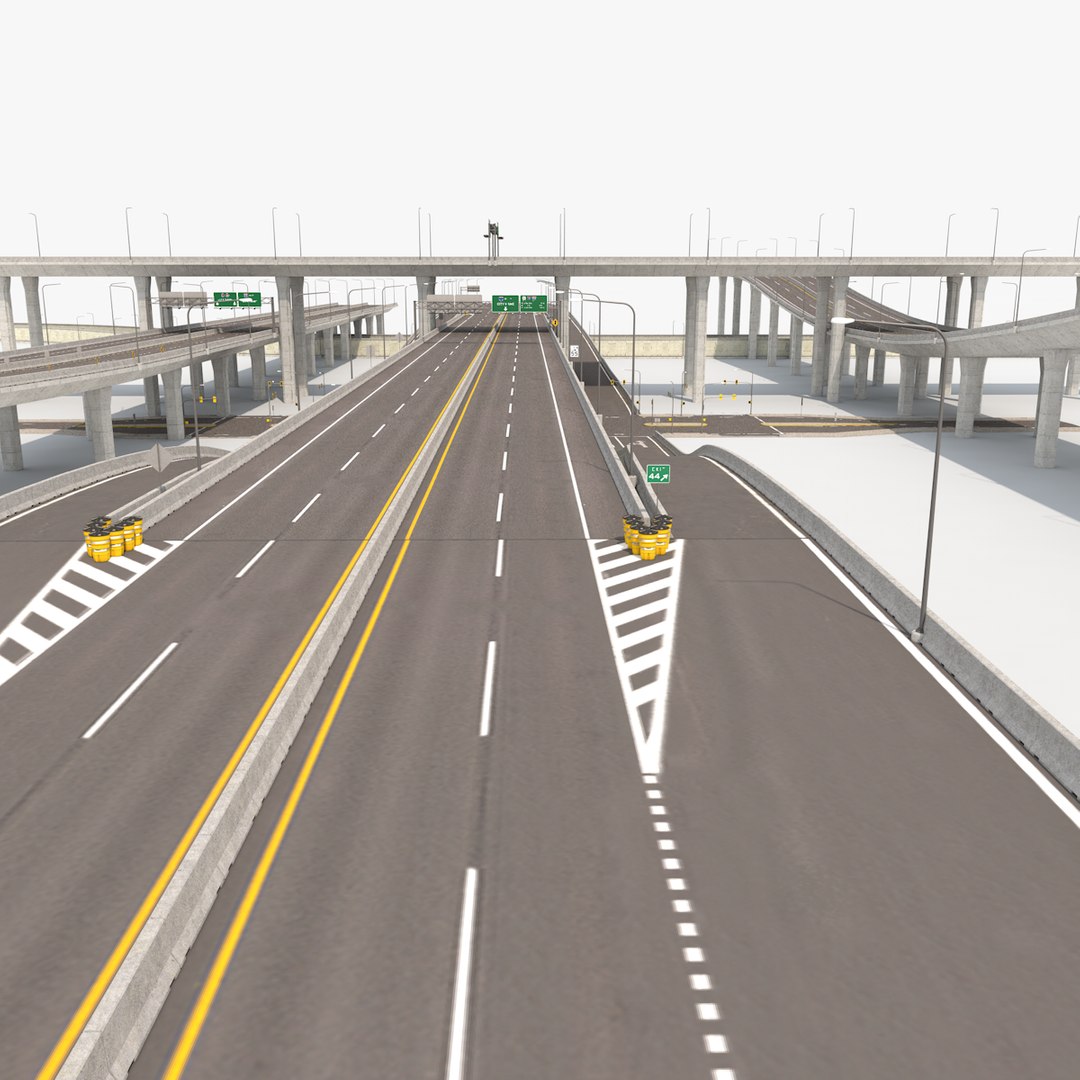
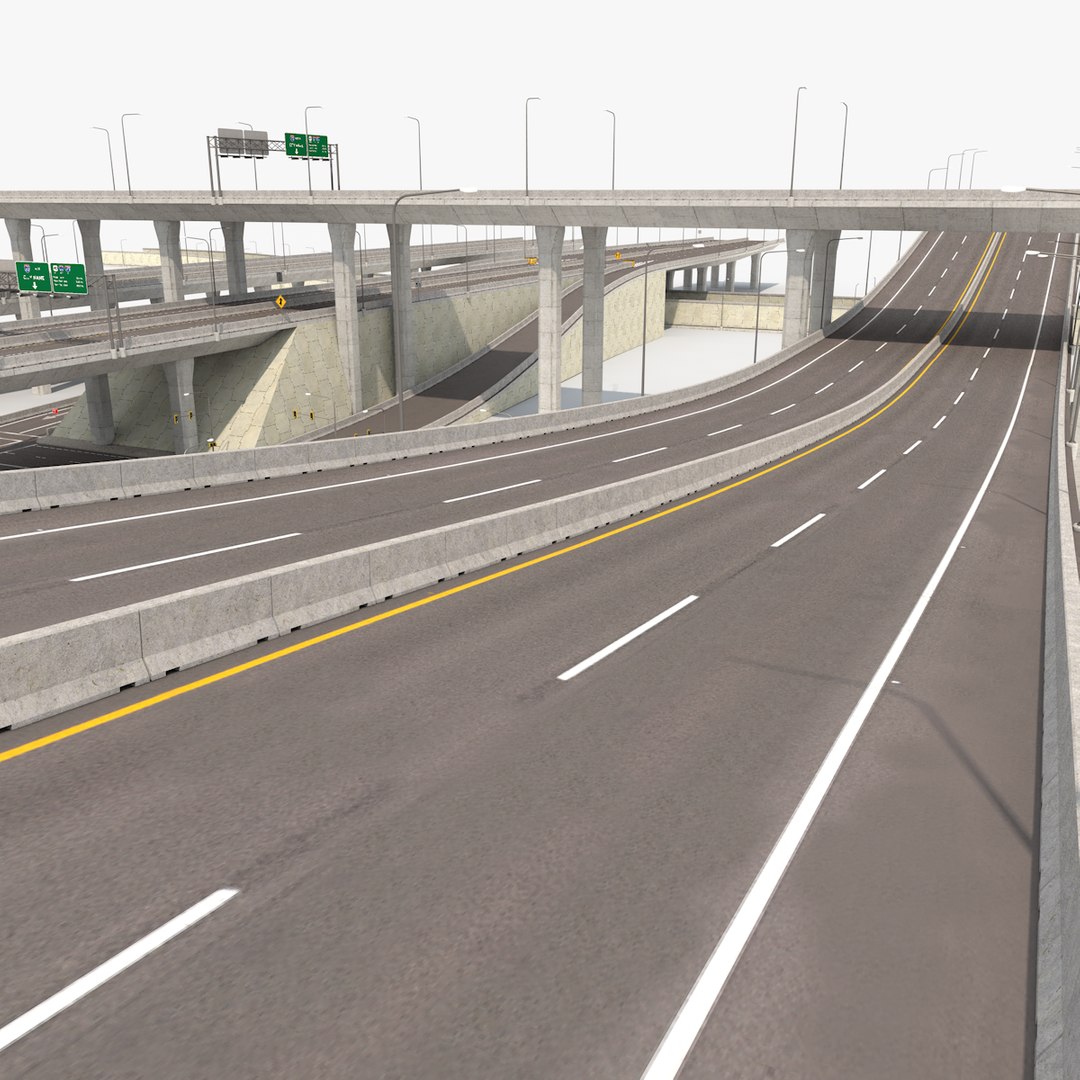
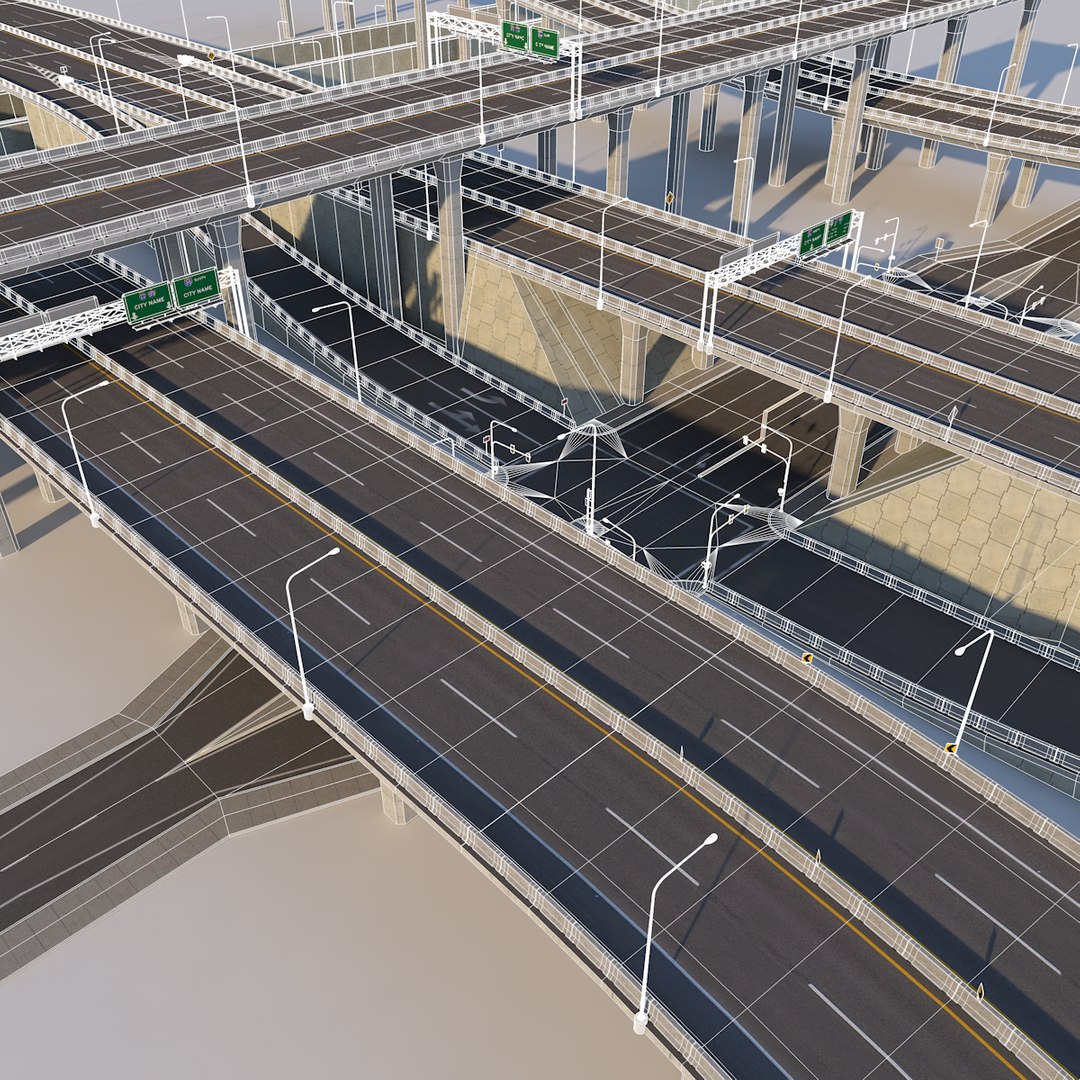
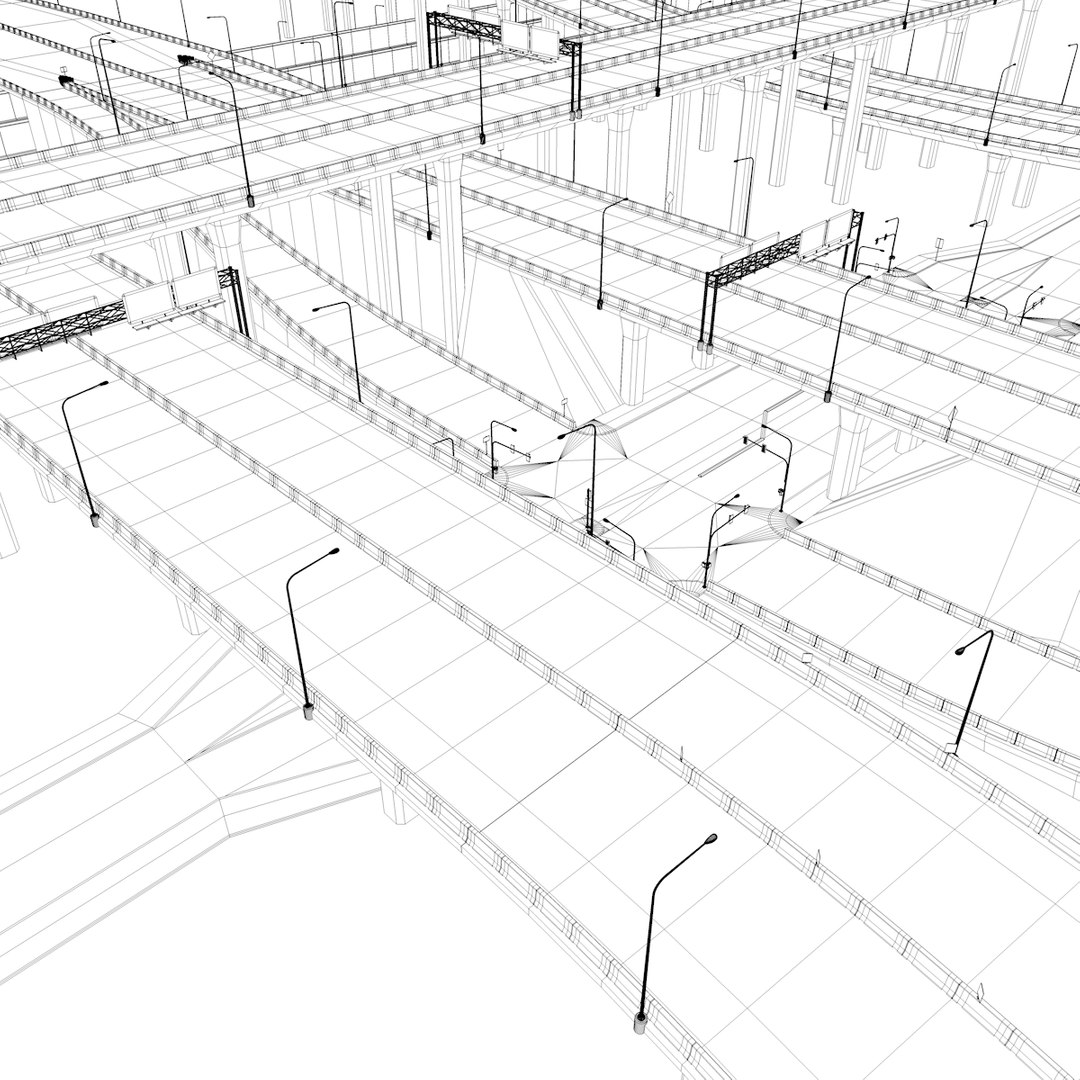
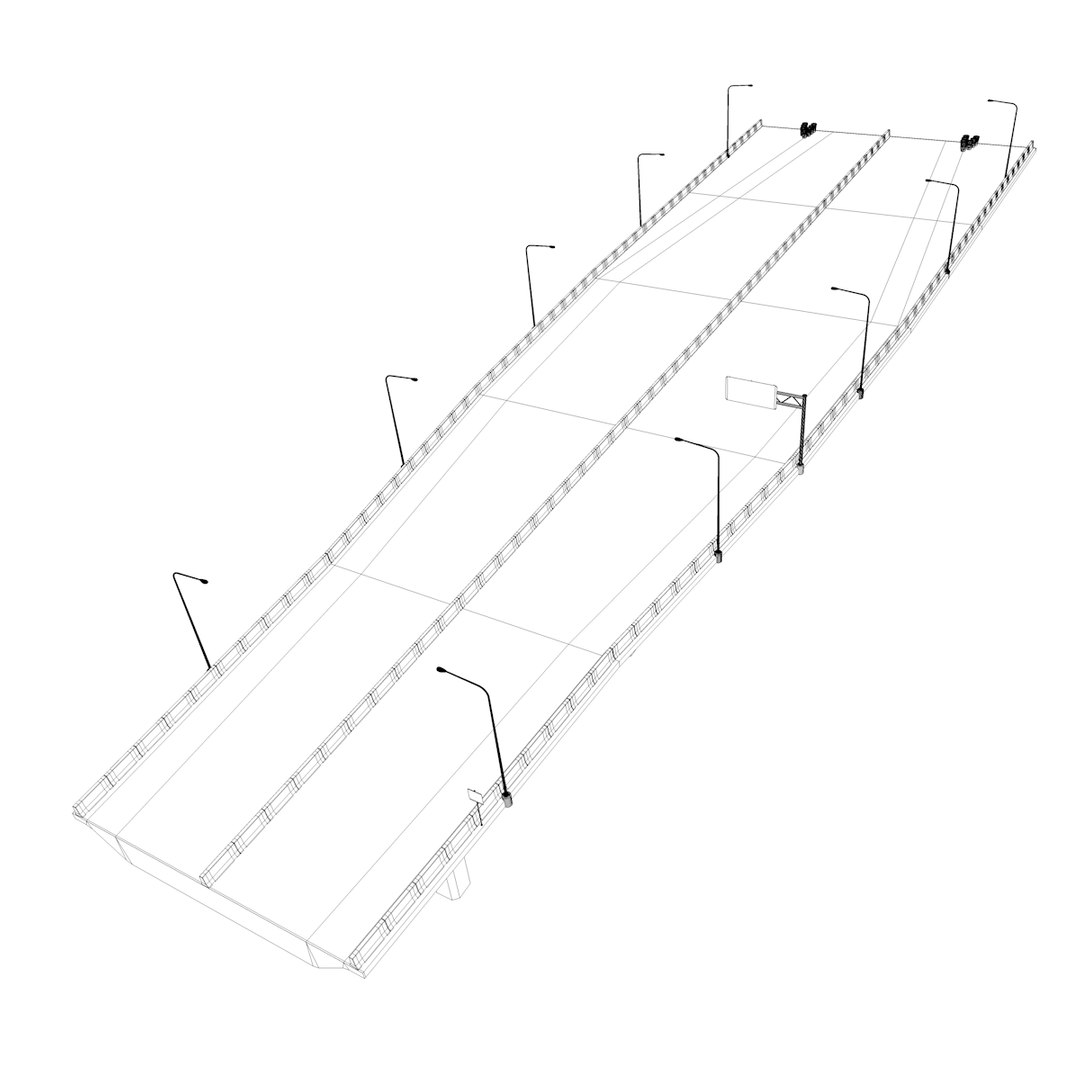
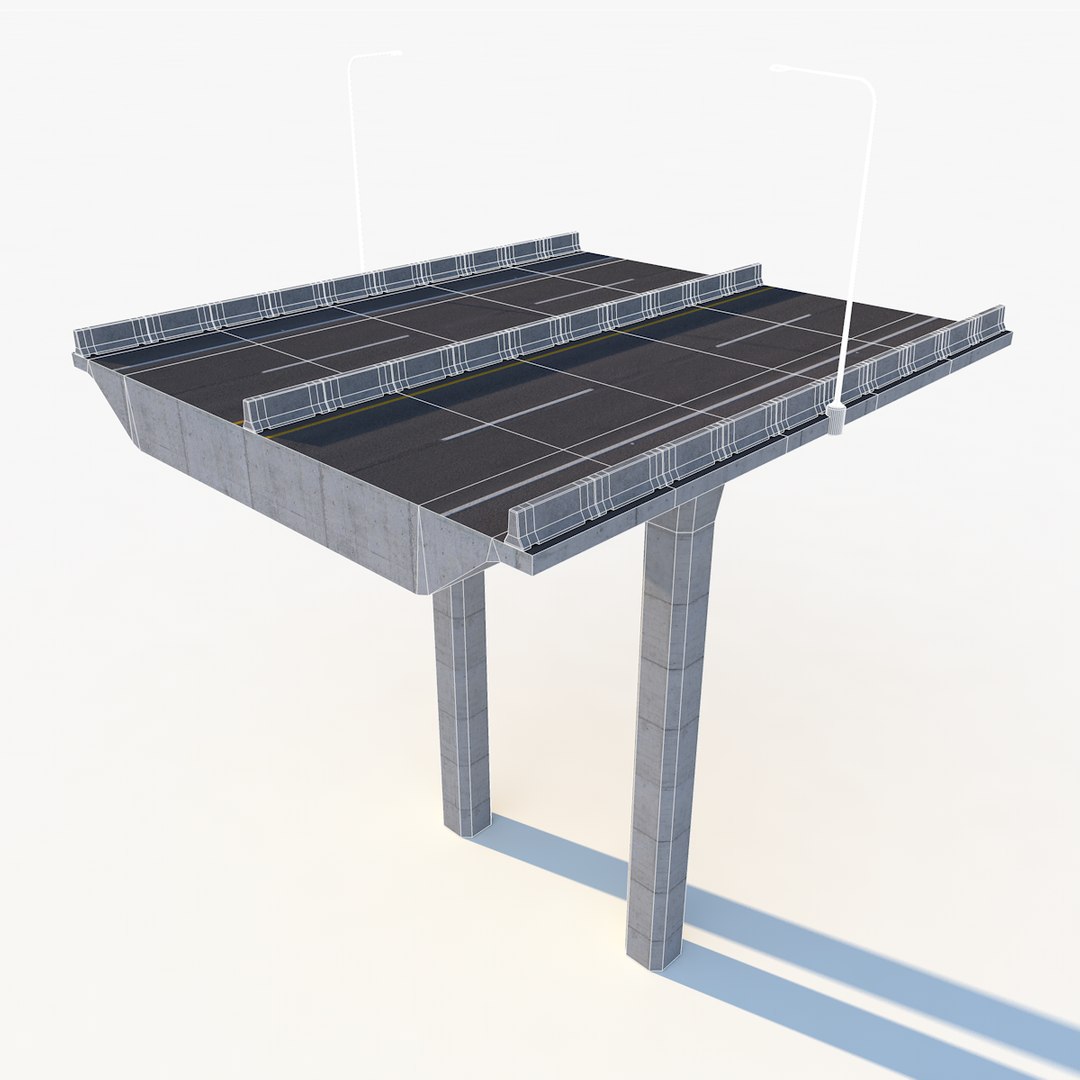
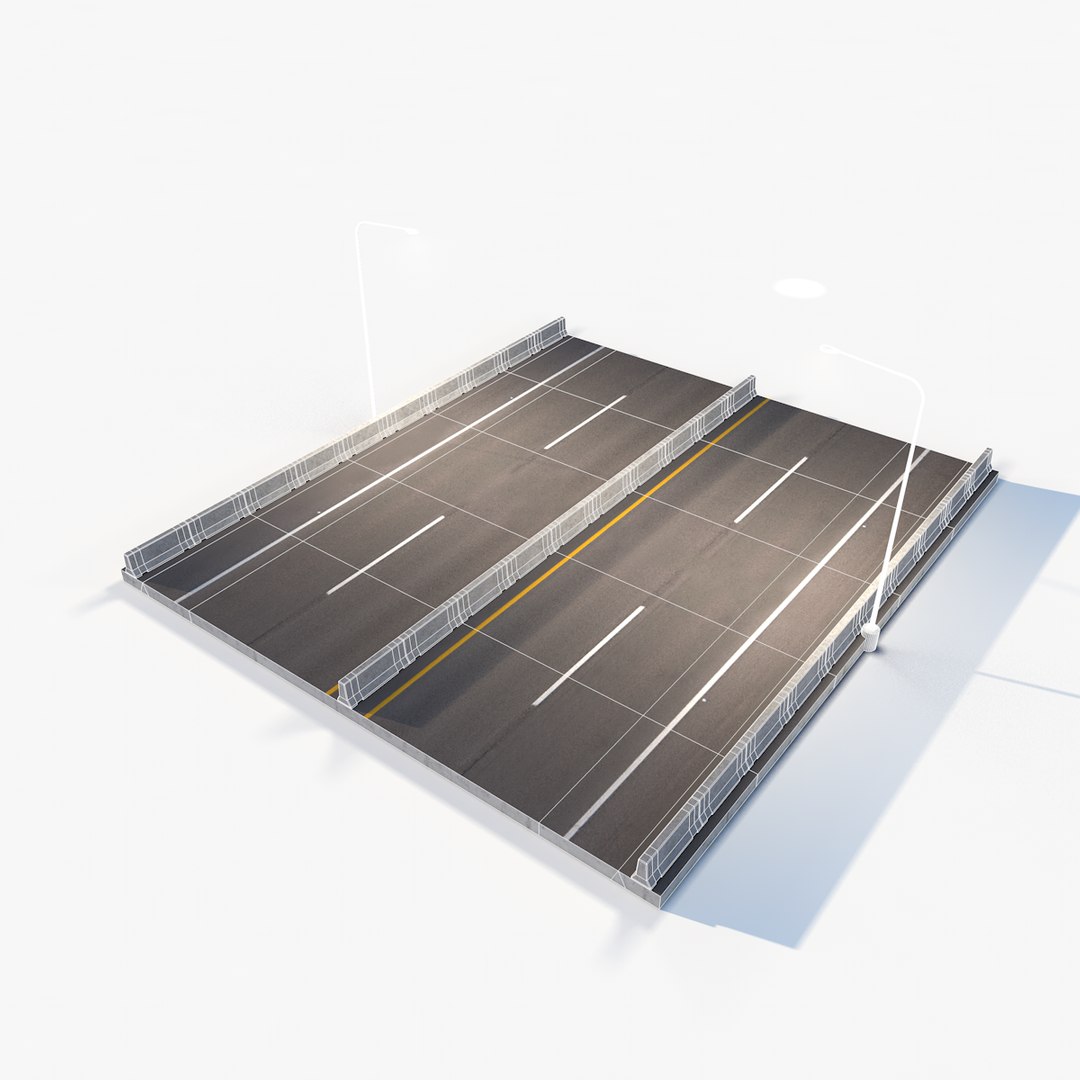
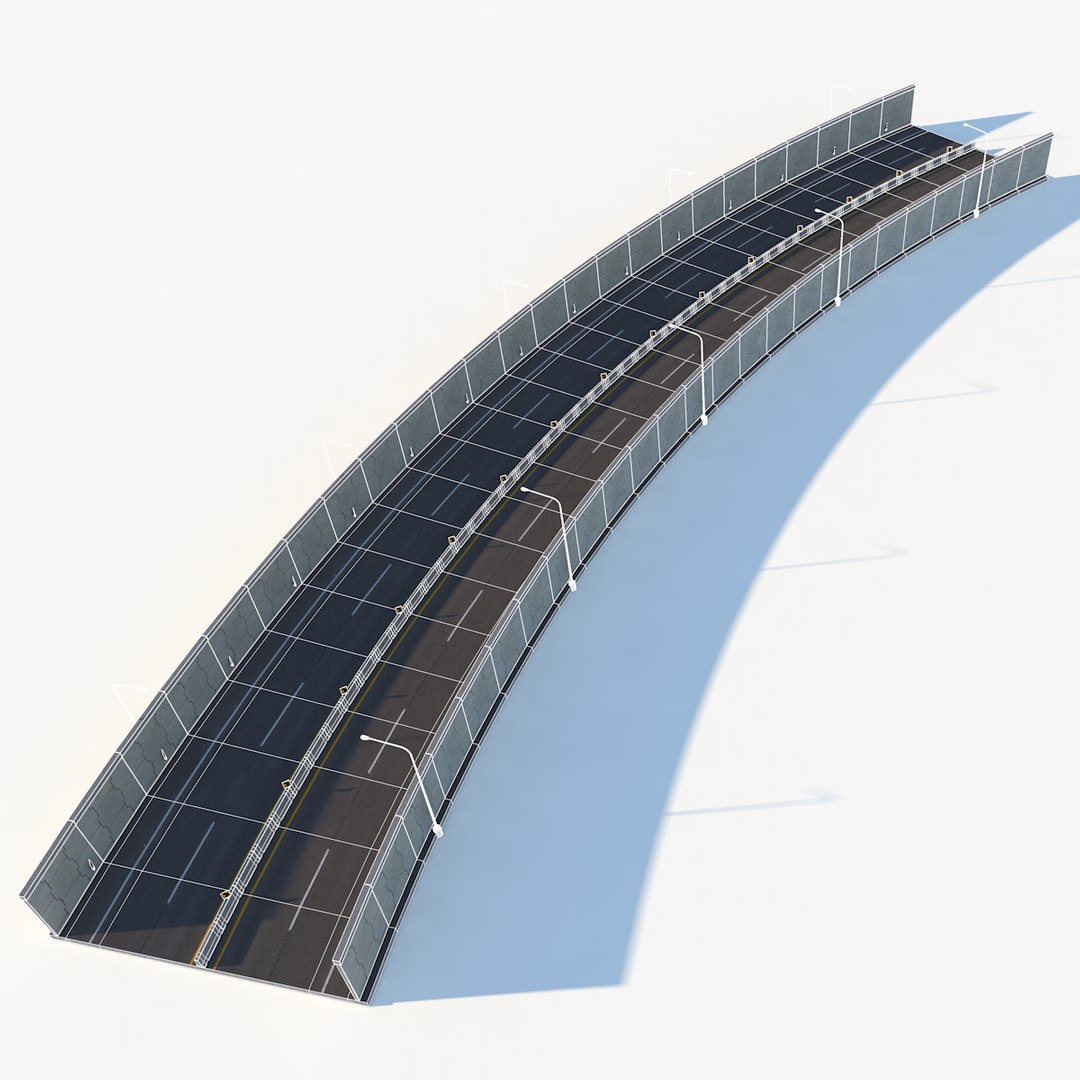
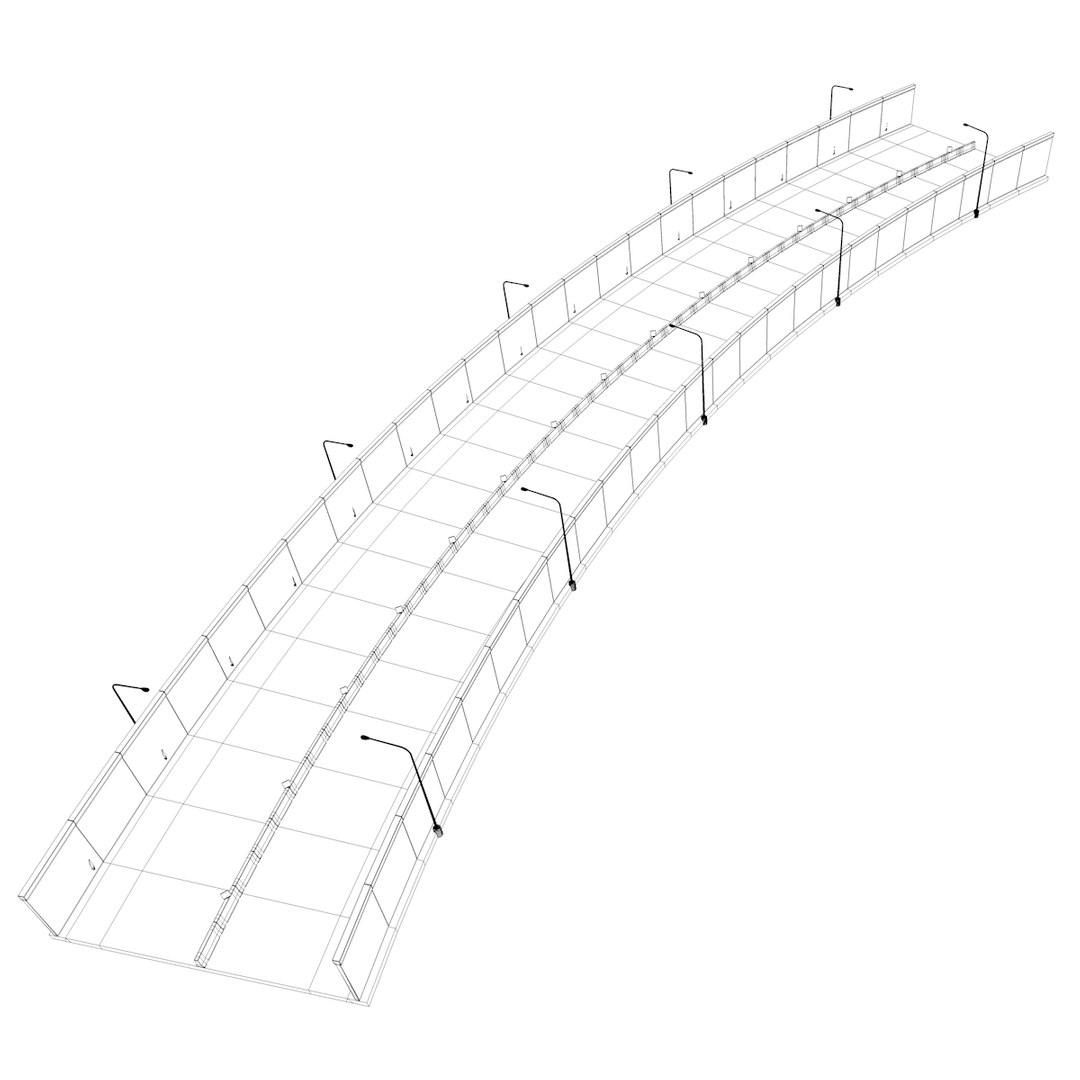
Highway Pack is a hi-res collection of major Highway segments that can easily be mixed and matched to create an accurate and detailed transportation system.
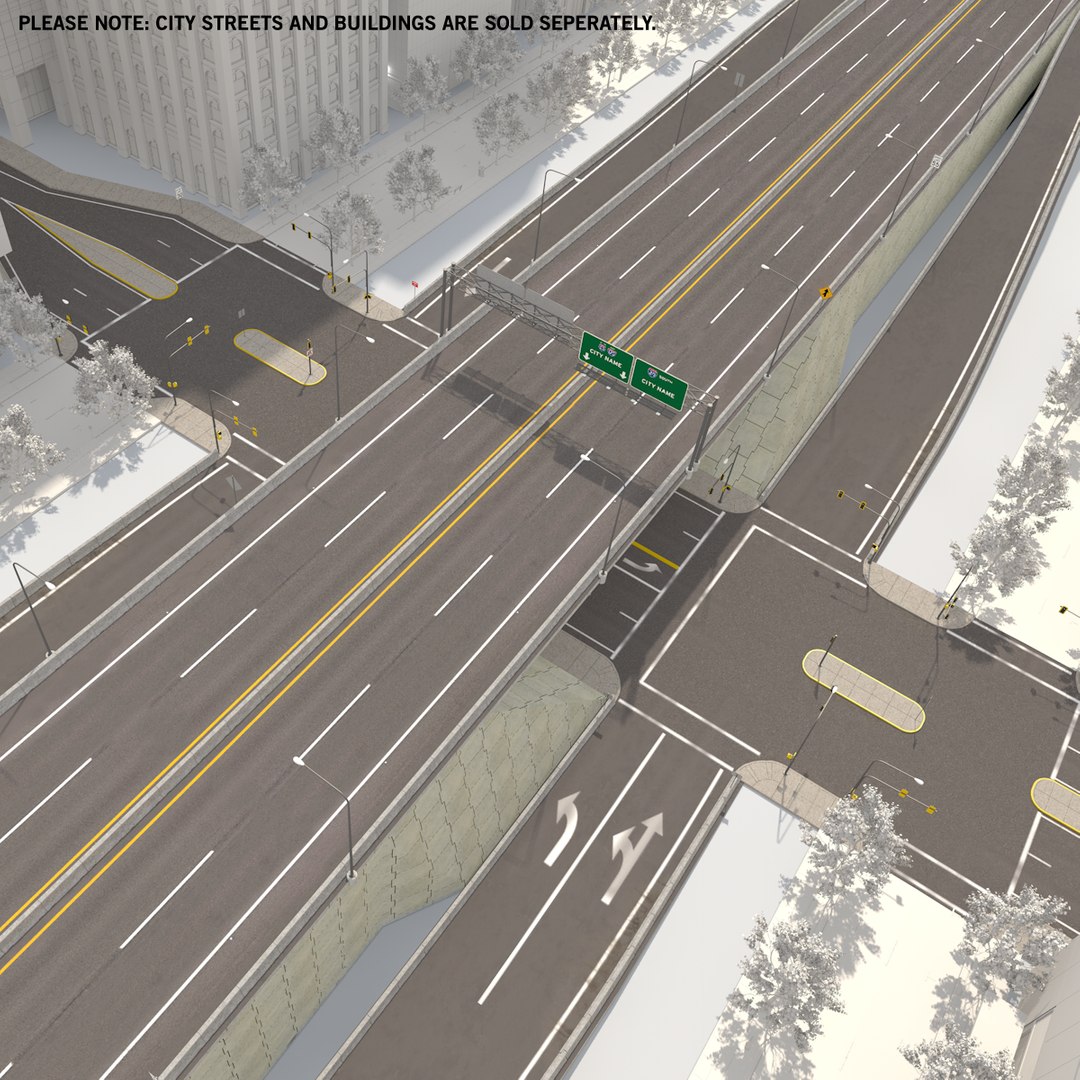
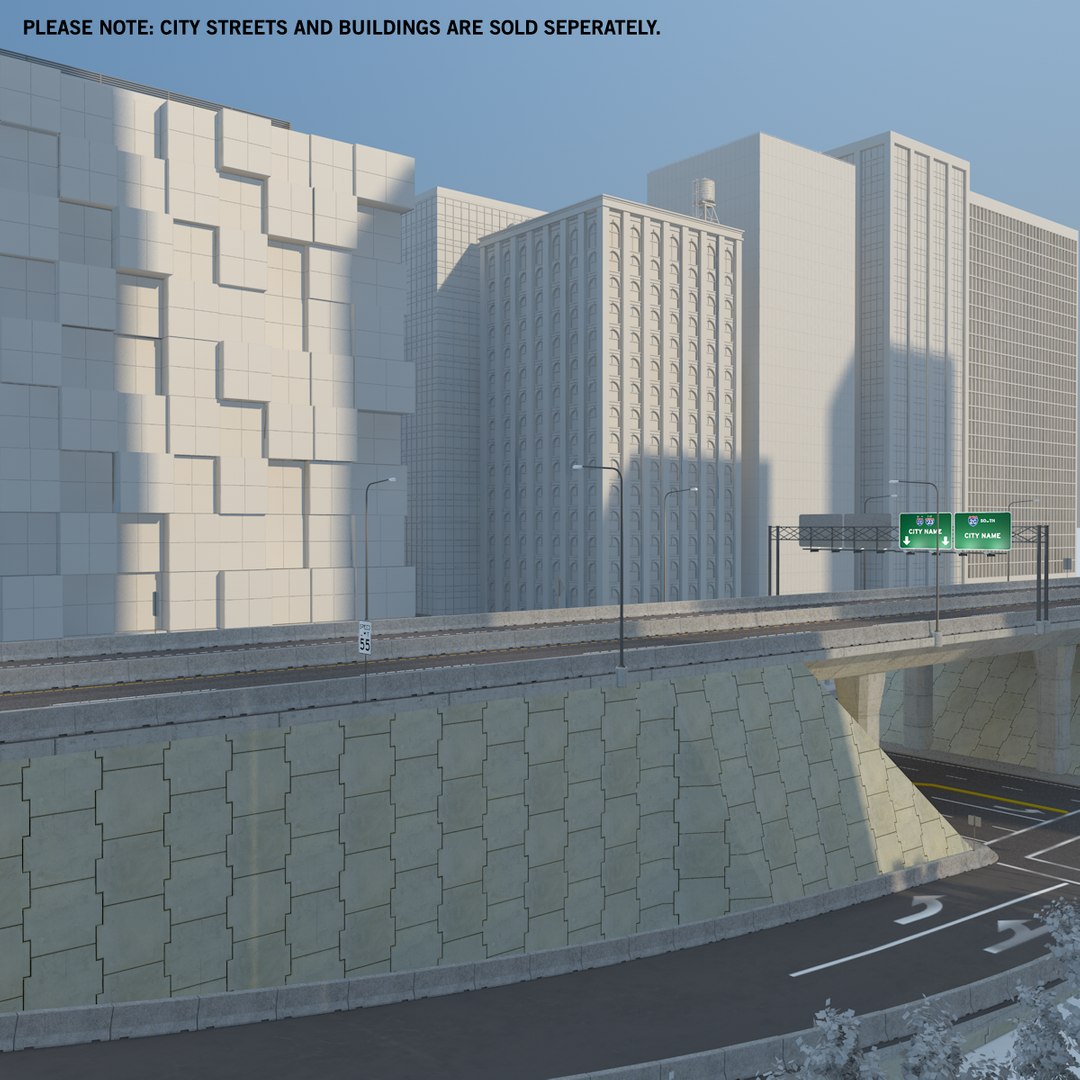
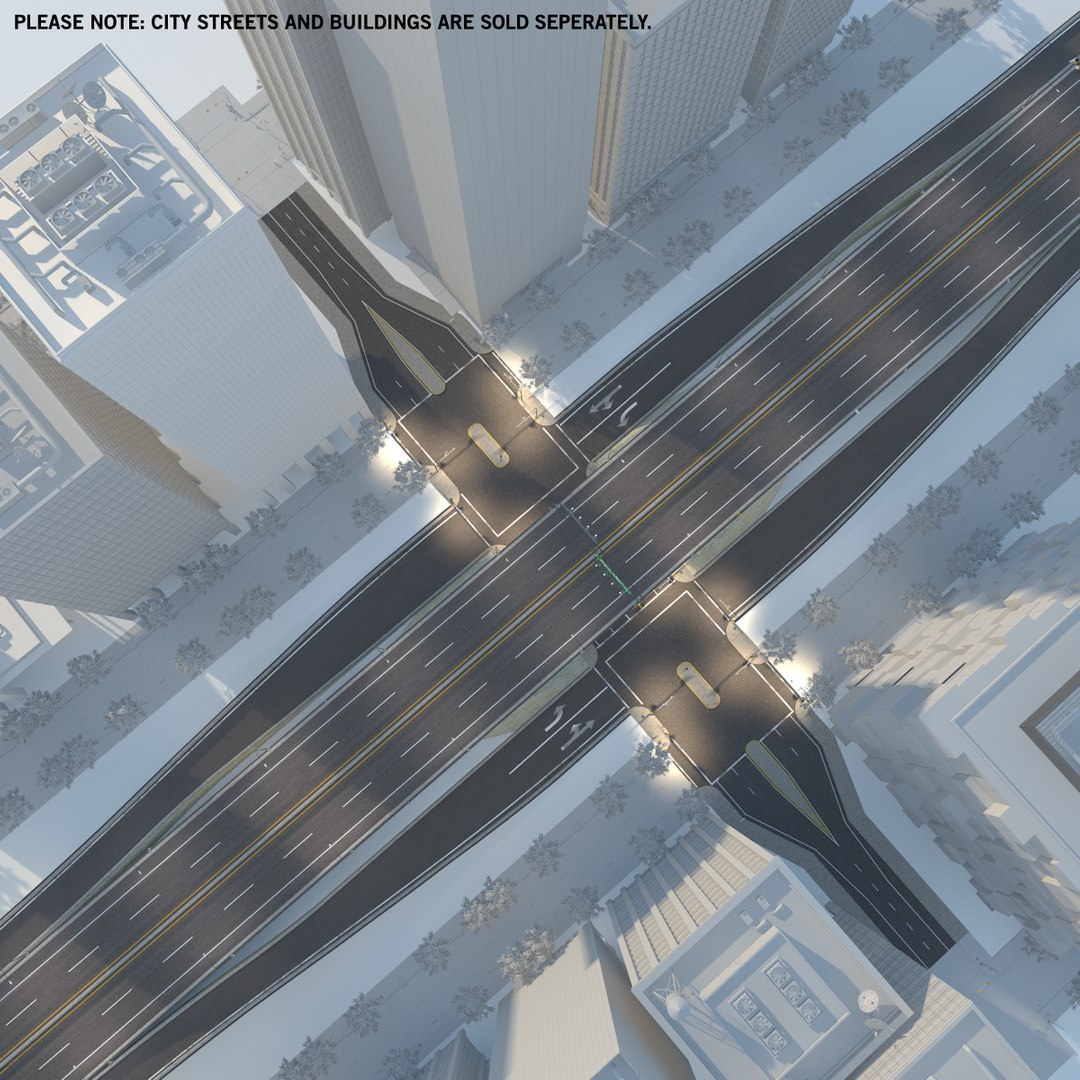
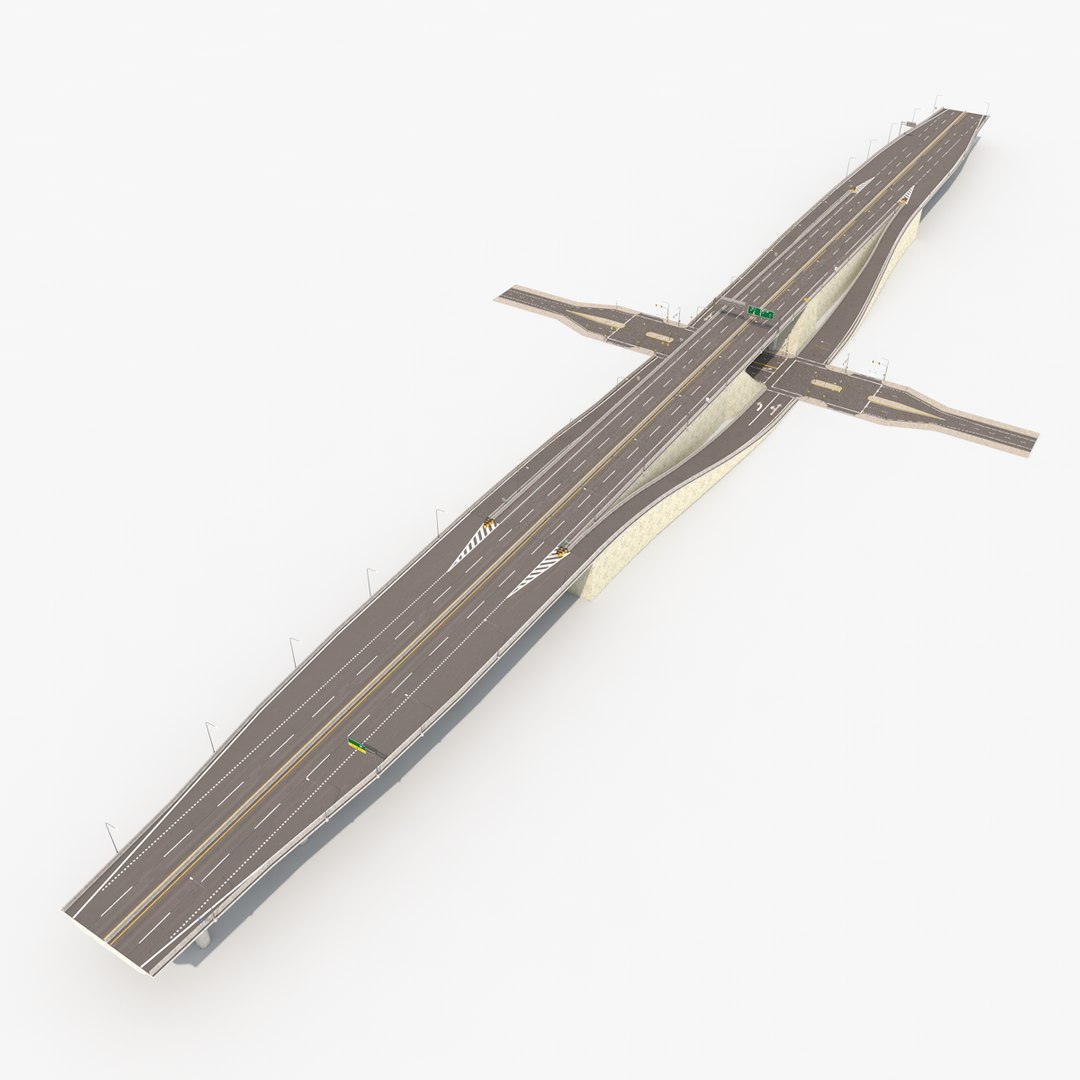
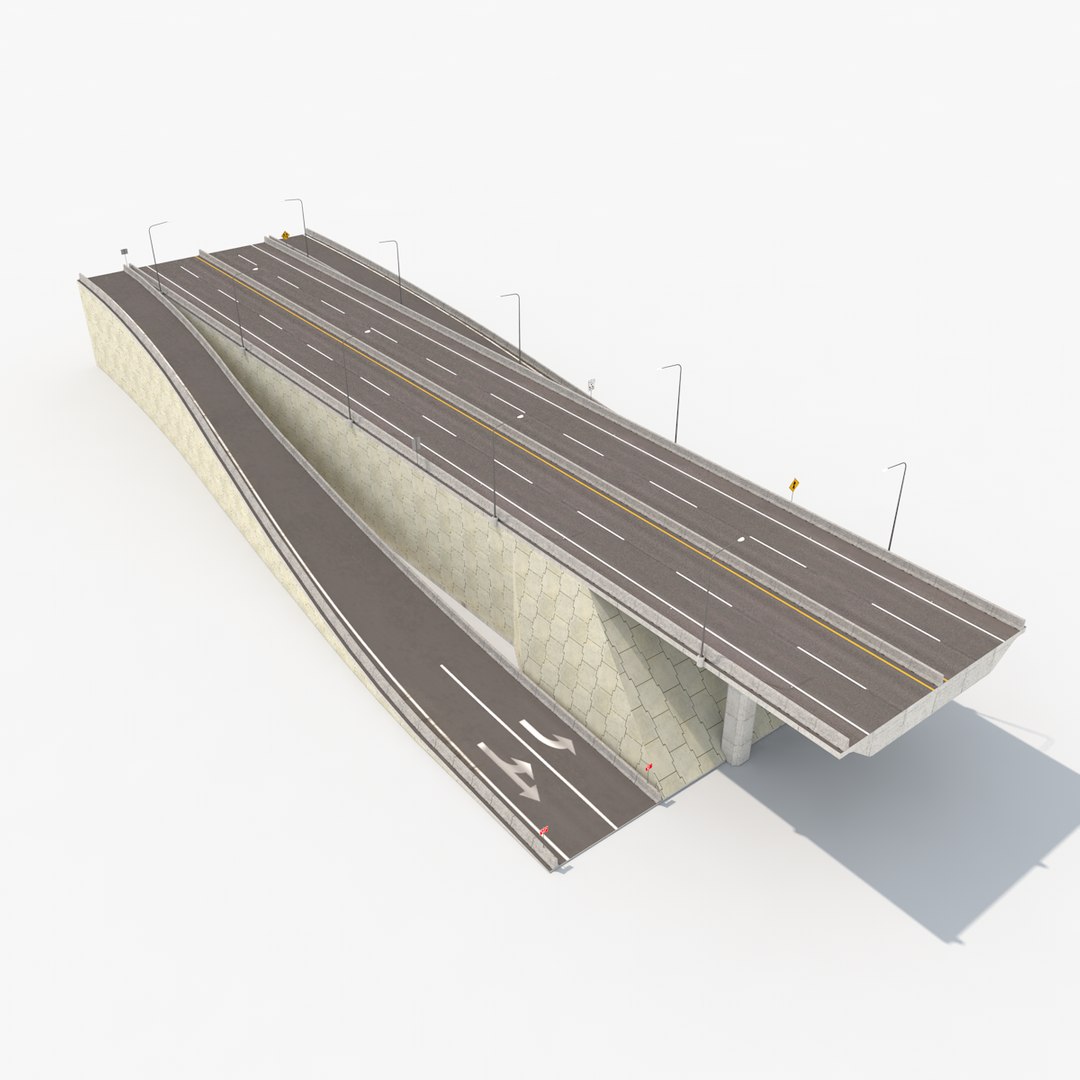
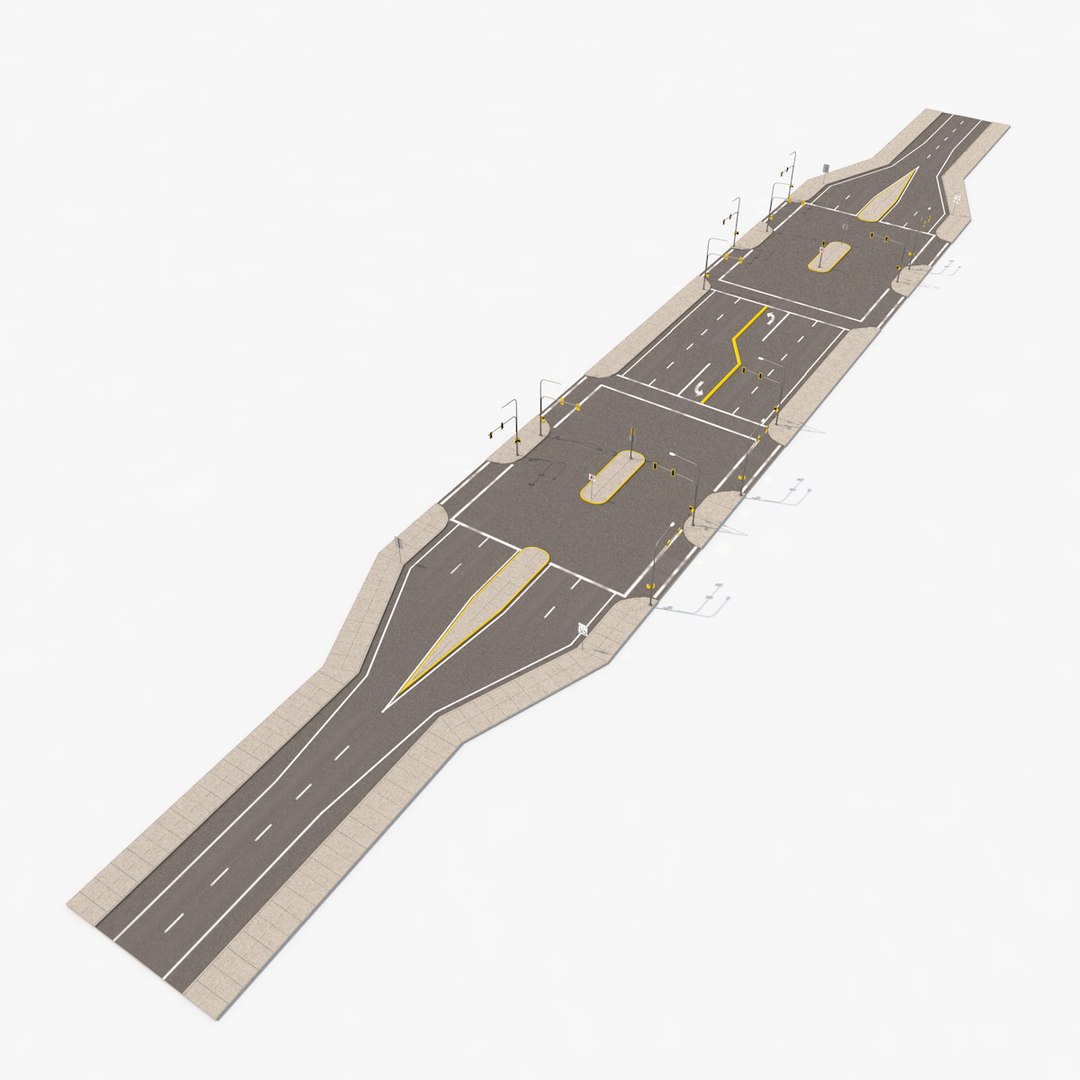
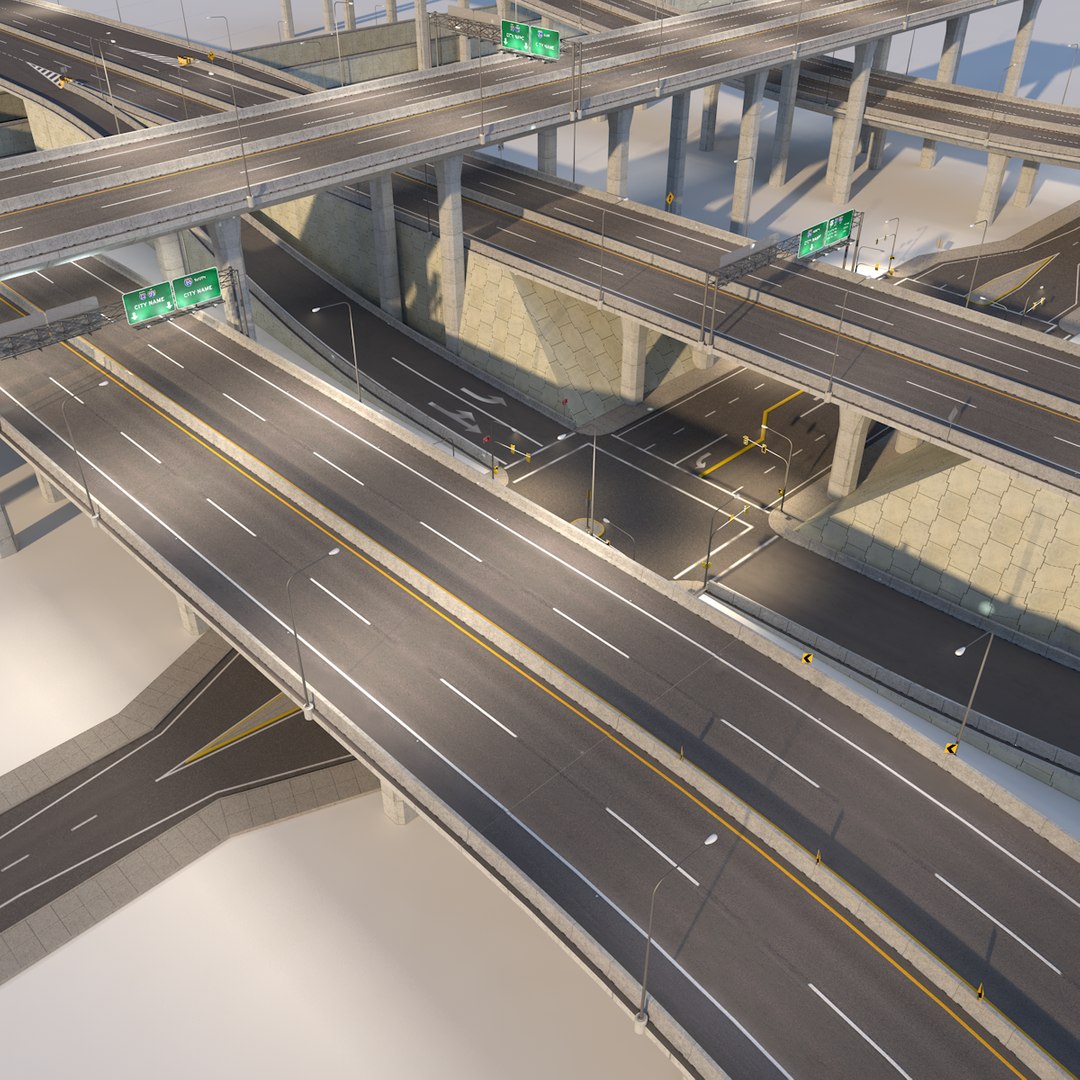
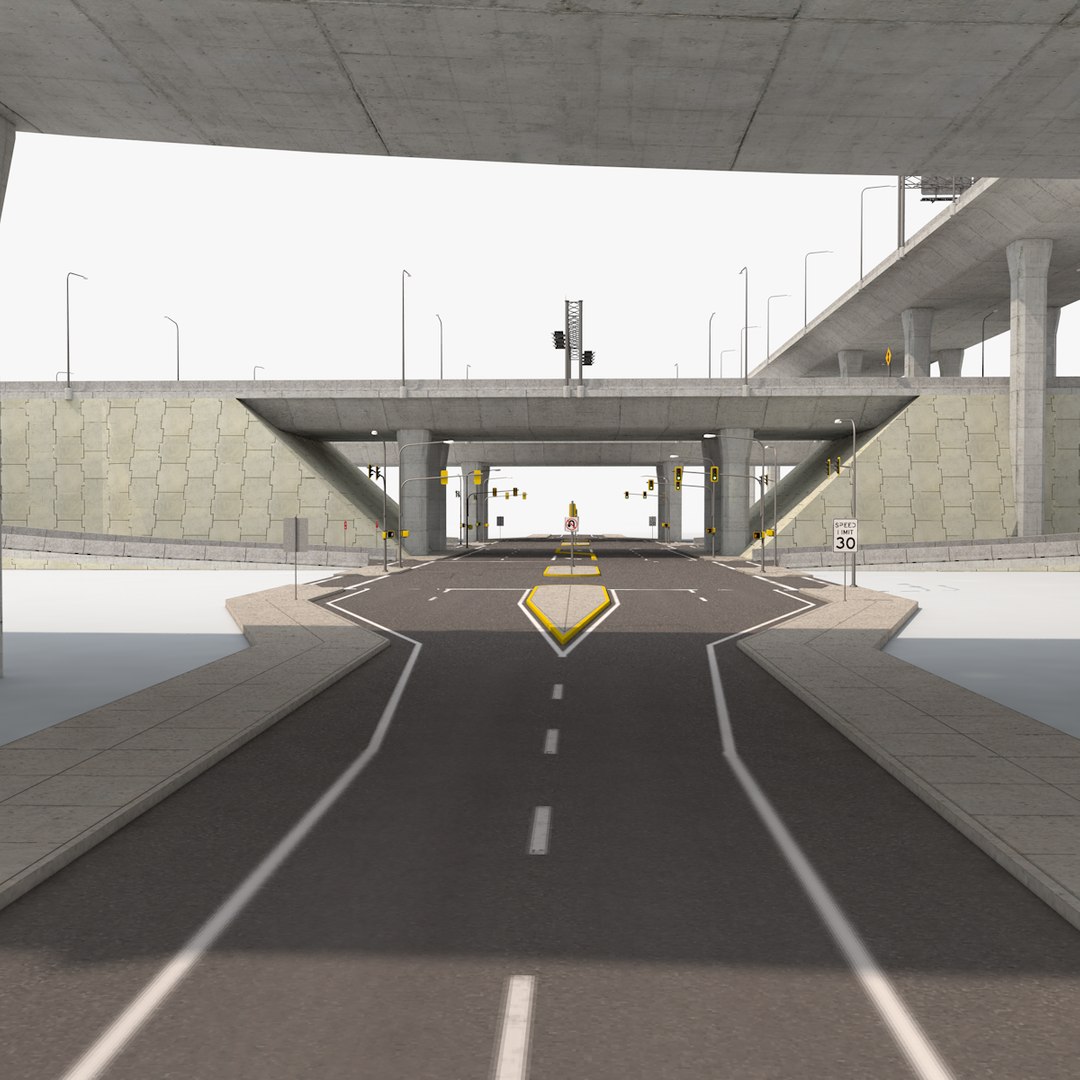
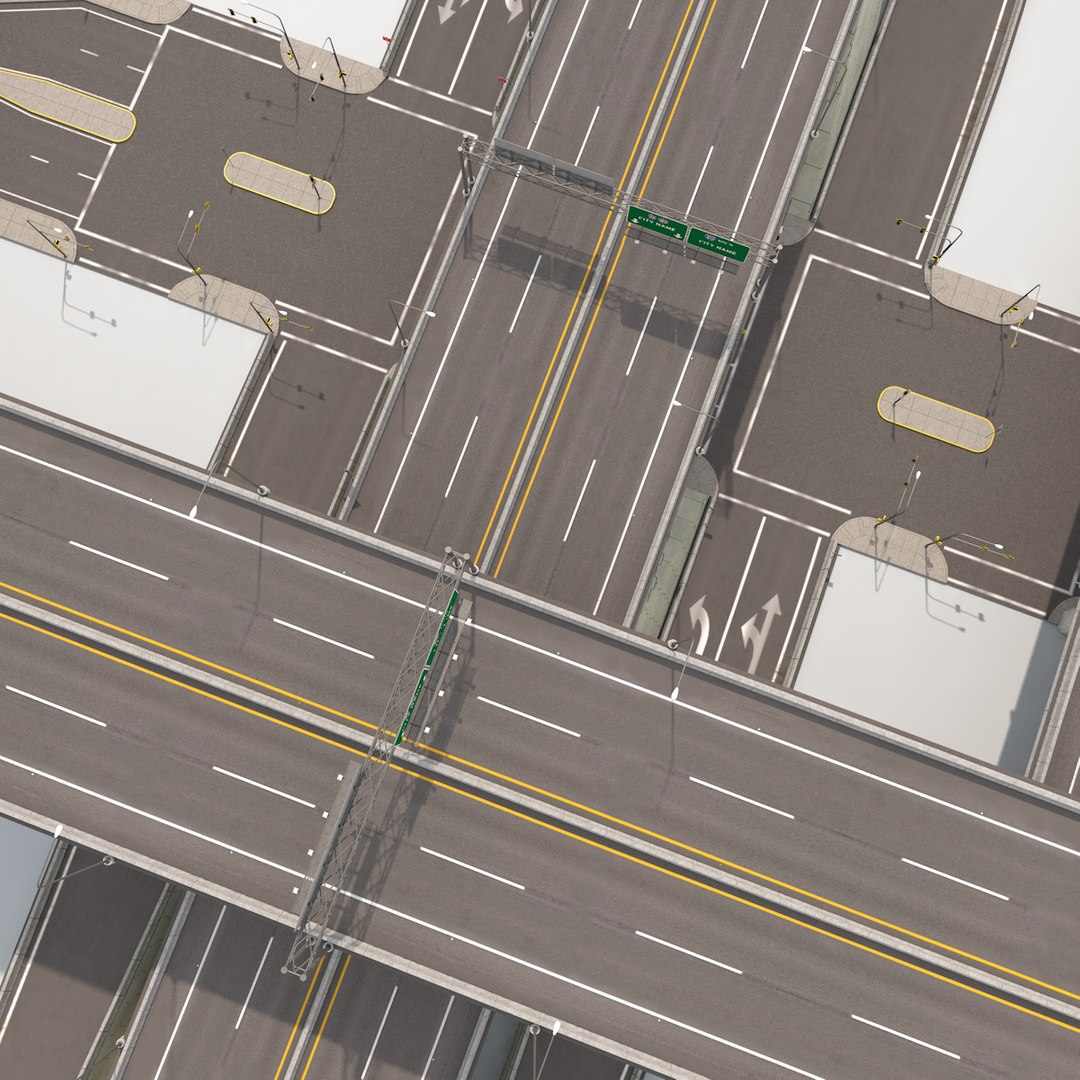
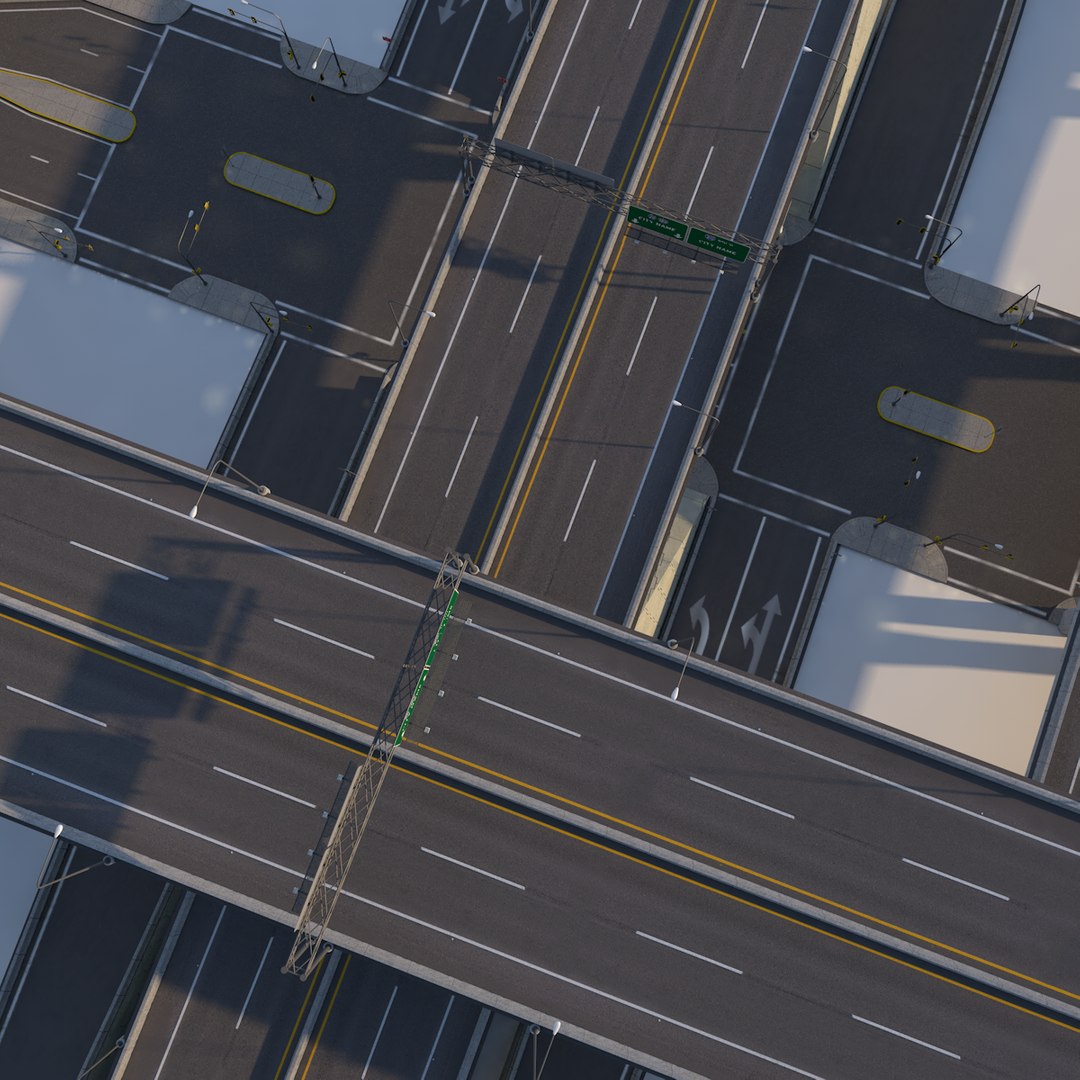
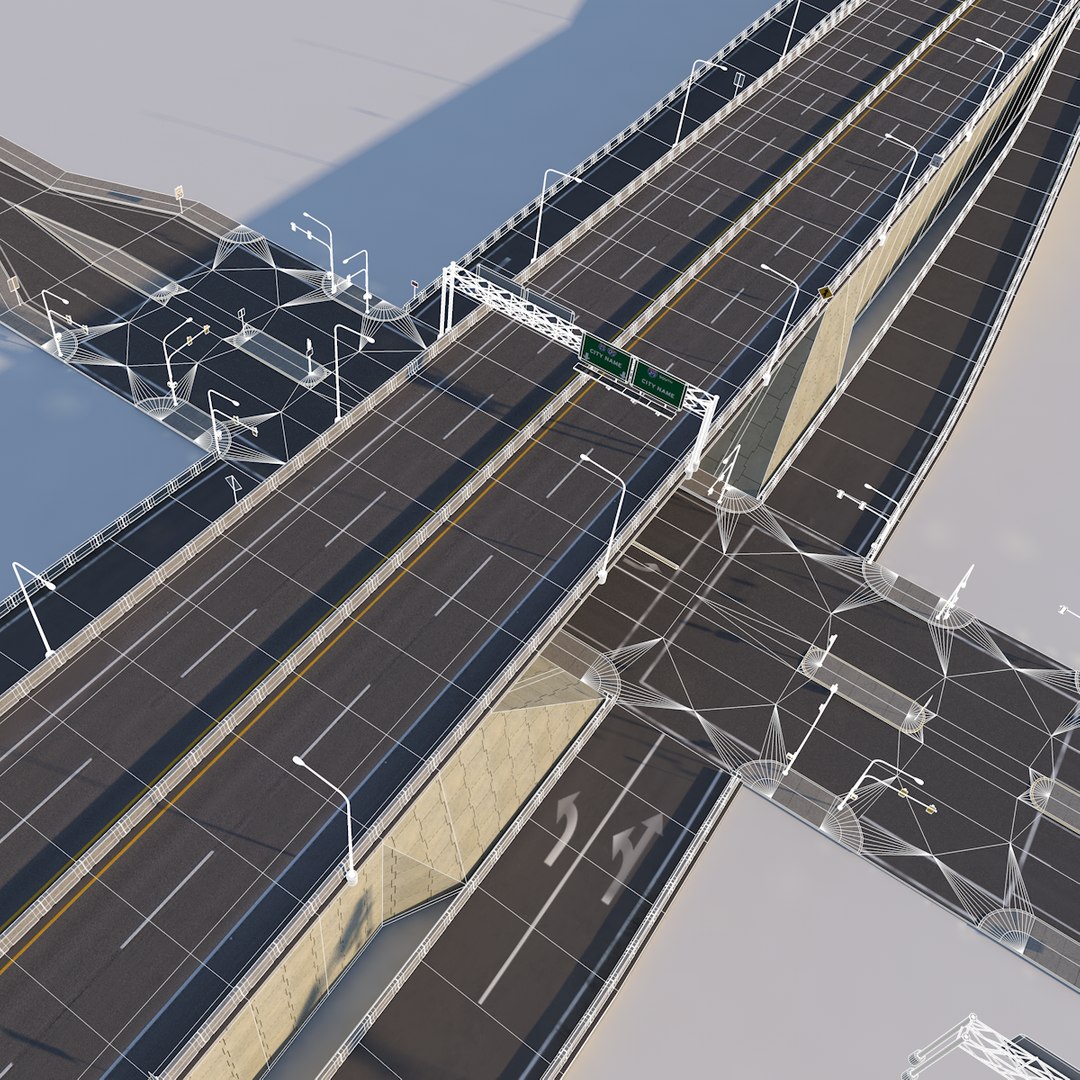
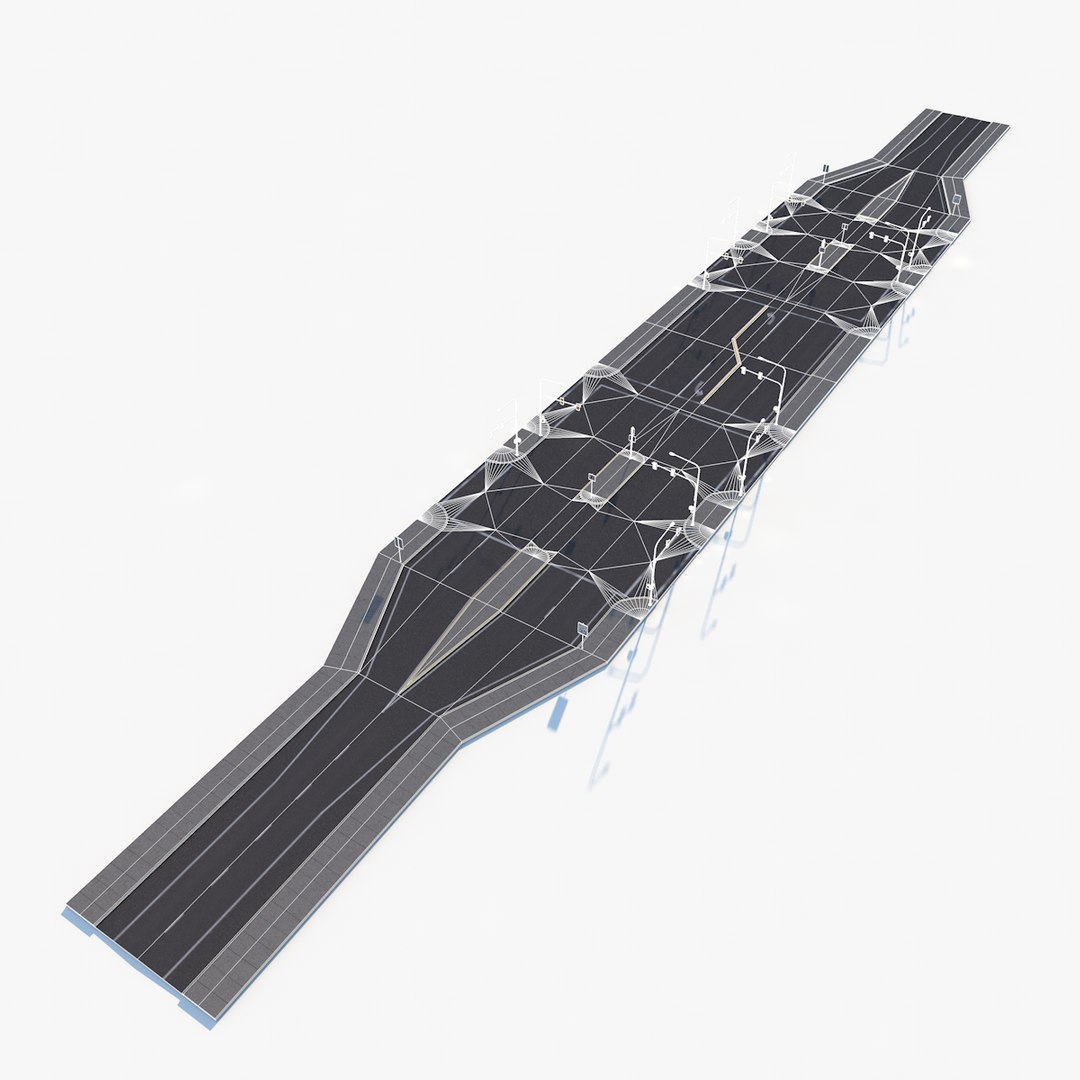
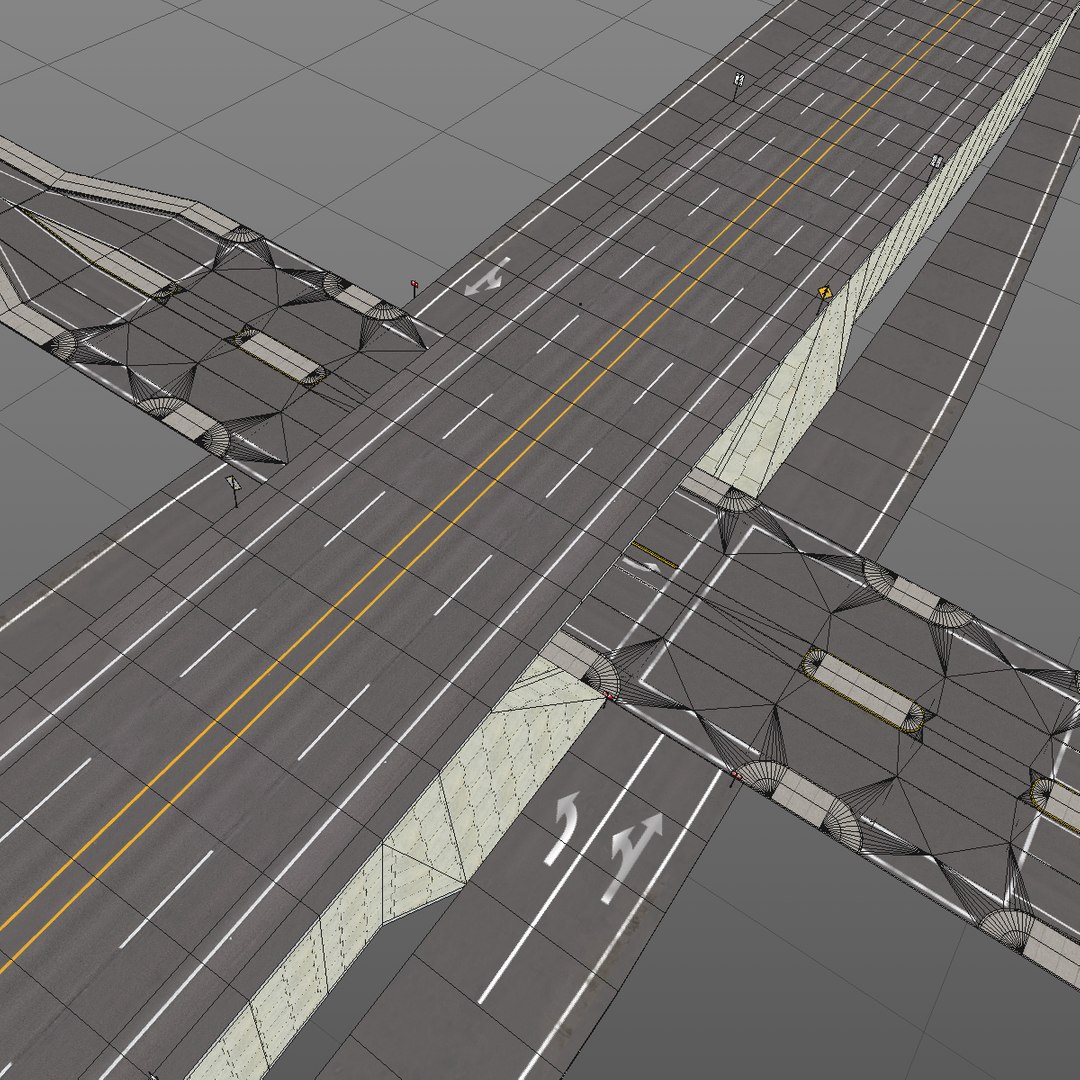
What sets this product apart is its centerpiece: an INTERCHANGE component, complete with exit lanes, all required signage, safety markings, collision bumpers, over pass, AND a detailed underpass! Complete with turn lanes, warning curb, traffic islands, and street signals, making it easy to connect your own street grid geometry or use my ‘City Streets’ pack which fits perfectly.
========================================================
WHAT’S INCLUDED?
========================================================
GROUND LEVEL:
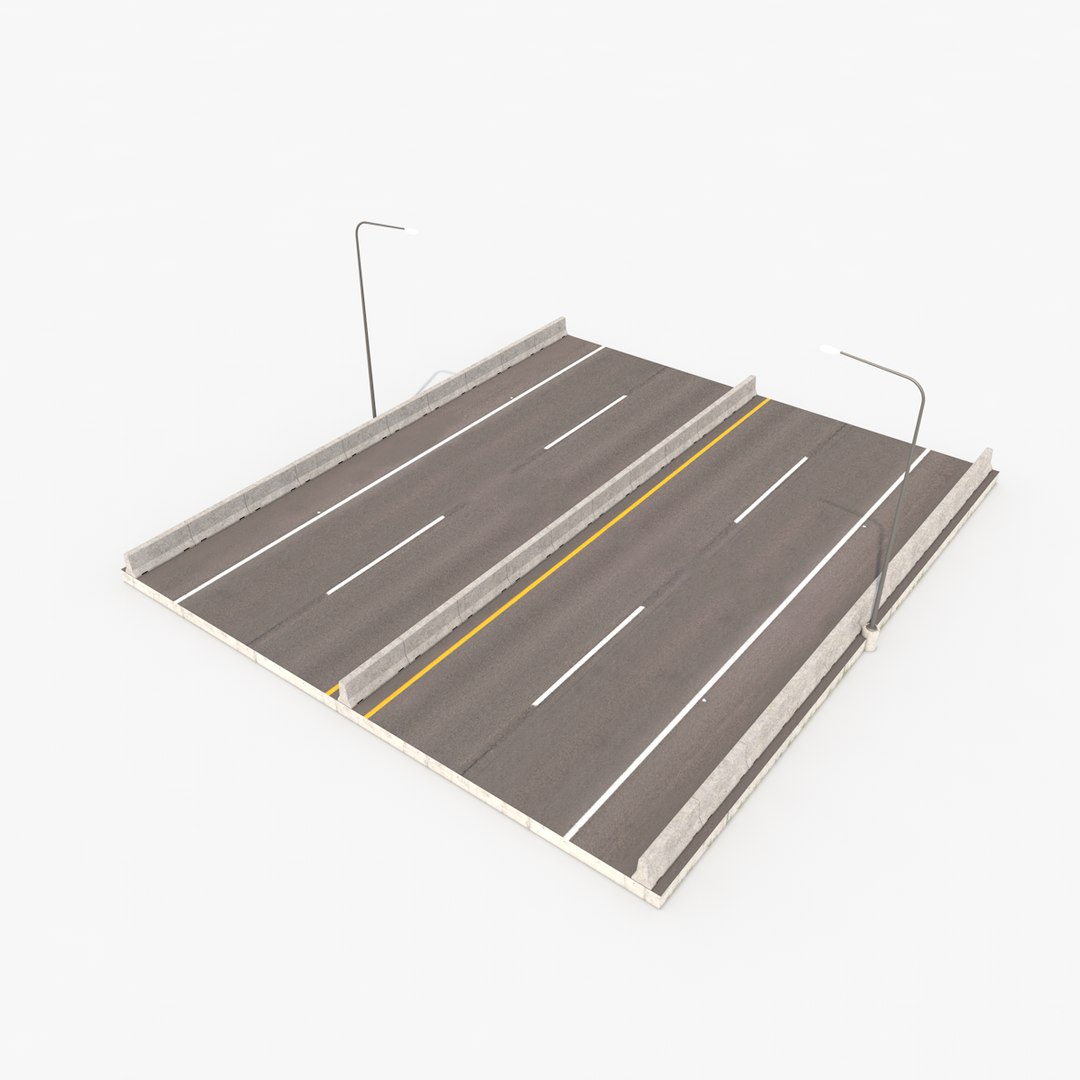
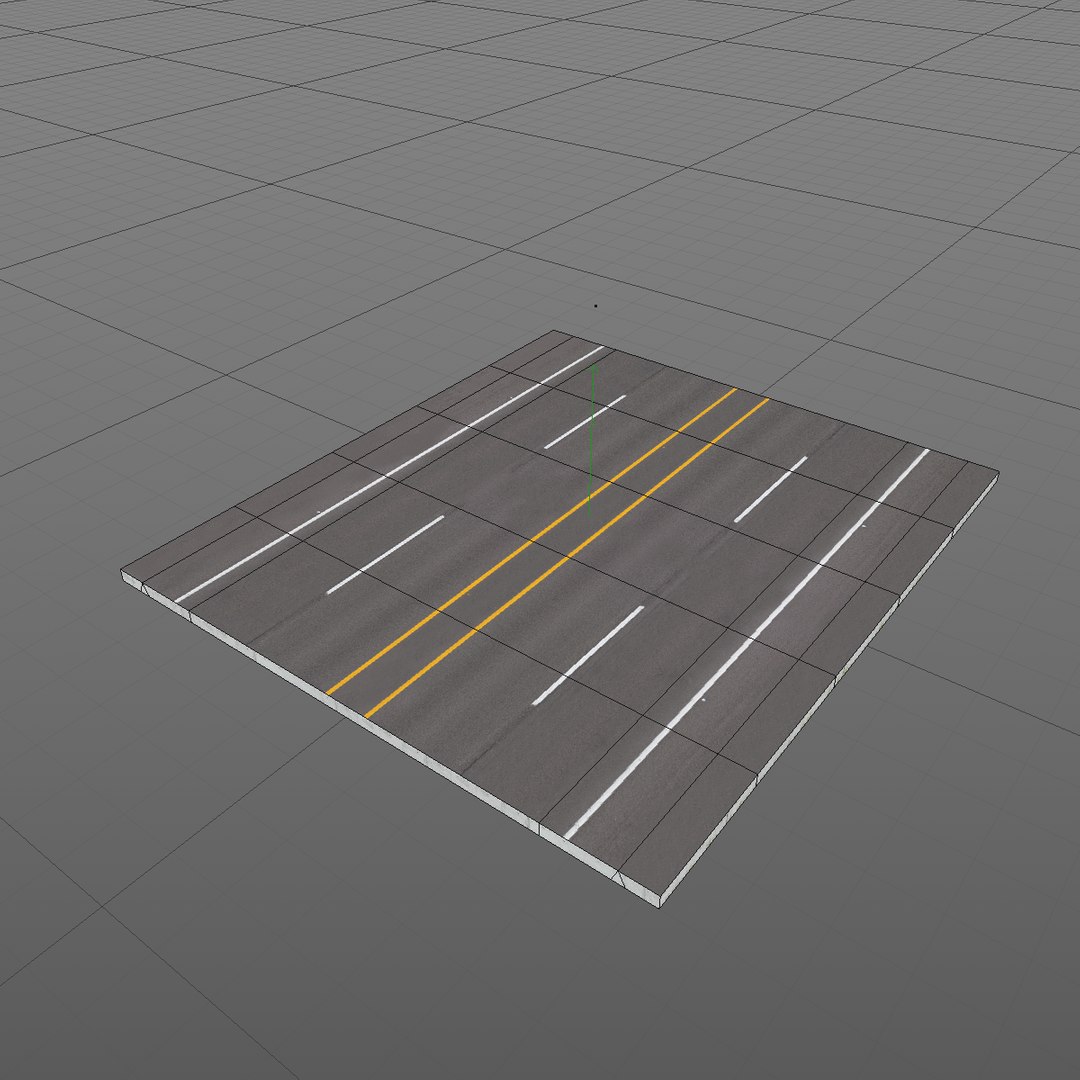
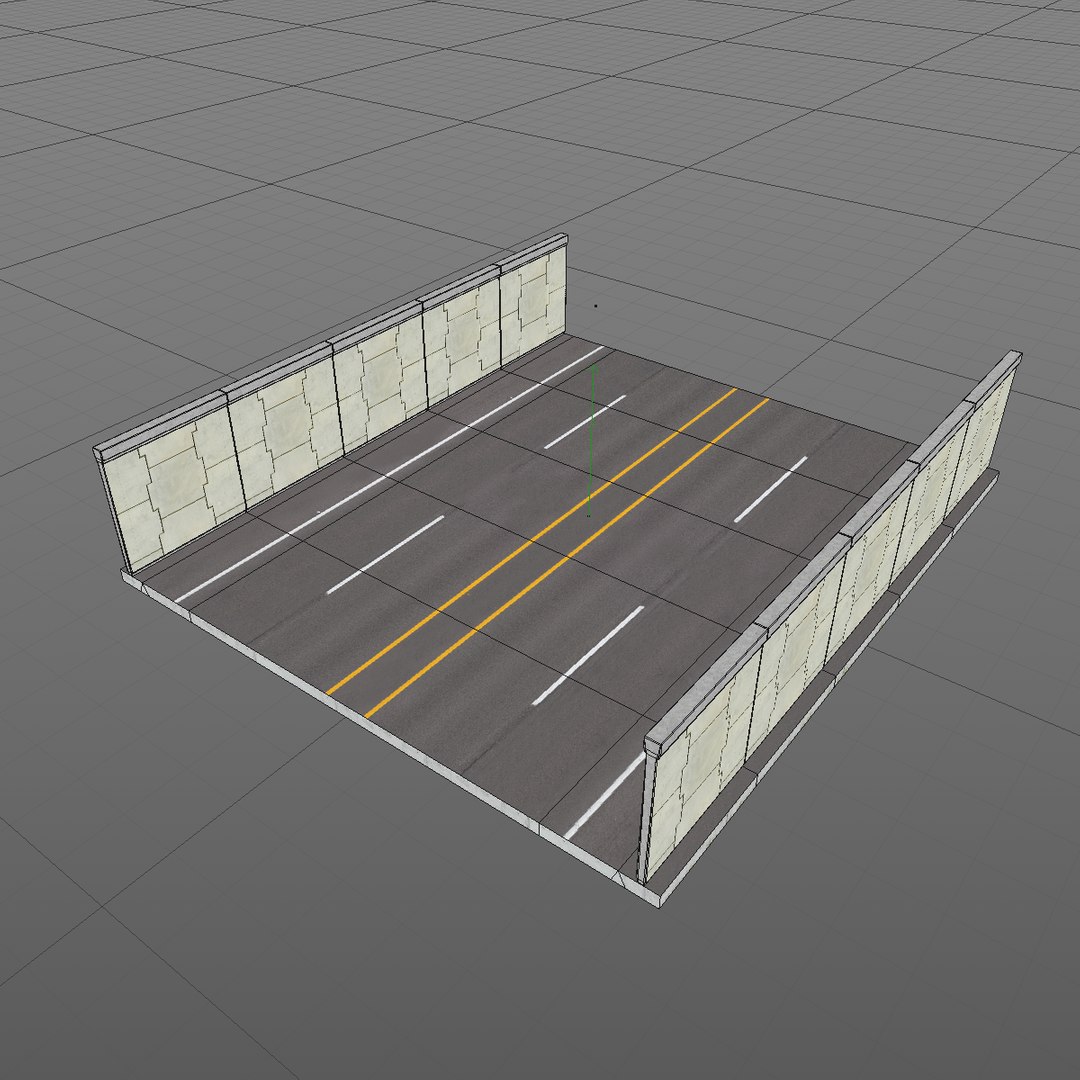
100’ Section
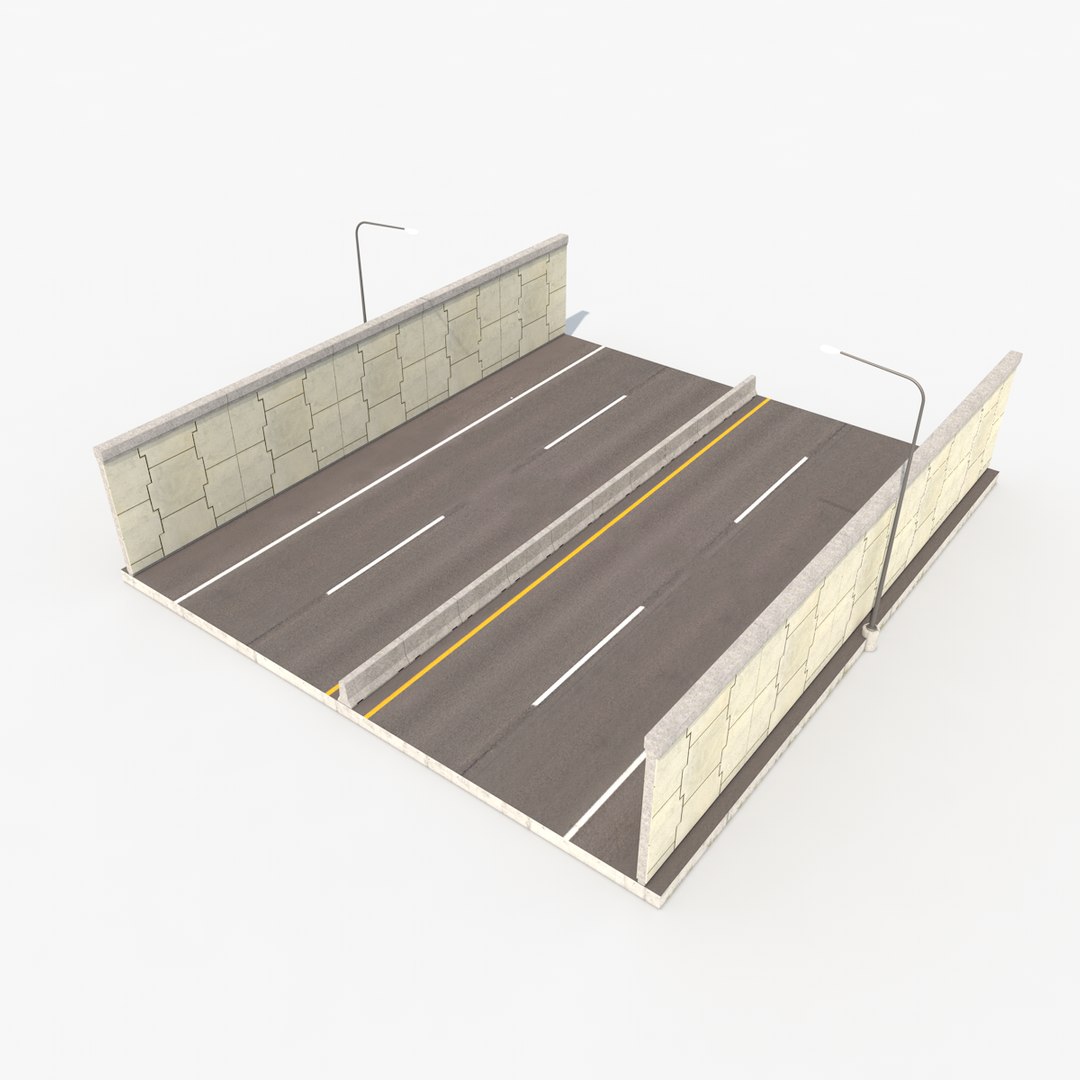
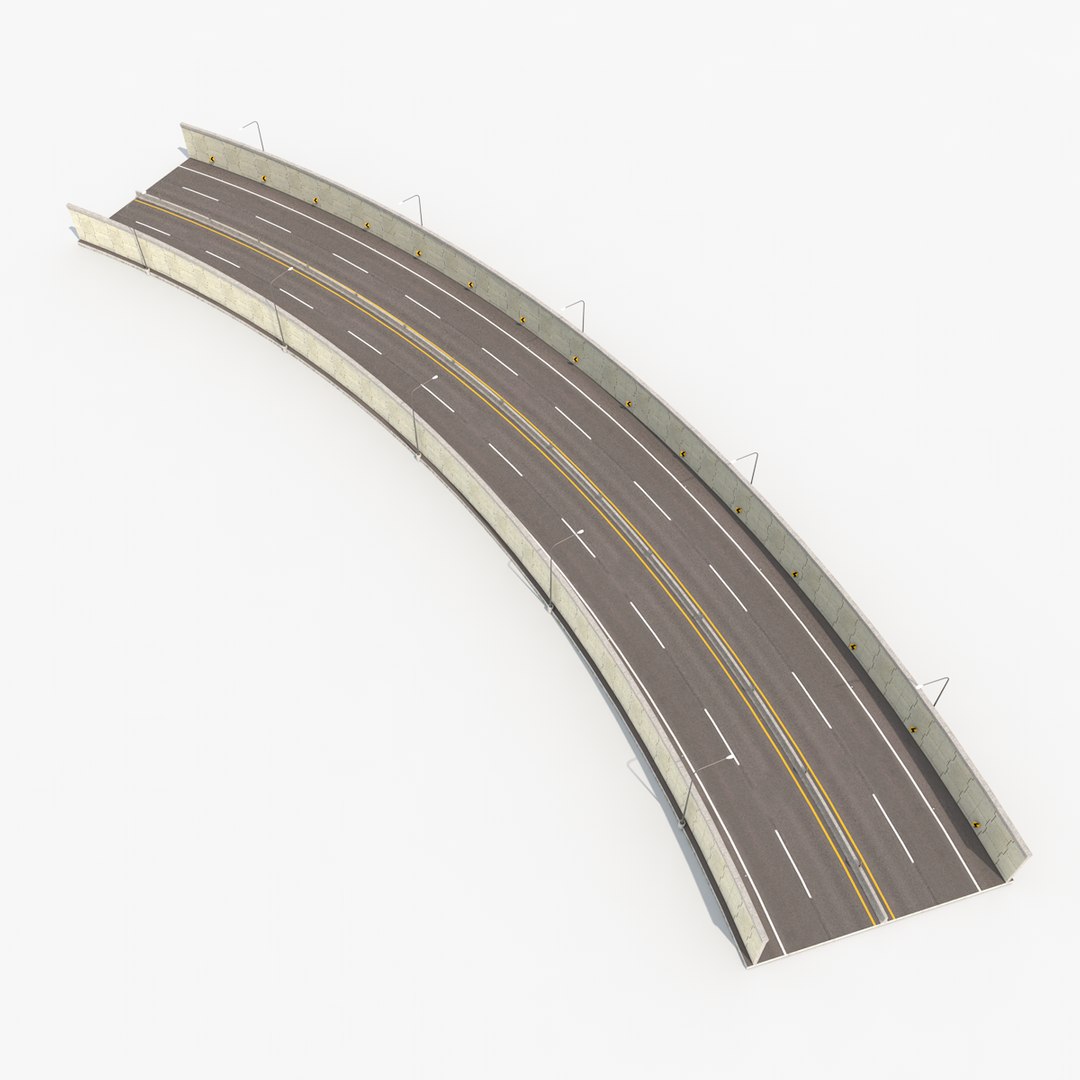
100’ Section WALLED
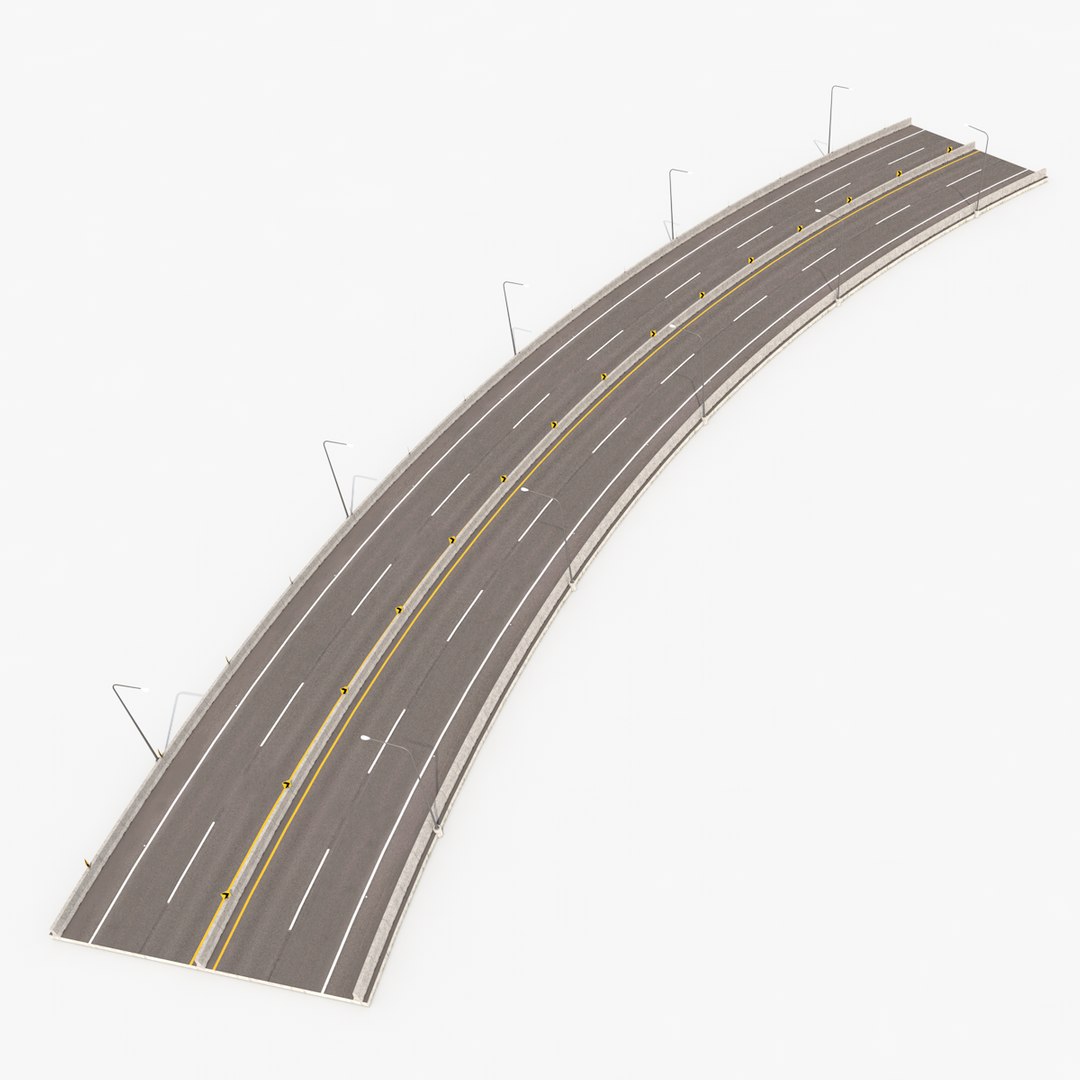
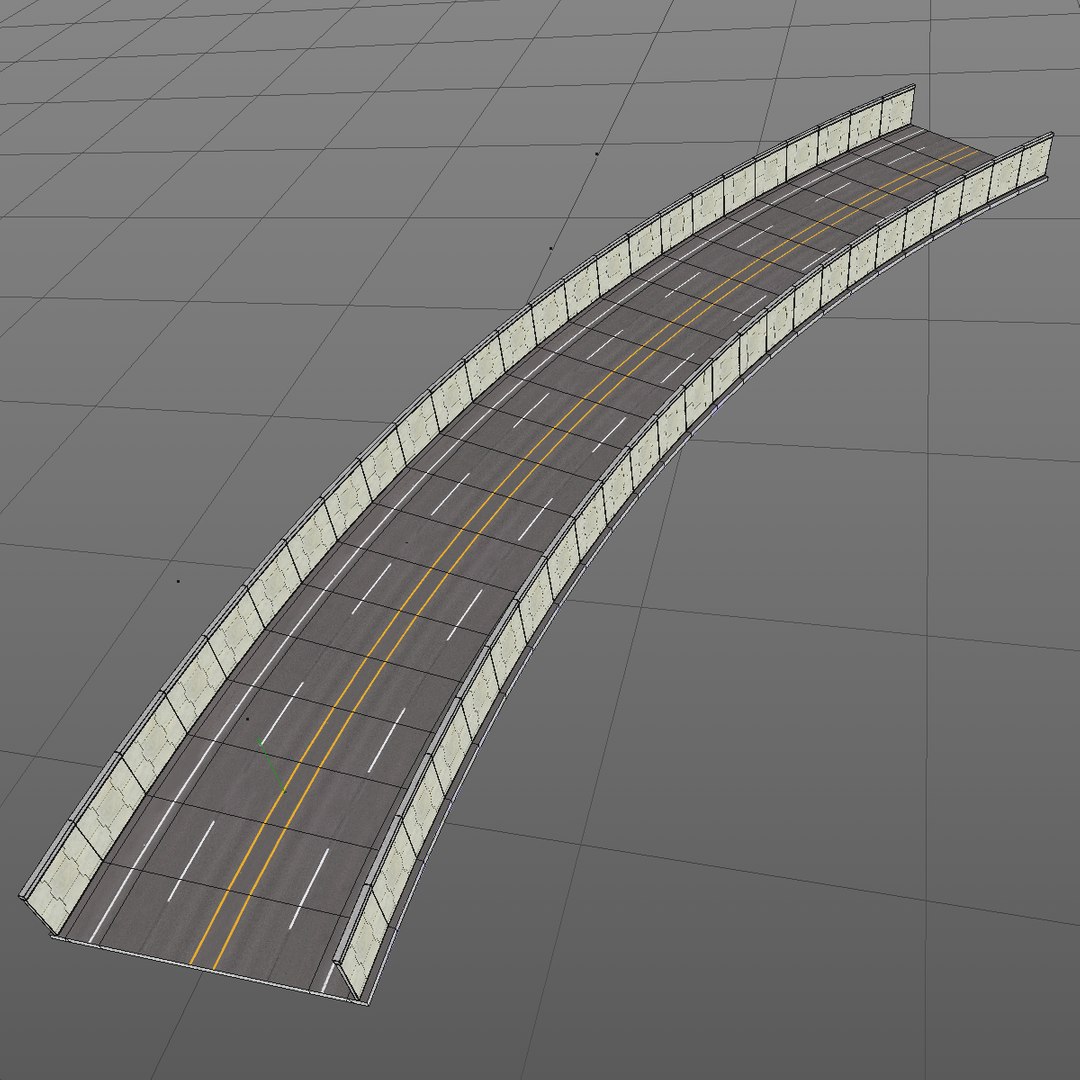
45 deg turn right
45 deg turn left
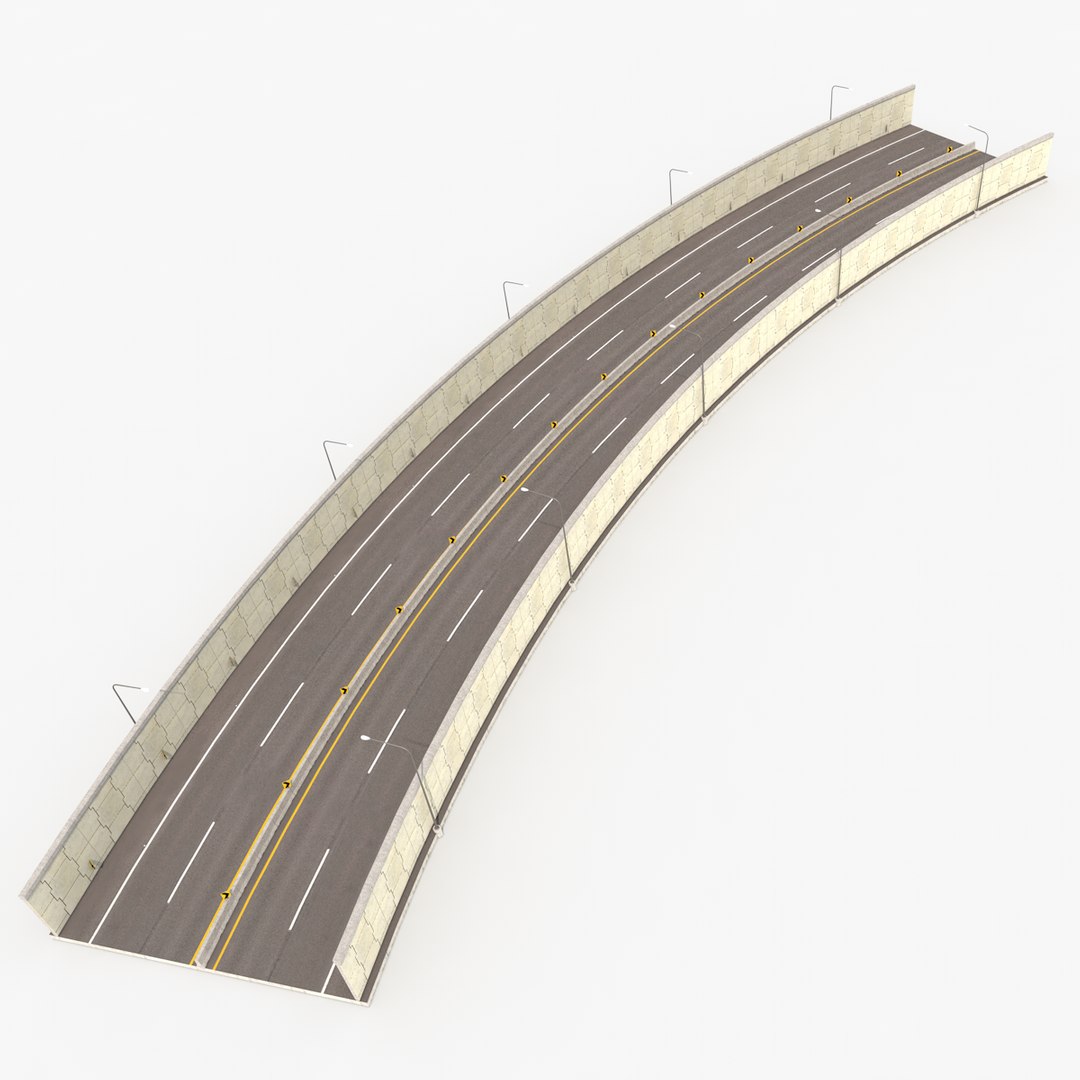
45 deg turn right WALLED
45 deg turn left WALLED
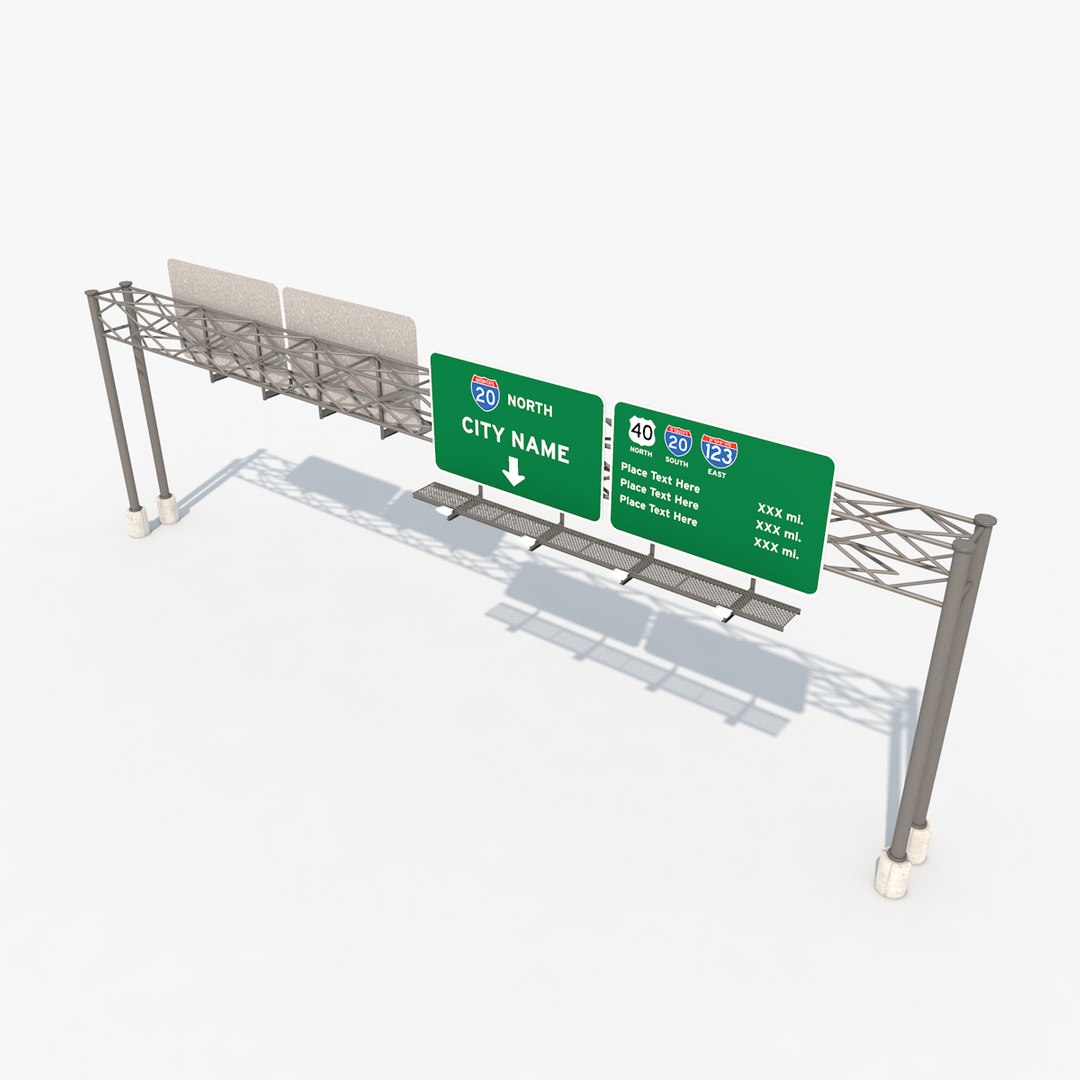
Full Span Sign
MID-LEVEL: (The Mid-Level group is viewed as ‘the standard’ highway system components. The Interchange system is designed to work only with the Mid-Level system and connect to ground level.)
Interchange-ON/OFF
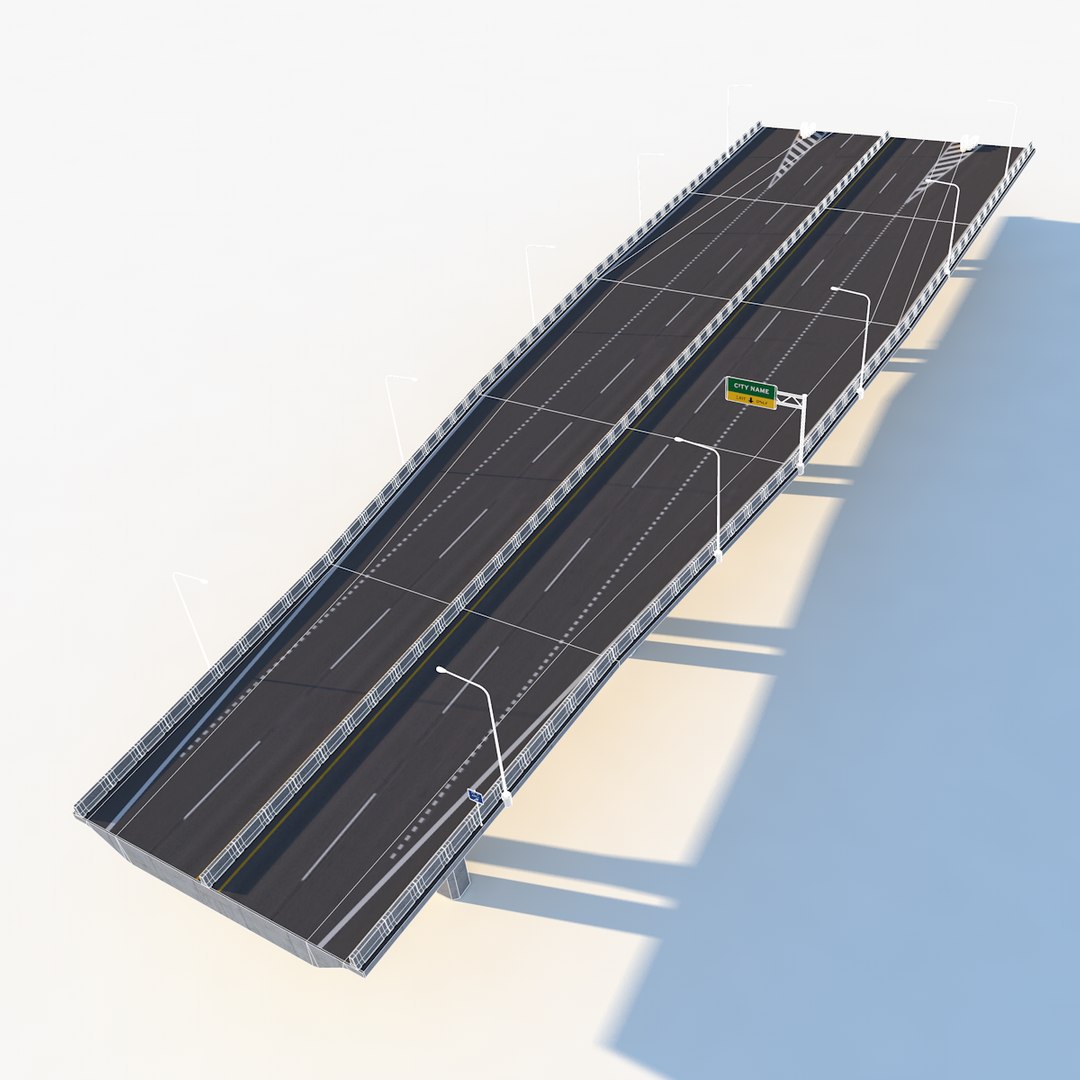
100’ Section
45 deg turn right
45 deg turn left
Full Span Sign
*Included in the Mid-Level hierarchy is the underpass road segment.
UPPER LEVEL:
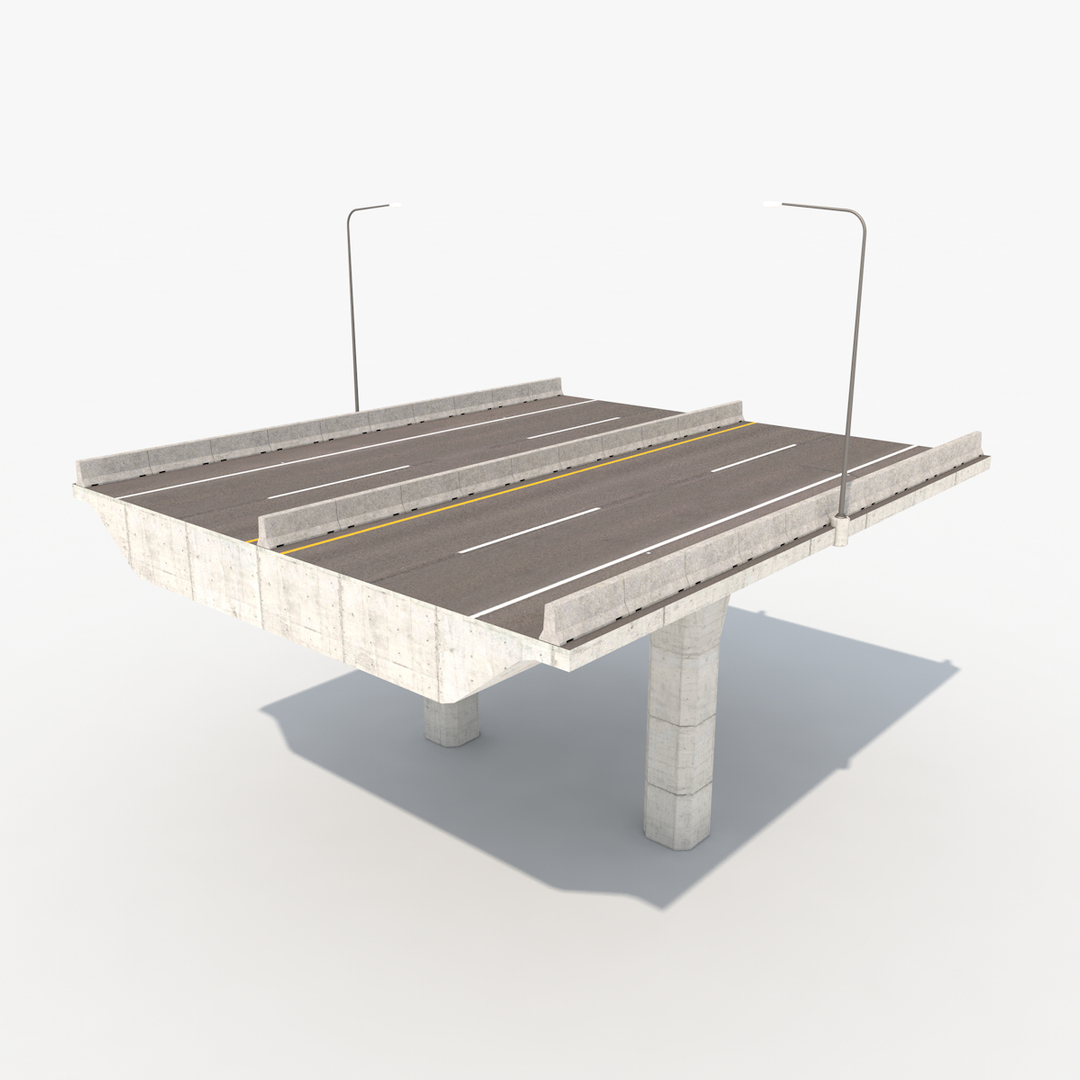
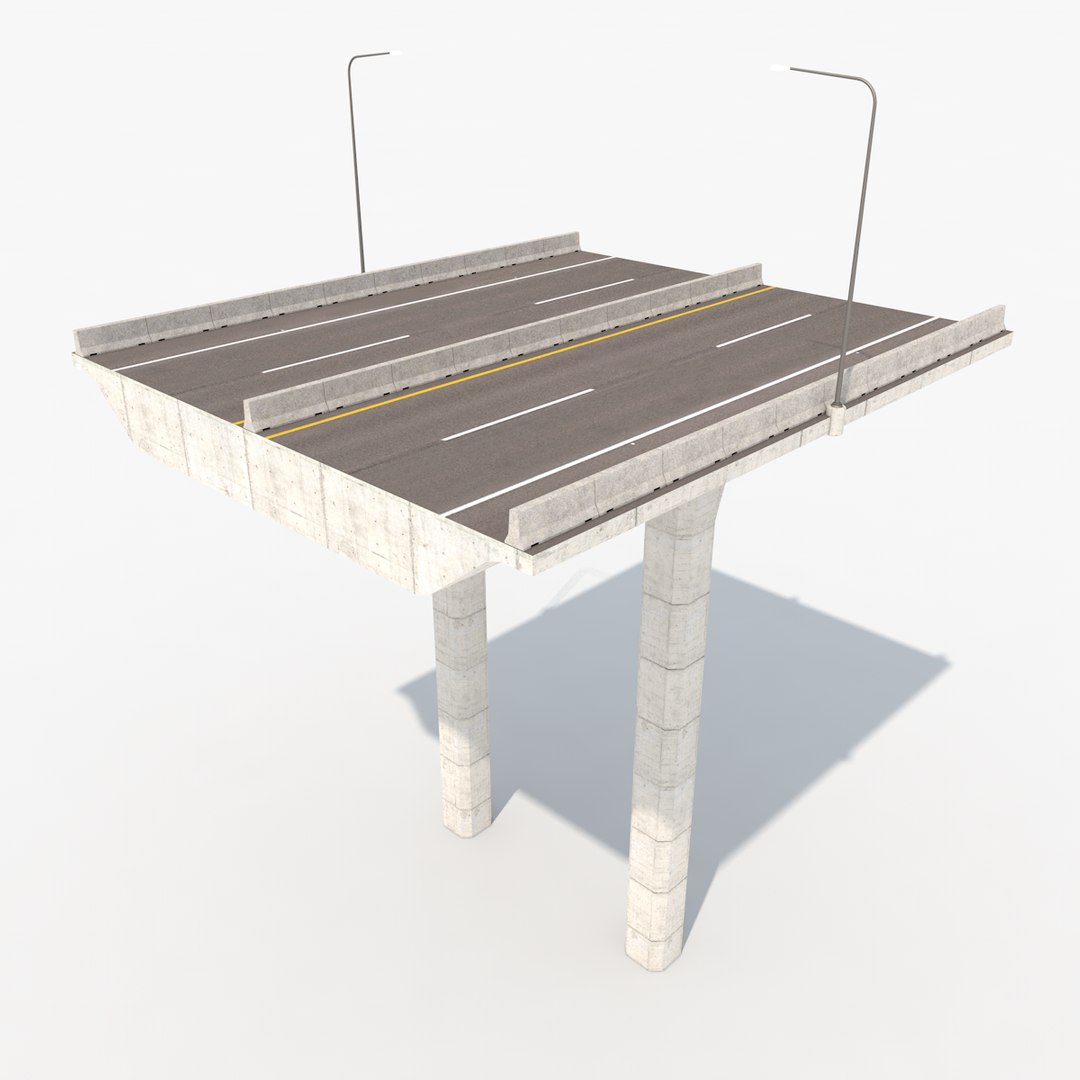
100’ Section
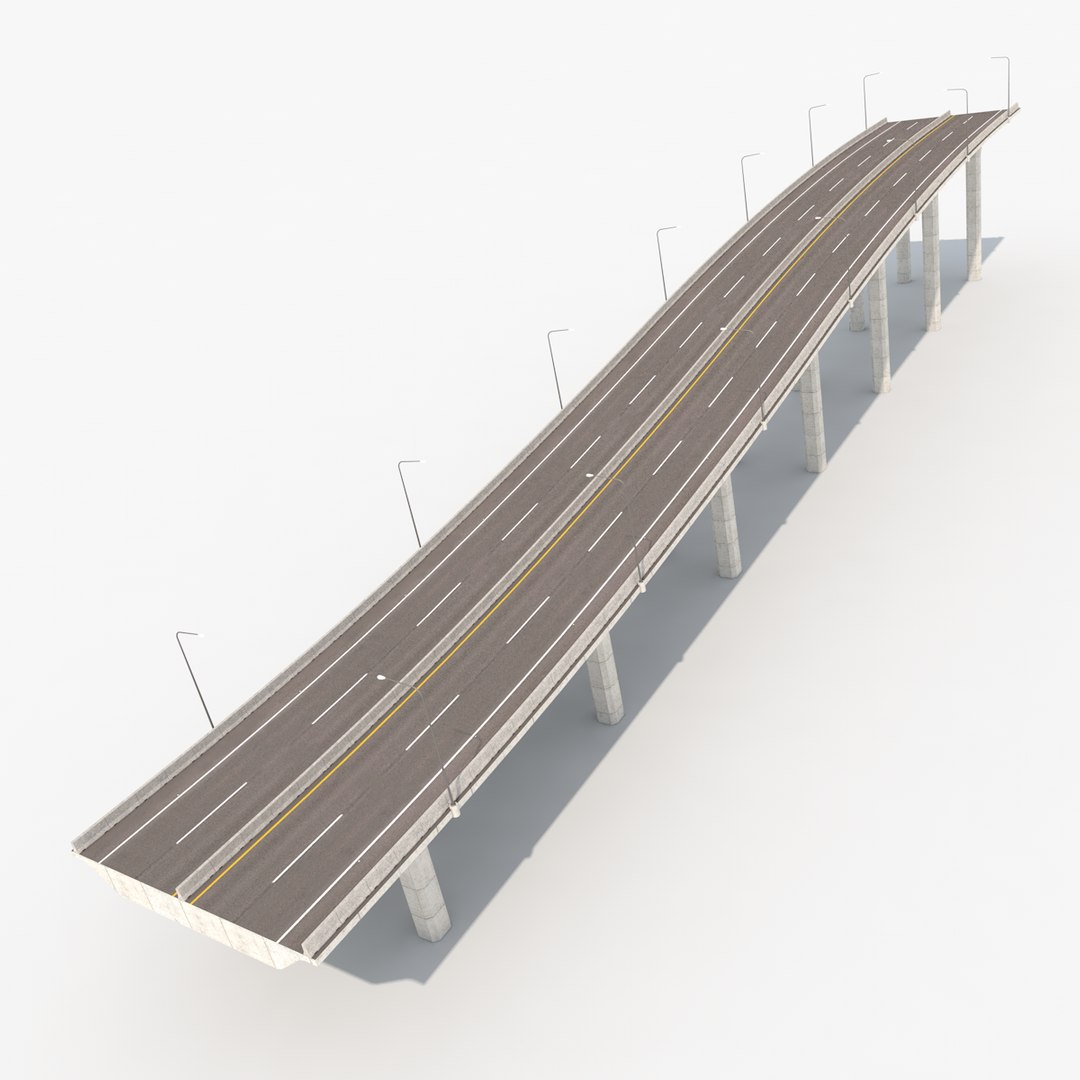
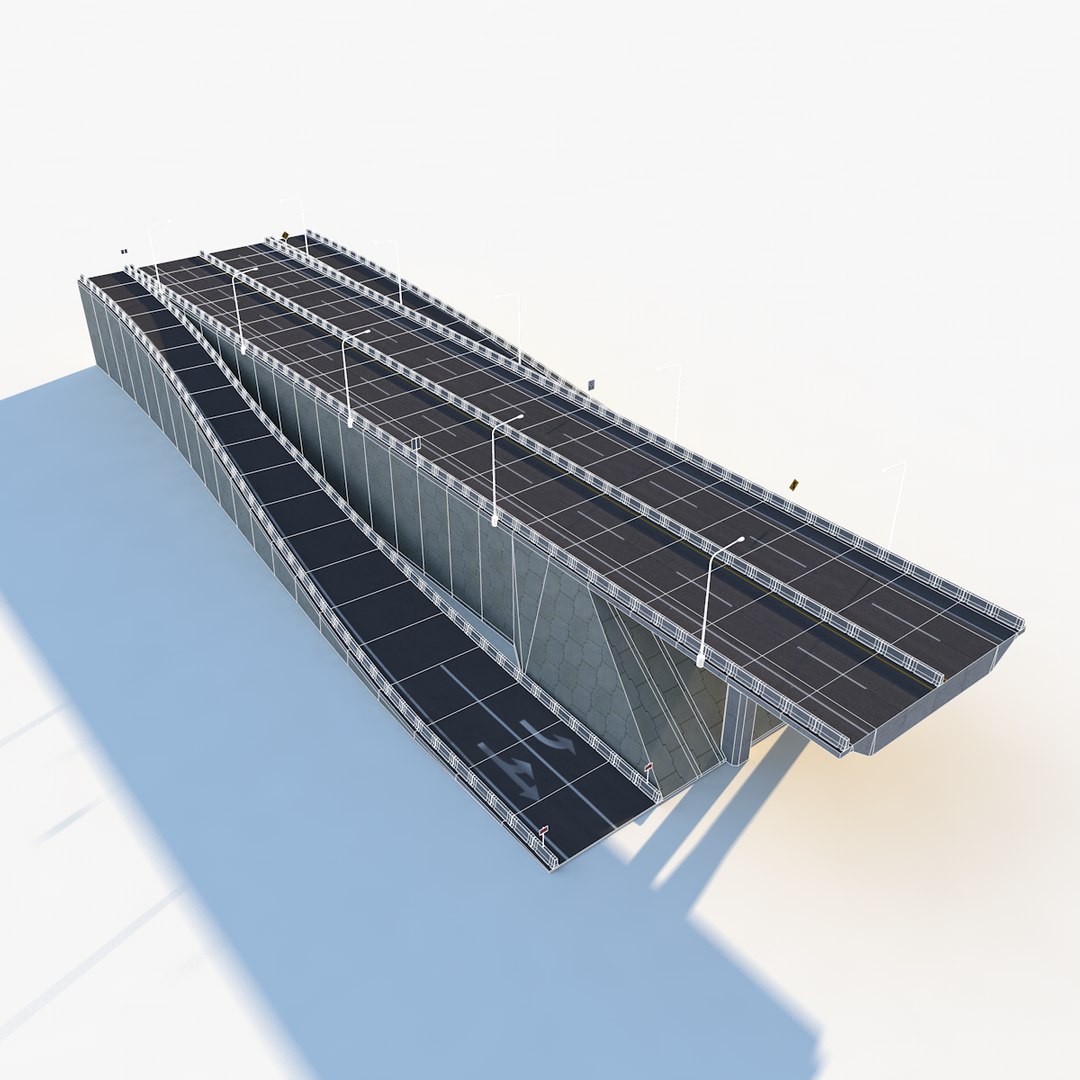
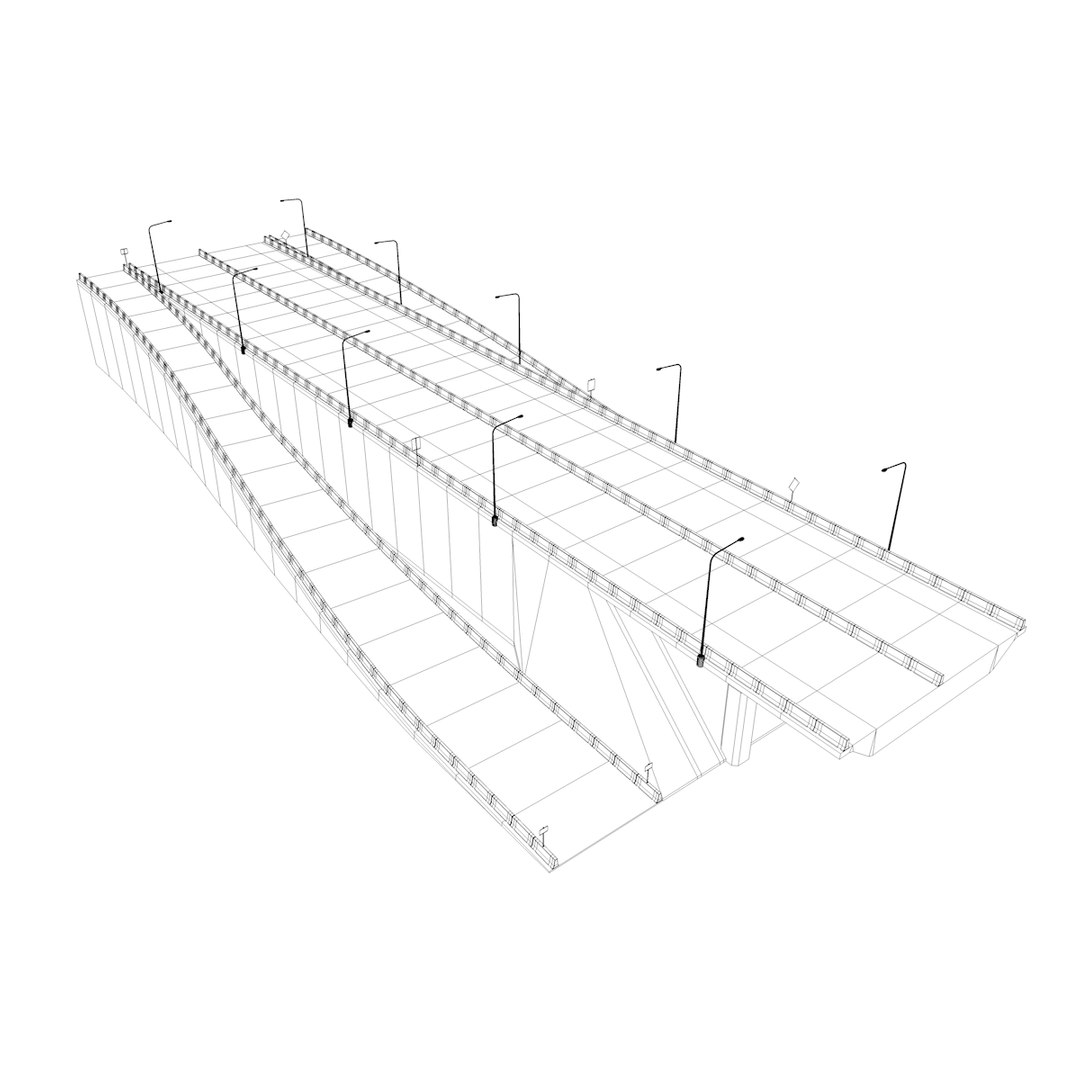
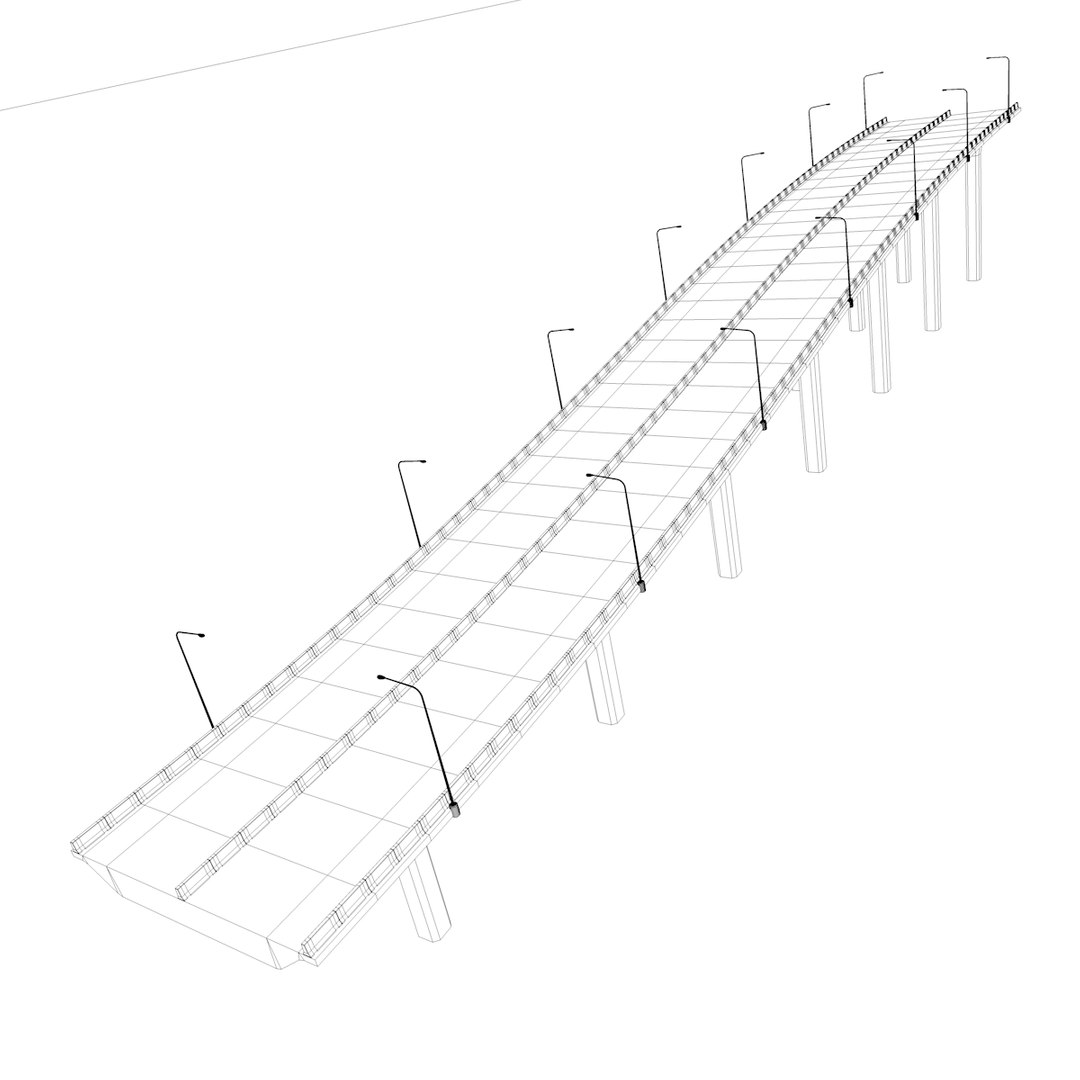
LEVEL CHANGE: (The Level Change Section is 685’ long and is designed to connect the Mid Level to the Upper Level systems. You can also use them to create impromptu bridge sections.)
Level Change Section
DETAILS:
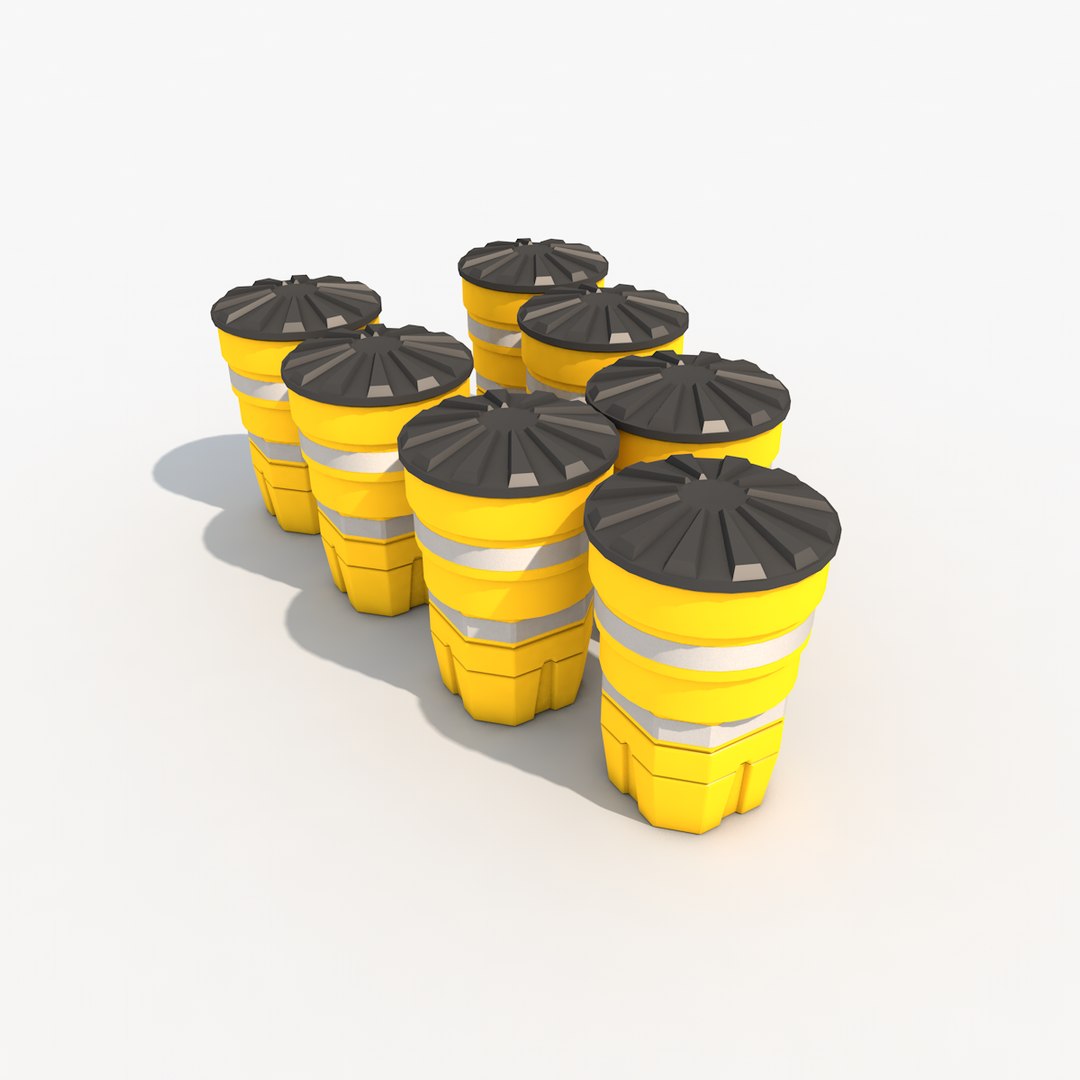
On/Off ramp collision bumpers
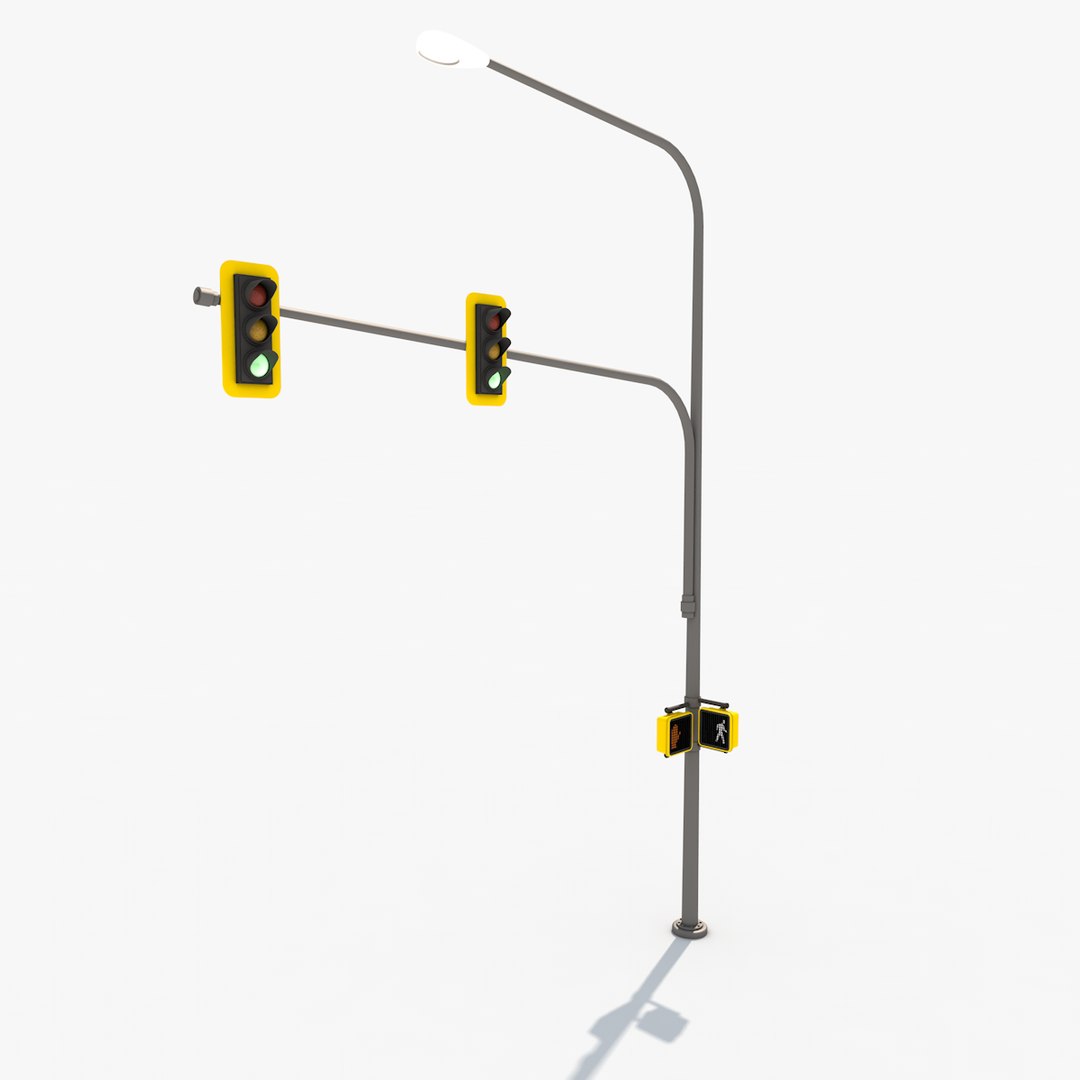
Traffic Signals
Turn Signal
Navigation Signage
========================================================
MAJOR TEXTURE SIZES
========================================================
All road surfaces (including the underside when applies) have unwrapped UV’s with PSD files included.
Sizes: 4096x4096, 2048x2048, 2048x1495, 640x640, and 700x700
Variety of smaller sizes for individual sign textures and bump masks.
========================================================
HOW DO I USE IT?
========================================================
First, in order to be Checkmate certified, every element in the scene had to be turned on from the moment you open the file. In order to work quickly and not over-tax your machine, I would recommend that you turn off (in the editor view) all of the 'extra' pieces (concrete barriers, light posts, signs, etc.) and keep them turned off while working/moving pieces into place.
There are two ways to create systems. You can assemble them from the pieces included, or you can use the standard 100’ foot segment, multiply it out using a cloner object, and use the bend deformer to create custom S-turns.
The green traffic signs are created from Illustrator files, all of which are included in ‘Accompanying Product Files.’
Hope this help your modeling experience! Enjoy!