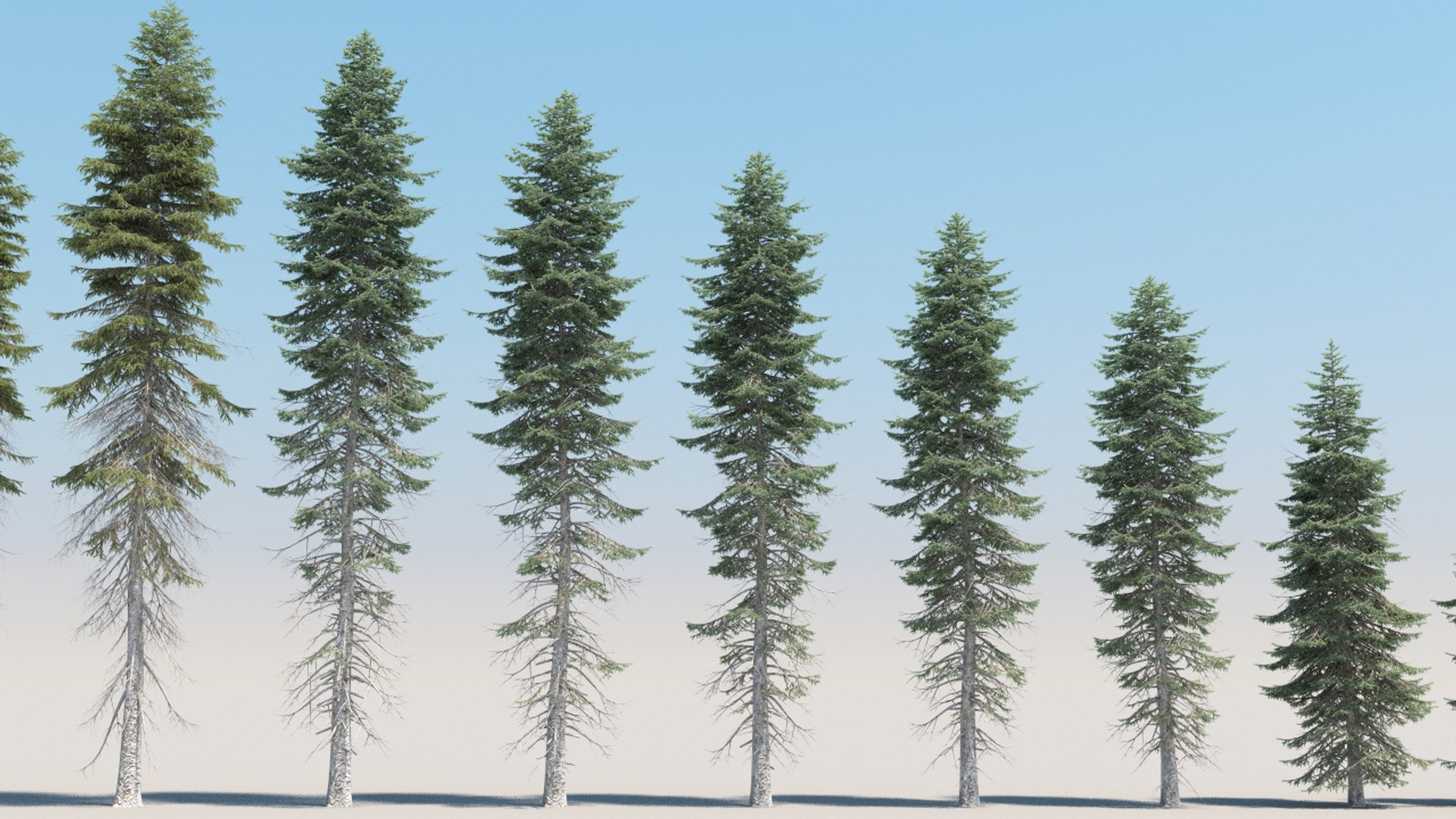
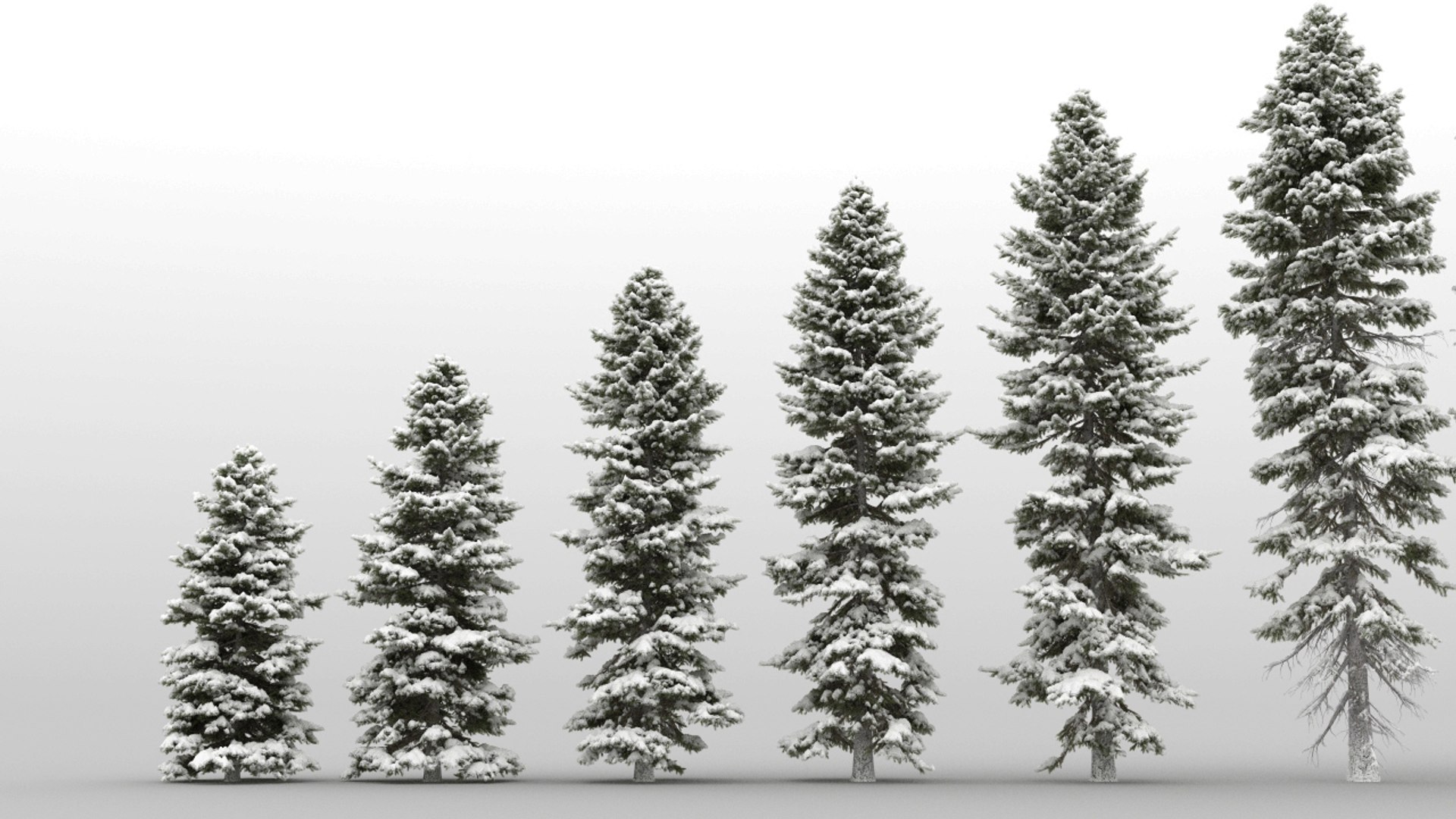
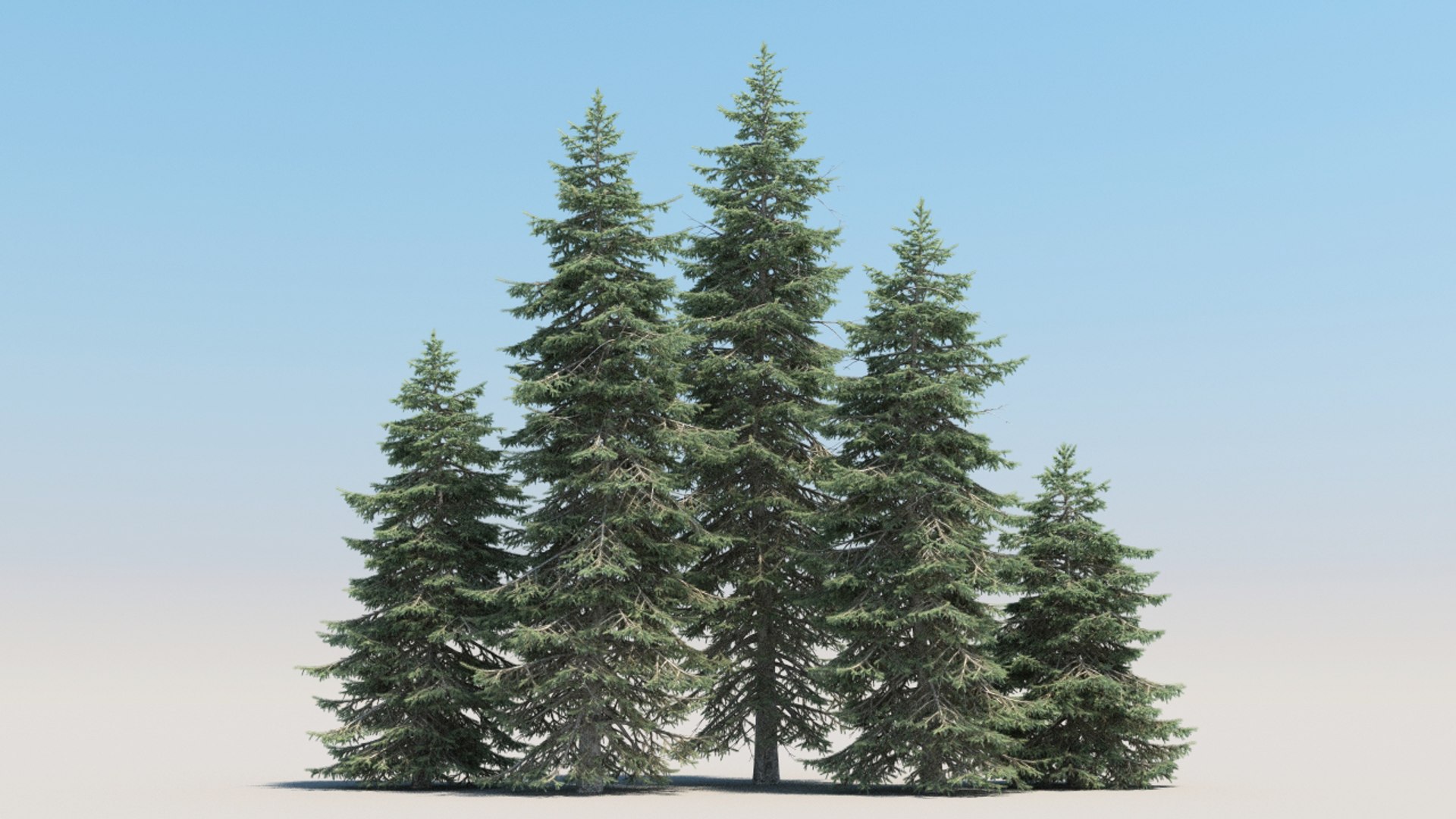
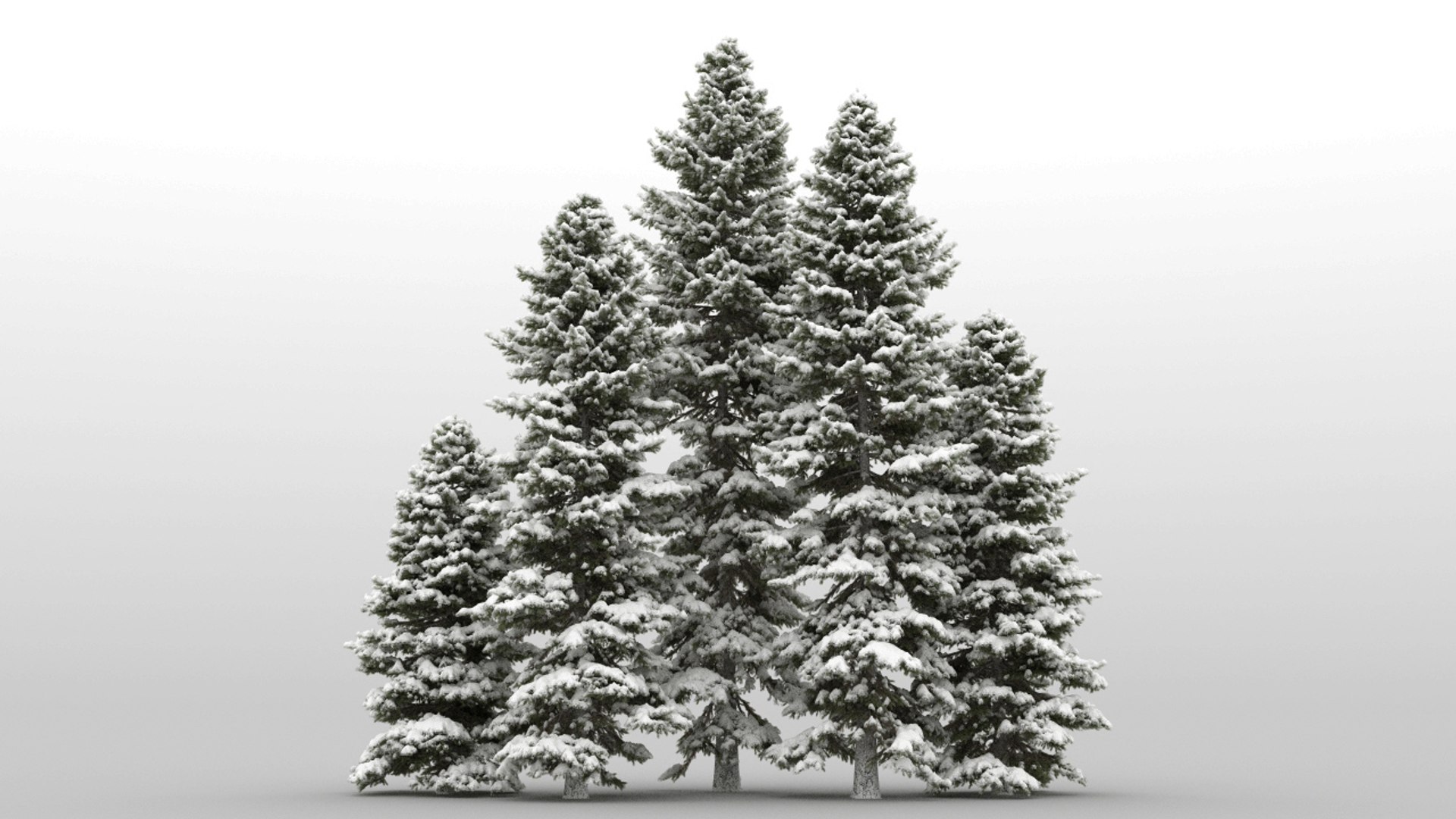
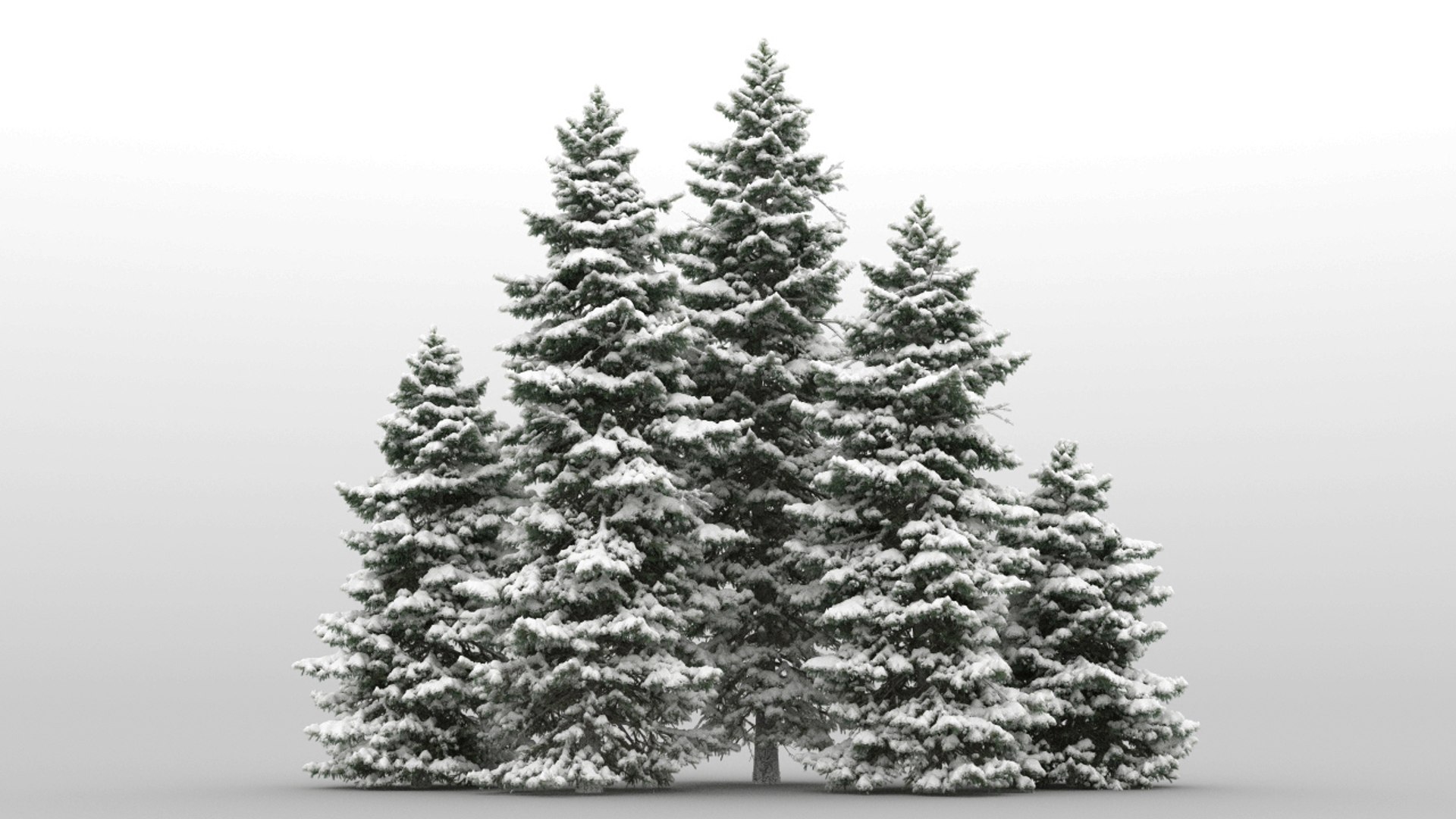
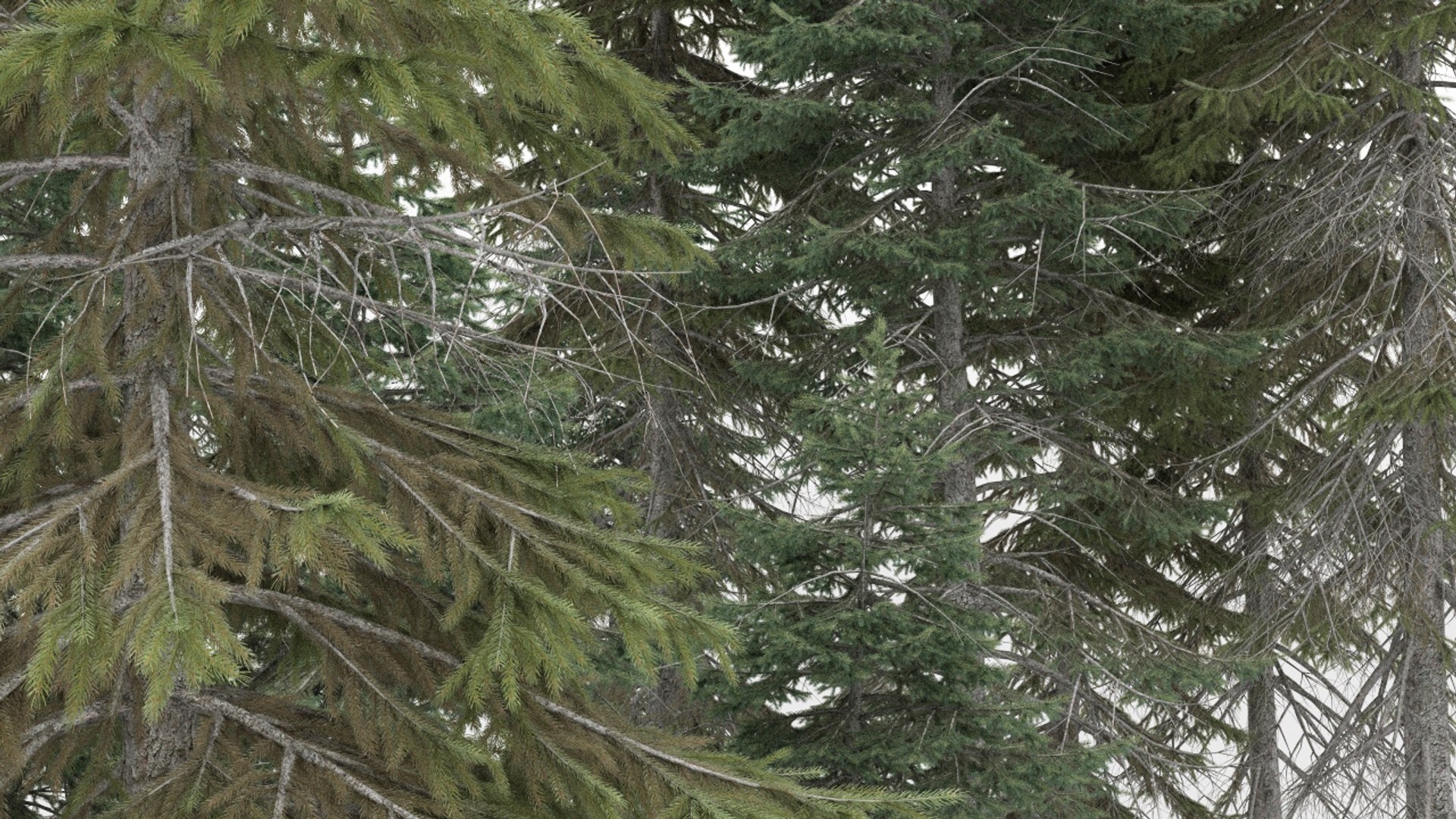
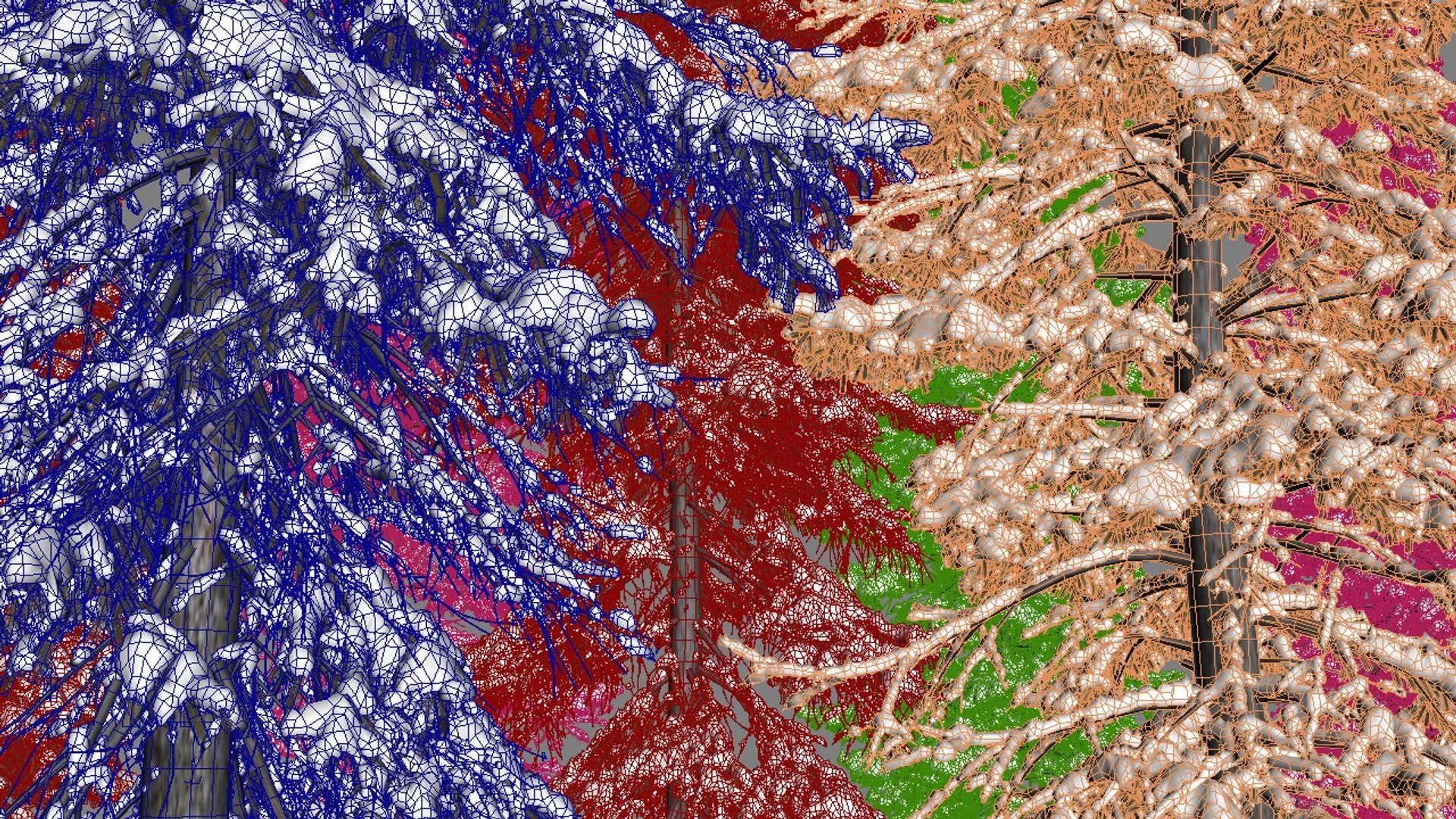
20 + 20 arbres Picea Abies

$150

Licence standard | Mettre à niveau la licence
Formats (6)
Native | 3ds Max 2012 | V-Ray 2.0
3ds Max 2014 | Default Scanline
3ds Max 2014 | Corona 6
Cinema 4D R19 | Default Scanline
3ds Max 2014 | V-Ray 2.0
FBX 2014
Spécifications
Date de publication January 18, 2016
ID du produit 996649
Des polygones 20
Sommets 20
Polygonal
Les textures
Matériaux
UV mappé
UV mixtes non emballés
Exclusivité TurboSquid
member avatar
umitulker
66 Des produits | Contributor Depuis 2004
Avoir des questions? Chattez avec nous maintenant.

la description

updated on march 2023 (fixed fbx format materials)

GrowFX version is 1.9.9 SP10

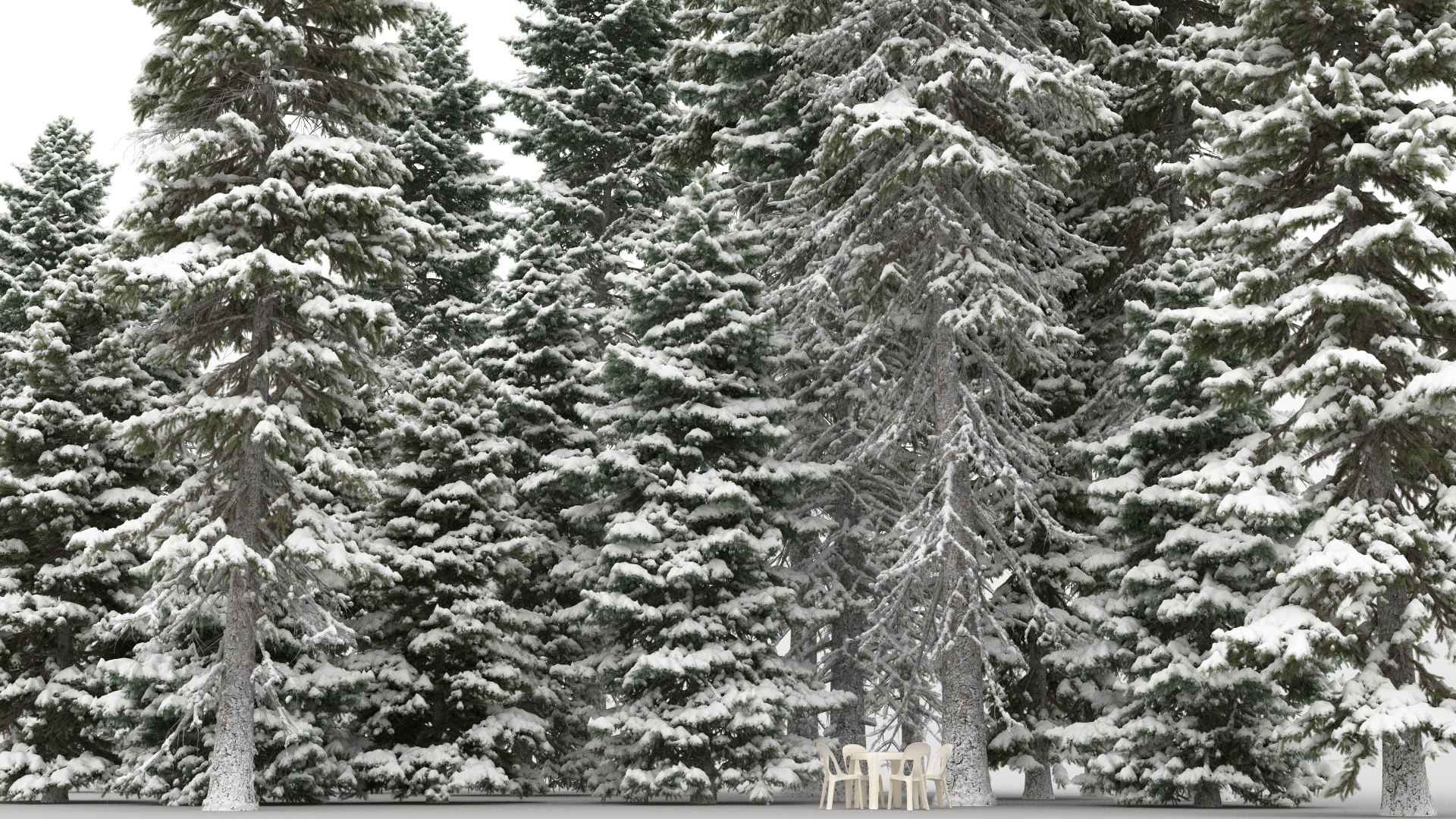
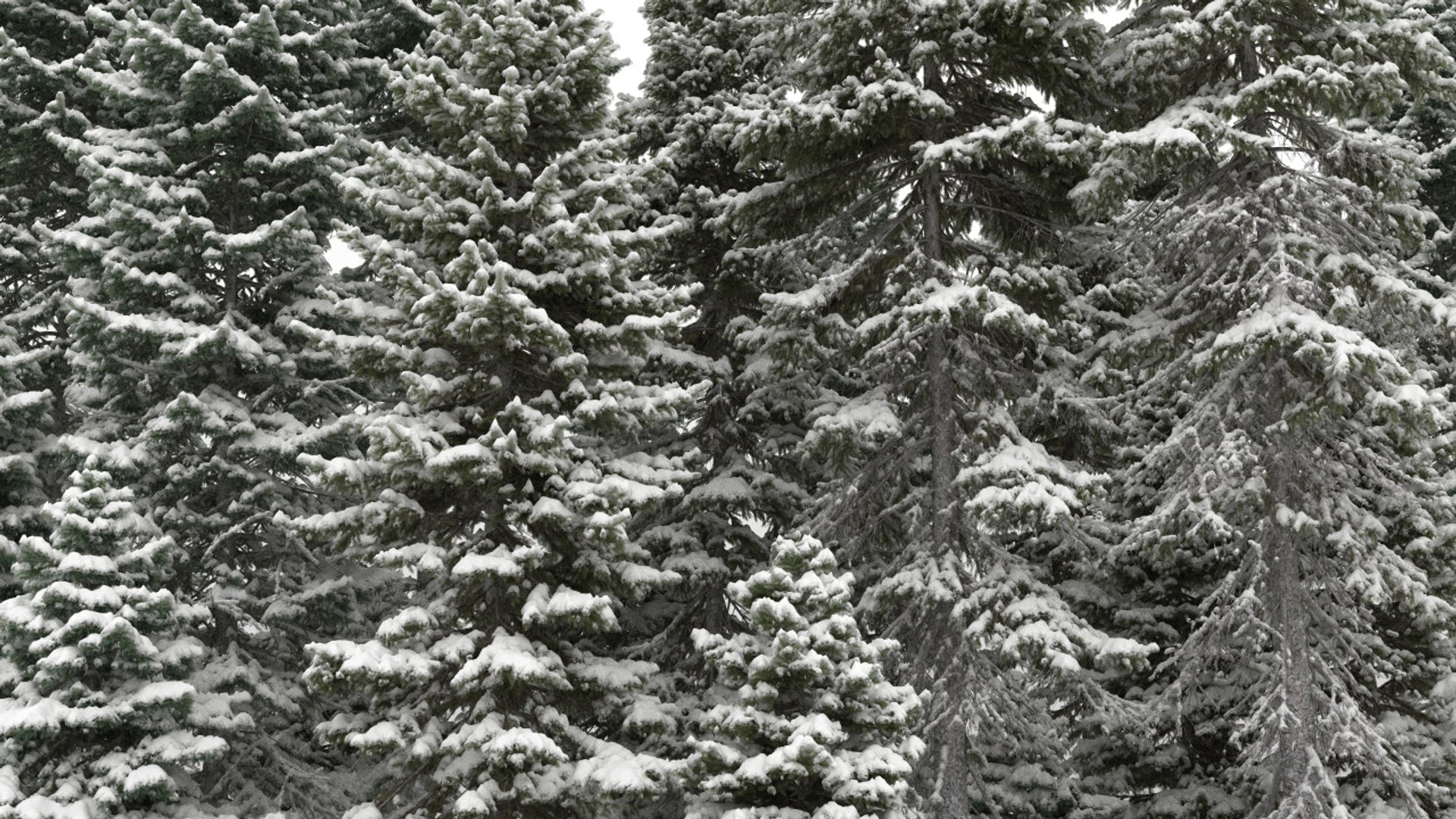
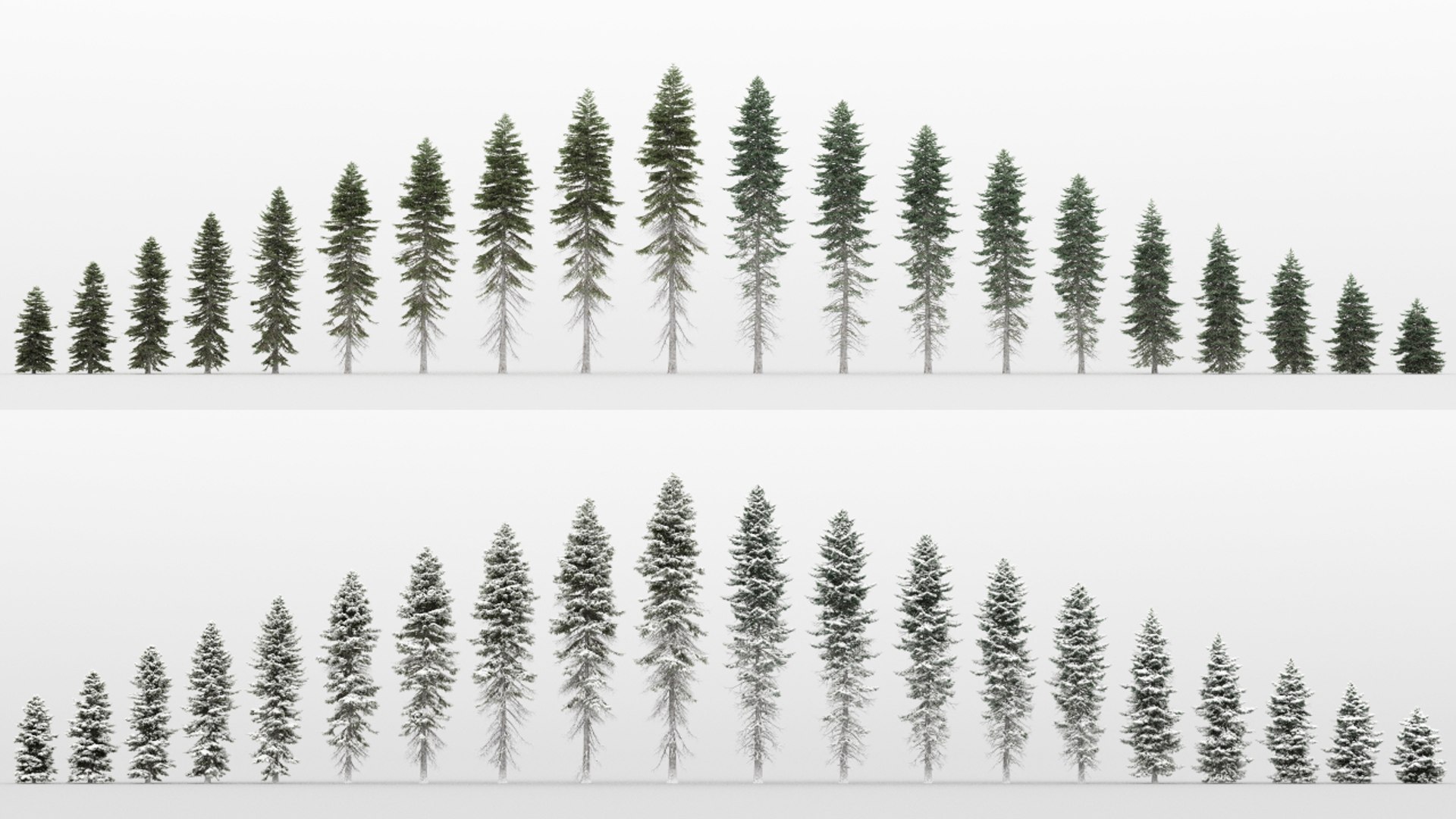
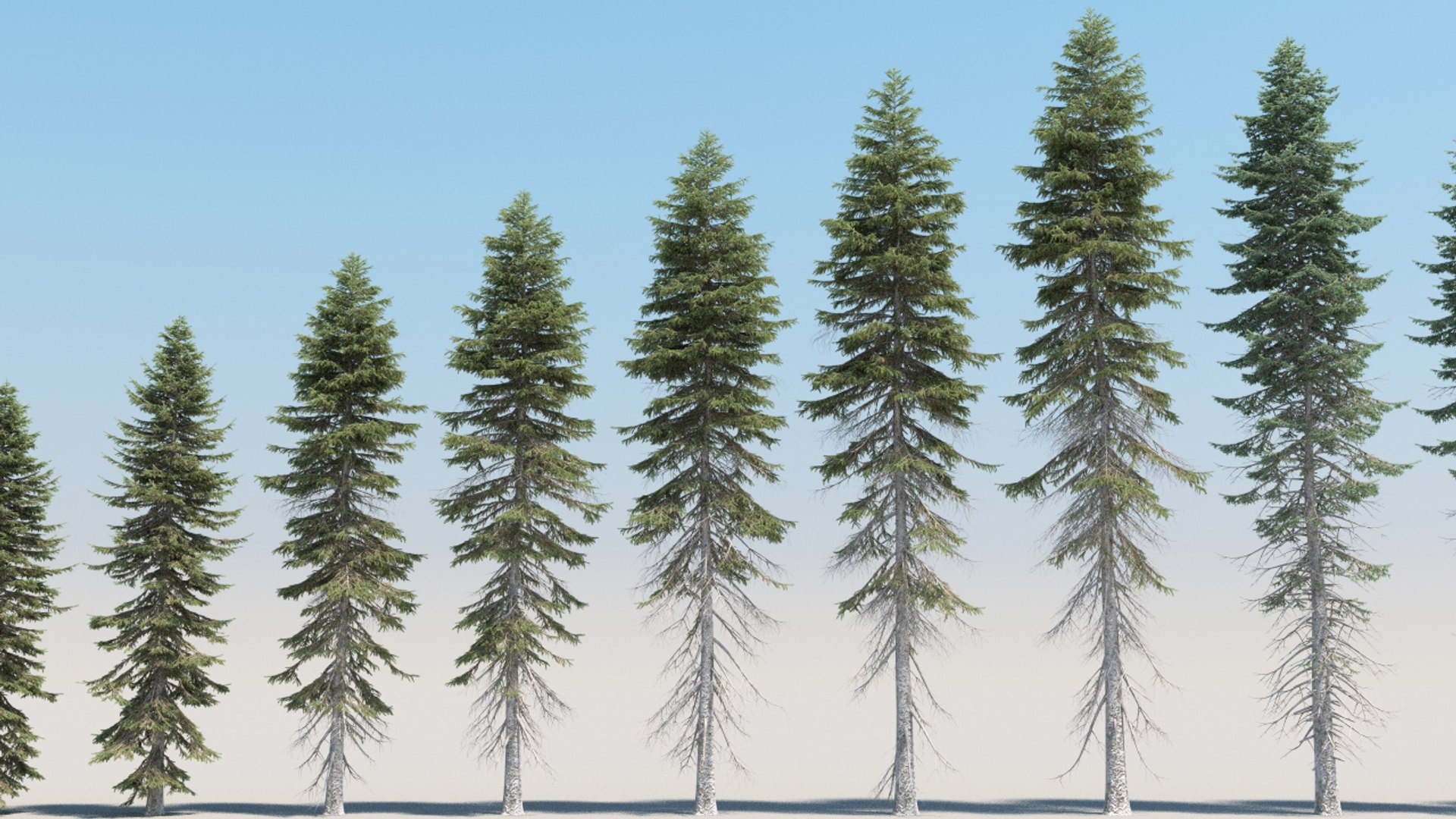
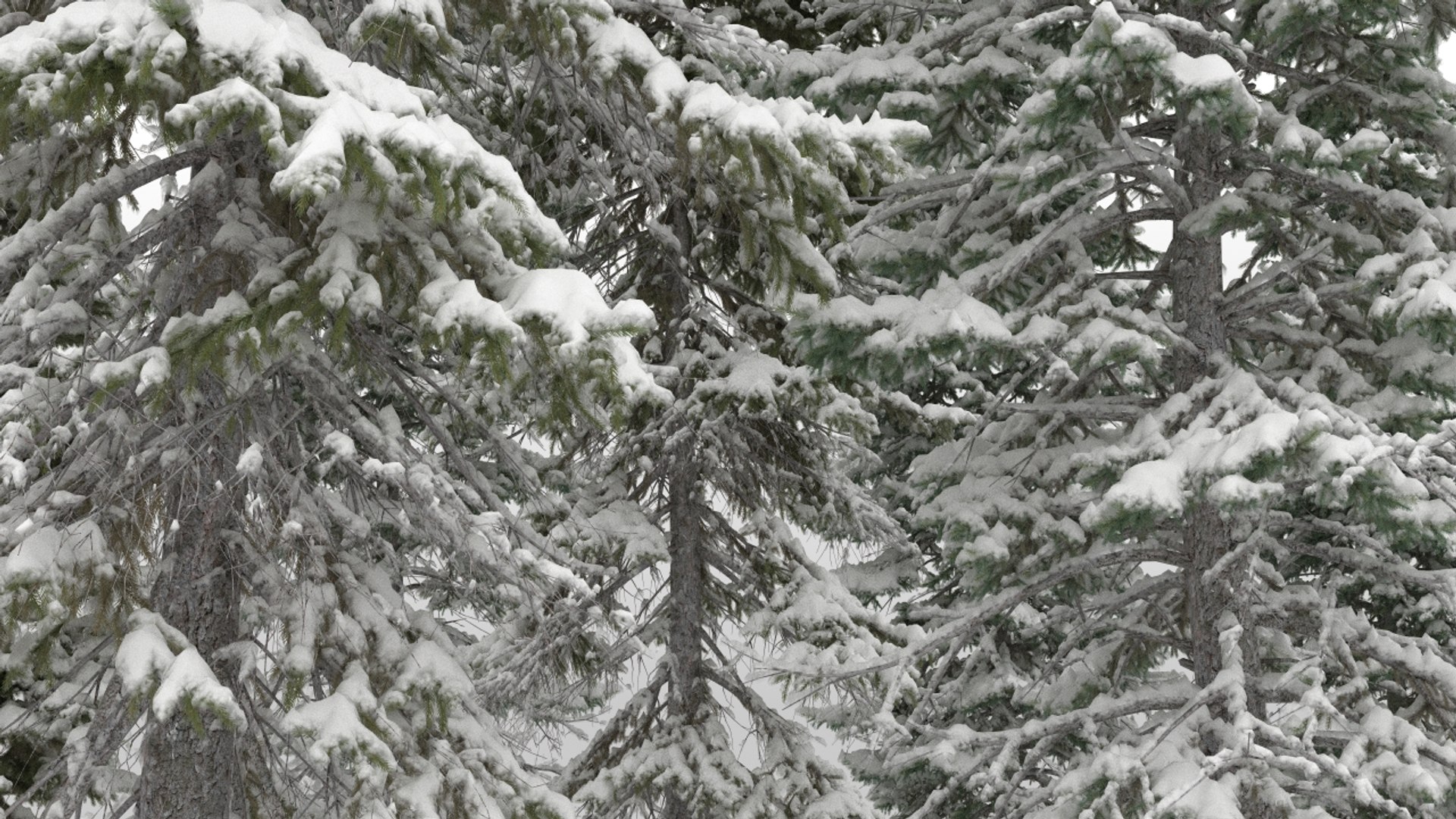
package contains 20 summer and 20 winter picea abies tree models. winter trees are exactly the same summer trees with snow.

all trees have vertex color data for wind and material variations. there is a sample 3ds max scene for simple wind animations using standard modifiers. no plugins used.
fbx formats include vertex color data too. if you import into other 3d applications, you have to mix leaf textures by vertex color map for best result.

leaves have opacity map. textures are included. original scene format is 3ds max 2012 and vray 2.0 materials and renderer. there are also corona and standard material files. exchange file format is FBX 2012 and materials are standard materals, renderer is default renderer.

plant heights differ between 6 to 25 meters

polygon counts are:
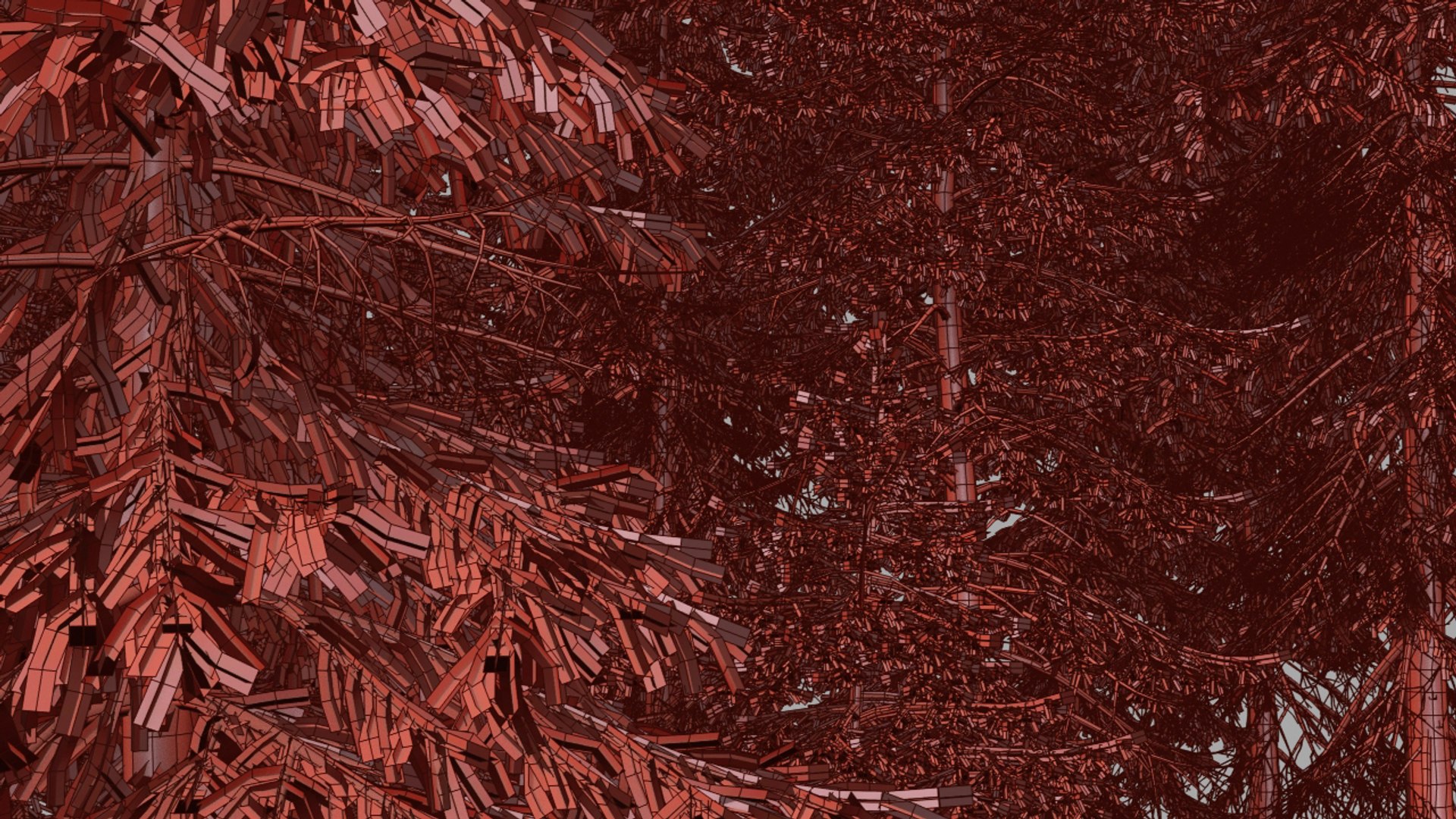
summer trees 188k to 546k polygons.
winter trees 379k to 1.380k polygons.

Sélectionnez la licence améliorée

  • $10,000 en matière de protection juridique (indemnisation)
  • Protection Juridique Non Plafonnée (Indemnisation)
  • Renonciation à une injonction
  • Droits de modèle attribuables
  • $1,000,000 en matière de protection juridique (indemnisation)
  • Renonciation à une injonction
  • Droits de modèle attribuables
  • $250,000 en matière de protection juridique (indemnisation)
  • Droits de modèle attribuables
Pour en savoir plus sur les niveaux de licence améliorés ou contactez-nous à l'adresse enterprise@turbosquid.com. Déjà client Shutterstock Enterprise ? Contactez votre conseiller commercial Shutterstock pour discuter de l'ajout de la 3D.

About Conversion Requests

To submit a conversion request for a purchased asset, please complete our Conversion Request Form.

If you have not yet purchased a model, please review our Documentation about Conversions to learn about what limitations you may encounter with a conversion.

For any additional questions about a model’s suitability for conversion, please contact TurboSquid Support.

Chargement...