
McIntosh McAire Audio

$39

Licencia estándar | Licencia de actualización
Usos editoriales solamente
Formatos (17)
Conversiones de formato de archivo gratuitas disponibles
Native | 3ds Max 2013 | Maxwell 2.7
3ds Max 2012 | V-Ray 1.5
3ds Max 2010 | V-Ray 1.5
3ds Max 2010 | Maxwell 2.7
Rhino
3D Studio
FBX
IGES
OBJ
Other Textures
STL
glTF
3ds Max
USD
Otros archivos
McIntosh_McAire_textures.zip
Especificaciones
Fecha de publicación January 30, 2013
identificación de producto 721056
Poligonos 73,731
Vértices 95,629
Ngons poligonales utilizados
Texturas
Materiales
Mapeado UV
UV mixtos sin envolver
PBR
Exclusivo de TurboSquid

member avatar
android99
211 Productos | Contributor Desde 2009
¿Tener preguntas? Chatea con nosotros ahora.

descripción

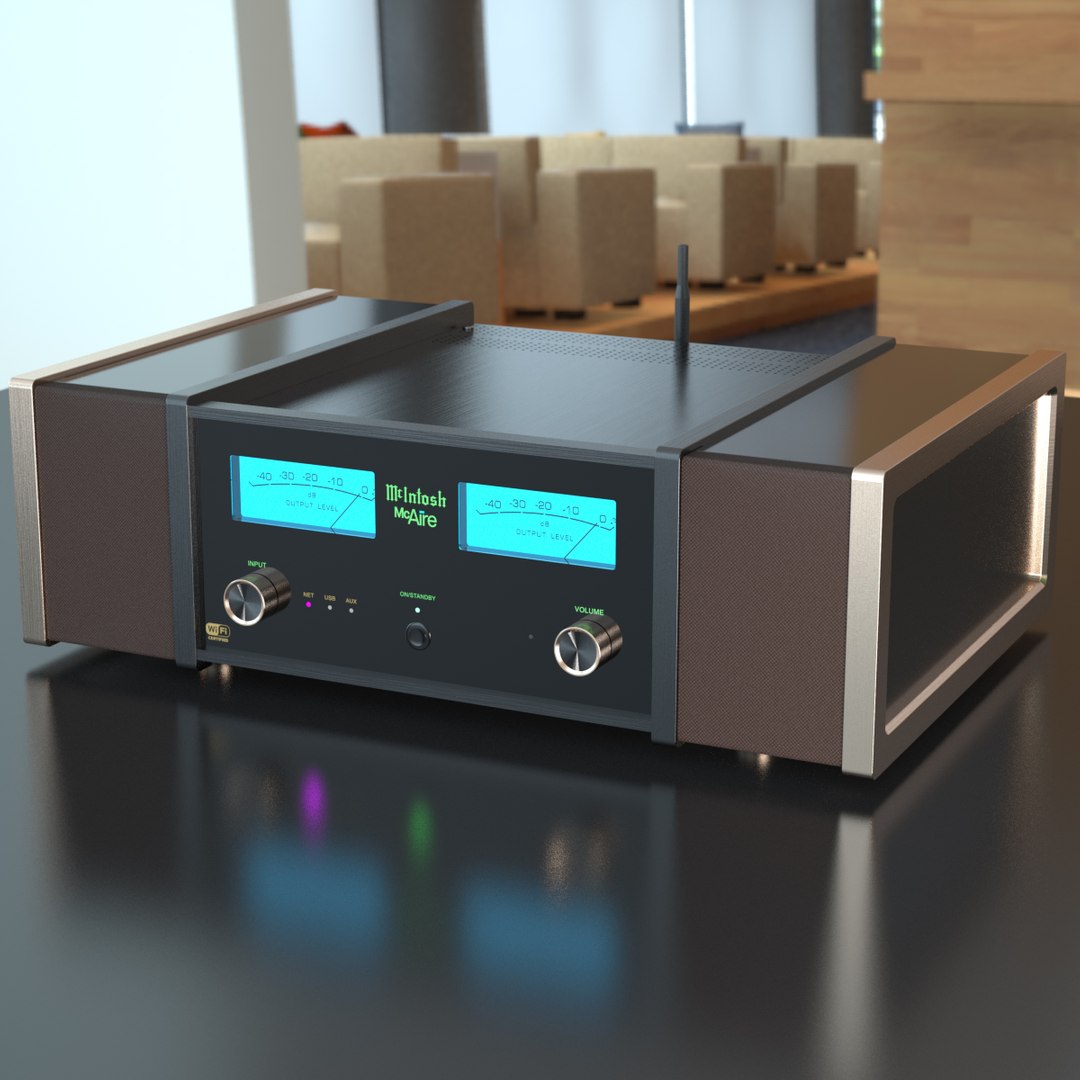
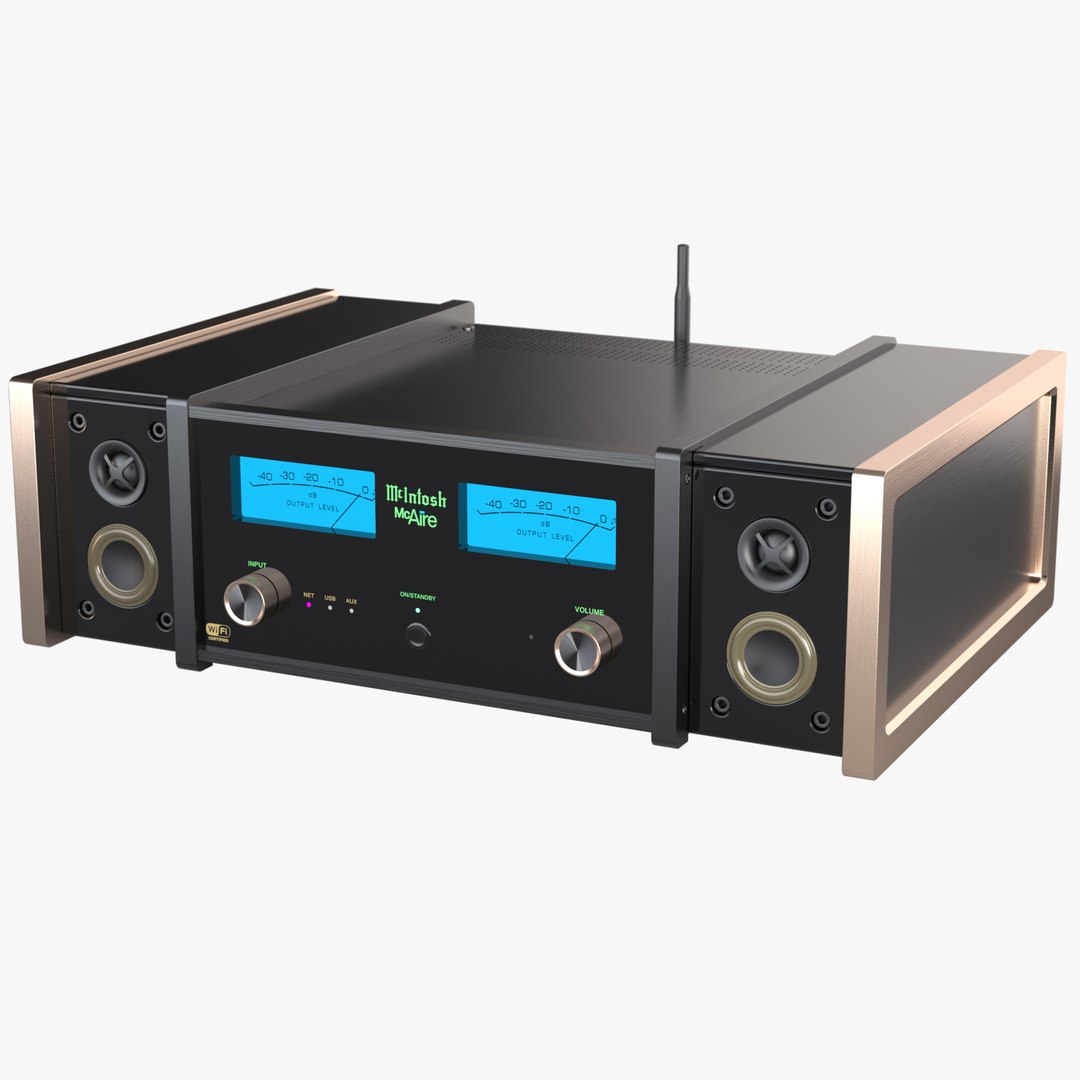
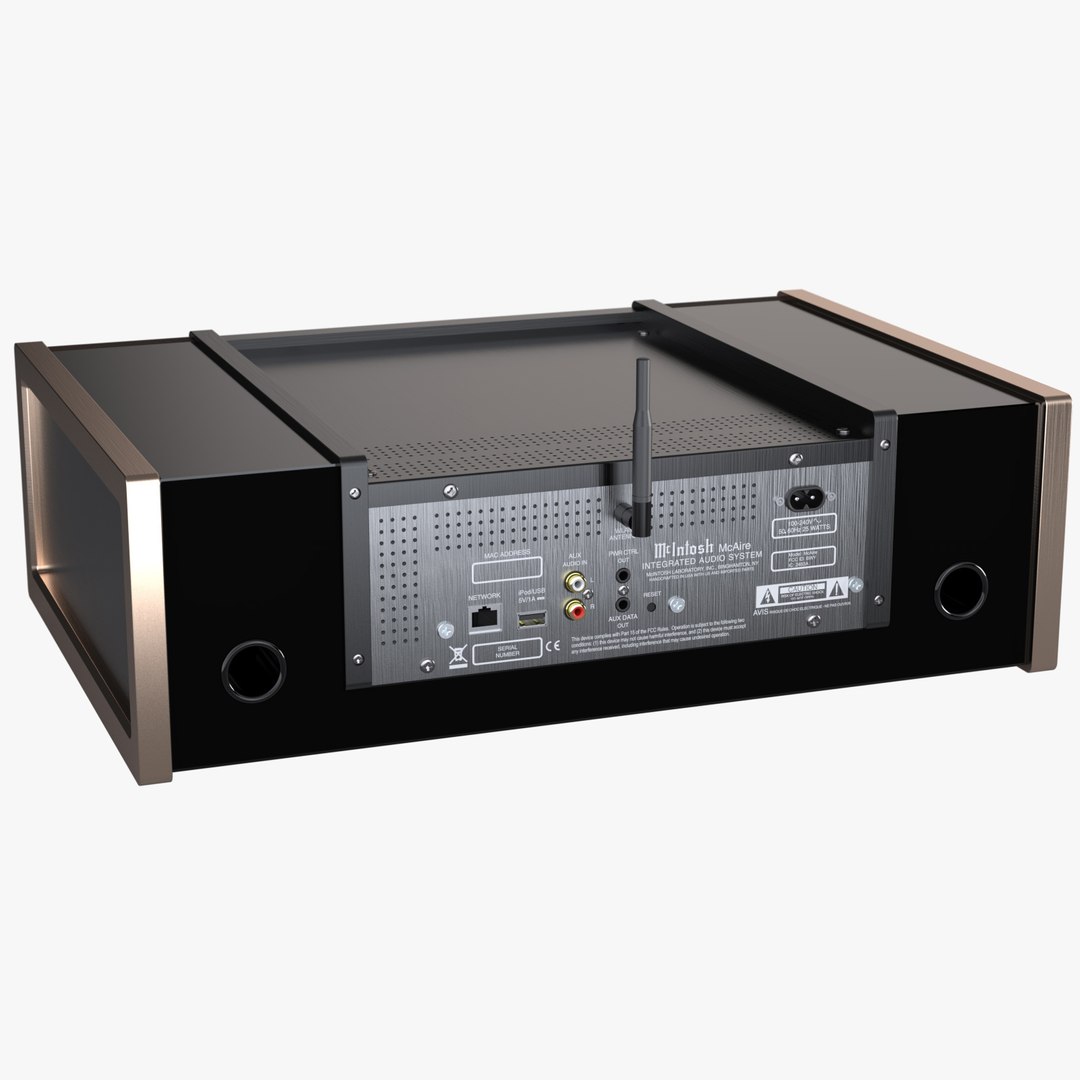
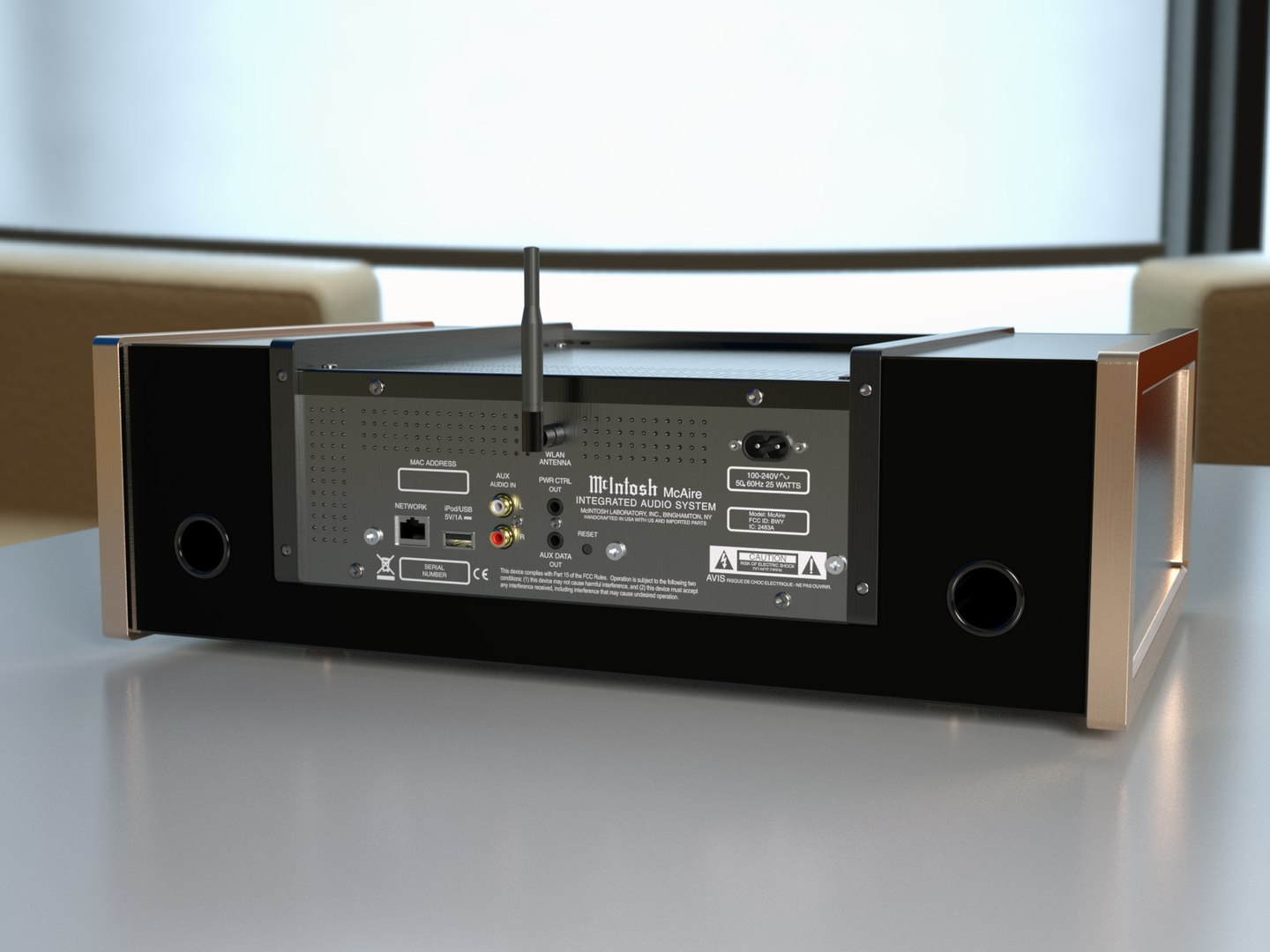
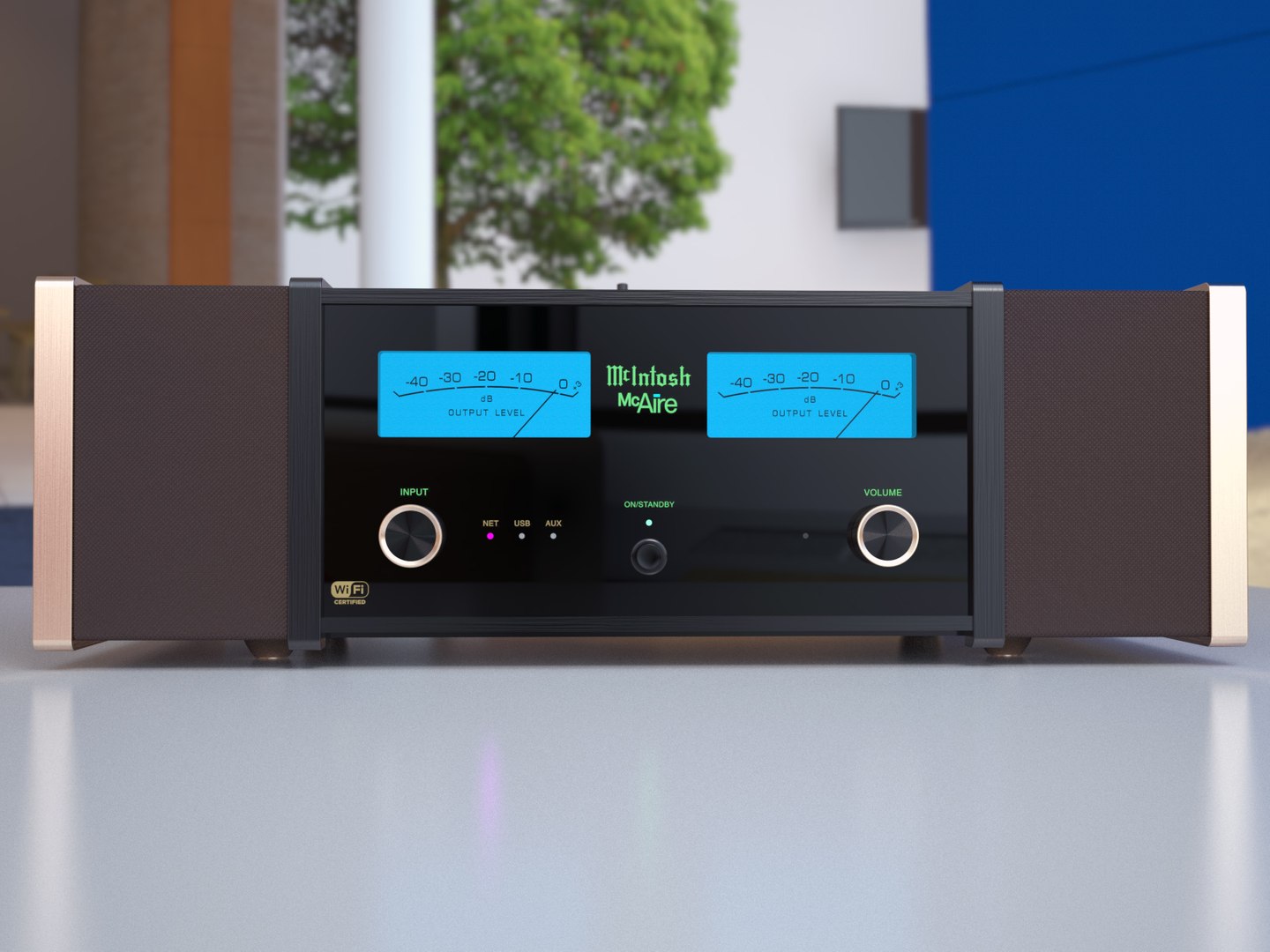
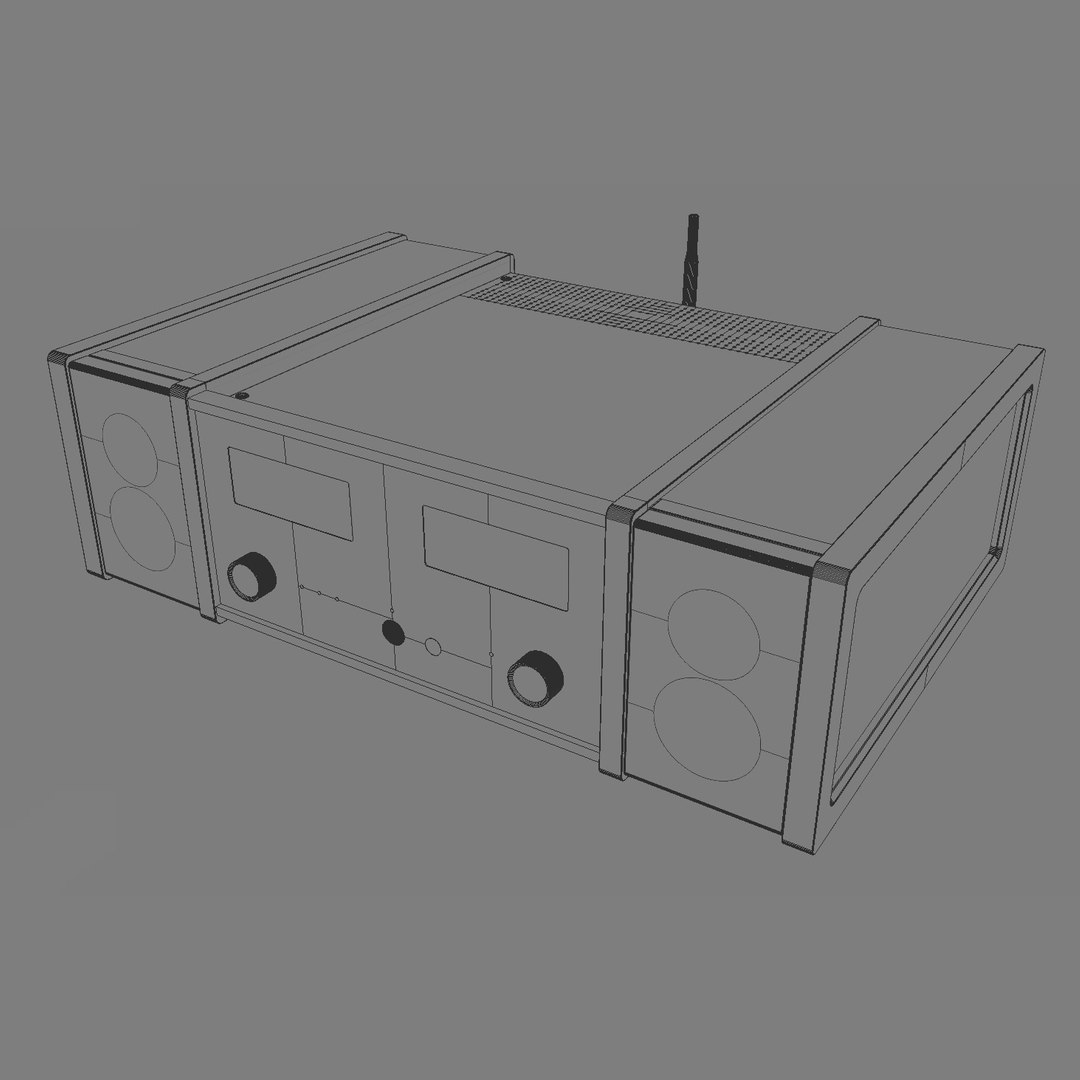
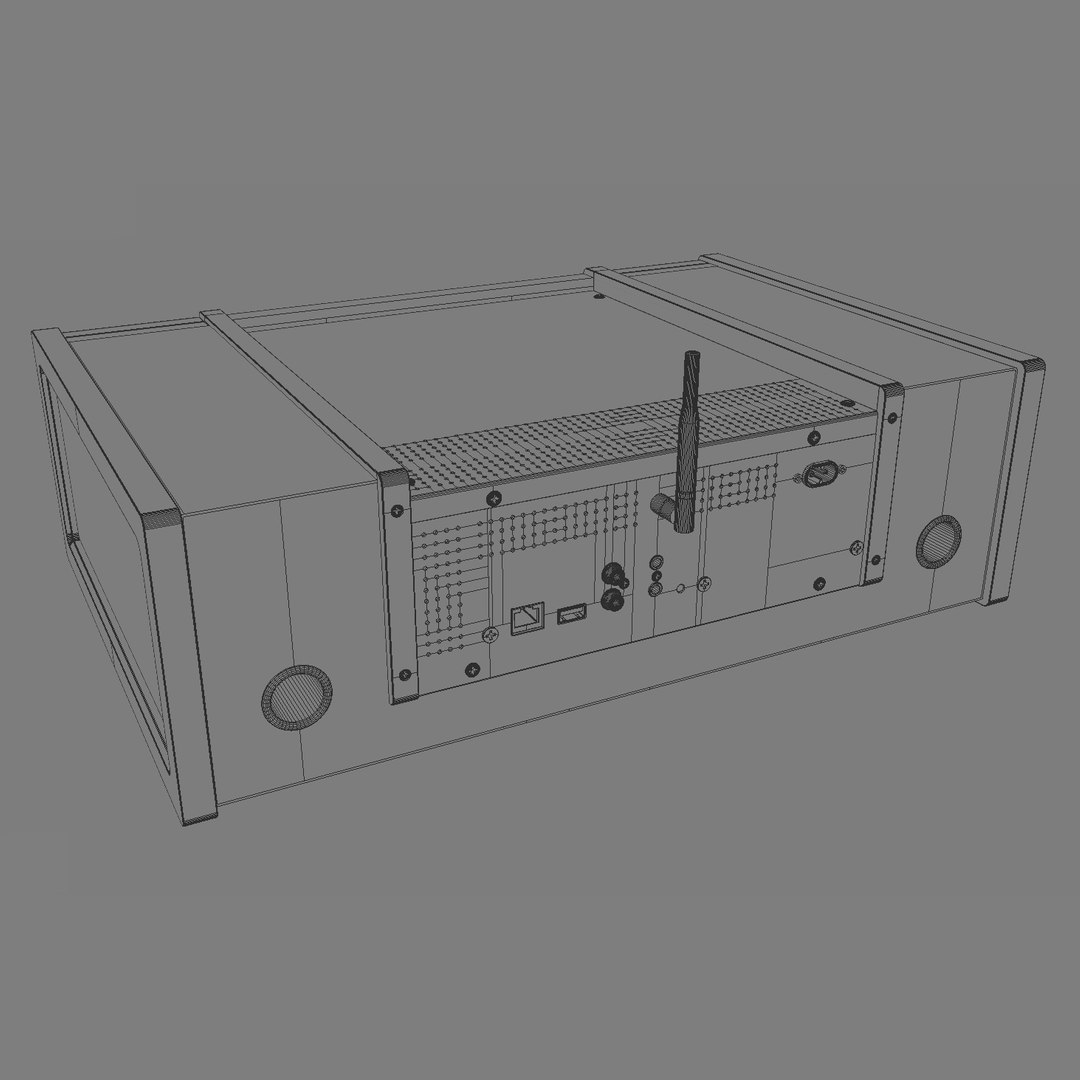
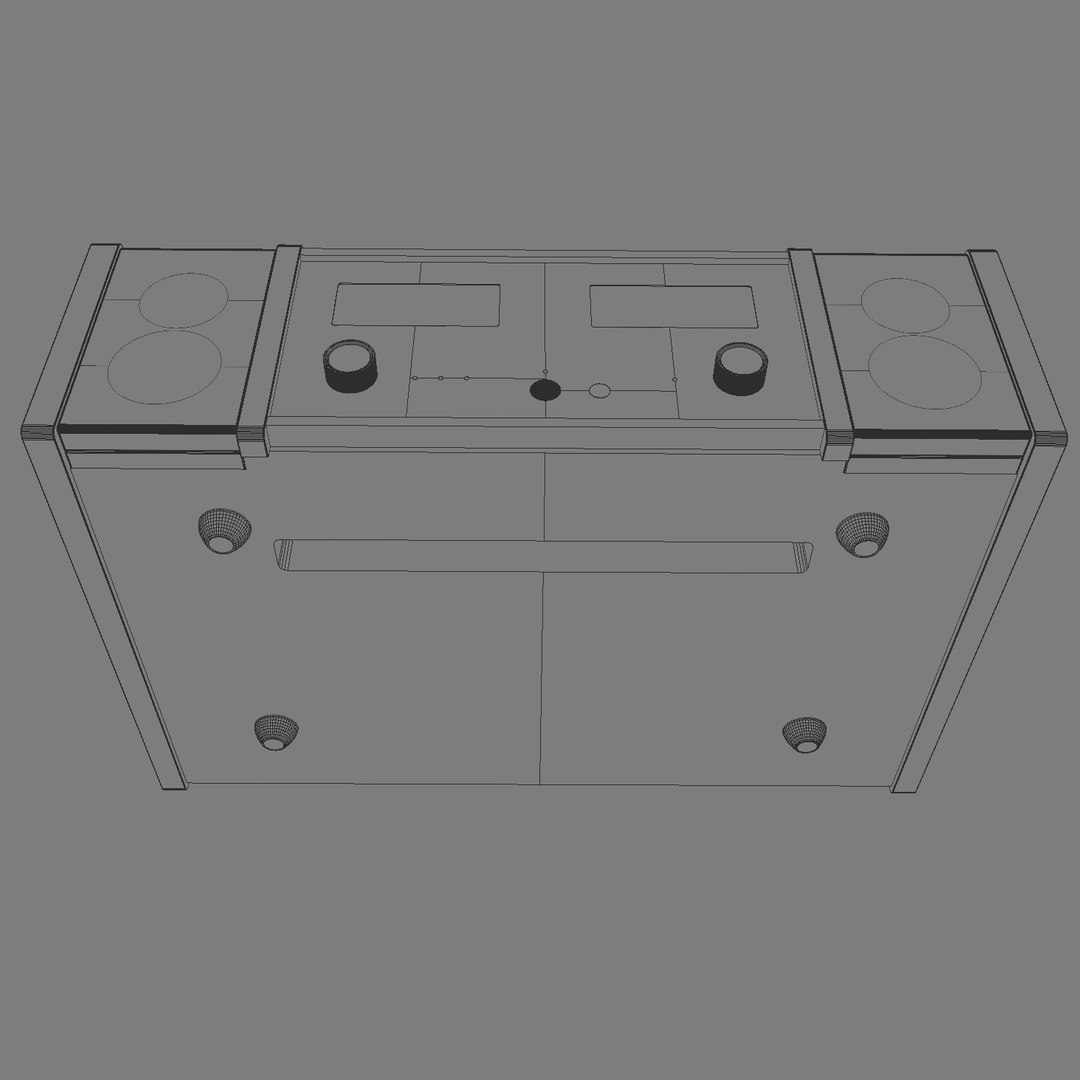
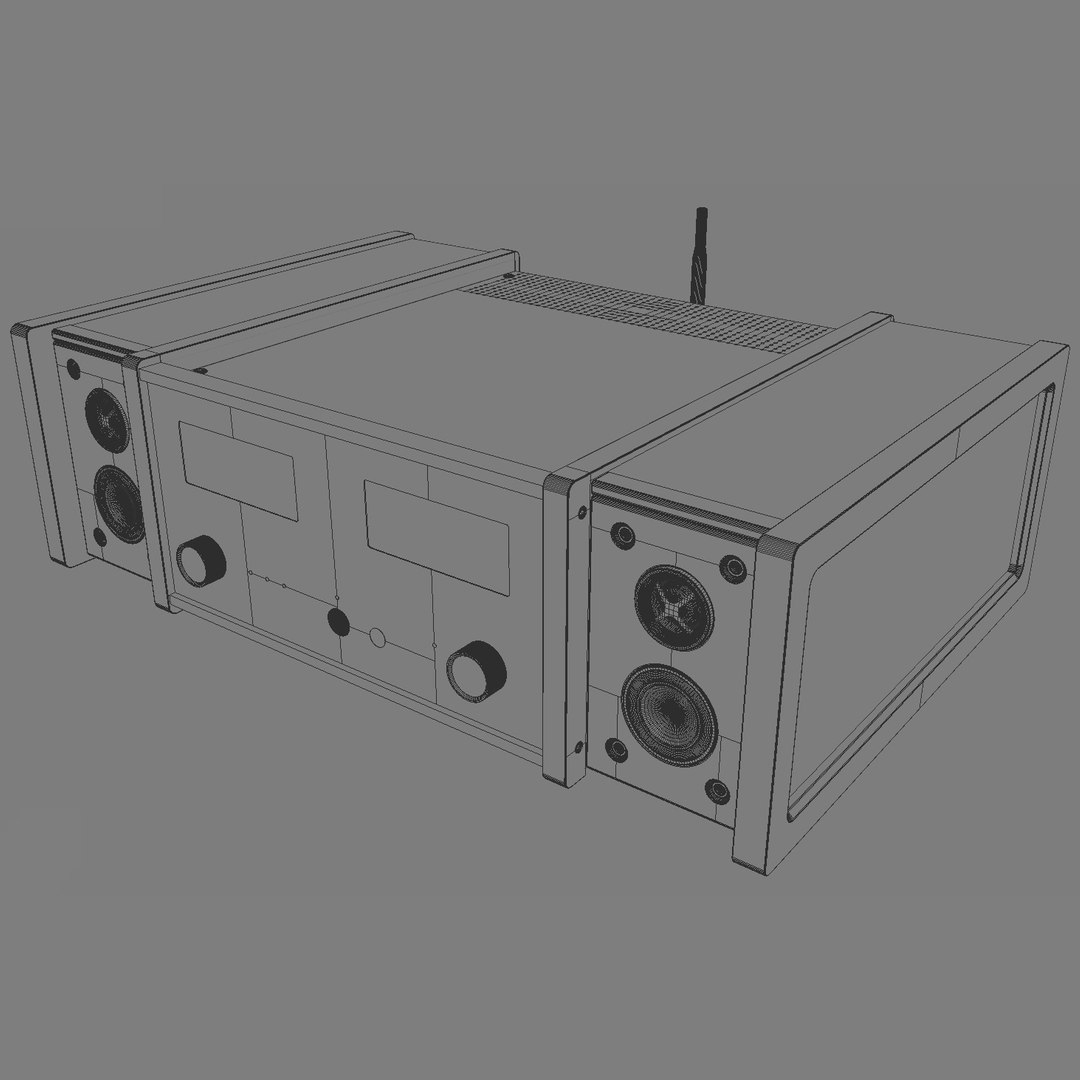
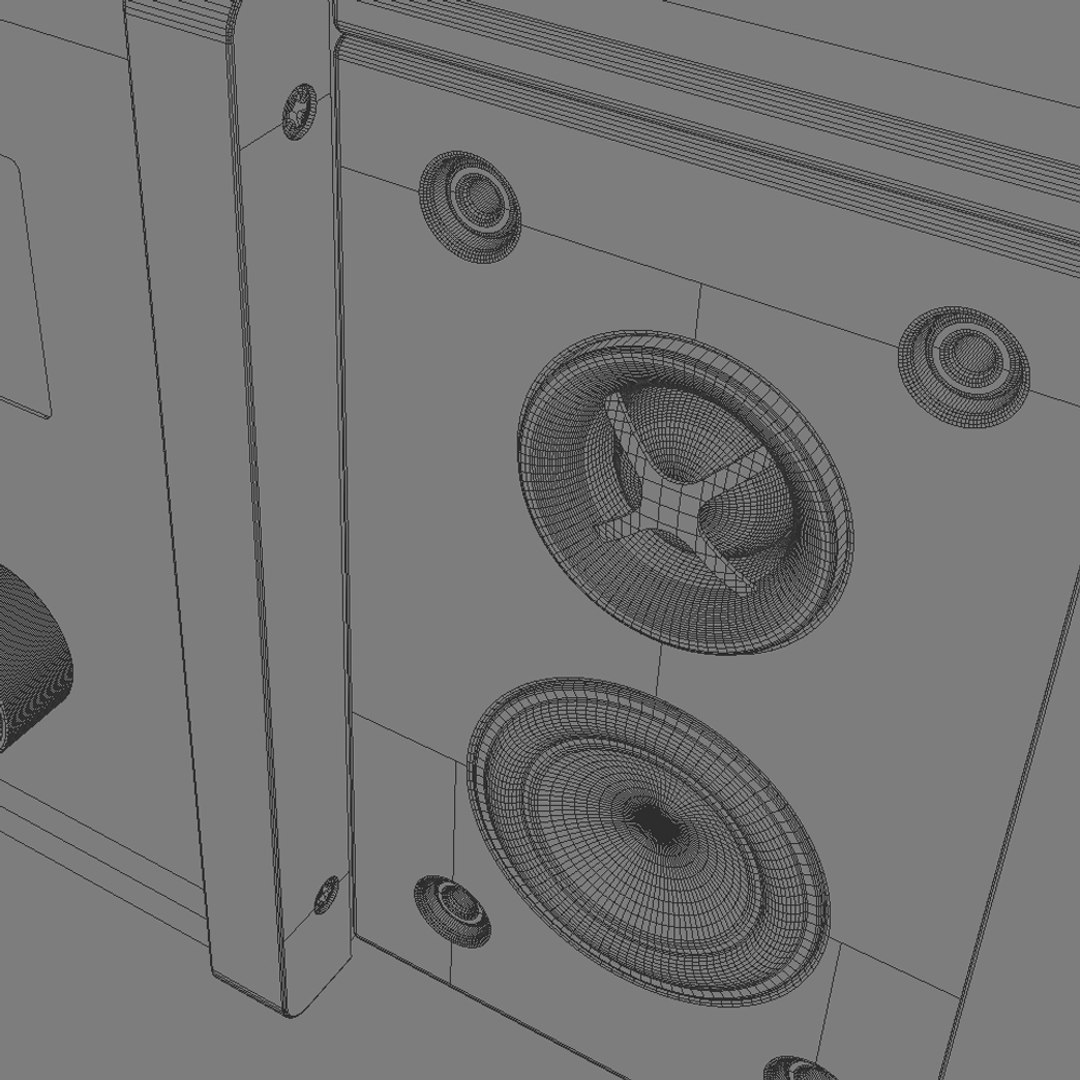
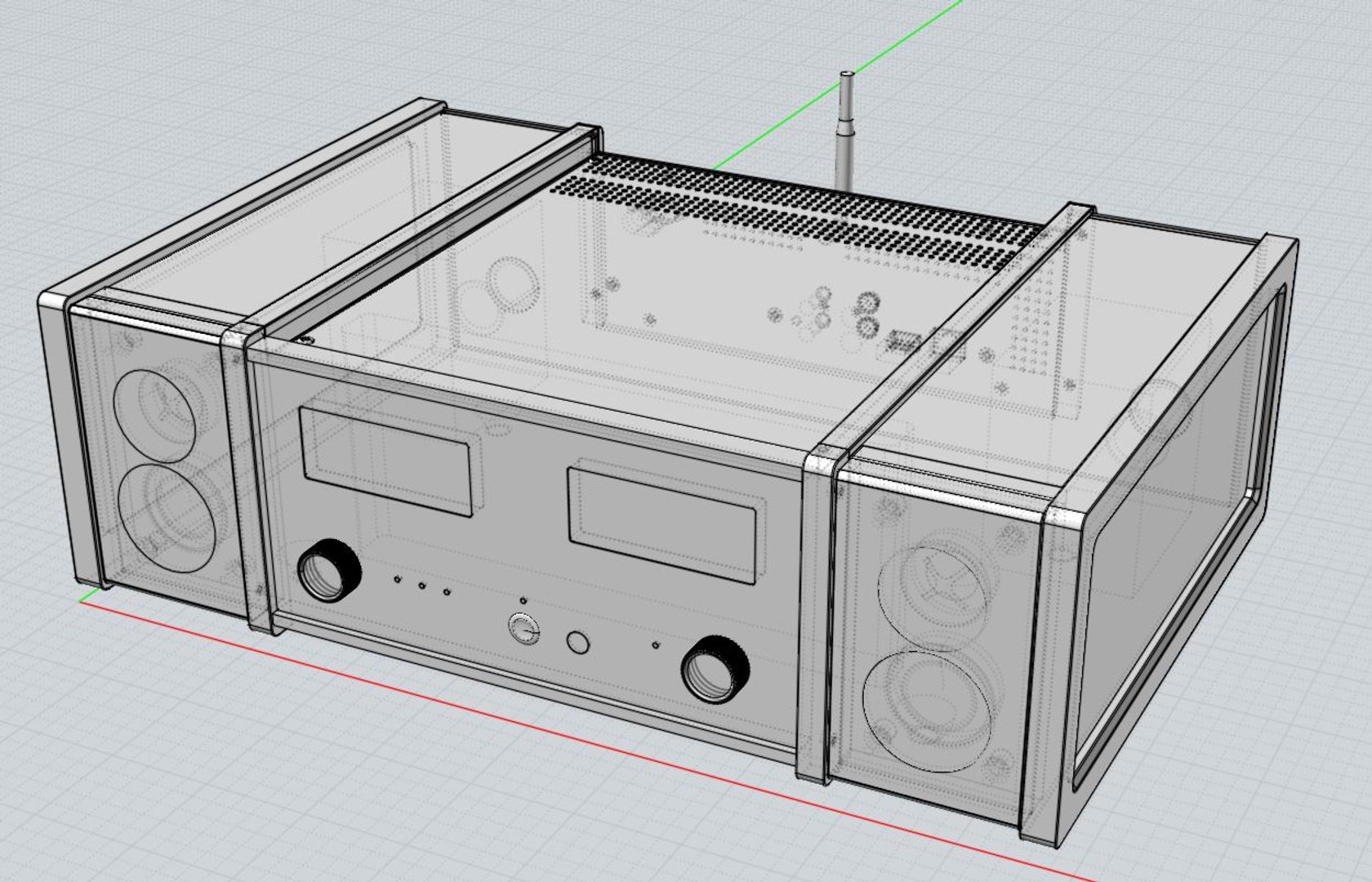
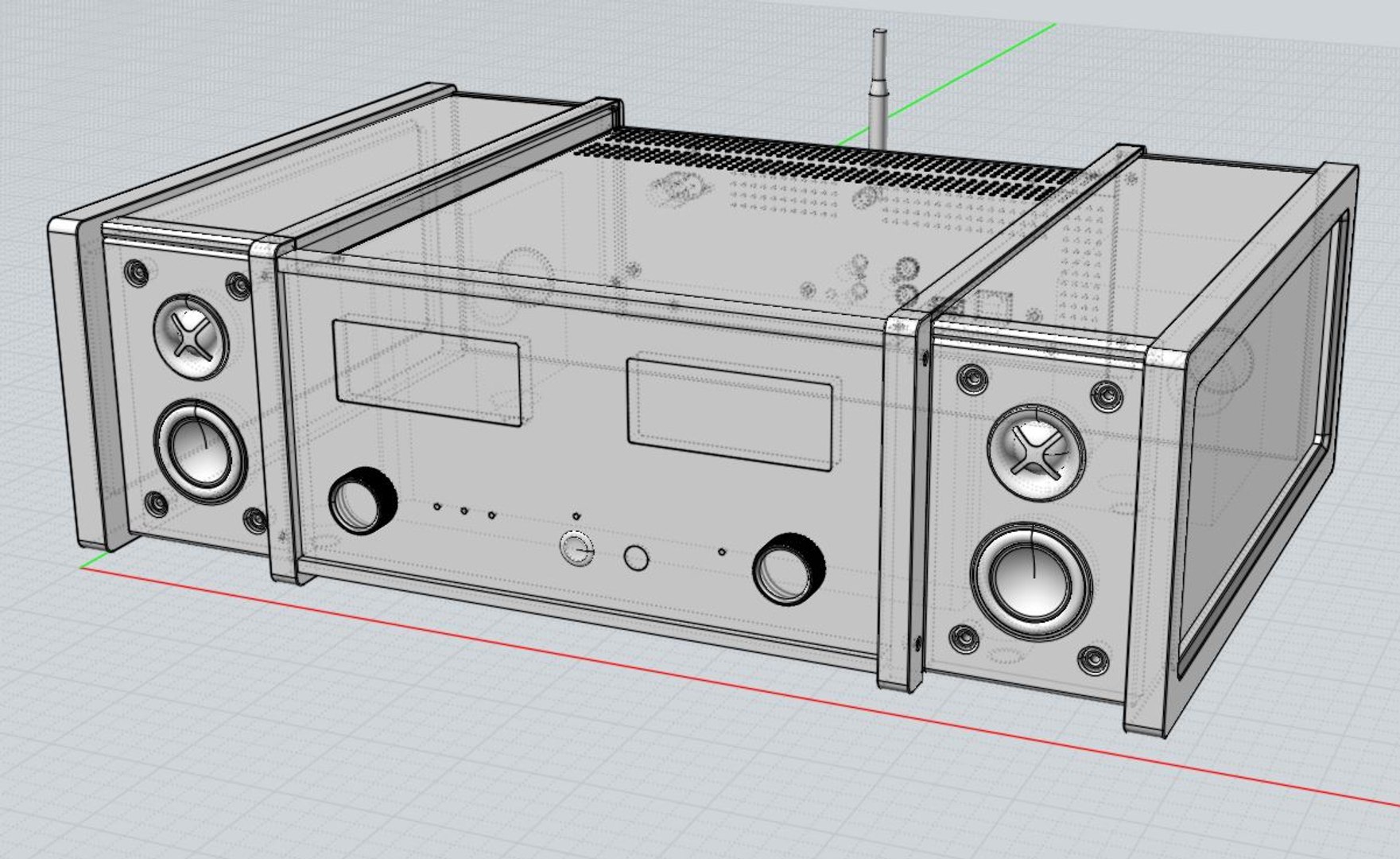
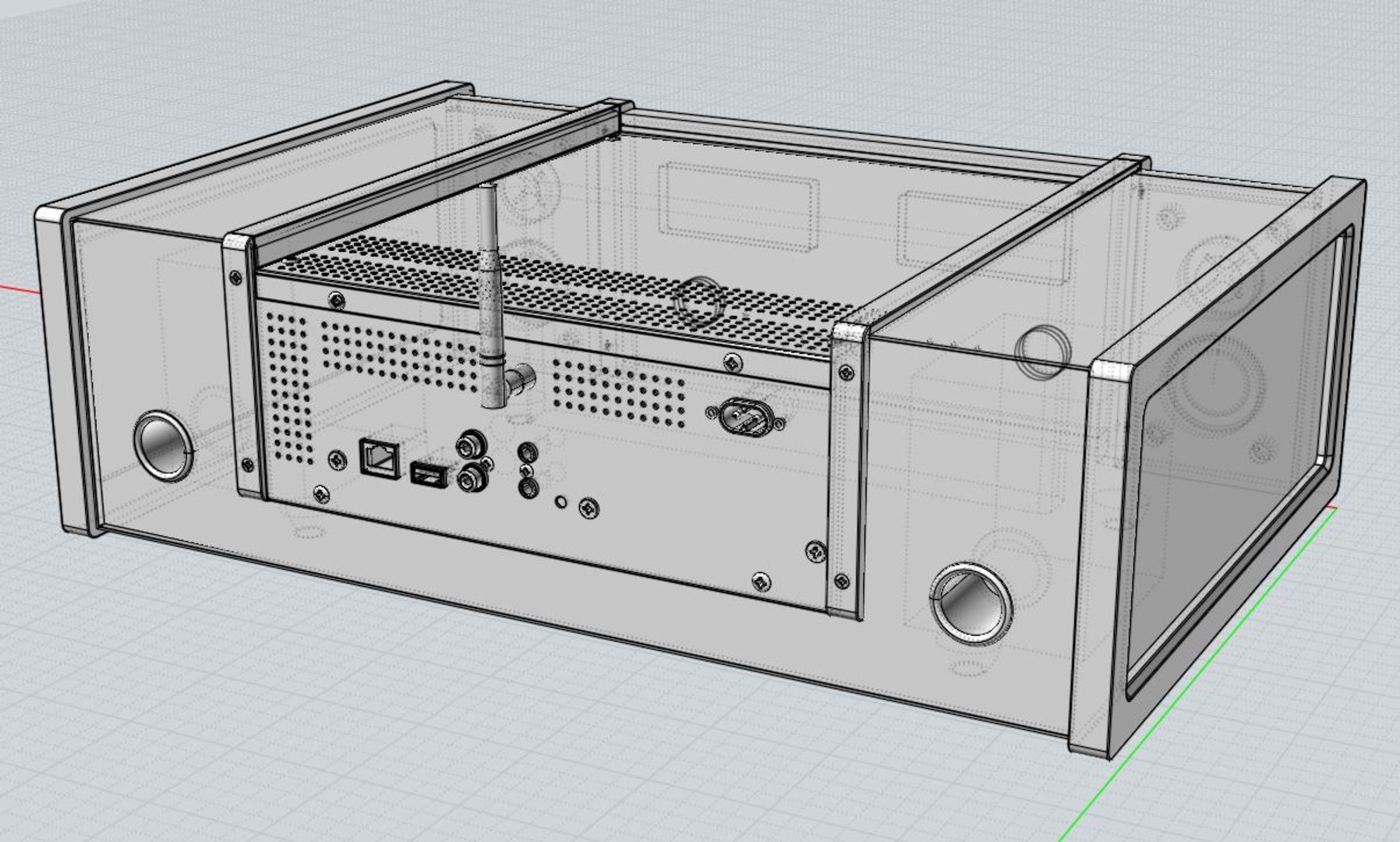
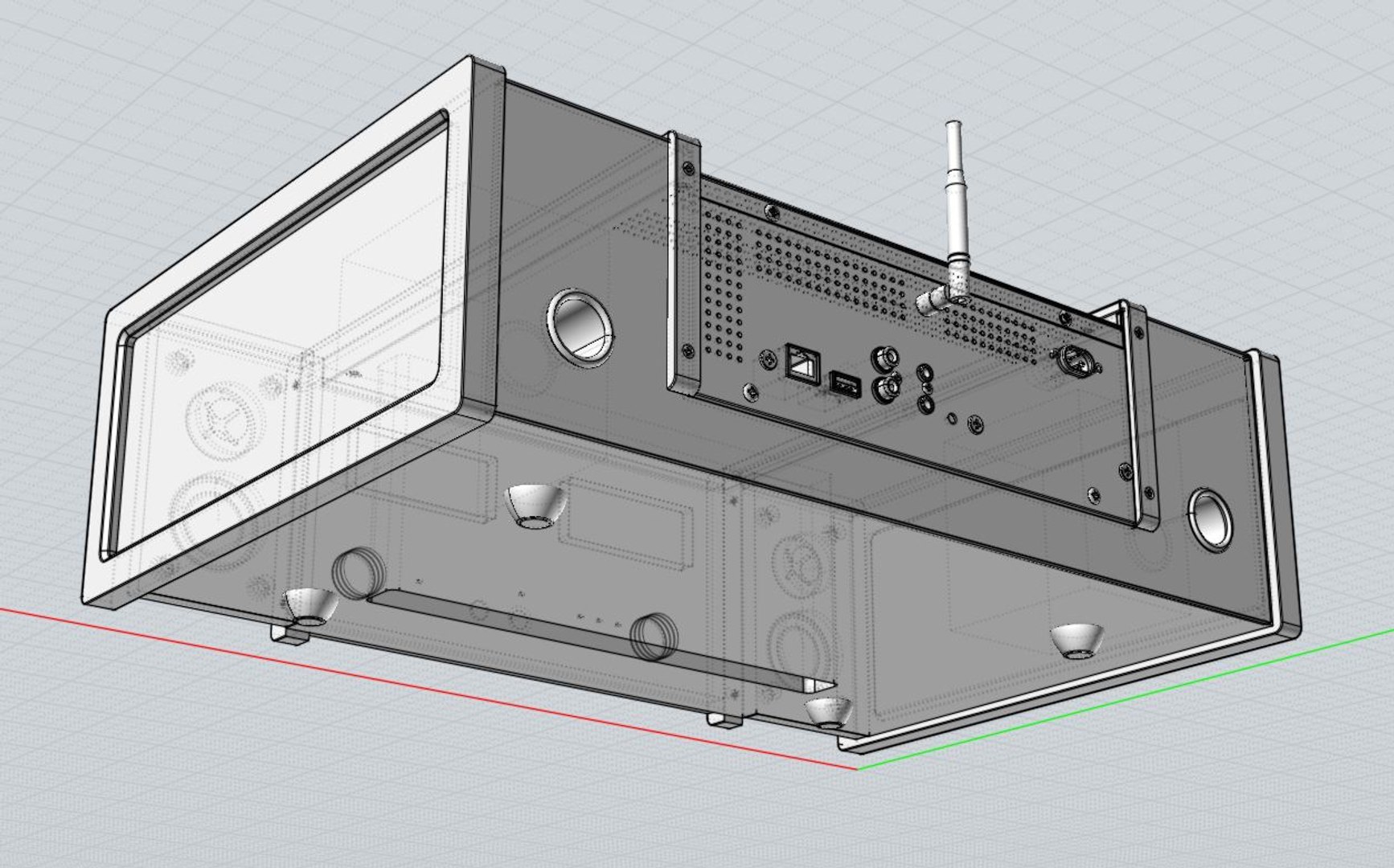
It's a high detailed photoreal Hi-Fi Audio System, McIntosh McAire

You can use Max 2010~2013 for rendering with Maxwell render and V-Ray.
You can also use FBX, 3DS, OBJ or STL formats for Polygonal tools
and 3DM, IGS or SAT for Nurbs modeler like Rhino.

In case of FBX, there are four version included. (normal & triangulated for 2006 & 2013version)

If you install FBX 2013.3 version, you can import FBX file with Maxwell materials into Maya.

In .Max and .3DM file, there are the same named layers embeded.
So if you need more subdivided mesh for some parts, you can easily change it from original Nurbs model.

In my case, I used 3DM->FBX->3dsMax converting process.

Objects / Polygon / Vertex count is (case of 3dsMax2013file);

objects : 53
vertex : 95629
polygon : 73731

Camera settings, 10 textures and a HDRI(3200x1600) is included with Studio Lighting Setup.

Thanks,
JH

Seleccionar licencia mejorada

  • $10,000 en Protección Legal (Indemnización)
  • Protección Legal Sin Límite (Indemnización)
  • Renuncia a medidas cautelares
  • Derechos de modelo asignables
  • $1,000,000 en Protección Legal (Indemnización)
  • Renuncia a medidas cautelares
  • Derechos de modelo asignables
  • $250,000 en Protección Legal (Indemnización)
  • Derechos de modelo asignables

About Conversion Requests

To submit a conversion request for a purchased asset, please complete our Conversion Request Form.

If you have not yet purchased a model, please review our Documentation about Conversions to learn about what limitations you may encounter with a conversion.

For any additional questions about a model’s suitability for conversion, please contact TurboSquid Support.

Cargando...