
El paquete de bordes interiores

$14.99

Licencia estándar | Licencia de actualización
Formatos (3)
Blender 3.4 | Cycles Render
OBJ
FBX
Especificaciones
Fecha de publicación January 30, 2023
identificación de producto 2020901
Poligonos 5,158
Vértices 5,063
Sólo quads poligonales
Texturas
Materiales
Mapeado UV
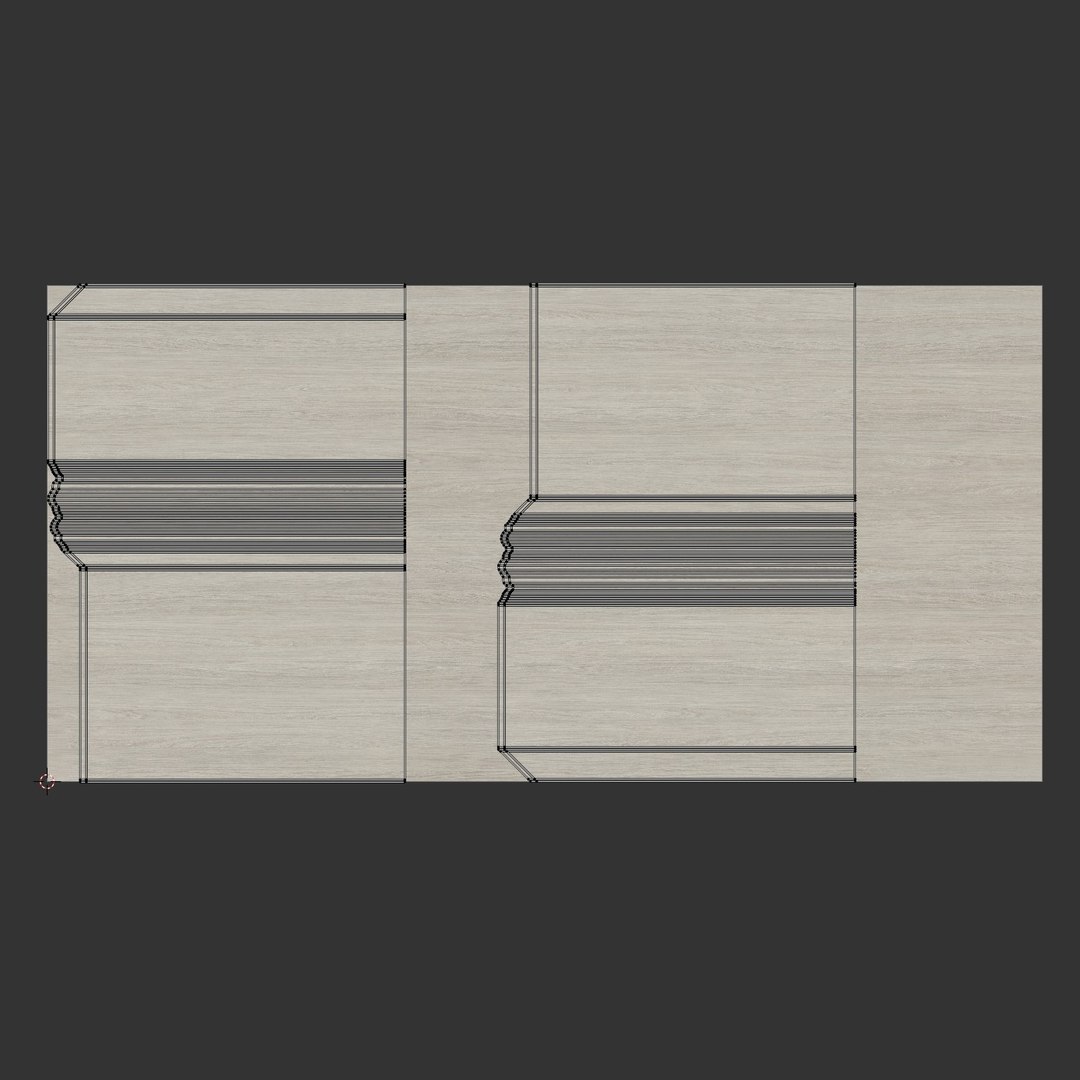
UV sin envolver que no se superponen
Riggeado

member avatar
mobolaji_da
11 Productos | Contributor Desde 2020
¿Tener preguntas? Chatea con nosotros ahora.

descripción

The Interior Edging Pack

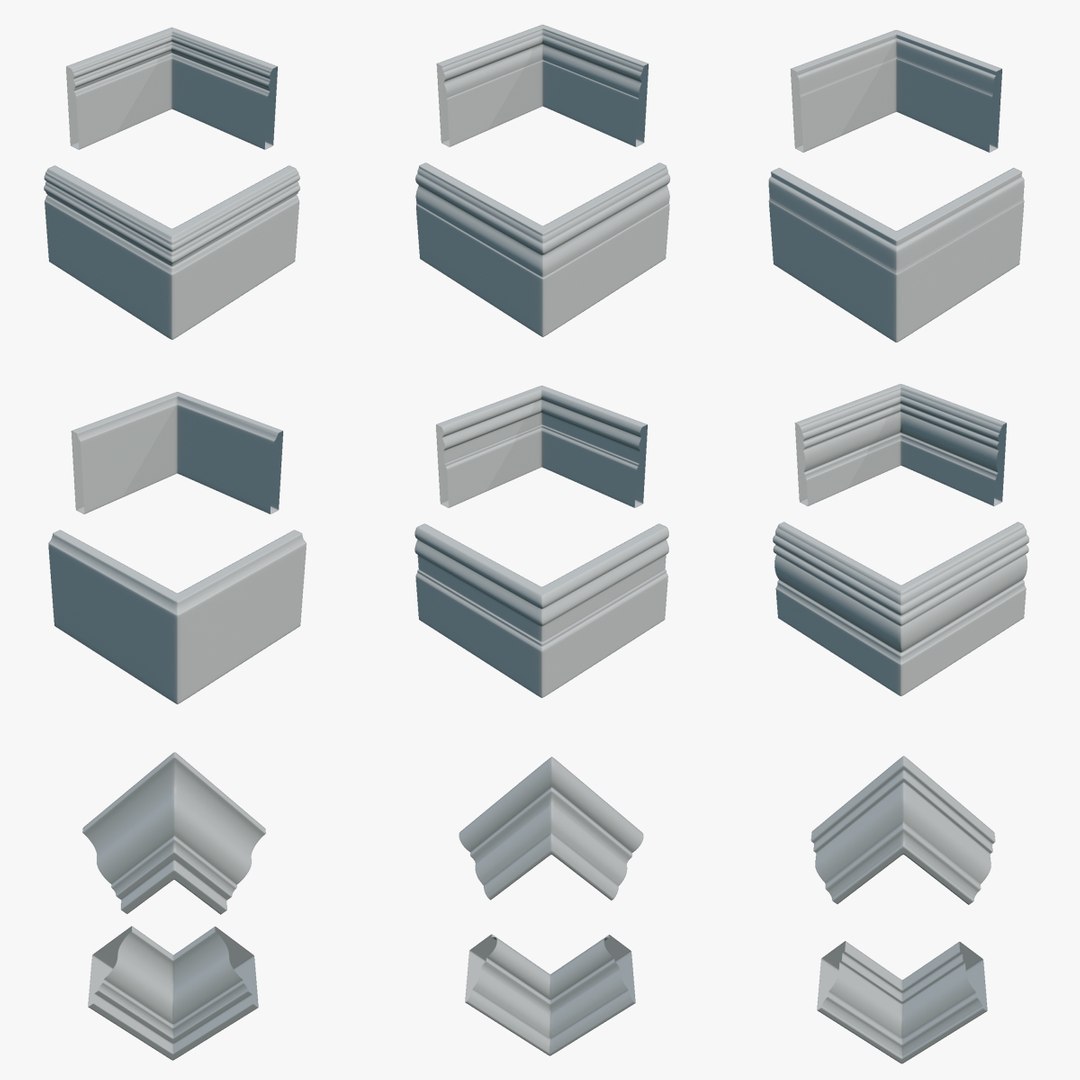
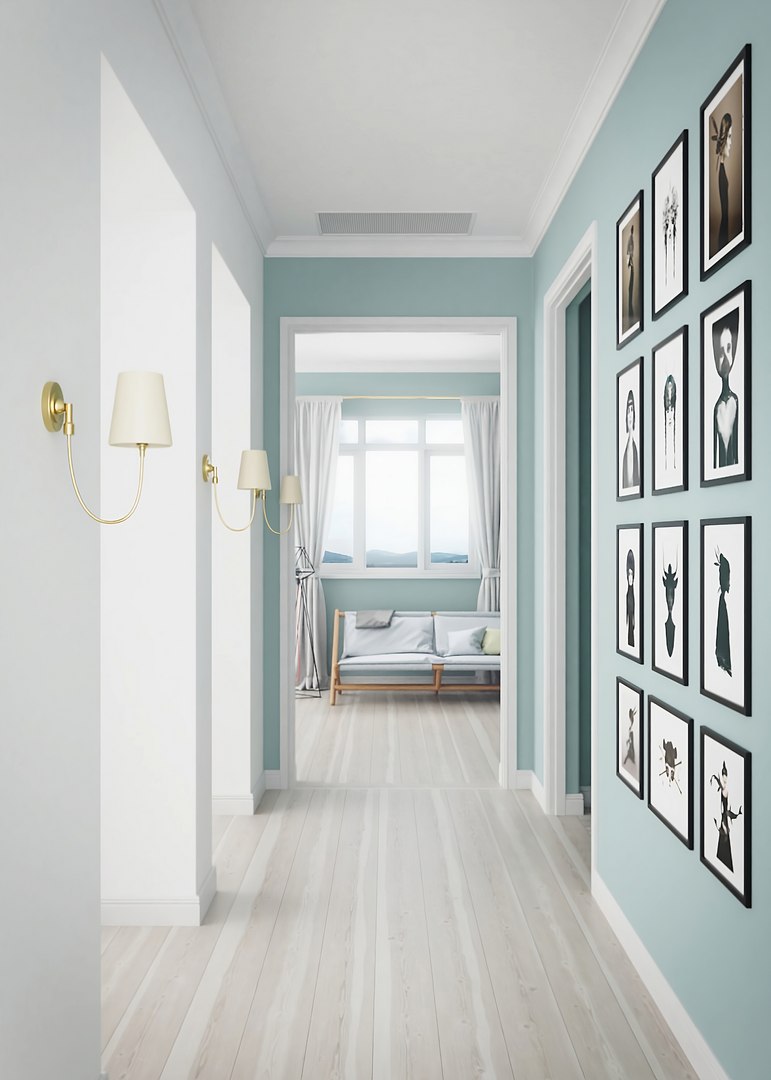
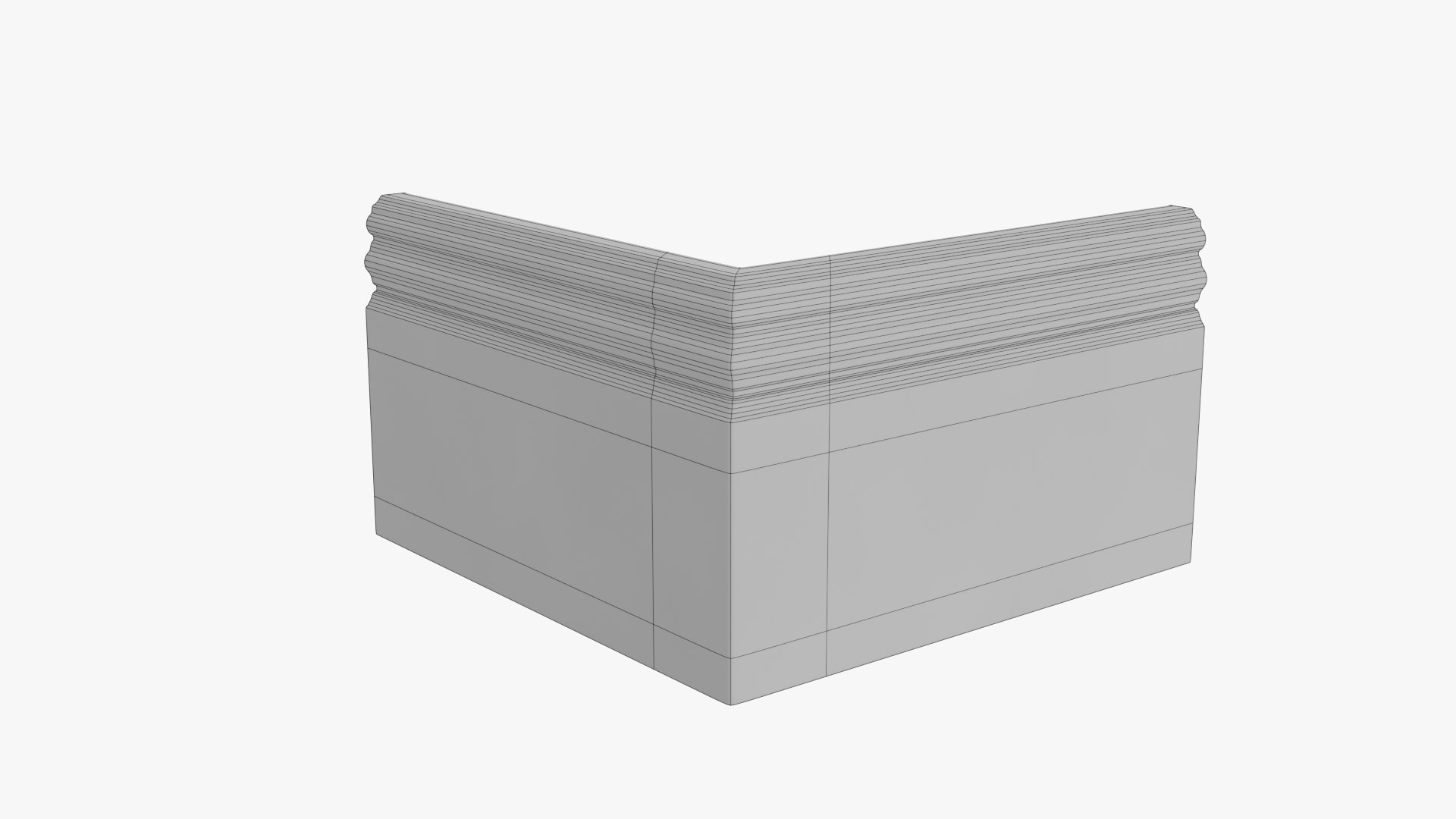
The Interior Edging pack is a pack of Cornices and Skirting boards with matching Door Architrave models, that can be quickly imported into your 3D scene to give it realistic edging. It is equipped with the tools for quick placement and adjustment of the models in the scene, without the need of going into blenders edit mode. The models in this pack have been modeled to real world scale and it can also be adjusted to your taste.

This pack consist of:

  • 12 Cornices
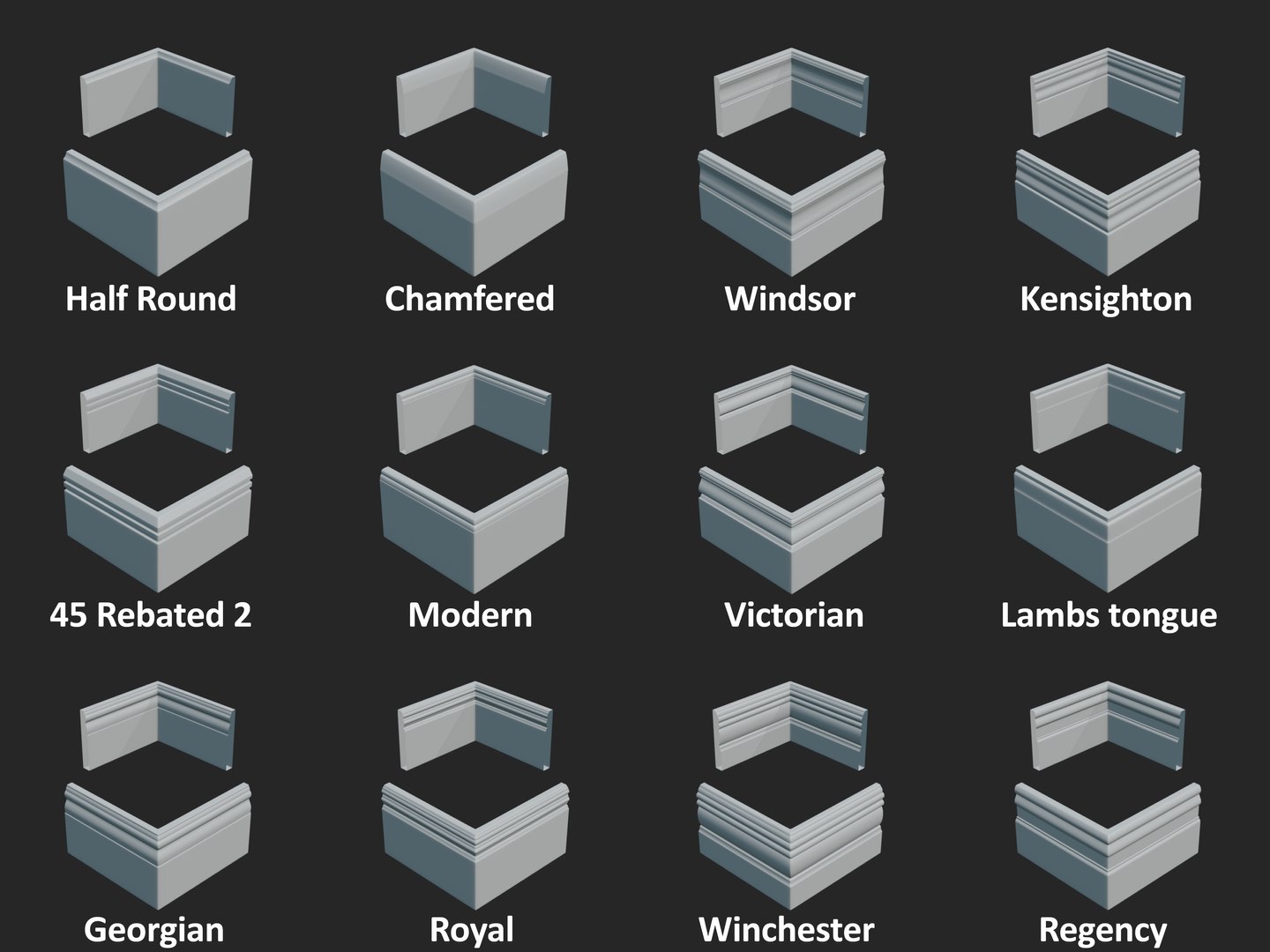
  • 12 Skirting Boards
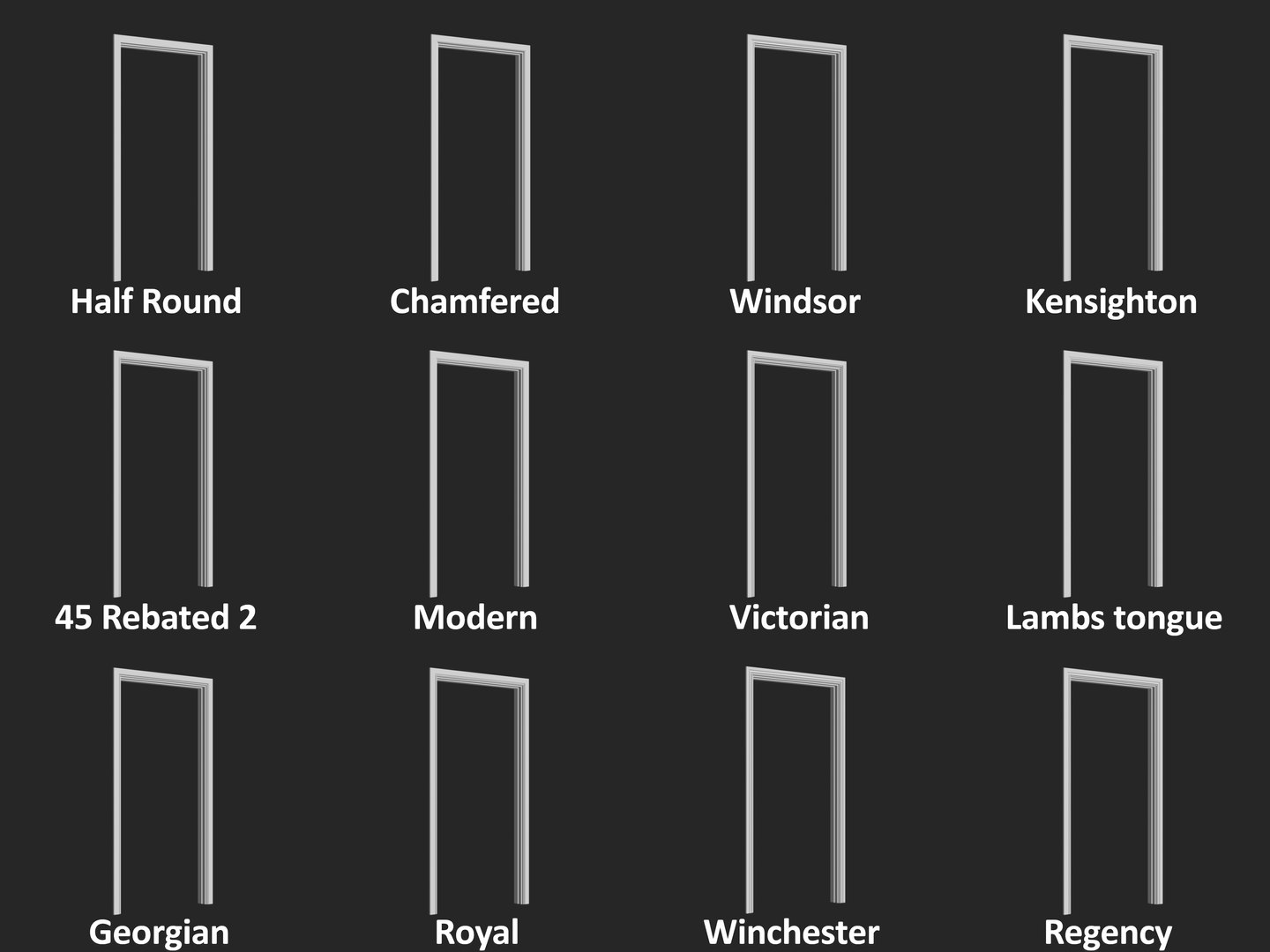
  • 12 Door Architrave models (with profiles that match the Skirting boards)
  • 1 Video tutorial

Modeling cornices and skirting boards is a very repetitive task and a time consuming process especially if it has an elaborate profile, but we know how important they are in adding a nice finish to our interior scenes. When absent in an interior render it can make the render look like it is lacking a certain amount of detail, which may be difficult to identify.

The common problem

Having to model interior edging in every new interior visualization project/scene, is a waste of productive time that should be spent on bigger portions of your scene. In a case where we need to change the look of the profile to better suit our scene, modeling a different profile will just waste more time.

Its easy to use

Each profile of the cornices and skirting boards come with a convex and a concave corner which were made to snap to each other perfectly.

The models of the Interior Edging Pack have been rigged up with controllers for quick editing without going into Blender’s edit mode.

The controllers include:

  • Empty: For quickly snapping the model into the corner, Scaling and Moving the object.
  • Left and Right controllers: For editing the length of the model on the X and Y axis.
  • Up controller: For editing the length of the model on the Z axis.

Seleccionar licencia mejorada

  • $10,000 en Protección Legal (Indemnización)
  • Protección Legal Sin Límite (Indemnización)
  • Renuncia a medidas cautelares
  • Derechos de modelo asignables
  • $1,000,000 en Protección Legal (Indemnización)
  • Renuncia a medidas cautelares
  • Derechos de modelo asignables
  • $250,000 en Protección Legal (Indemnización)
  • Derechos de modelo asignables

About Conversion Requests

To submit a conversion request for a purchased asset, please complete our Conversion Request Form.

If you have not yet purchased a model, please review our Documentation about Conversions to learn about what limitations you may encounter with a conversion.

For any additional questions about a model’s suitability for conversion, please contact TurboSquid Support.

Cargando...