
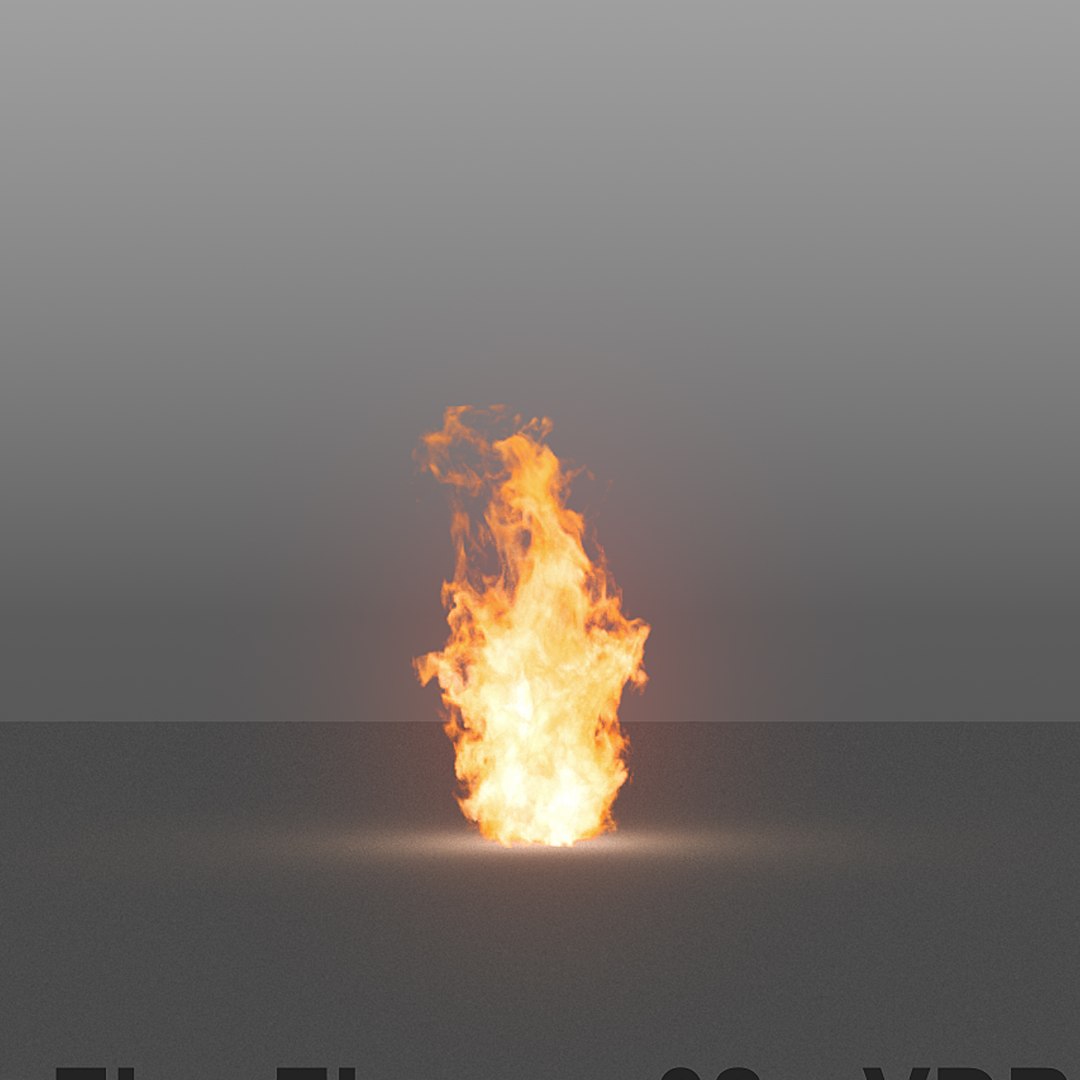
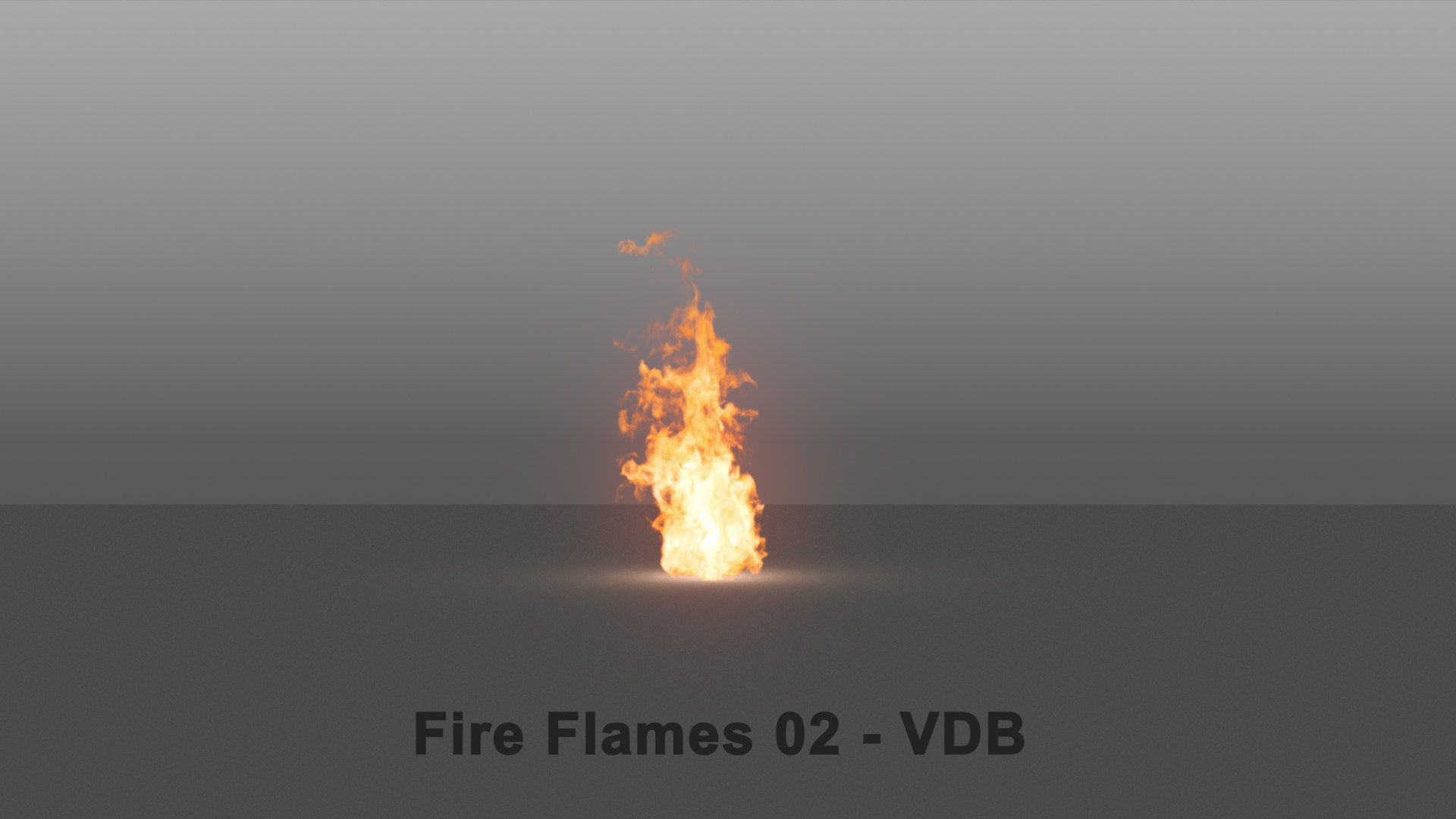
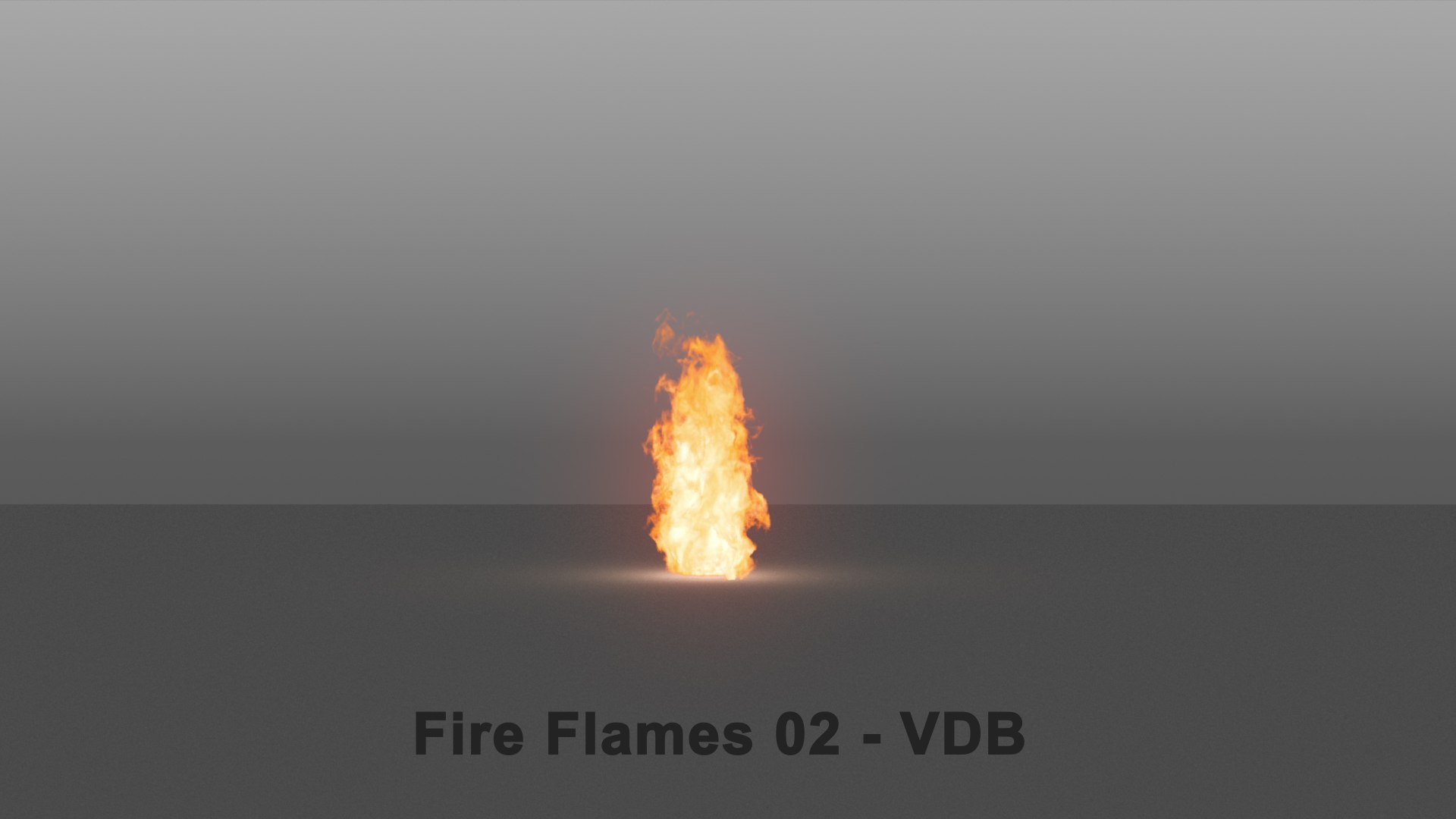
Llamas de fuego 02 - VDB

$60

Licencia estándar | Licencia de actualización
Formatos (3)
Conversiones de formato de archivo gratuitas disponibles
Native | 3ds Max 2018 | V-Ray 4.2
Maya 2018 | V-Ray 4.1
Other Textures
Vistas previas

Descarga una vista previa

Inicia sesión o crea una cuenta de TurboSquid para descargar los archivos de vista previa.

Archivo seleccionado:

Especificaciones
Fecha de publicación August 14, 2020
identificación de producto 1606057
Poligonos 1
Vértices 4
Geometría desconocida
Materiales
Animado
Exclusivo de TurboSquid
member avatar
maylen3d
144 Productos | Contributor Desde 2014
¿Tener preguntas? Chatea con nosotros ahora.

descripción

Realistic burning Fire Flames 02 (200 frames)

Get a realistic burning Fire Flames ready to load and render in any 3d software. Please download the promotional video to see it in motion.

You do not need to simulate, just load your VDB* data (volumetric information) and done, ready to render! You can also scale or rotate it to fit your scene. Easy to retime too in case you need to move it faster!

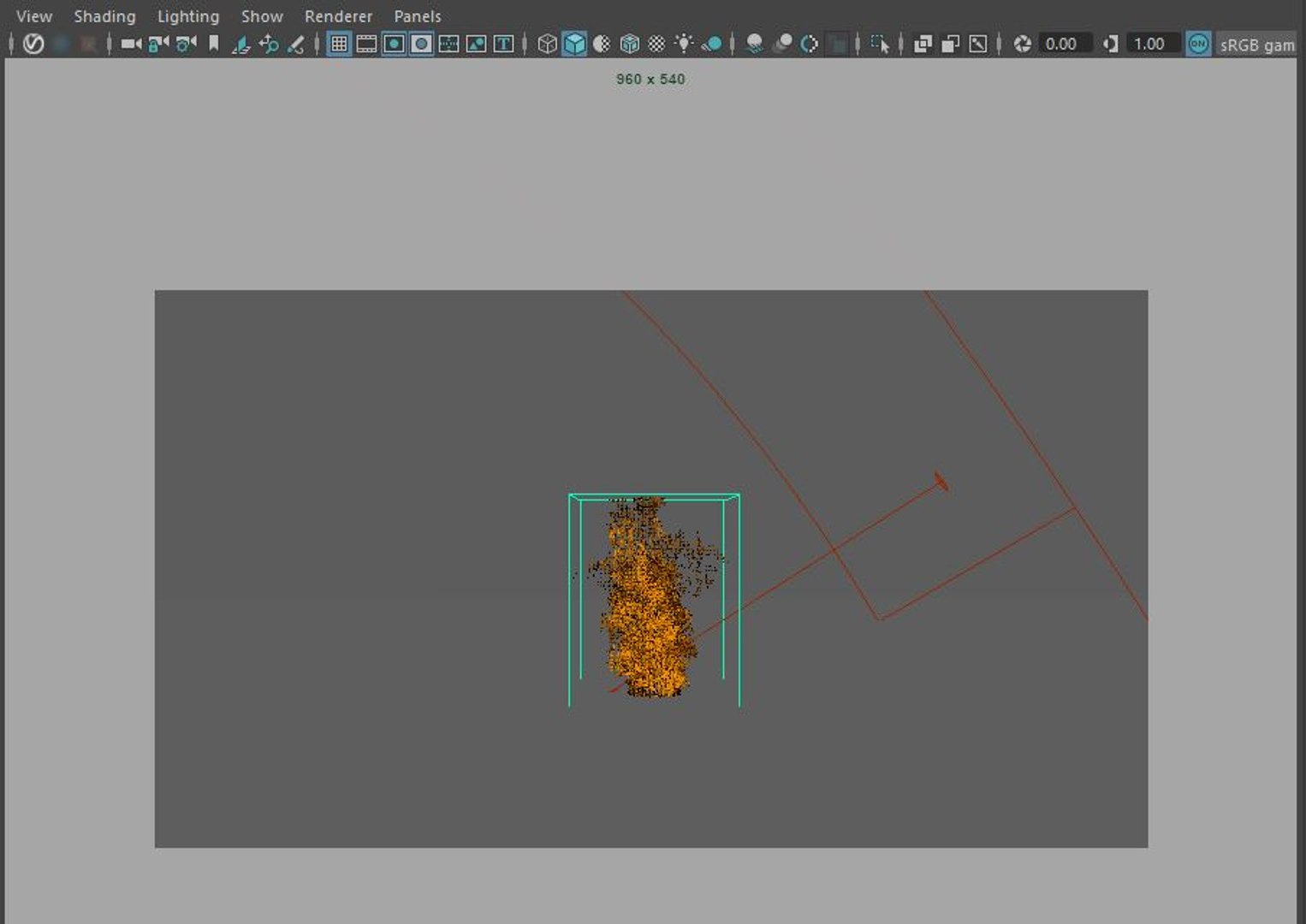
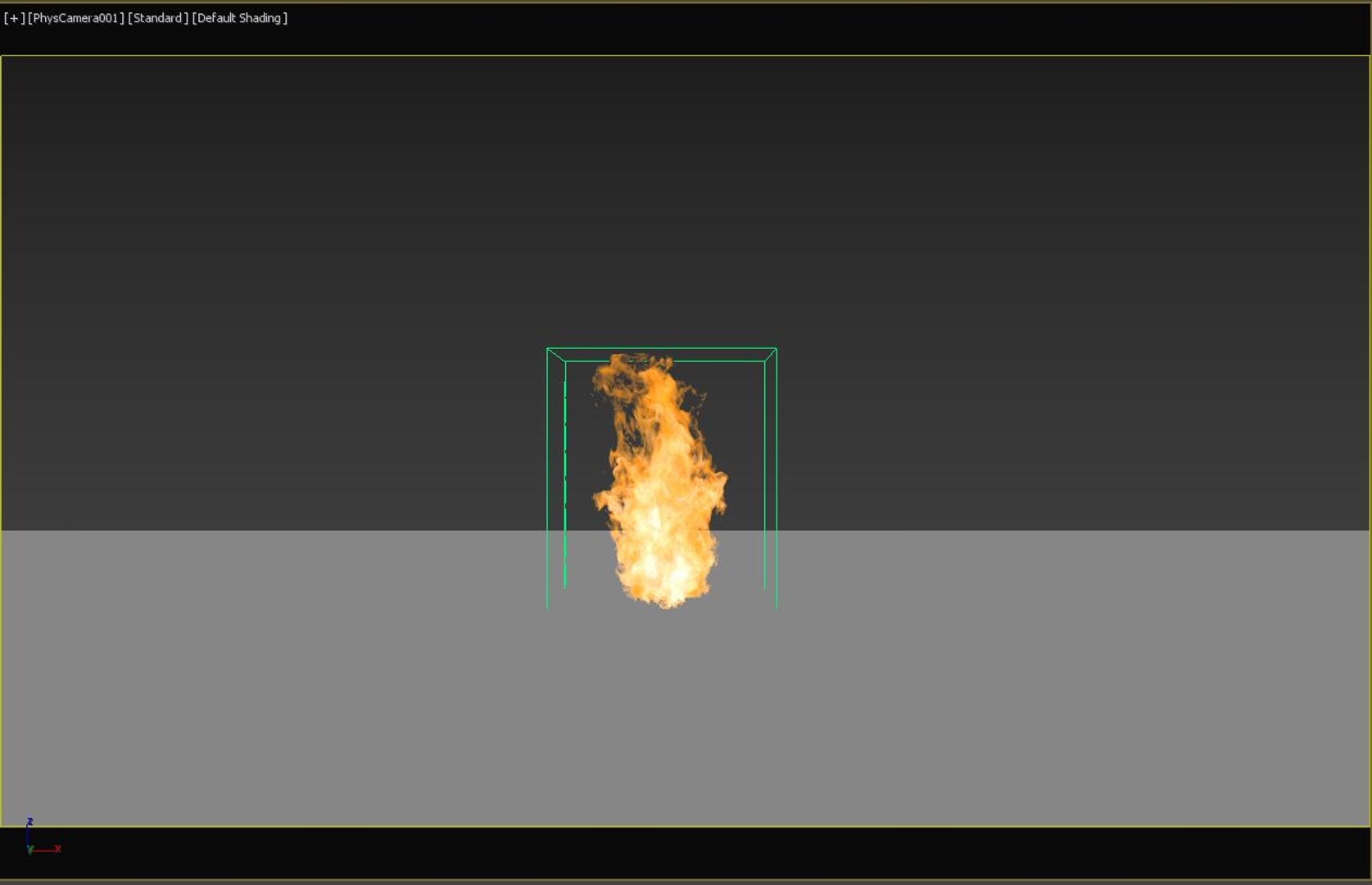
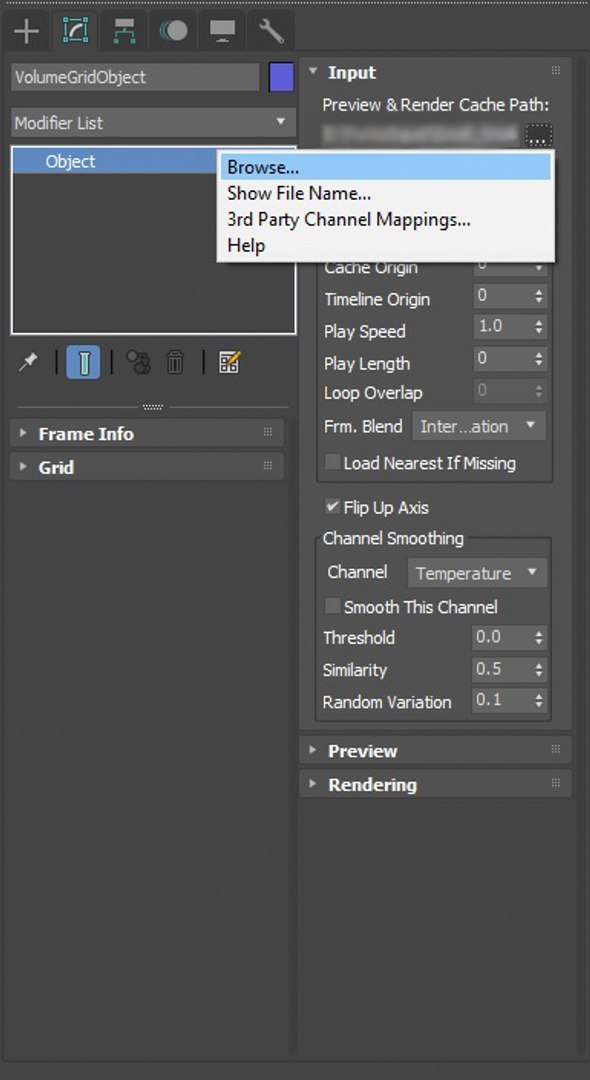
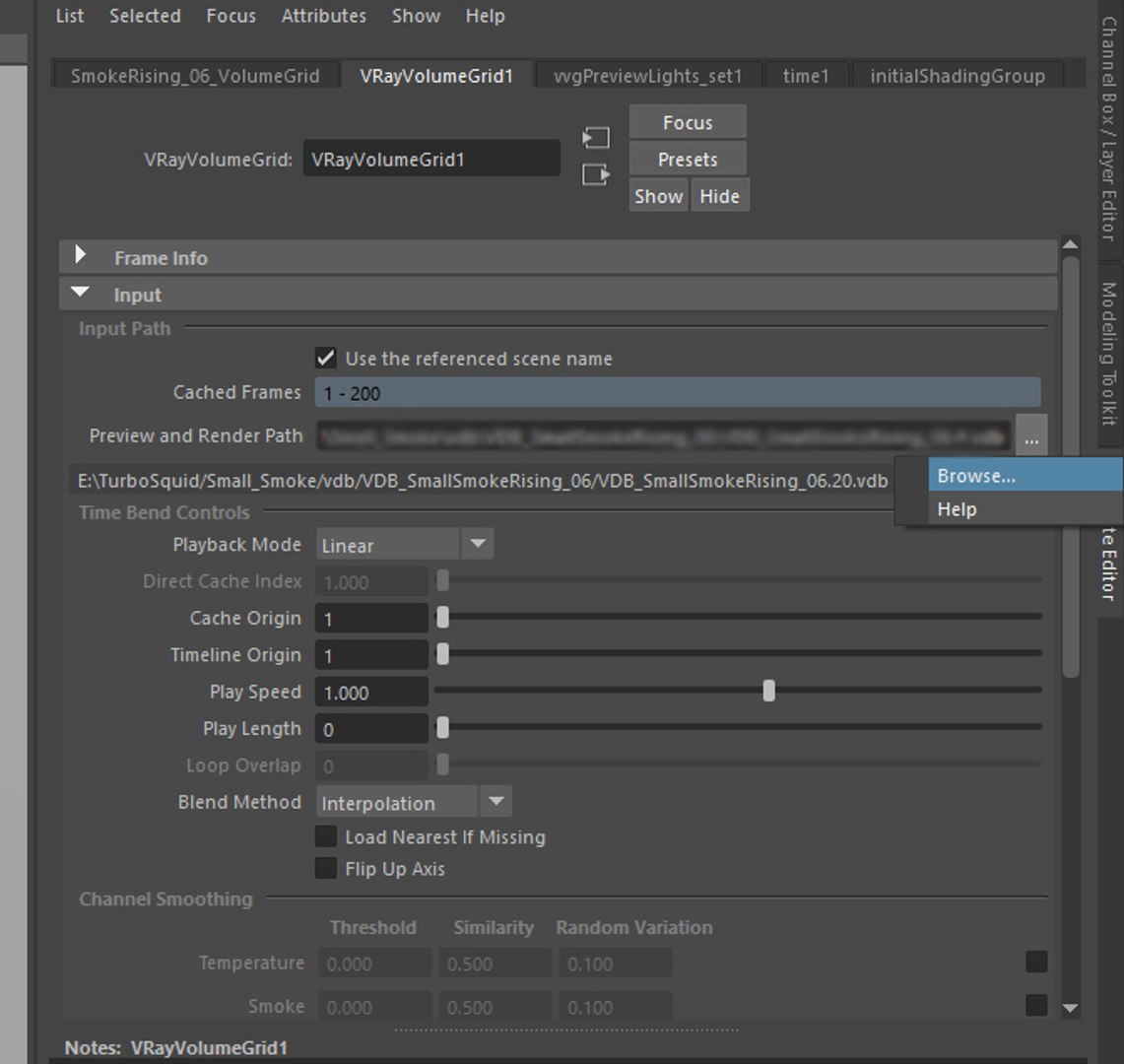
3ds Max and Maya files are already included with the VDB data loaded using VolumeGrid from VRay. All the shading and lighting its been already done.

If you are using other software or render engine, you just need to load and set up the shading. Fuel field is all you need to tweak the fire.

If you have any question feel free to ask through support.

*A VDB file is a volume database file created by OpenVDB, and it has been adopted by Cinema 4D, Houdini, RenderMan, Arnold, RealFlow, Maxwell Render, LightWave 3D Modo, V-Ray, Octane Render, and 3Delight.
Categorías

Seleccionar licencia mejorada

  • $10,000 en Protección Legal (Indemnización)
  • Protección Legal Sin Límite (Indemnización)
  • Renuncia a medidas cautelares
  • Derechos de modelo asignables
  • $1,000,000 en Protección Legal (Indemnización)
  • Renuncia a medidas cautelares
  • Derechos de modelo asignables
  • $250,000 en Protección Legal (Indemnización)
  • Derechos de modelo asignables

About Conversion Requests

To submit a conversion request for a purchased asset, please complete our Conversion Request Form.

If you have not yet purchased a model, please review our Documentation about Conversions to learn about what limitations you may encounter with a conversion.

For any additional questions about a model’s suitability for conversion, please contact TurboSquid Support.

Cargando...